
How to Reschedule Your Property Appointment via the Order Status Page
Learn how to easily reschedule your property appointment by accessing the Order Status Page from your confirmation email. Step-by-step instructions for choosing a new date and time.
In this guide, we'll learn how to check your order status and reschedule an appointment using the link provided in your confirmation email. This process allows you to view available time slots and select the one that works best for you.
You will also see how to confirm or change your appointment directly through the portal.
Let's get started
Hello, Jodie. If you look at the confirmation email, there is a link labeled Order Status Page.
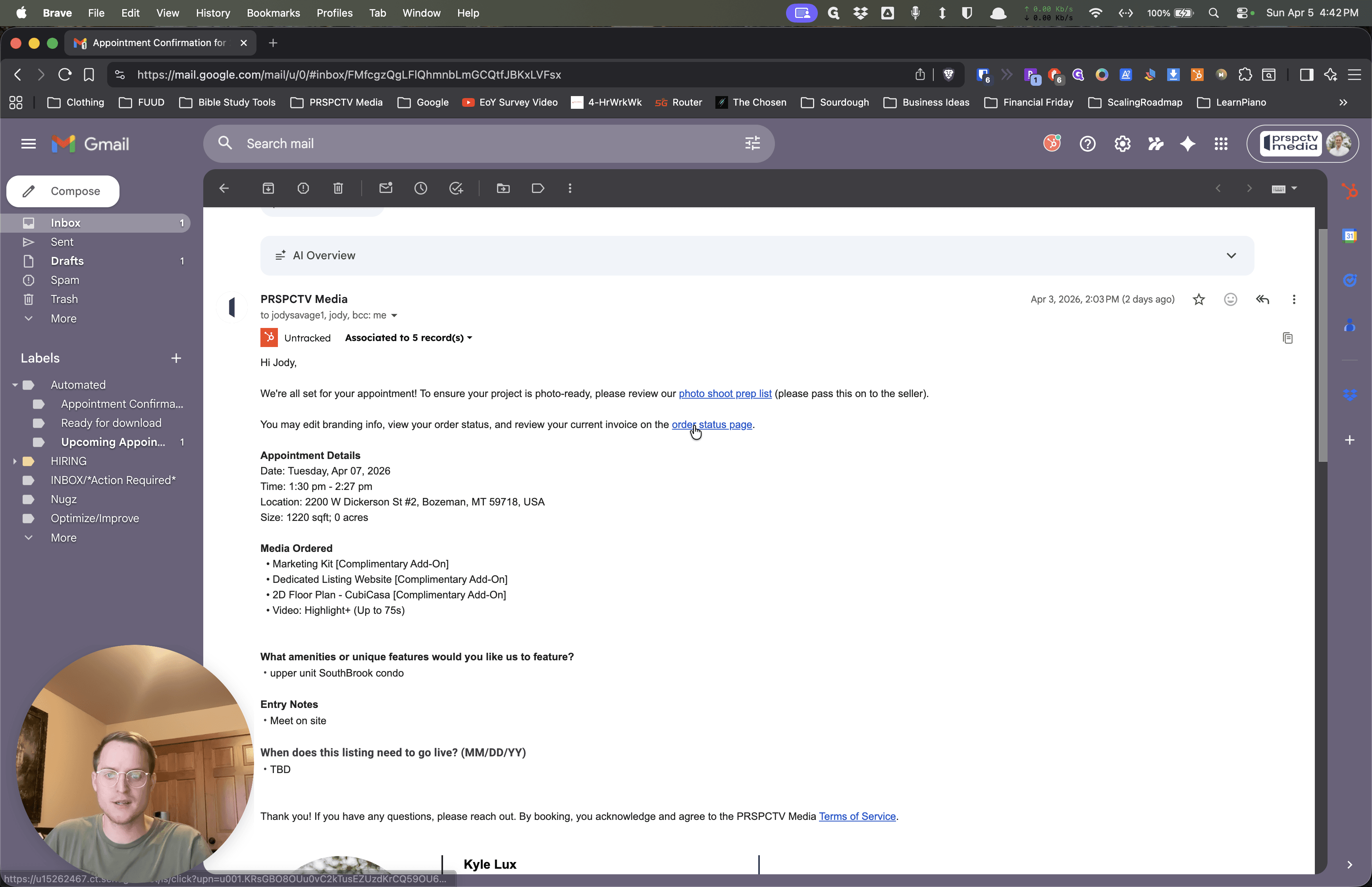
If you click on that, it will take you to your portal for this specific property. Then, you can click the Reschedule button.
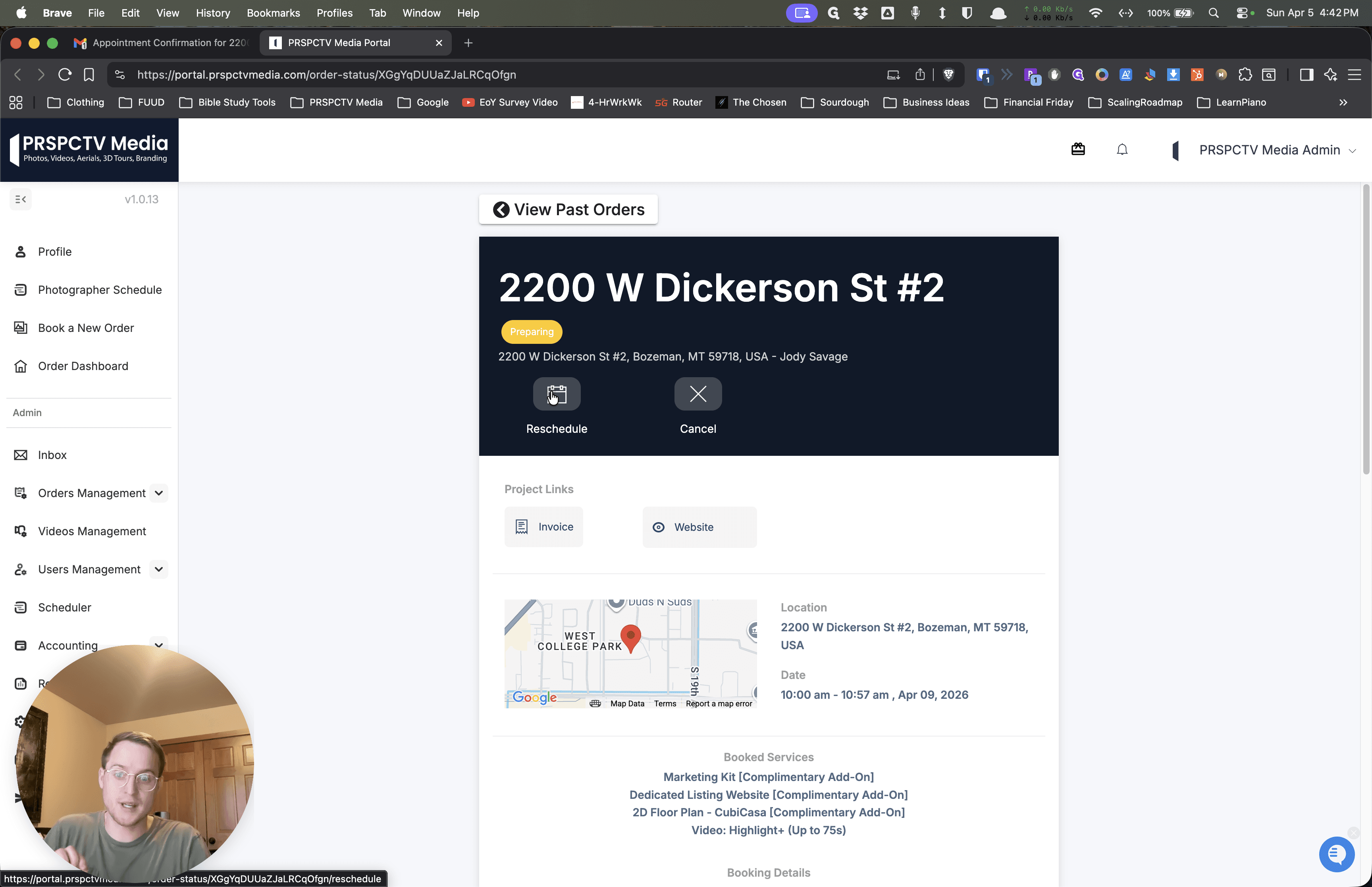
That will show you all the different options available to you. I already moved you to the 9th at 10:00 AM.
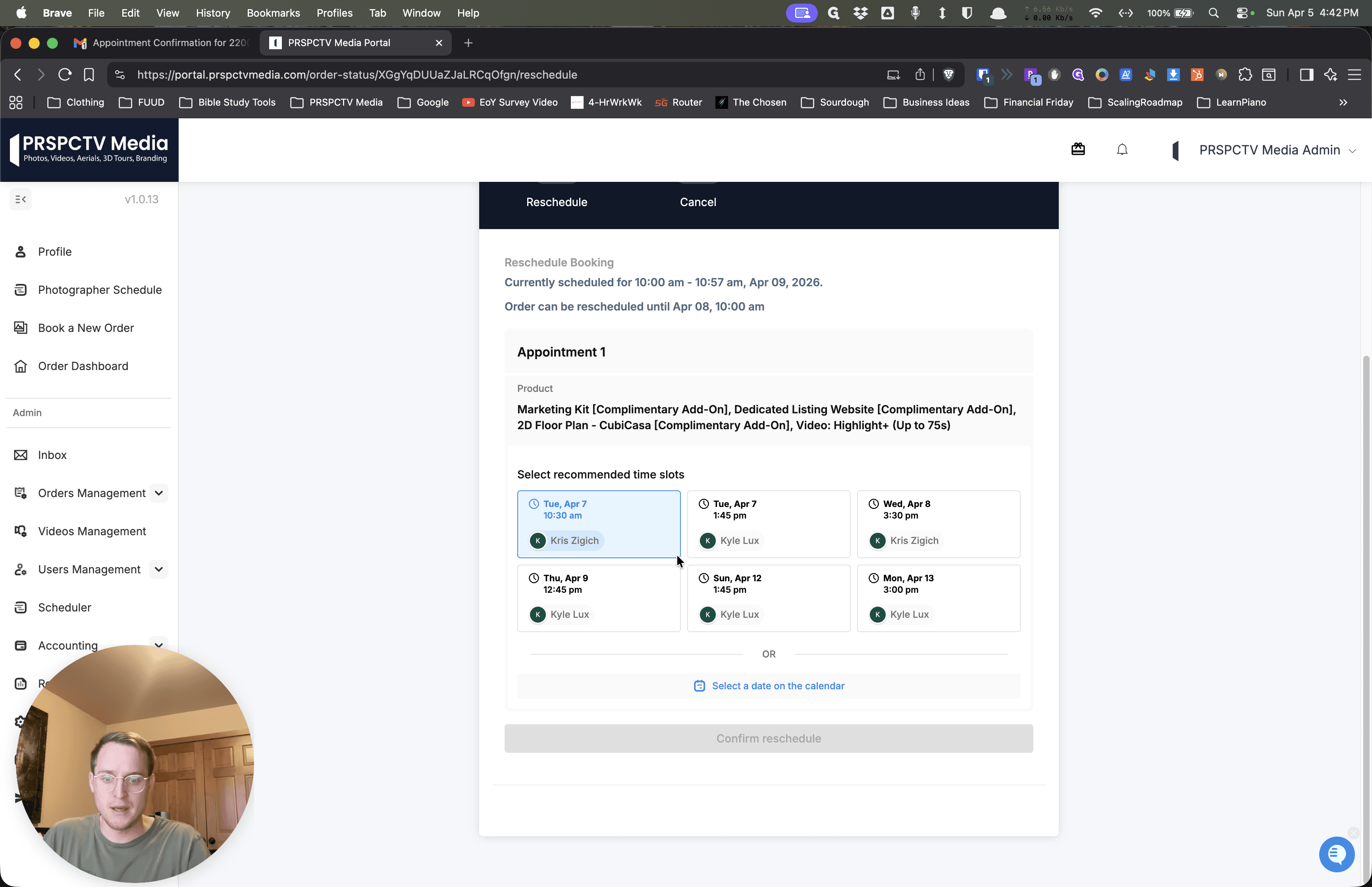
If you click on the 9th, it may look slightly different for you.
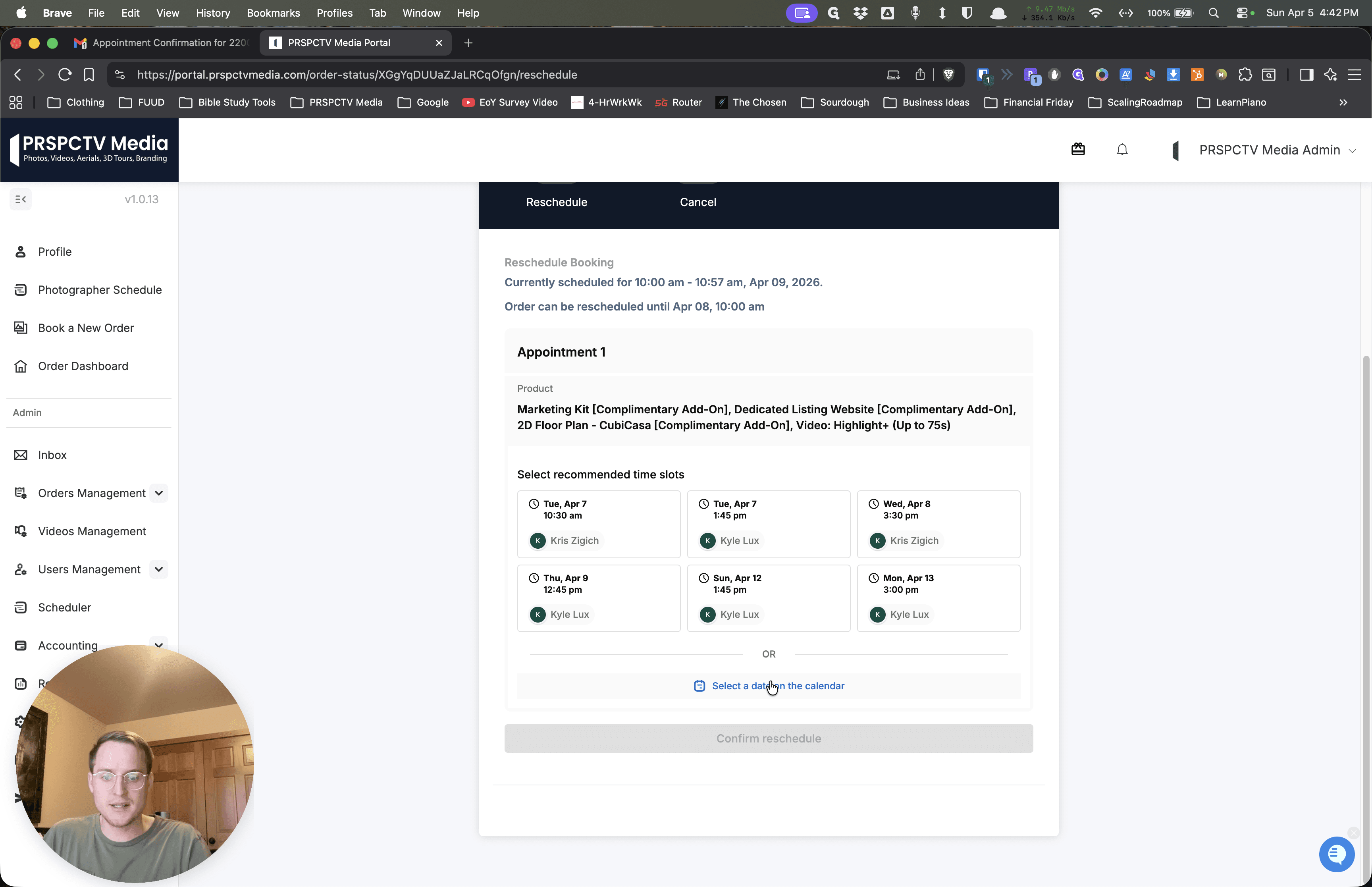
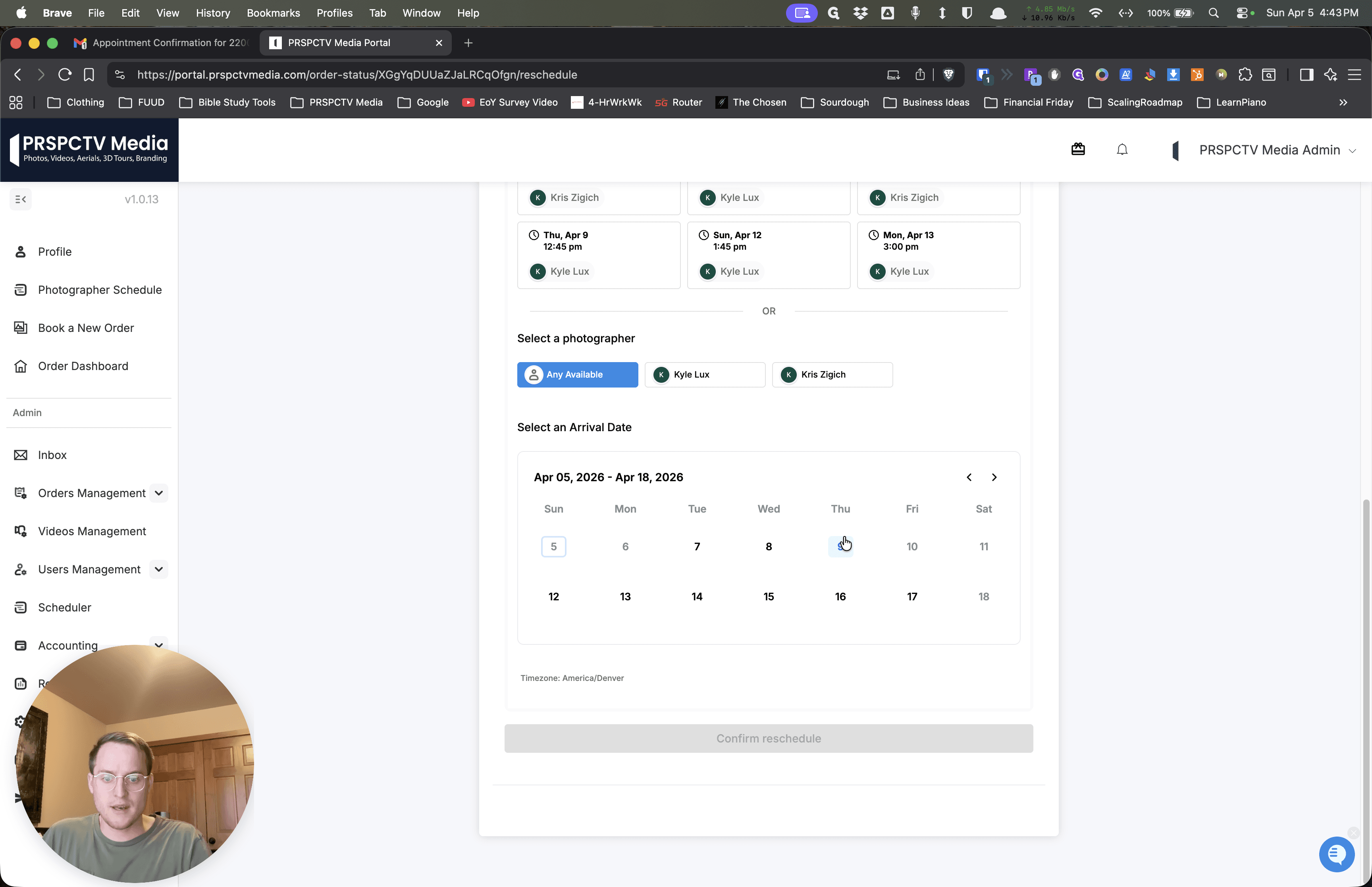
It will look like this and show you all the different options available if you want to reschedule. 11, down to as late as 4. There are several options available for you on Thursday the 9th. Let me know if the 10:00 AM slot works for you. You can also click here to make any changes yourself. Hopefully that helps.
""