
How to Restart the AccuPass Server: Step-by-Step Guide
Learn how to quickly restart the AccuPass server if it stops working. Follow these easy troubleshooting steps to get your system running again.
In this guide, we'll learn how to restart the AccuPass server if it stops working. This process involves accessing the computer behind the front desk, managing the AP icon in the taskbar, and restarting the AccuServer application. Following these steps will help ensure the server is running again.
Let's get started
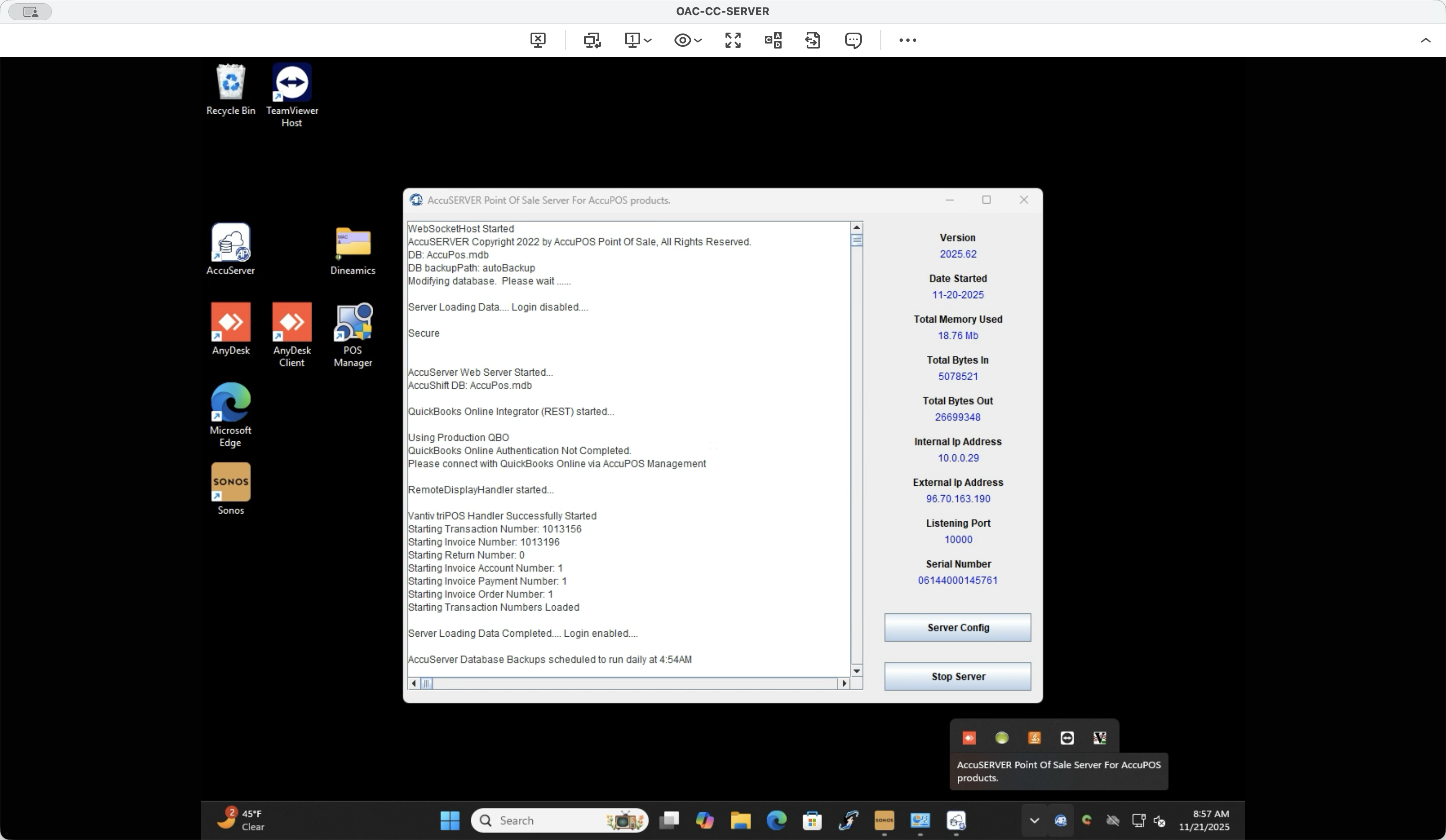
If the AccuPass server stops working, go to the closet behind the front desk and use the mouse. Locate the AP icon in the taskbar. You may need to click the hidden icon if it isn't visible. Look for the blue AP button.
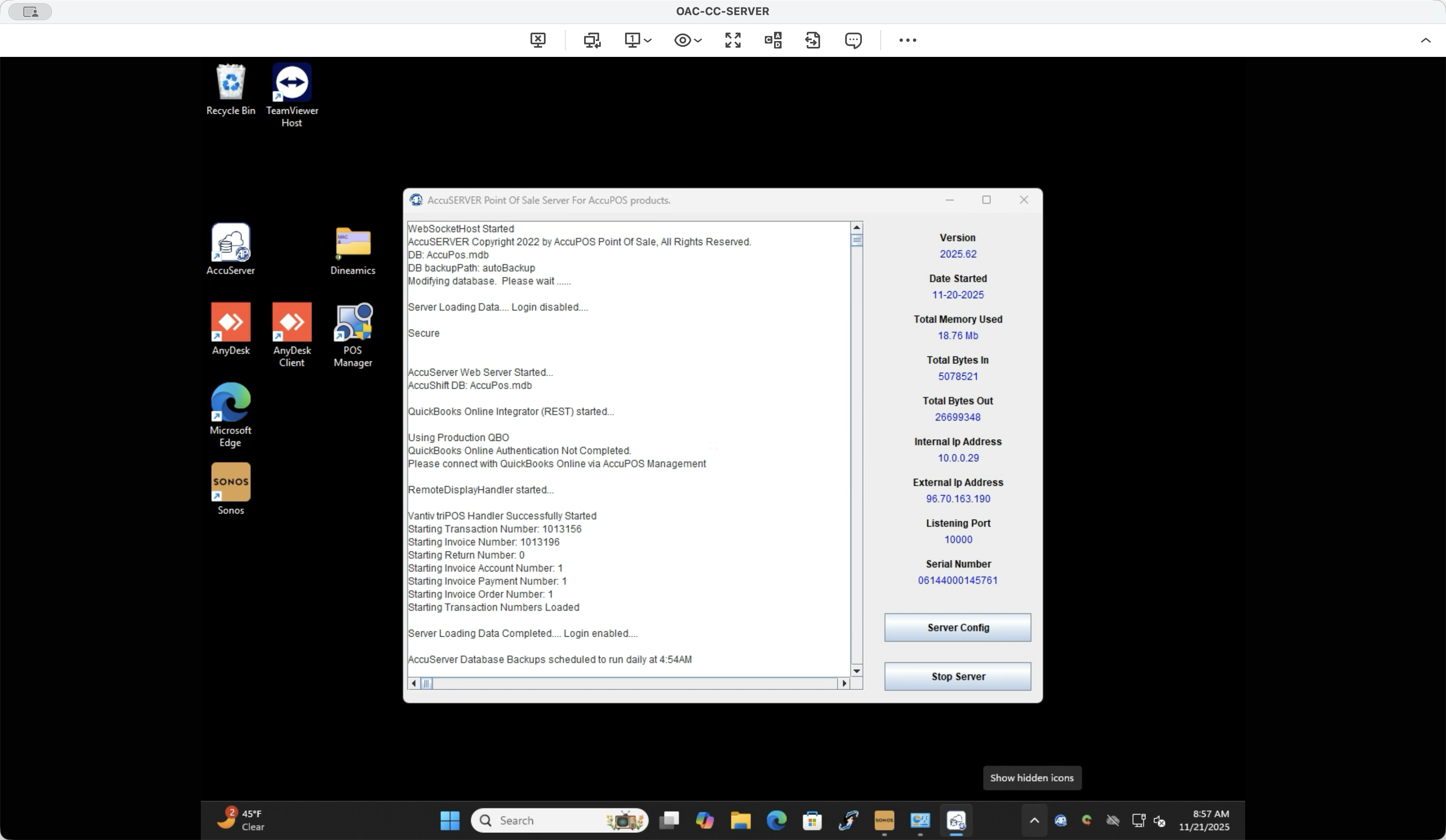
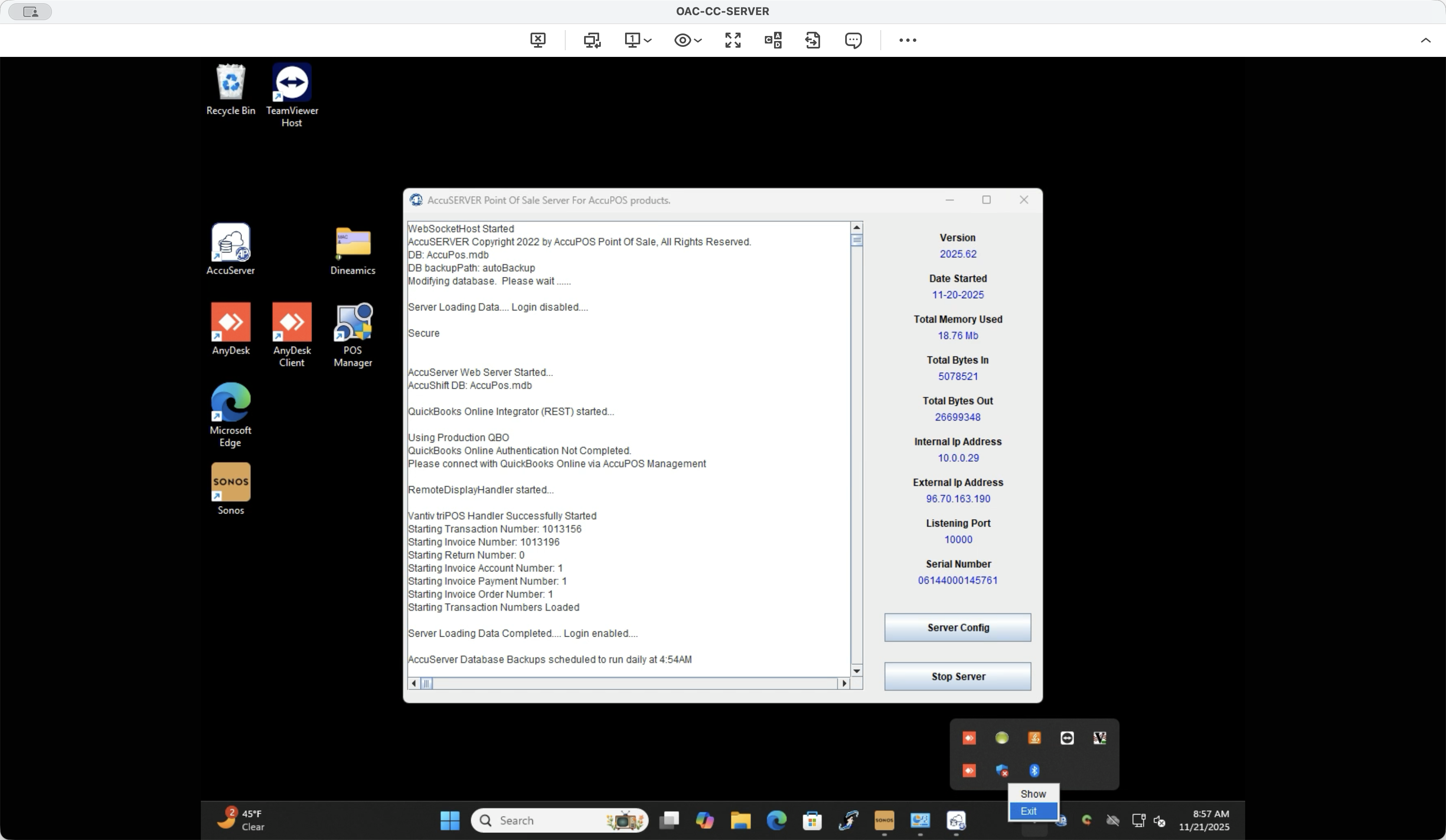
If it doesn't appear, ignore it and move to the next step. If it is, right-click and select Exit or Close. Then, double-click the white AccuServer button. You will see it reappear in the taskbar.
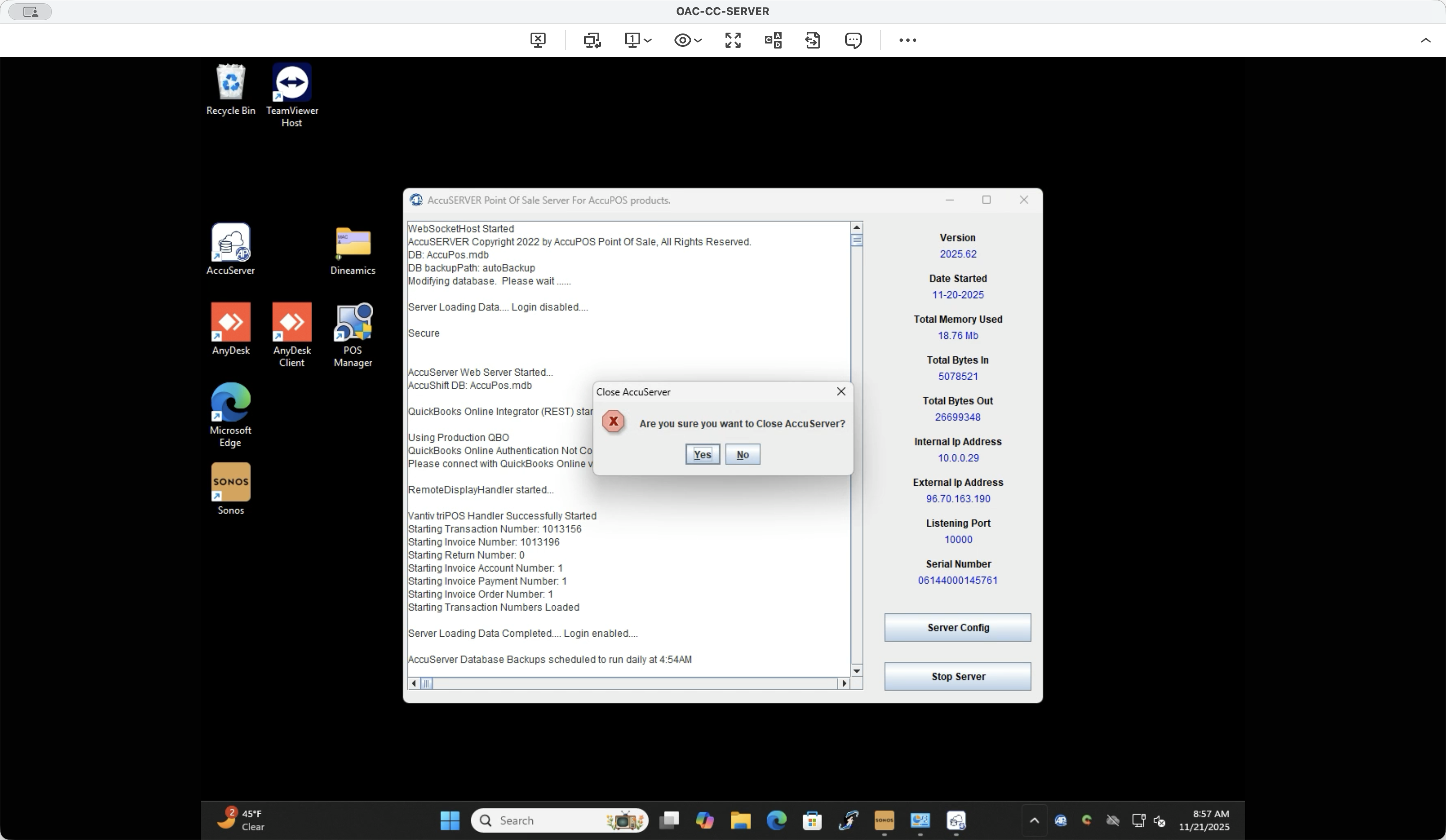
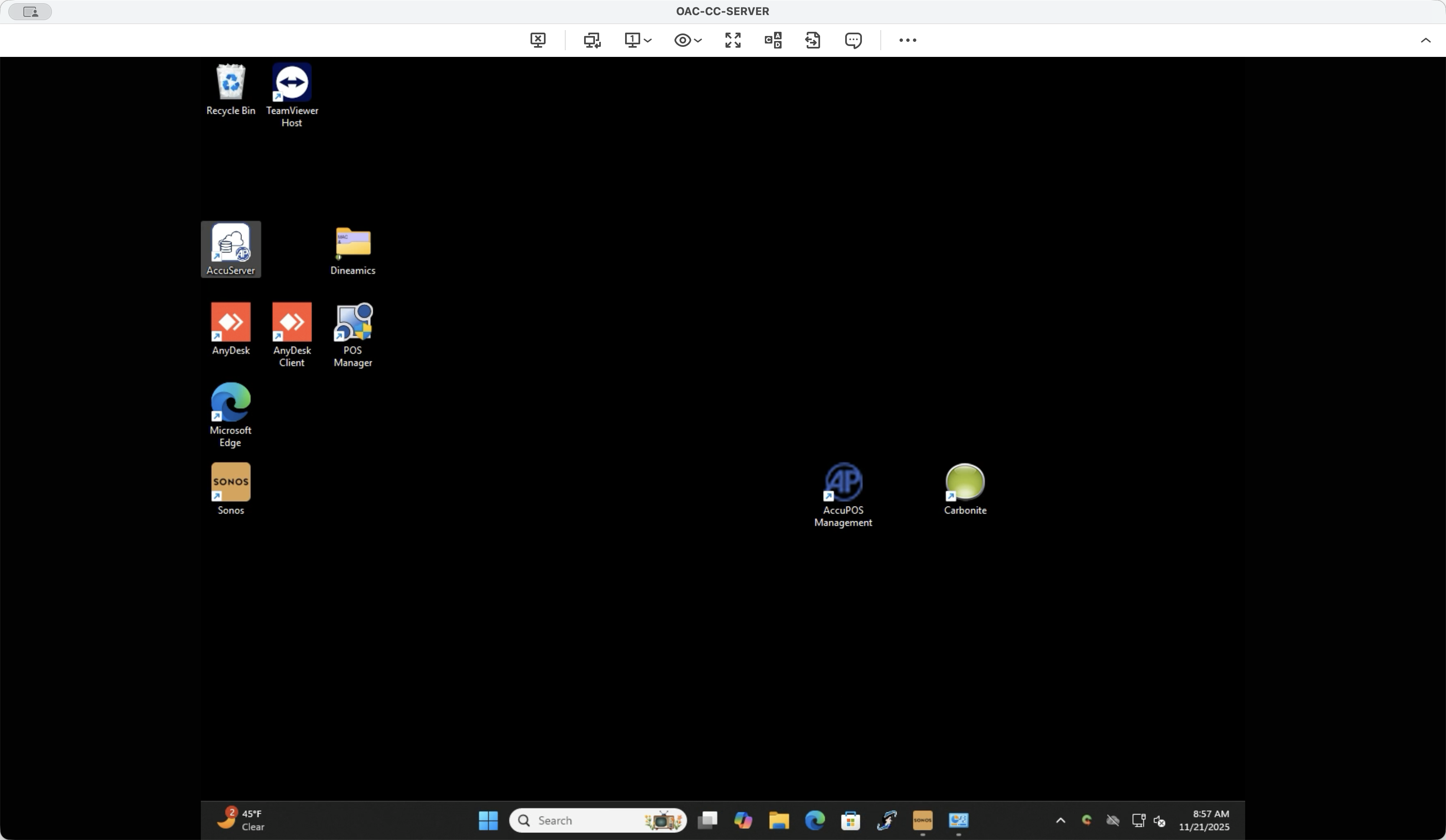
That's how you know it's running again. That's it.