
How to Review Transactions on the Transaction Page
Learn how to review, post, and exclude transactions using the transaction page. This guide covers the review transaction process, posting transactions, and managing your transaction list efficiently.
By Aasma Technology Solutions
This guide walks you through the process of reviewing, posting, and excluding transactions within the Transactions page. It also outlines how to handle transactions imported via CSV or through connected accounts, and how they transition between the Review, Posted, and Excluded tabs.
Let's get started
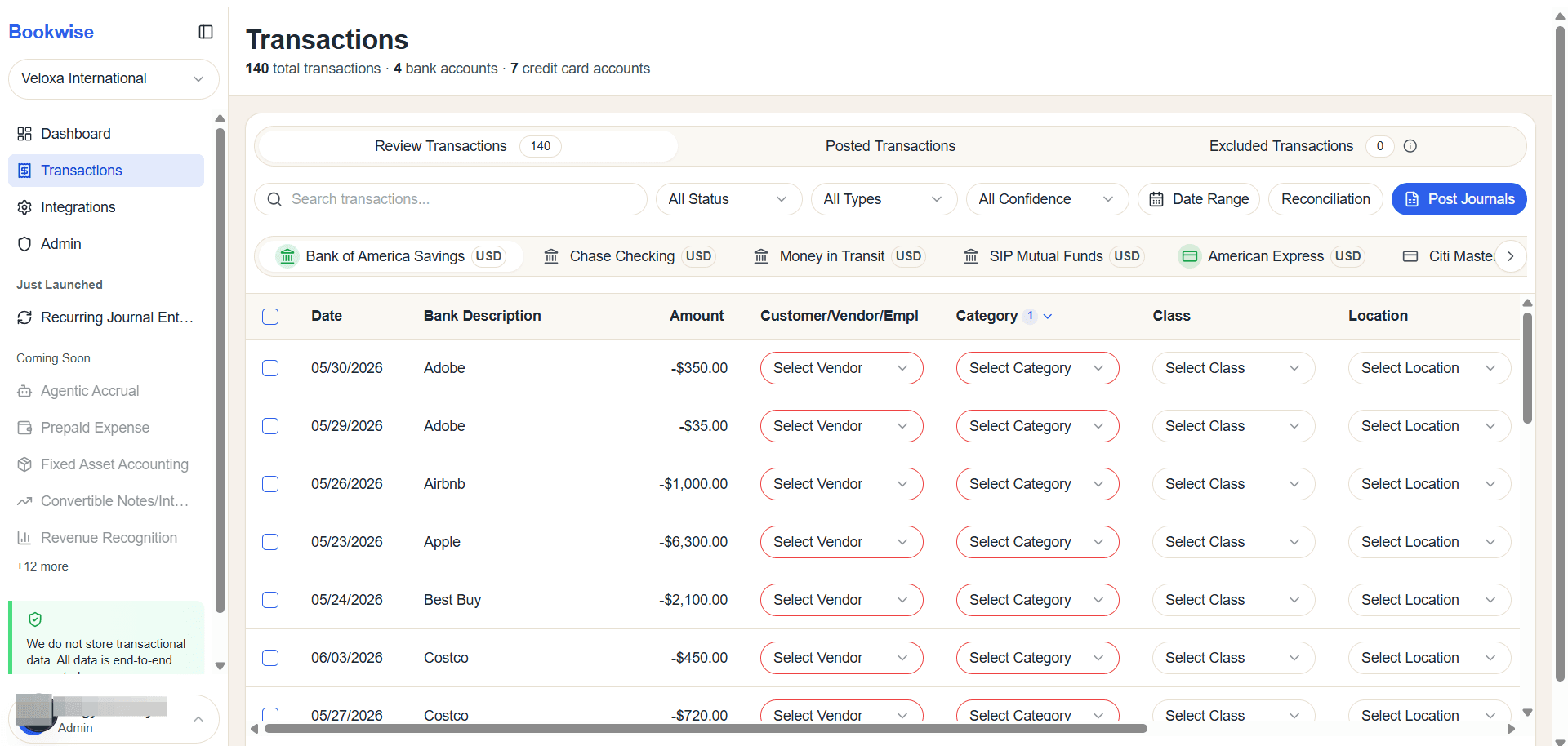
The Transactions screen shows all available transaction data, including manually uploaded transactions and those retrieved through the Plaid integration.
1
The Review Transactions tab provides a complete view of all available transactions.
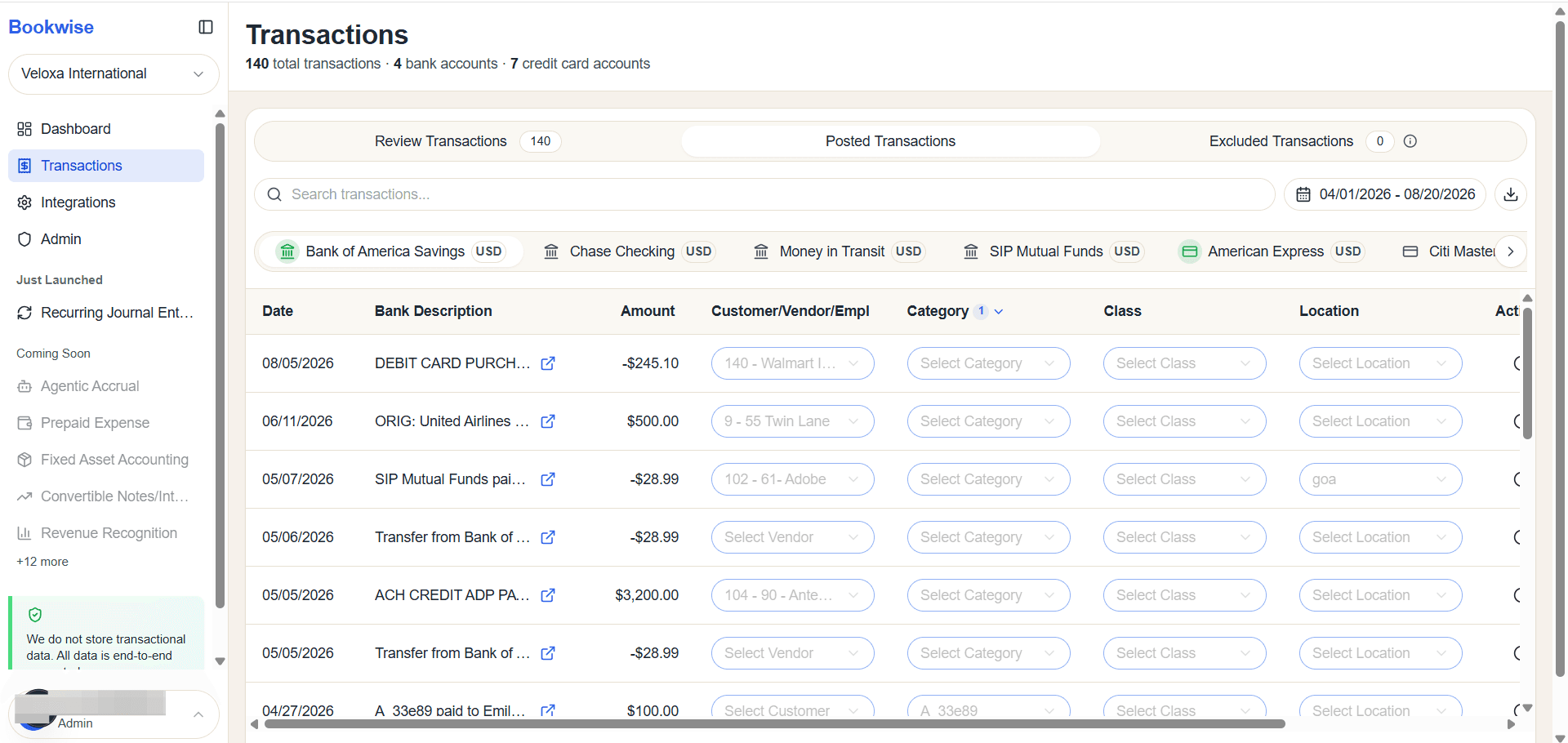
Posted transactions
2
This section displays the list of posted transactions.
Excluded Transaction
3
When a transaction is excluded, it will appear in this tab.
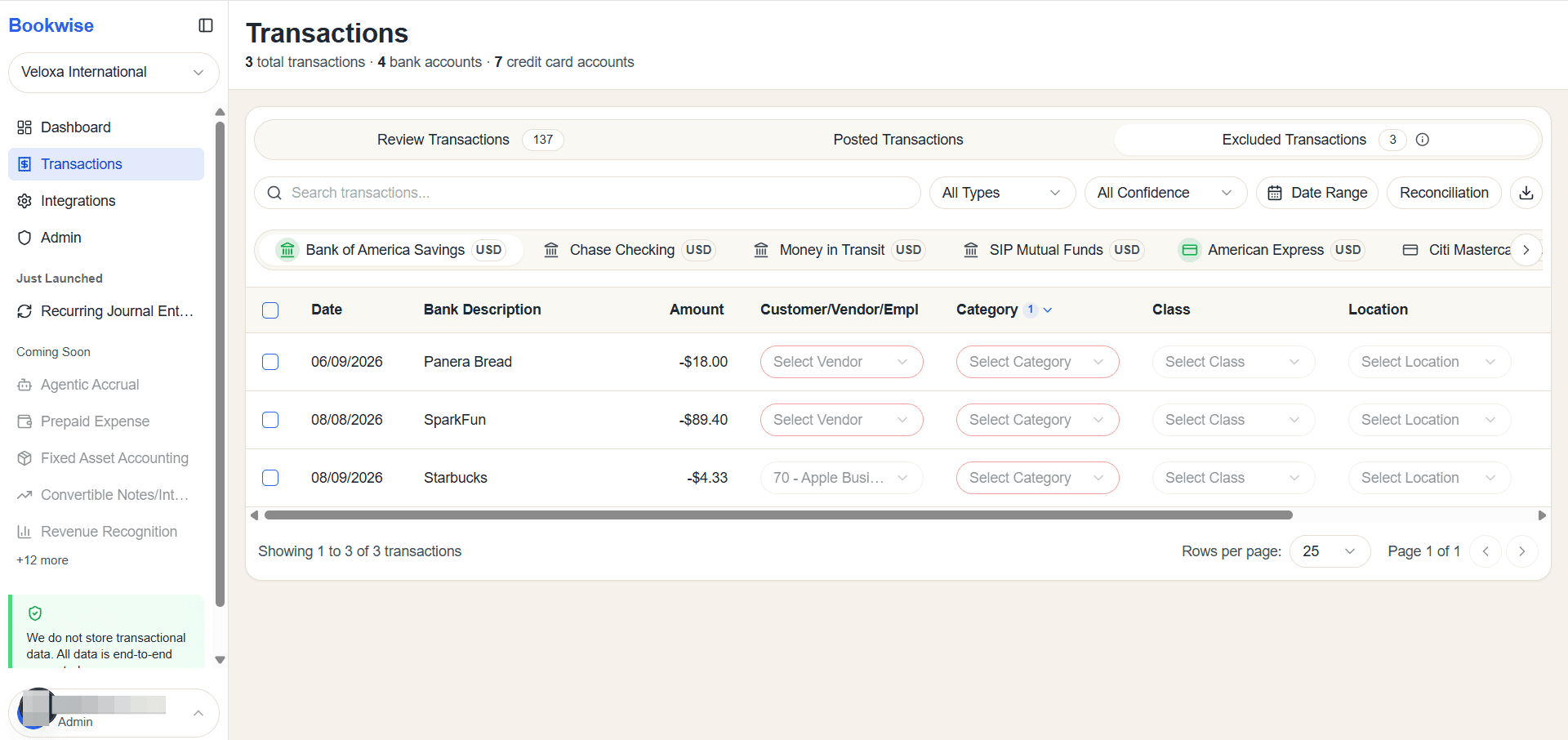
Transactions are displayed in a consolidated table, enabling you to match, split, categorize, assign a customer or vendor, and post the selected transactions to QuickBooks.