
How to Review Database Table Documentation: A Step-by-Step Guide
Learn how to review and understand documentation for tables in your database, including how to view table details, fields, dependencies, and creation code. Follow this step-by-step guide to navigate your data reference page efficiently.
In this guide, we'll learn how to explore the documentation for tables in a database. Understanding this process helps you find details about each table, its fields, and how tables are connected or created. You will also see how to access the code and data sources behind each table.
Let's get started
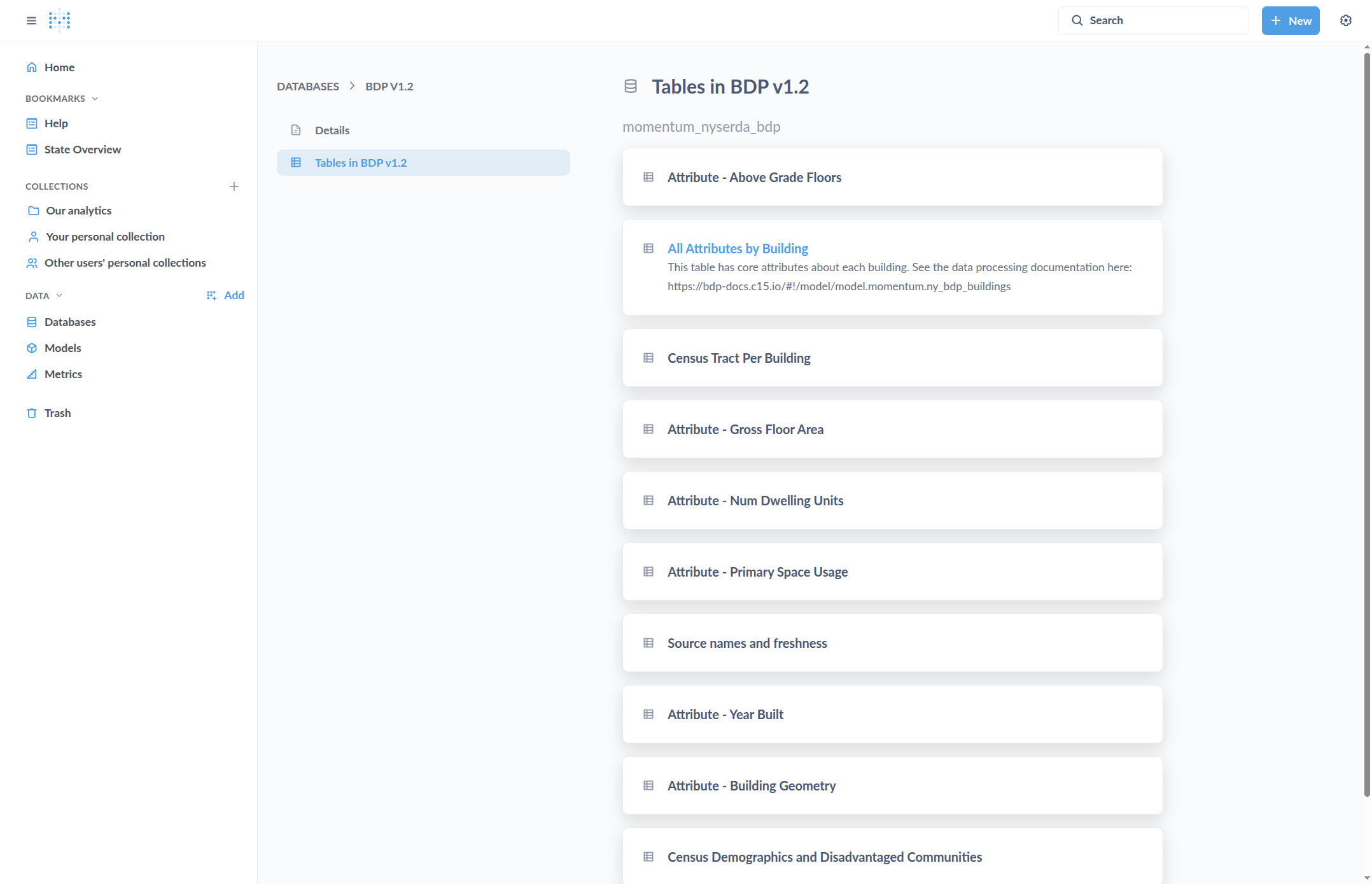
This is an overview of how to review the documentation for tables in the database. We begin on the data reference page, where we can view and select a database. Click on "Tables" within the database, then choose the table you want. For example, click on the desired table.
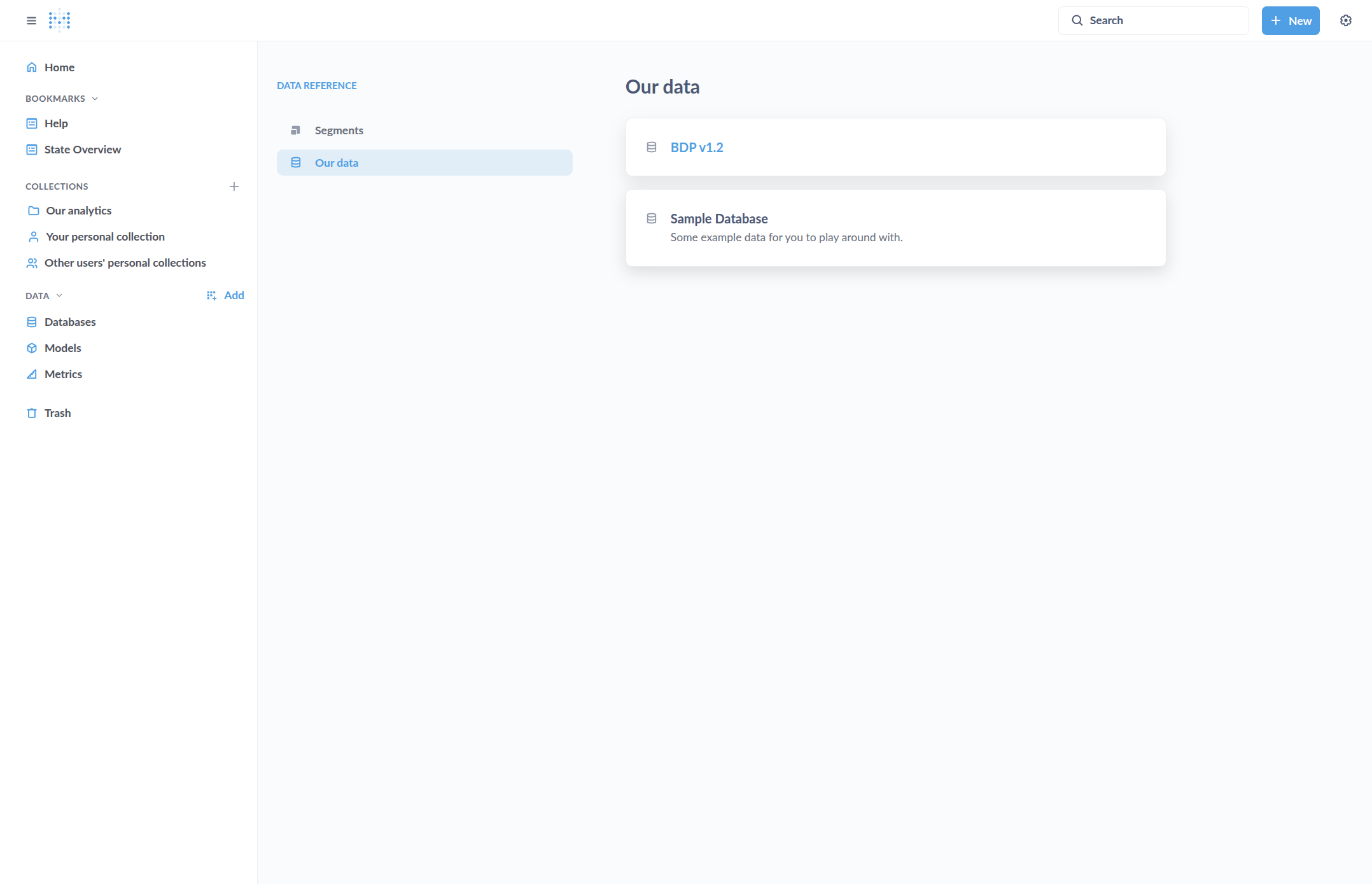
![Step #3: Click on "Tables in [the database]"](https://di8mn0rali2ic.cloudfront.net/uploads/71bf4278-47c6-498d-ac2d-c5eb4a478c9e/bb665863-3e87-439a-8f98-8659a0268229.png)
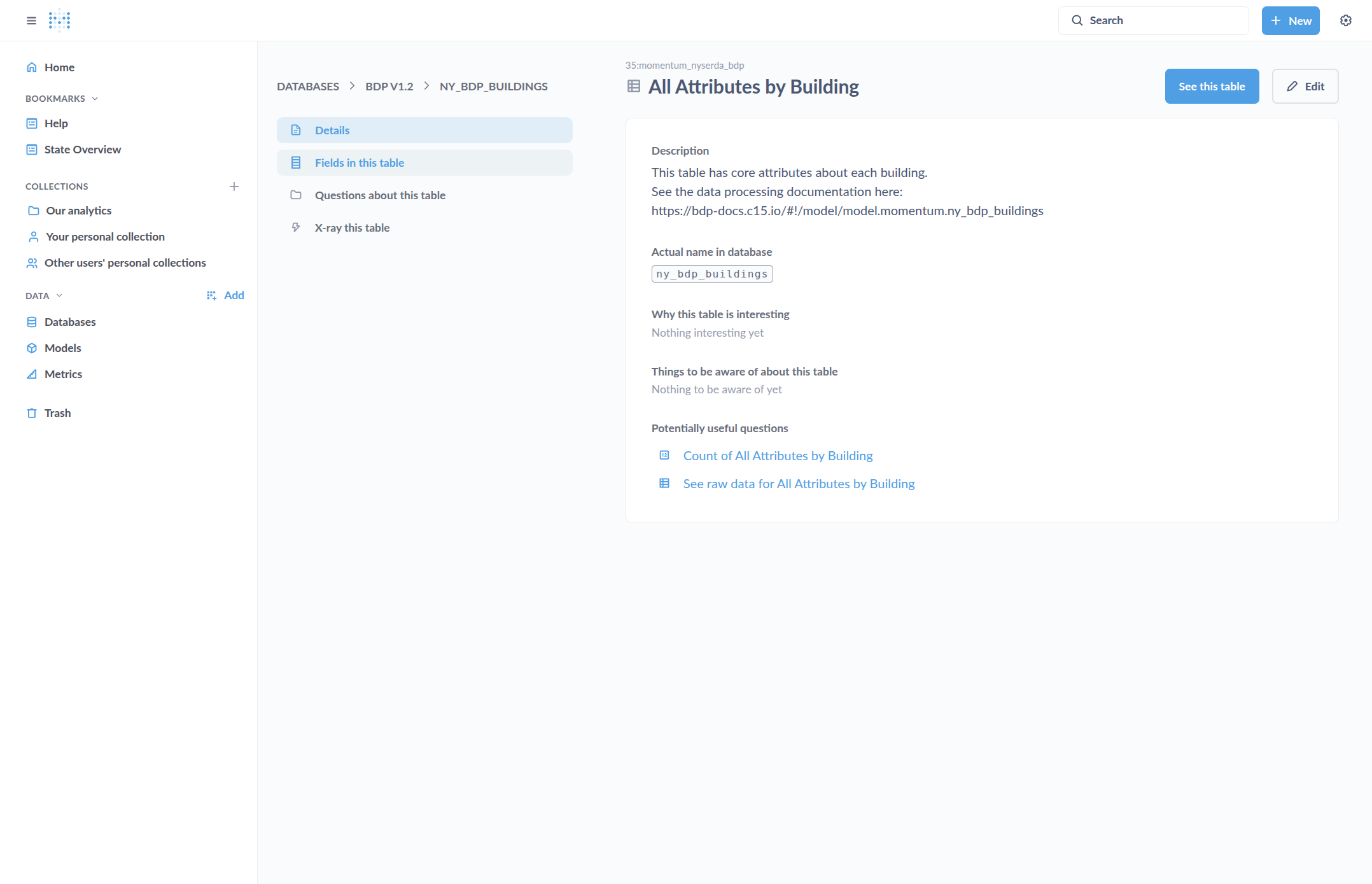
Here are the details and a description of each table.
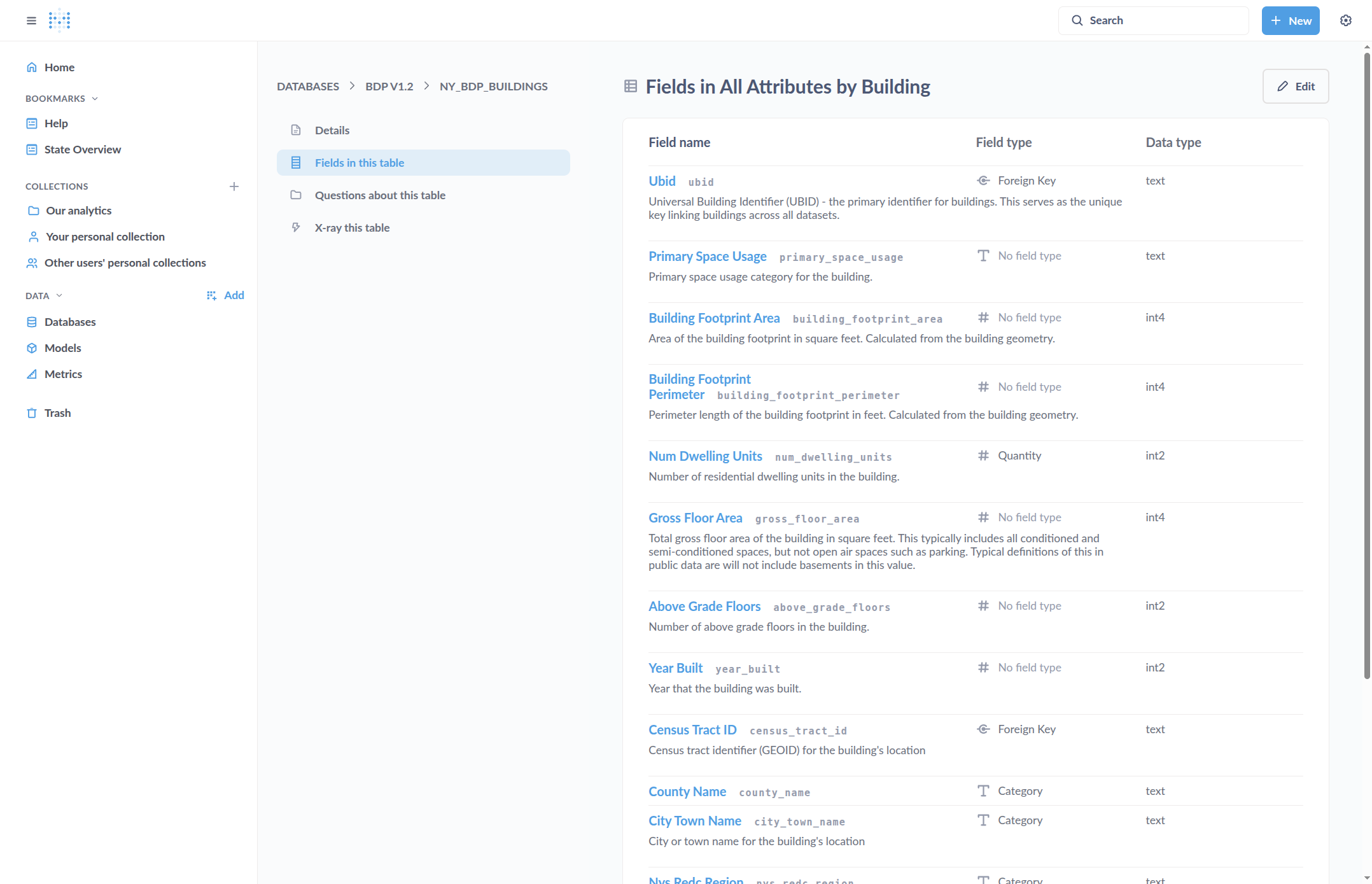
Click on "Fields in this table" to view the list of columns, including their names, descriptions, field types, and data types.
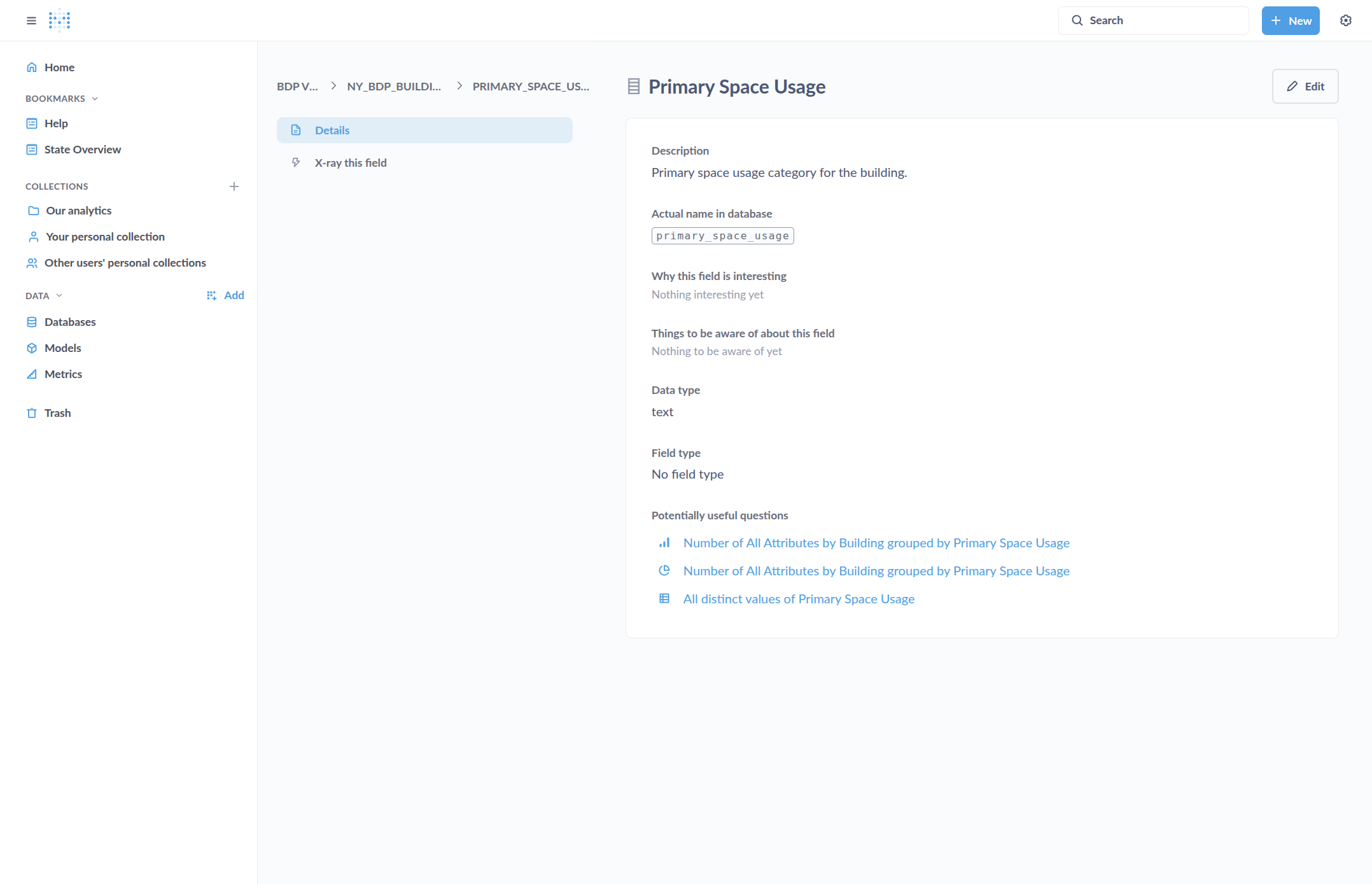
You can click on one of these to view more information about the field, including the column name in the database, which may differ from the display name on the platform.
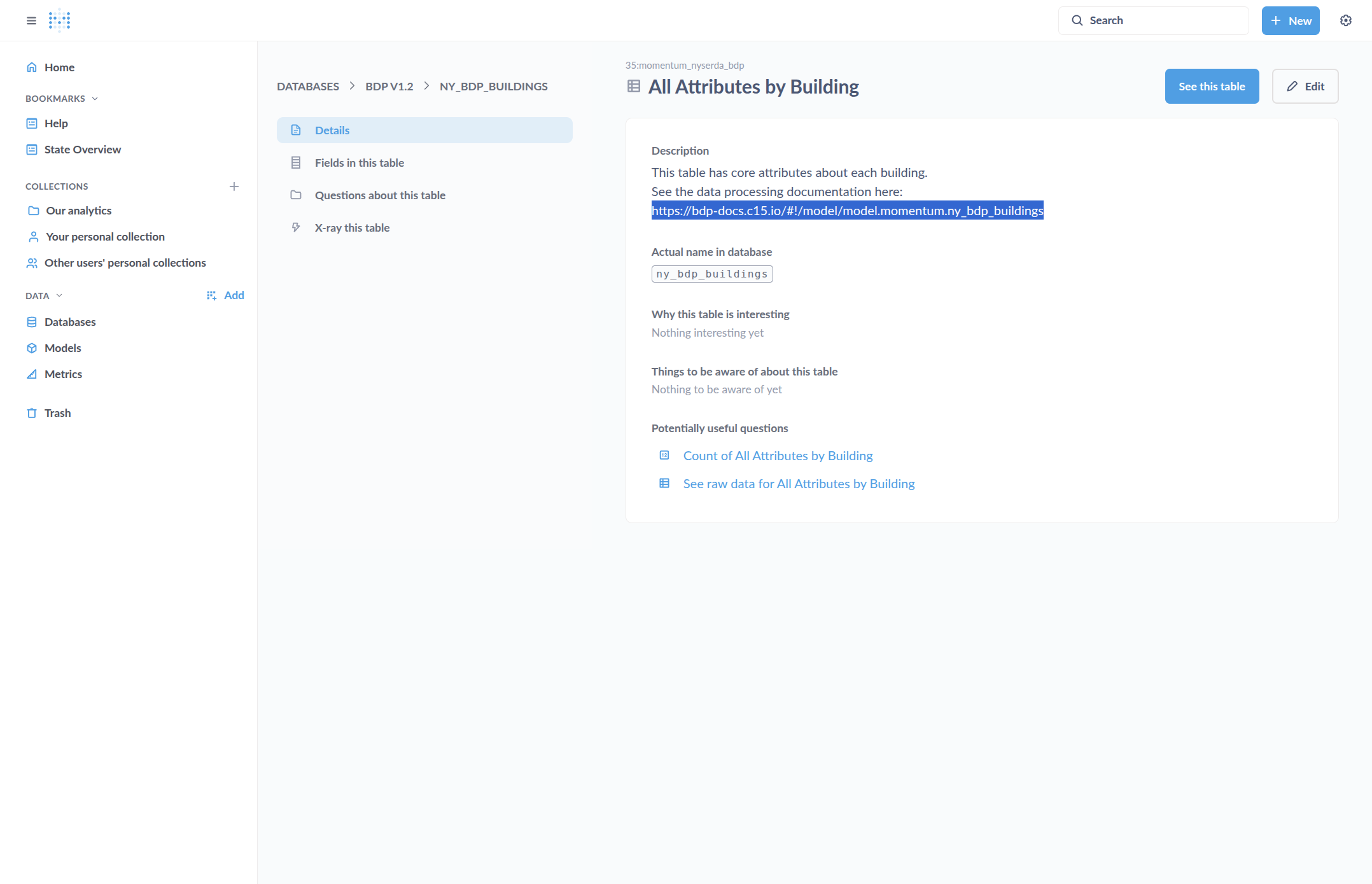
The table description includes a link to more details about how the table was created.
We can follow the link to view more information about the table.
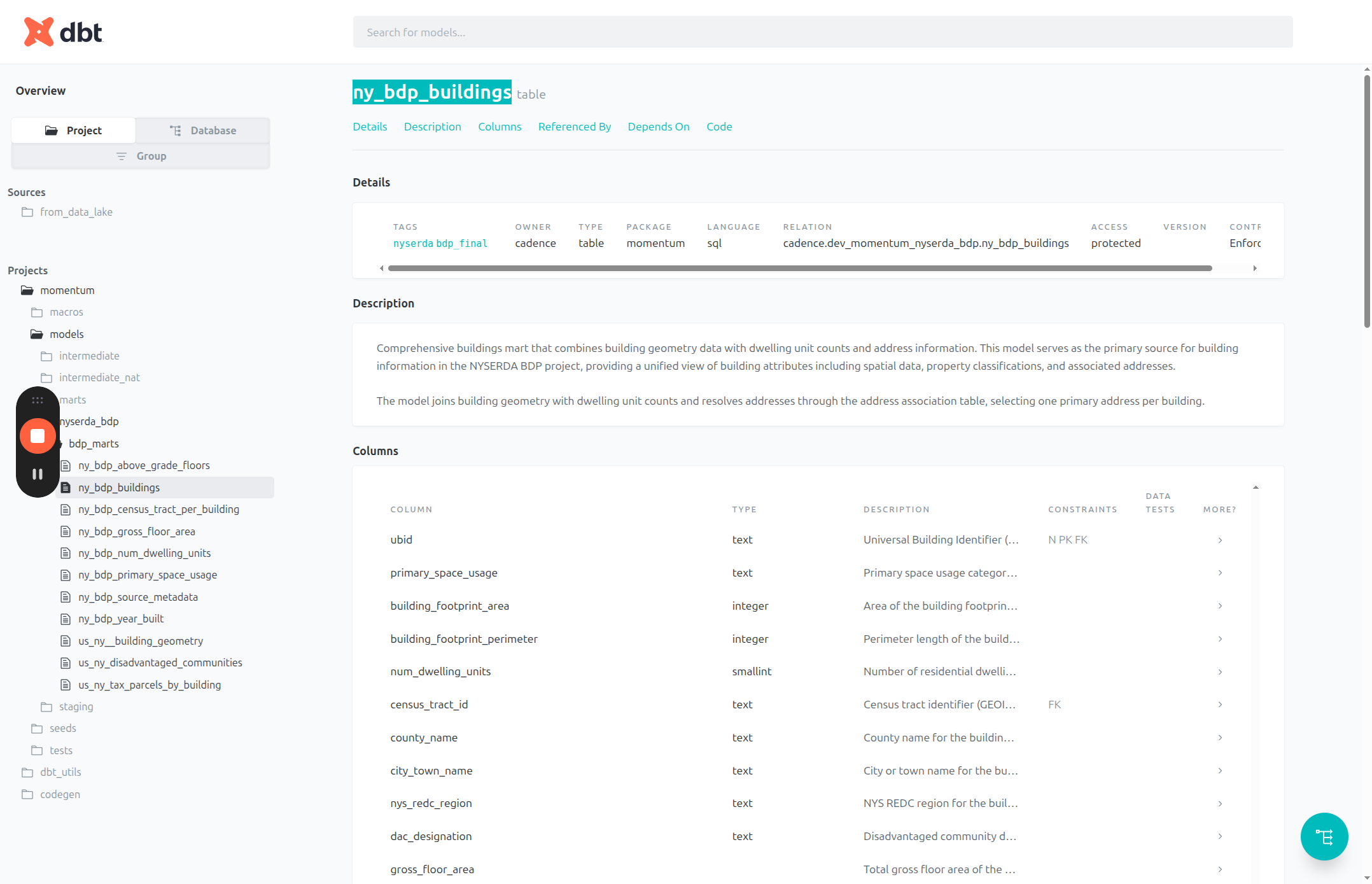
This shows which tables were used to create the current table. Clicking on "Depends On" displays all other tables involved in its creation.
We can click on these to view details about the tables. We can also view and inspect the code used to create this table. This can be done for any table in the database. How these tables are linked, created, and which data sources they use are all explained in this documentation.