
How to Run the Ed Psych Eval Report in PowerSchool to Check Re-Evals Due
Learn how to run the Ed Psych Eval report in PowerSchool to view evaluation dates and correct inaccurate student records in the student snapshot.
This guide explains how to generate the Ed Psych Eval report in PowerSchool to view students' past and upcoming evaluation dates. It also covers how to correct inaccurate or missing evaluation records by updating the student snapshot.
This workflow applies to members of the Student Services Team, counselors, and school administrators. Use this guide whenever you need to audit evaluation statuses or update upcoming re-evaluation deadlines for your division.
Access the Report
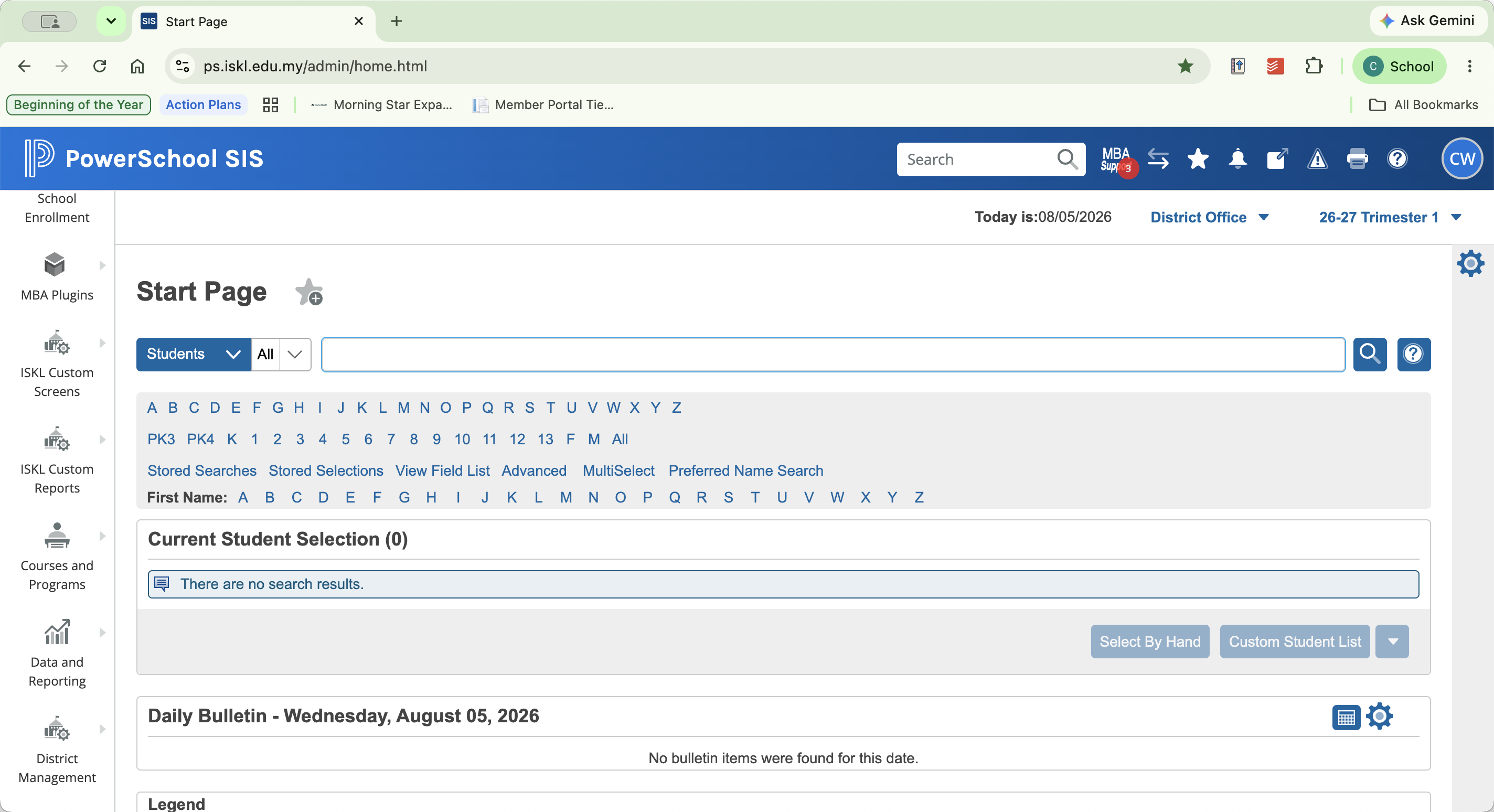
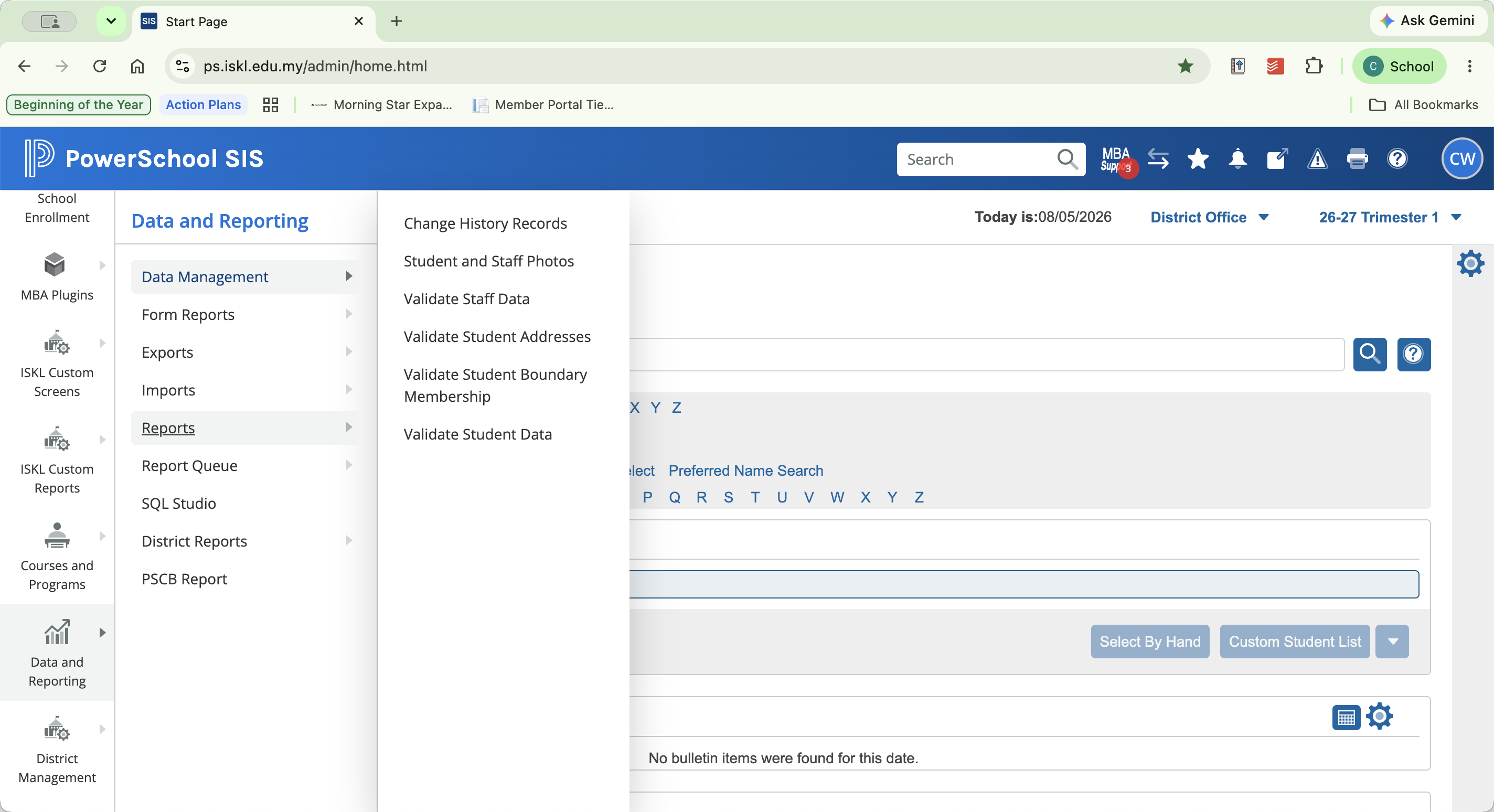
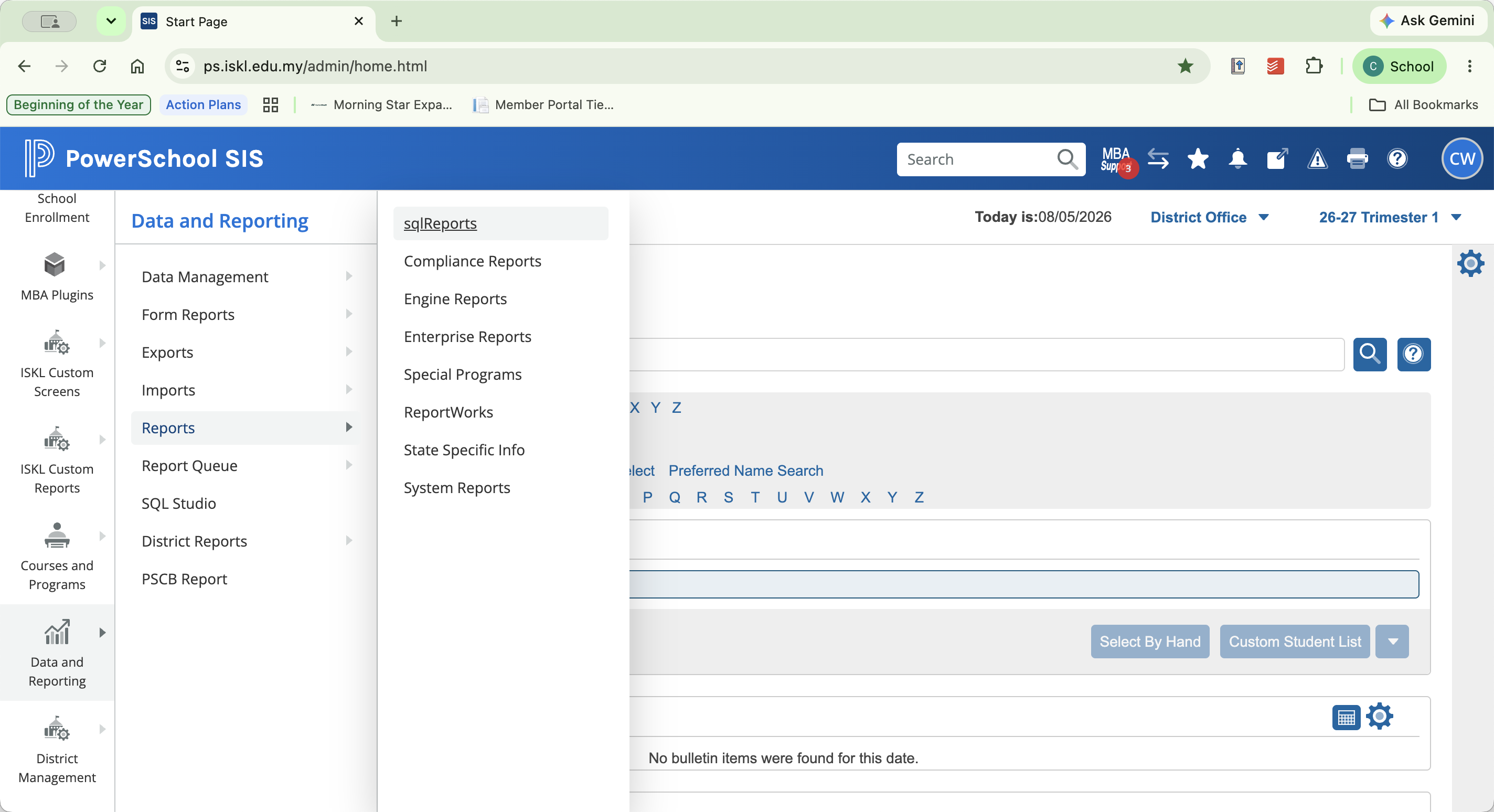
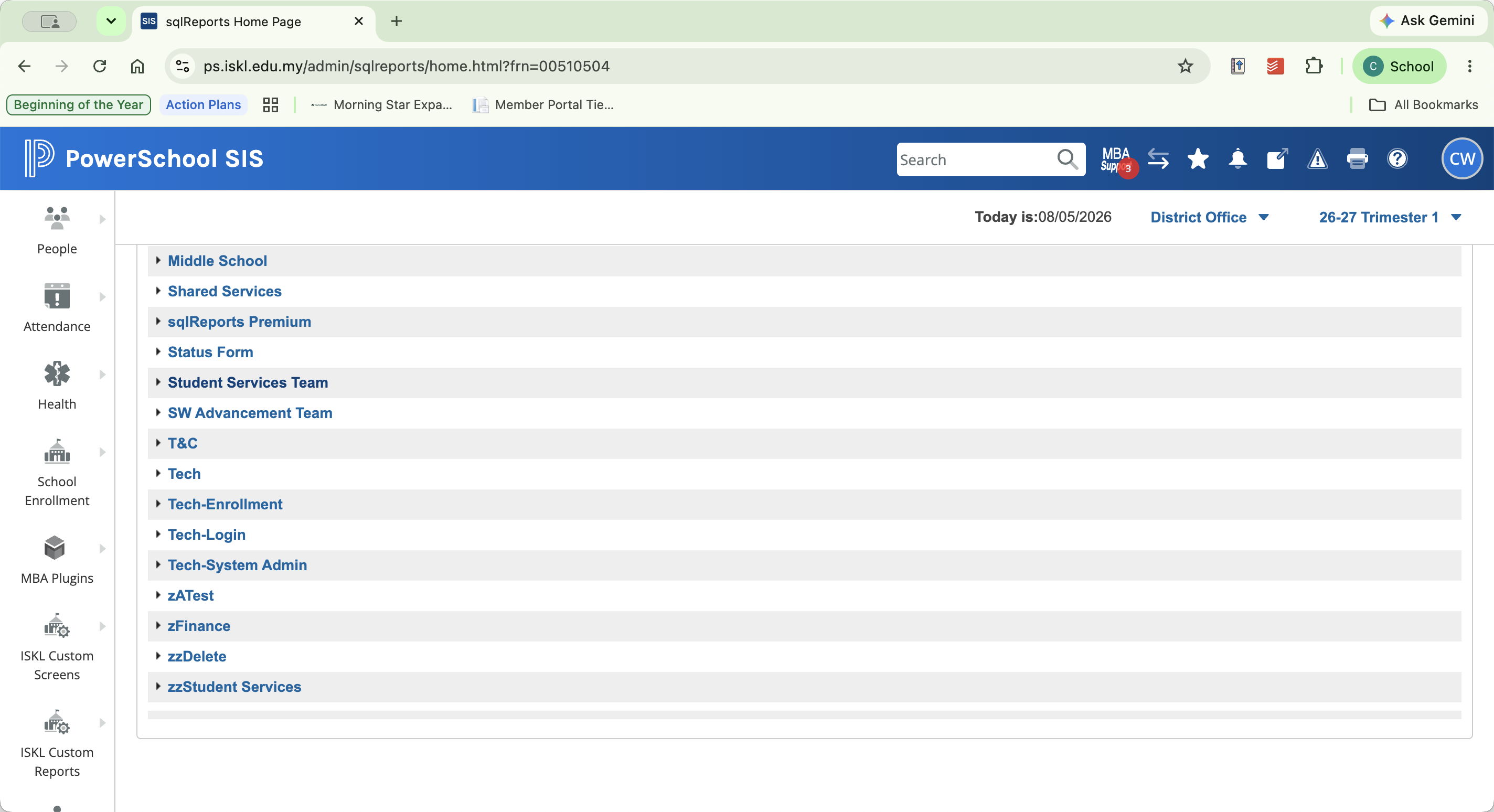
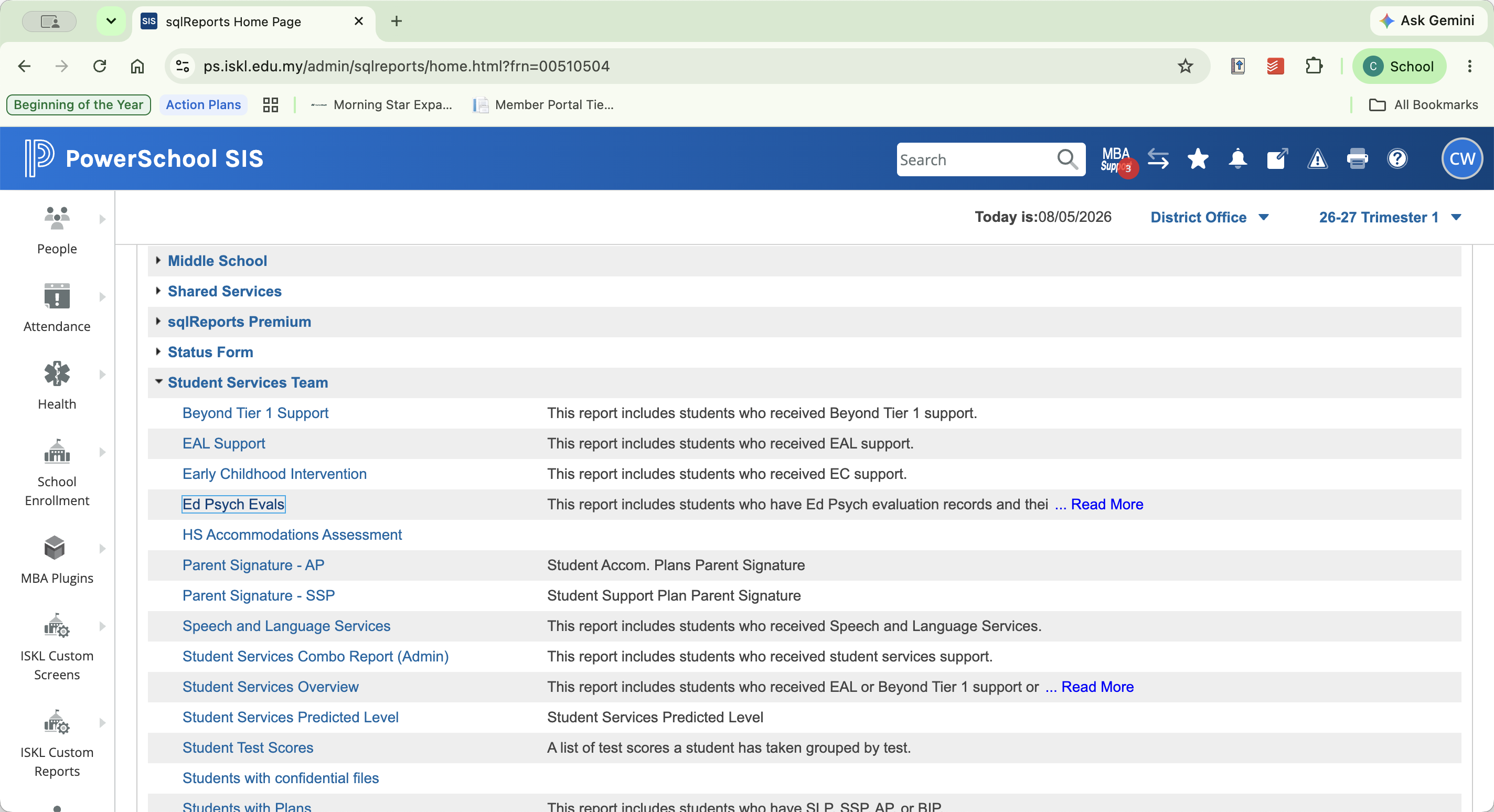
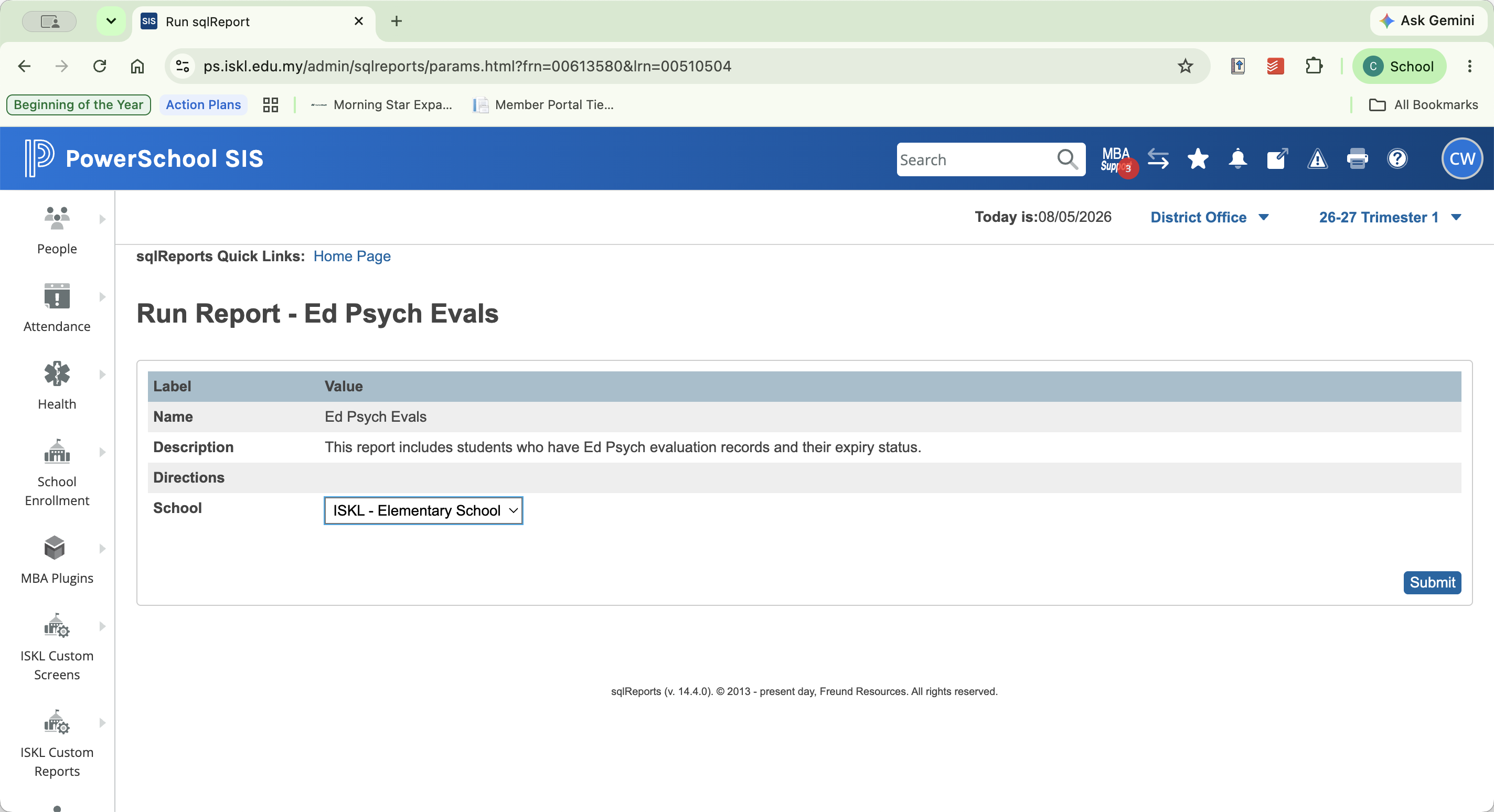
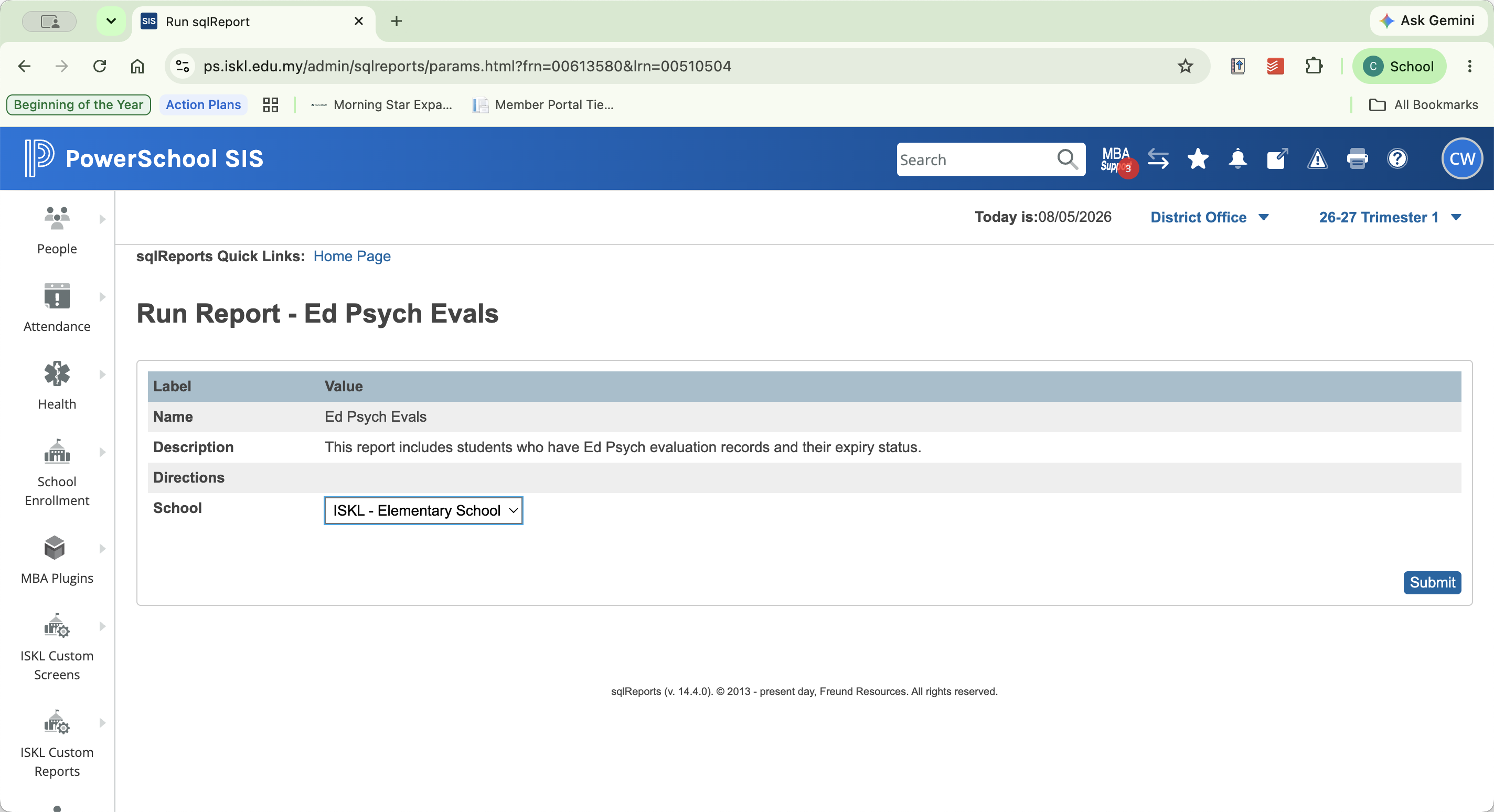
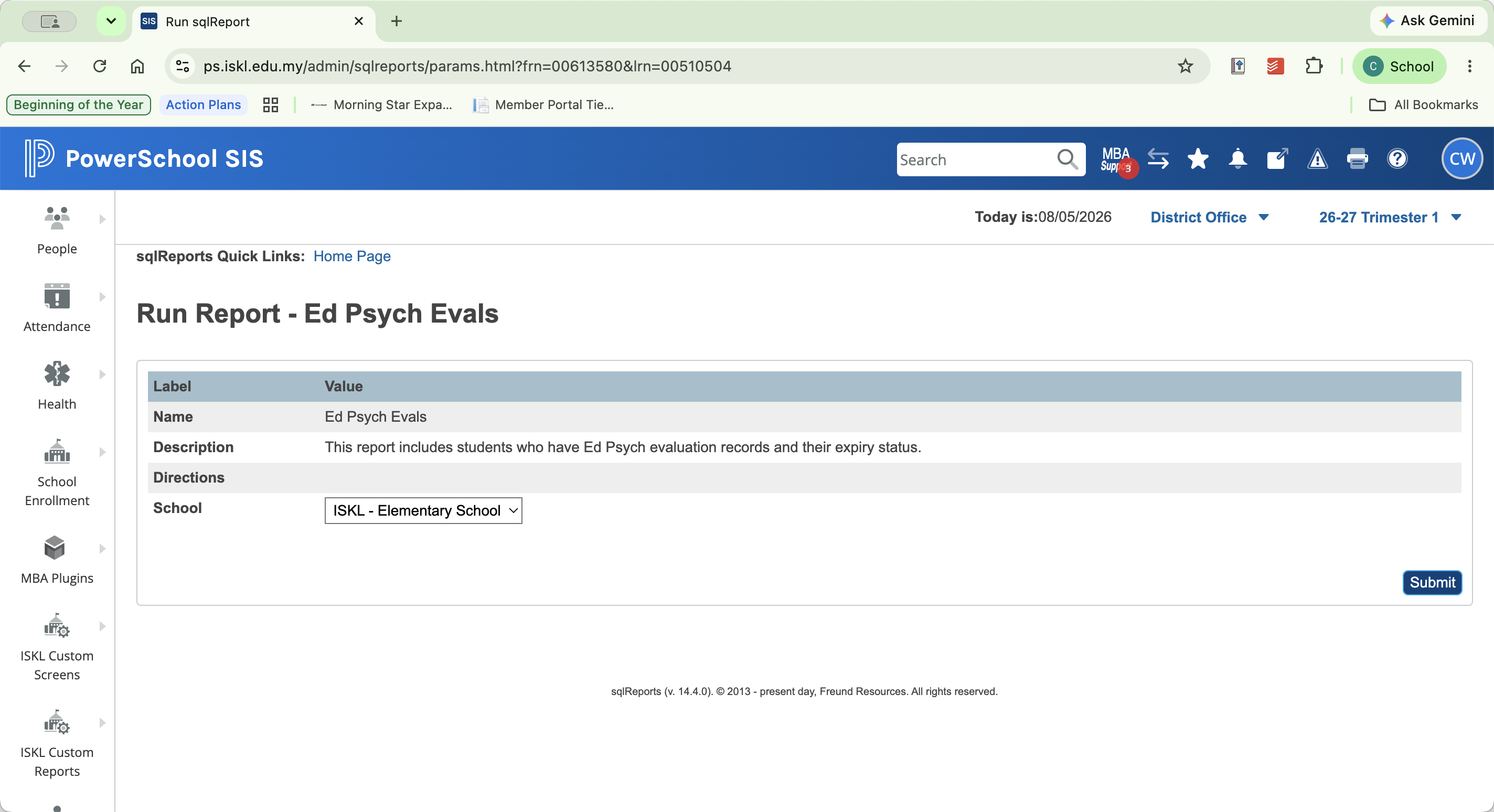
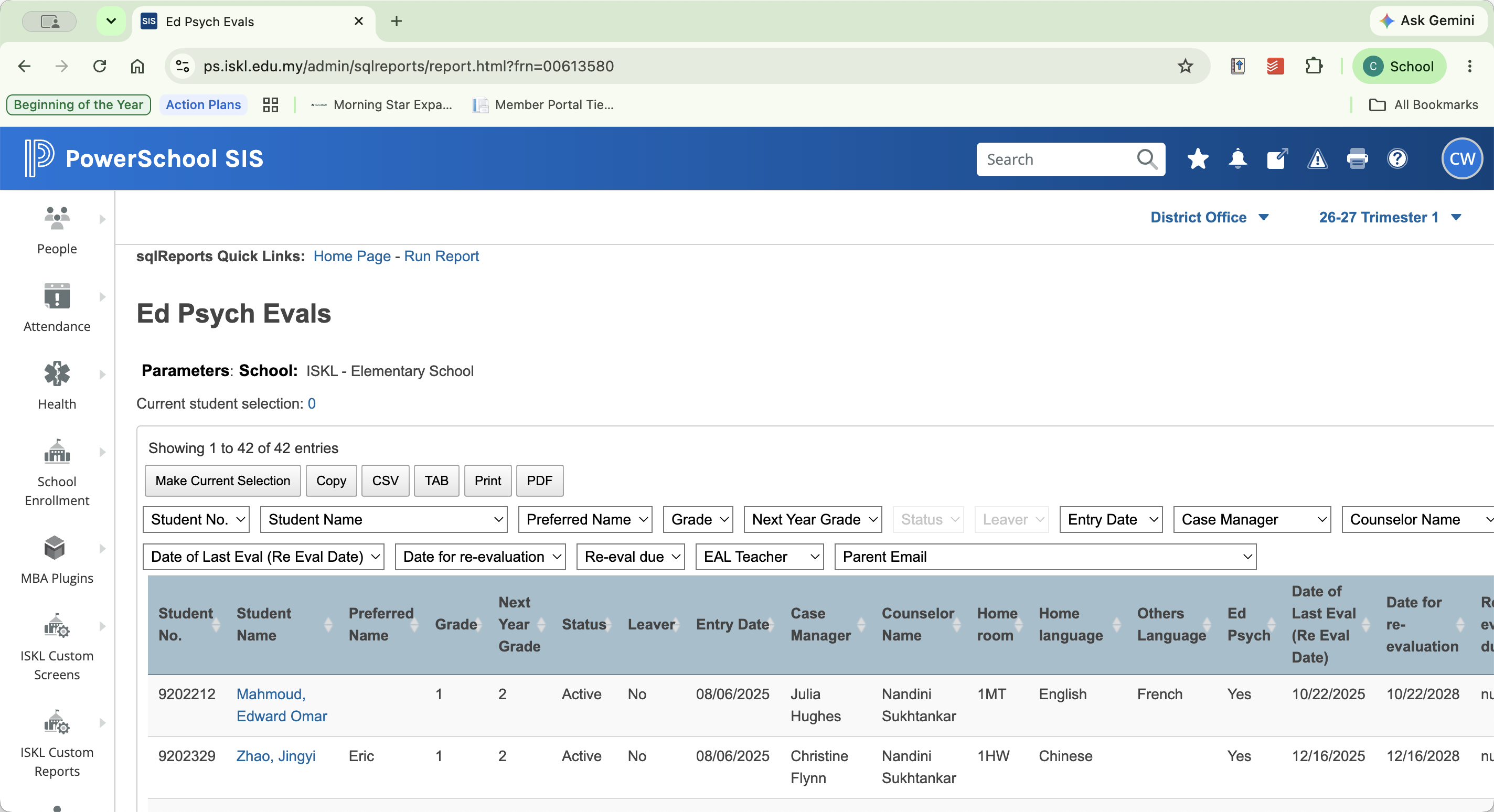
Run the Ed Psych Eval Report
Running this report will display a list of students, the date of their last evaluation, and the scheduled date for their re-evaluation.
Fix Missing or Inaccurate Evaluation Dates
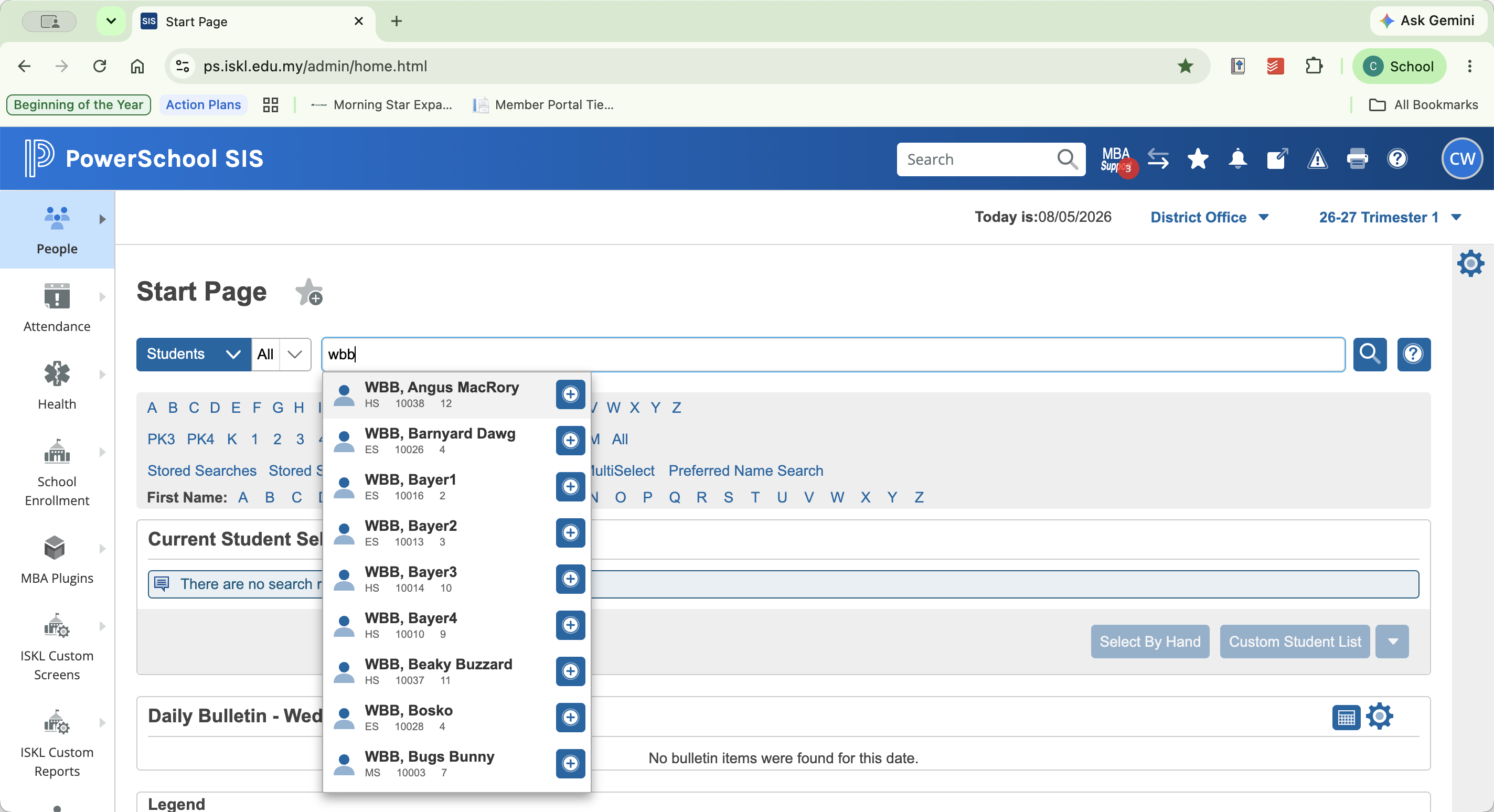
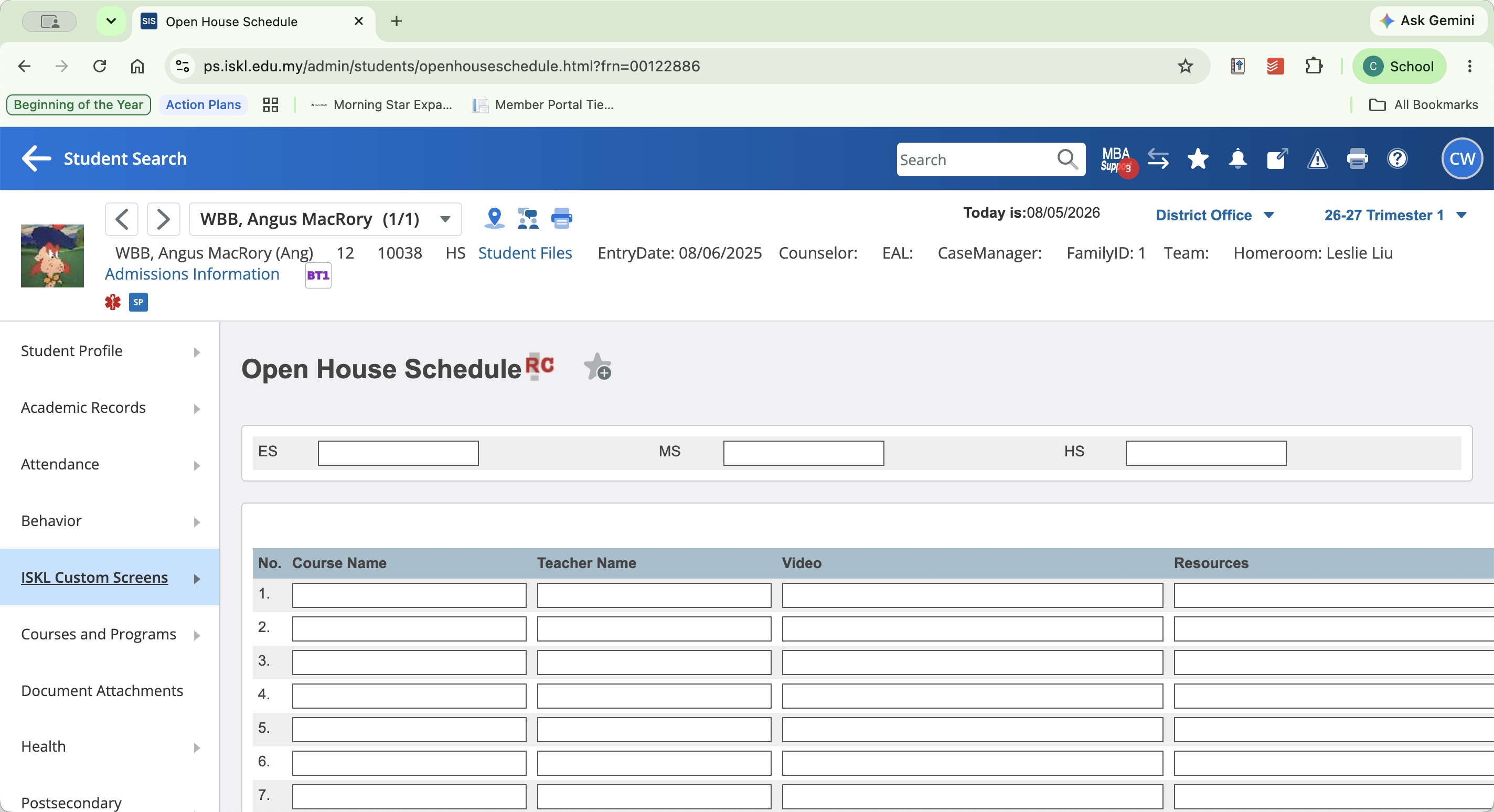
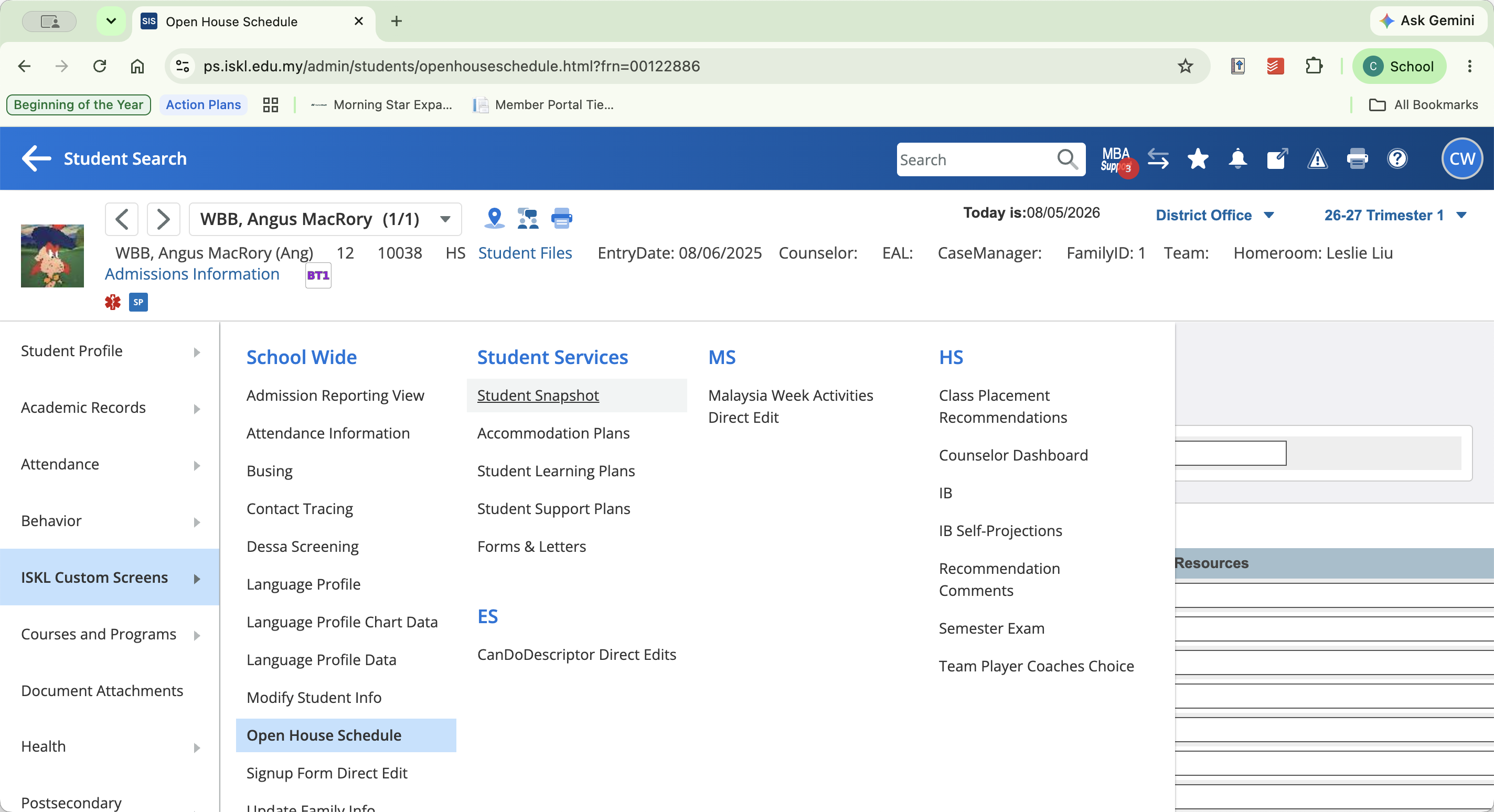
If the date of a student's last evaluation is incorrect, or if a student is completely missing from the report list, you must update their record directly in their student snapshot.
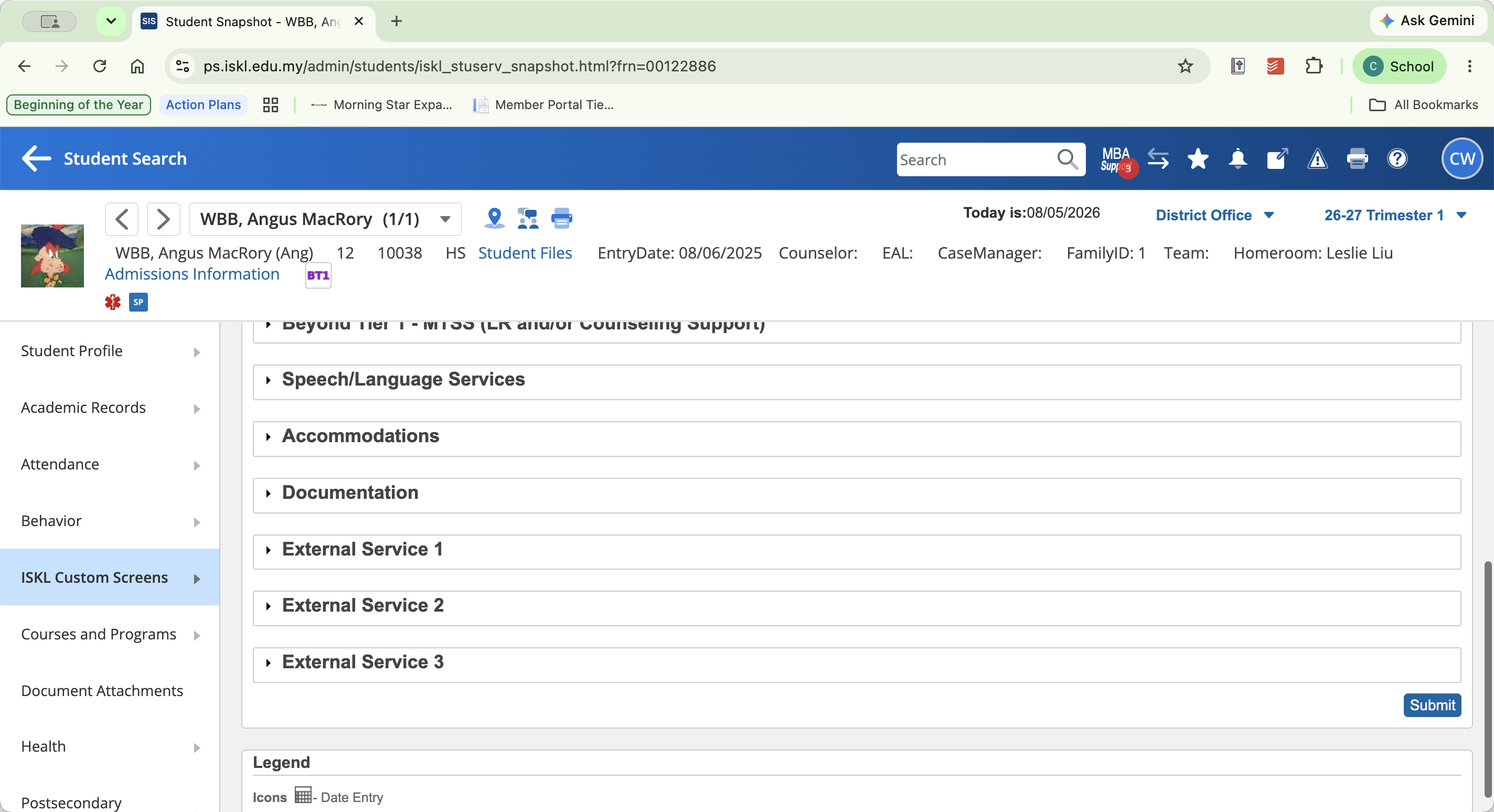
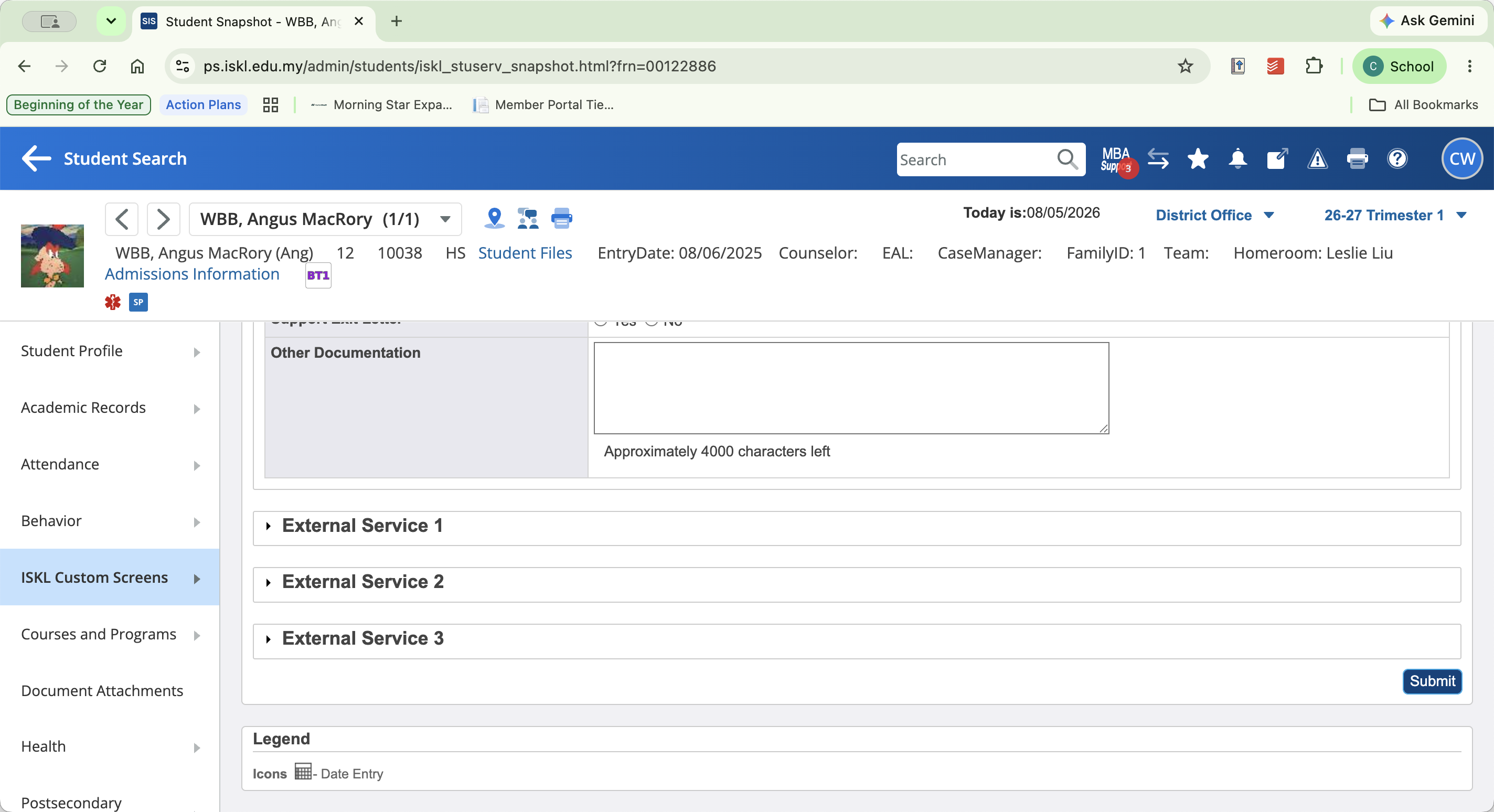
Q: What should I do if a student is missing from the Ed Psych Eval report or their evaluation dates are incorrect?
A: You need to update the student's record manually. Search for the student, navigate to their Student Snapshot under ISKL Custom Screens, scroll to the documentation section, and correct the evaluation dates.
Term | Definition |
|---|---|
sqlReports | A reporting plugin in PowerSchool that allows administrators to run and view custom database queries. |
Student Snapshot | A customized page in PowerSchool providing a comprehensive, single-page overview of a student's essential data. |
ISKL Custom Screens | A specific navigation section in PowerSchool containing tailored fields and forms unique to the school's data tracking requirements. |