Bill Aging Reports: Part 5/5
Learn step-by-step how to save bill aging reports as PDF, organize files, and send them via email efficiently. Tips for maintaining accuracy and consistency in your accounting workflow.
In this guide, we'll learn how to prepare and send a bill aging report by copying data, checking totals for accuracy, saving files as PDFs, and attaching them to an email. This process helps ensure that financial records are consistent and that the correct reports are shared with the right recipients.
We'll also cover how to keep file names and email content uniform for easy tracking.
Let's get started
Okay. For the last video, I should upgrade so I don't have to record five minutes every four seconds. We're going back to 3/17.
We're go... ""
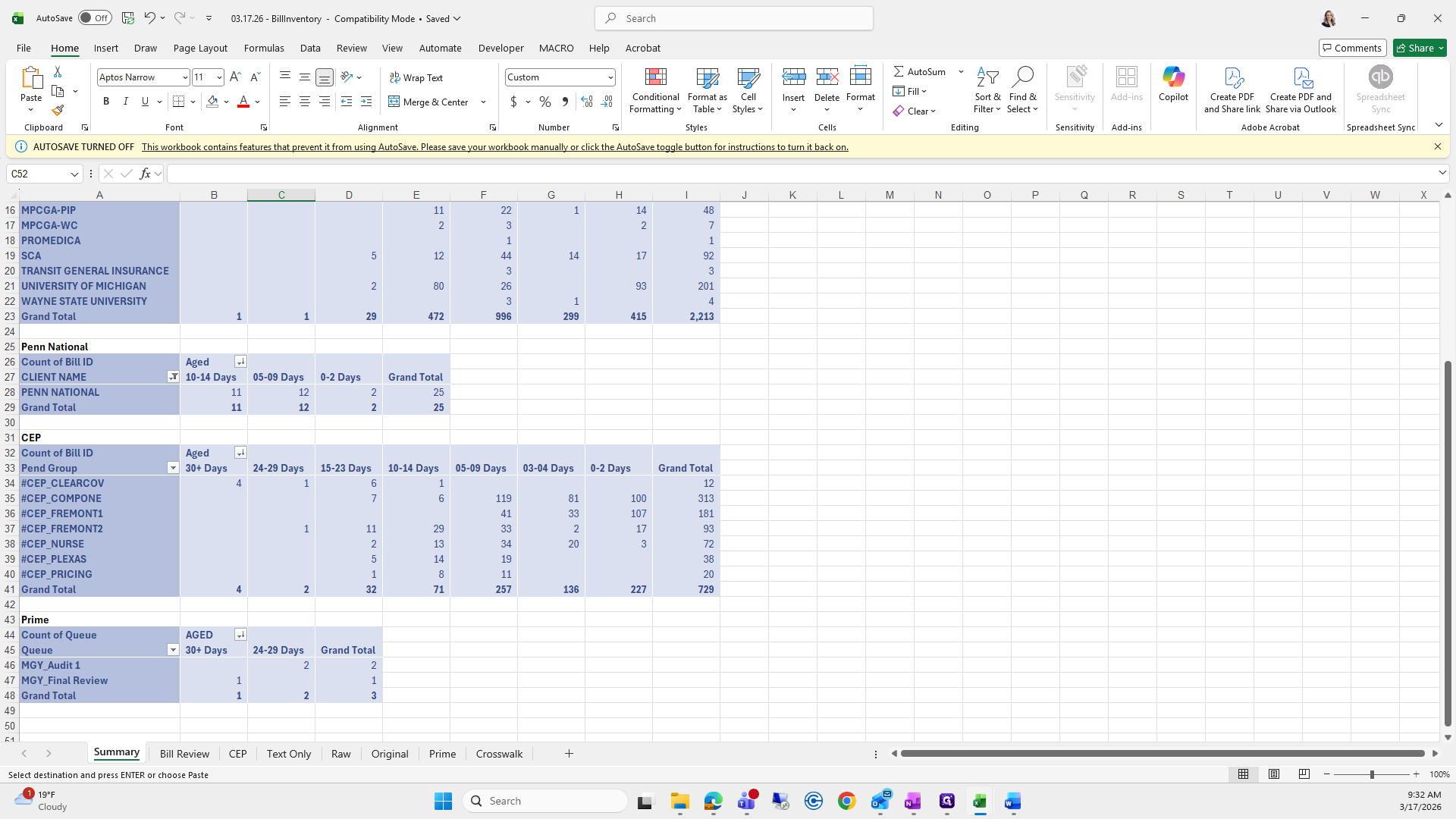
We will copy and paste it here.
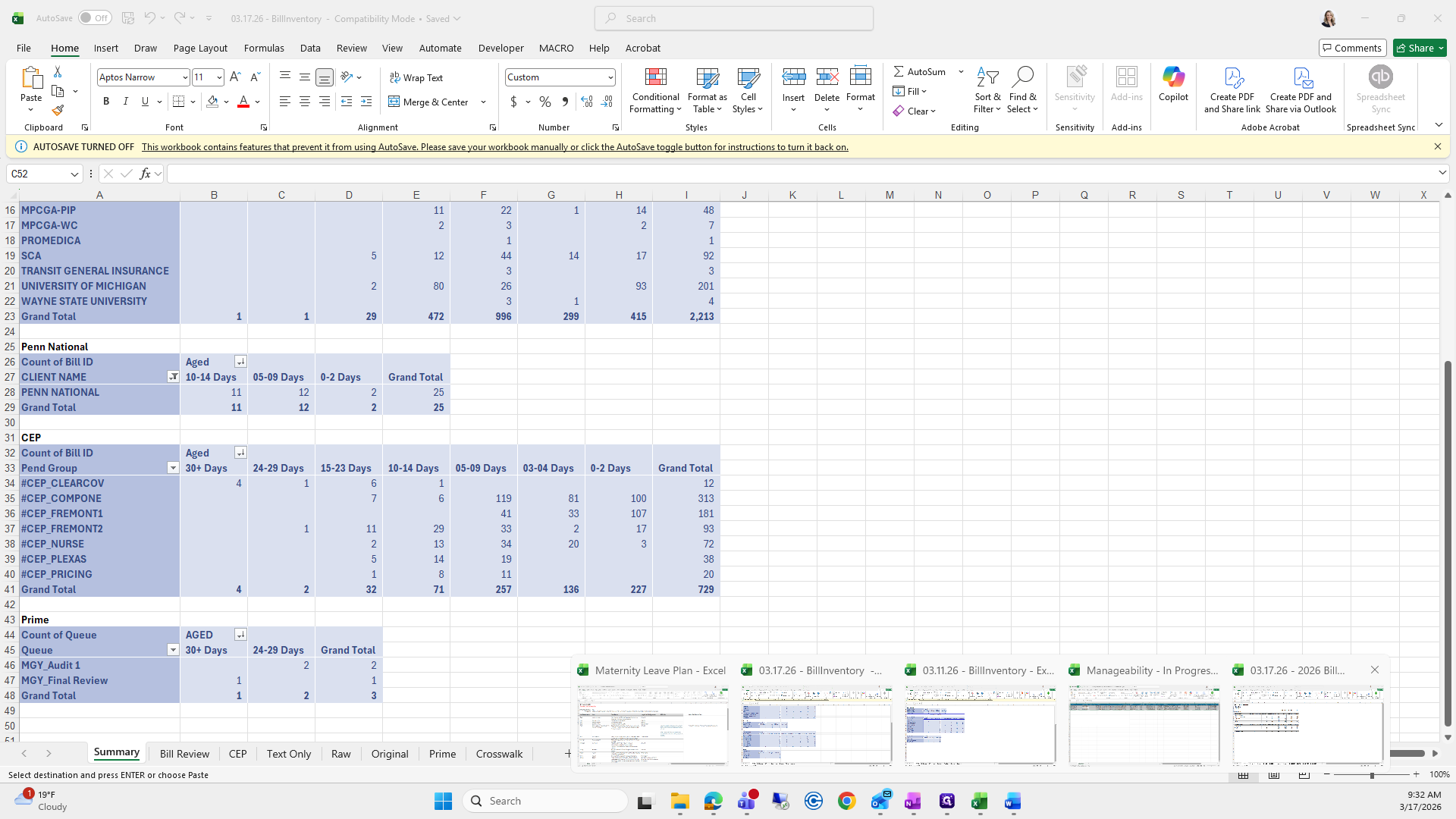
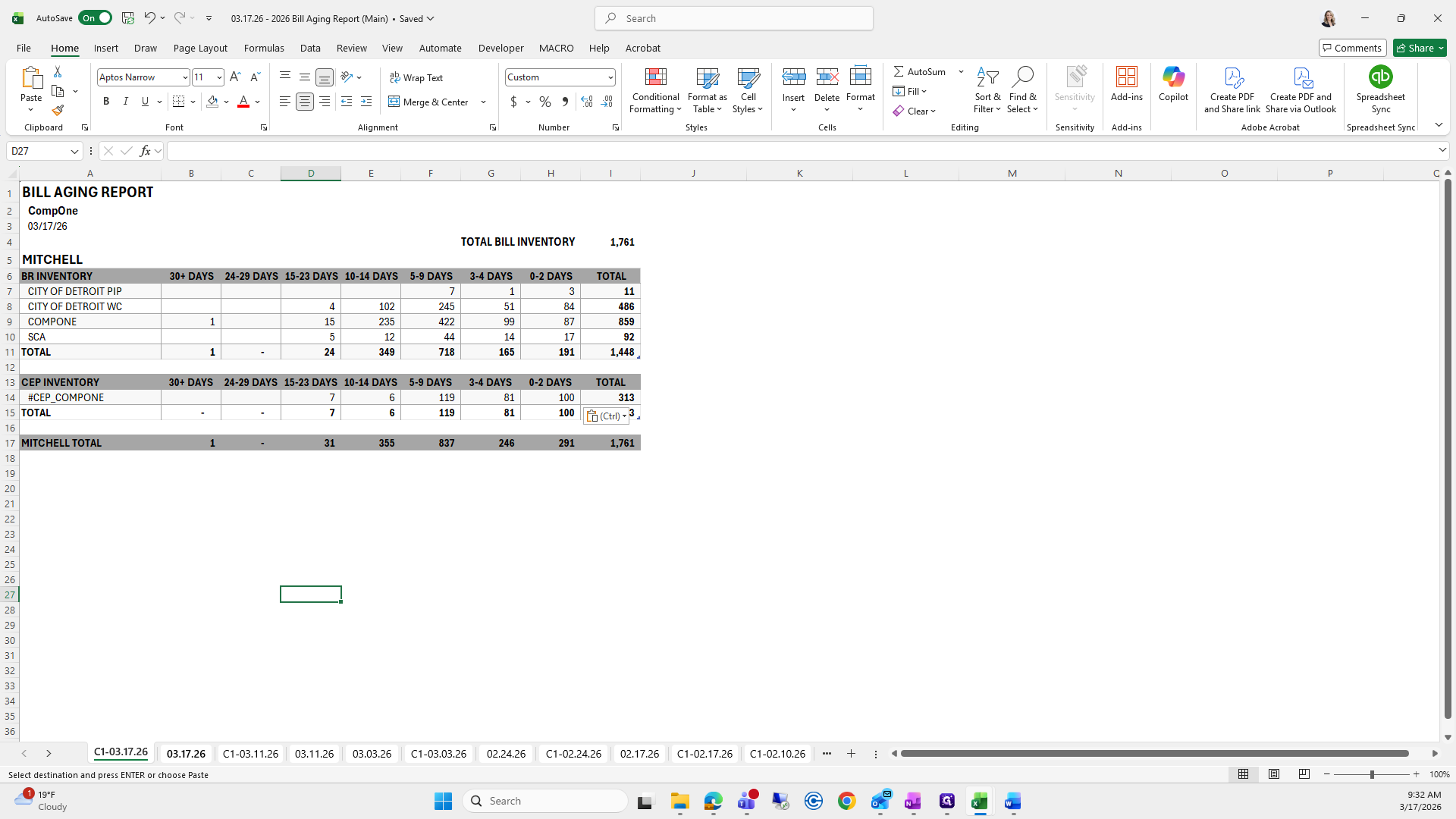
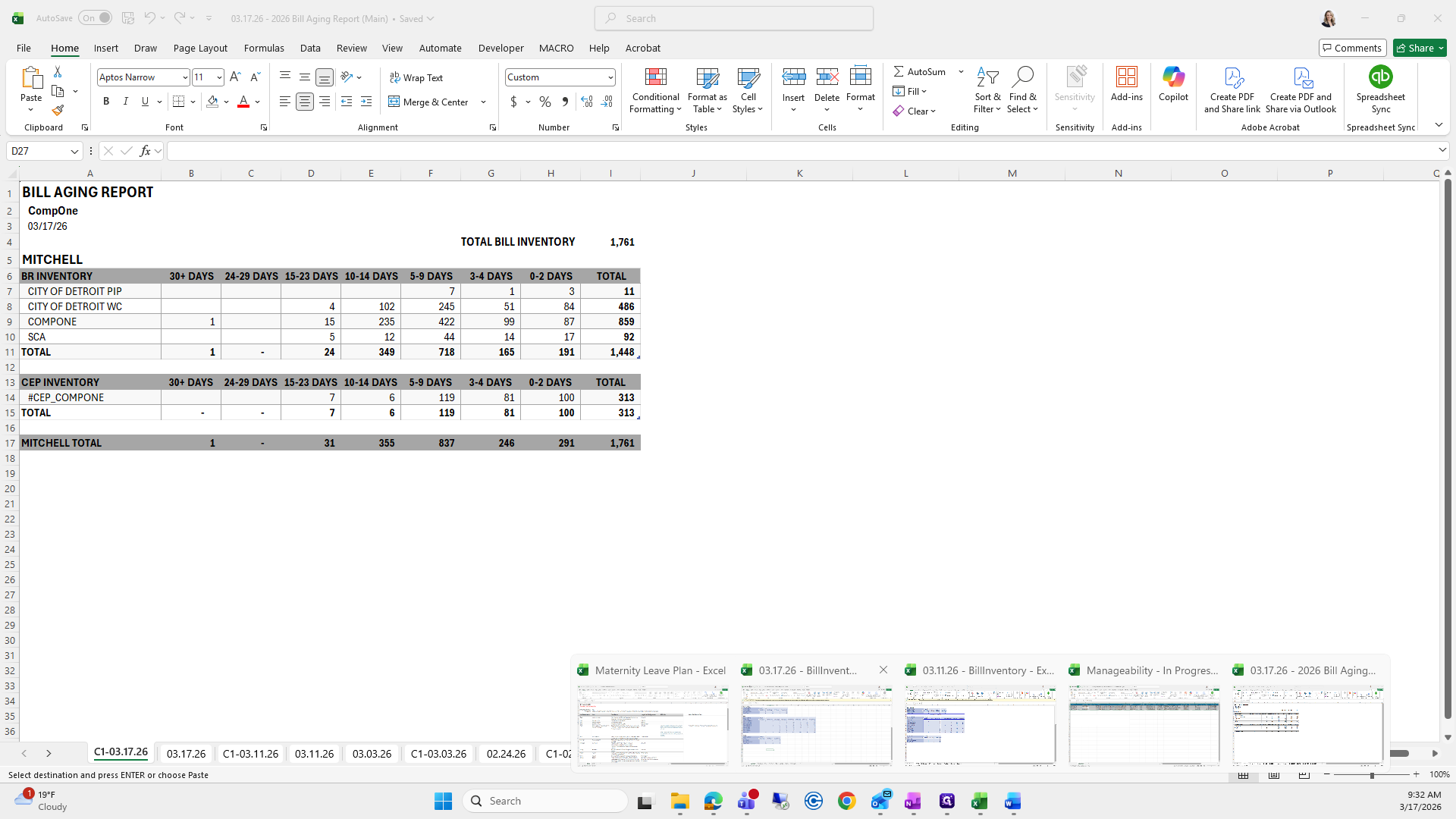
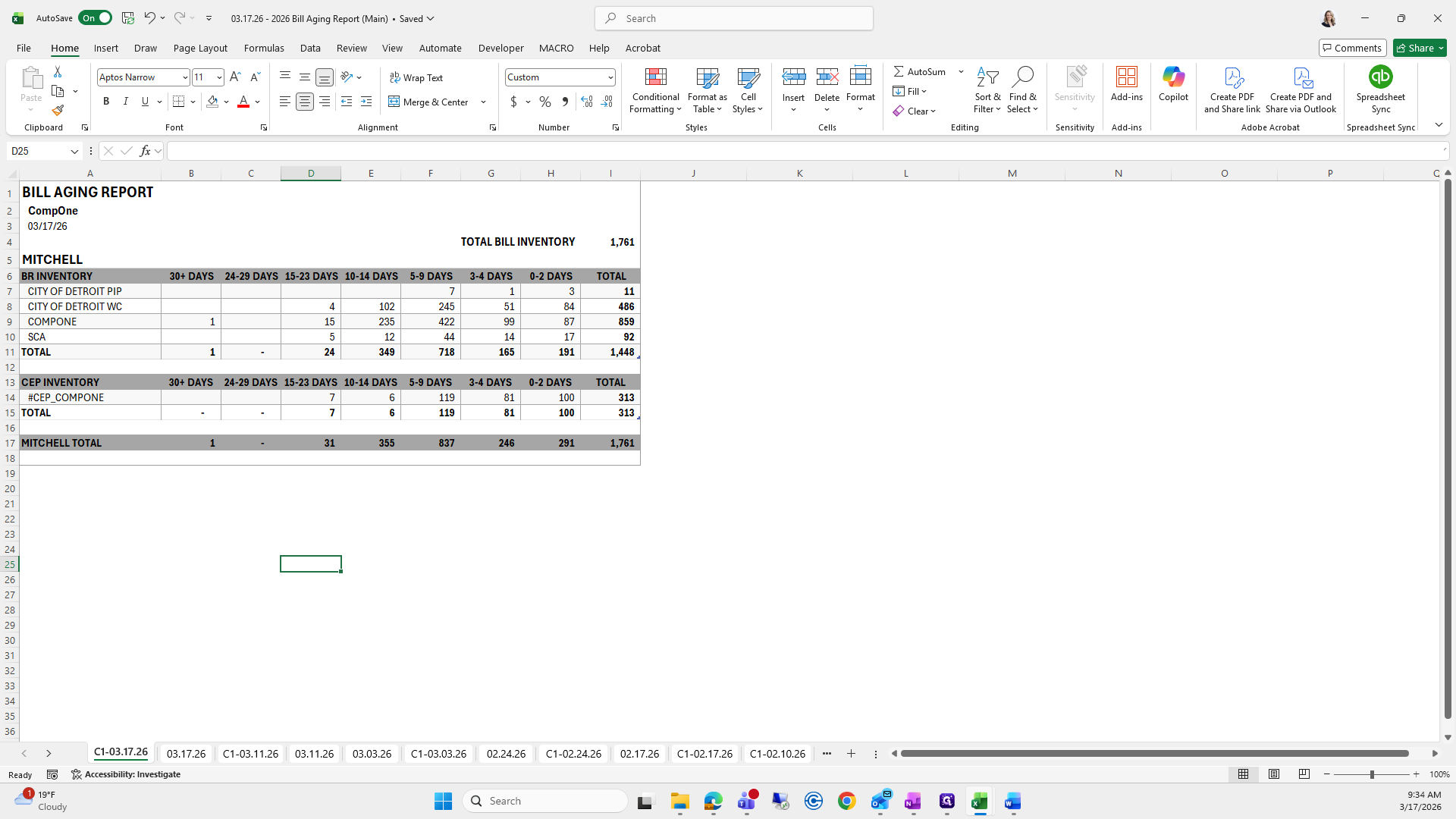
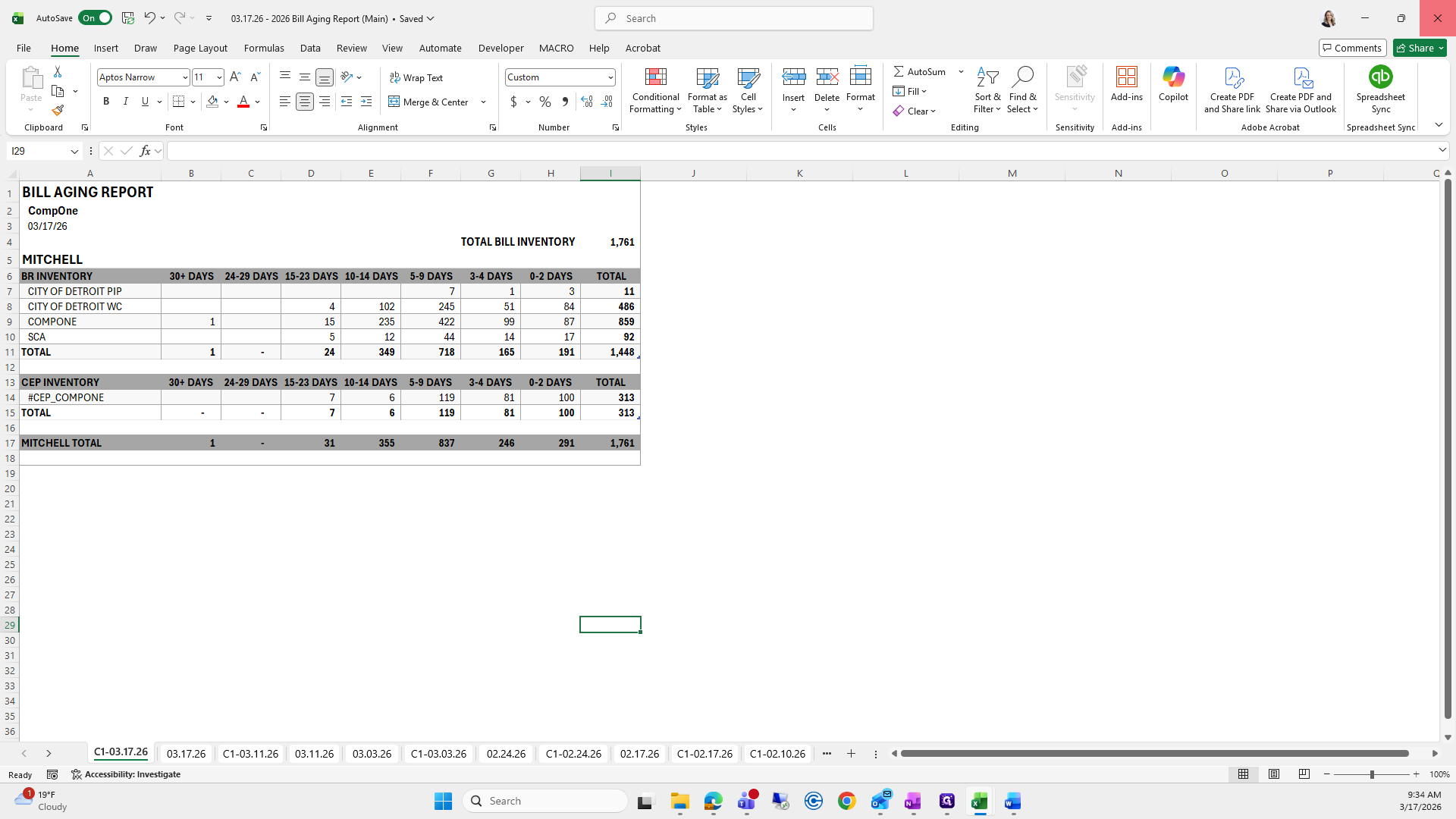
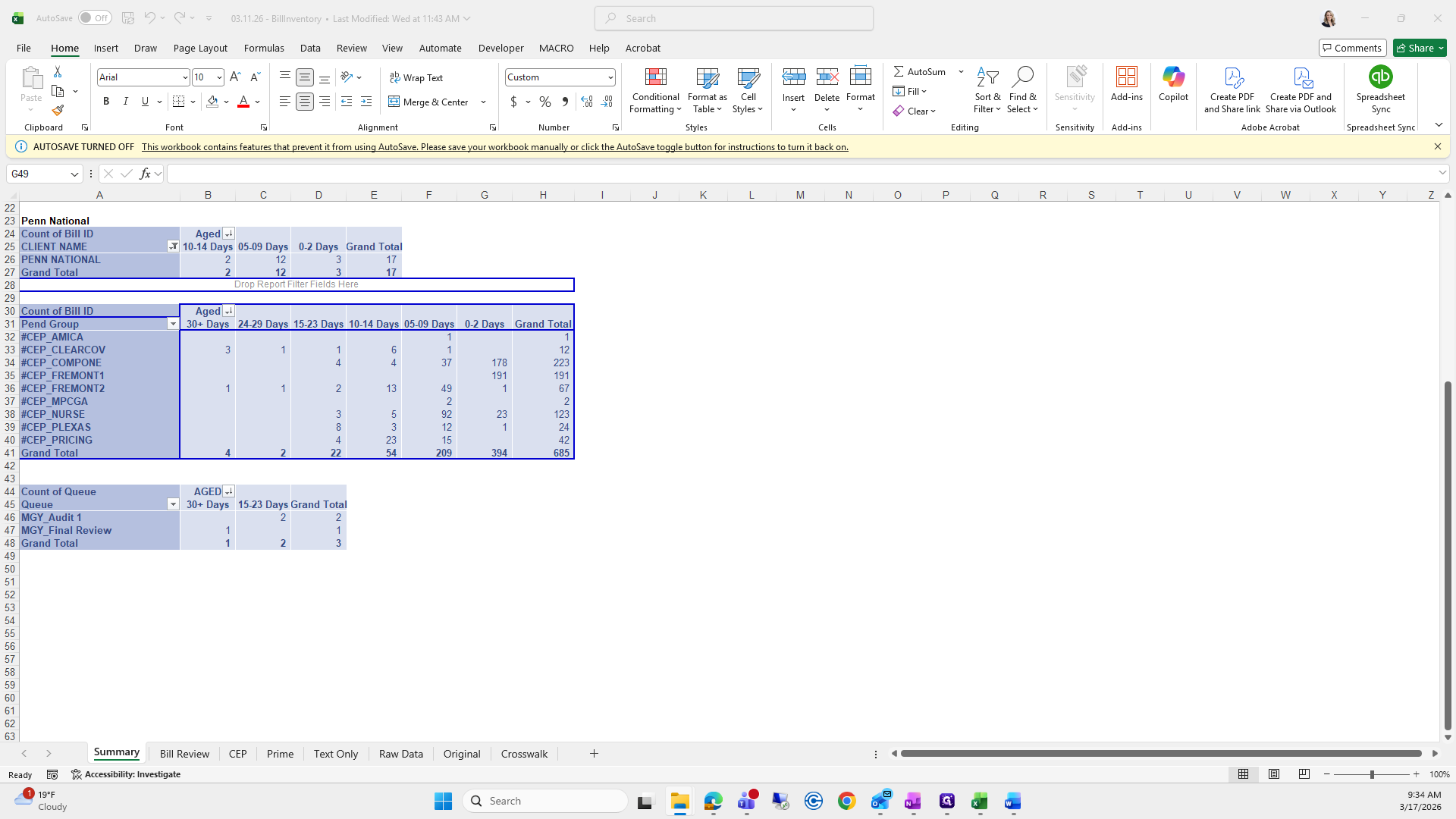
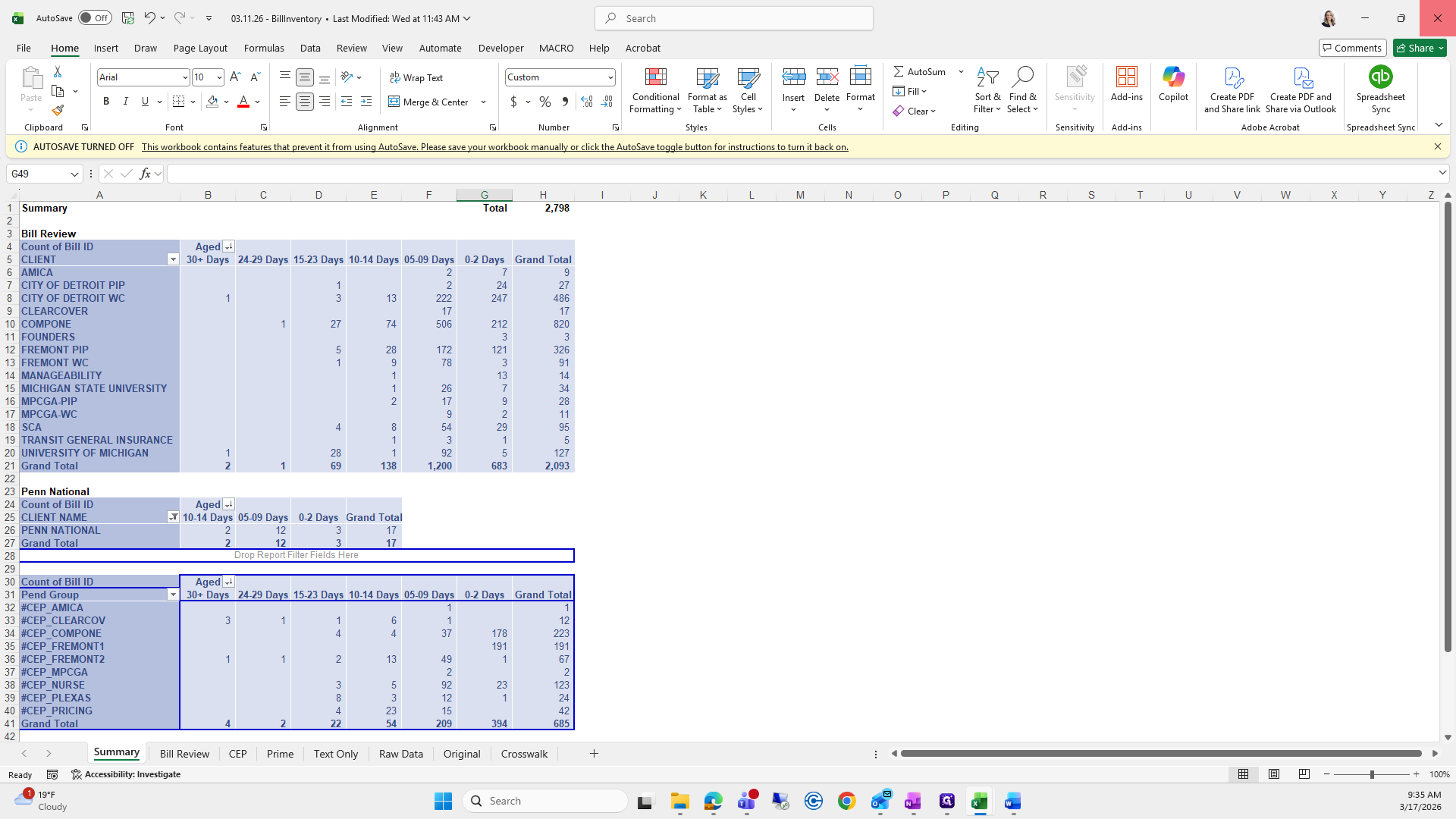
Grab Comp 1, copy it, and paste it here. Also, make sure the total bill inventory on this page matches the other one. I missed that step earlier.
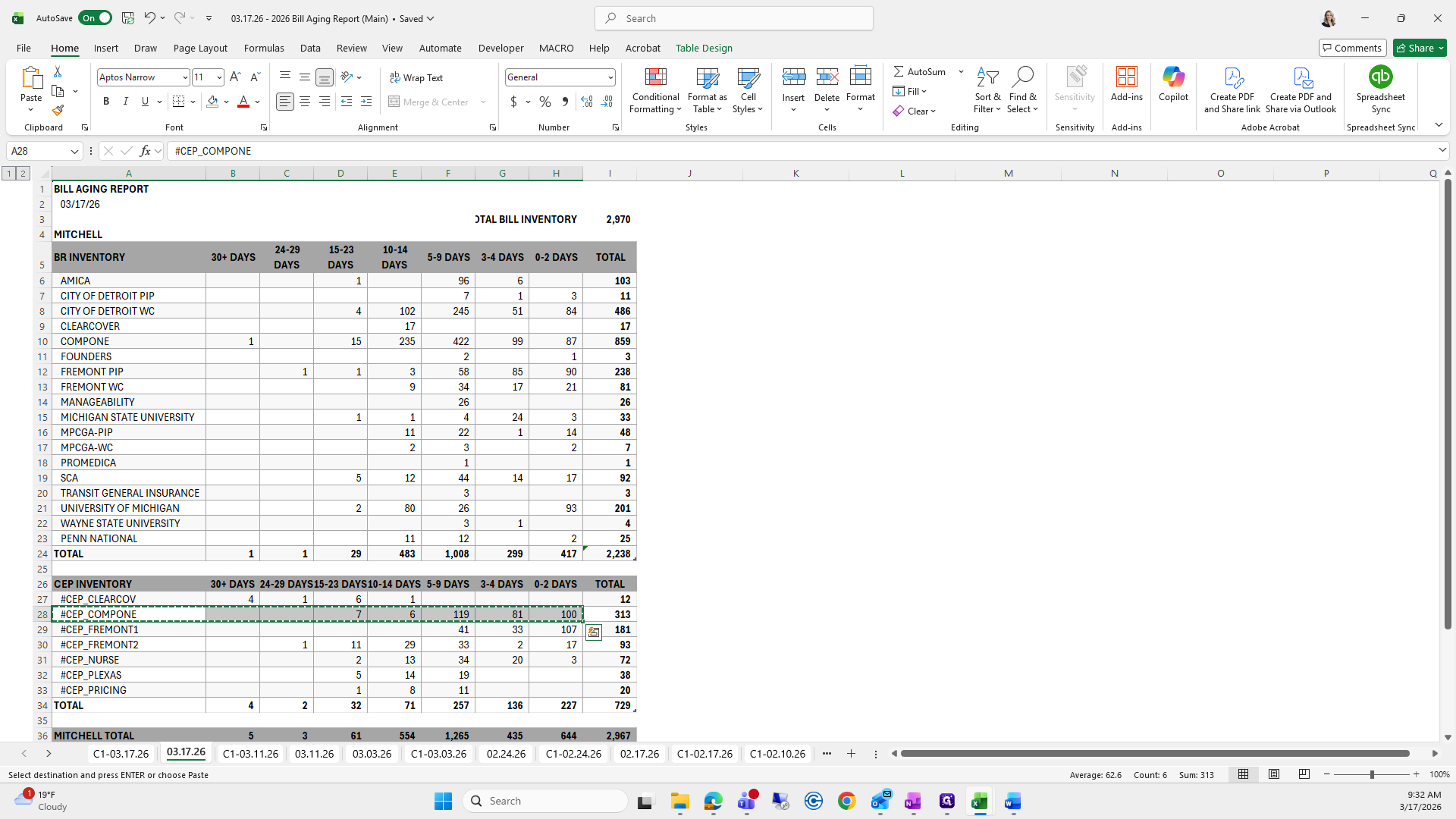
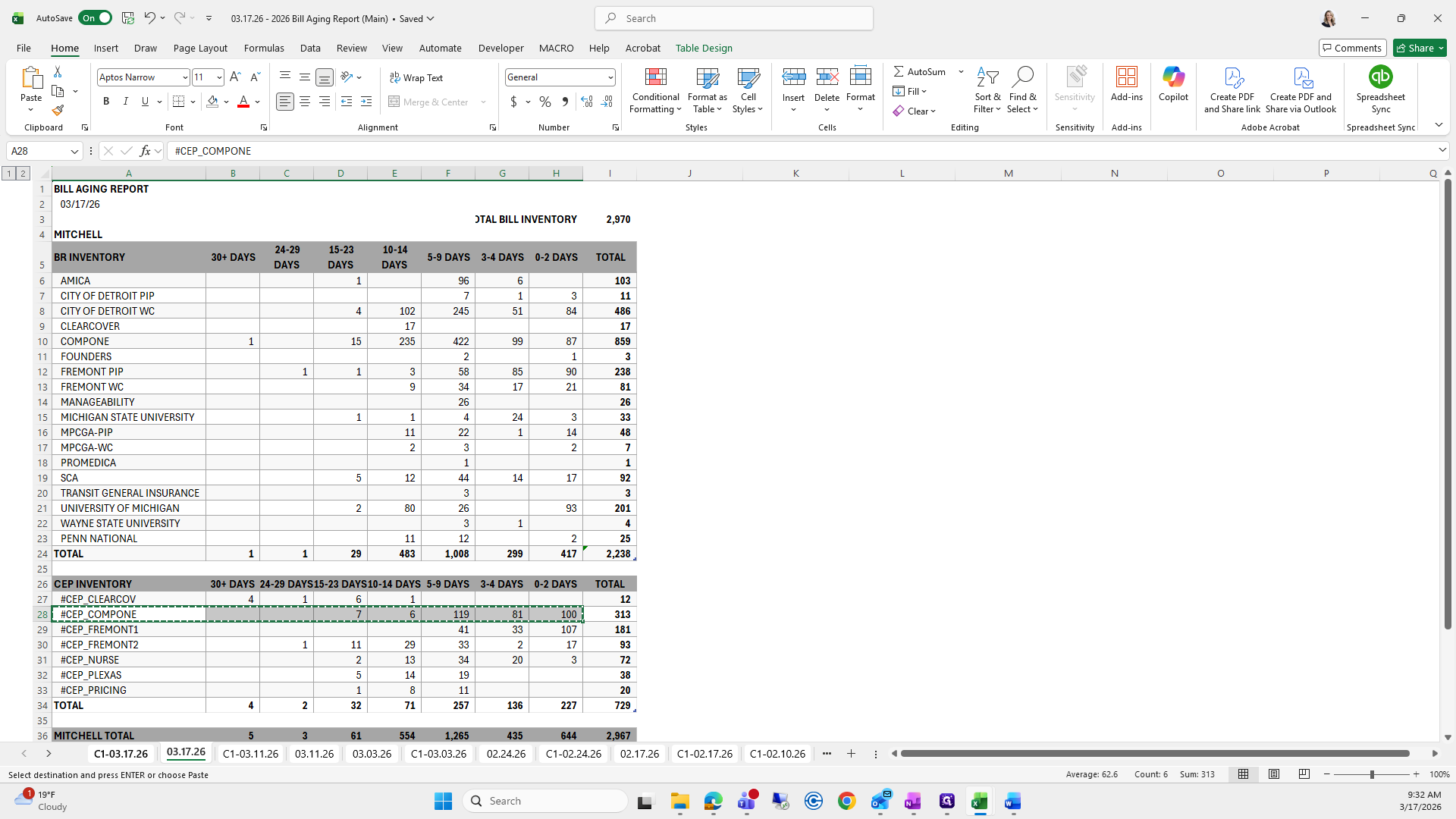
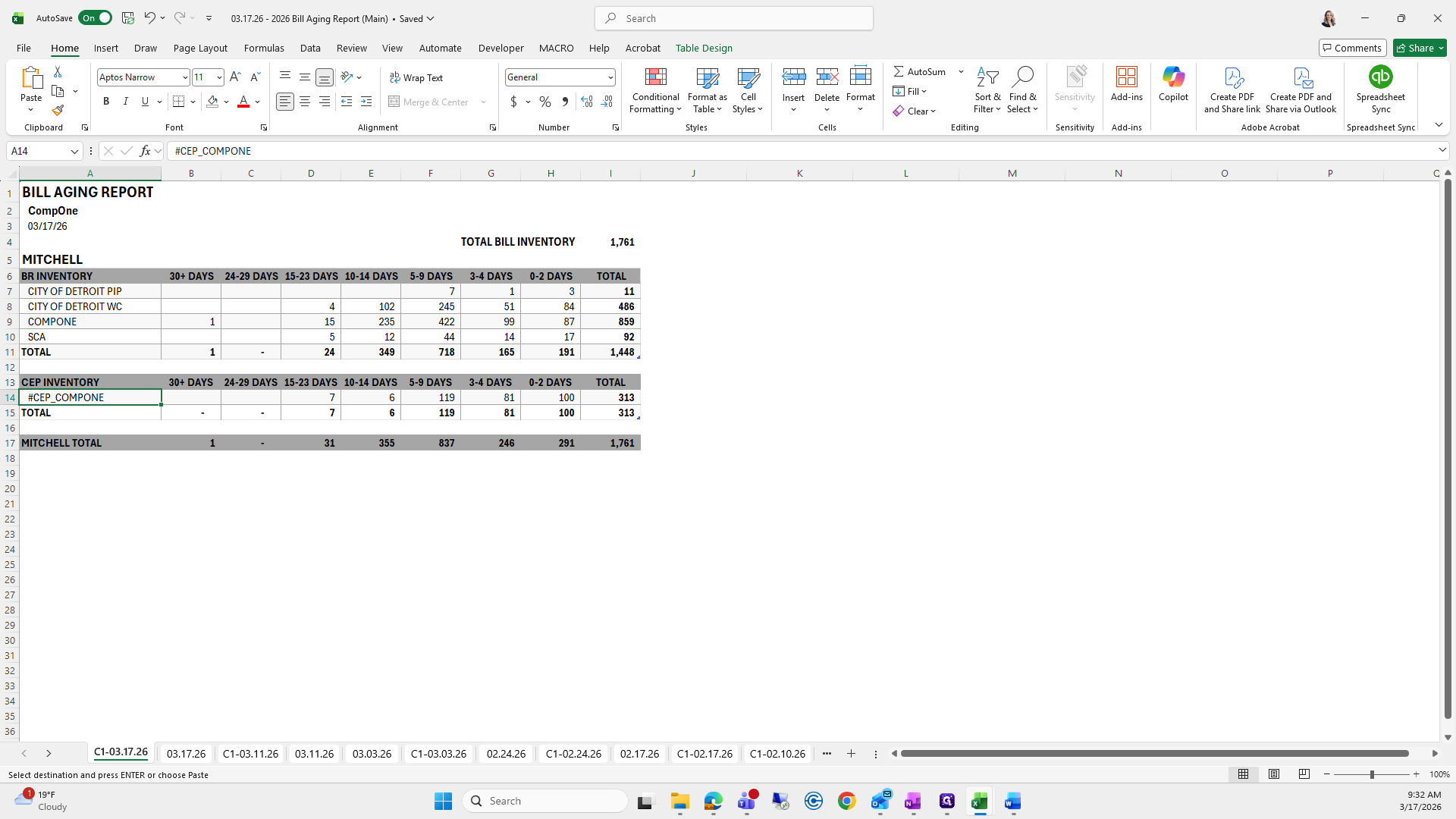
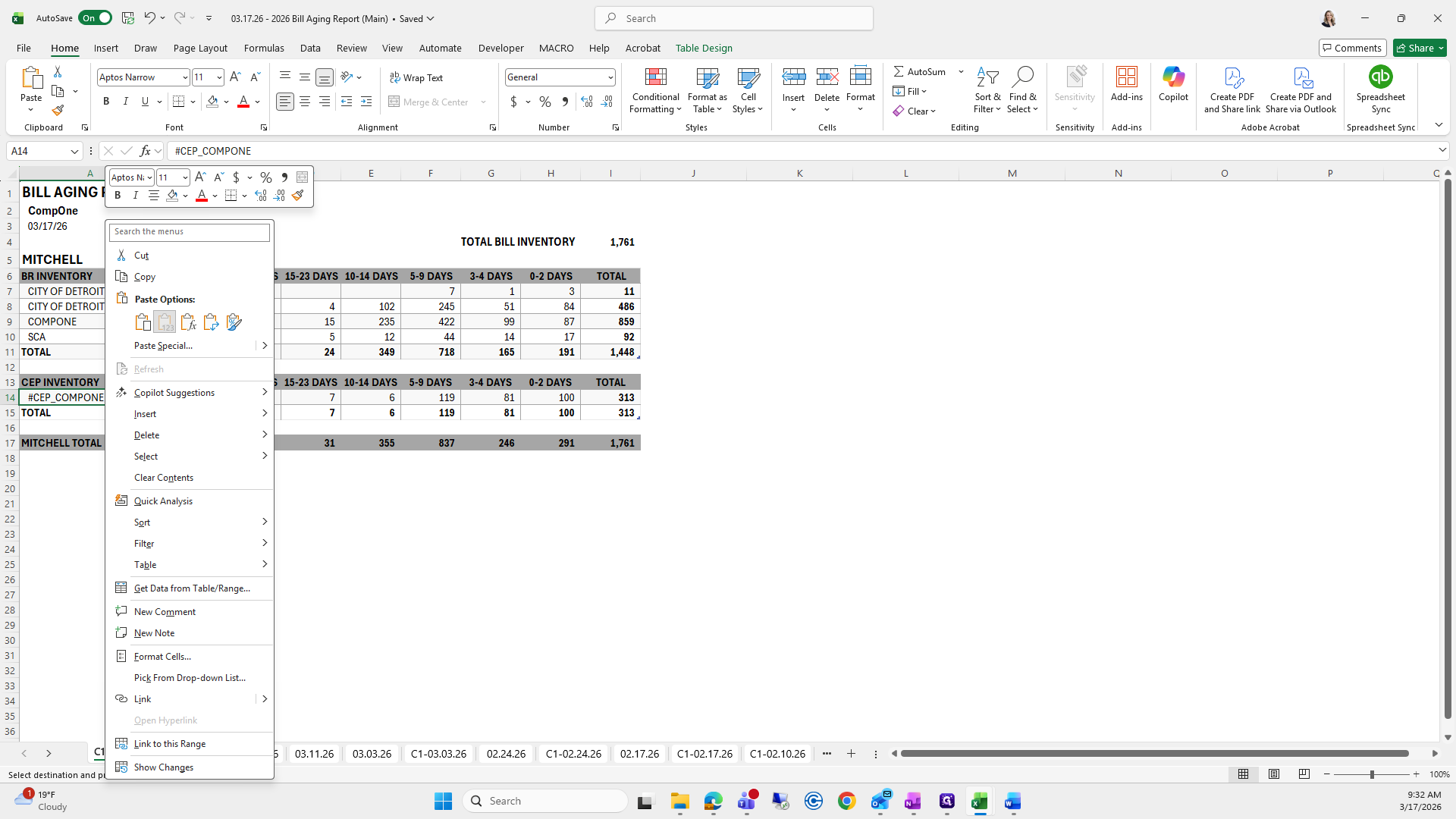
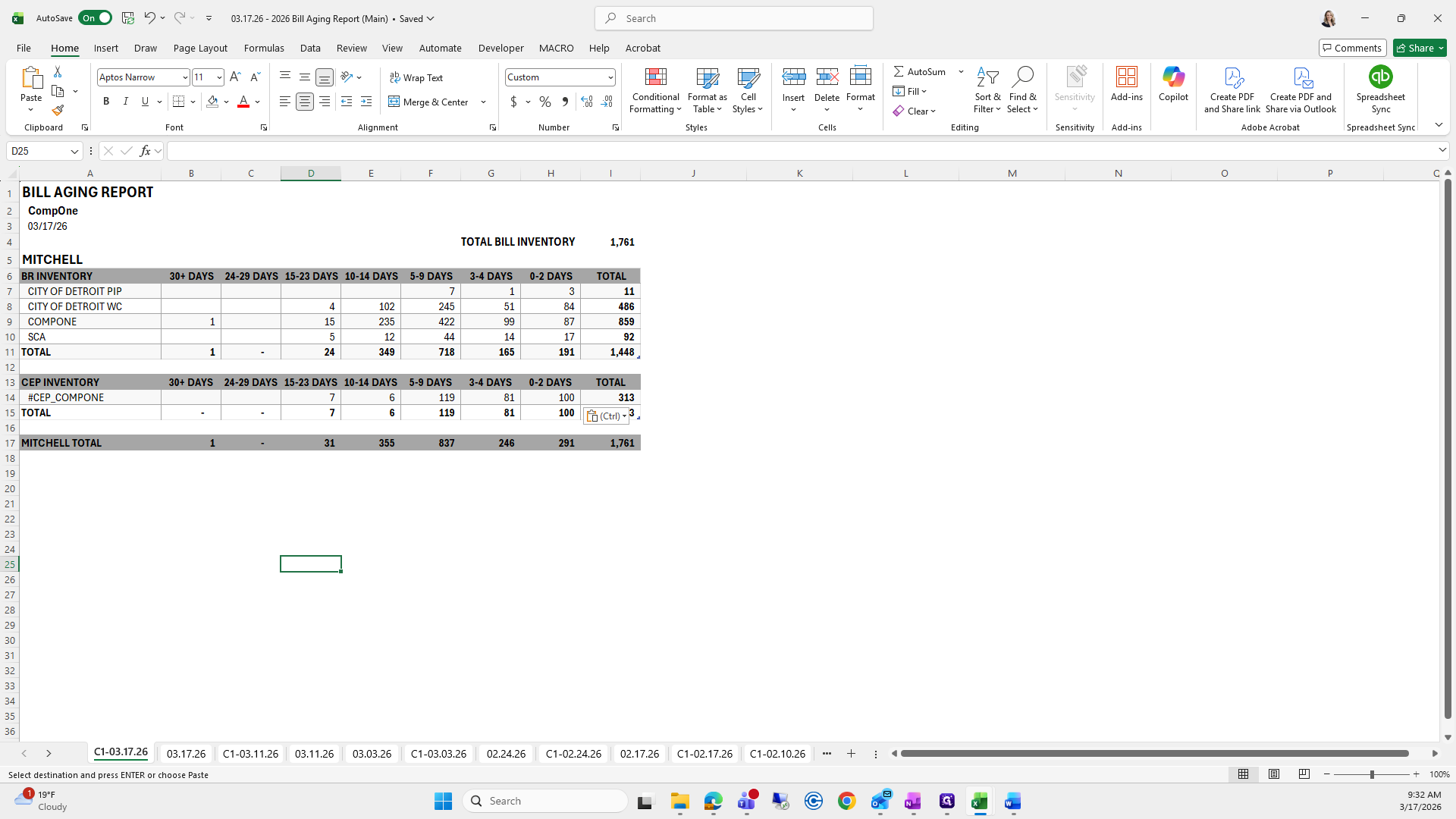
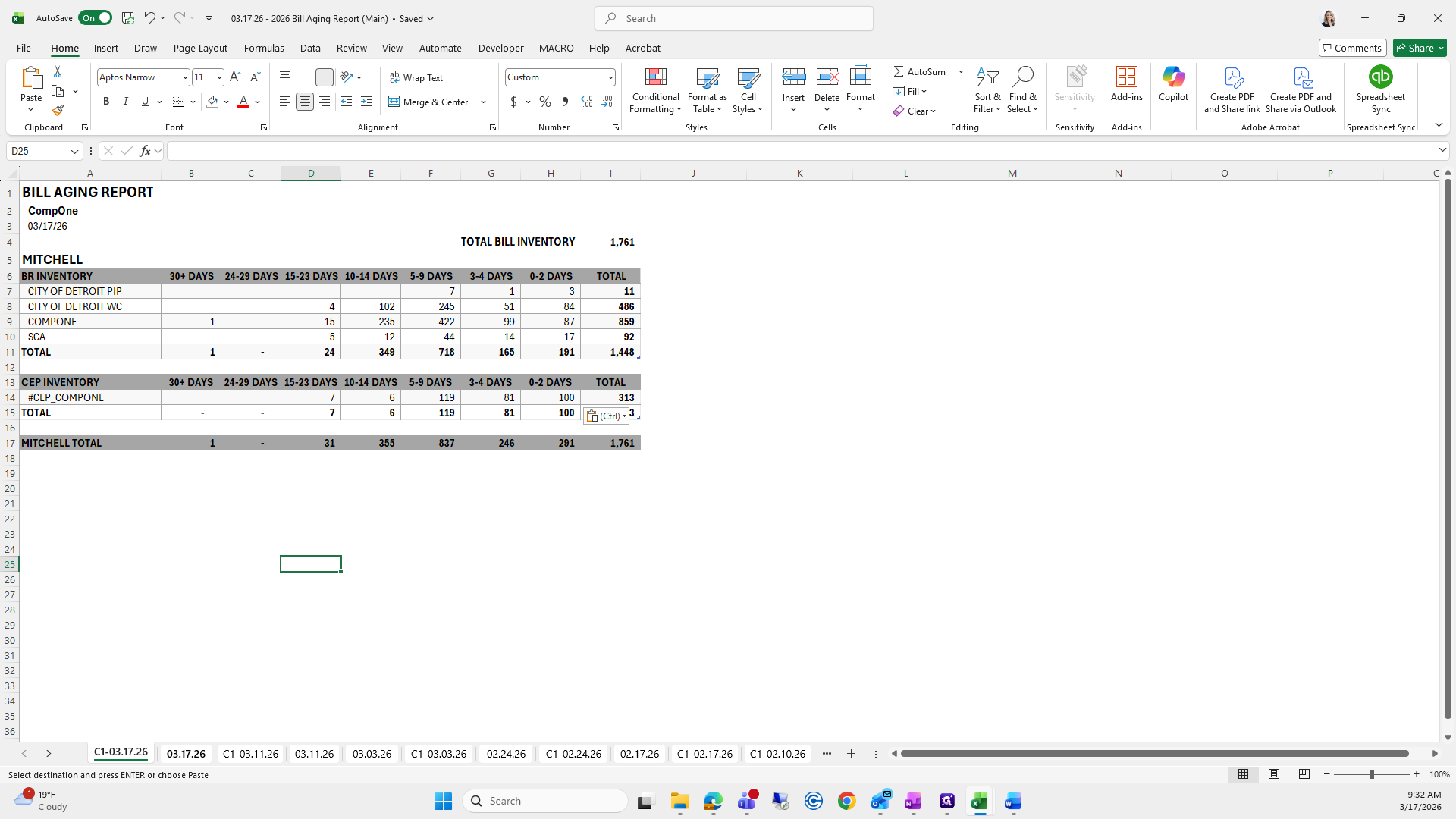
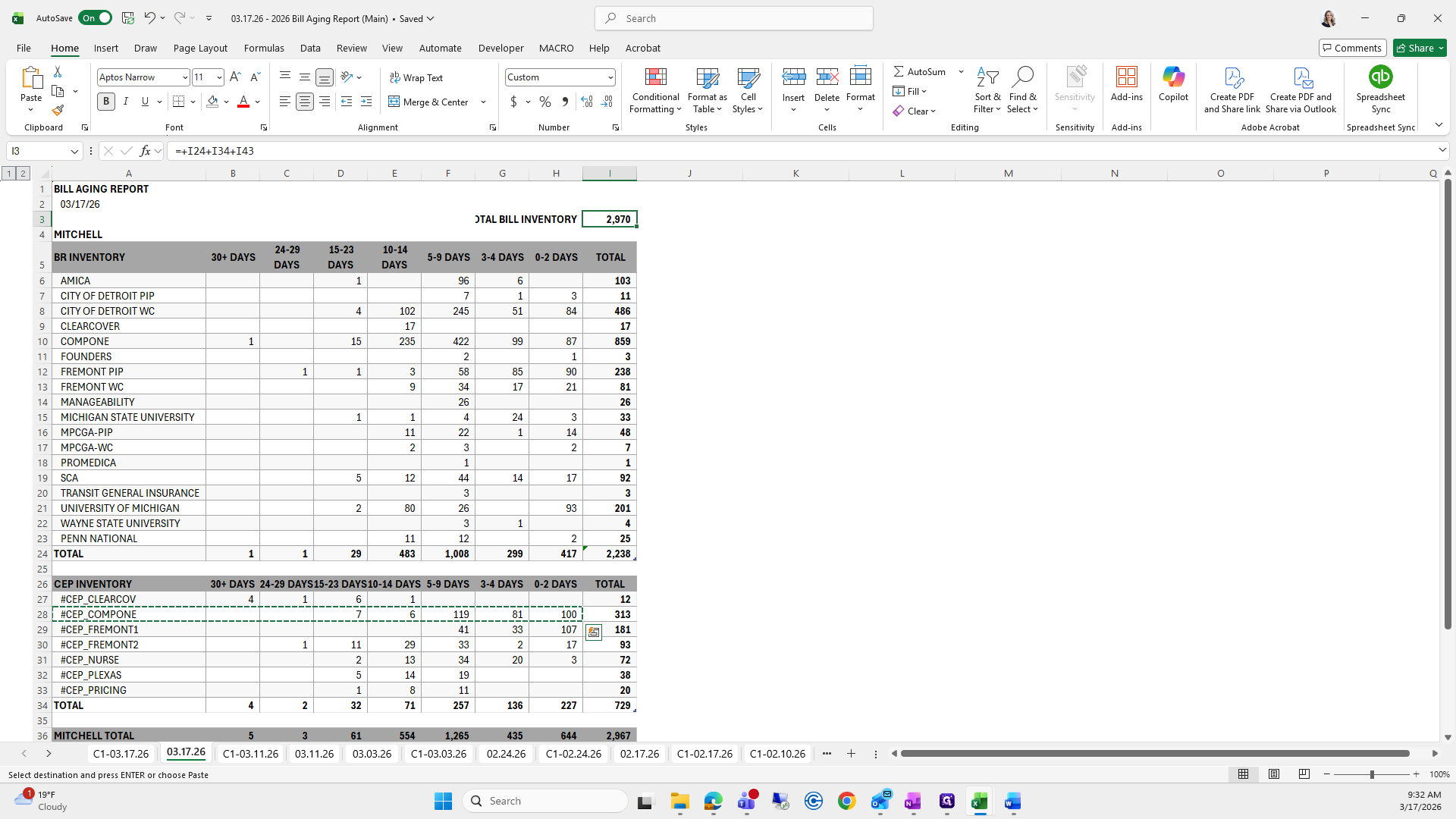
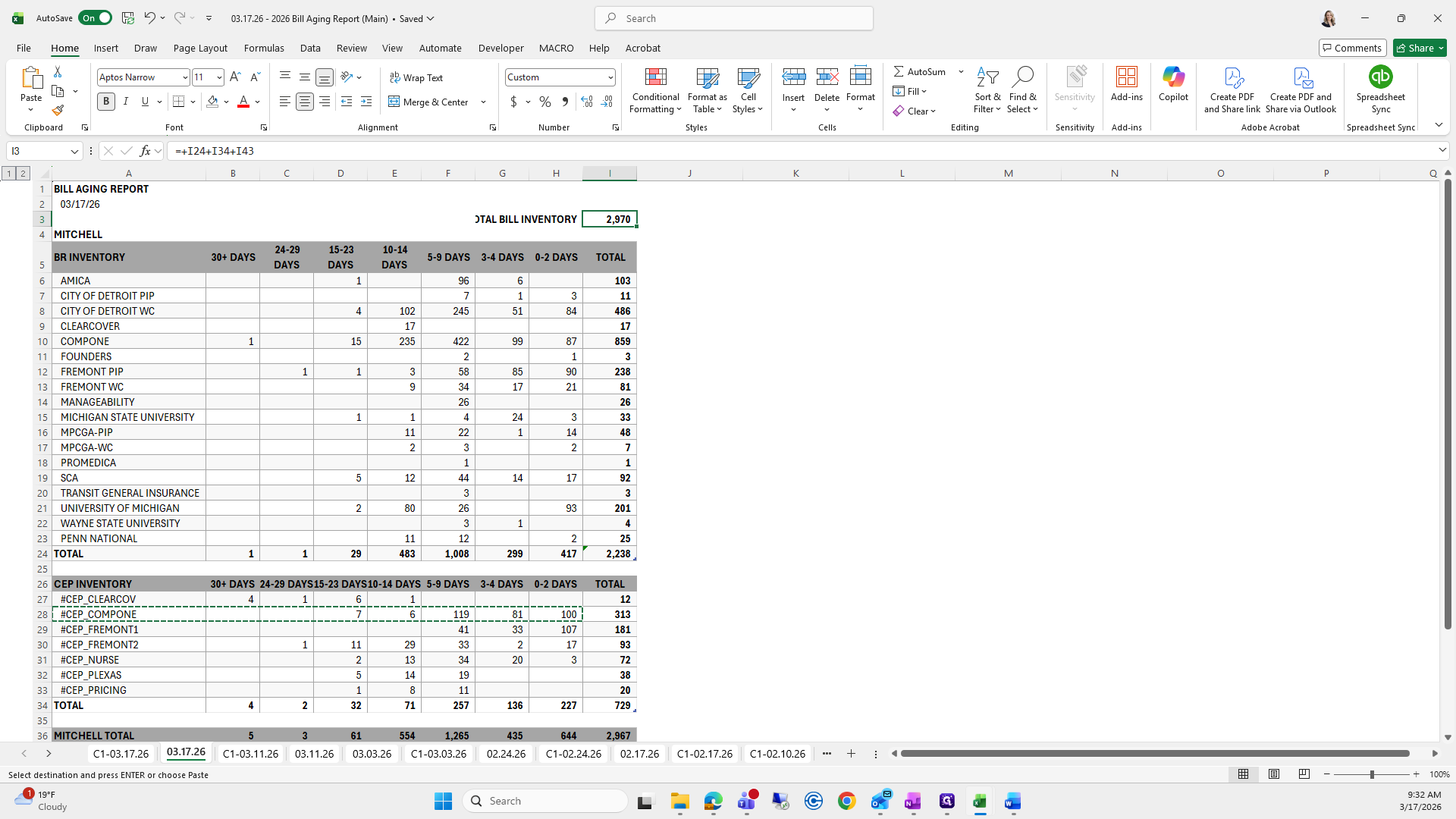
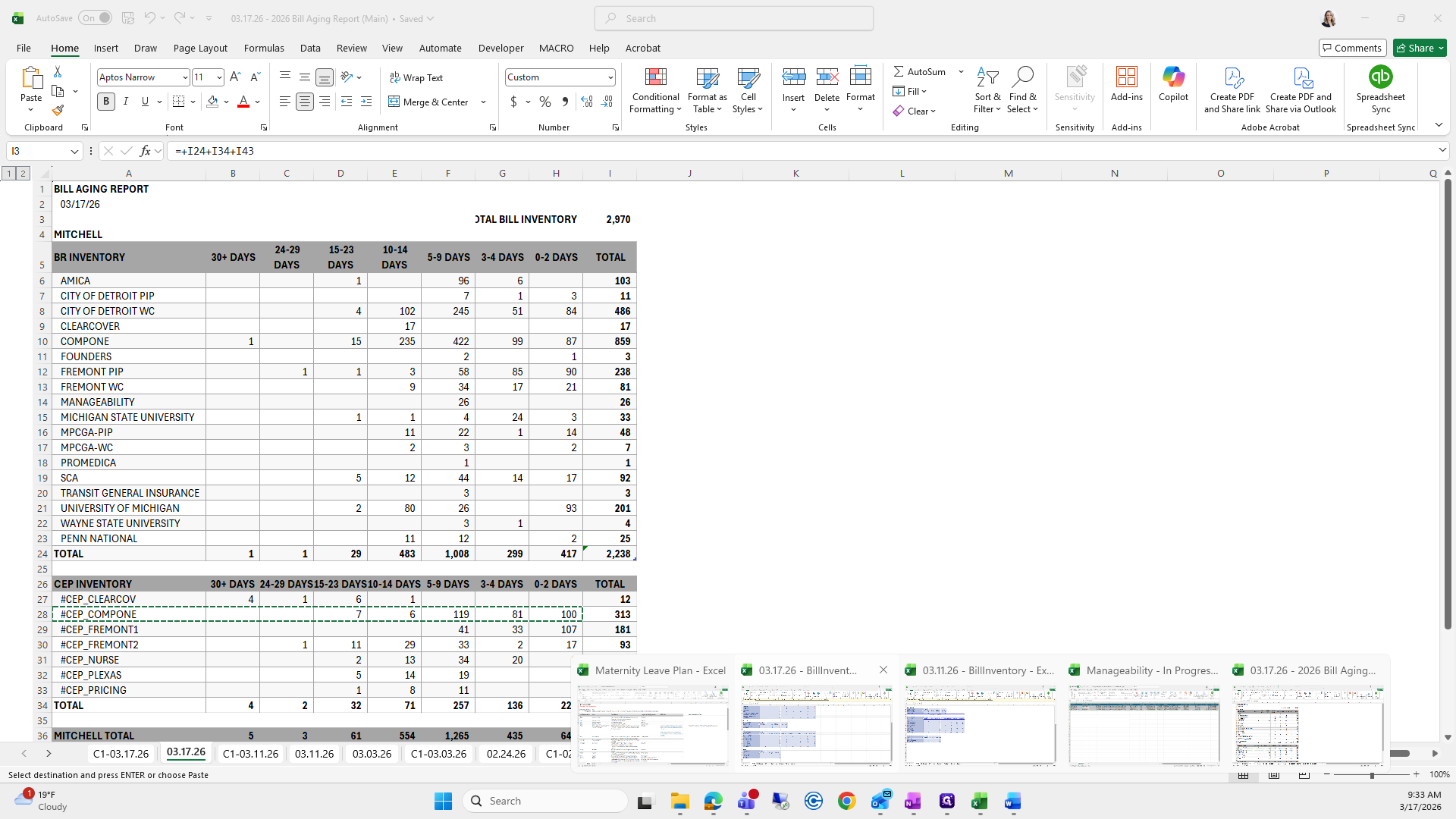
Let me go quickly, 3/17.
I usually do a total here.
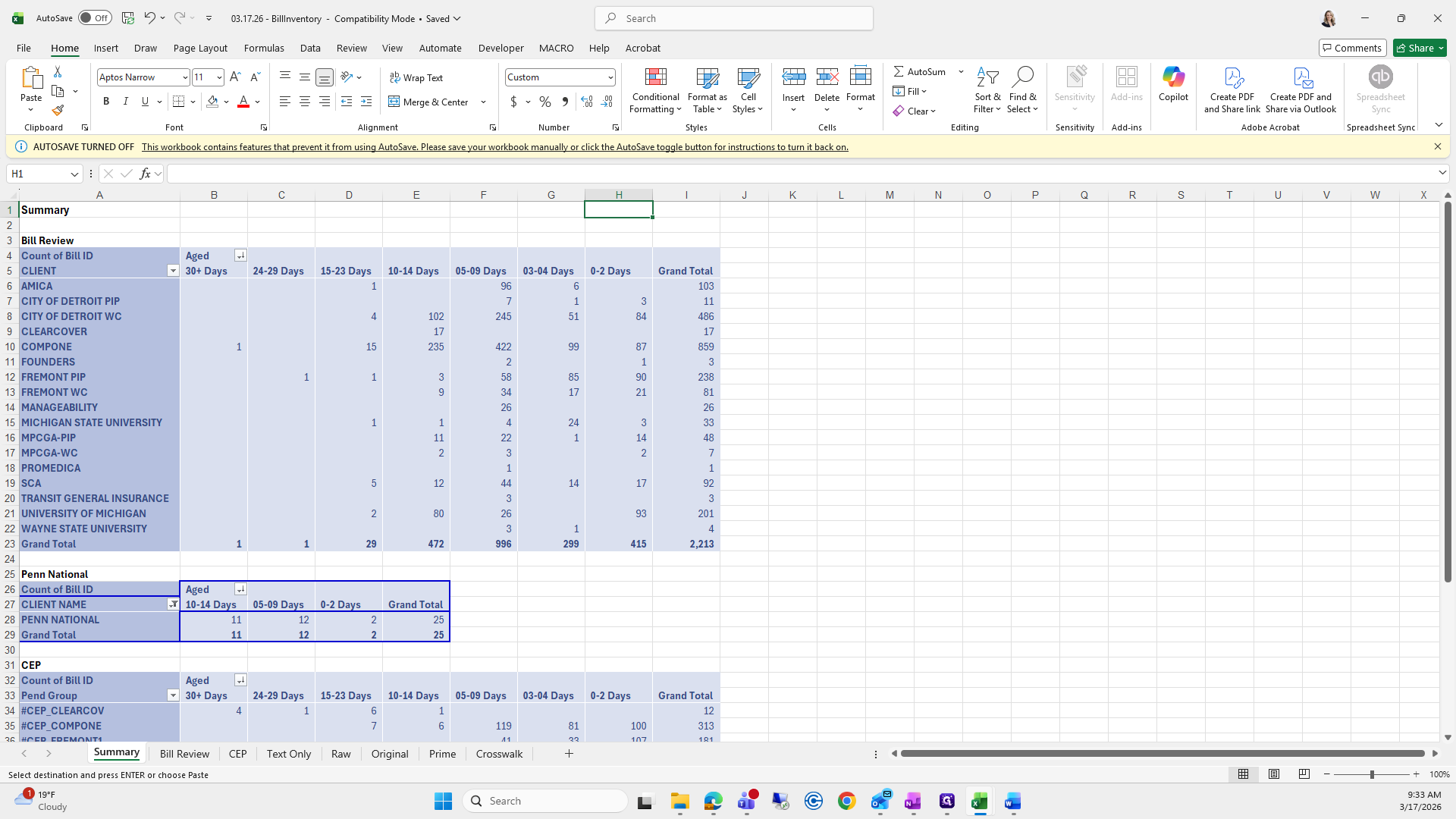
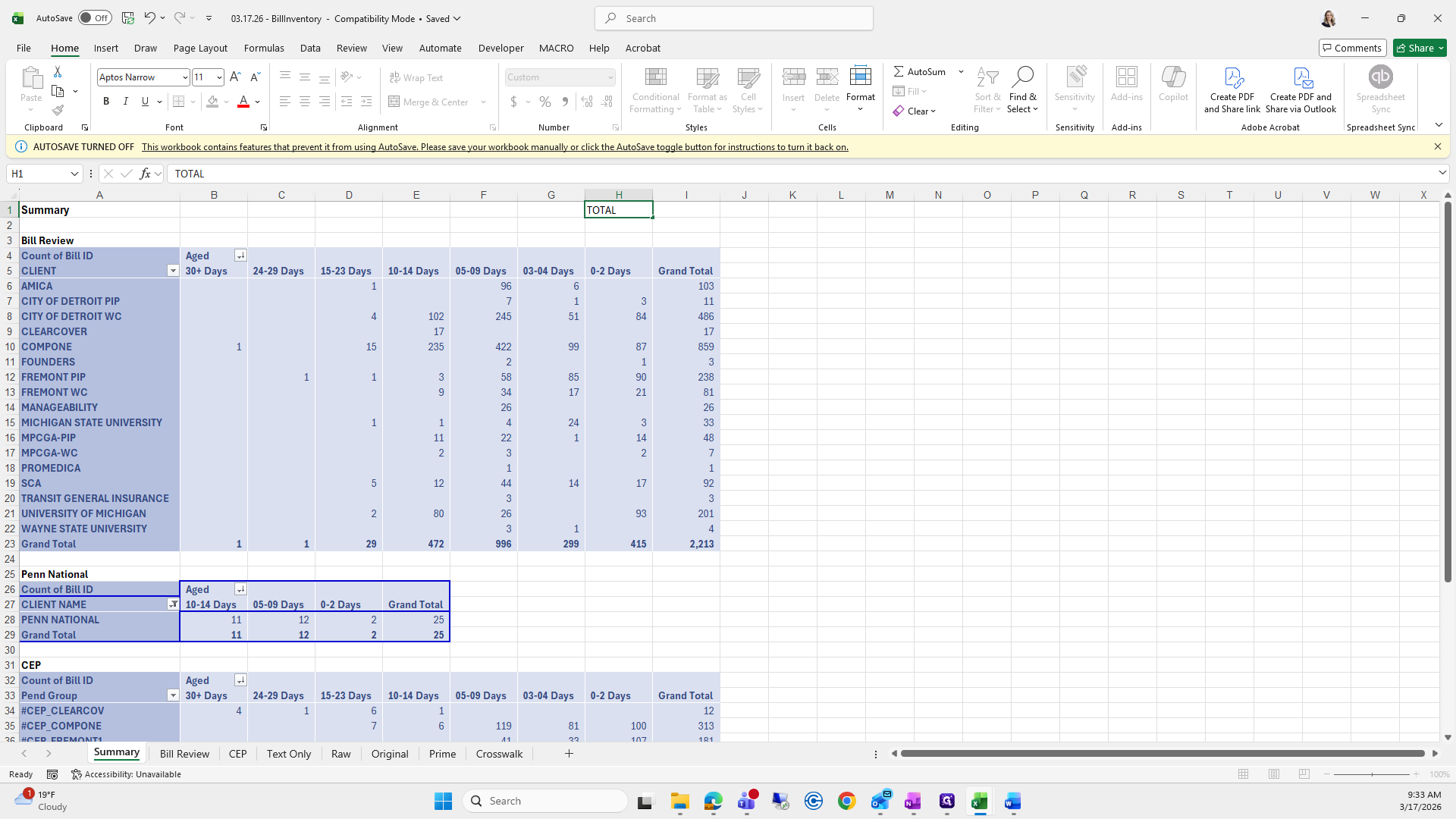
Then I'll add up all of these to keep track for checks and balances.
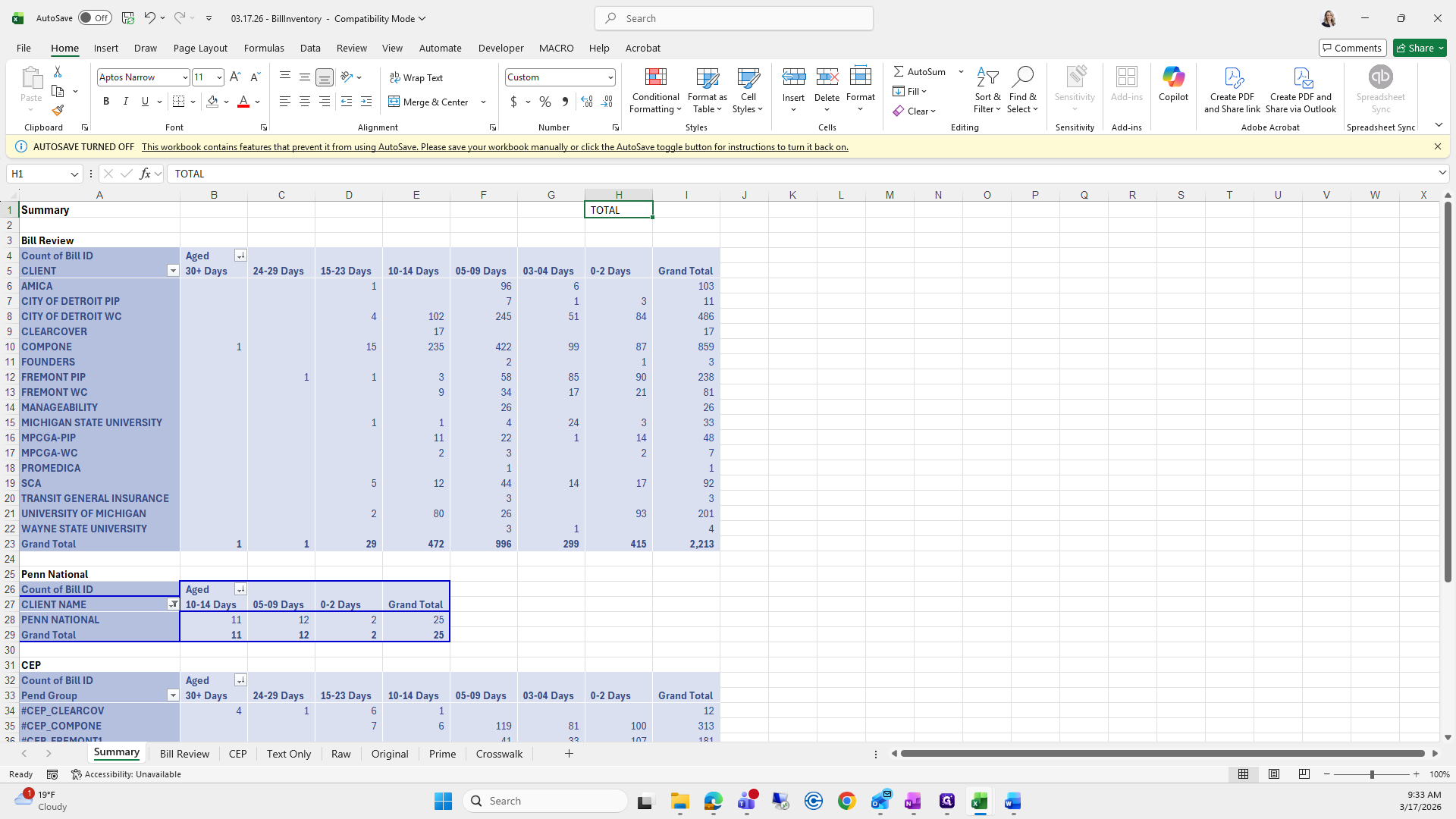
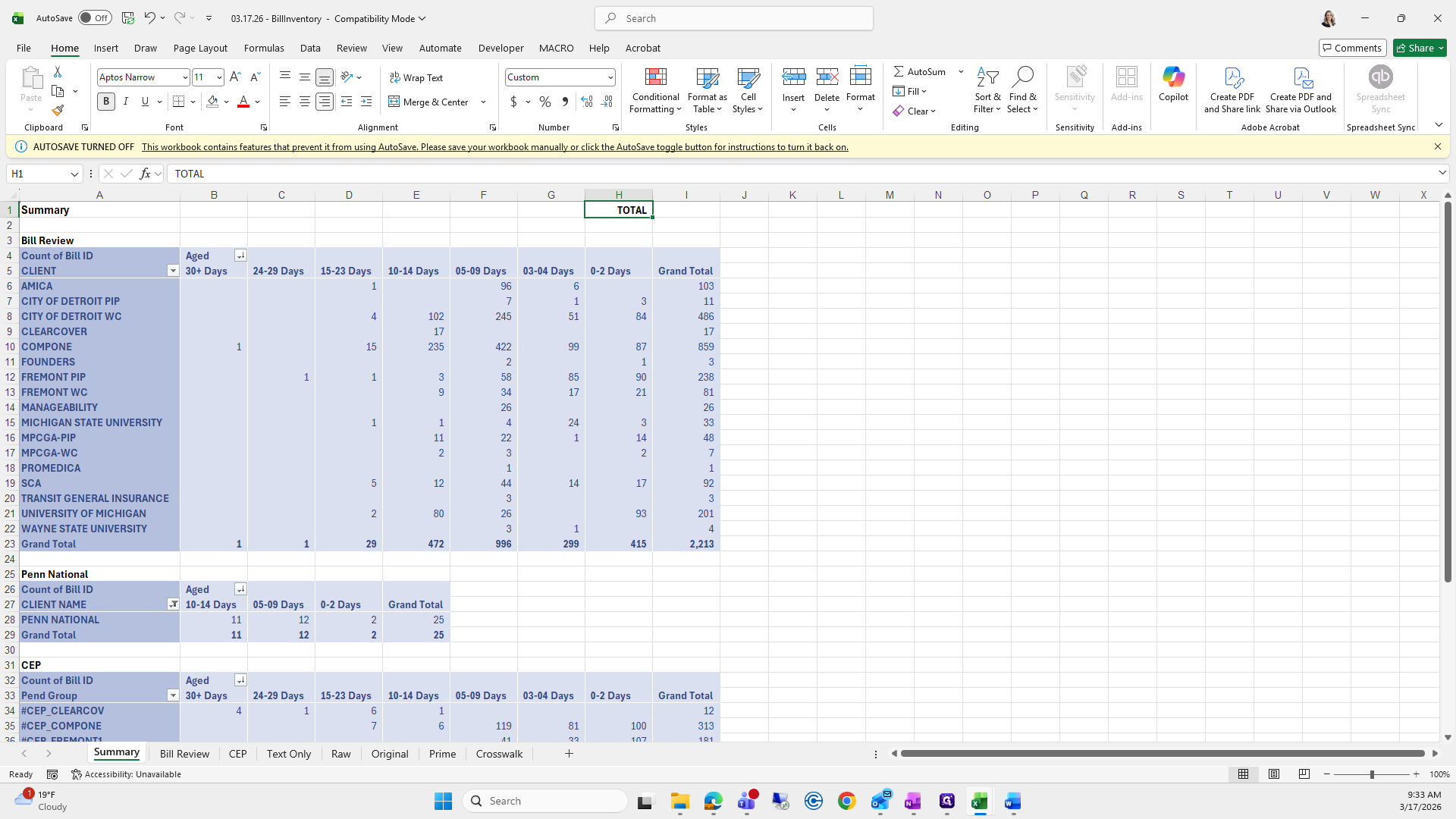
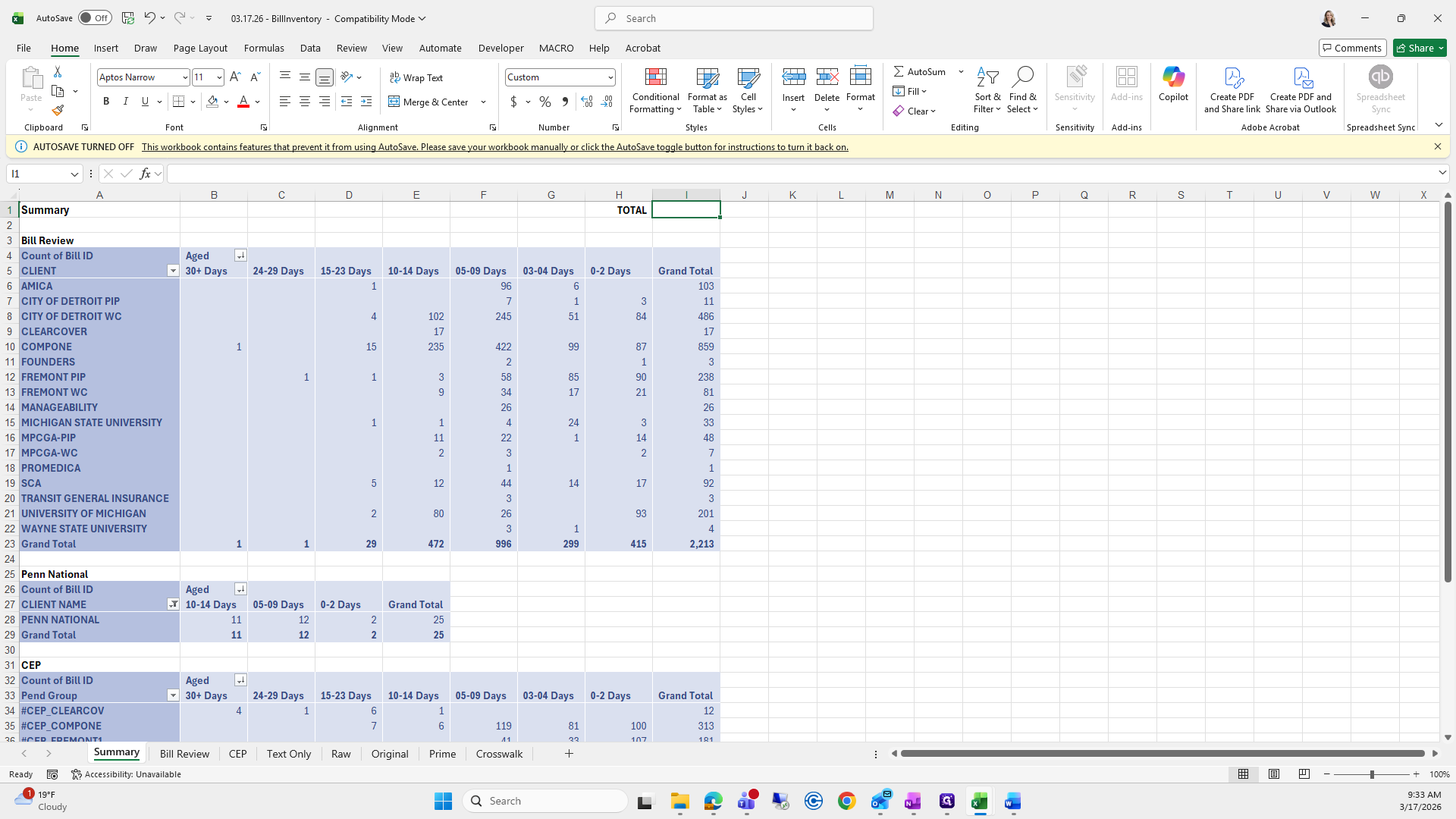
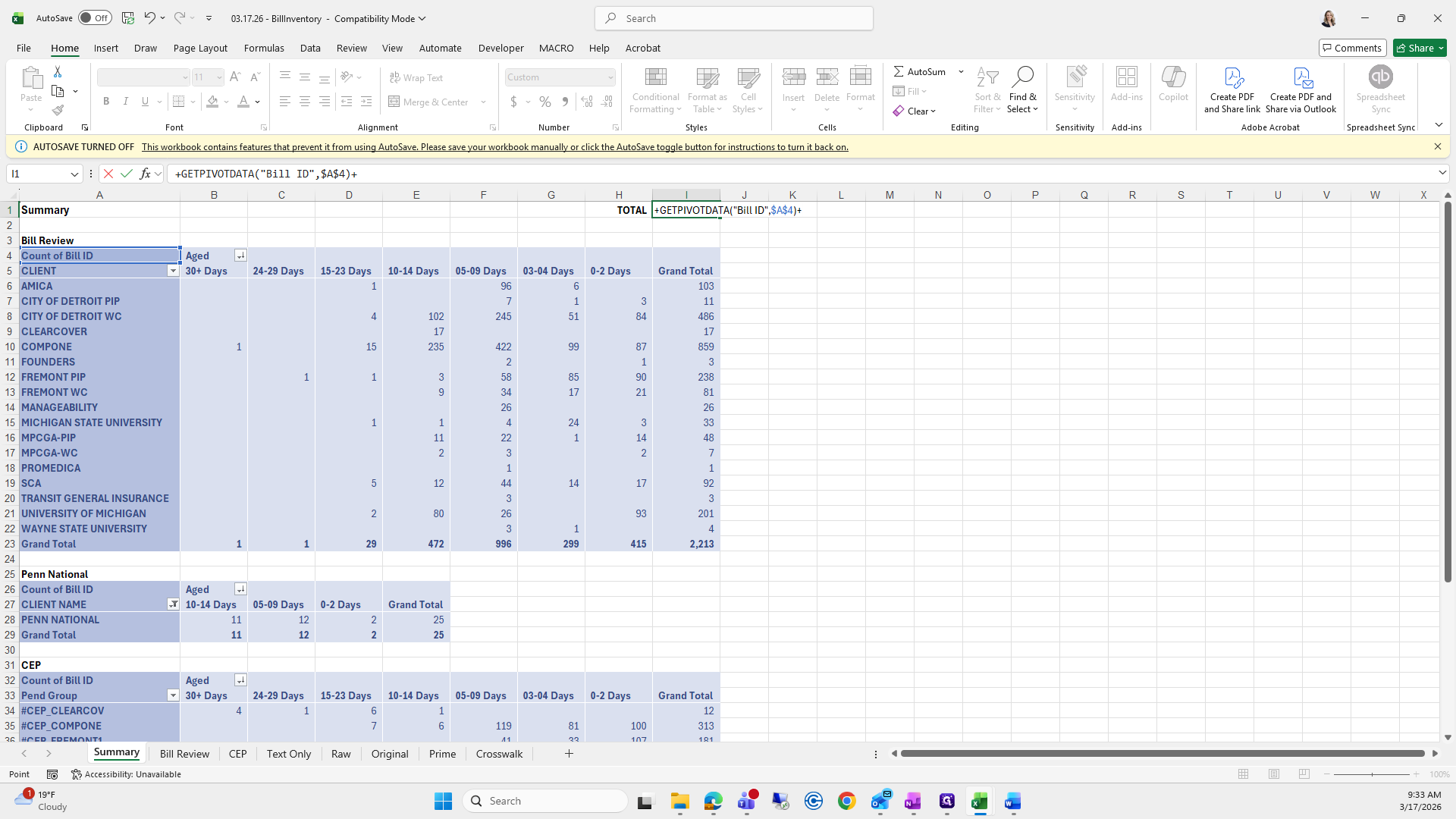
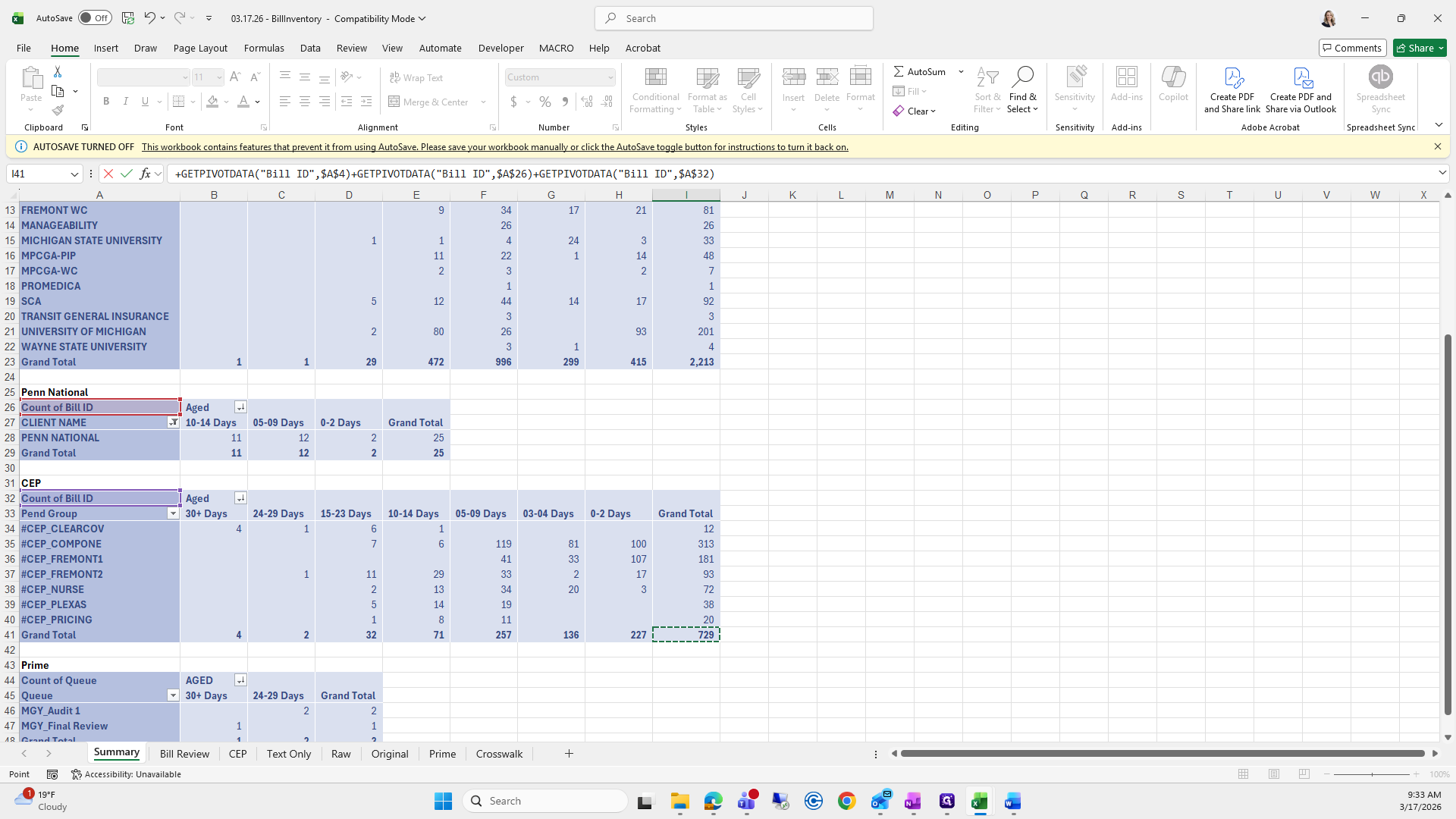
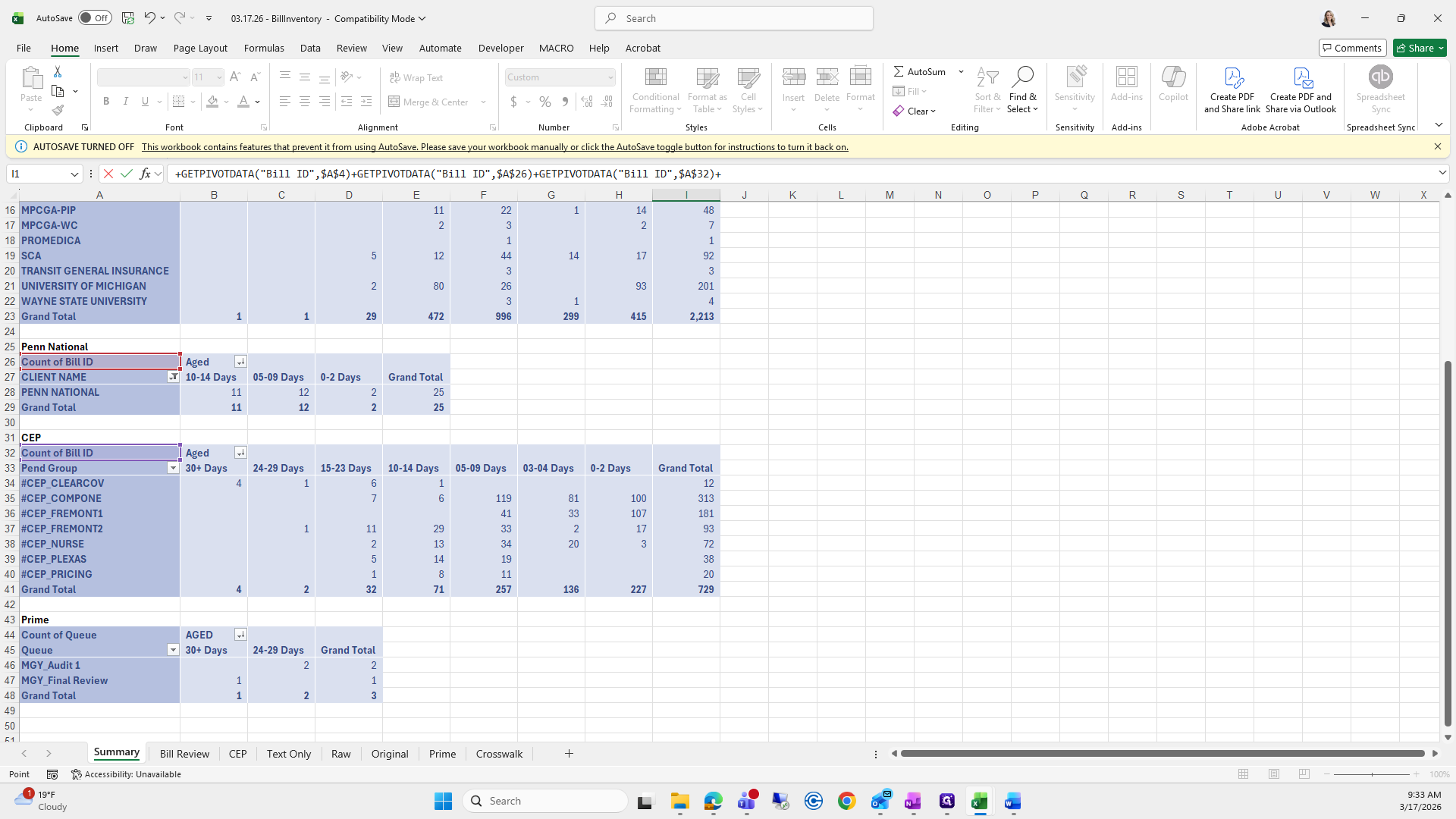
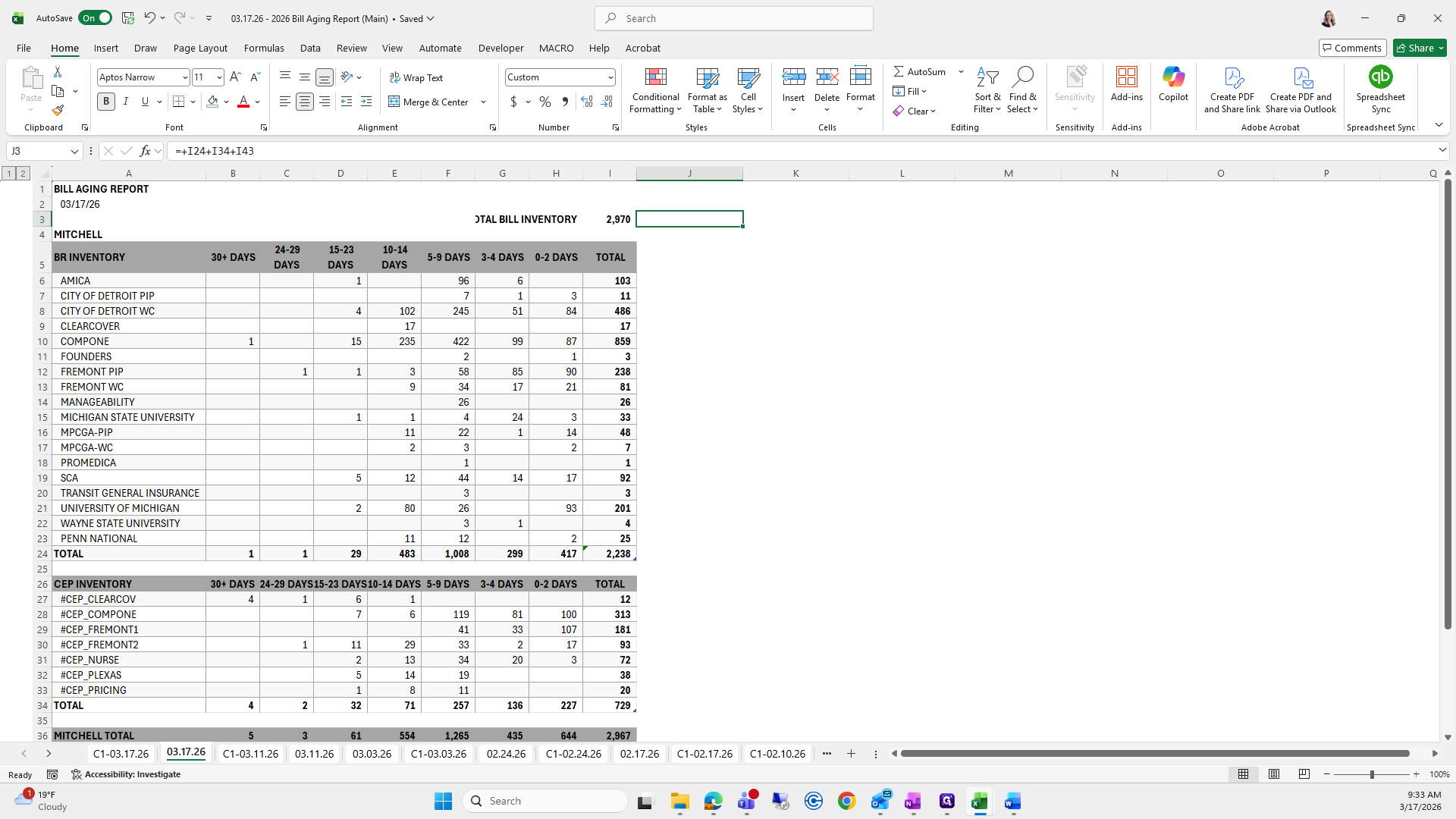
It's 29.70.
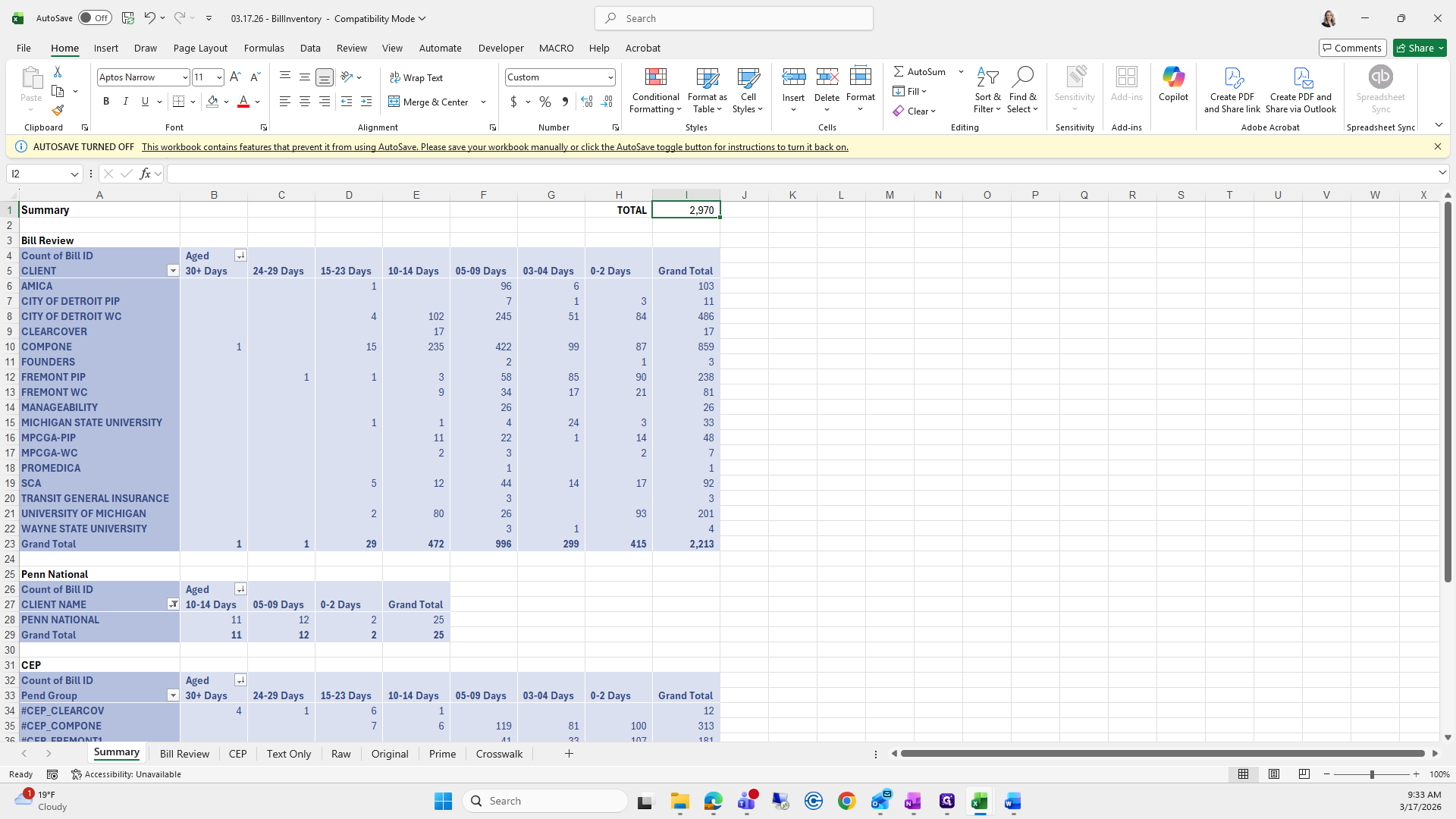
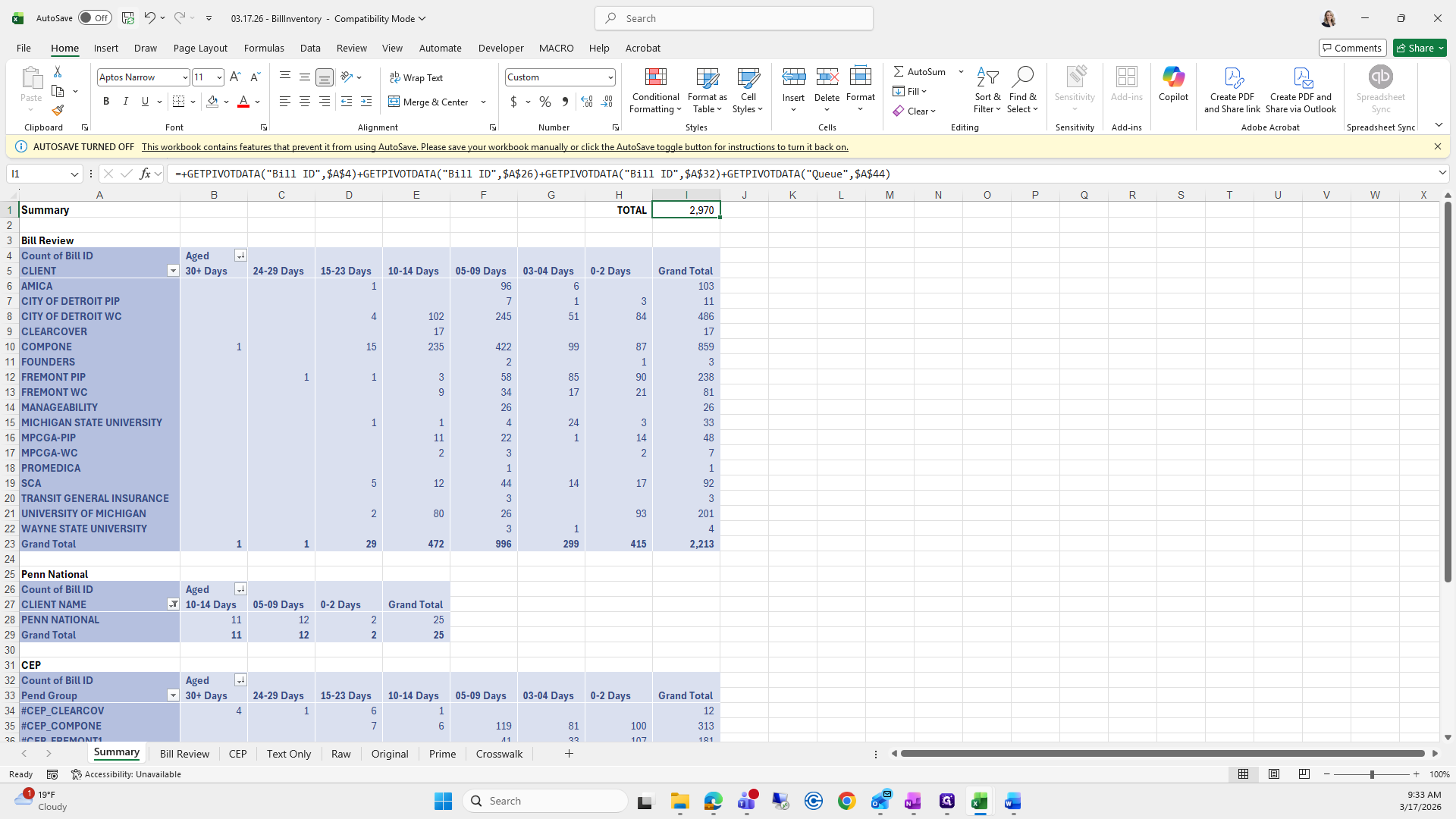
Save that.
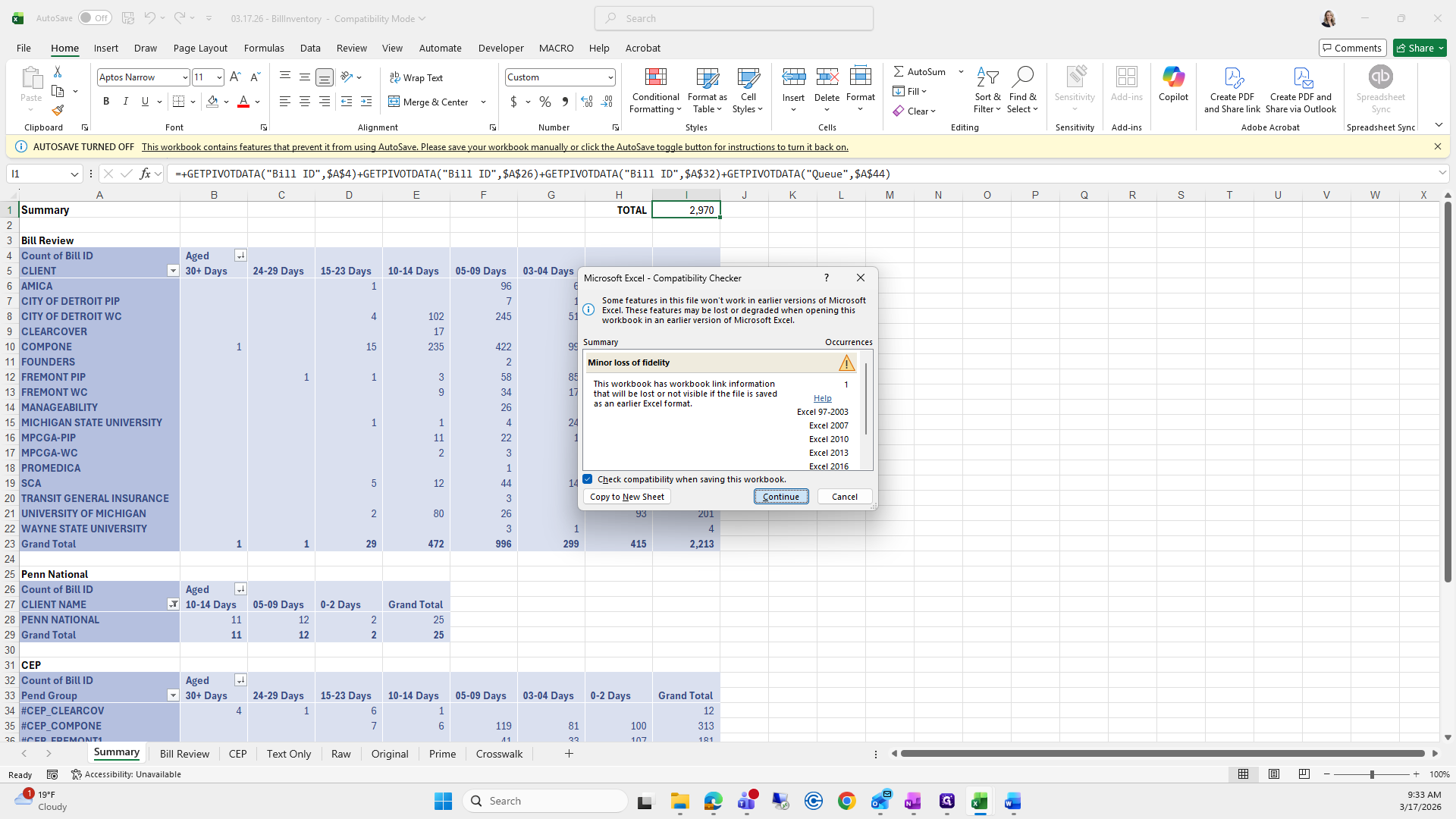
This is also 29.70, and that looks good.
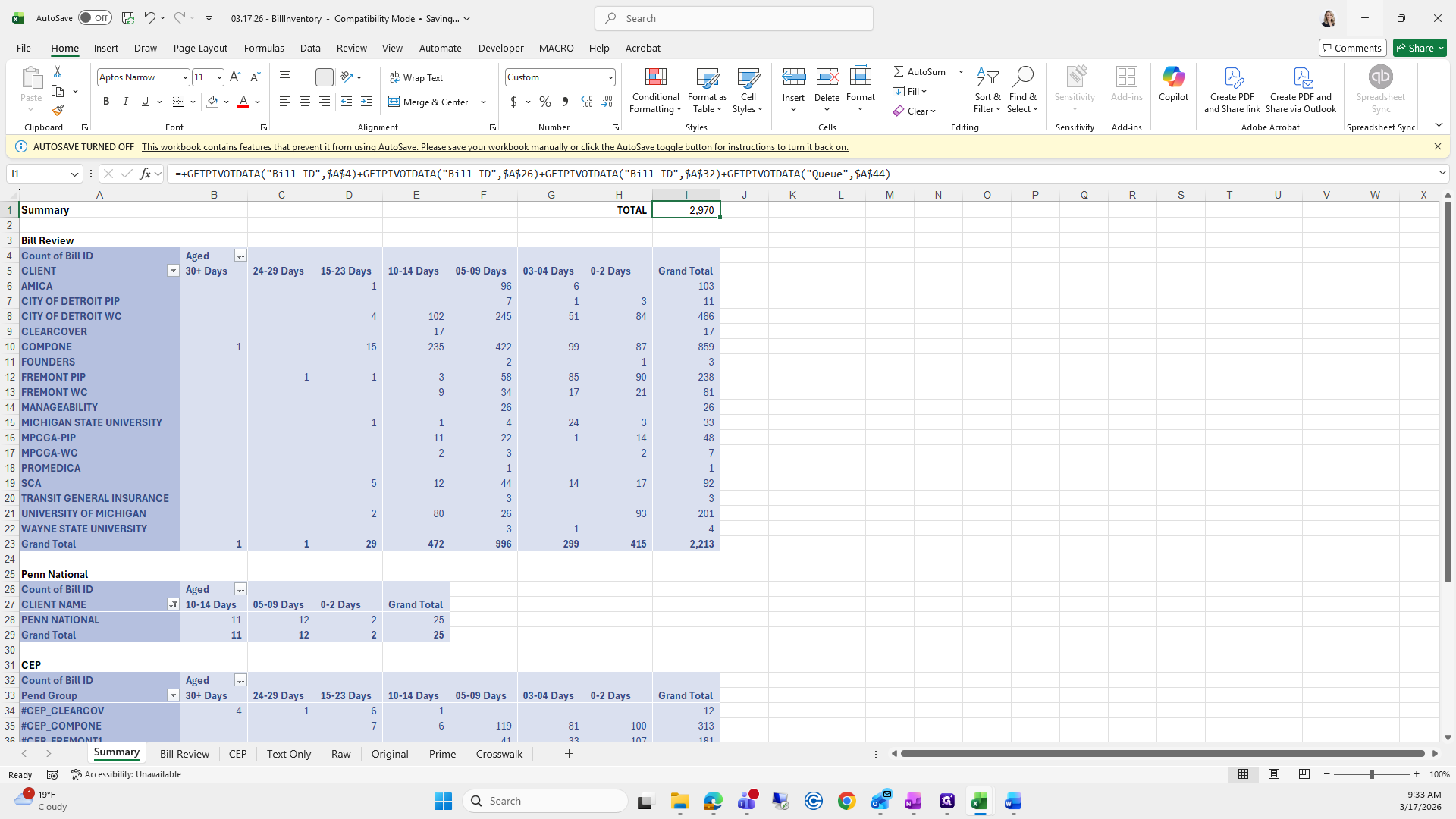
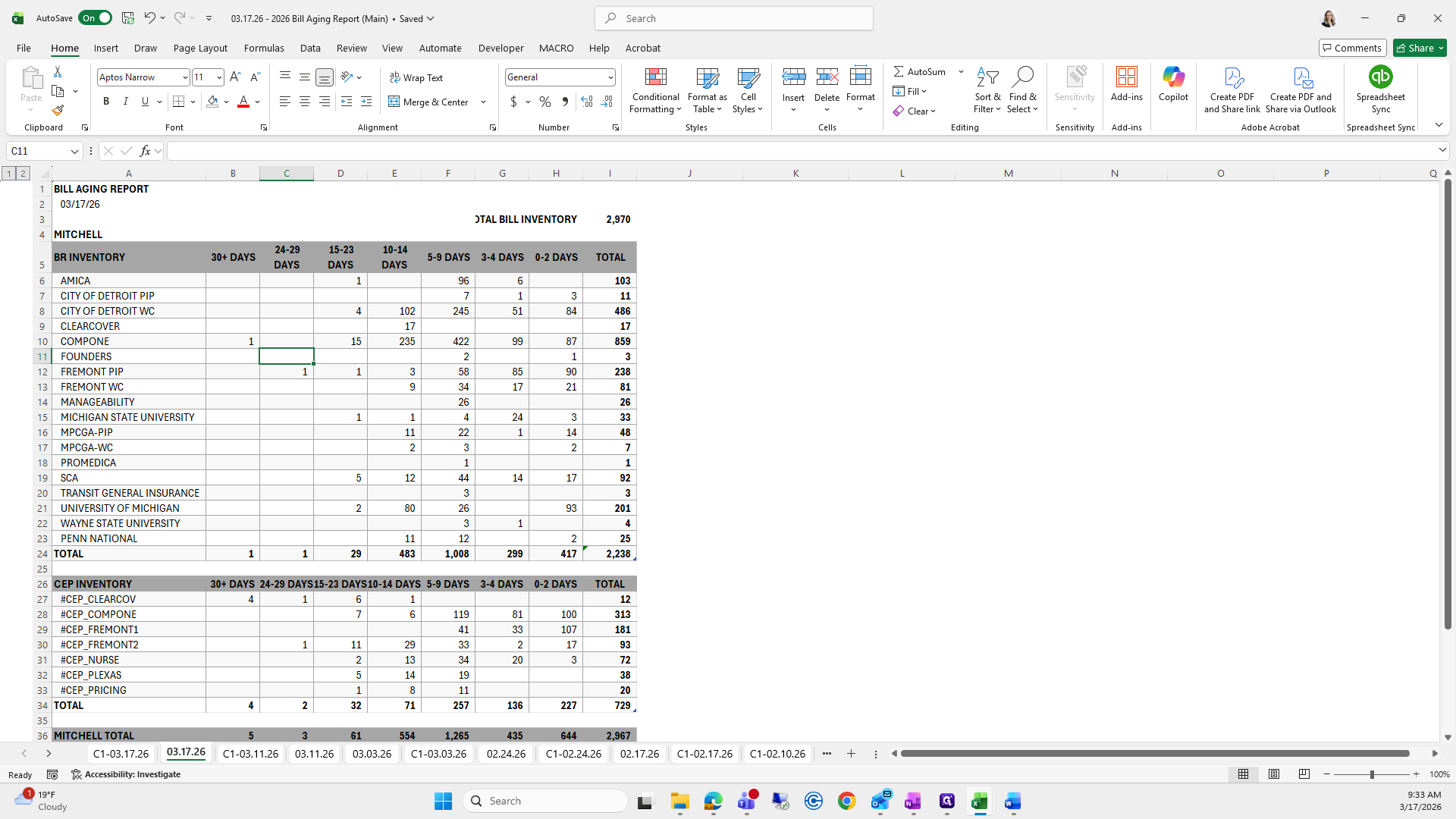
Next, we will save this as a PDF.
Let me see if I can save it.
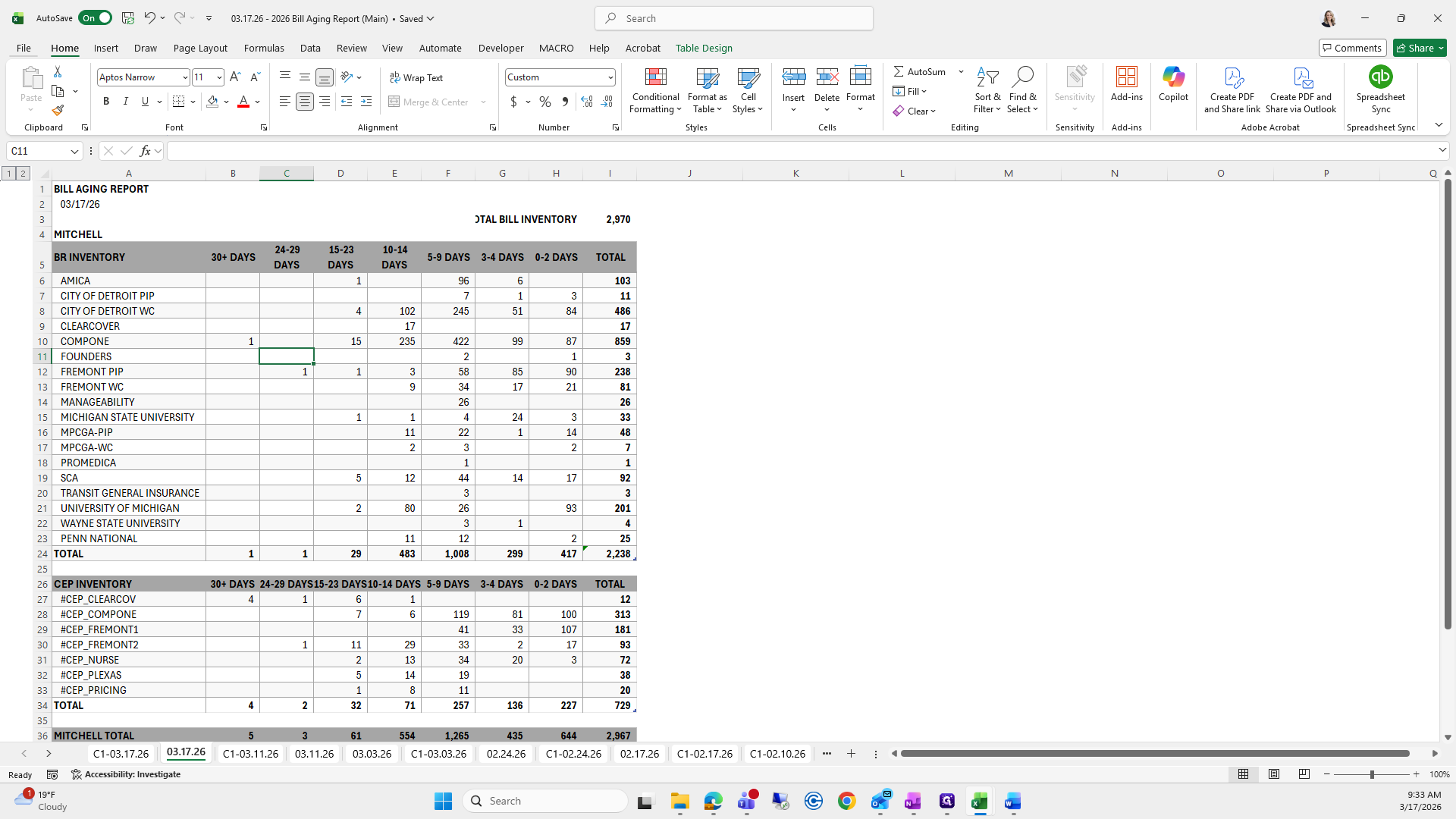
Save a copy on your PC and switch to PDF.
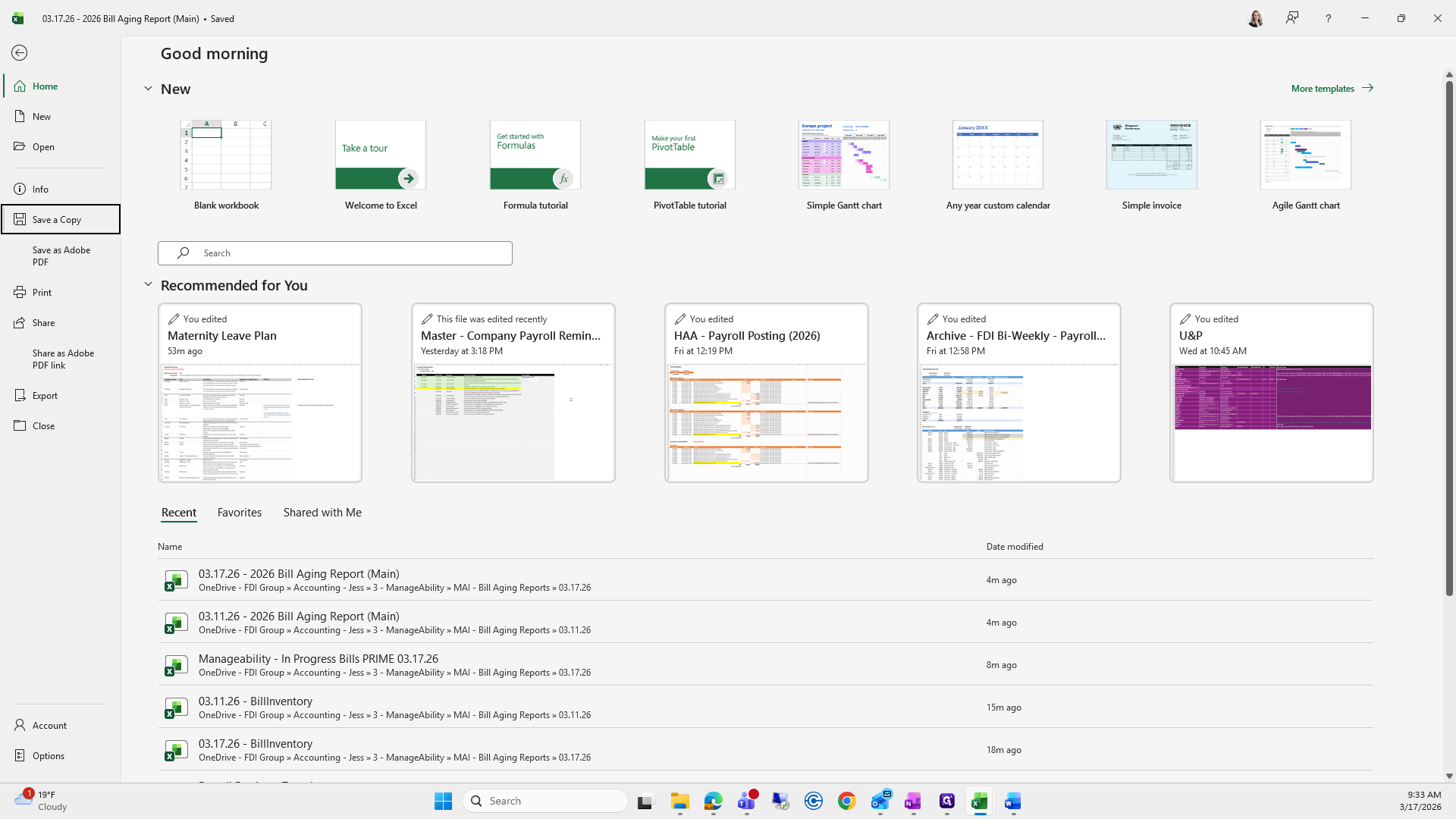
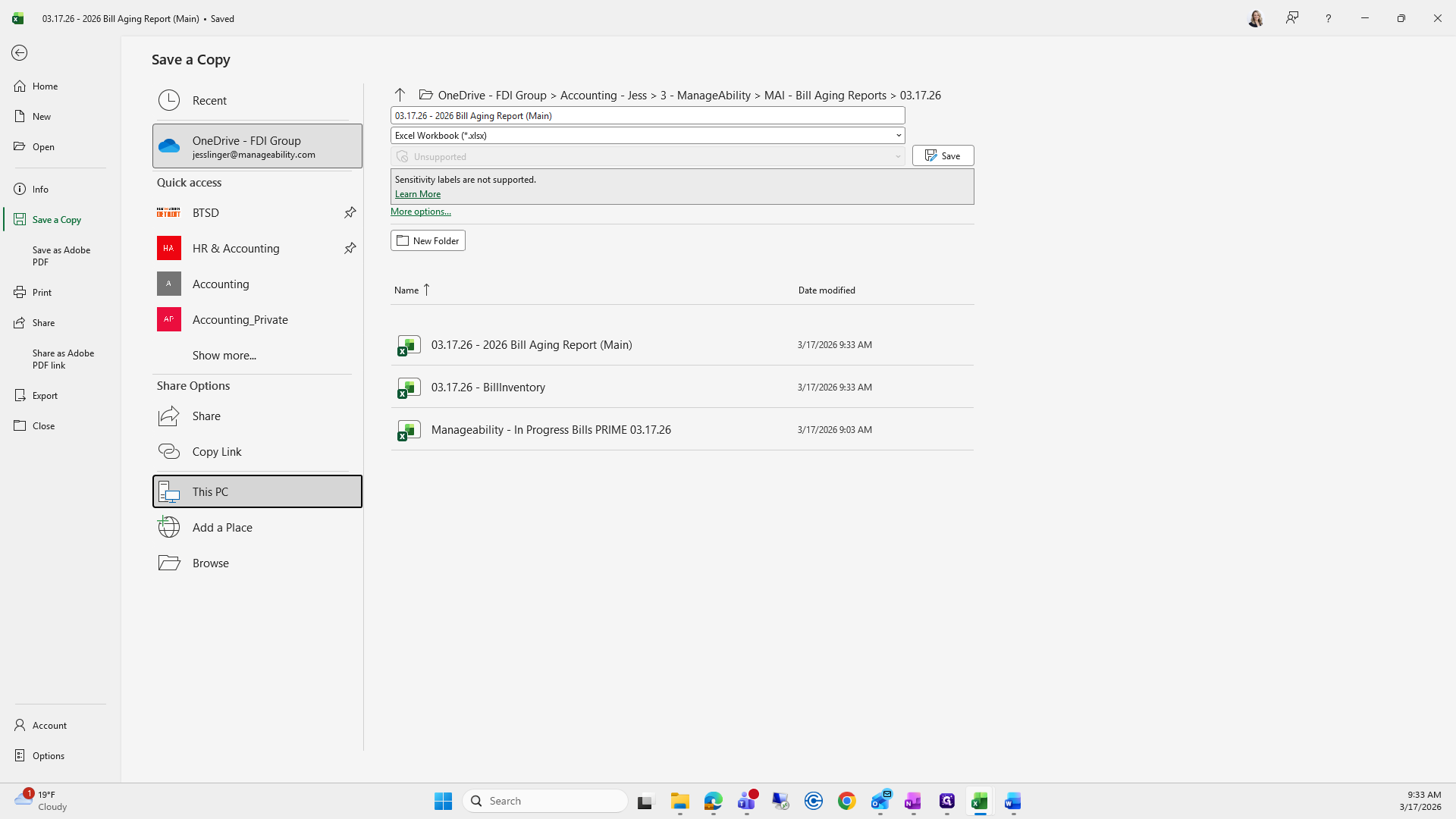
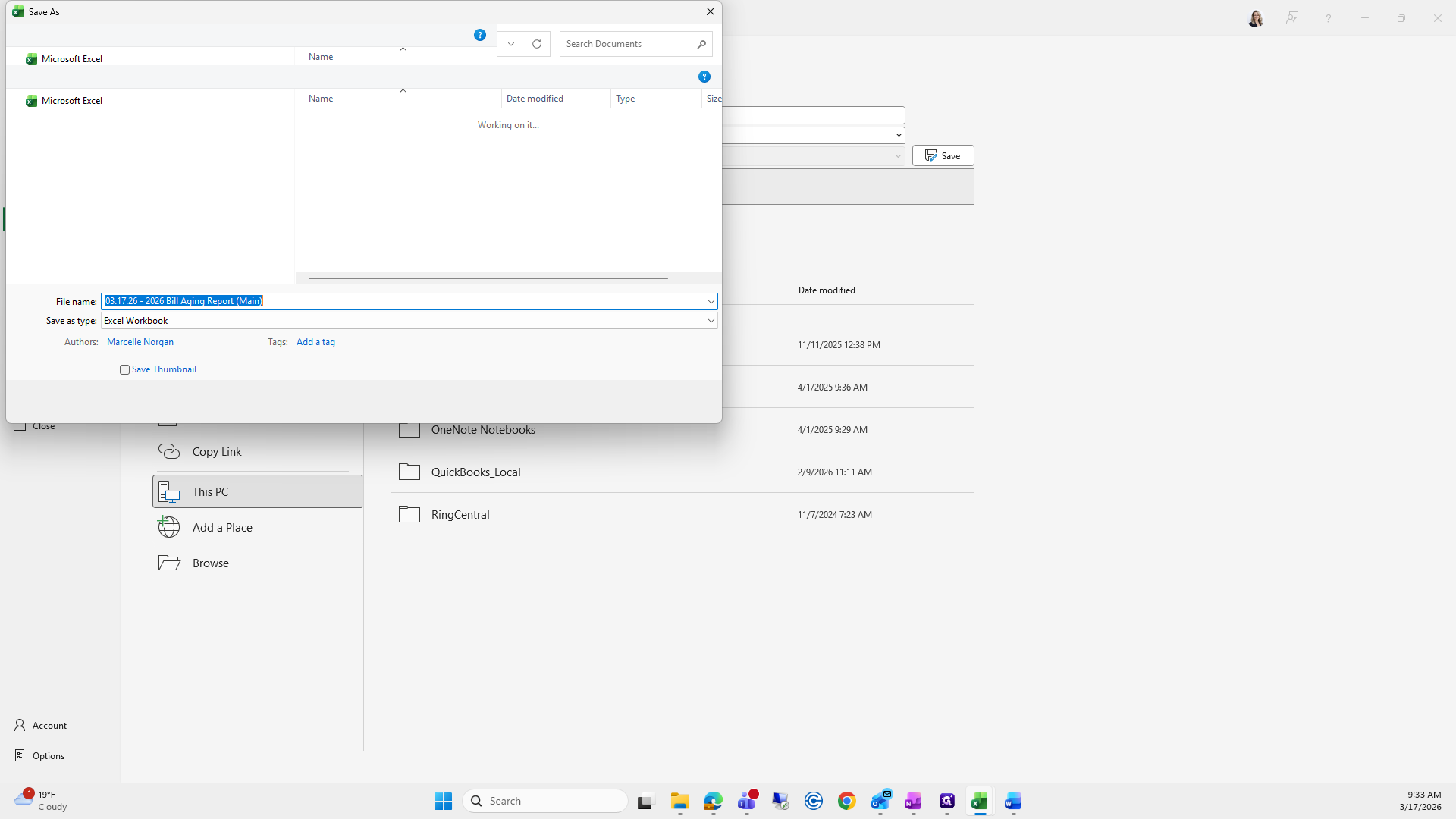
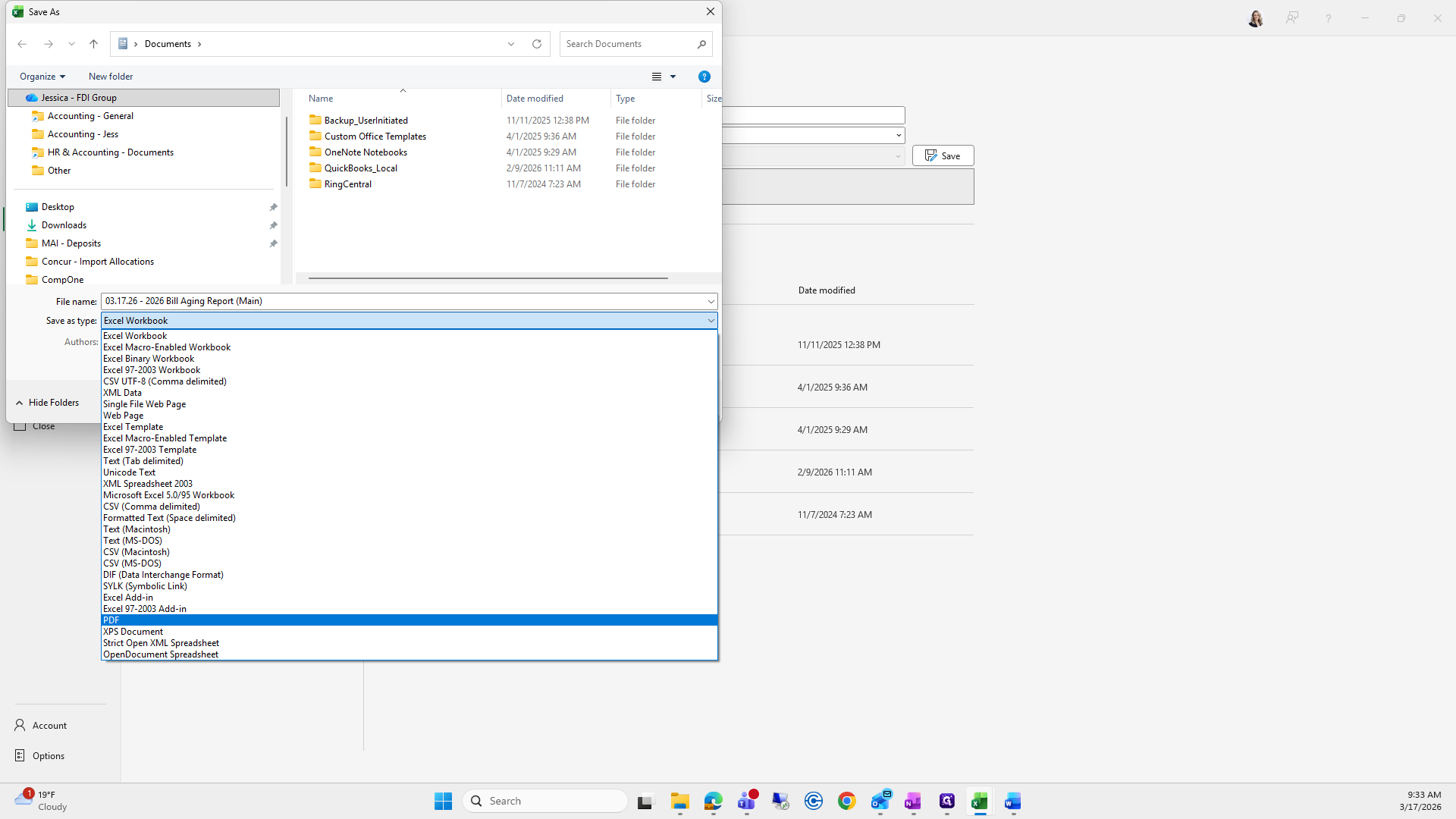
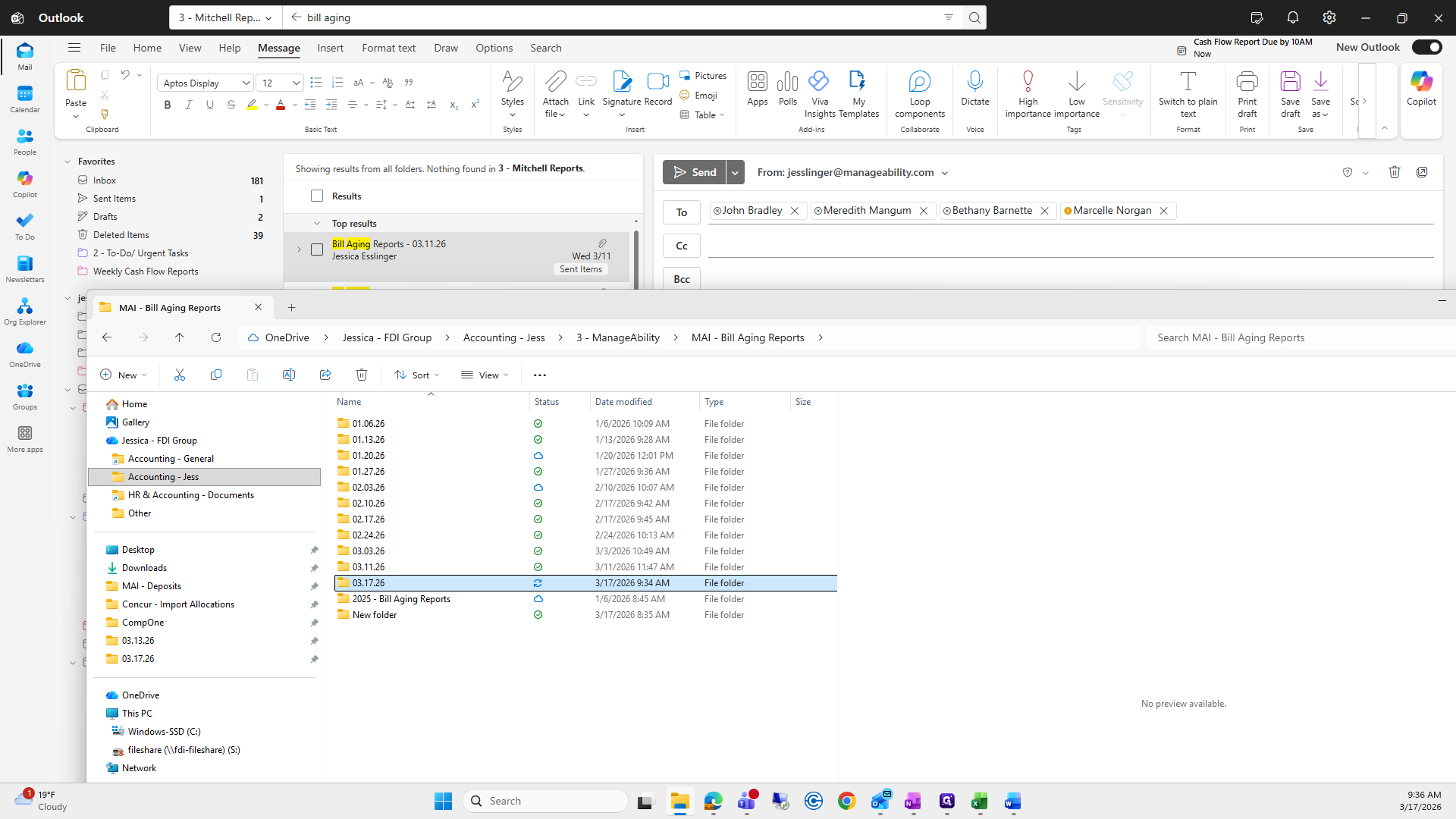
We will go to the folder we were just in.
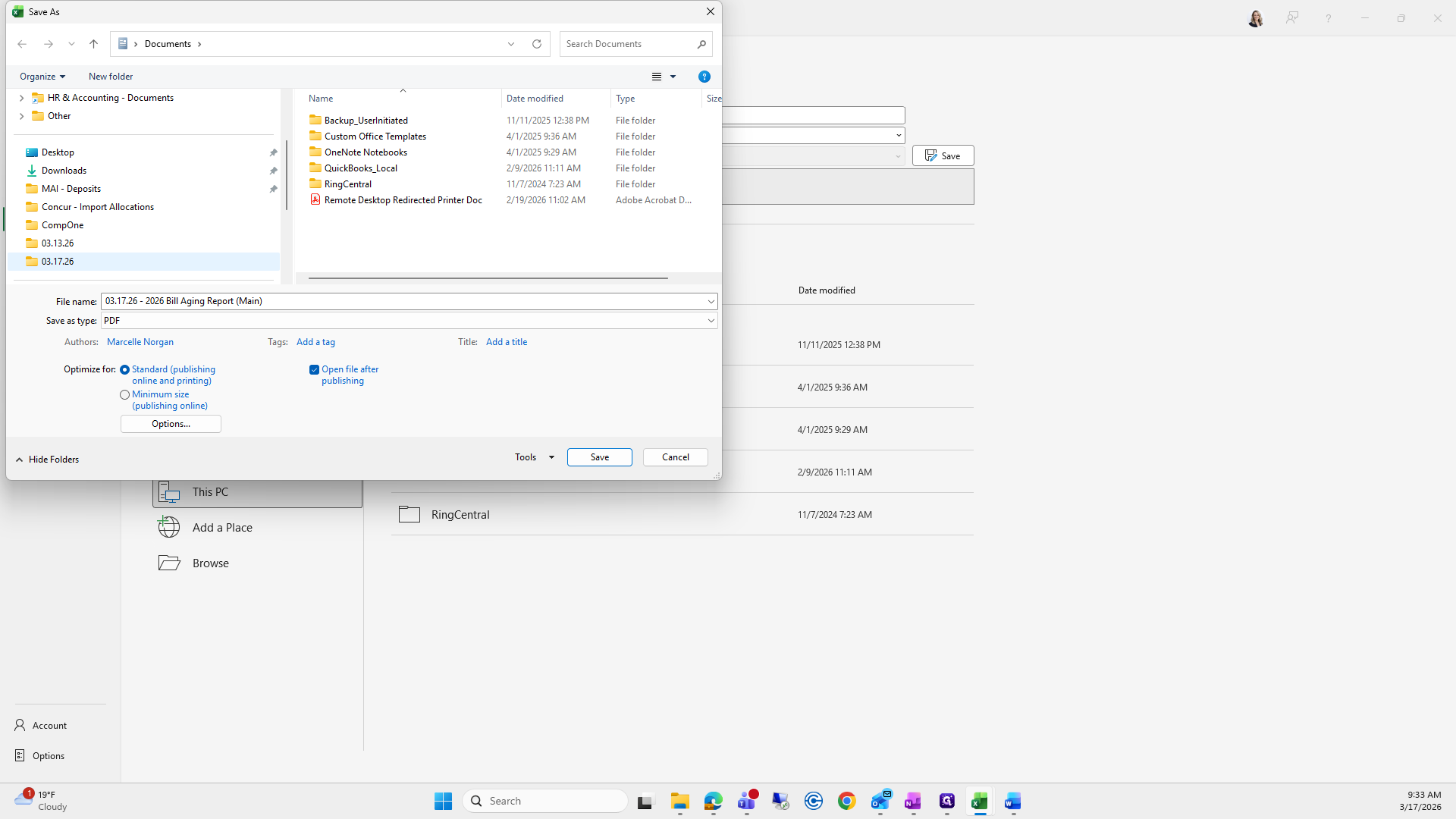
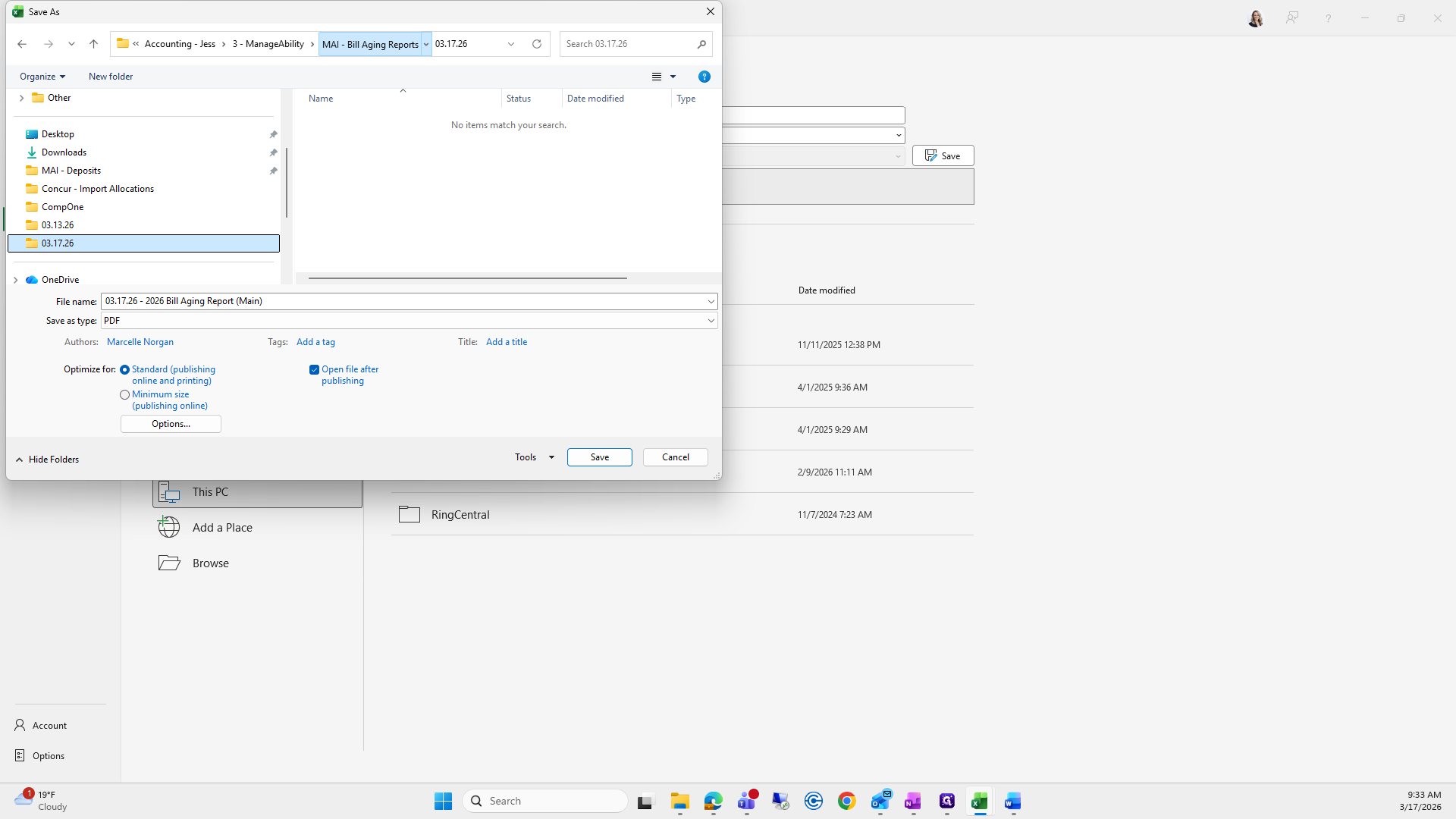
I can't remember which one I grabbed. This was a difficult part of the video.
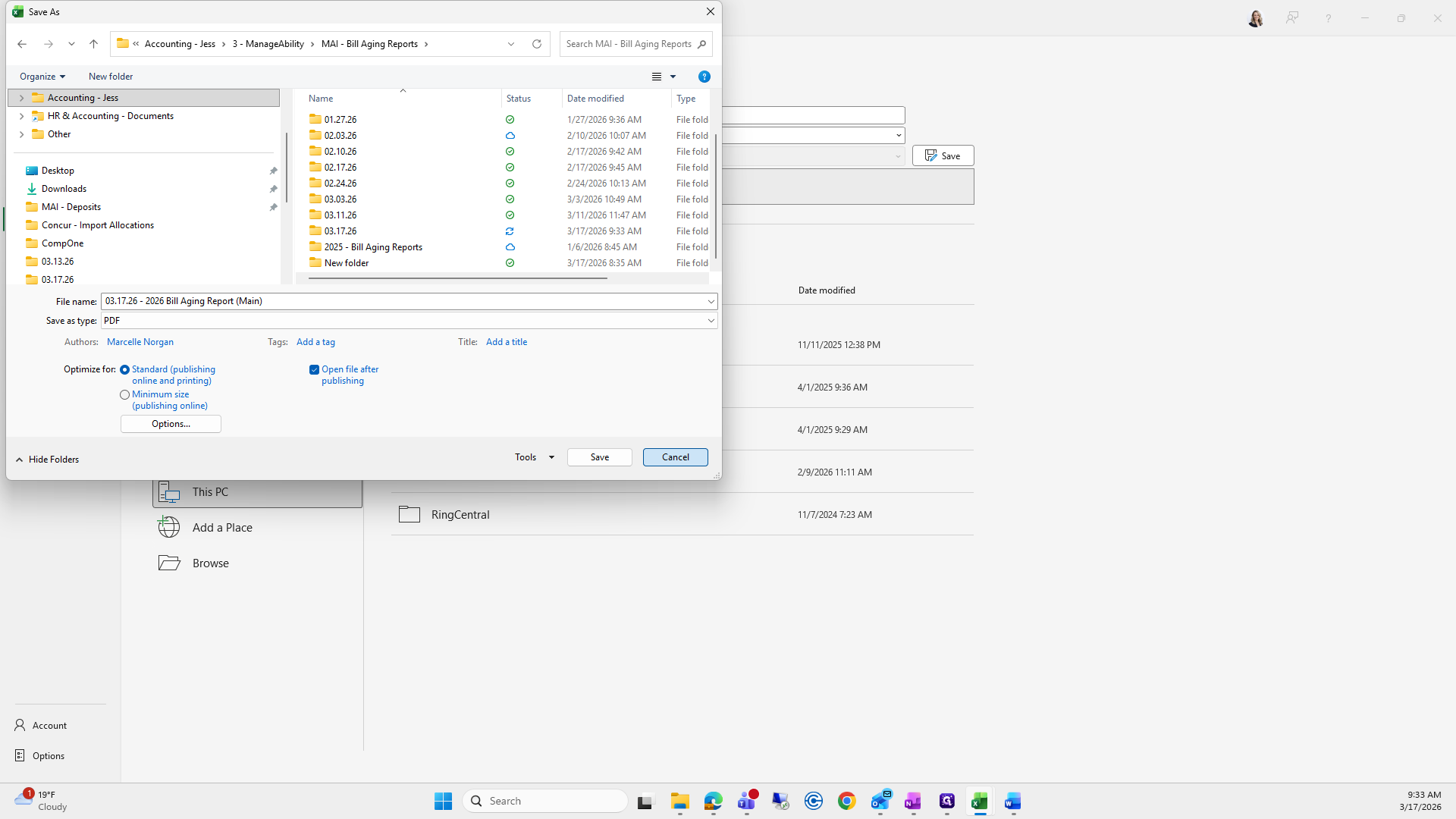
This is the bill aging report. We will try to save it again.
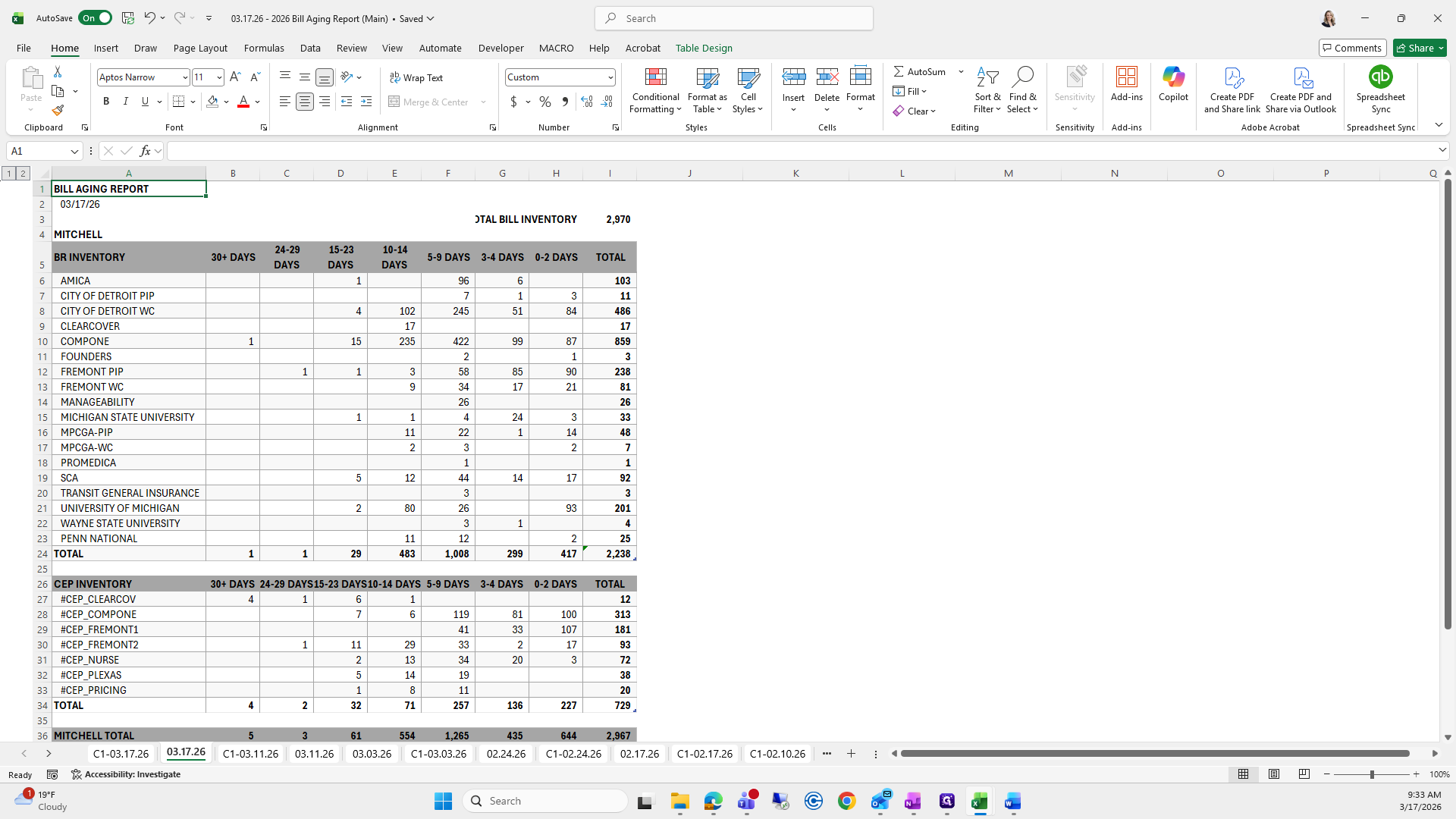
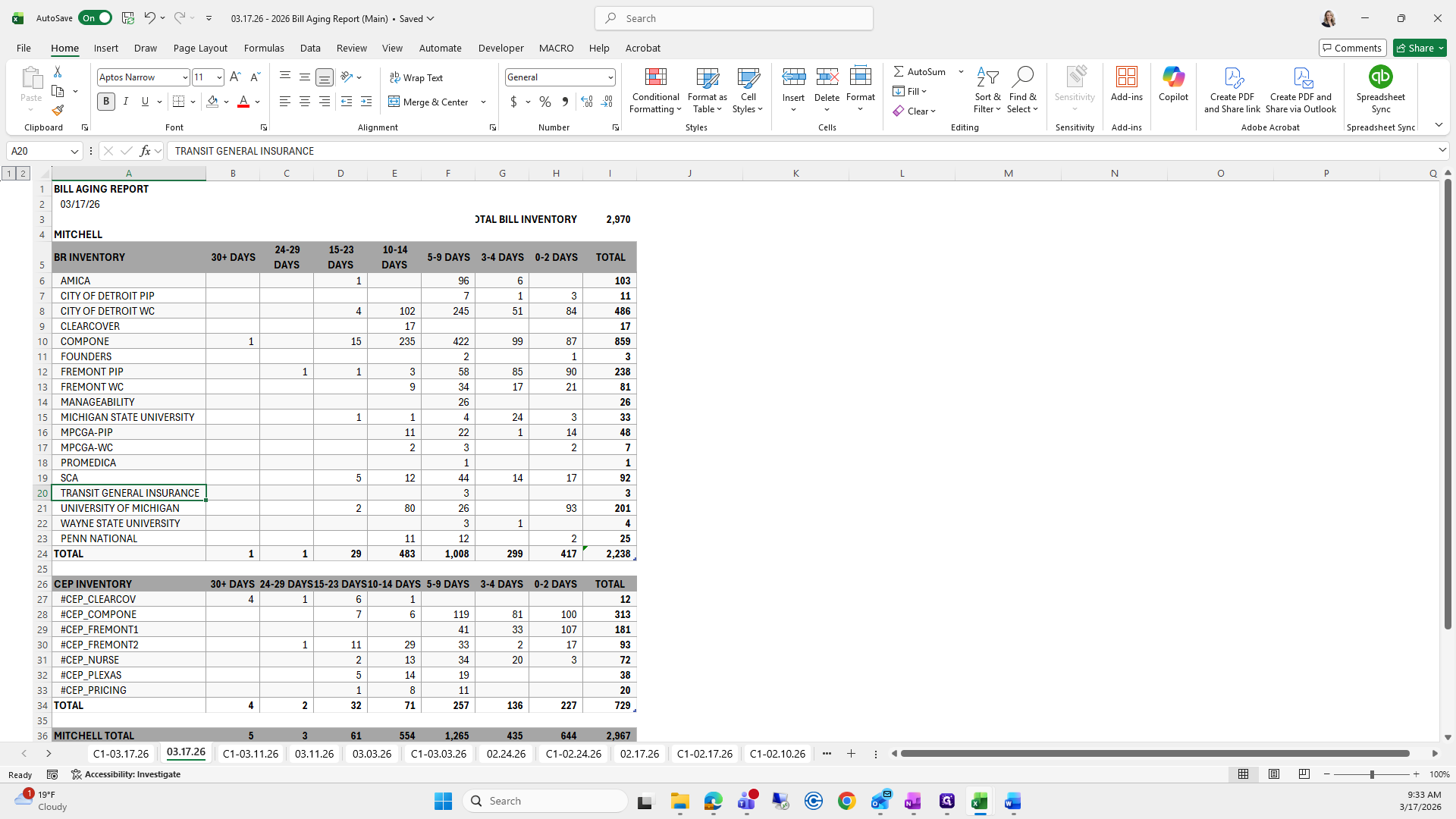
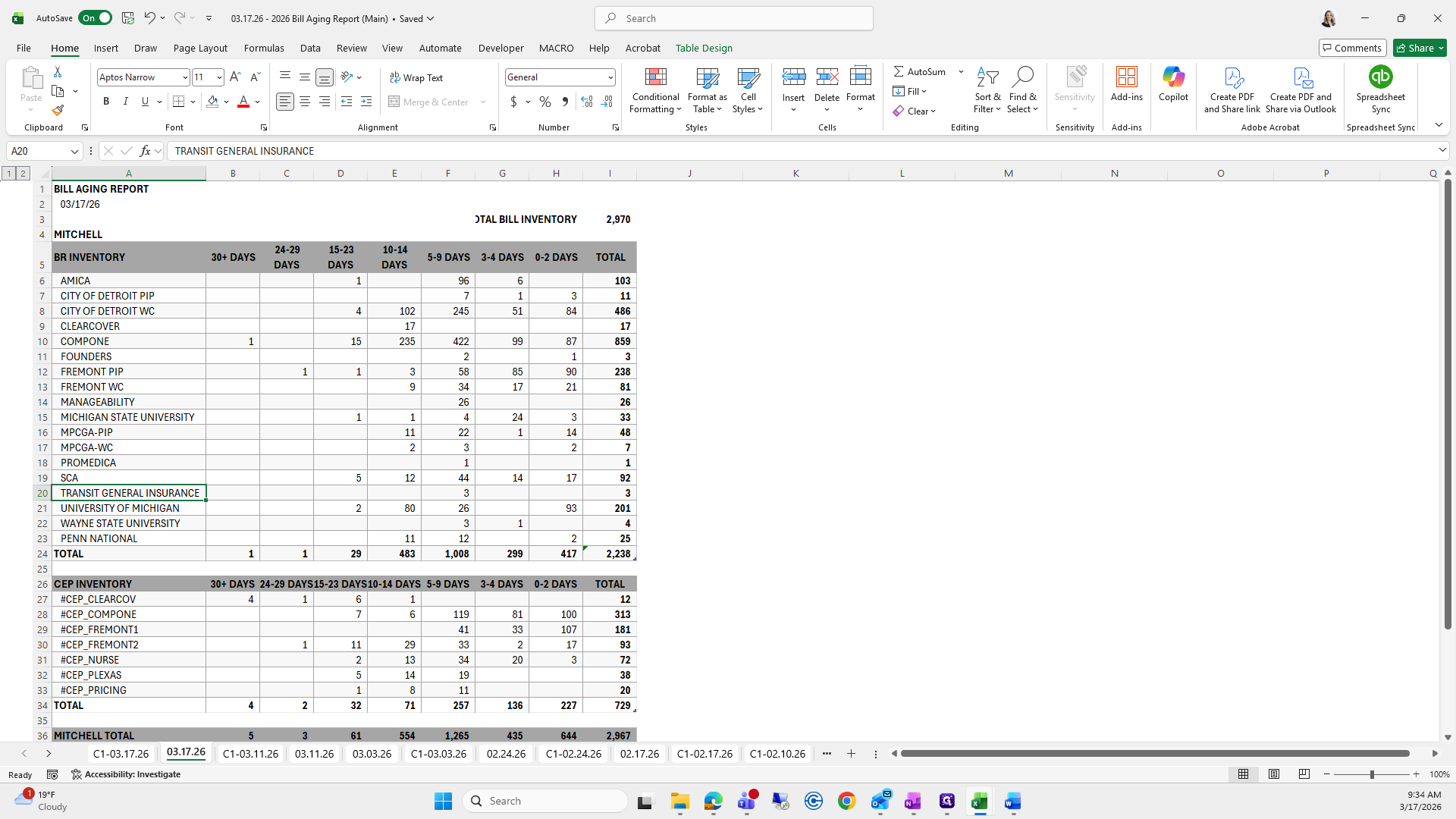
Now we will proceed.
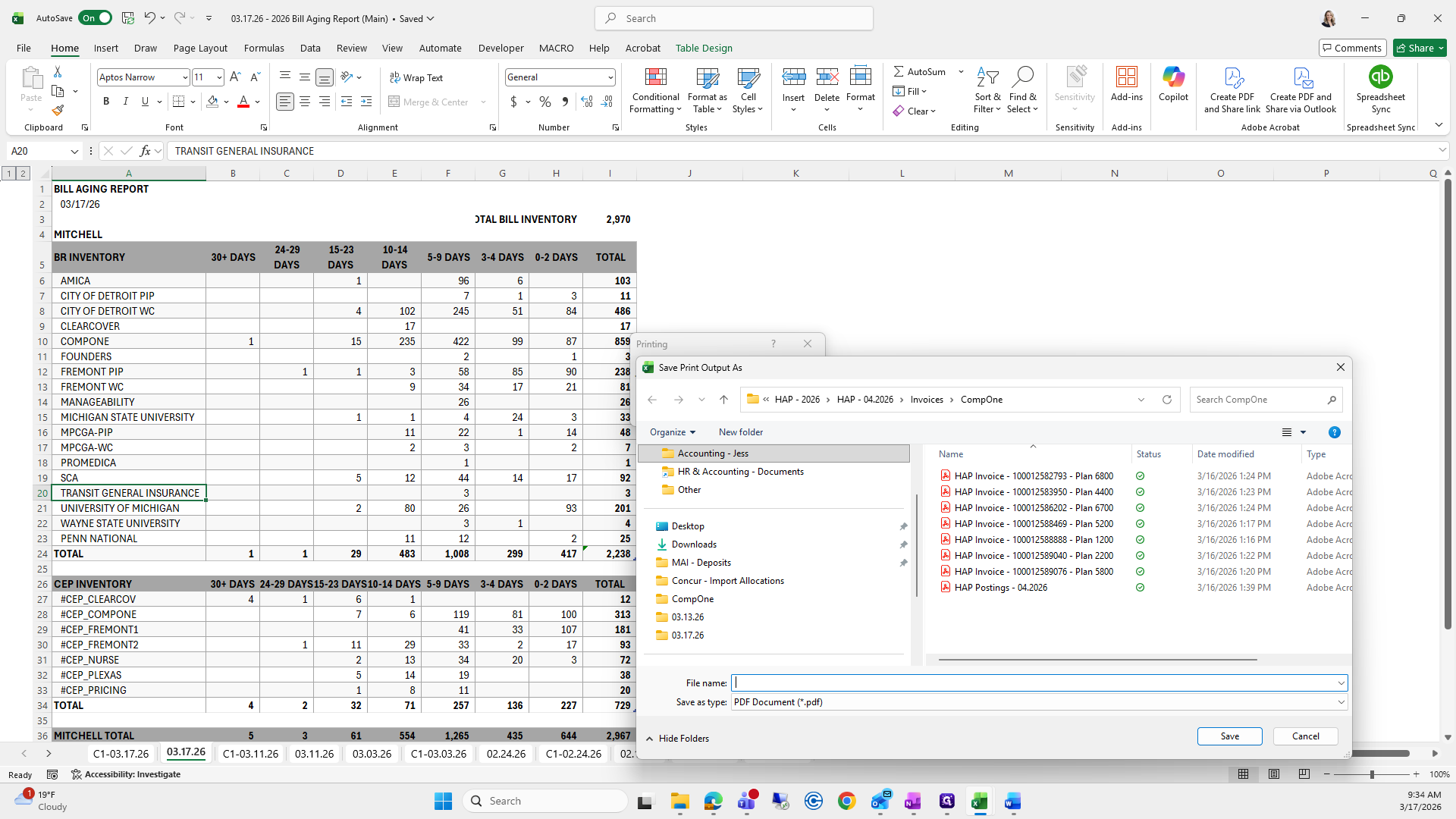
If you can't remember what to save it as, I go to the previous folder, find the bill aging report, and click it to copy the name.
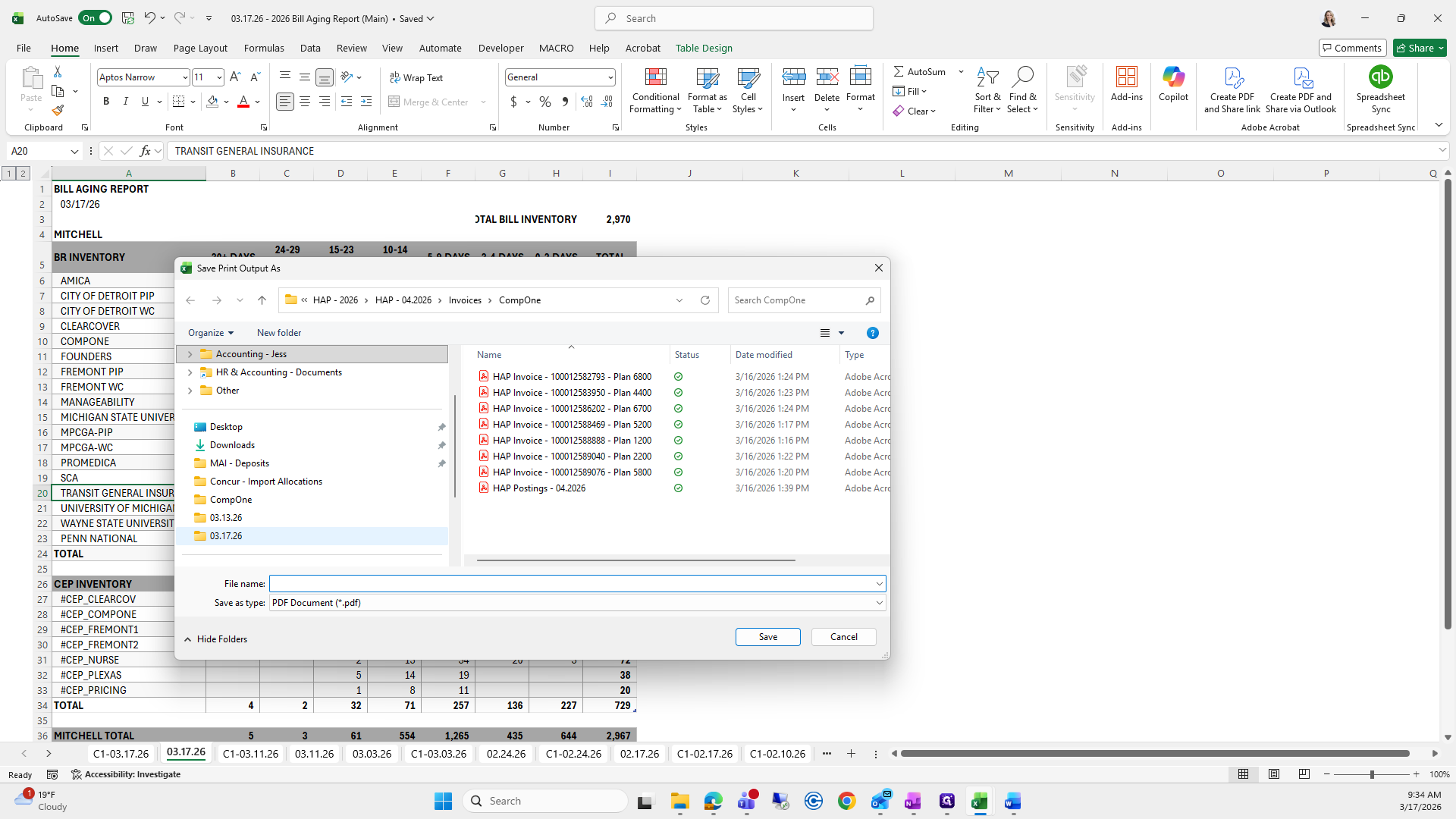
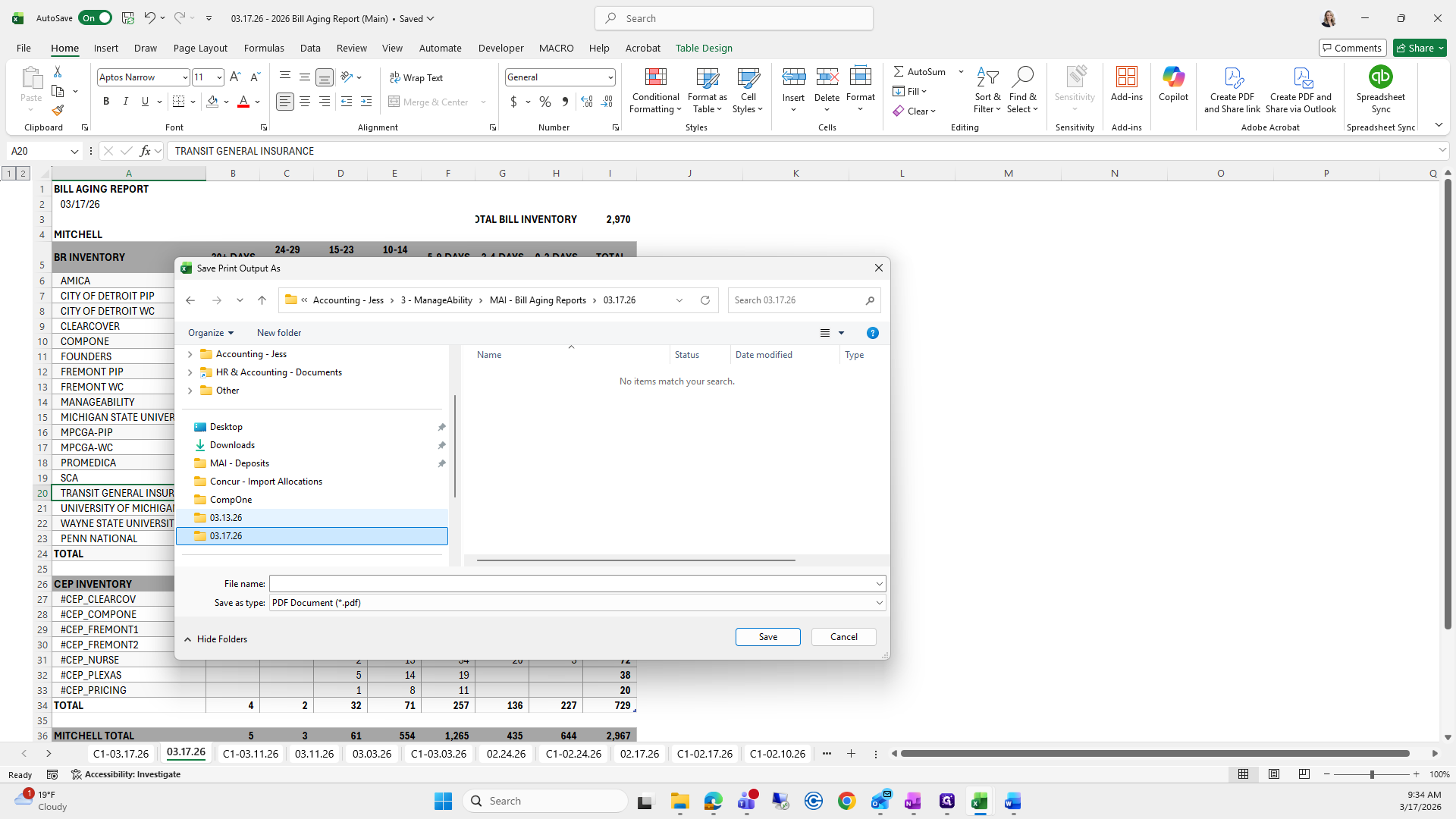
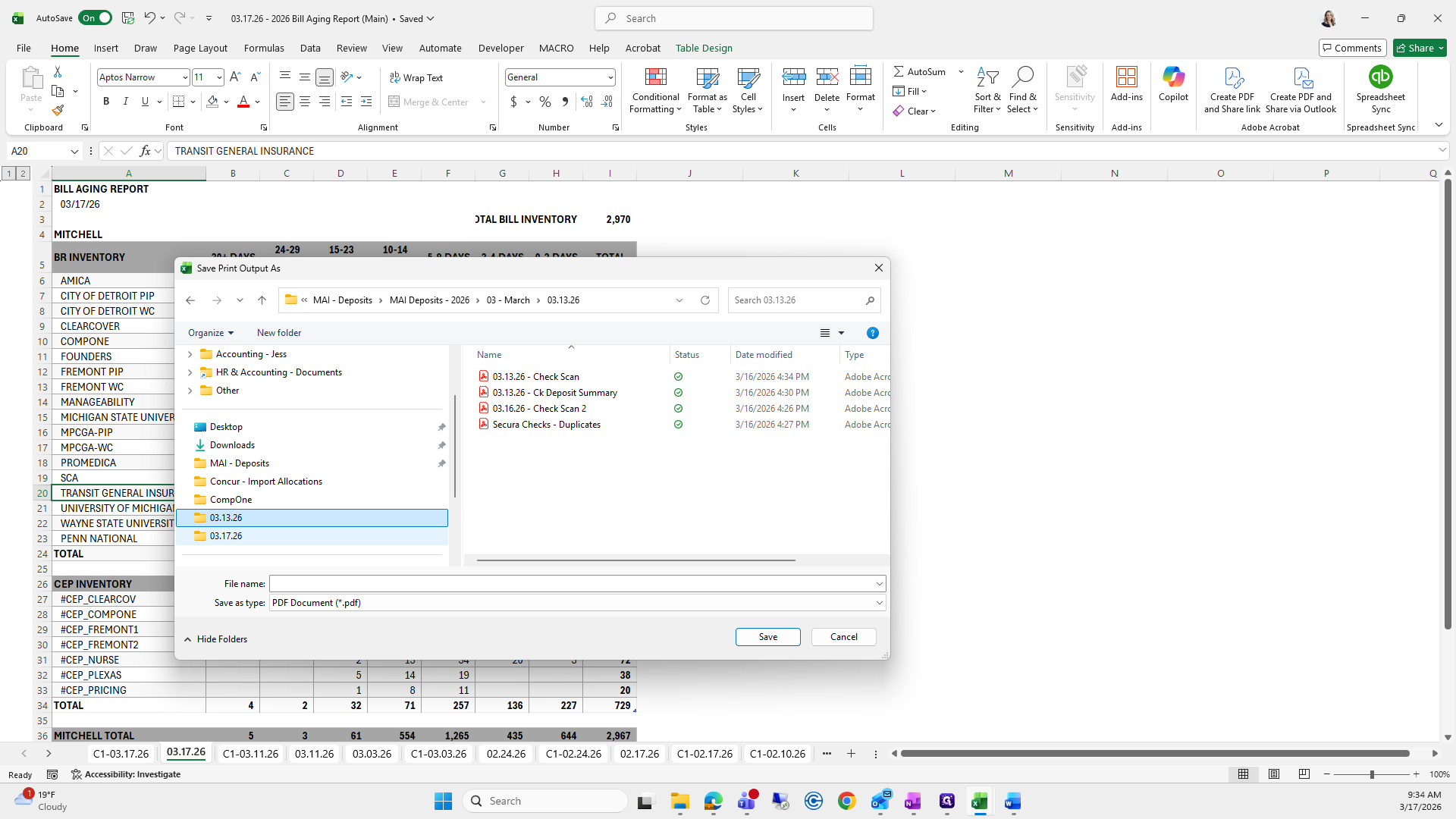
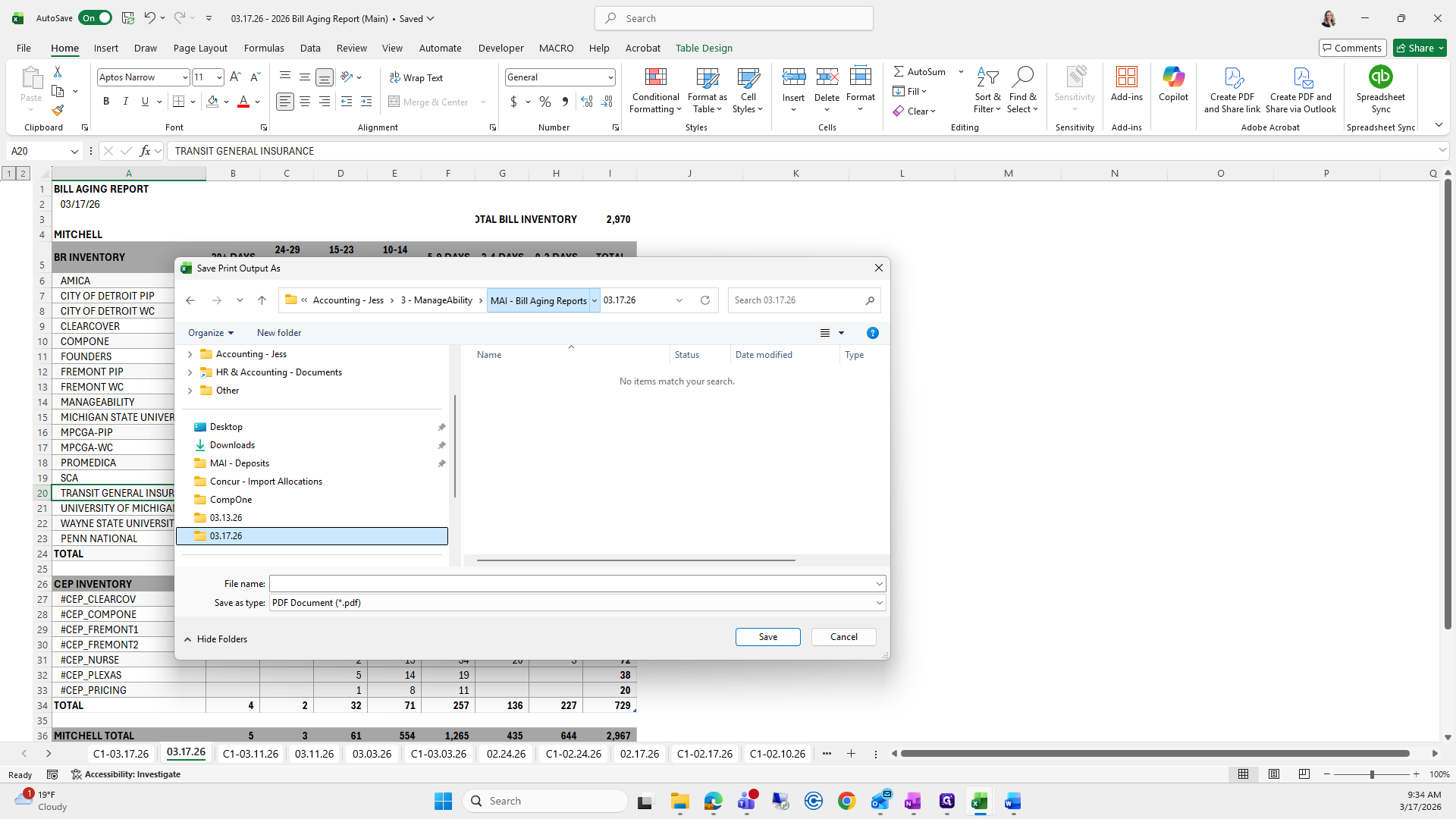
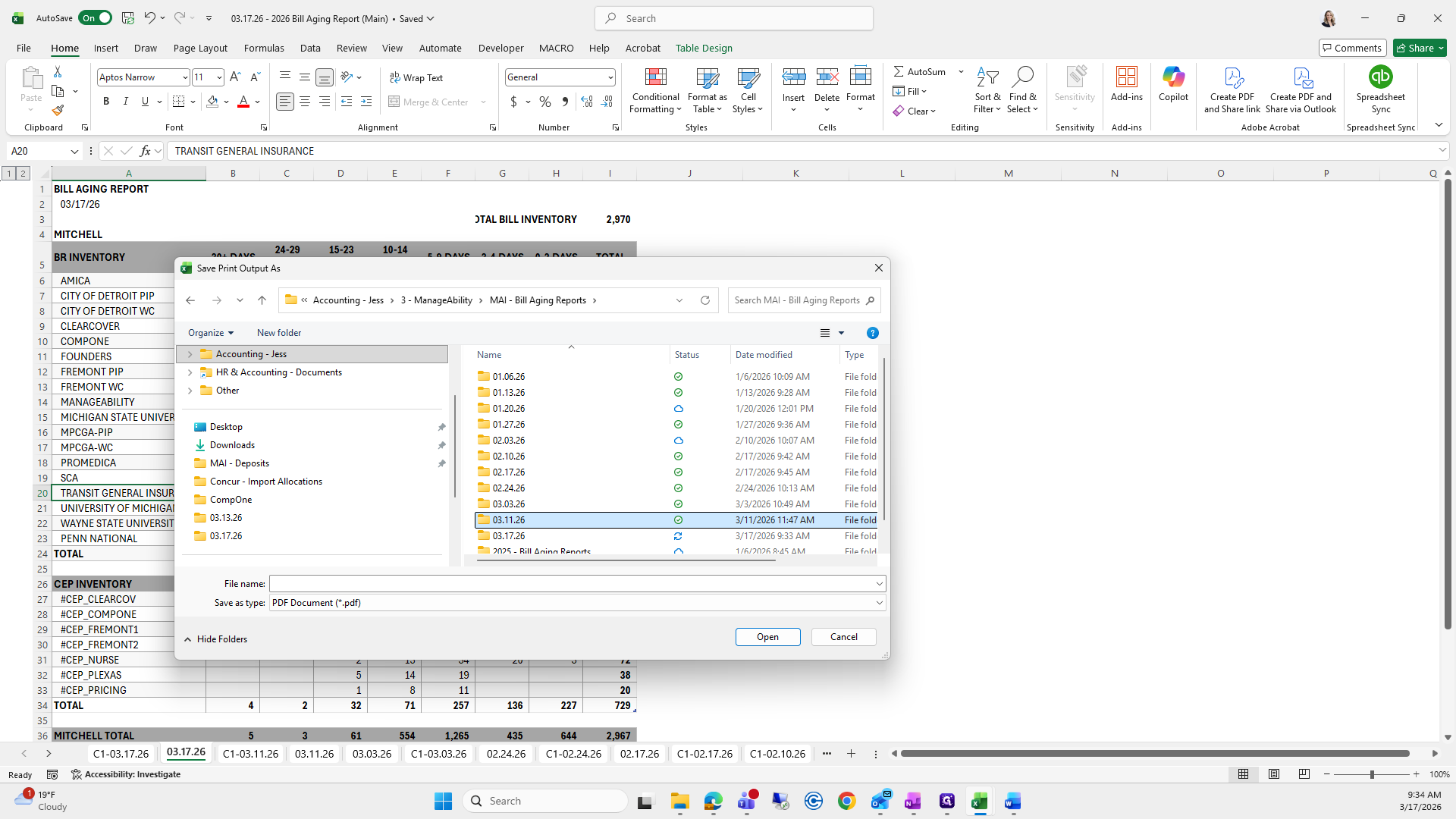
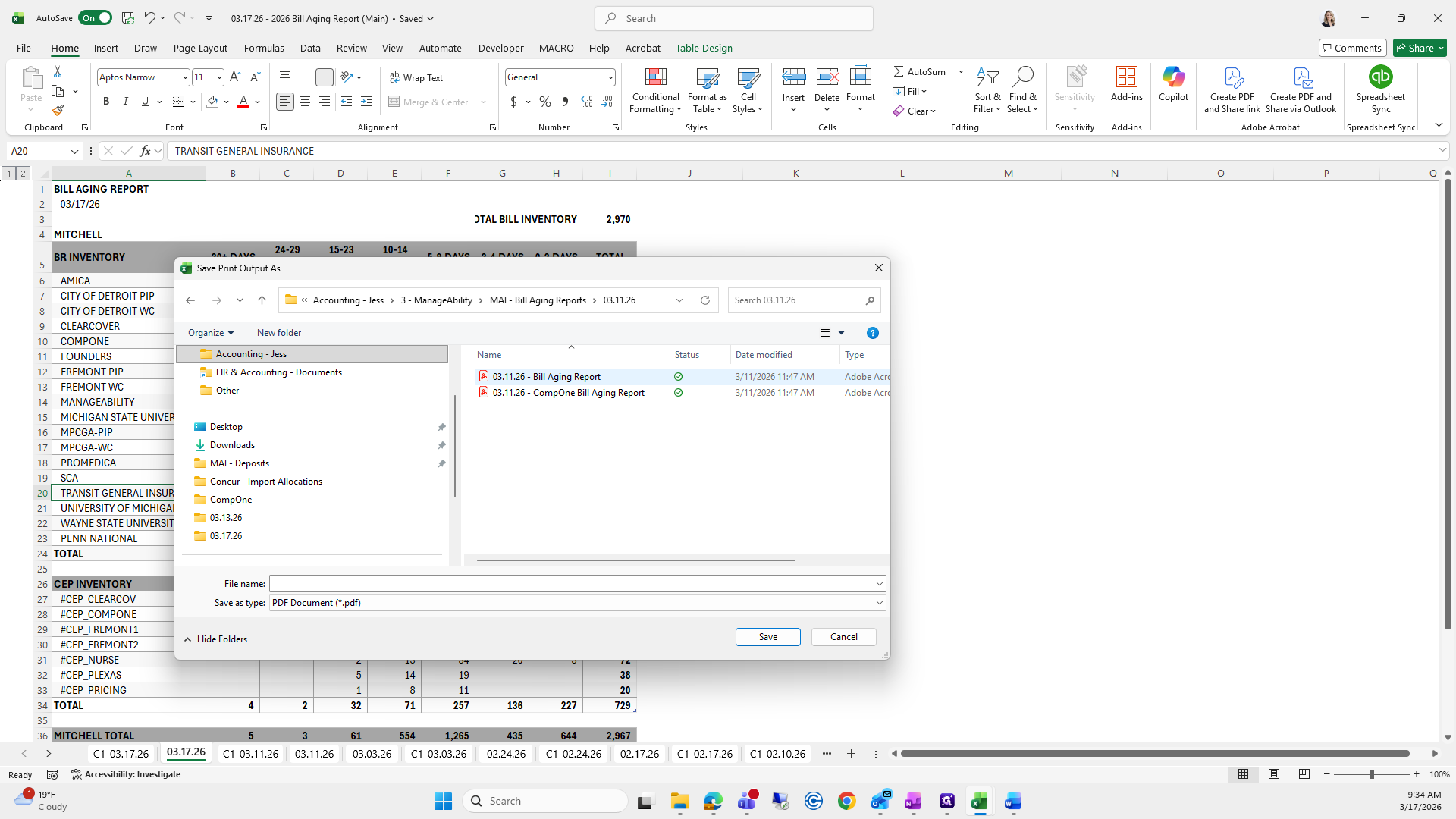
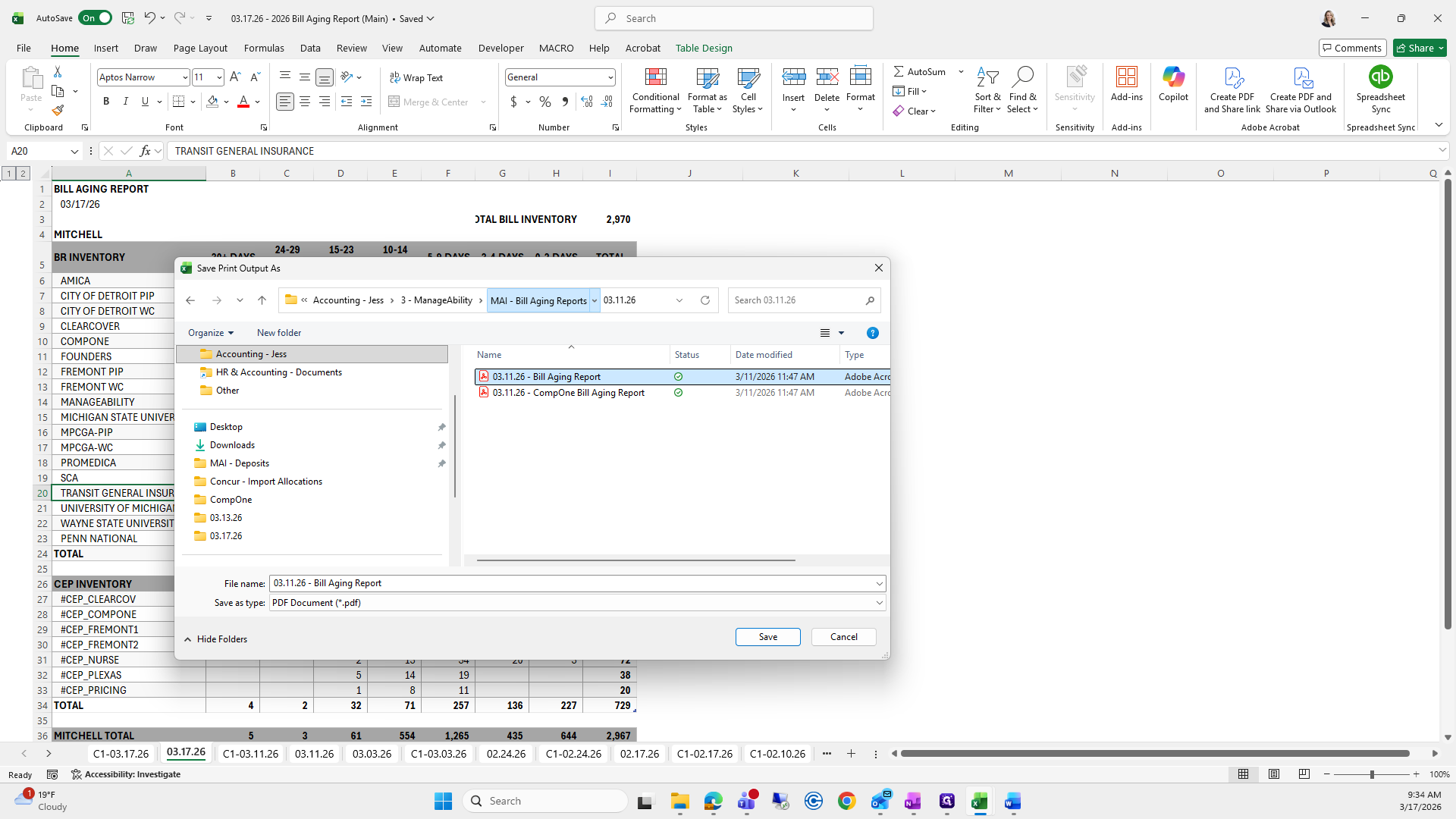
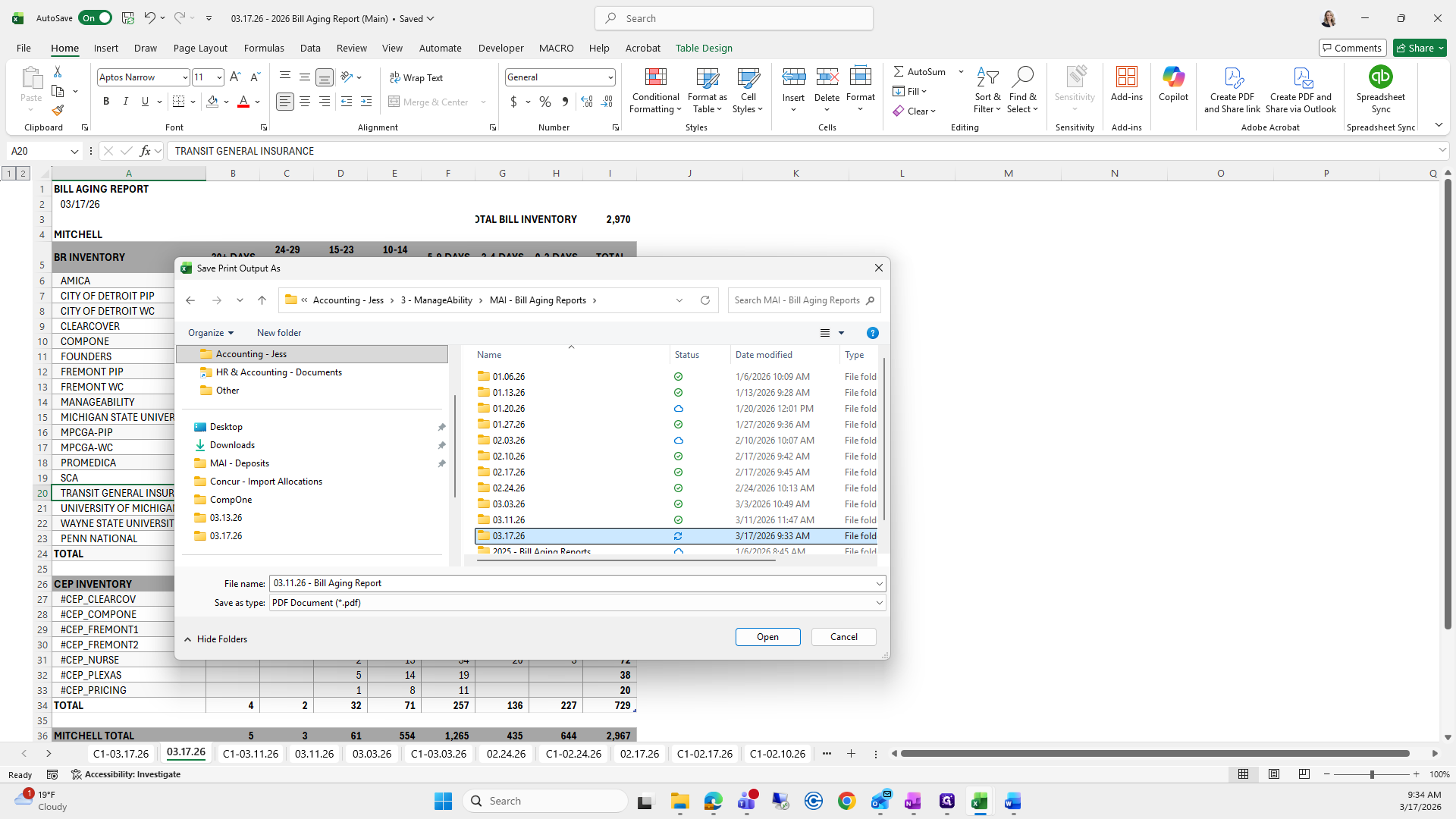
Take it to the correct folder, update the date, and click save. Repeat these steps for Comp 1.
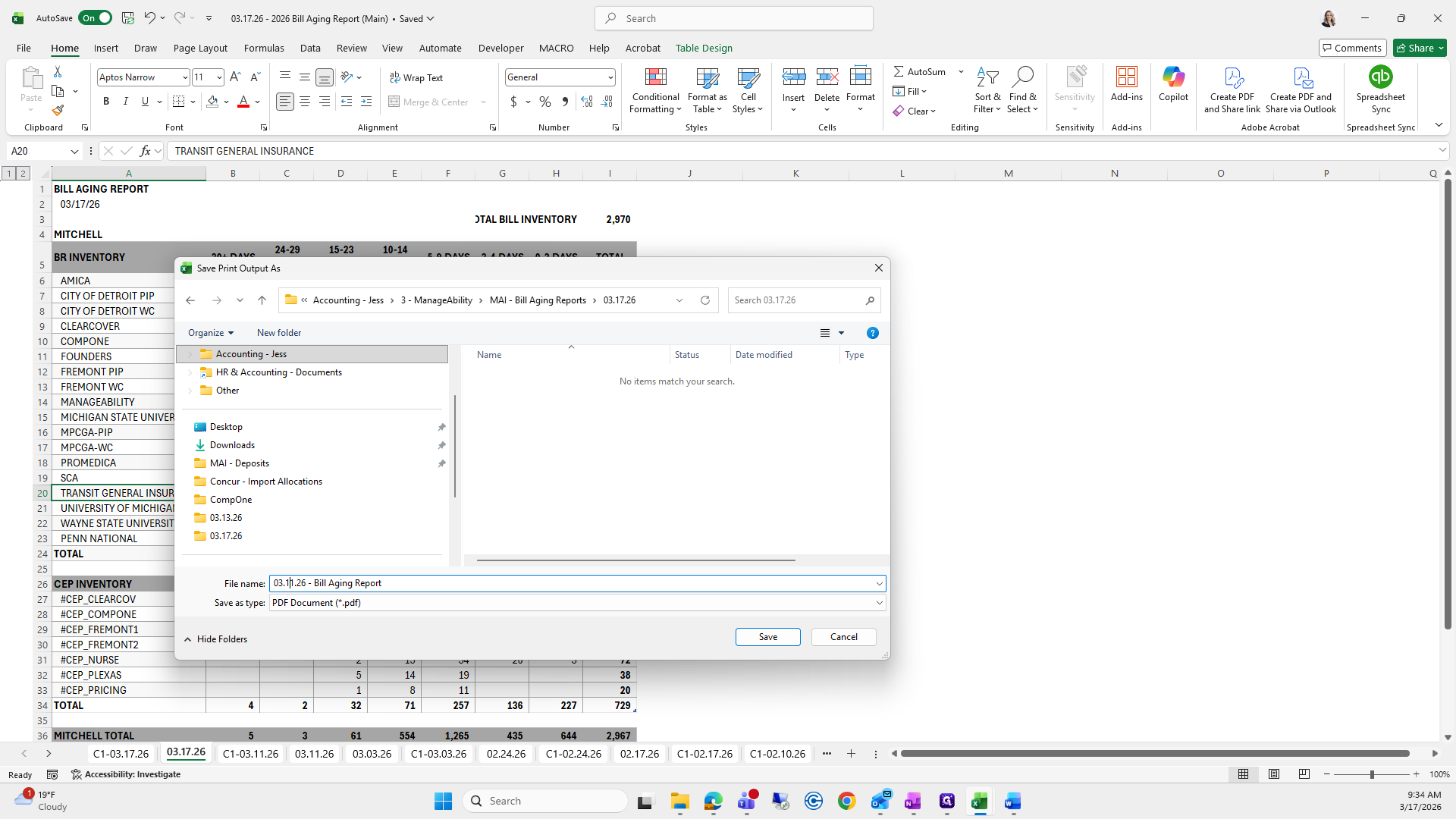
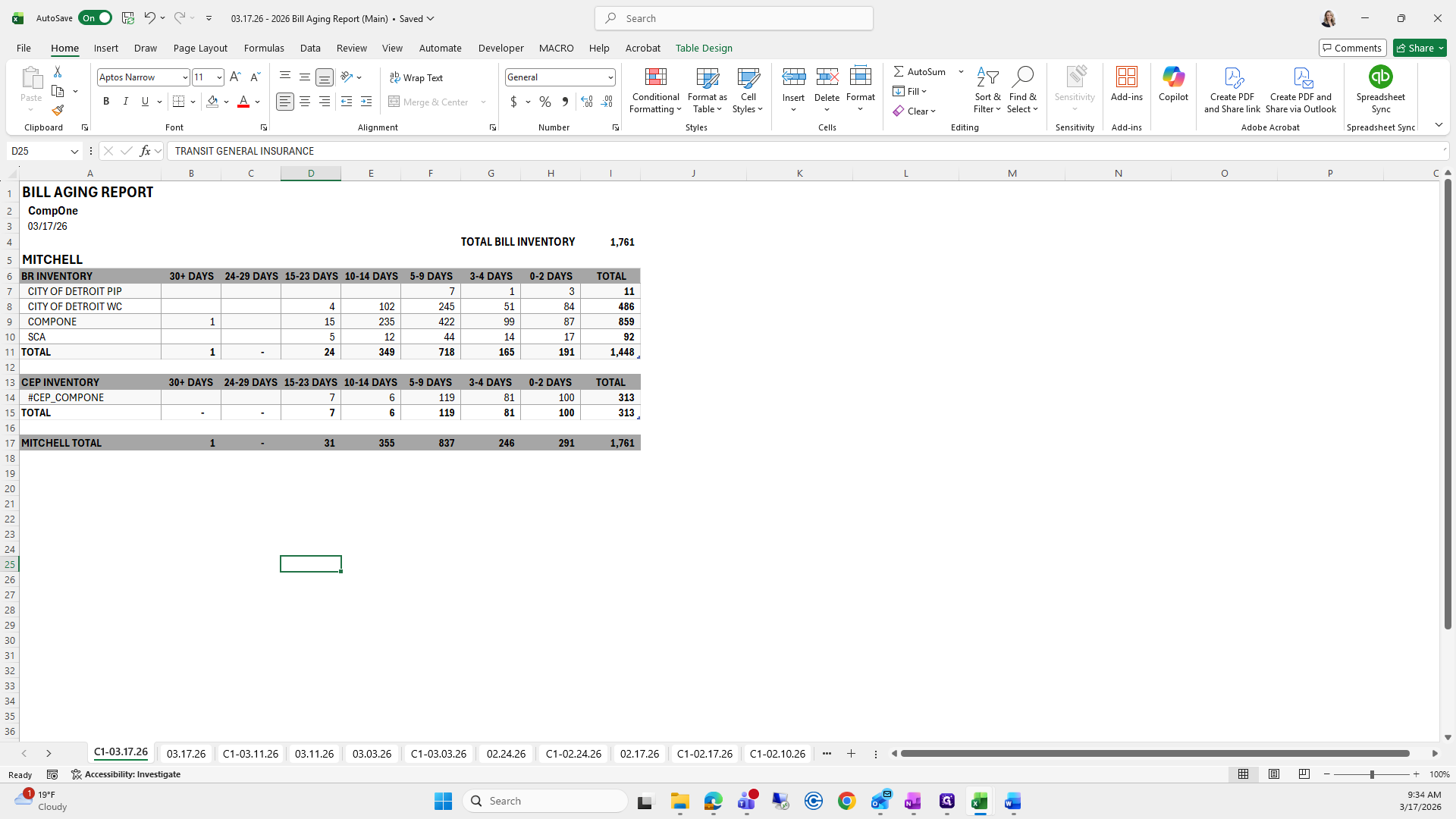
I will save that as a PDF, then click the previous one we saved.
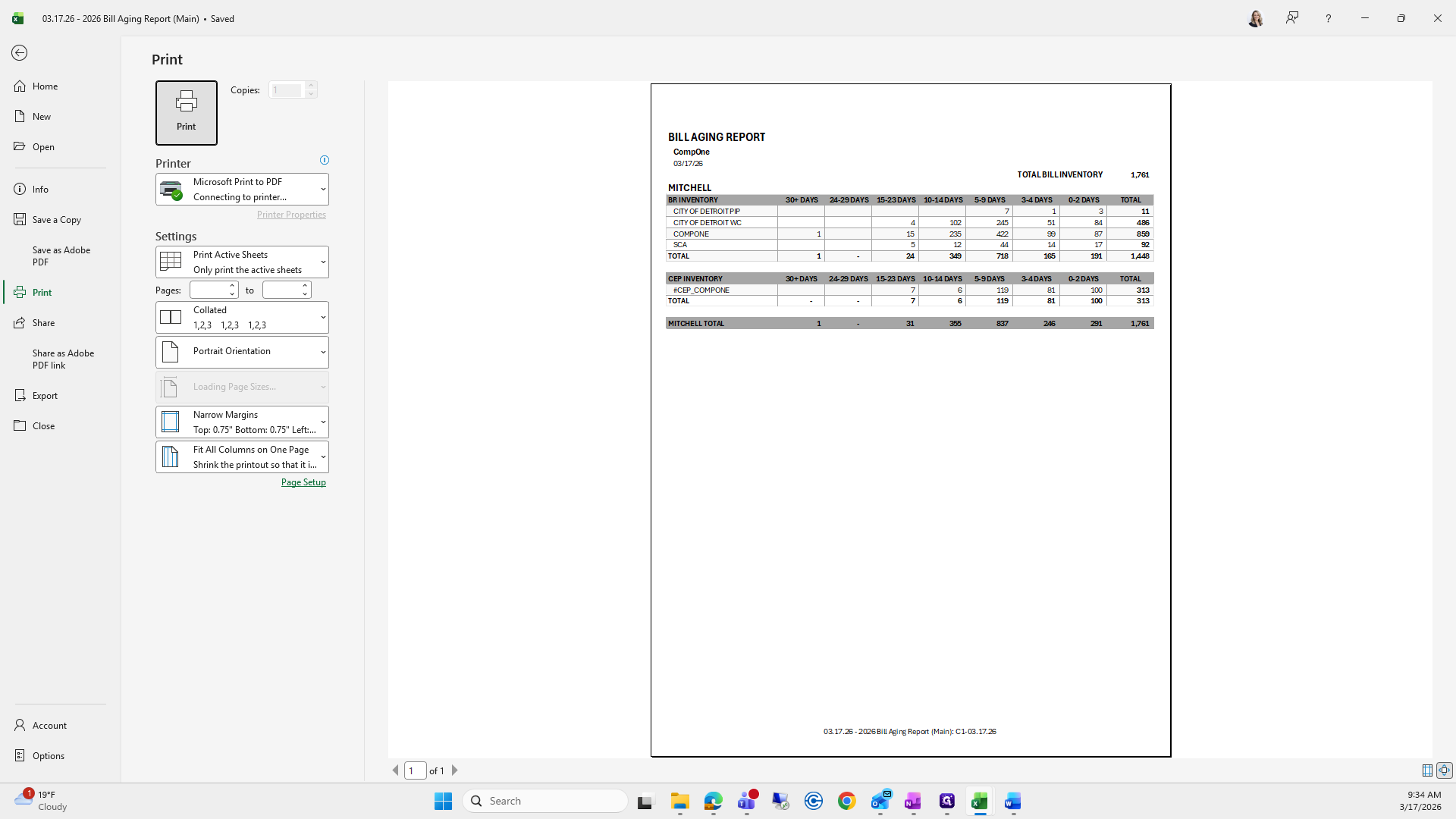
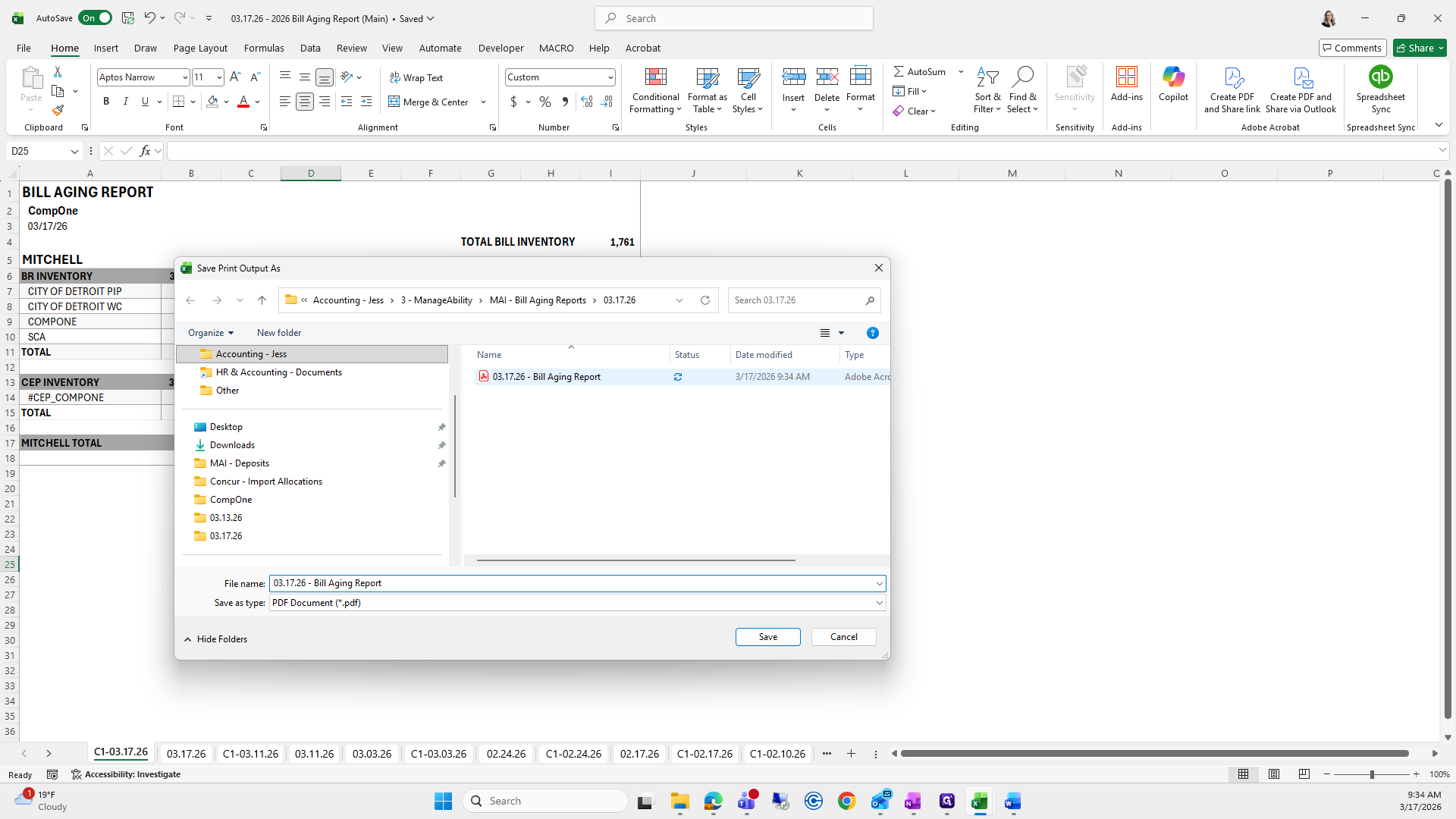
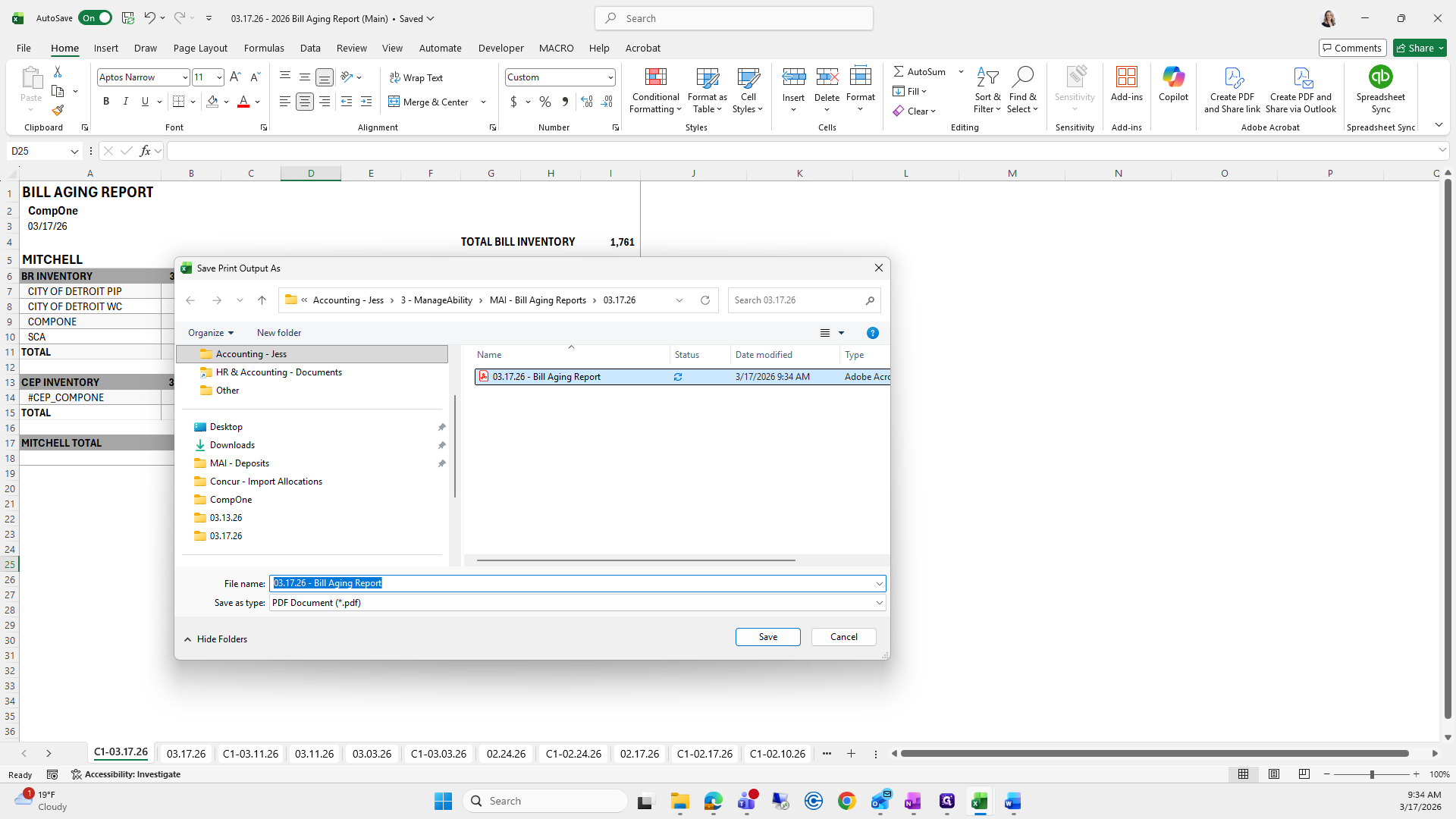
This way, it saves, stays uniform, and I put Comp 1 in front of it, then click save.
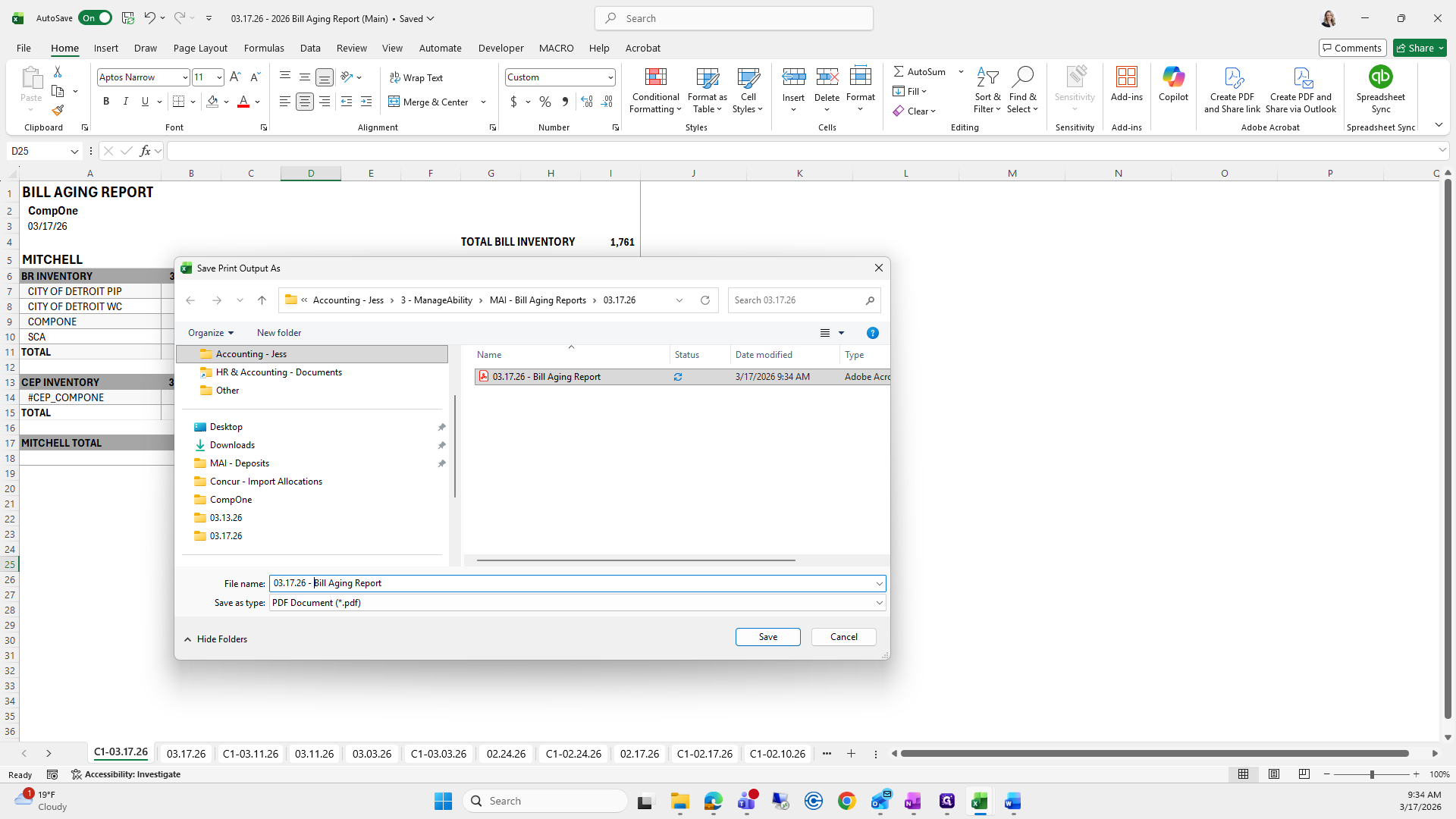
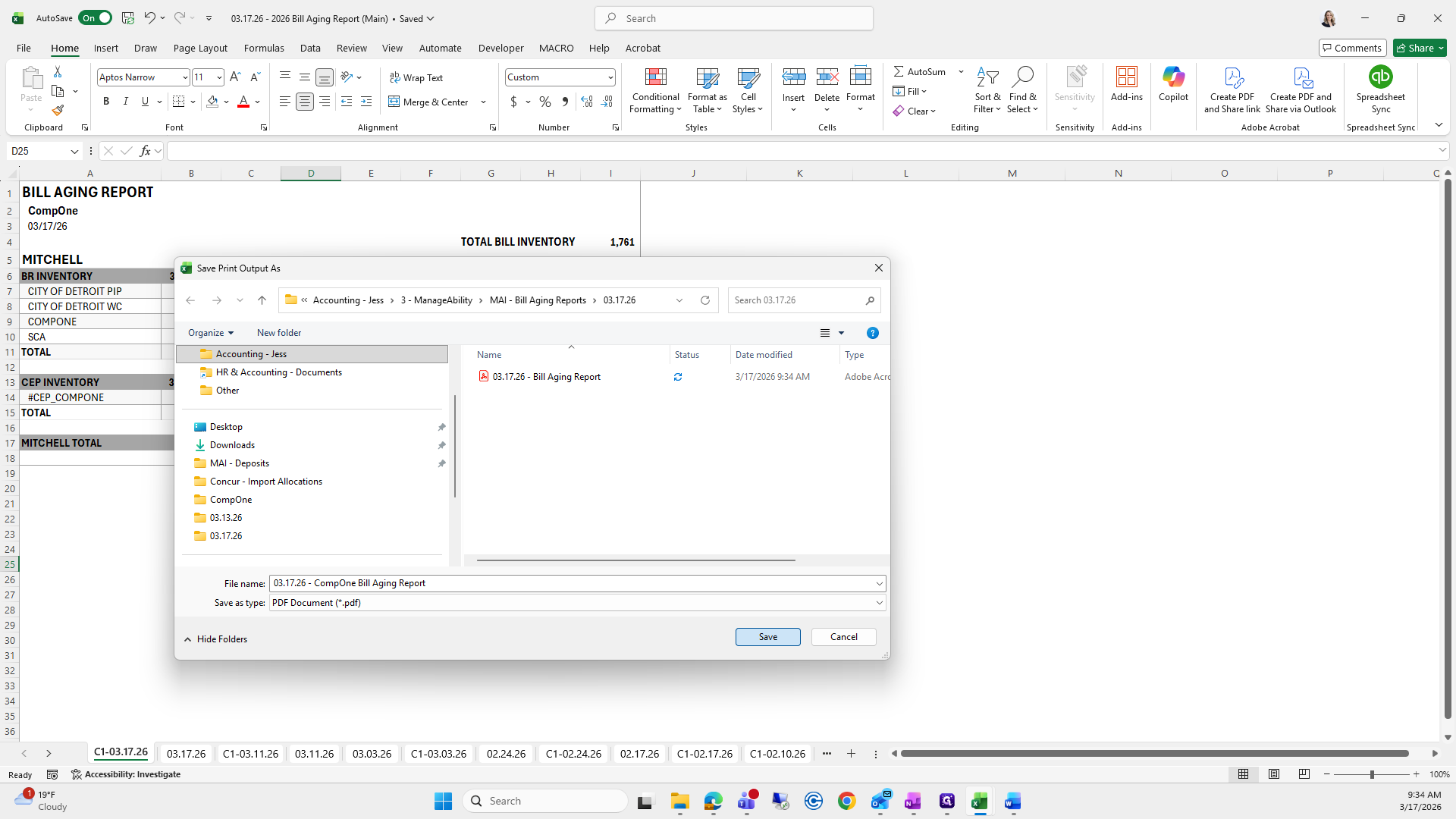
You can exit out of all of these.
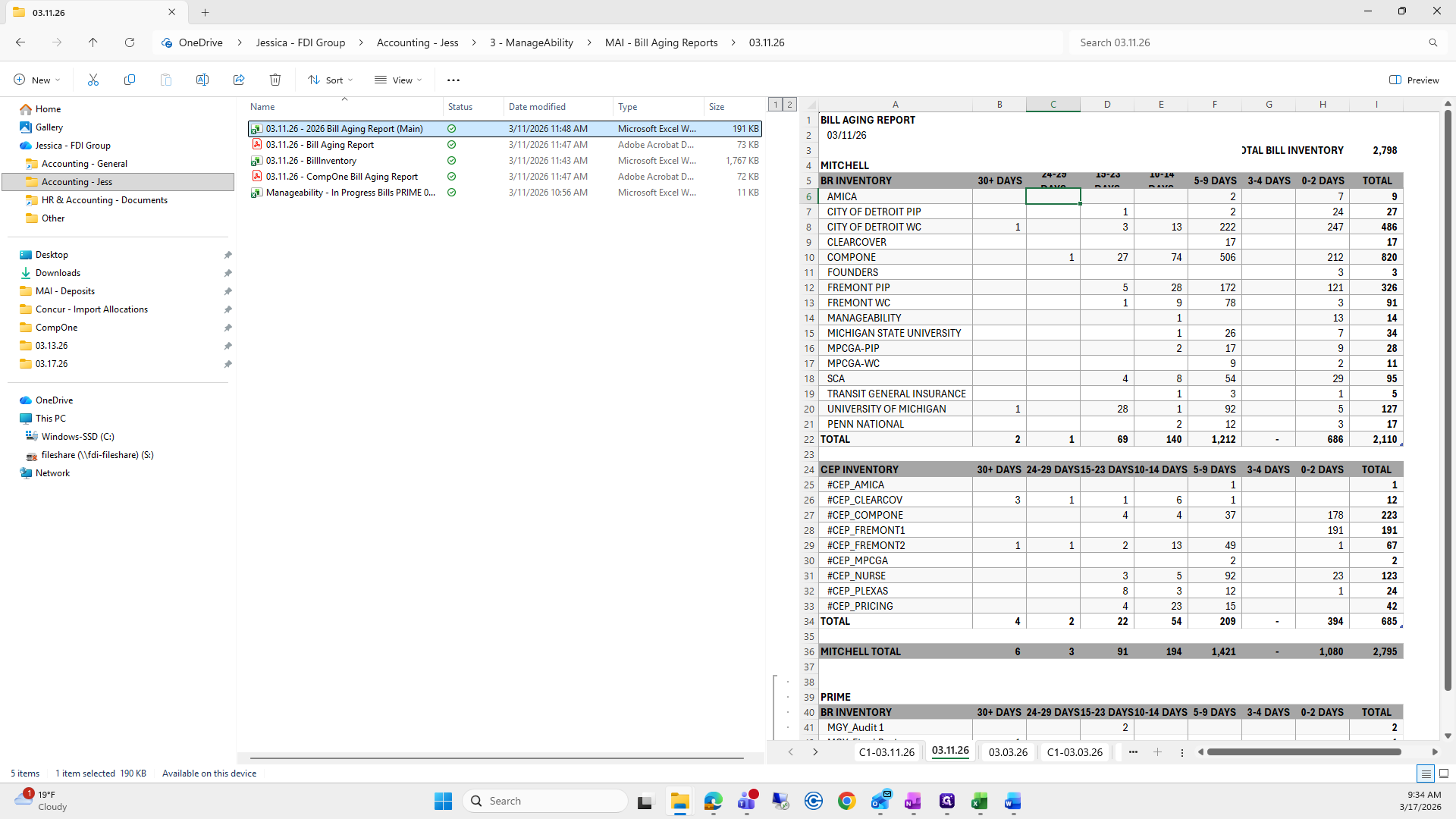
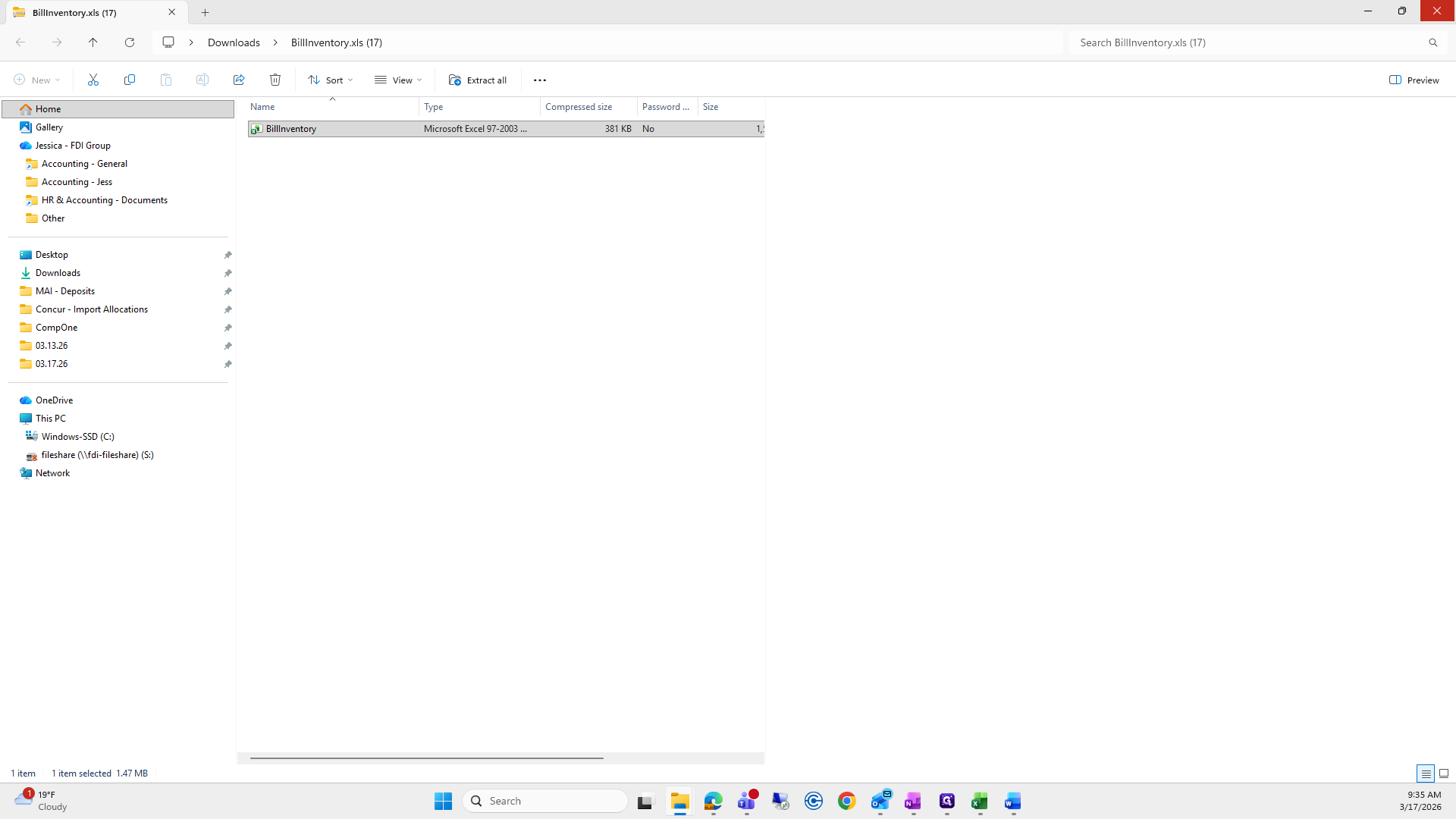
I will save that here so I can easily drag it into the email.
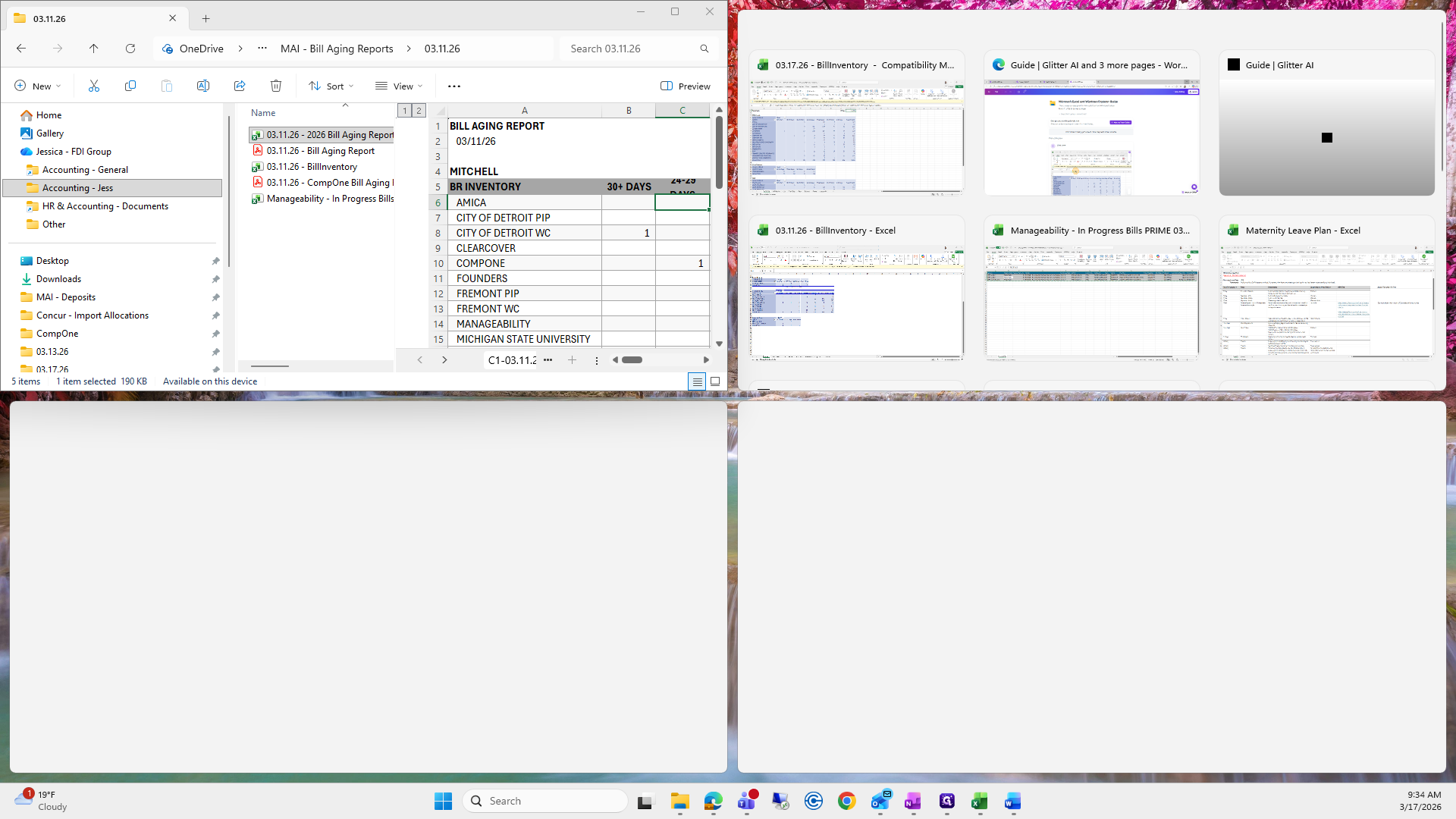
That's good. That's March 11th.
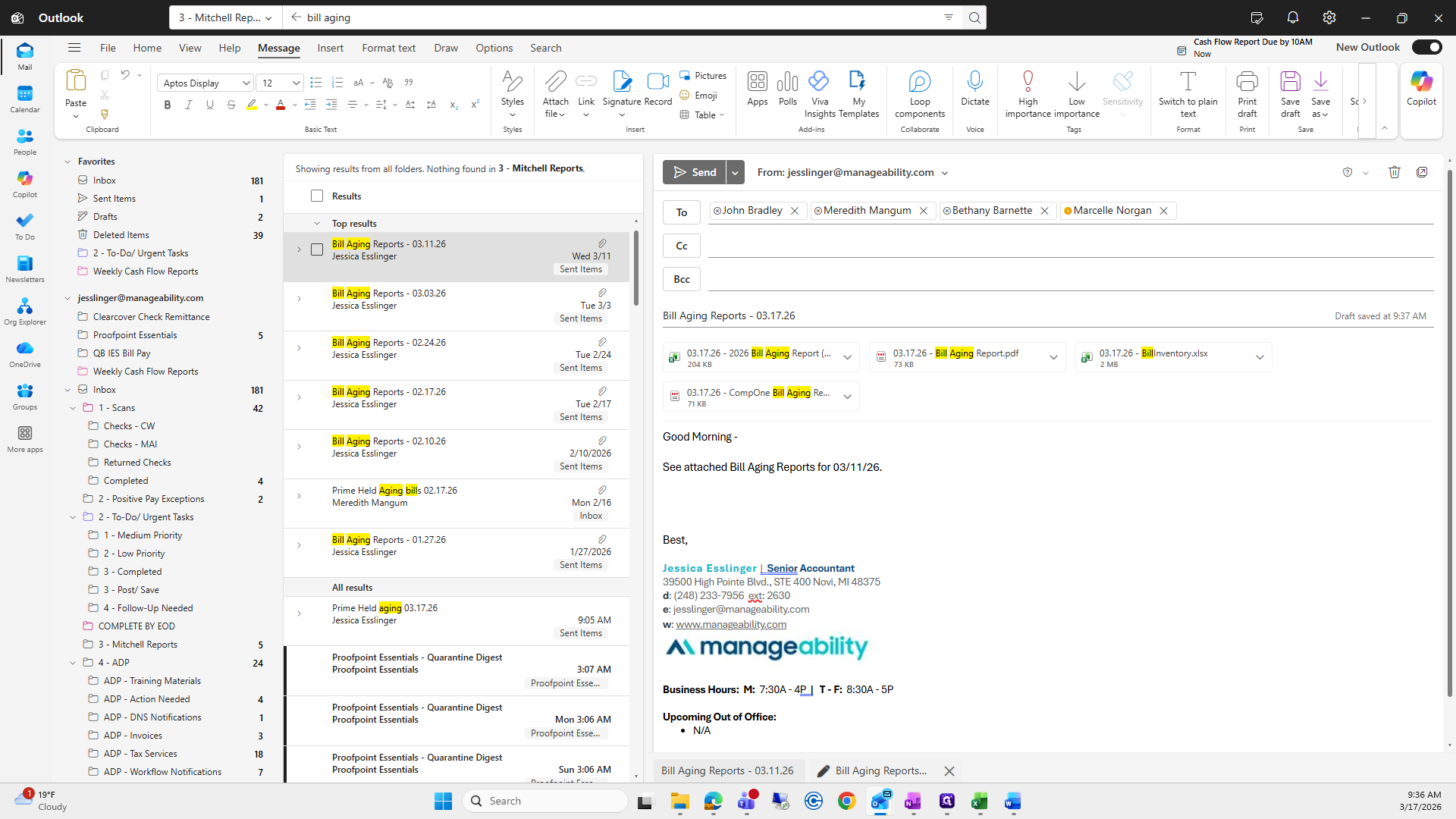
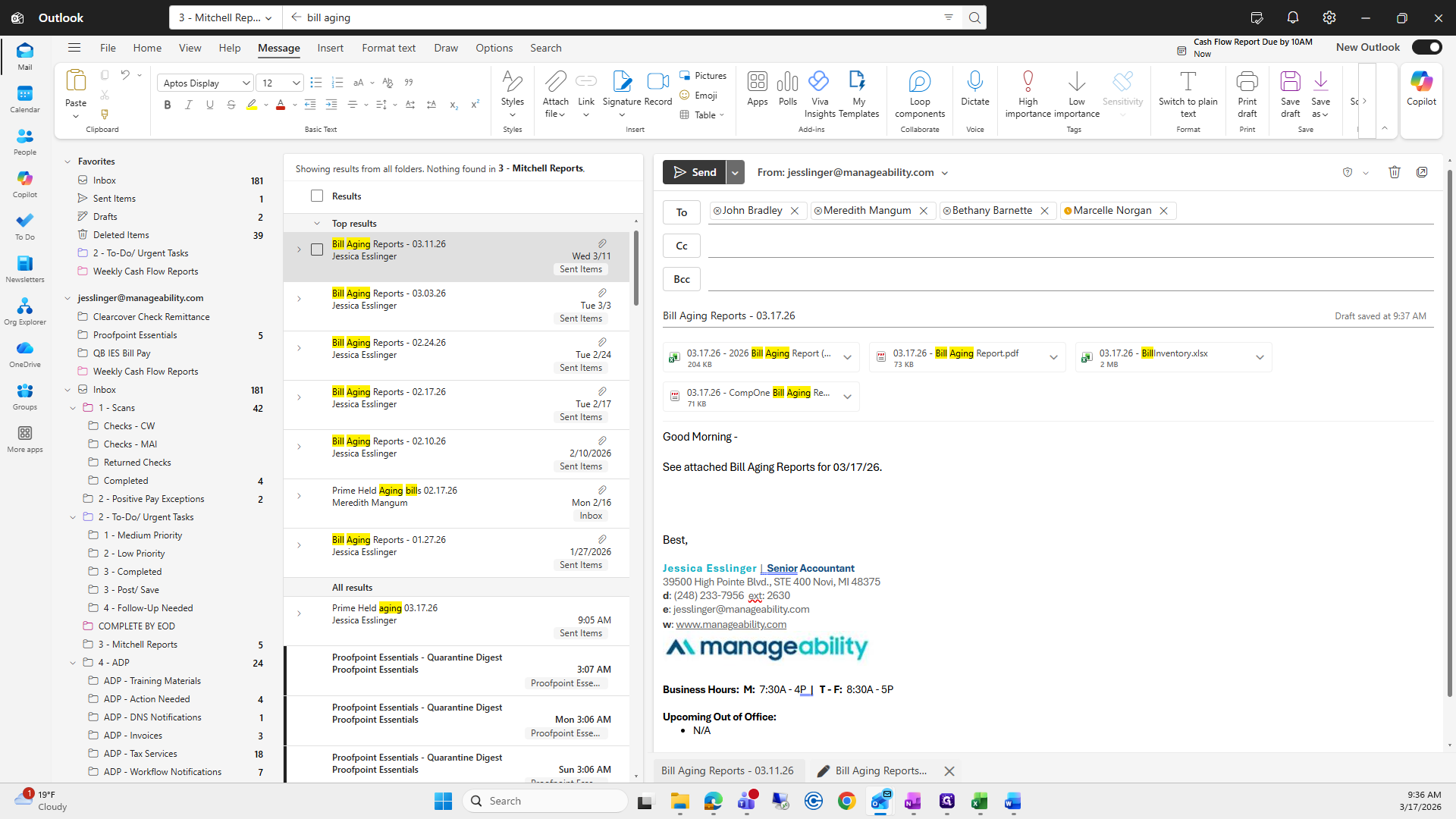
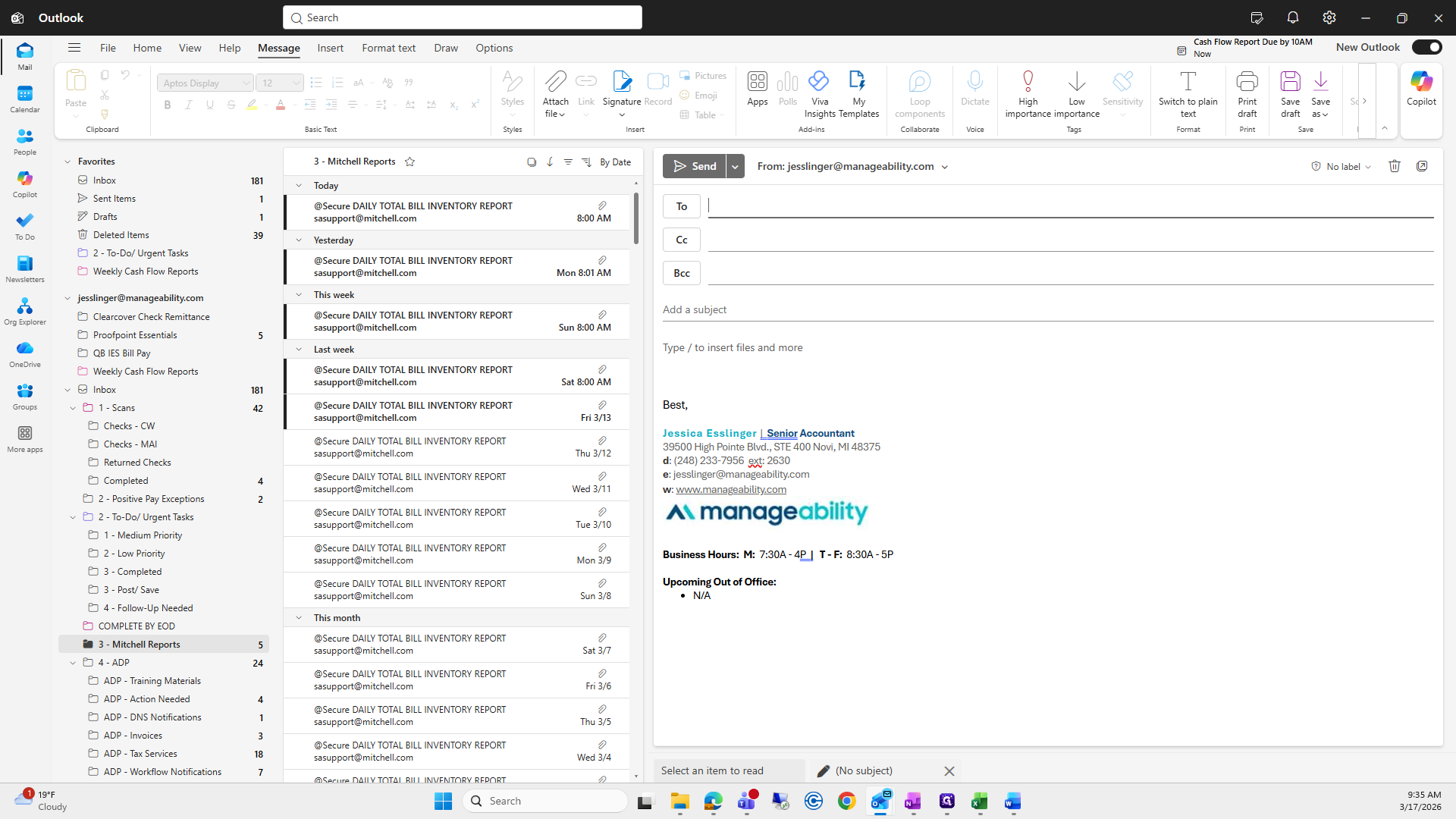
Okay, we're going to create a new one, and you'll send it out.
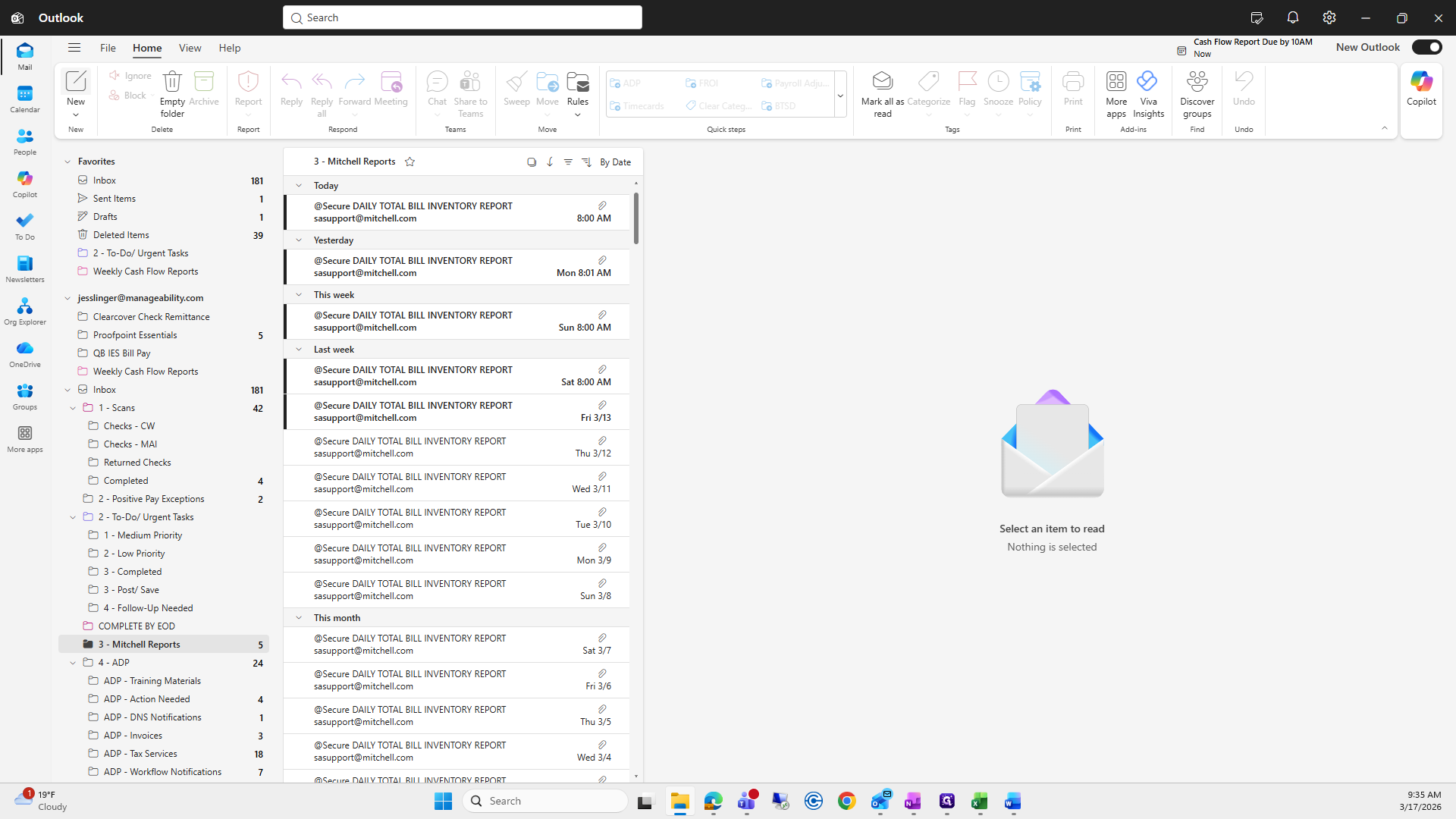
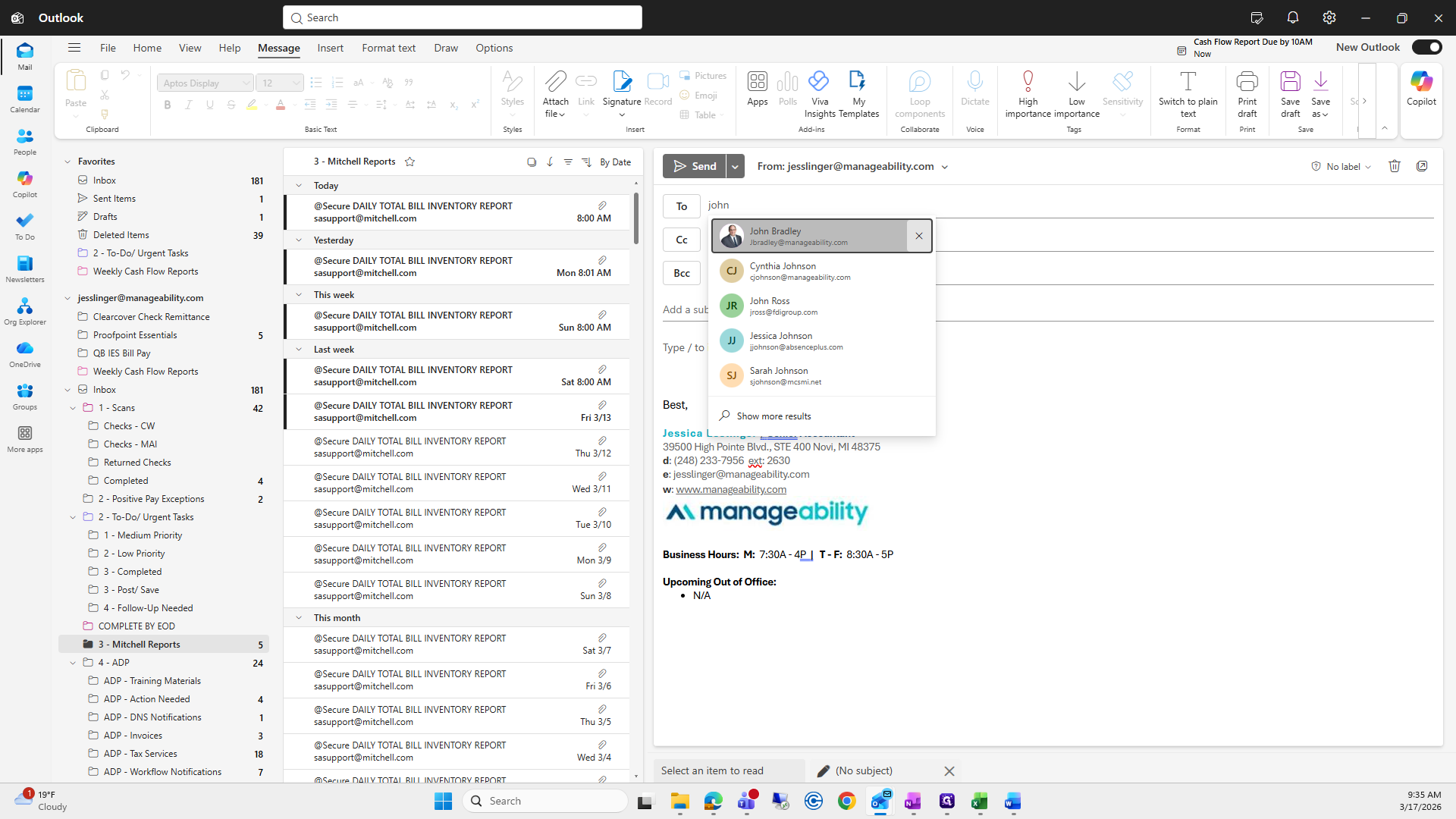
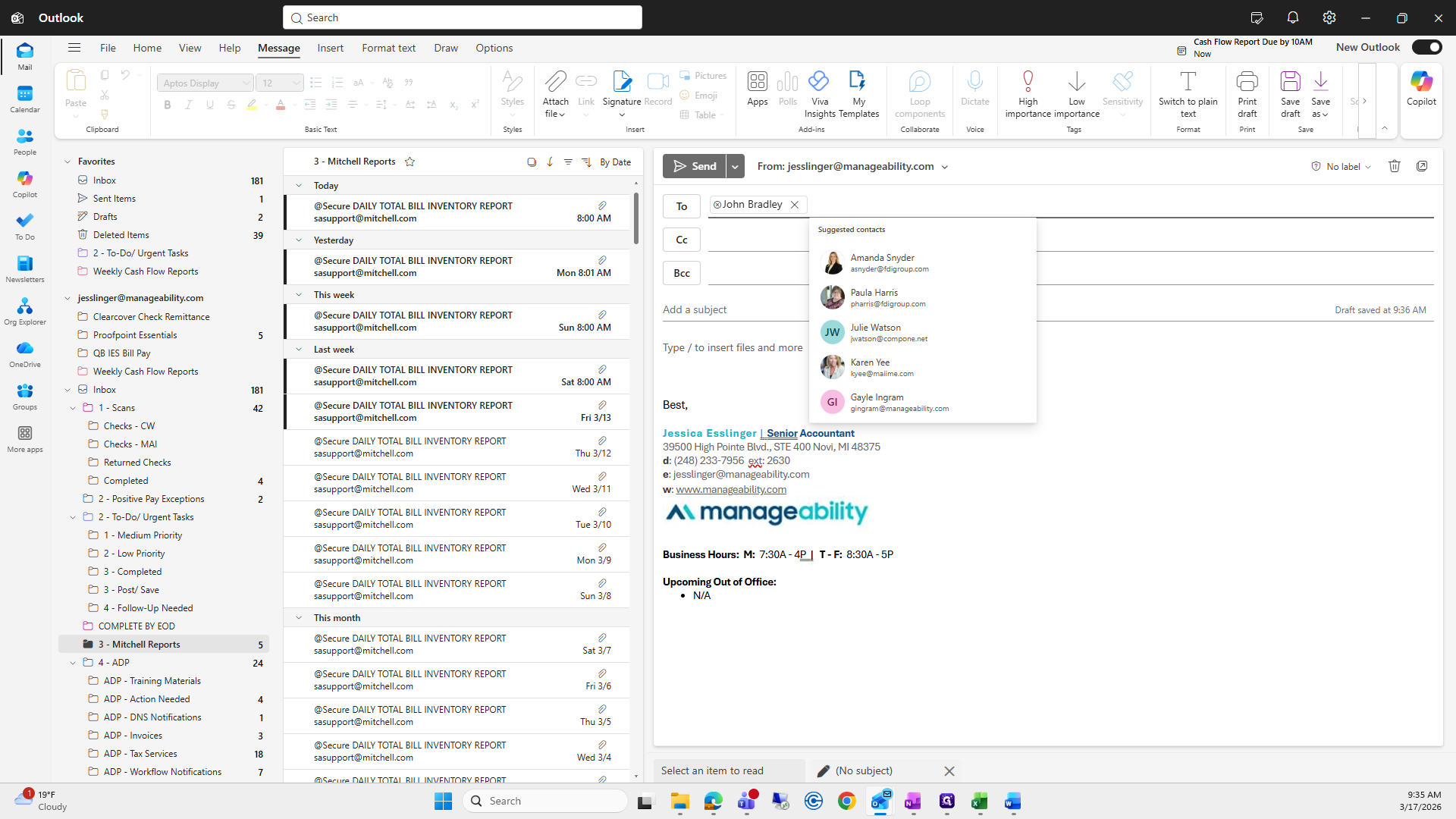
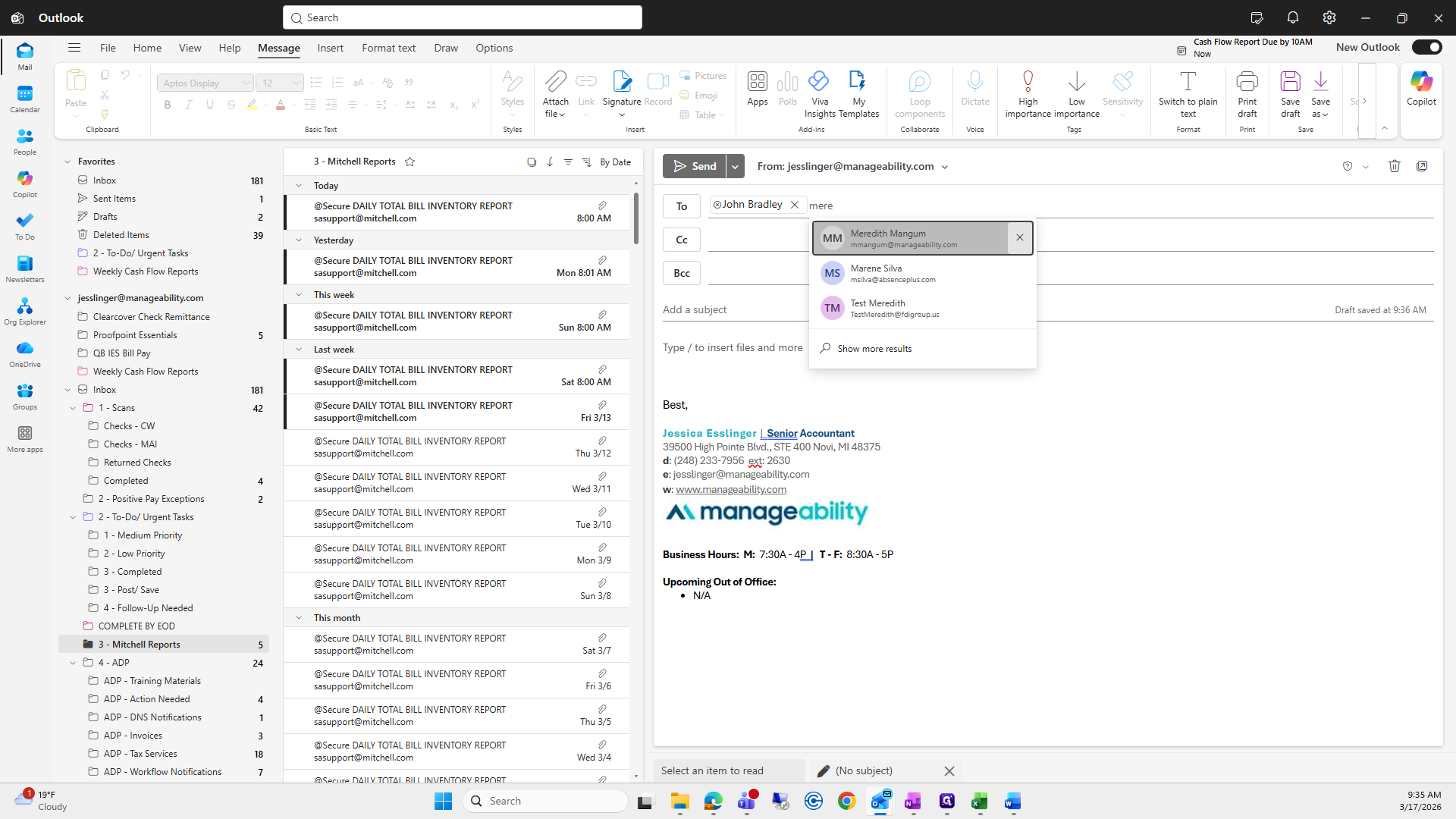
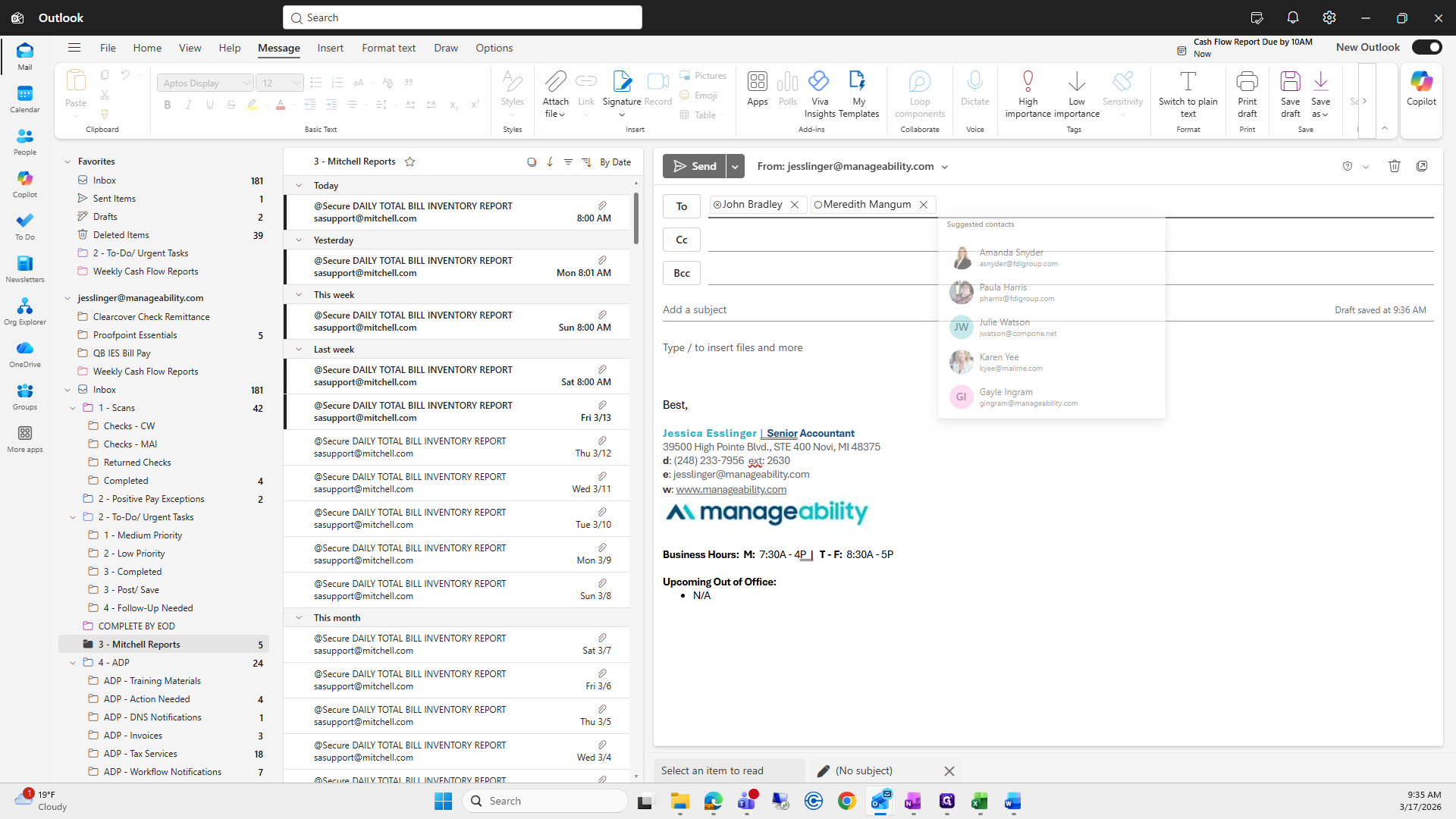
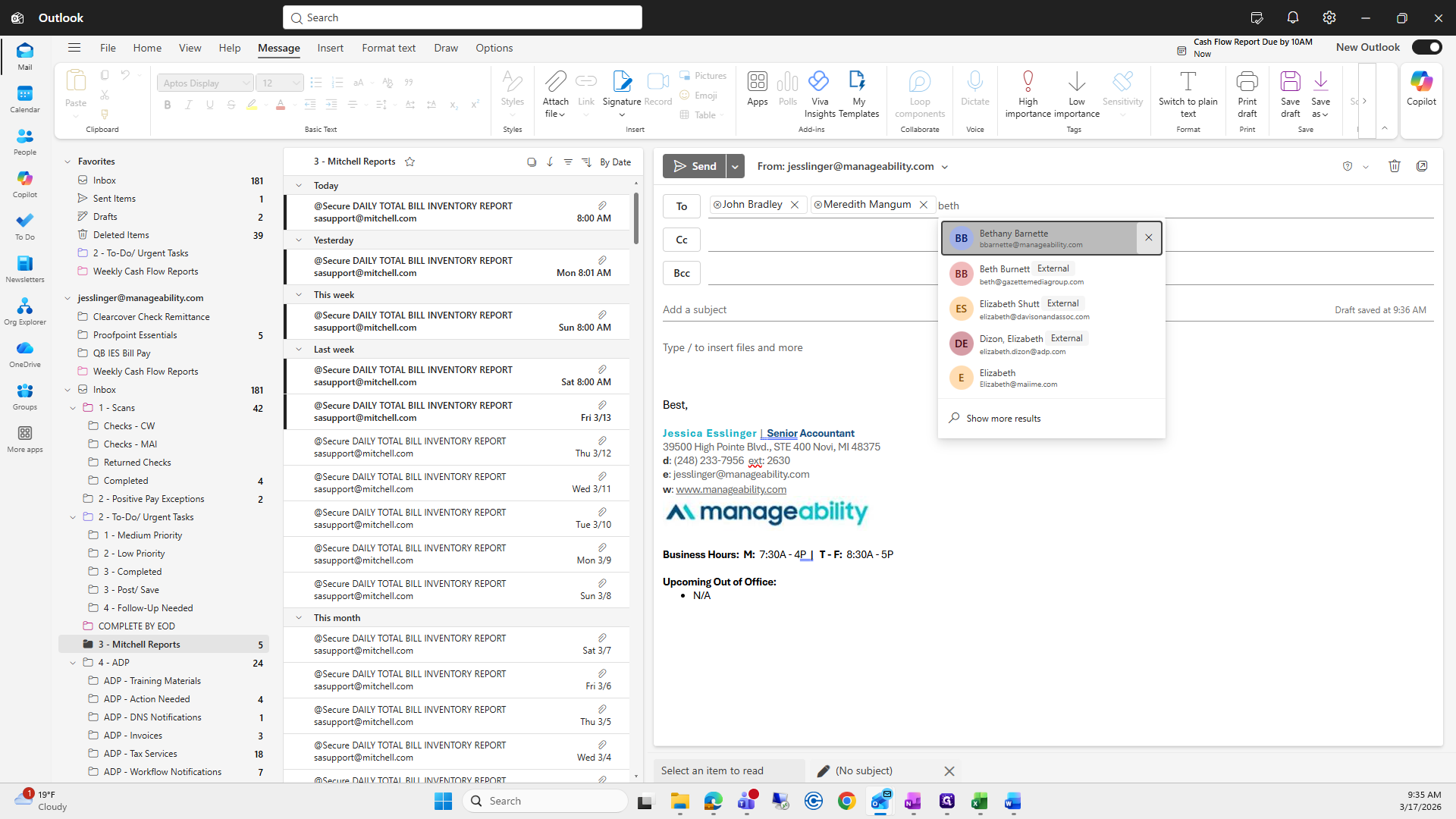
A new addition to John Bradley, Meredith Magnum, Bethany Barnett, and Marcy Norgan.
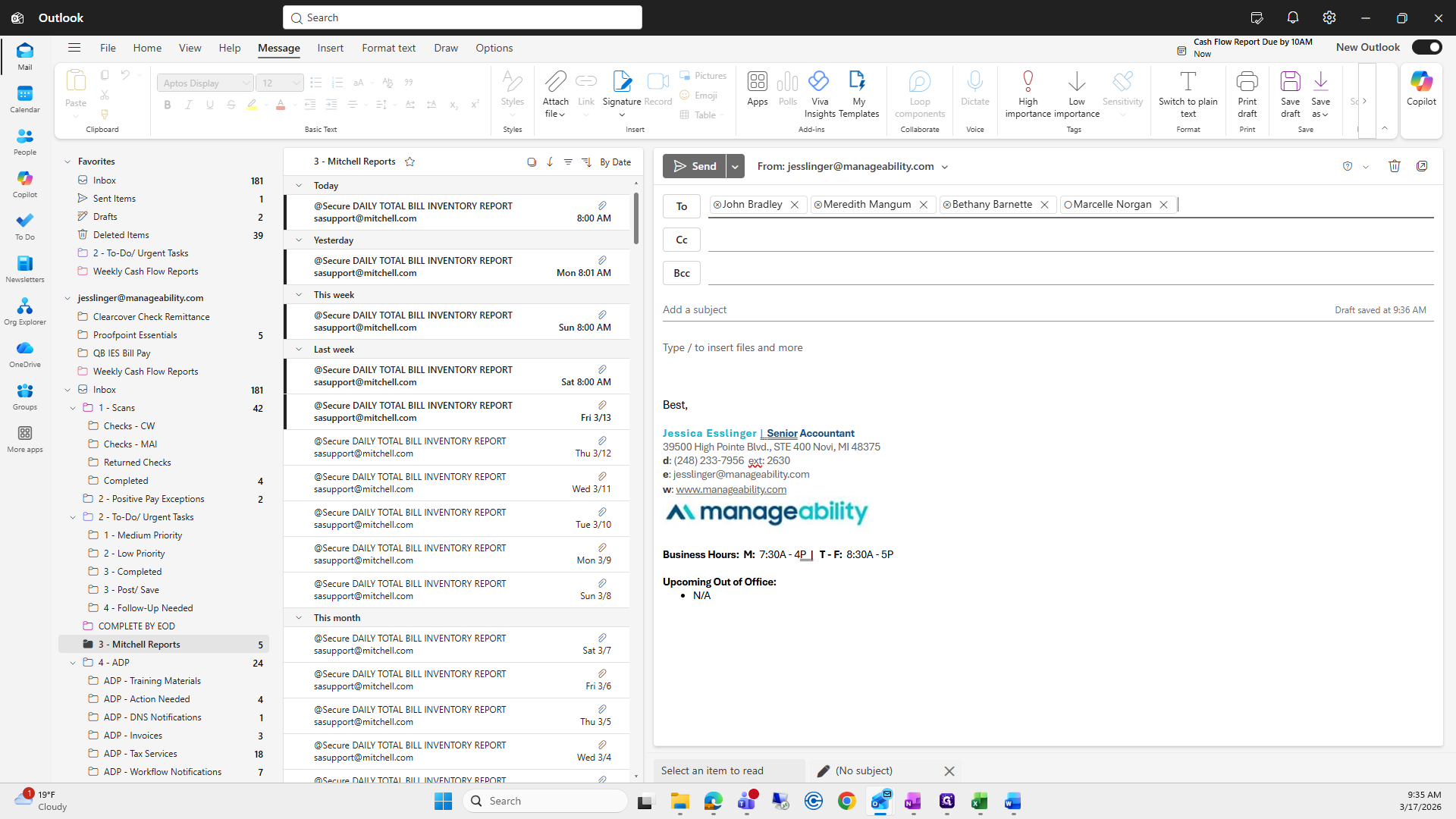
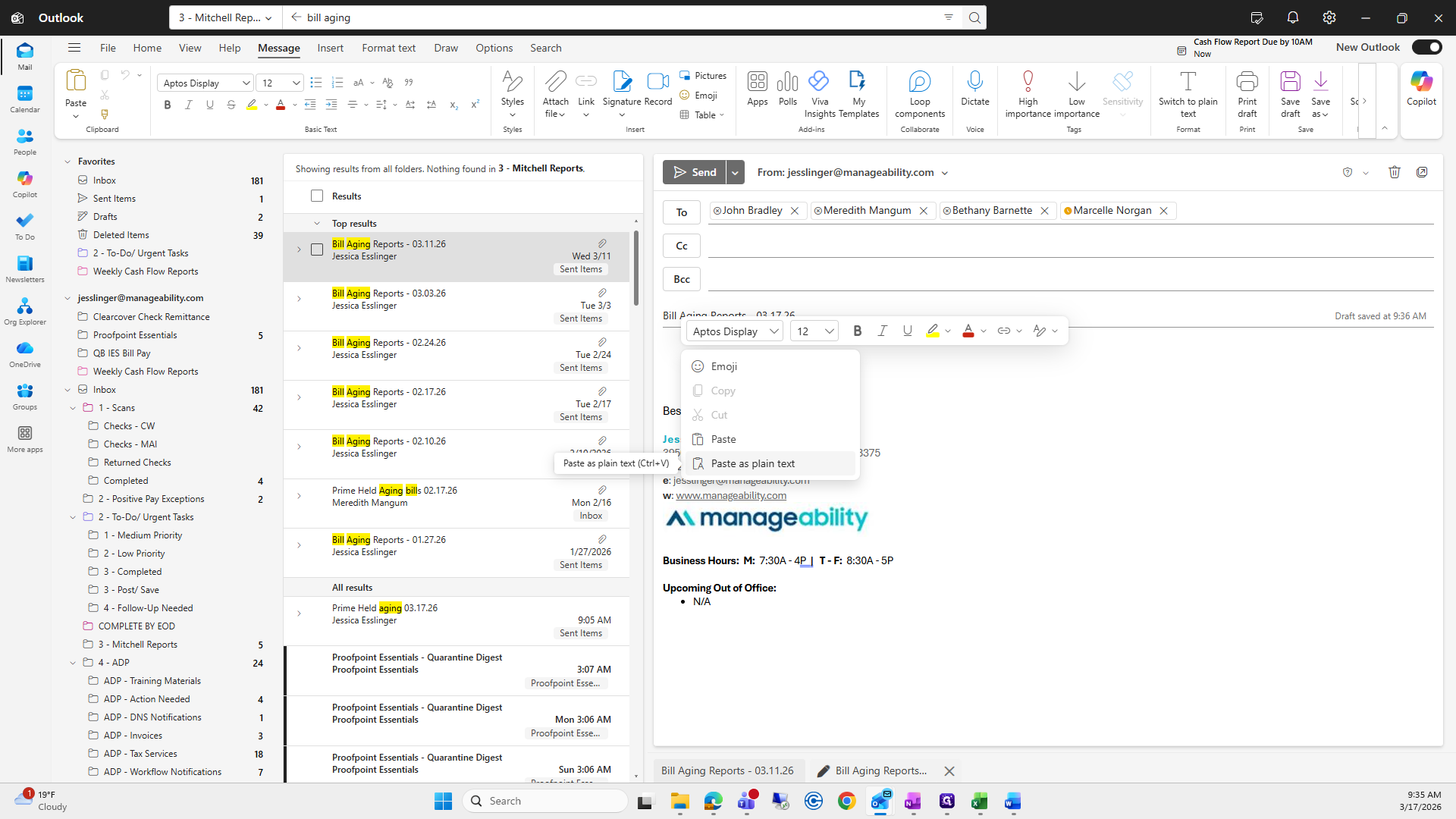
Then, enter the subject line: Bill Aging Reports, 03/17/26.
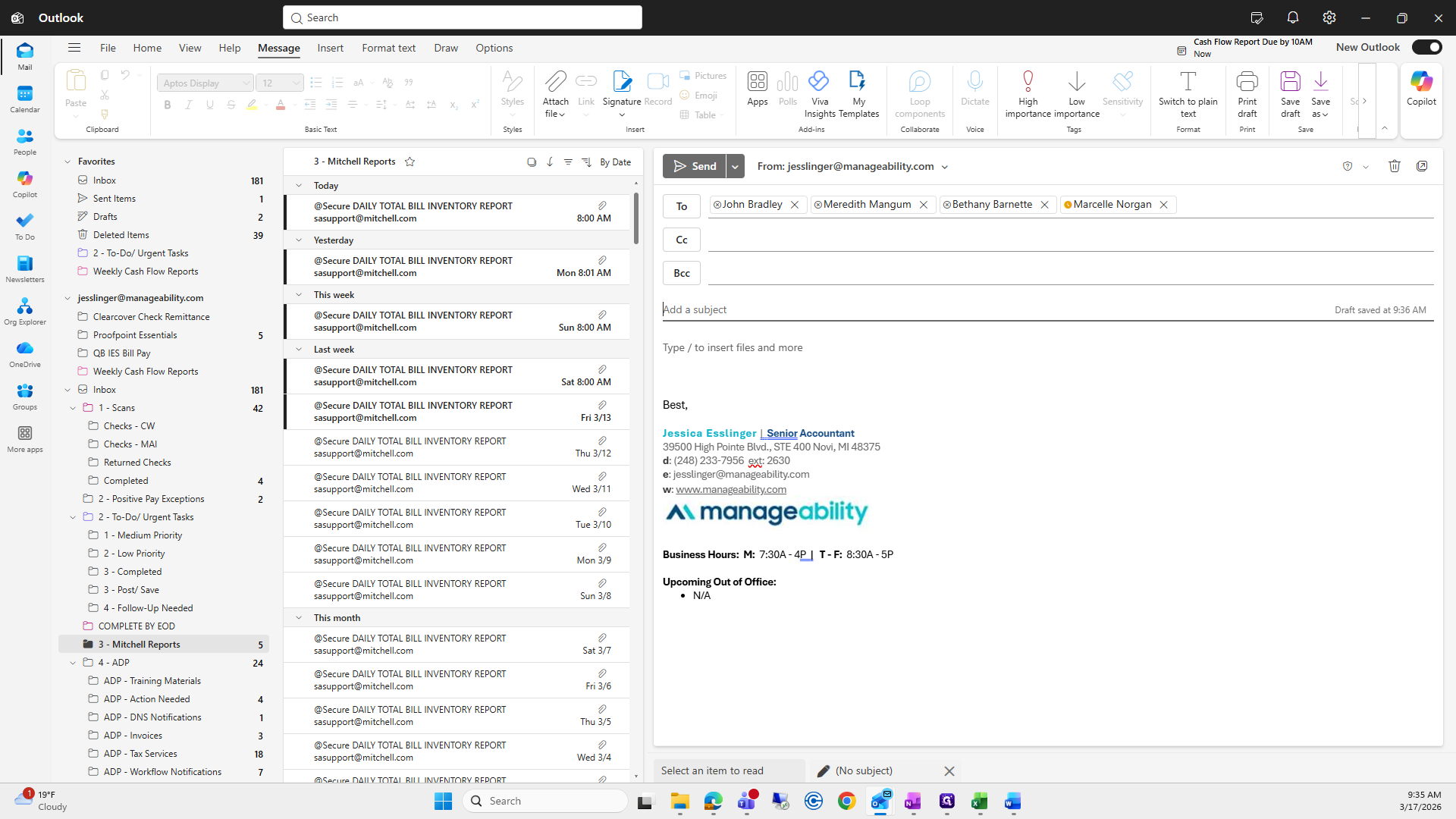
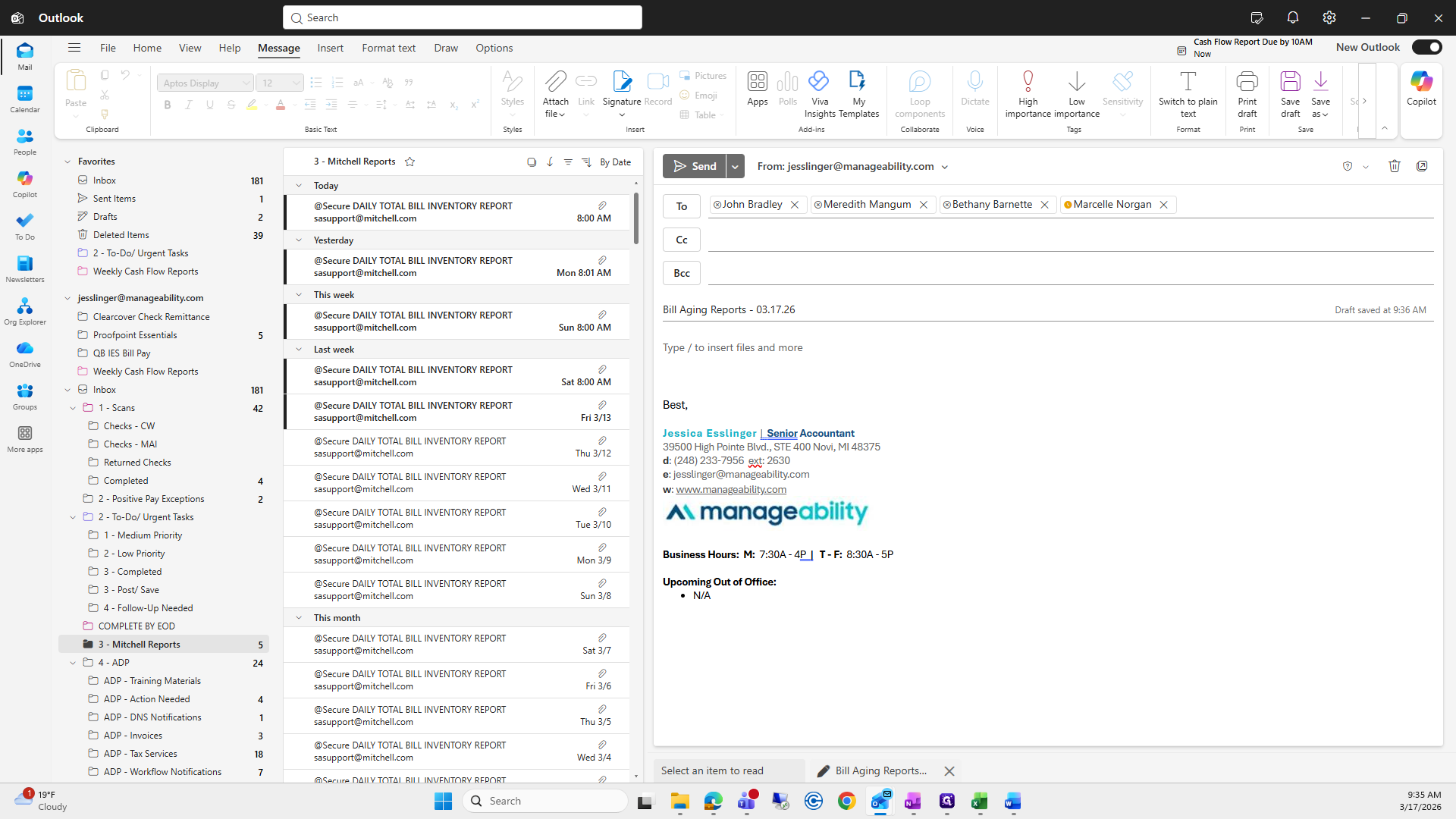
I like to copy and paste to keep it uniform.
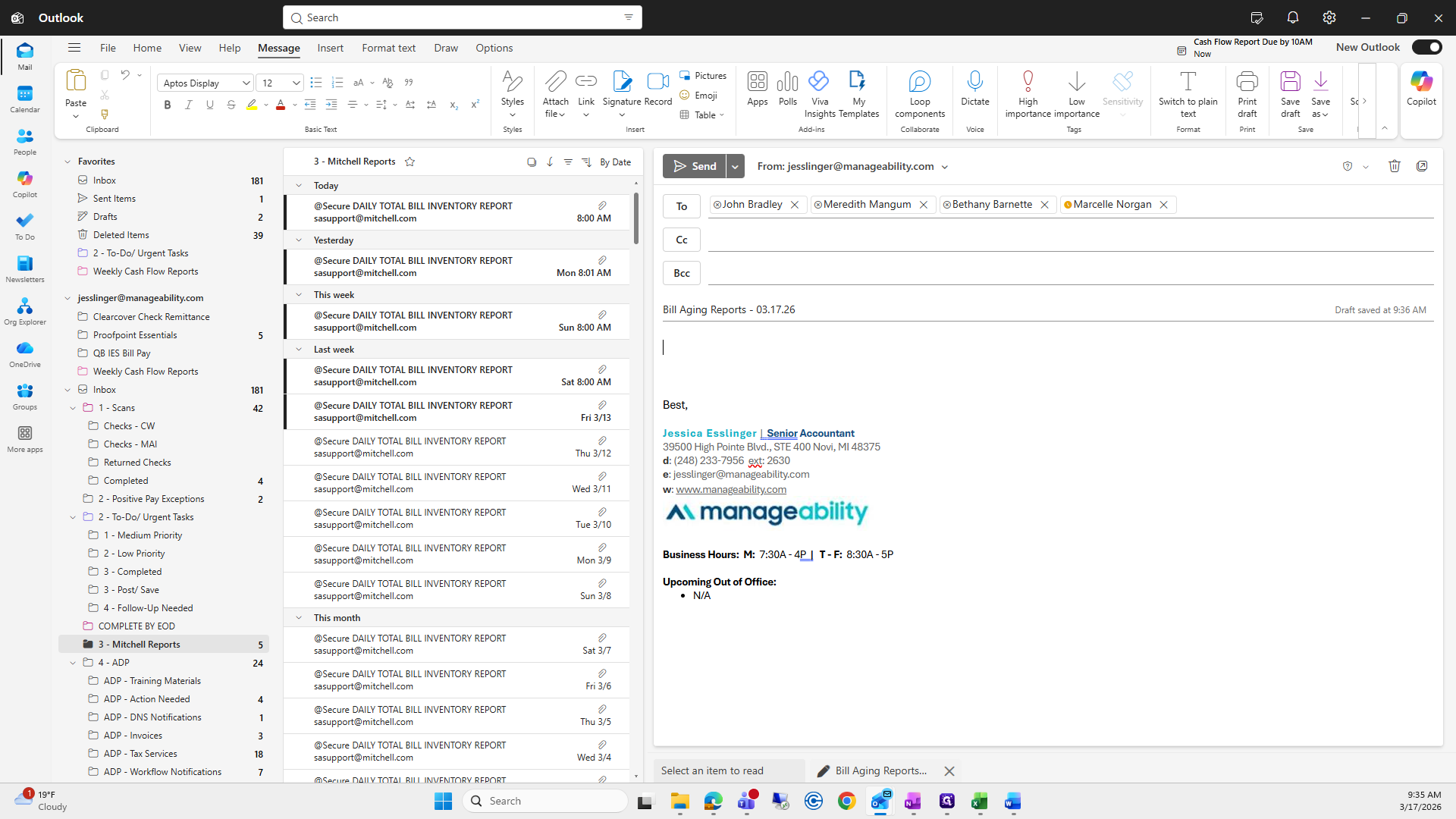
Bill aging.
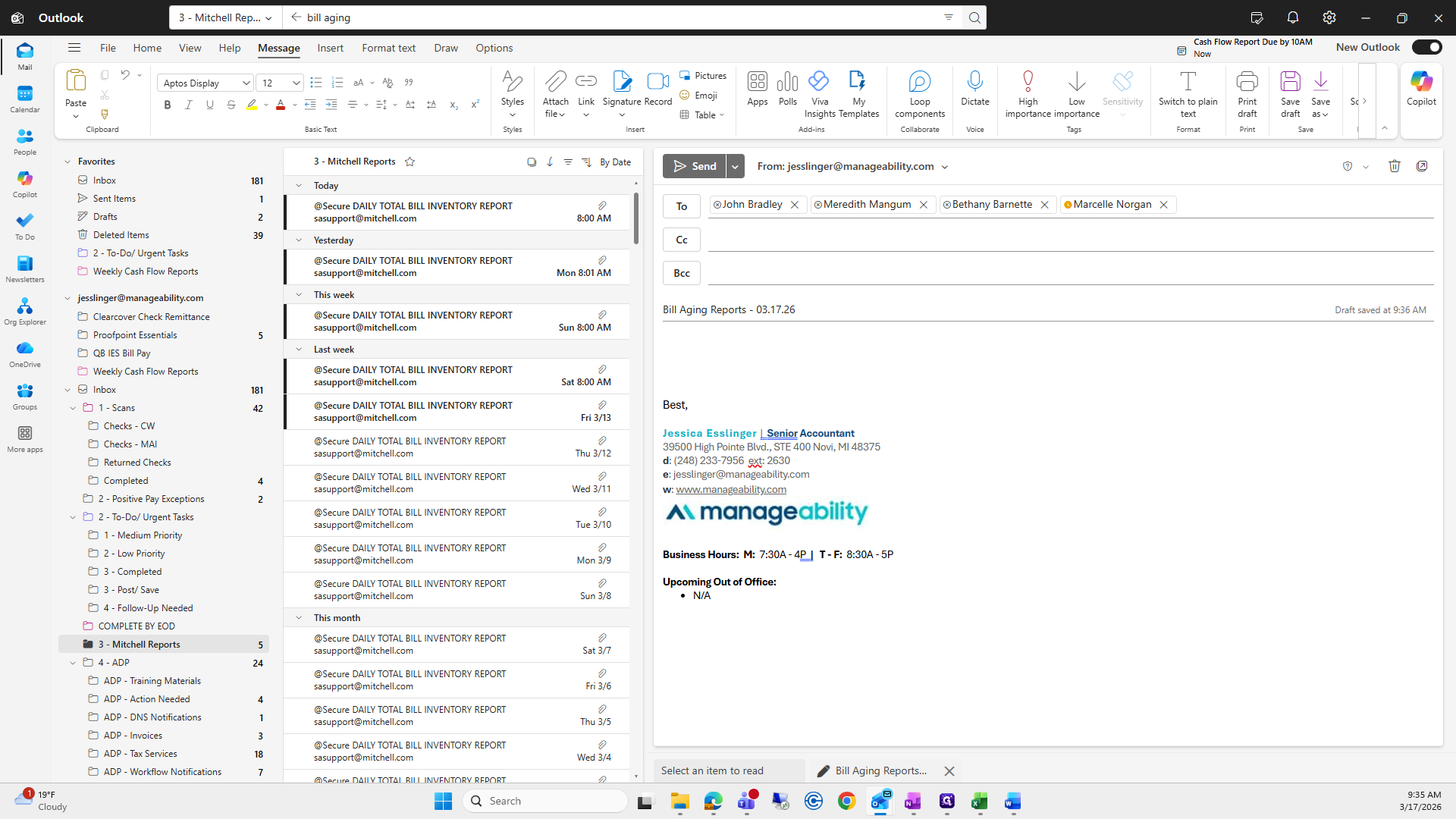
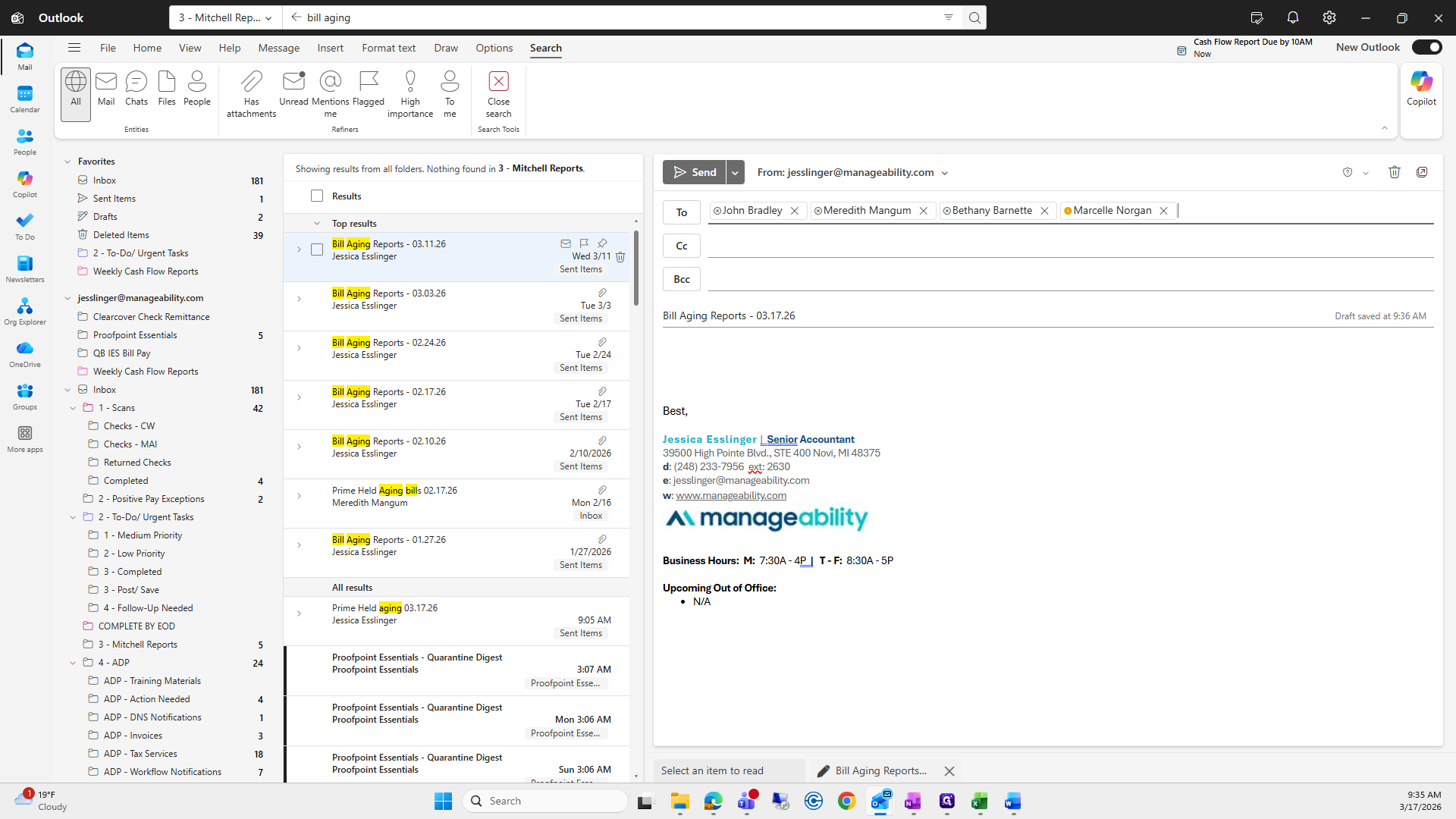
Go to the previous one. It's very easy—copy what I used last time and paste it. Then, I will collect all the reports we just created in PDF format.
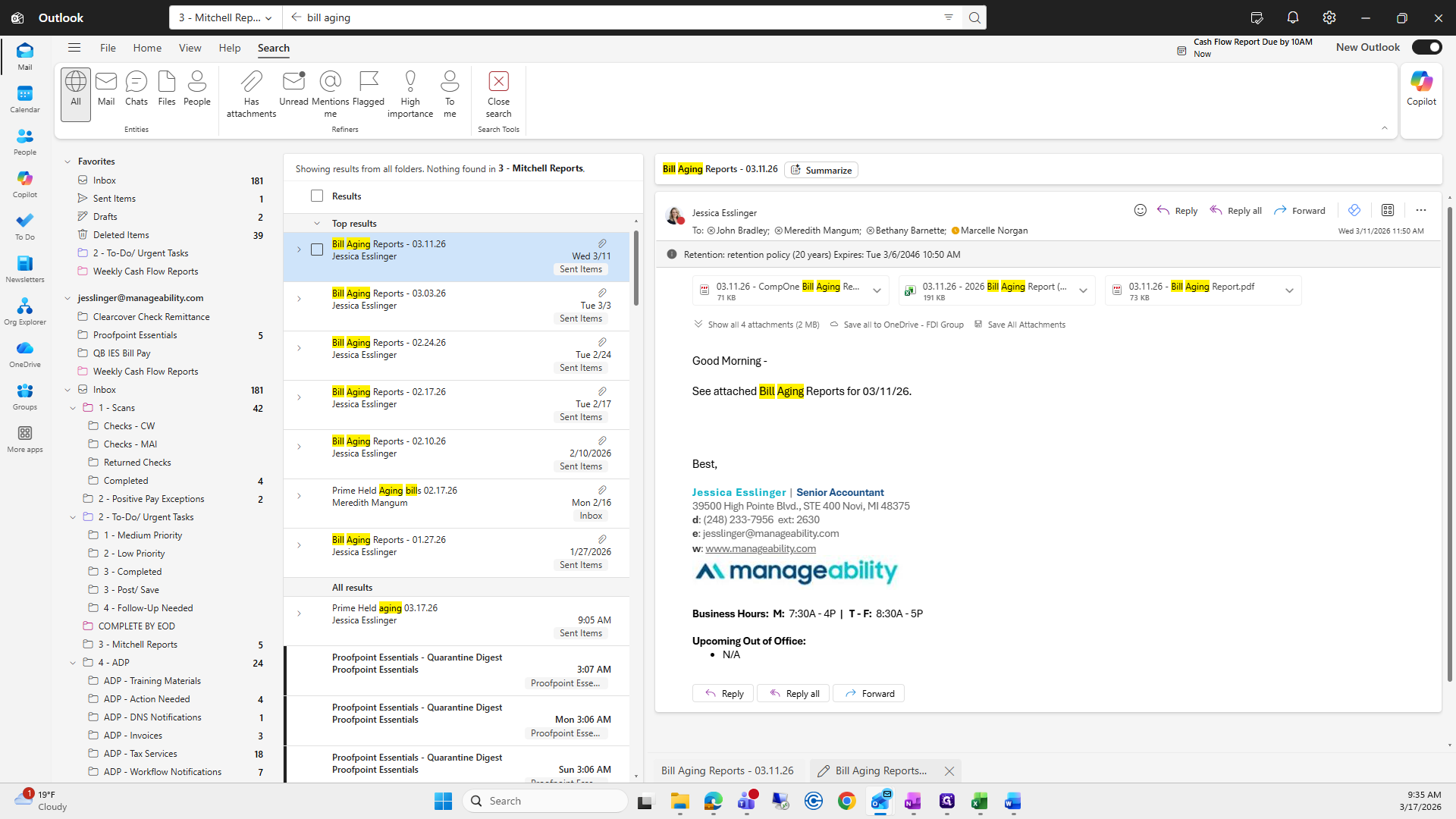
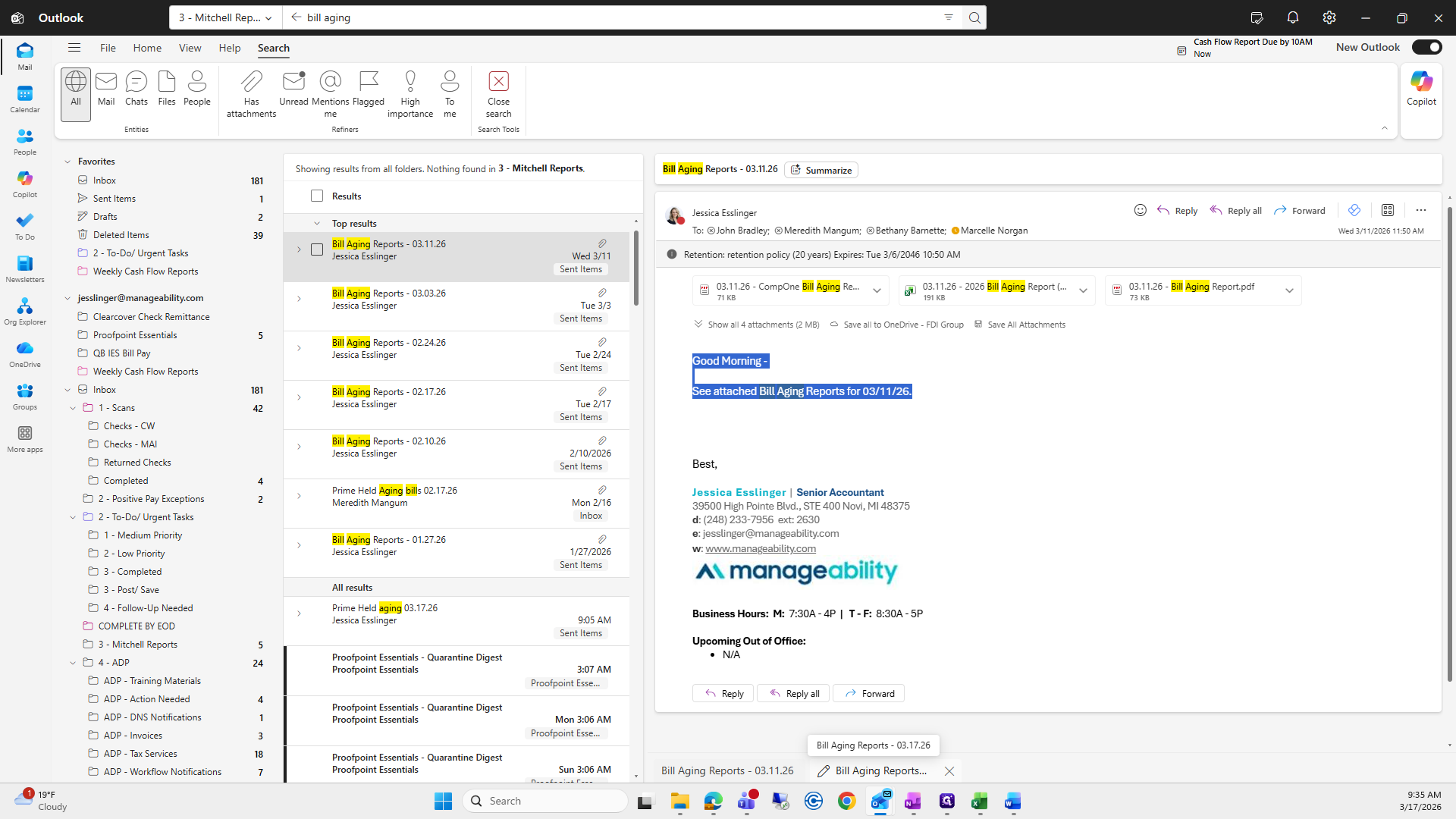
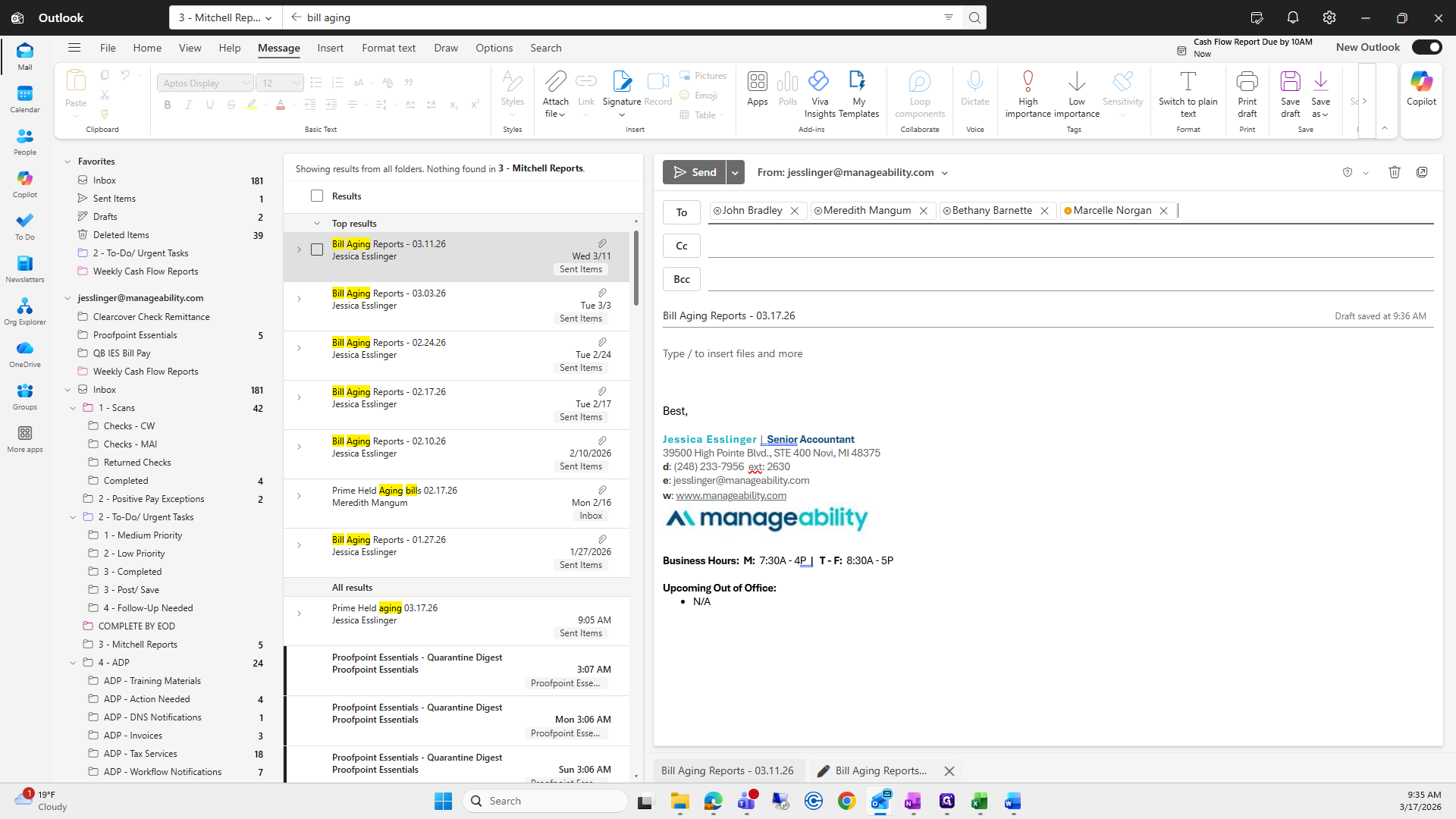
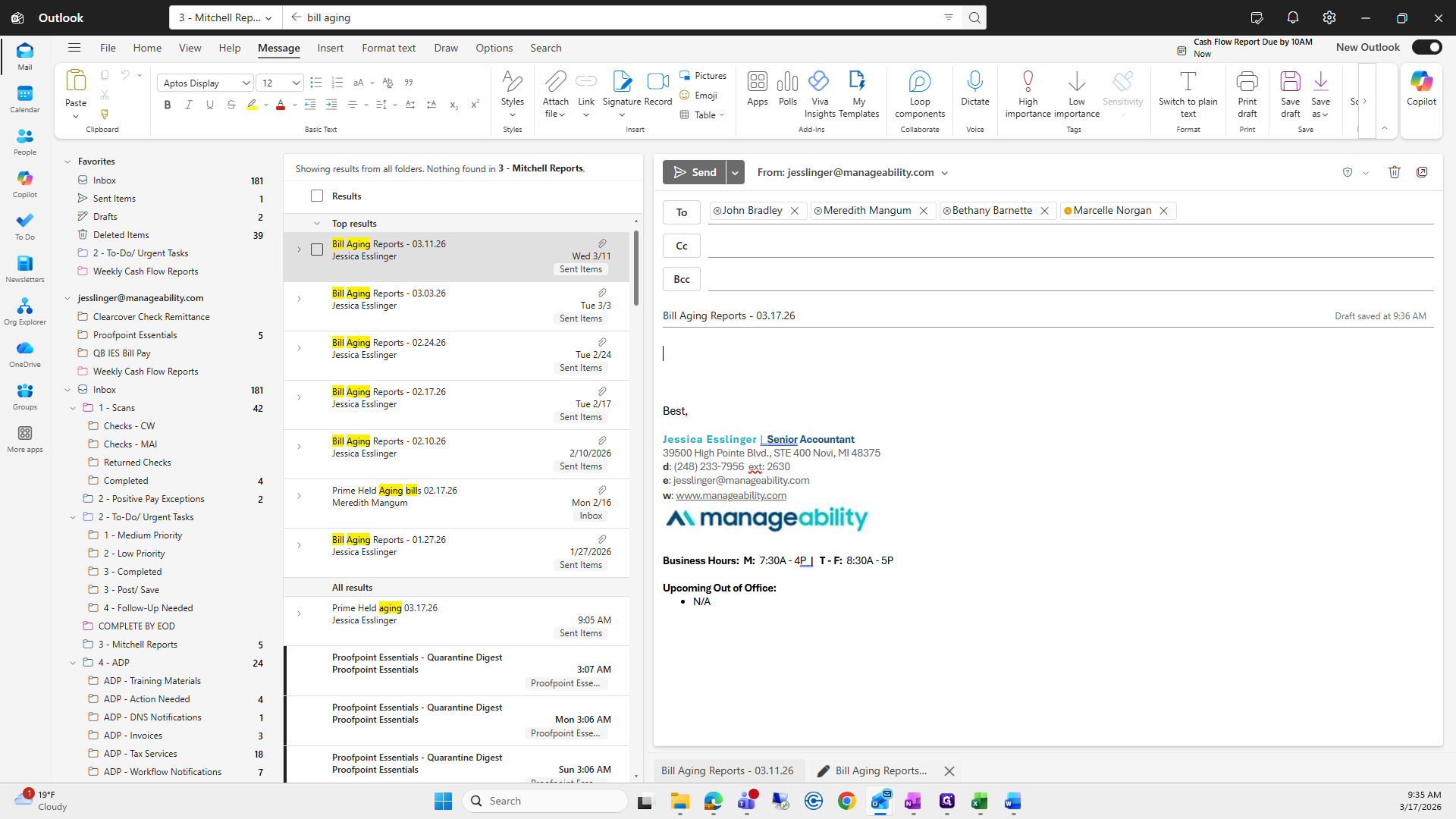
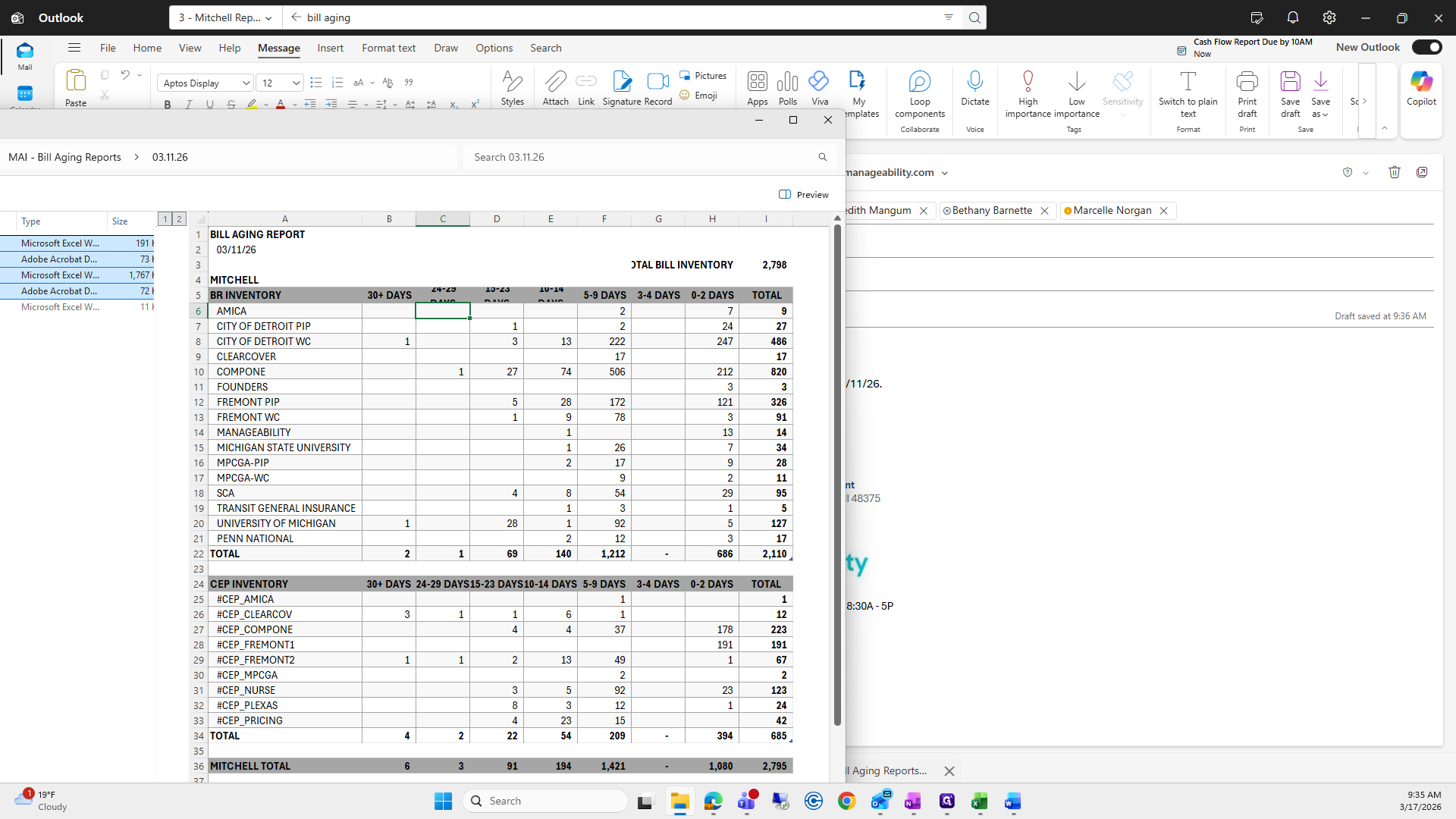
I leave out the prime bill because we don't need it. I will drag it into my email.
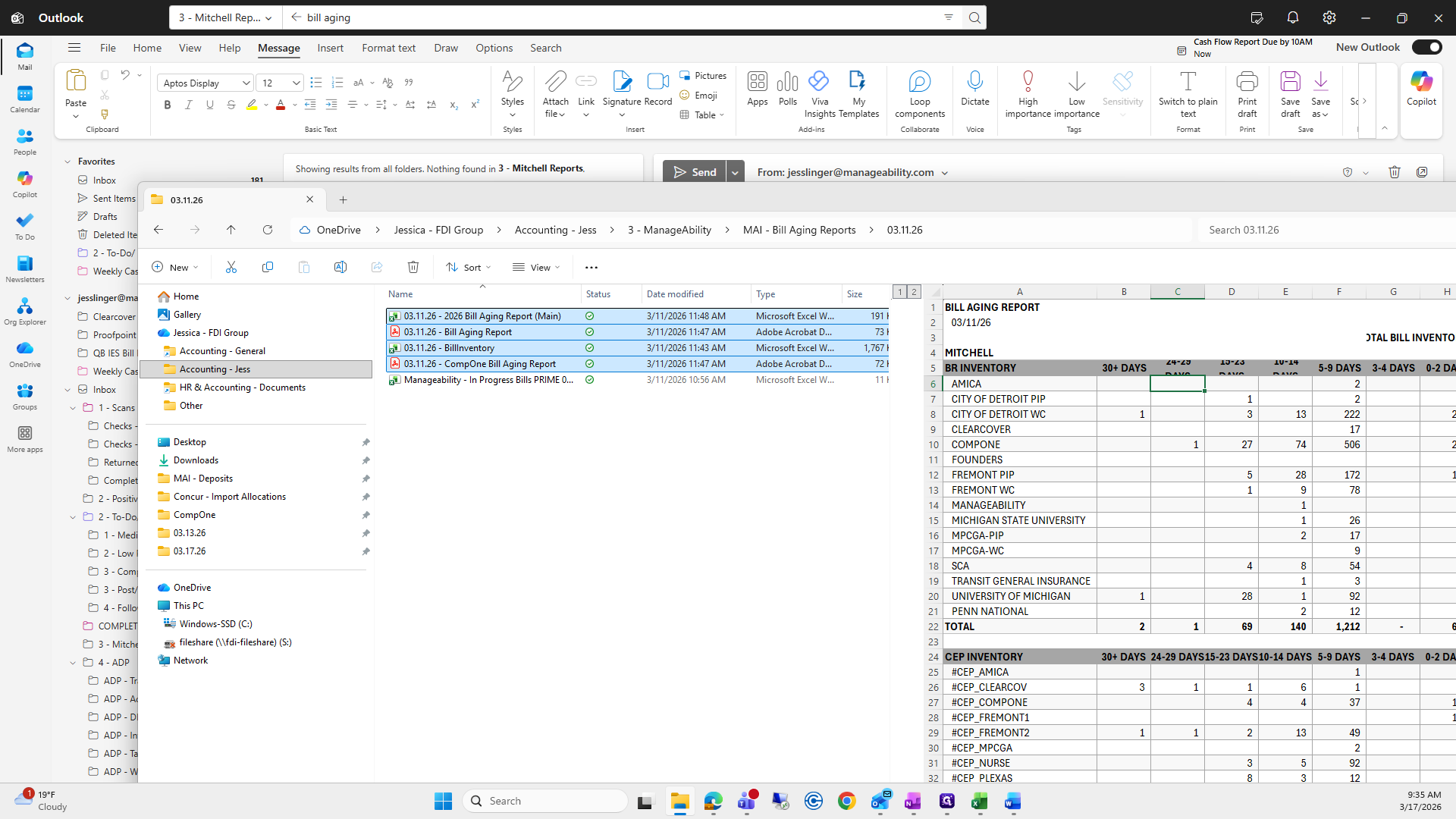
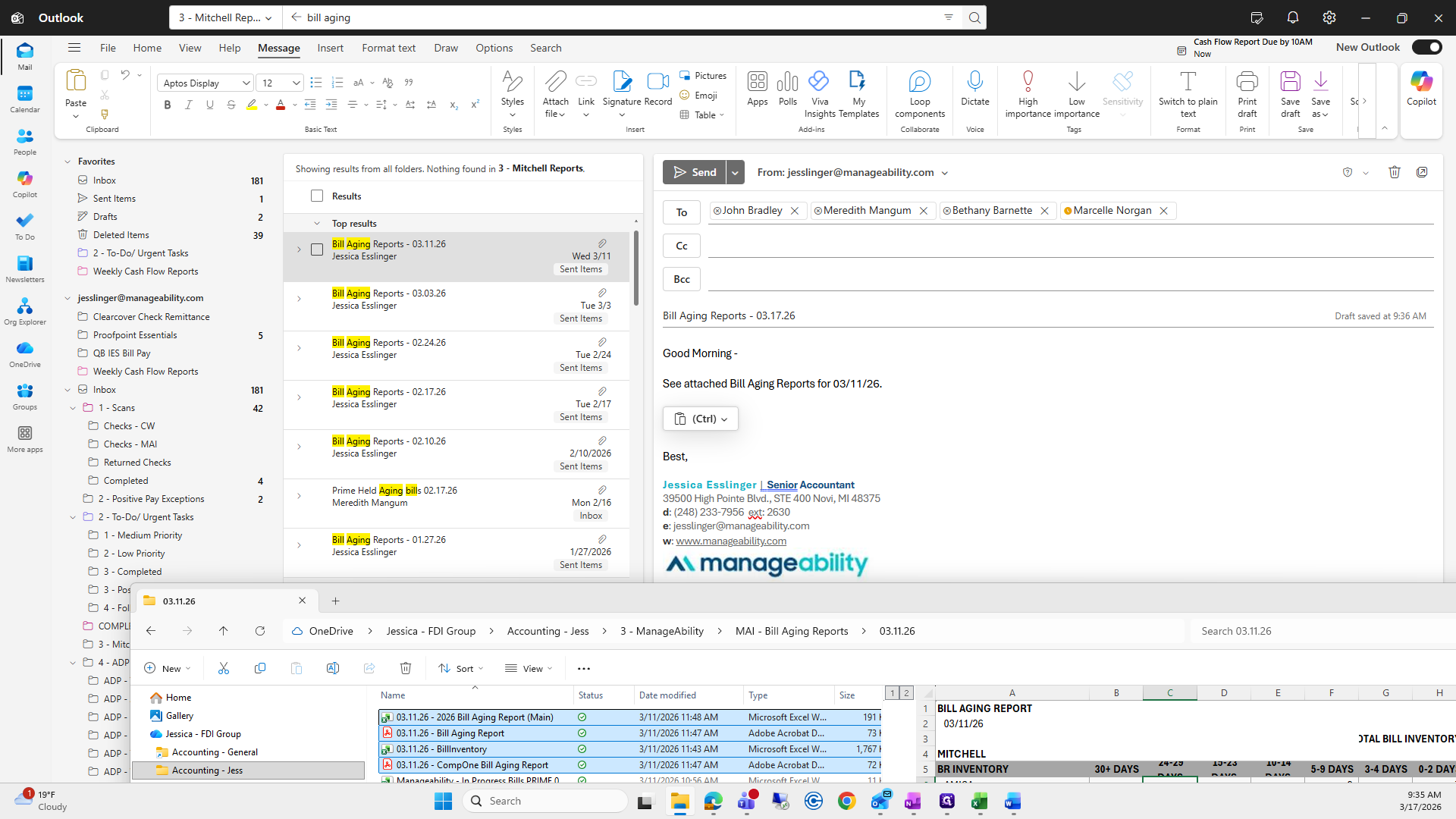
You are working on the bill aging report, the main file.
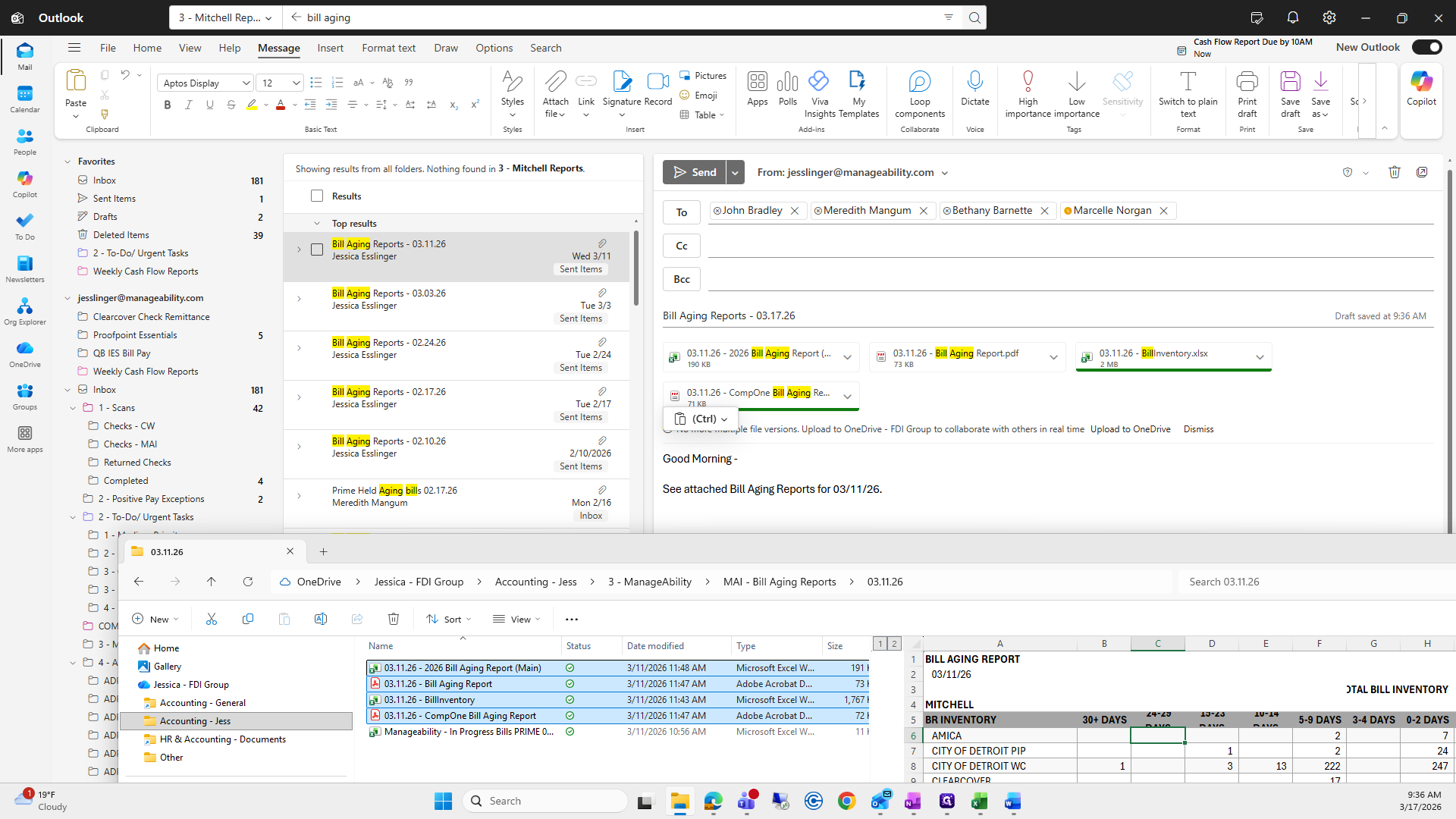
I just did the wrong one.
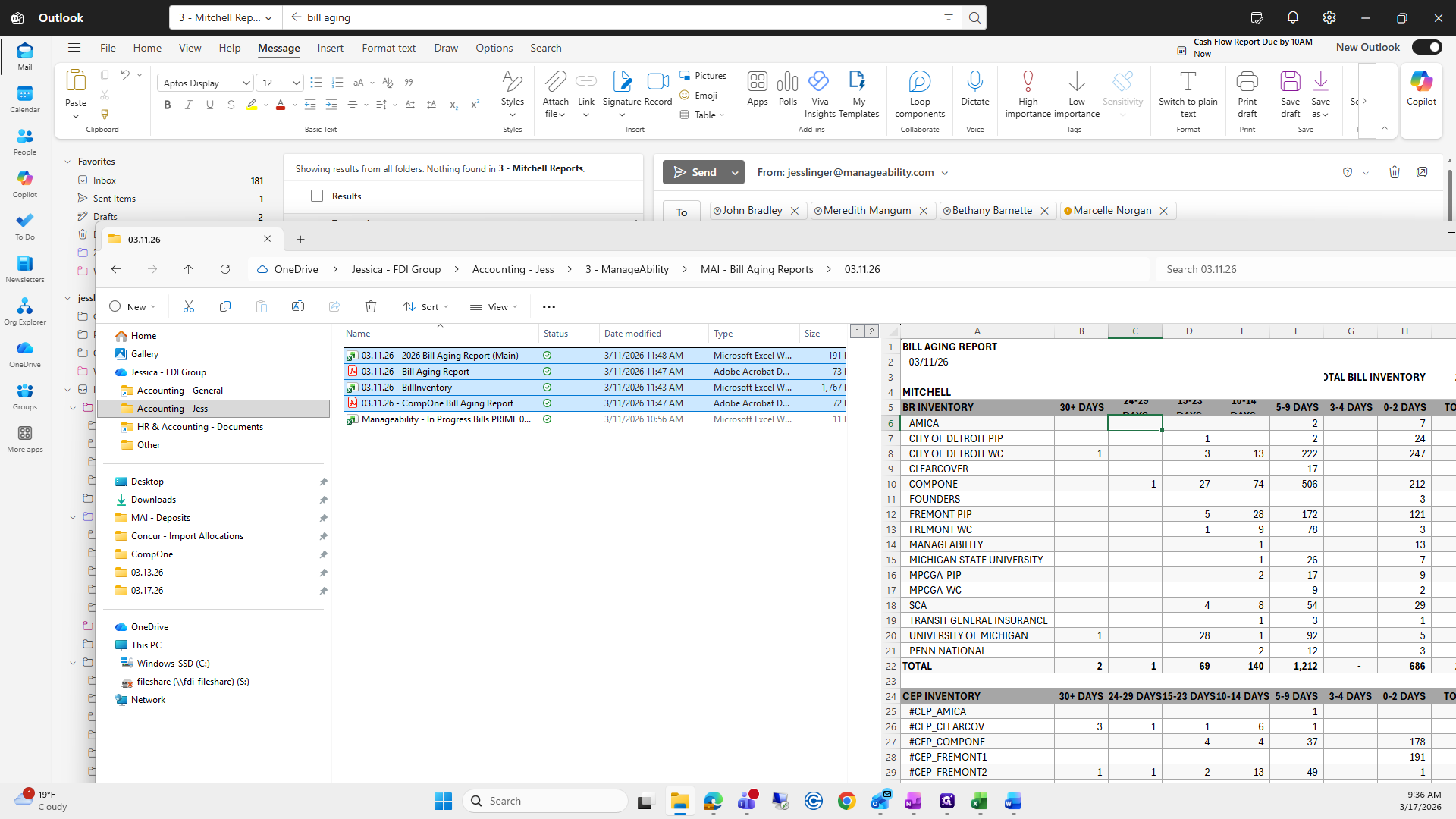
I need to remove all of these.
I entered the wrong date; we need the 17th, not the 11th.
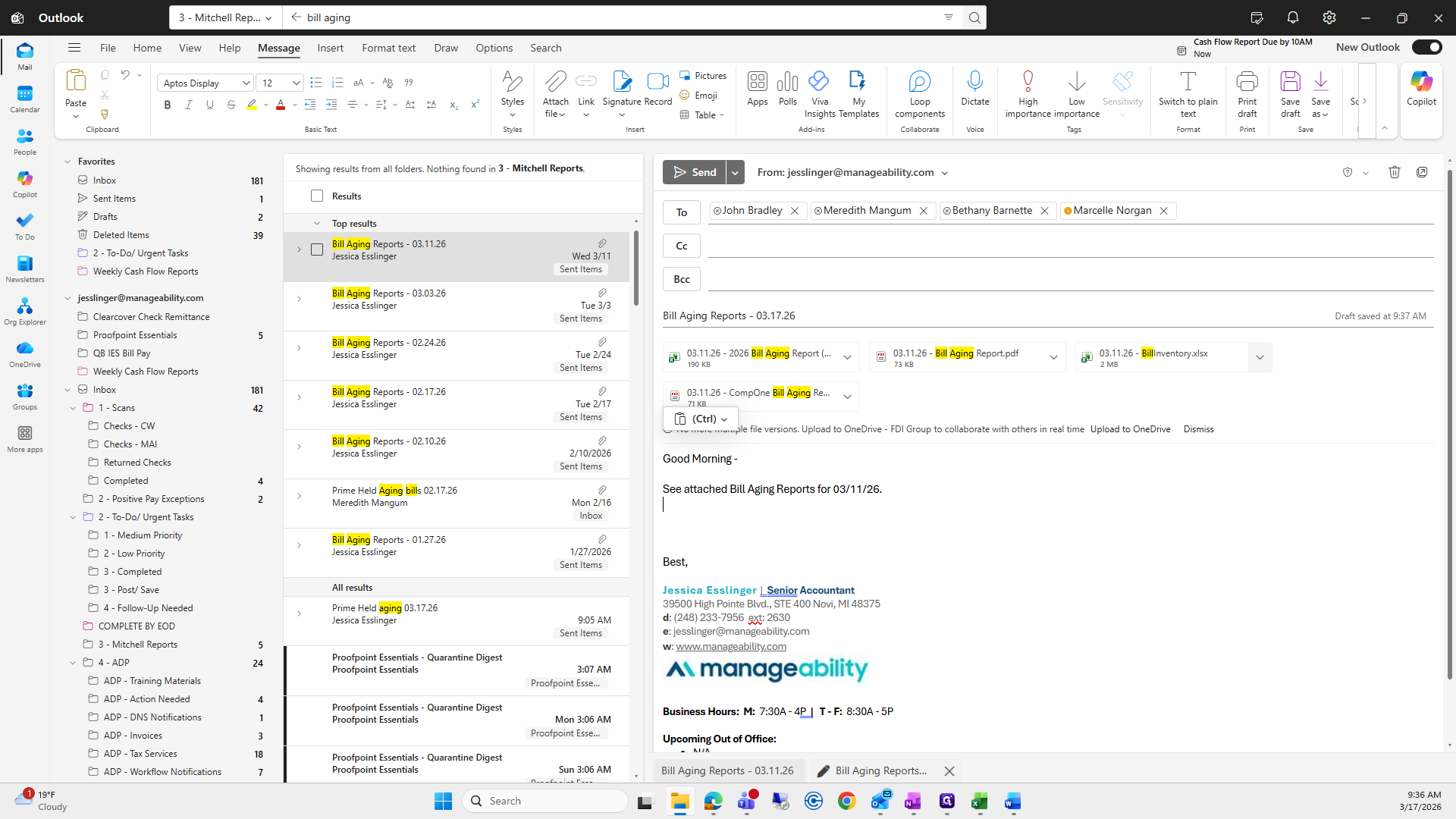
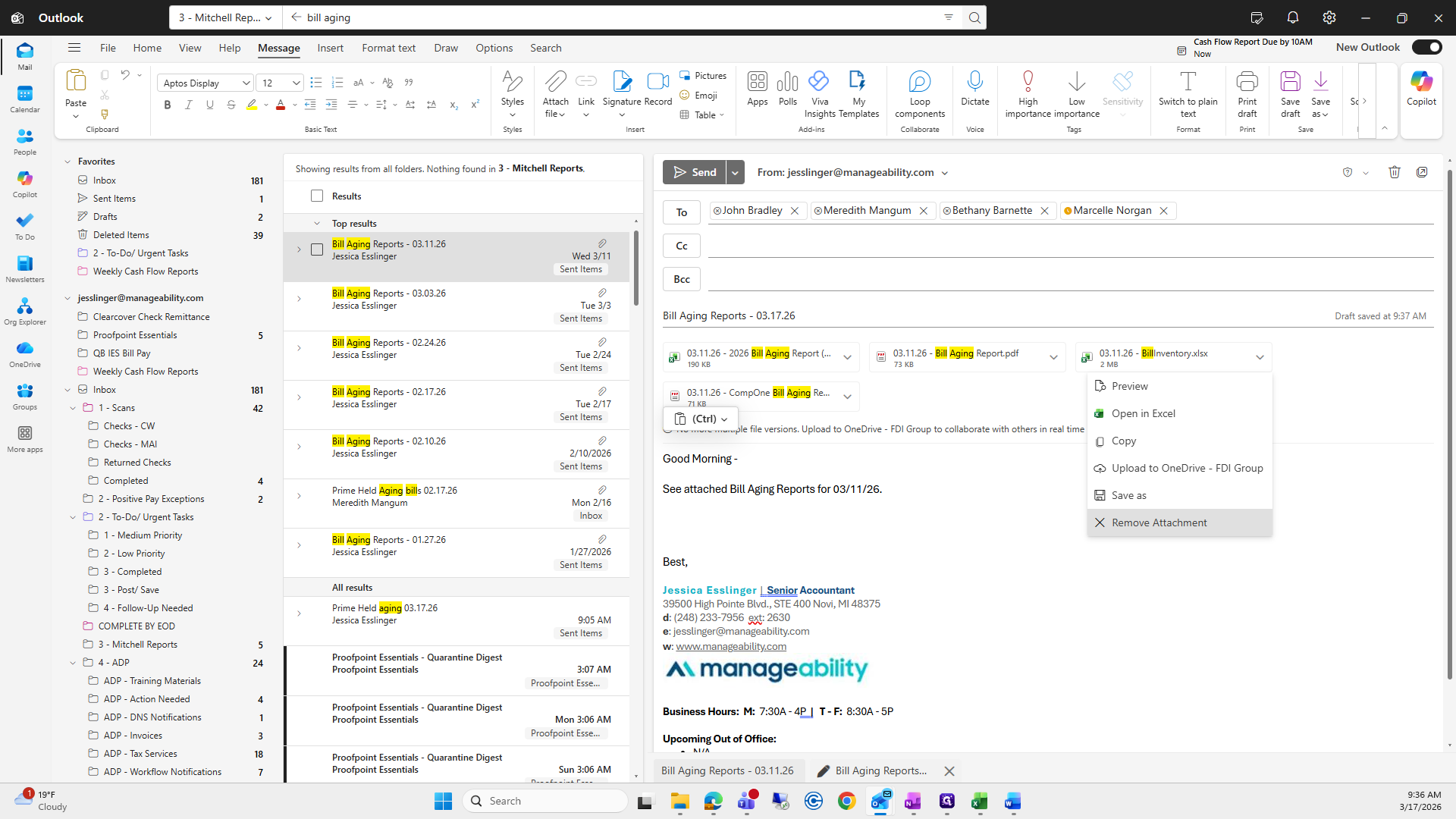
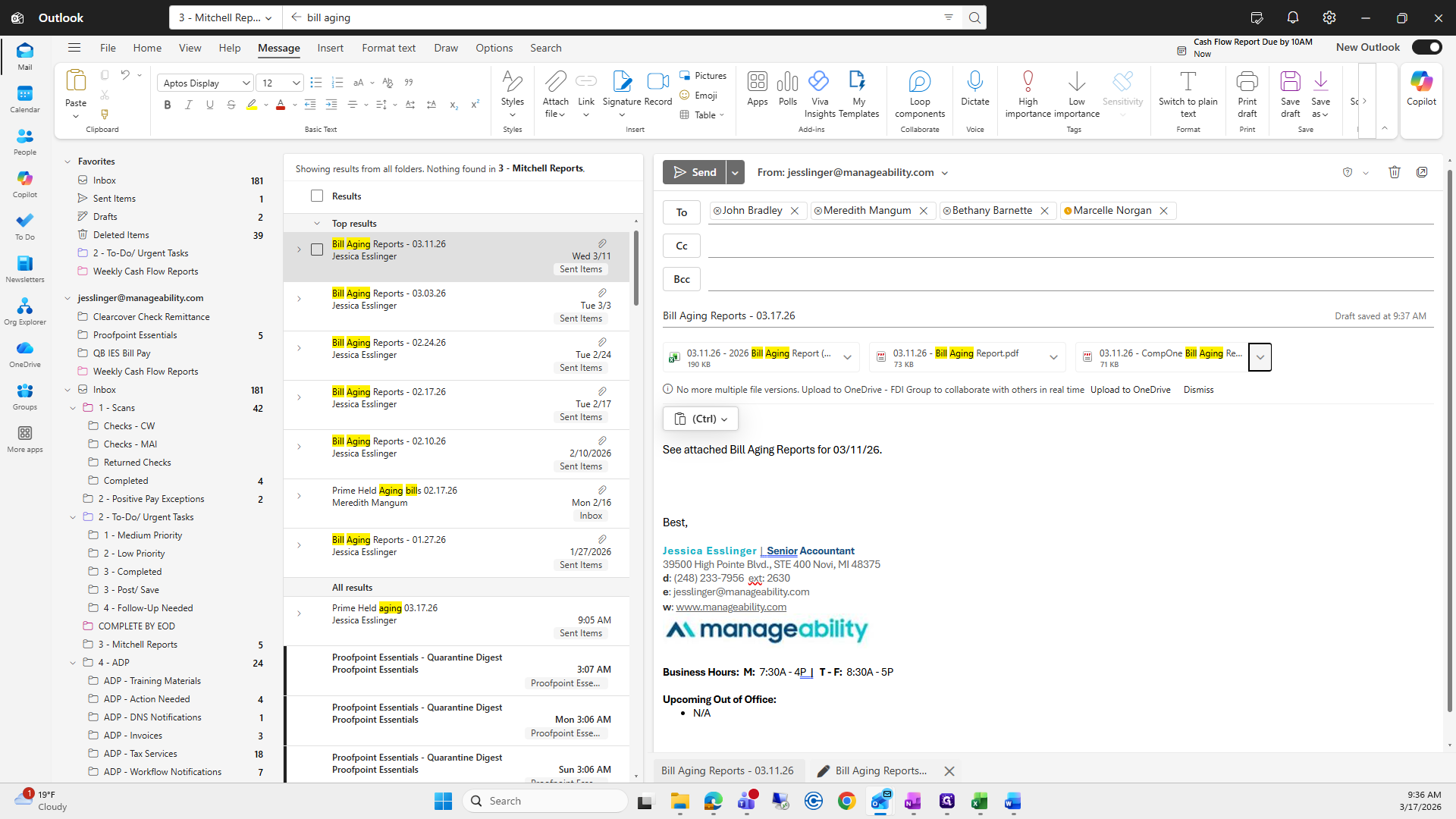
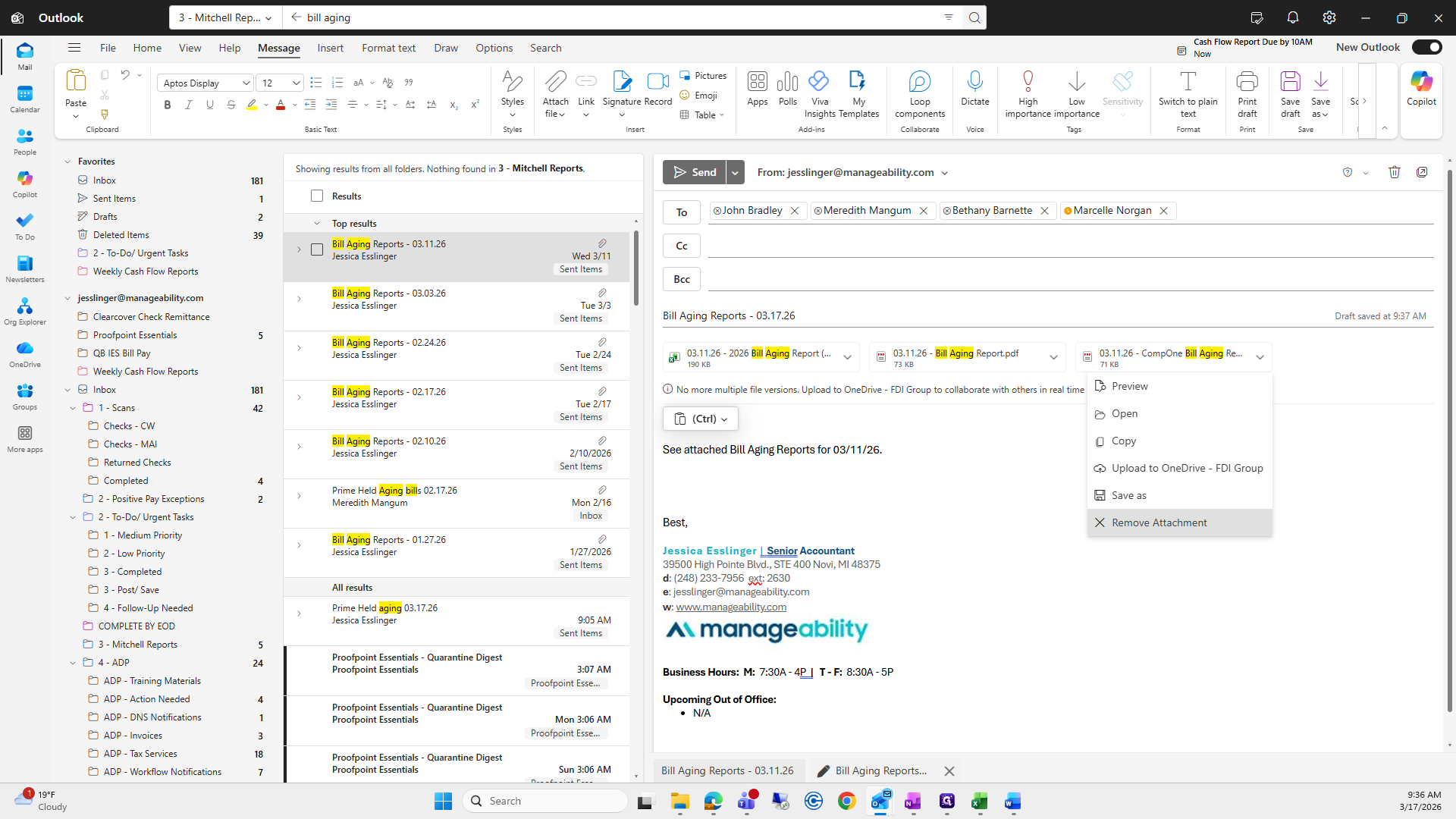
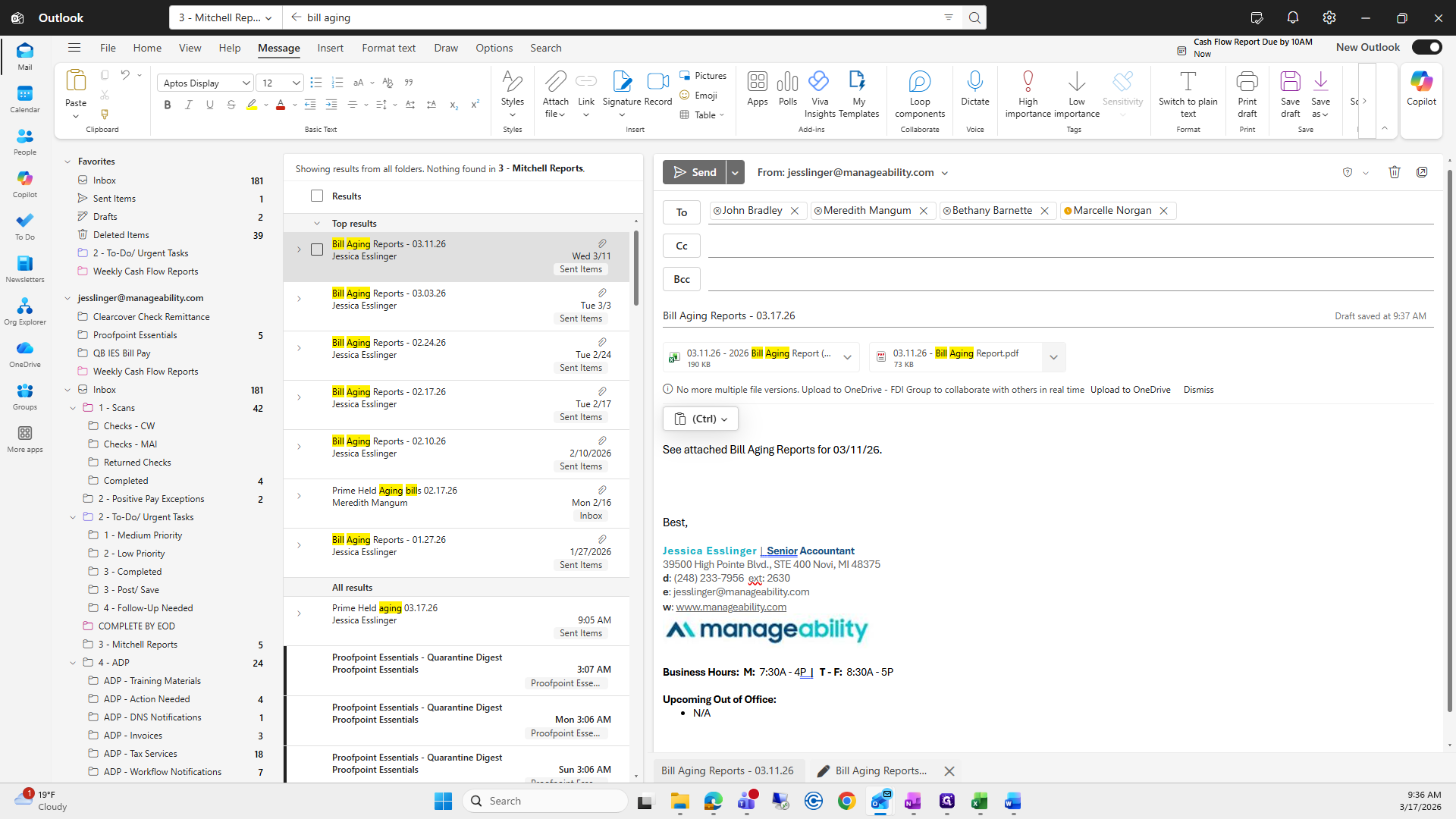
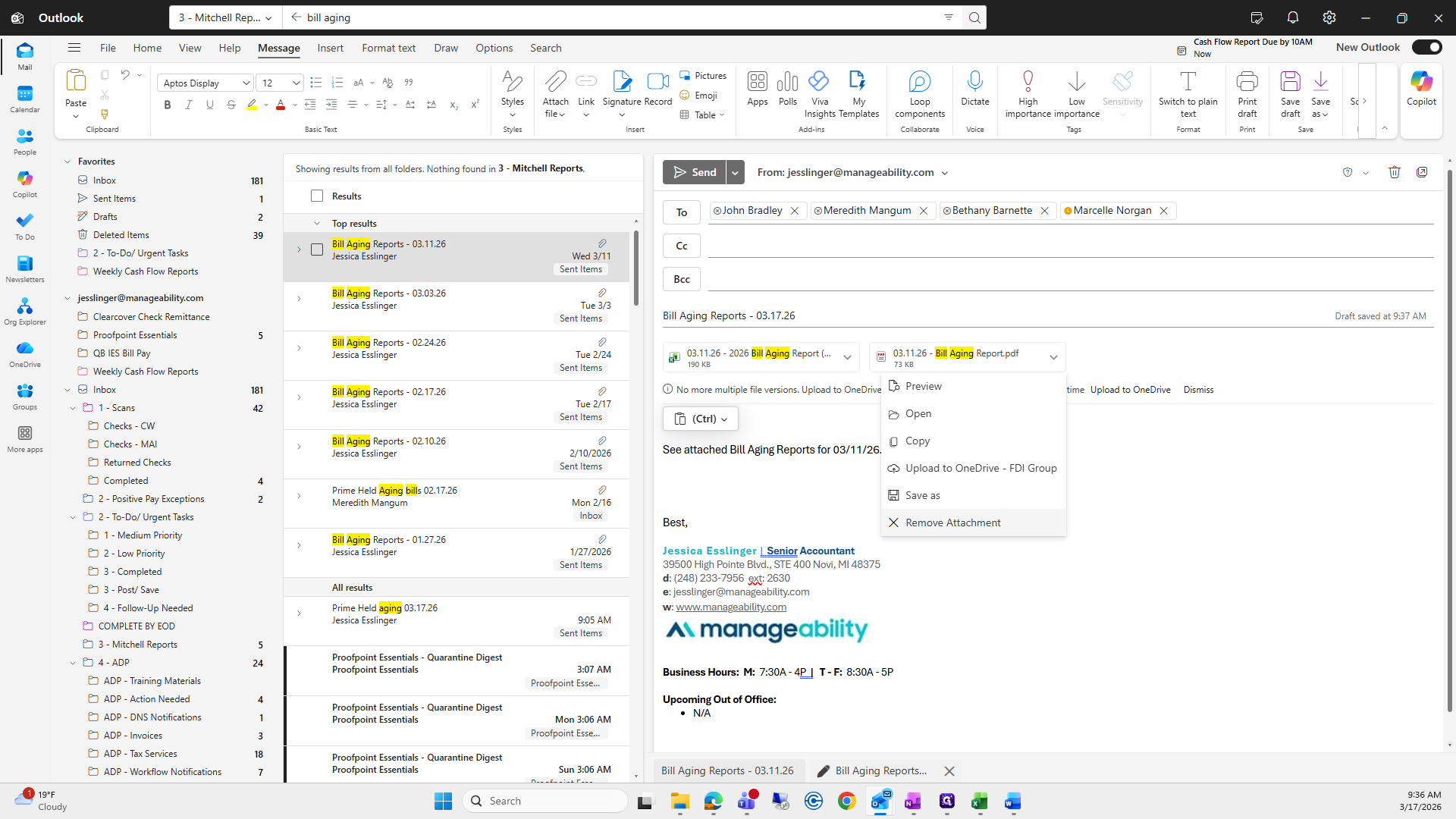
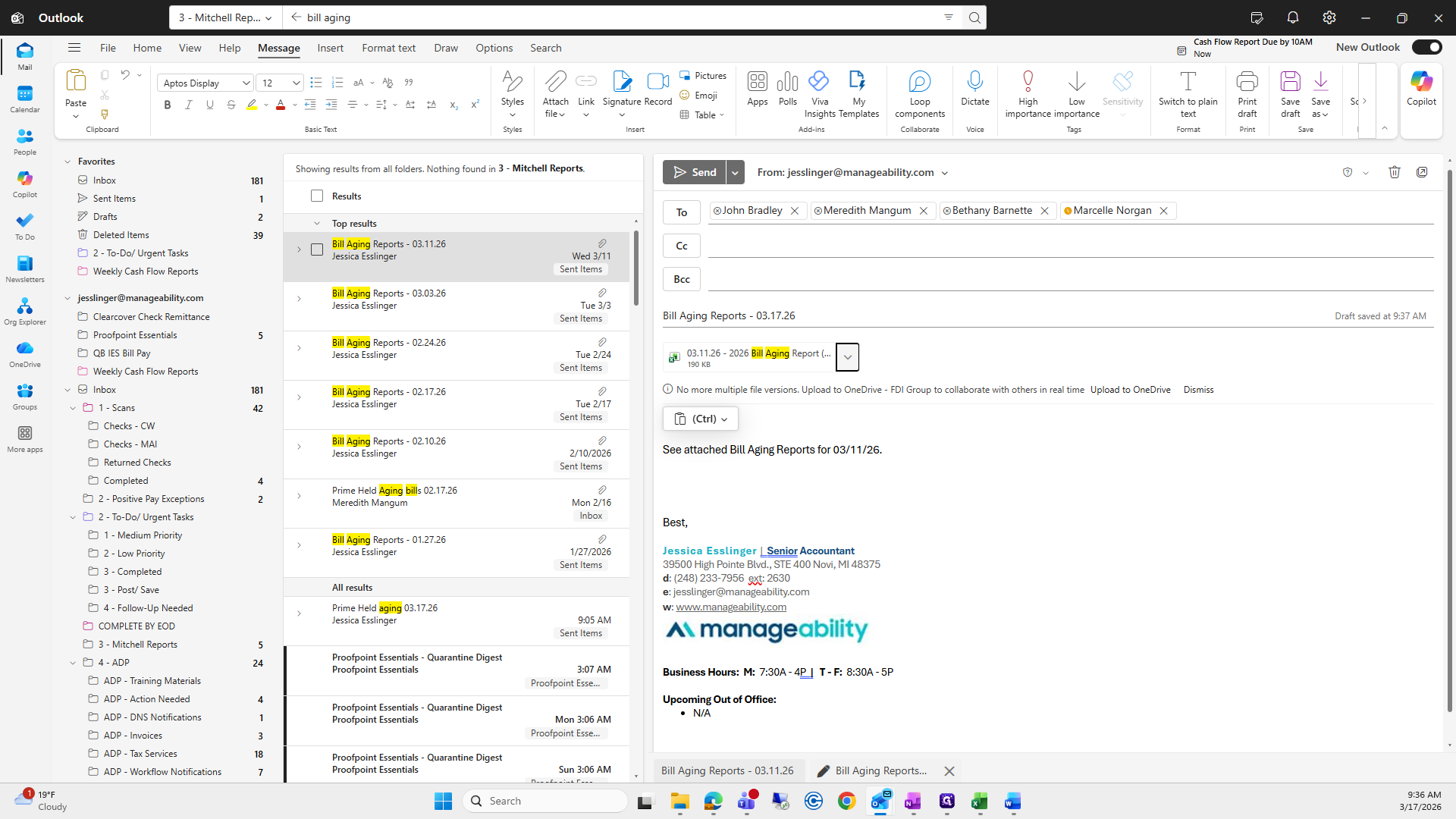
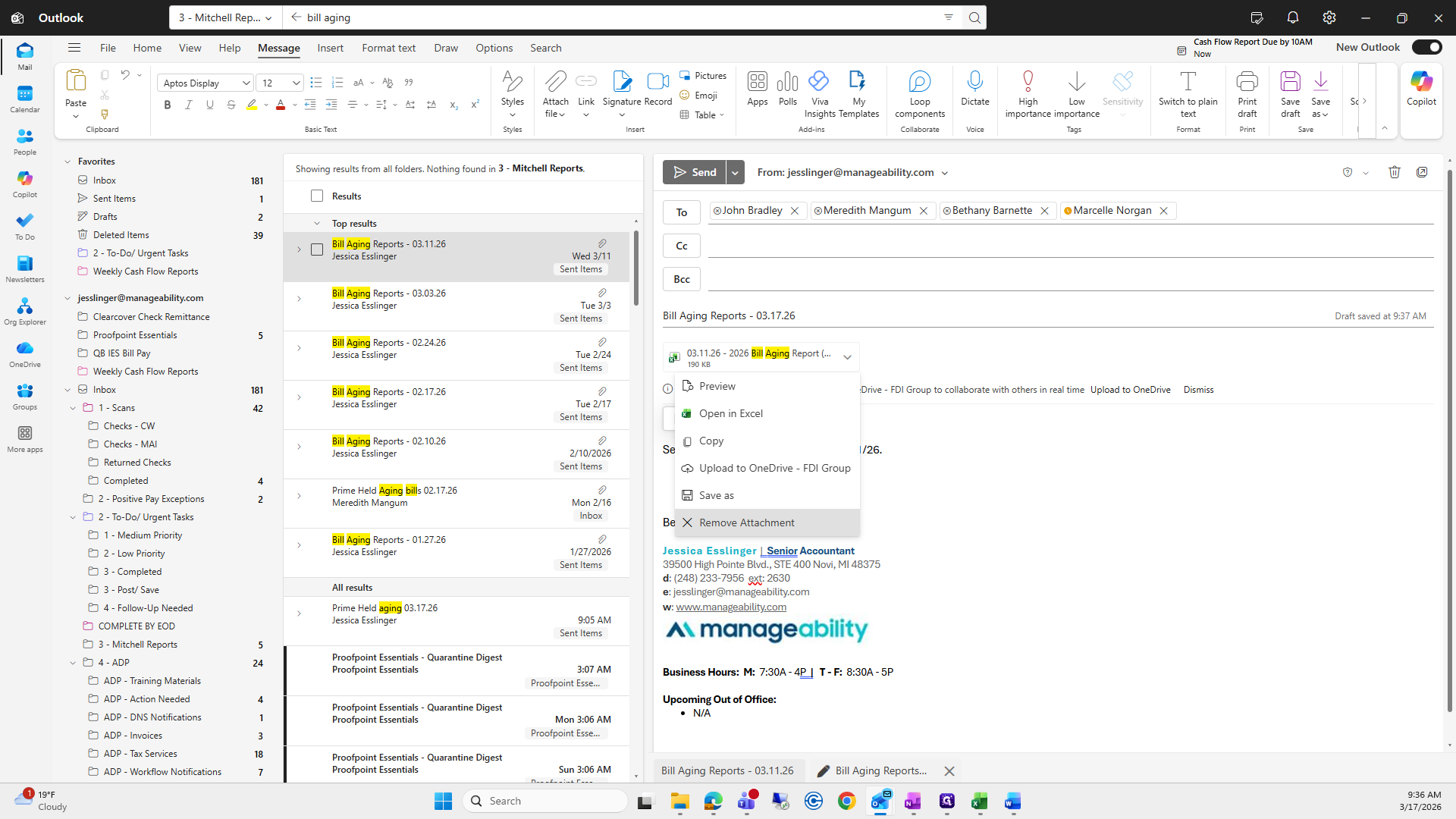
Maybe I can do this before we run out of time again.
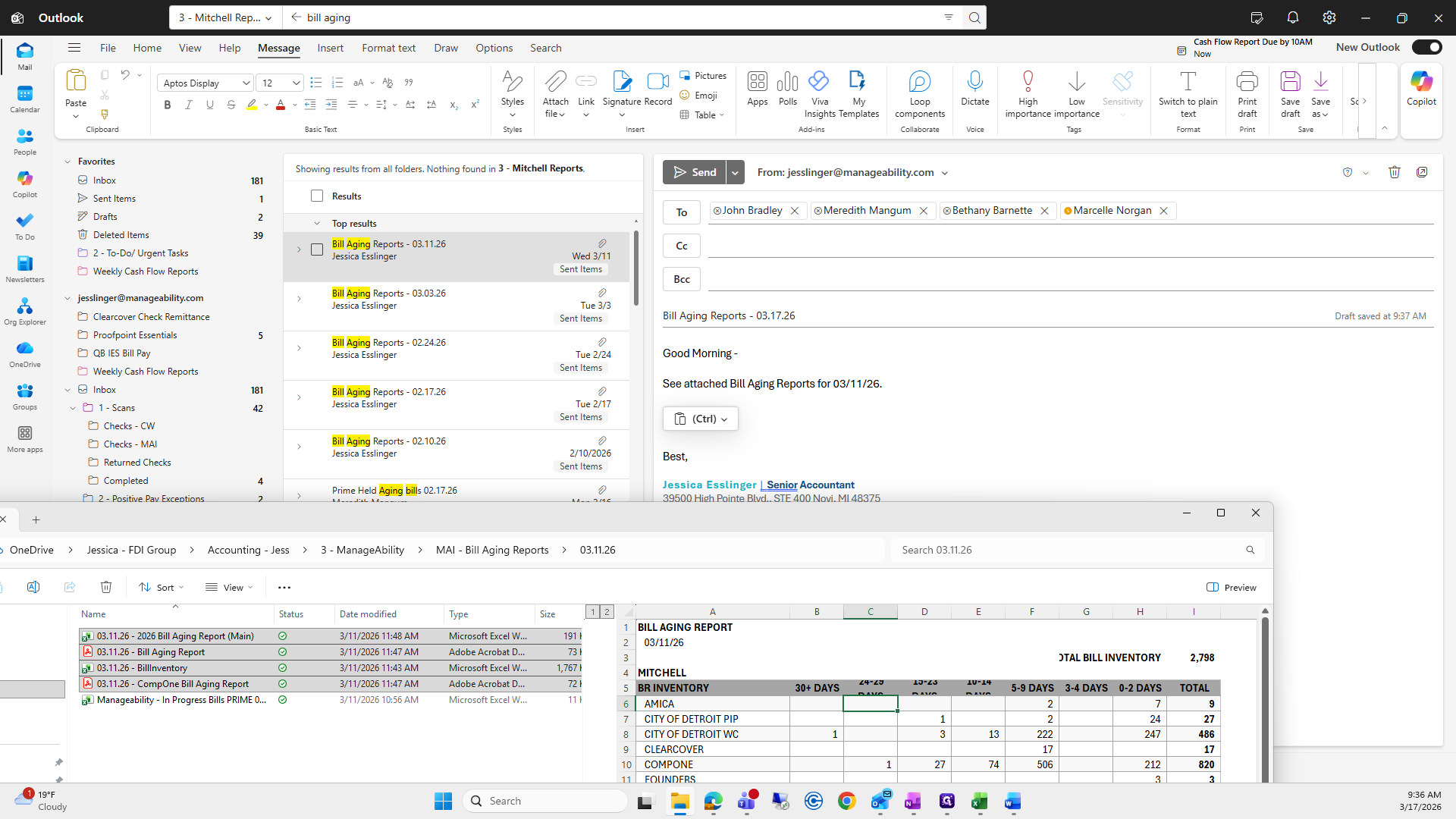
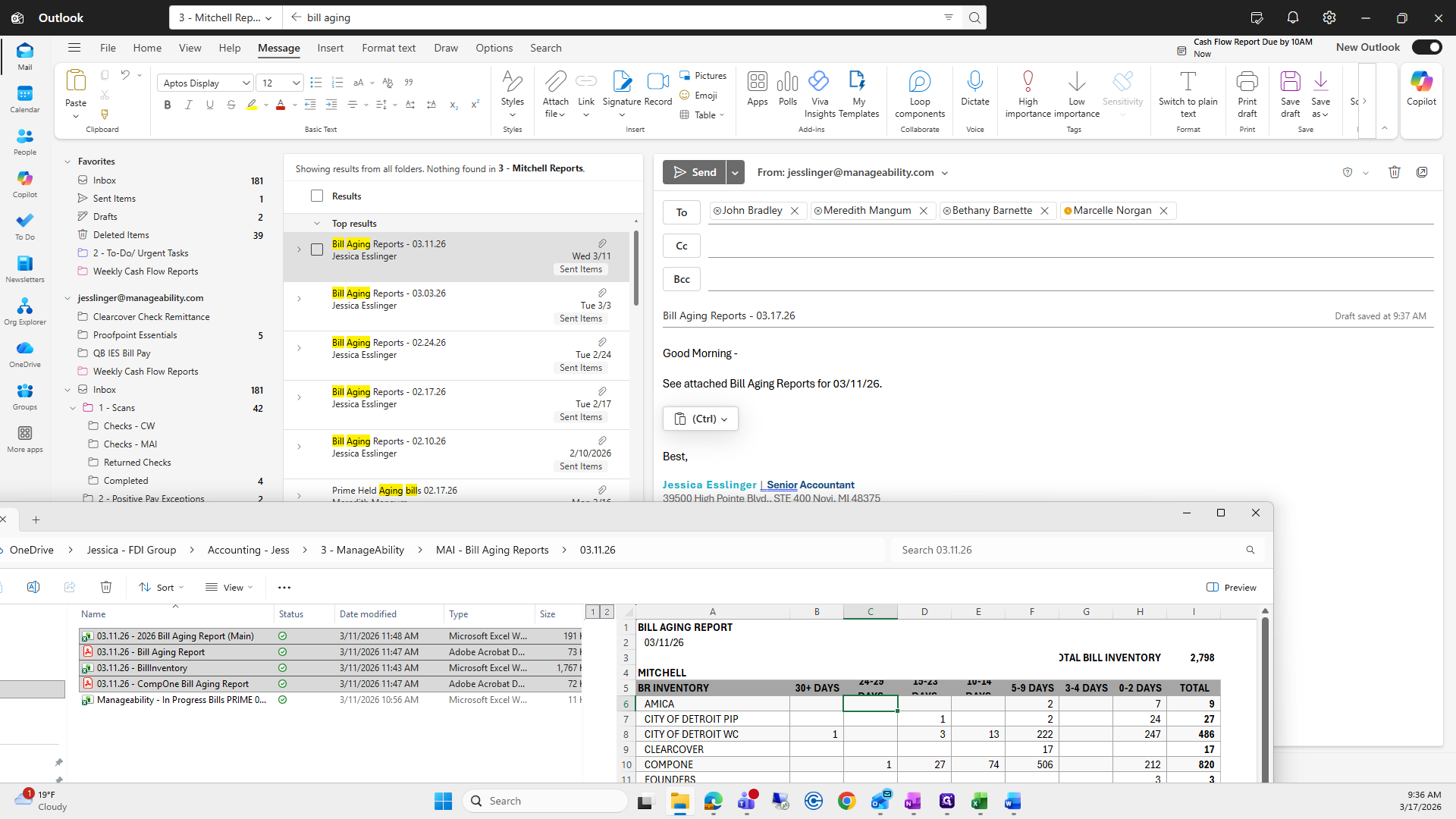
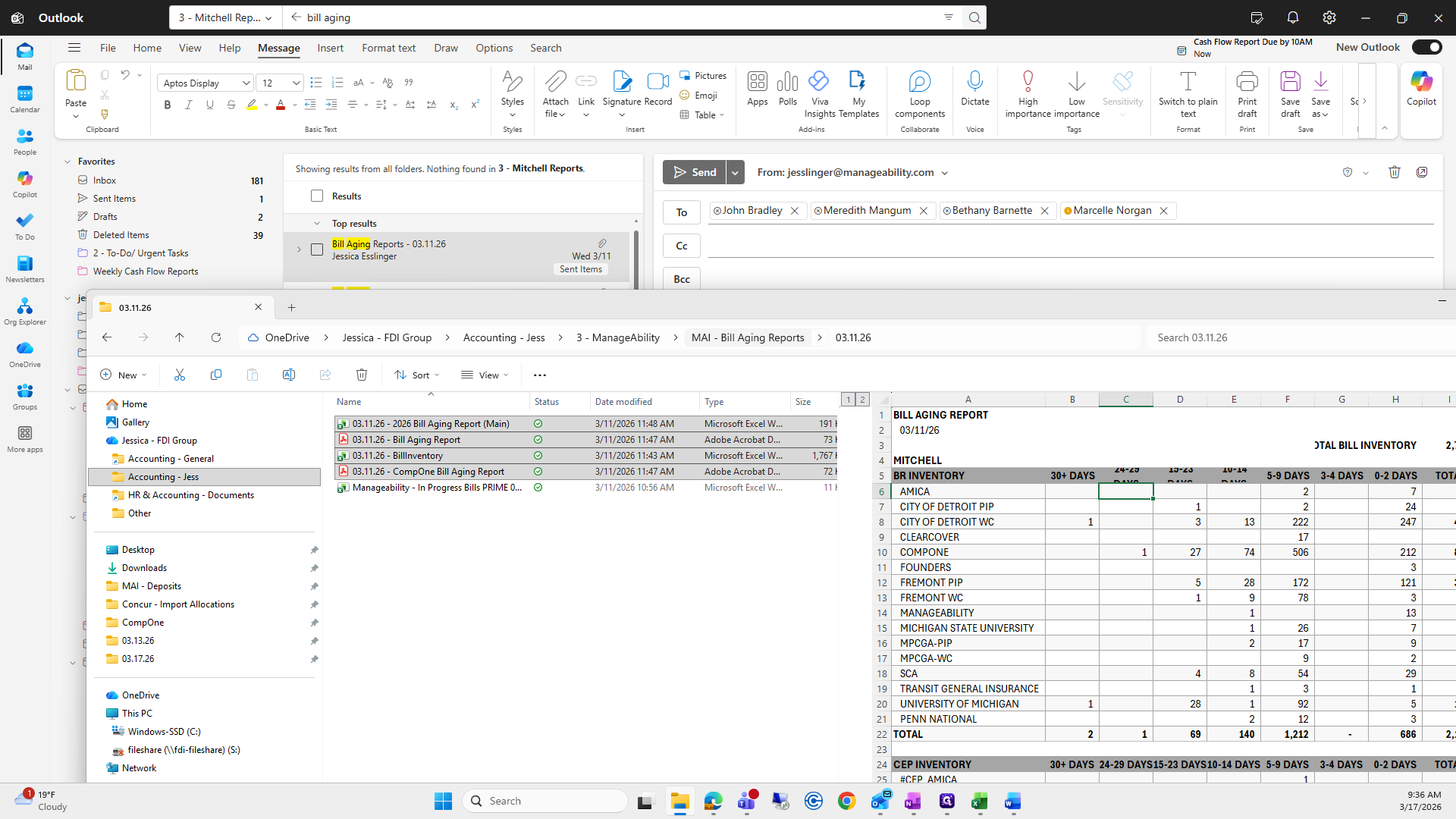
Make sure you attach the correct folder, or you might make a mistake like I did.
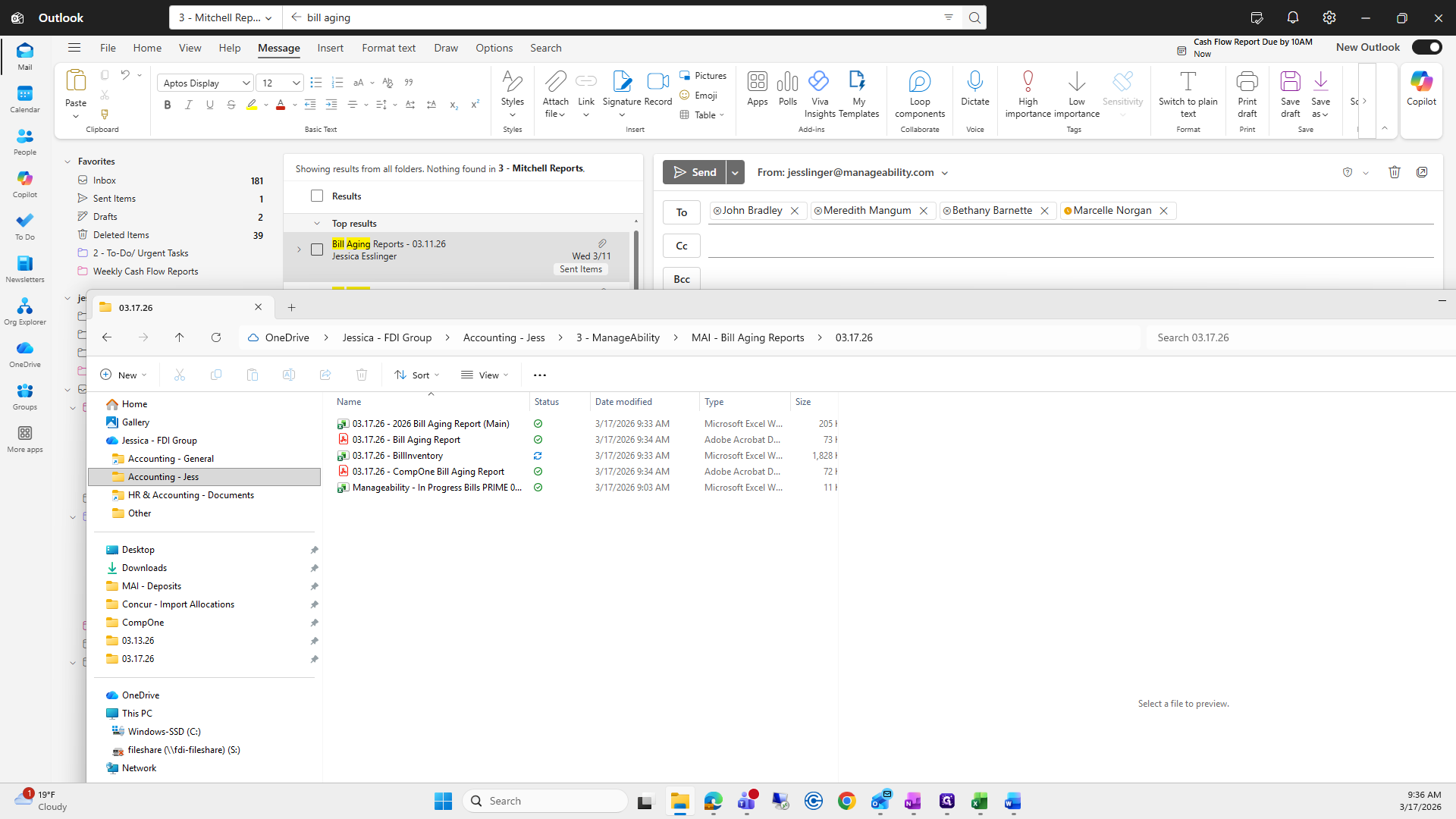
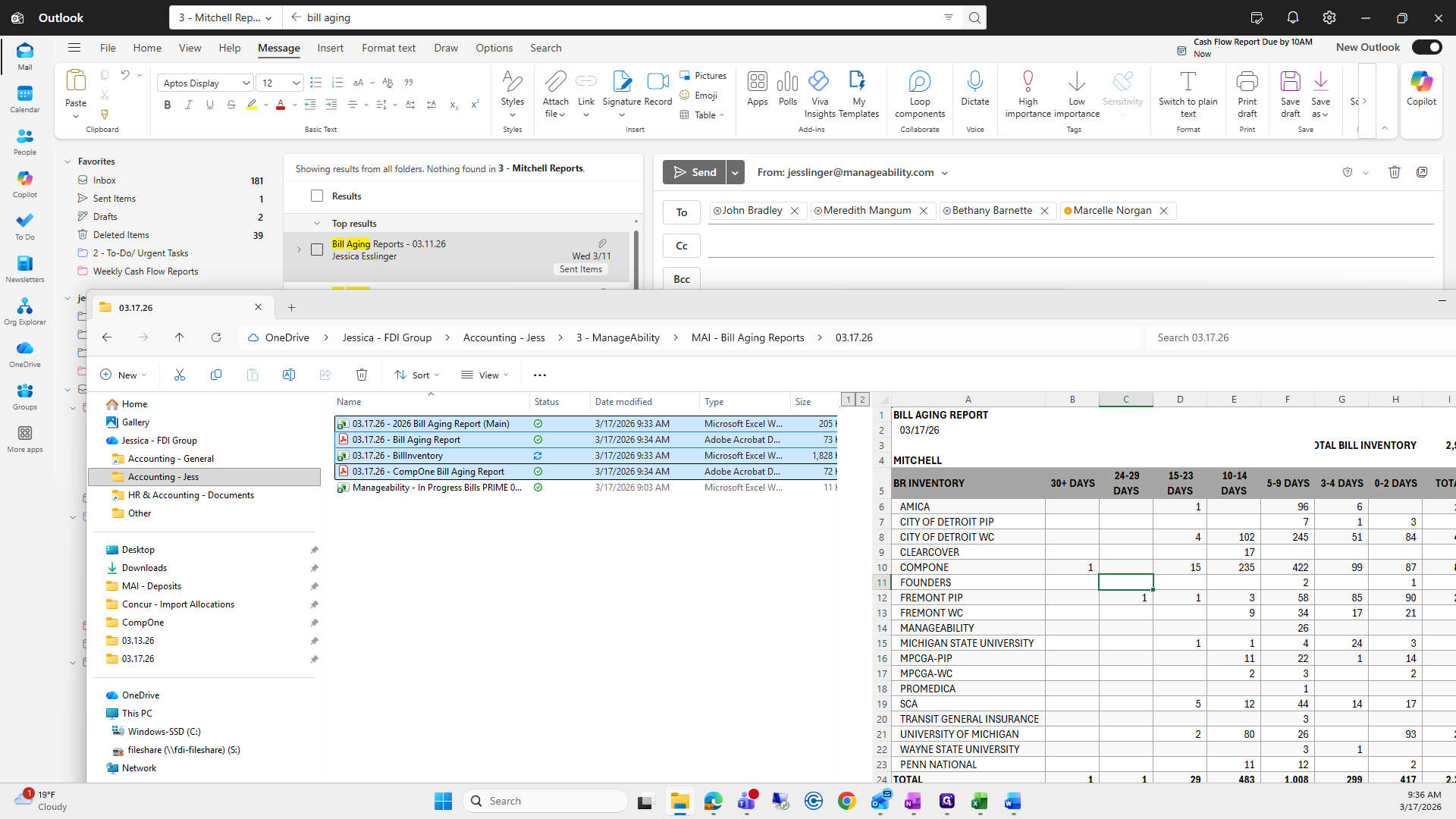
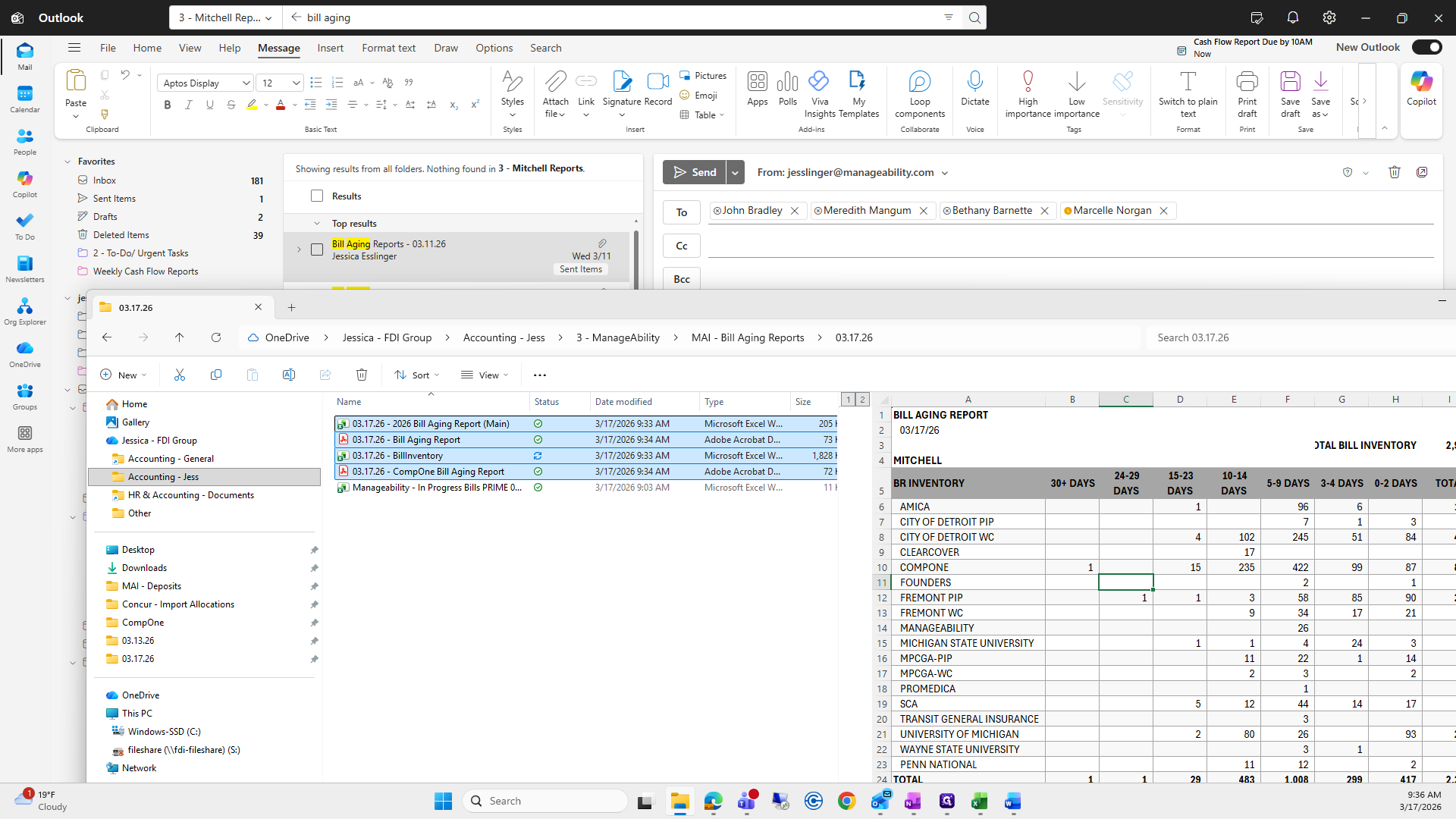
Take all four of these, drag and drop them, then press send to finish.
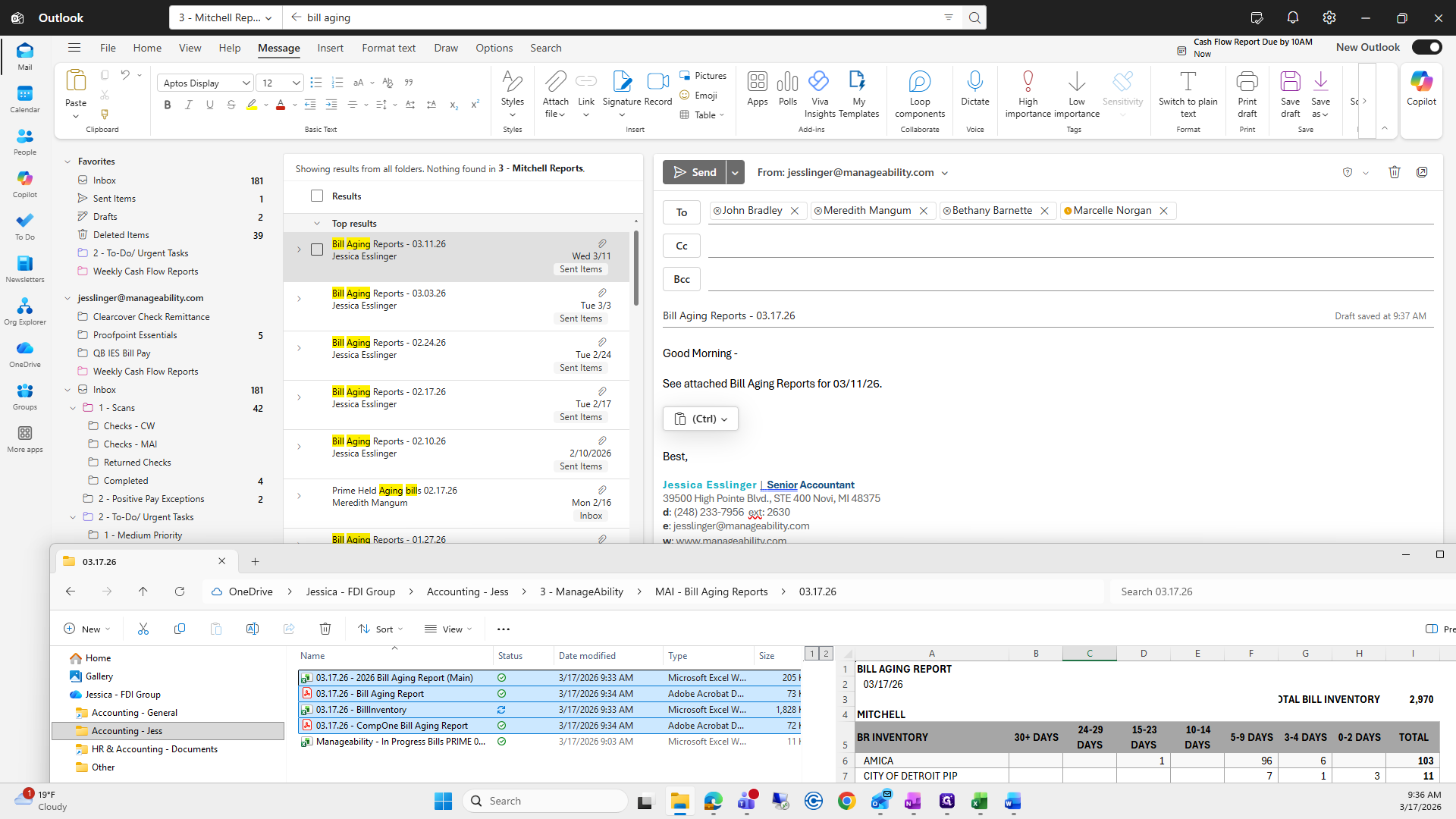
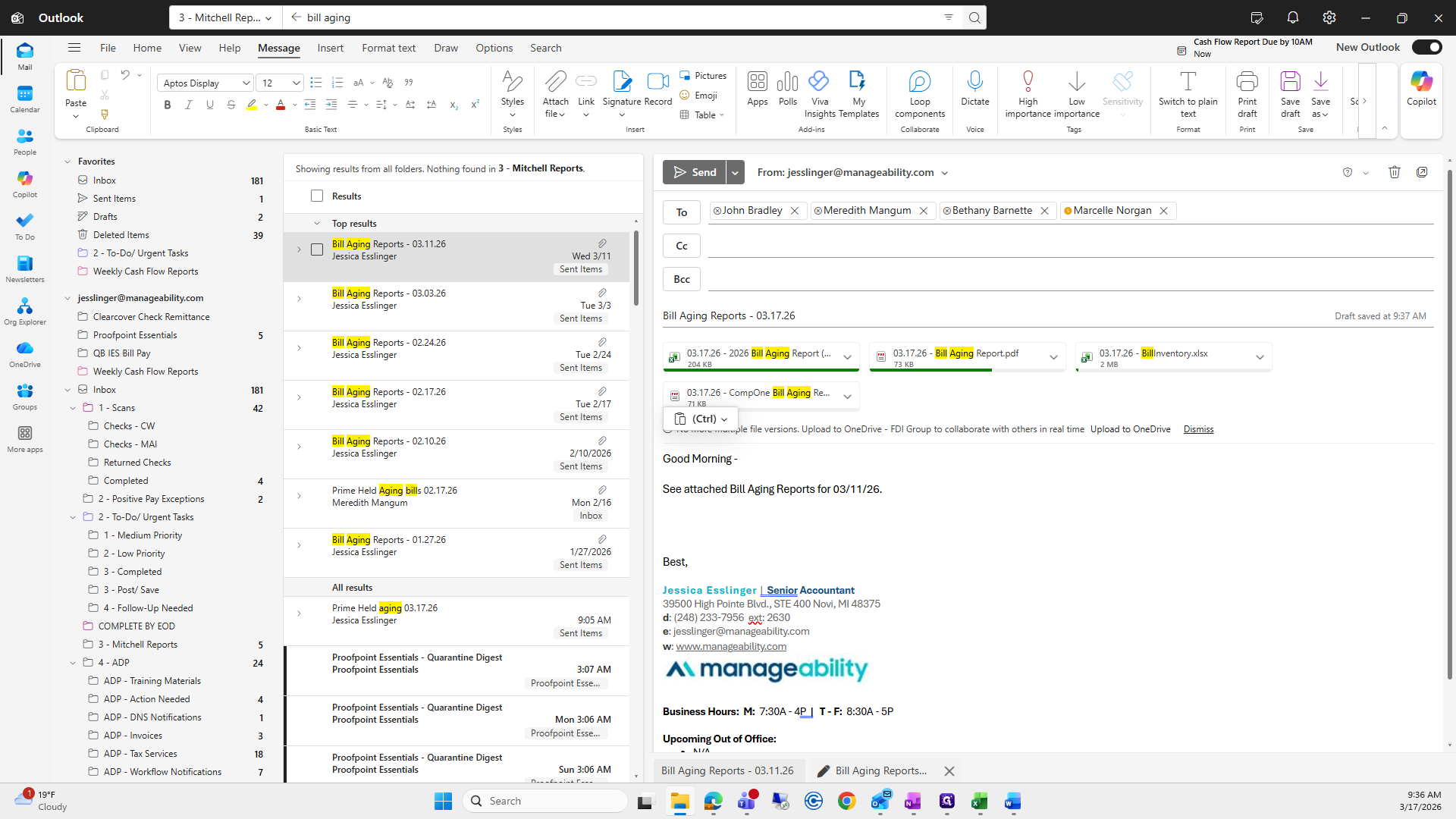
This usually takes me about 15 minutes at most. Then, change the date below to 17 and send it.