
How to Search and Manage Reservations in Evivo: Quick Guide
Learn how to efficiently search for, view, and manage reservations in Evivo, including checking canceled bookings and refunds. This step-by-step guide covers useful tips for navigating the reservation system.
In this guide, we'll learn how to use the search feature in Evivo to quickly find reservation details by entering part of a guest's last name. This method helps you locate both active and canceled reservations, check refund status, and review booking changes.
This approach is useful for tracking reservation history and managing guest information efficiently.
Let's get started
Okay. If you're unsure, go to Evivo. At the top right, there's a search field where you can enter the last name.
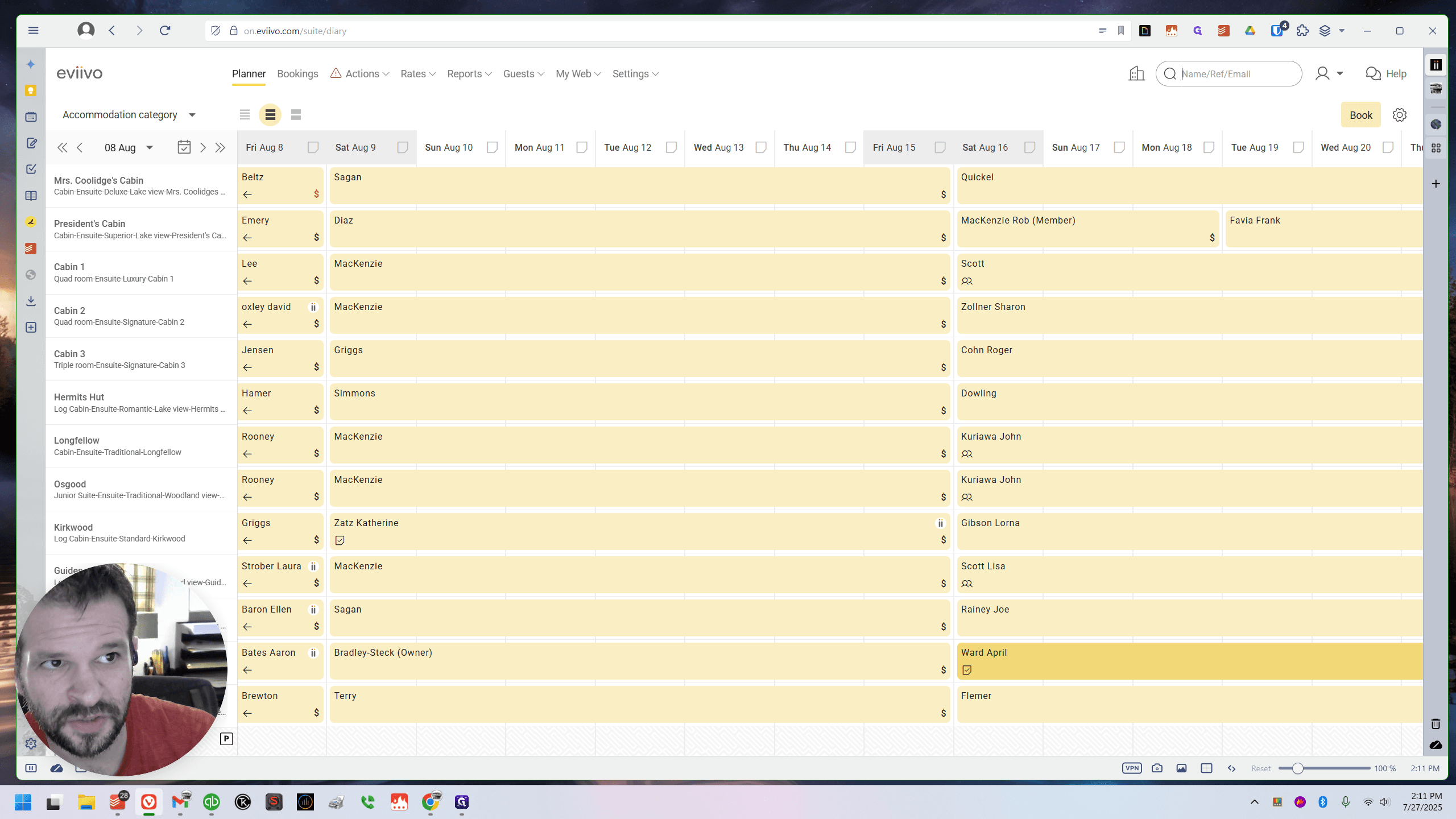
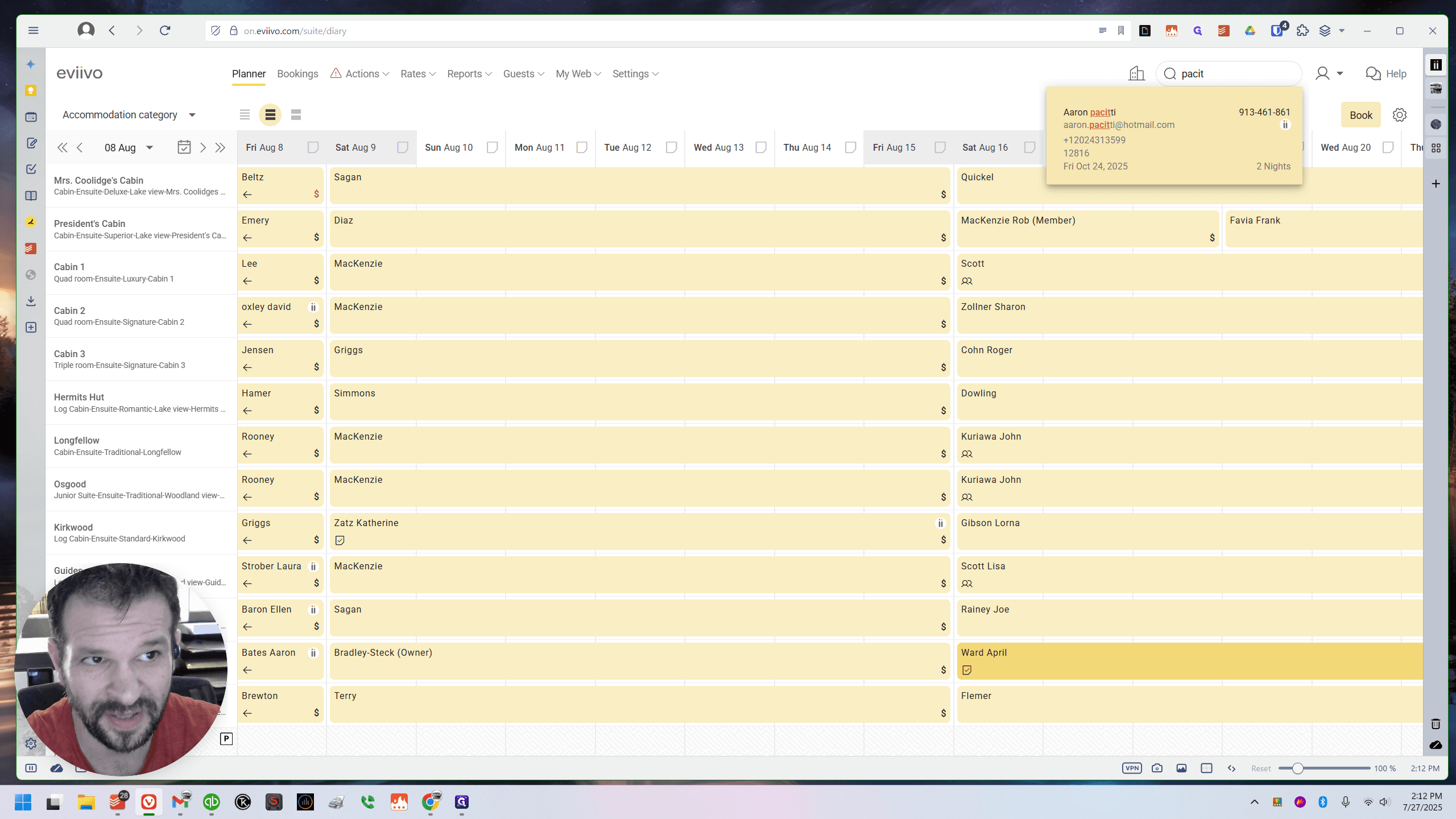
The person's name was spelled P-A-C-I-T, but I'm not sure how to pronounce it. Yeah. You don't need to type the full name. If you remember the first few letters of the last name, for example, I typed P-A-C-I-T, and his reservation appears.
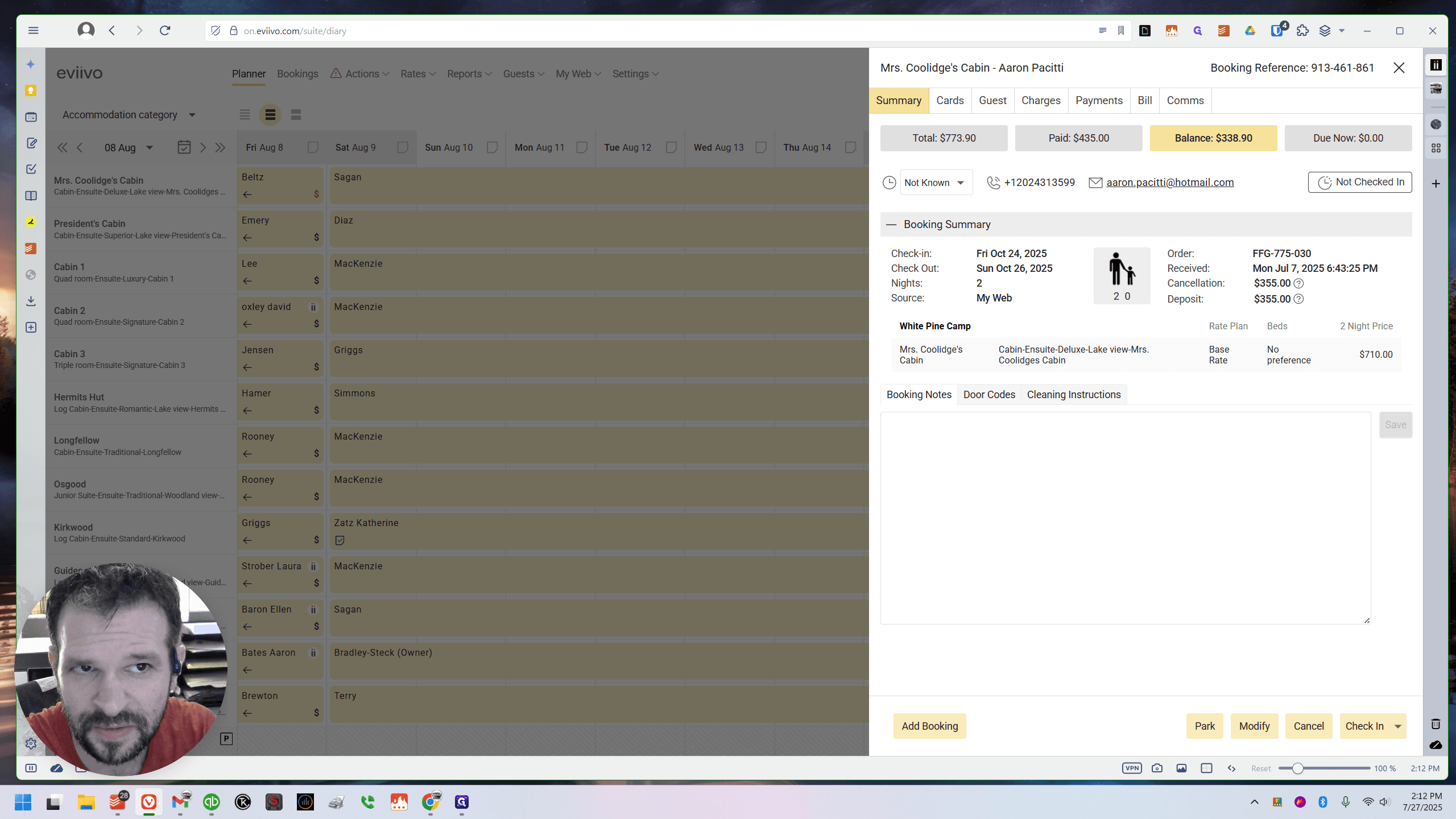
This also works for canceled reservations. If I had canceled him, he would still appear. You could open it, and it would show that it was canceled, whether it had been refunded or not. You could view the information that way. I didn't cancel it, but it still appears here. If I click it, his reservation appears. You can see he is in Mrs.
Coolidge's. What was his previous experience? He had been in the Hermit's Hut.
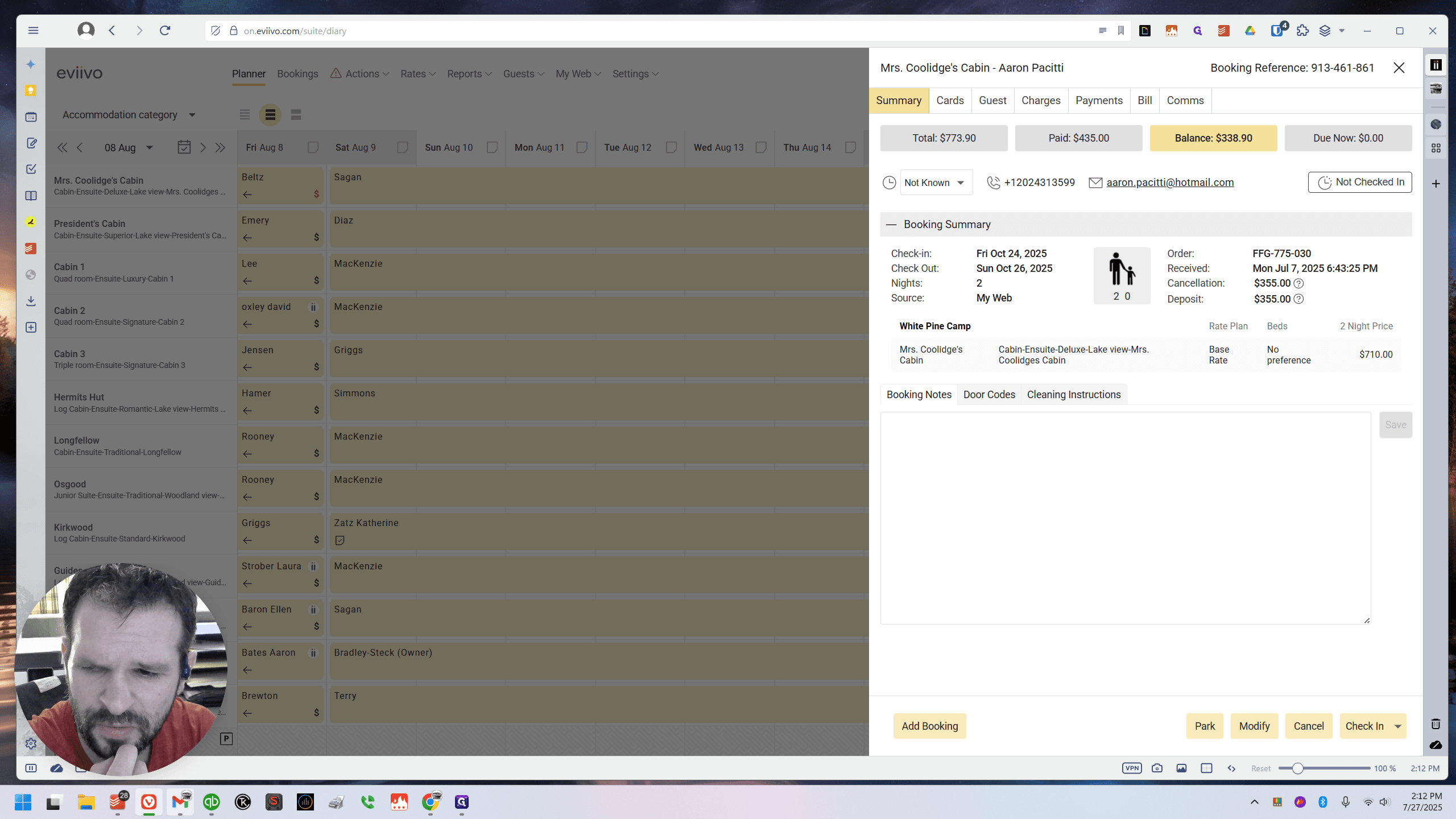
Yes, he switched from Hermit's Hut. It was a Booking.com thing, if I remember correctly. That went smoothly. Let's make sure.
Hermit's Hut was scheduled for the 17th and 18th.
I'm going to close it so I can move around.
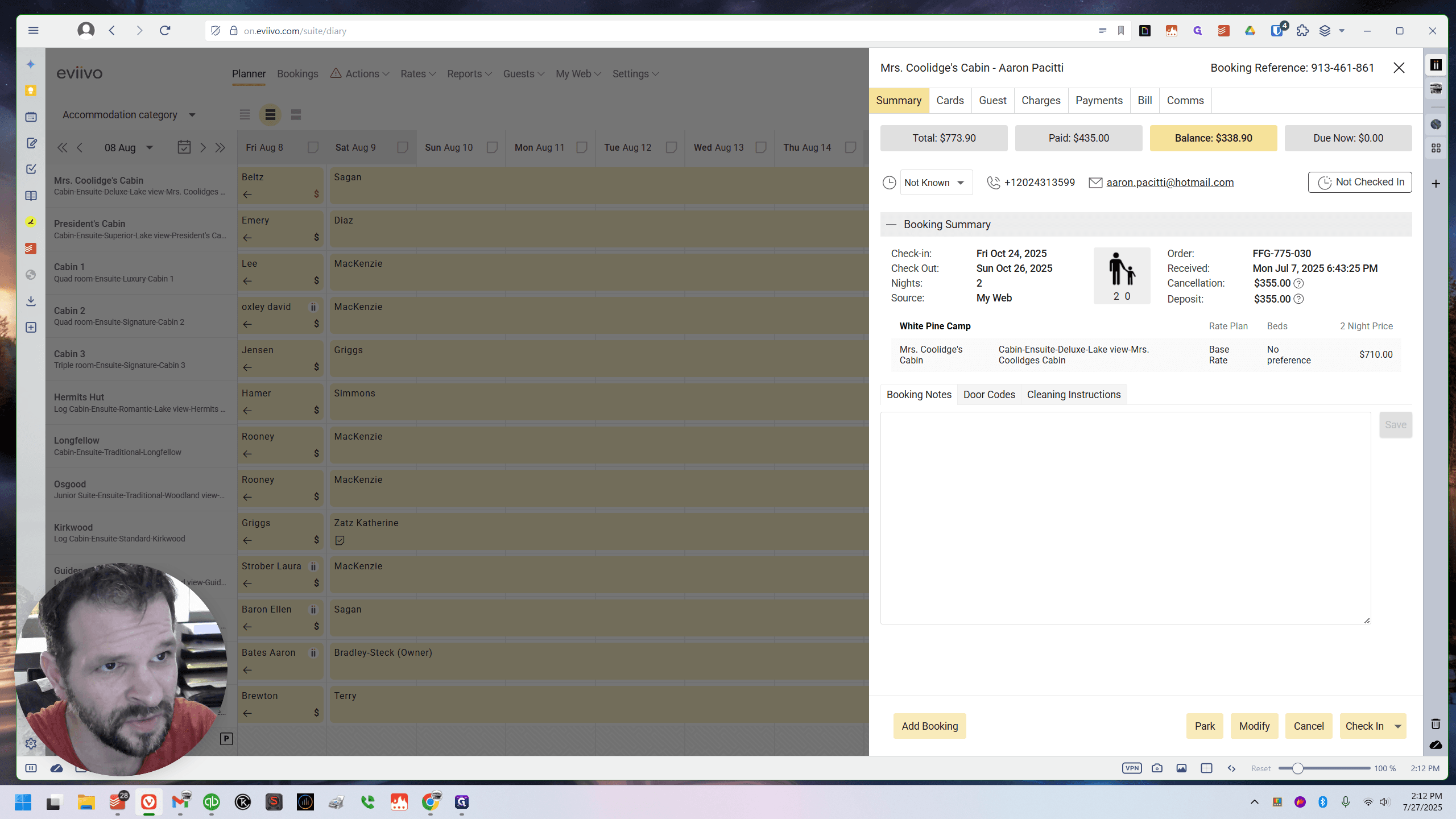
17th and 18th, Hermit's Hut.
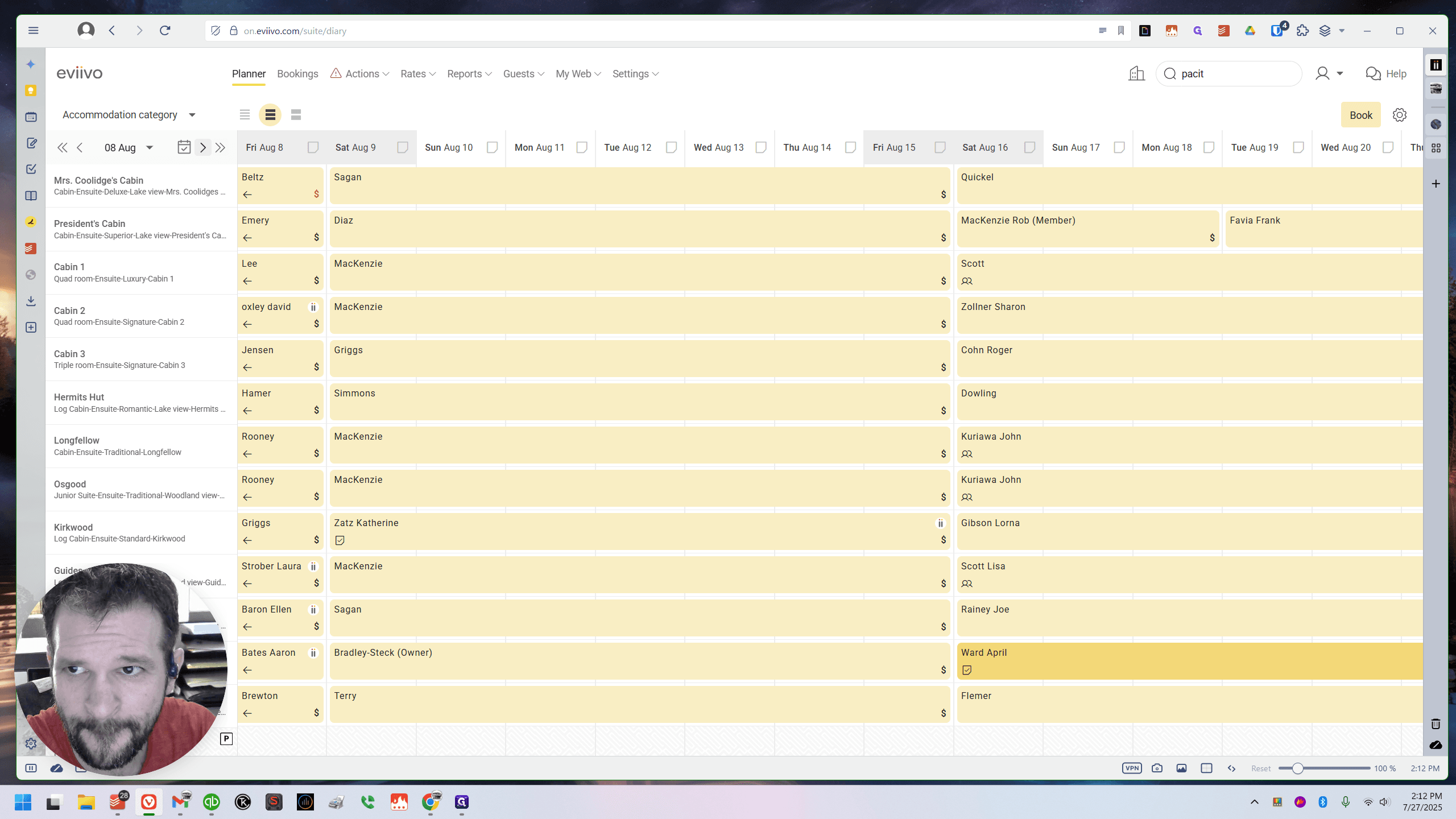
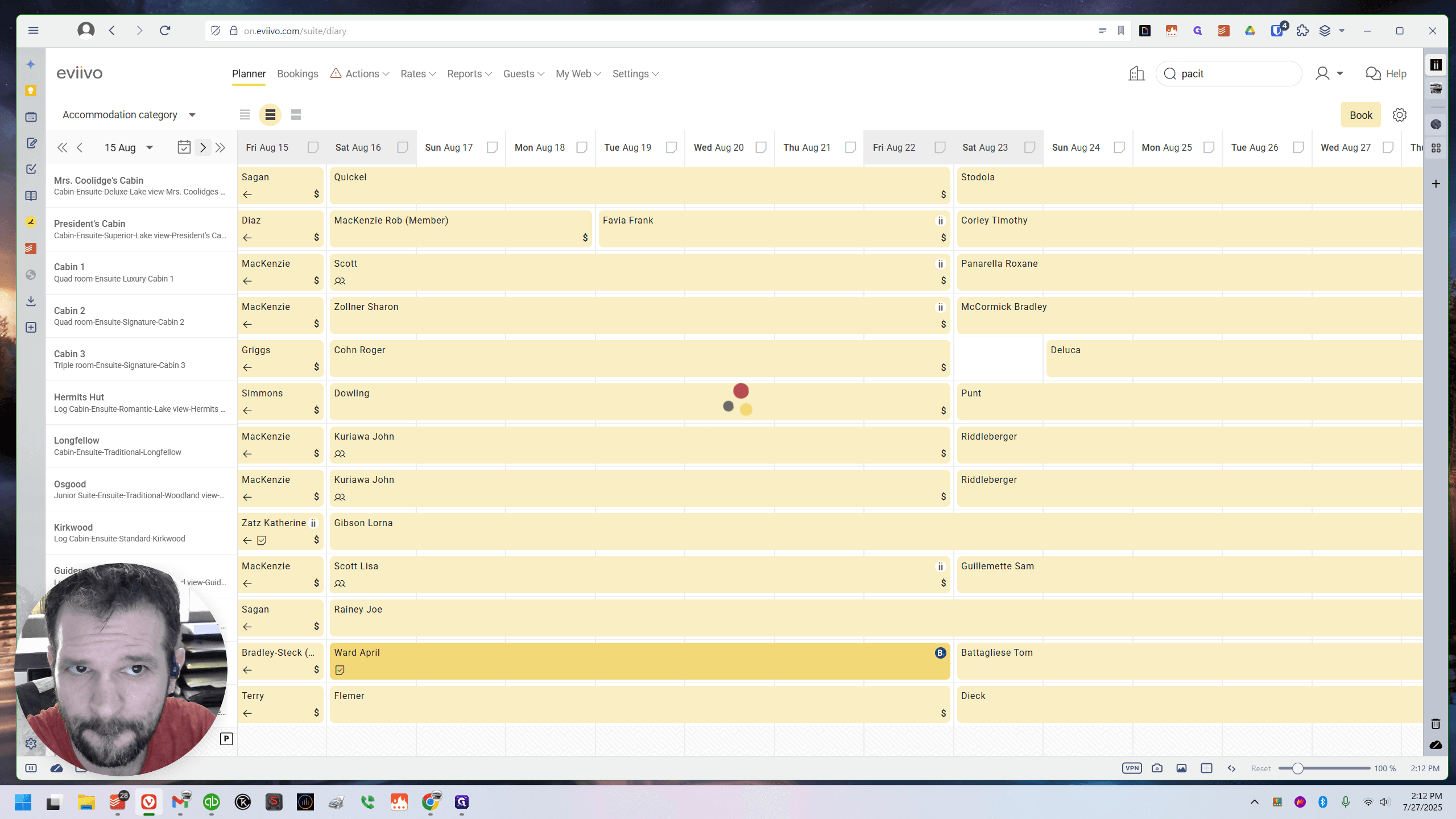
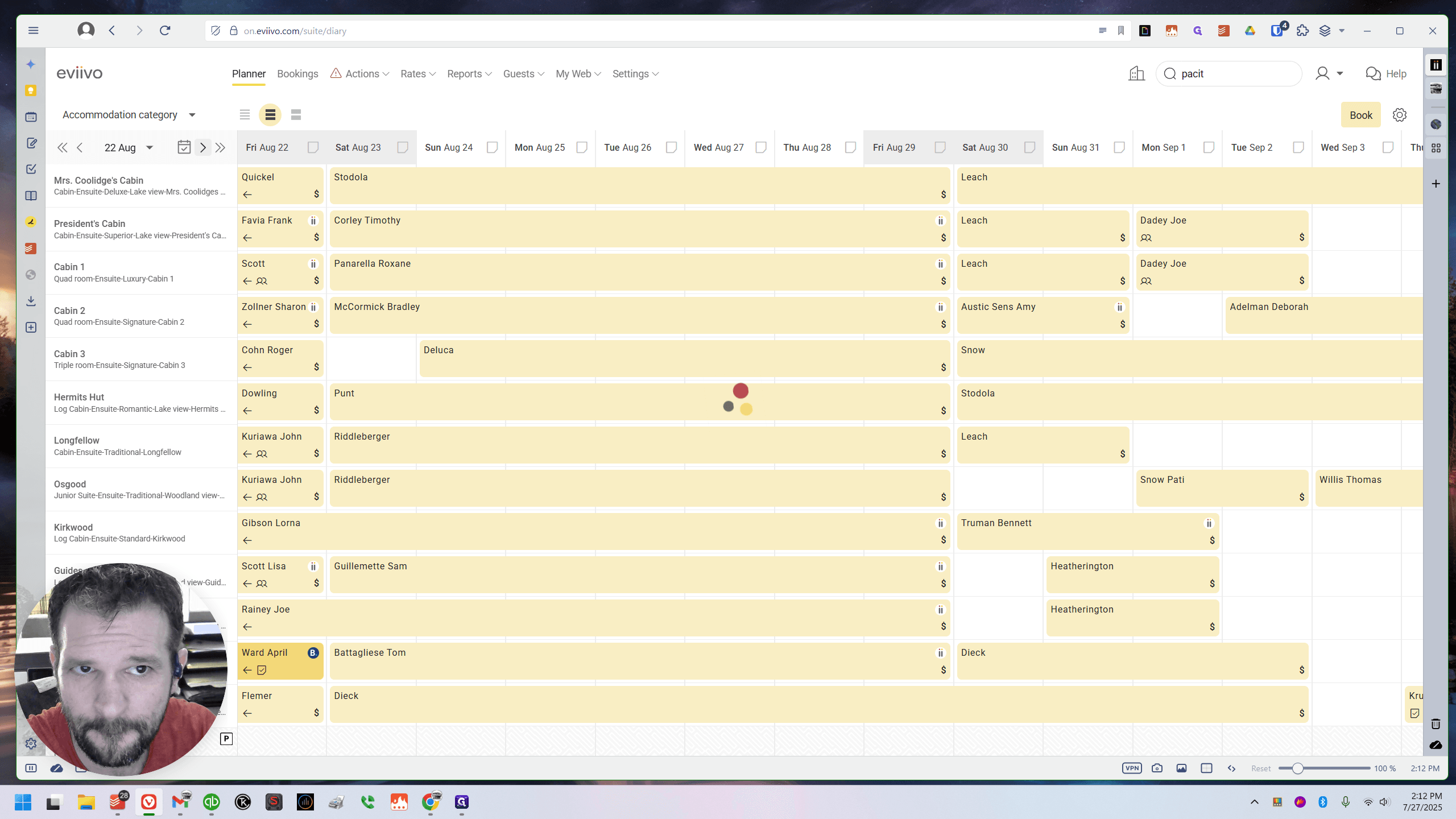
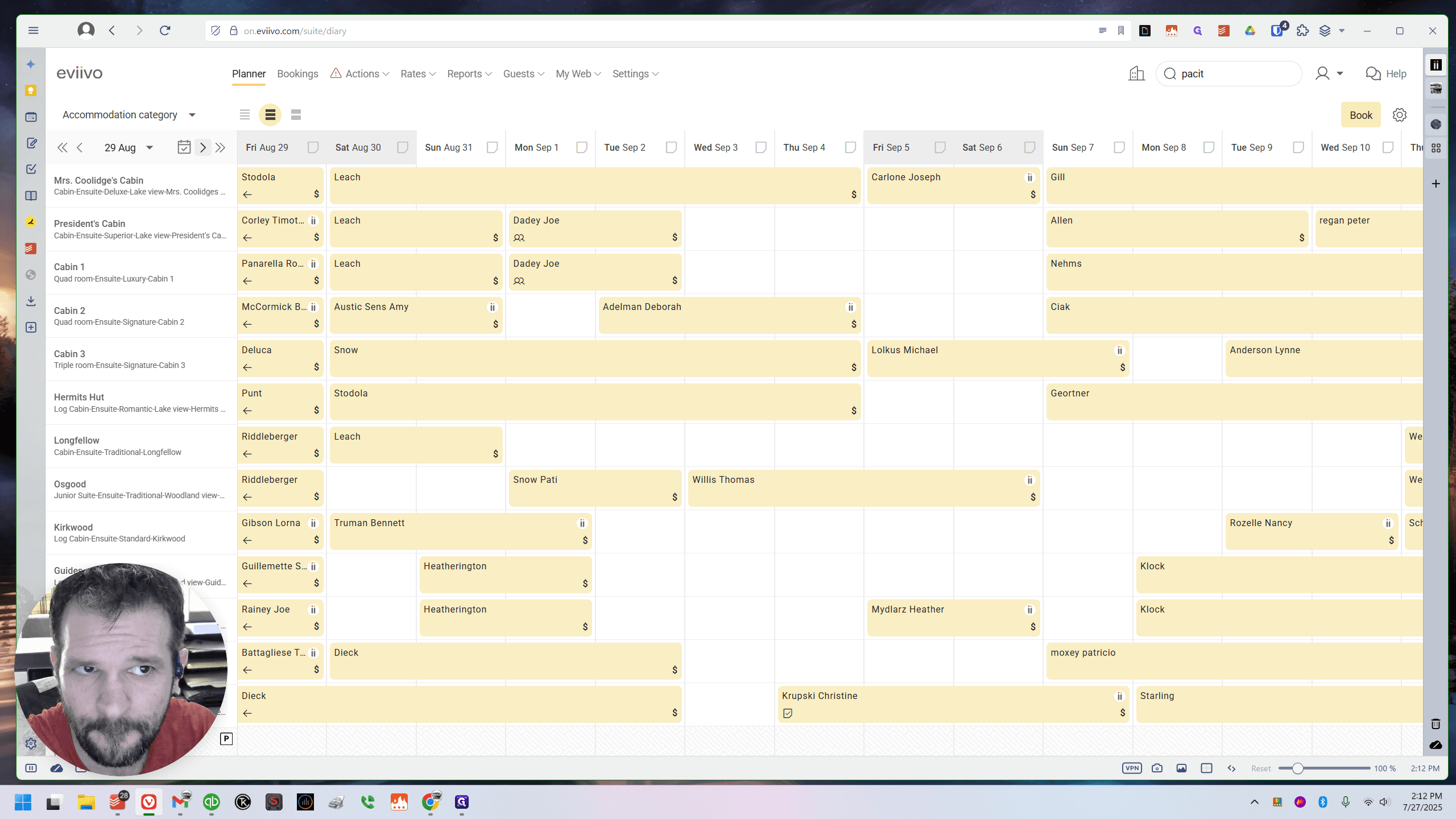
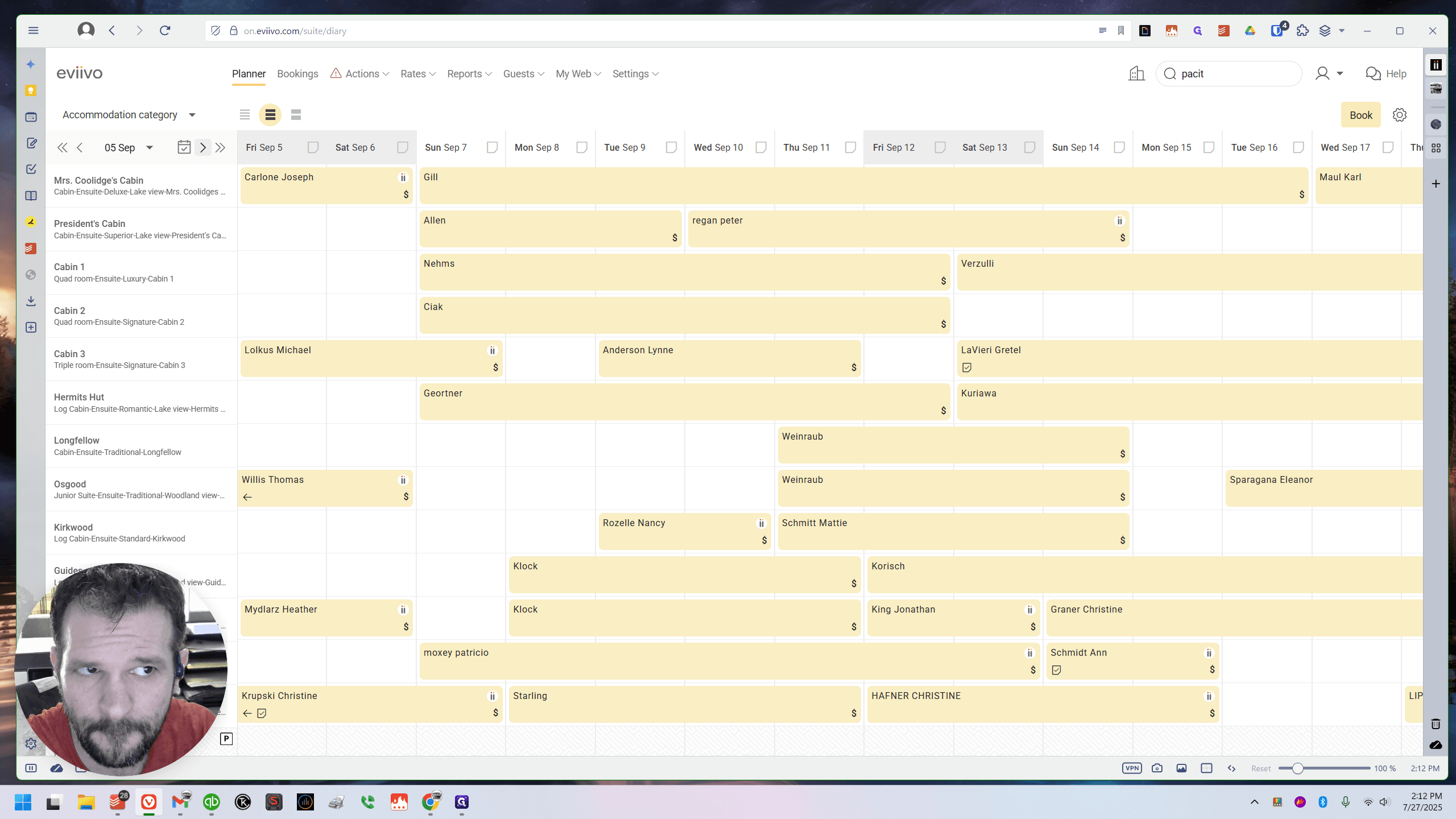
Yes, John Kuriawa has already booked it. If we scroll over to October 24th, there he is.
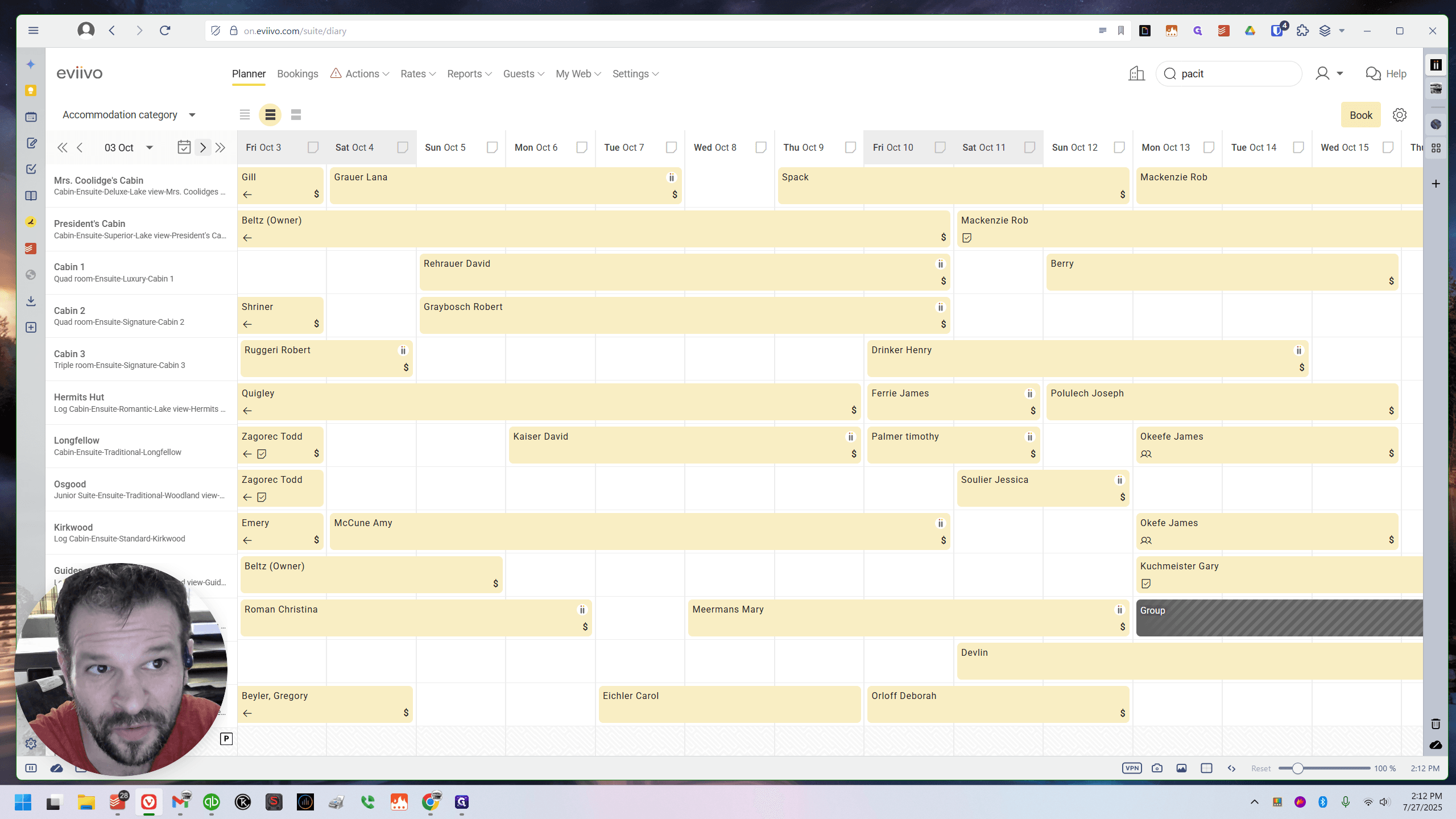
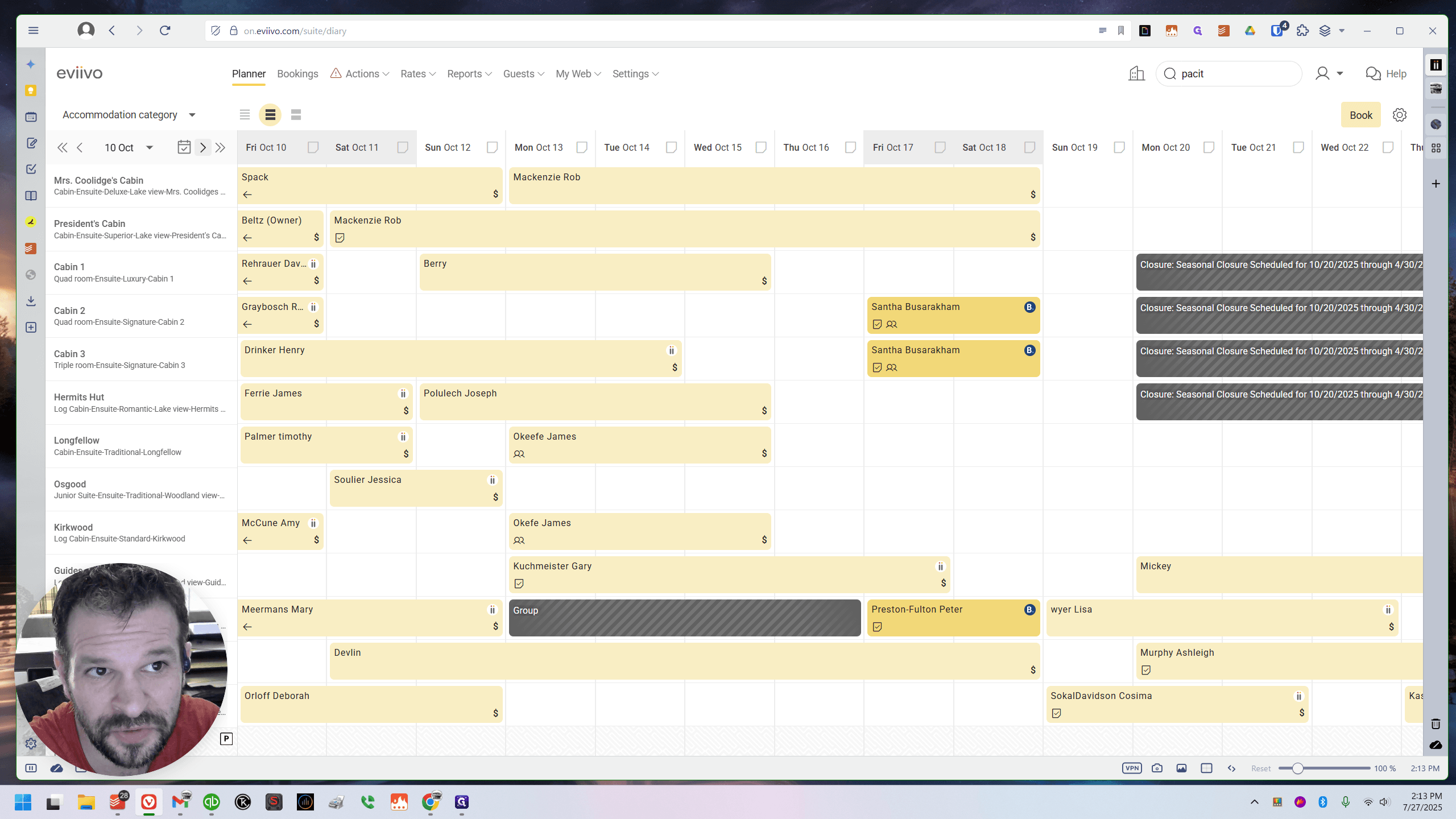
That's a quick trick. It's useful for many things.
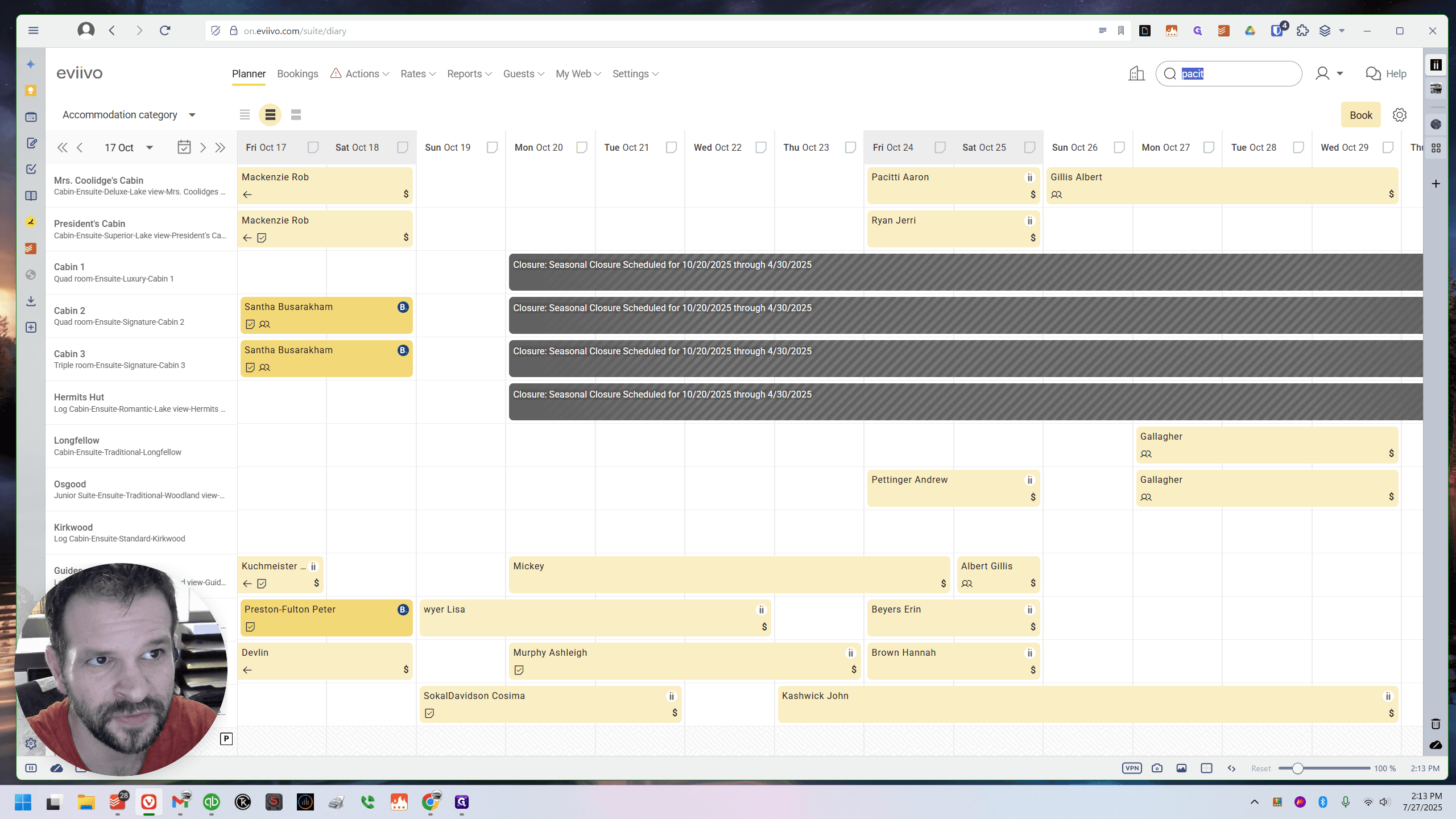
If you need to check if someone who was canceled has been refunded, you can do so by typing their name. All right, I need to get back to it. Here is a quick guide. I apologize. I should have told you about this earlier. This is a useful trick I use often. It's a good way to find out if something was canceled, moved, or what happened.
All right, see you later.