
How to Search a Transaction: Step-by-Step Guide
Learn how to easily search for specific transactions in QuickBooks. This guide walks you through the steps to find transactions, making your bookkeeping more efficient.
By Aasma Technology Solutions
In this guide, we'll learn how to search for a specific transaction. This process helps you quickly find and review details.
Let's get started
This guide shows you how to search for a transaction.
1
Go to Transactions page and Click on Search Transactions
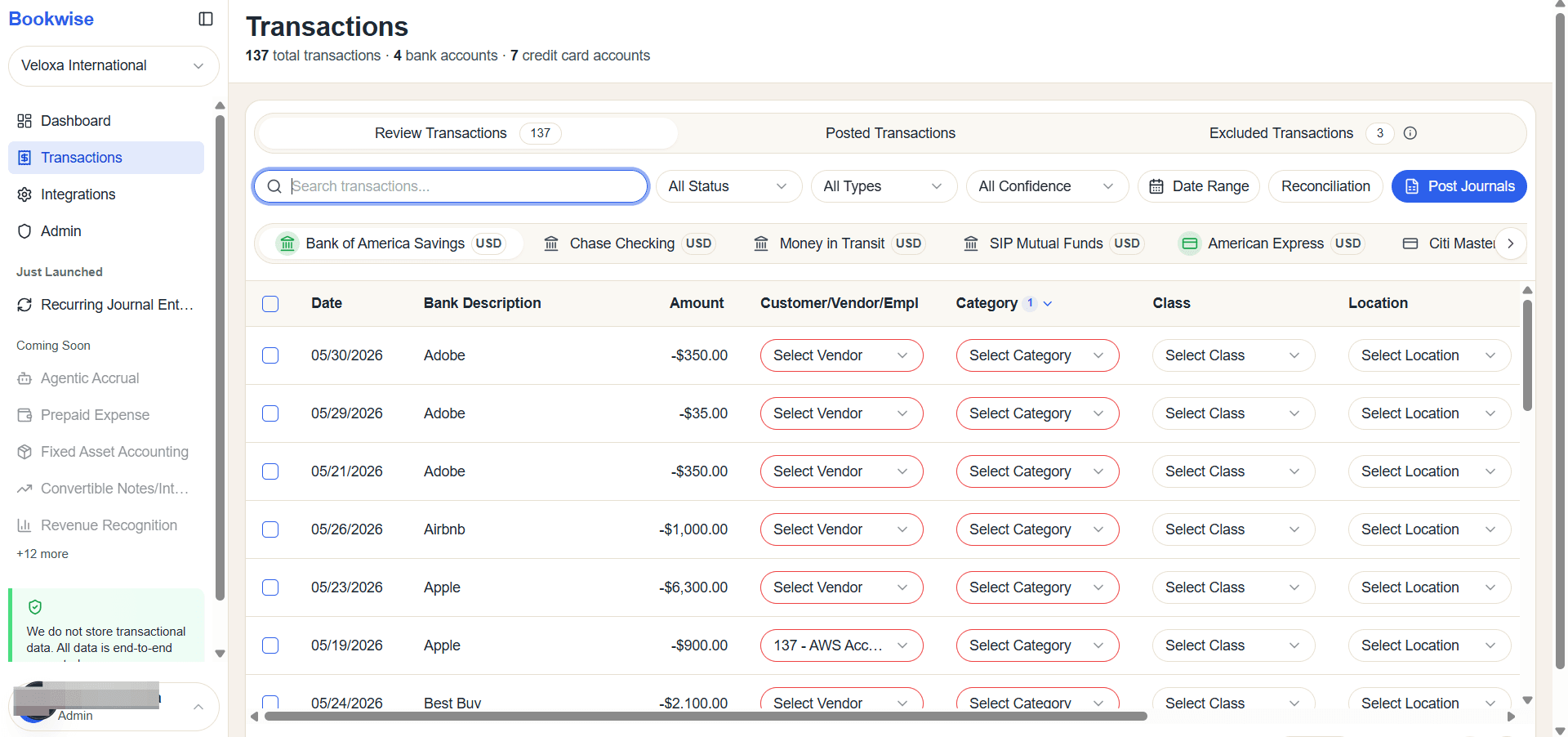
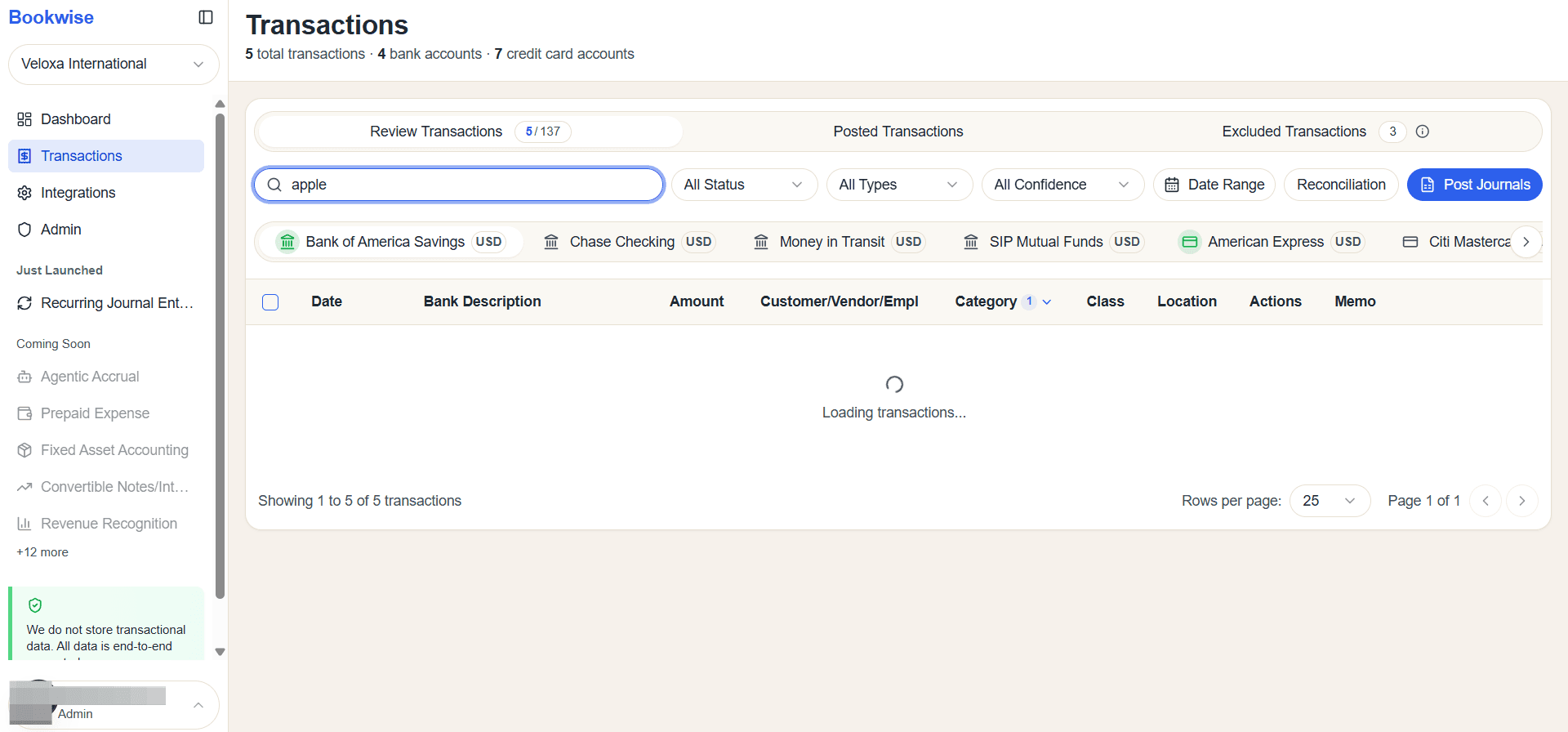
Enter the bank description or any keyword in the search bar. The transaction table will automatically show all matching results.
2
Enter text
3
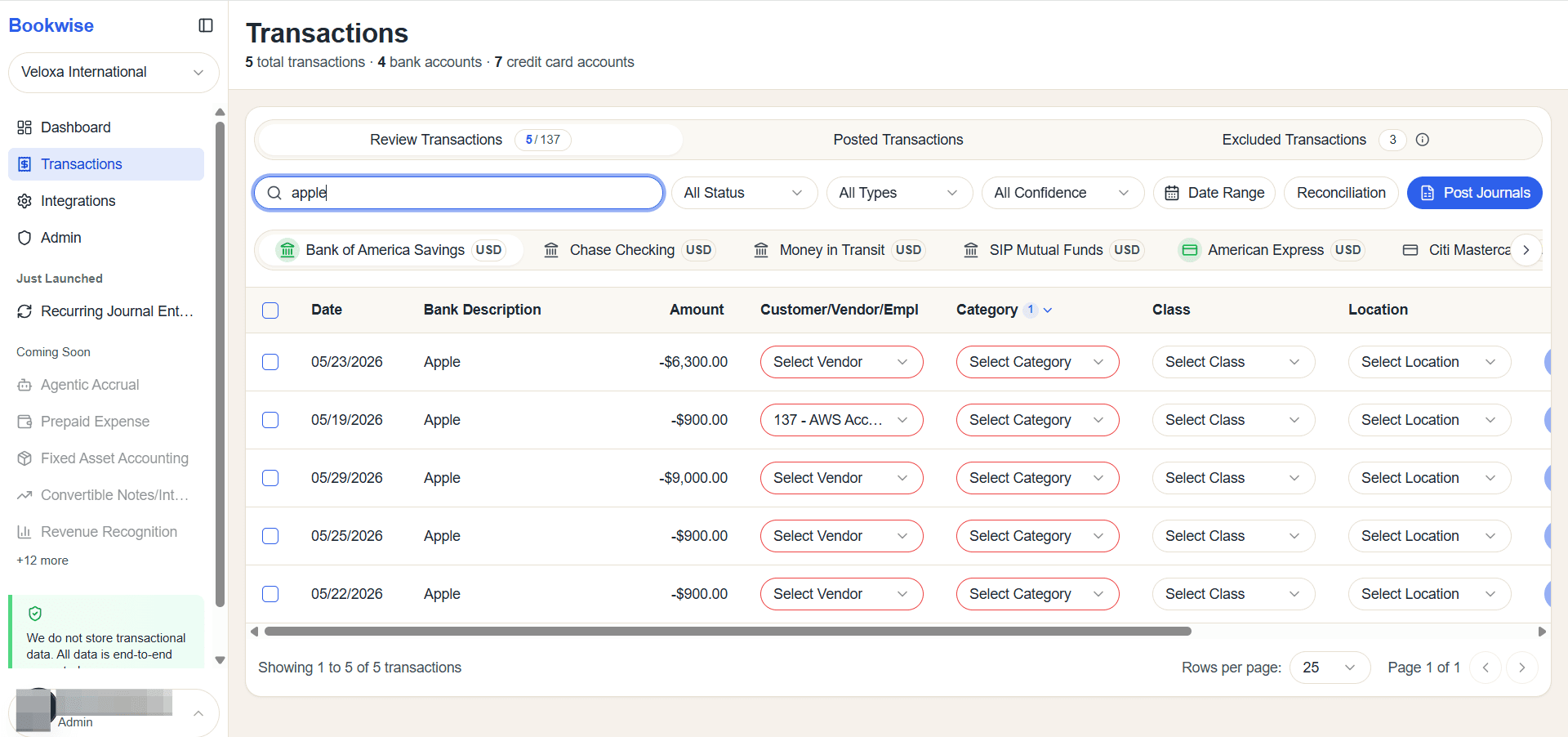
All transactions will be displayed here.
This section demonstrates how to search for transactions.