How to View Transaction History Using the Audit Trail
Learn how to view the complete history of a transaction using the Audit Trail feature.
By Aasma Technology Solutions
The Audit Trail provides a chronological record of all activities performed on a transaction, such as creation, updates, status changes, attachments, comments, and other actions. It helps users track changes, review transaction activity, and understand who performed each action and when.
1
Go to the Transactions tab from the sidebar menu to view the list of available transactions.
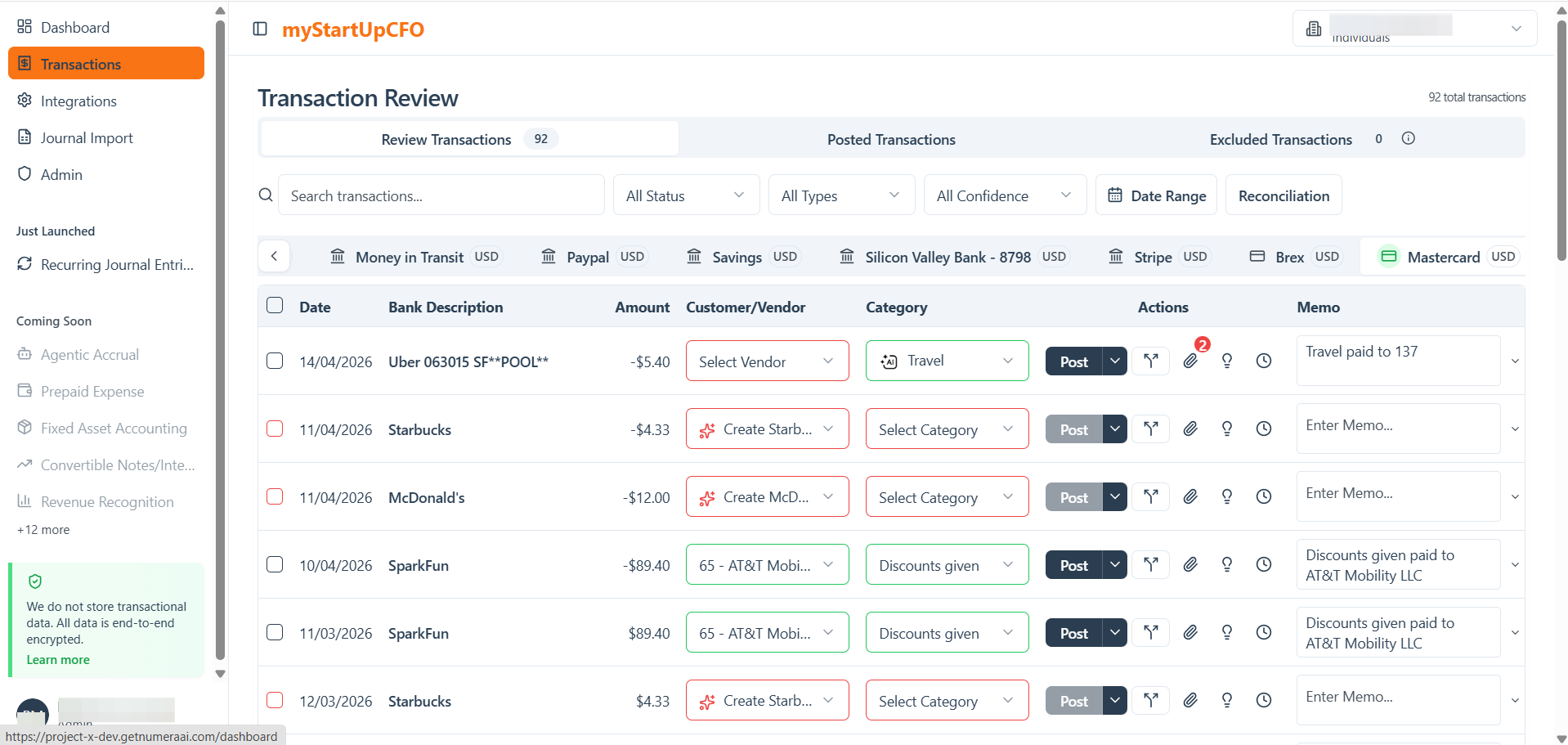
Whenever you perform any CRUD operation it, ex: Updating memo, adding attachments, posting a transaction, etc then that operation will be added in Audit trail.
2
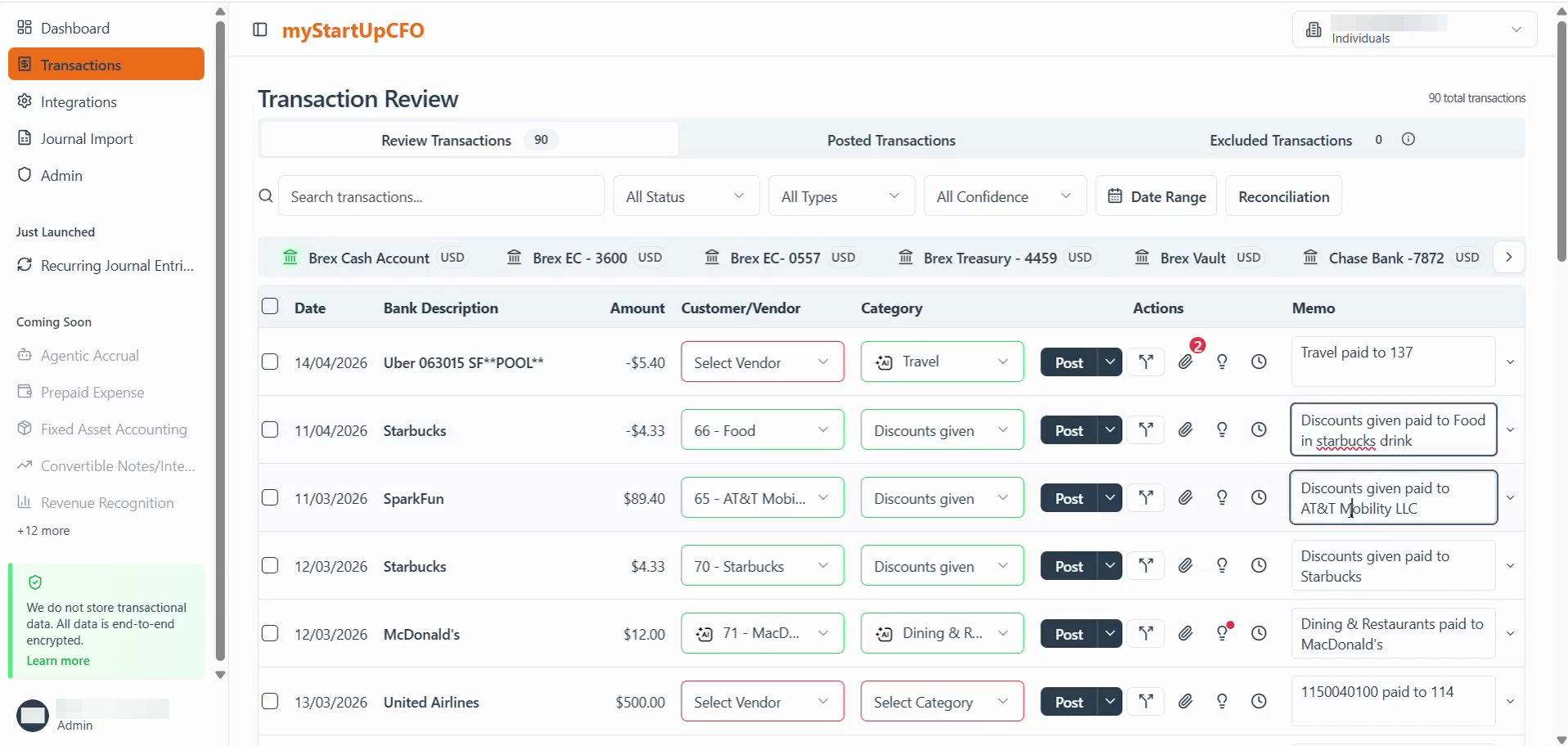
Select the transaction and perform any operation whose history you want to review and open its details.
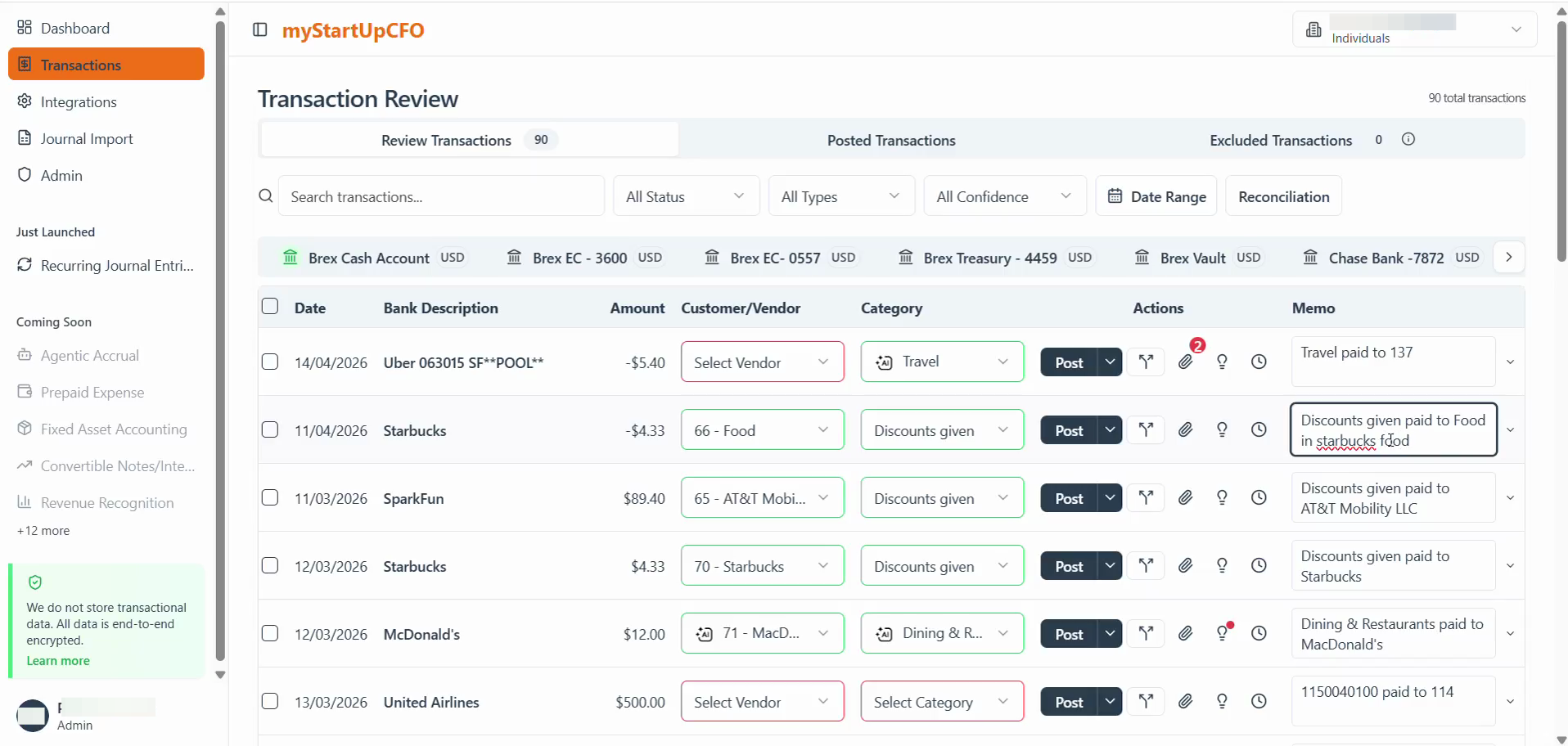
3
Click the Audit Trail tab to view the complete activity history of the selected transaction.
4
Review the chronological list of activities performed on the transaction.
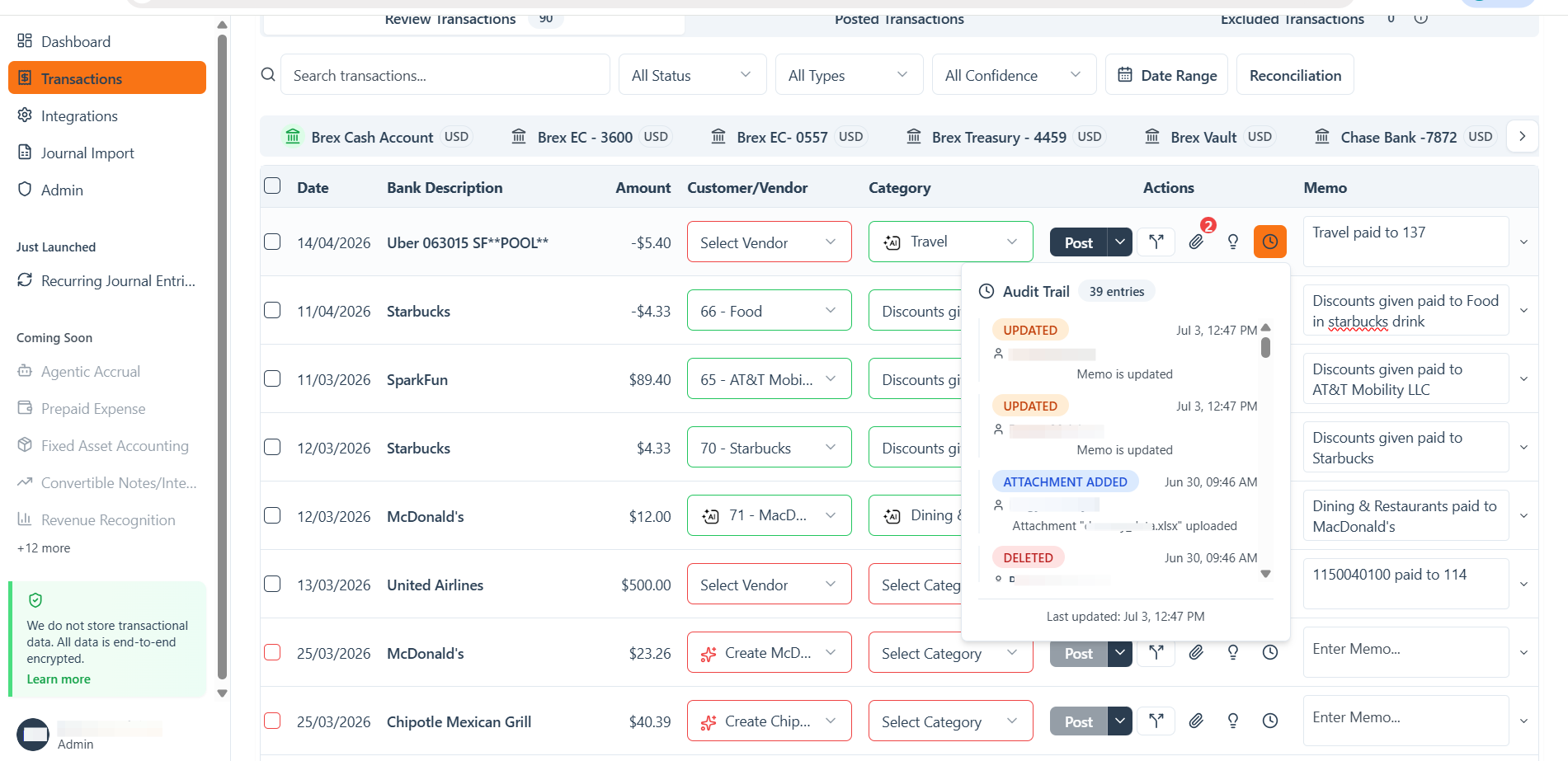
The Audit Trail helps maintain transparency and provides a reliable record of all activities associated with the transaction.