How to View Newly Launched Features
Learn how to access and explore the latest features introduced in the application.
By Aasma Technology Solutions
This guide explains how to view newly launched features using the What’s New section. It allows users to stay informed about recent product updates, feature enhancements, and newly introduced functionality.
1
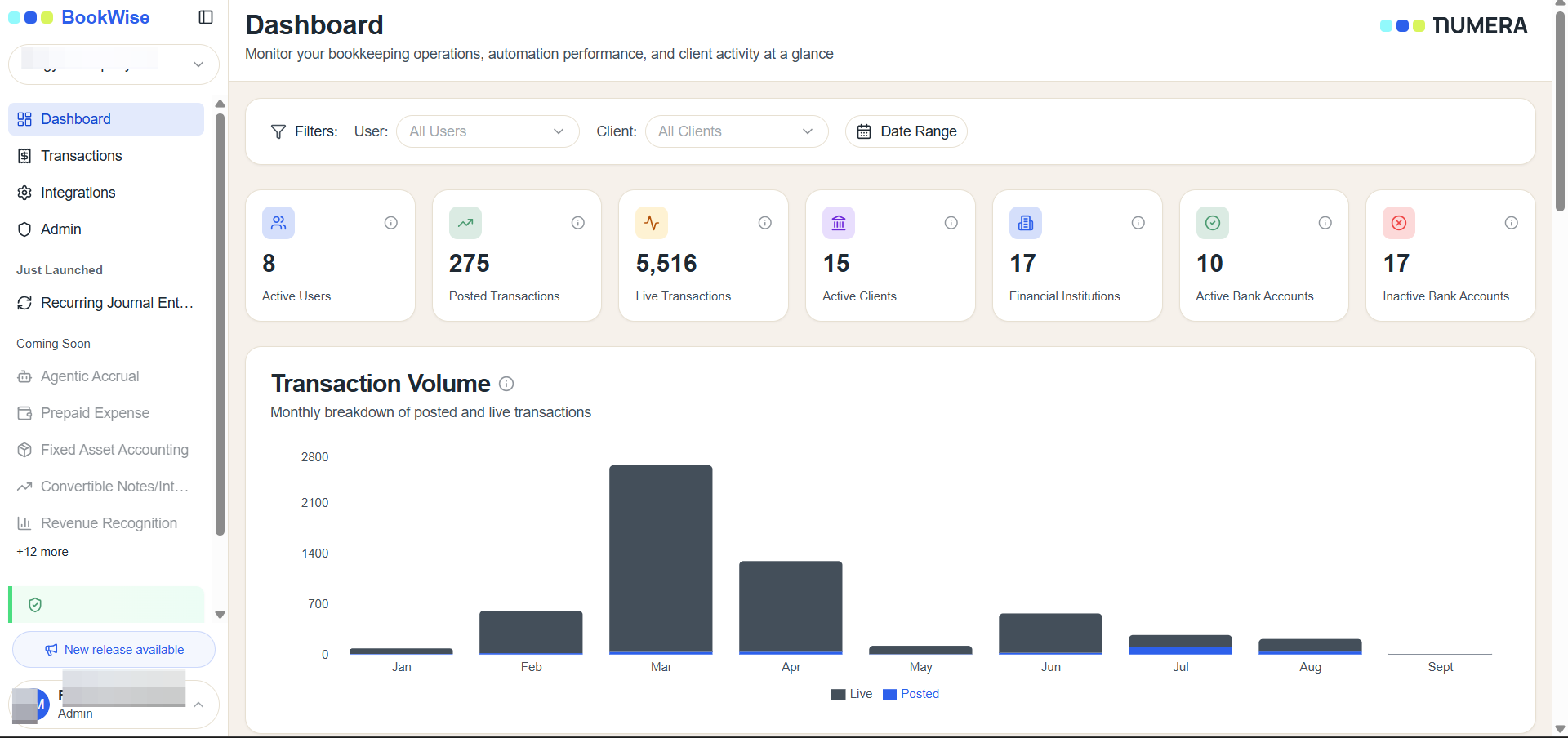
On the left navigation bar, locate the Just Launched section.
2
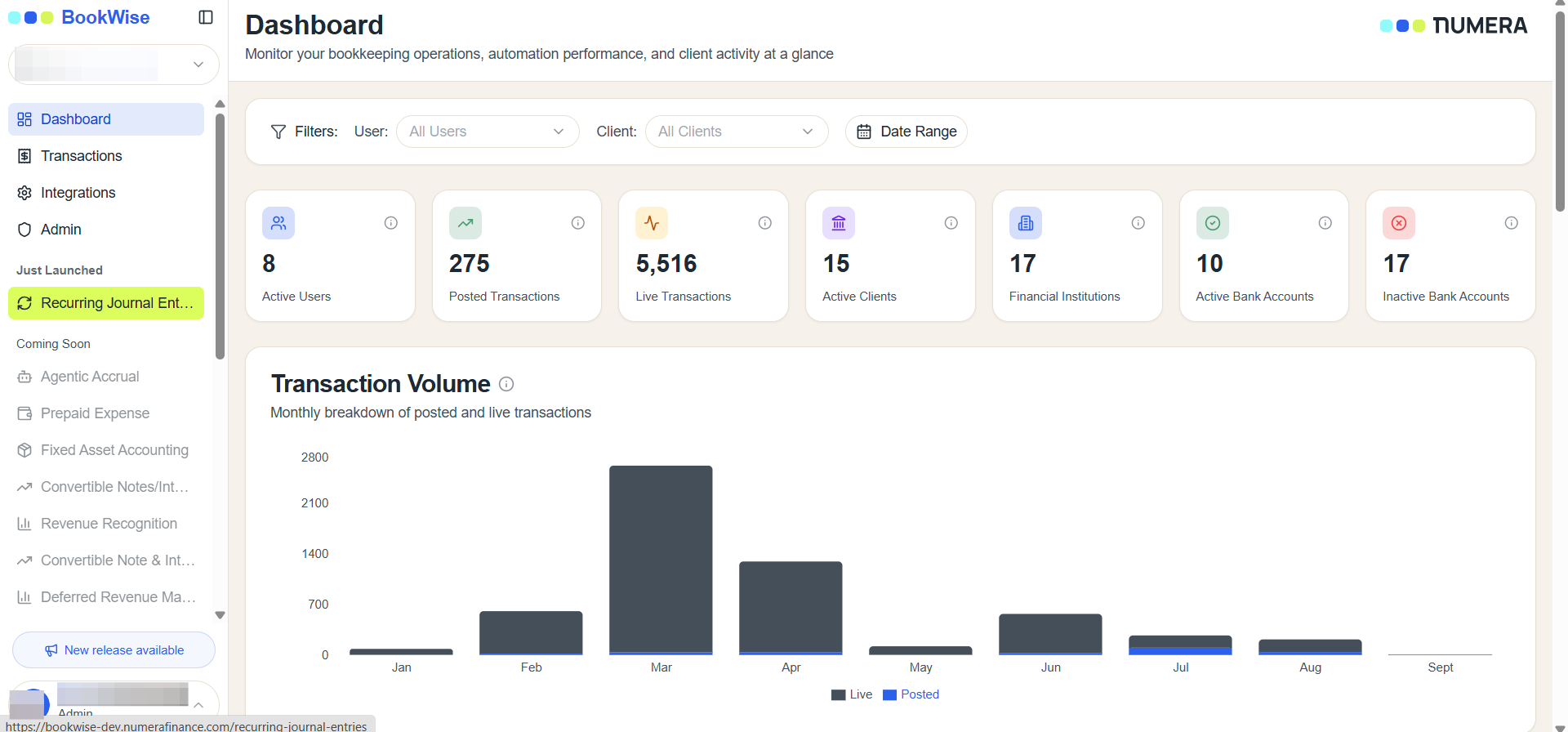
Click the desired feature listed under Just Launched to open and explore the newly released functionality.
The What’s New section provides a convenient way to stay informed about the latest product updates, enhancements, and newly launched features.