
How to see what items are missing for your order.
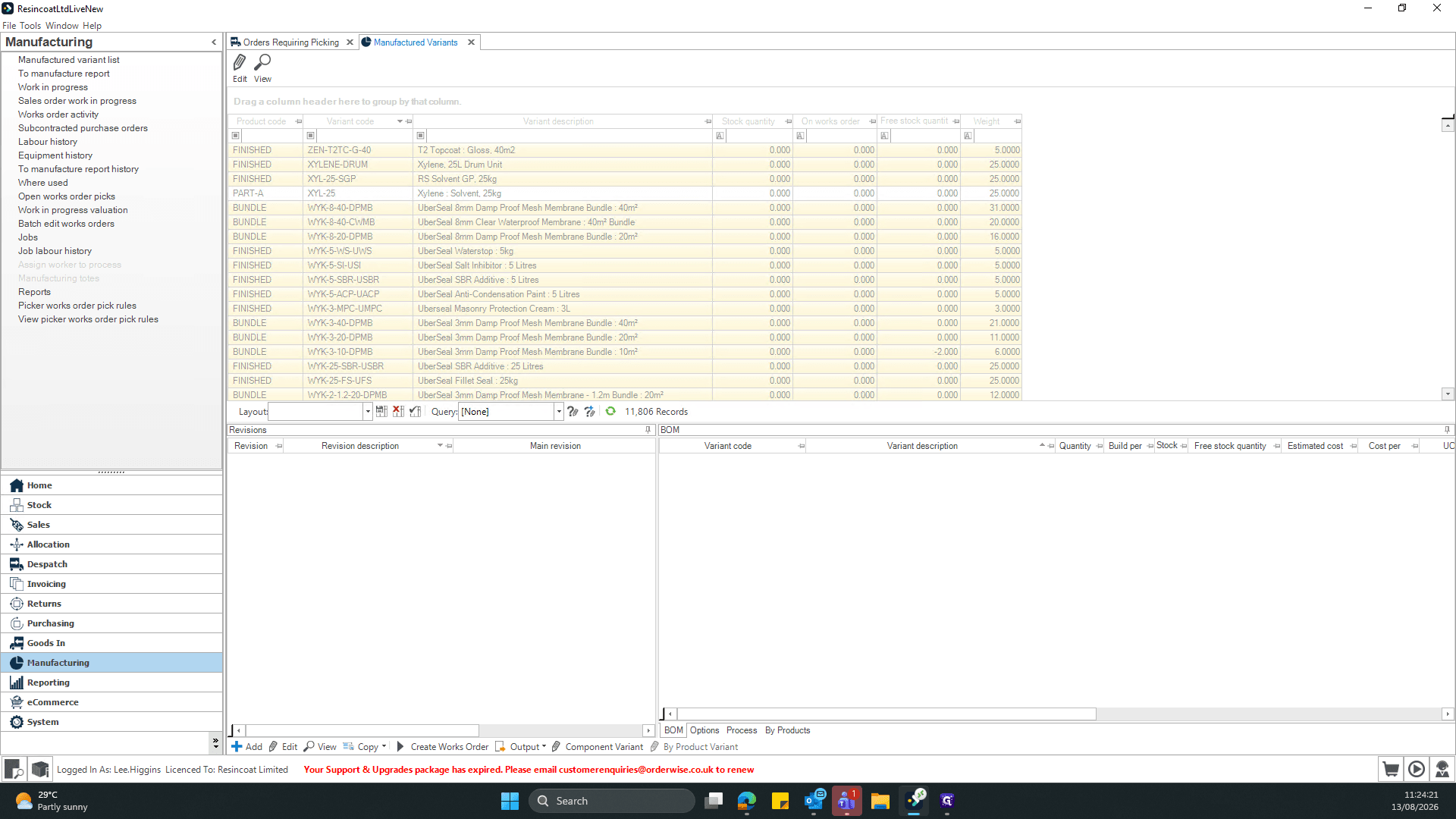
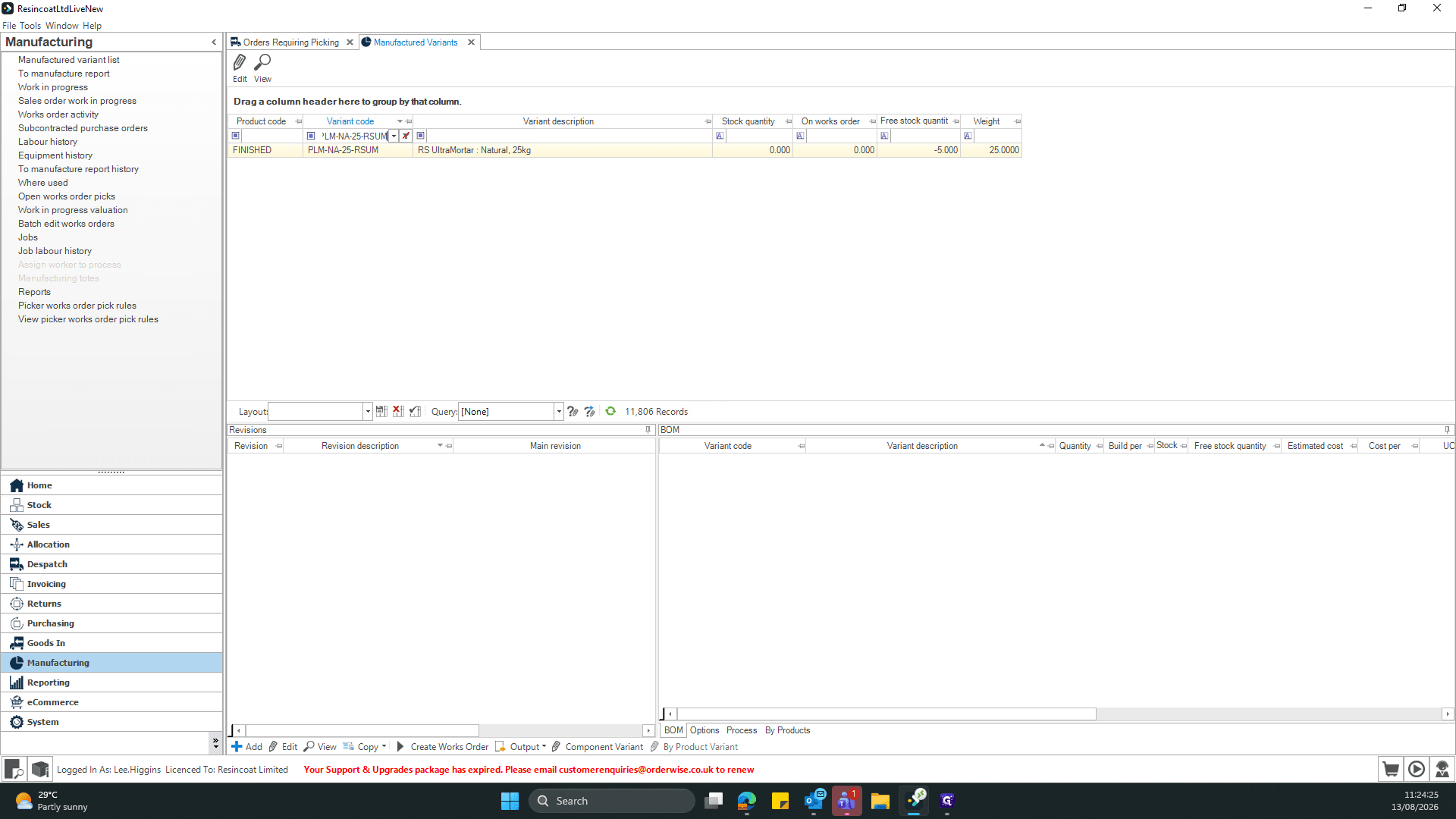
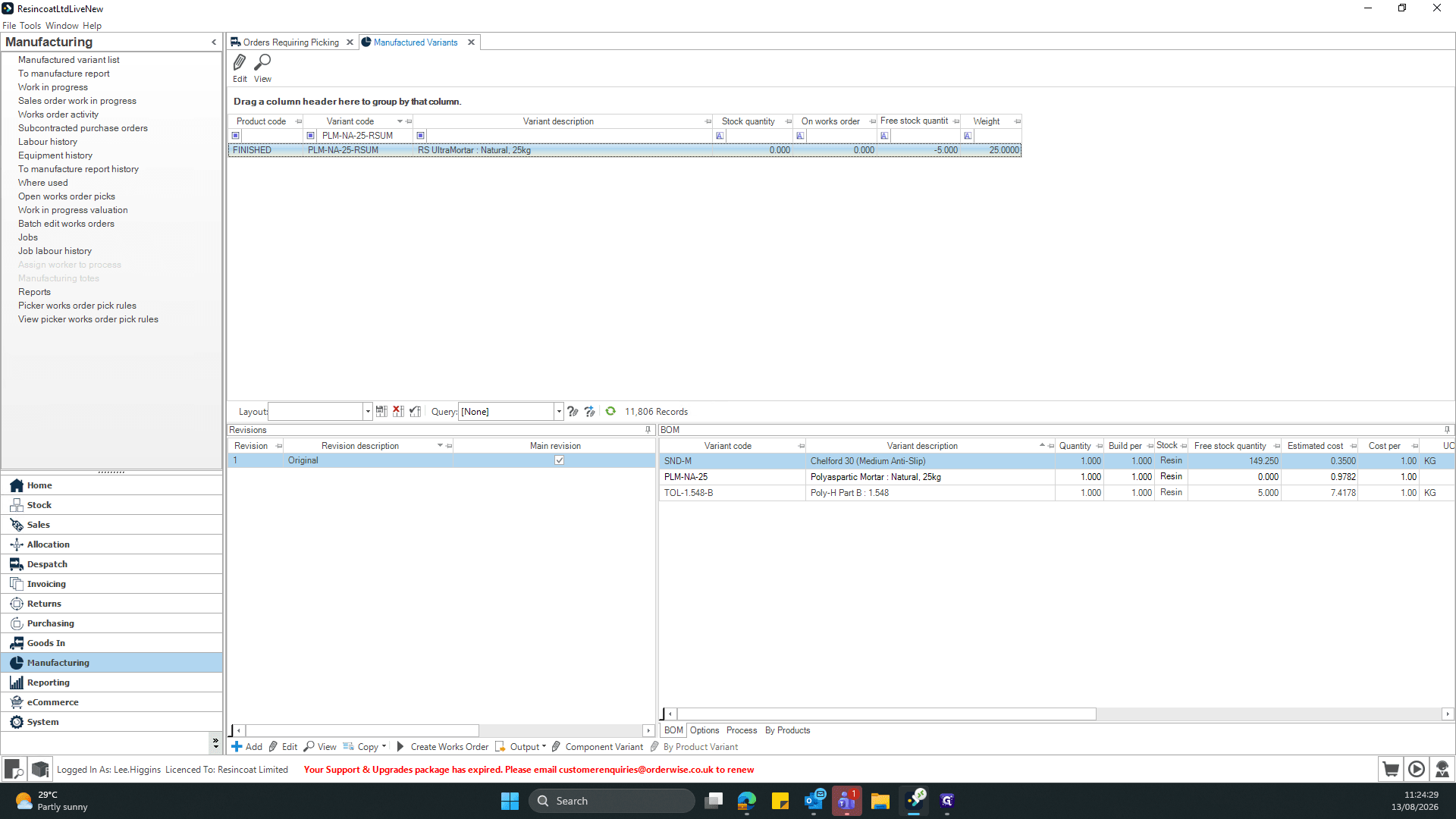
Learn how to copy a product variant code from the Despatch module and quickly look up its Bill of Materials (BOM) in the Manufacturing module.
This guide demonstrates how to copy a product variant code from an order in the Despatch module and look up its Bill of Materials (BOM) in the Manufacturing module. Completing this ensures you can quickly verify manufacturing requirements for specific order lines.
This workflow applies to warehouse managers, manufacturing coordinators, and production staff. It is typically used during order fulfillment to check production statuses or material details for items in the picking queue.
Locate the Product Variant in Despatch
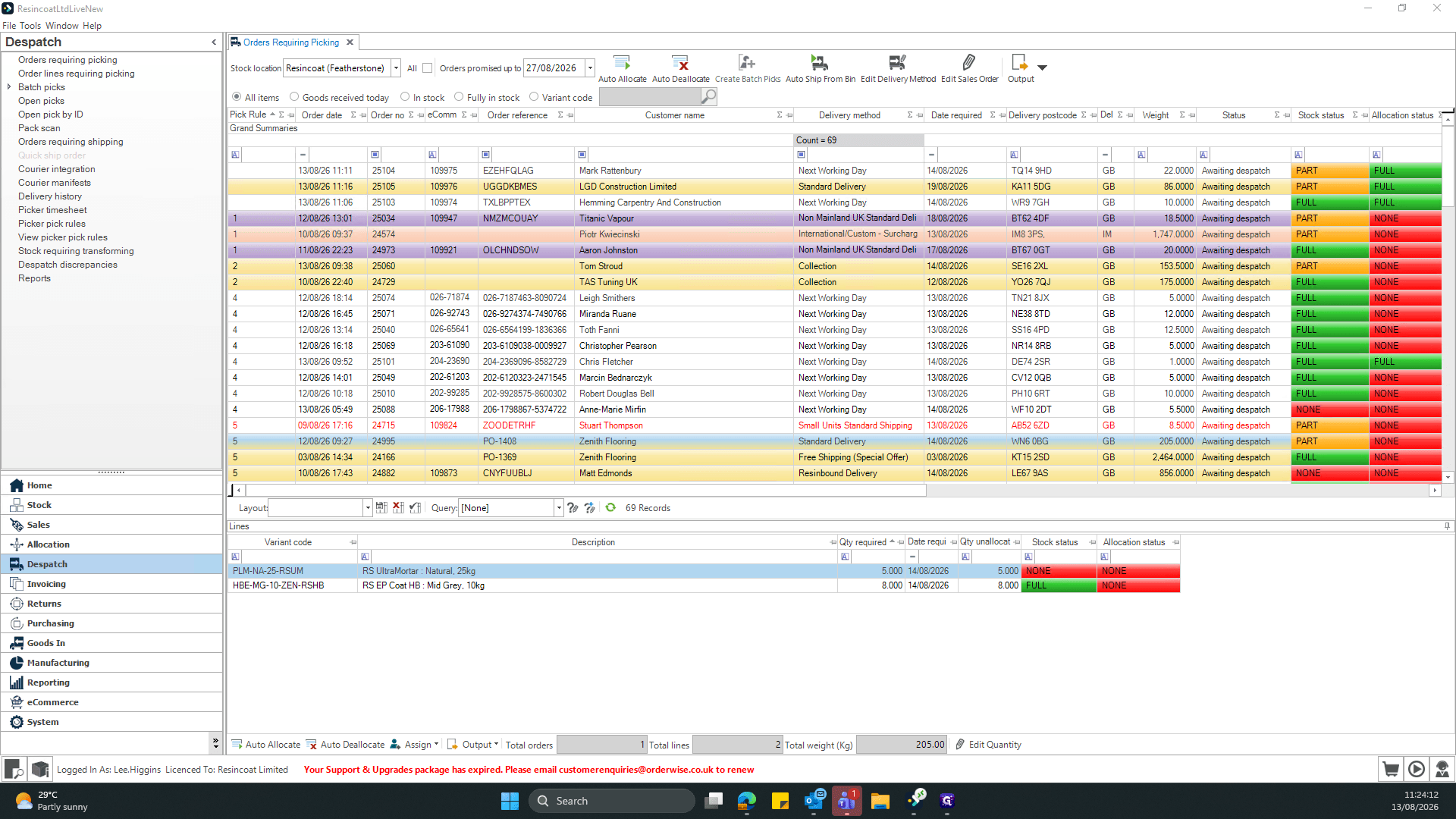
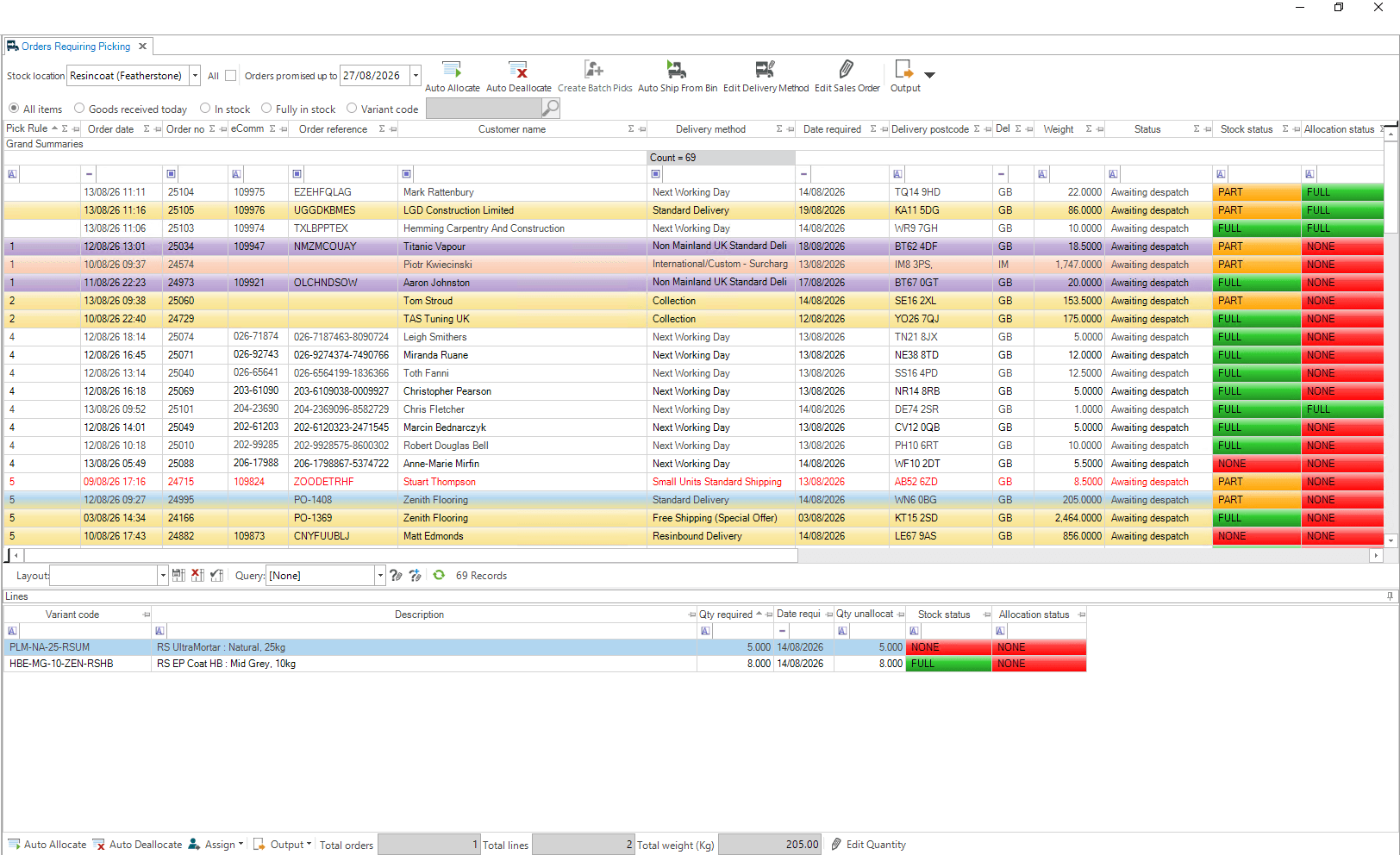
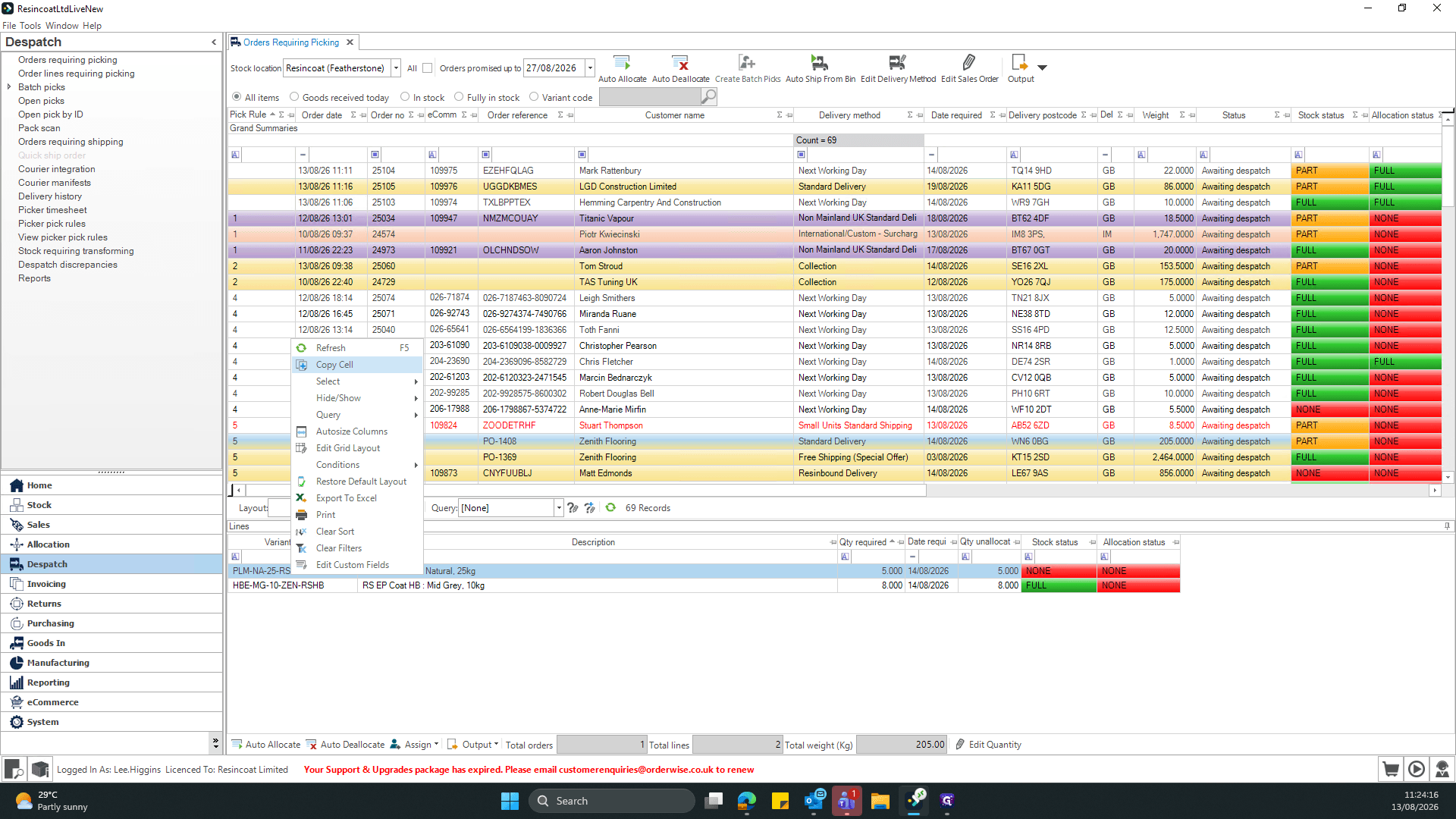
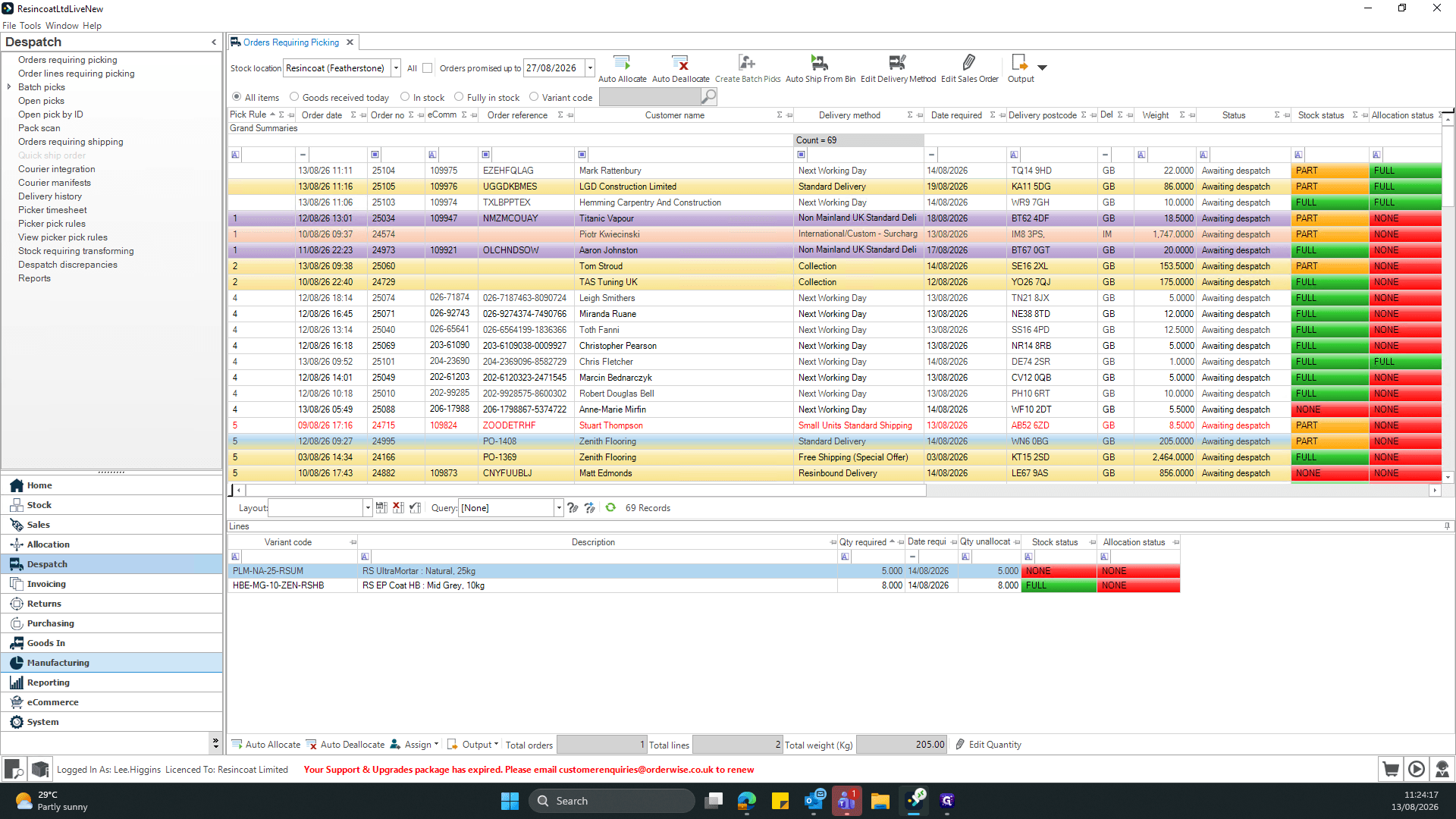
Look Up the Bill of Materials in Manufacturing
Term | Definition |
|---|---|
Bill of Materials (BOM) | A comprehensive list of parts, items, assemblies, and other materials required to manufacture a product. |
Despatch Module | The section of the warehouse management system dedicated to organizing, picking, and shipping customer orders. |
Variant Code | A unique alphanumeric identifier representing a specific version, size, or configuration of a product. |