OLD How to Select and Configure VELUX Skylights Online
Learn how to navigate the VELUX Dealer Extranet to find, configure, and purchase skylights. Your step-by-step guide to viewing product options, accessing technical data, and customizing your skylight order.
By Michelle
In this guide, we'll learn how to navigate the VELUX homepage to find and configure a skylight product. We will explore how to access technical information, select product options, and prepare your selection for purchase or quoting.
You will also see how to use the available resources to make informed decisions about your skylight choice.
Let's get started
1
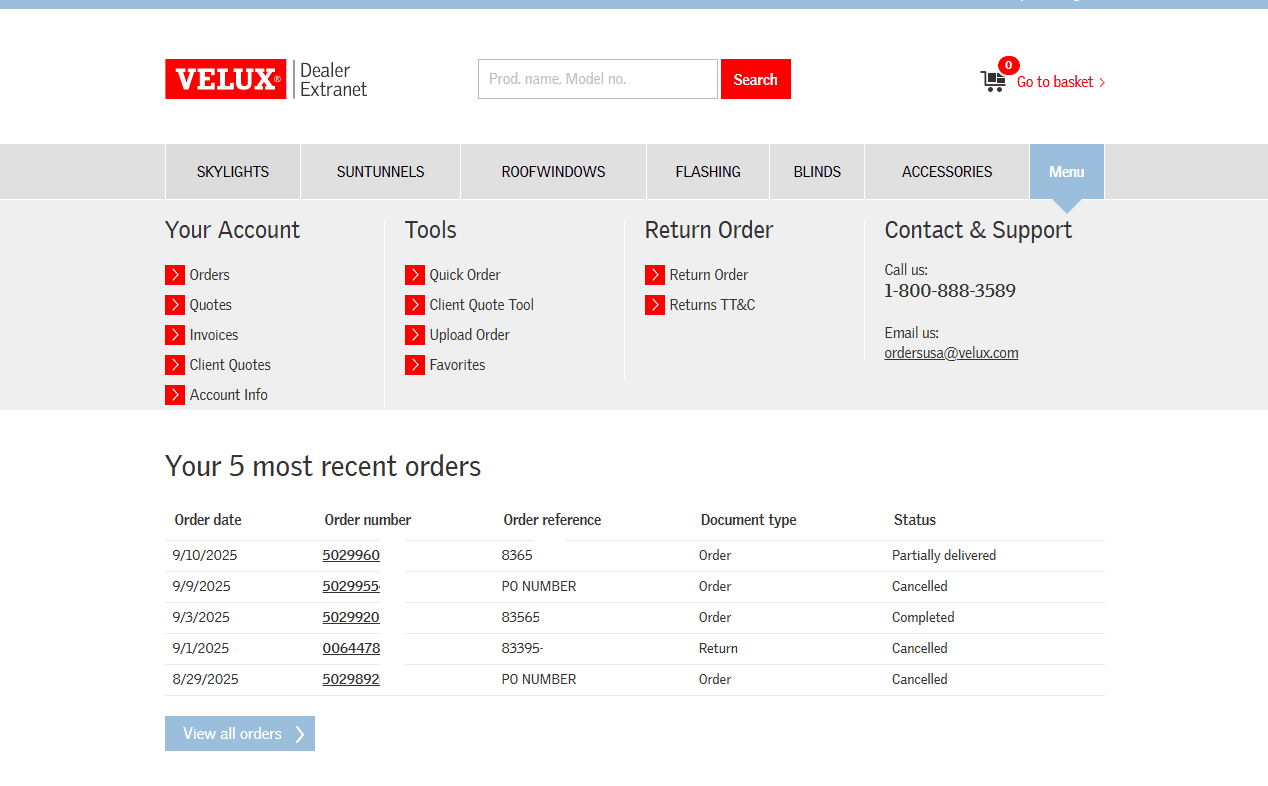
From the homepage, click the applicable Products tab to view your requested VELUX offering.
2
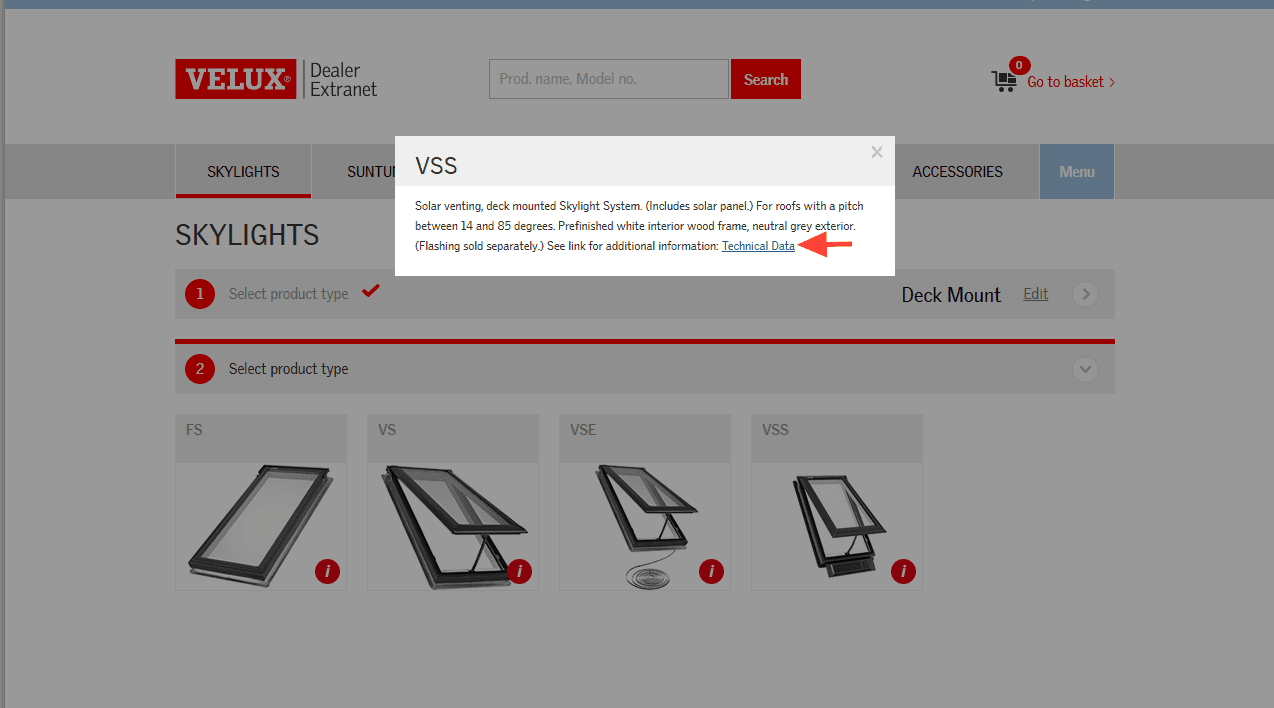
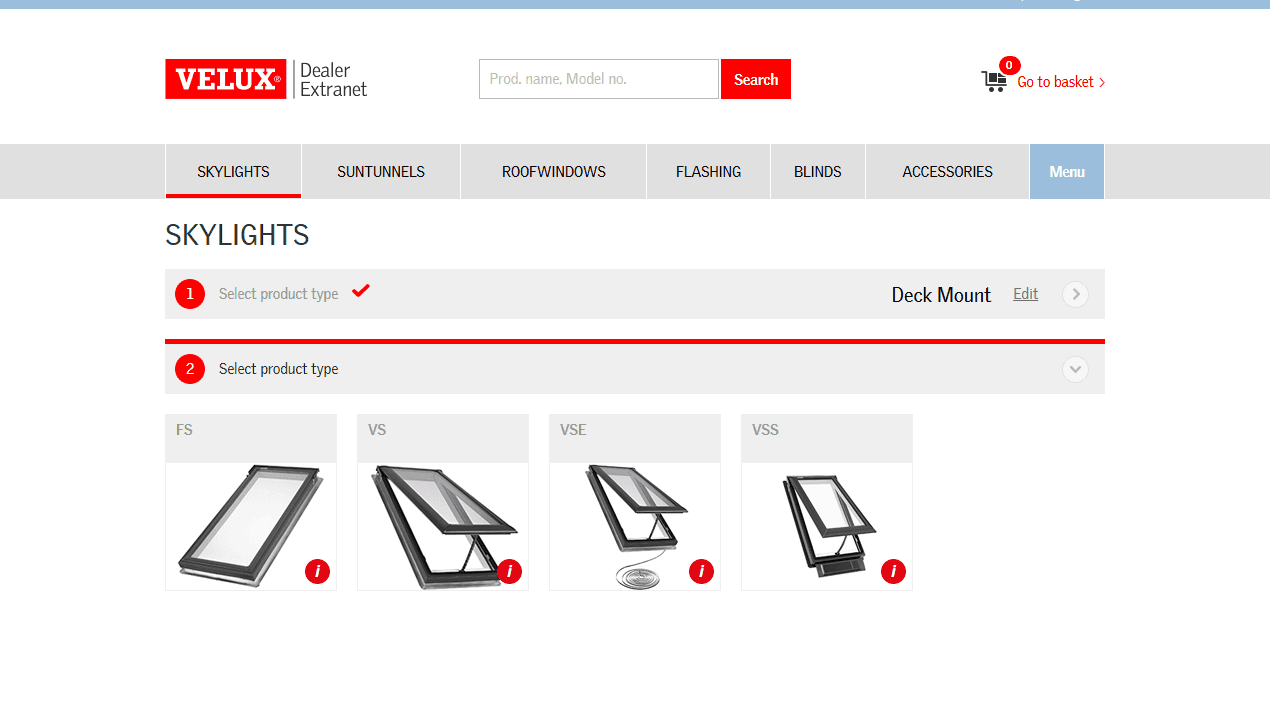
Clicking the red circle "i" in the lower right corner will display product information, and in model view, will provide a link to technical data including installation instructions, product testing data, and more.
3
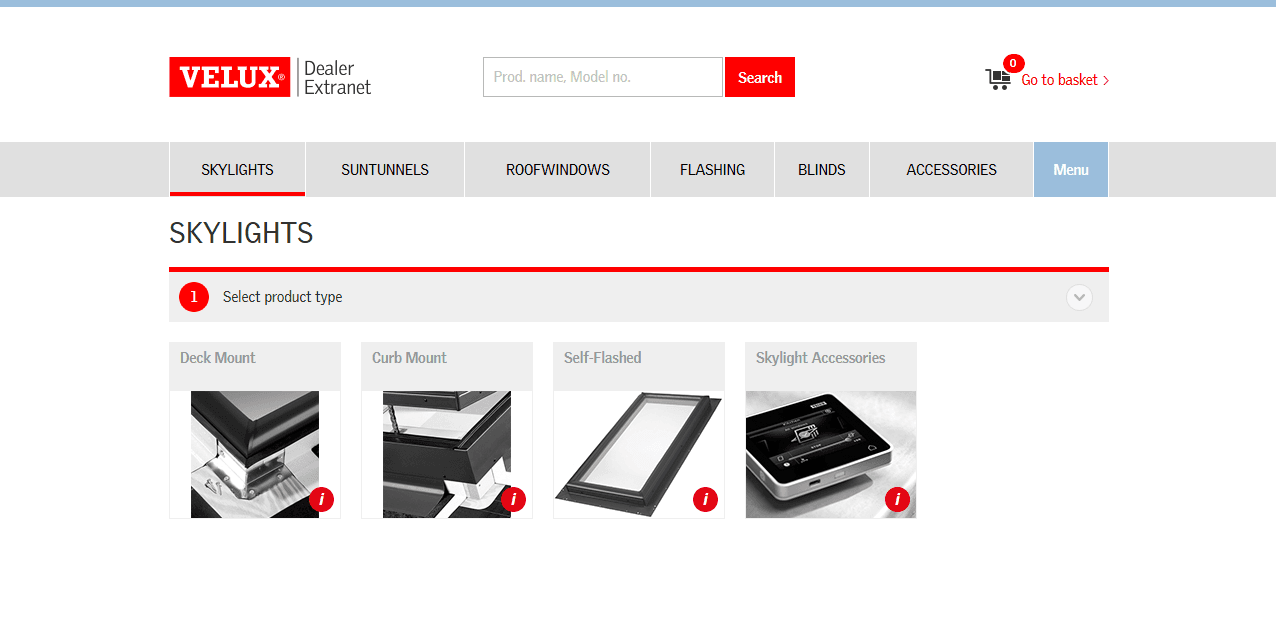
For example, to search for a VSS C06 skylight choose the deck mount option.
4
Choose VSS for a solar venting unit.
5
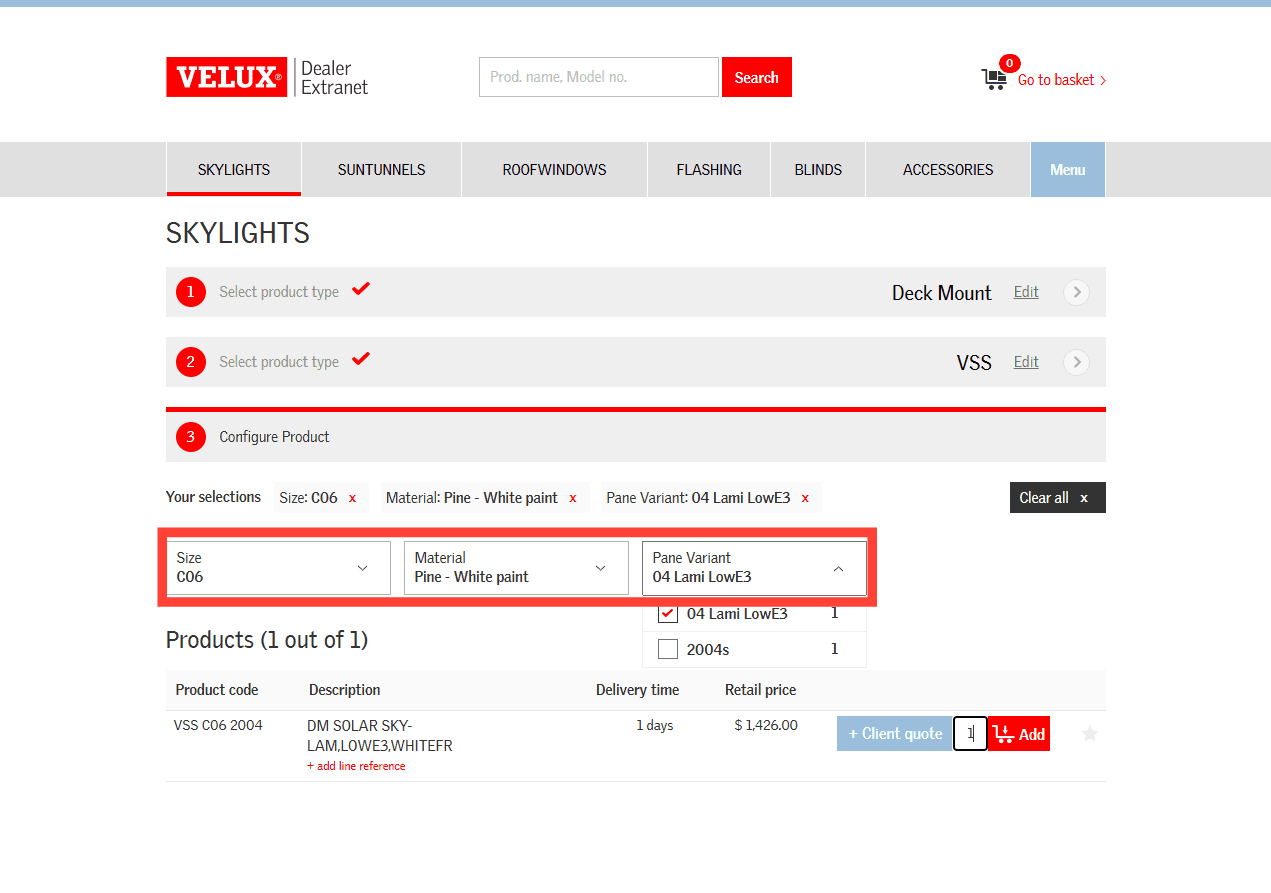
Select the skylight from the dropdown options, or configure by choosing the size, material (interior finish), and pane variant (glass type). Once your product displays you can adjust the quantity if needed and choose + Client Quote or Add to your order basket.