How to Send Information and Apply Tags in HighLevel, HubSpot, and Zapier
Learn how to send information to platforms like HubSpot, Zapier, and HighLevel, and how to apply existing tags in HighLevel for better tracking and organization.
By Troy Dean
In this guide, we'll learn how to send information from your system into HighLevel and apply tags to contacts. We'll also cover the importance of making sure the tag already exists in HighLevel, since the platform does not allow tag creation through its API.
This process helps you organize contacts and track their source.
Let's get started
1
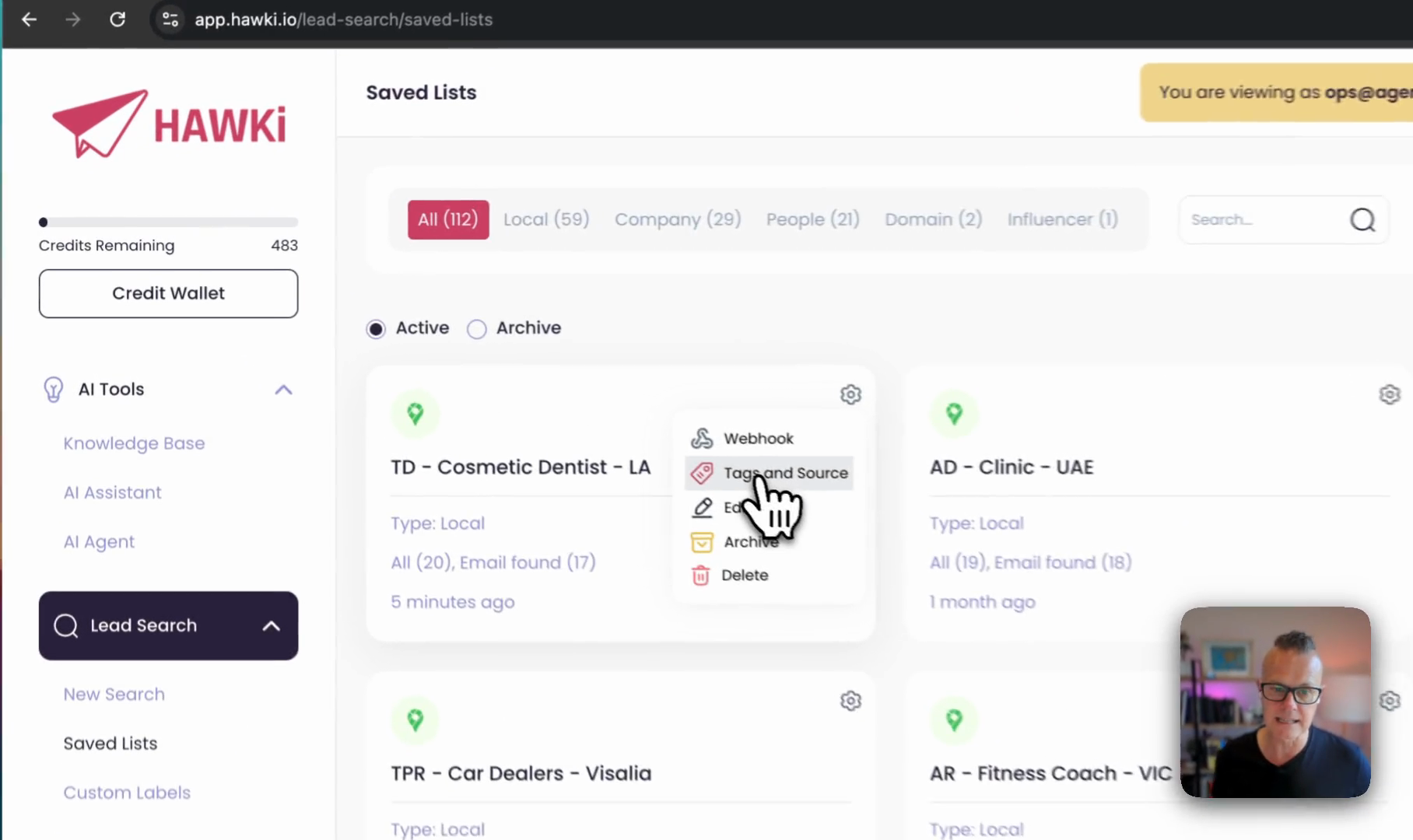
Click on Tags and Source.
2
Type 'hawki - cosmetic dentists - la' in the Tags field.
3
The tag you enter must already exist in HighLevel before it can be applied.
4
Click the Save button.