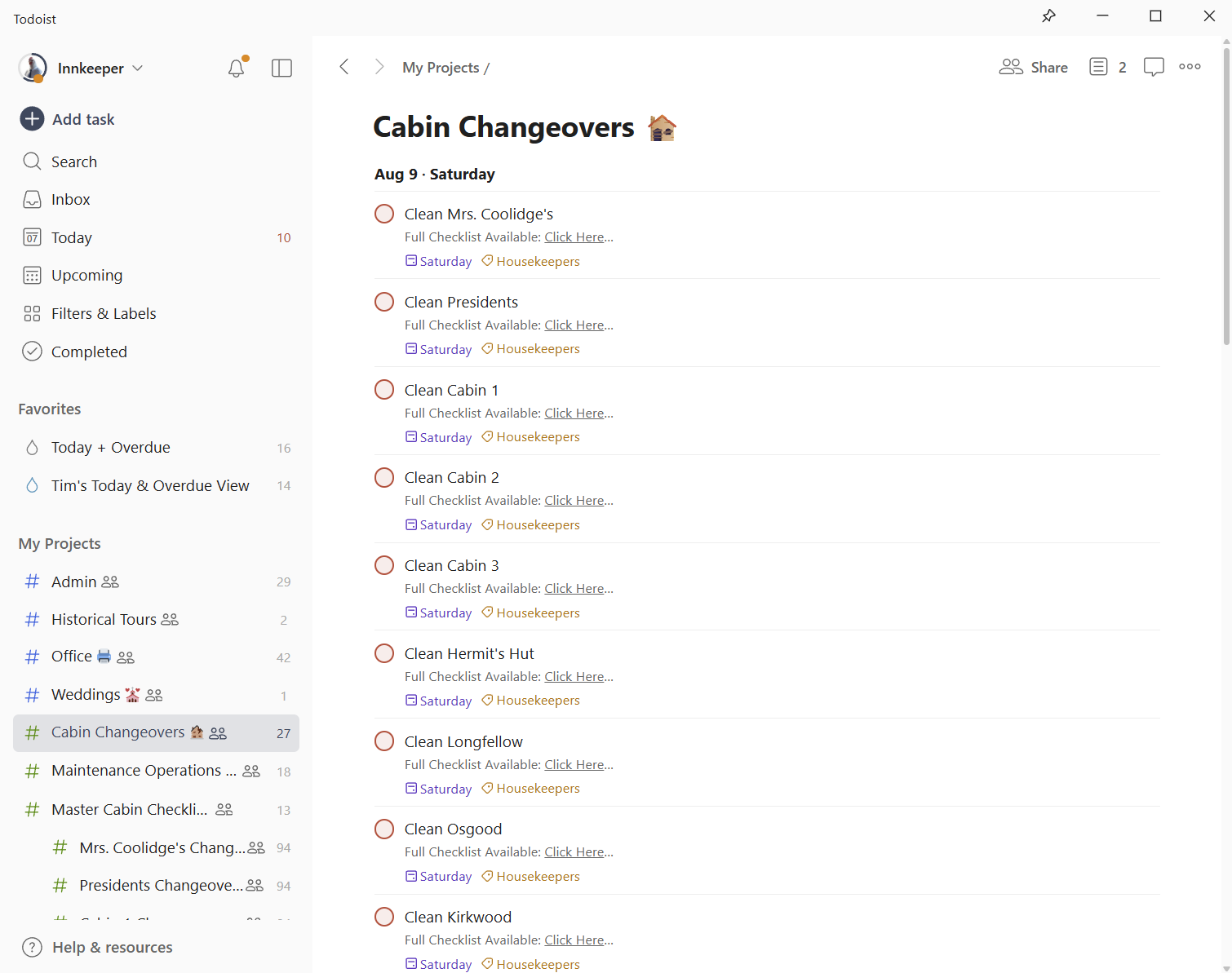
How to Set Priority and Dates for Multiple Tasks in Your Cabin Management System
Learn how to efficiently assign dates and priority levels to multiple tasks in your cabin management system. This step-by-step guide ensures all your cabins are cleaned and prioritized for changeover days.
In this guide, we'll learn how to assign dates and priorities to multiple tasks at once. This process helps organize tasks by setting a specific date and marking their importance. By following these steps, you can ensure that all selected items are scheduled and prioritized correctly.
Picking up from where we left off - the tasks are duplicated, but now need dates and priorities set
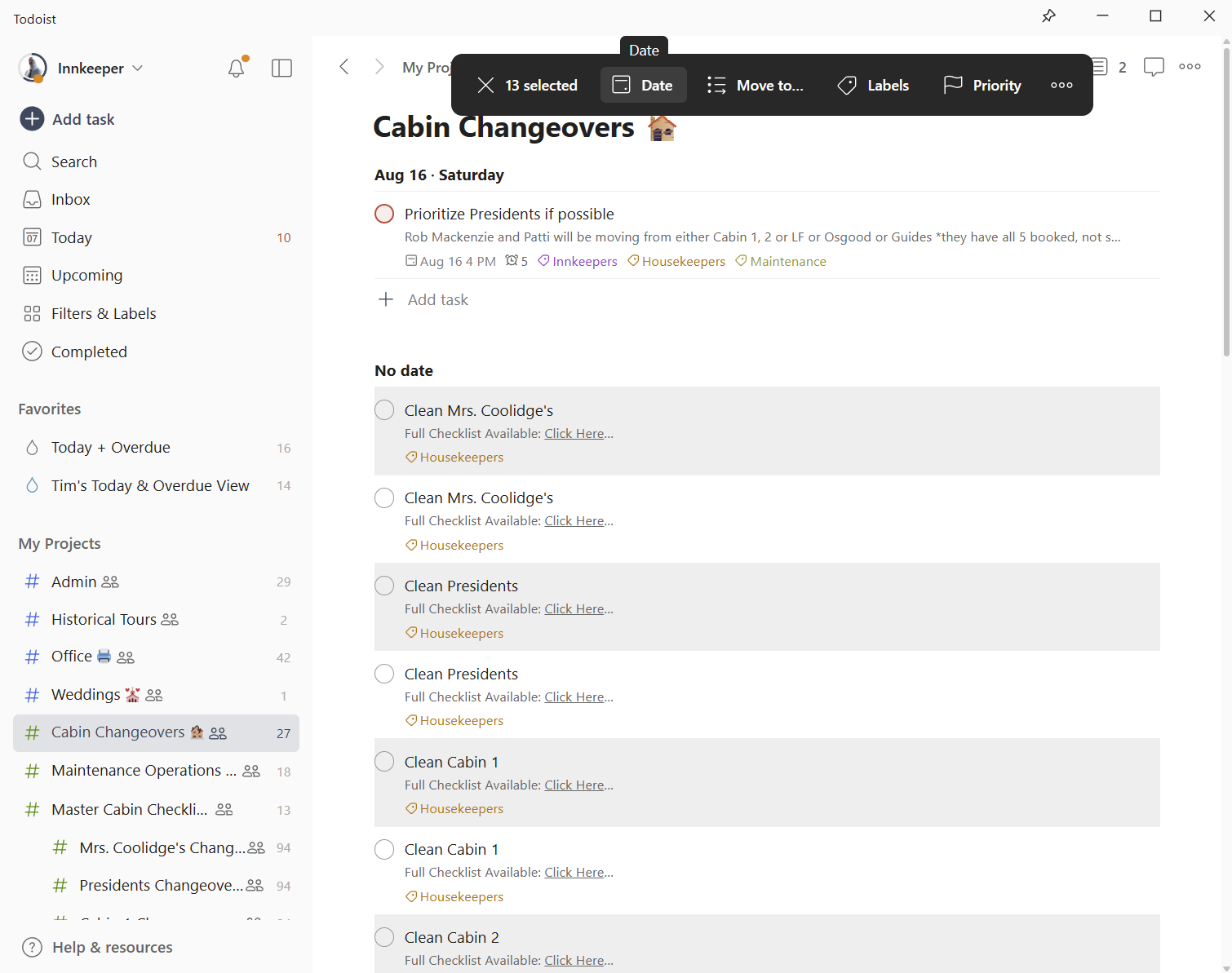
You’ll notice it duplicated them, but all 13 original templates are still highlighted. That means we don't need to re-select the tasks - we can make our adjustments right away.
First, I'll click on "Date" in the black bar at the top and select Saturday, August 9th.
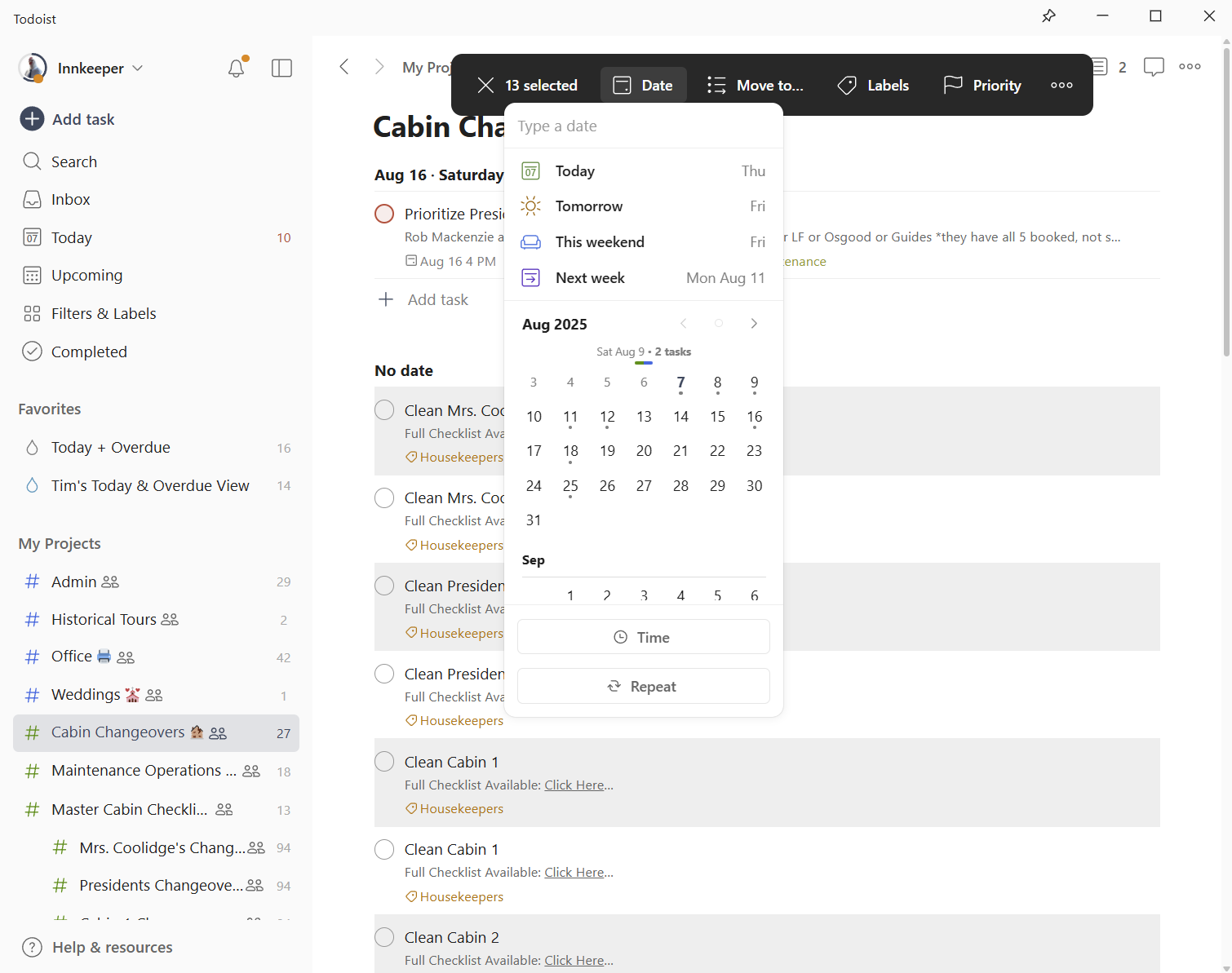
Next, I'll click "Priority" on the black box and select priority number one. This indicates a changeover, so it must be cleaned that day.
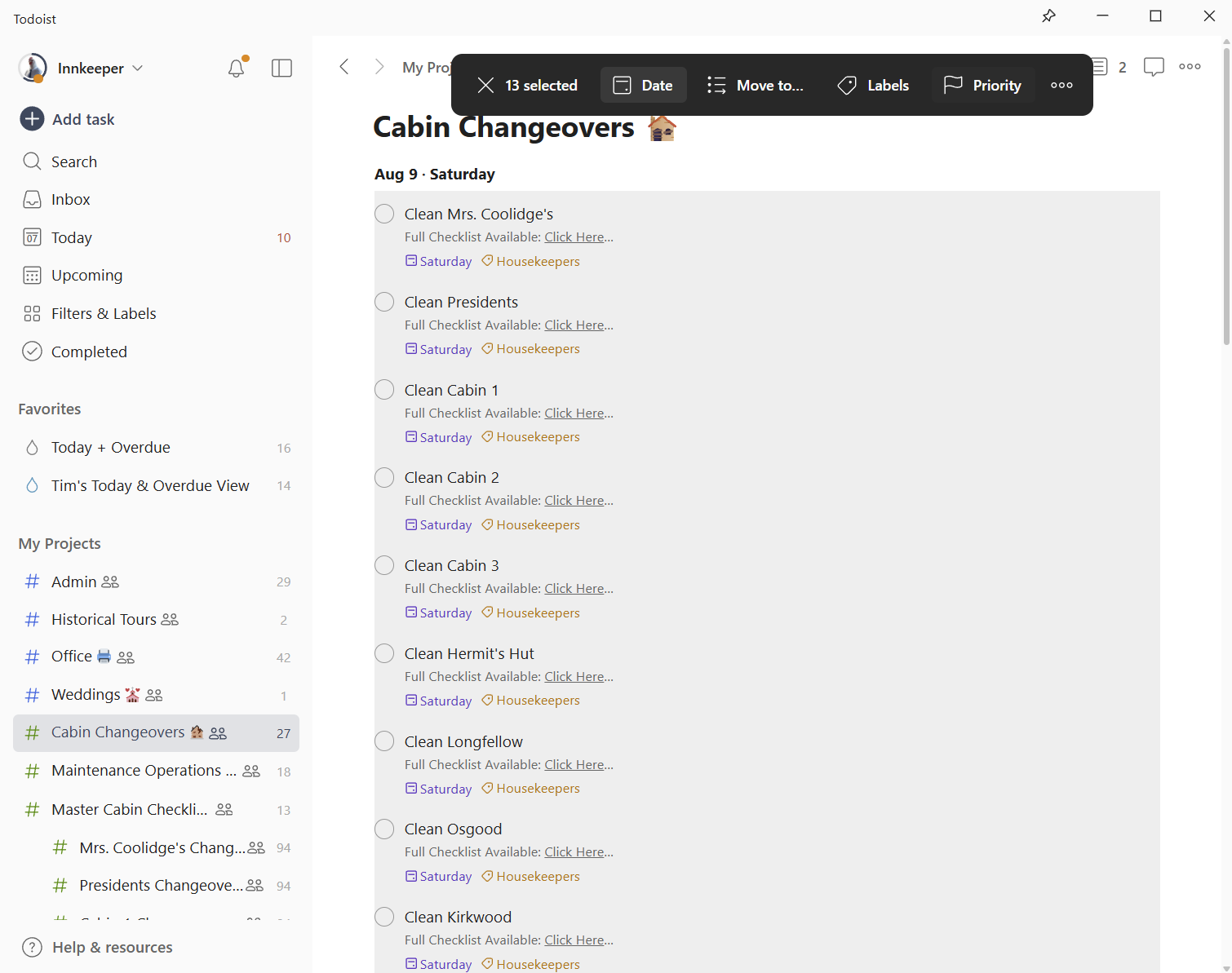
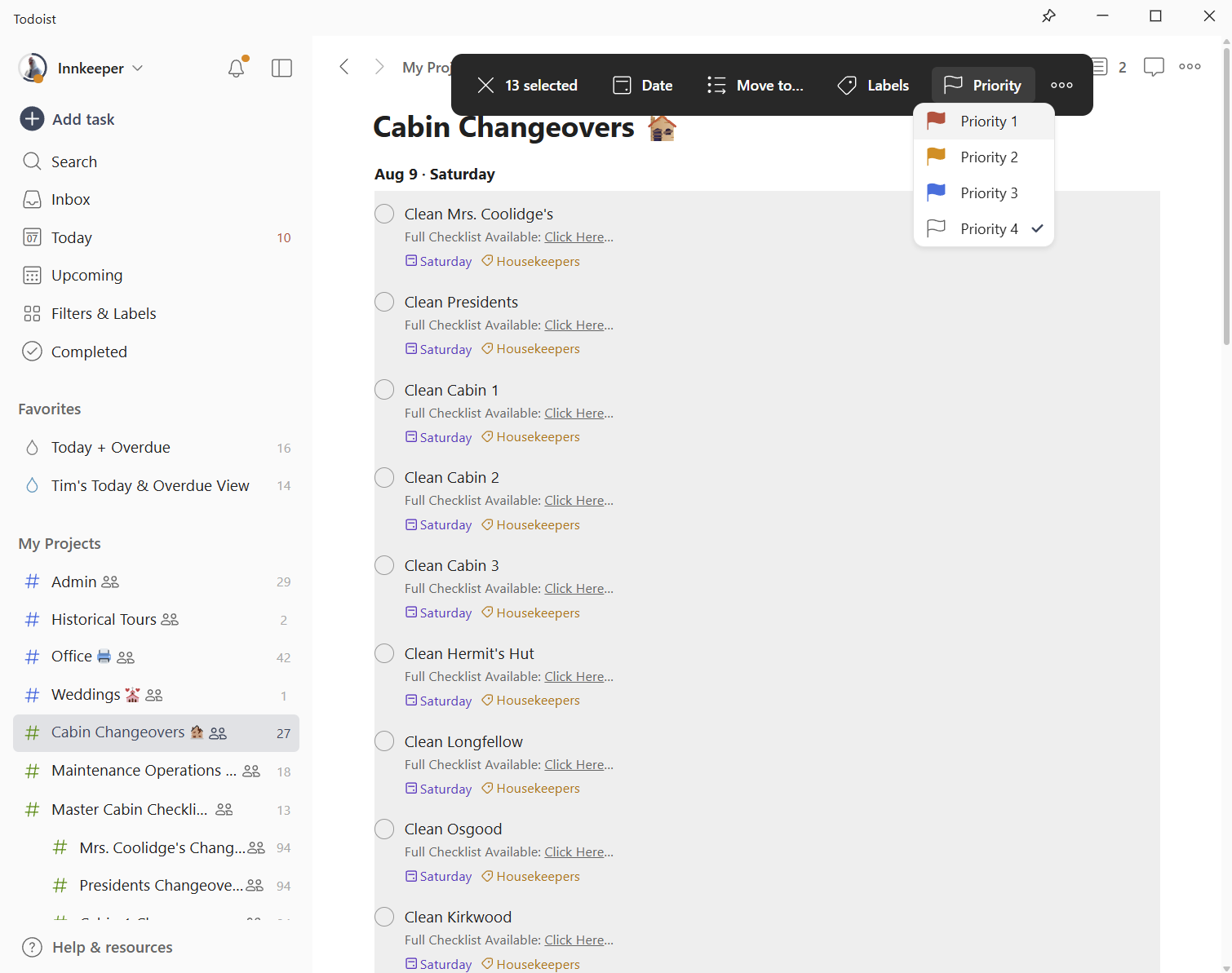
That's it. As of August 9th, all 13 cabins are set as priority number one.