How to Set Your Status in Genesys Cloud
Learn how to update your user status in Genesys Cloud and understand the difference between being Available and On Queue.
By 9-8-8 Education
Genesys Cloud statuses allow you to quickly show other personnel your current availability and task.
Changing Your Status
1
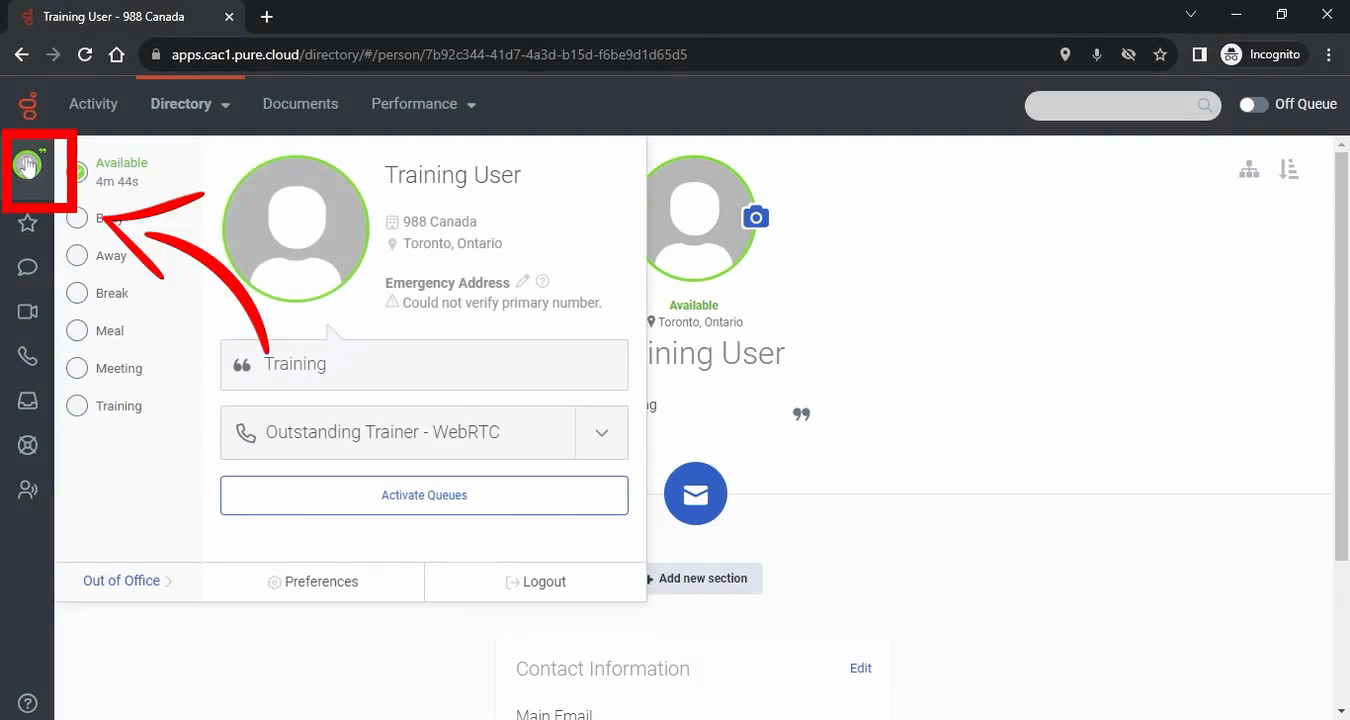
Click the Profile icon in the sidebar to open the status menu.
2
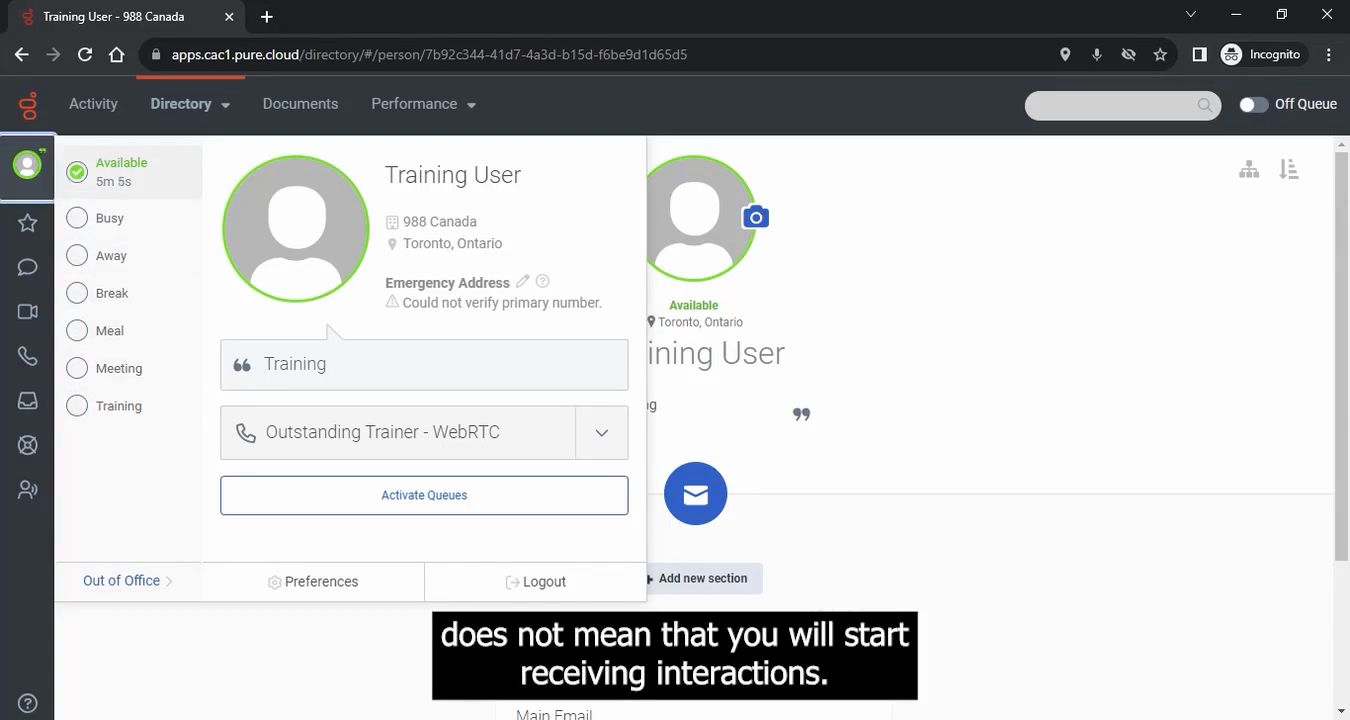
Select an appropriate status, such as Available, from the dropdown.
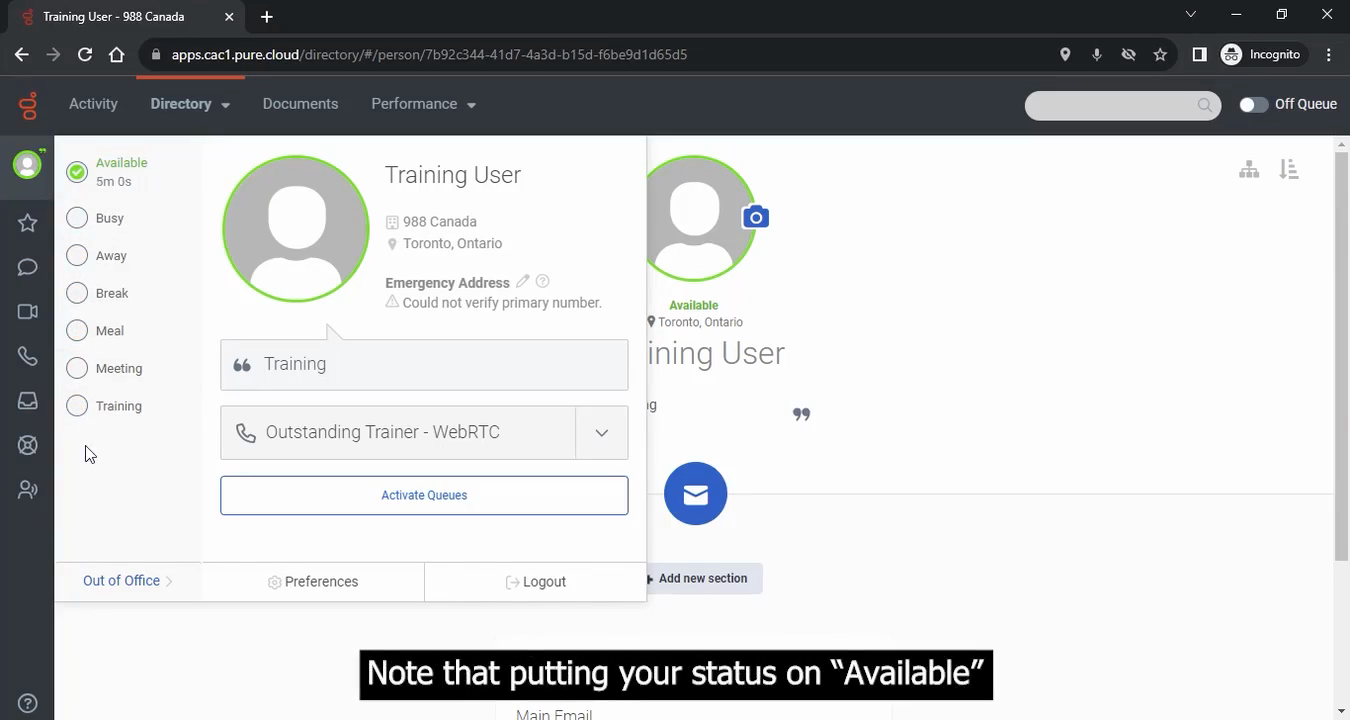
The standard status options include: Available, Busy, Away, Break, Meal, Meeting, and Training.
Receiving Interactions
To actively take interactions, you must toggle your status to On Queue and ensure your specific queues are activated.
3
Select On Queue to begin receiving work assignments.