
How to Set Up a Colonial Life Integration in Employee Navigator
Learn how to configure a Colonial Life integration, add external account IDs, set up synchronization notifications, and build plans from the marketplace.
This guide explains how to configure a Colonial Life integration within your benefits administration platform. Completing these steps ensures your third-party sync settings and marketplace benefit plans are properly connected for accurate coverage management.
Use these steps when initially connecting Colonial Life to your platform or when adding new Colonial Life benefit plans to your employer marketplace.
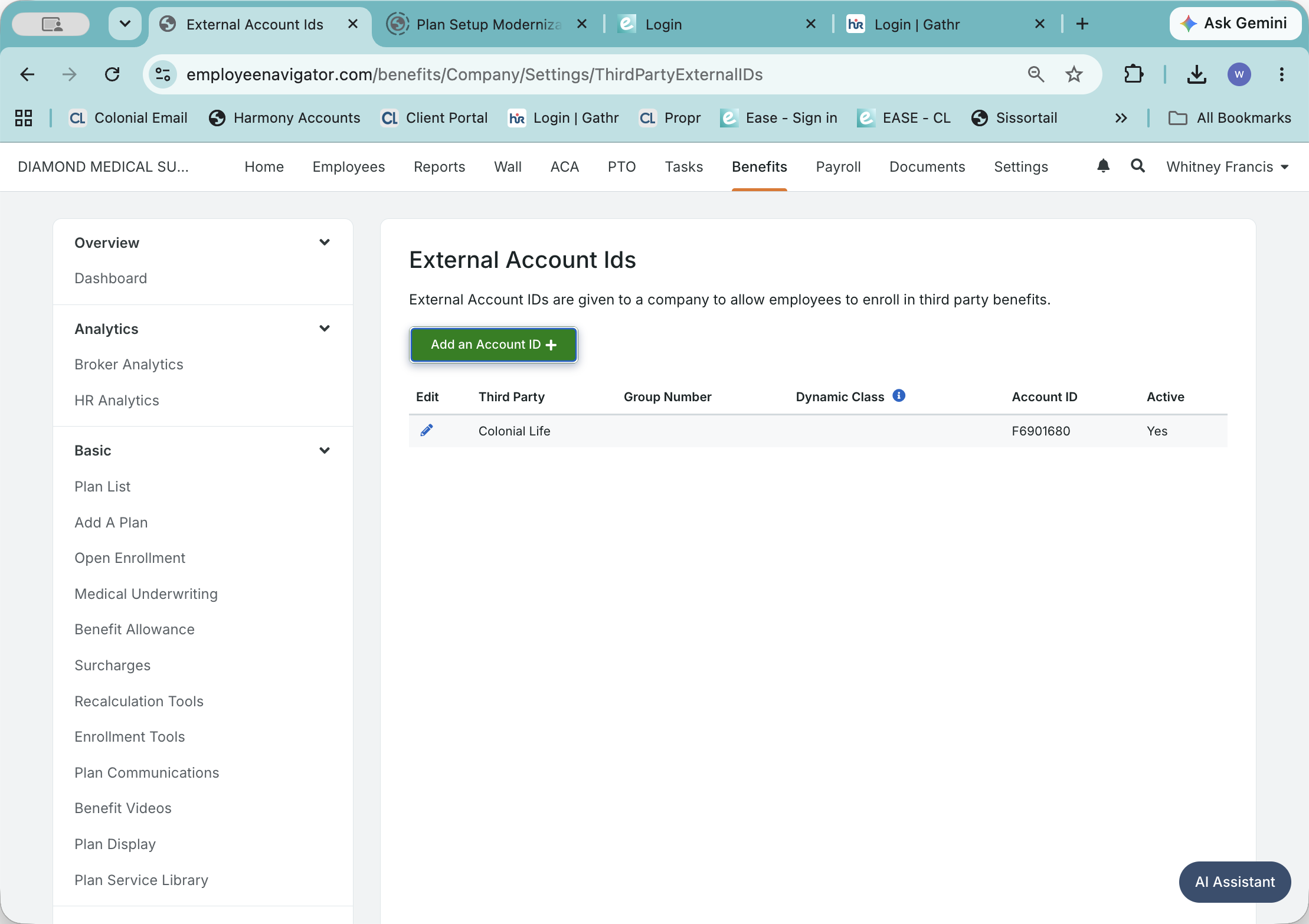
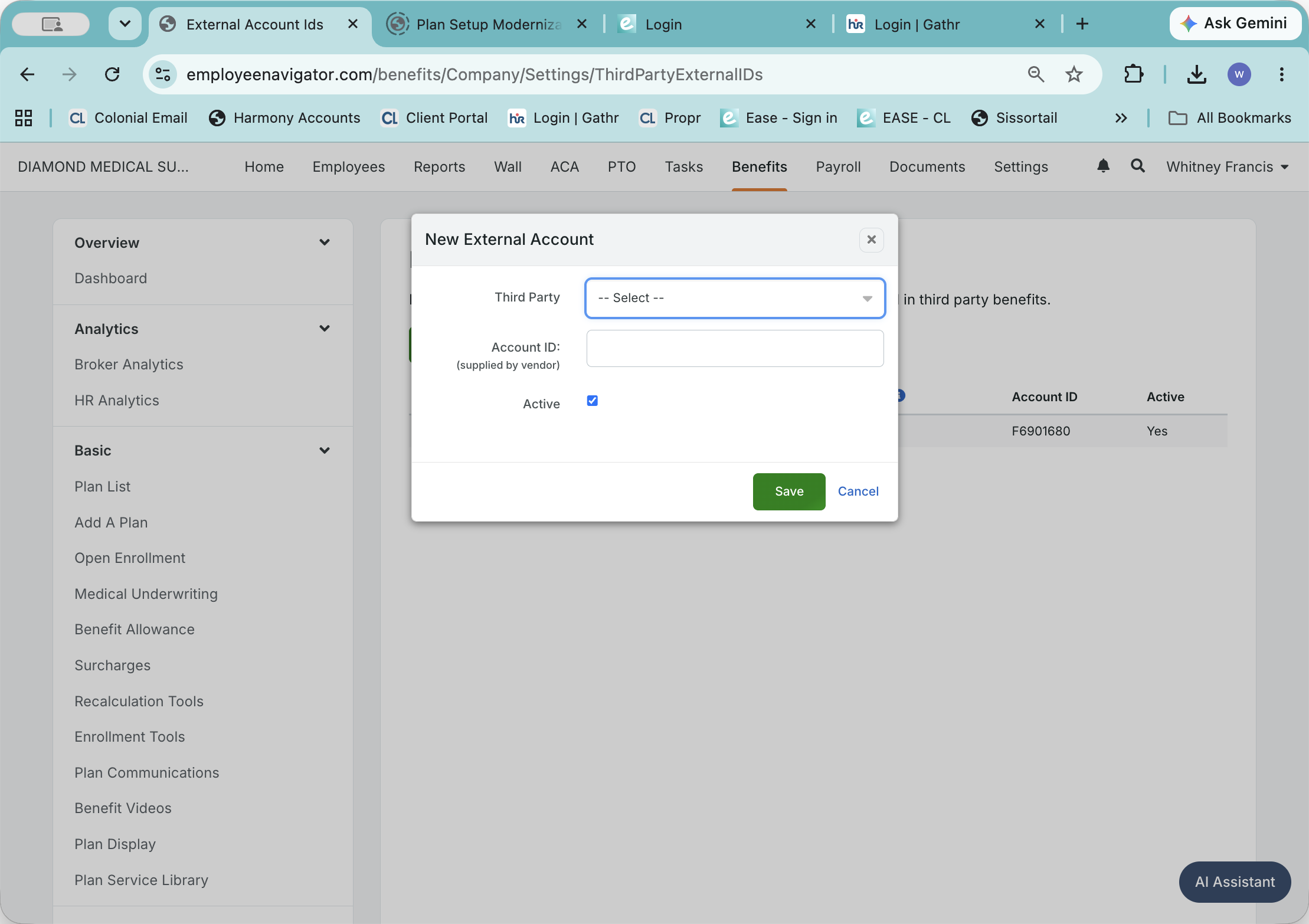
Configure External Account IDs
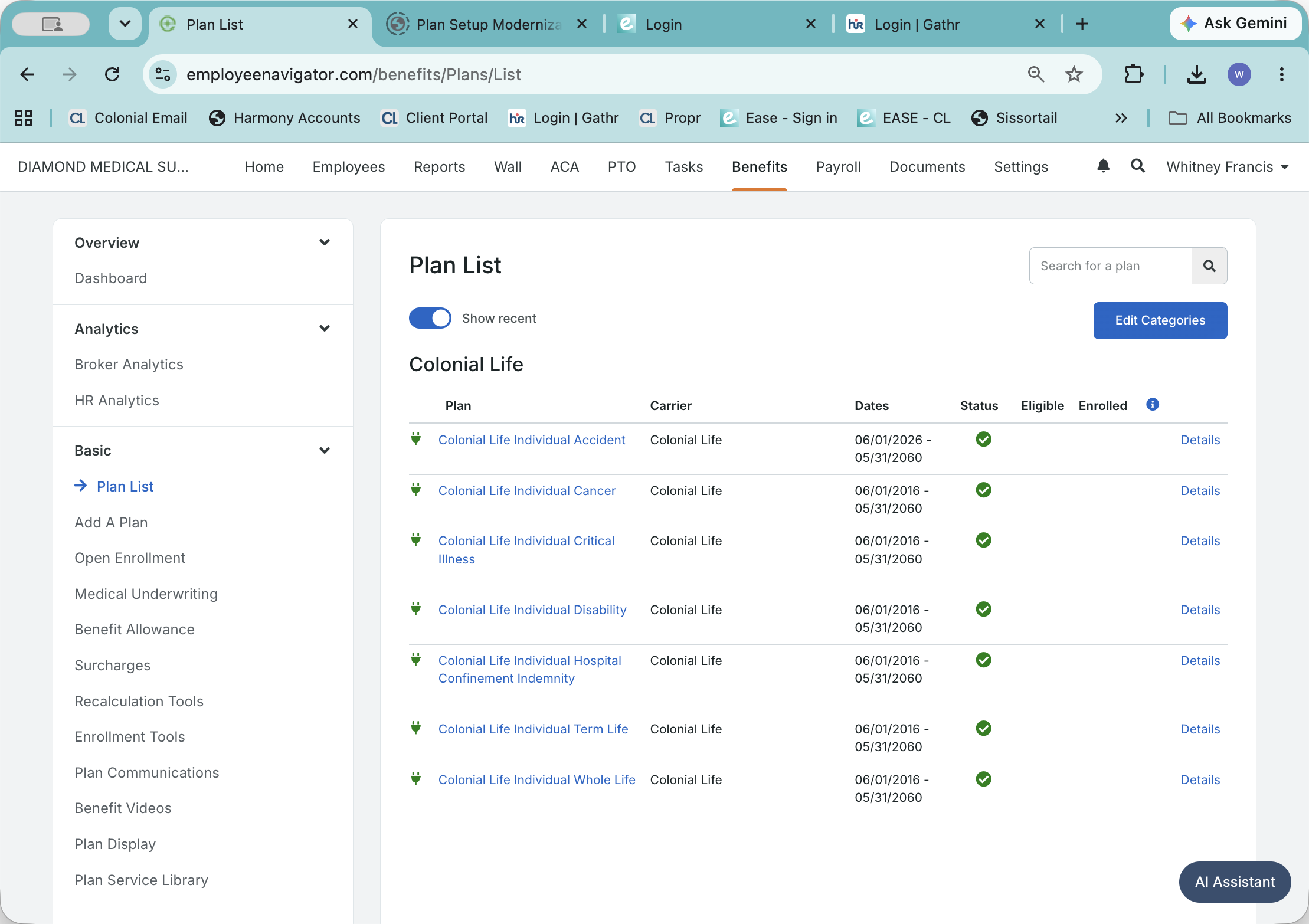
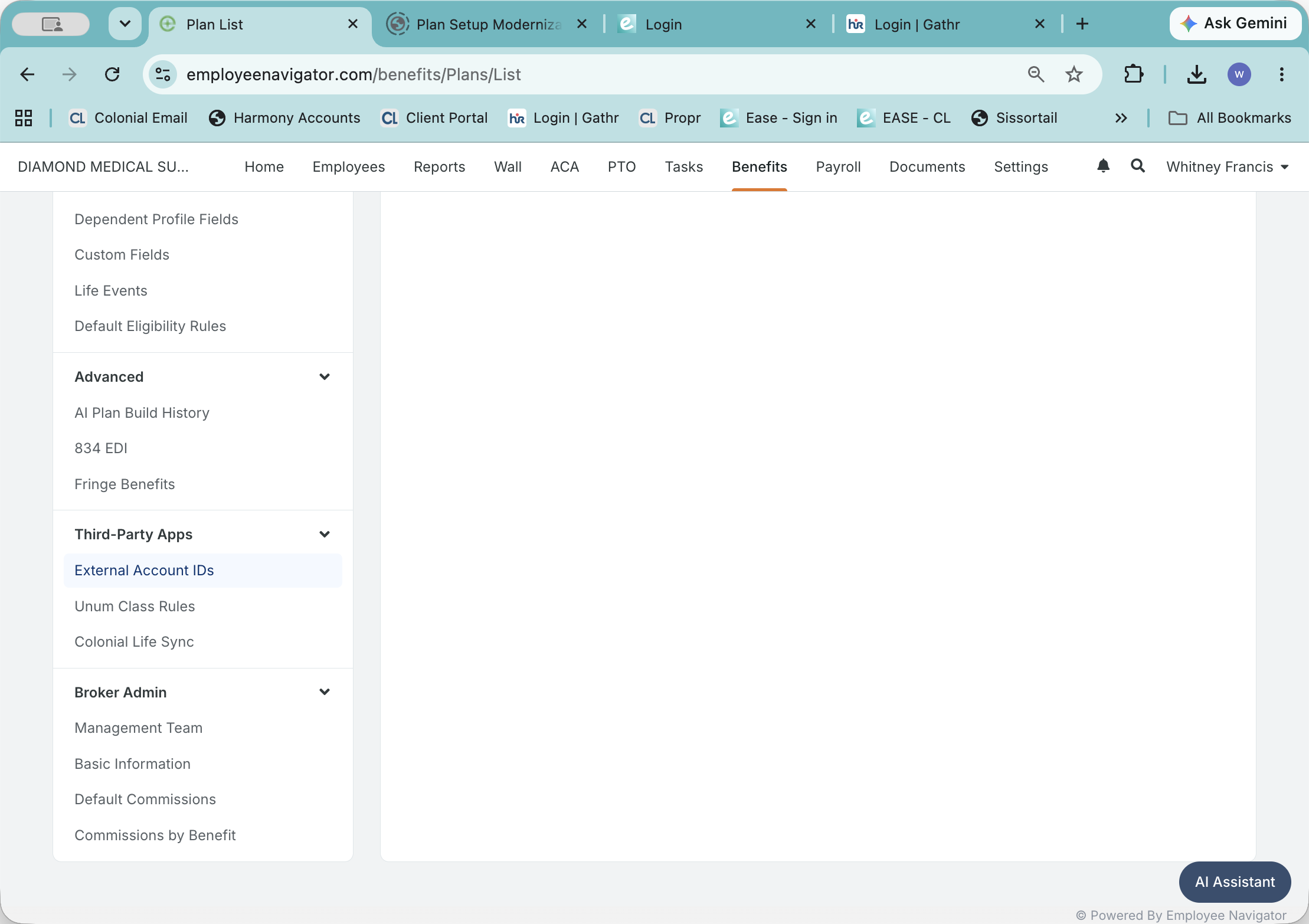
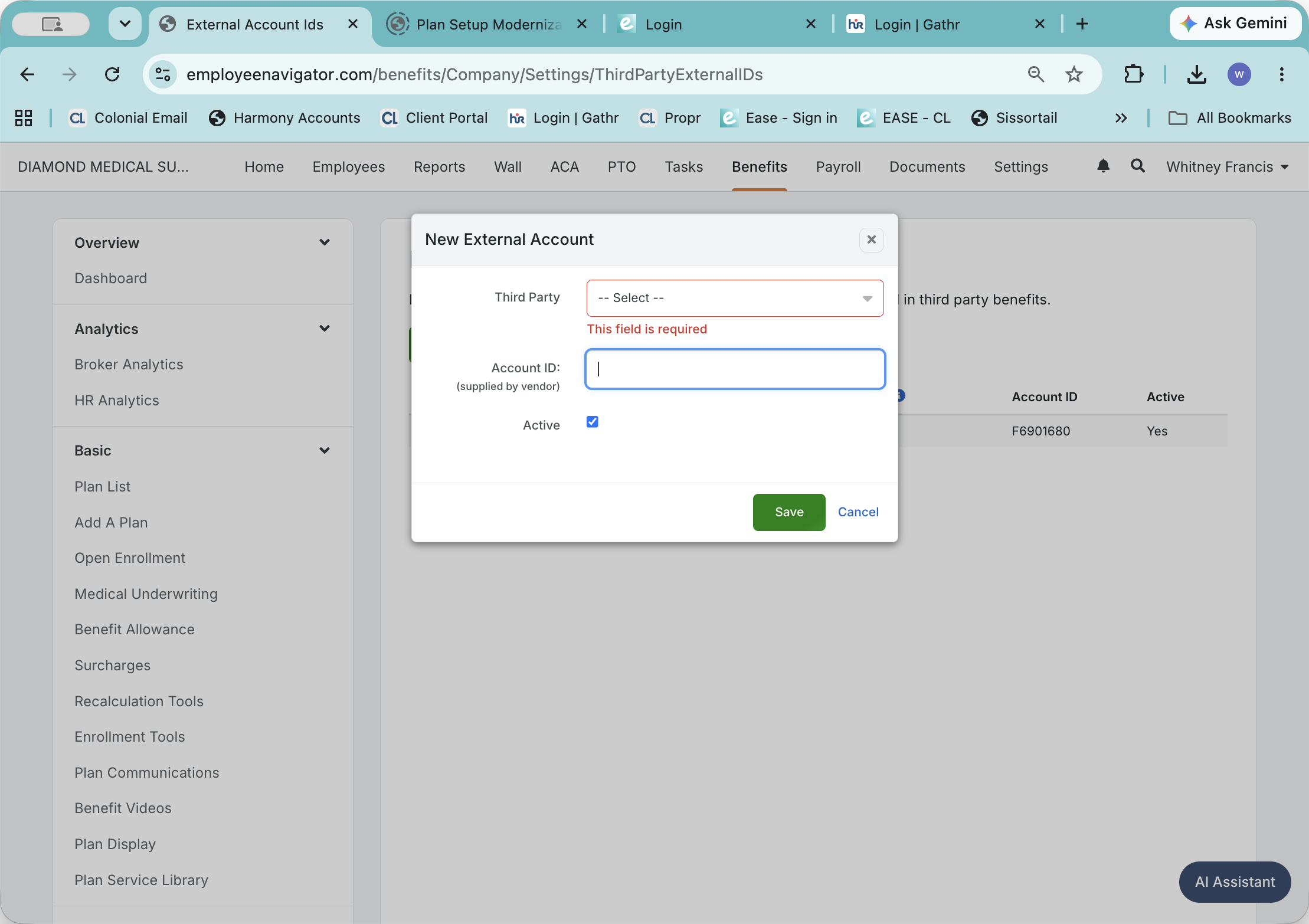
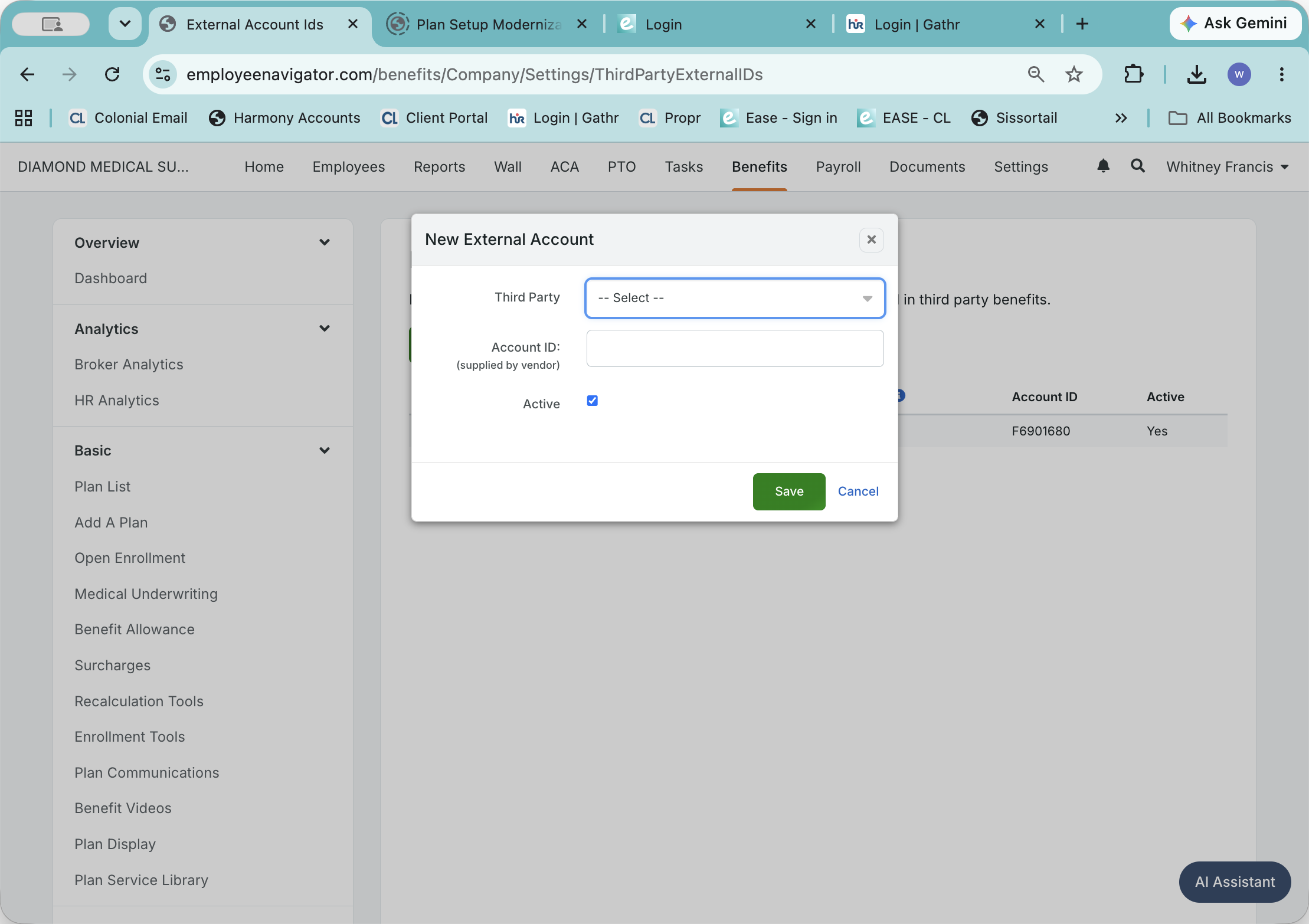
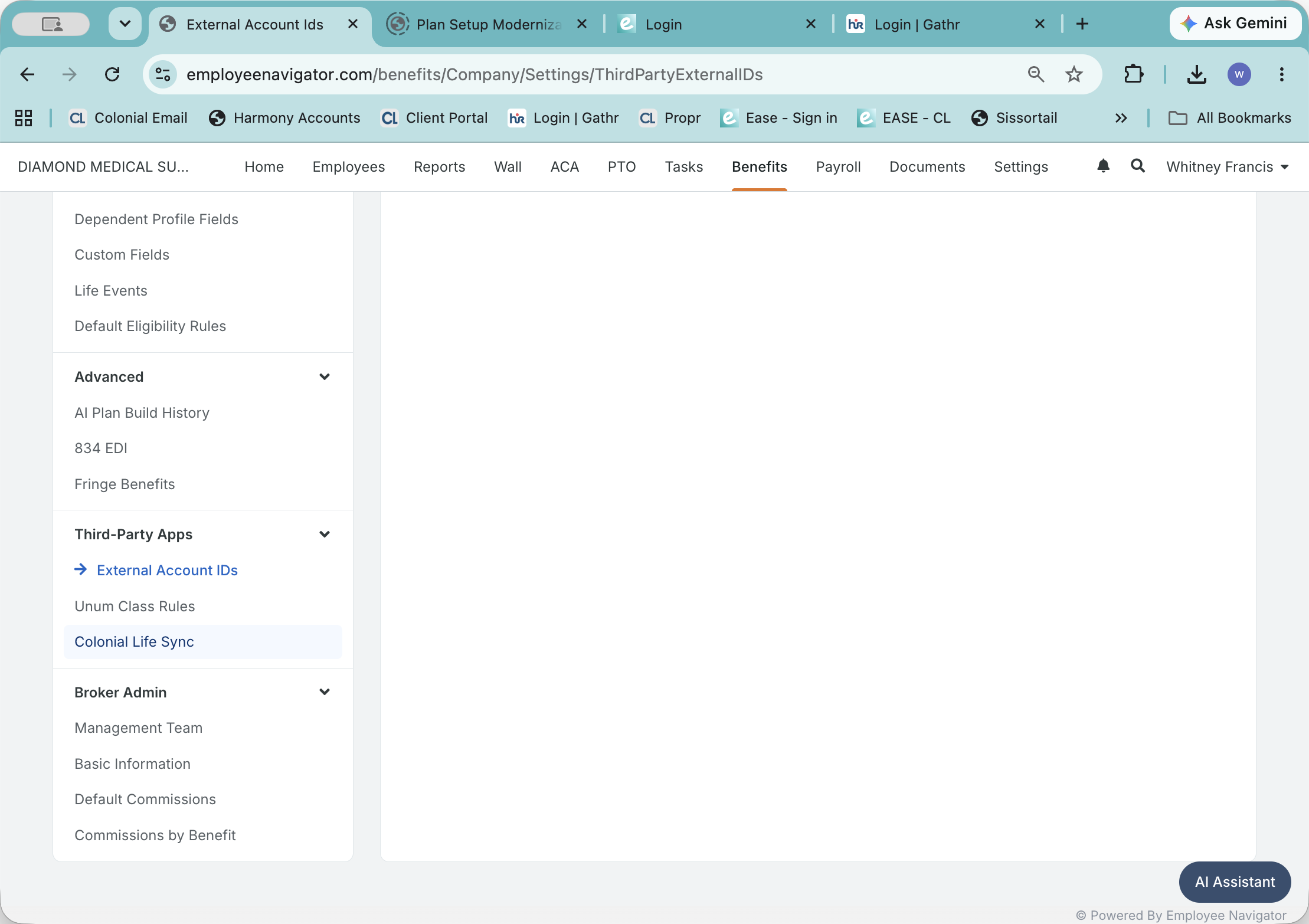
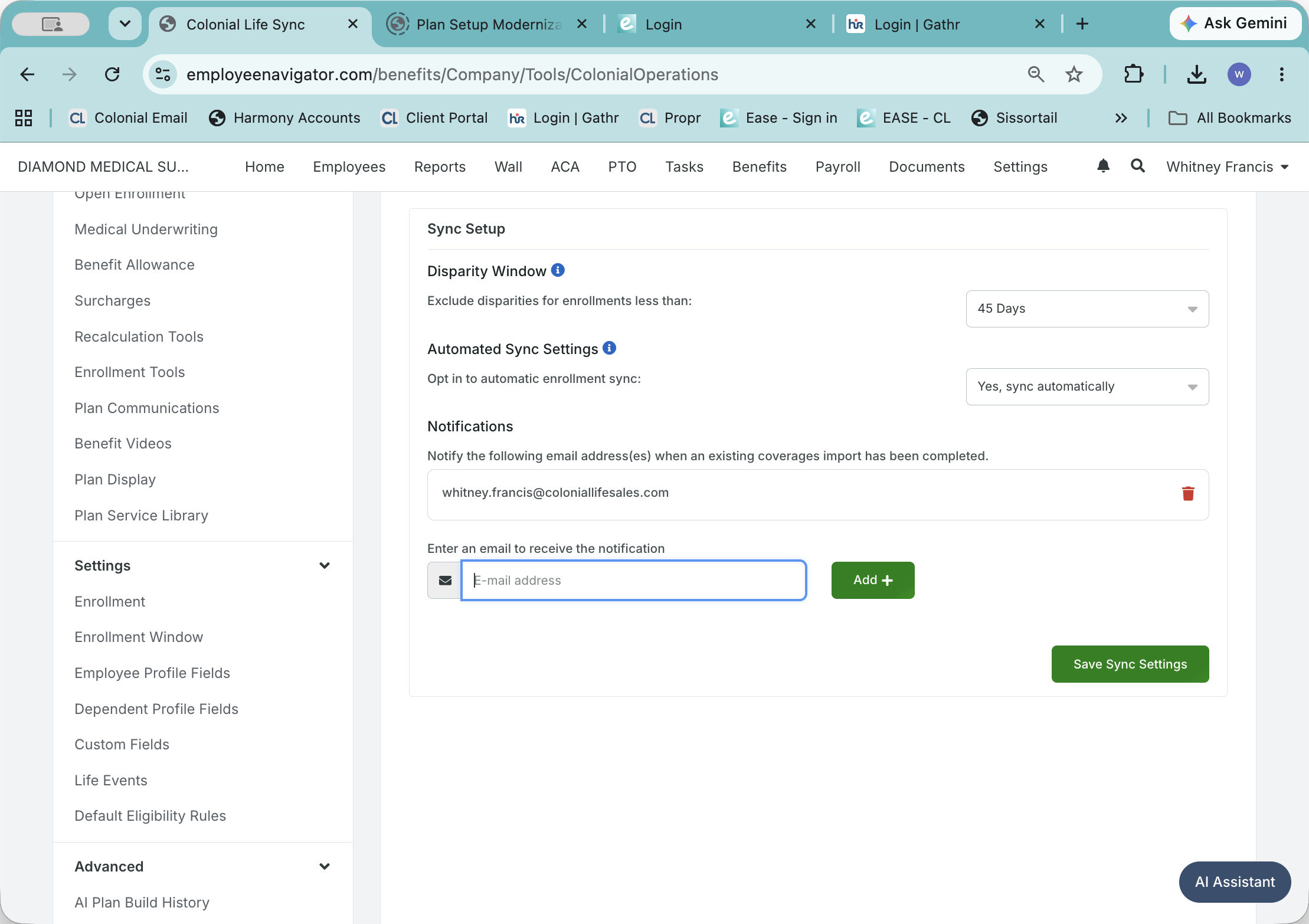
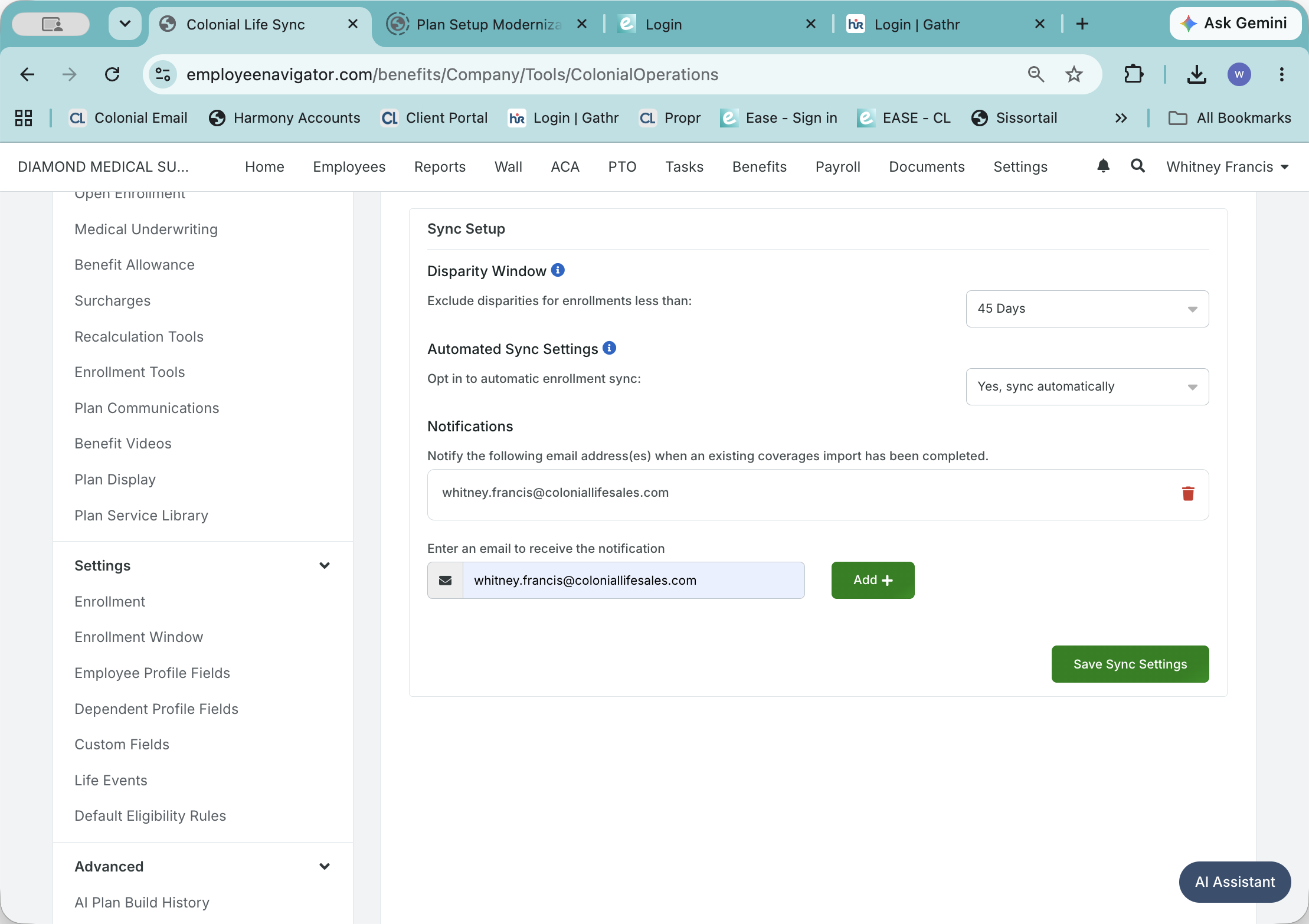
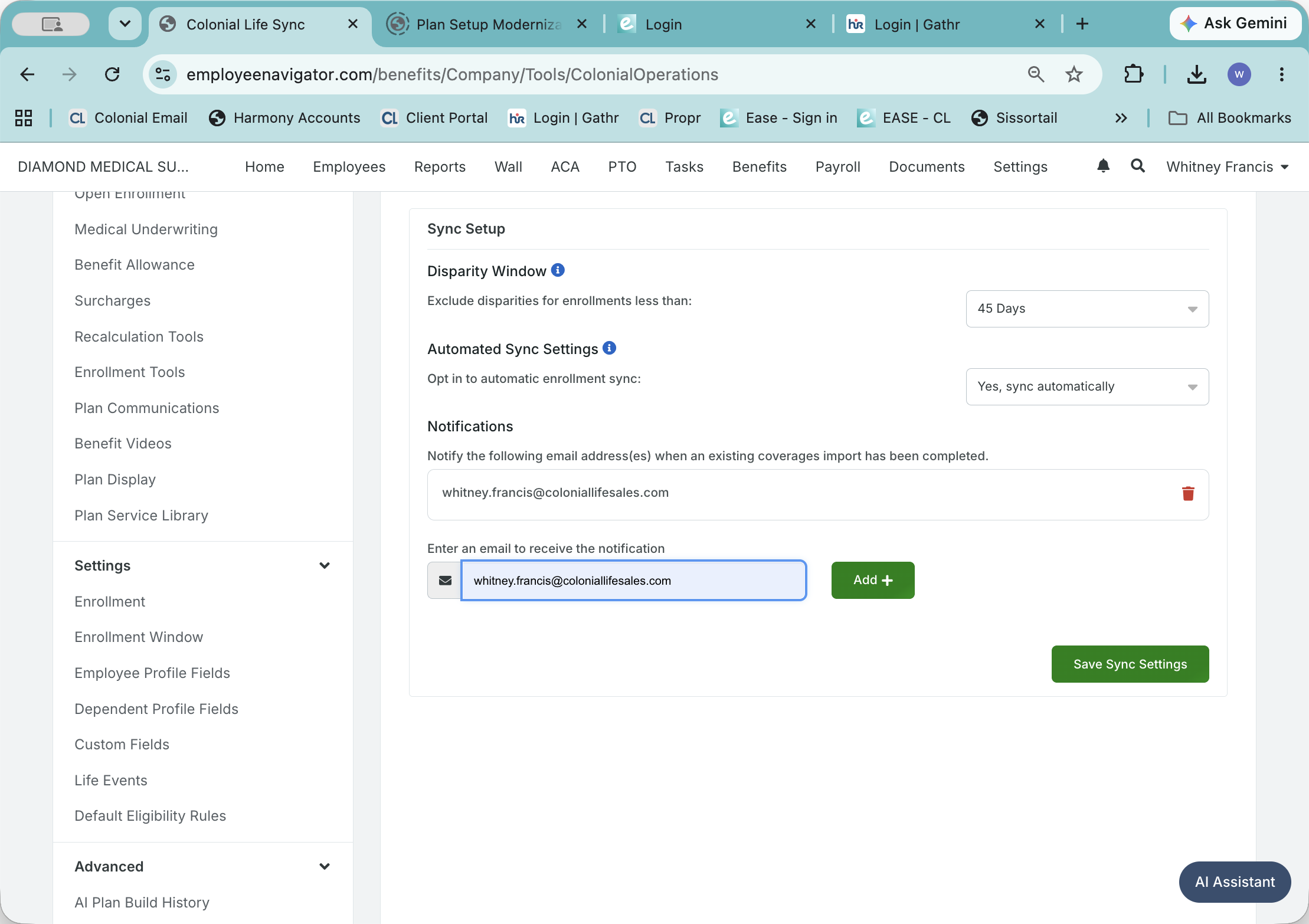
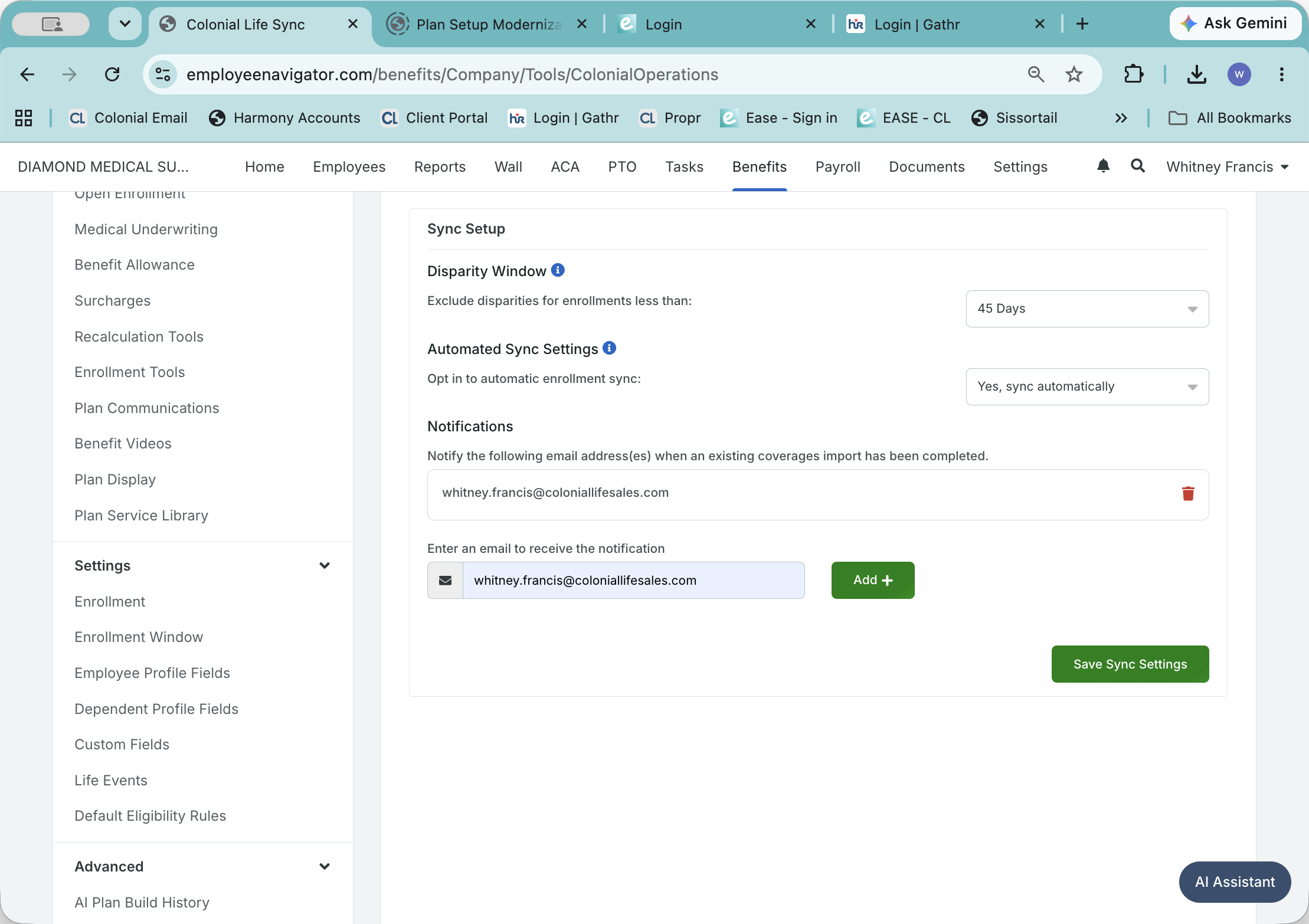
Set Up Colonial Life Sync
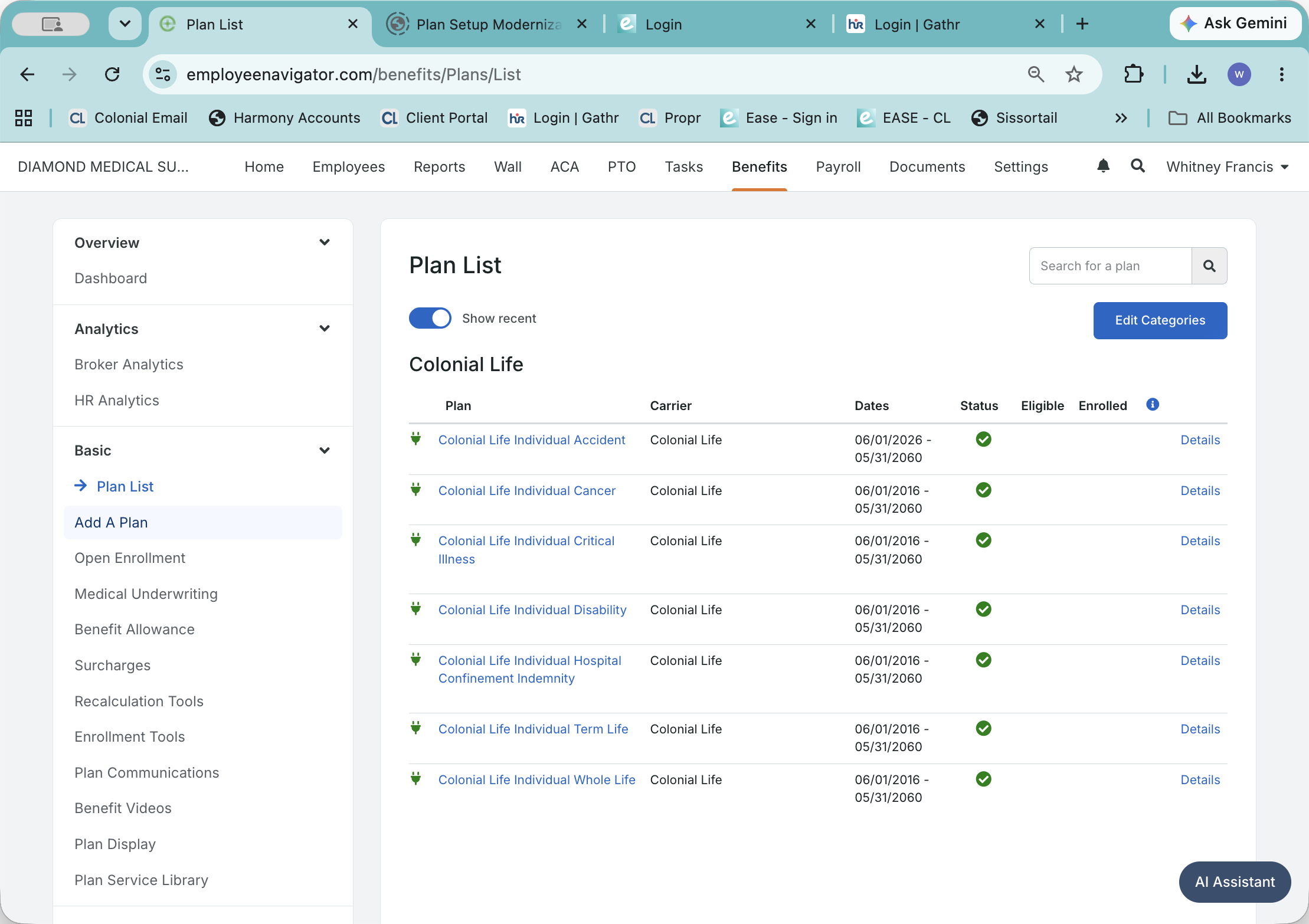
Add a Plan from the Marketplace
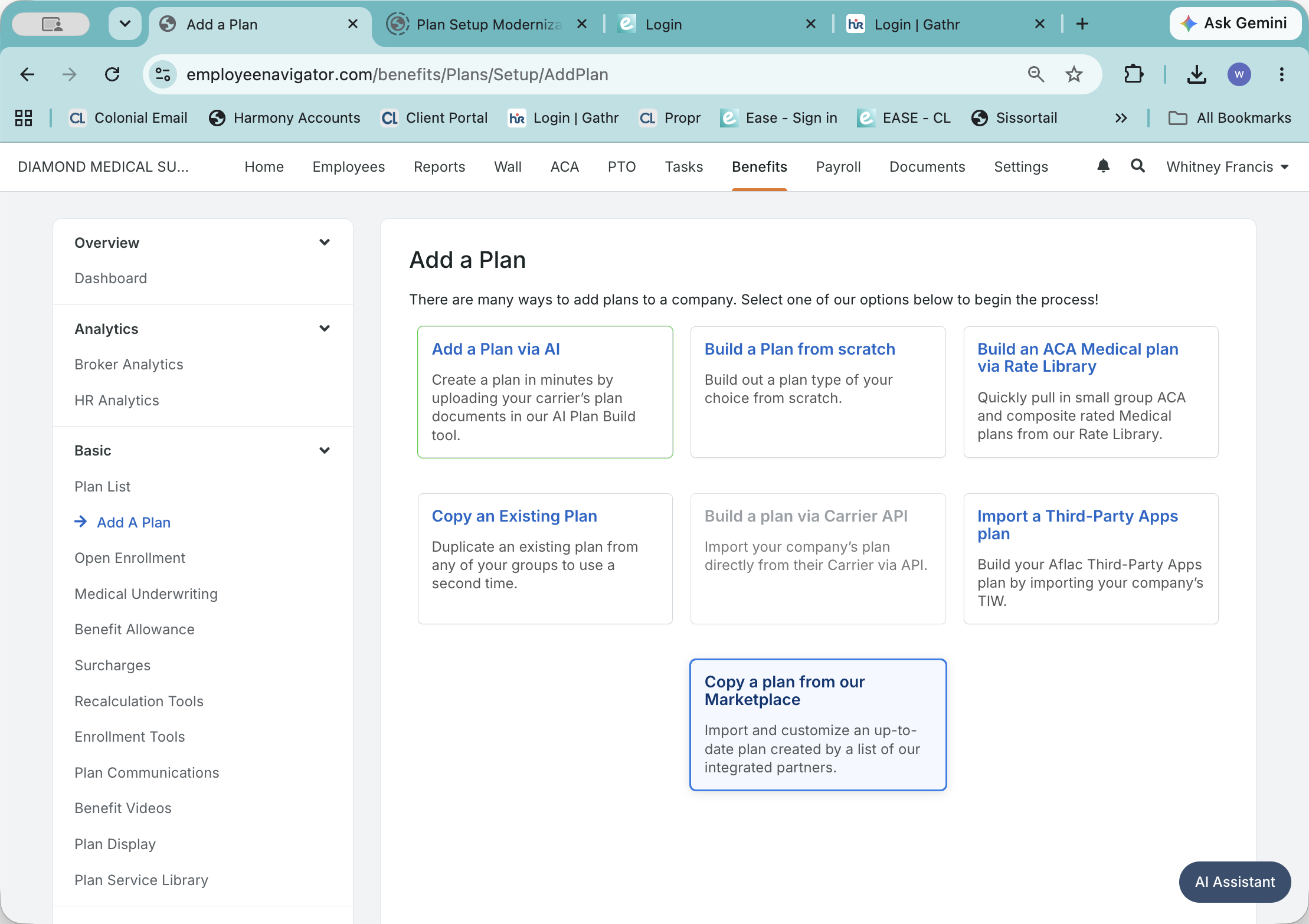
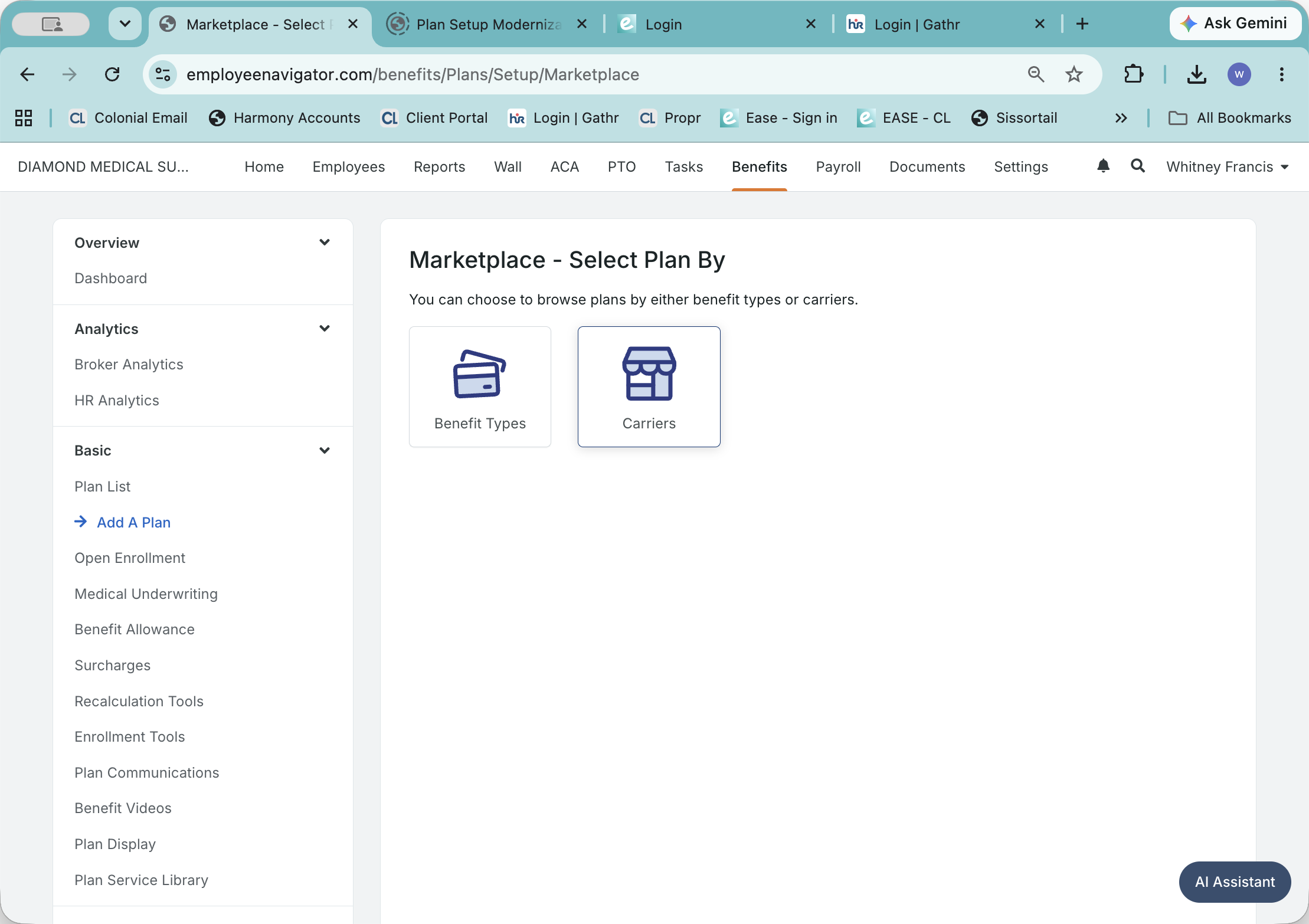
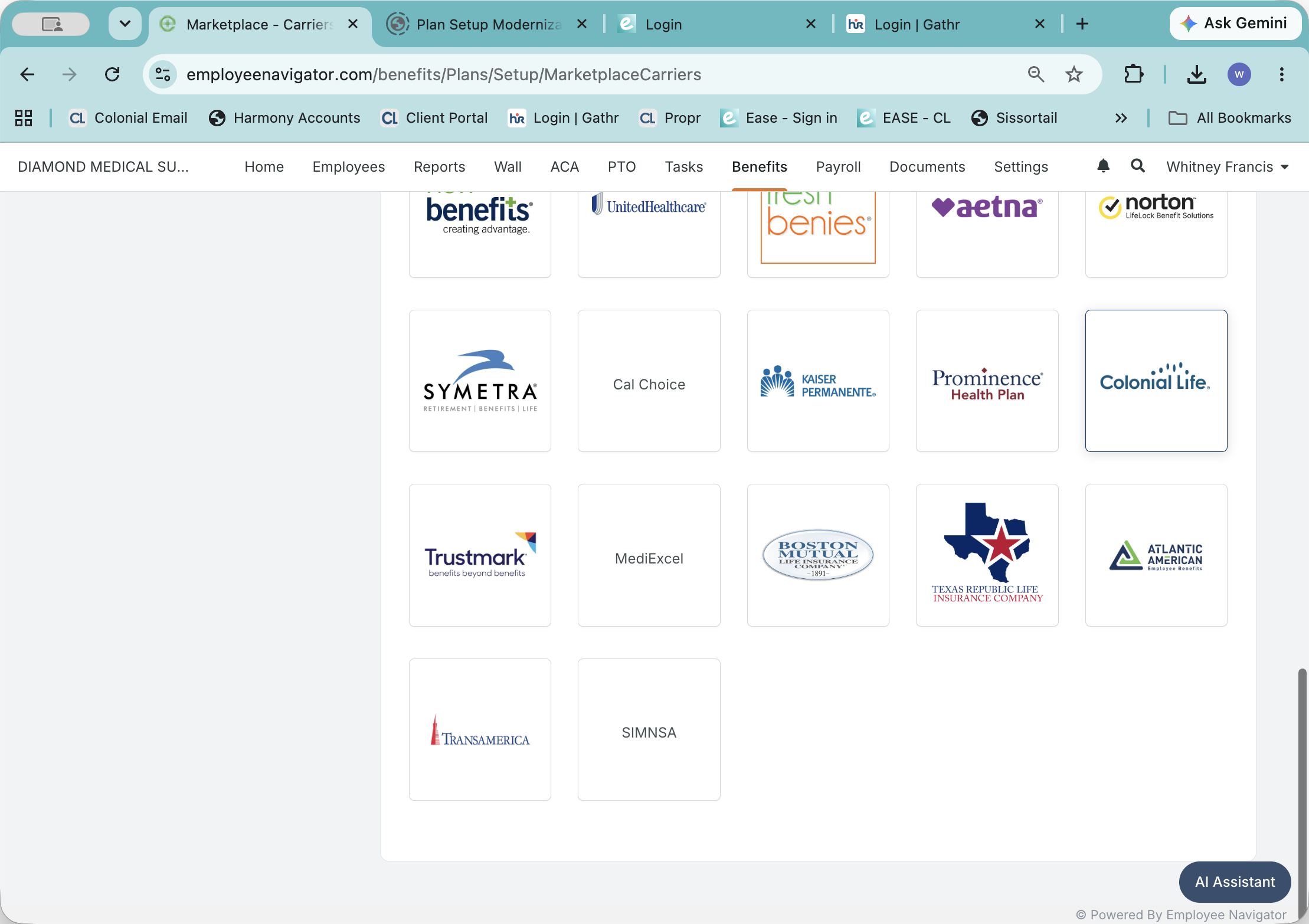
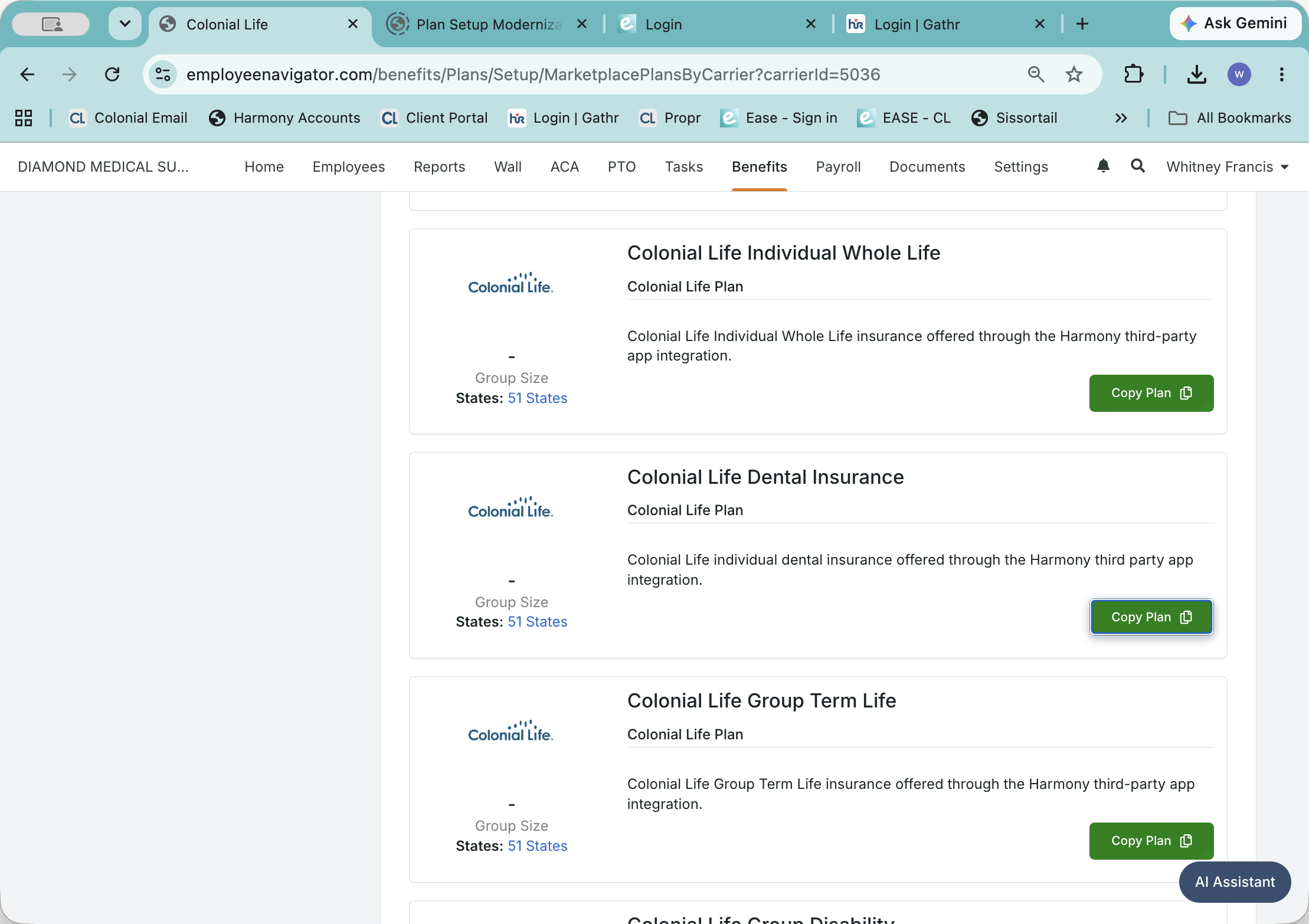
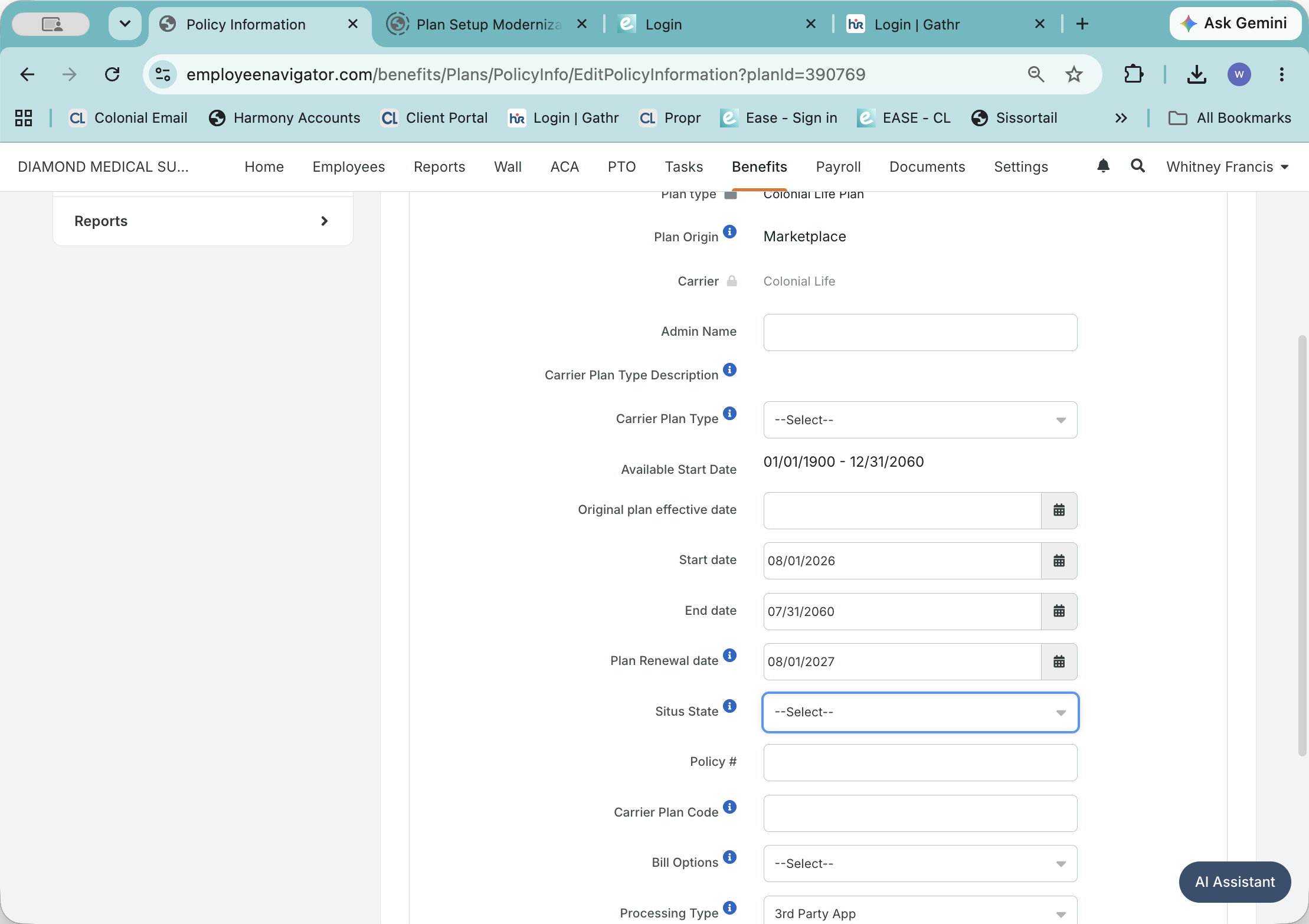
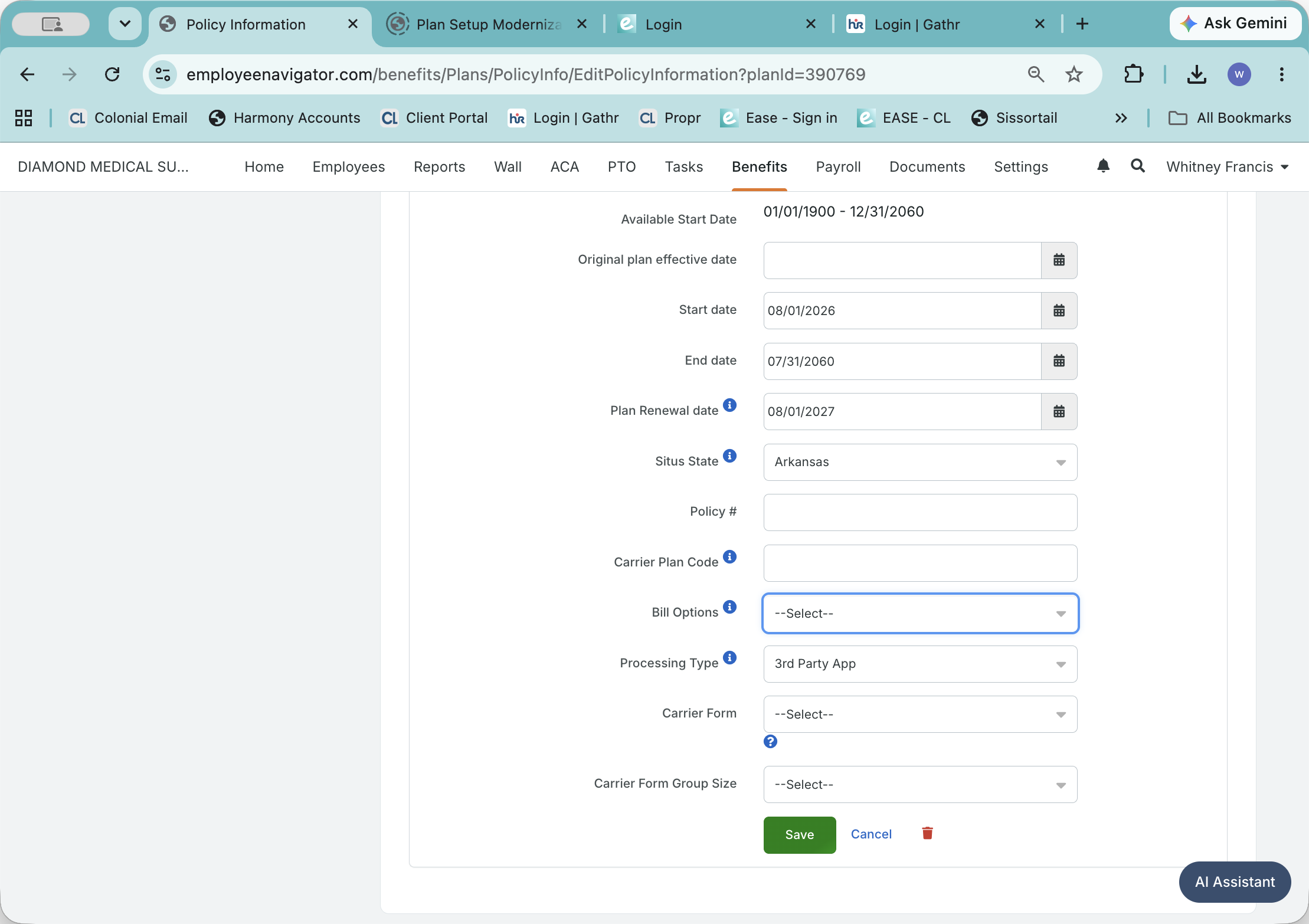
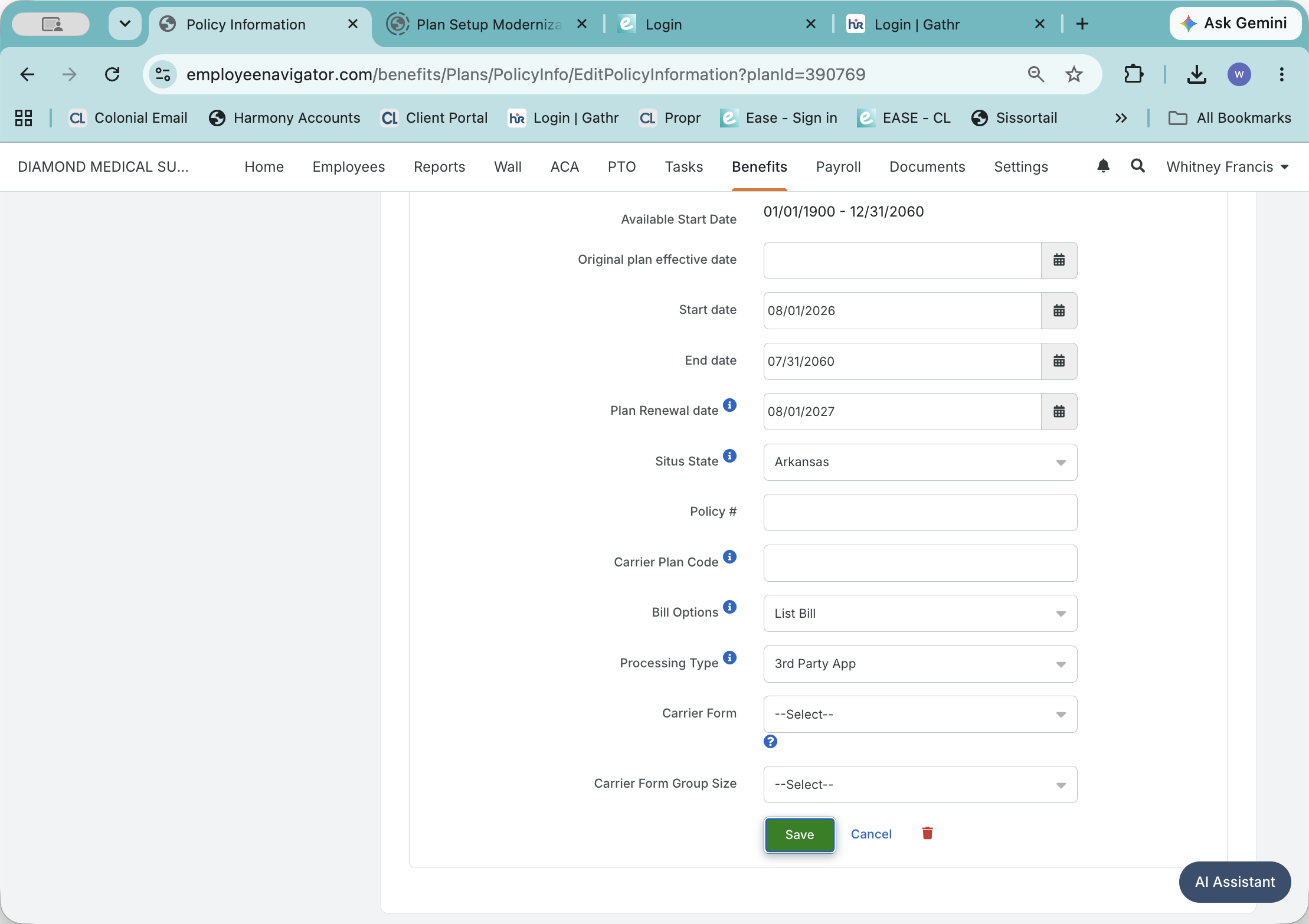
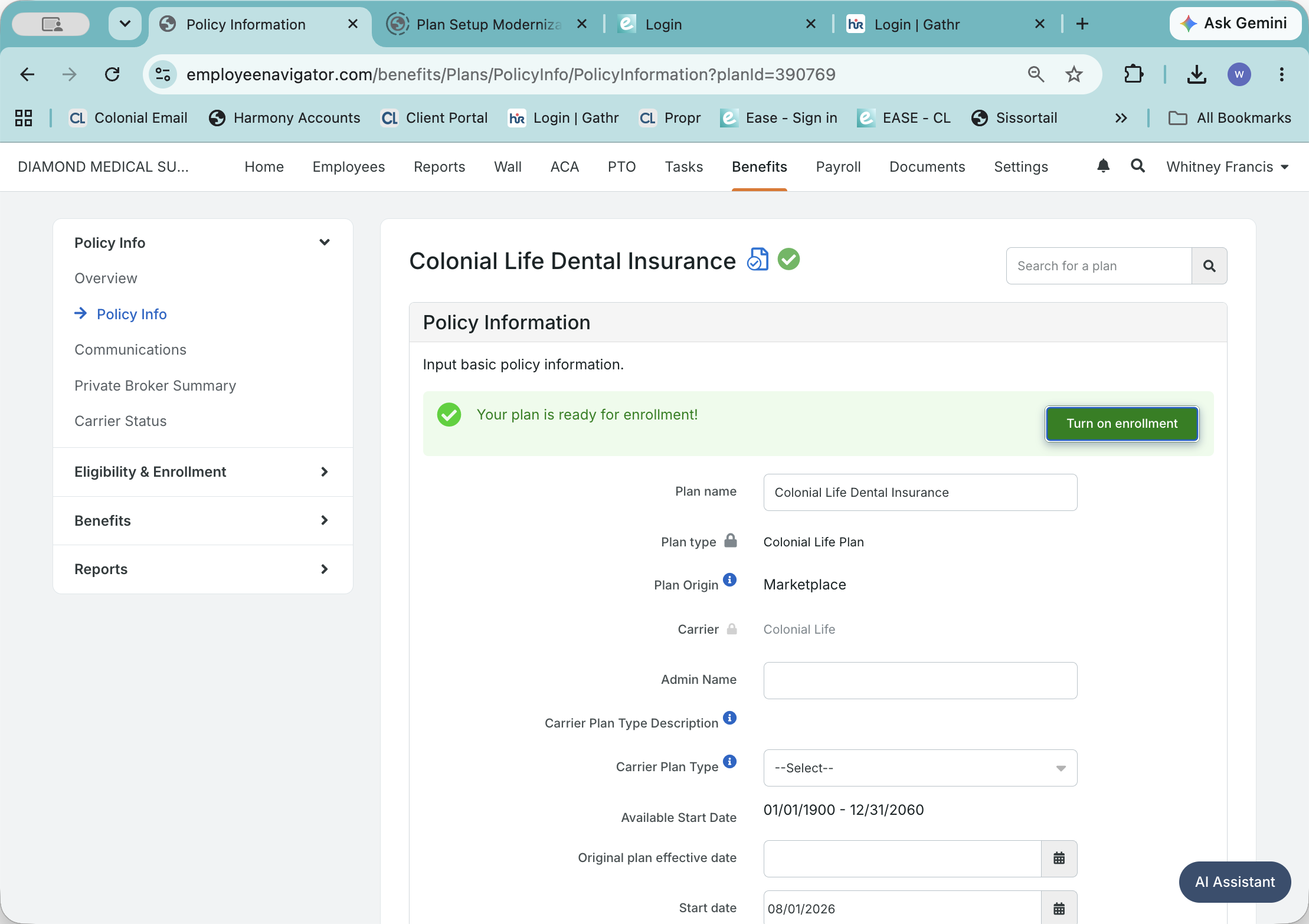
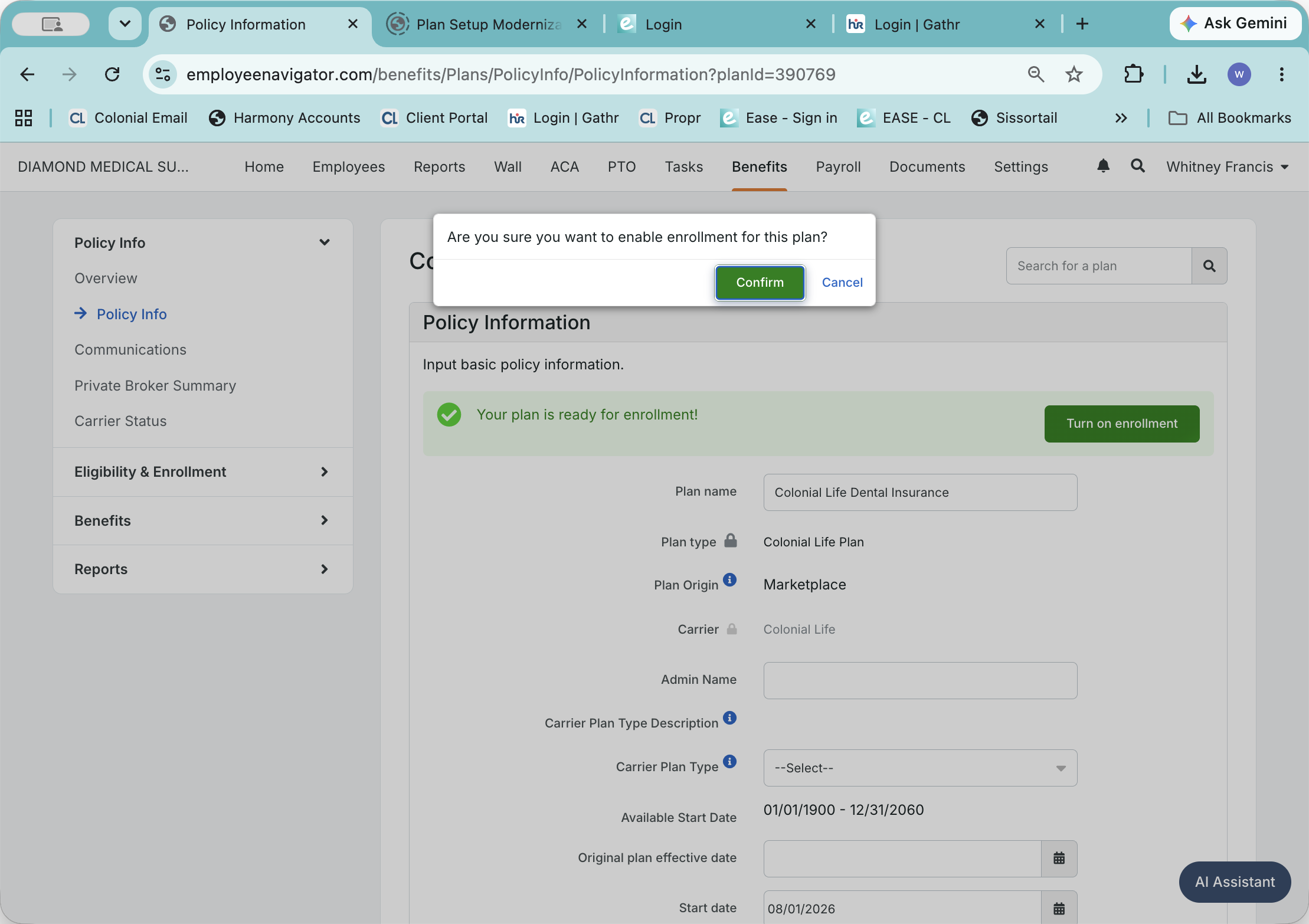
Configure Policy Information
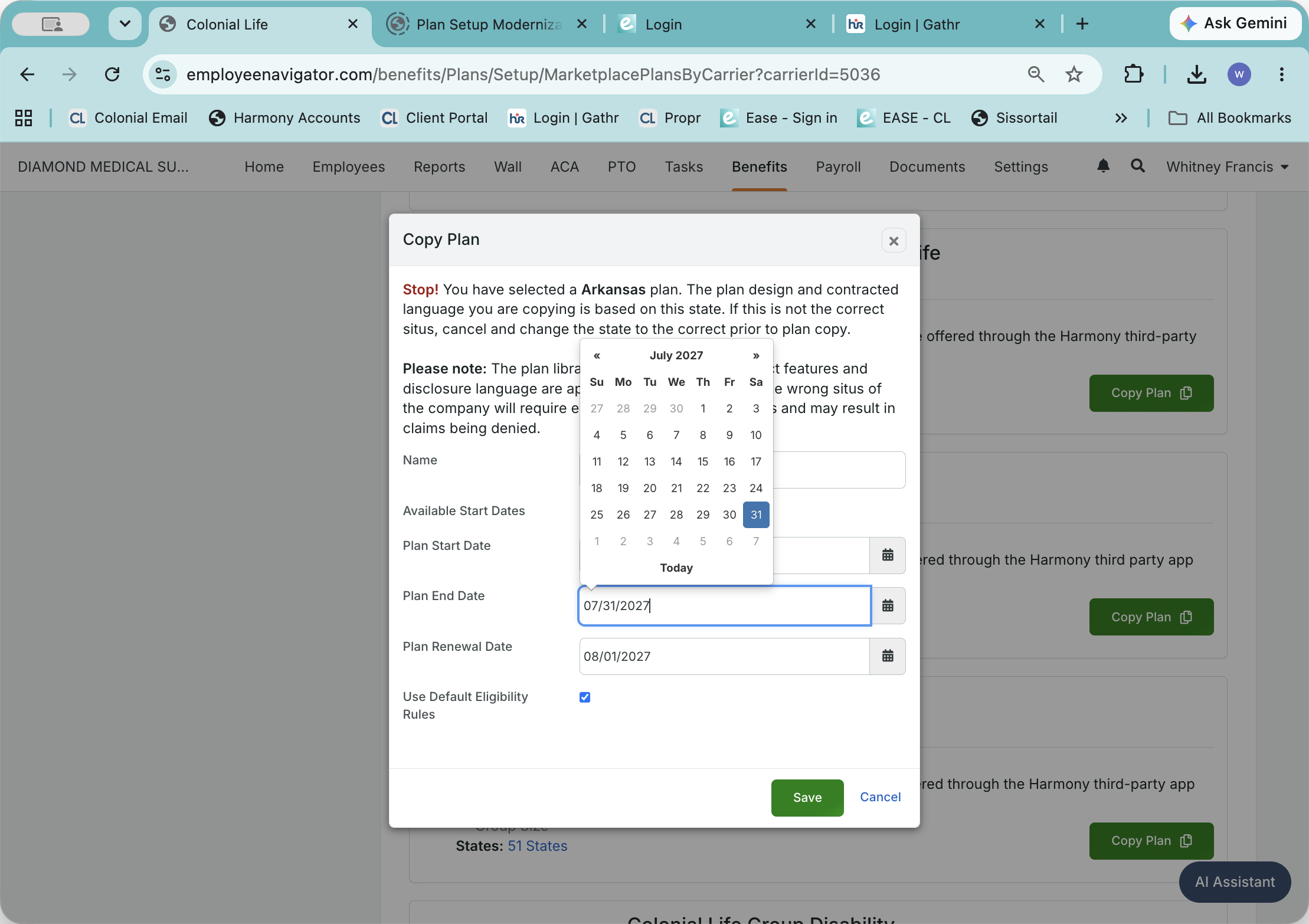
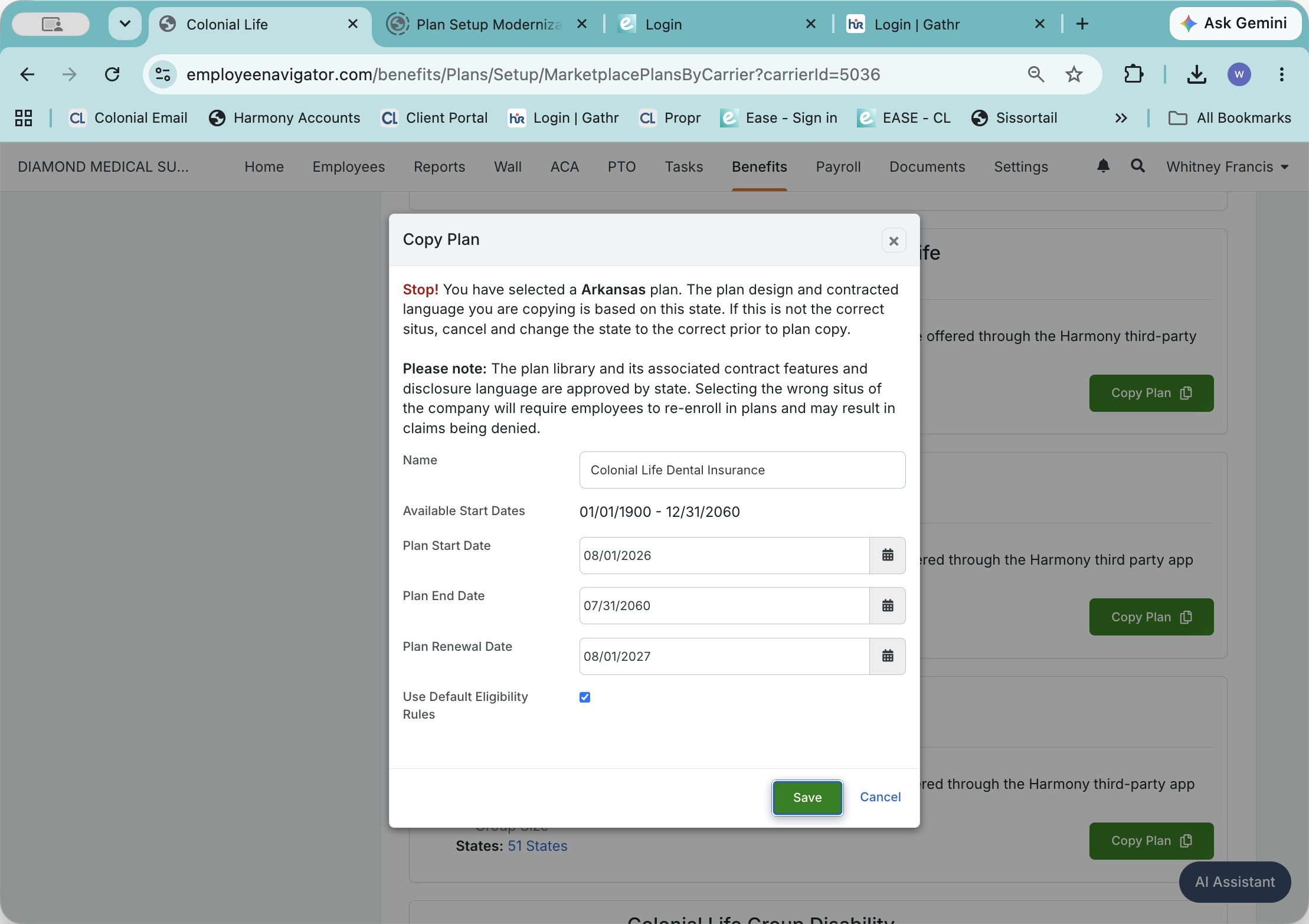
[If it is an existing account, you will use the earliest CED listed in the policy tab for this account in AIMS as the Plan start date.]
![Step #17: Set the plan's start date to match your effective date. [If it is an existing account, you will use the earliest CED listed in the policy tab for this account in AIMS as the Plan start date.]](https://di8mn0rali2ic.cloudfront.net/uploads/b56d92b9-5d61-45ff-9e11-29402c38dae2/d211132f-c7e2-438a-83dd-c14403a9aaa9.png)
Term | Definition |
|---|---|
Colonial Life Sync | A feature that automates the synchronization of coverage data and sends error reports to specified email addresses. |
External Account ID | A unique identifier (often an F number) used to link third-party carrier policies securely with the benefits platform. |
List Bill | A billing arrangement where the carrier provides a consolidated premium statement for all enrolled employees. |
Situs State | The state or jurisdiction in which an insurance policy is issued or delivered. |