How to Set Up a Multivariate Campaign in Mailchimp: Step-by-Step Guide
Learn how to set up a multivariate campaign in Mailchimp, including creating content variations, selecting recipients, and testing email templates for optimal results.
By Wonmoon Cho
In this guide, we'll learn how to review and understand the setup of a multivariate campaign in Mailchimp. We will look at how to configure two content variations, set up email templates, and select recipients for testing. This overview will help you see the steps involved in preparing a campaign for effective testing.
Let's get started
I have a multivariate campaign in Mailchimp.
1
Click here
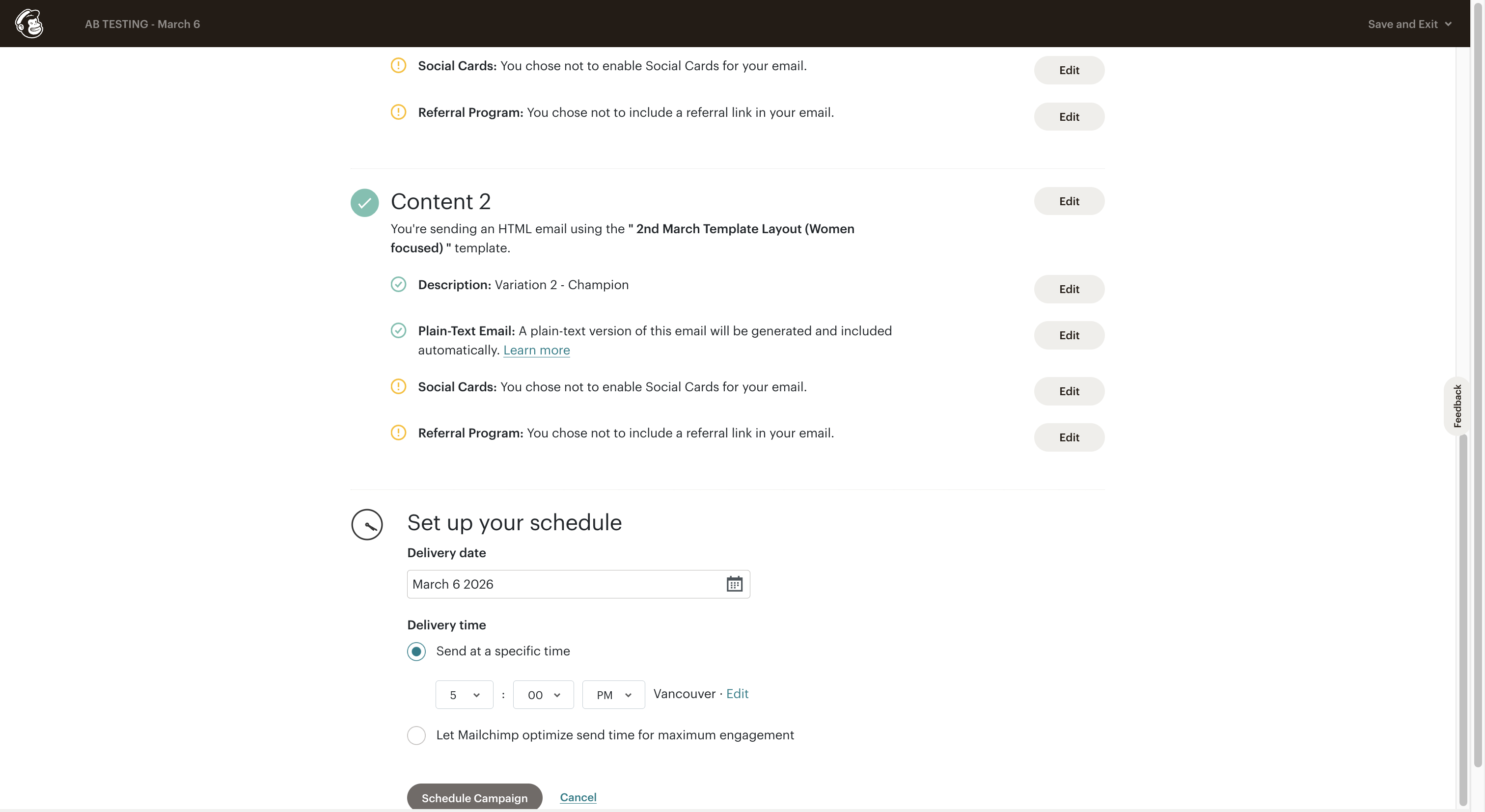
I will go backwards to show you how the setup looks.
2
Click here
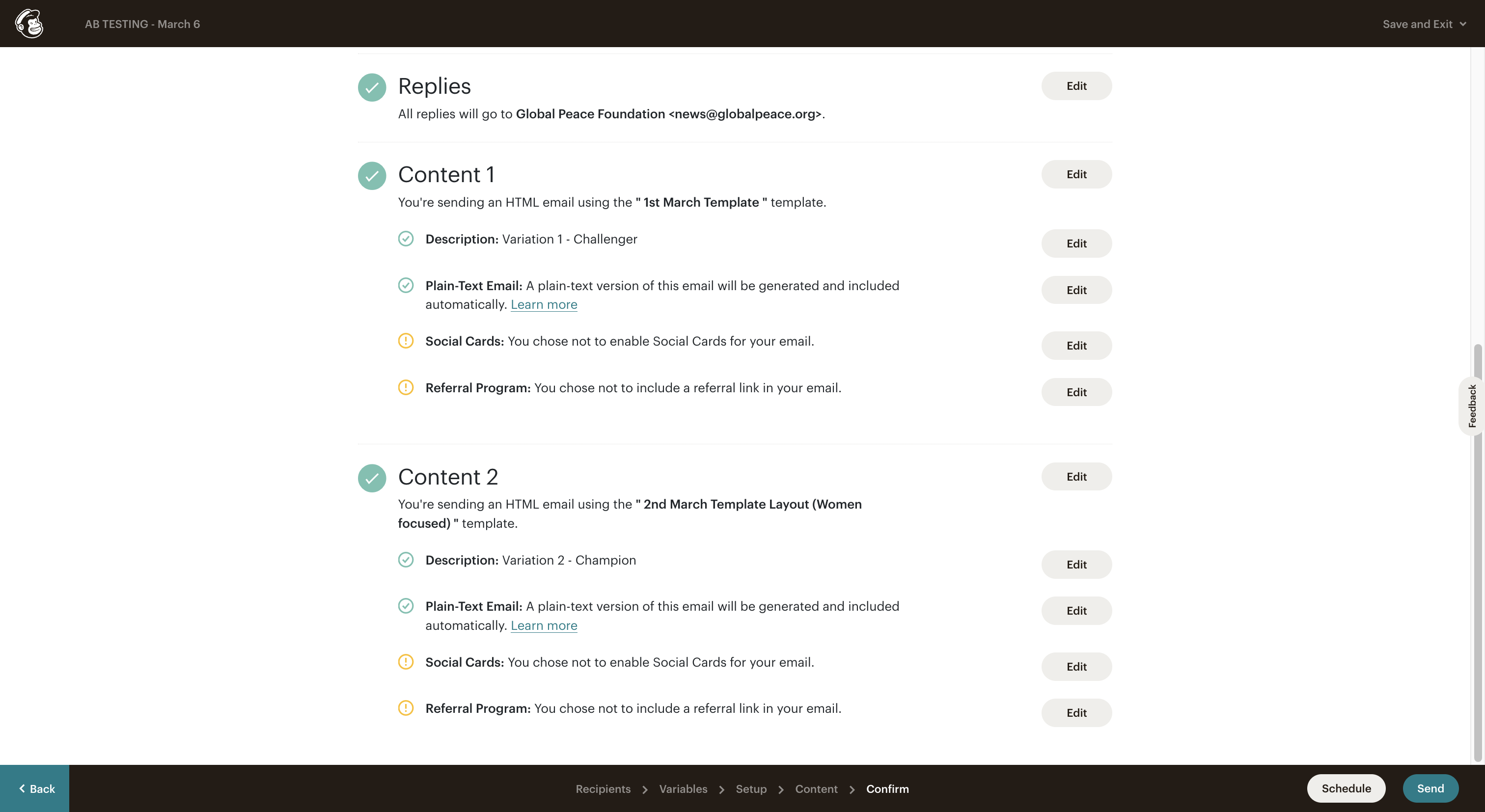
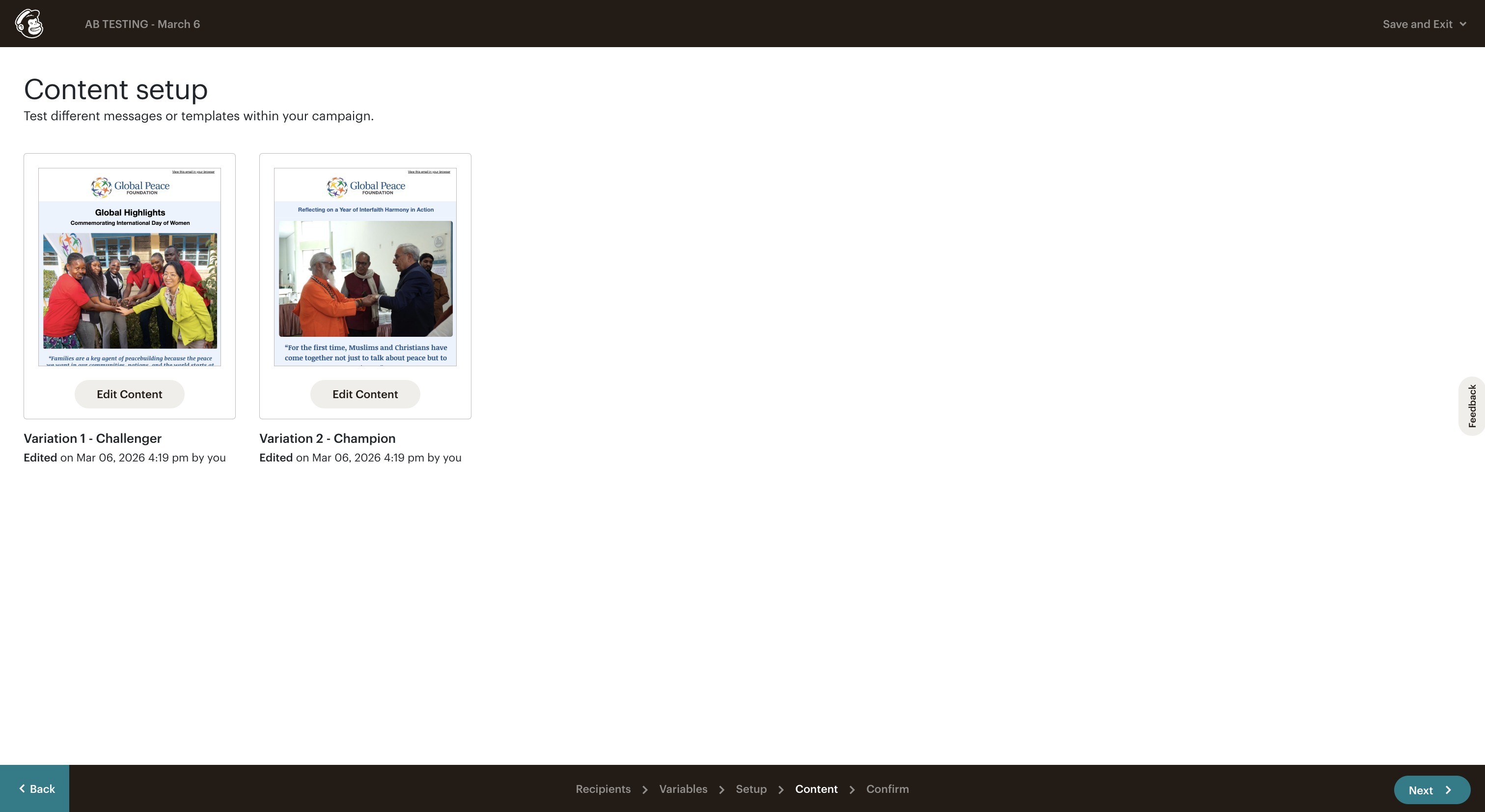
We have two variations by content, so we have two different email templates. This is the campaign information.
3
Click here
4
Click on "Emoji support"
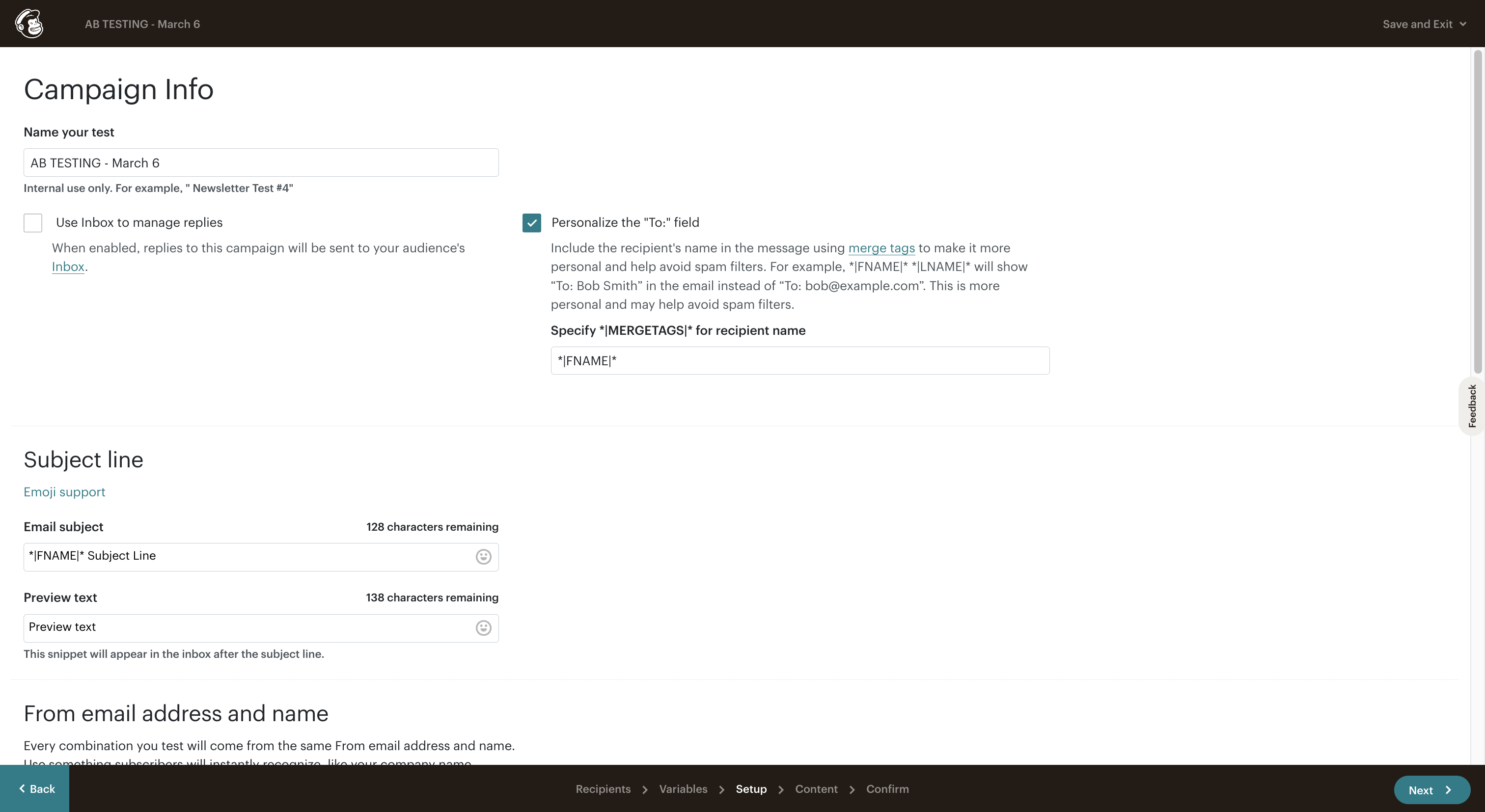
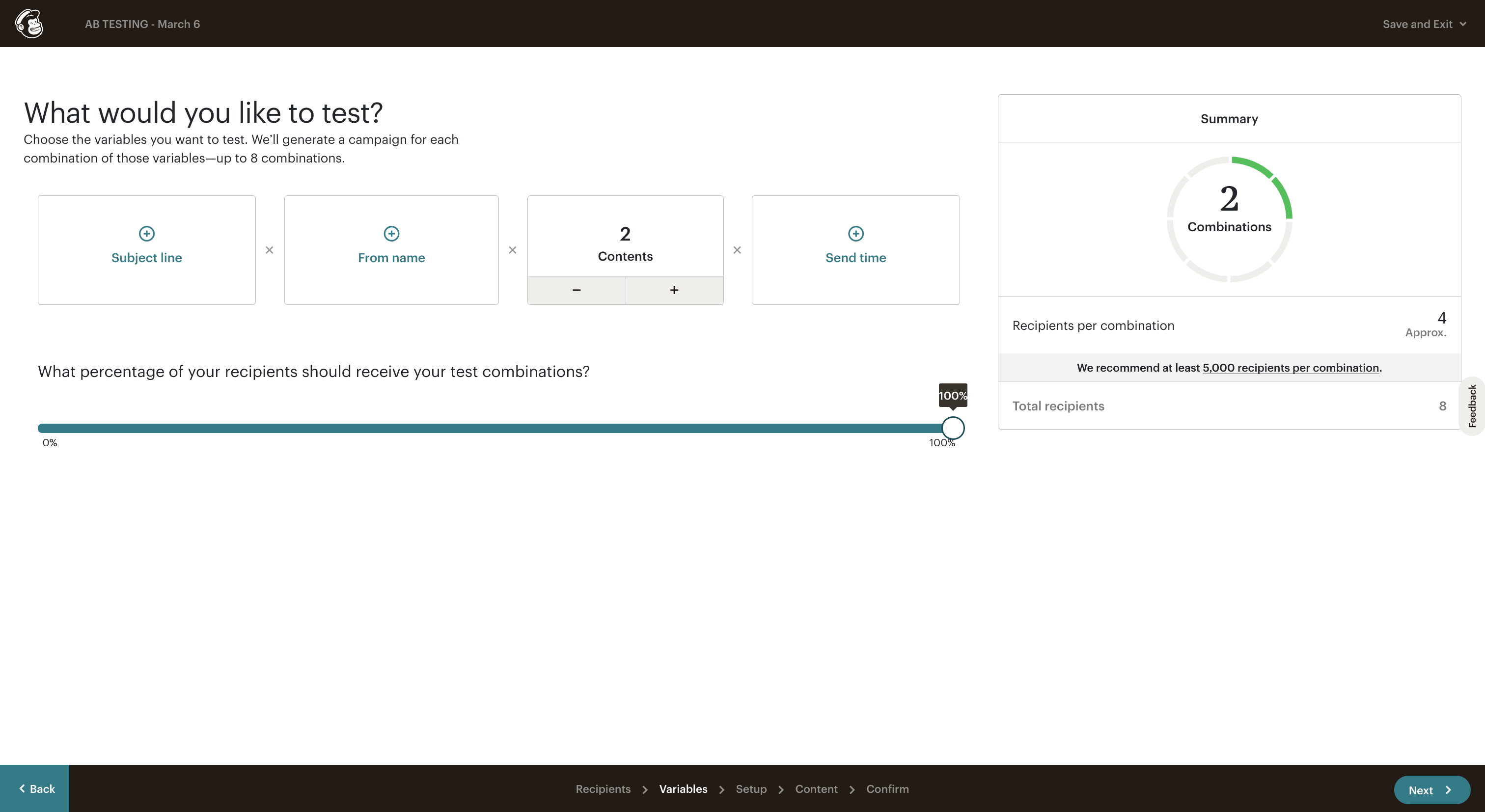
At the beginning, we will set up two contents for 100% testing. You will select the recipients at the start.
5
Click here