Applovin | How To Setup An AppLovin Account
Learn how to set up Axon AppLovin ads with this easy step-by-step guide. From account creation to brand asset setup and Shopify integration, follow these instructions to get your ads running smoothly.
In this guide, we'll learn how to set up Axon AppLovin ads for your business. We will cover creating an account, inviting team members, entering company and billing information, and uploading brand assets. We will also look at connecting your Shopify store and saving your account keys.
Let's get started
In this video, I will show you how to set up Axon AppLovin ads. First, click Sign Up.
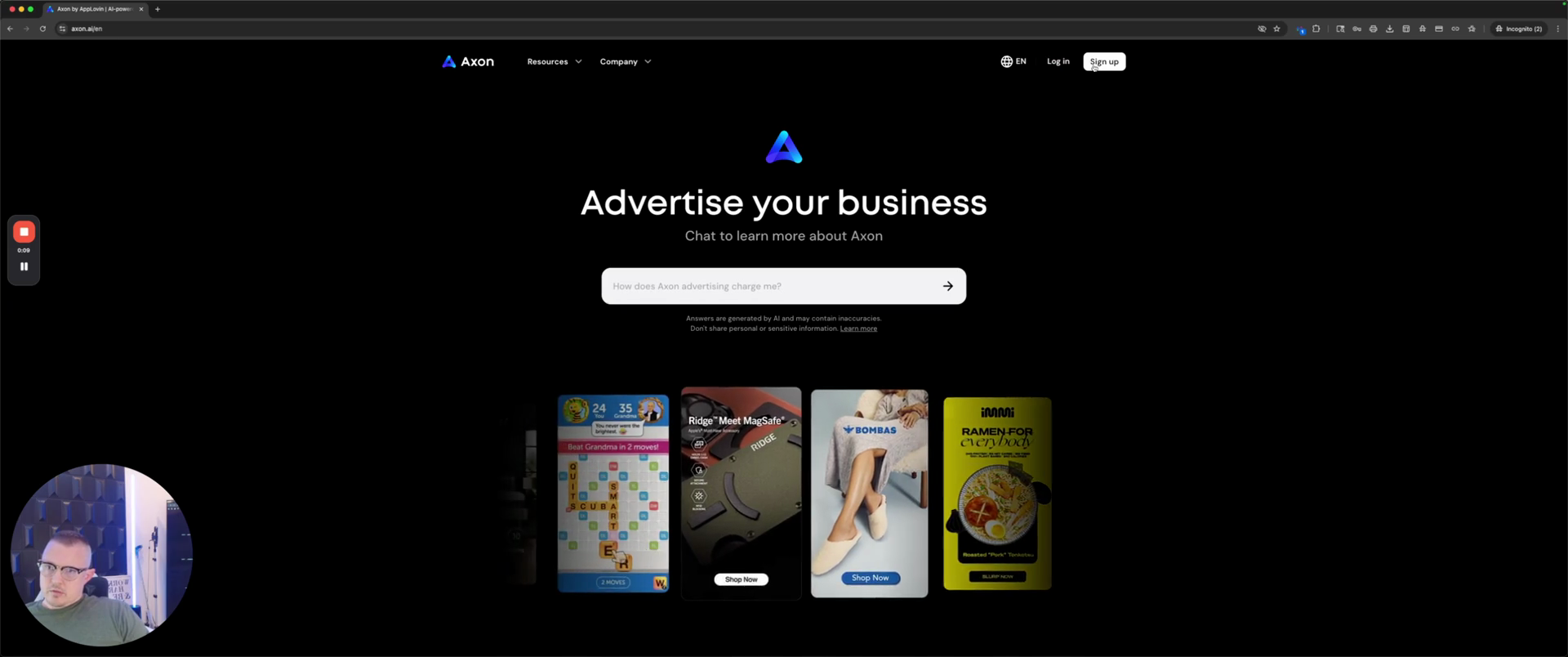
Hopefully, I clicked... yeah. Next, enter your email, password, and confirm your password. Then, click Sign Up.
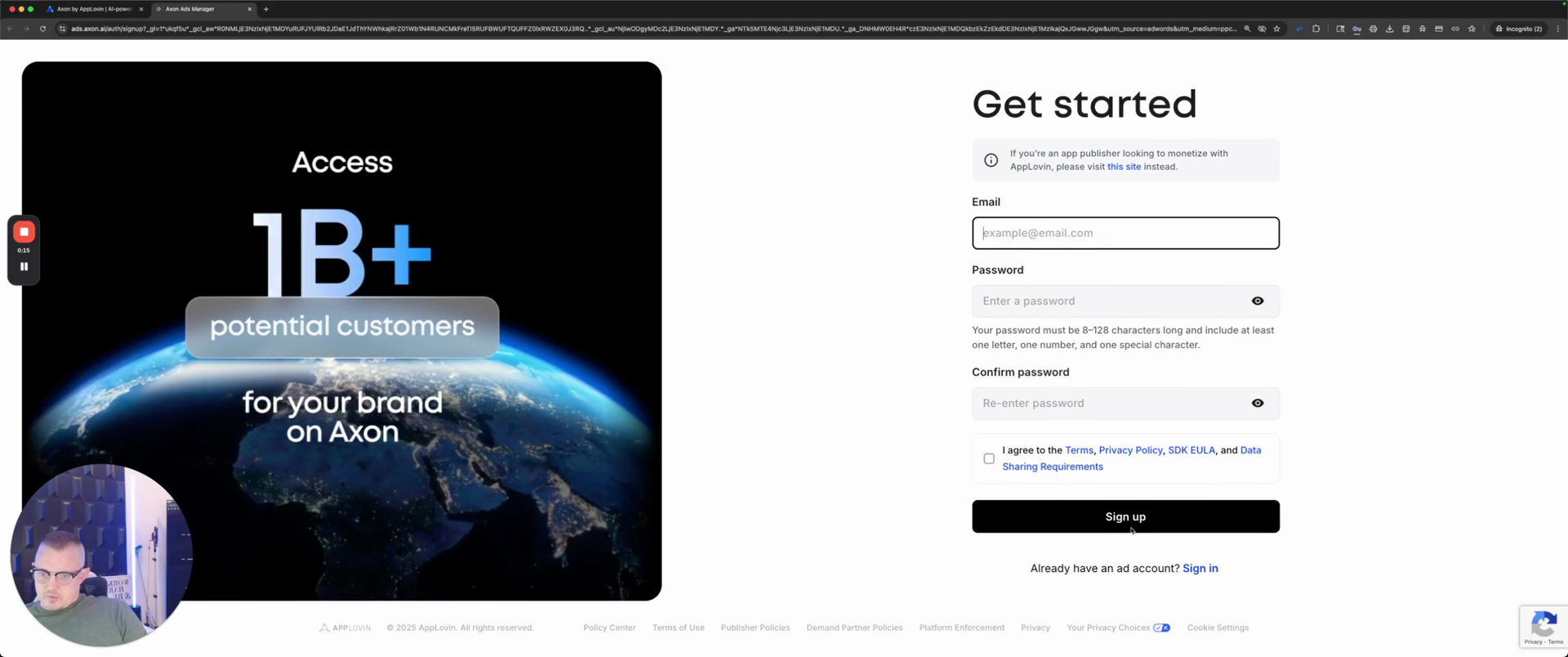
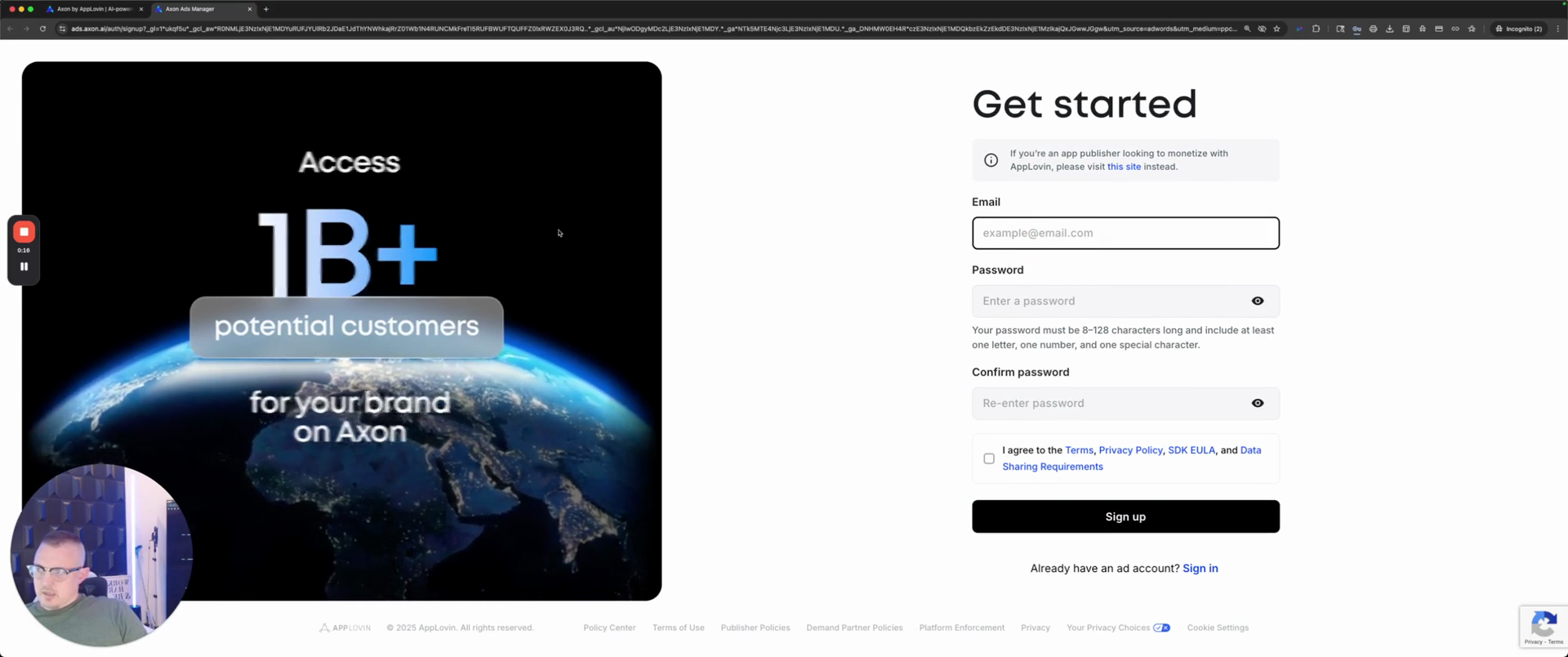
Now, it will display a notification at the bottom right once you complete the action. "" Oh, no, I've already... I created an incognito window for that. Once you're in, a bar will appear below asking for specific assets. It will ask for the members. Invite anyone you want in the account and set their access.
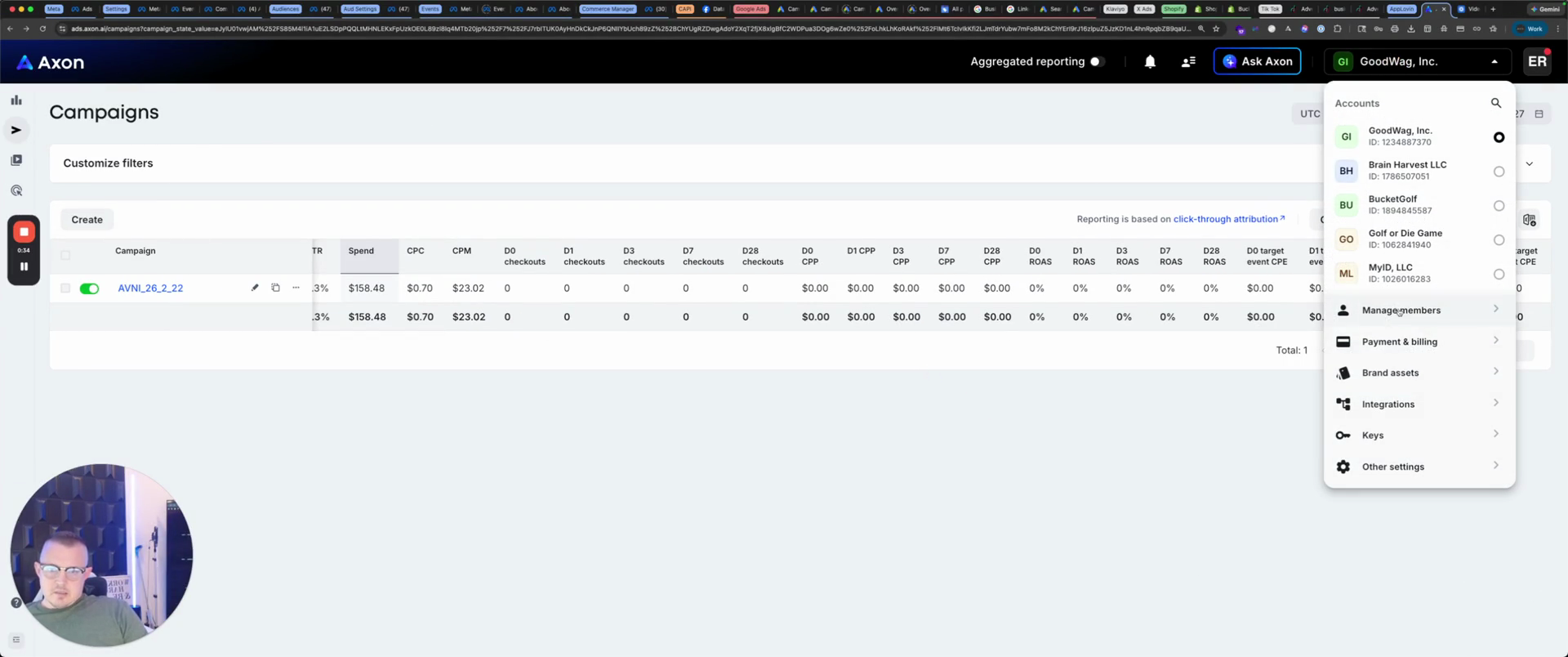
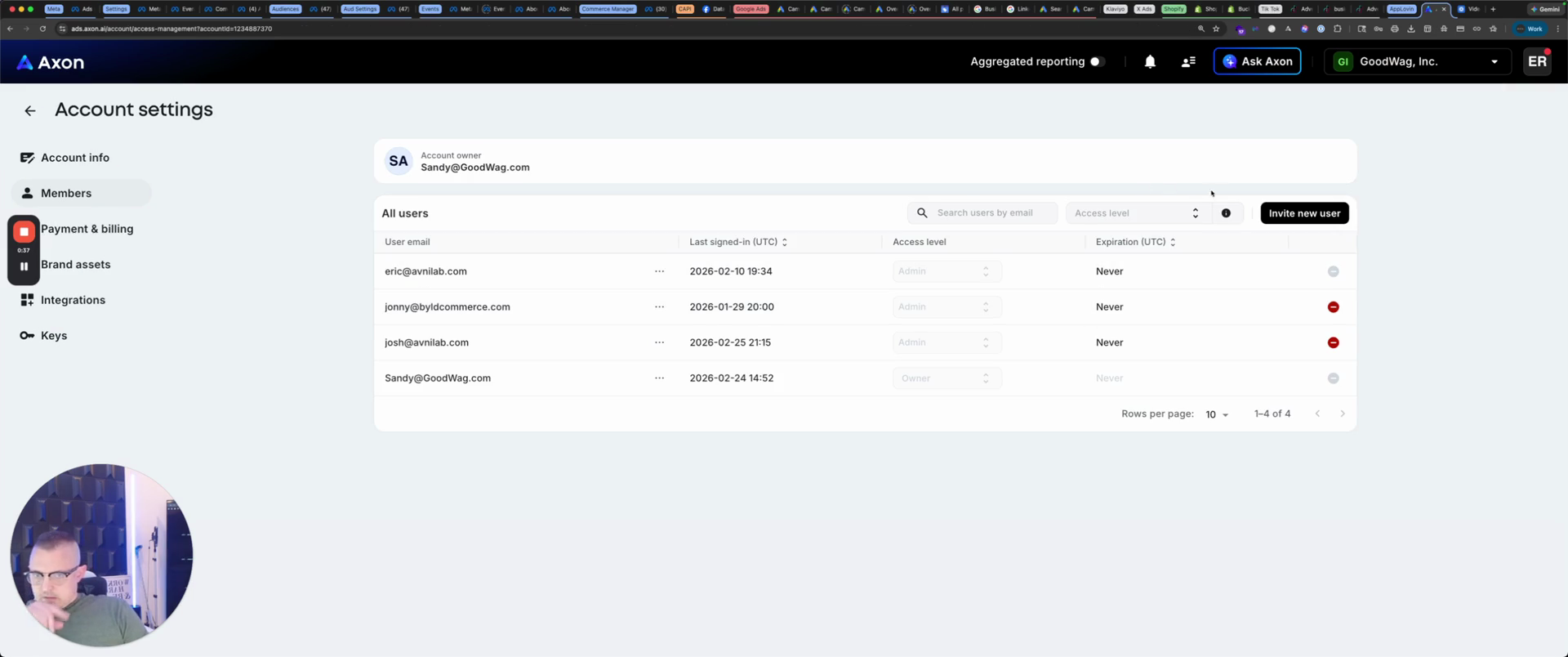
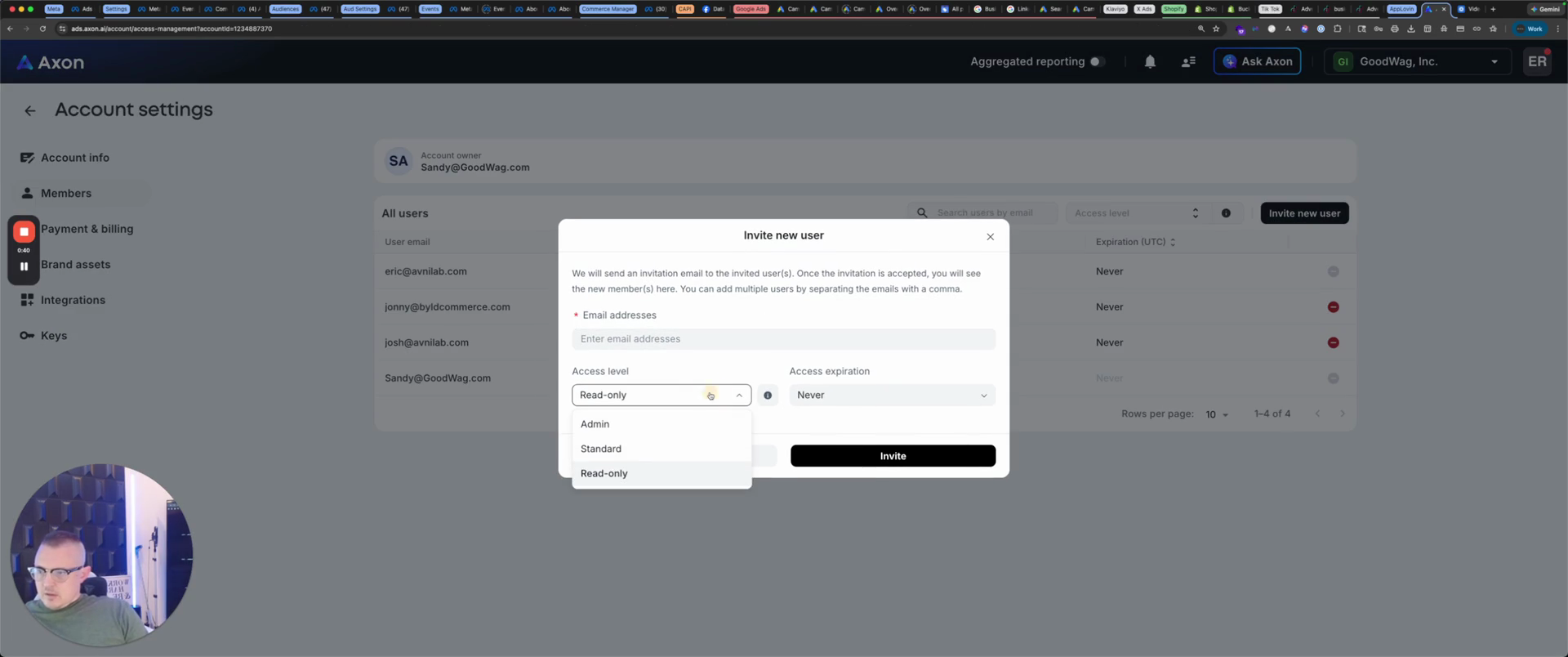
As long as you trust them, I recommend setting admin access to never expire. Enter their email address, send the invite, and they can join.
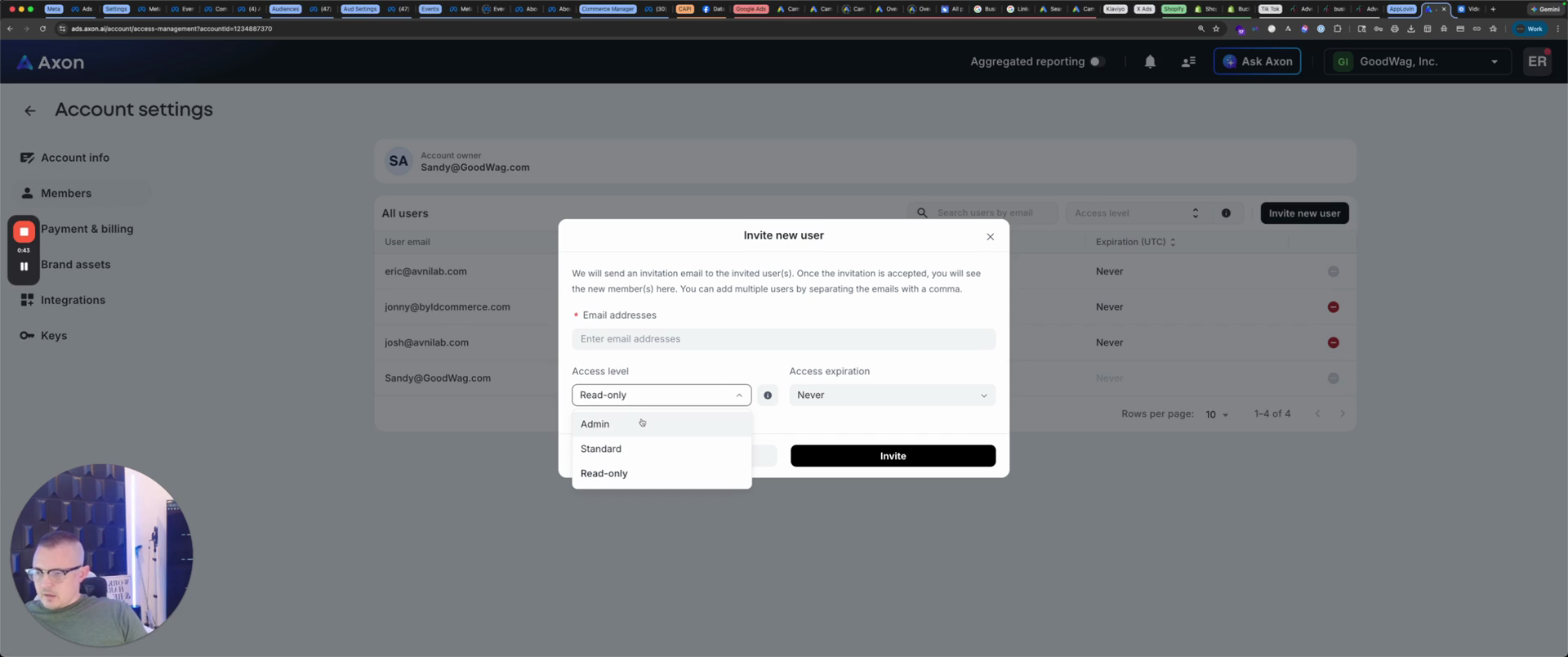
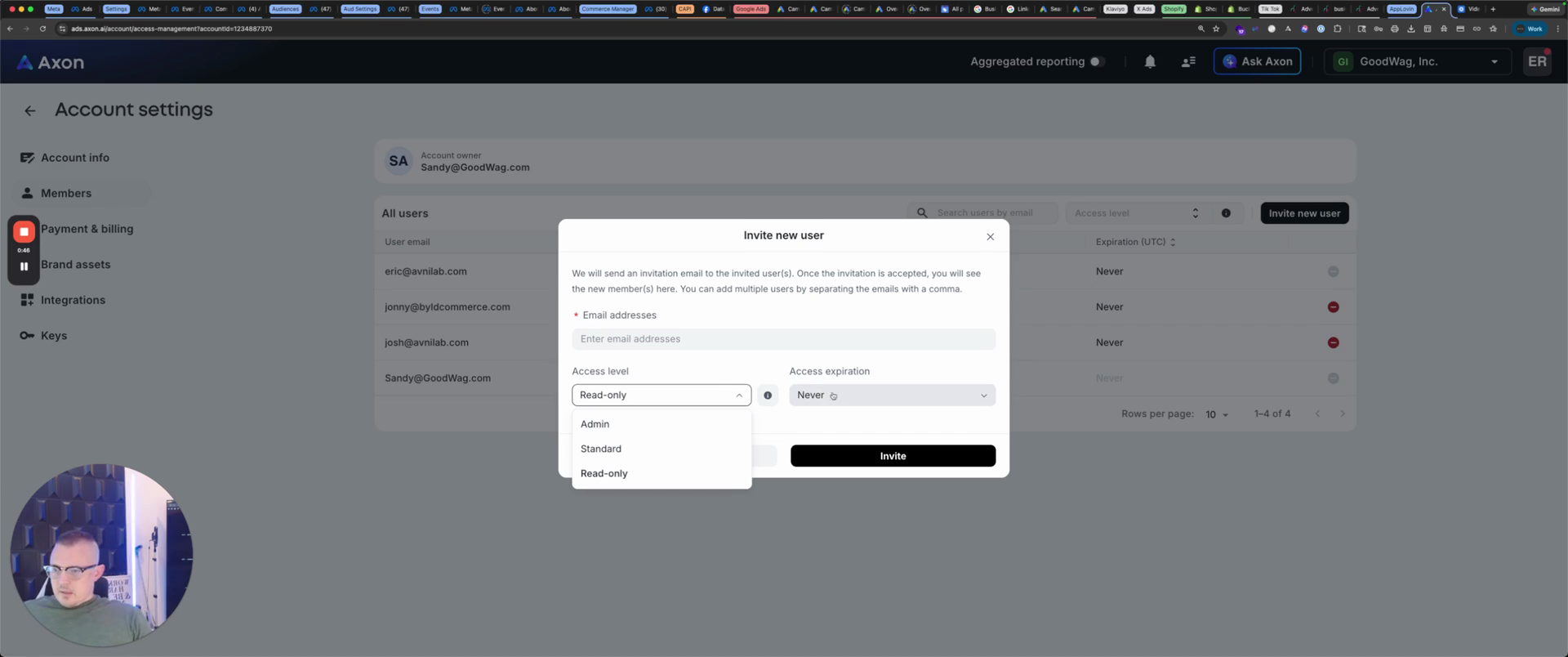
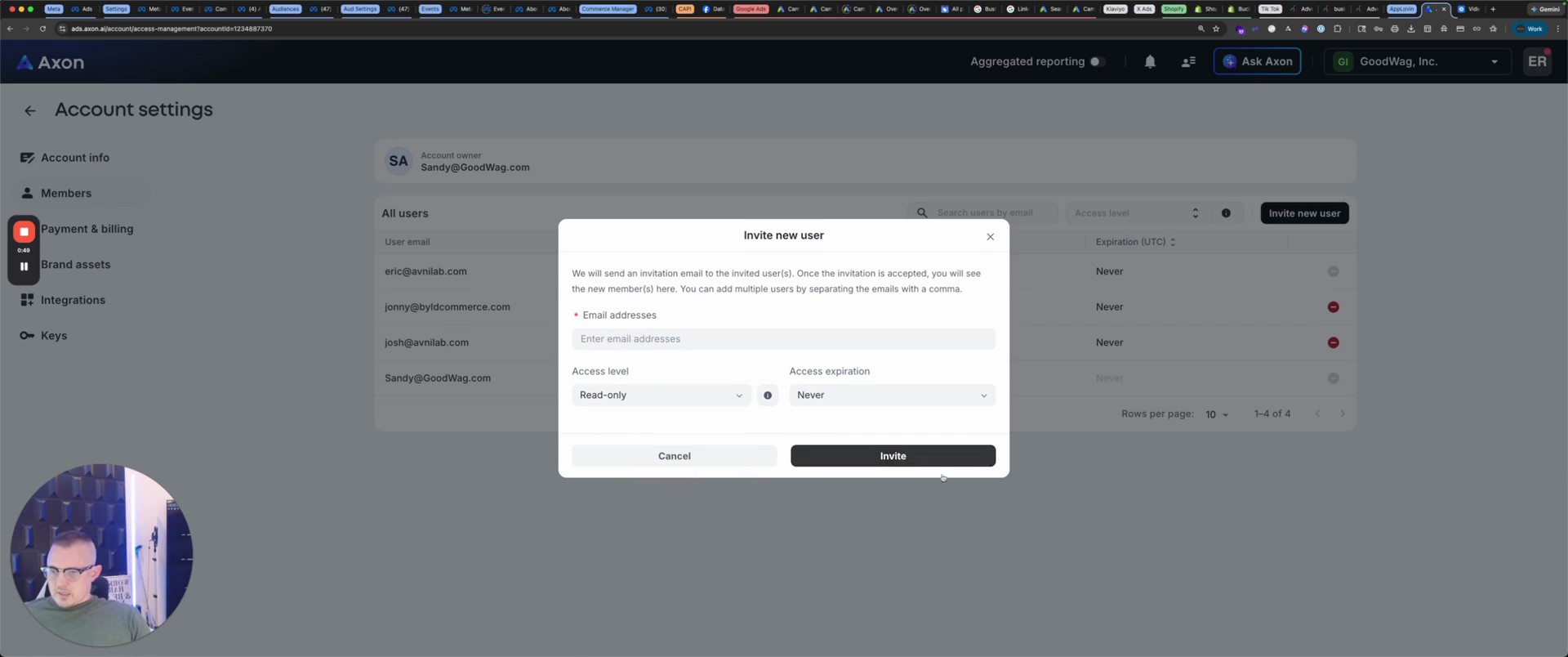
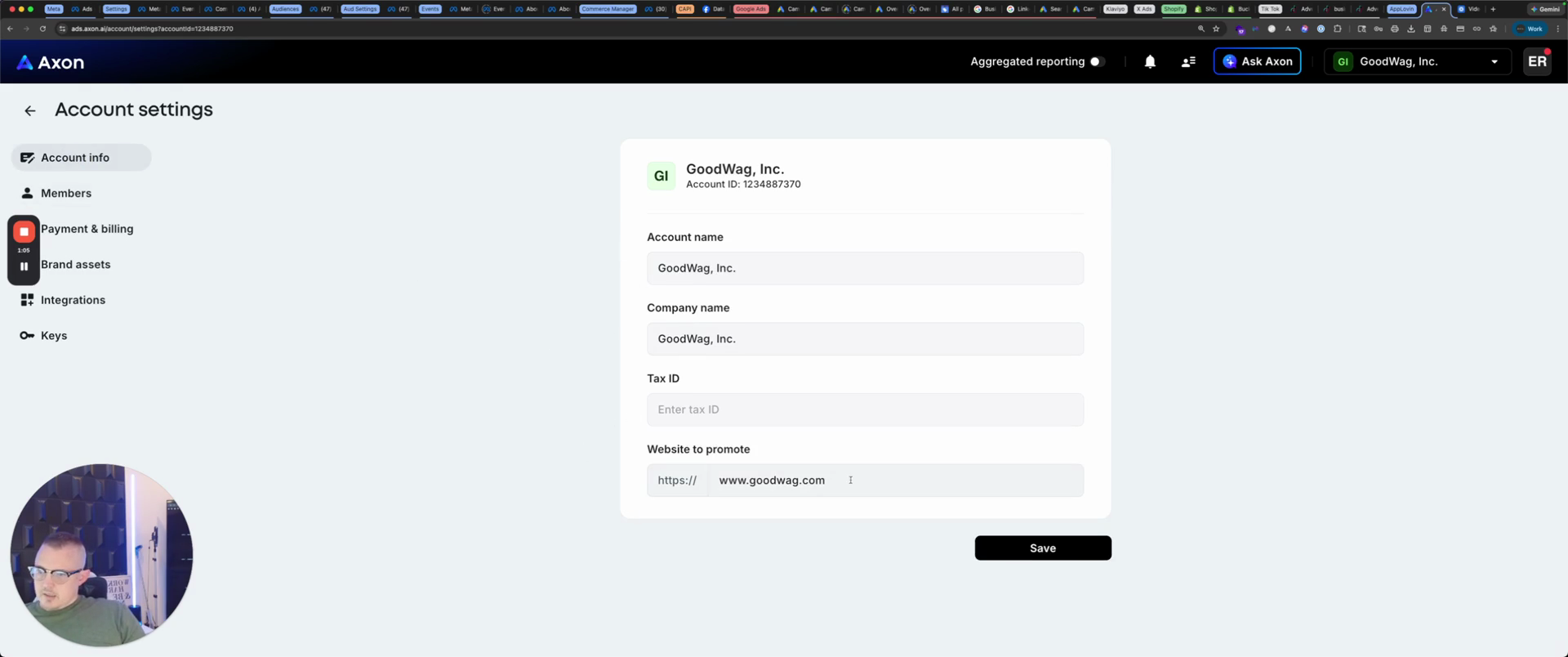
For every account they receive, it will combine that email into a single account. You have your account information. Enter your name, company name, tax ID, and website.
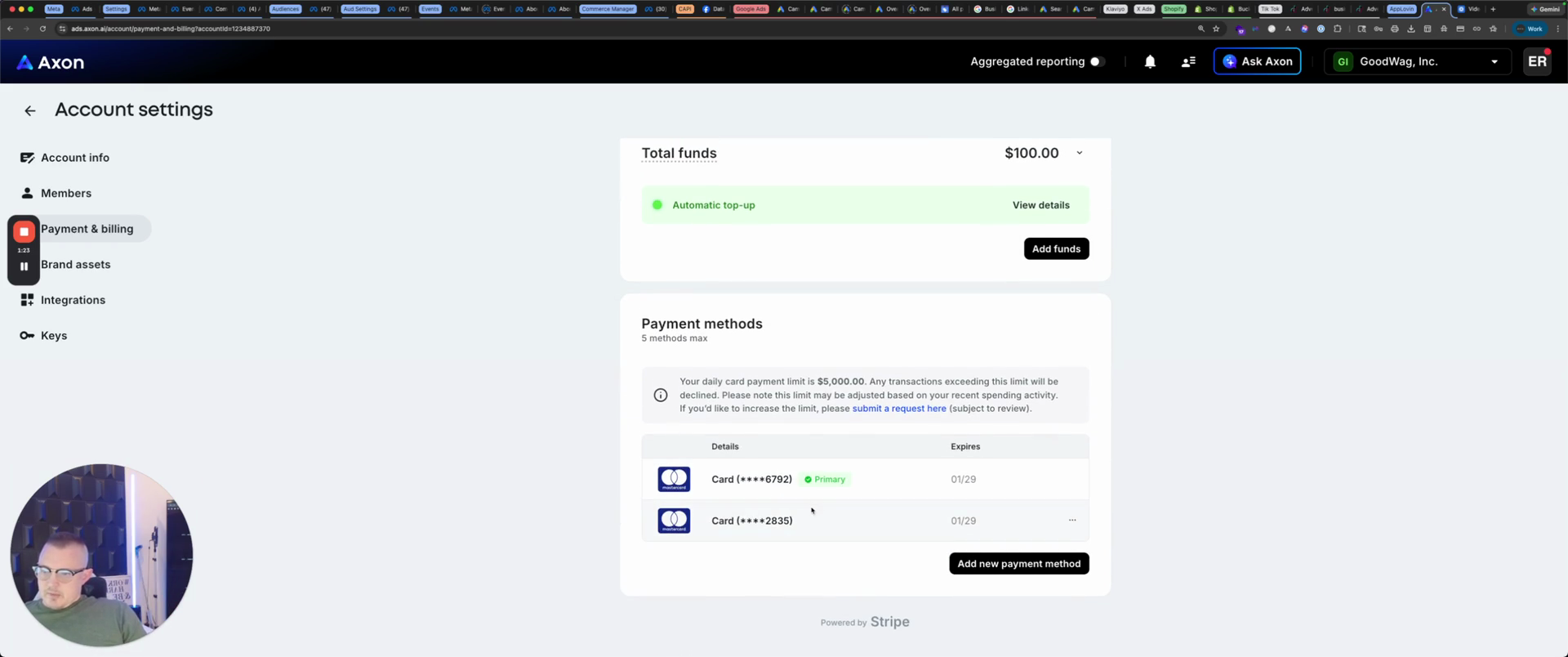
Payment and billing.
They bill at midnight for the next day, based on the budget you have set.
If you set it to 100, you will be billed $100 at midnight. Have a backup ready in case one doesn't go through.
You have your brand assets.
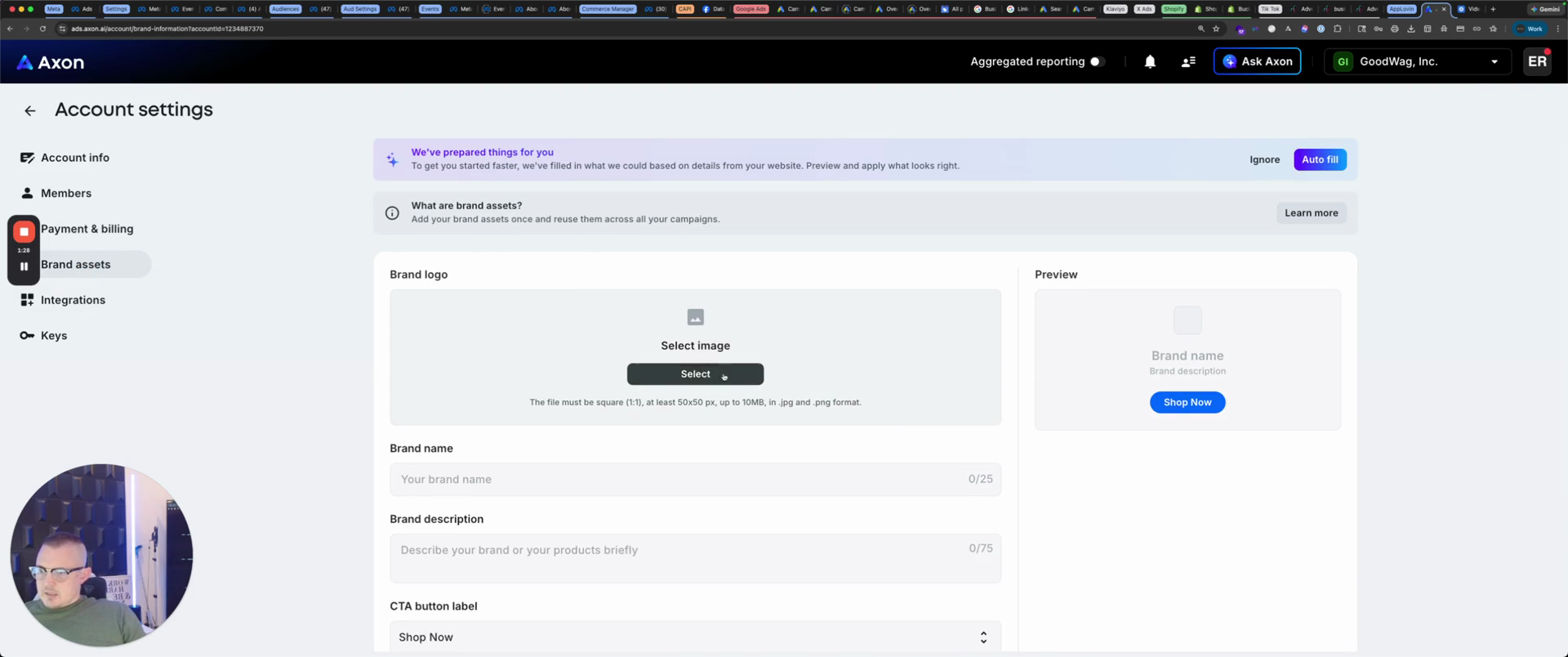
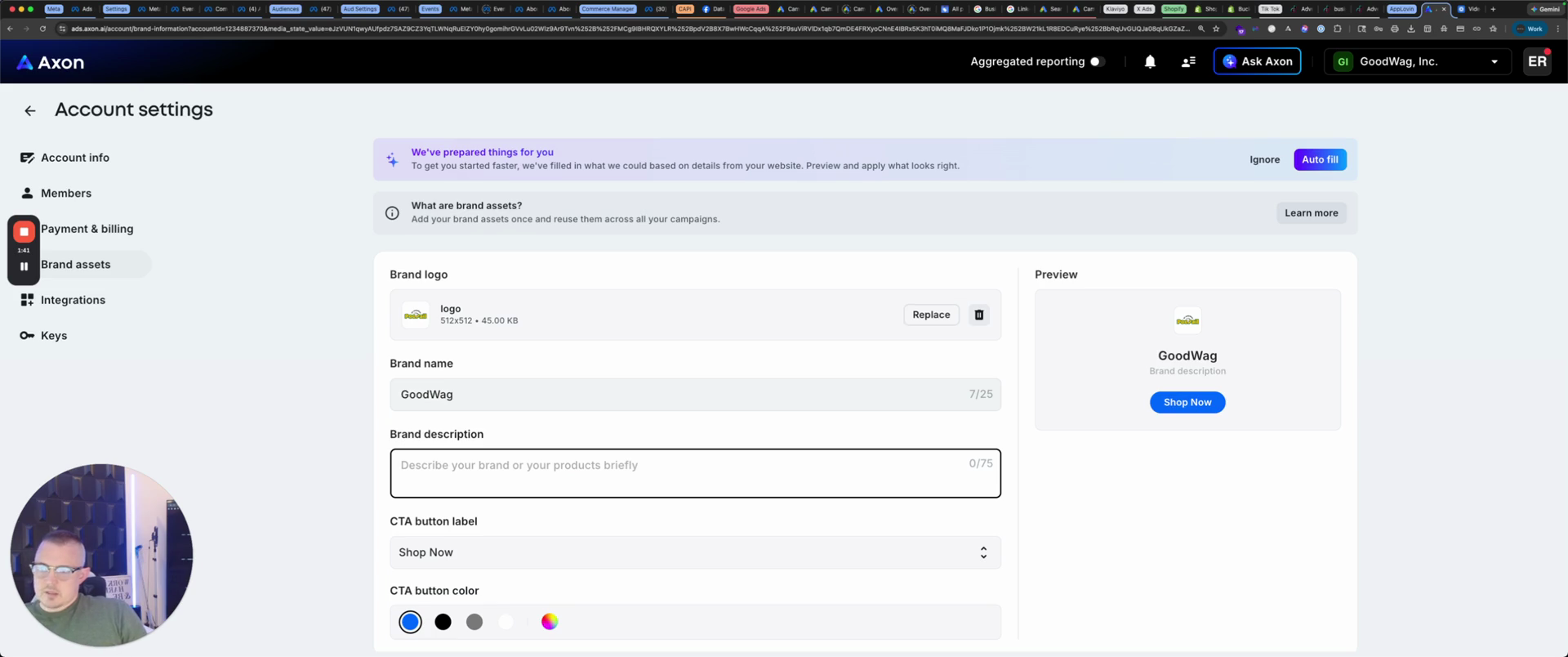
You have your logo, so we'll place our Poo Pale logo there. Your brand name is Good Wag.
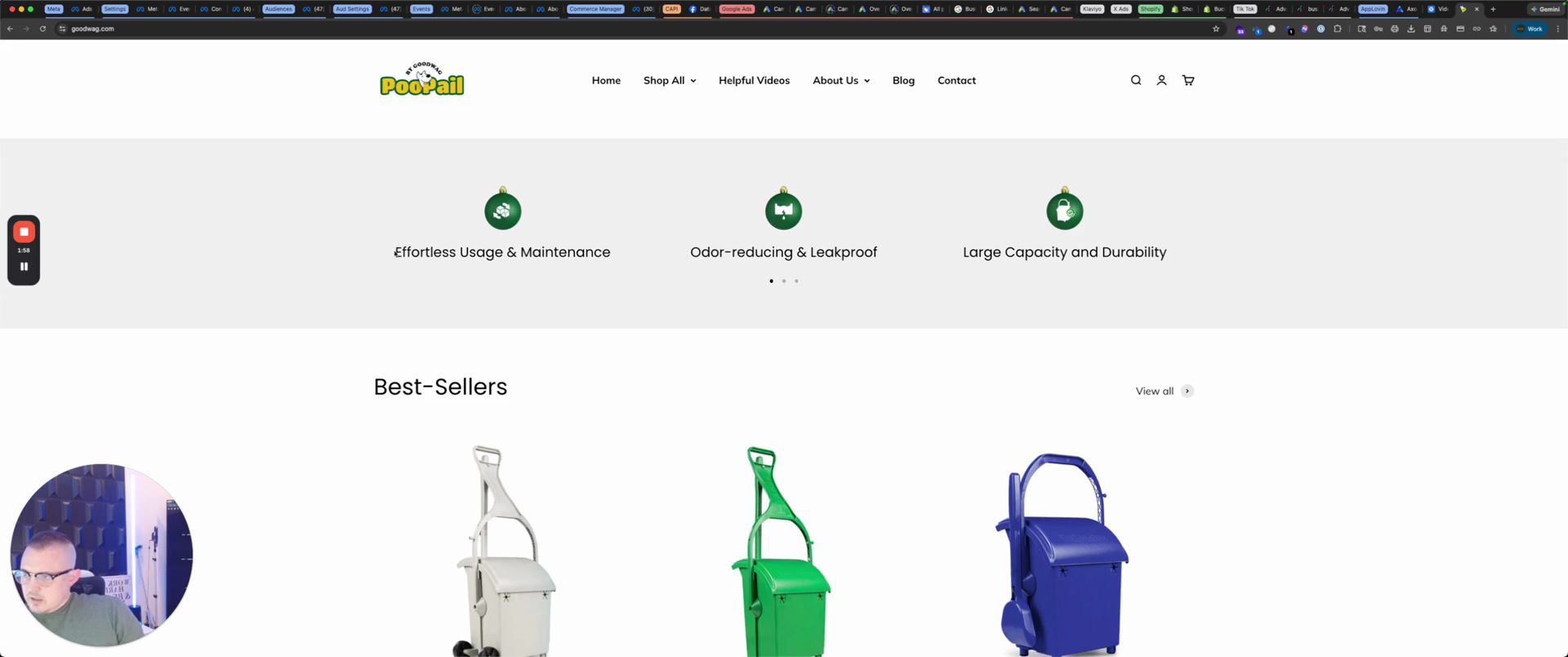
Brand description: Let's look at what it says on the site.
Effortless maintenance, odor-proof, and leak-proof.
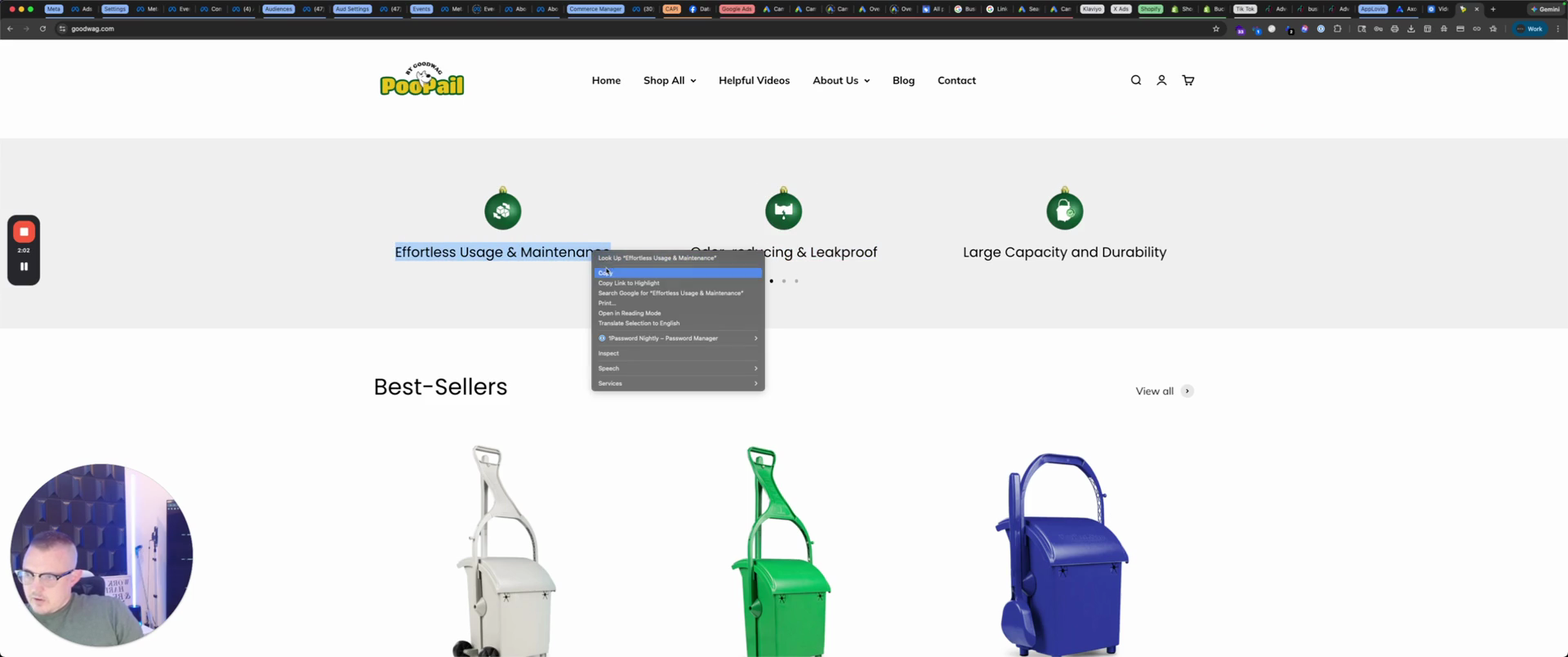
We'll put "doggy care," "effortless," and "odorless," as it said.
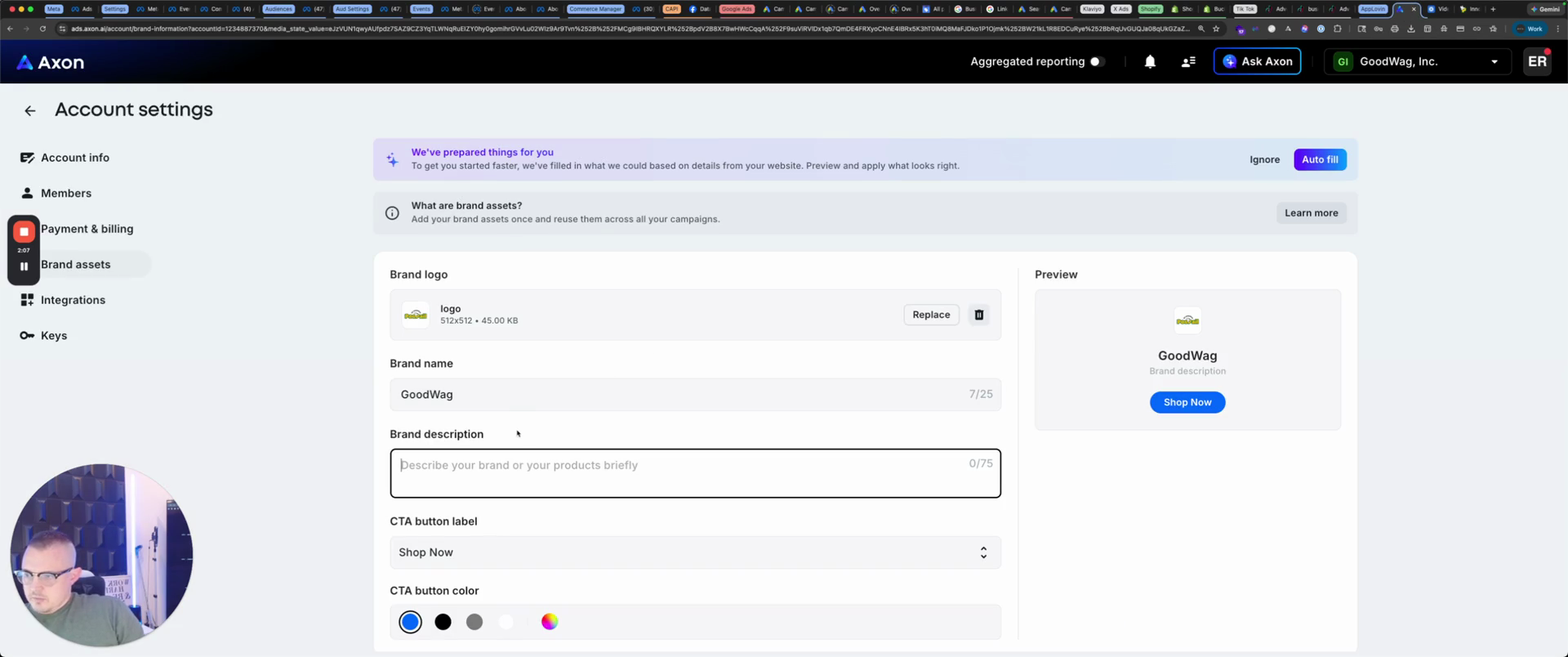
Leak-proof... is what we're gonna put. Enter your company's motto, then select your company's color. In this case, we'll use a soft green.
Once you choose that, add a softer green like this.
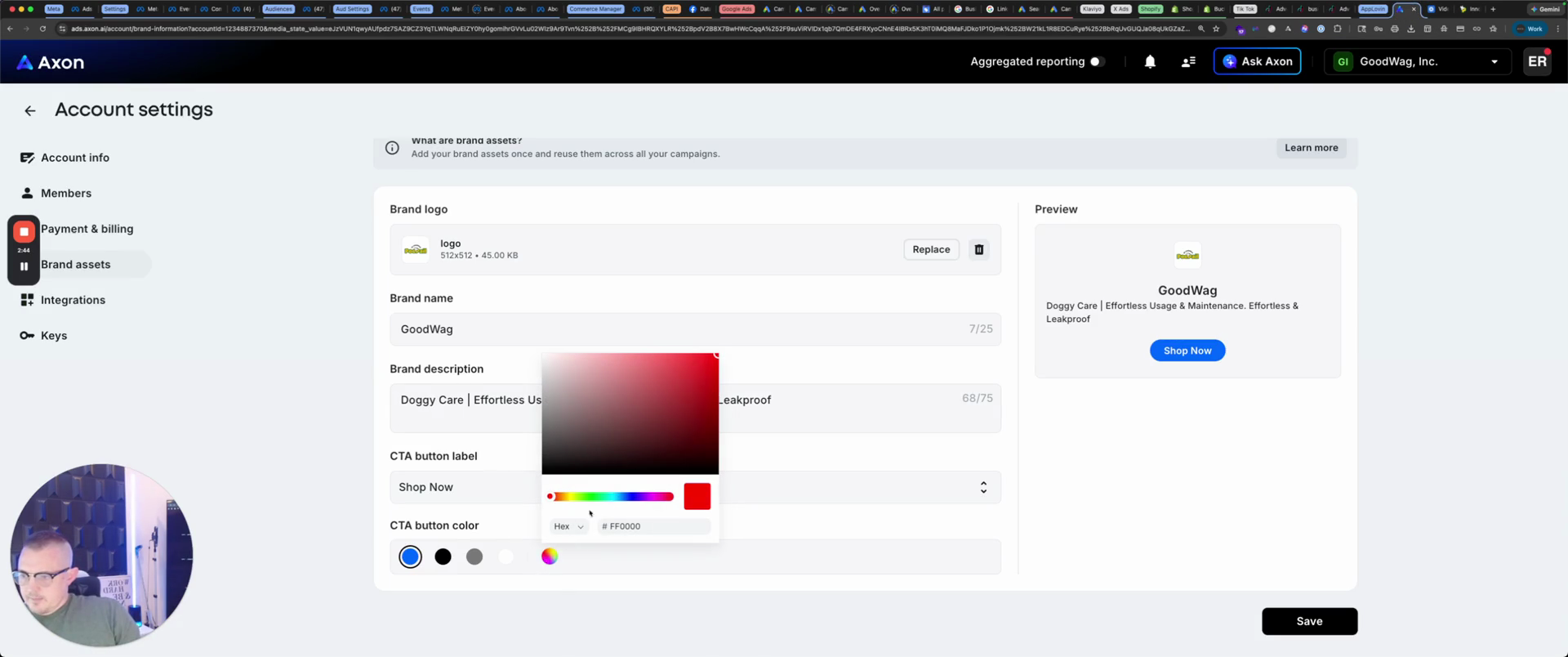
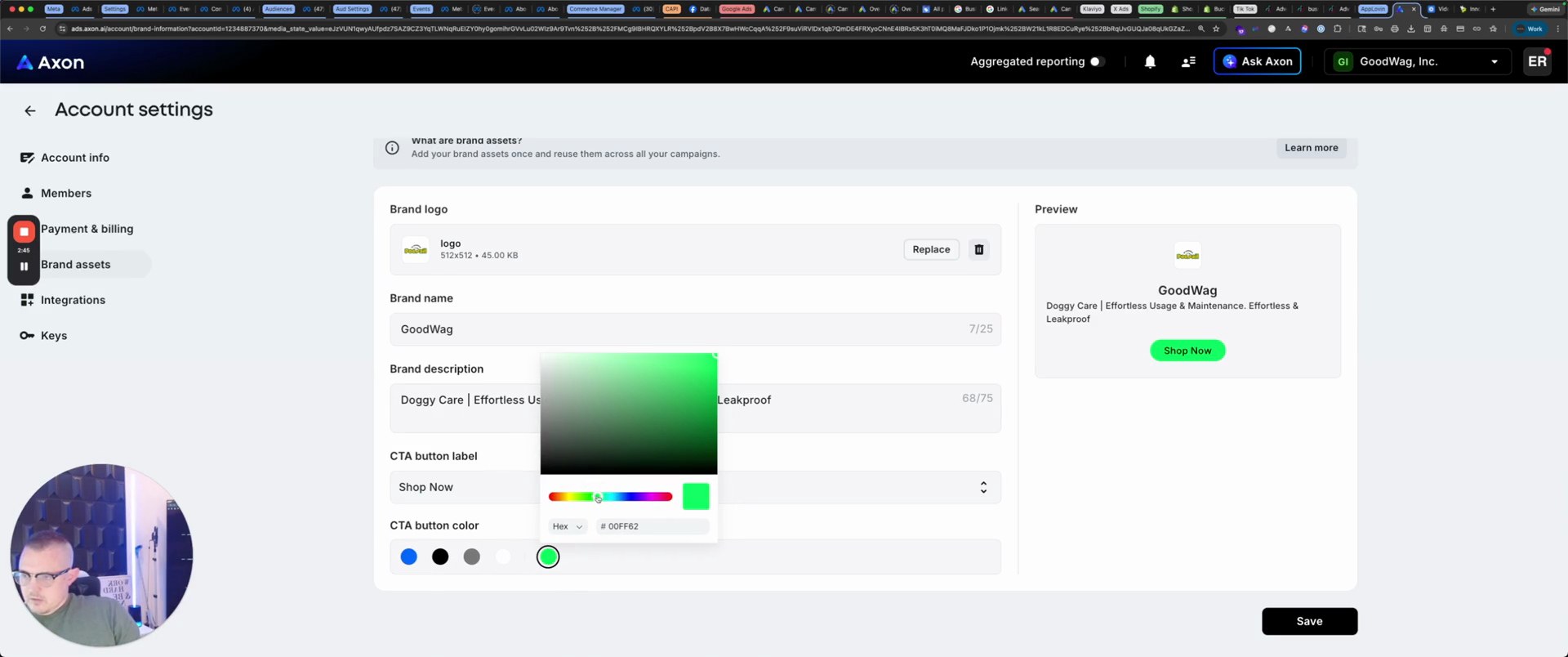
And of course, feel free to use your brand guide and learn more.
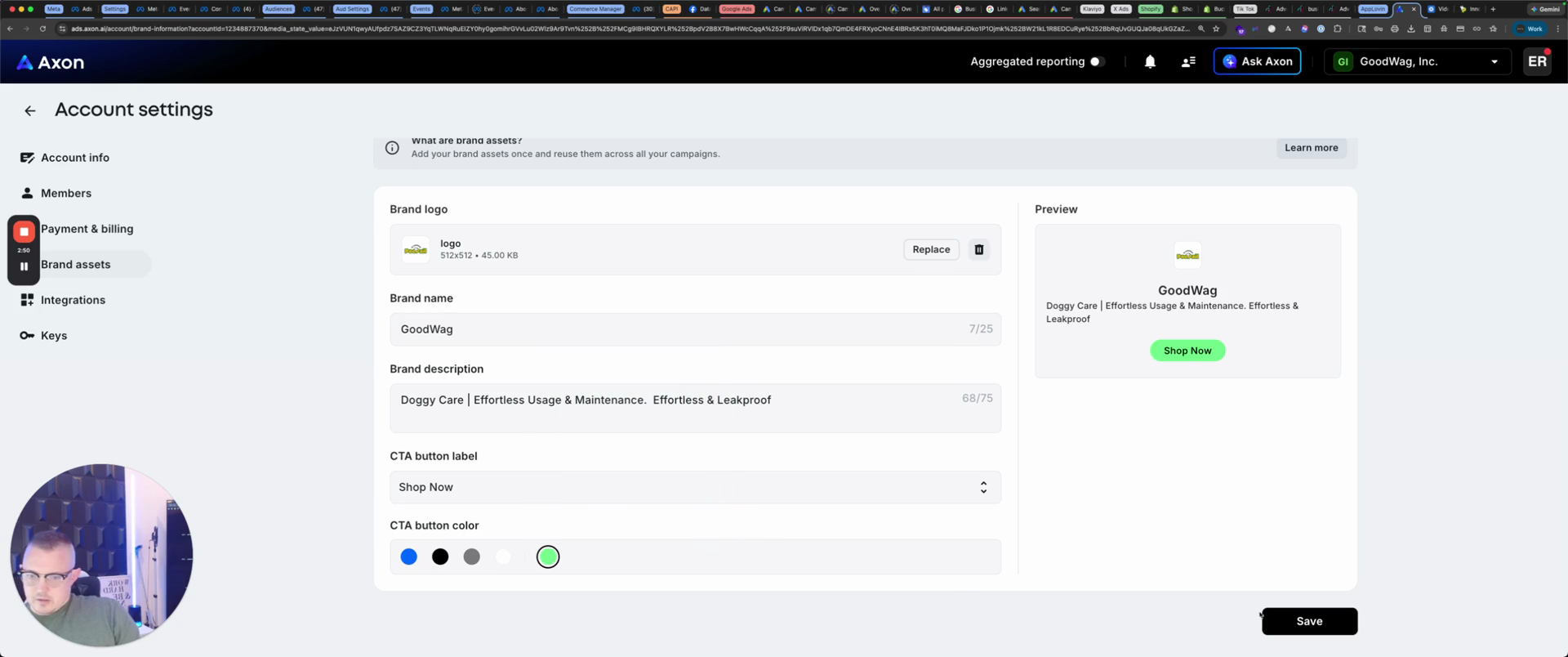
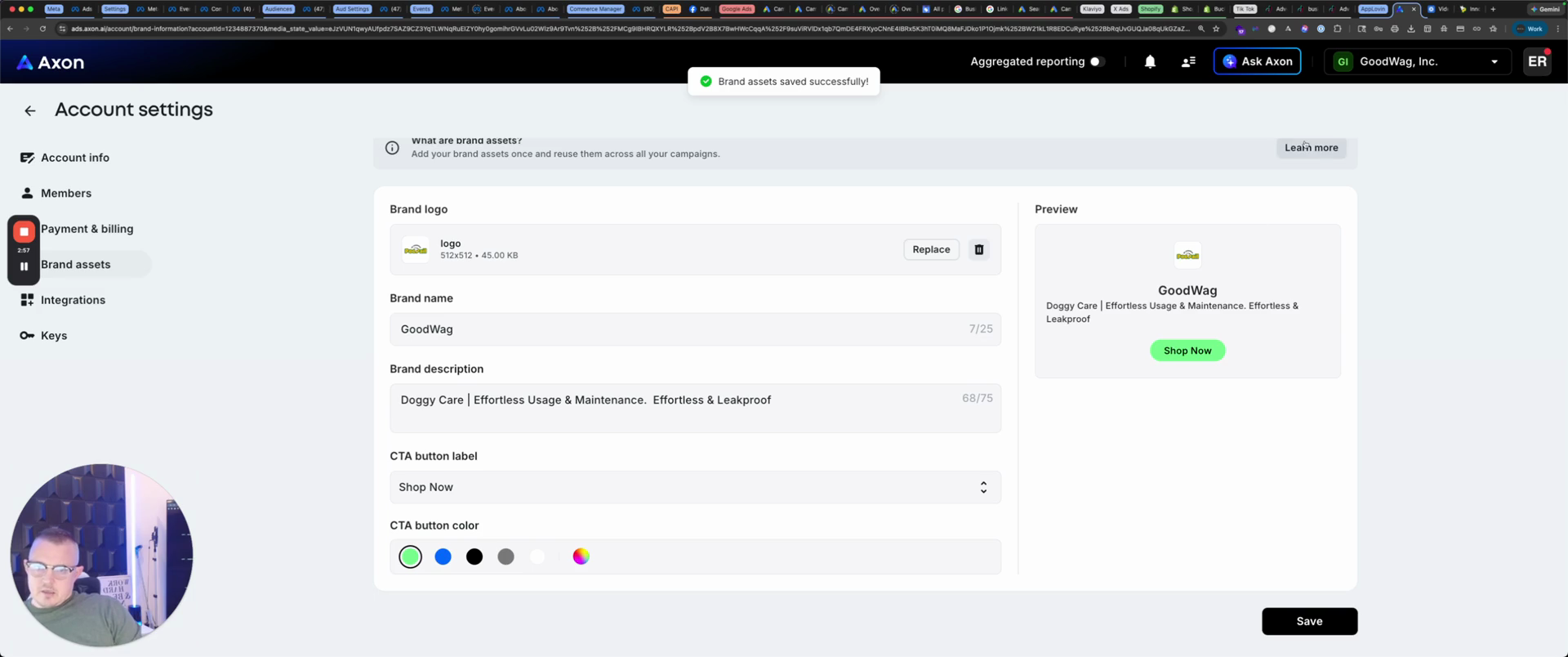
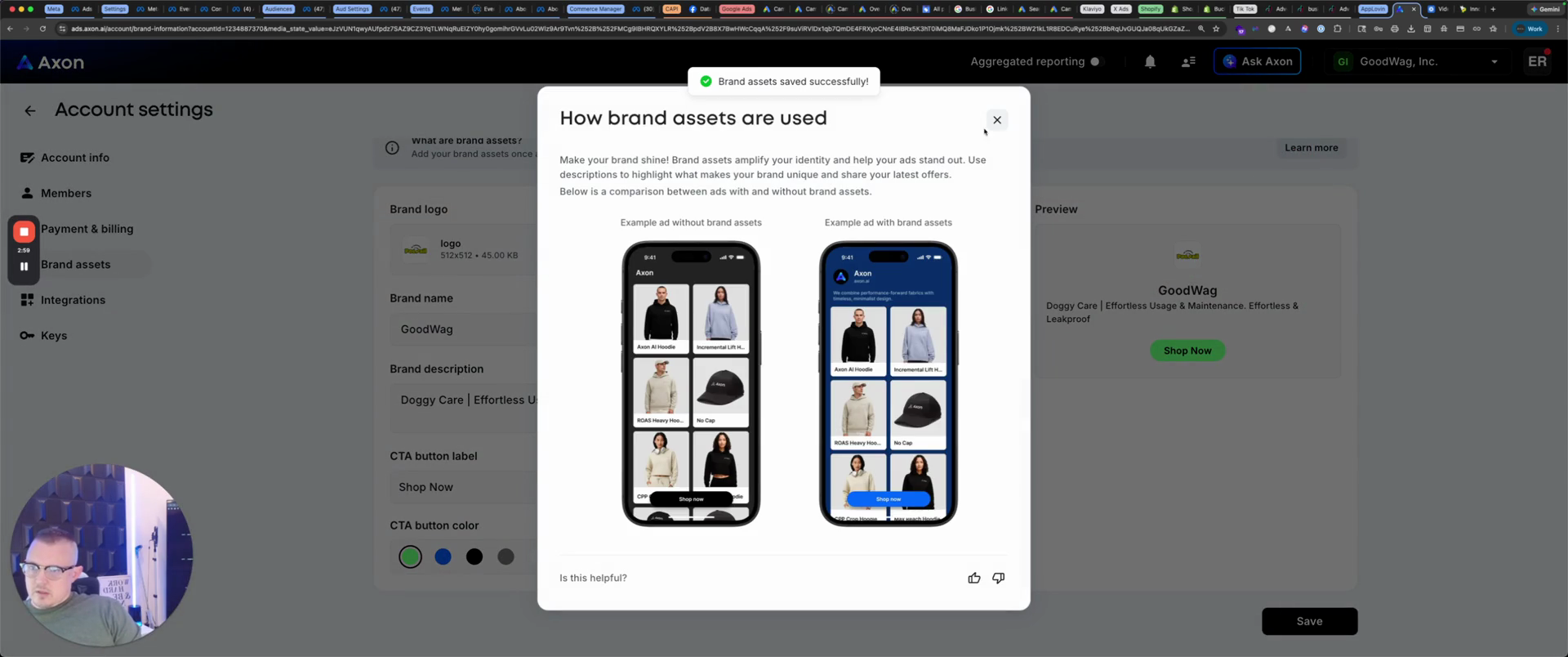
So this is... It provides a guide on how to use it if you want, and then integrations. Here, connect to Shopify.
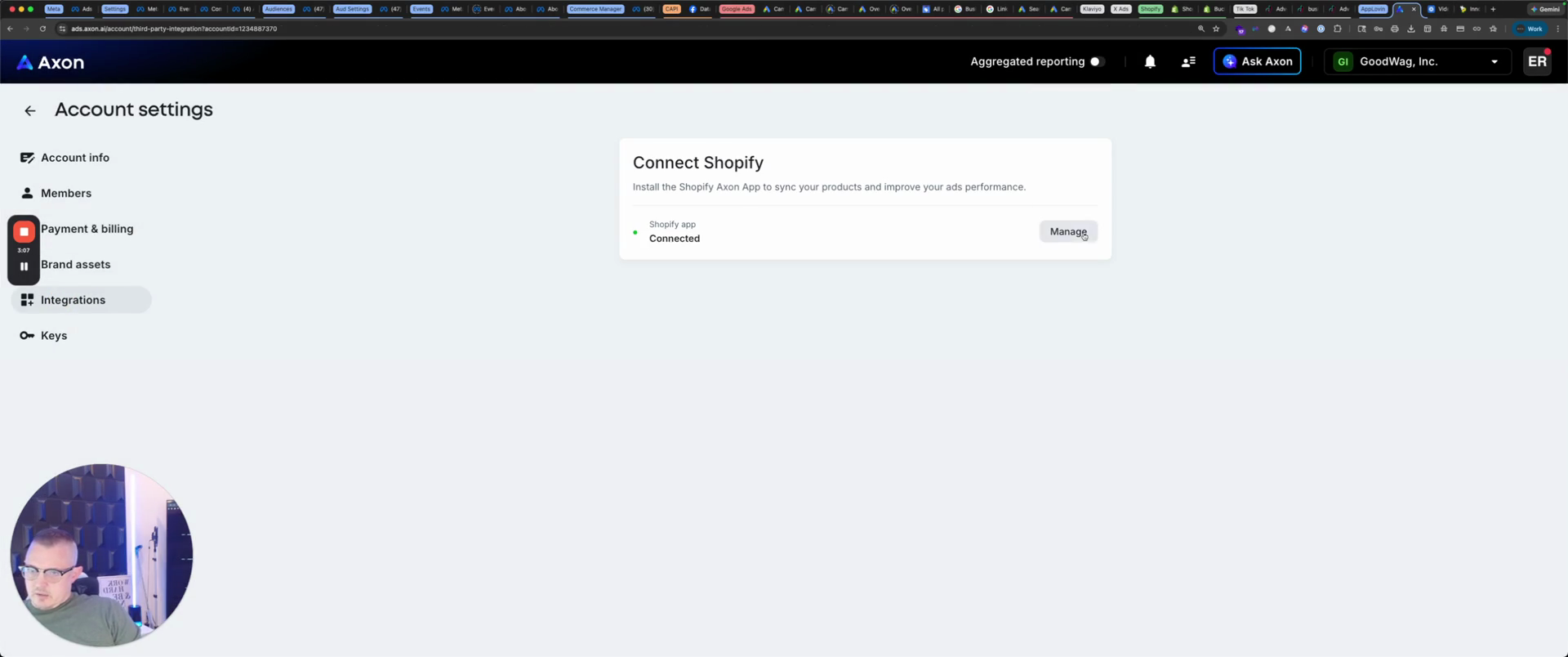
If you have a Shopify store, it will open it. All you do... We have already done this. Now, simply toggle this on and install the Axon sales channel.
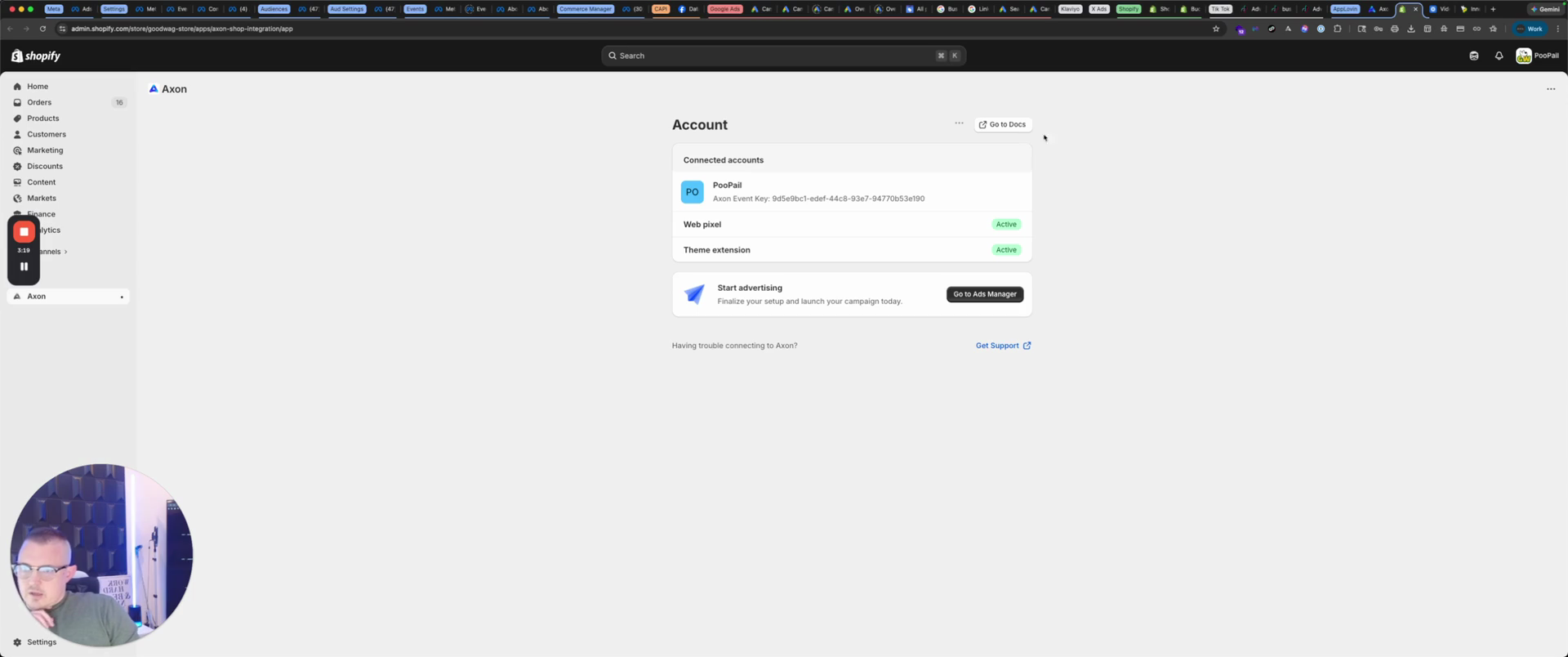
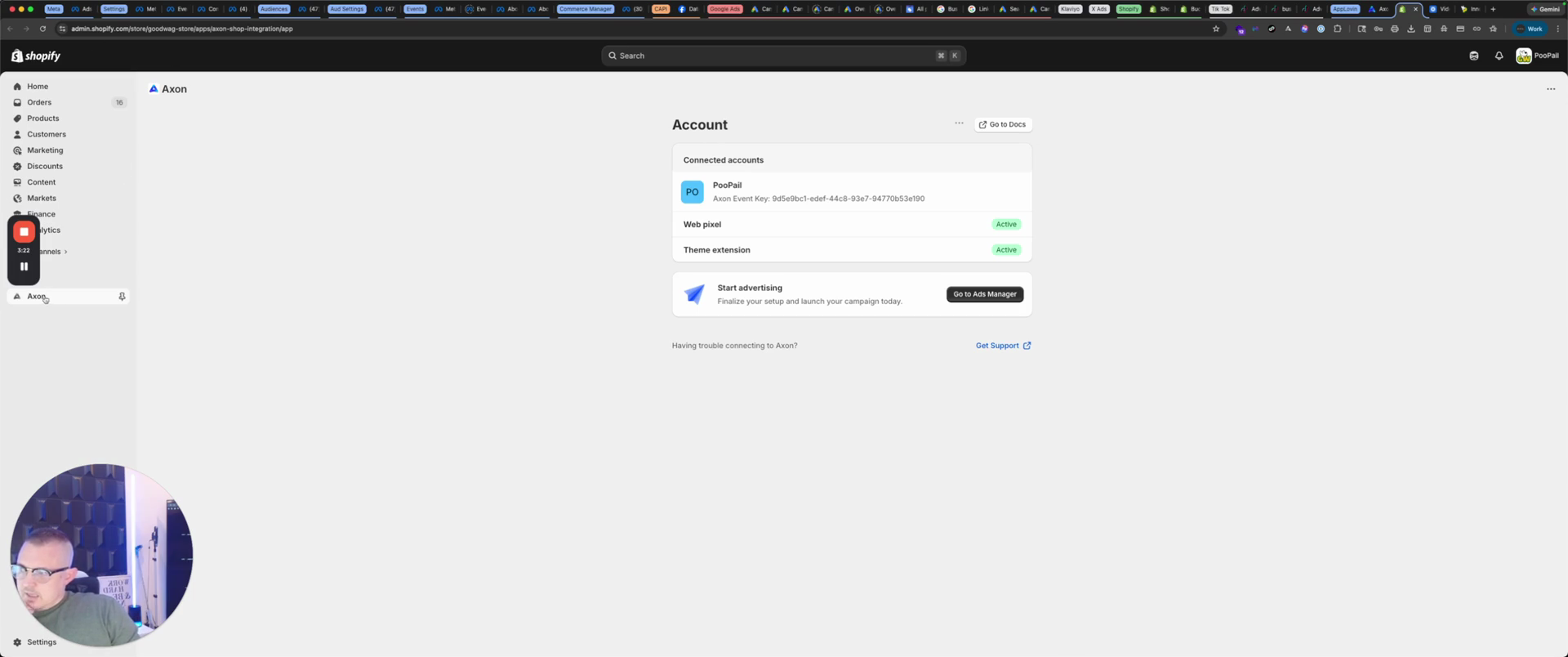
Or it's actually an app.
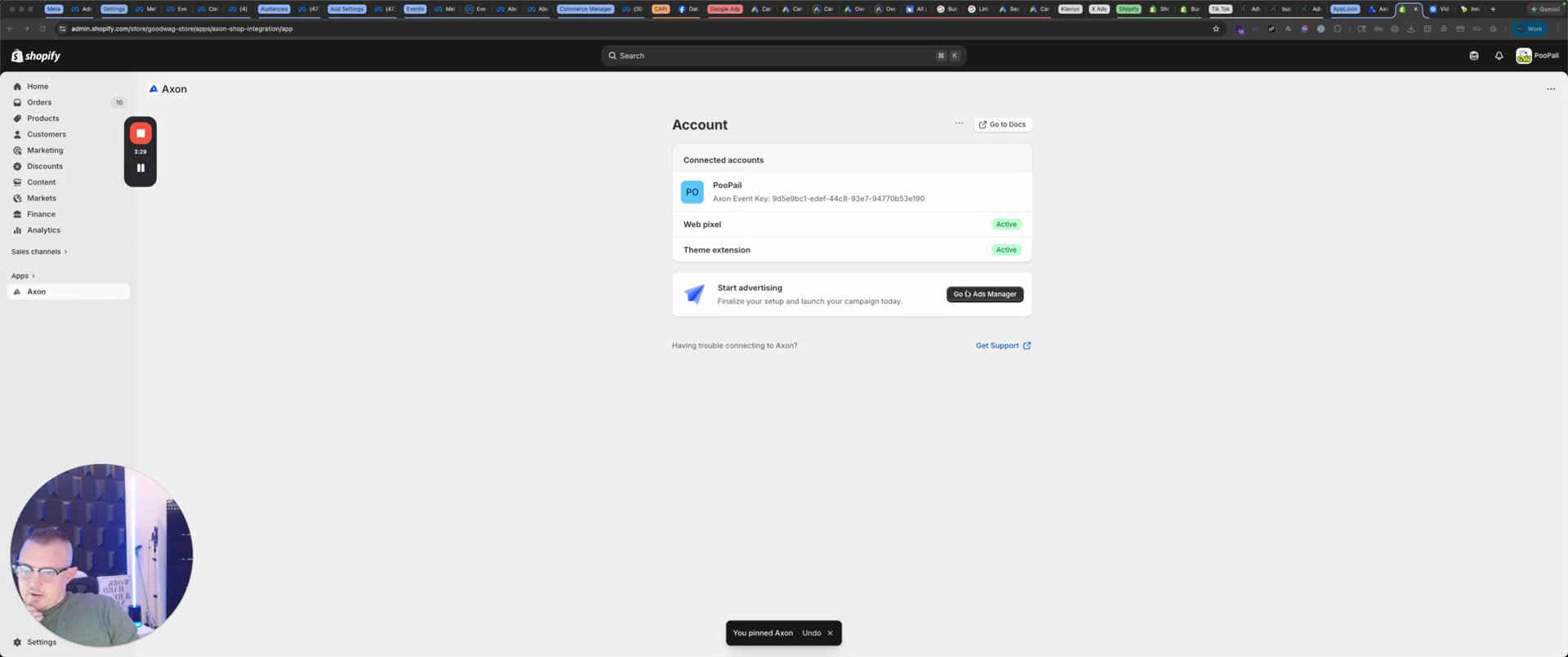
Then go to Ads Manager, and you're all set.
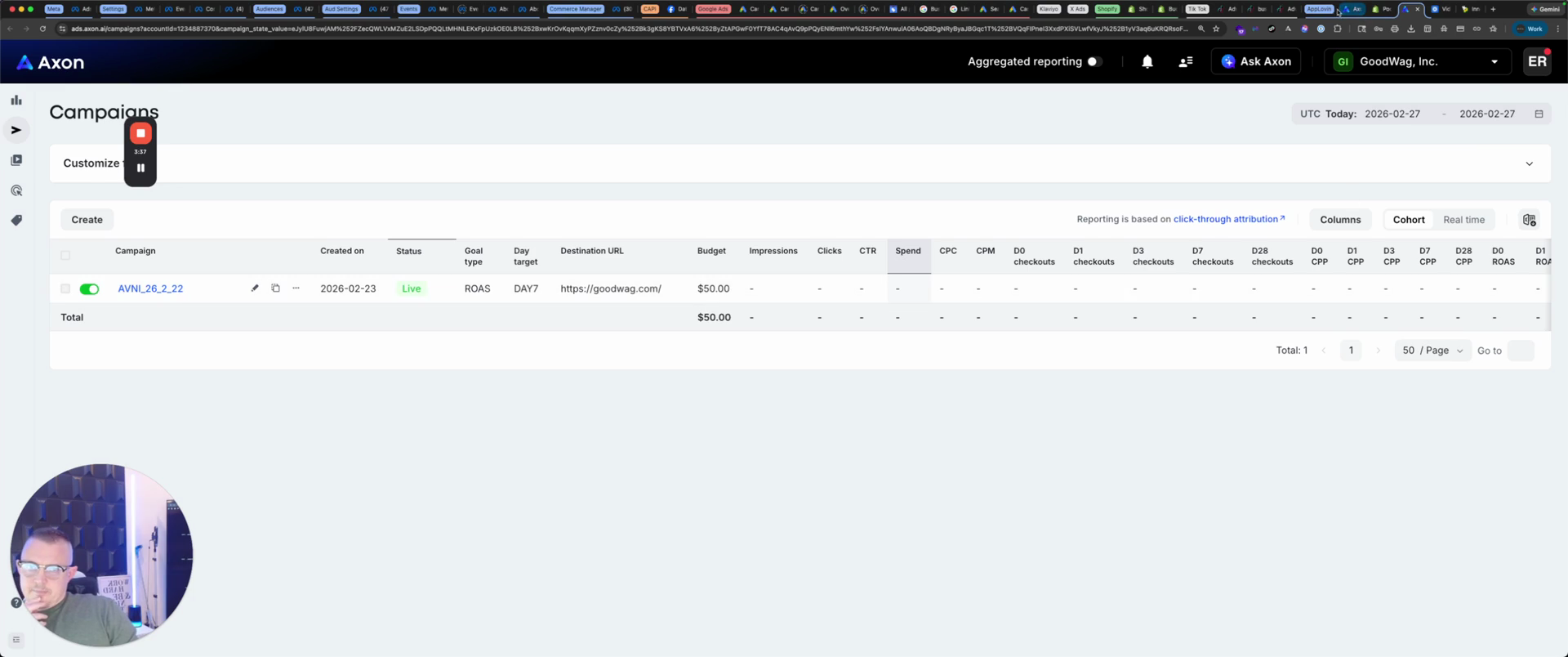
Come back here. It's connected, and you have your keys.
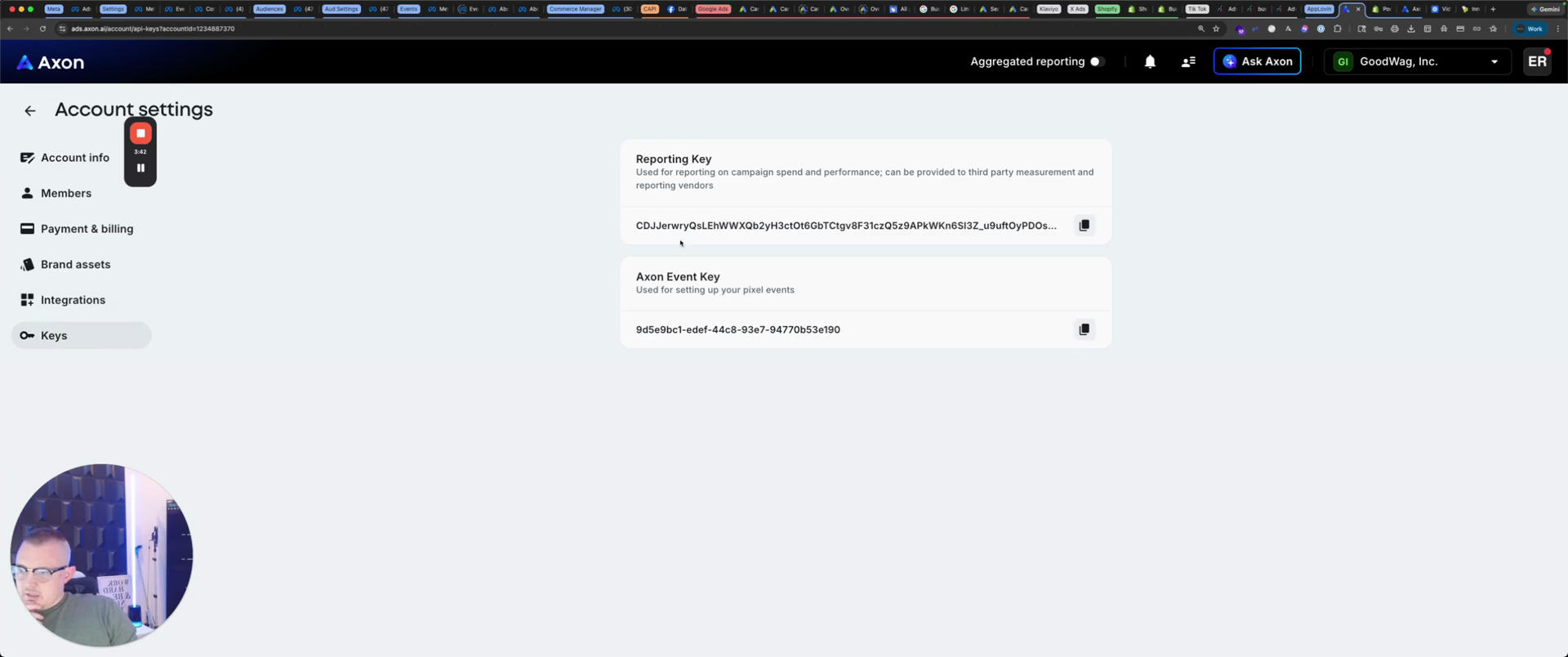
Save these in a safe place in case you ever get locked out of your account. That's the setup of AppLovin.