How to Set Up Task Delegation in Morney
Learn how to delegate tasks to a subordinate in Morney. Configure delegate permissions, start dates, and precise expiration times to ensure workflow continuity.
This guide explains how to set up task delegation in Morney, allowing you to assign specific responsibilities to a subordinate. Configuring a delegate ensures that work continues smoothly when you are unavailable.
This workflow applies primarily to principals and managers who need to redirect requests, approvals, or endorsements to another team member during a specific time frame.
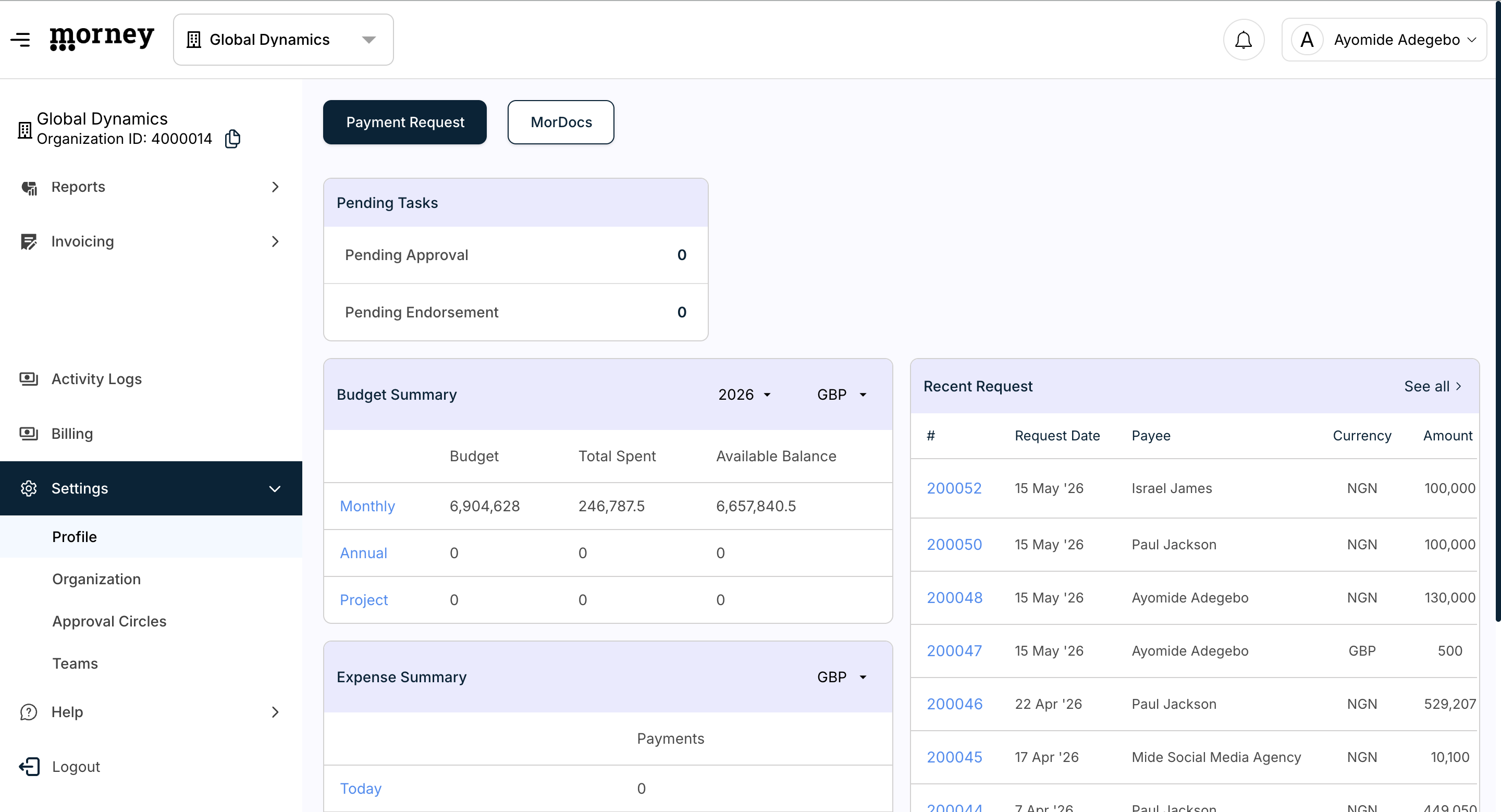
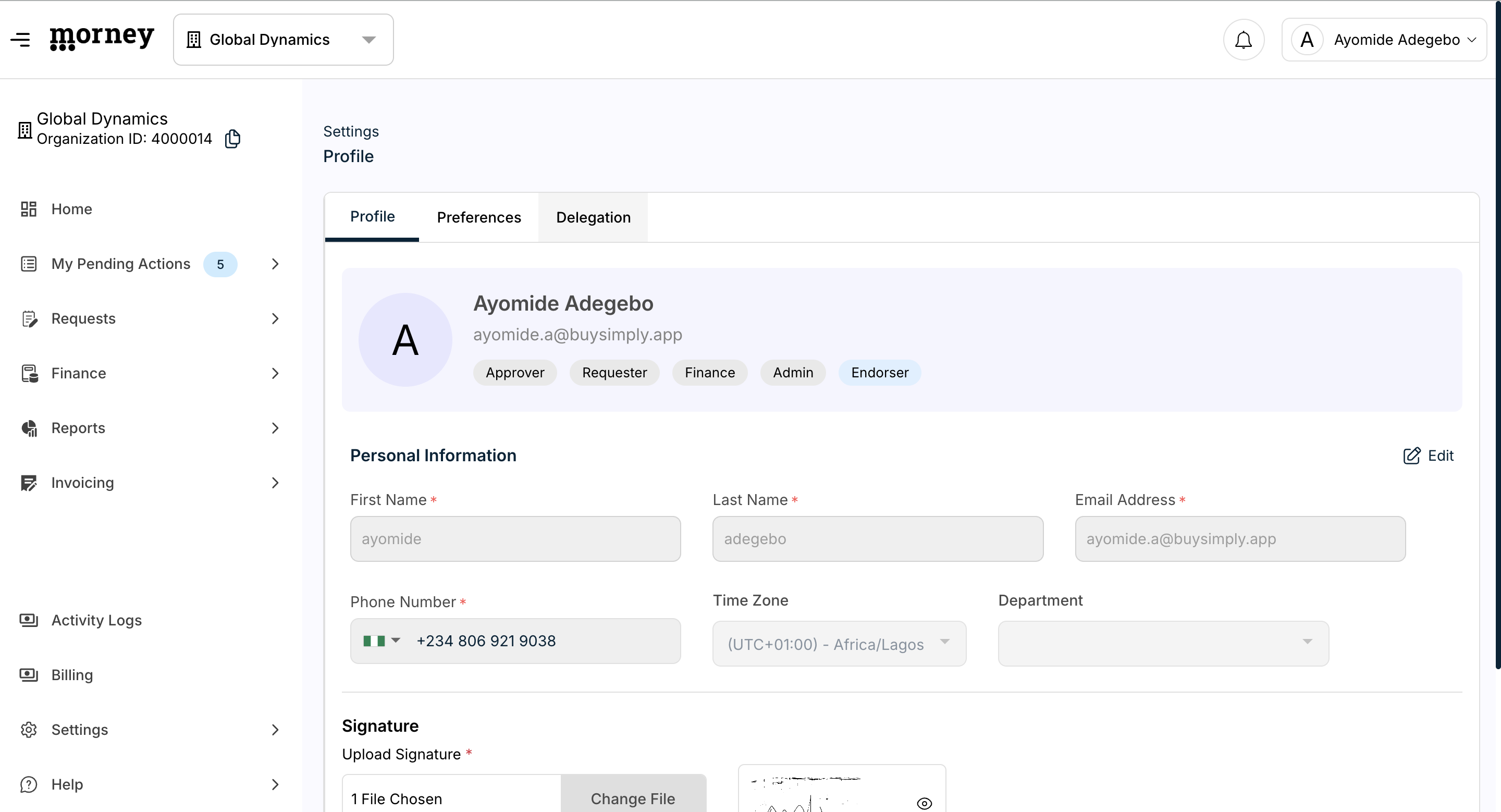
Accessing Delegation Settings
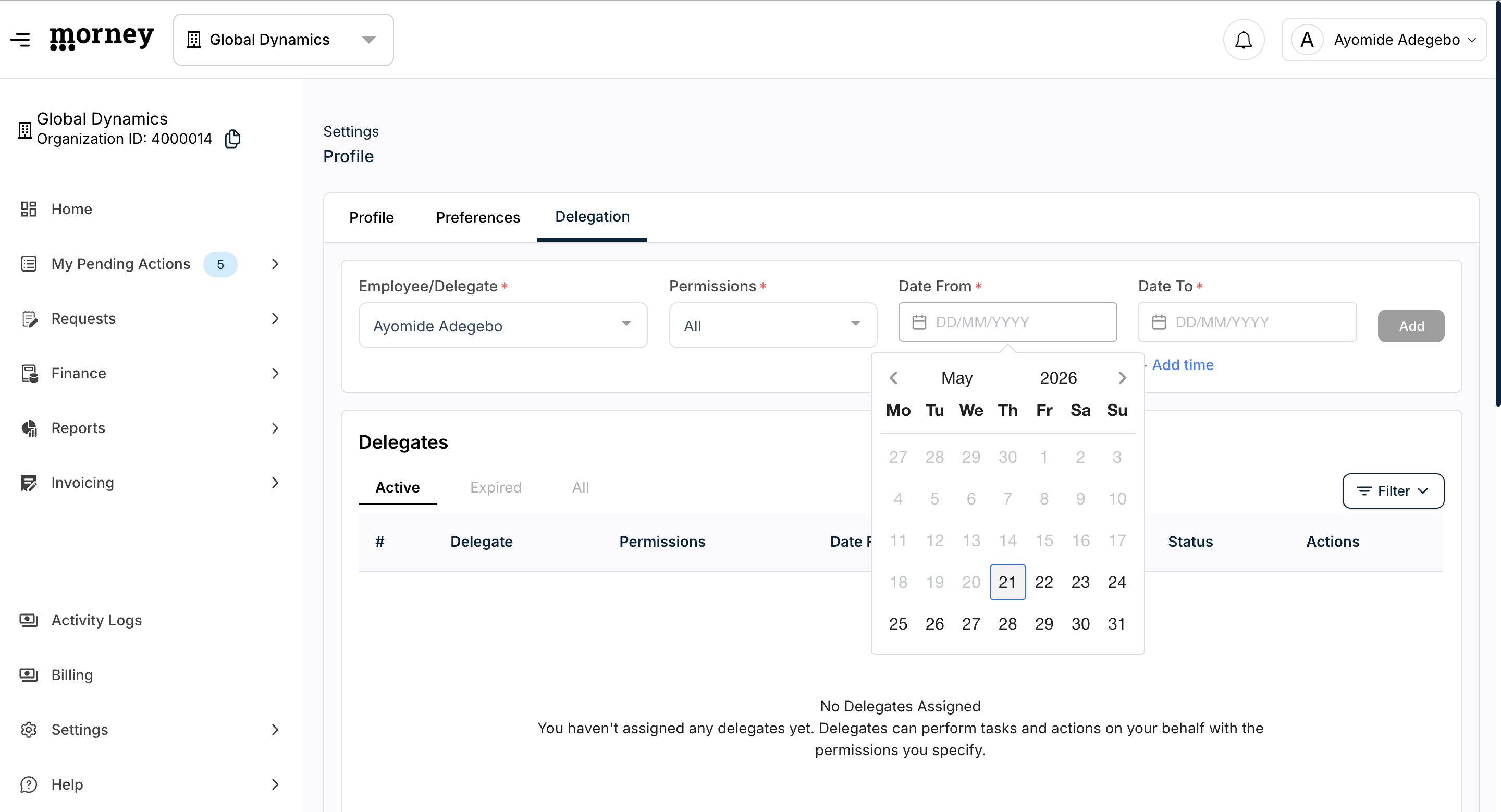
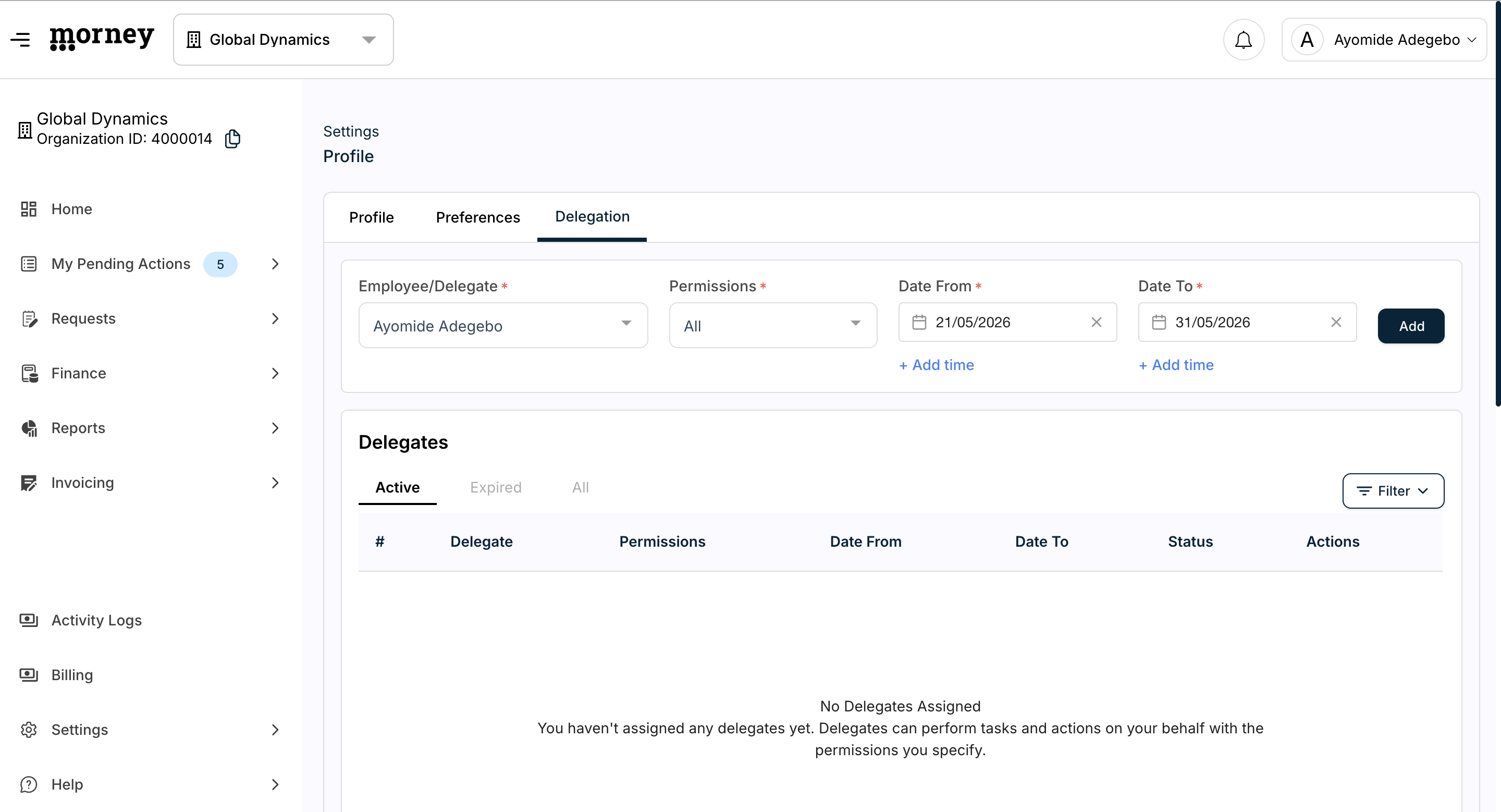
Assigning a Delegate
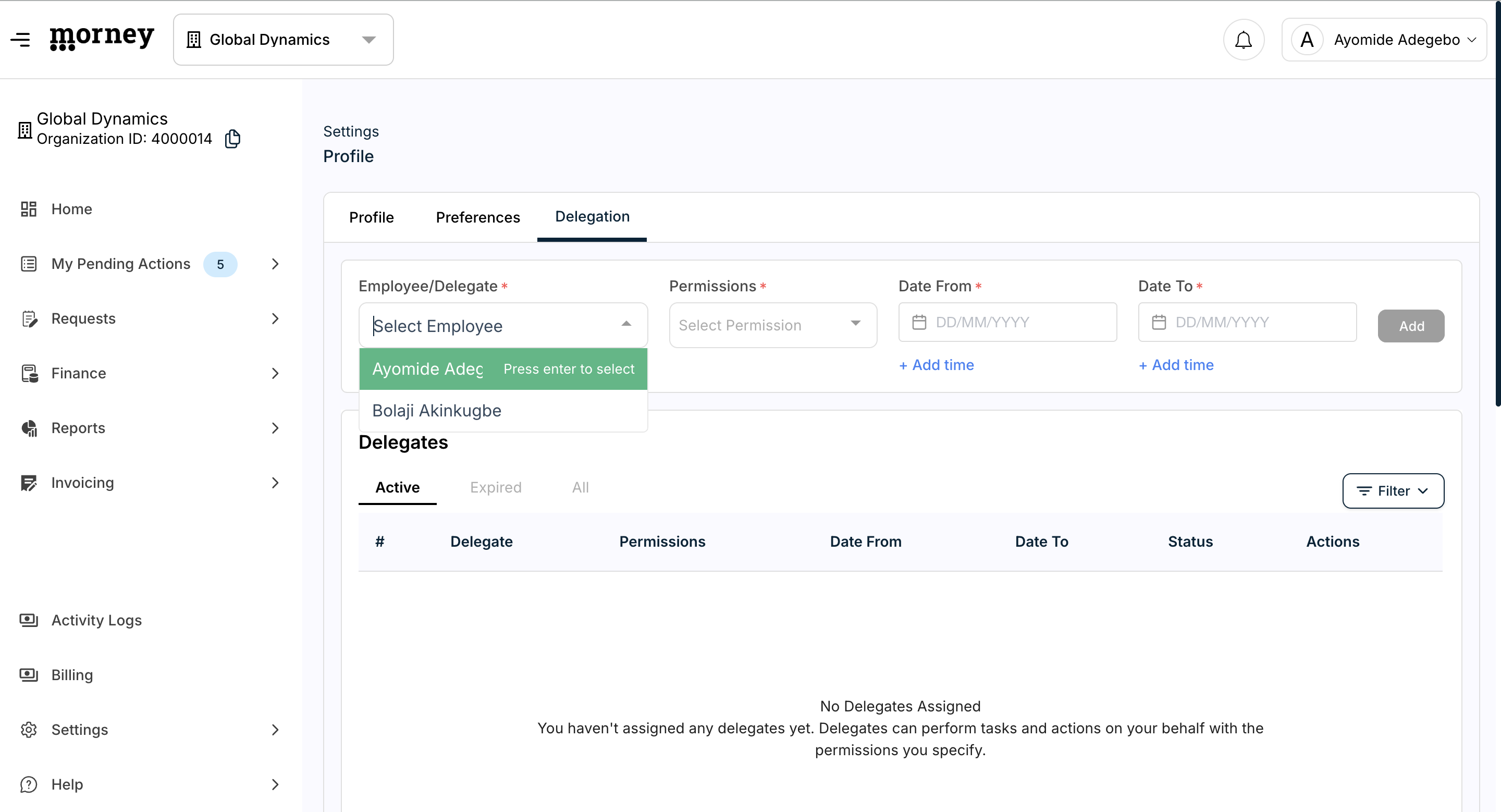
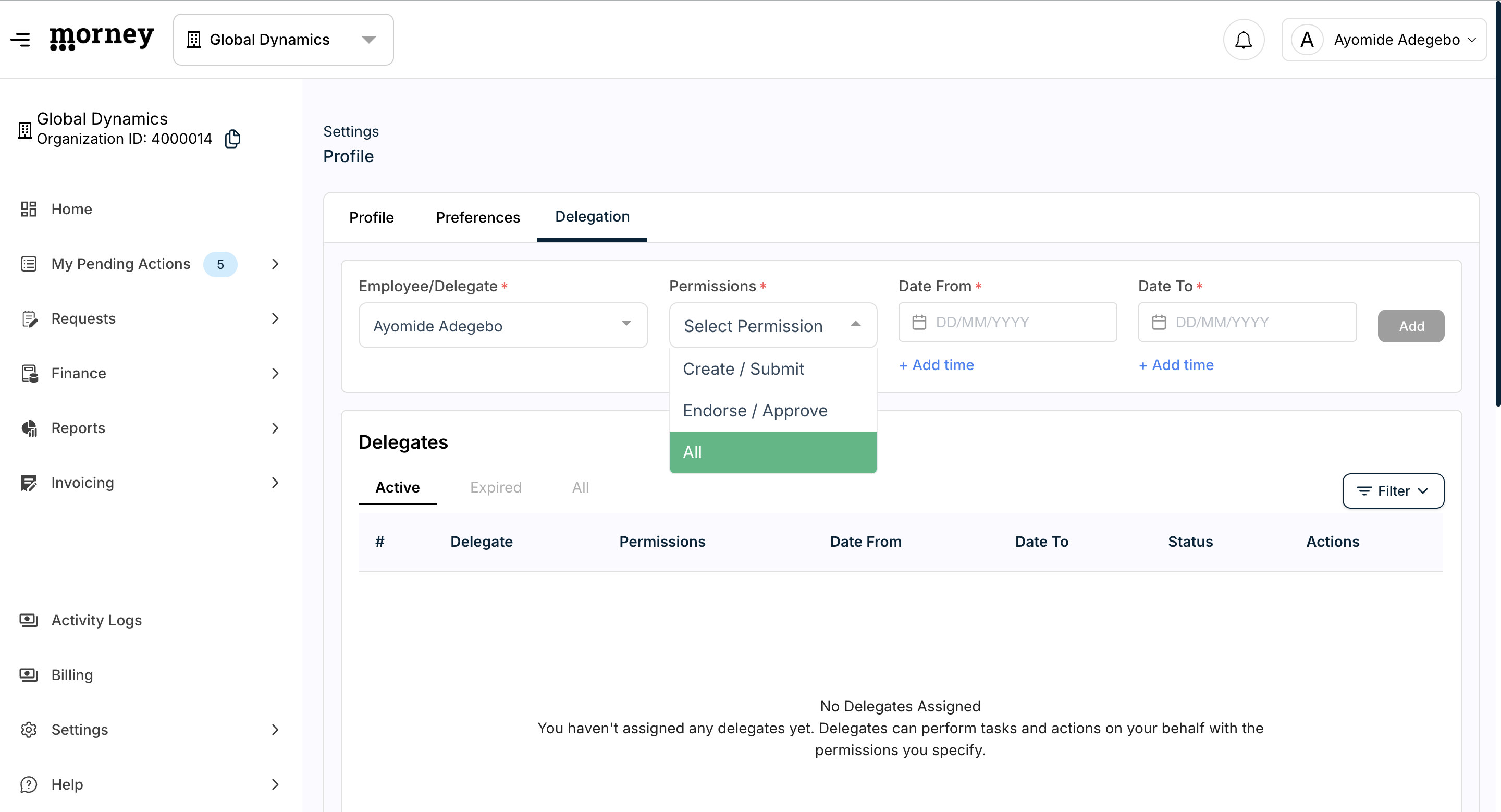
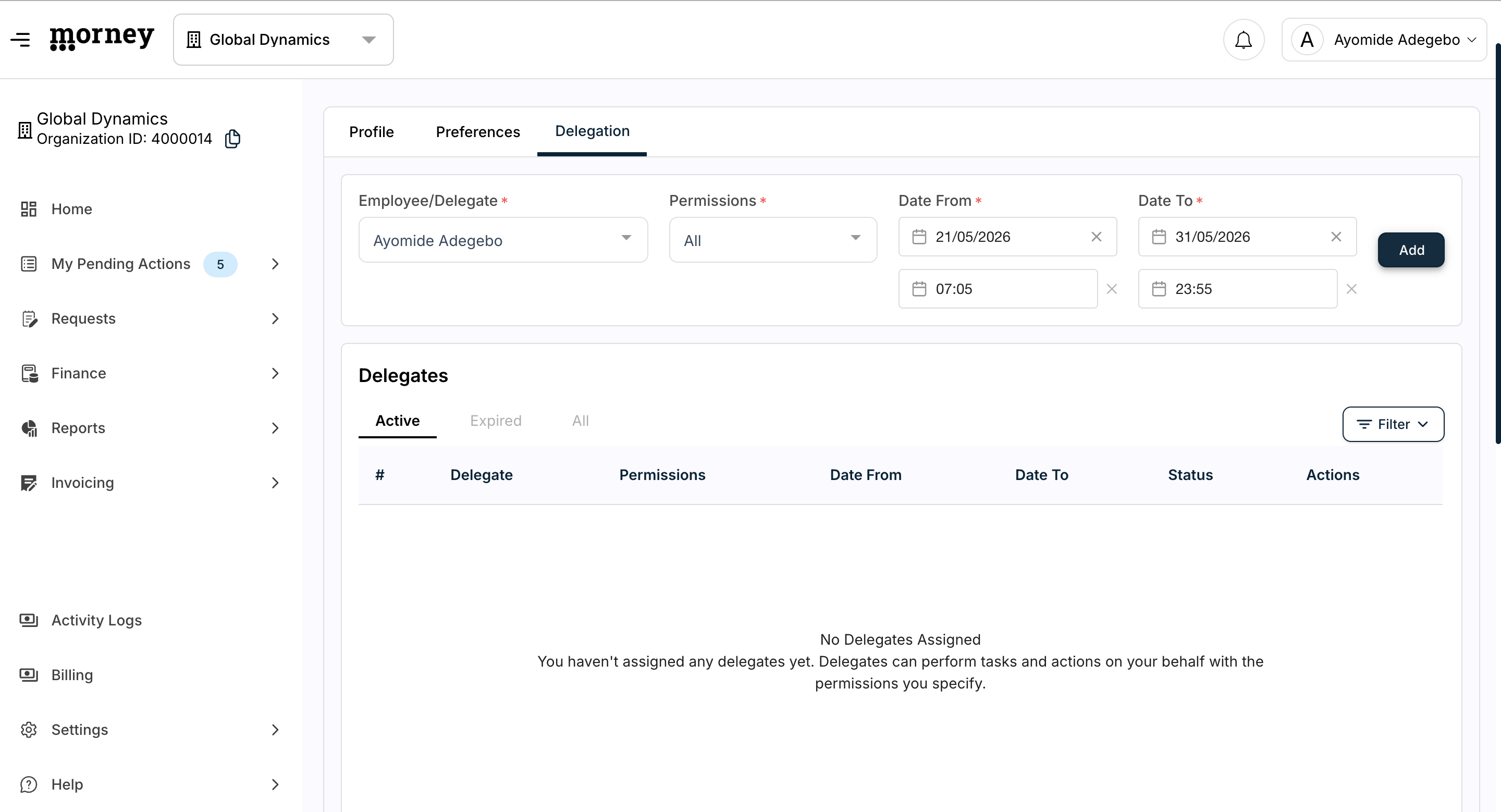
When assigning permissions, select the option that best fits the delegate's temporary role:
Permission Level | What it allows | When to use |
|---|---|---|
Create/Submit | Only drafting and submitting new requests. | Use when you need a subordinate to handle data entry or initiate processes. |
Endorse/Approve | Reviewing and approving pending requests. | Use when you need another manager to keep your approval pipeline moving. |
All | Full capabilities to both submit and approve. | Use when handing over comprehensive temporary coverage of your role. |
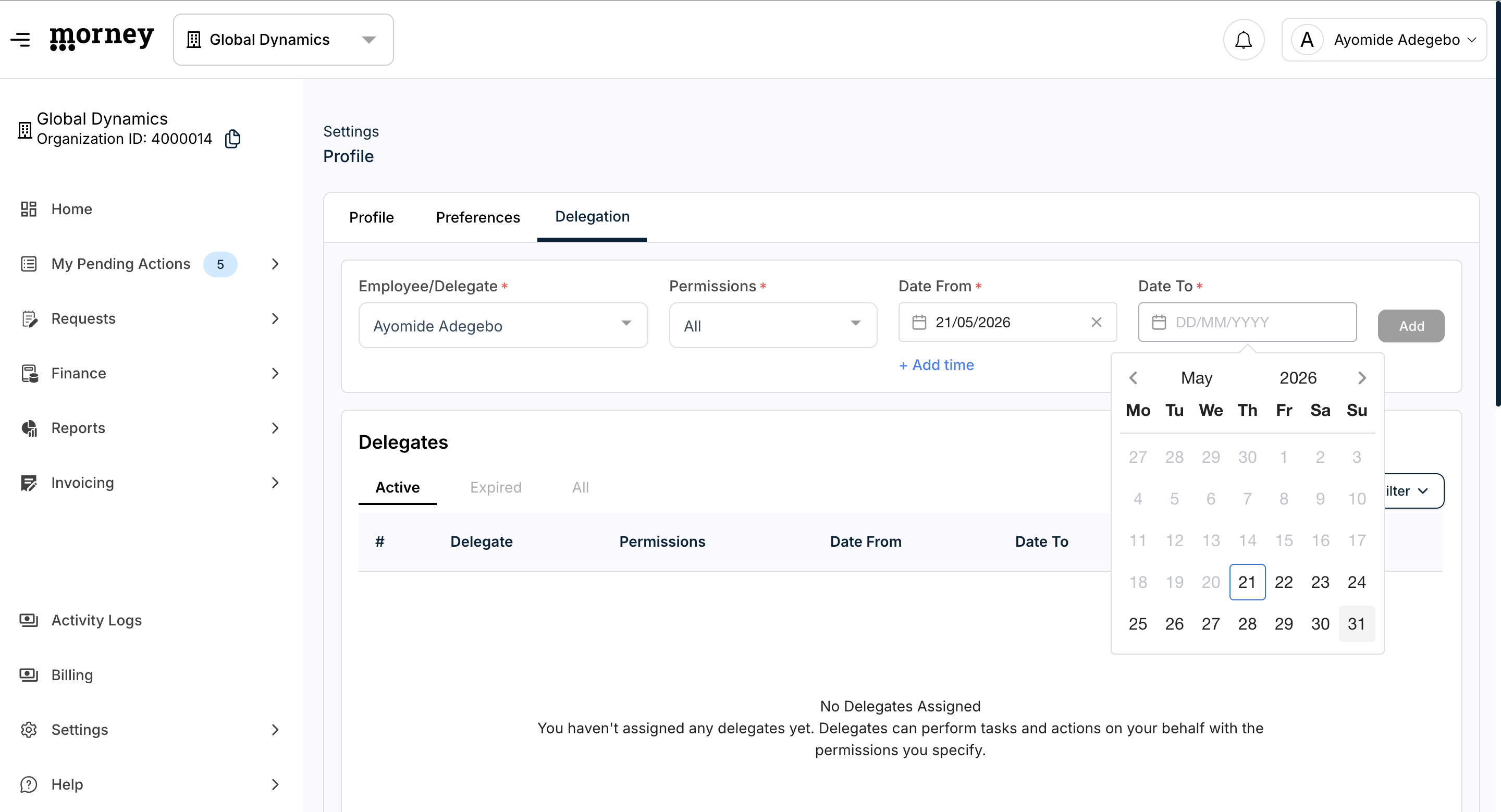
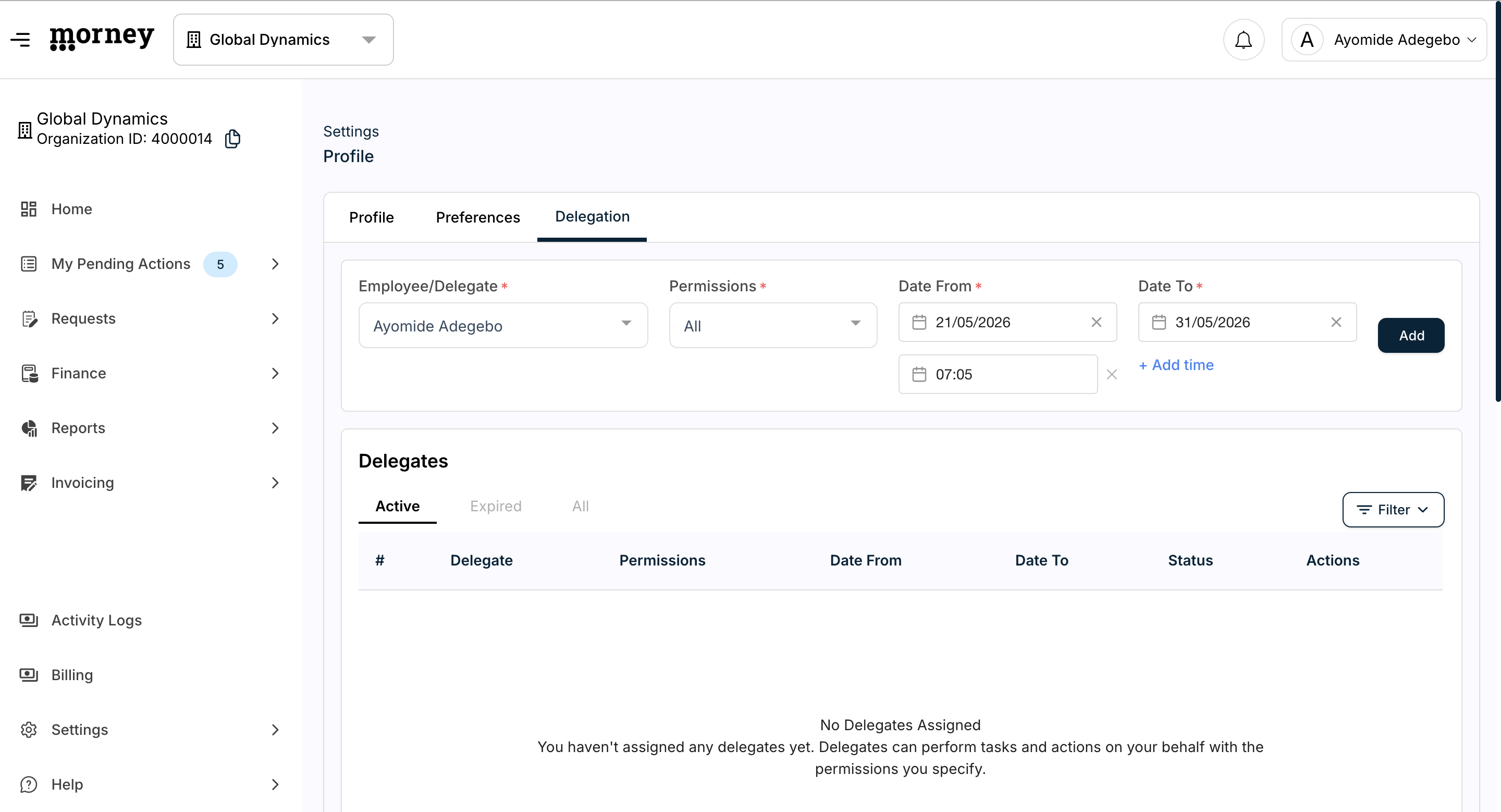
Setting the Delegation Schedule
You can set precise start and end dates for the delegation period.