How to Set Up Direct Delivery from Supplier in Sales Orders
Learn step-by-step how to deliver items directly from your supplier in your sales order process, including filtering orders, setting direct delivery.
In this guide, we'll learn how to set specific order lines for direct delivery from our suppliers within a sales order or quote. This process helps ensure that certain products are shipped directly to the customer from the supplier, streamlining fulfillment and reducing handling steps.
We'll cover how to identify the correct order/quote, select the relevant lines, set them for direct delivery, and confirm delivery details.
Let's get started
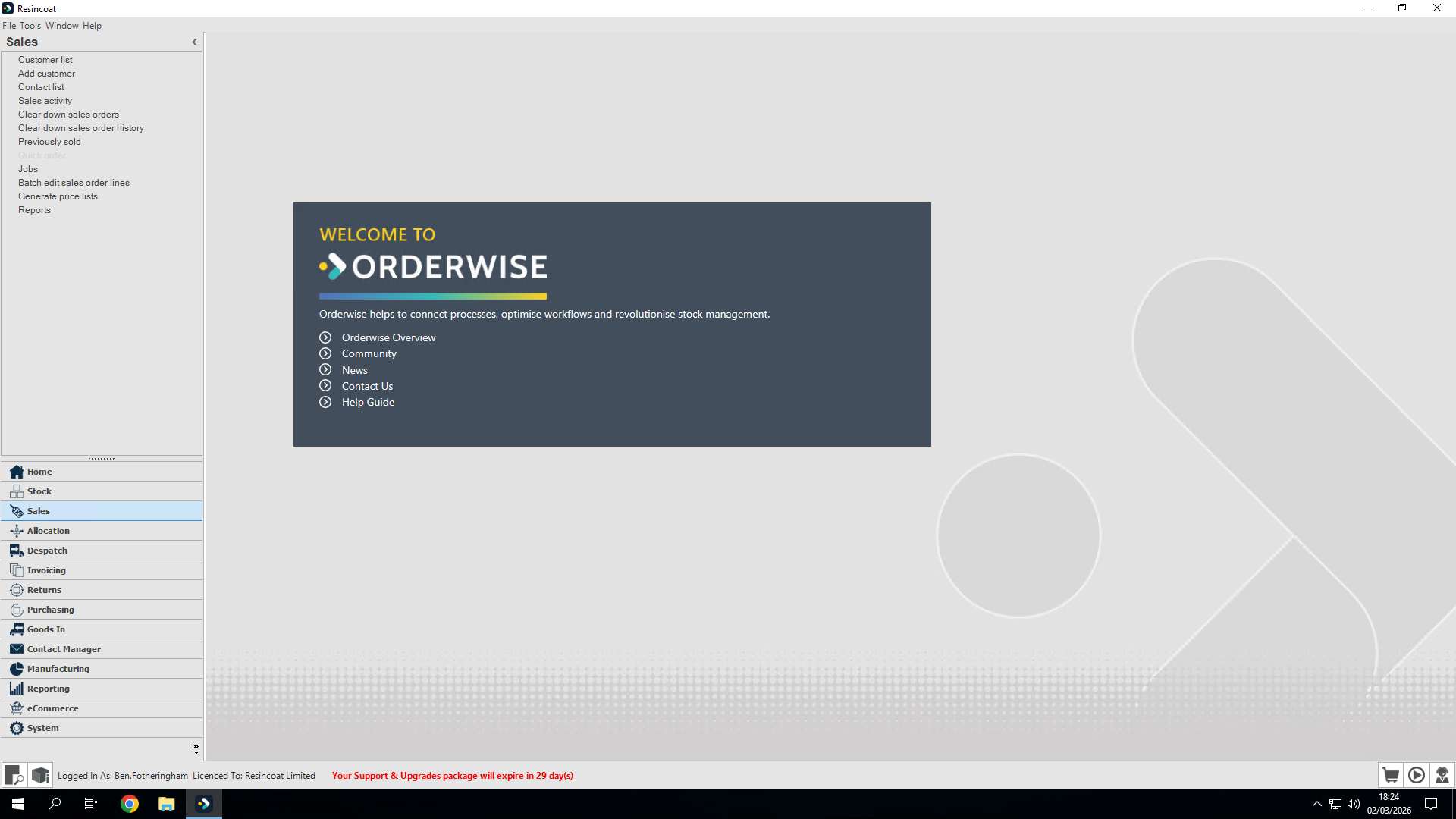
I've already set up an order, and I want to see how to deliver some items directly from our supplier. I will go to Sales Activity.
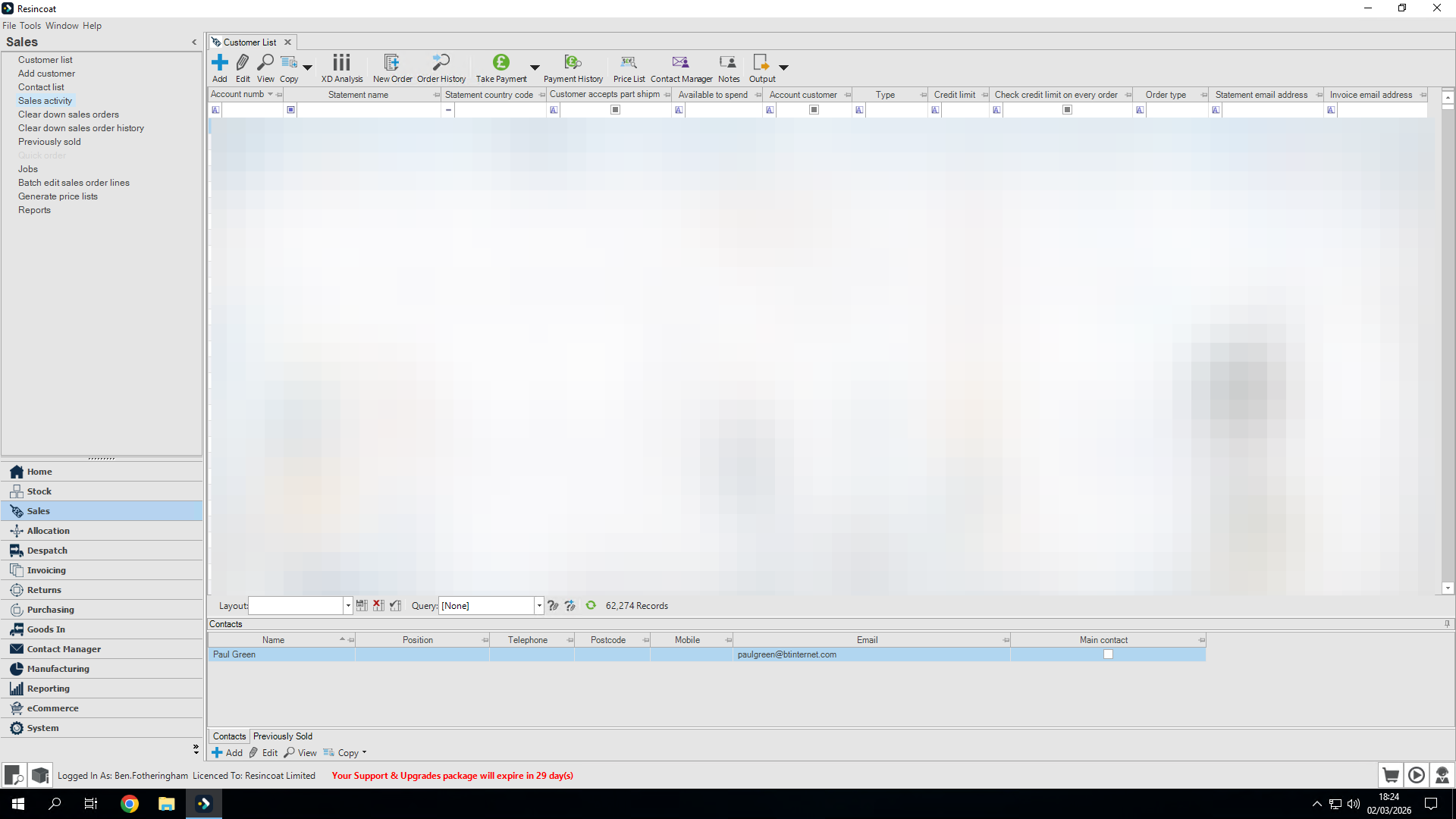
I will filter through to find the order/quote I need.
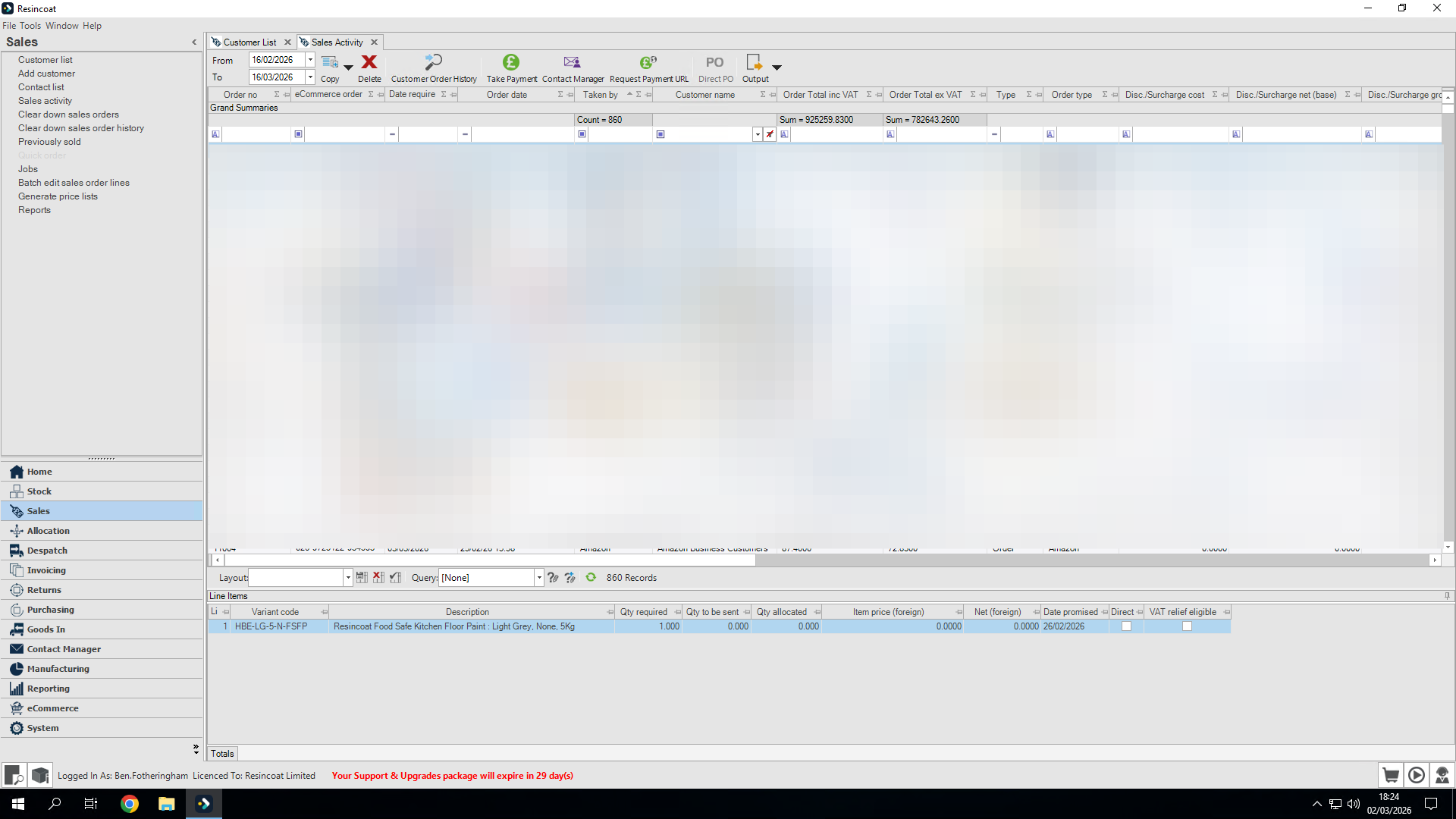
In this case, this is our prepared quote
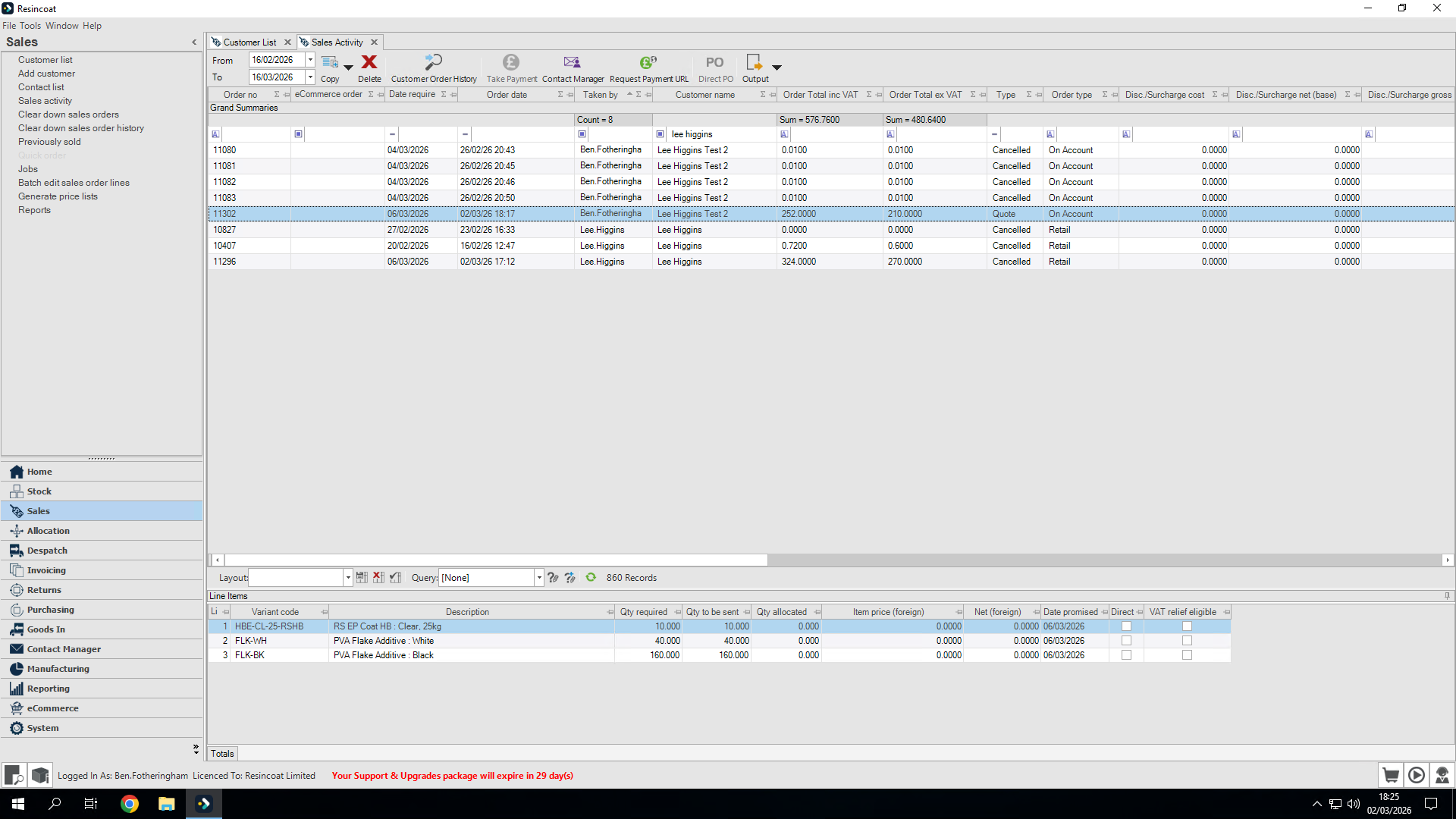
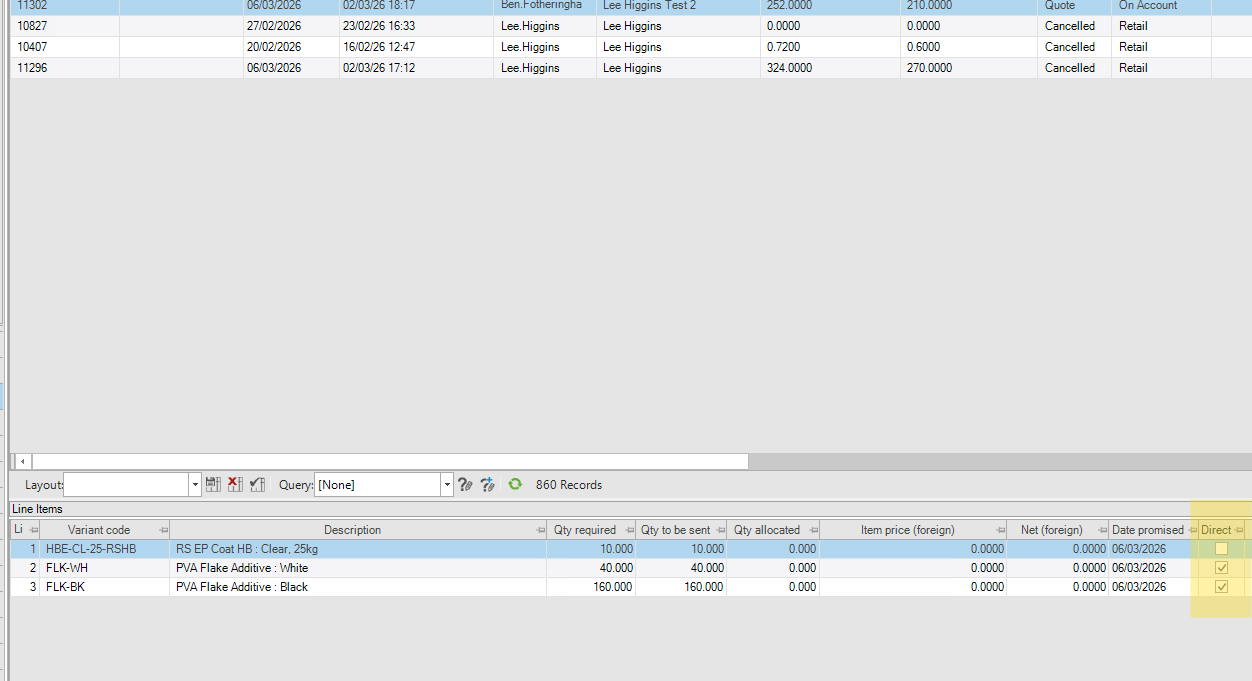
Out of the order lines, we will send line one, the high build clear, directly from Resincoat.
However, we want to send these two flakes directly from BOWD.
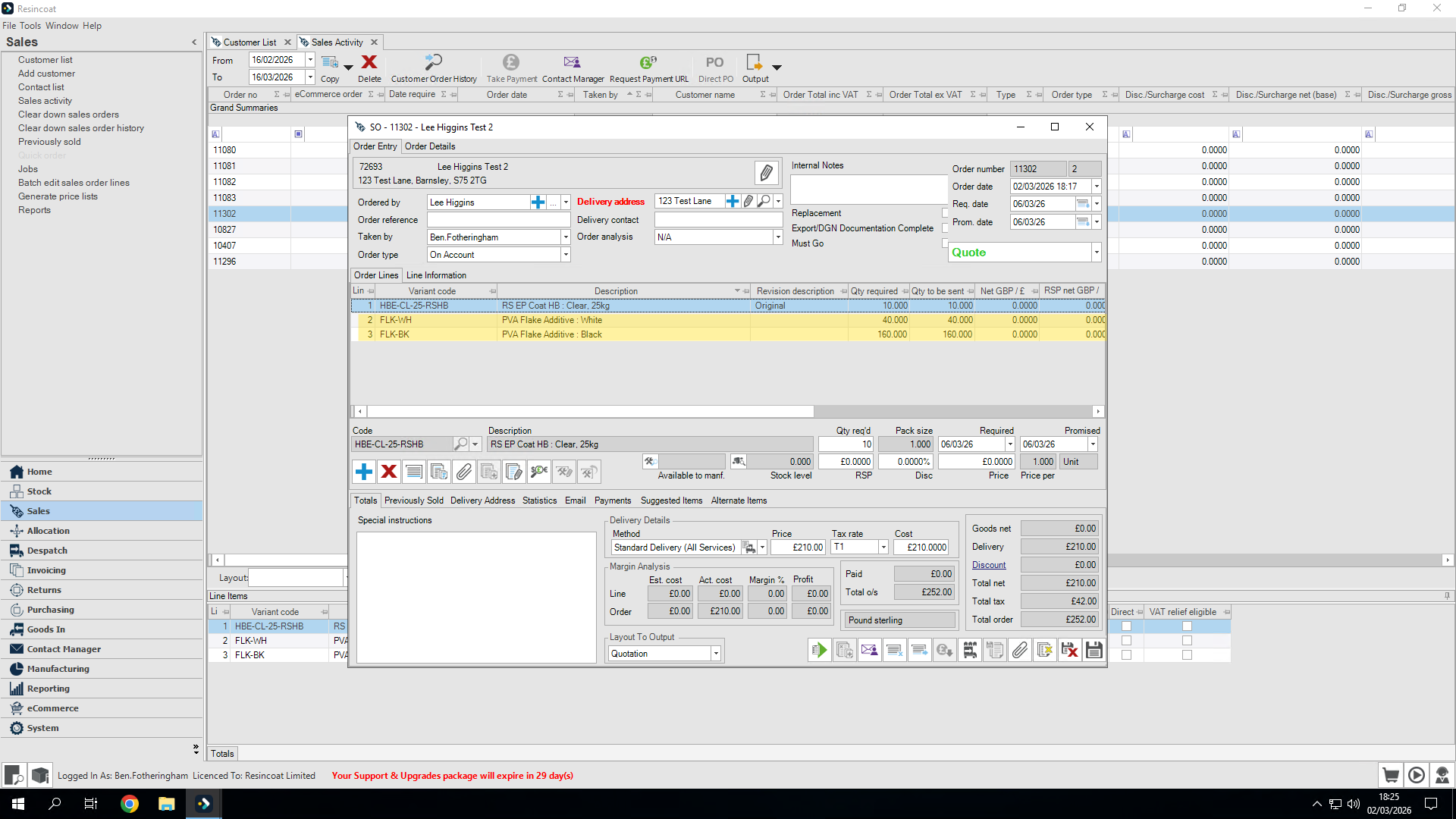
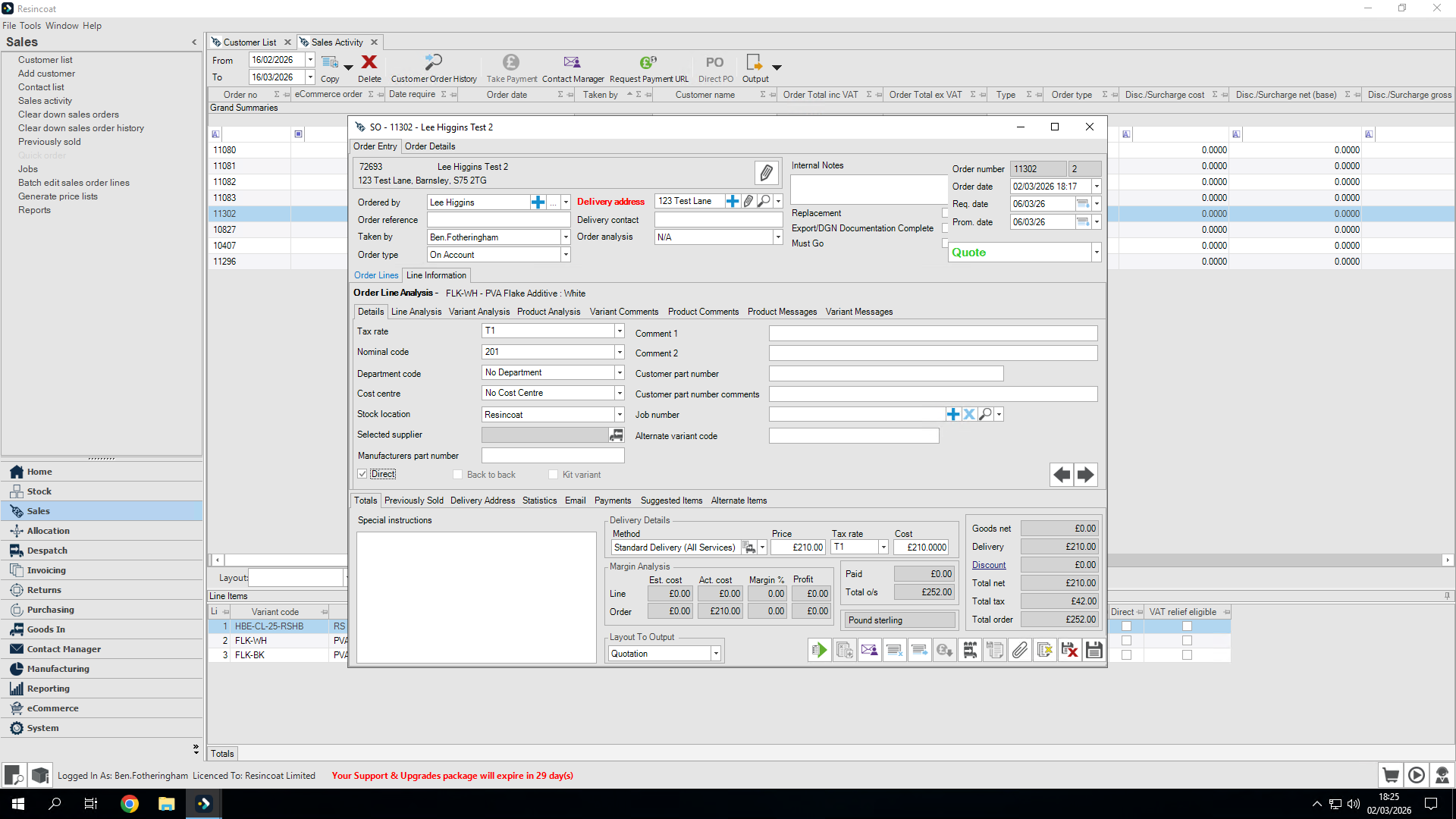
First, highlight line two. Then, click the Line Information tab.
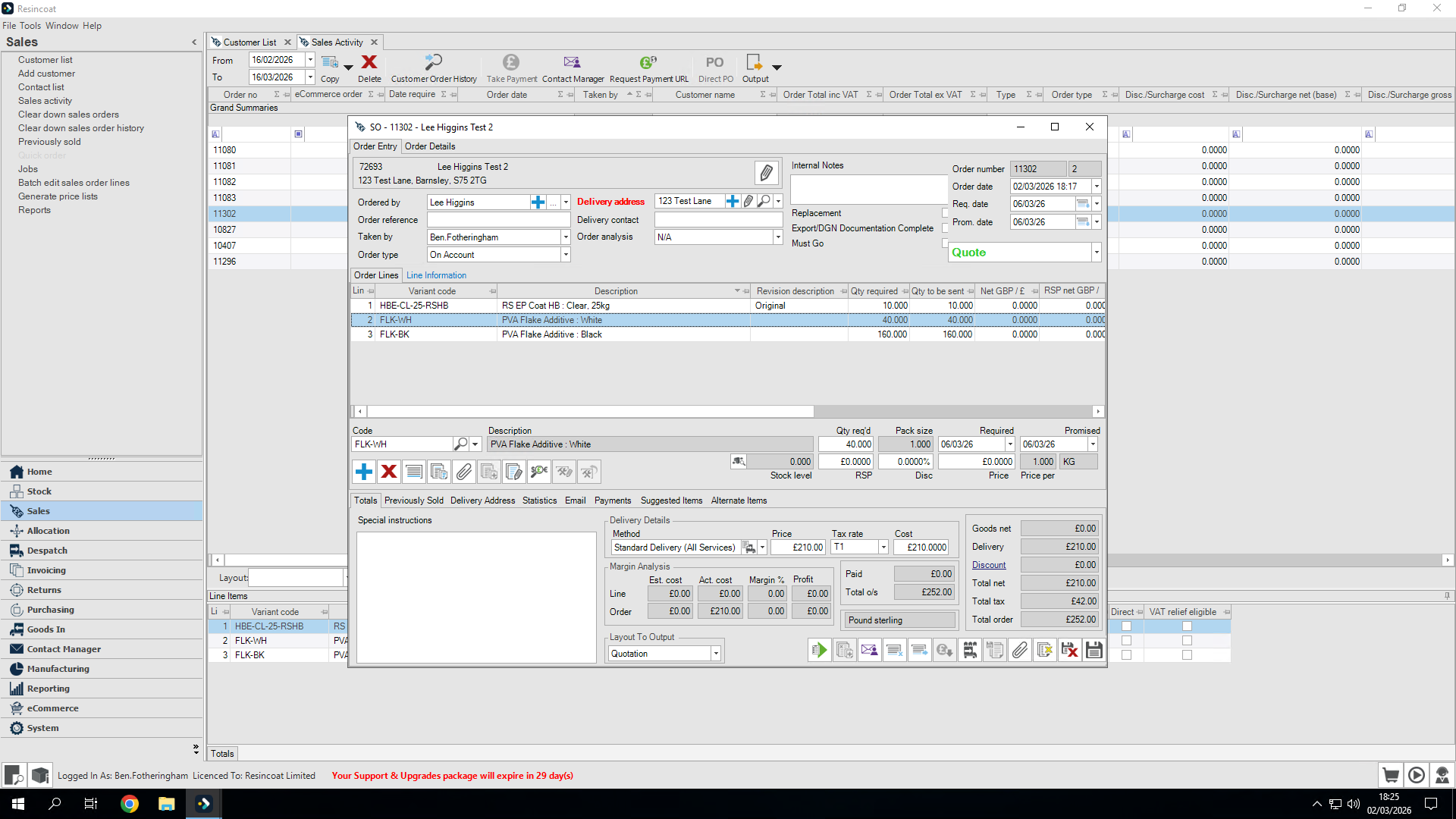
I will then set direct delivery there.
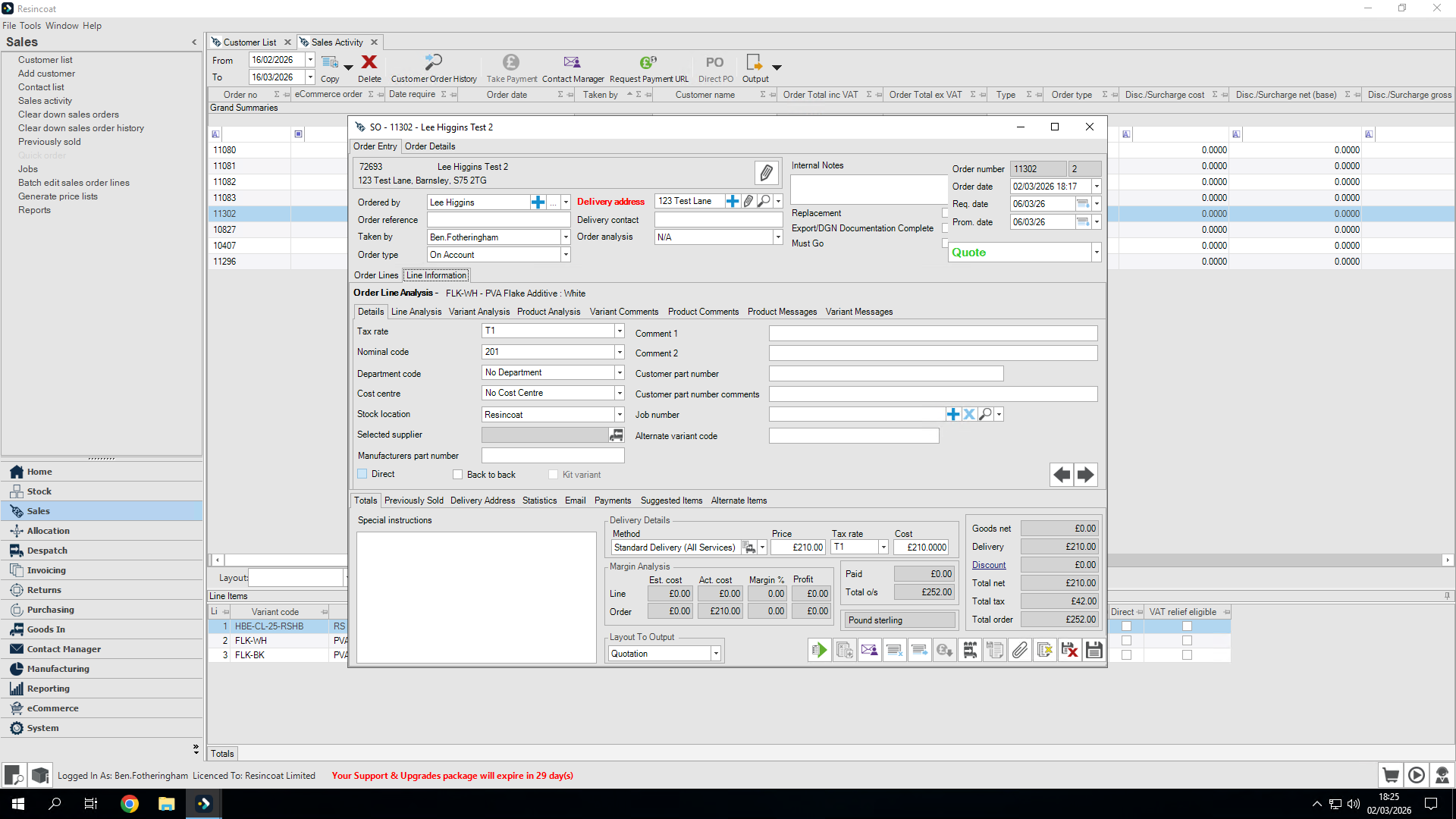
this line is now set for direct delivery so let's go back to the other order lines.
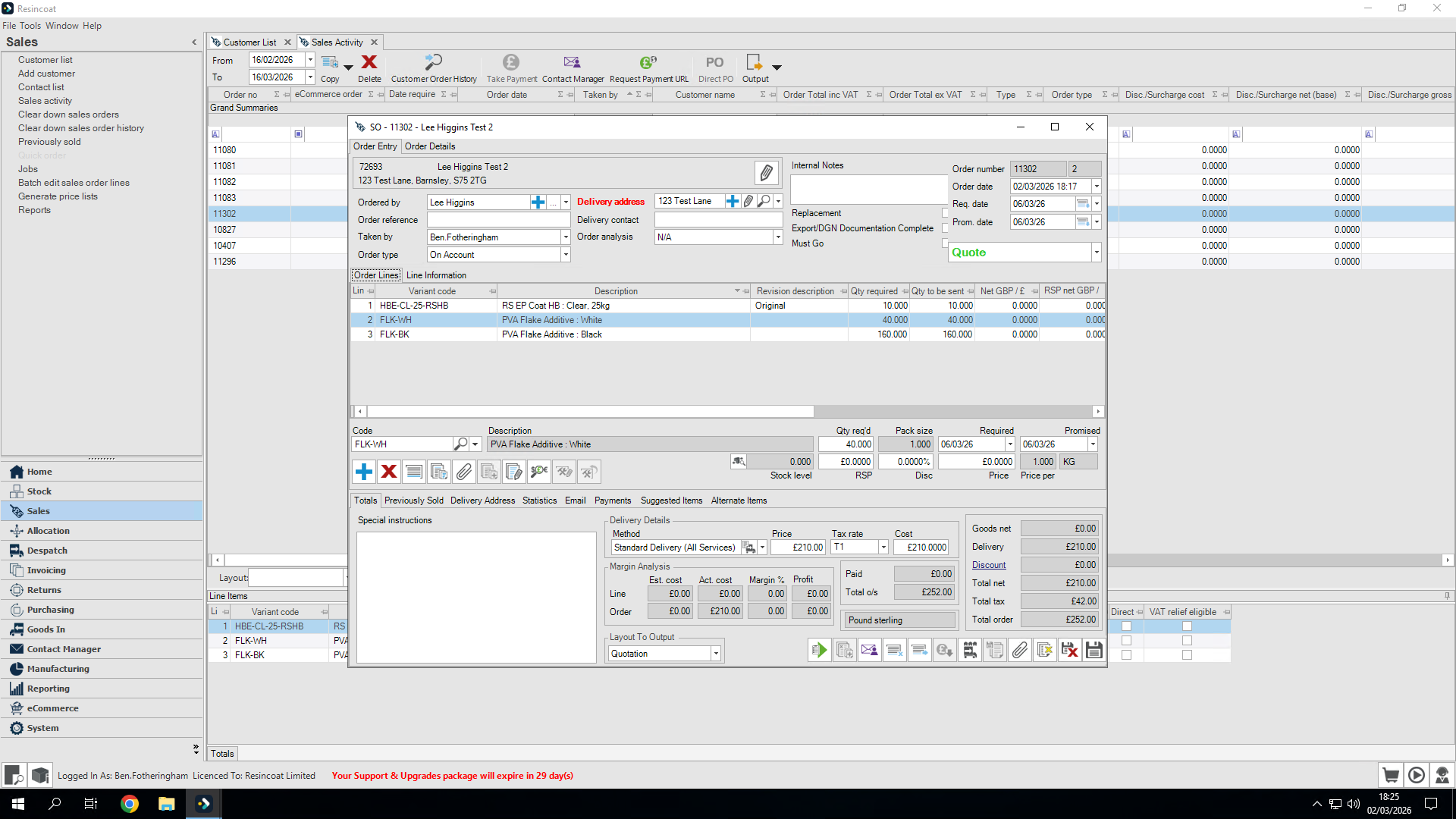
Repeat the process
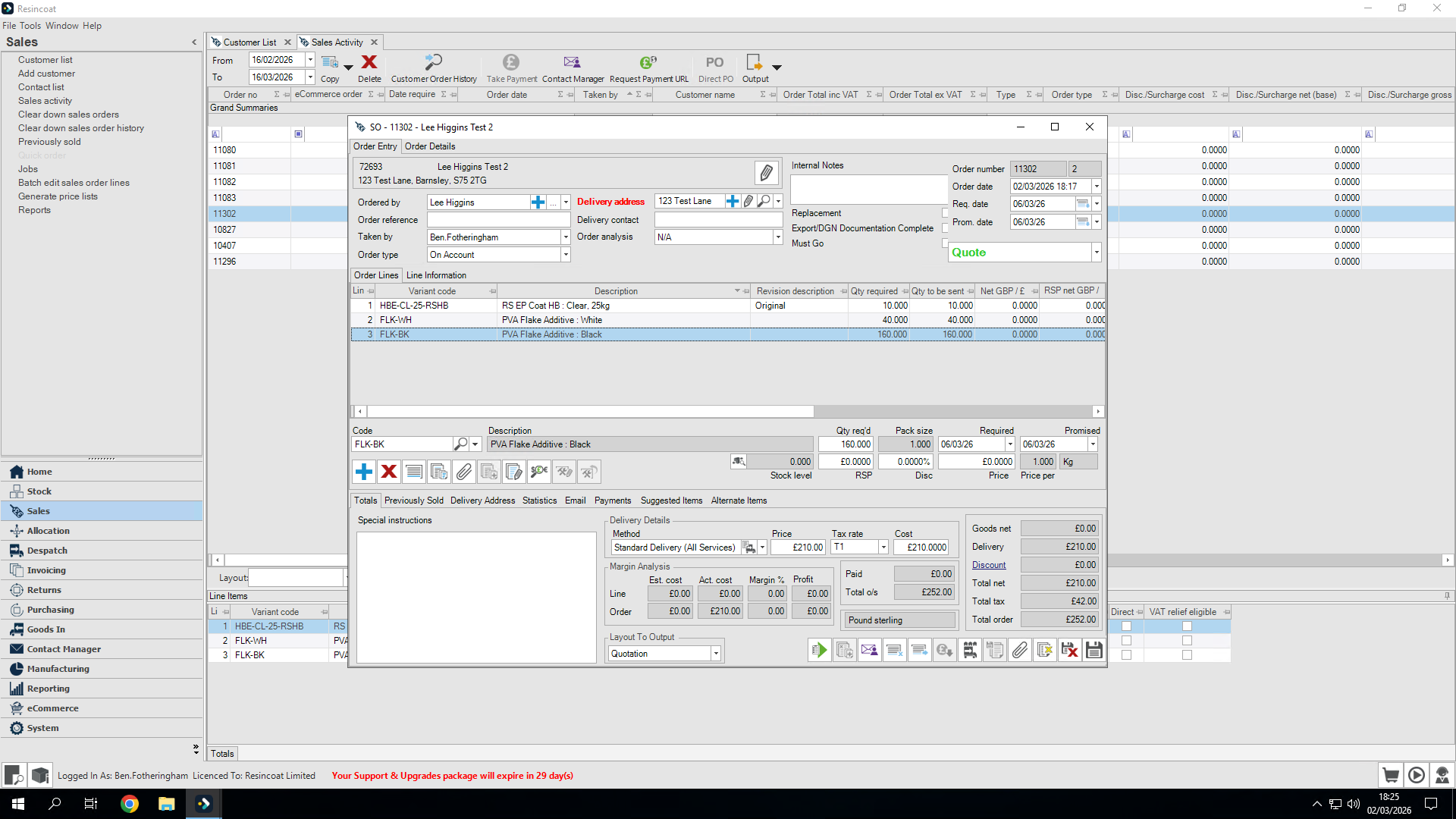
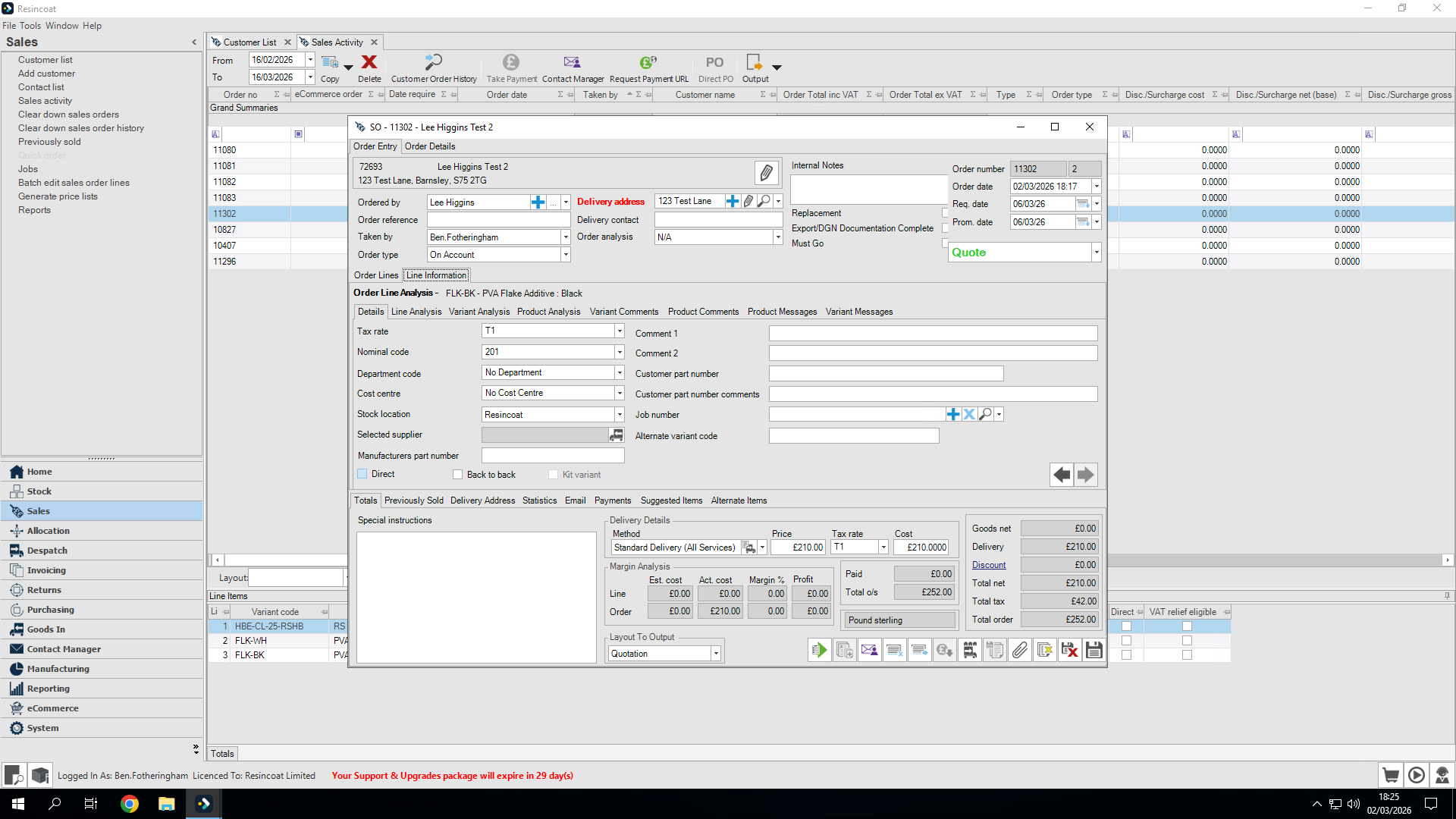
Both lines are now set for direct delivery.
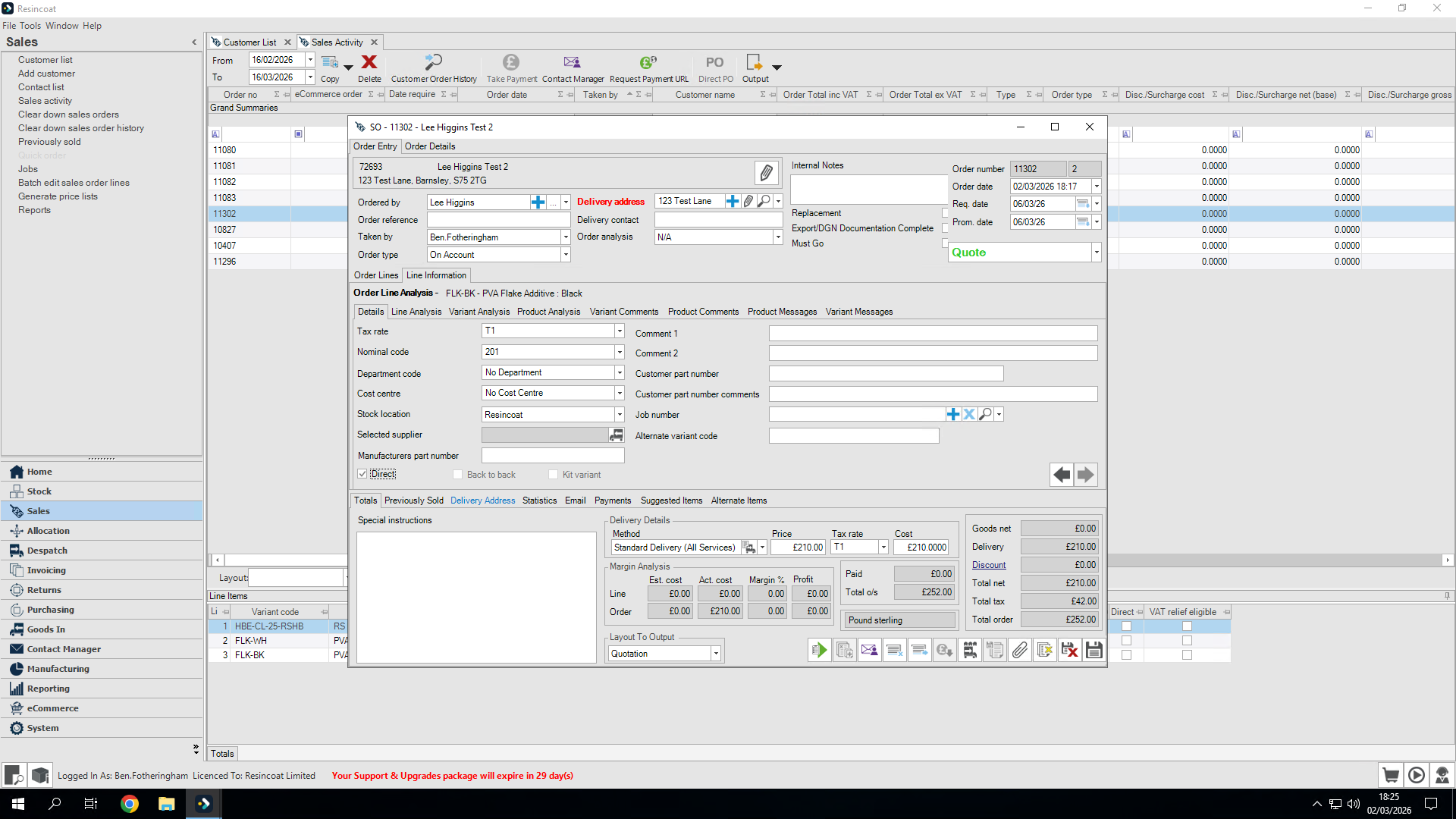
This is the one we will use for this order, and I am happy with it. Let's save the order.
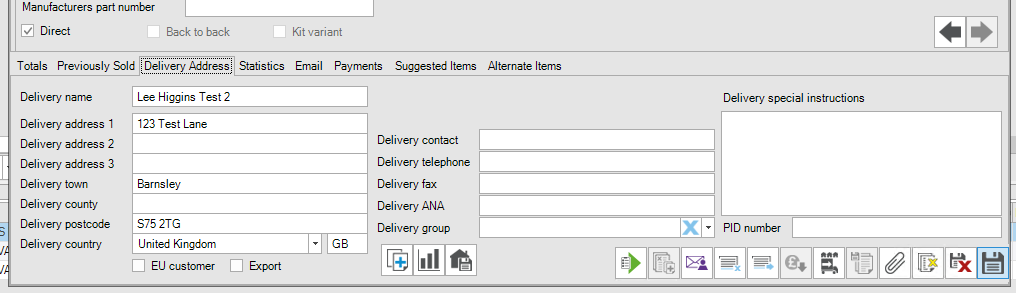
This process has highlighted the two lines at the bottom as direct-to-customer orders.