
How to Substitute Component Revisions with the Where Used Tool
Learn how to use the Where Used and Substitute tool to find active instances of an old component revision and update them to a new revision.
By Ben Fotheringham
When you create a new product revision, you may need to update existing structures to ensure they use the new version. The Where Used / Substitute tool allows you to find all active instances of an old component and seamlessly swap them out for the newly created revision.
1. Locate the Target Component
First, locate the component and revision you want to replace.
1
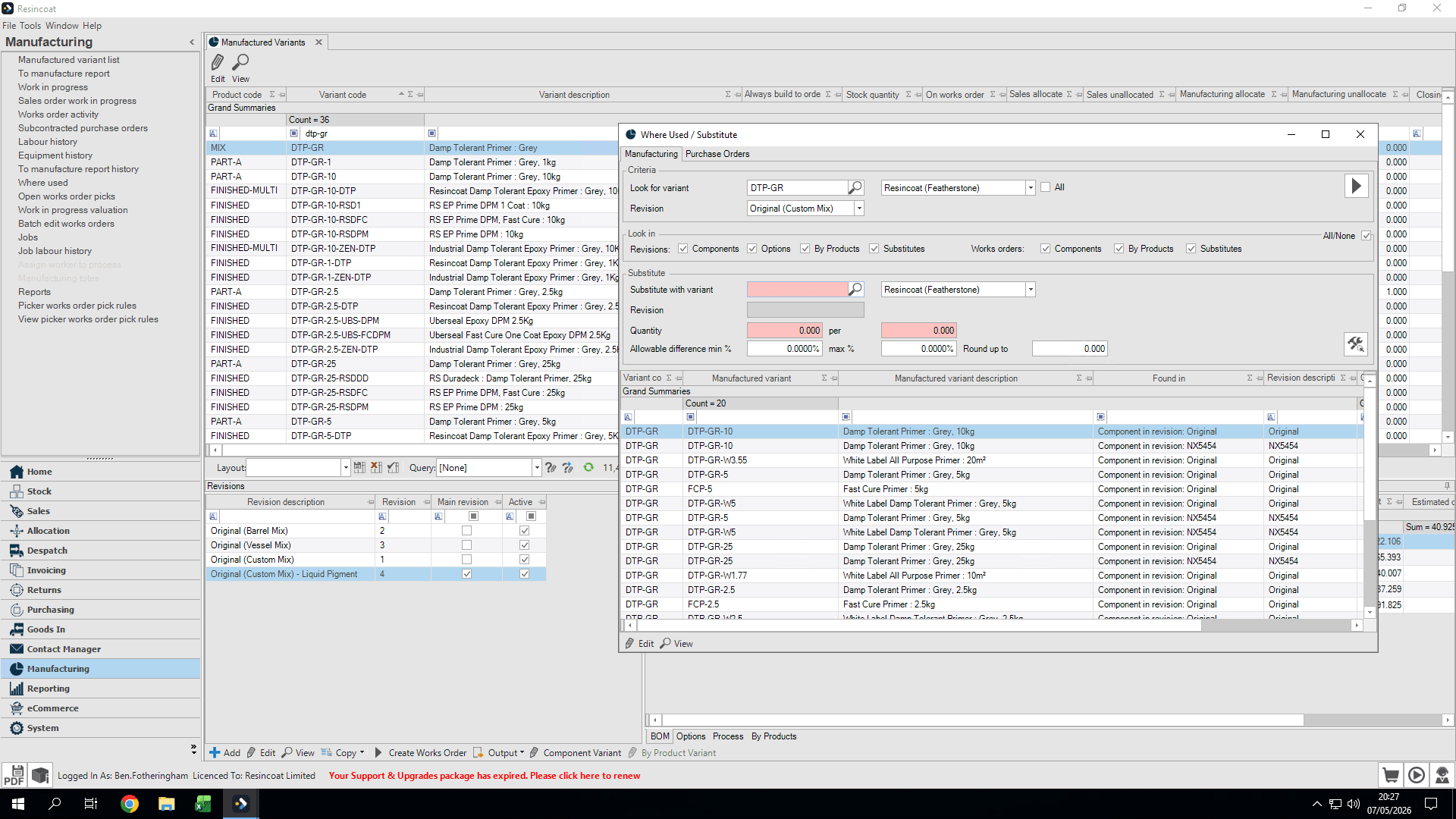
Click Where Used / Substitute to open the dialog.
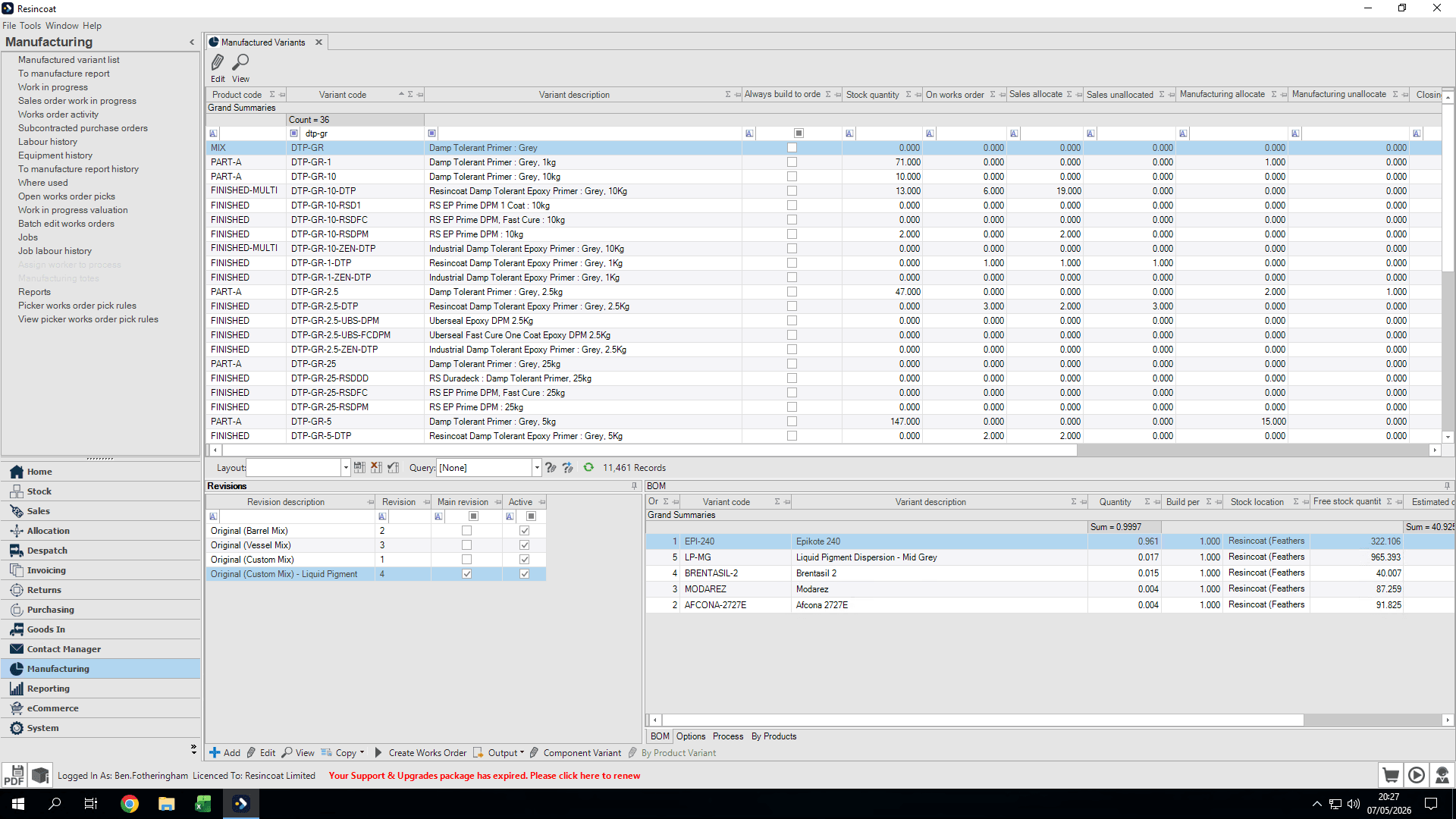
2
Click inside the Look for variant field.
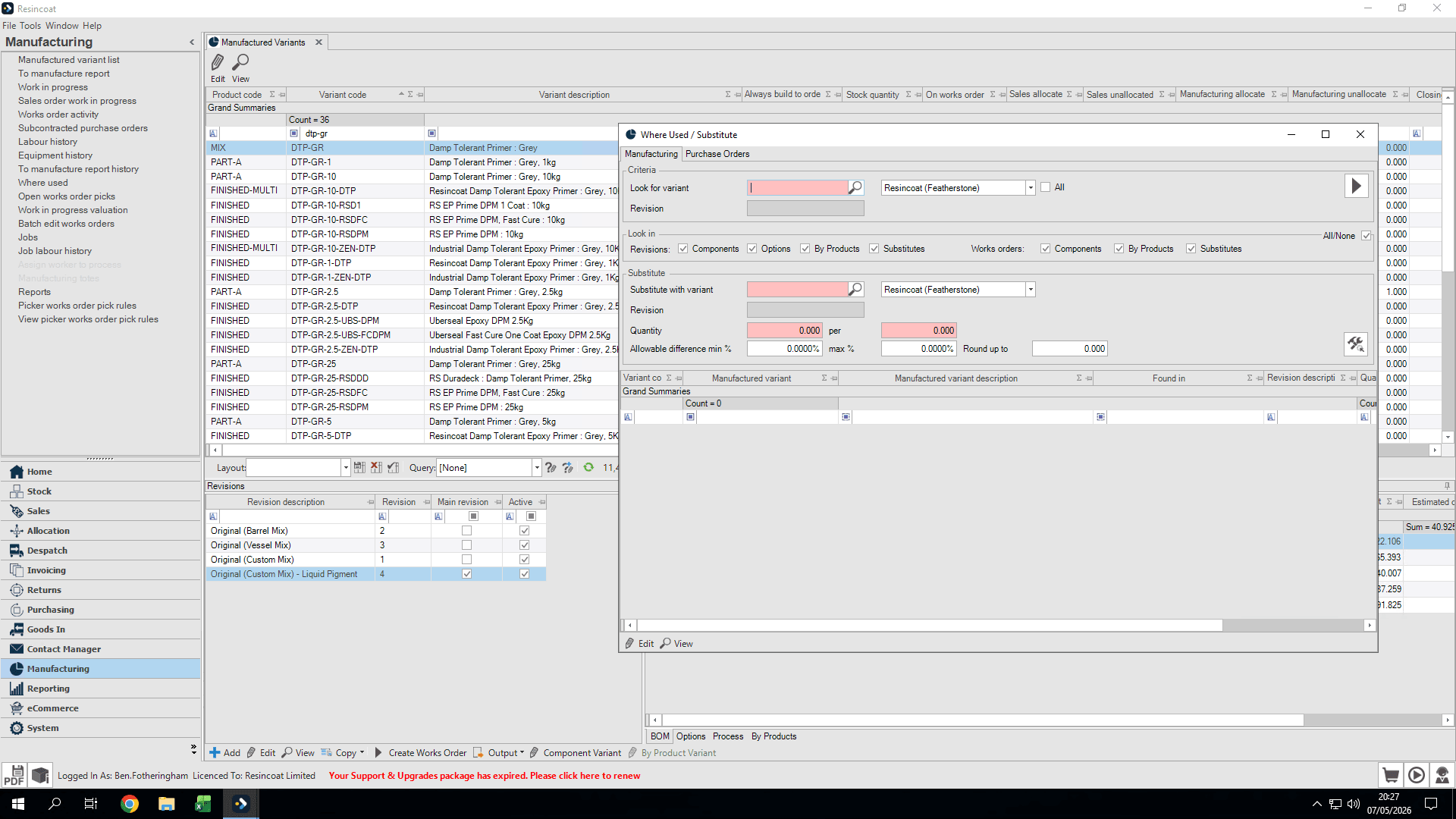
3
Type the variant code of the component you want to replace (e.g.,
DTP-GR) and press Tab.4
Select the specific revision you want to replace from the dropdown menu (e.g., Original (Custom Mix)).
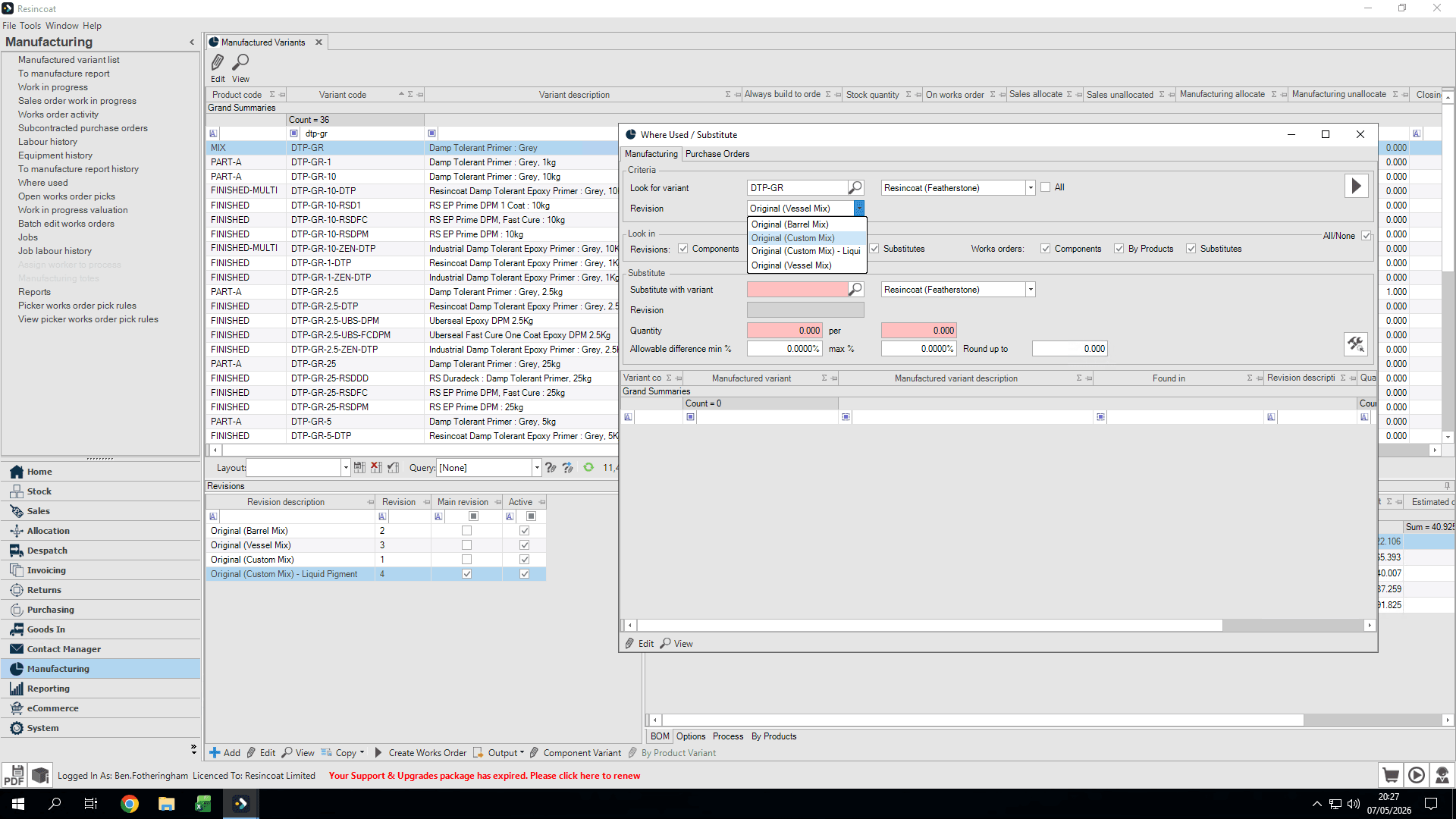
5
Click the Search icon to populate a list of where this revision is currently used.
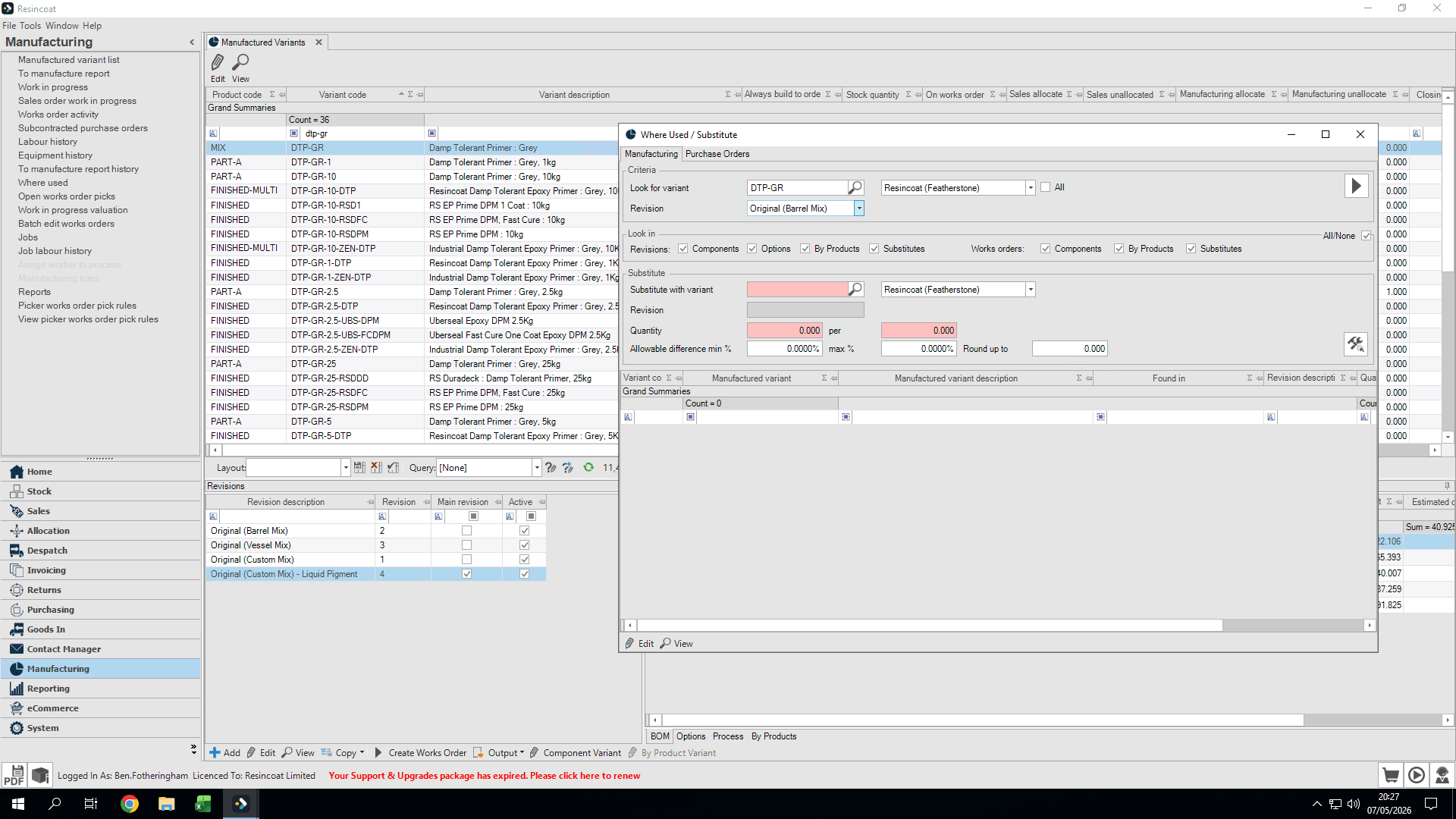
2. Configure the Substitution
Next, define the variant and revision that will take its place.
6
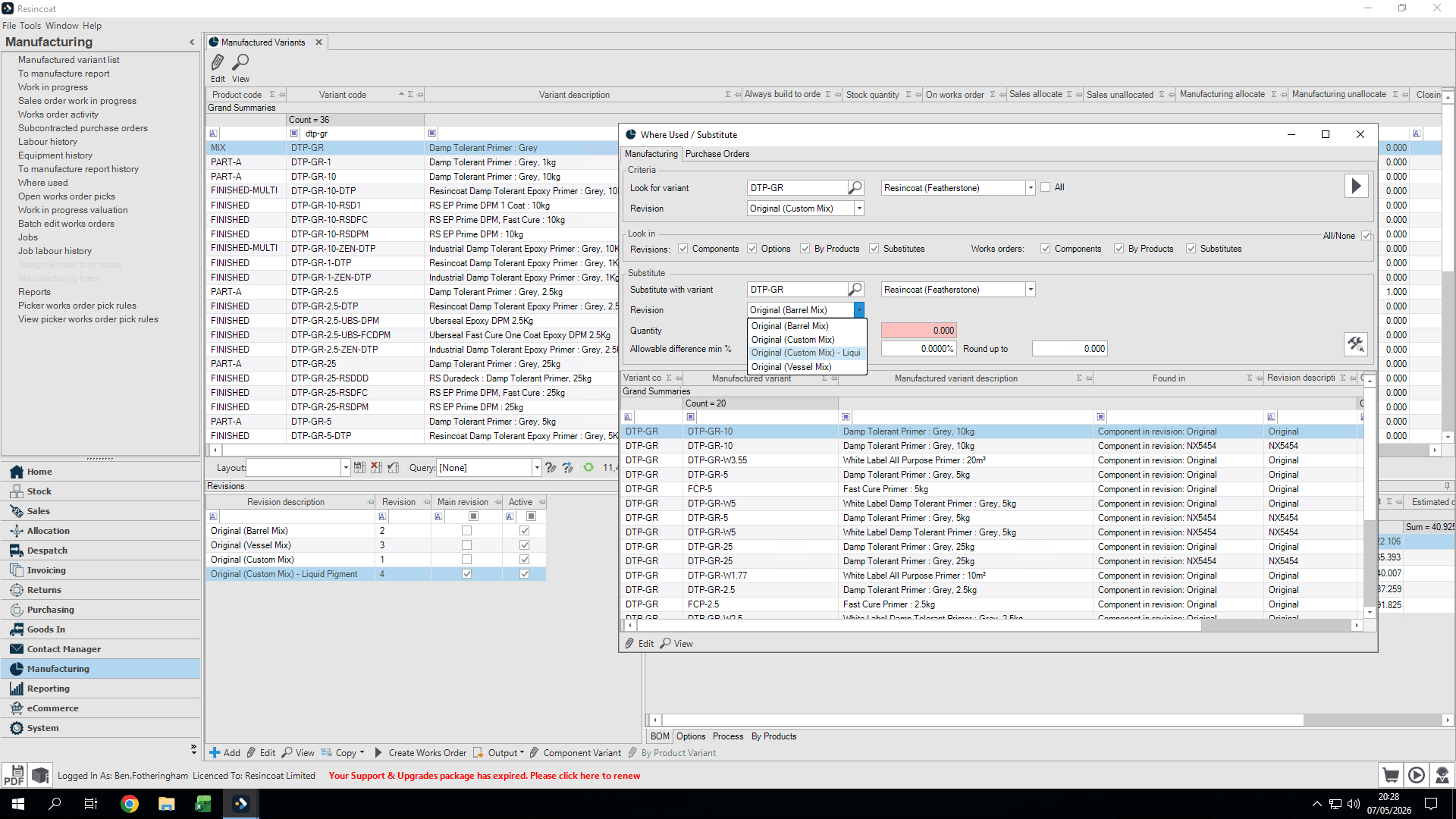
Click inside the Substitute with variant field.
7
Type the replacement variant code and press Tab. (If you are only updating the revision, use the same variant code.)
8
Select the new revision you want to apply from the dropdown menu.
3. Apply the Substitution
You must process substitutions by matching the replacement quantity to the original usage quantity. Process line items grouped by their required quantity.
9
In the Substitute criteria section, type the exact quantity used for the target line item (e.g.,
0.588).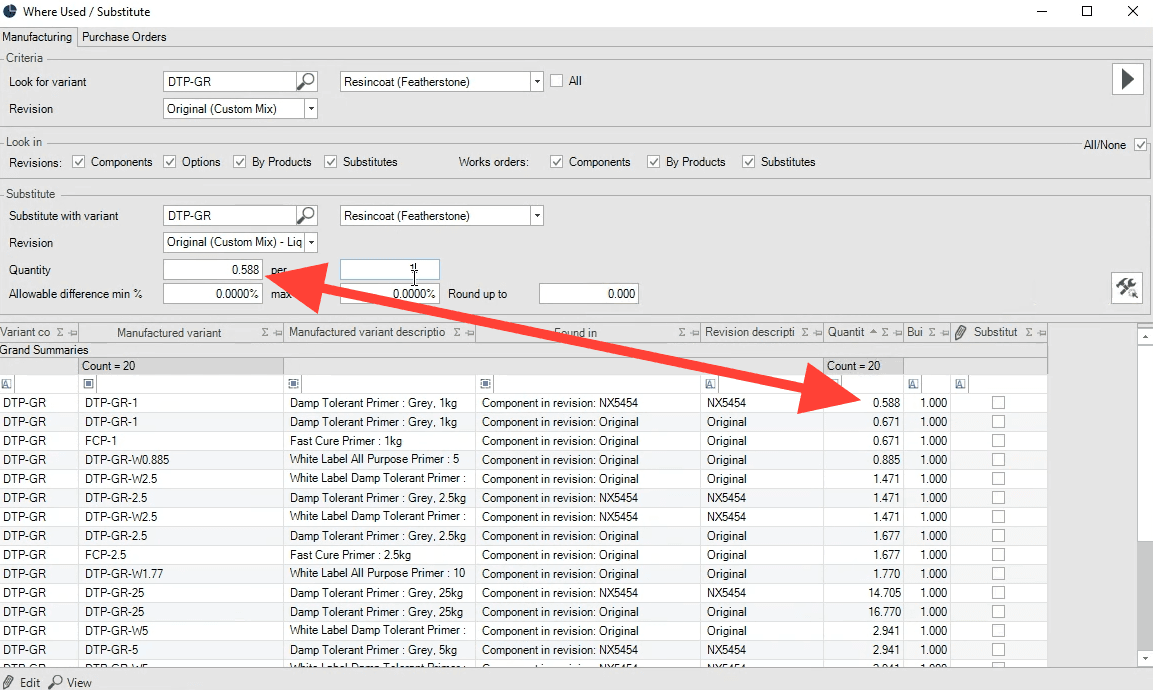
10
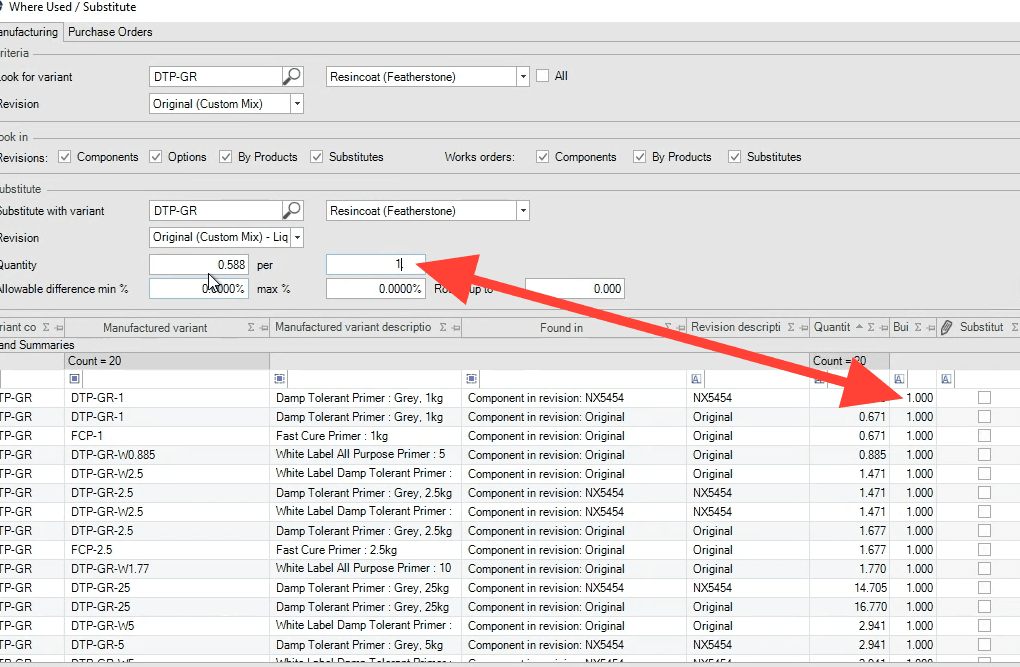
Ensure the per field matches the original line item configuration
11
Check the box next to the line items in the table that require this specific quantity (may be more than a single line).
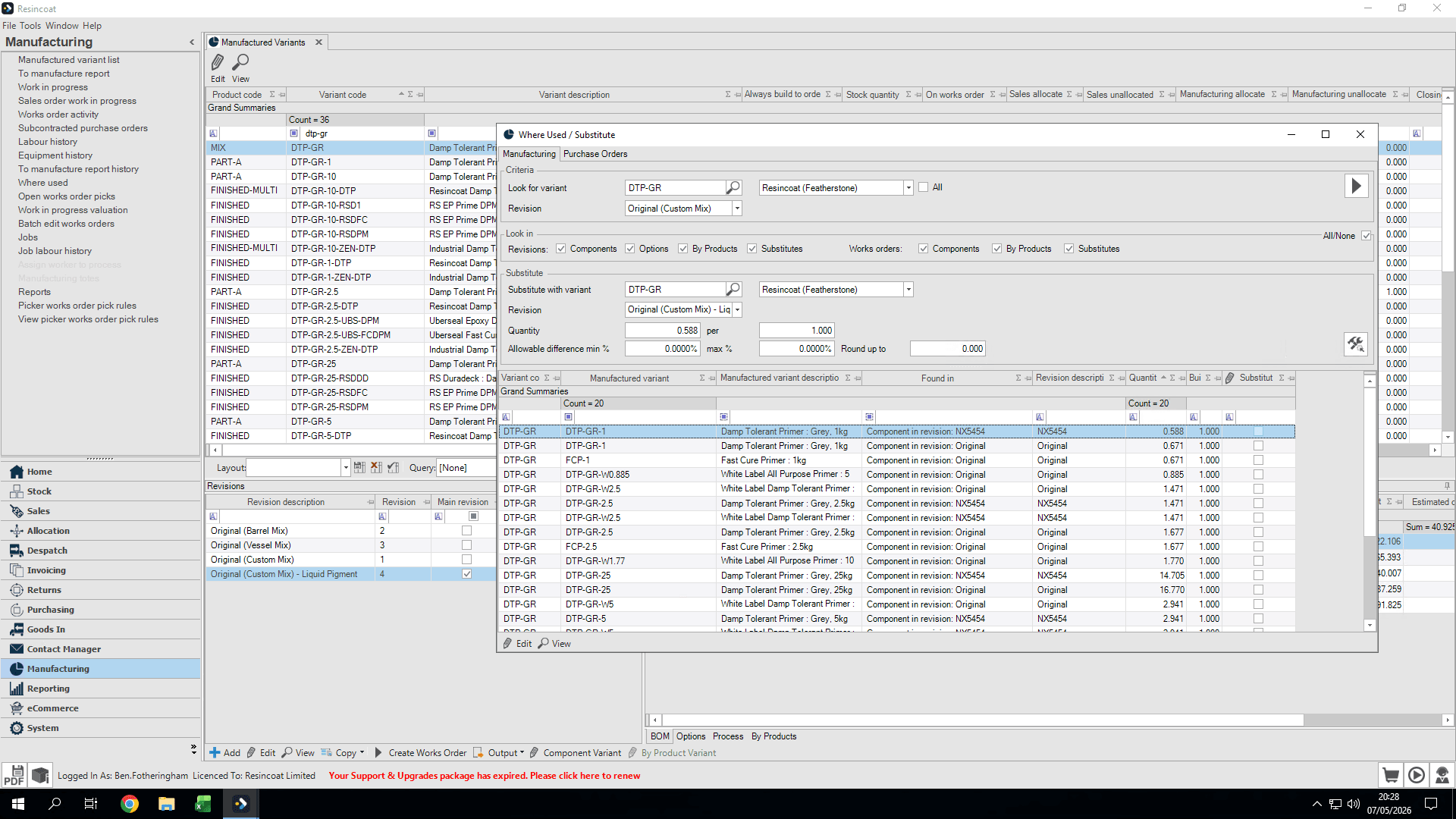
12
Click the Substitute button to execute the change.
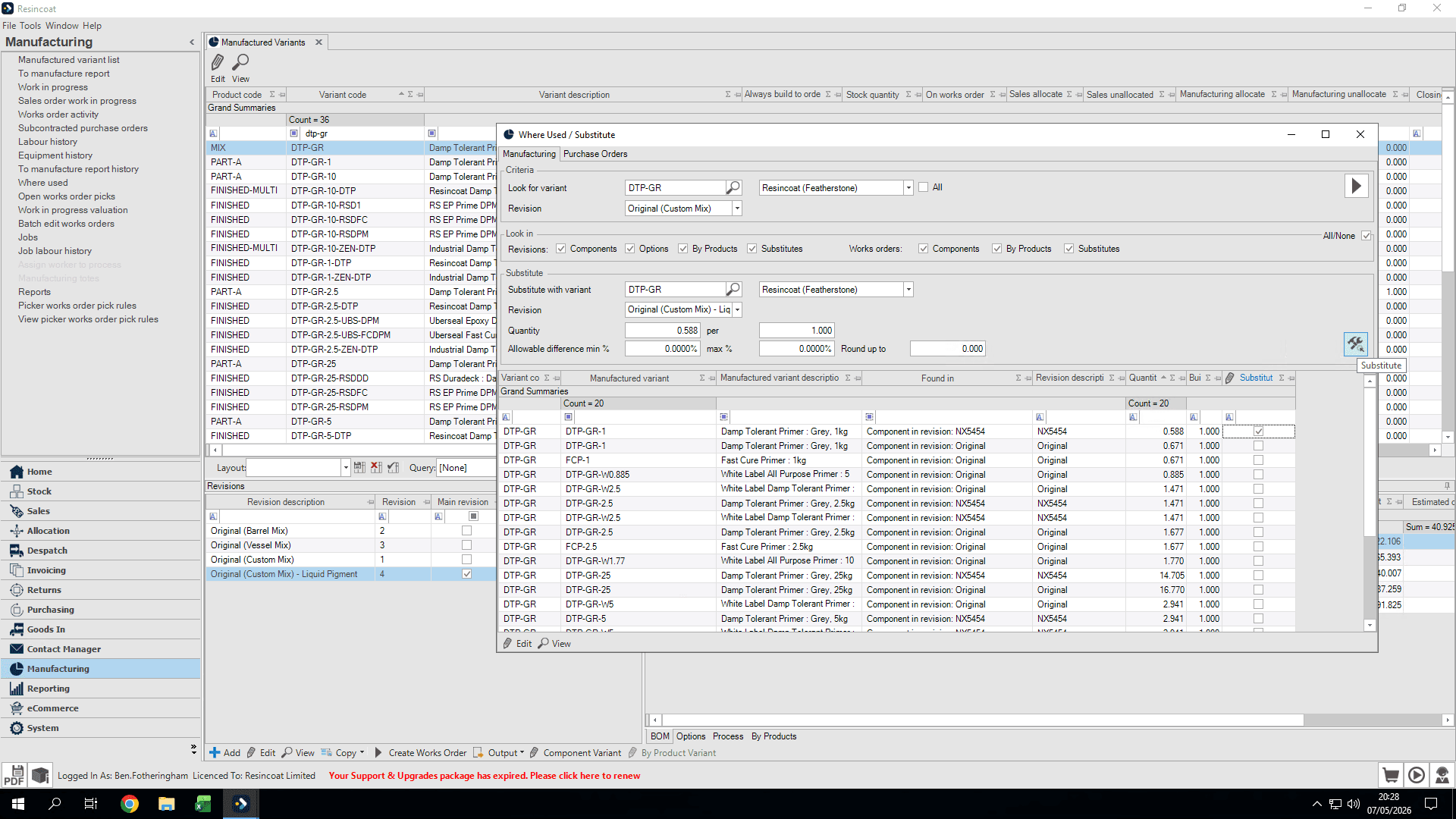
13
Review the Substitute Results window that appears to confirm the substitution shows a "Pass" status.
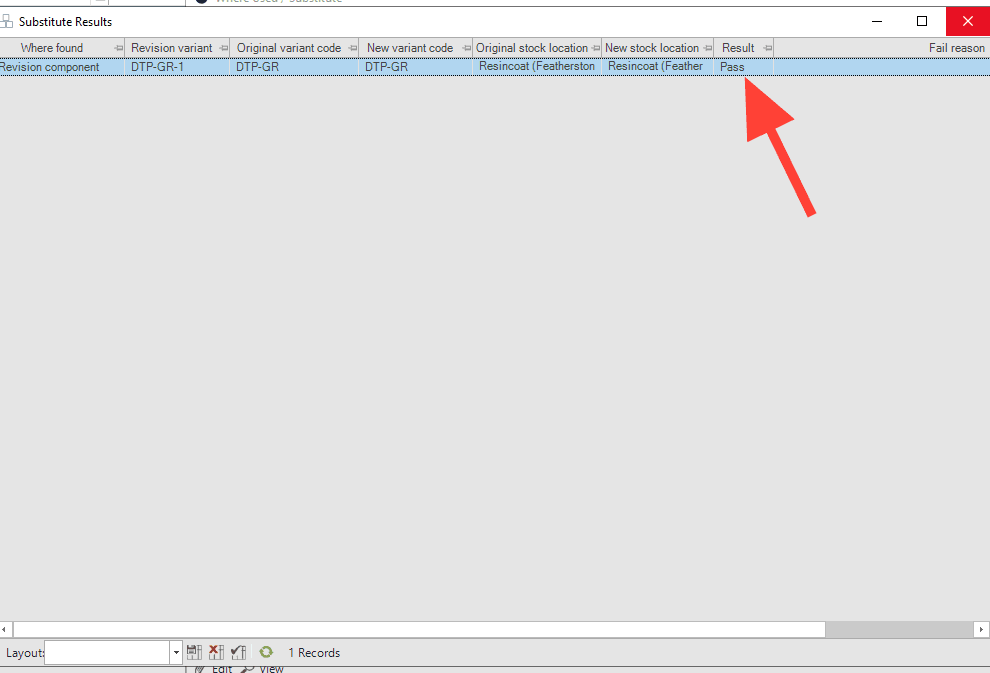
14
Click the X to close the results window.
15
For remaining line items with different quantities, update the substitute quantity field (e.g.,
0.671), select the corresponding rows, and run the substitution again.Repeat this process until all uses of the old revision have been forwarded to the new one.