How to Switch Businesses in Weel
Learn how to seamlessly switch between multiple business accounts or add a new entity from your Weel dashboard.
By Jing Hui
If you manage multiple entities or companies in Weel, you can easily toggle between their respective dashboards without having to log in and out.
Switching to Another Business Account
1
Click your current business name or account settings menu to open the dropdown
2
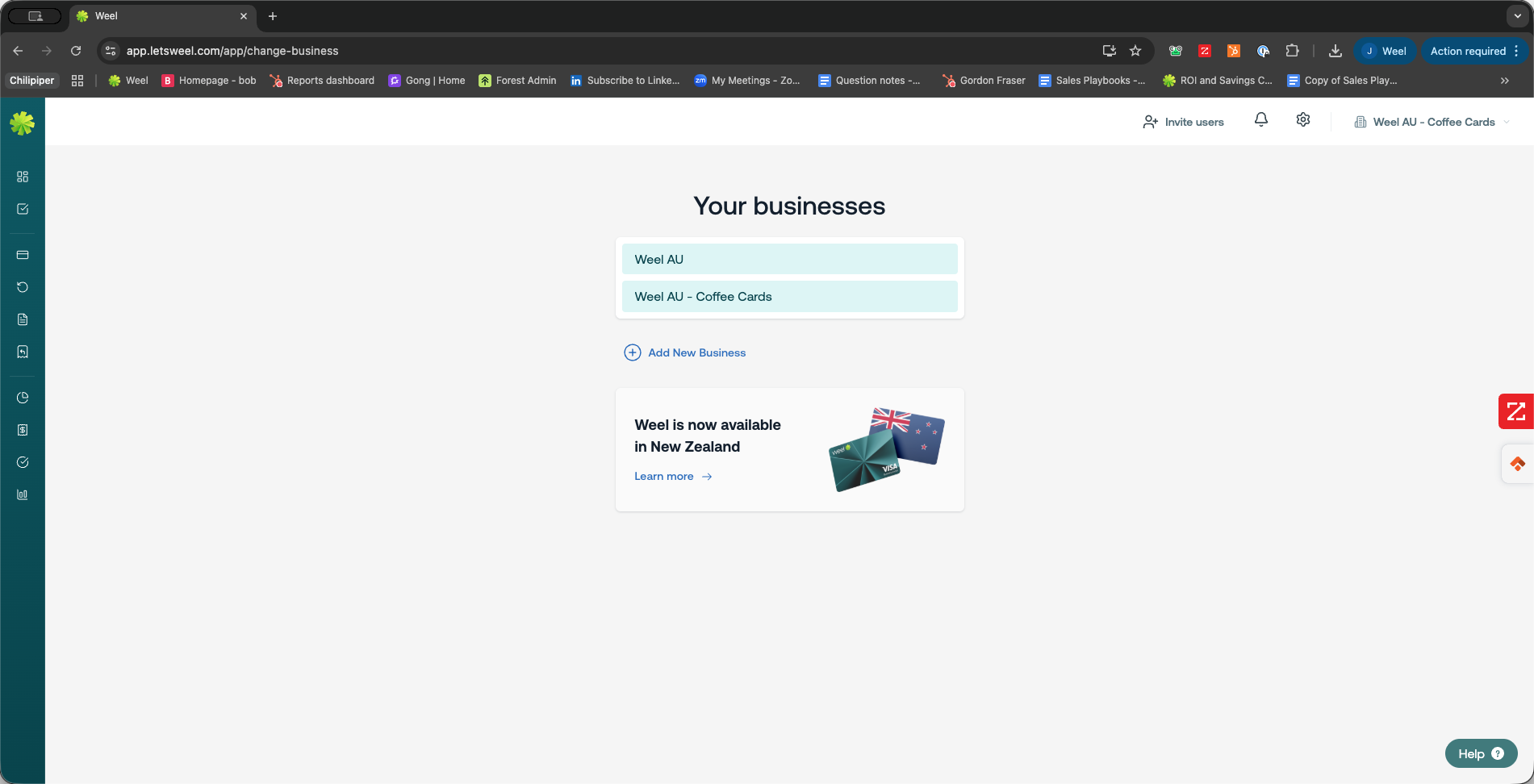
Select Change business from the available options
3
Click the name of the business you want to switch to
Adding a New Business
If the entity you need isn't listed yet, you can easily create a new one directly from the business selection screen.
4
Click Add New Business to create and configure a new company profile