How to Tag a Menu for Quick Access
Learn how to tag and untag menus for faster access. This step-by-step guide shows you how to pin your most-used menus, like workflows or contact delivery, so you can find them quickly.
By Emilie Peloquin
In this guide, we'll learn how to tag and untag menus to help you organize and access your most used options quickly. Tagging menus allows you to find important menus with less effort. This process can help you work more efficiently by keeping your favorite menus easy to reach.
Let's get started
1
First, search for the menu you want to tag.
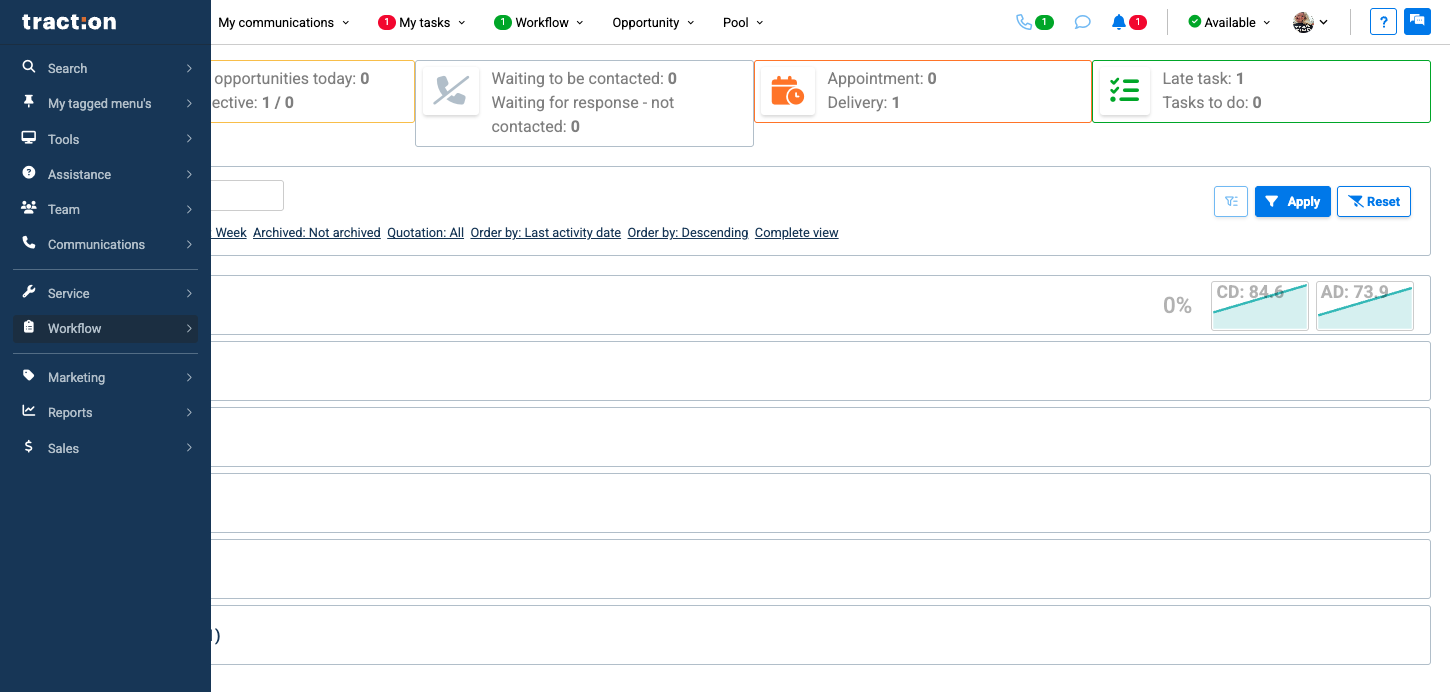
2
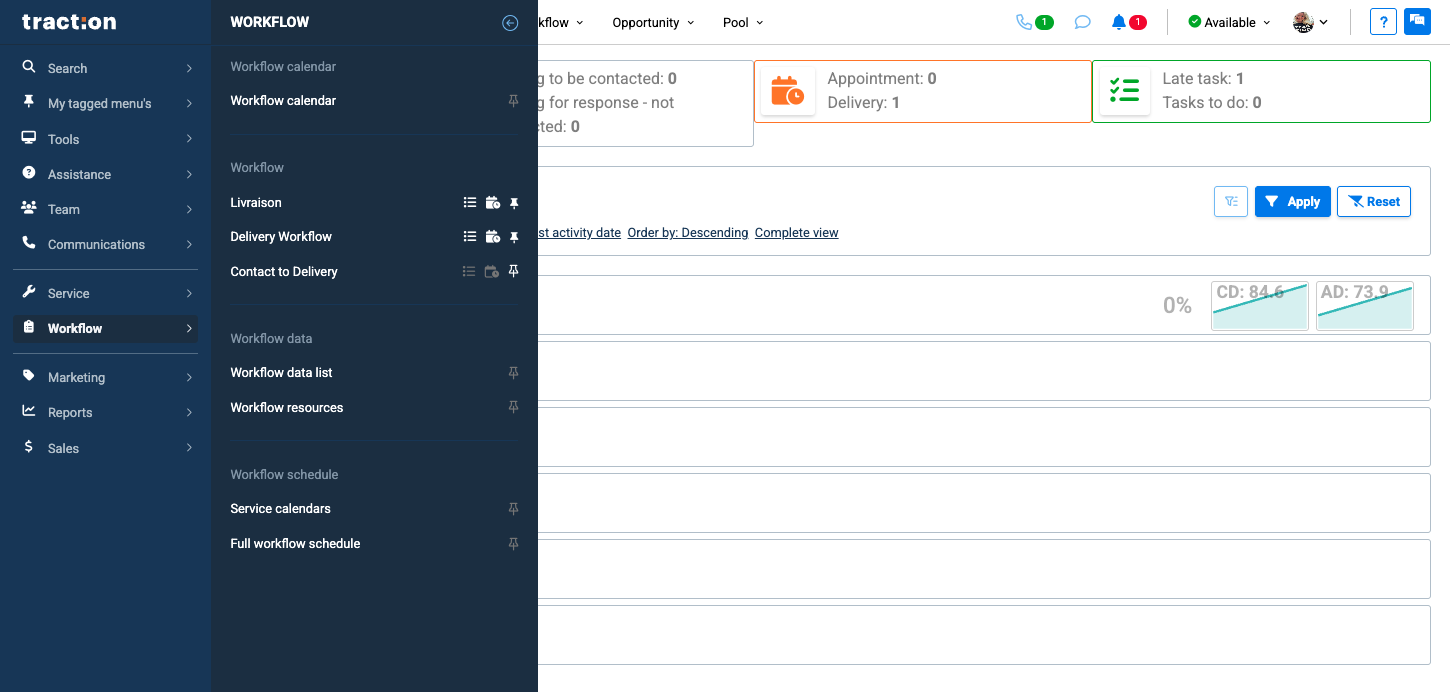
Then clic the pin next to the menu you want to tag
3
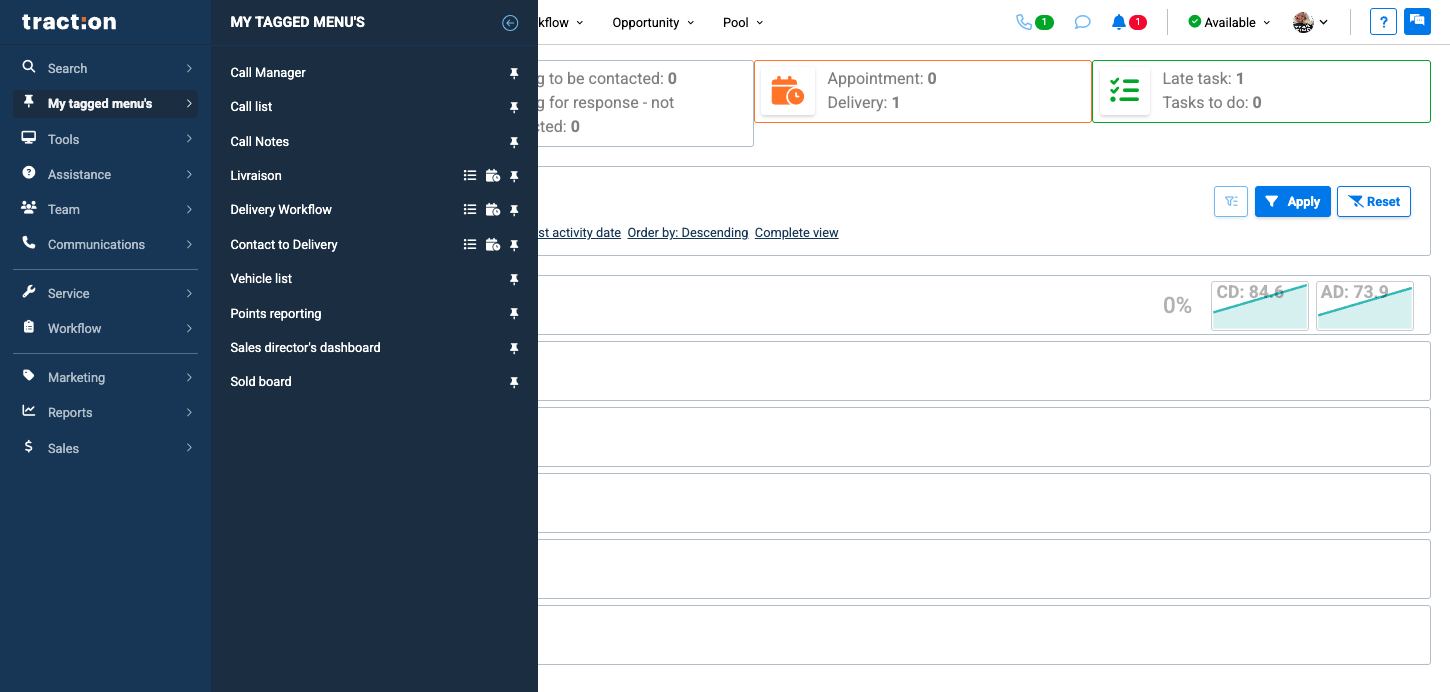
After clicking the pin, go to your tag menus. You will now see it there
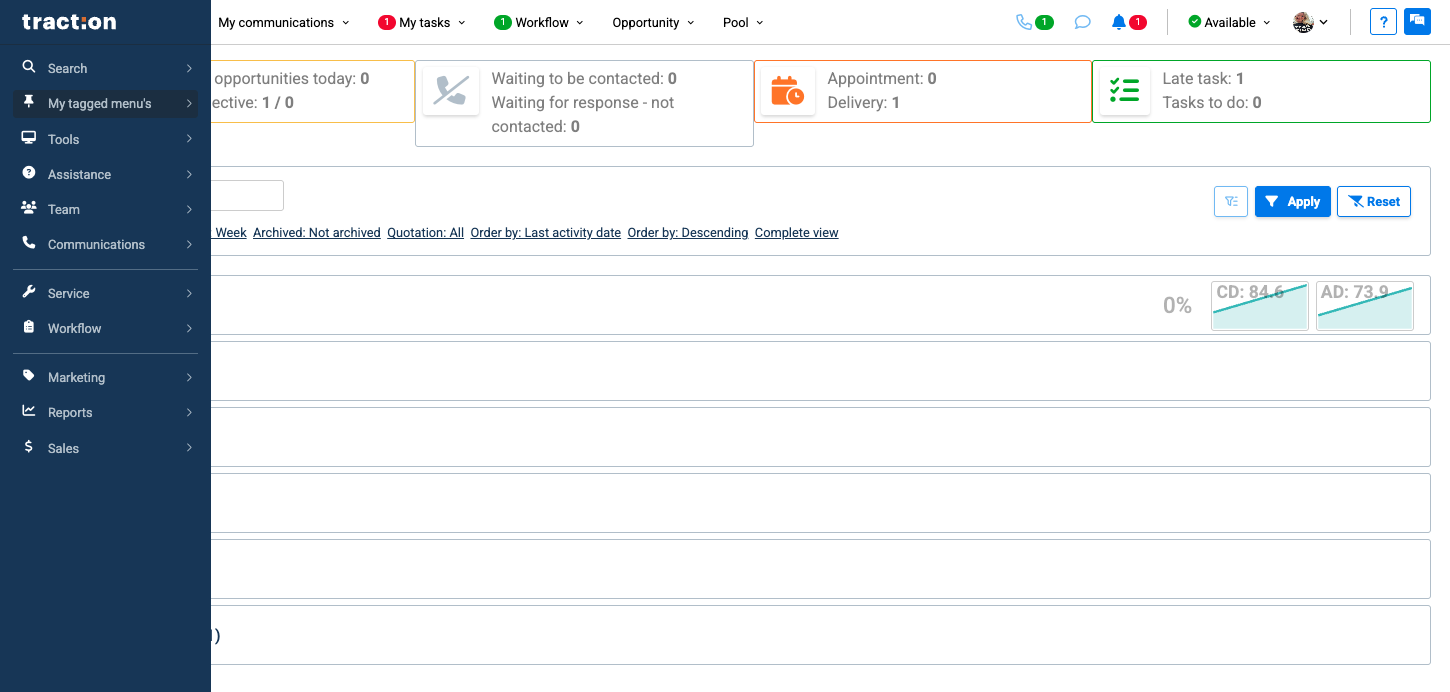
4
If you want to untag this menu, simply click the pin again. It will be removed from your tagged menus.