
How to Transfer a Felony Case to a Misdemeanor Case: Step-by-Step Guide
Learn how to transfer a felony case to a misdemeanor case with this detailed, step-by-step guide. Follow the process for updating charges, filing paperwork, and ensuring accurate case management.
In this guide, we'll learn how to transfer a felony case to a misdemeanor case. This process can also be used for other types of case transfers, such as moving a misdemeanor to a felony or handling juvenile cases. The objective is to ensure that all case details, charges, and related information are updated and transferred correctly in the system.
We'll cover each step, from updating charges to managing financial records and court dates.
Let's get started
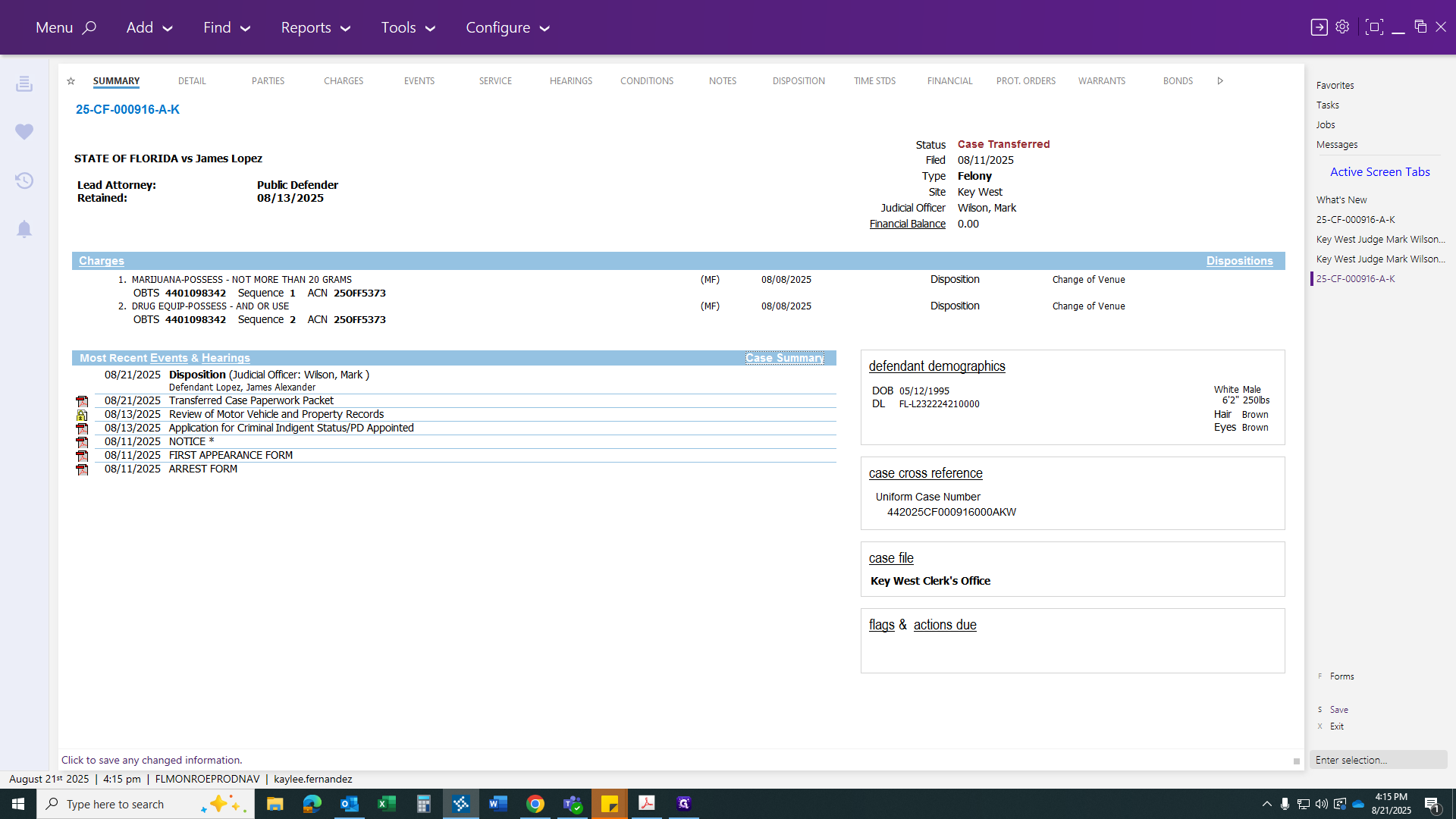
Hello, everyone. In this video, we will learn how to transfer a felony case to a misdemeanor case. This will follow the same format as transferring a misdemeanor case to a felony case, or moving juvenile cases to felony or misdemeanor status, and so on. First, open the case and have the transfer case paperwork ready. First, go to your Charges tab.
You will select the prosecutor and click the link to display what the state attorney is filing.
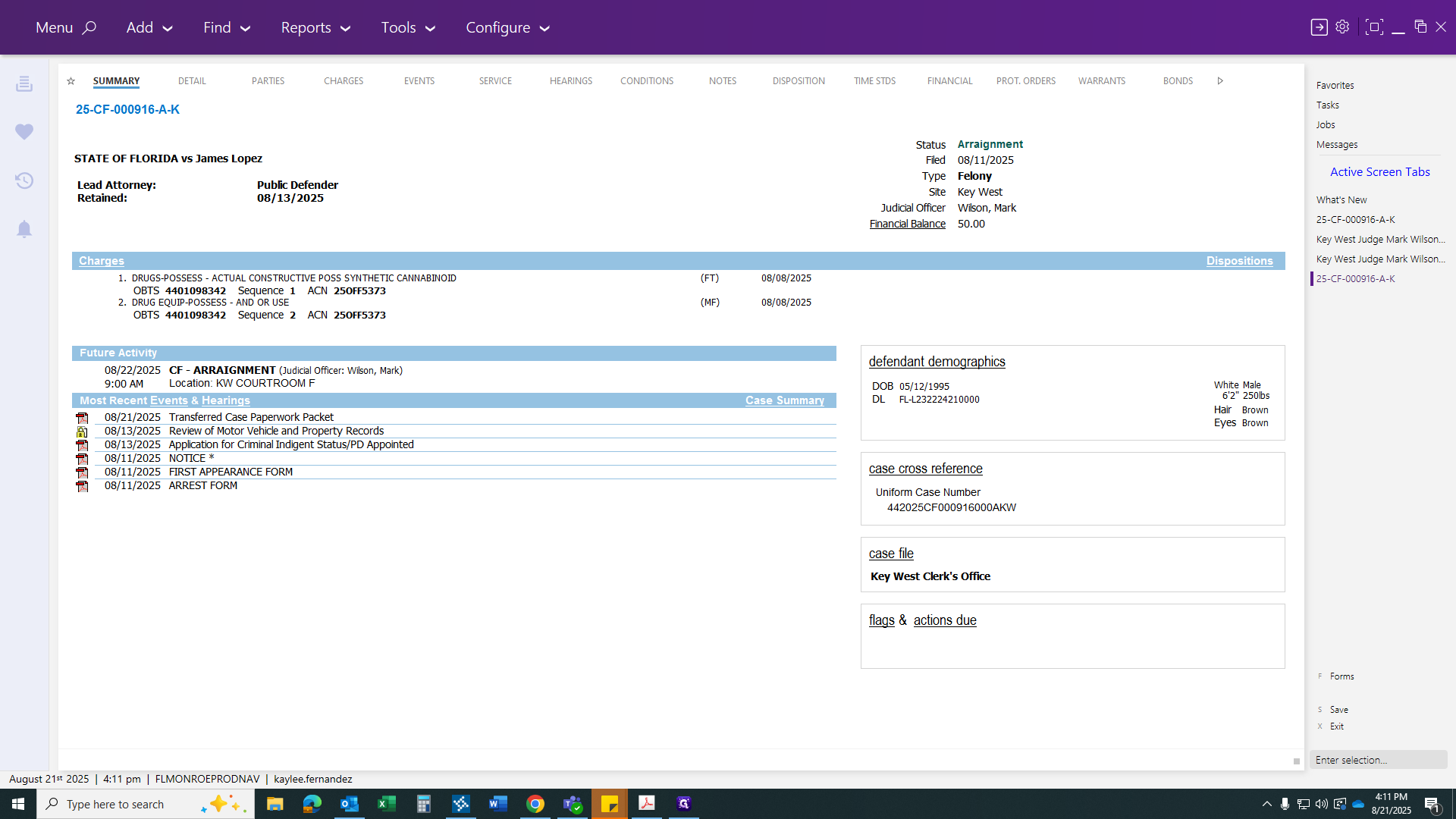
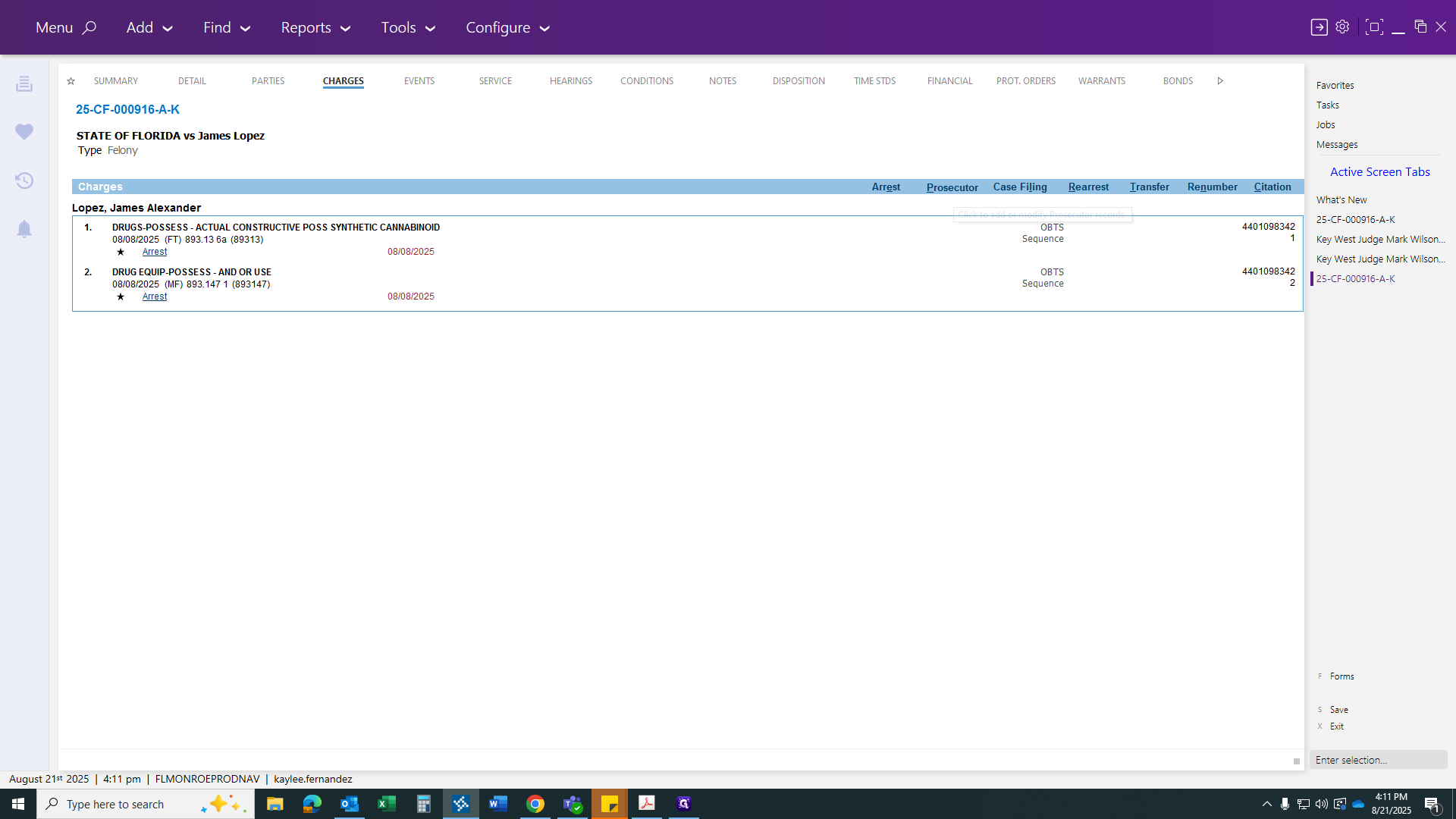
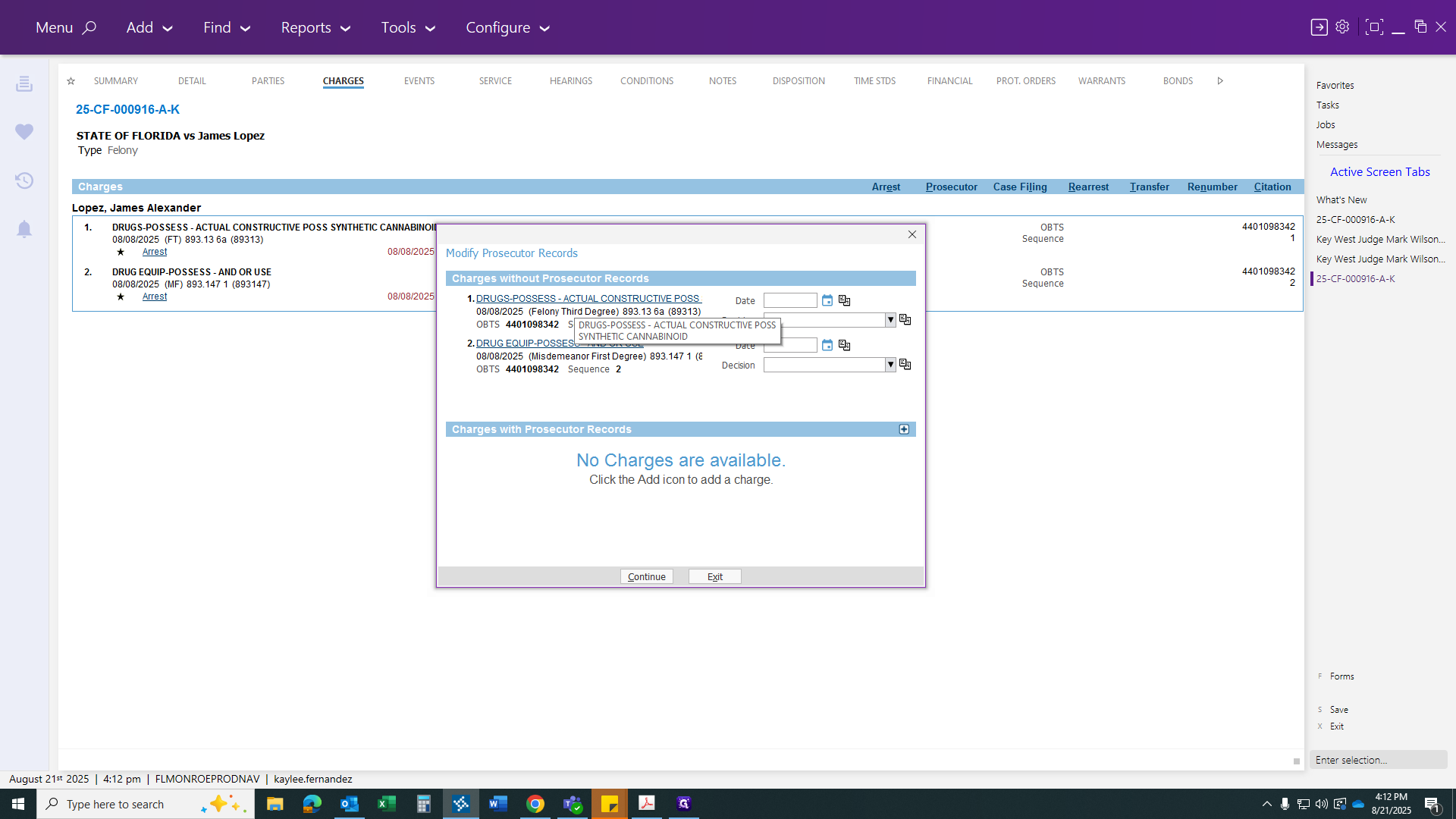
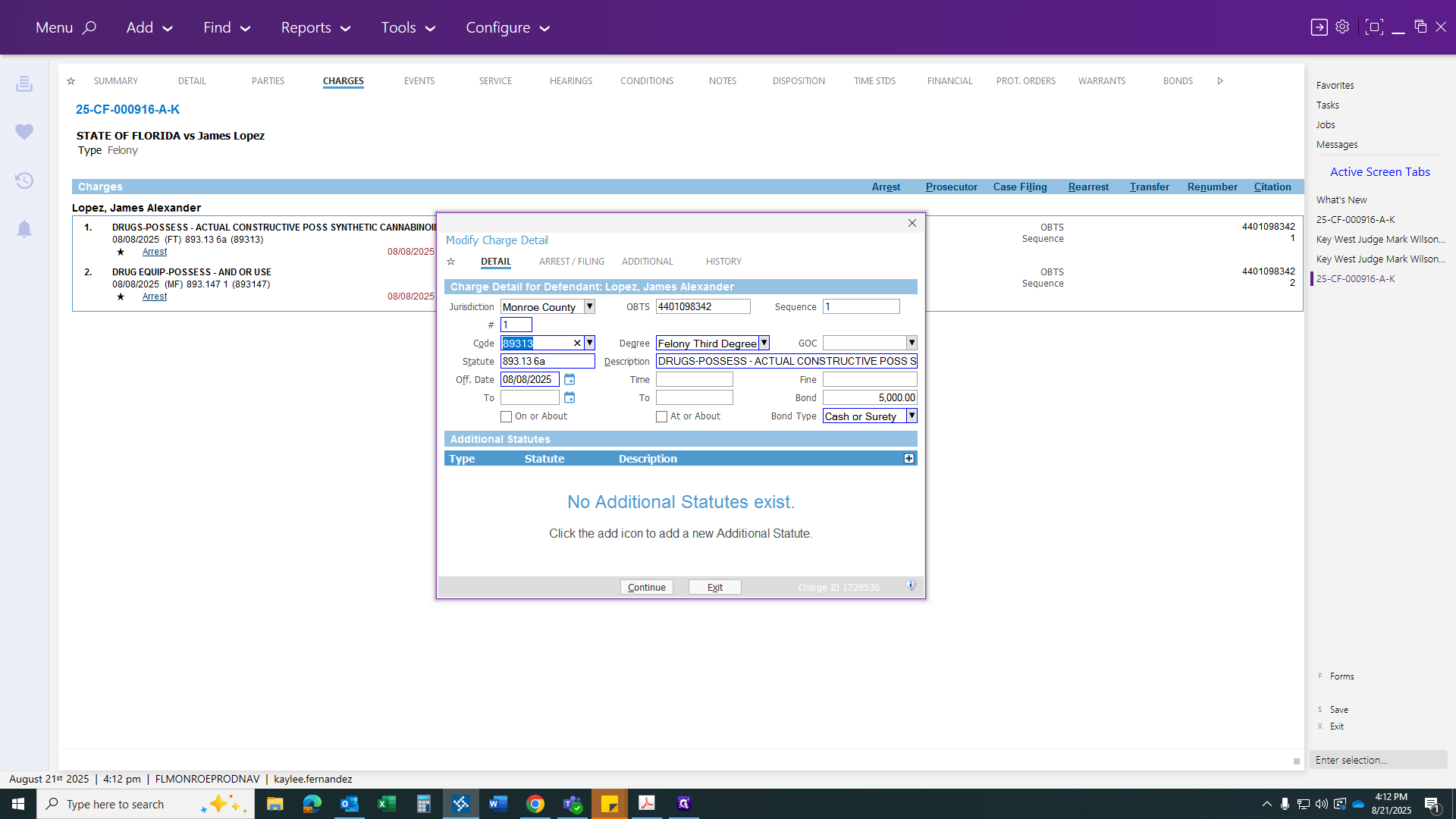
In this case, they are changing the first count to a misdemeanor possession of marijuana.
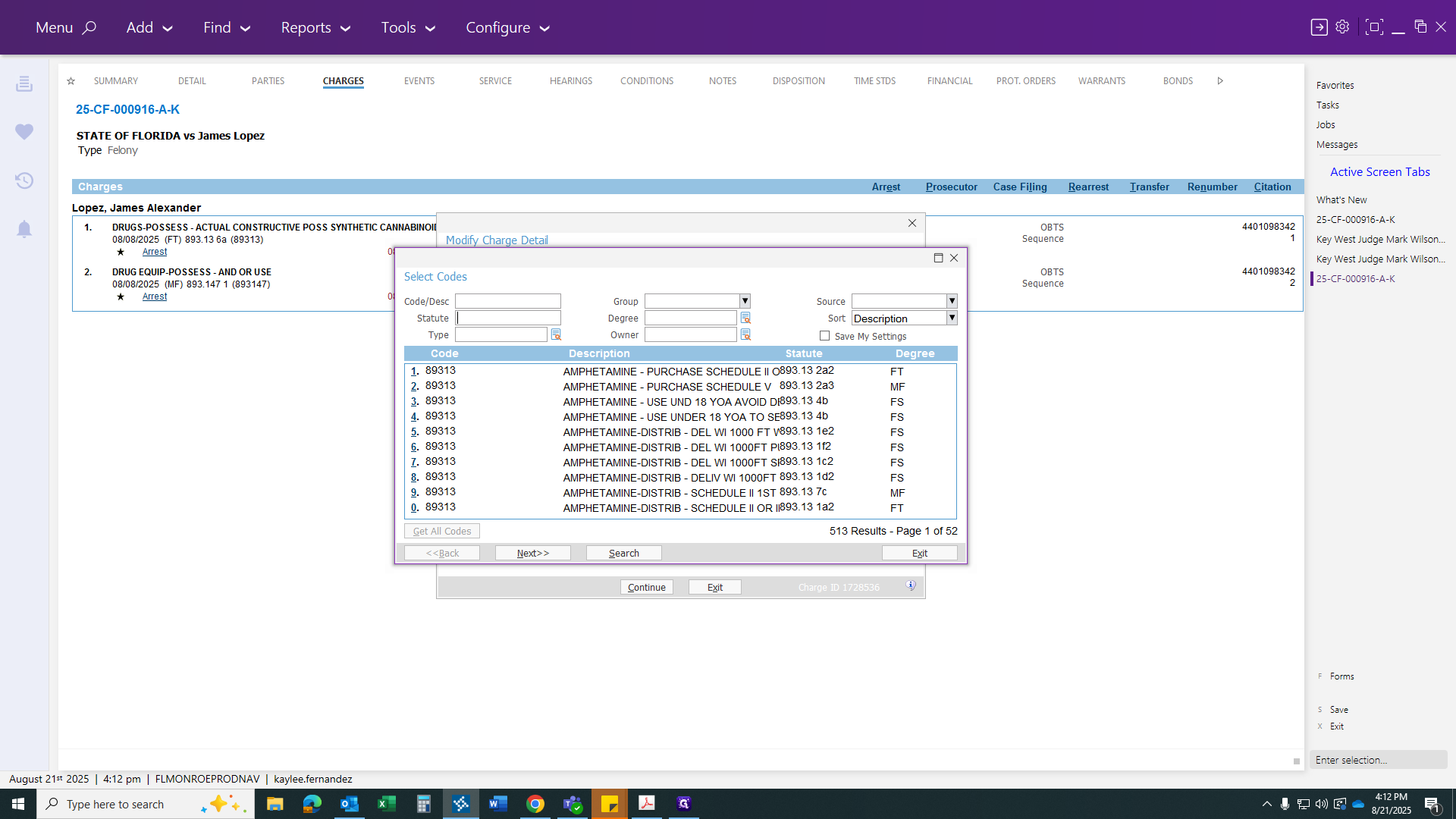
To make it easier, you can specify the code you are looking for. Alternatively, you can keep clicking "next" until you find the one you need.
It's easier to place the statute number at the top. This makes it simple to search for the code you need. Here it is.
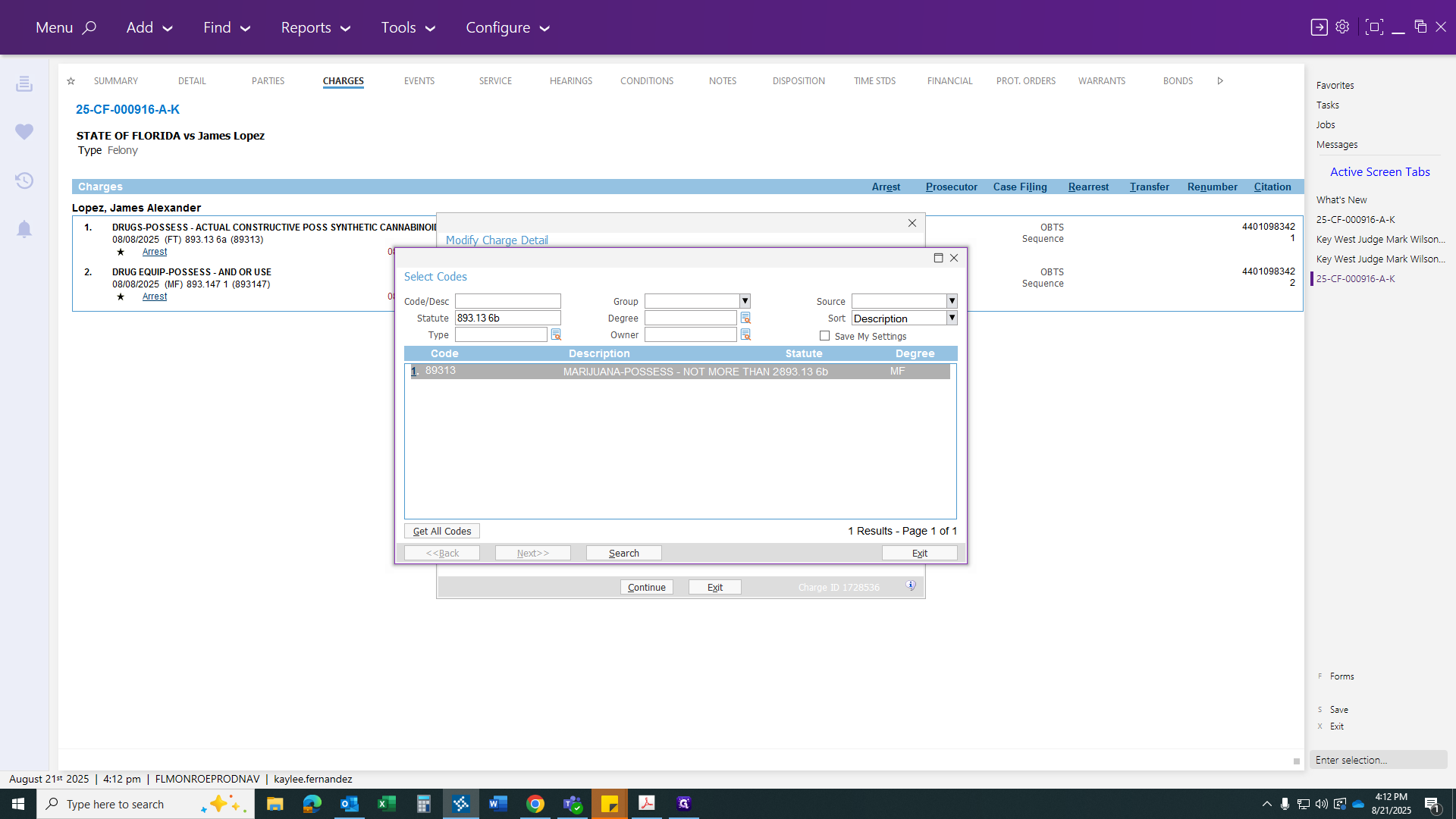
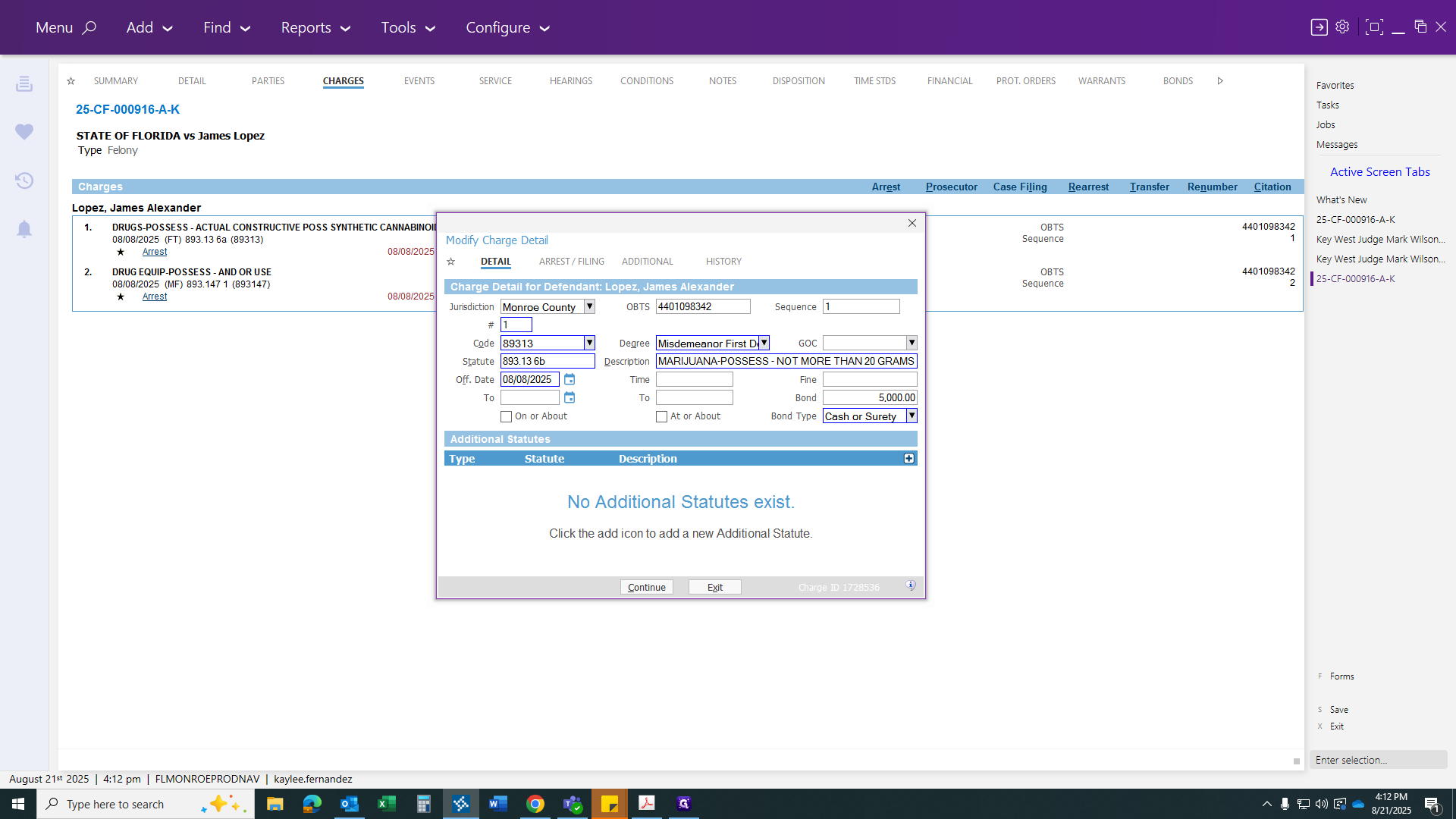
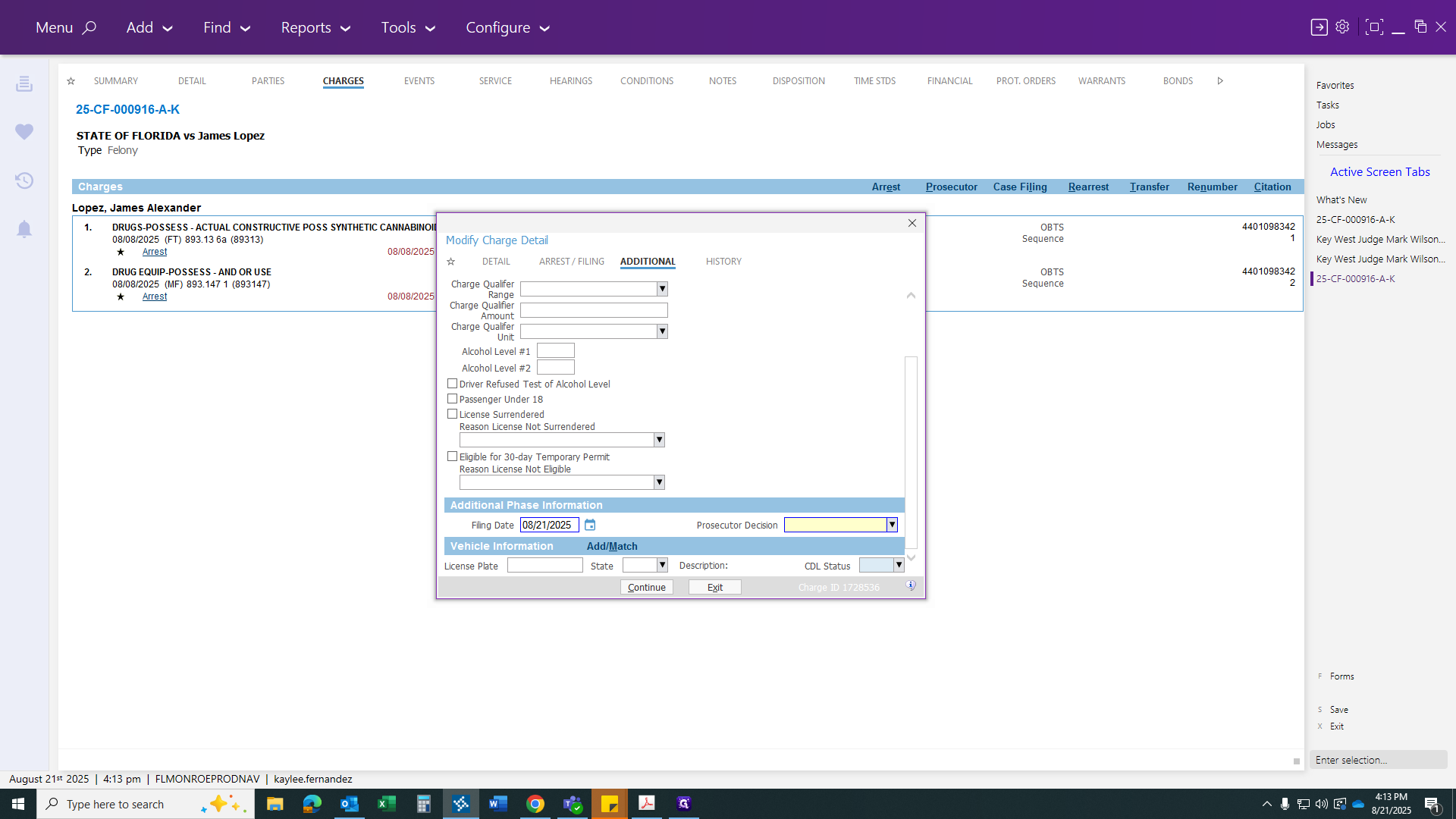
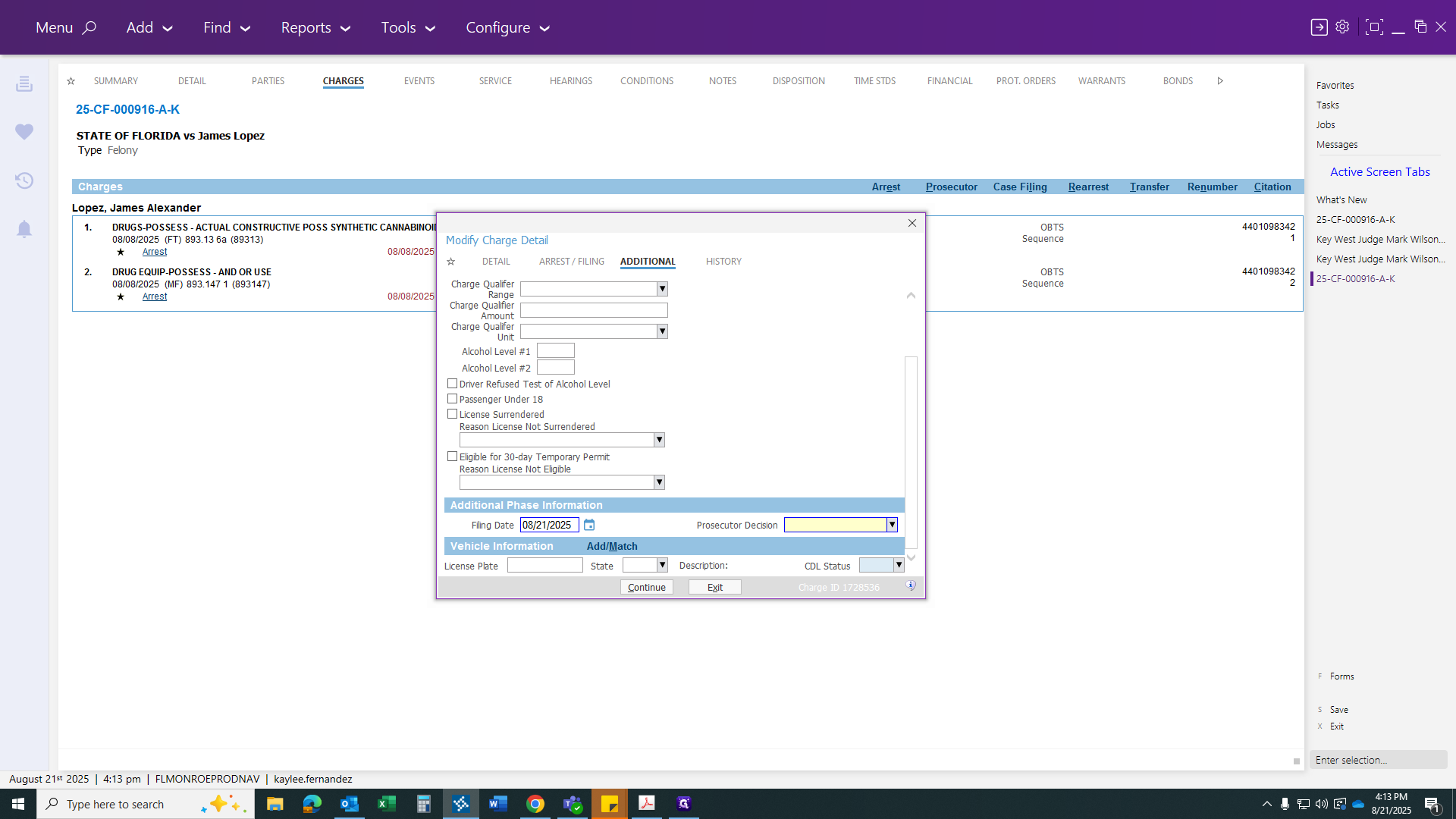
Click to change the statute. Then, go to Additional, scroll to the bottom, and set the filing date as today.
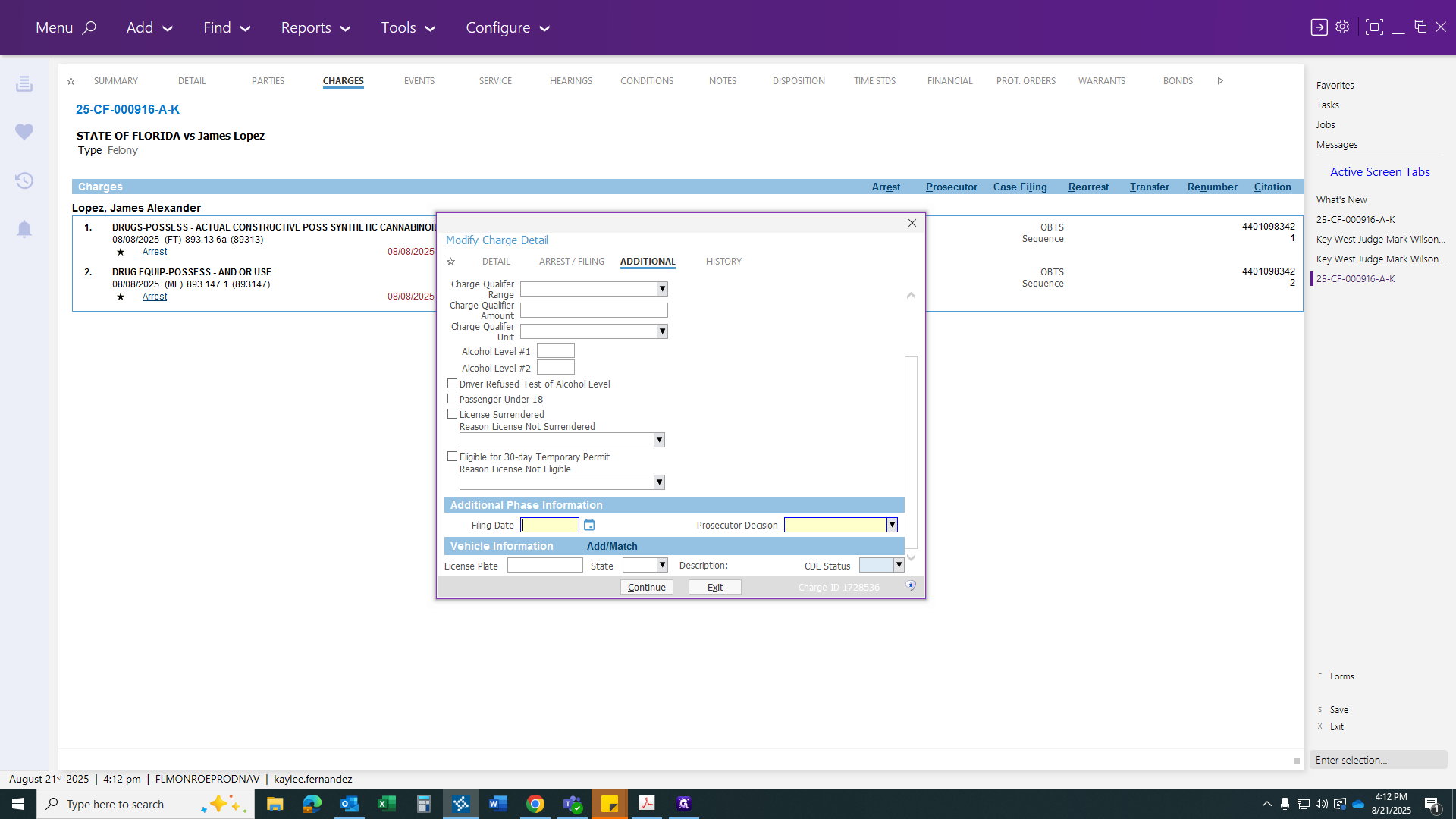
If you type "T" and click off to the side, it will automatically enter today's date. Alternatively, you can click the calendar button to select the filing date.
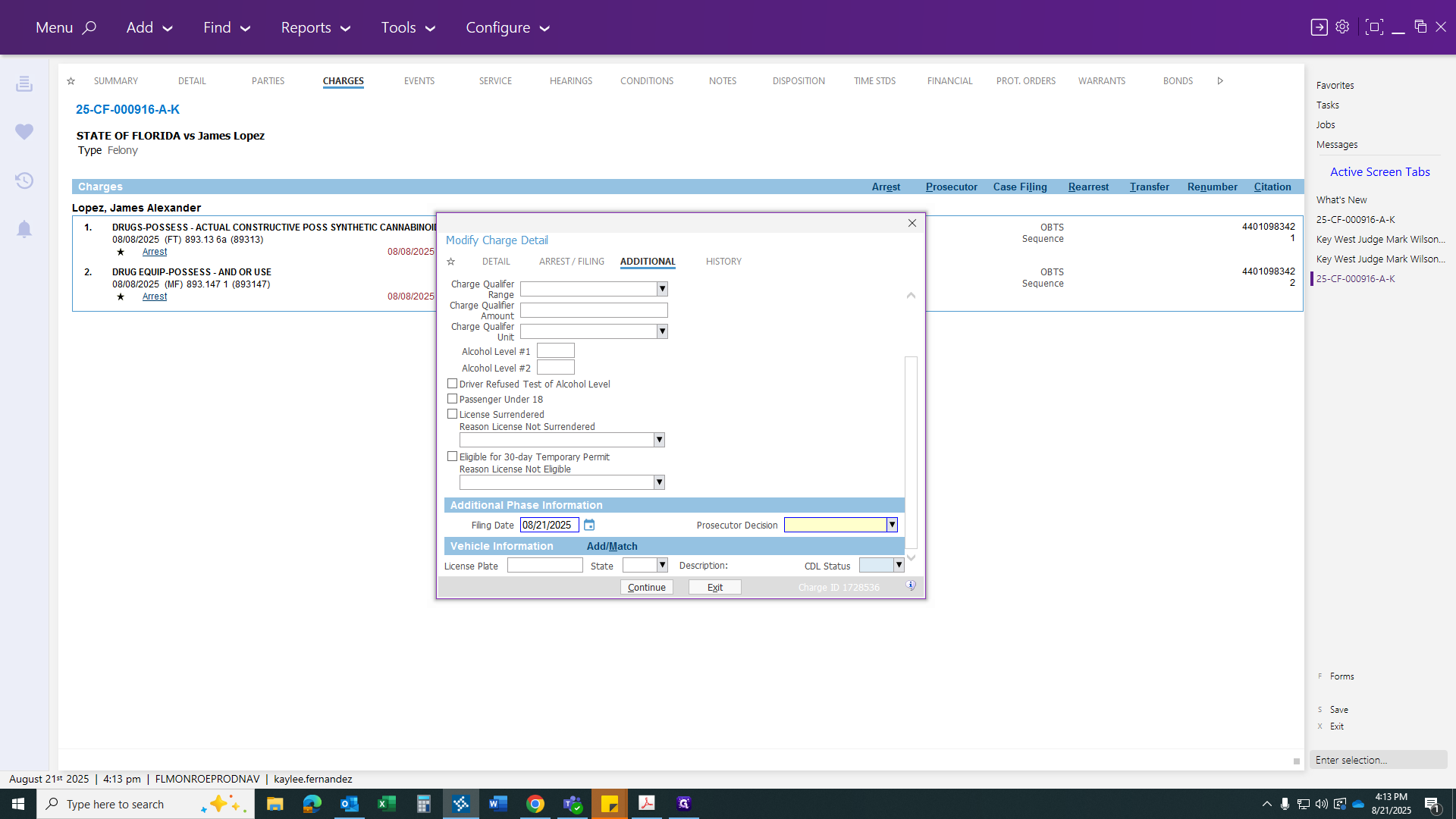
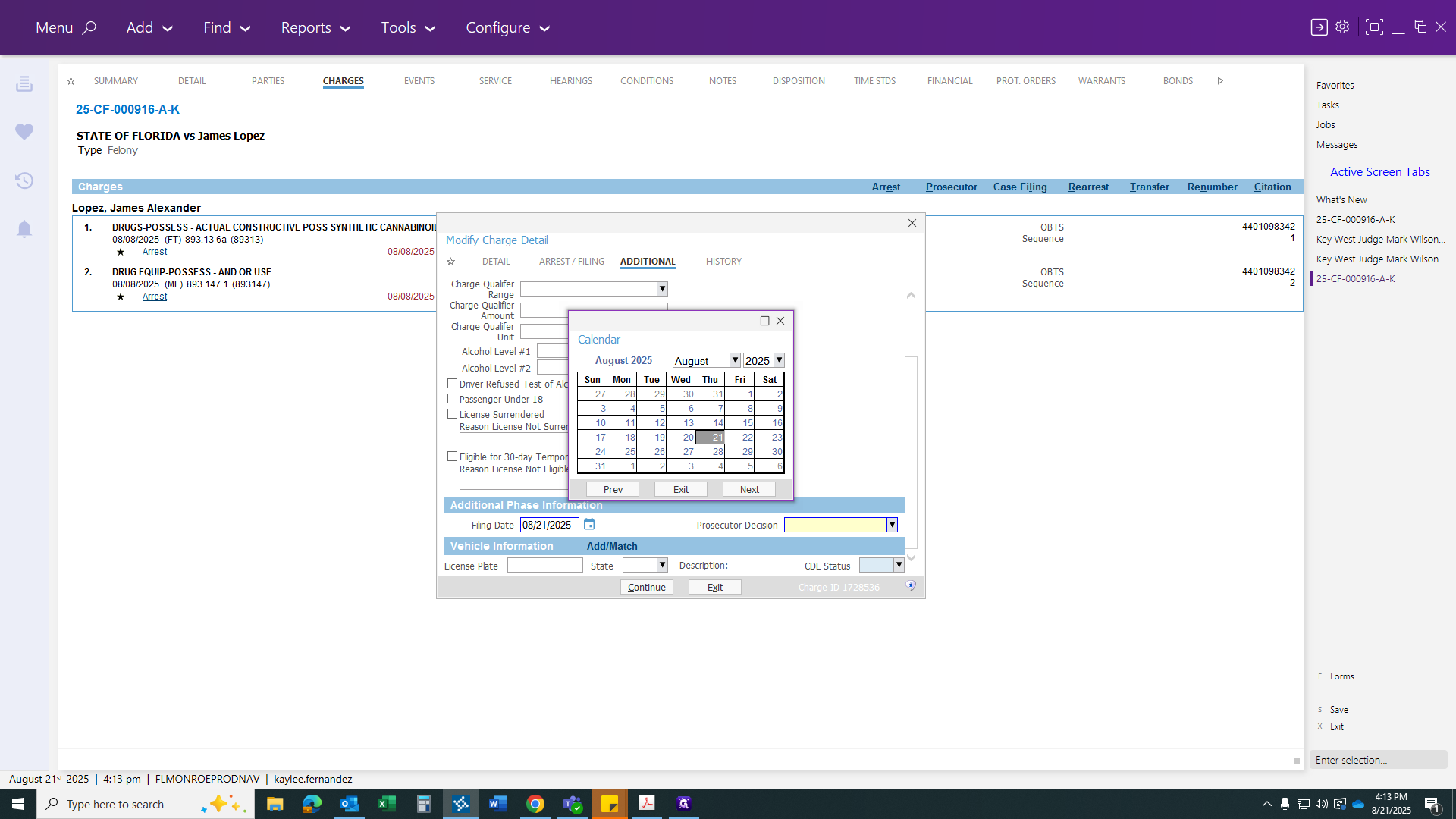
Click on Transfer, then select Continue. Repeat these steps if the charge changes.
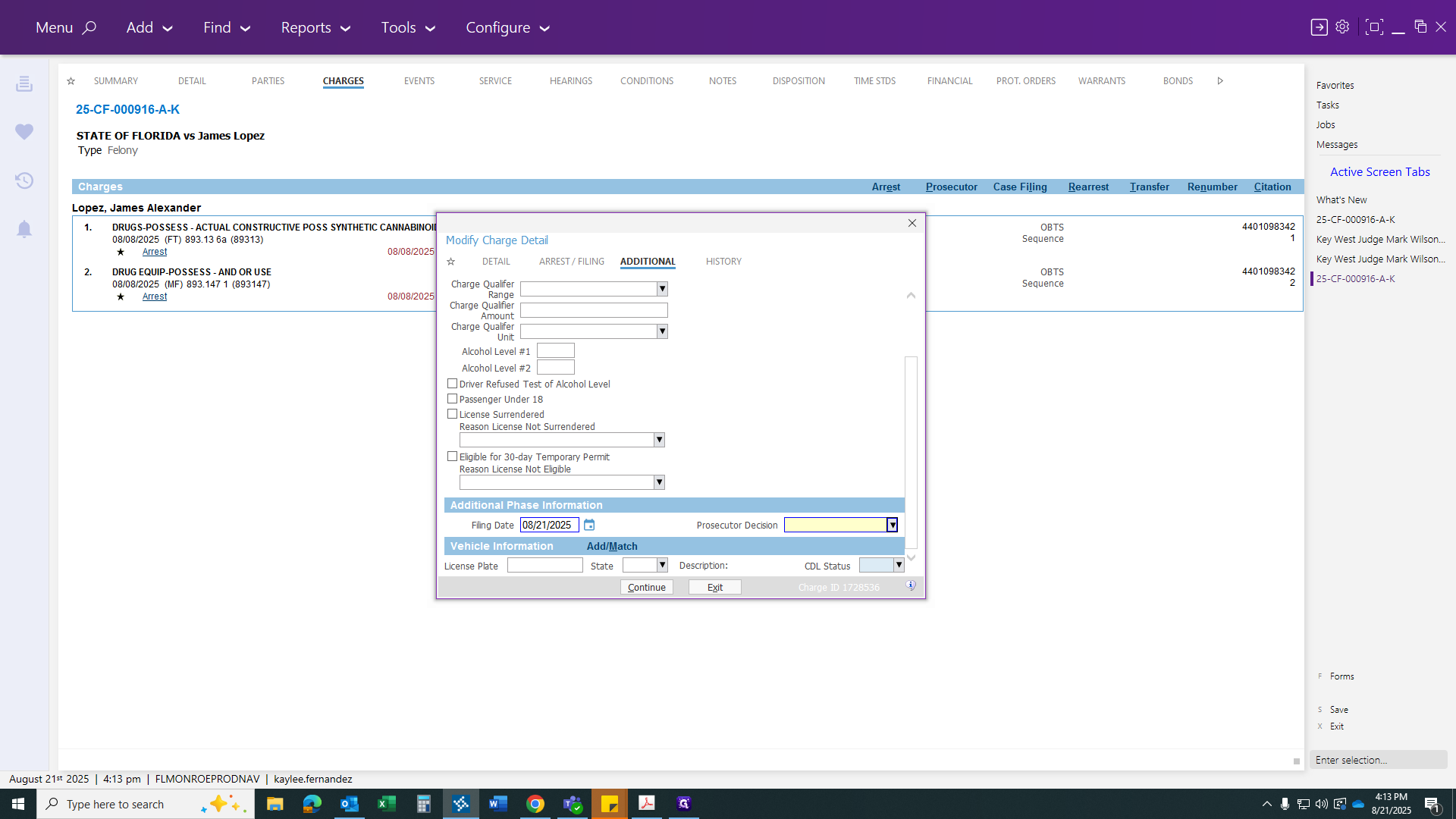
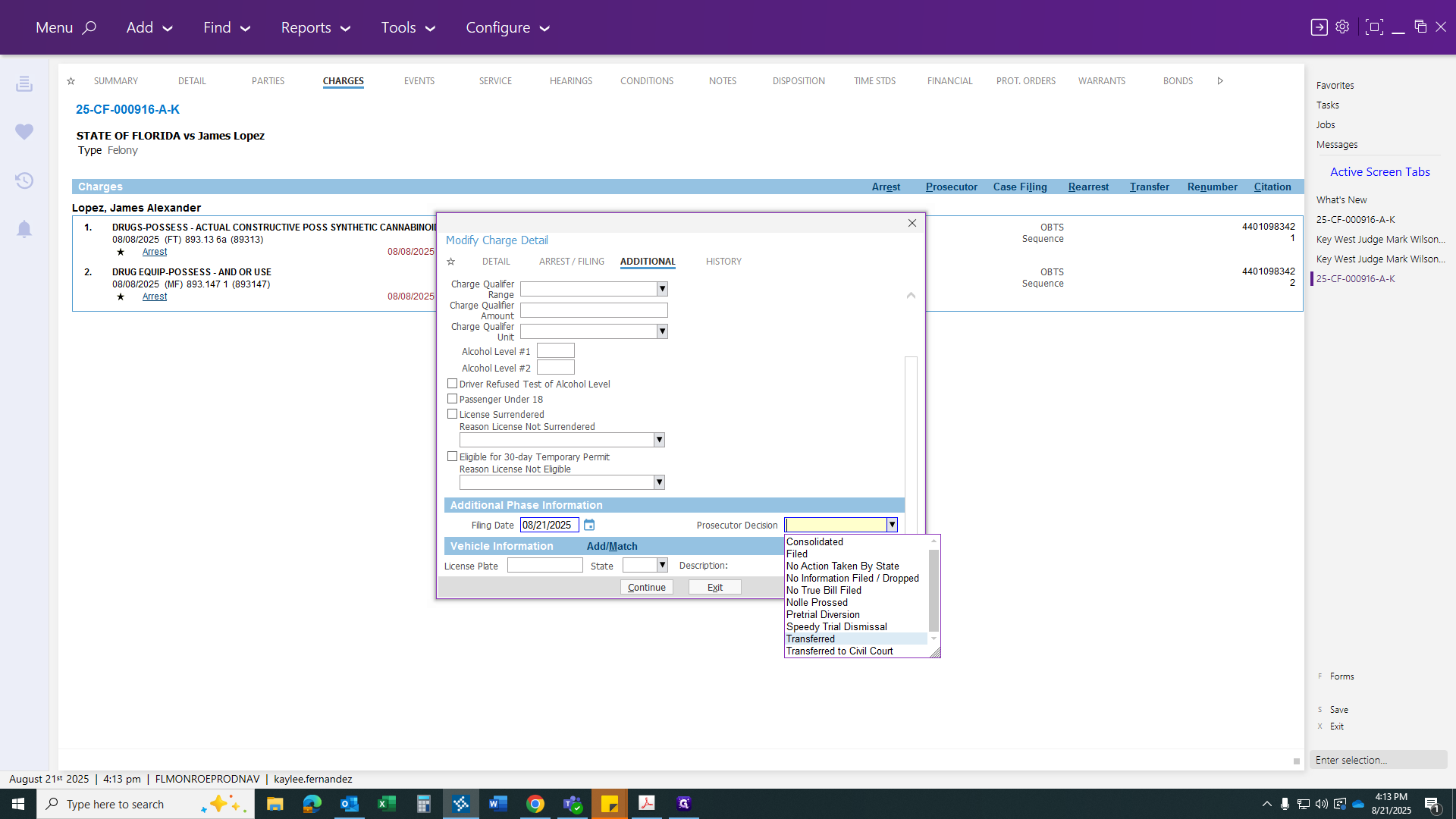
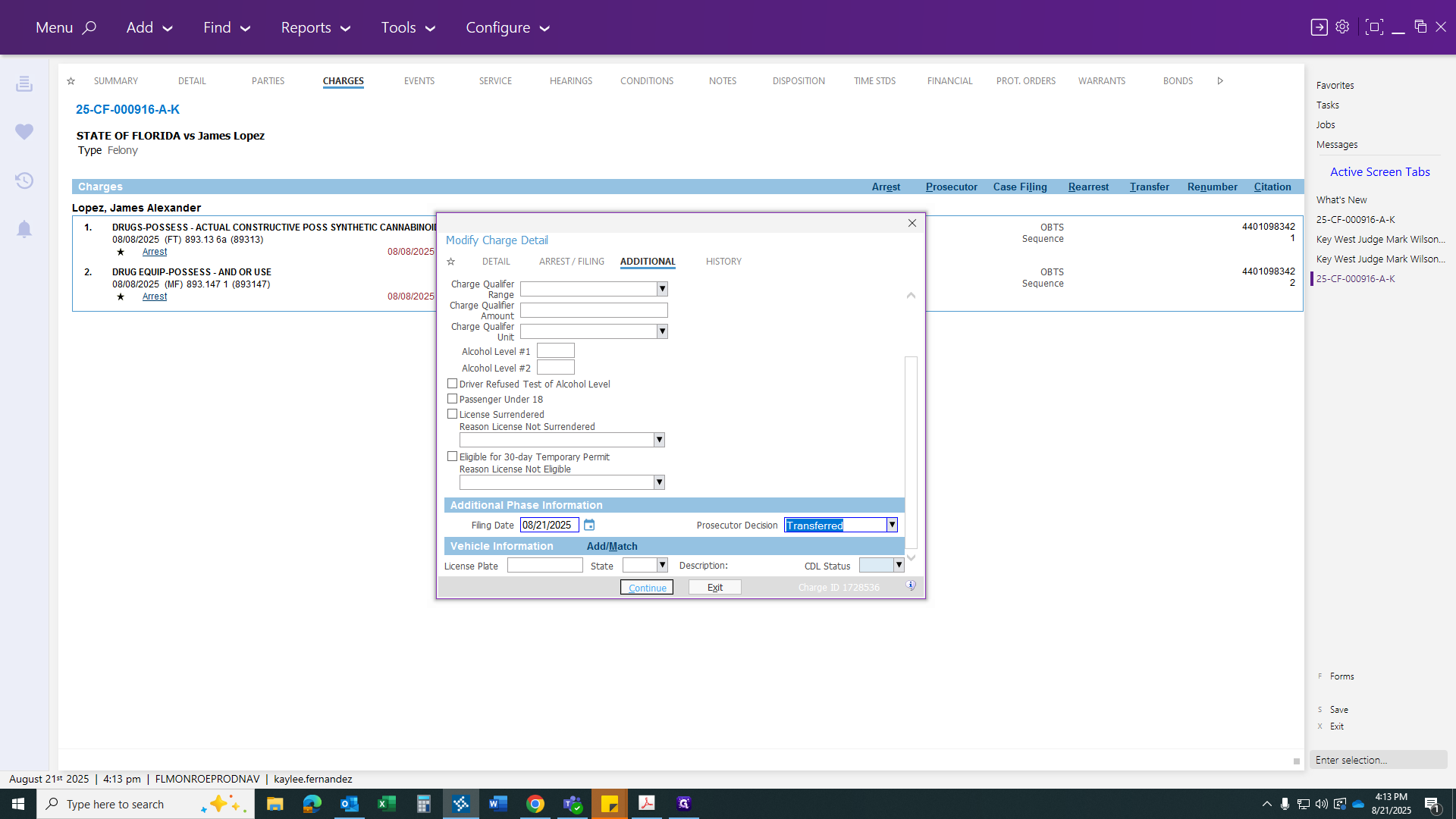
Since nothing is changing, we will copy everything we did, as both accounts are being transferred.
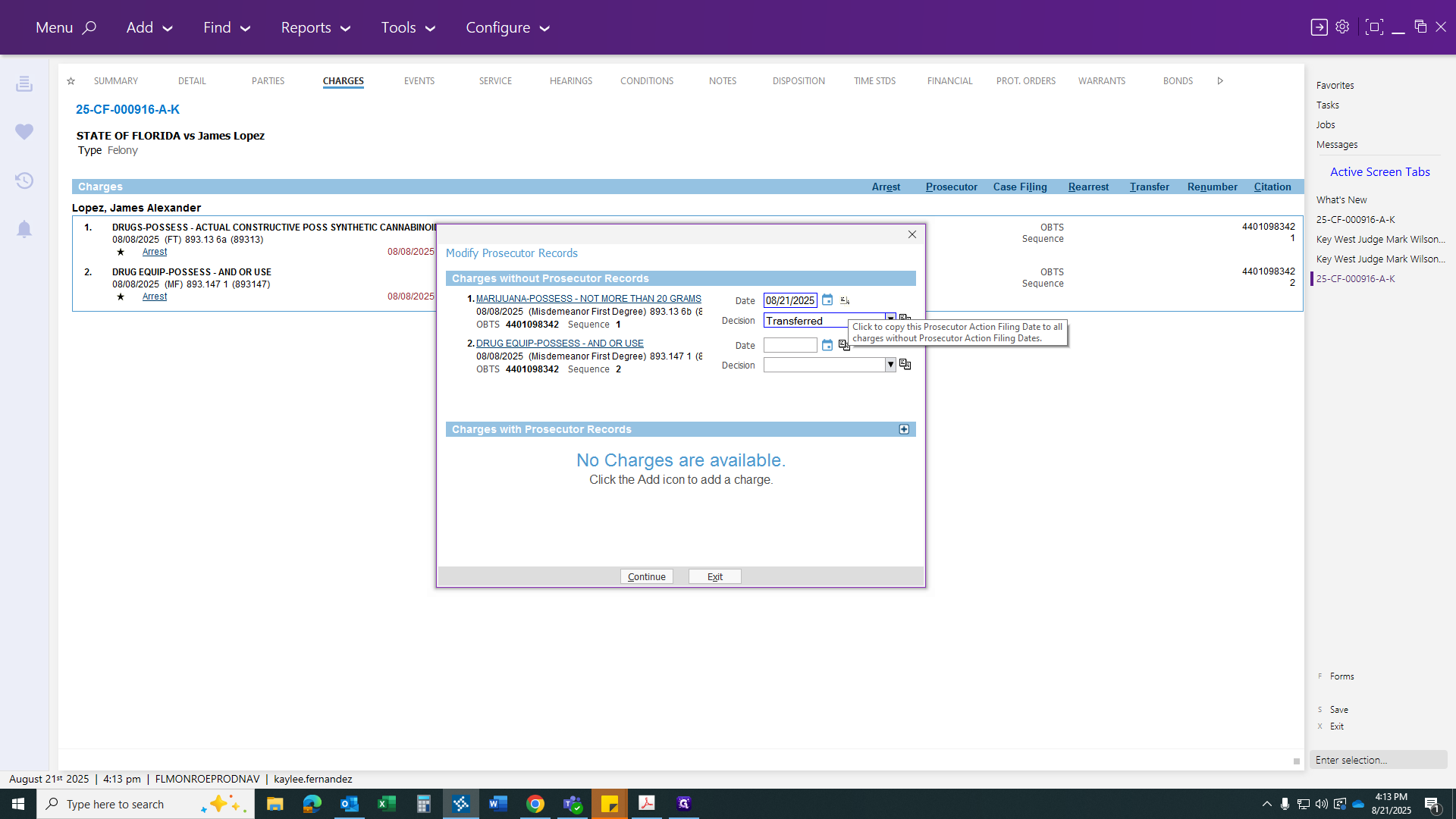
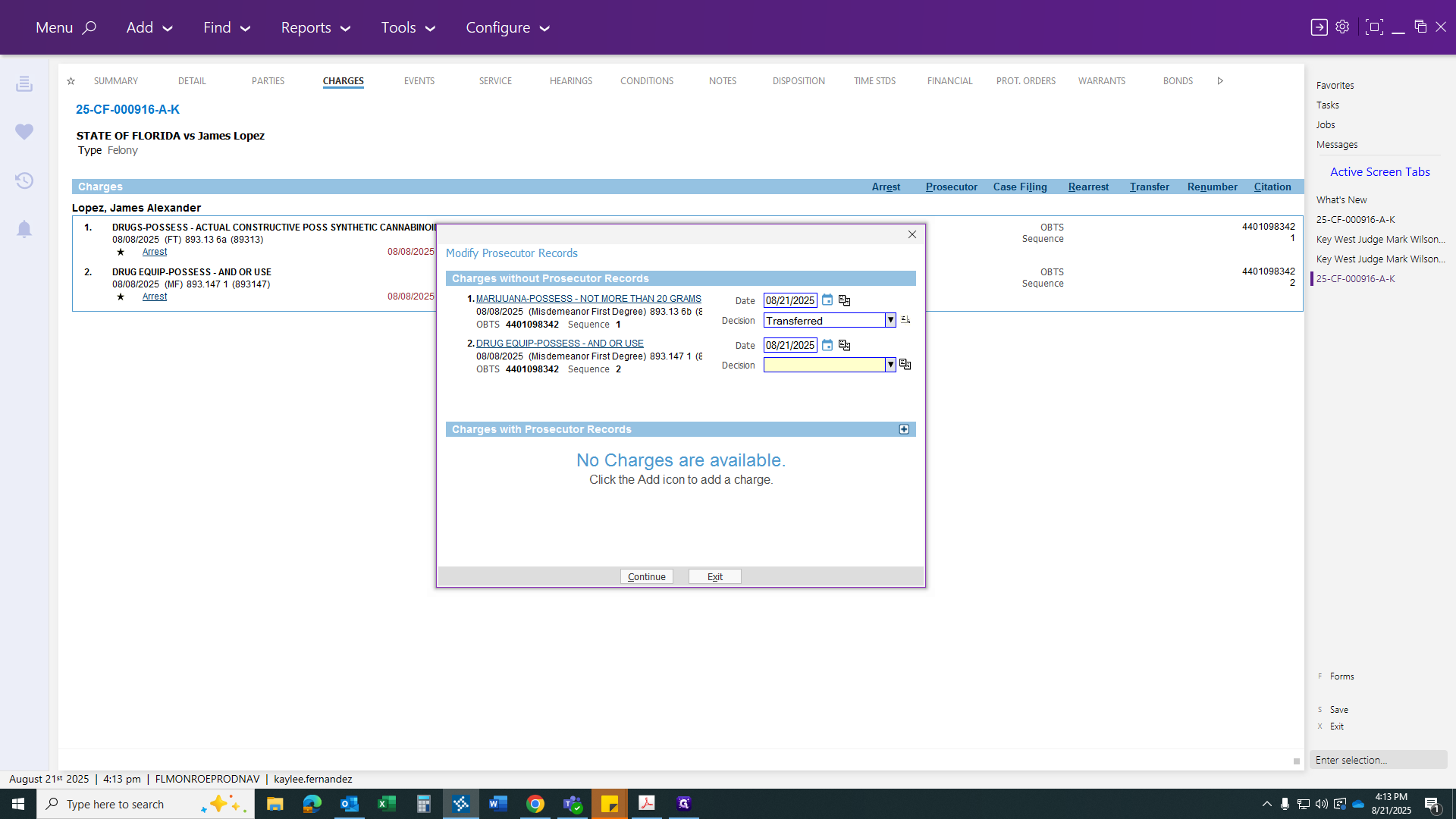
Make sure both options say "Transfer," then click Continue.
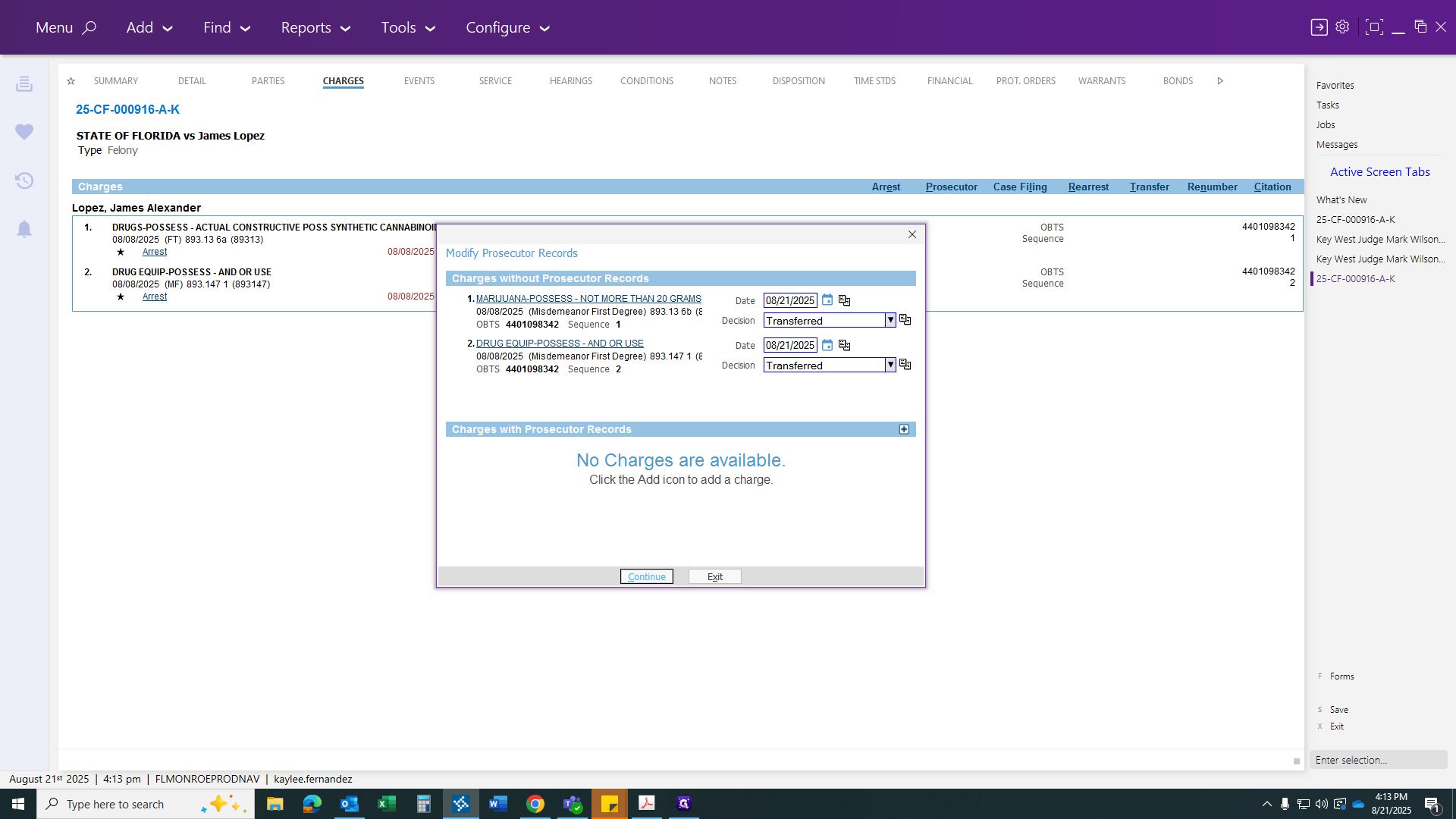
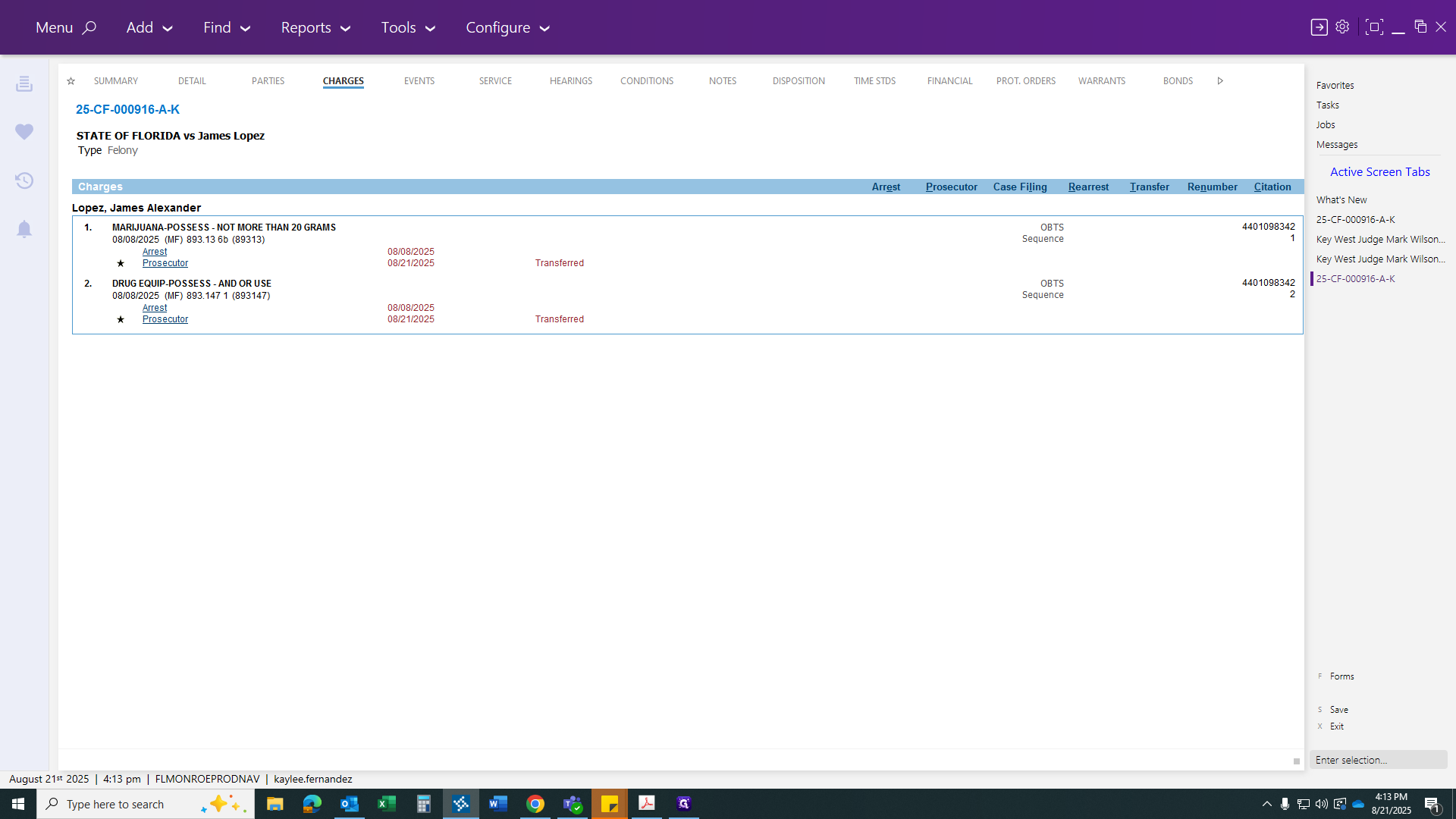
You will notice the charge has changed. Now, go to your disposition and click the Disposition link.
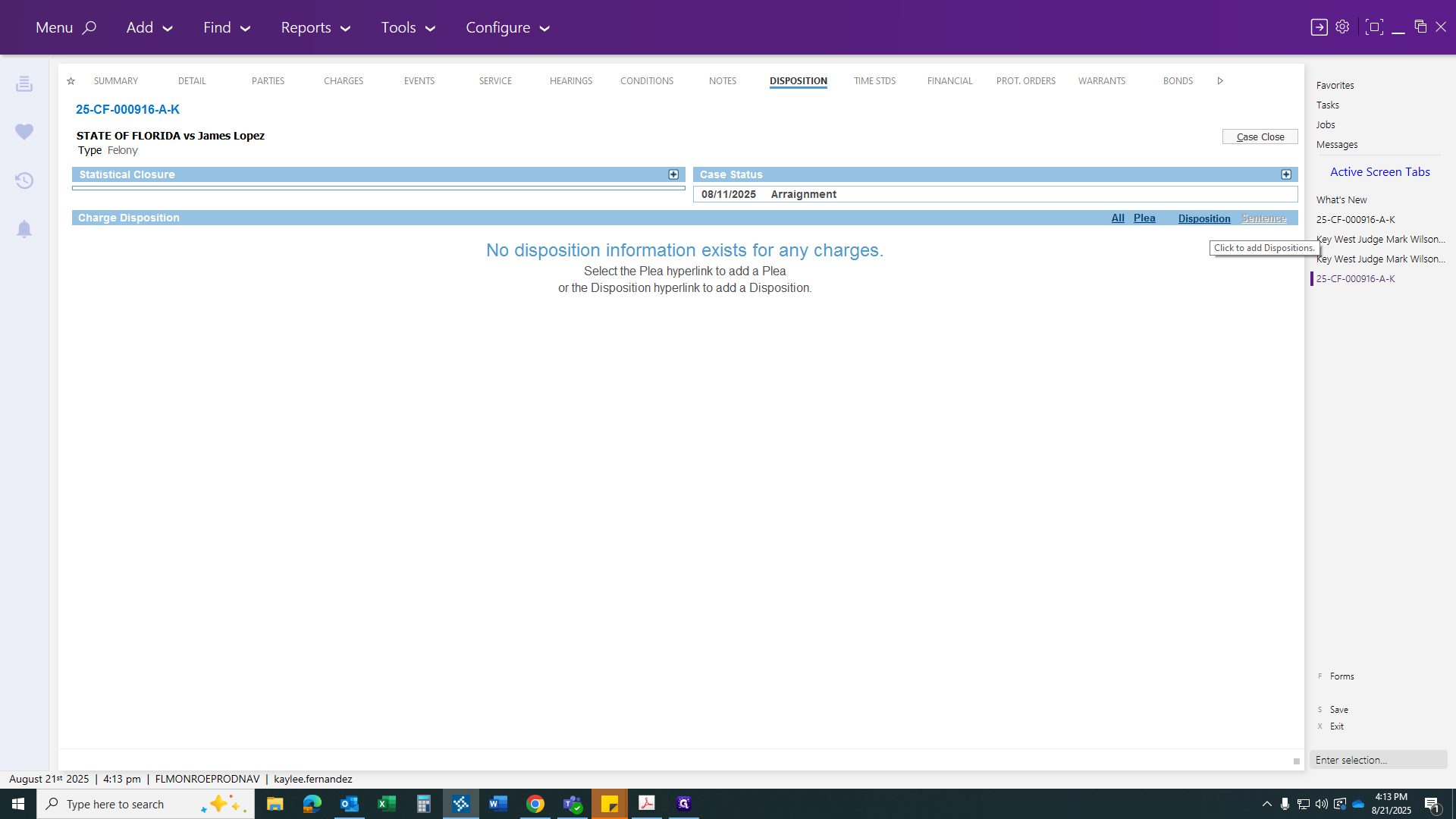
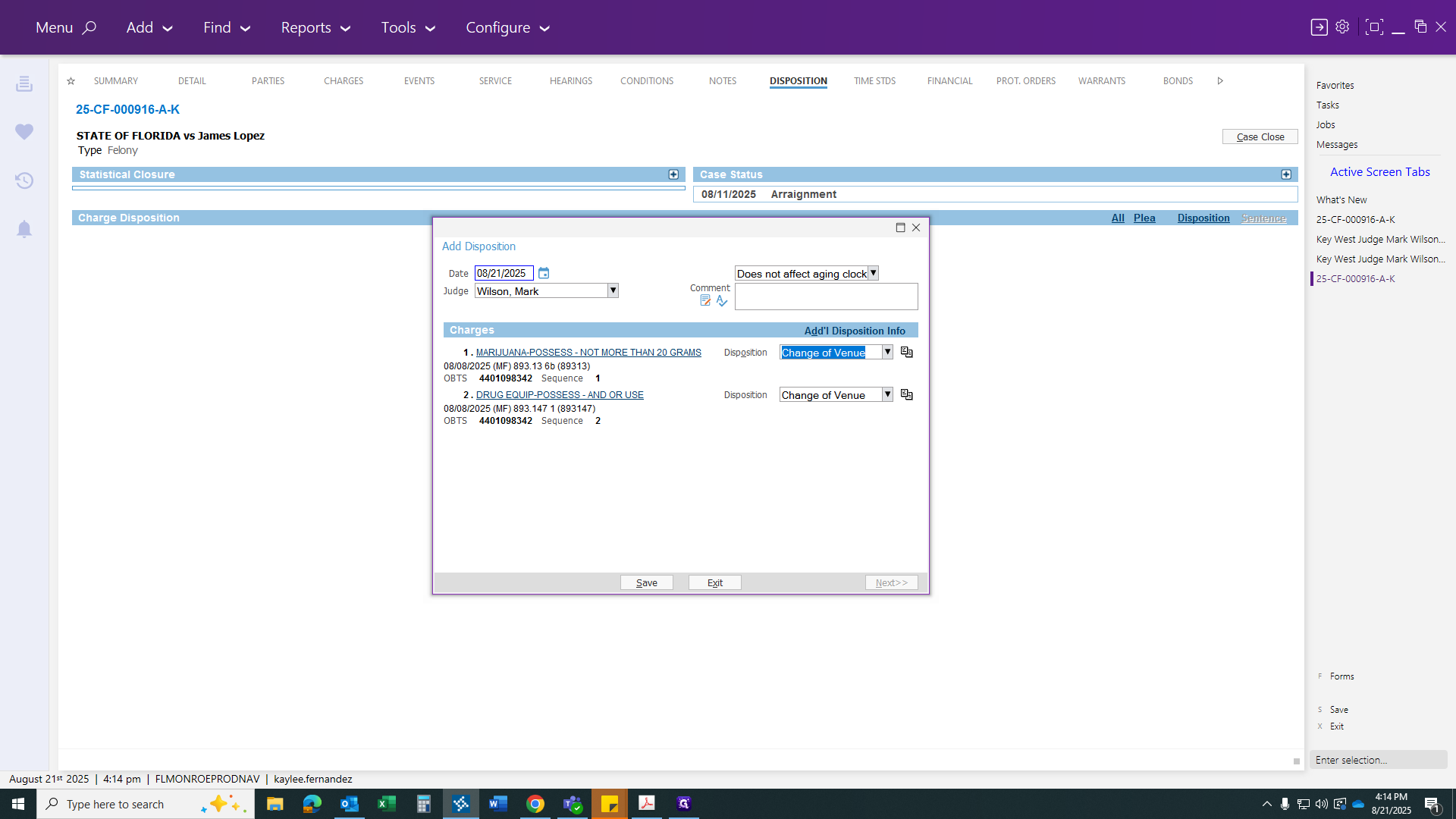
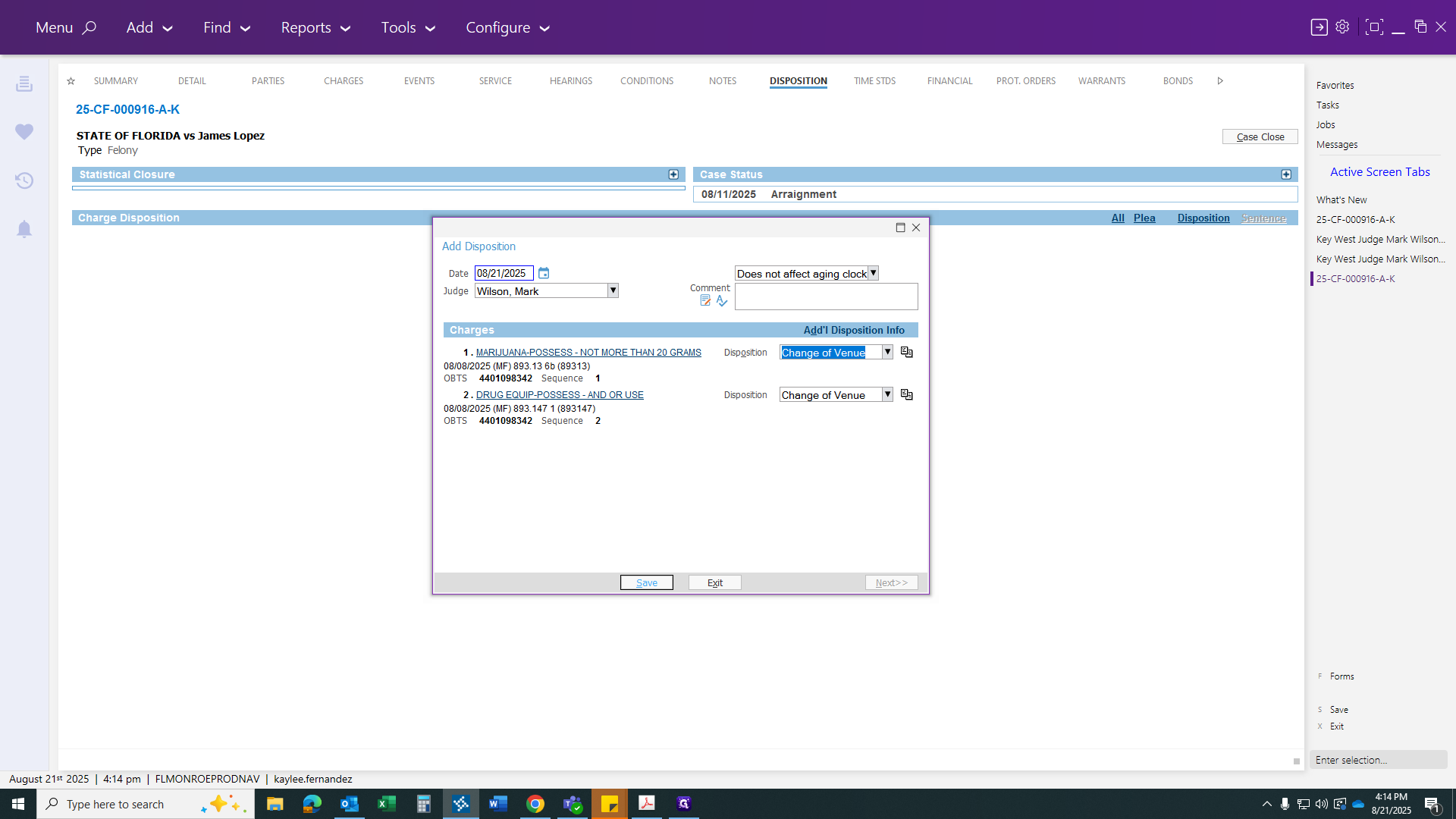
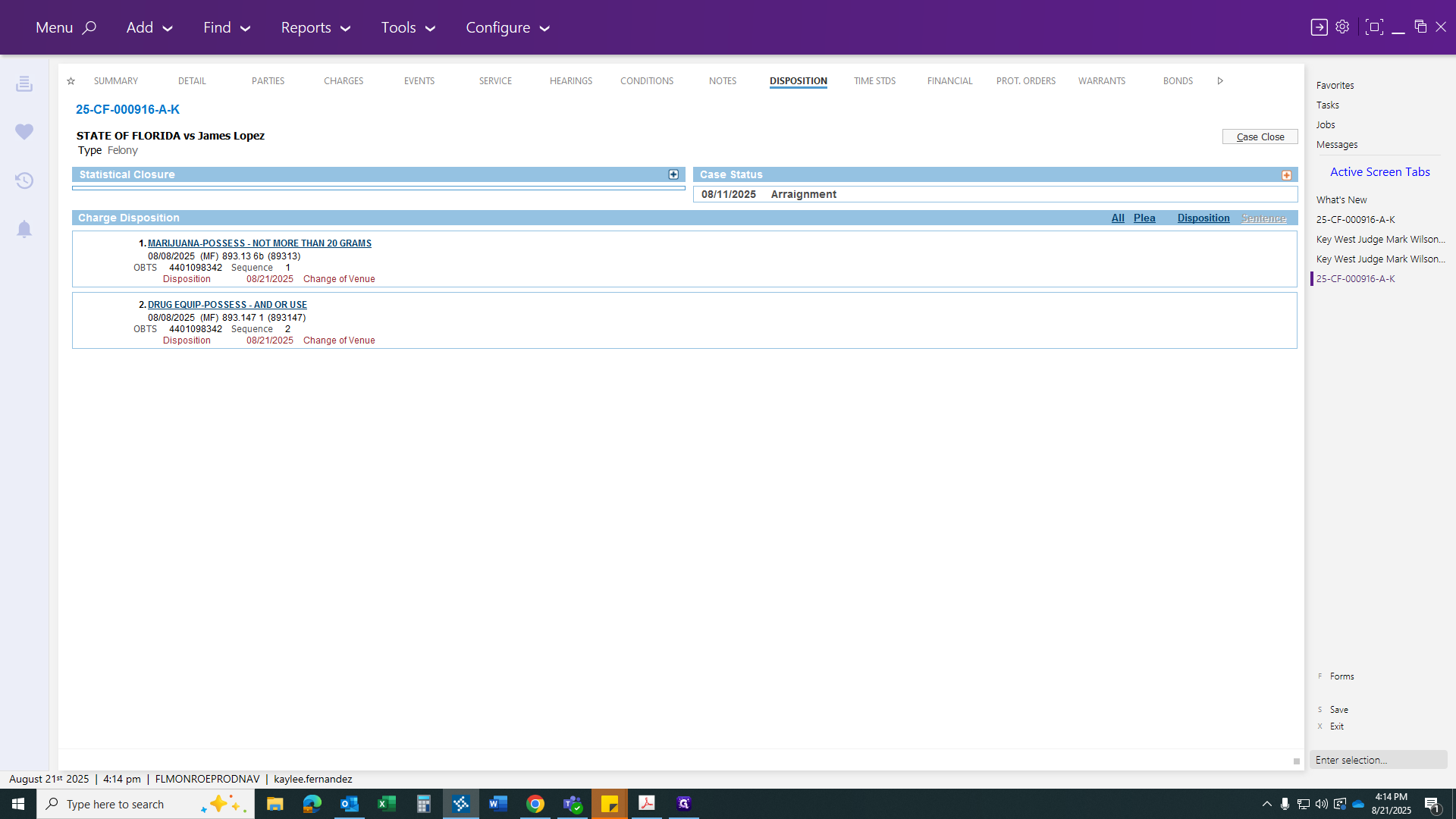
Once the link appears, make sure it has changed. This should happen automatically. Then you will file a Change of Venue for both.
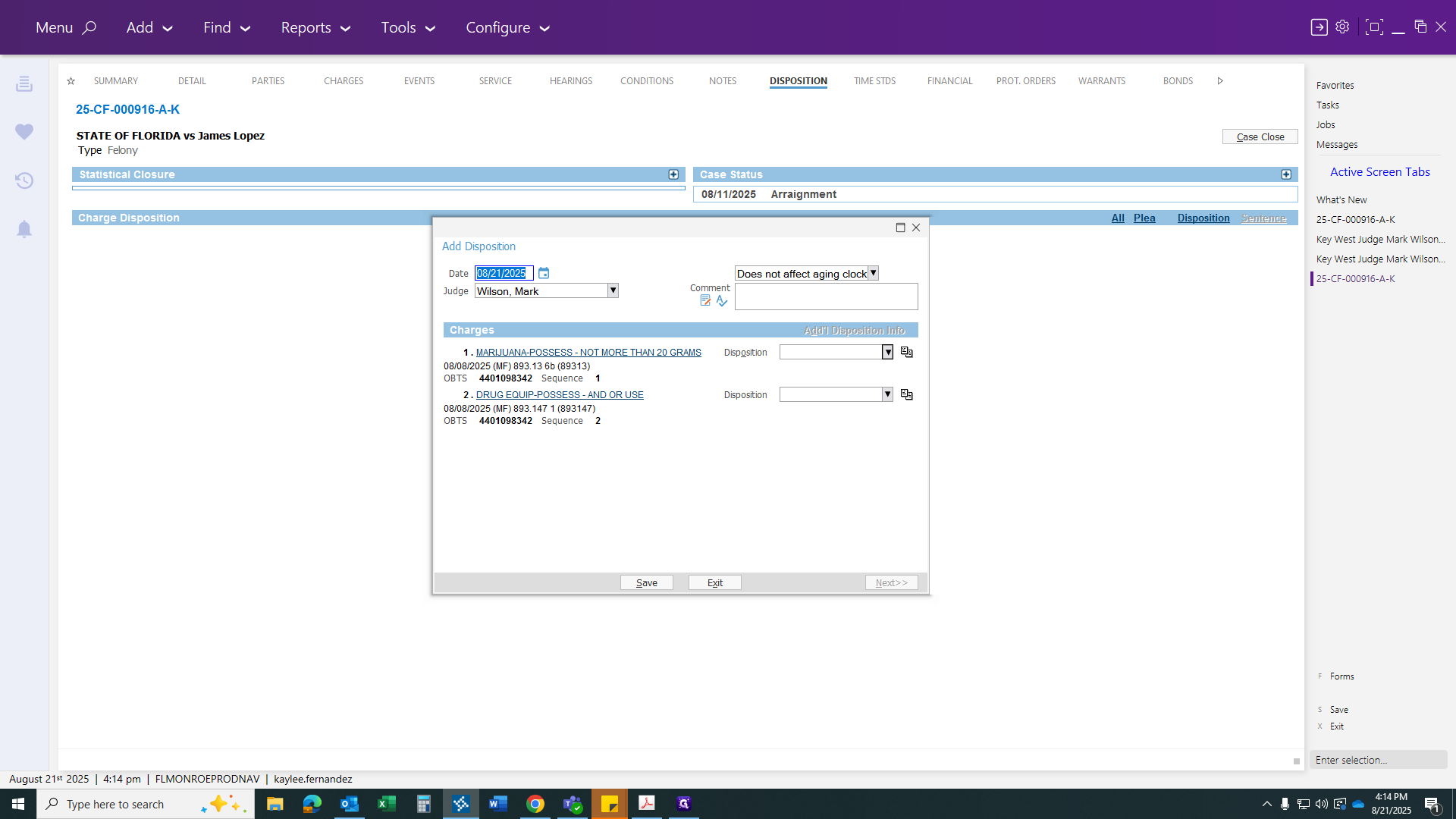
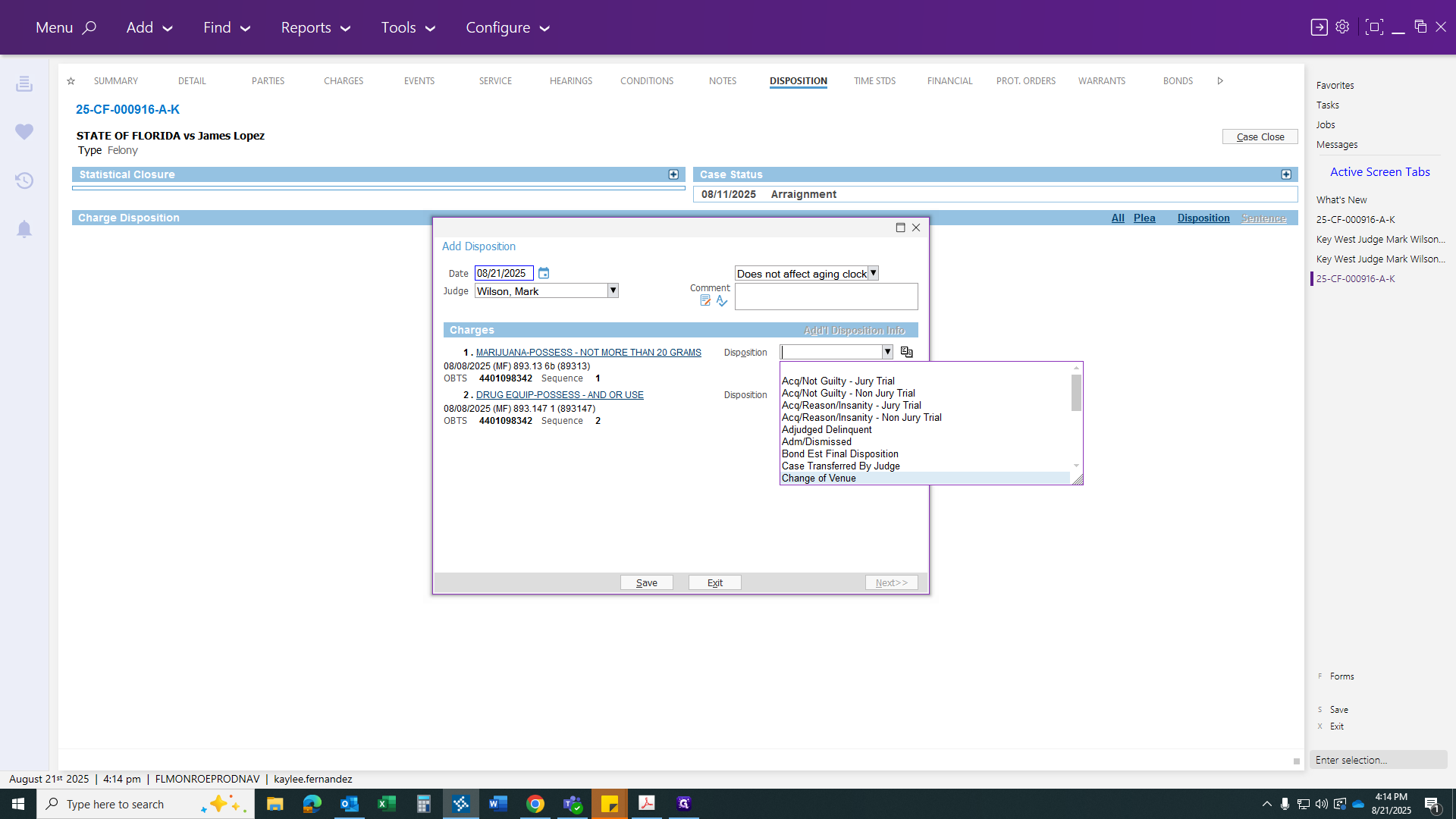
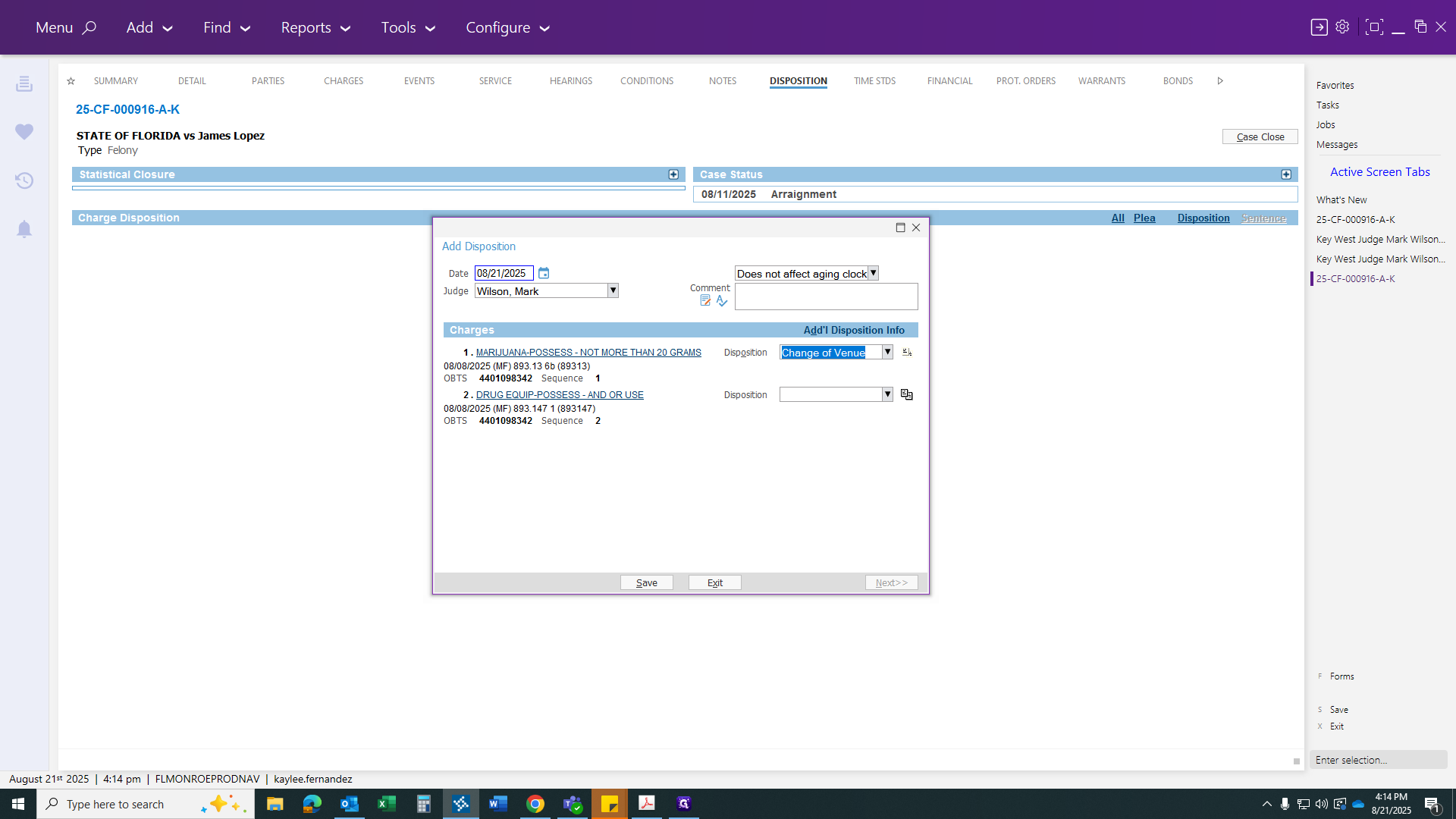
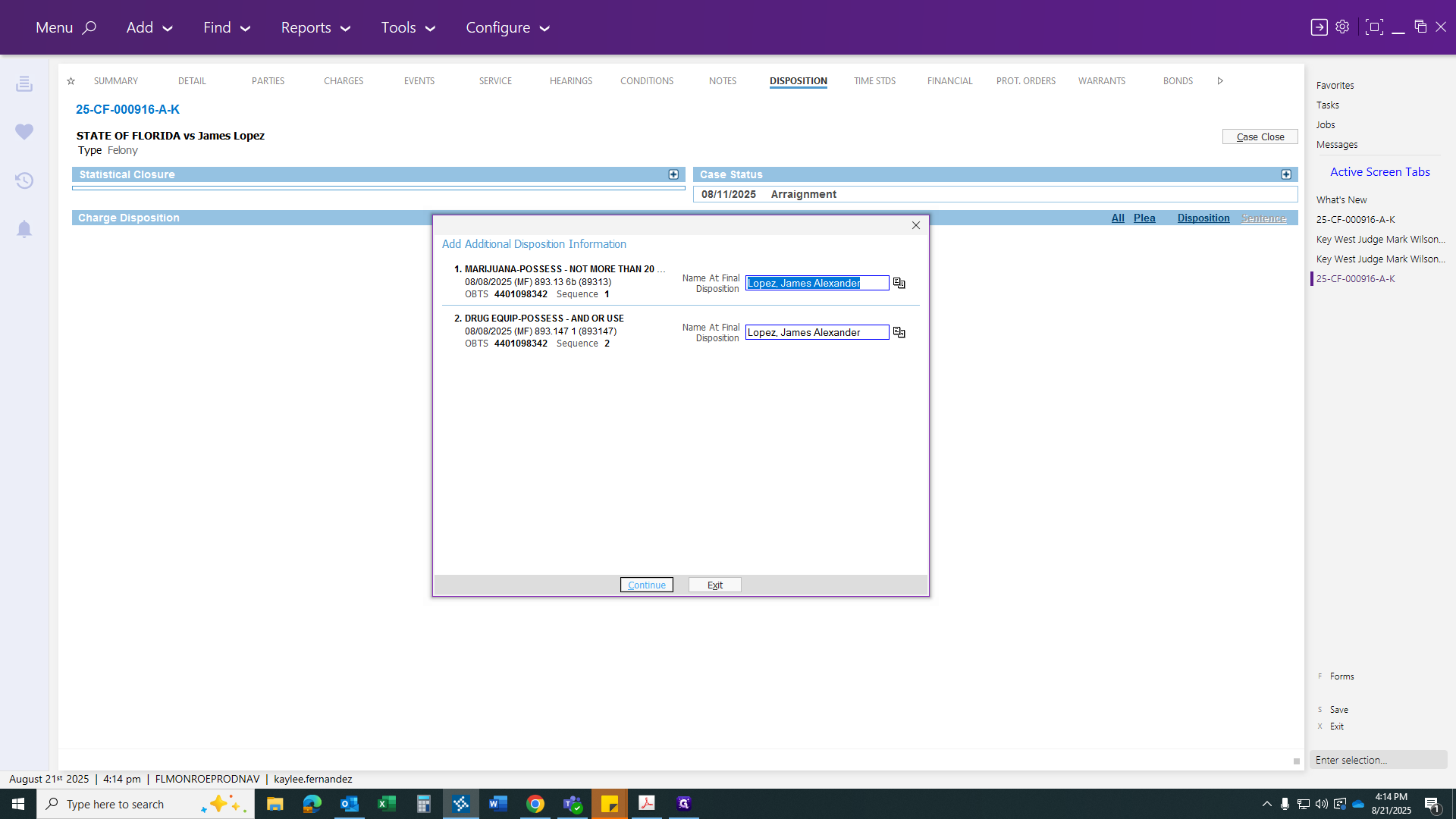
After copying and selecting Change of Venue for both, click Additional Disposition. Ensure the name is correct, then click Save, and Save again.
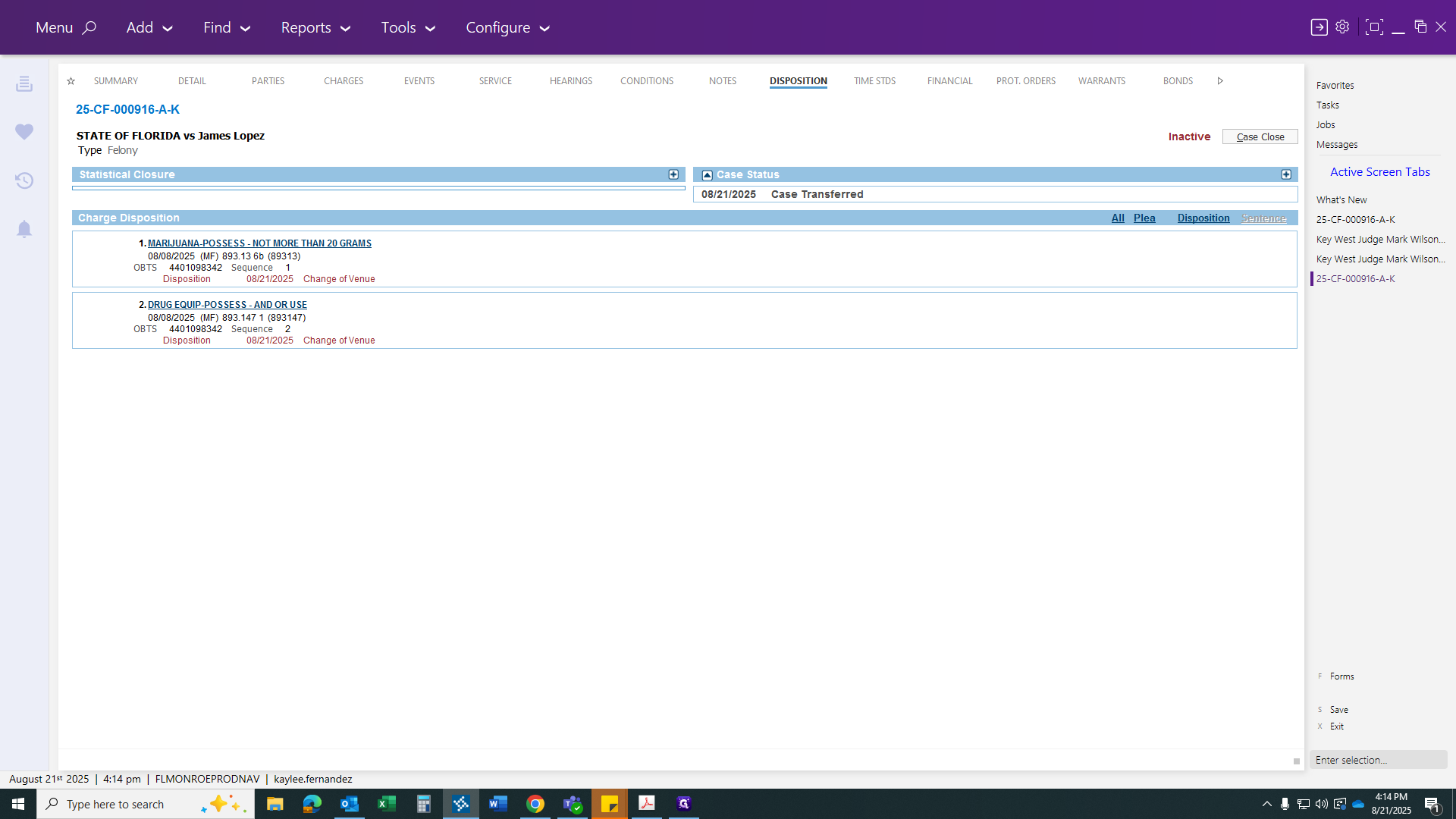
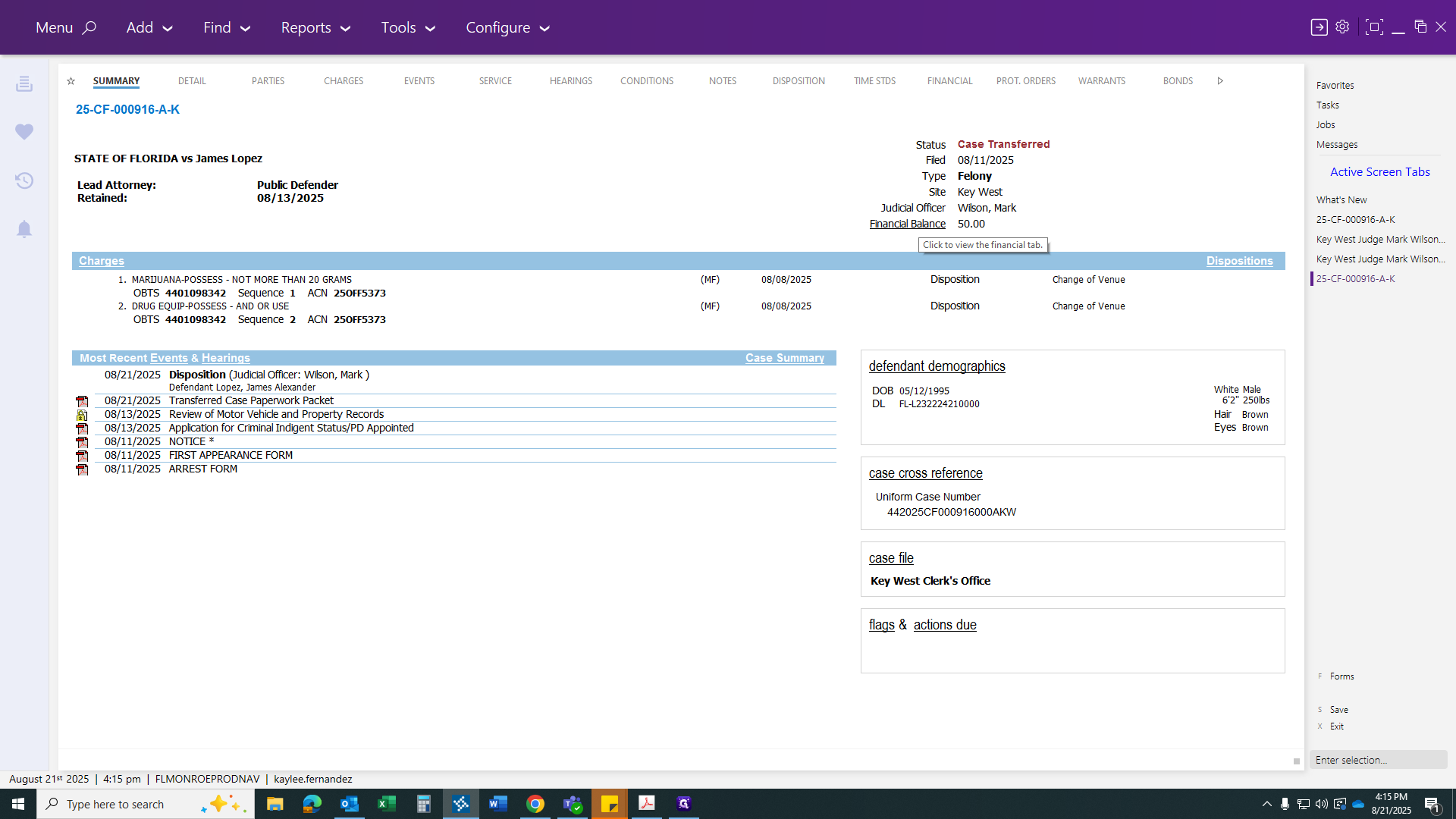
We will close this case as a transfer, although I don't believe it is. The case will be marked as transferred.
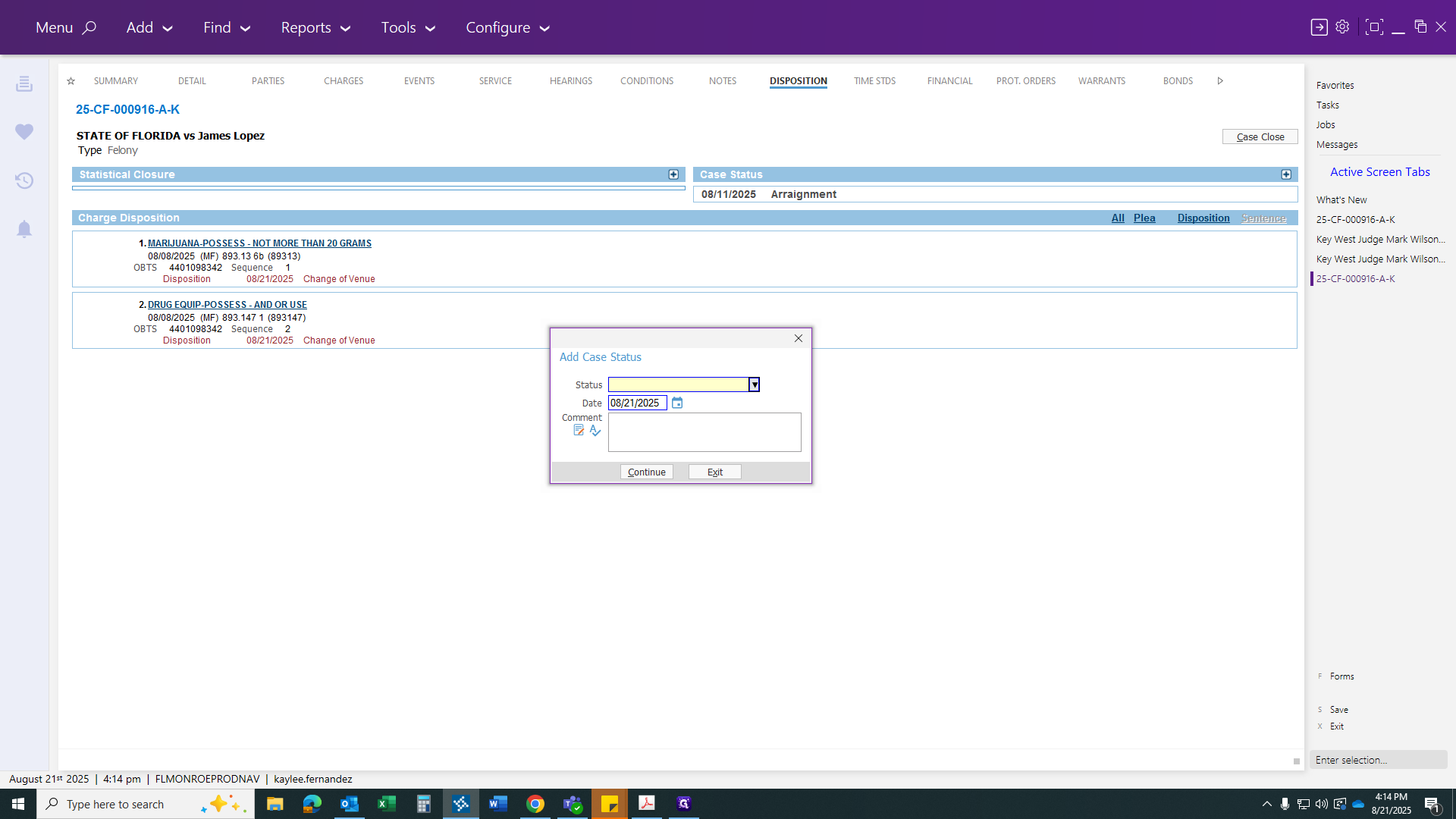
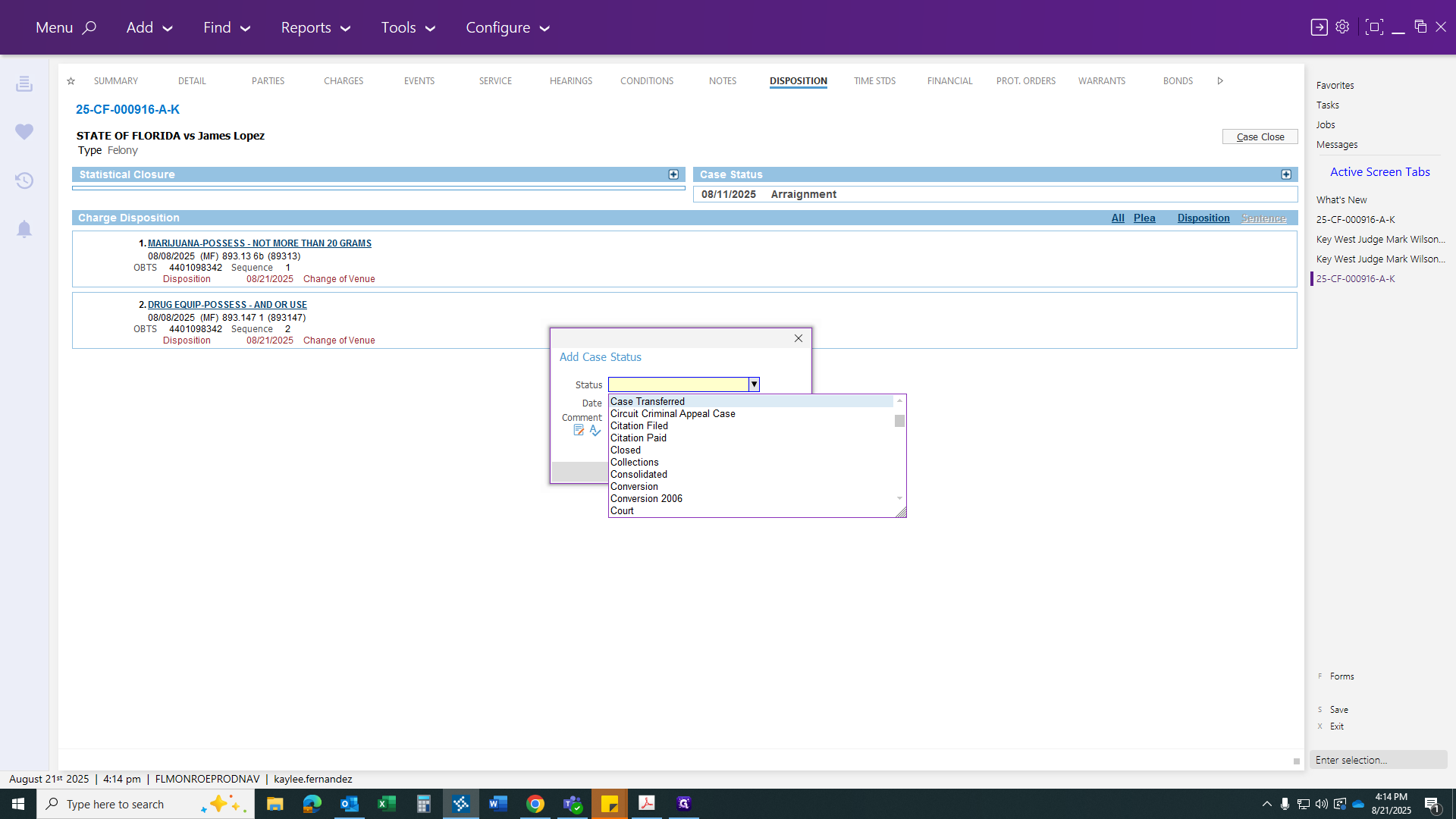
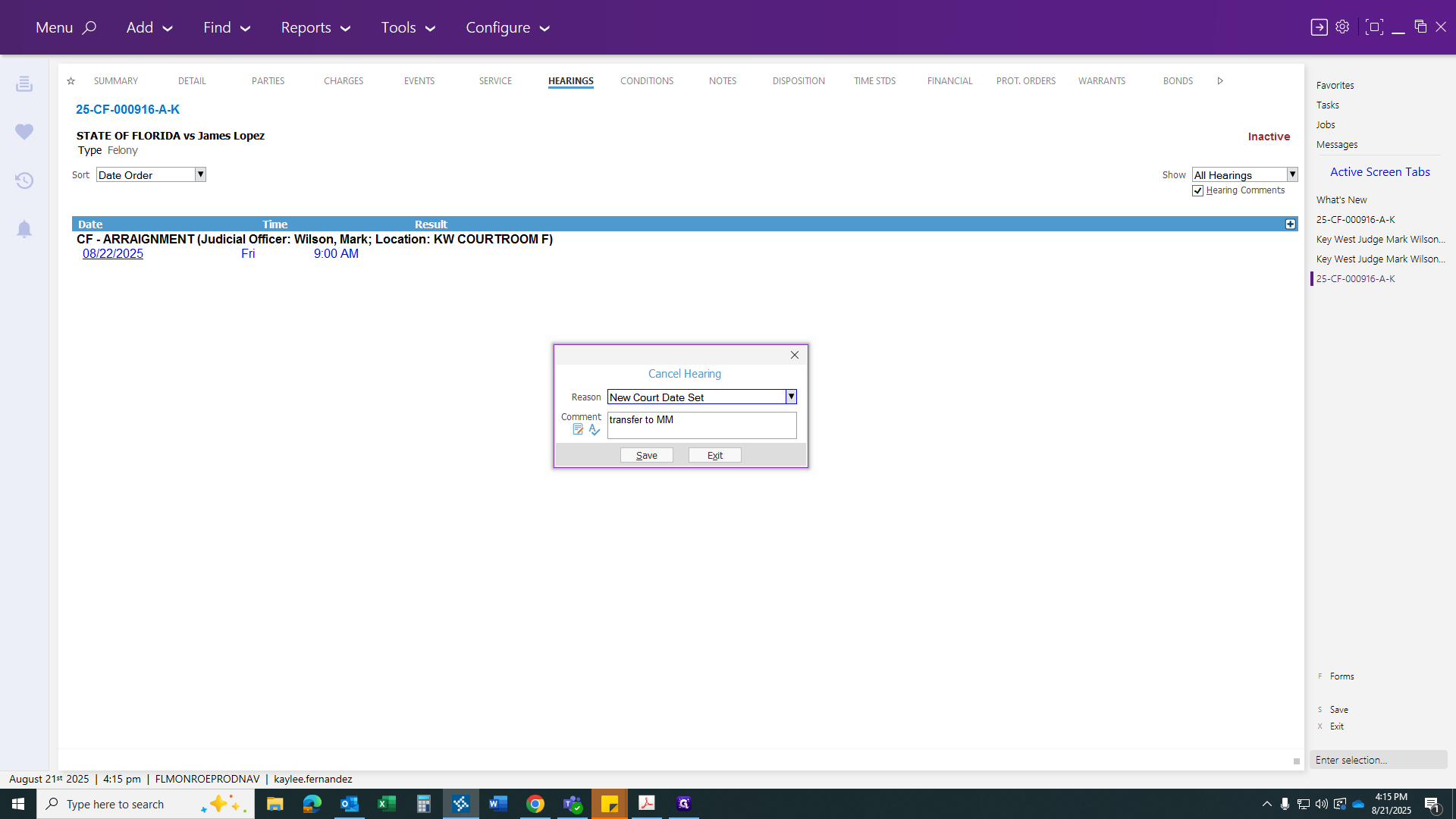
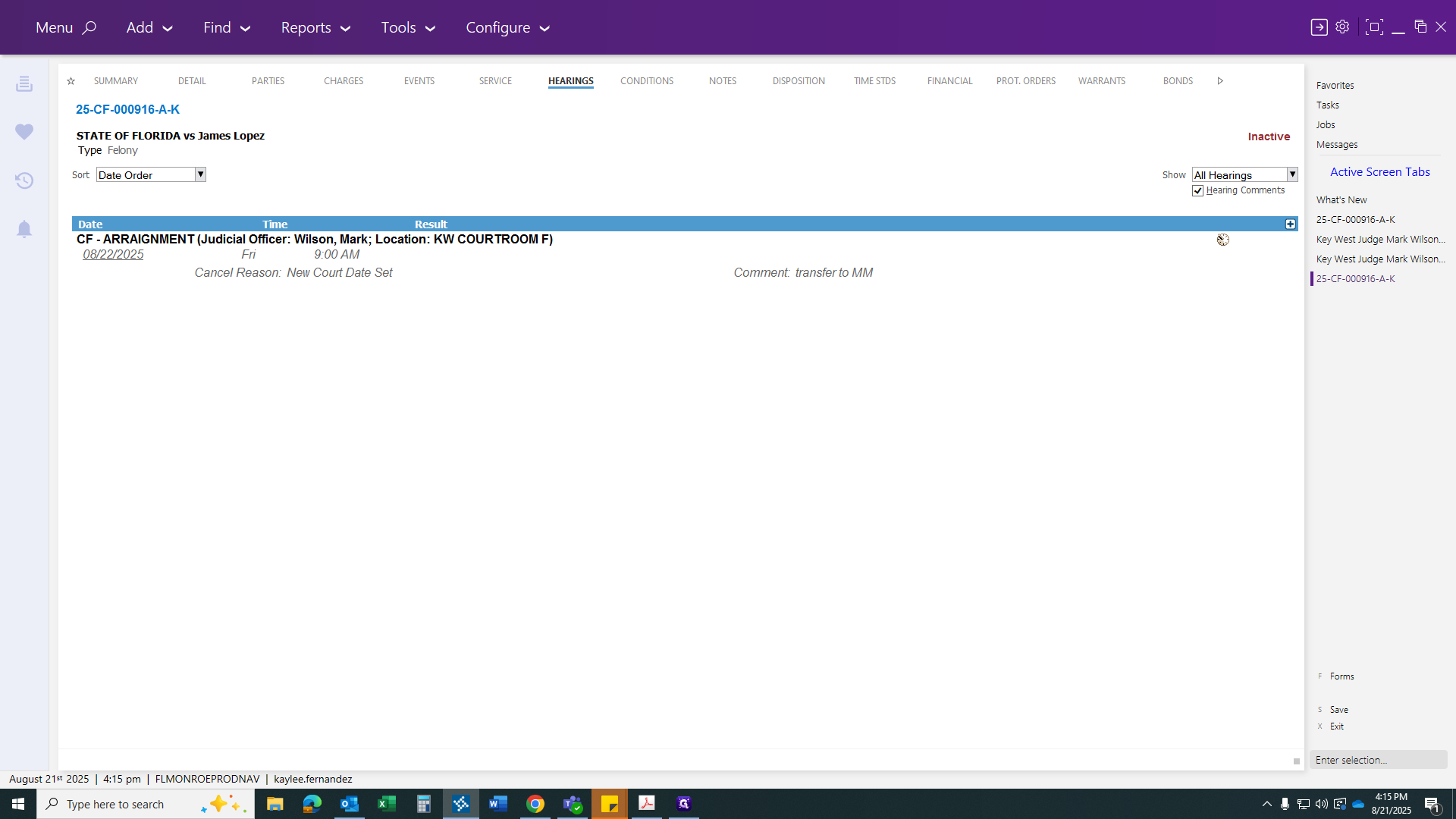
There you go. Then continue, and make sure to cancel your hearing to confirm the new court date.
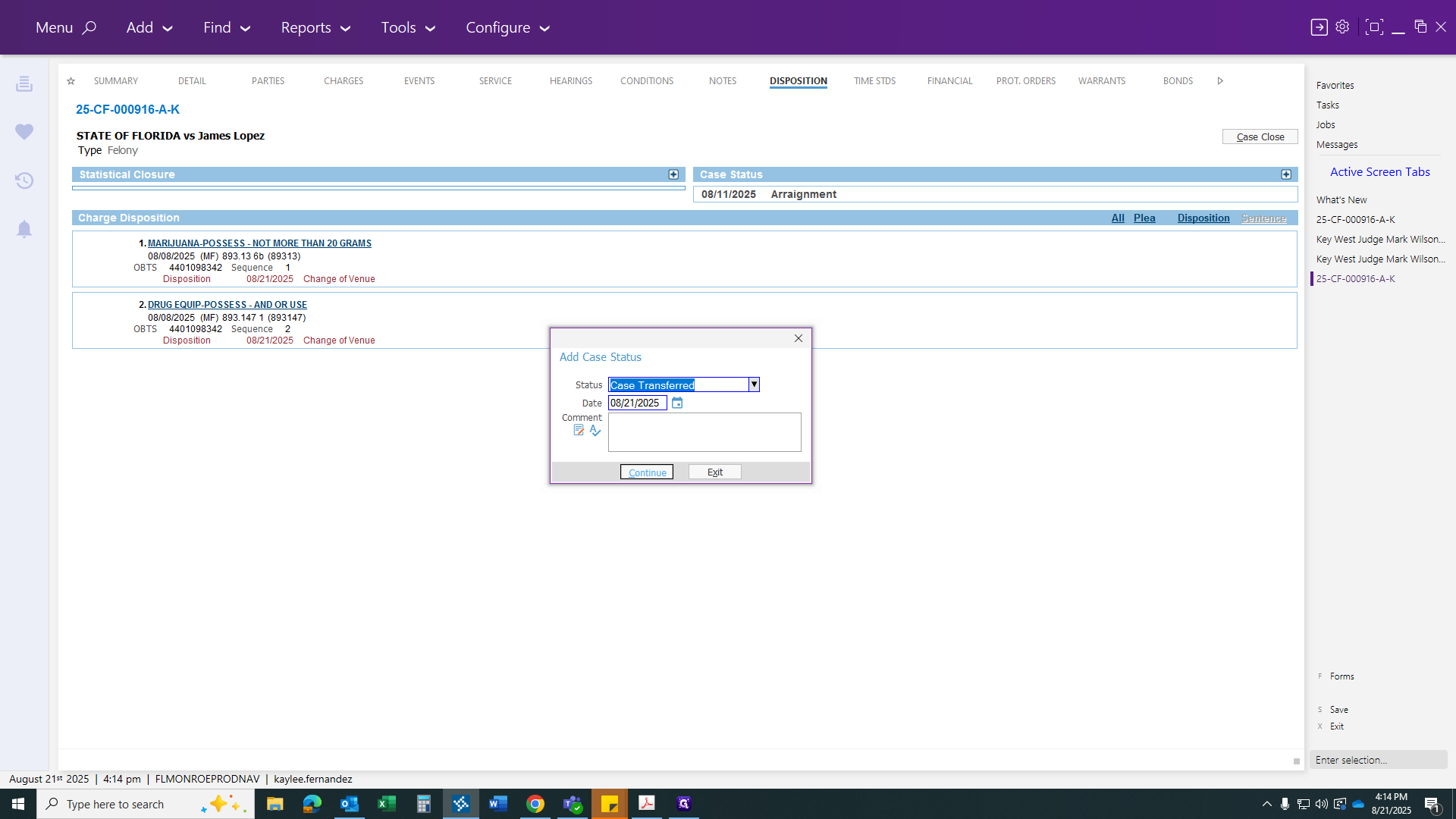
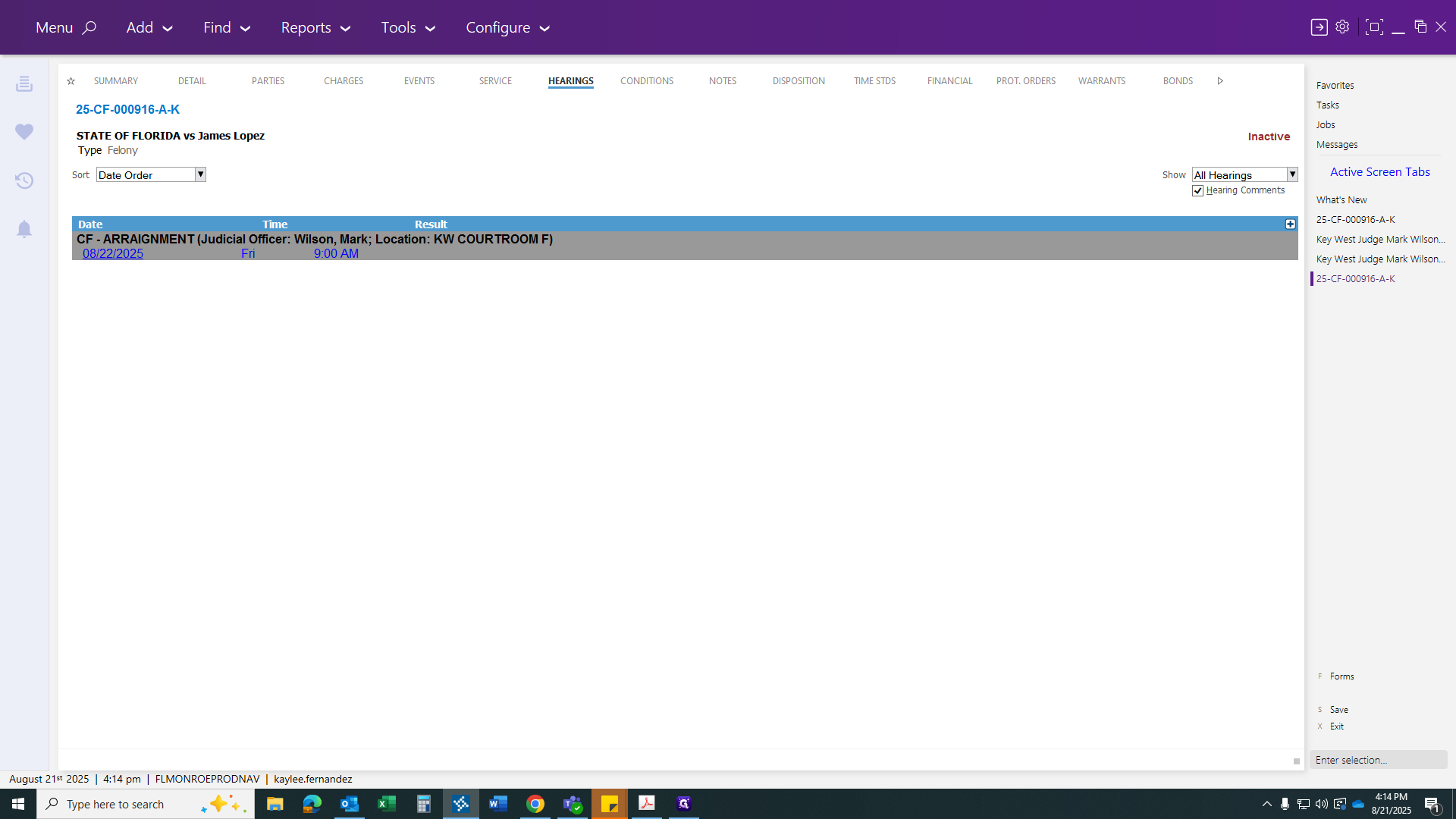
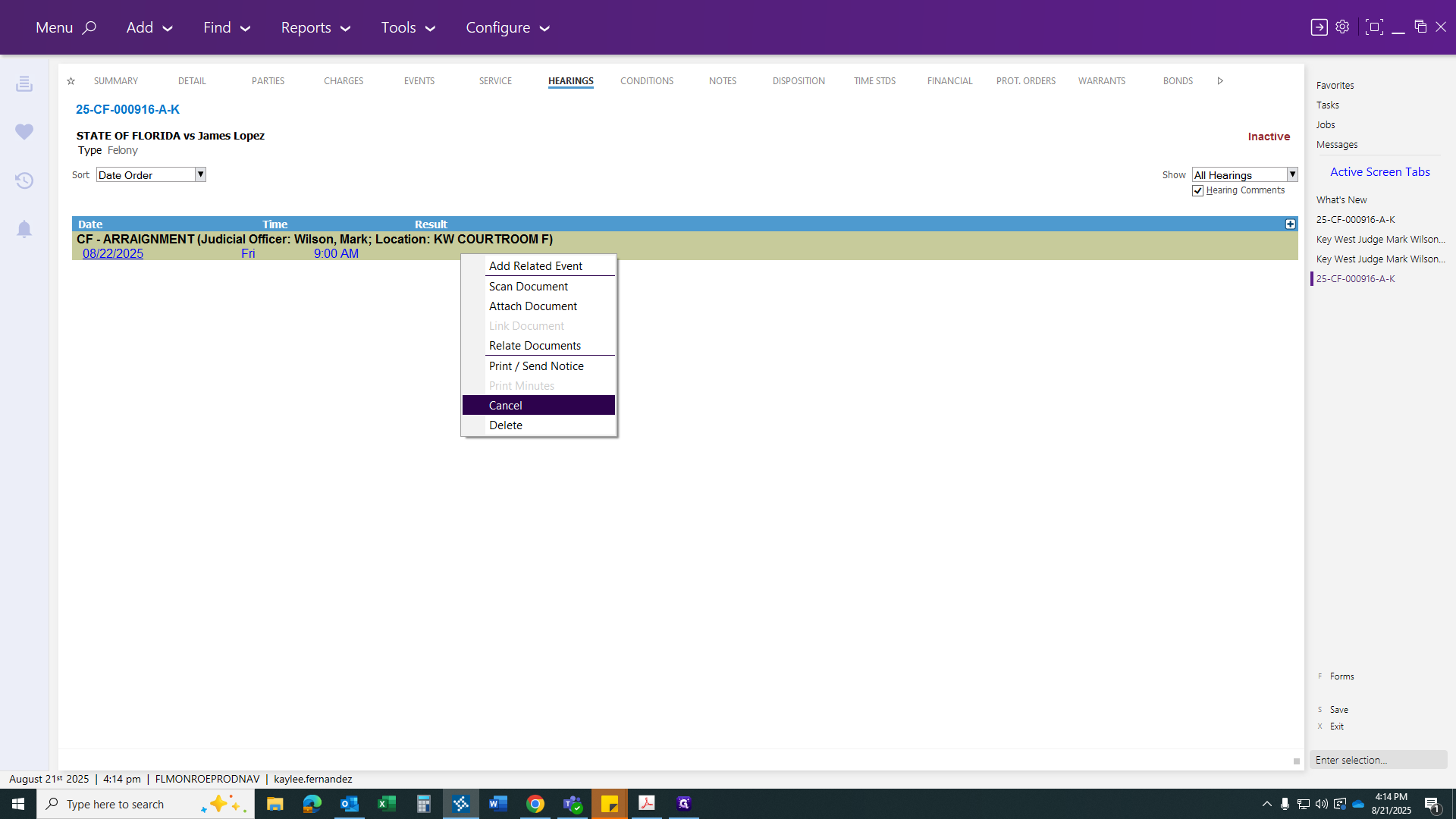
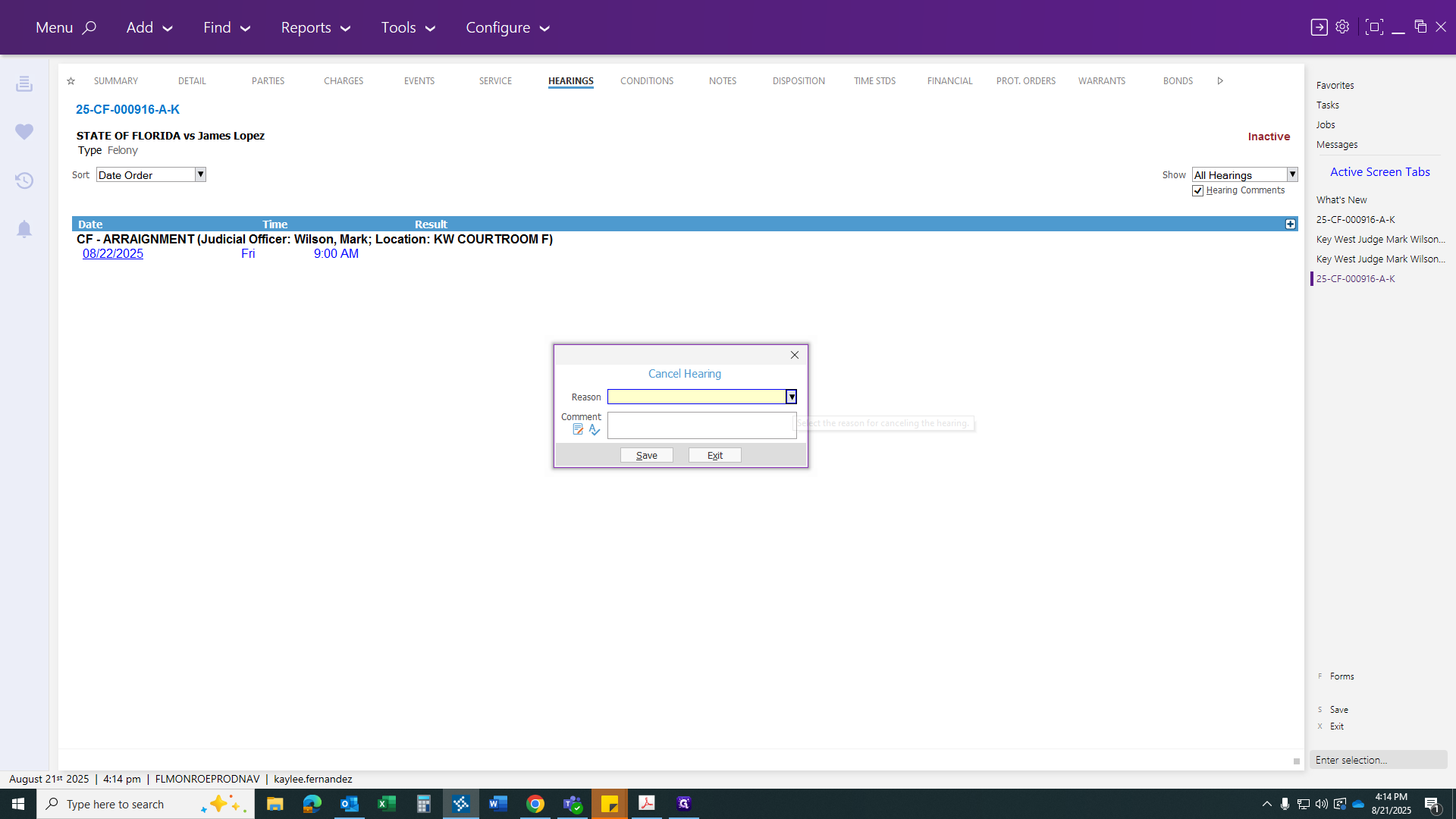
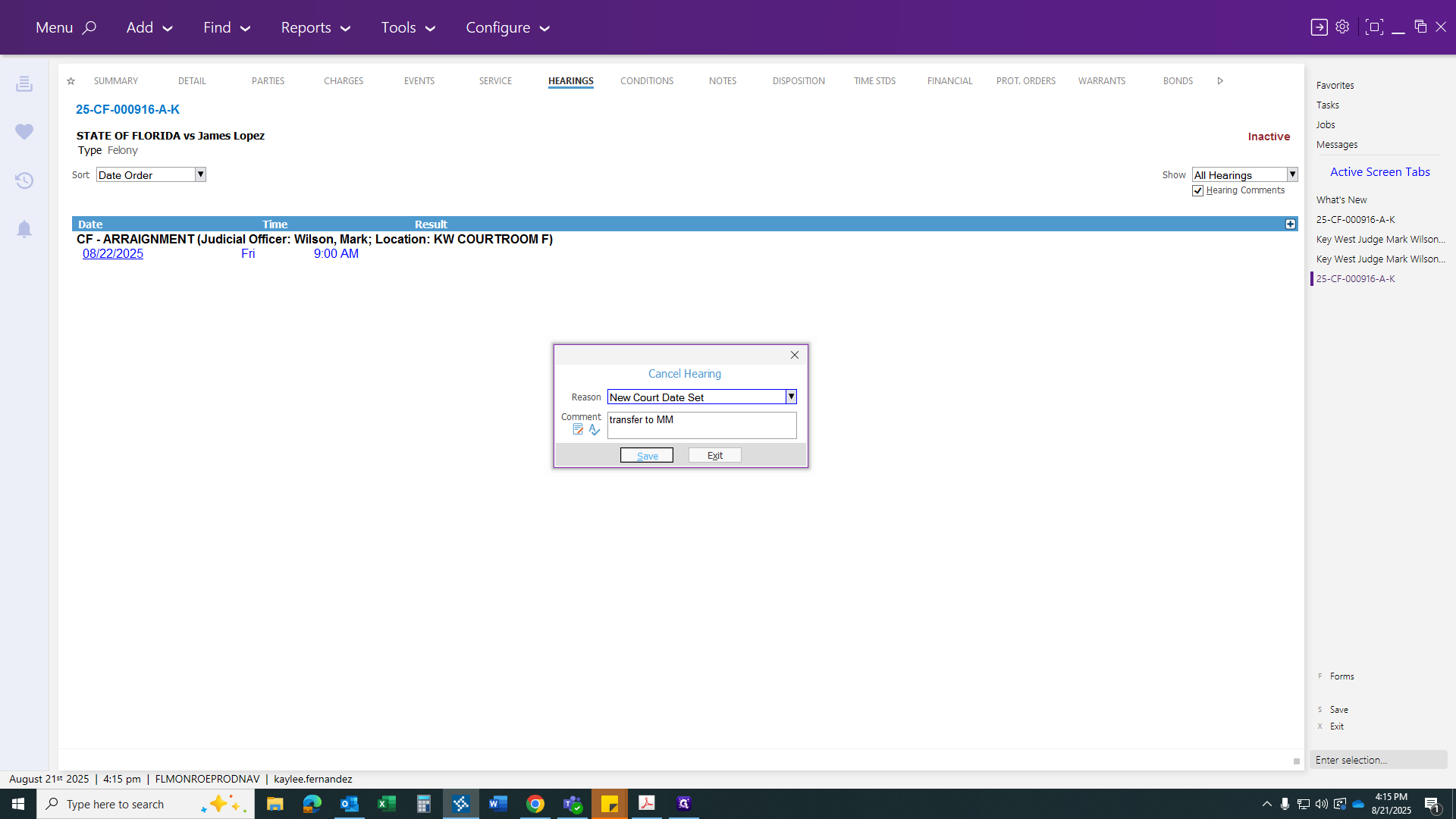
You can write a brief comment, such as "transferred to misdemeanor," "transferred to felony," or similar.
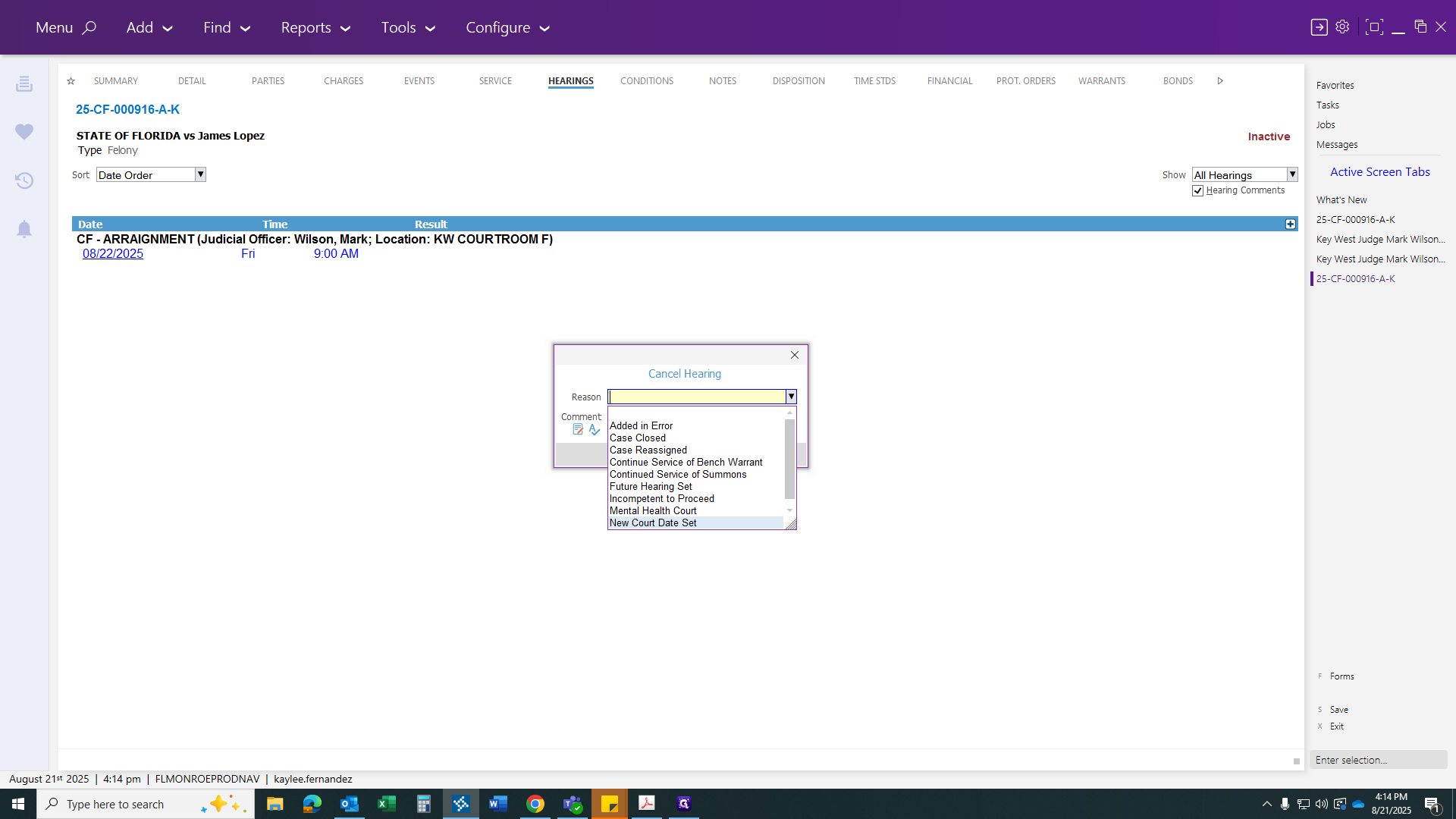
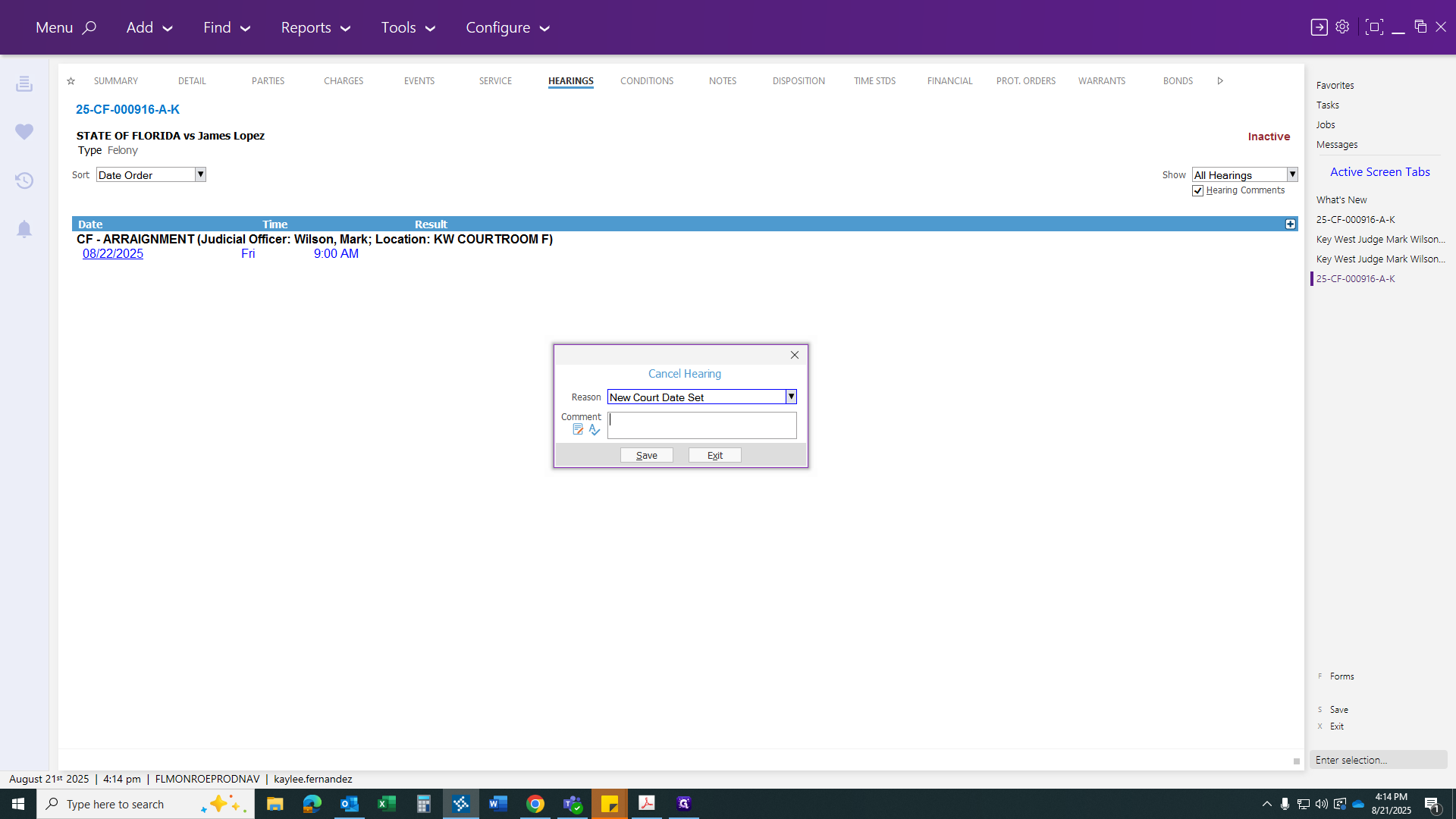
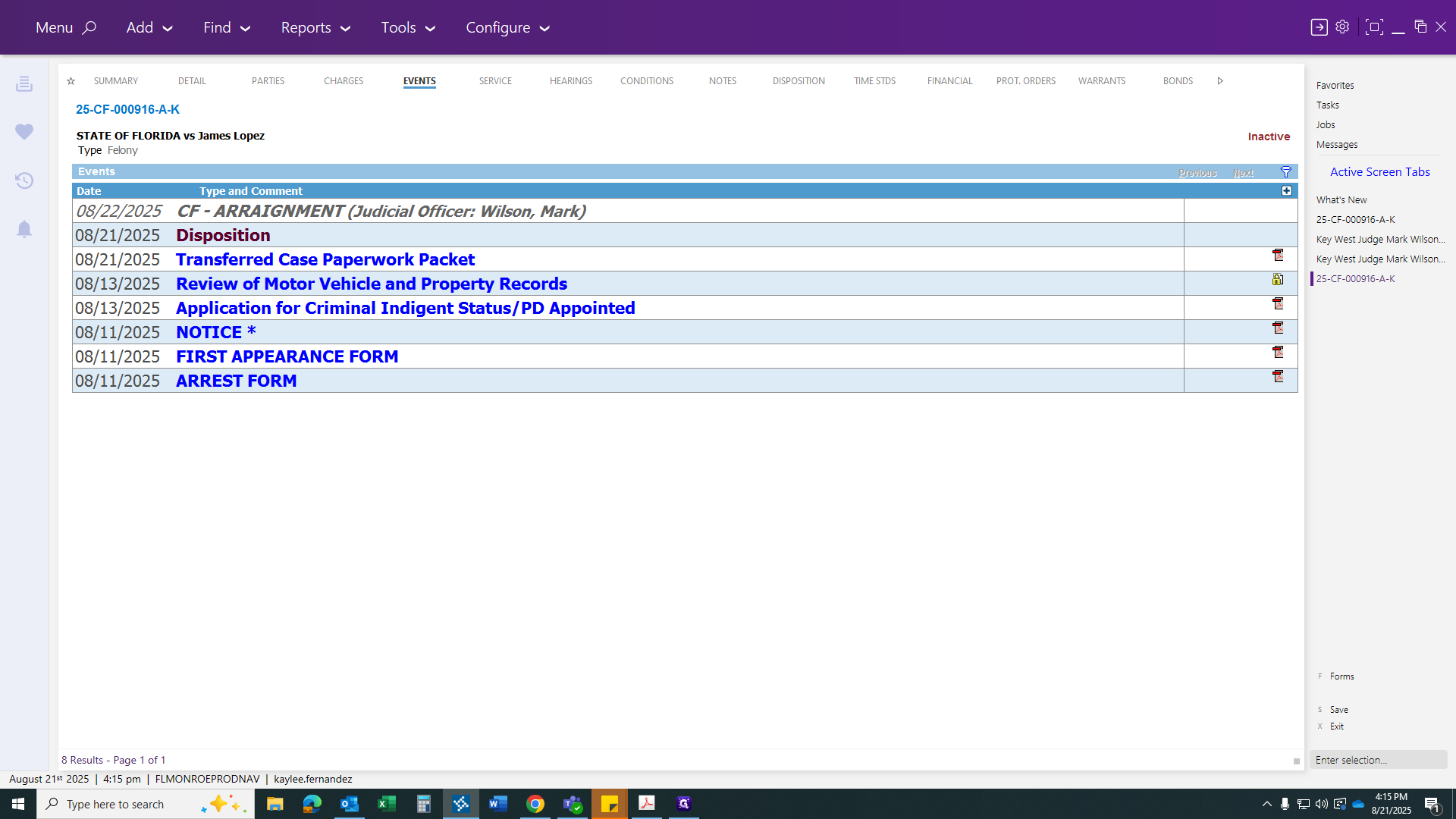
After you click Save, the court date will be canceled. You are now ready to transfer.
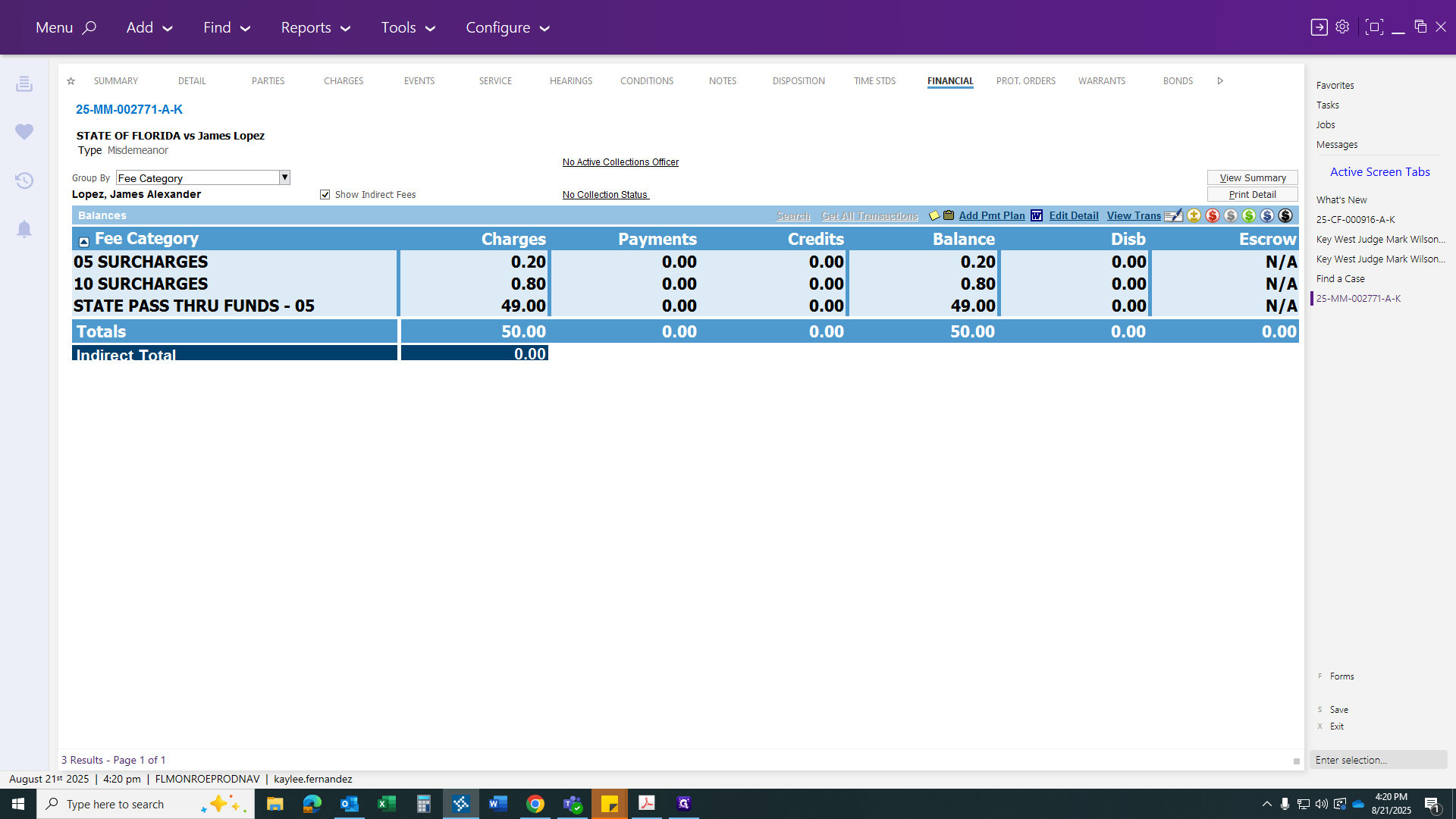
The Financial tab will show the $50 public defender fee if it is a public defender case. Make sure to leave this as zero.
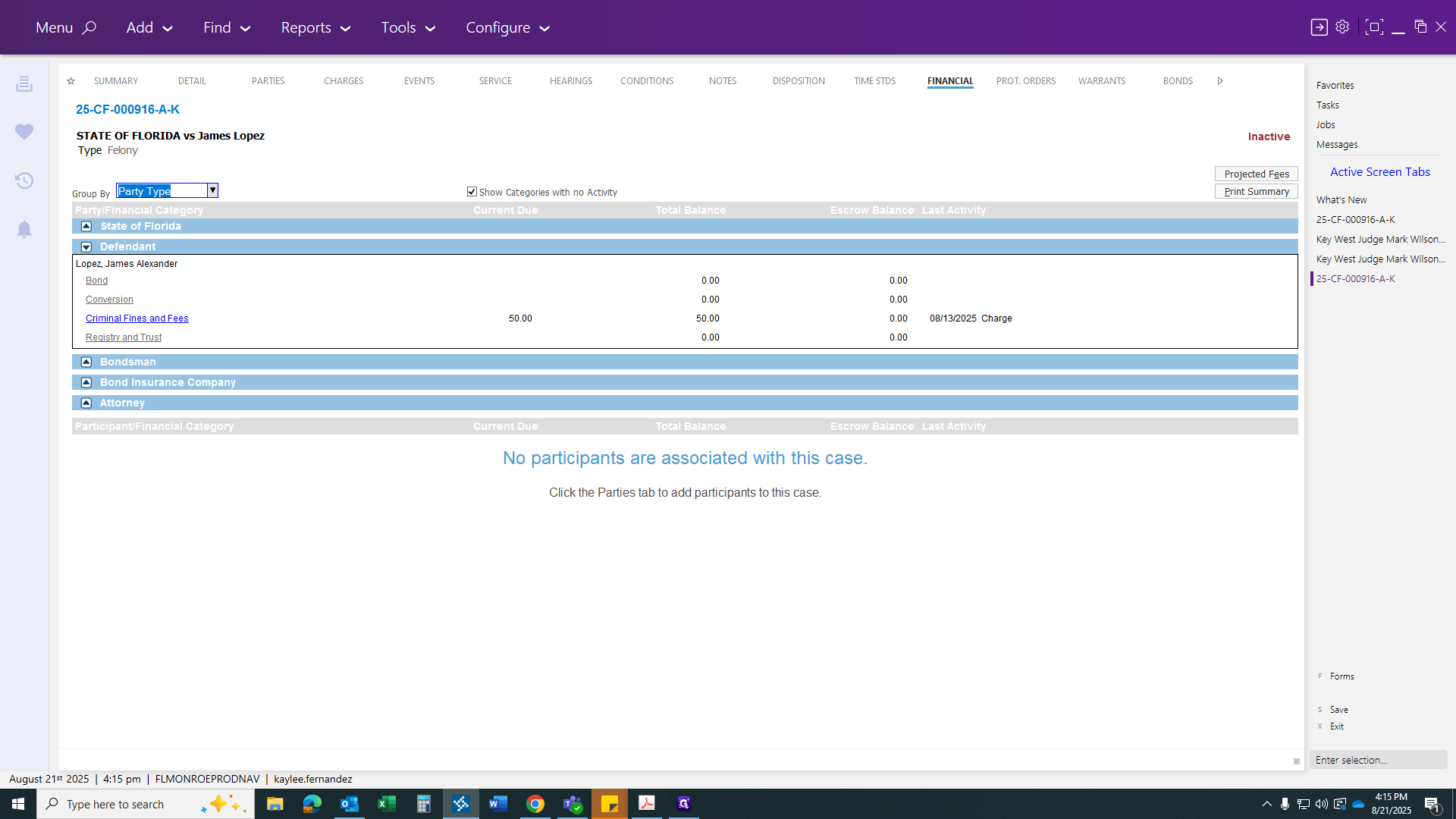
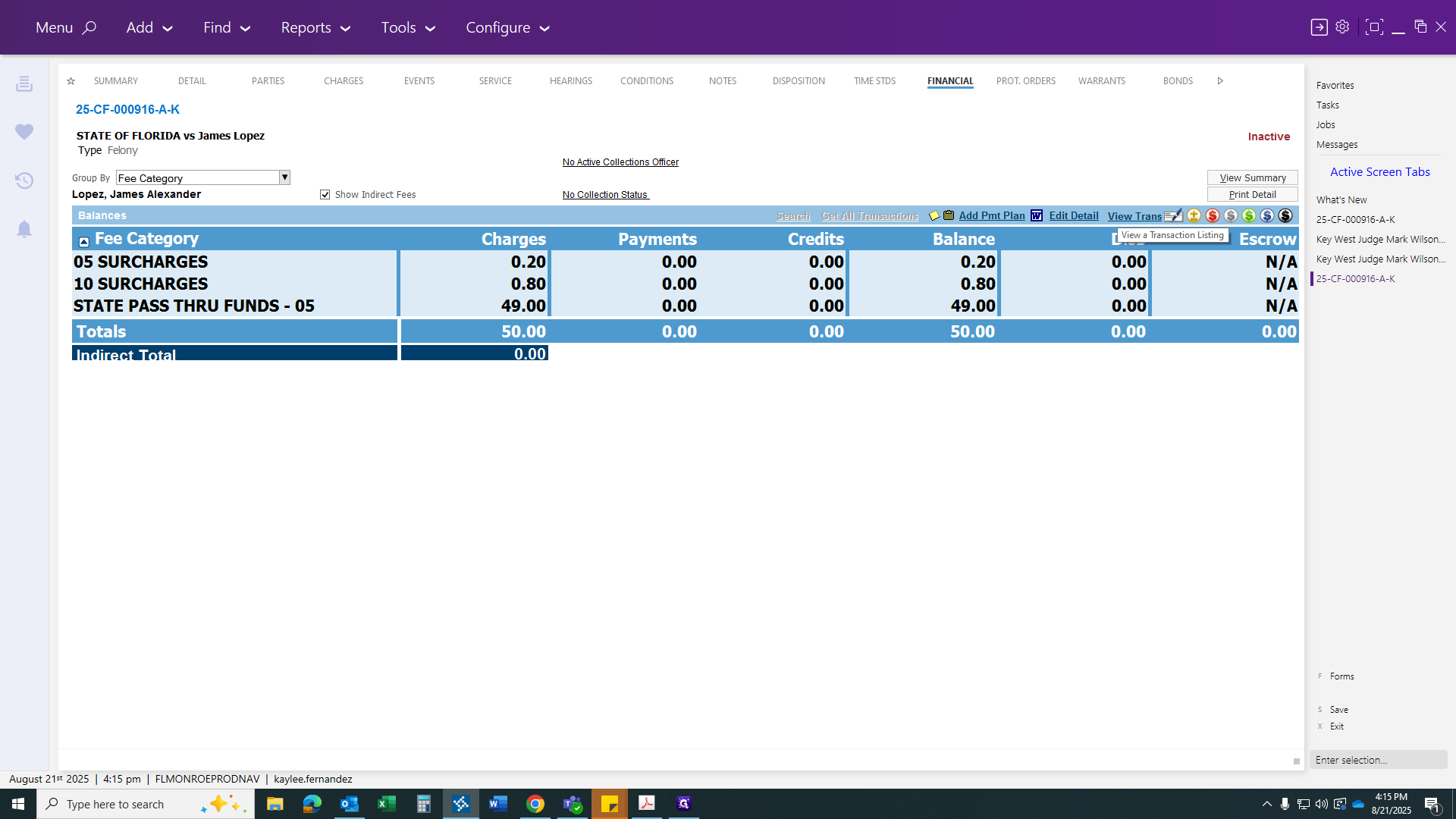
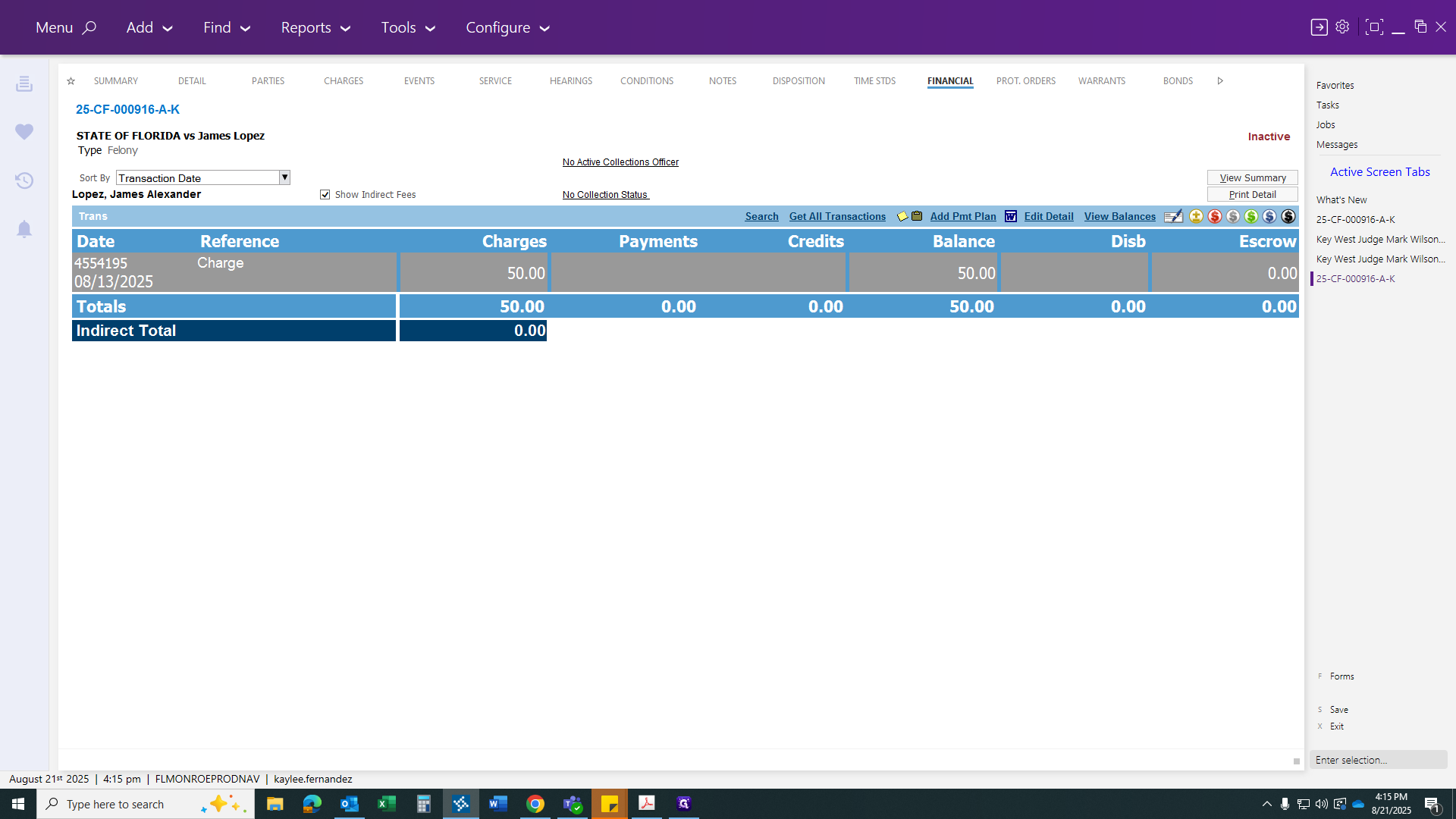
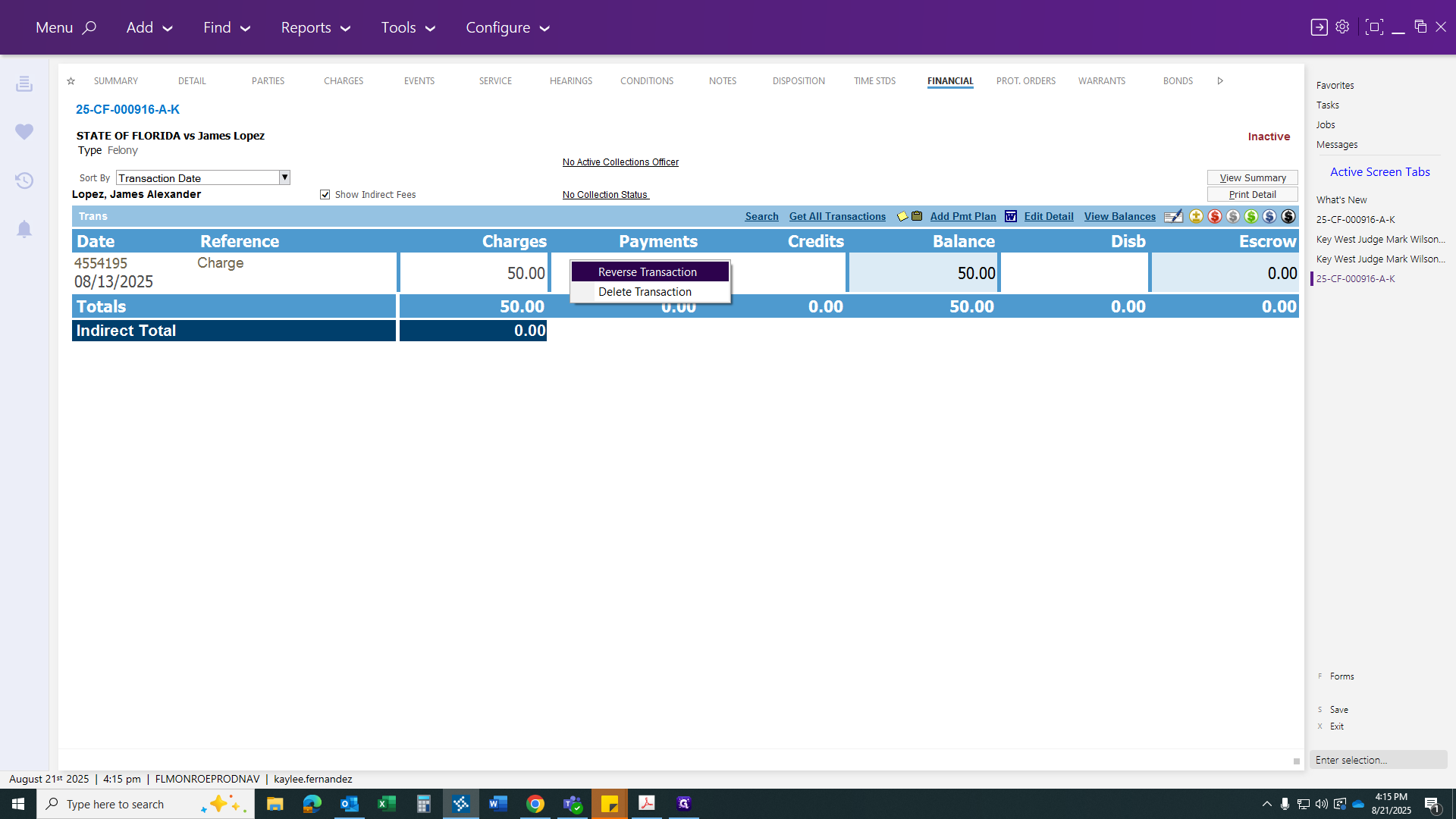
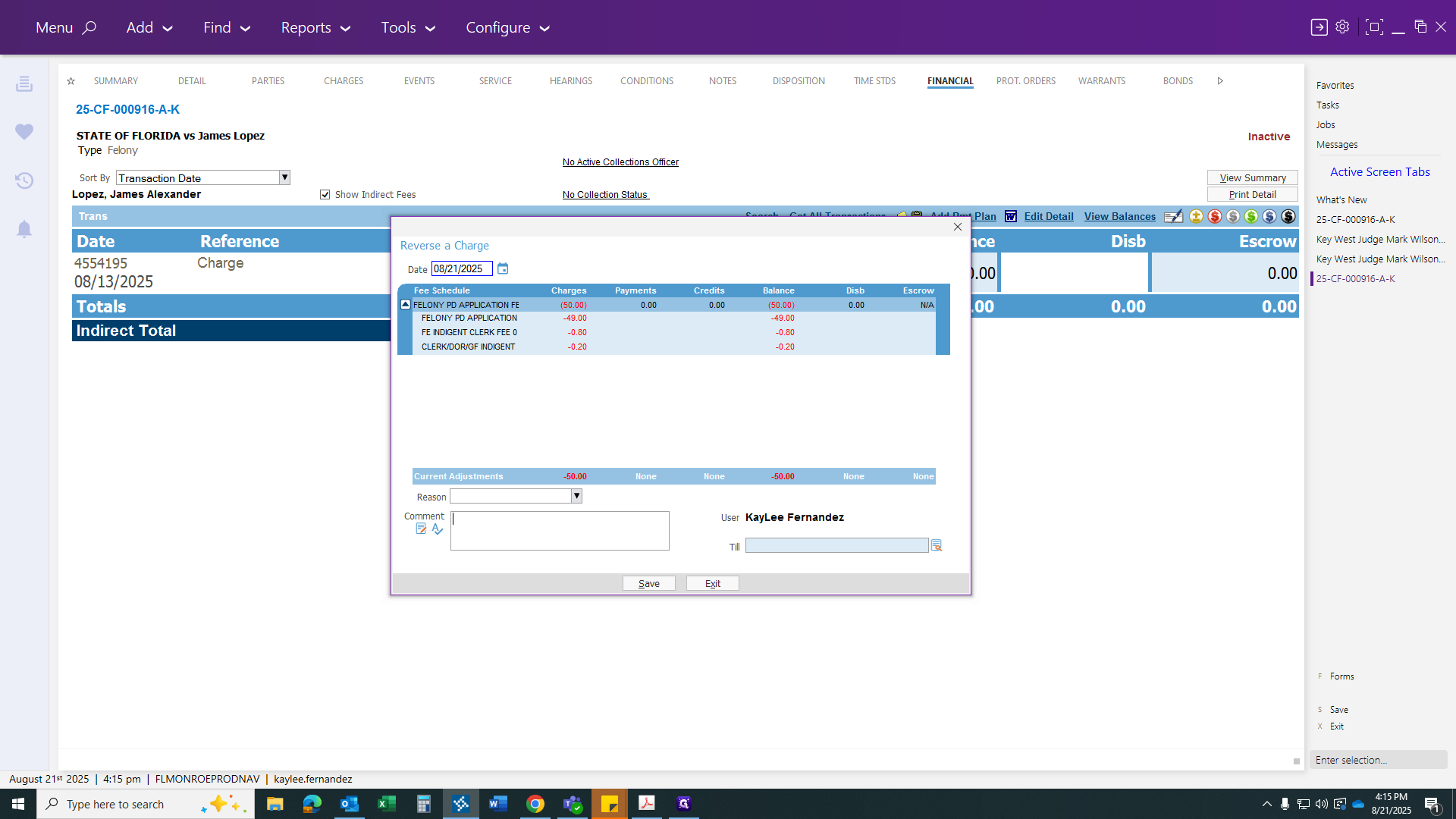
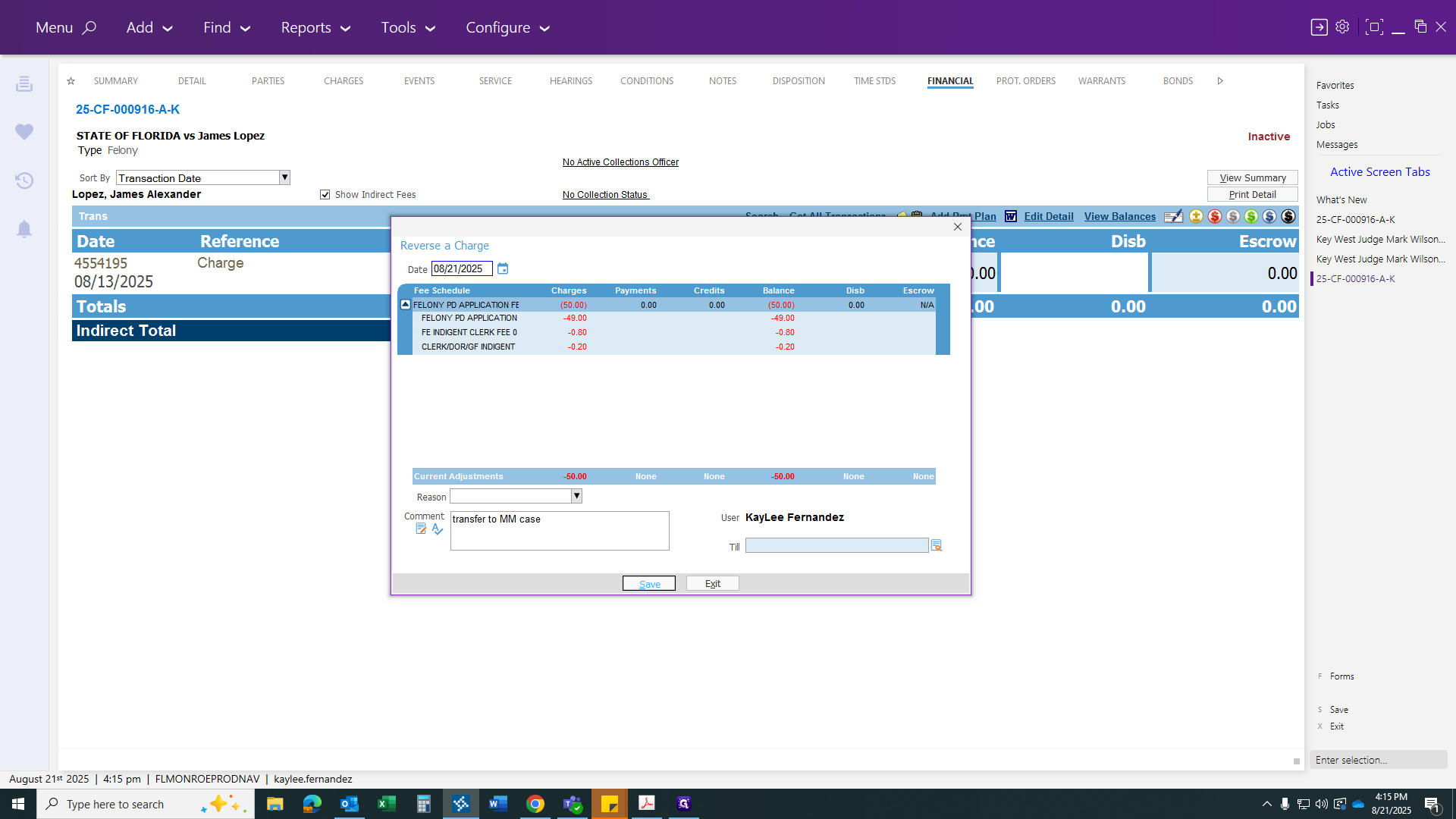
Reverse the payment and add a comment: "Transferred to misdemeanor case." Then click Save.
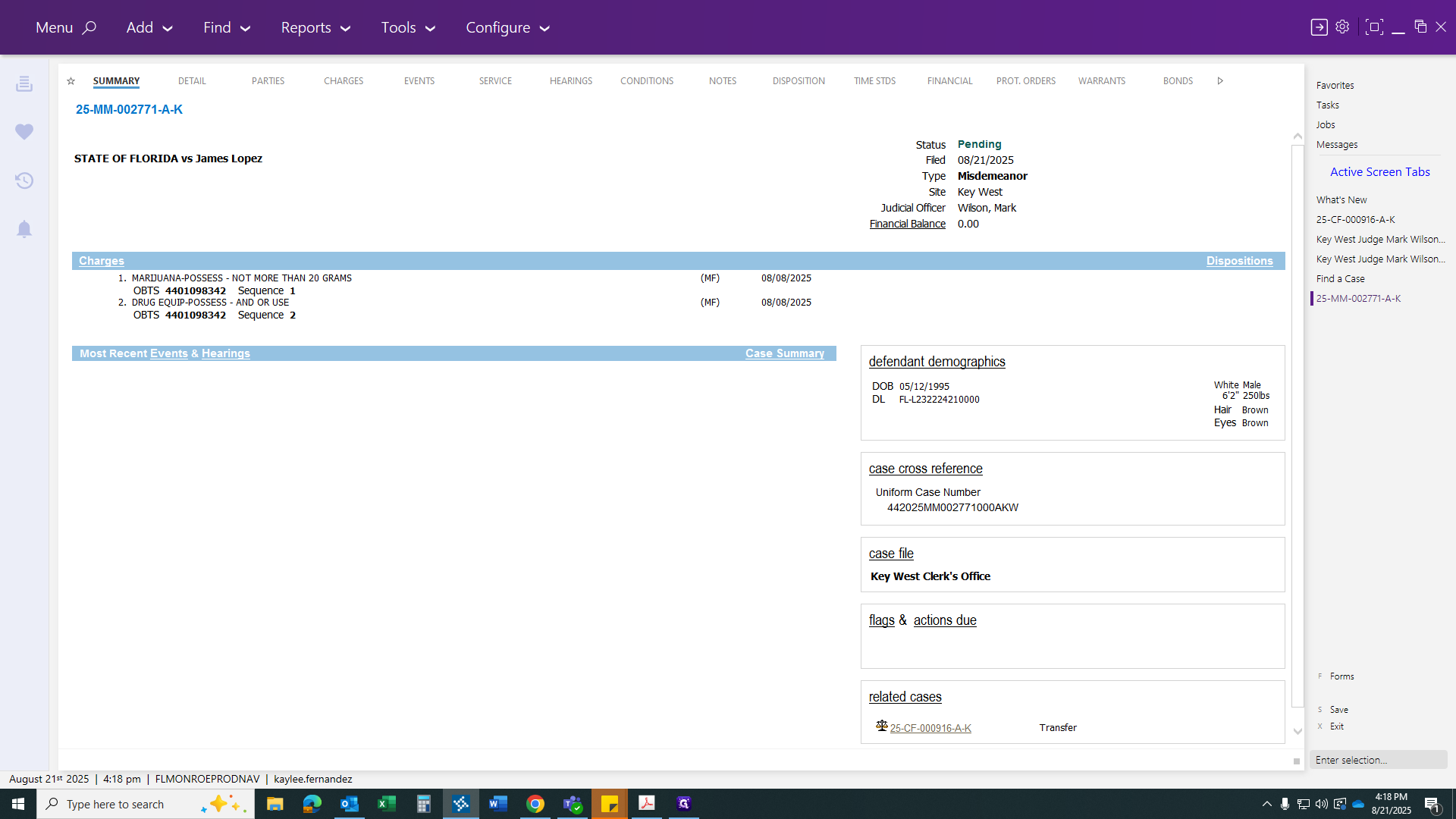
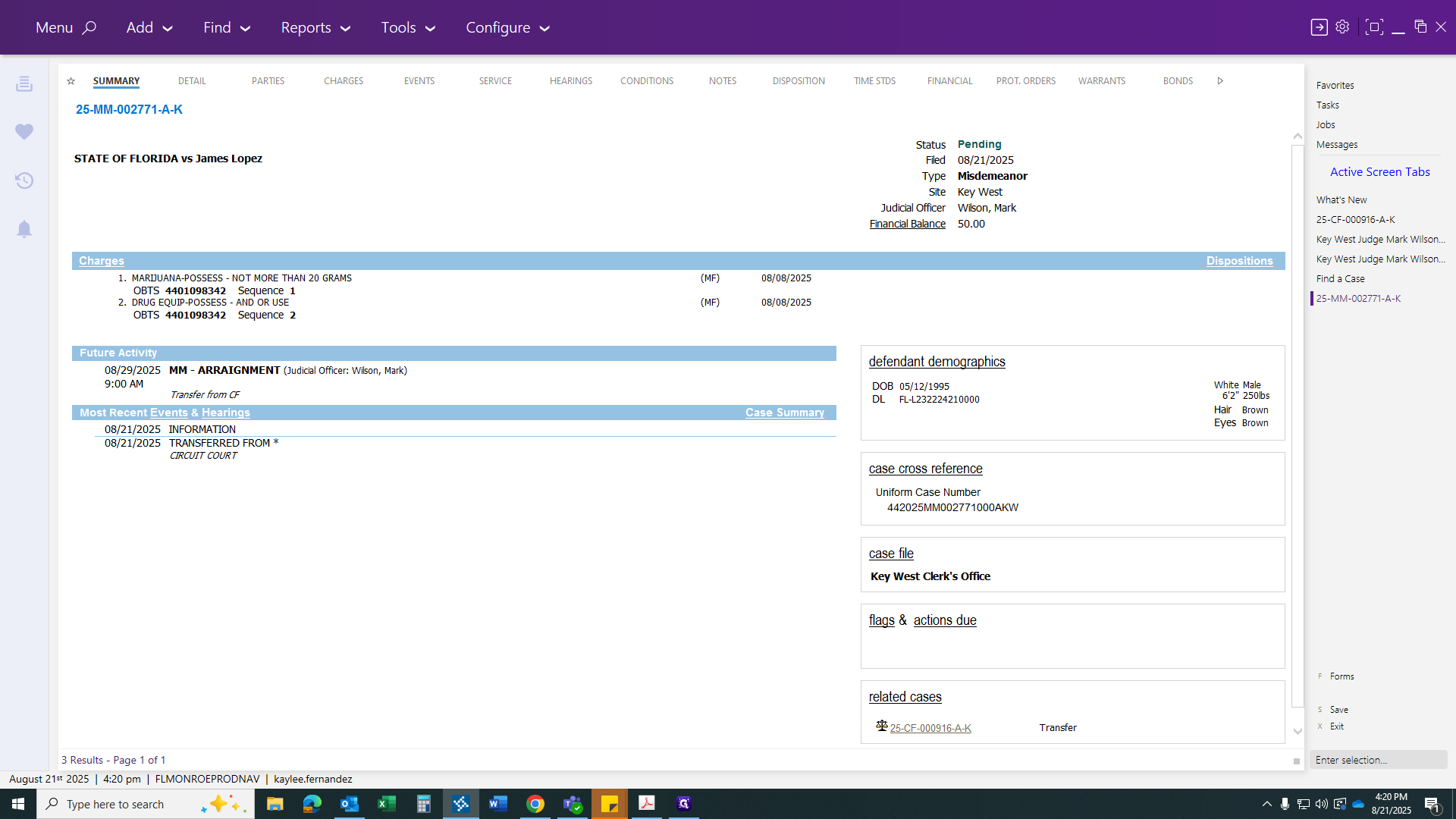
Review your summary to ensure everything is accurate.
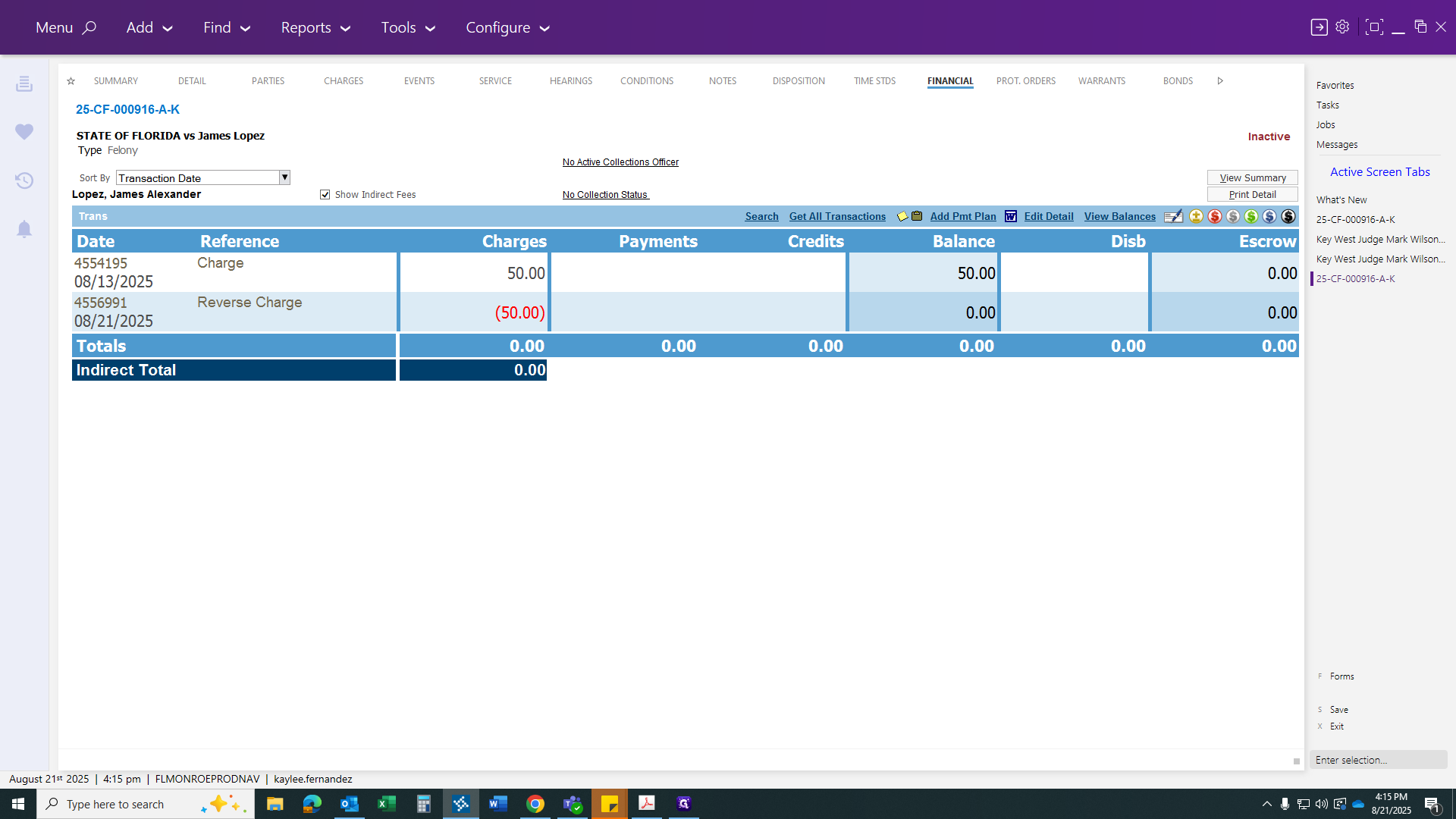
Now, we will save this case on this screen.
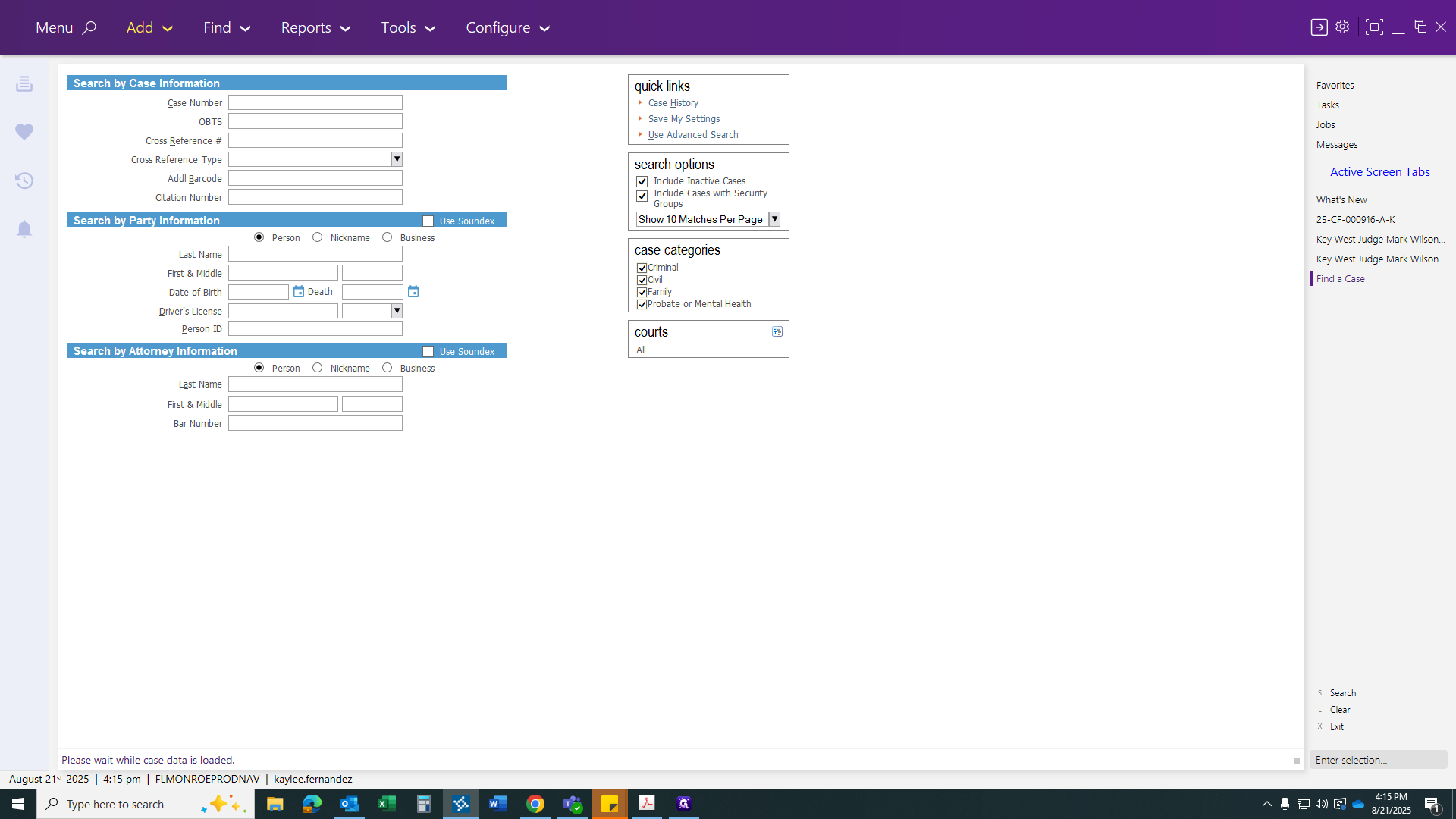
Now we need to add your case.
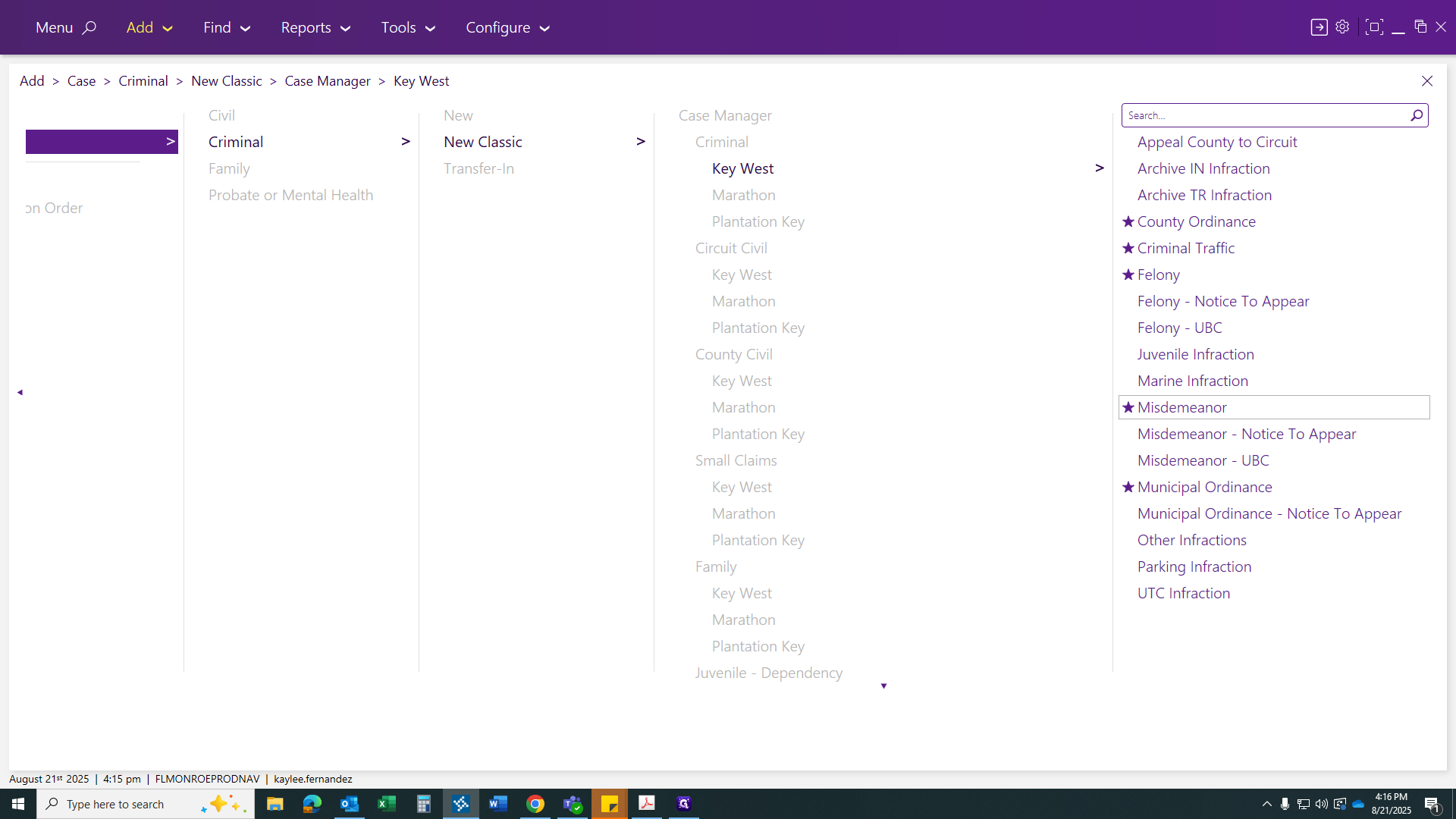
You'll go... Usually, you'll see options like Case, Criminal, New Case Classic, and Key West. Now, select Misdemeanor Case.
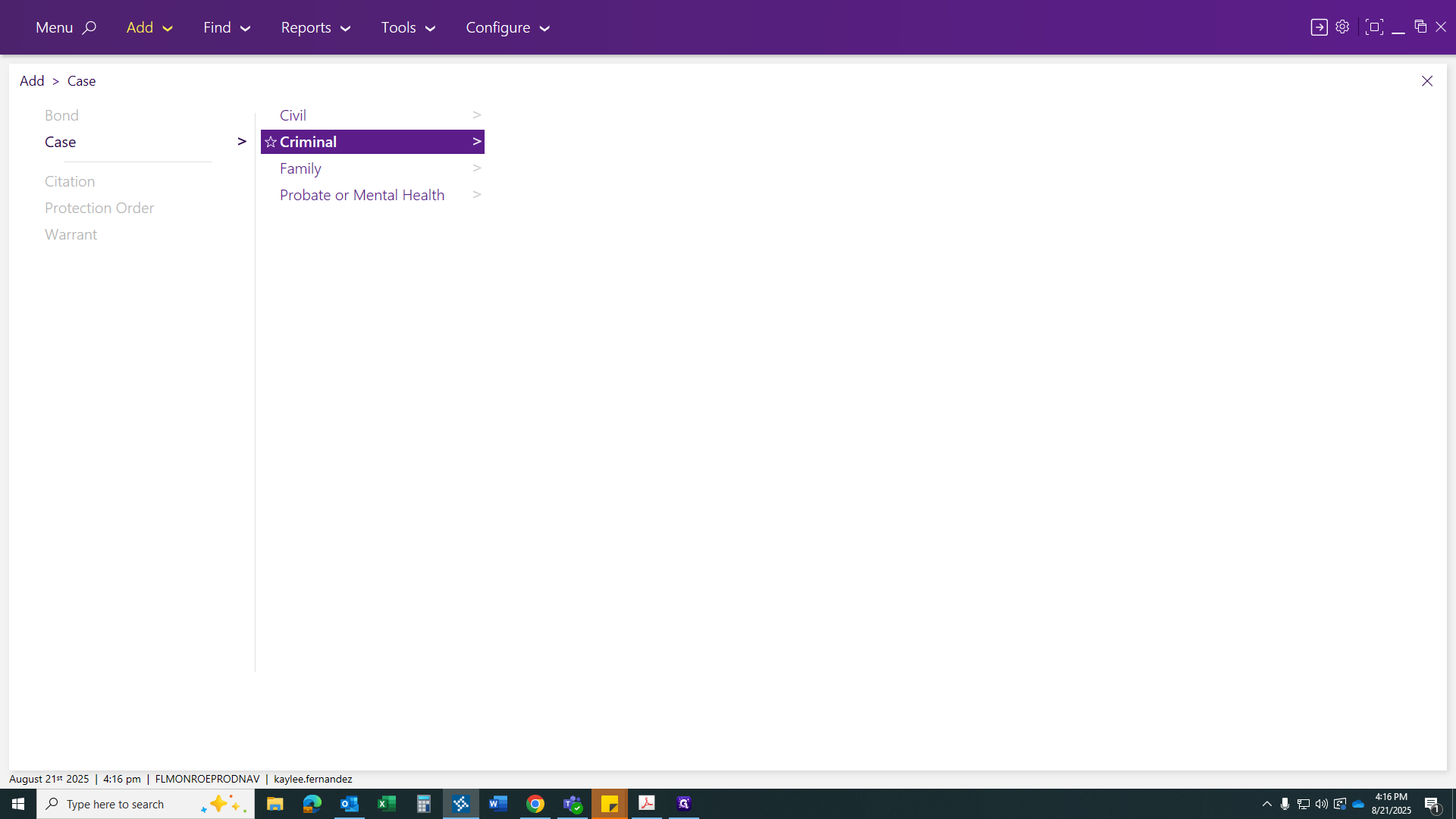
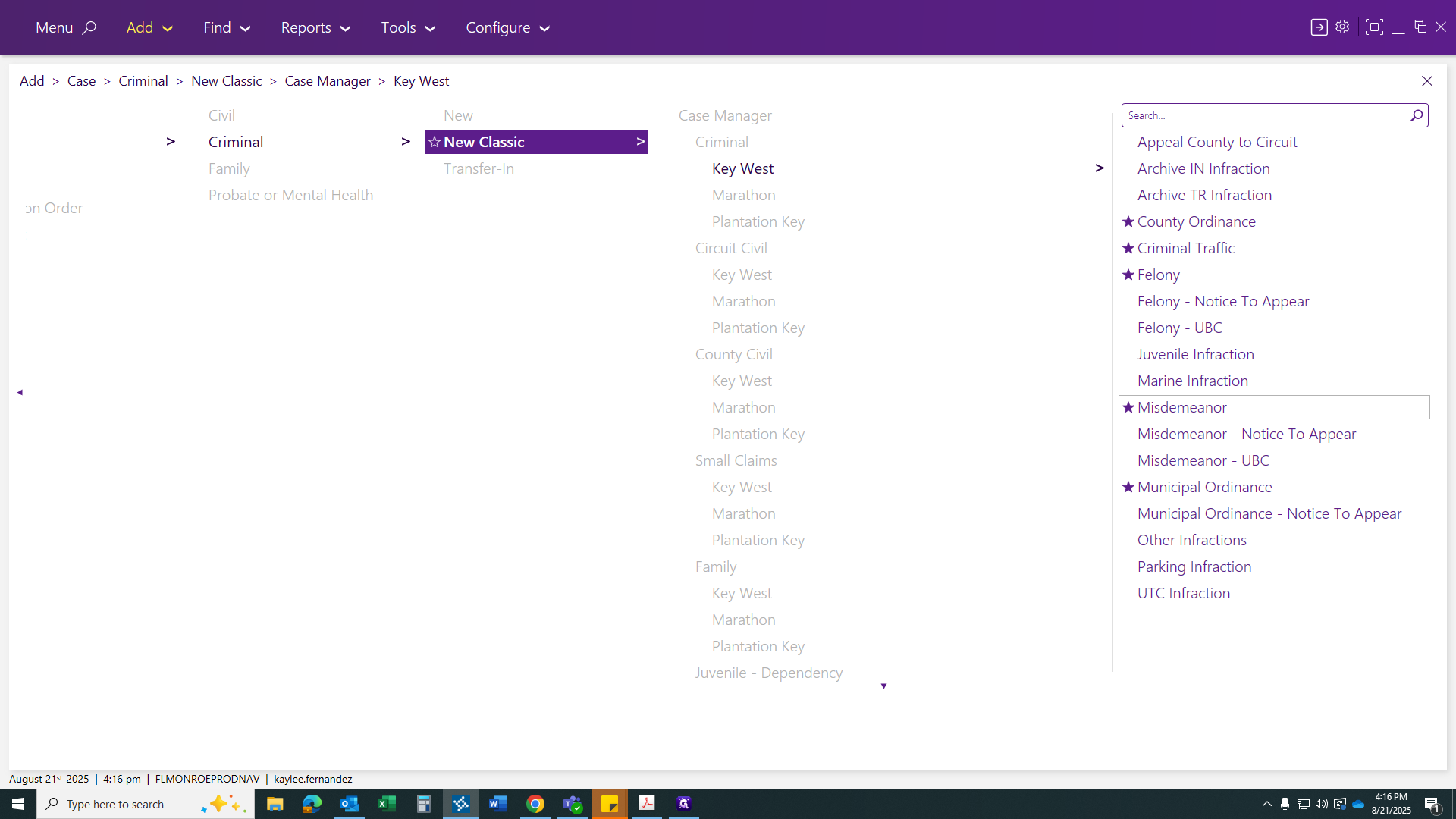
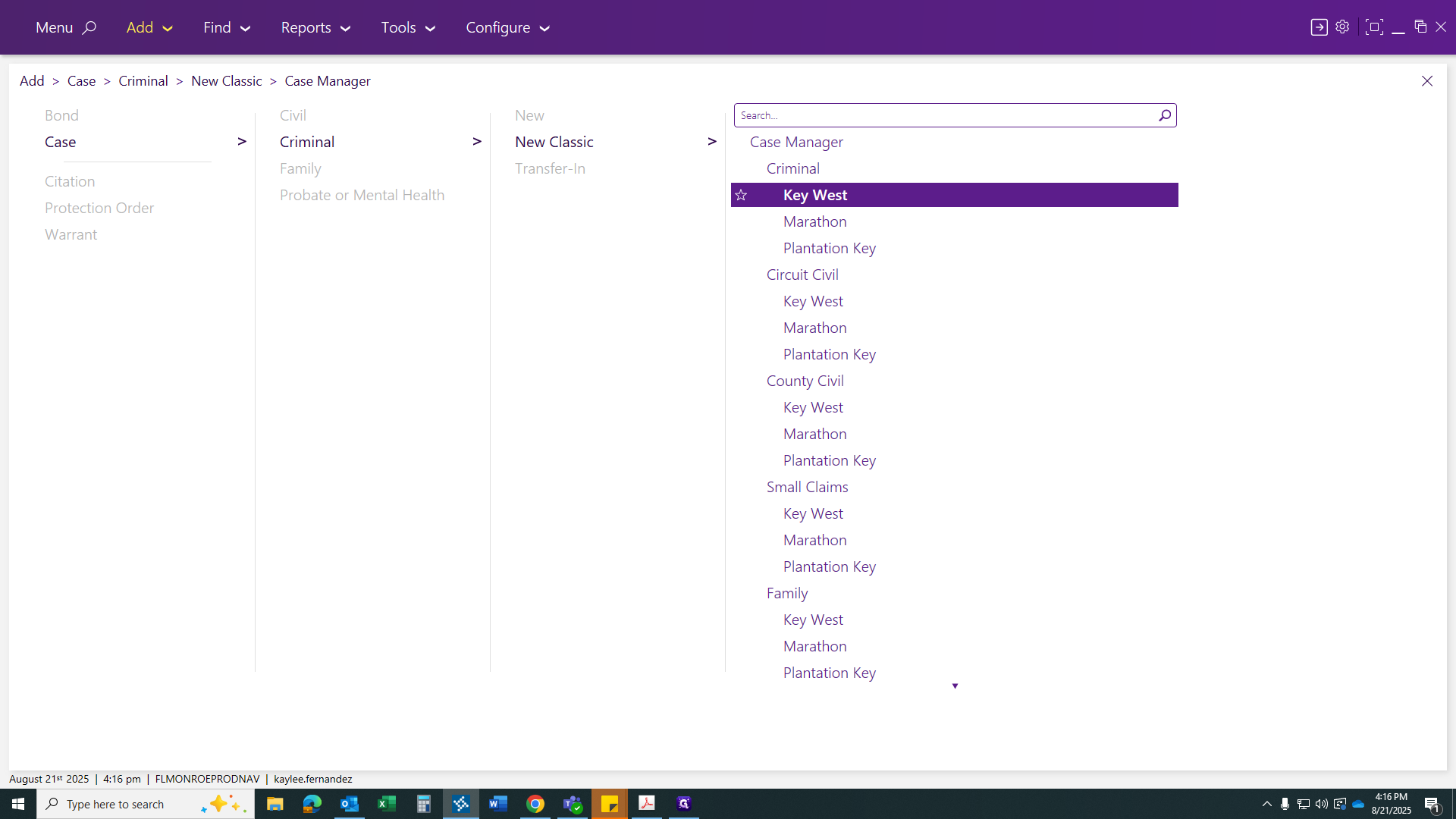
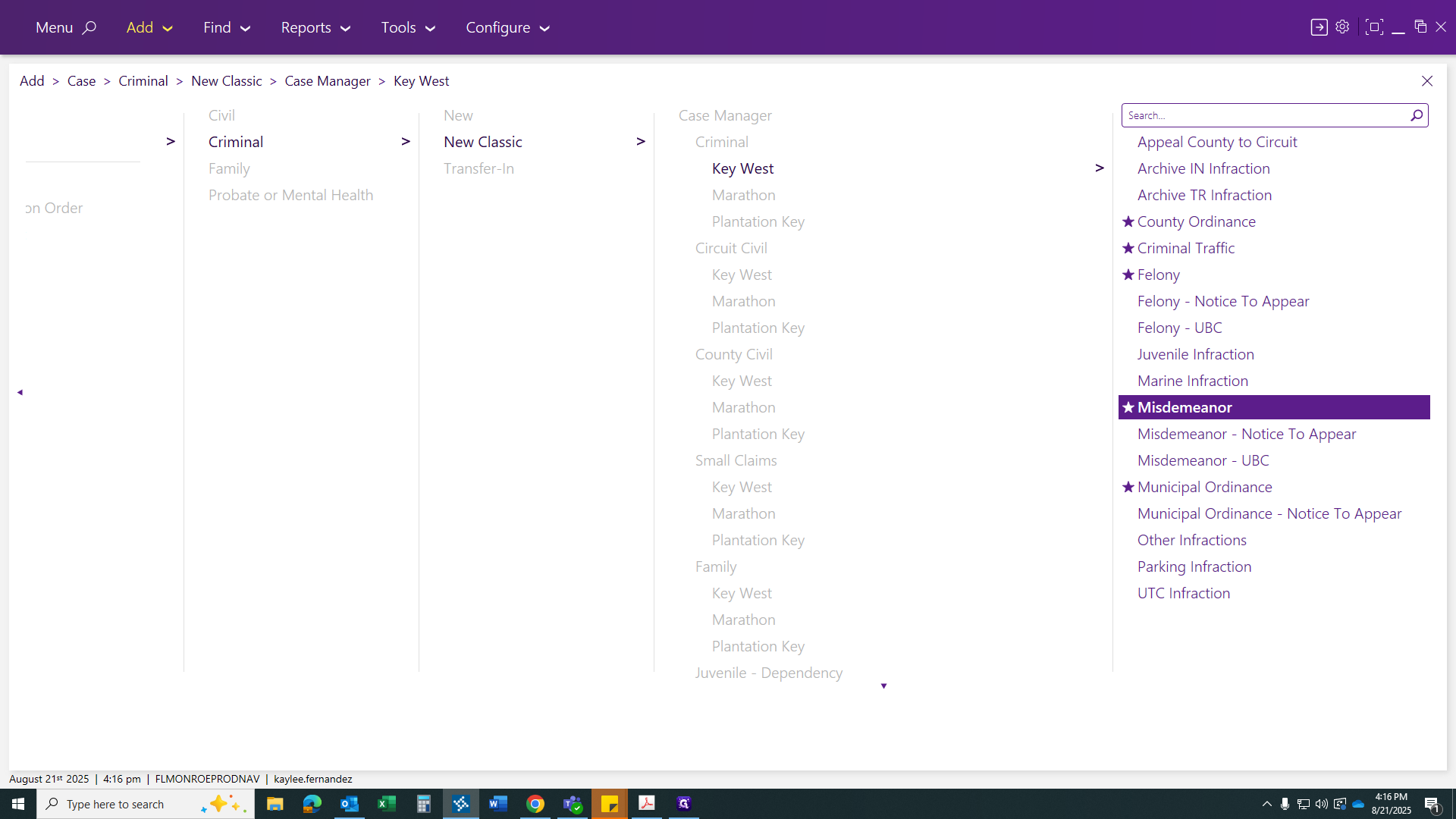
Once you click on a misdemeanor, you are not... You can relate the case from here and reference the felony case number.
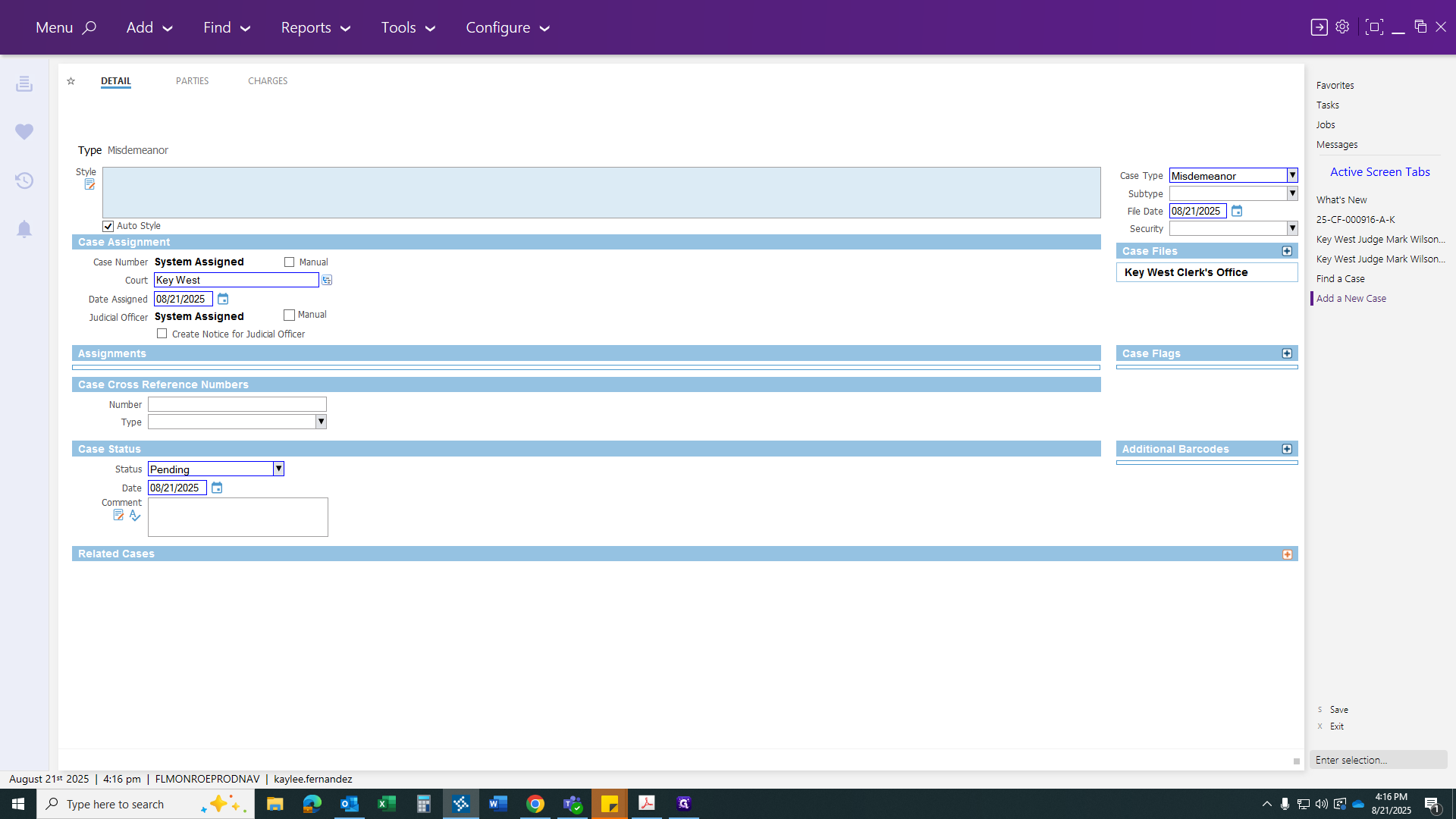
The reason will be Transfer. Click Continue.
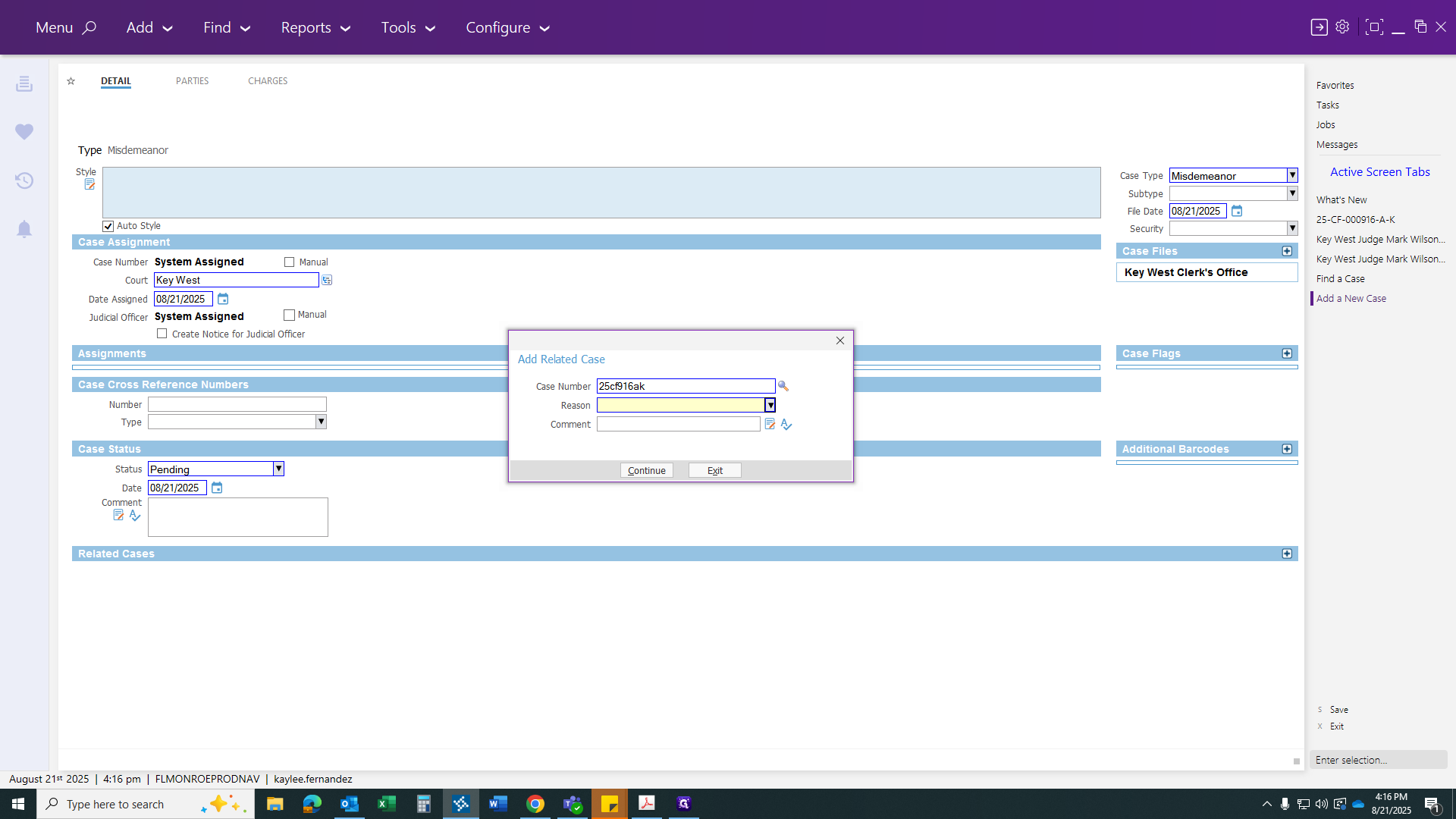
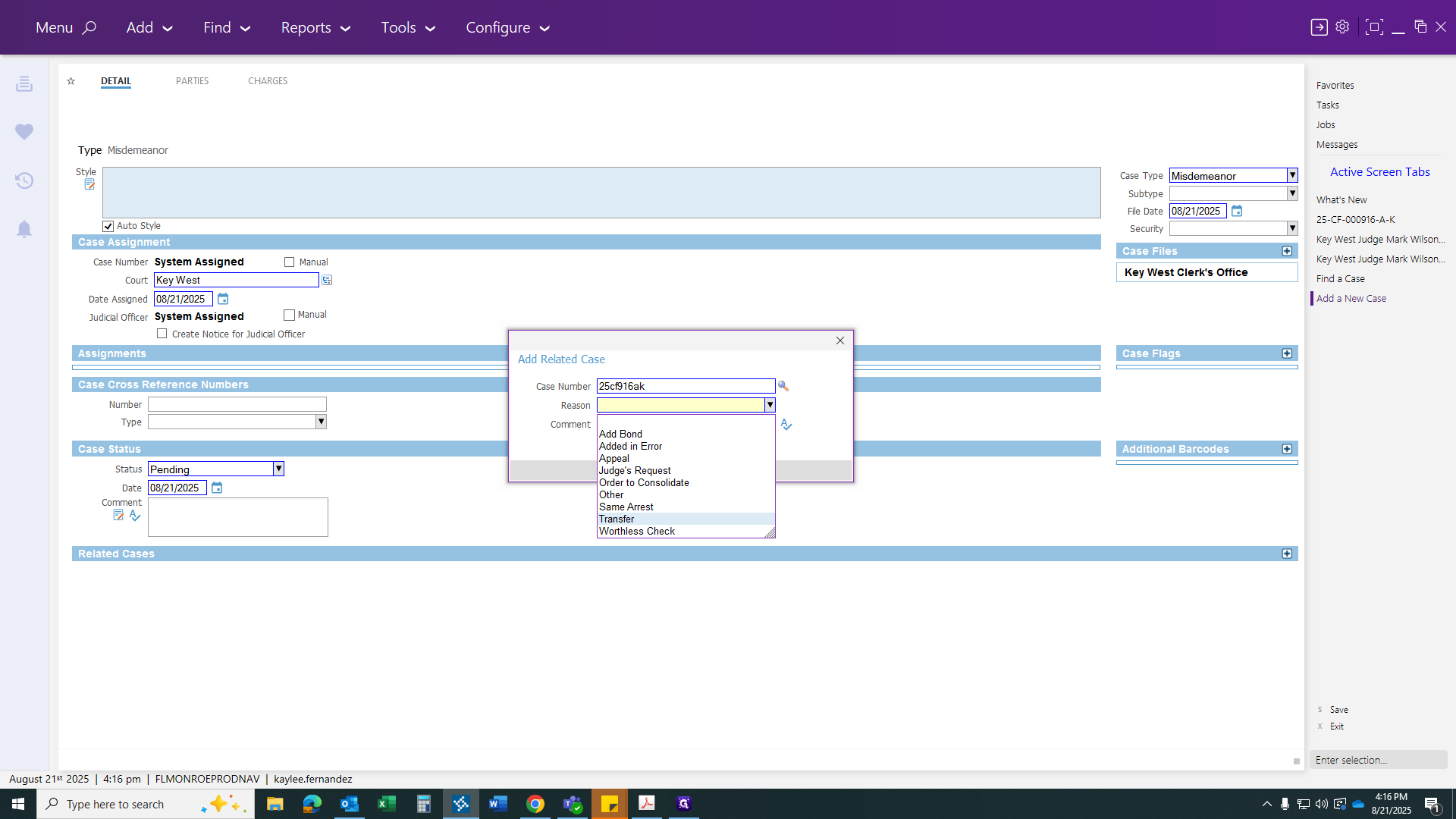
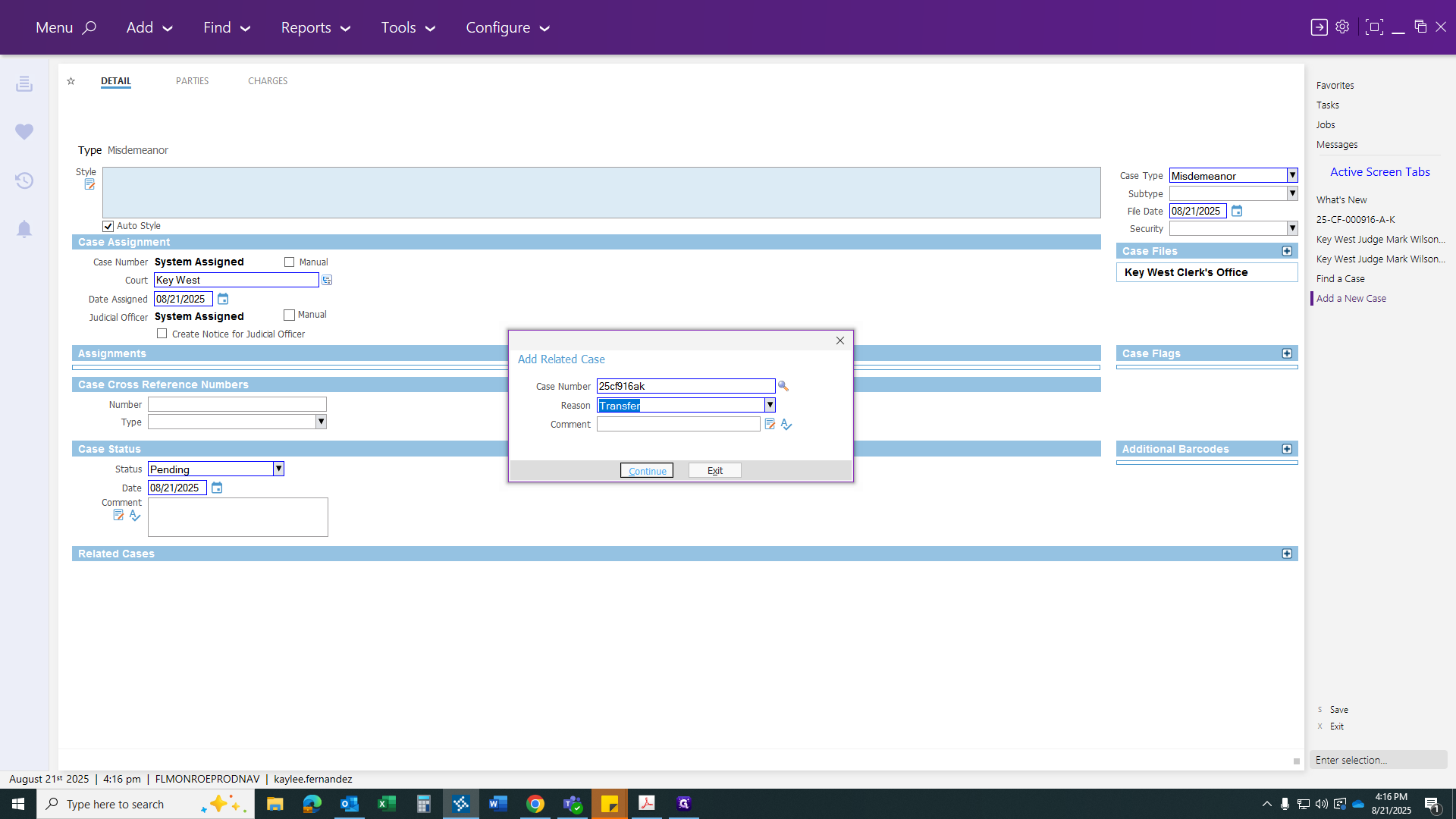
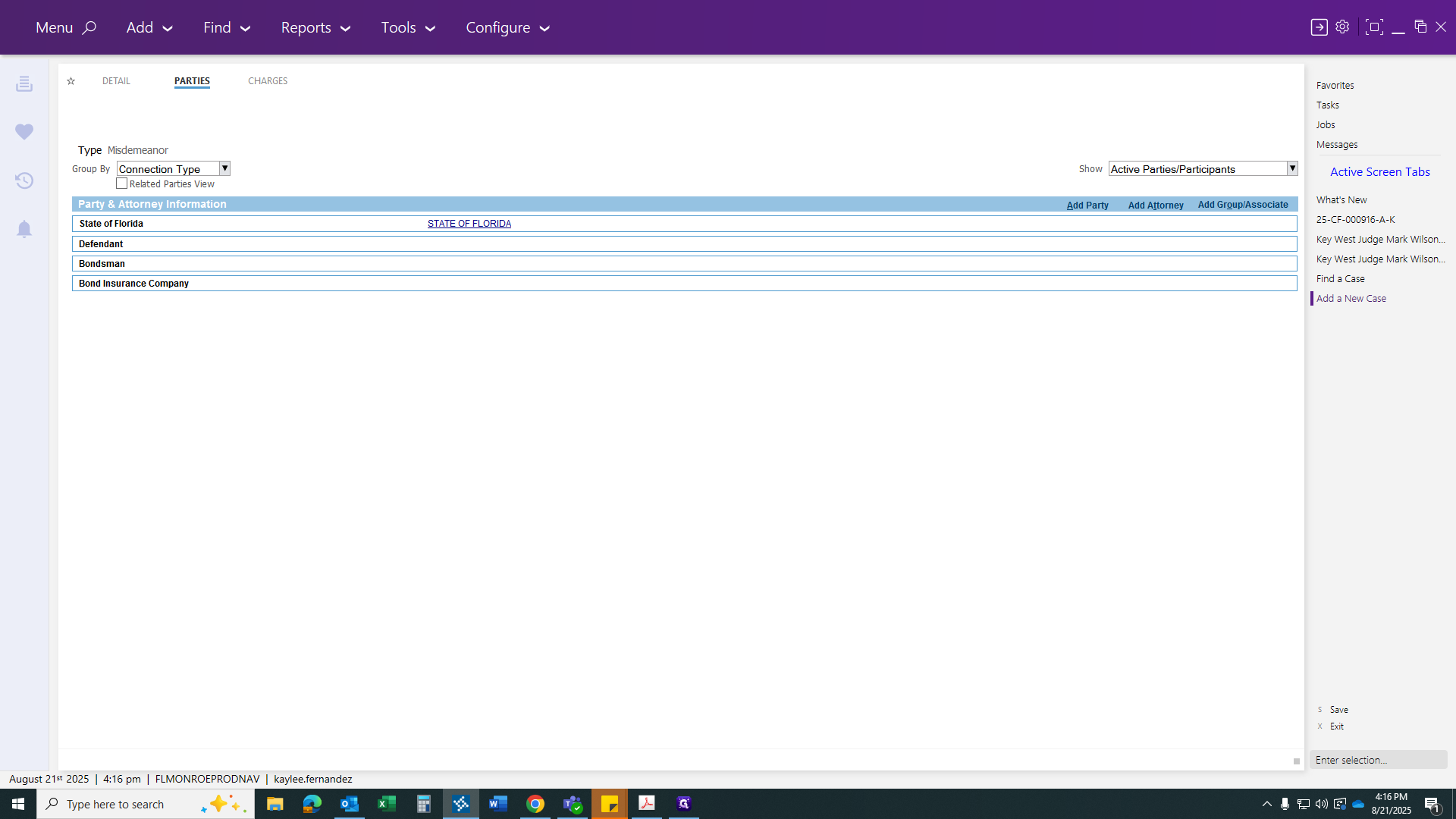
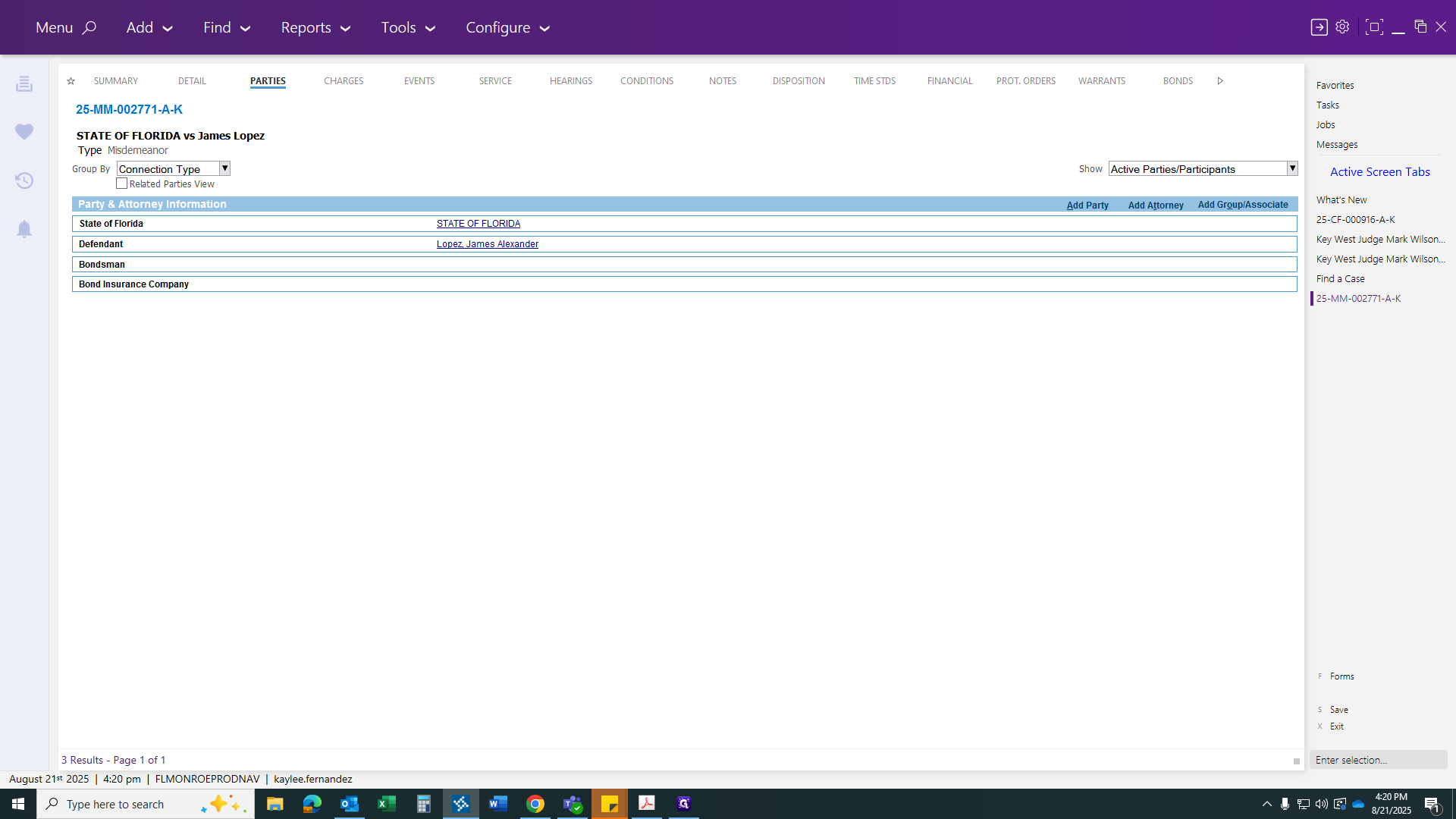
From this screen, go to your Parties tab.
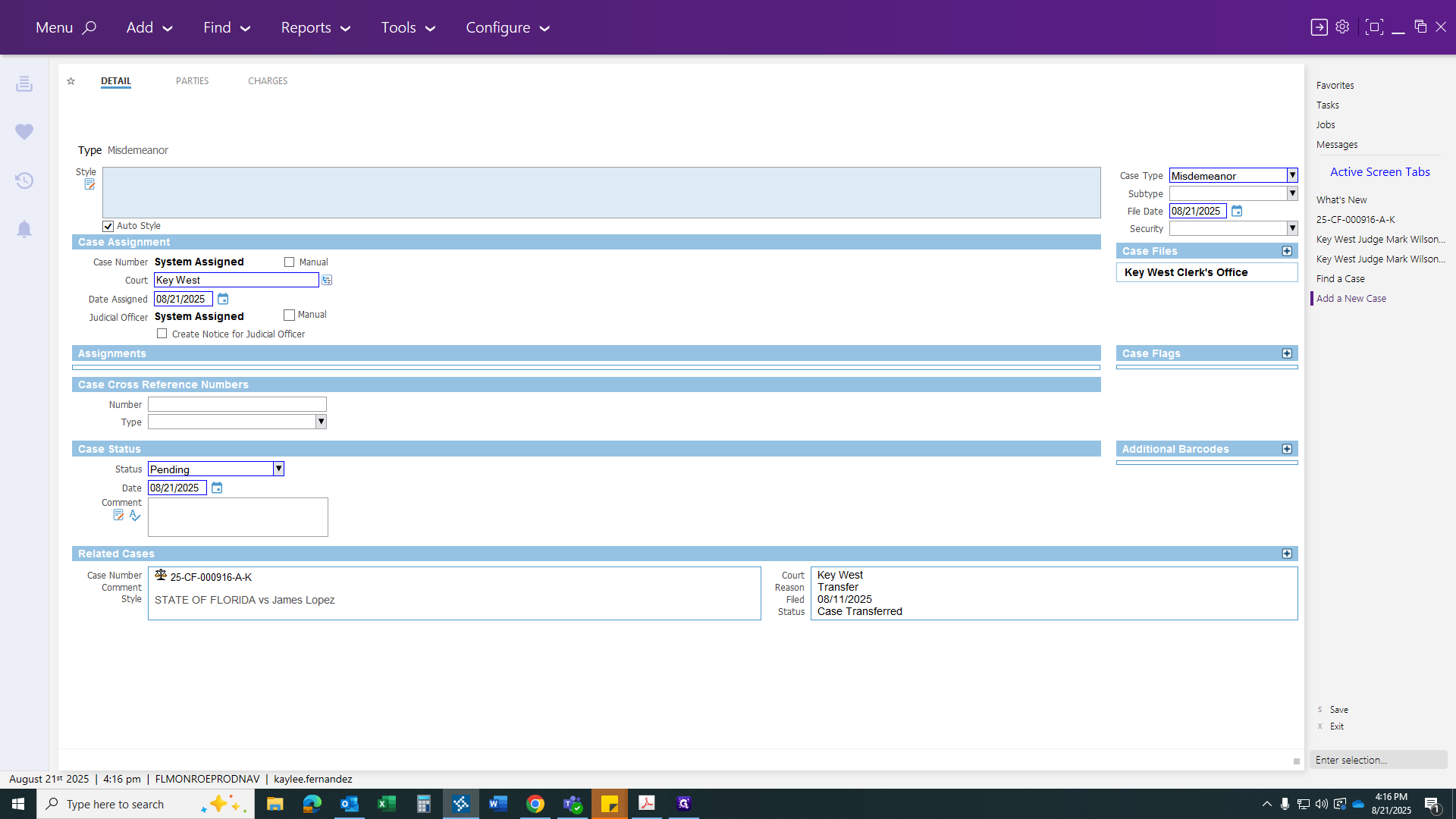
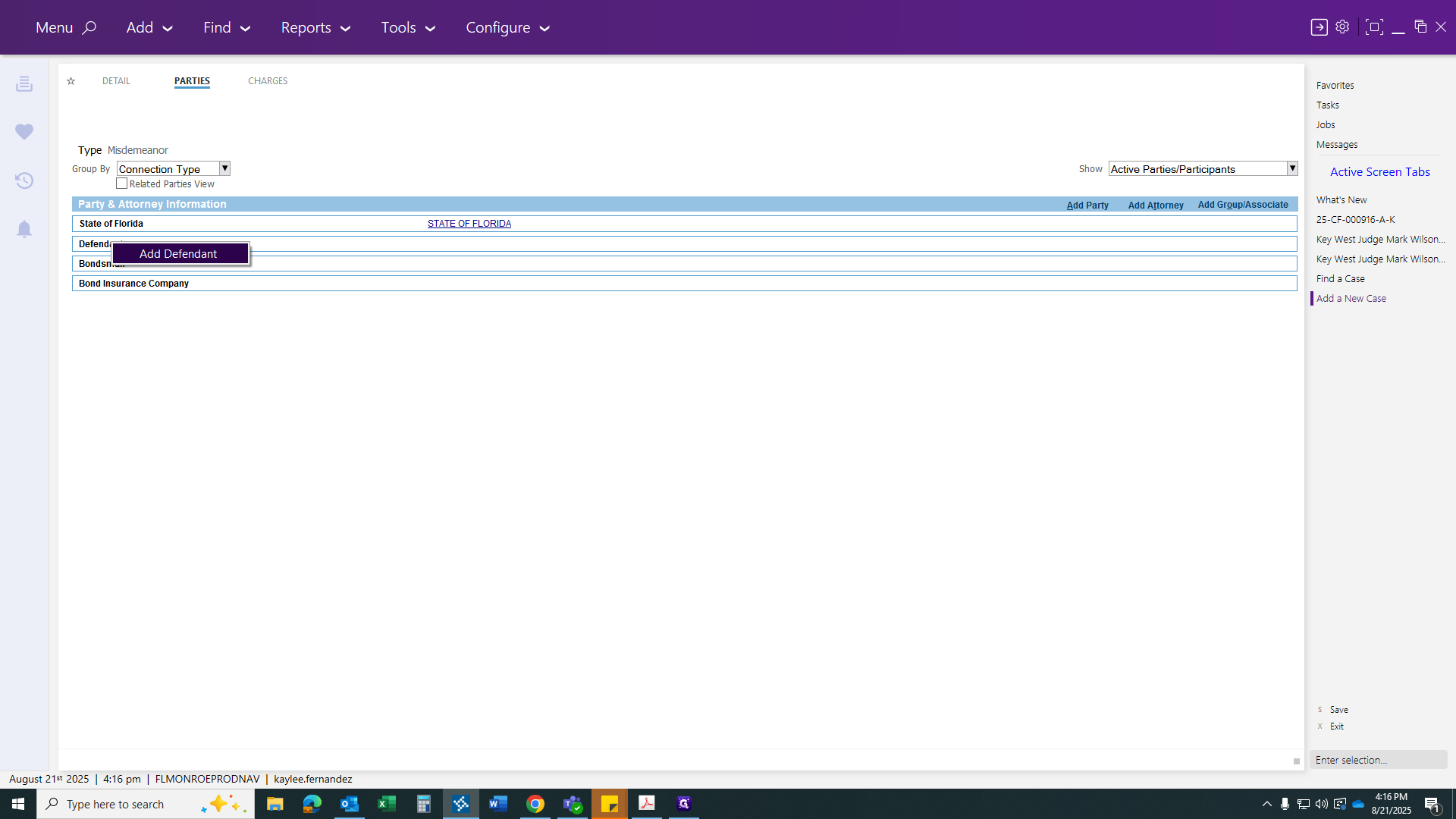
Right-click on the Defendant to bring up your party.
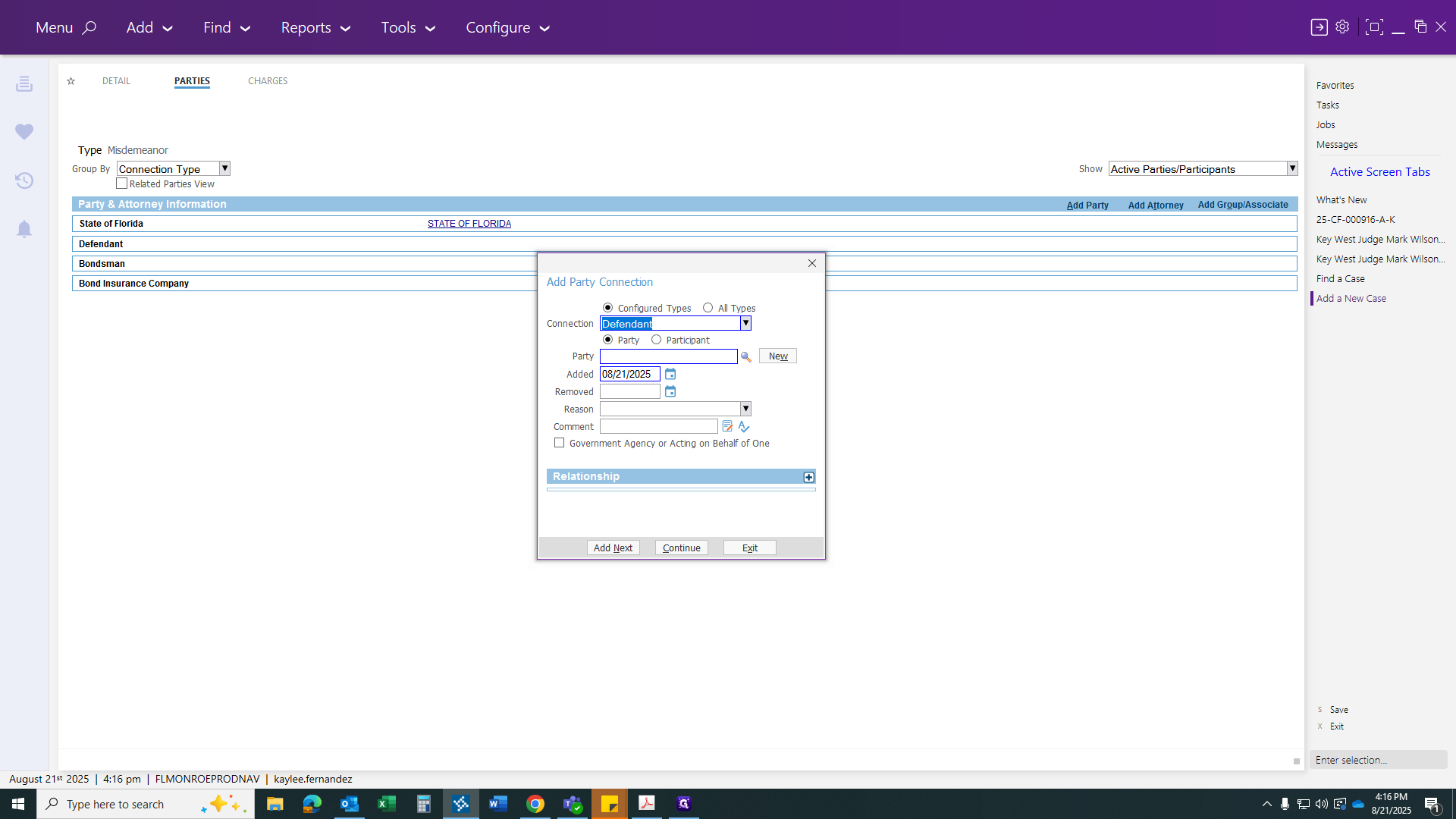
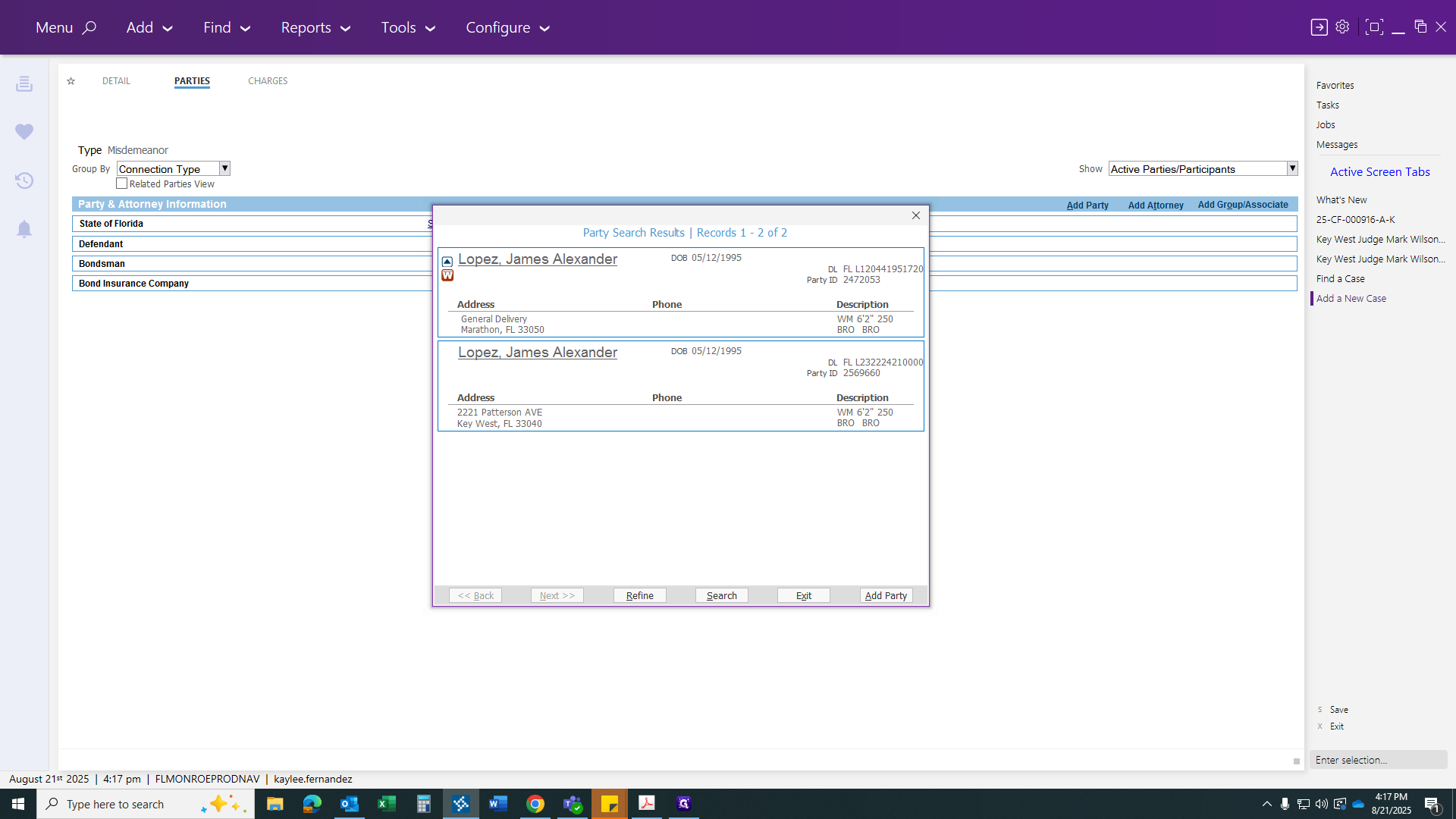
Click the magnifying glass to search for your defendant.
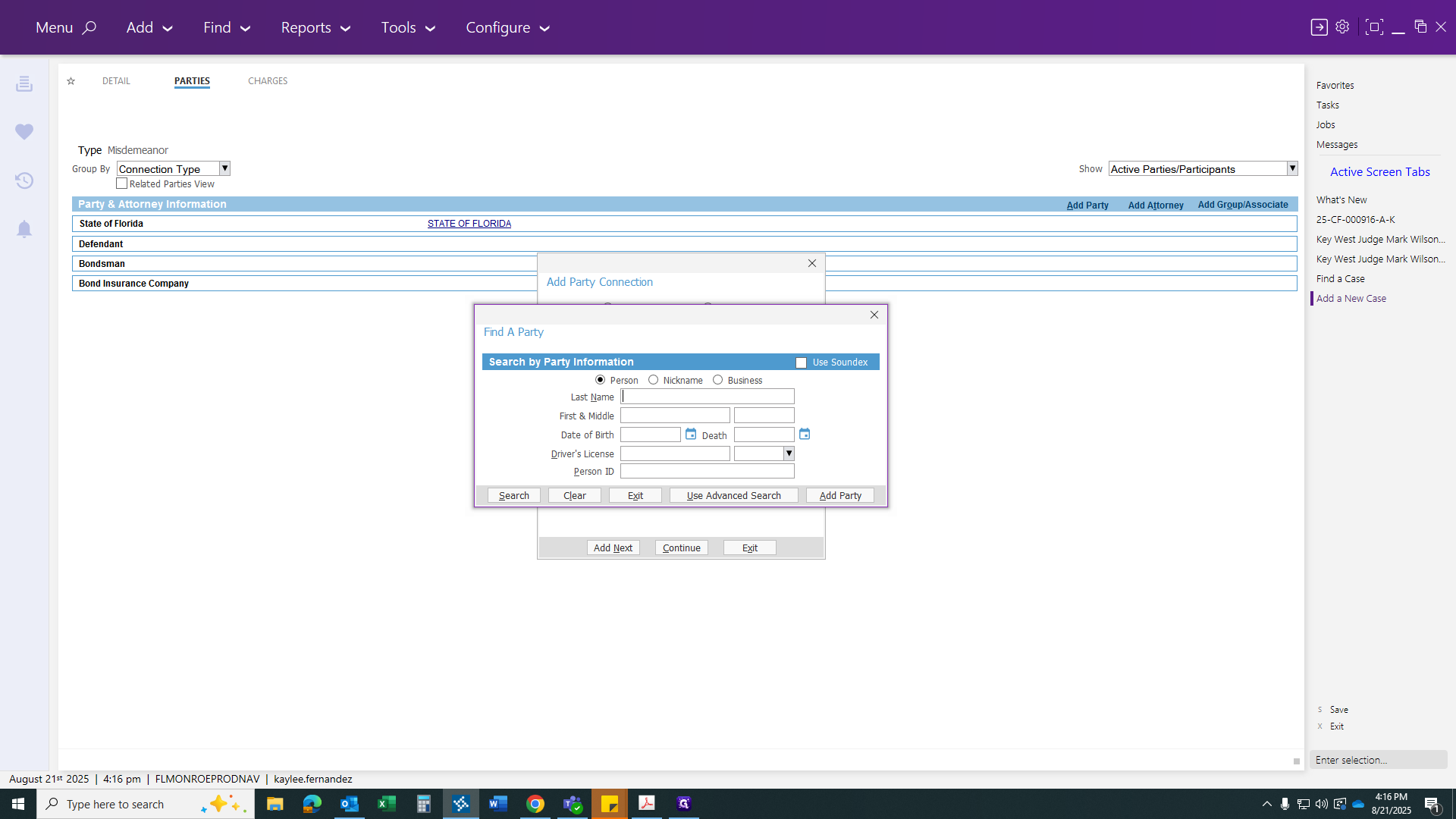
Alexander, date of birth is...
Next, choose the option with the correct information. If there are multiple parties, use your best judgment. Hit the second one for now. We’ll verify his information in a minute.
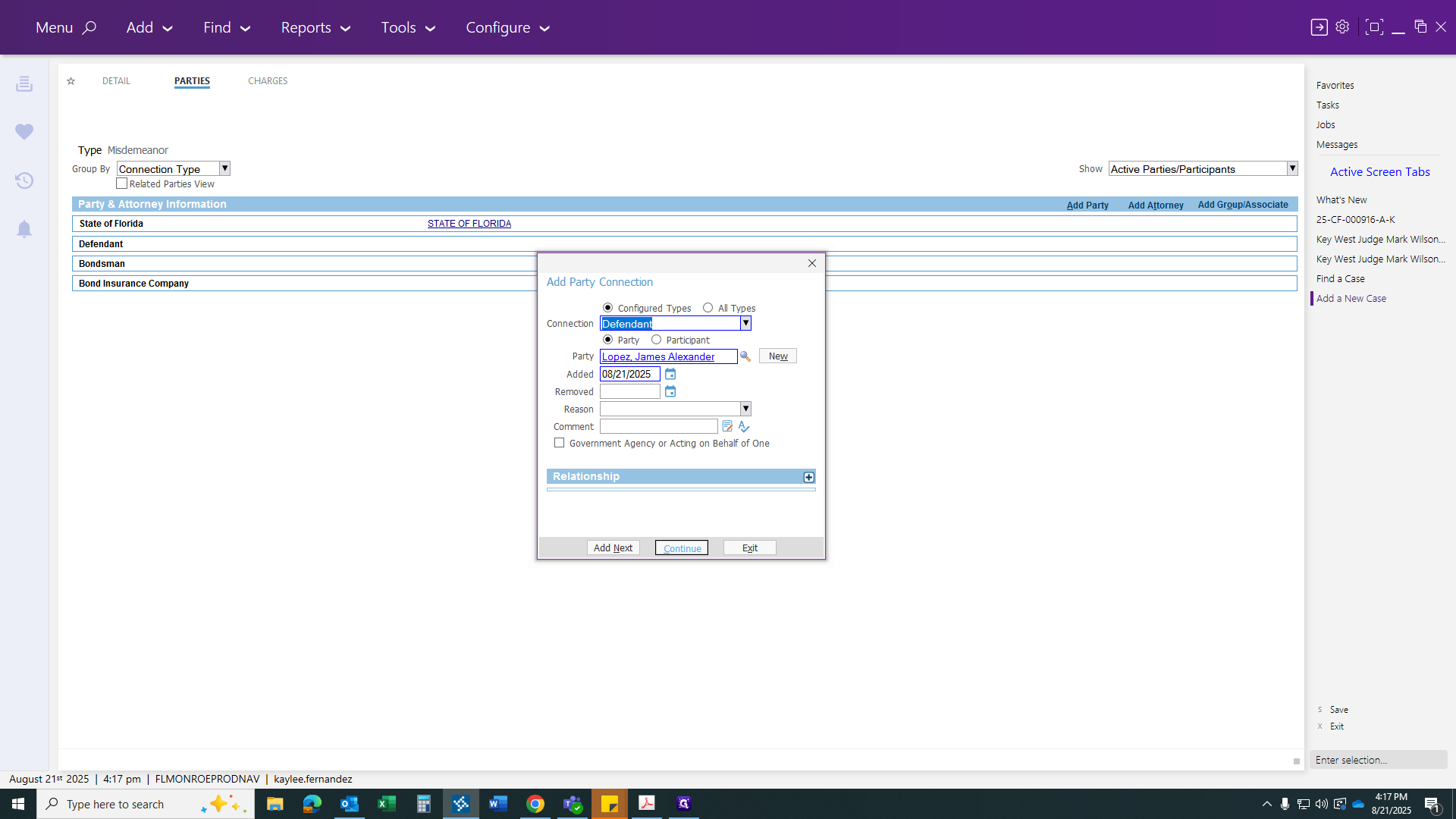
Click Continue. Next, go to your charges.
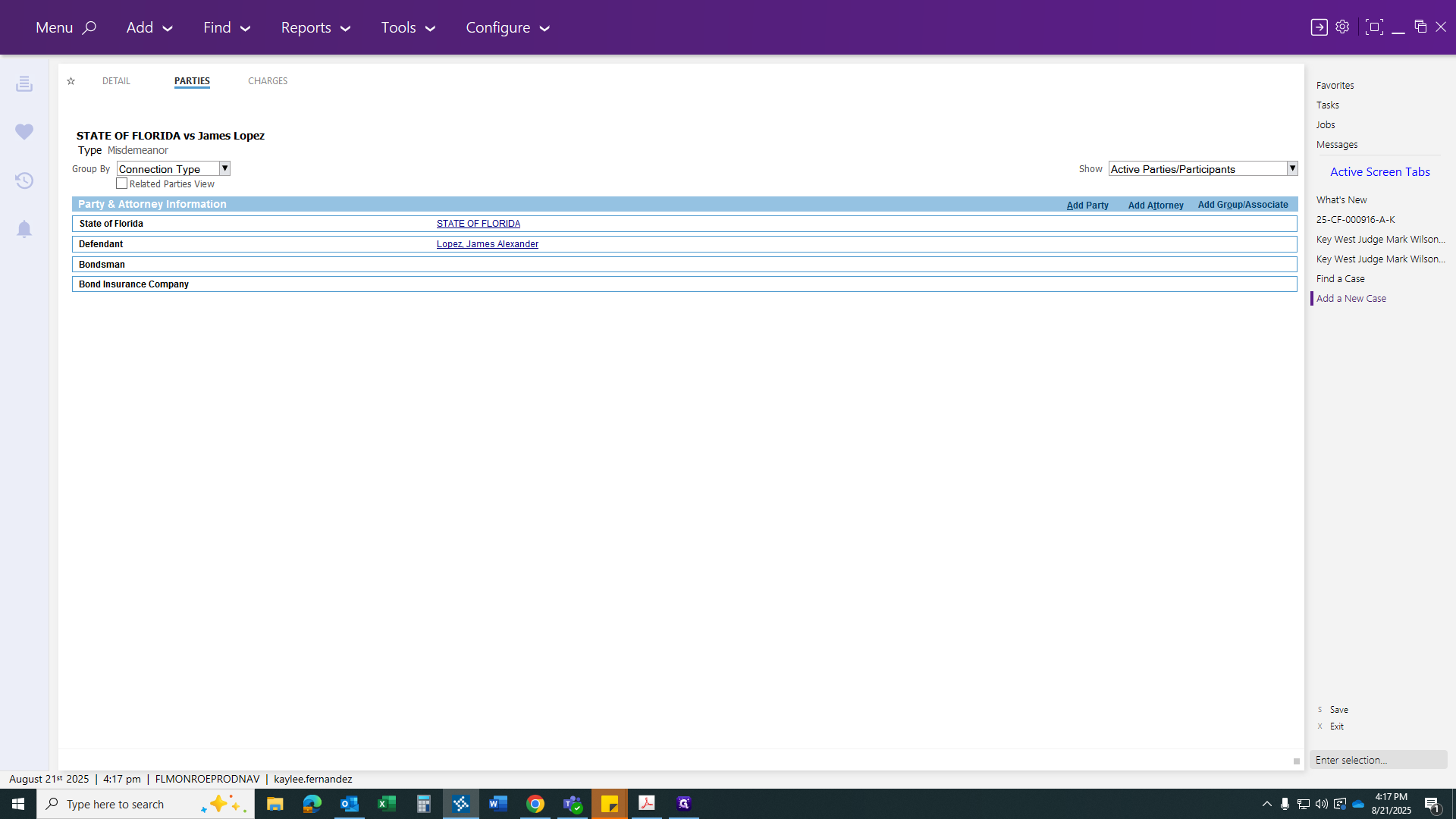
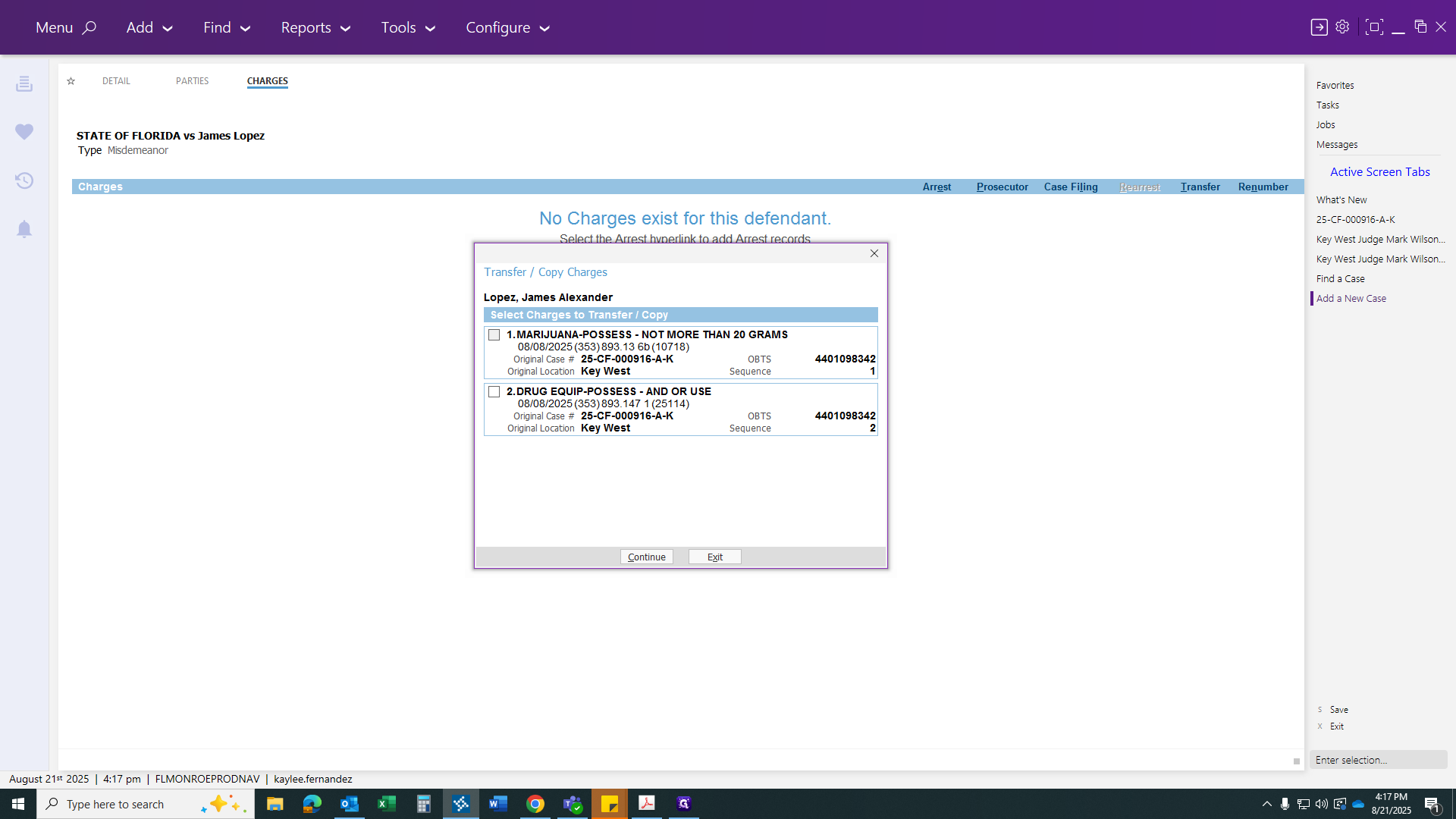
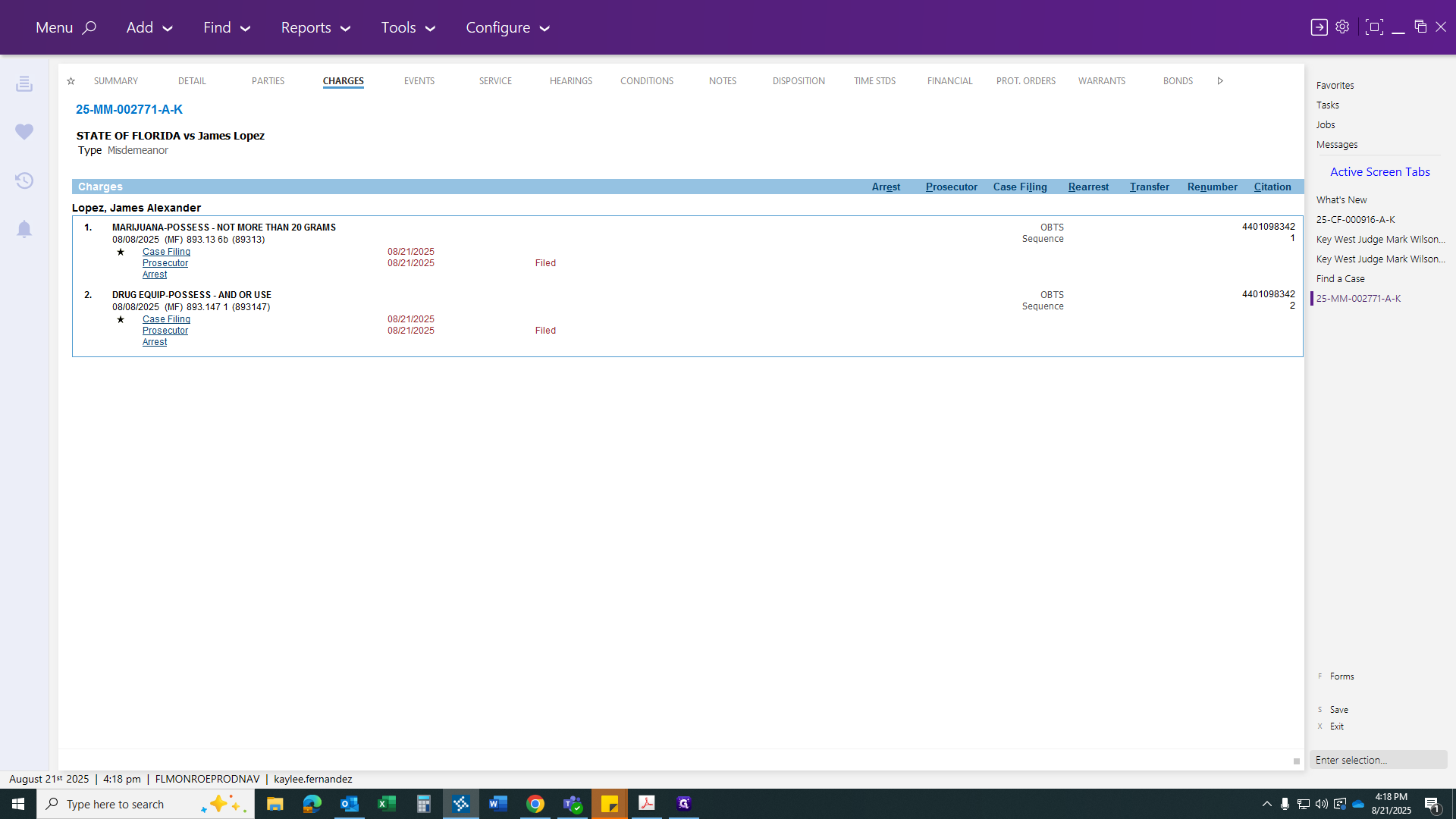
From here, you will have a transfer link.
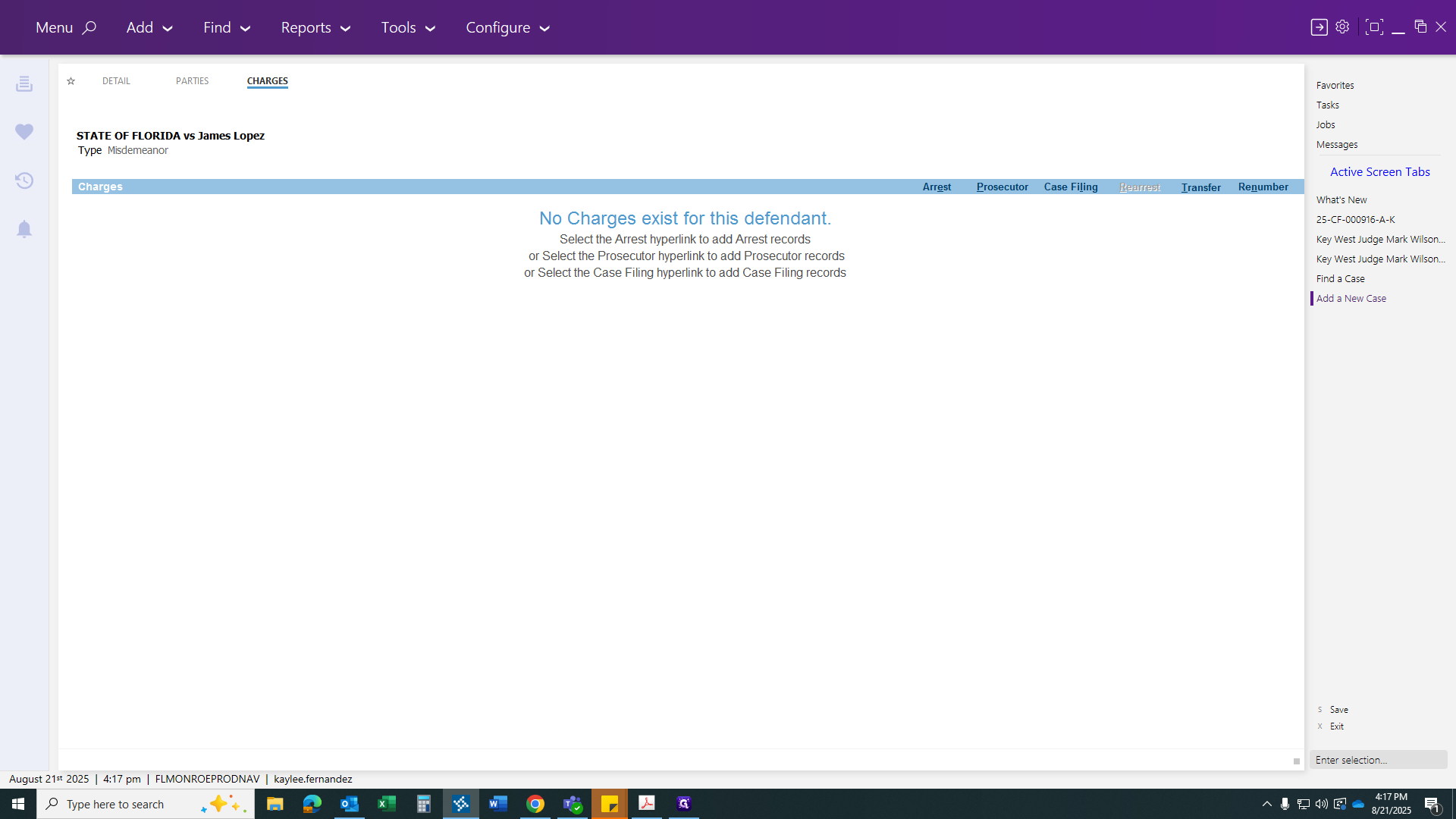
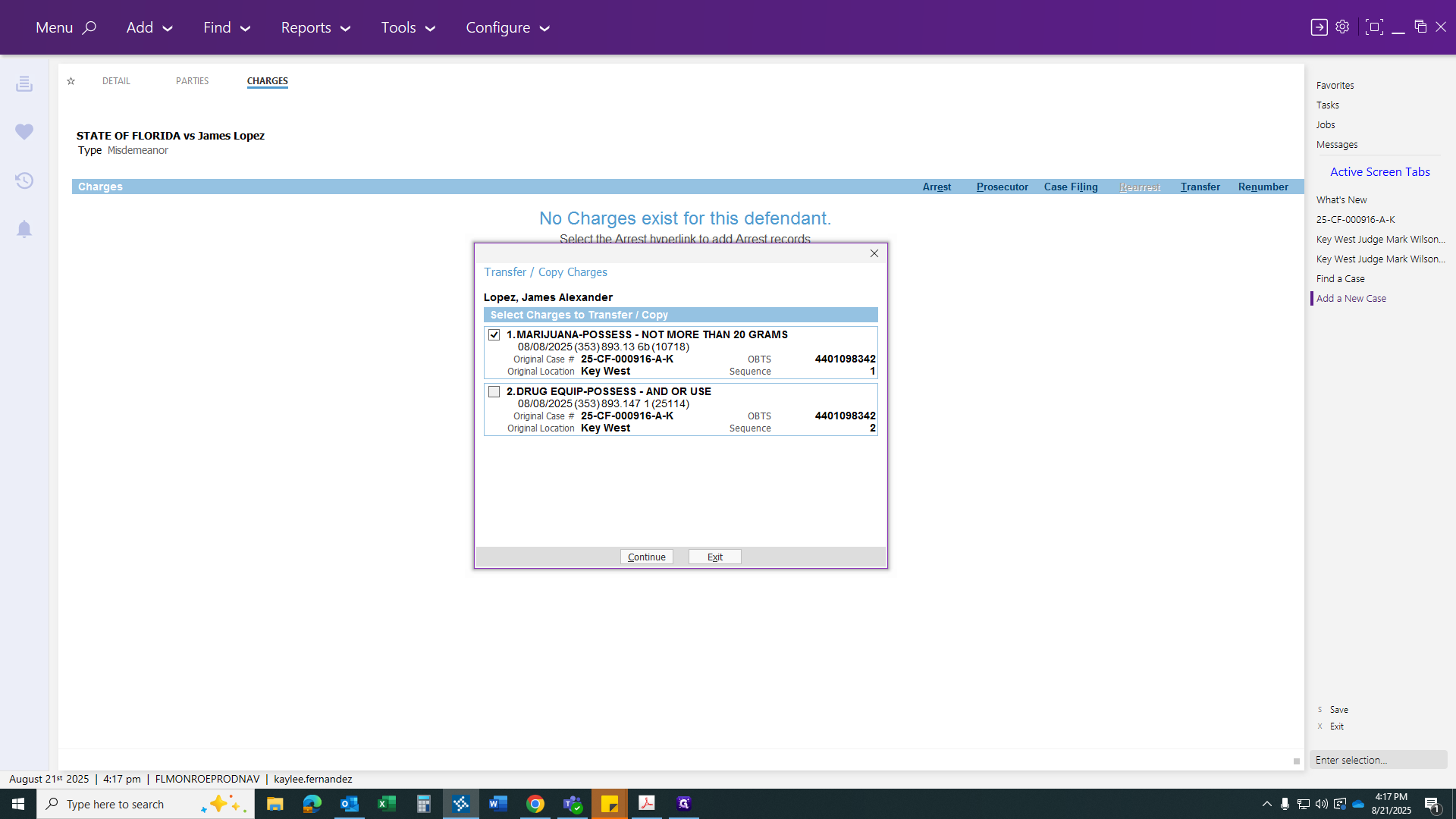
After you click the Transfer button, his two charges from the felony case should appear if the process was done correctly. If you don't have this, you missed a step. Go back and do it again. Since we did it correctly, click on both charges and hit Continue. All the arrest information will be pulled over, linking the case automatically.
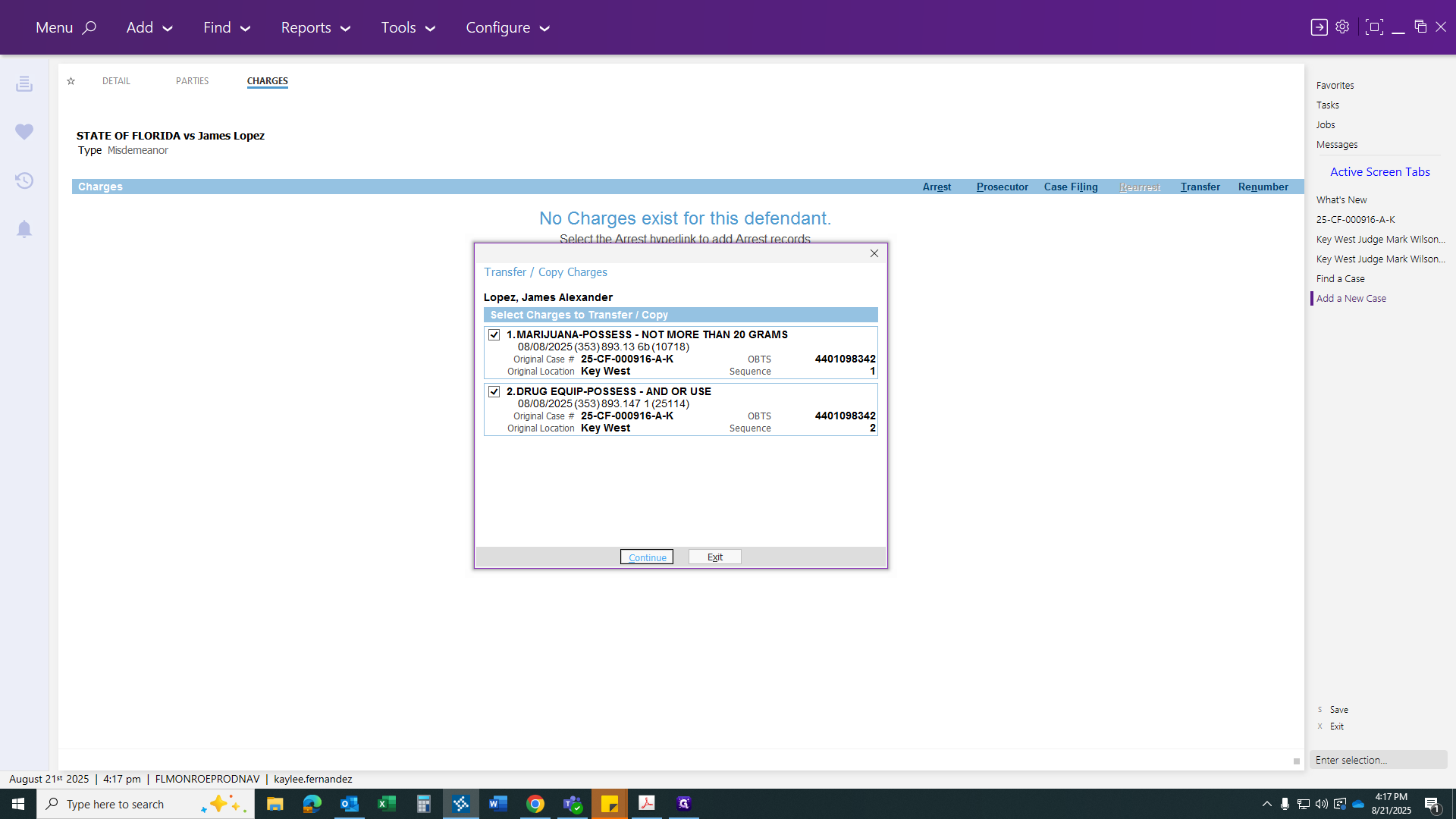
The next step is to complete your prosecutor form and file it today.
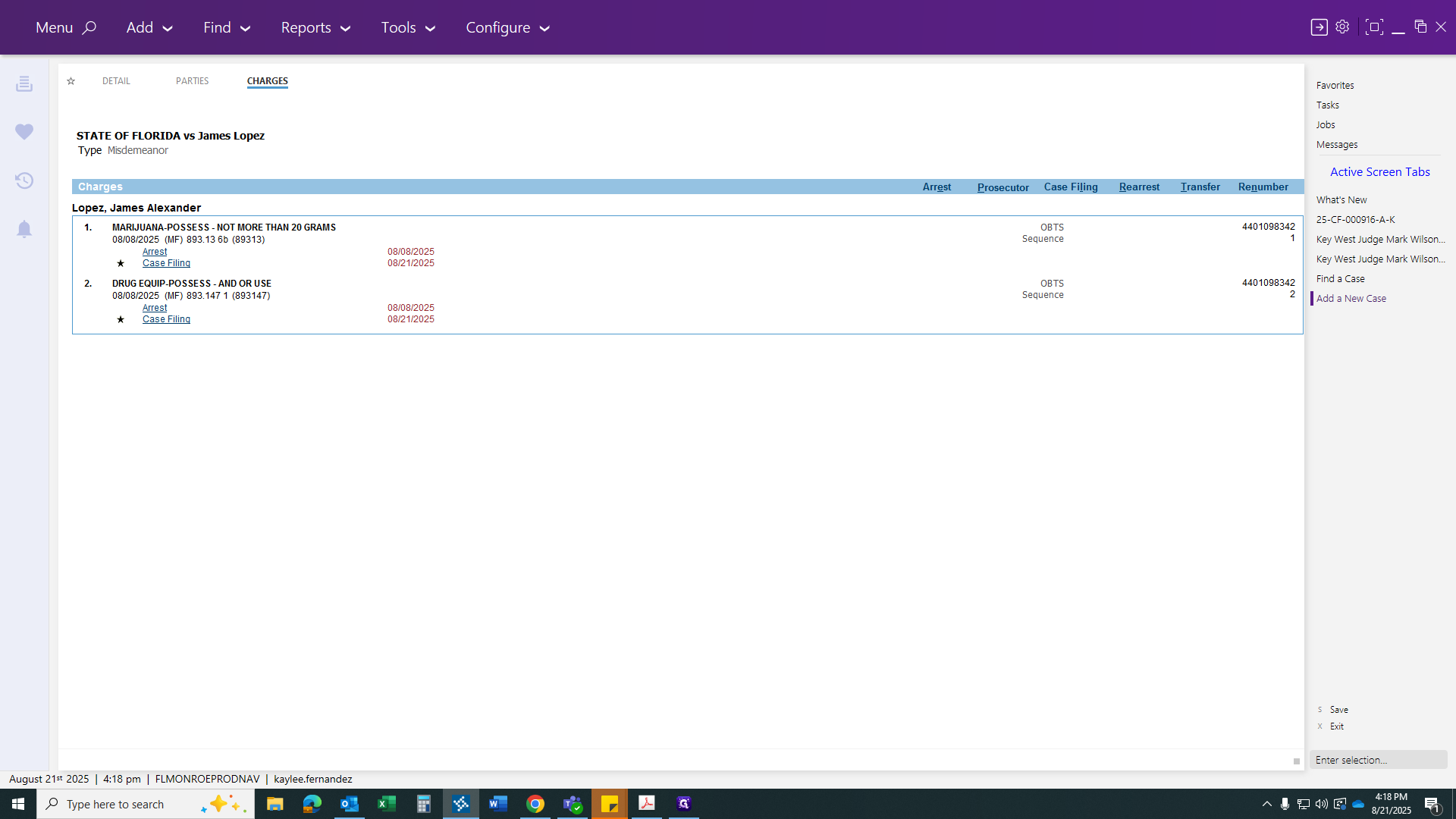
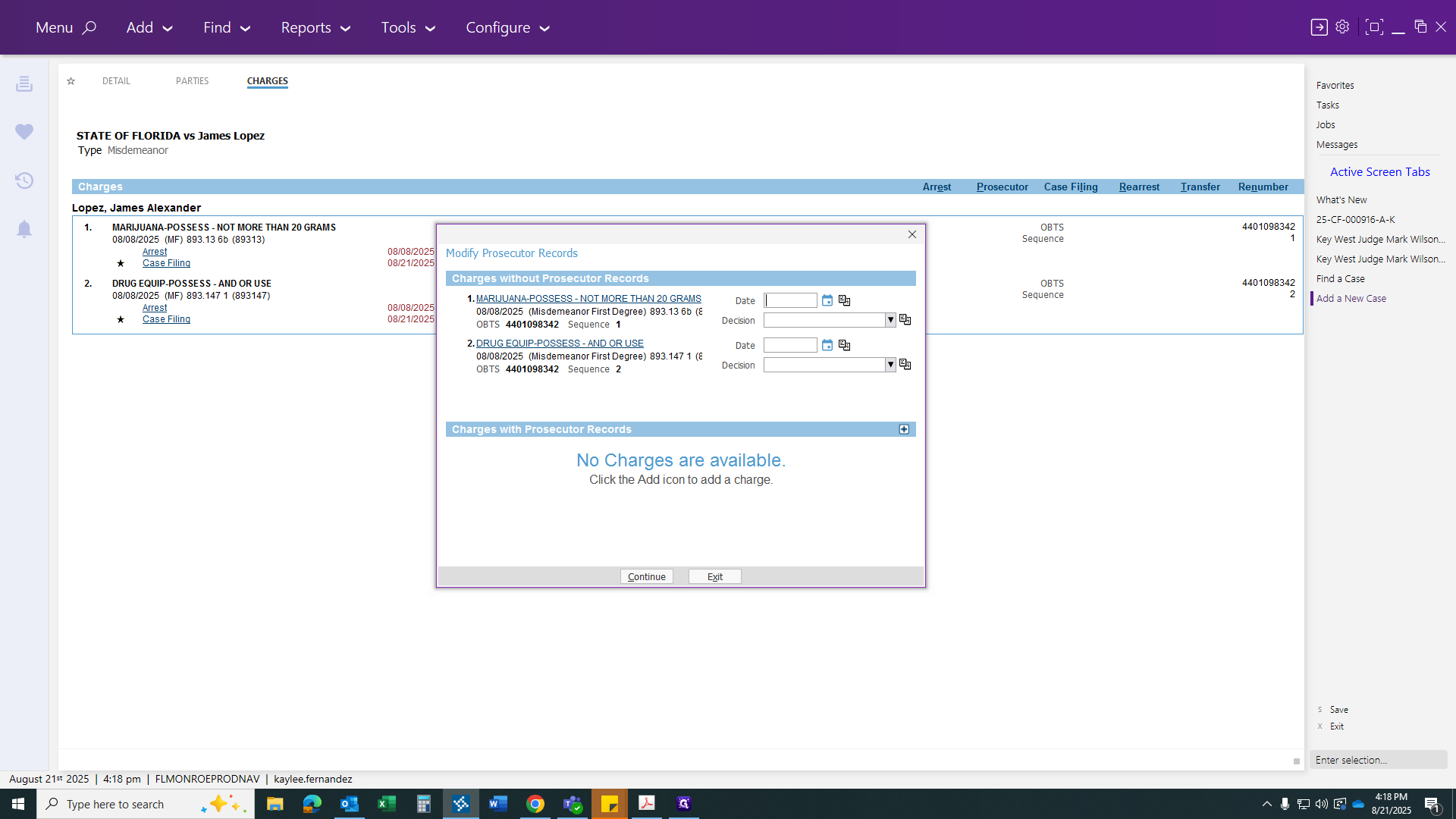
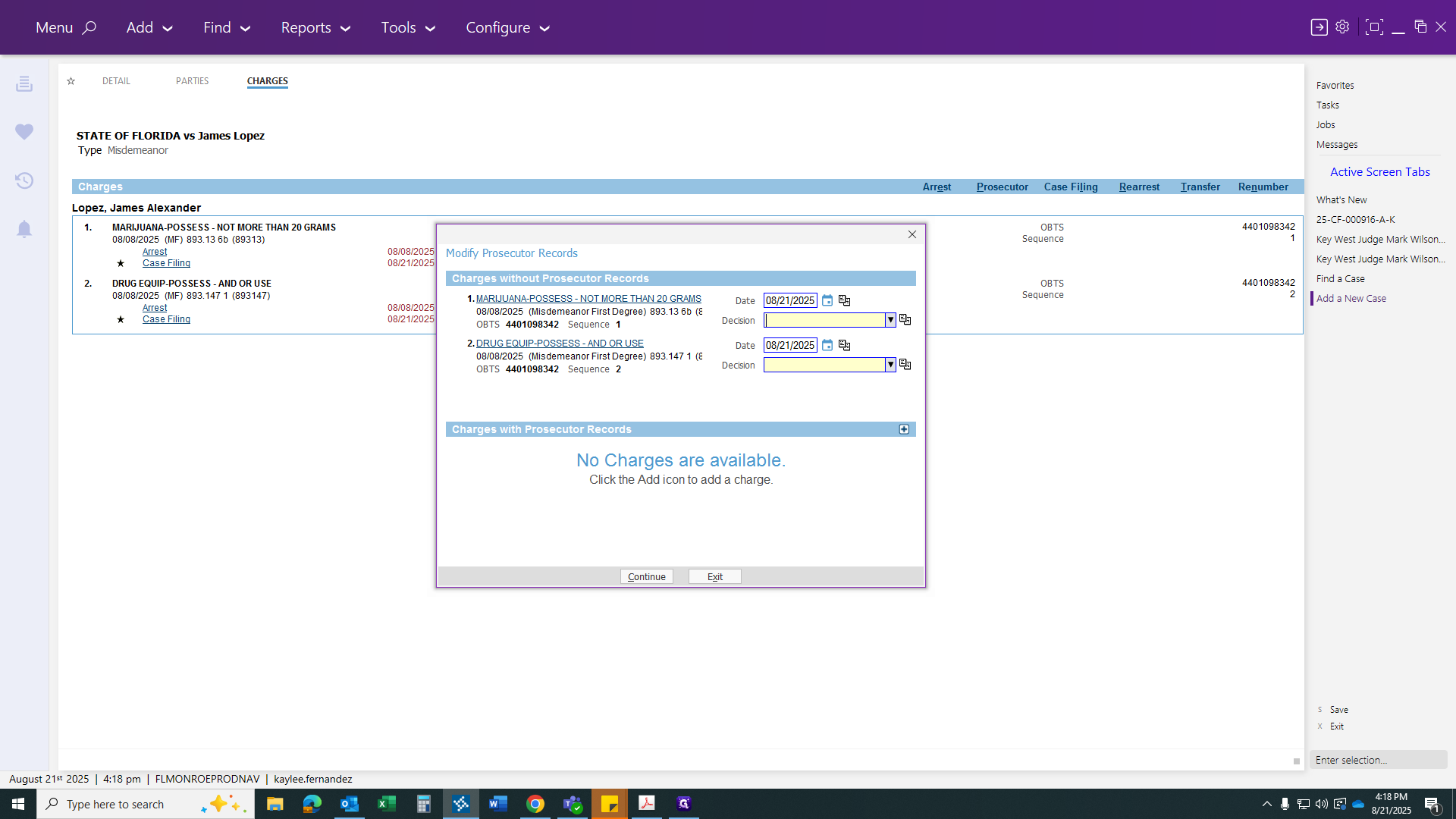
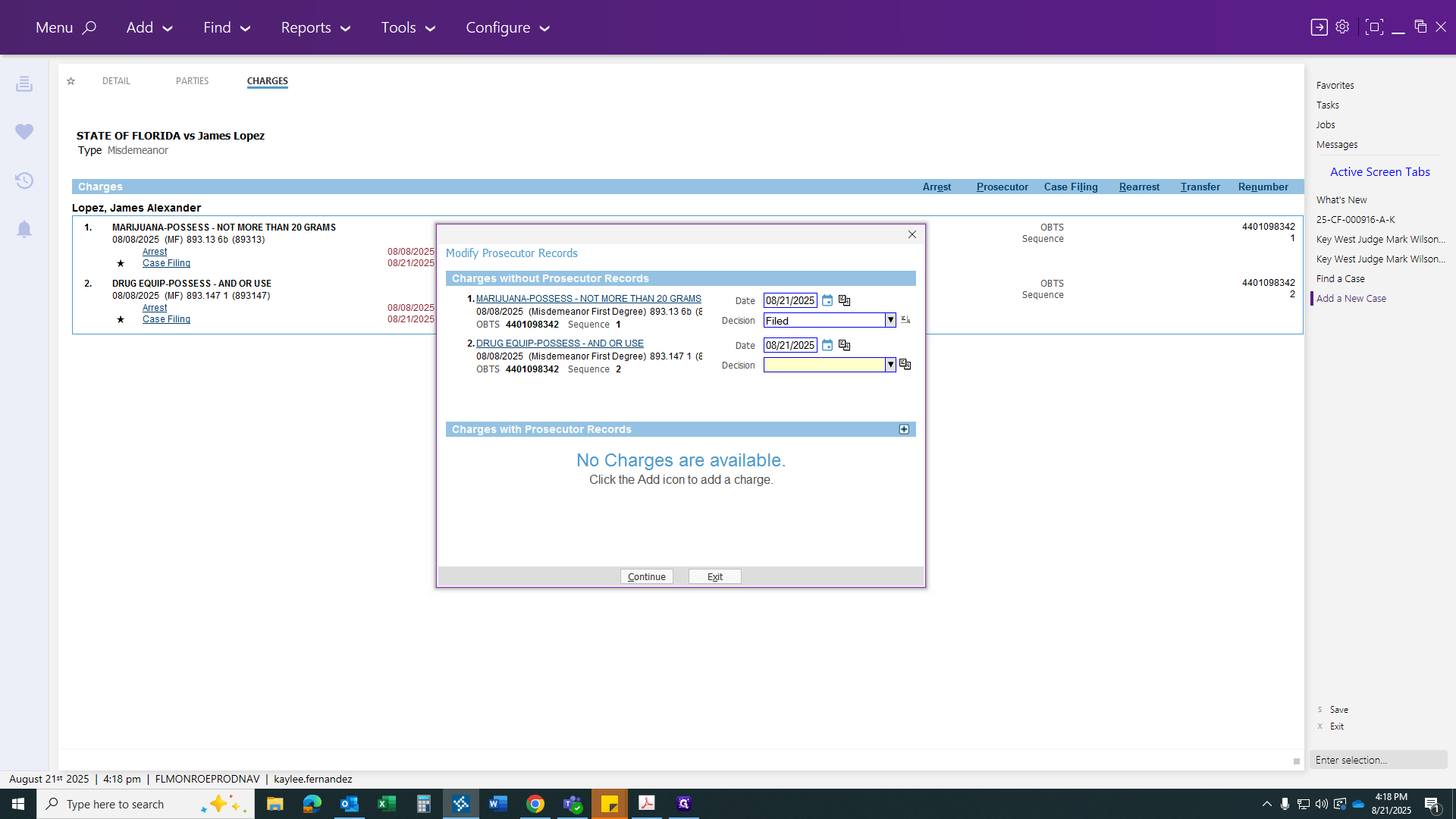
Then click Continue.
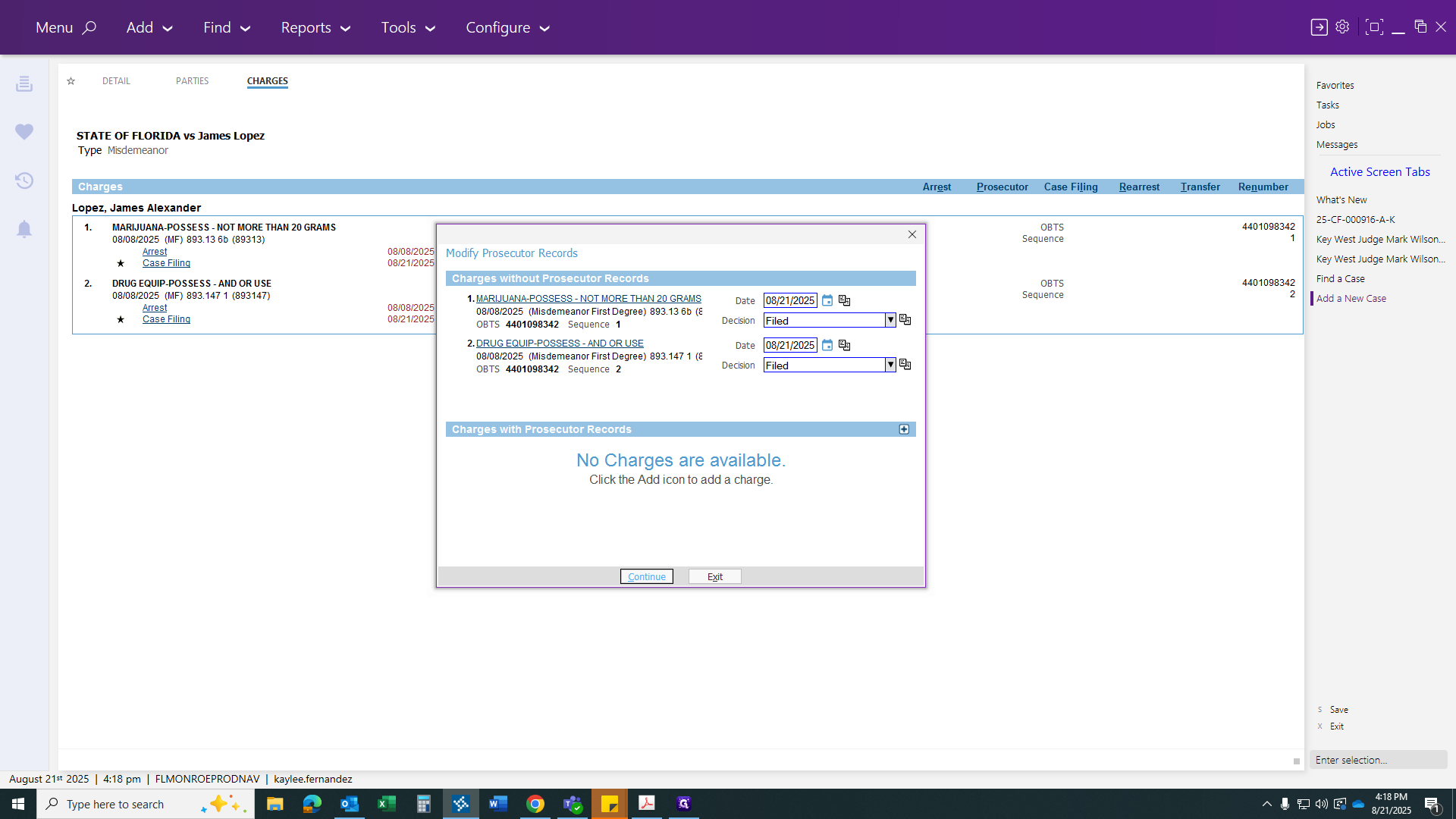
Finally, click Save. You will then receive a misdemeanor case number.
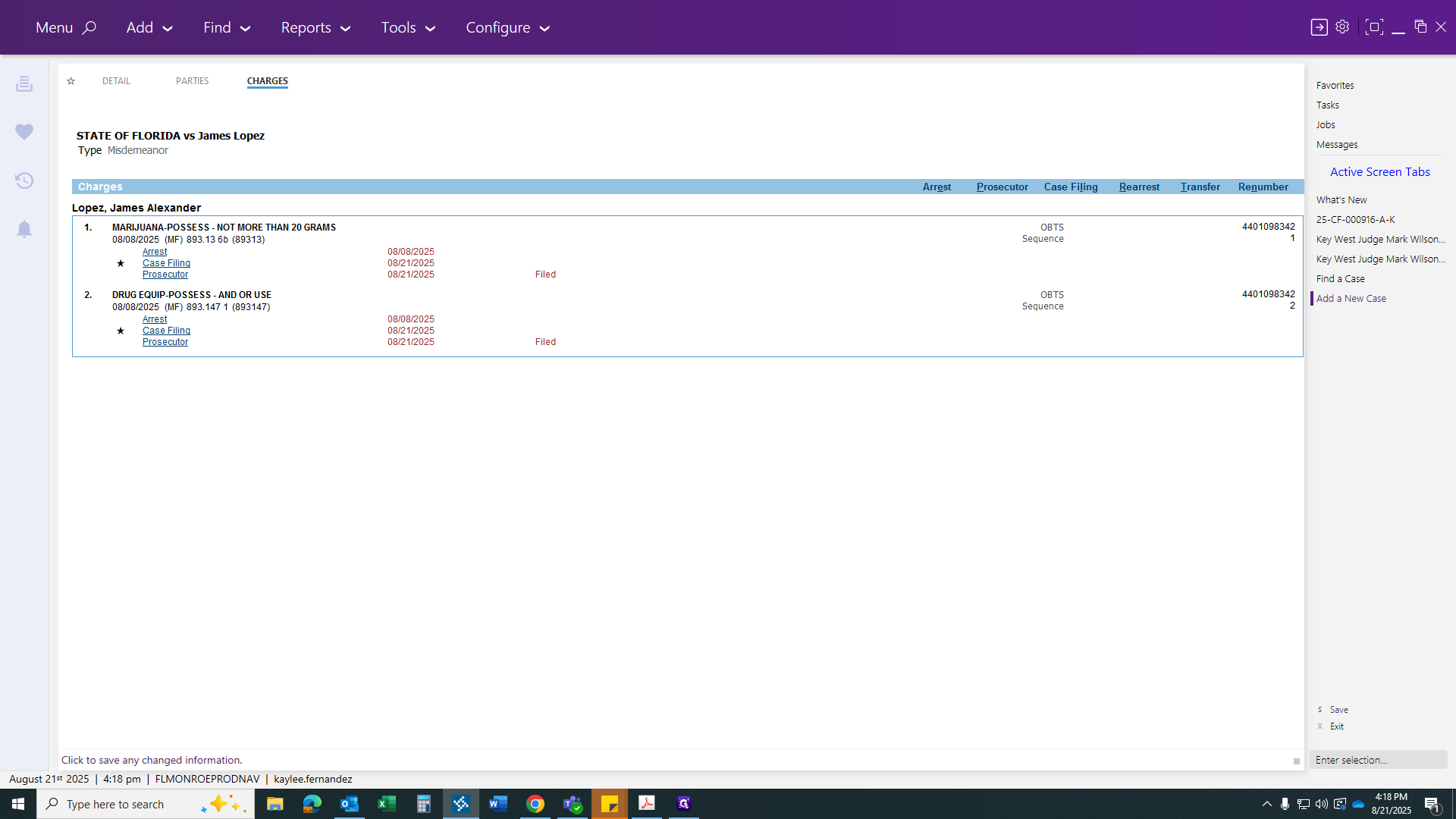
This is for verification to show that both cases and both counts are transferring over.
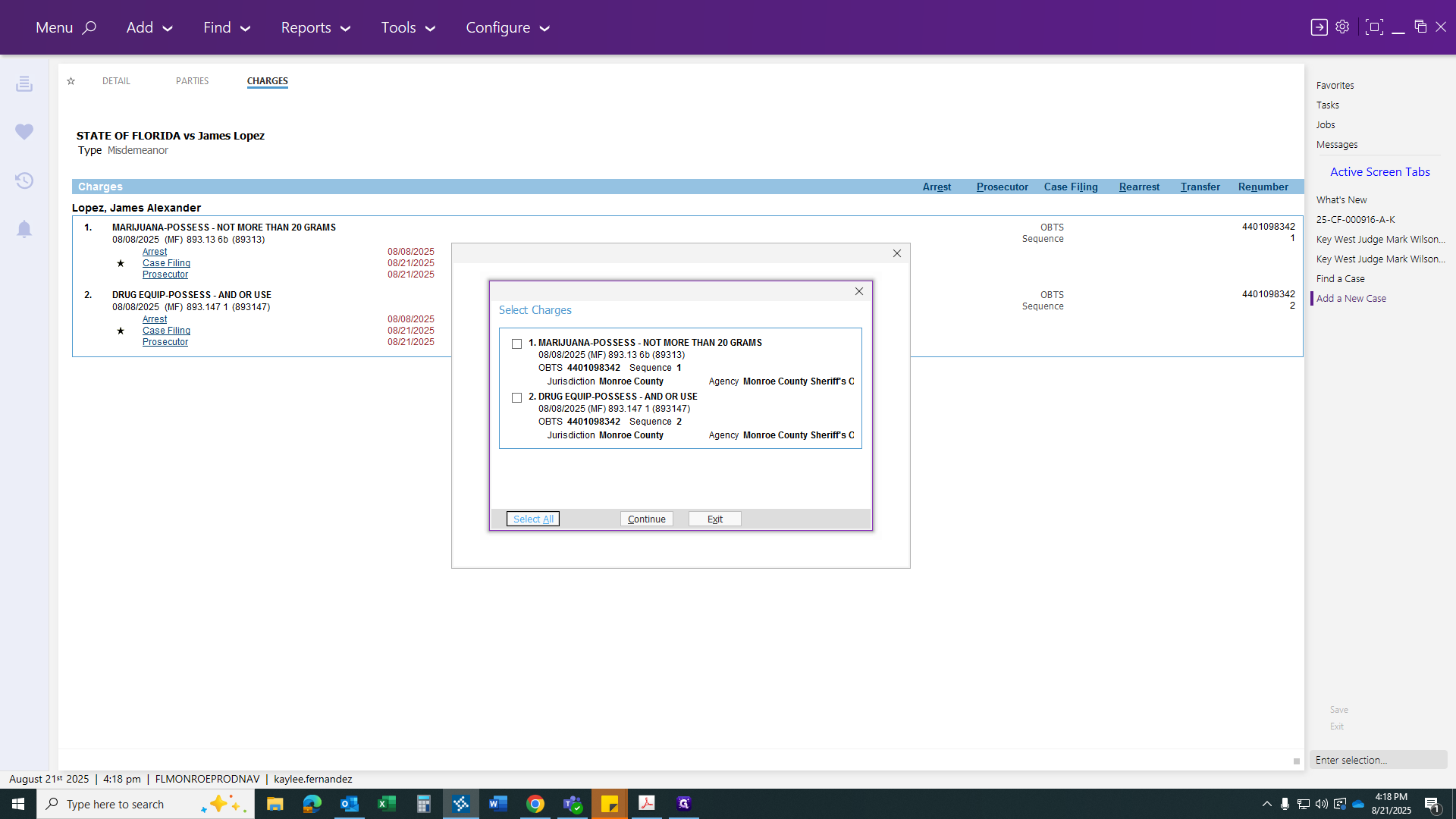
Select all, then click Continue. Now, your case file is ready.
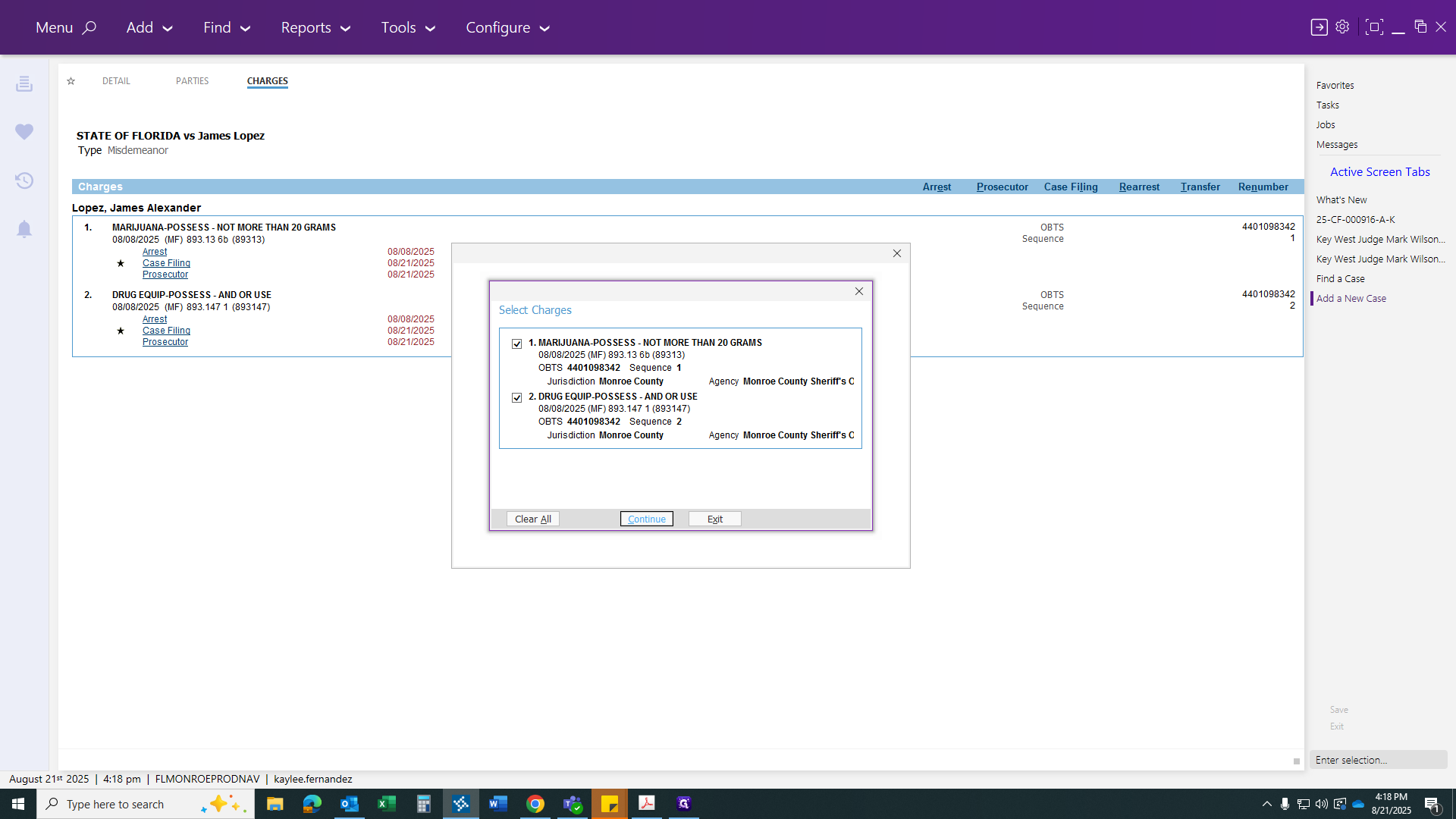
Now we will go into the case to process all our paperwork.
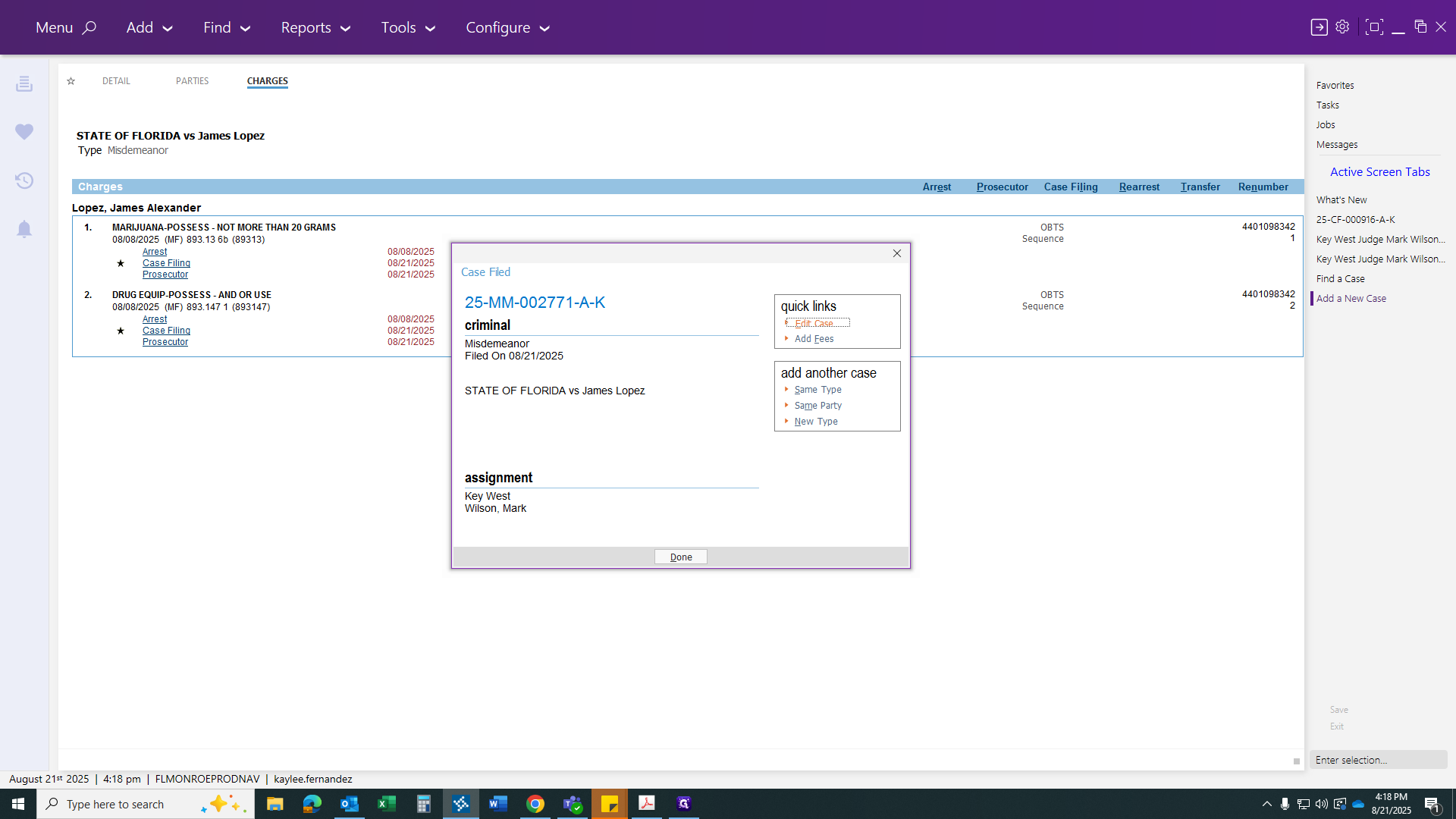
Here, everything has been completed for us. Now, you just need to process your paperwork for the transfer.
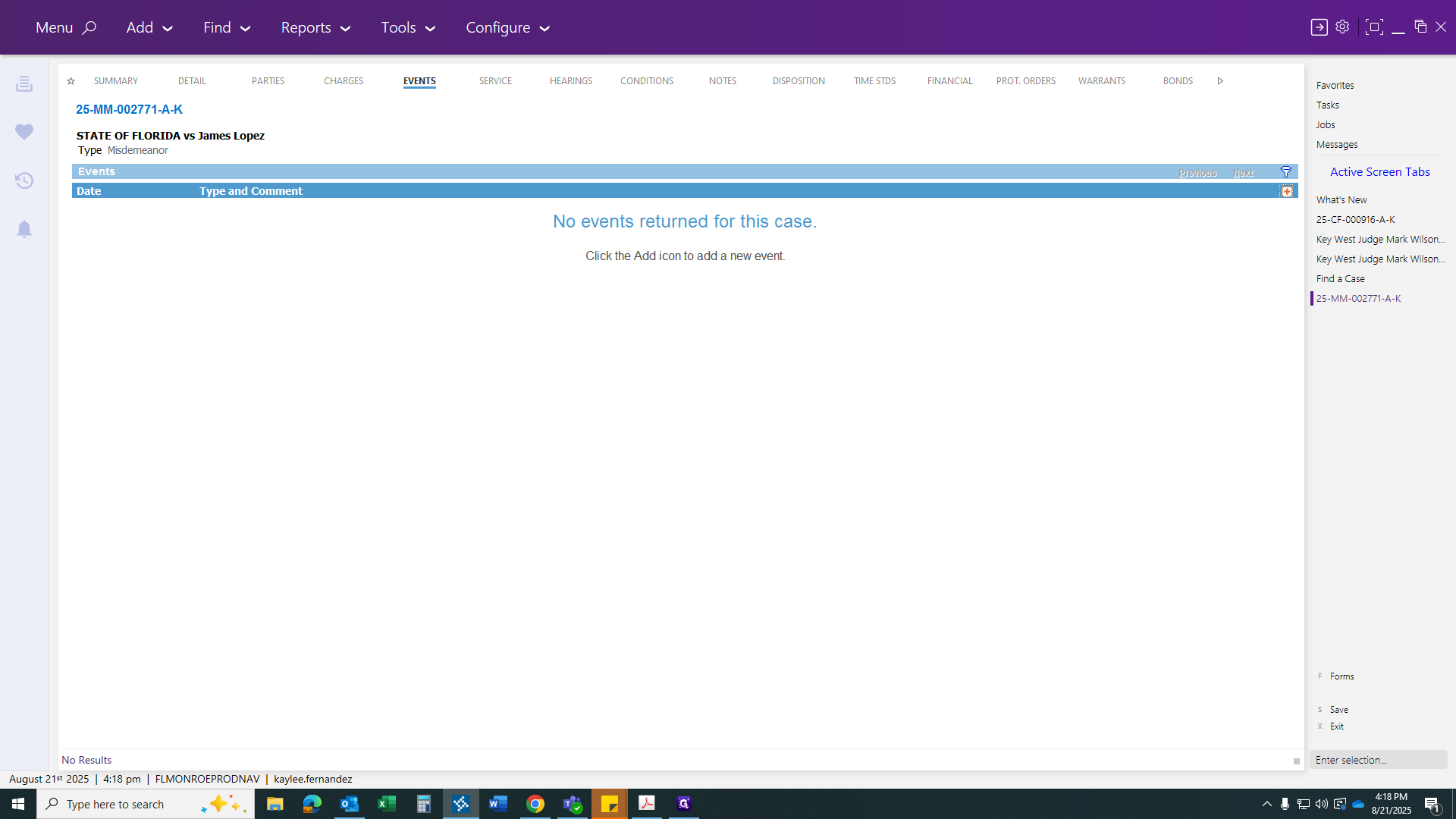
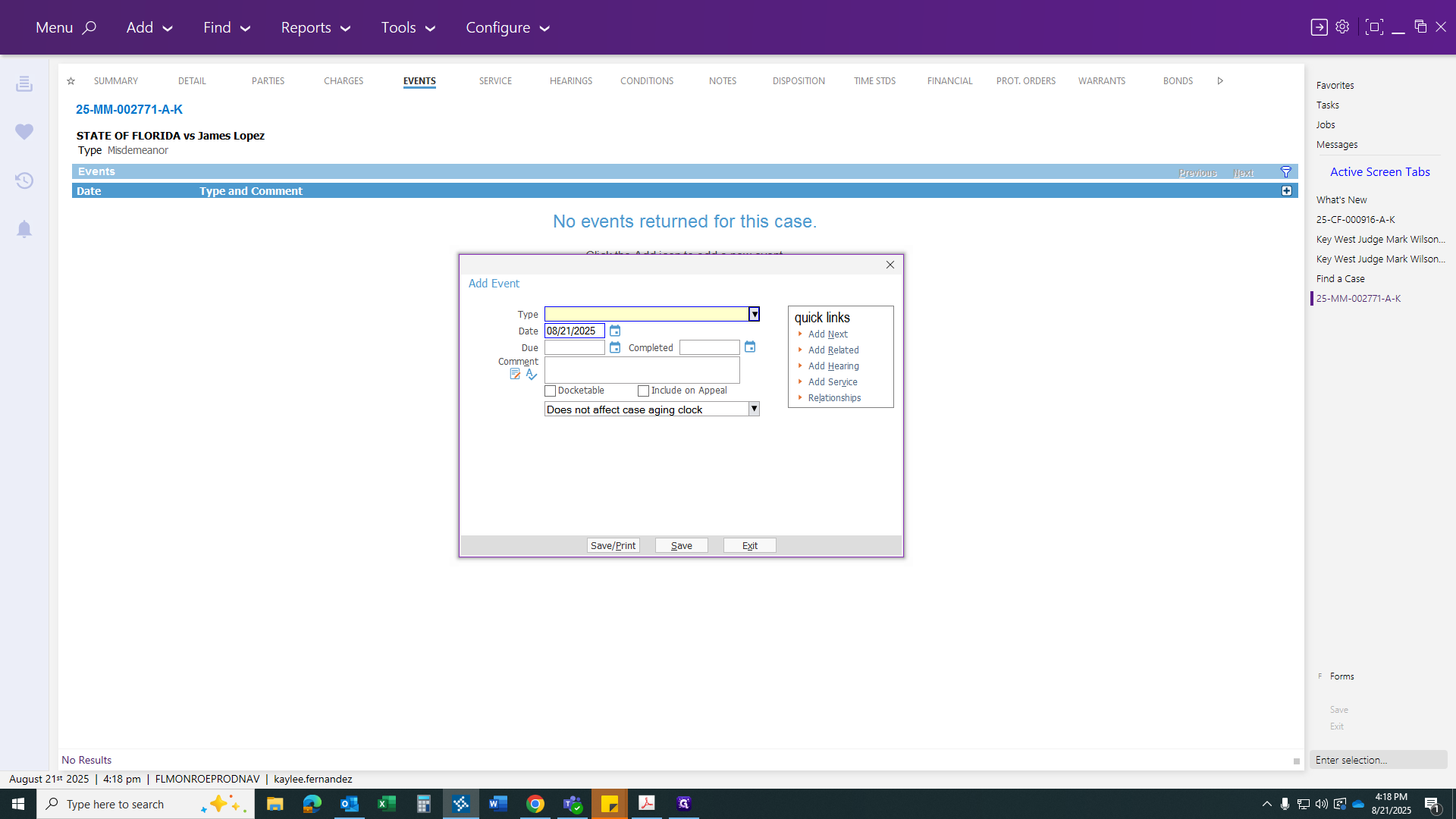
Transfer from circuit court. Next, provide the information.
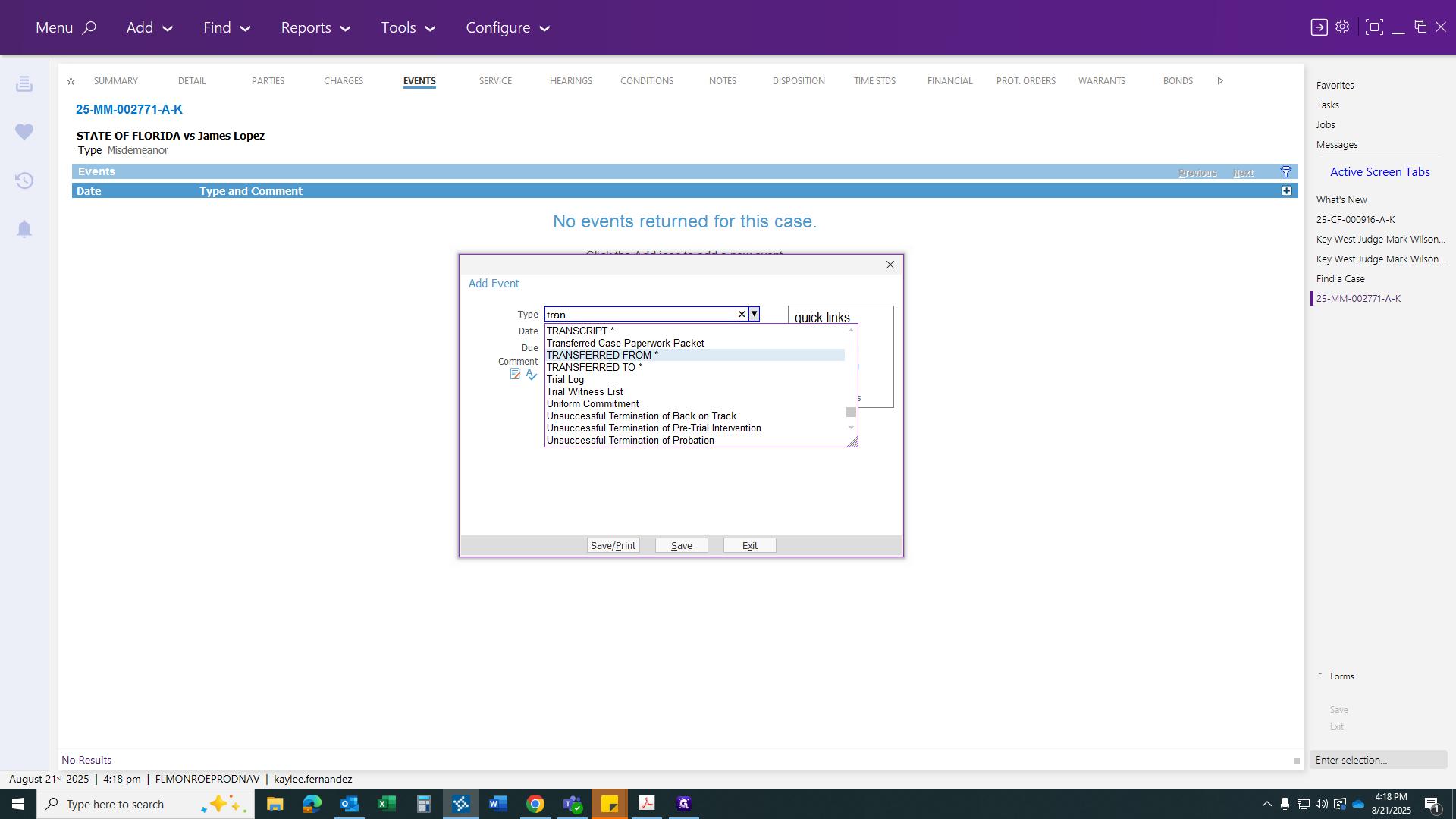
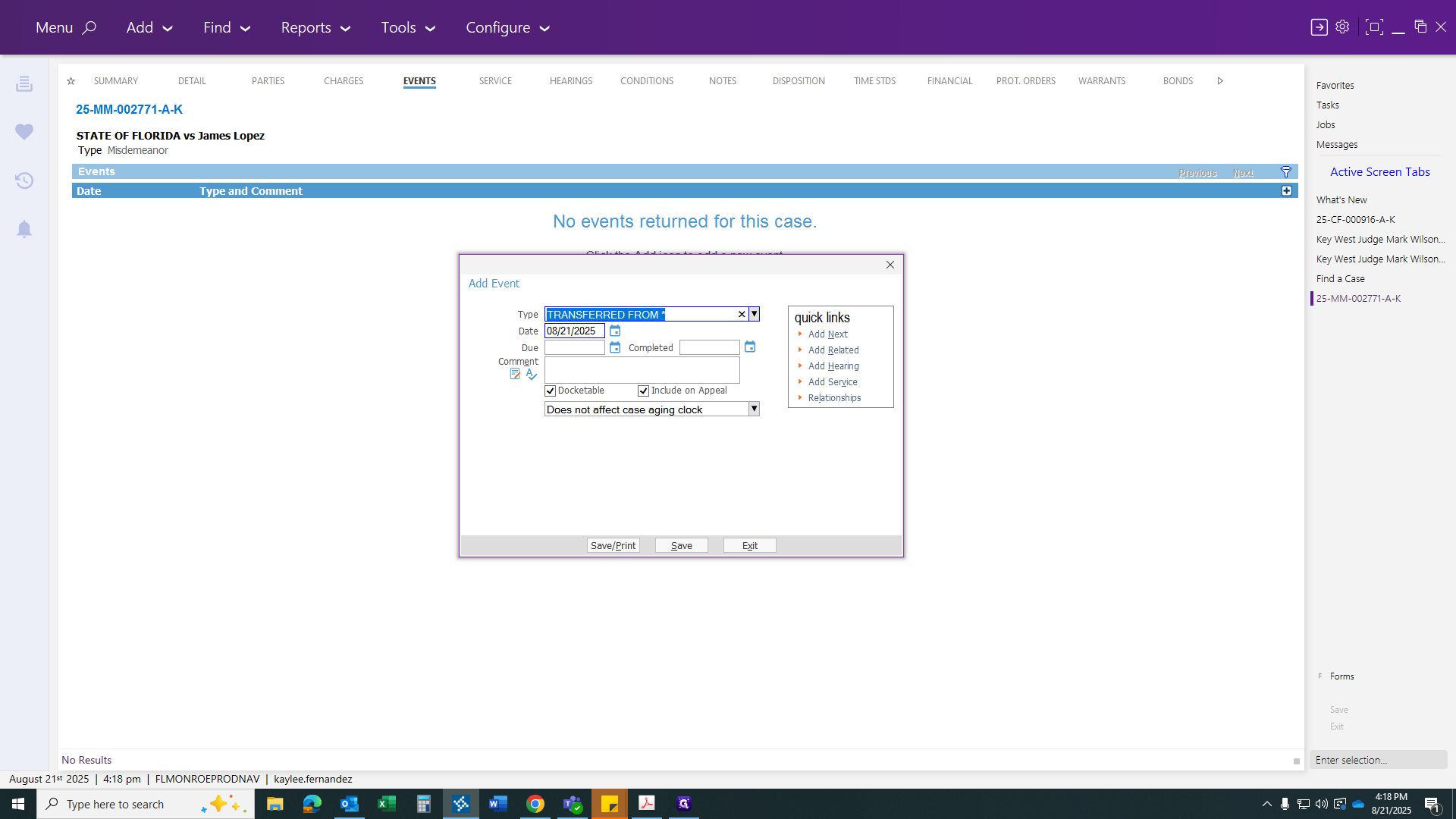
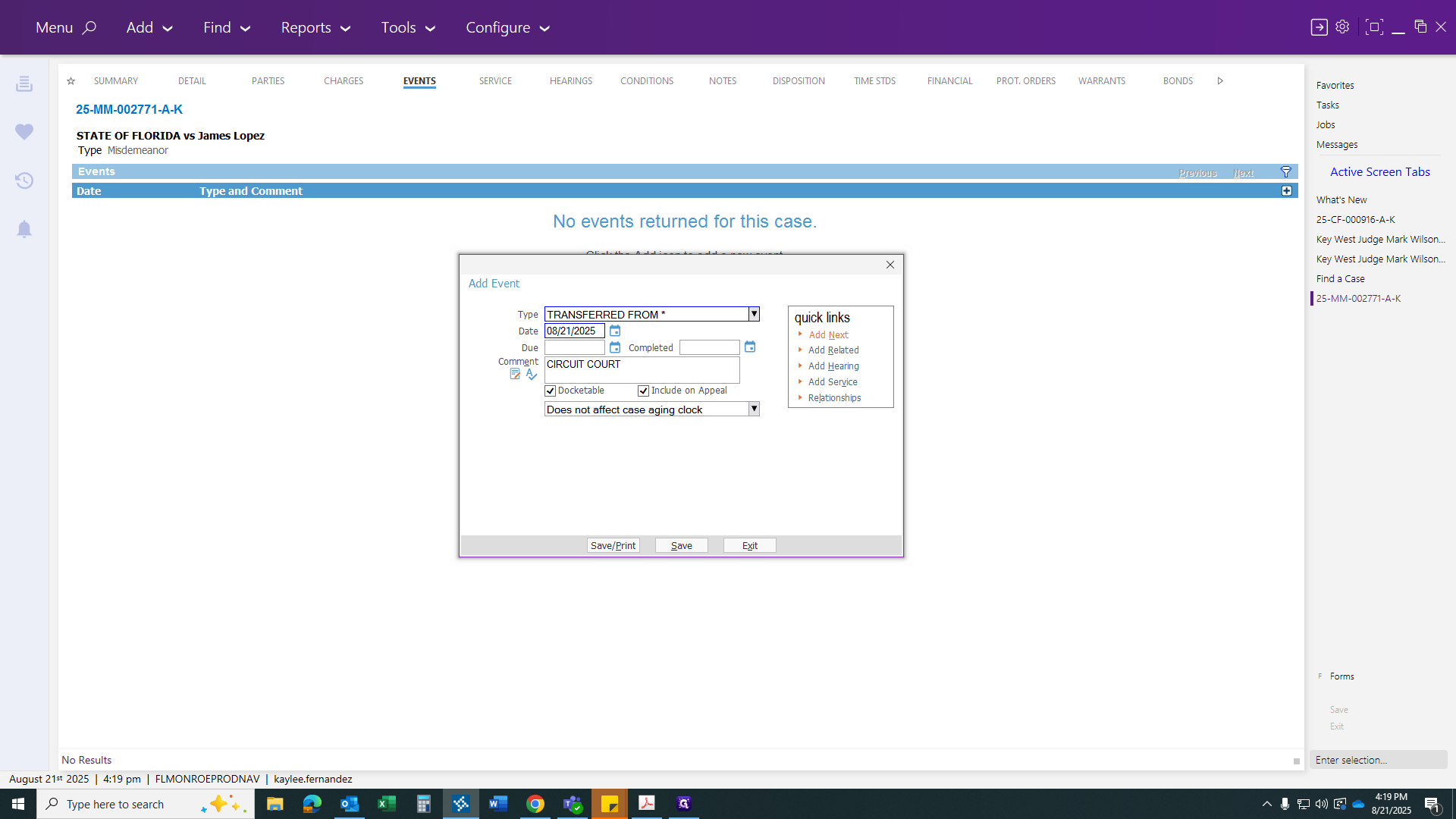
Oops.
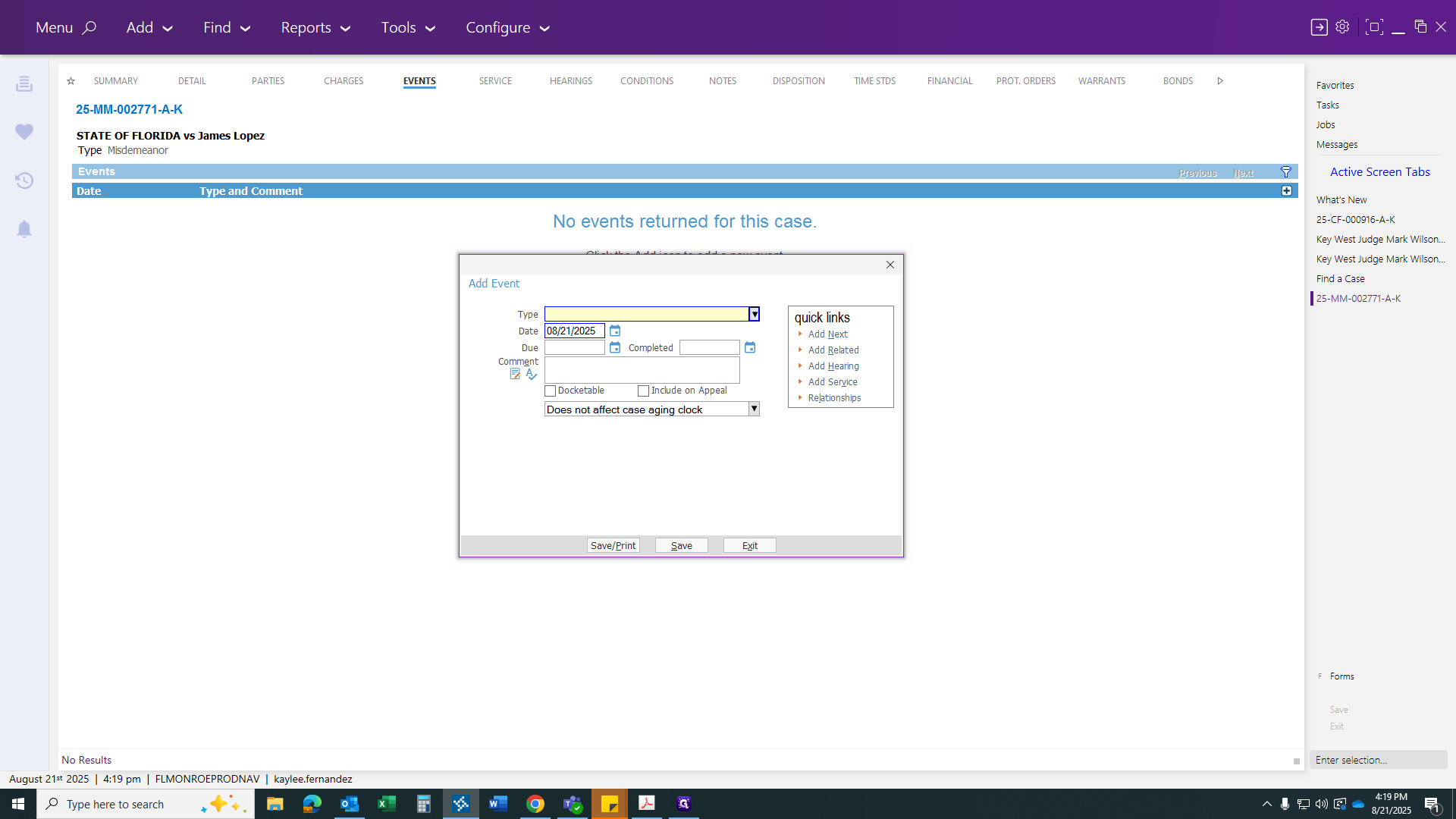
There we go.
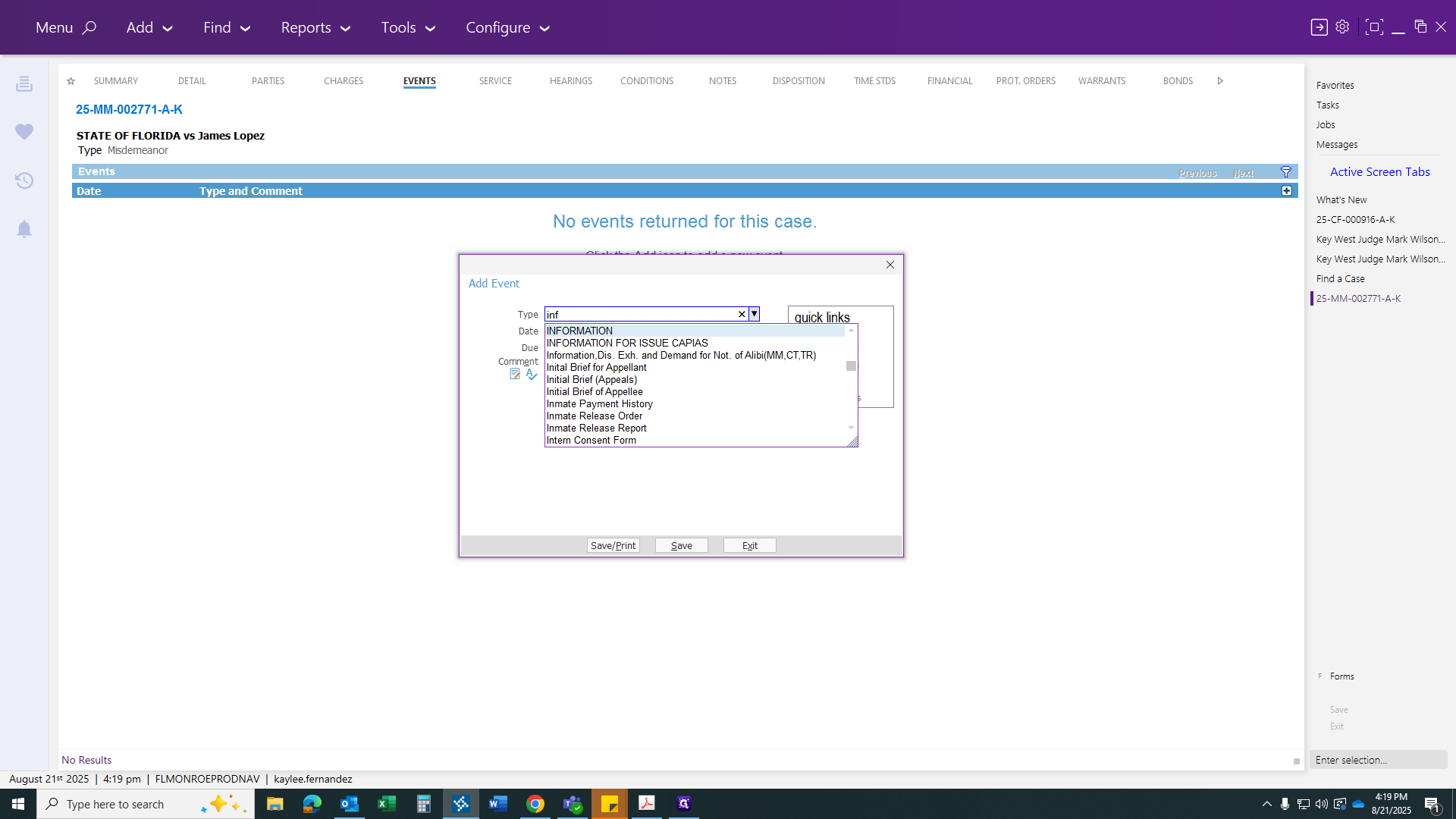
Then click to continue.
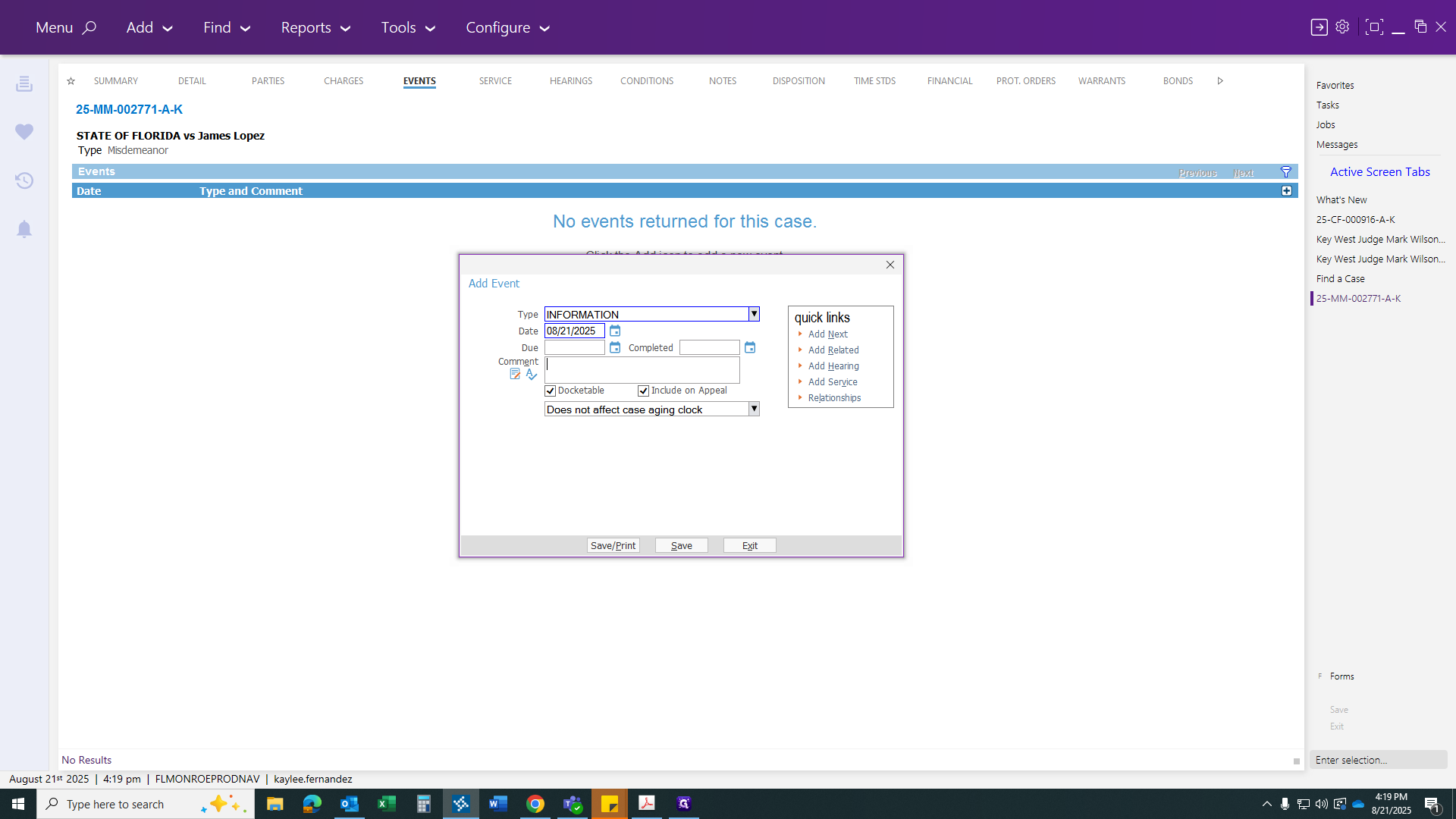
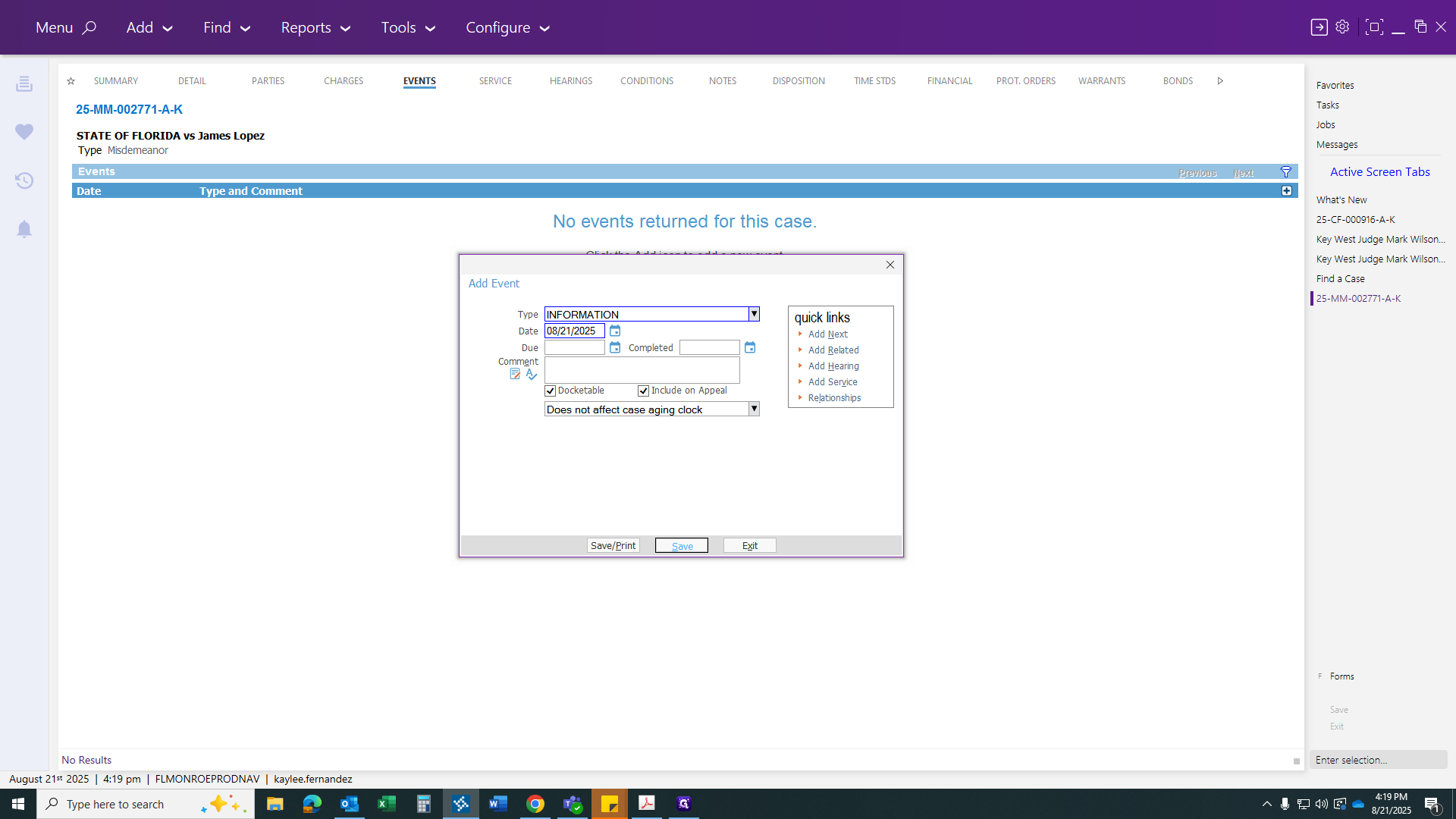
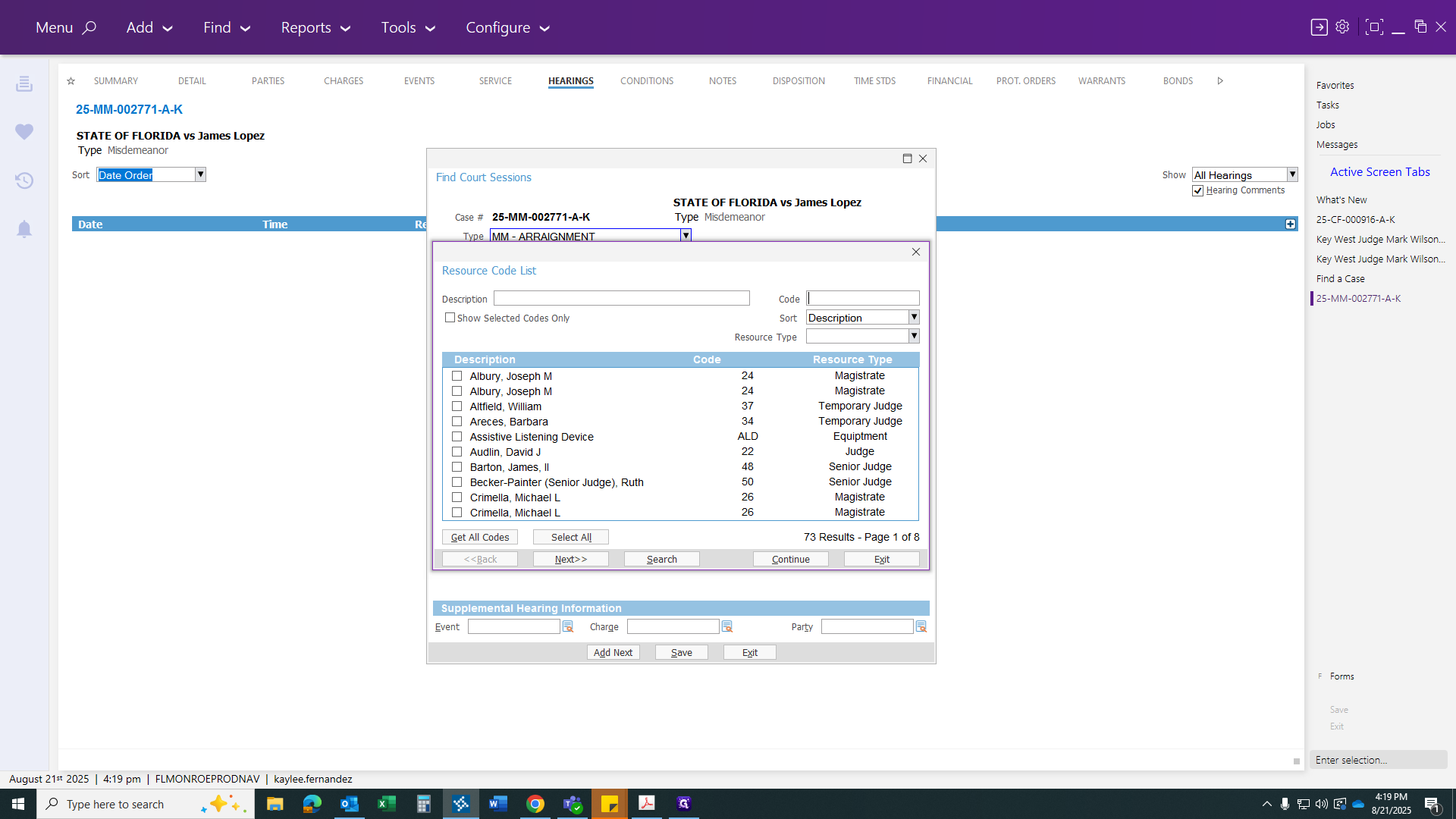
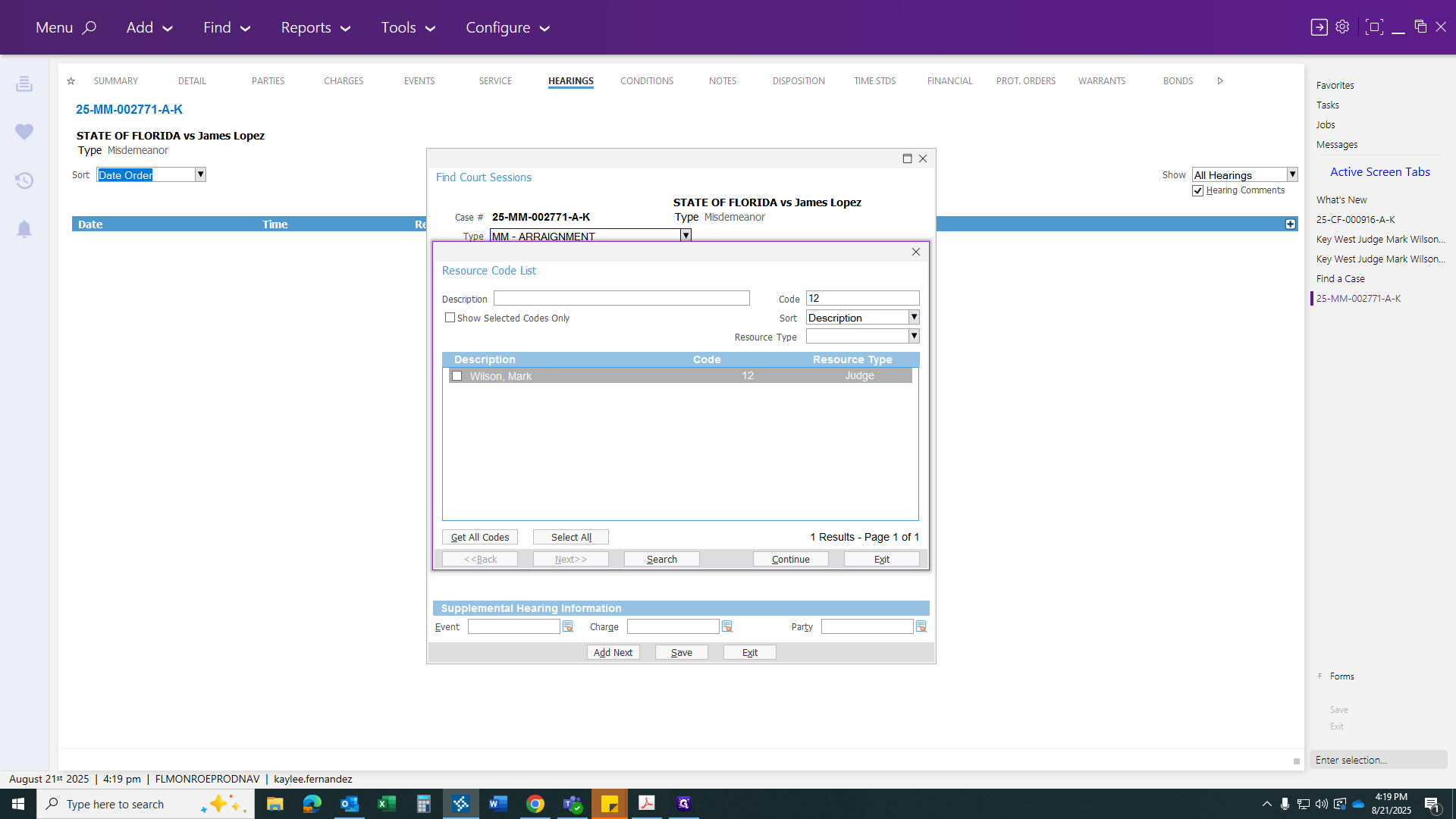
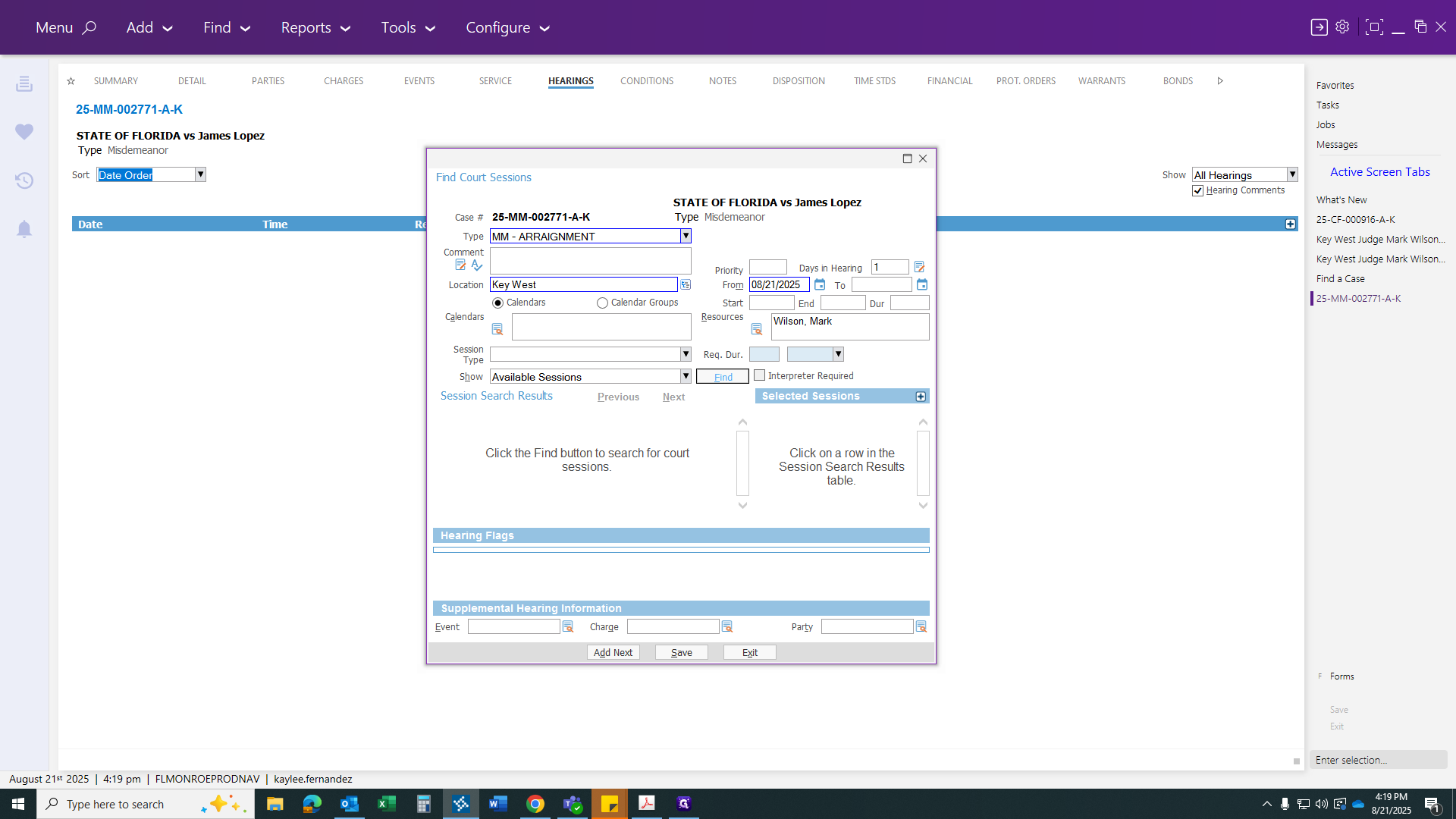
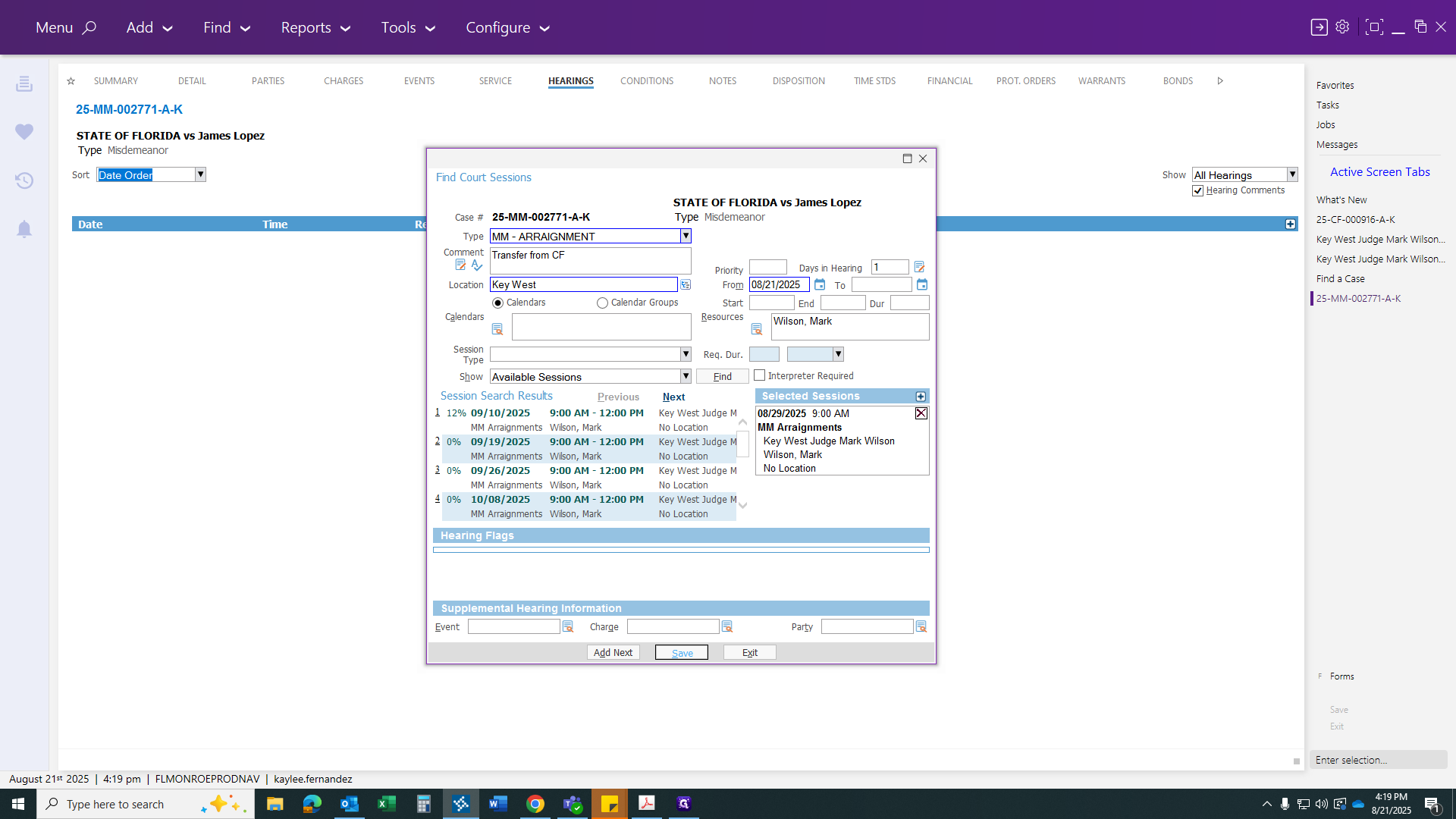
Enter your next court date for your case and select the correct judge.
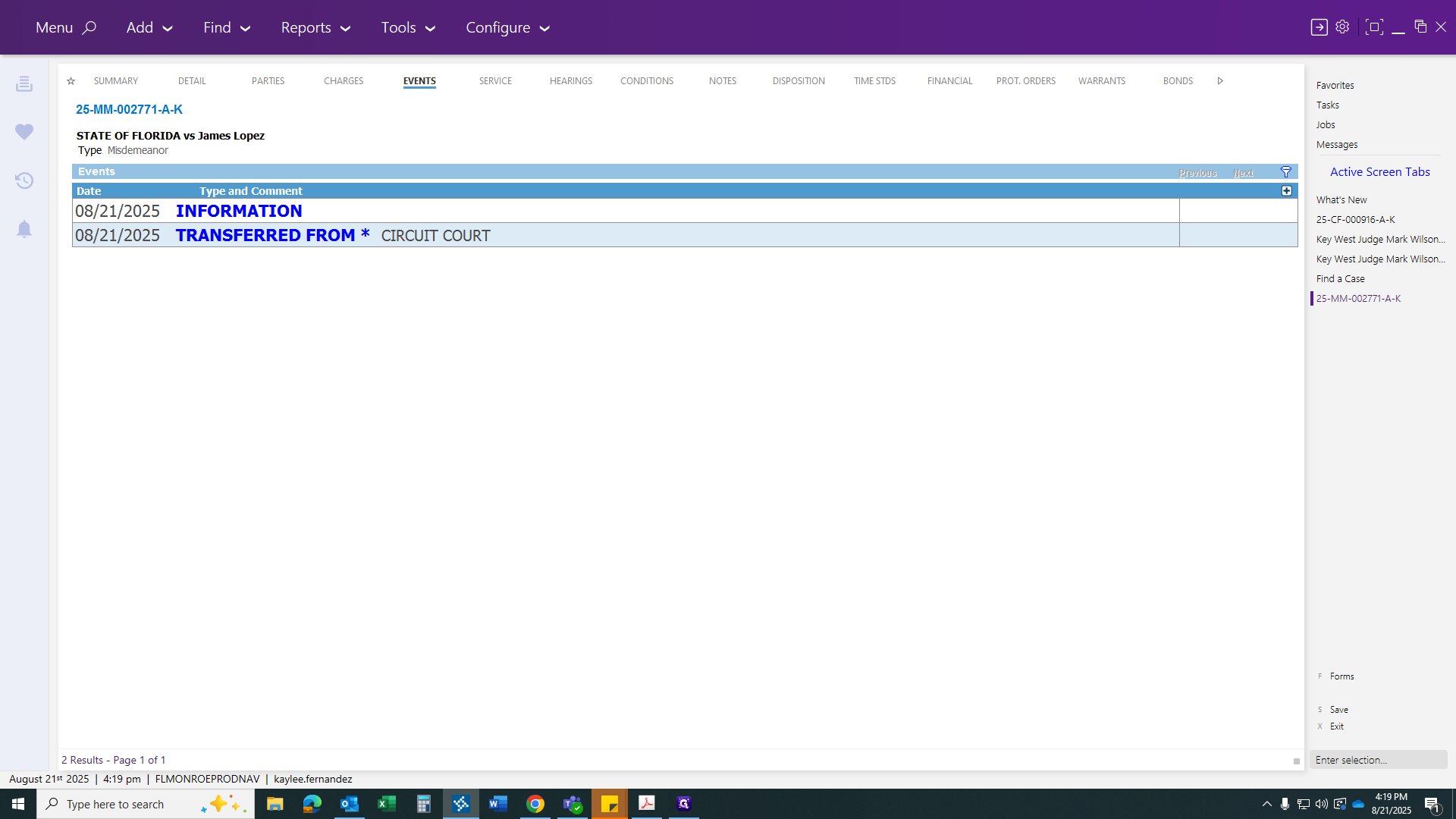
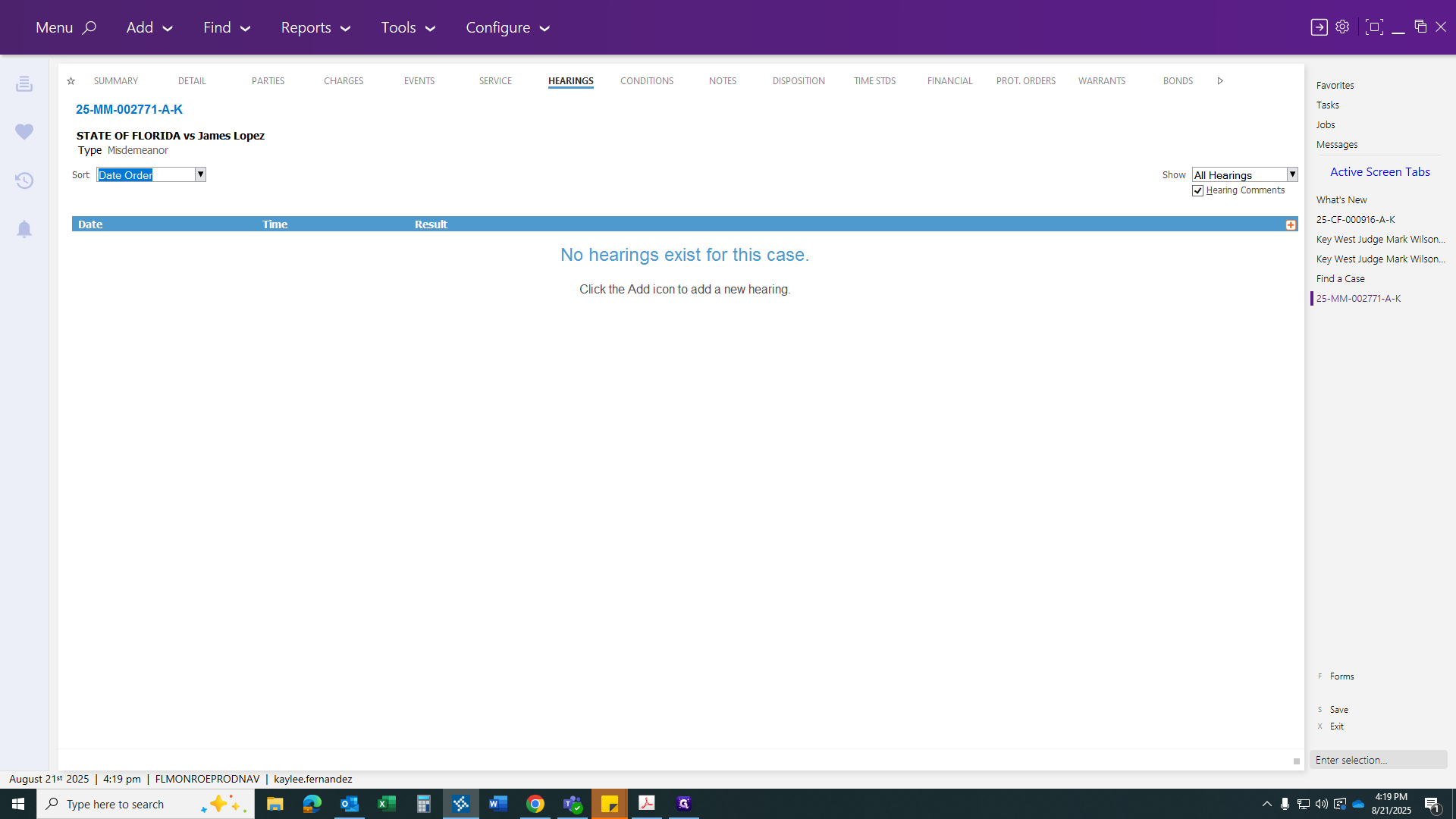
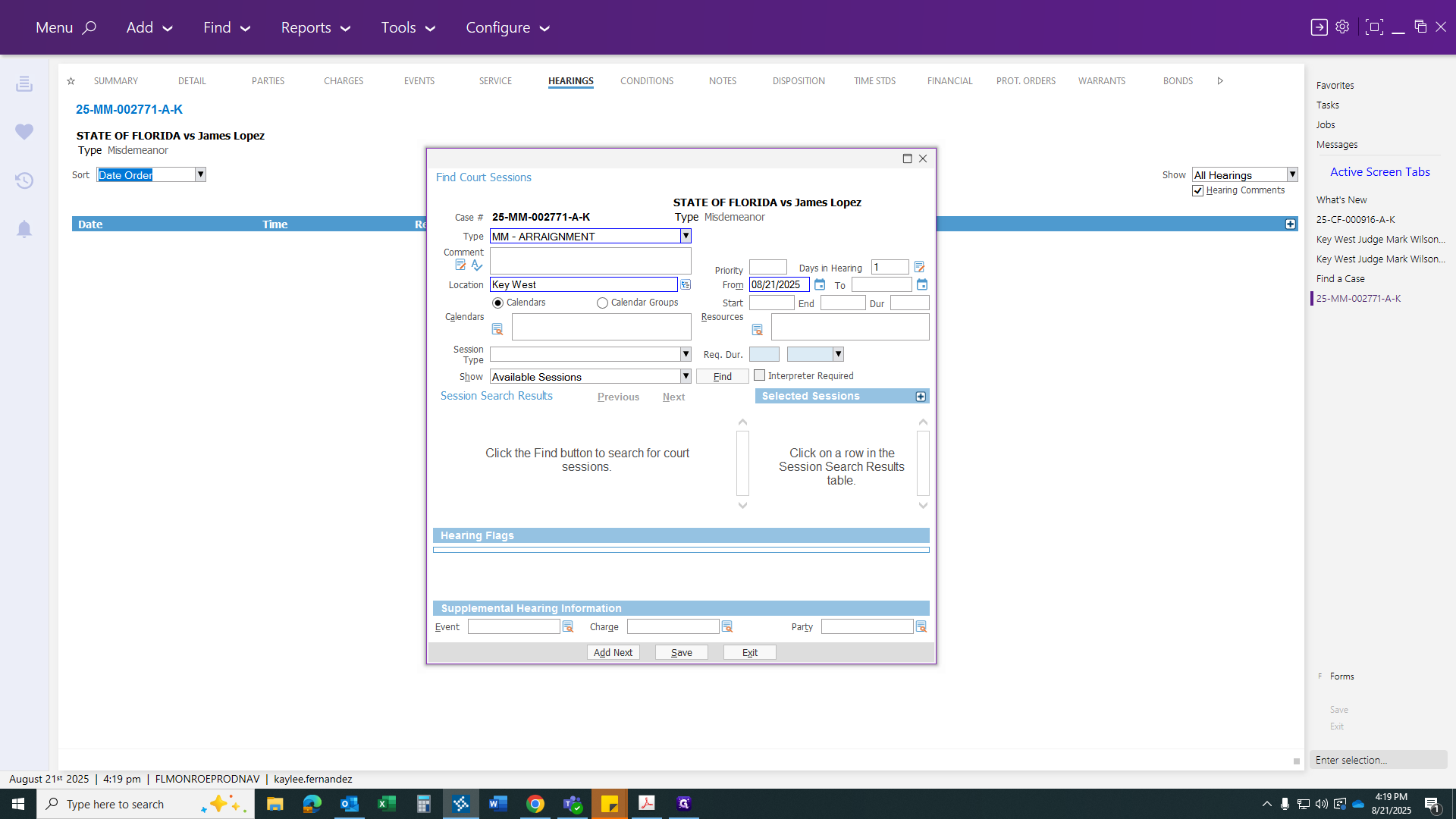
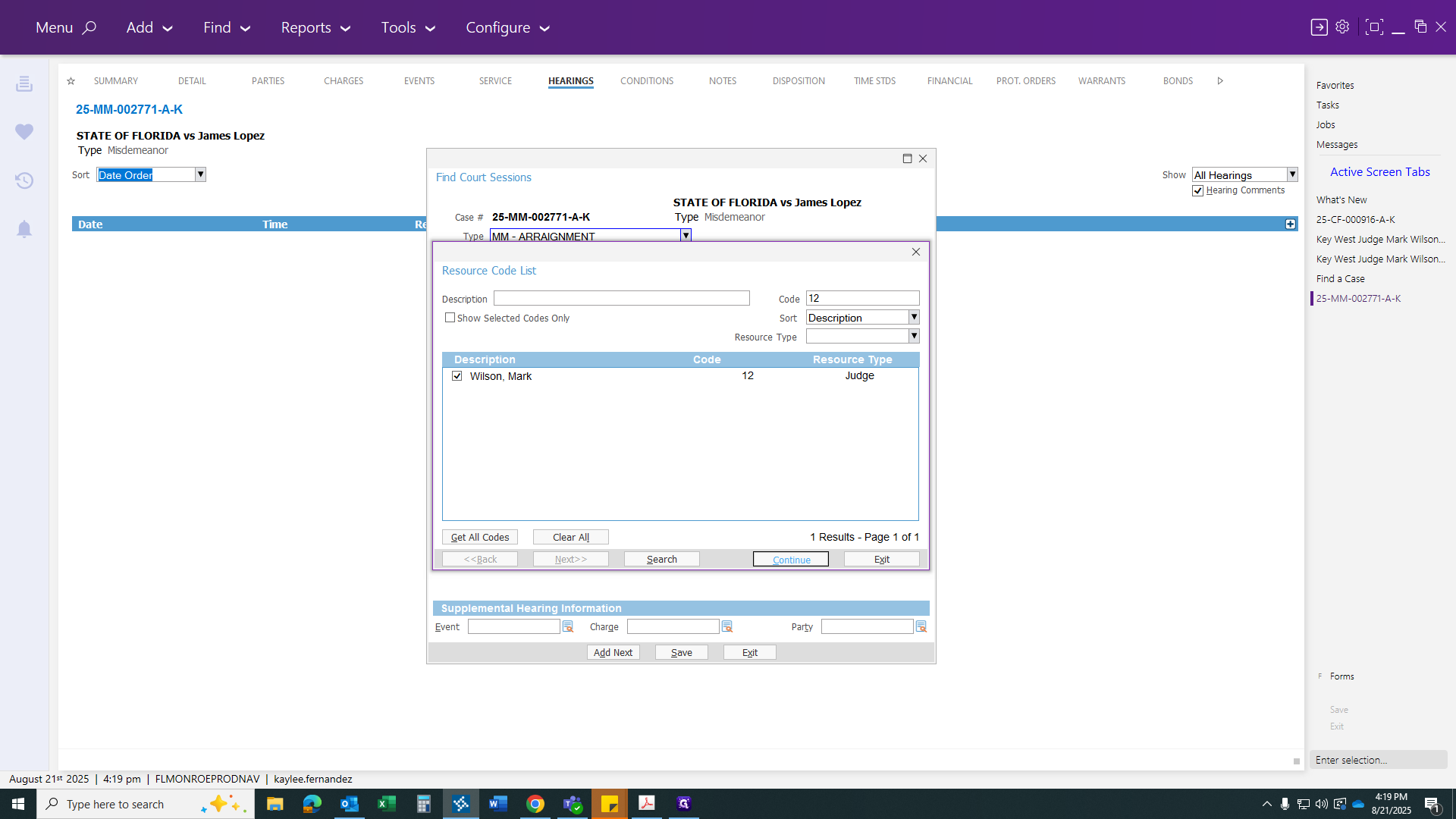
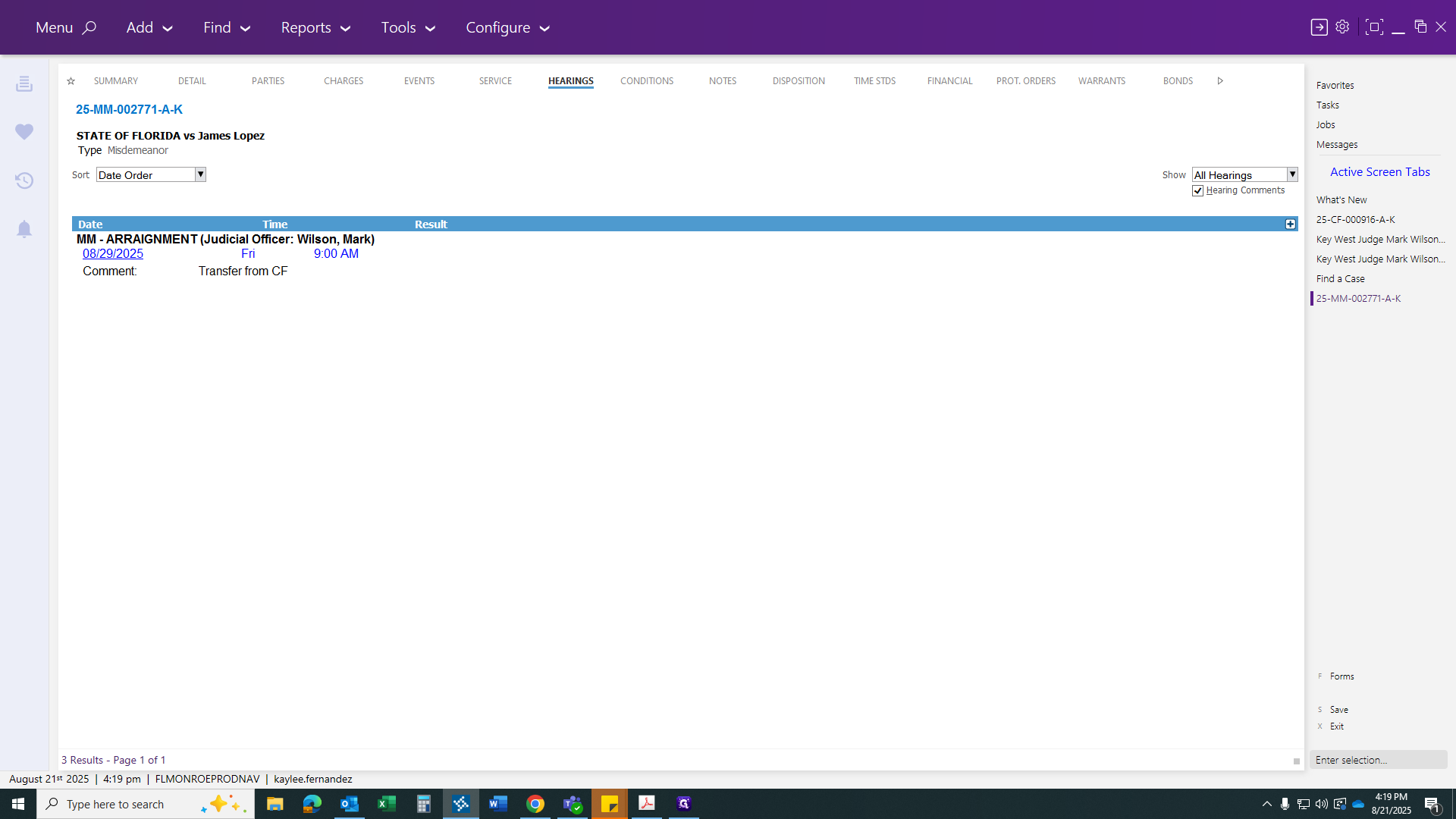
Find your escort date, which is the 29th. Add a comment: "transfer from CF."
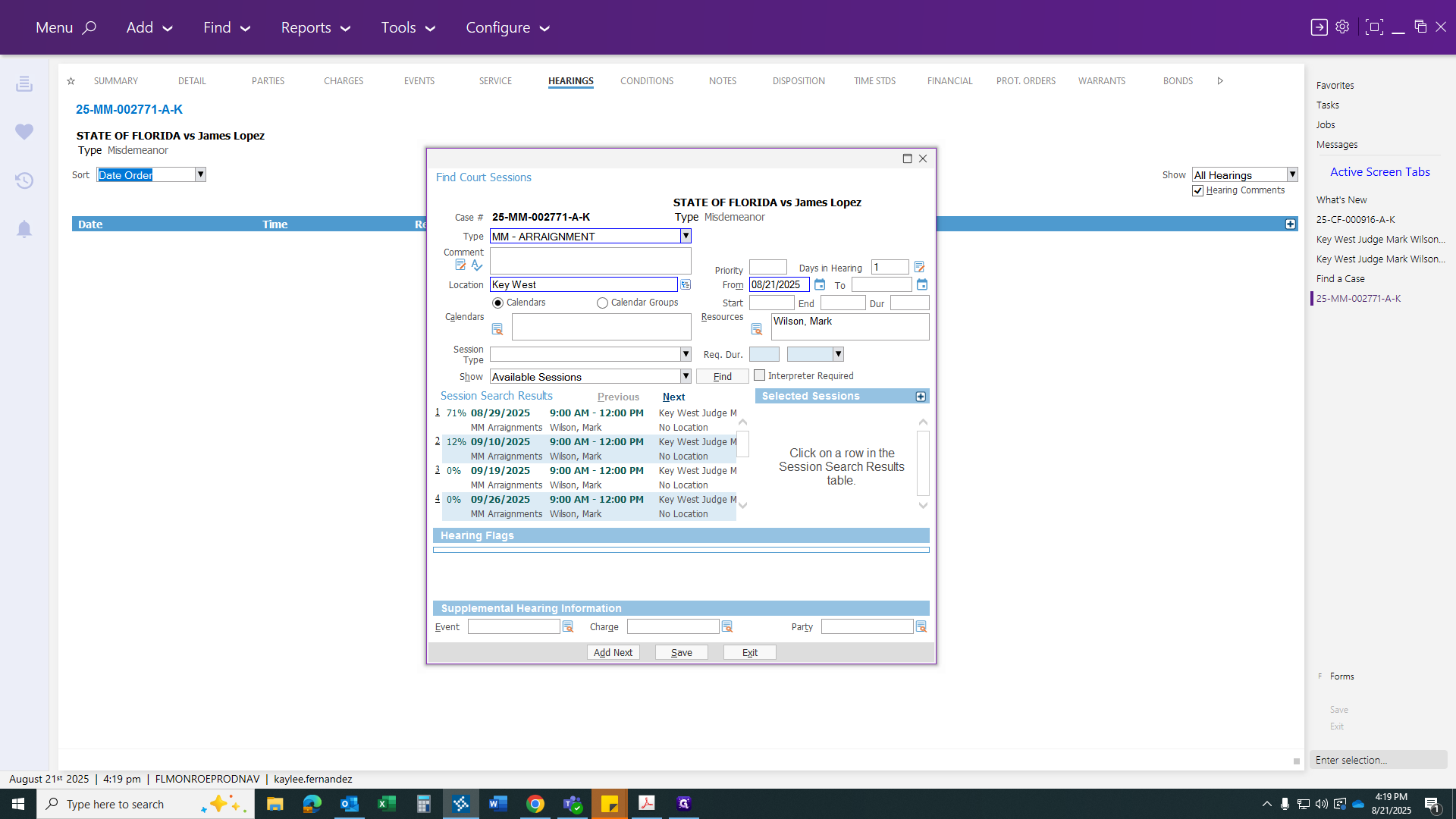
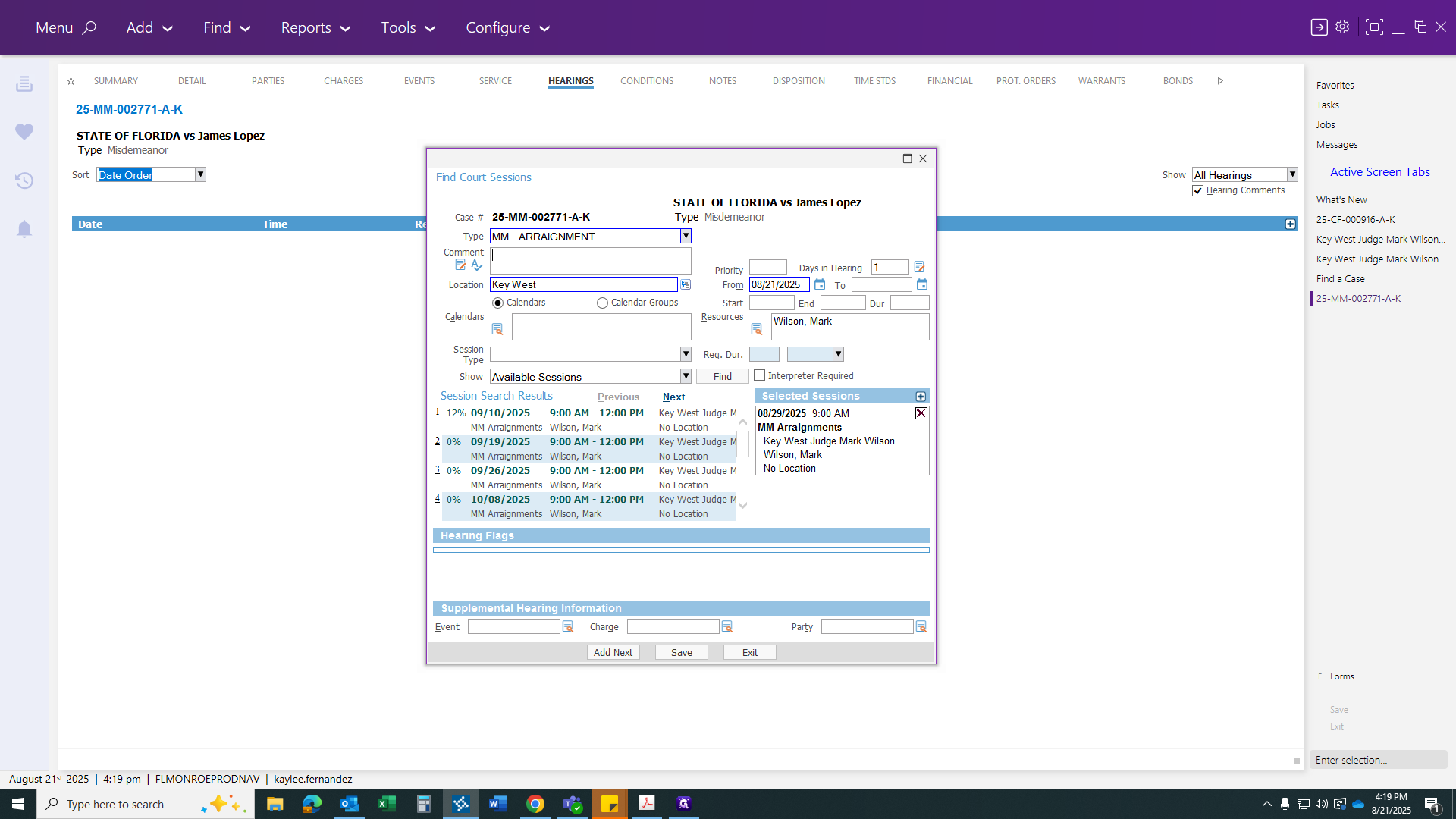
Then click Save.
Lastly, you need to carry over the public defender application. Go to your Financial tab.
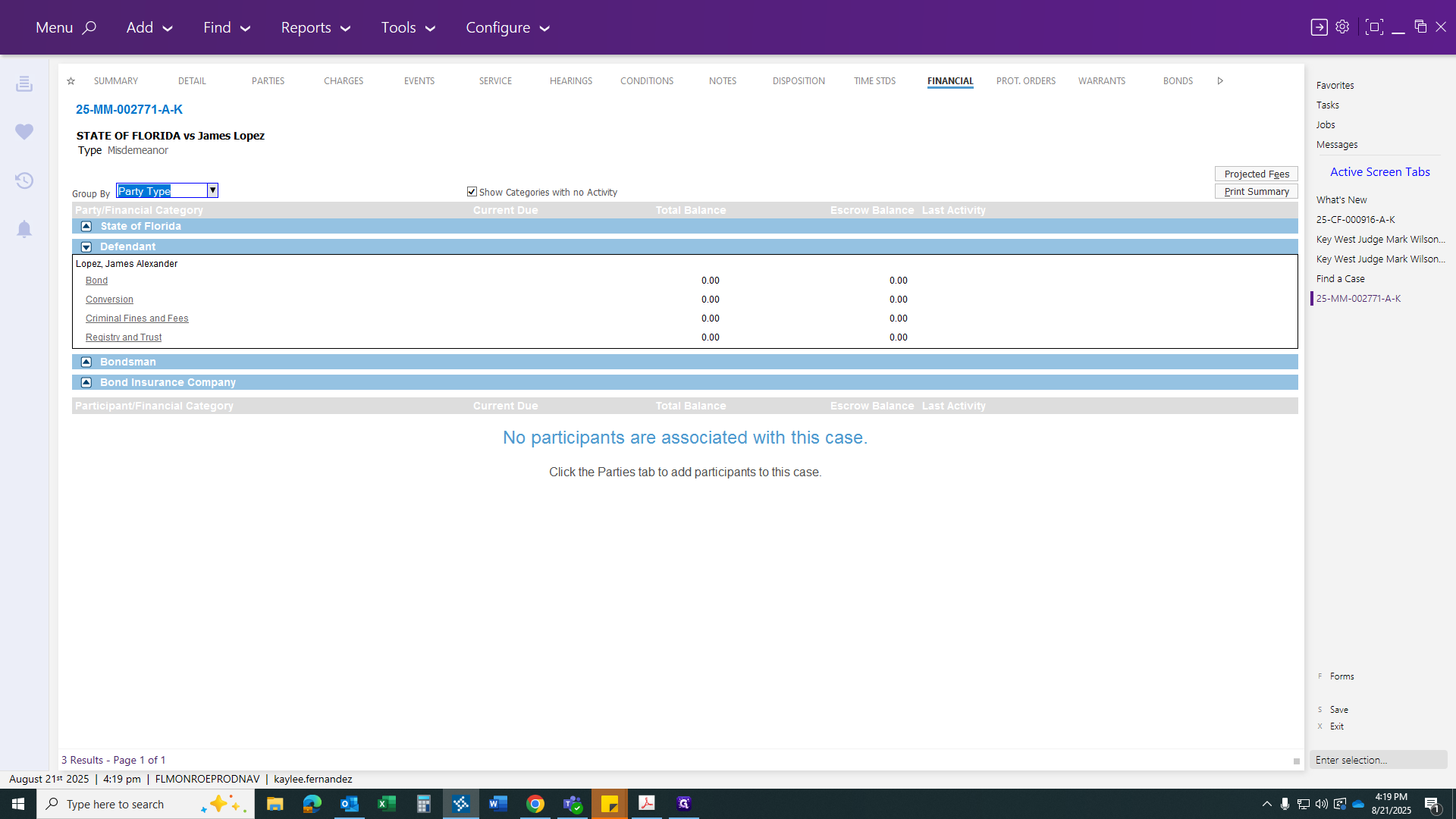
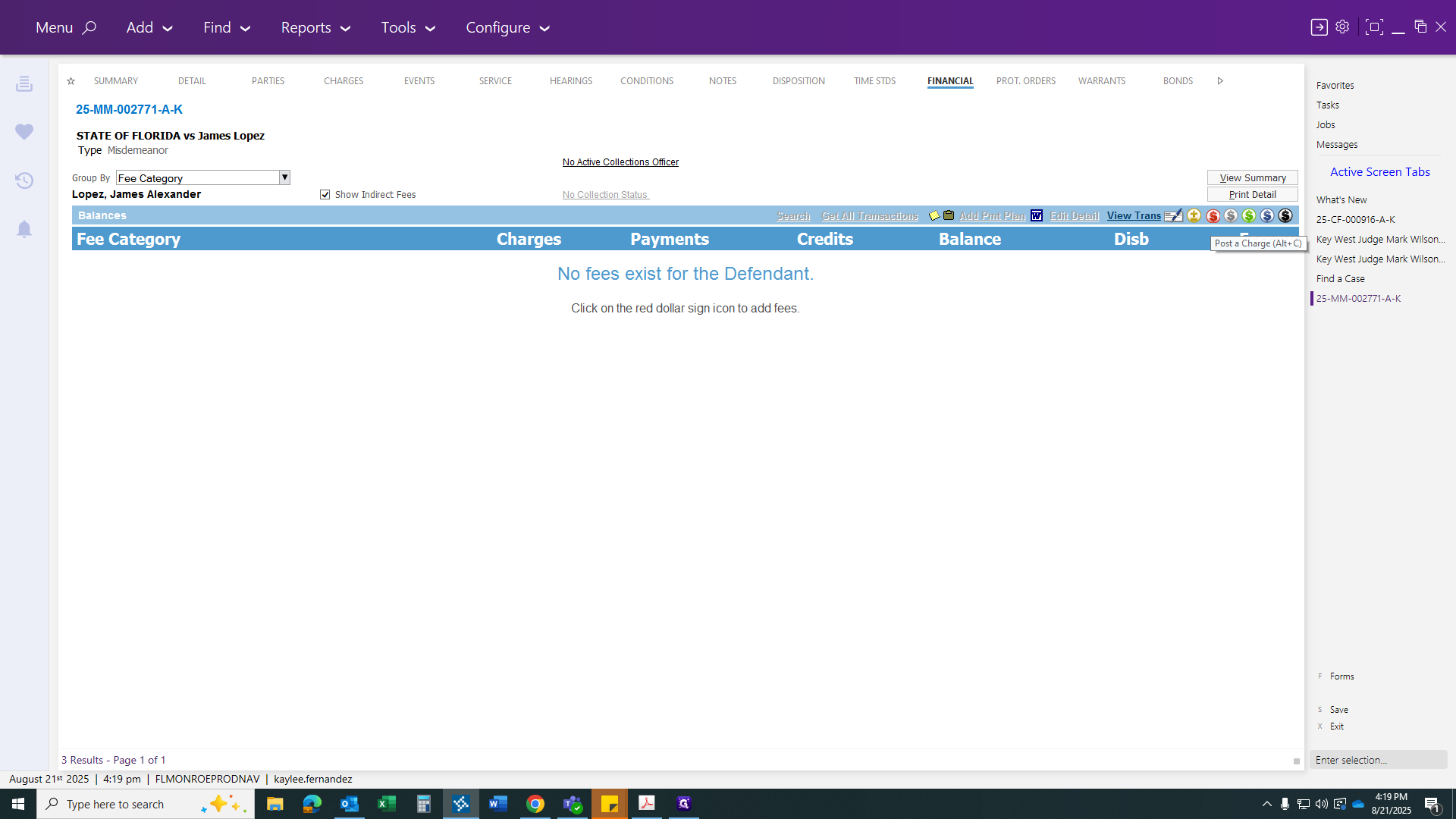
You can just pick one of those for now.
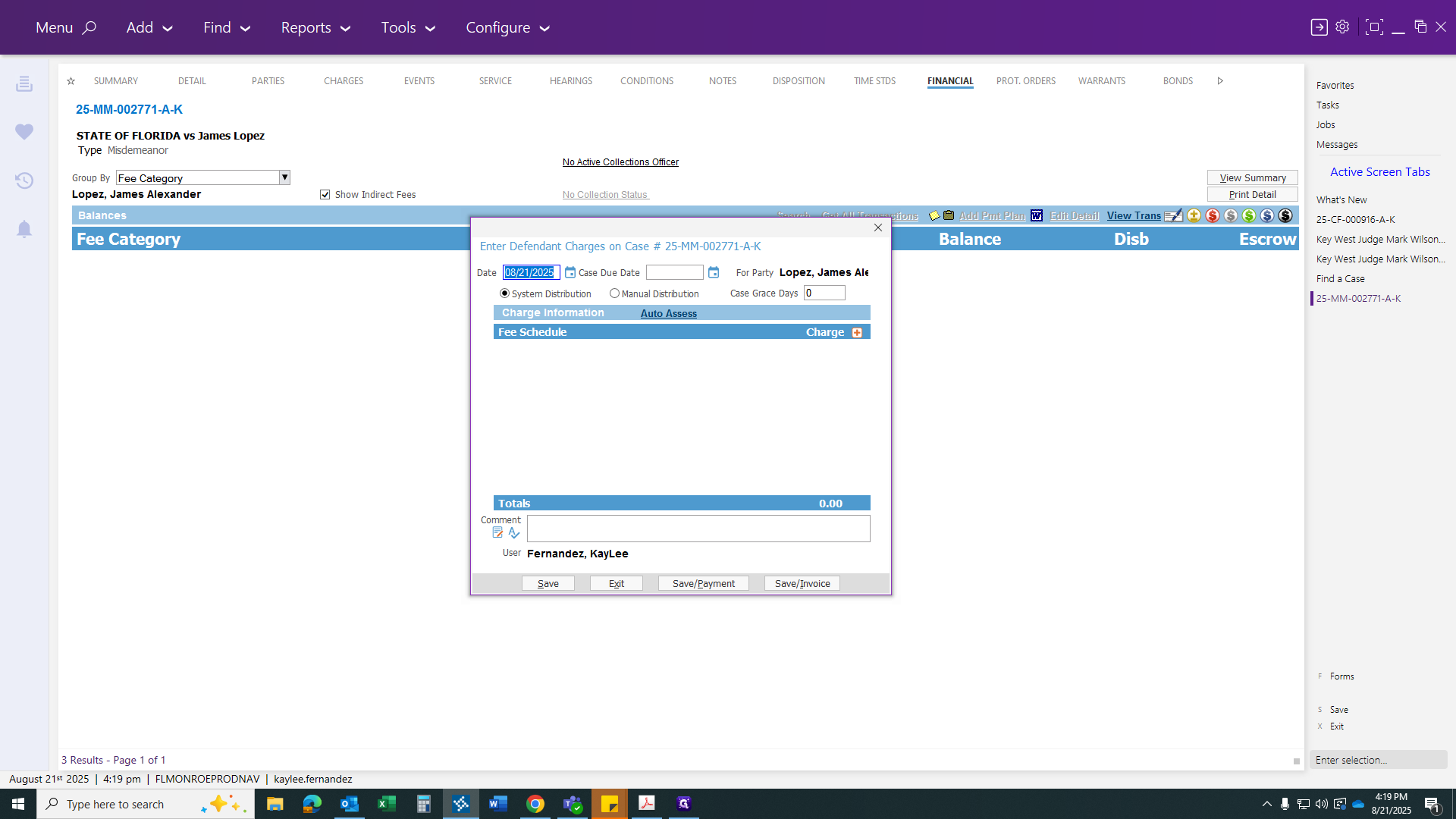
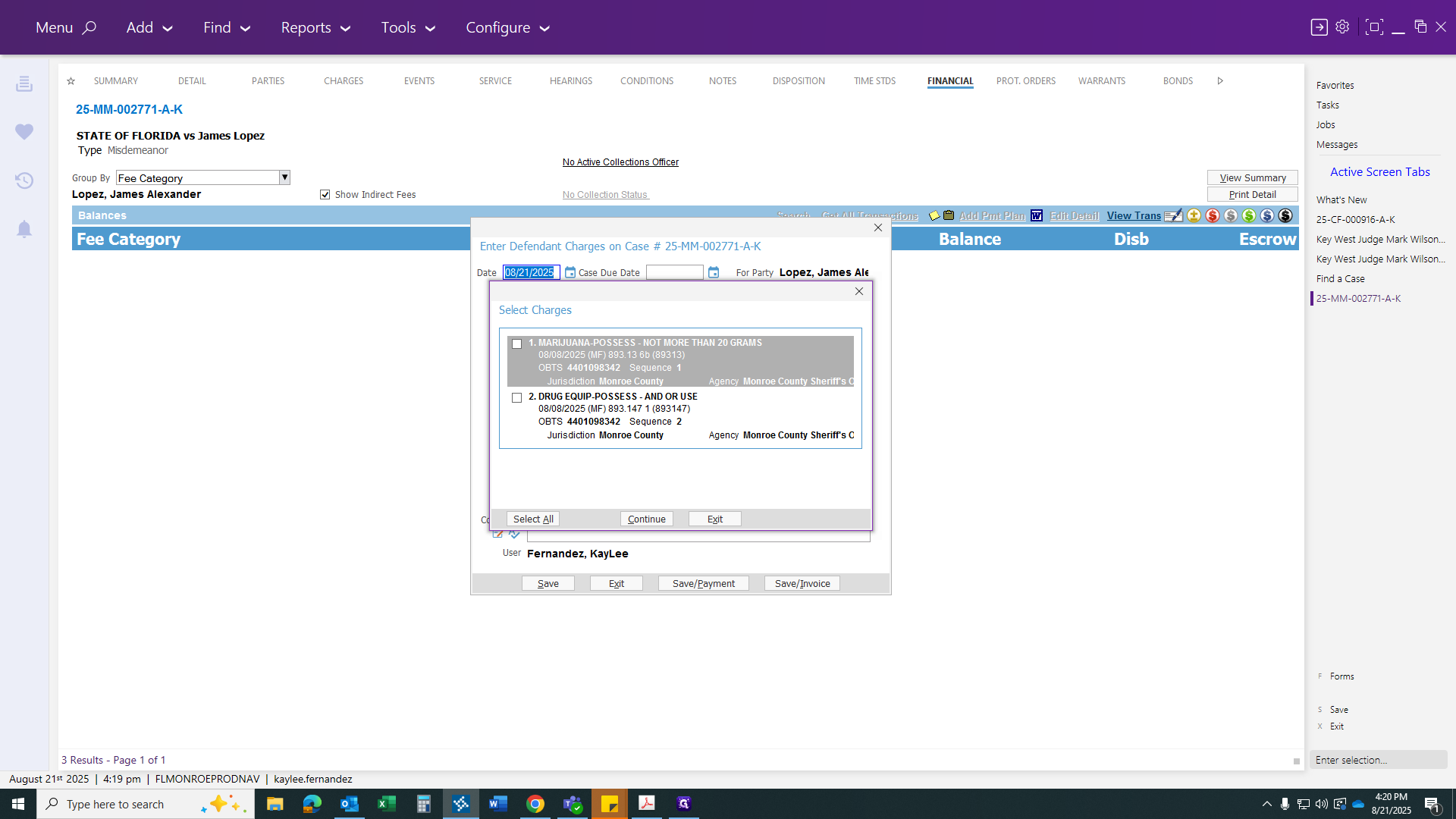
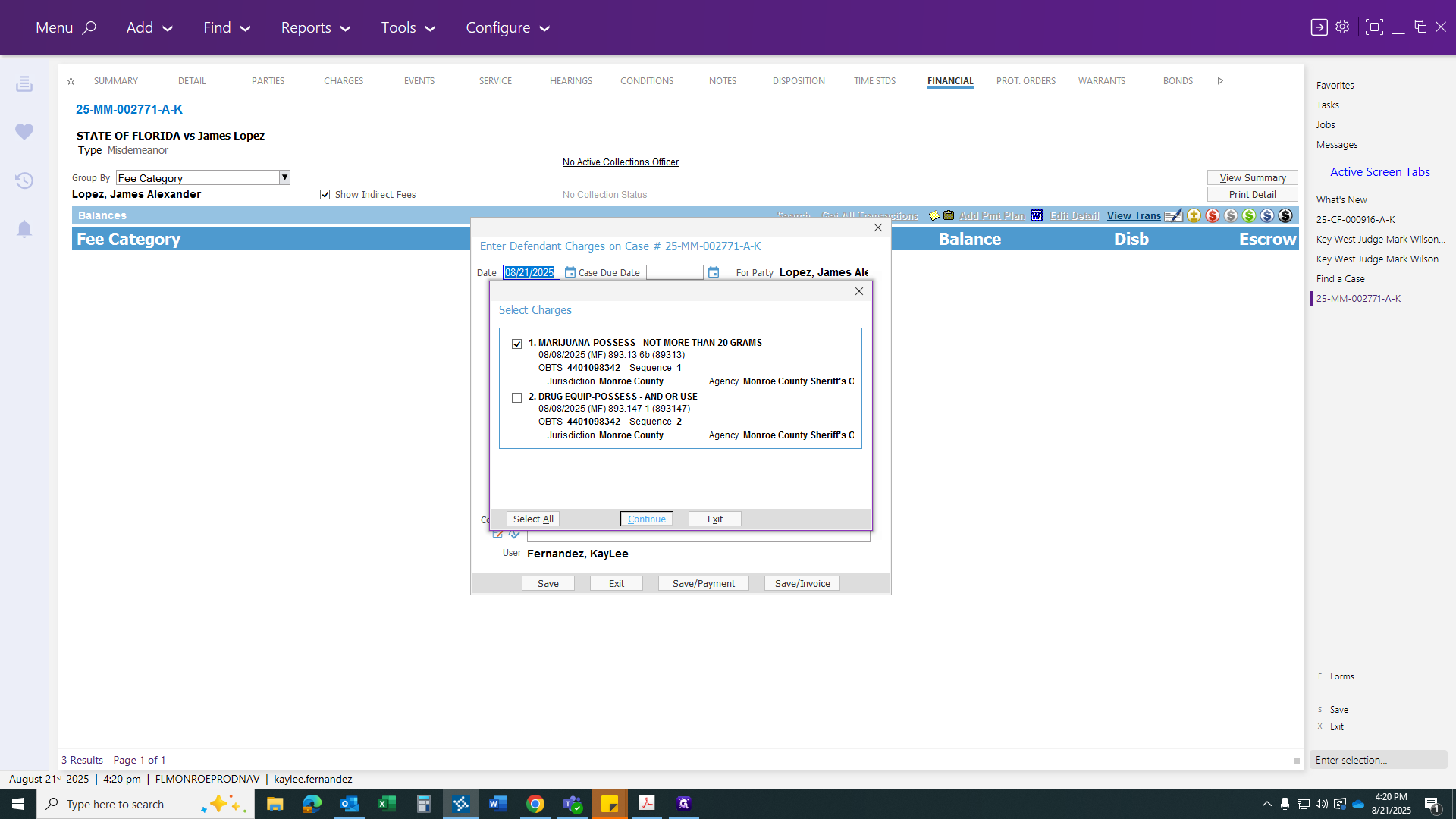
It doesn't have to be both, since you're only charging one count for the PD app.
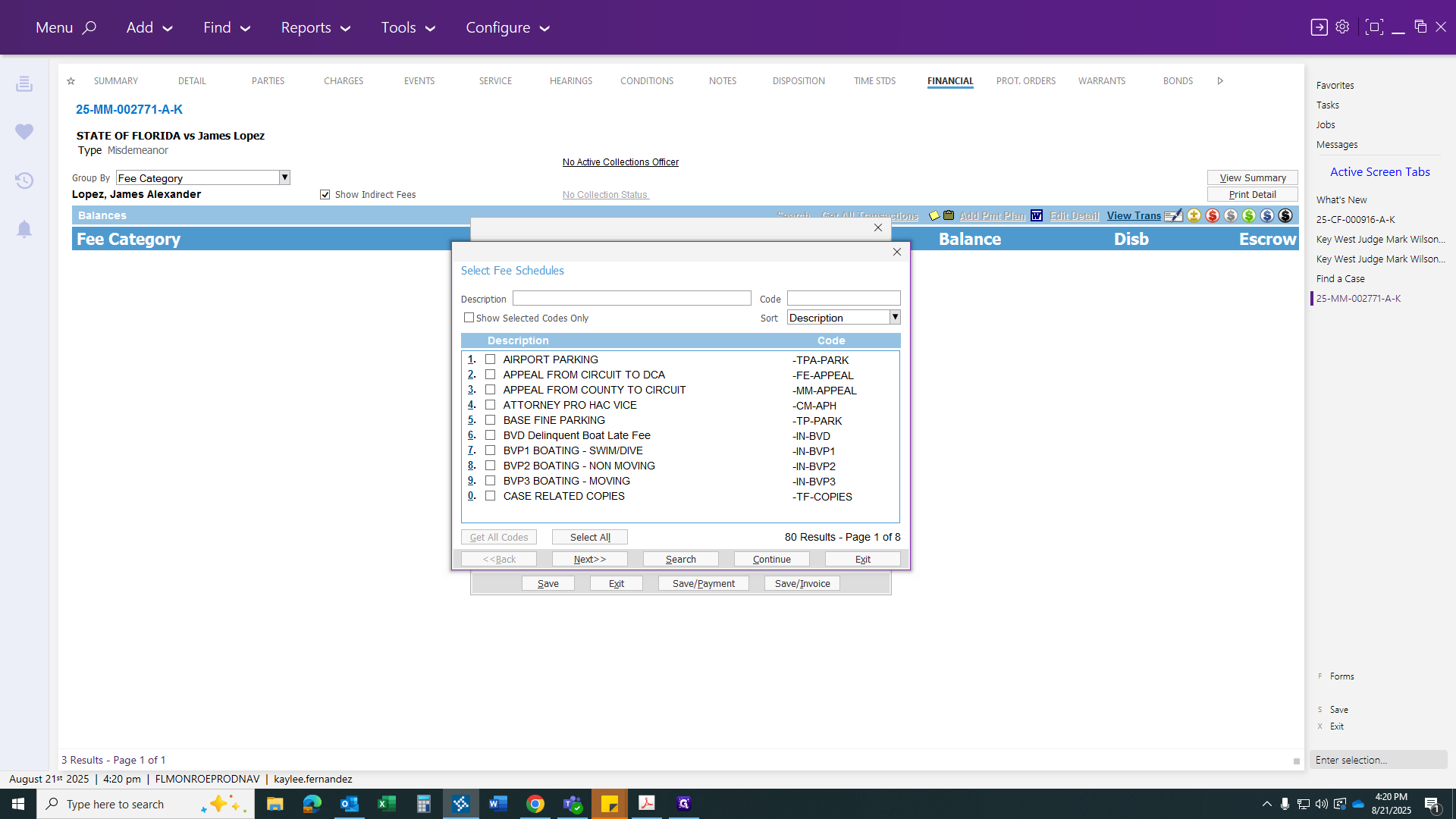
For this one, I would put PD at the top to show all related options. I’m selecting felony public defender app because it was a felony at the time.
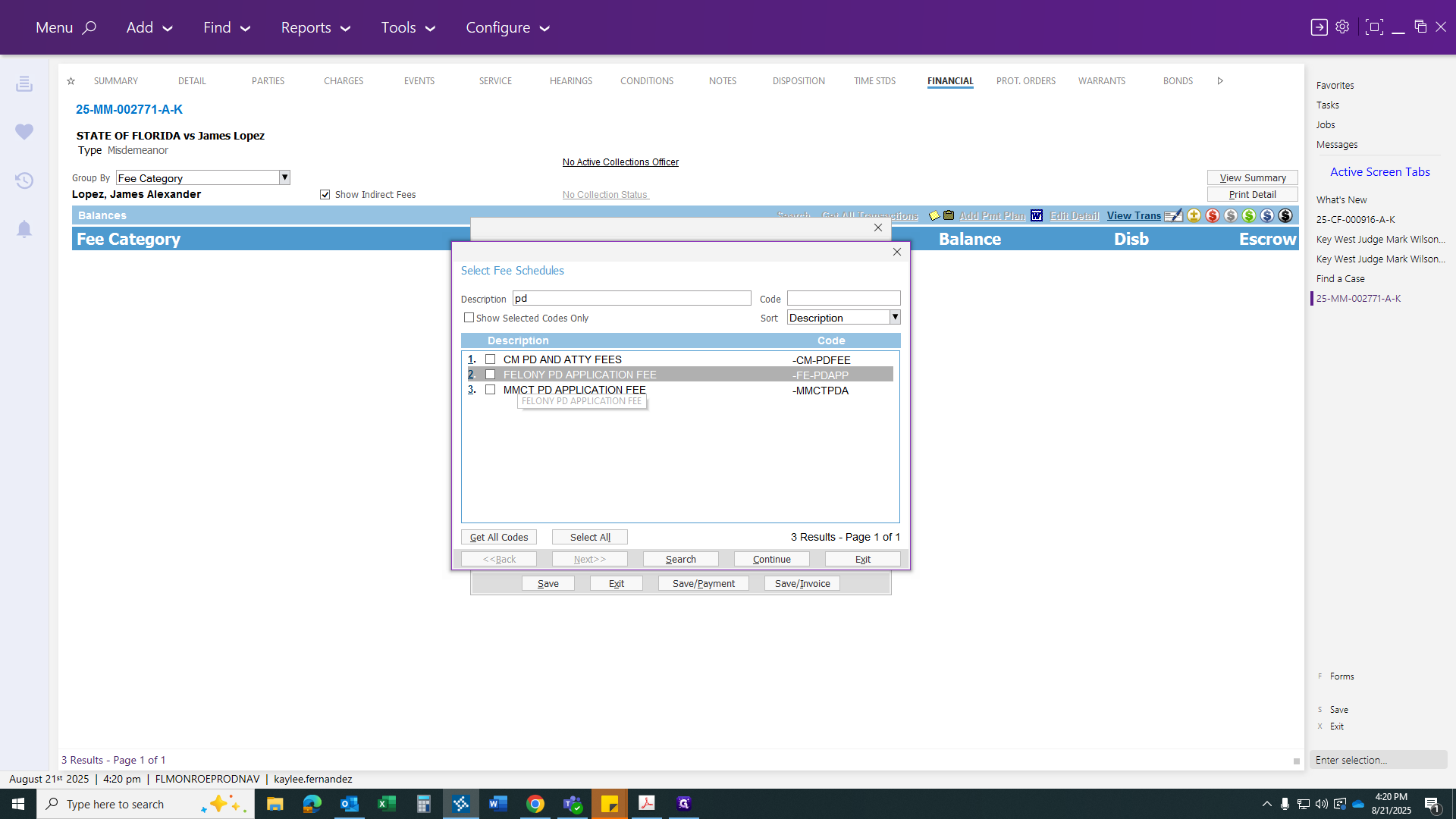
We're adding that now so it's already taken care of.
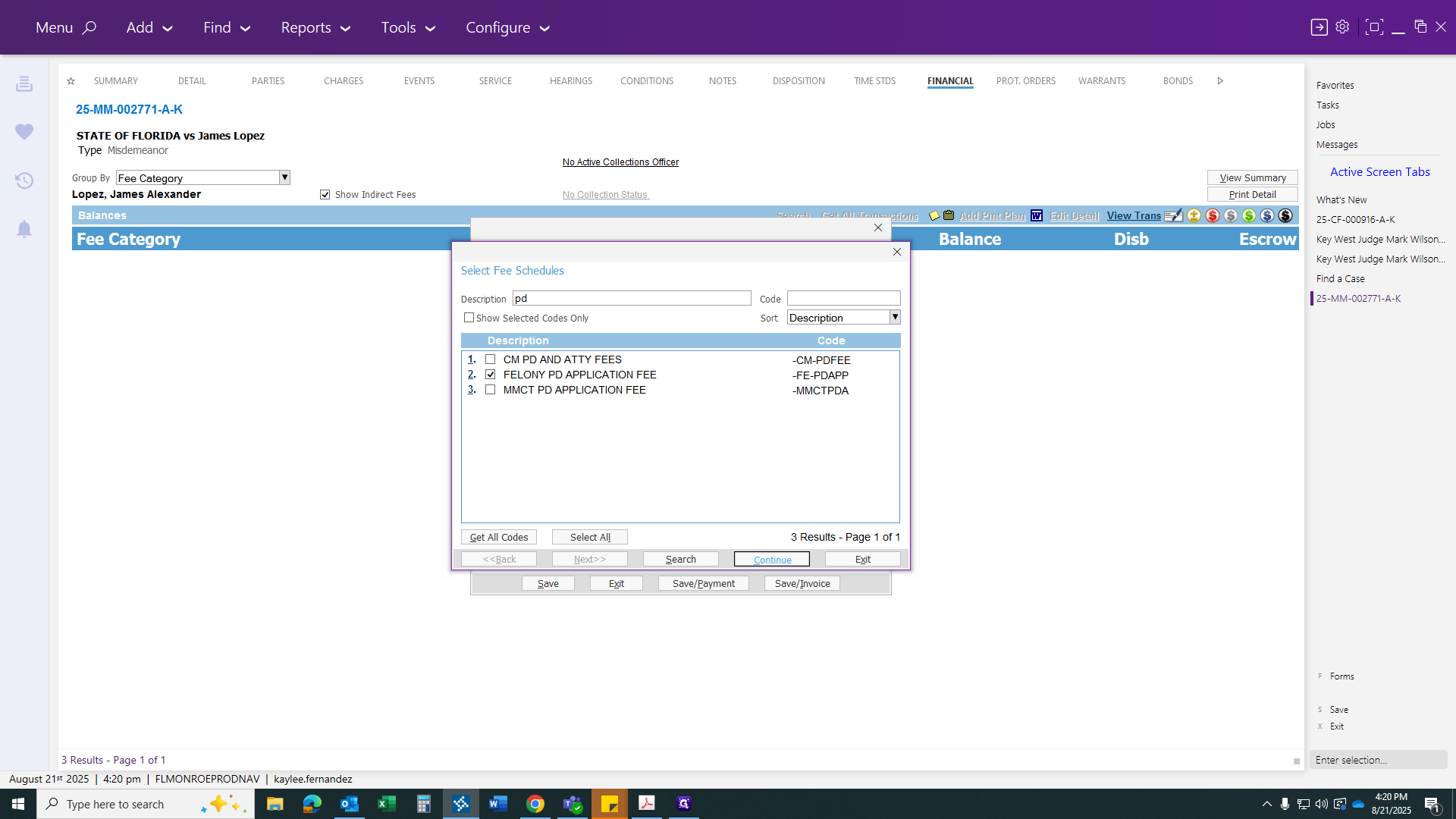
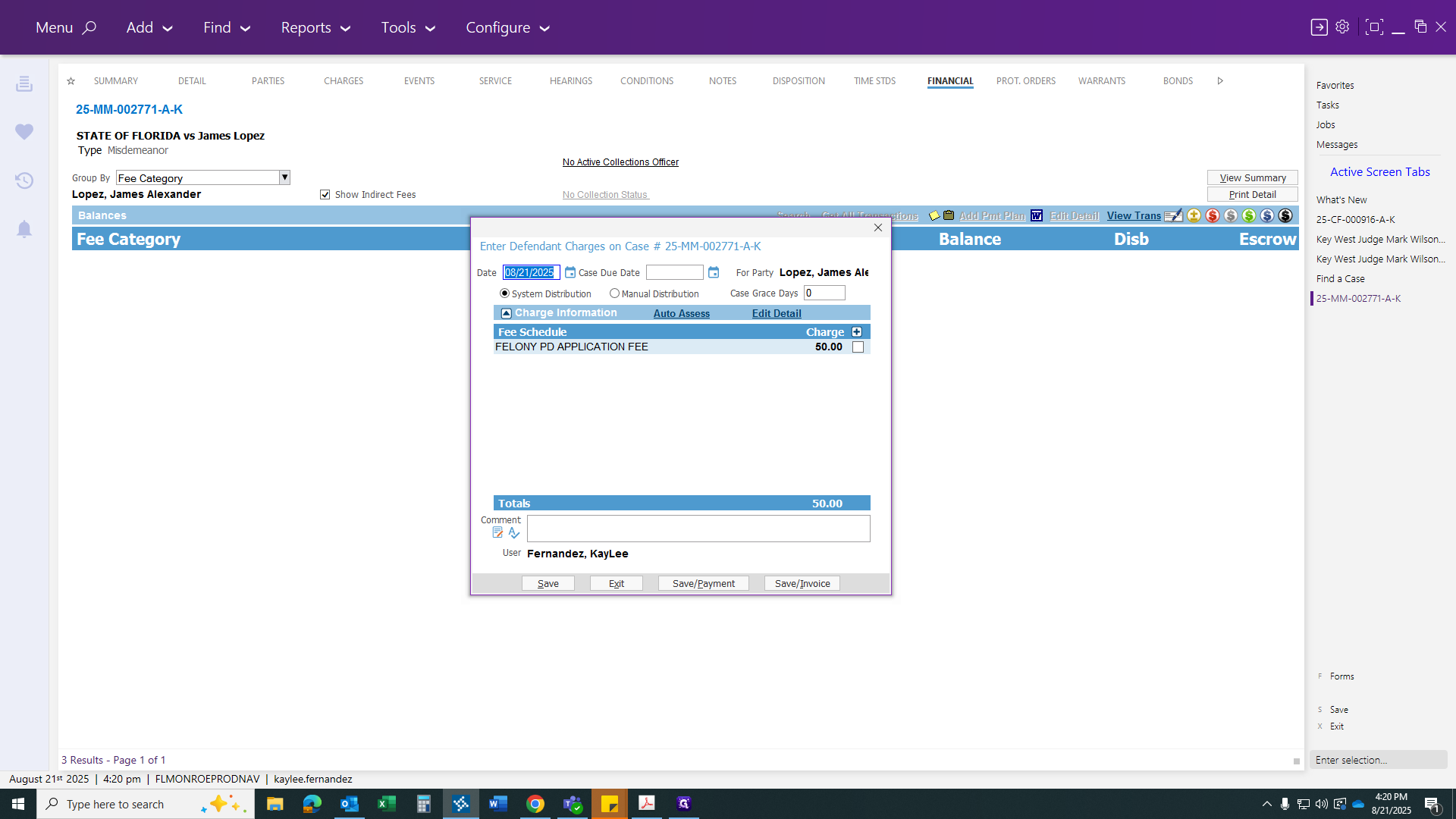
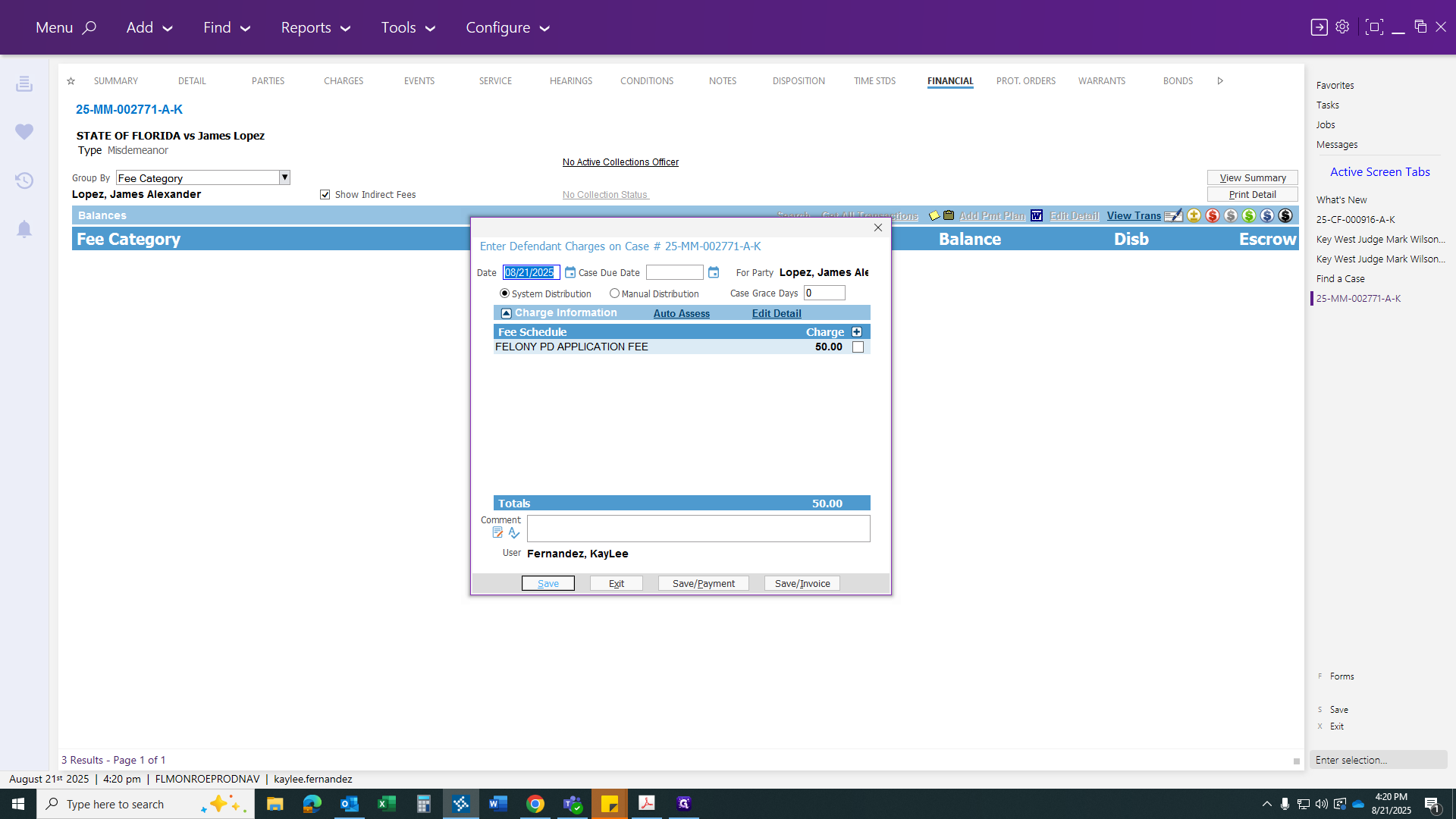
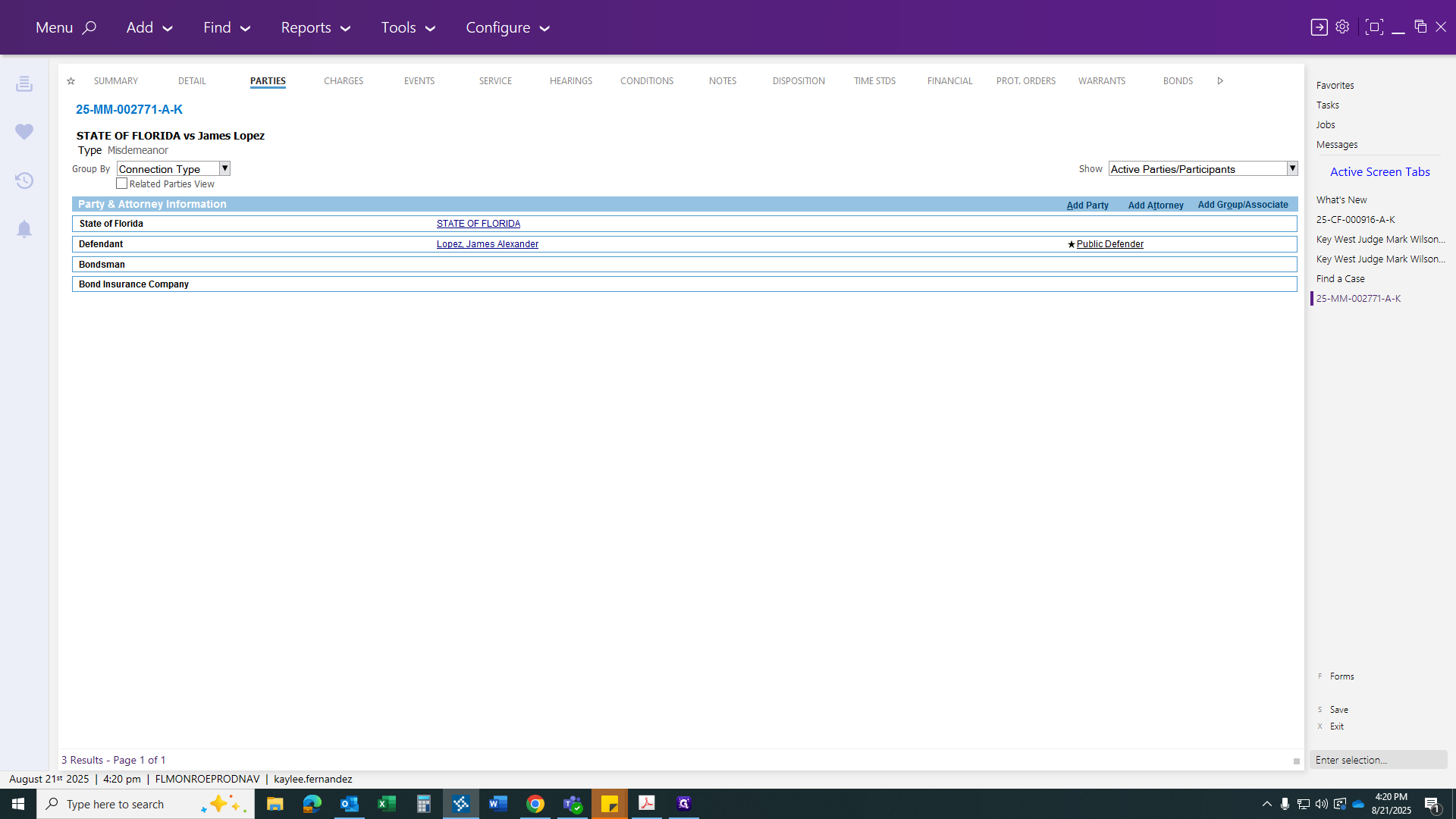
Now you can add all your parties.
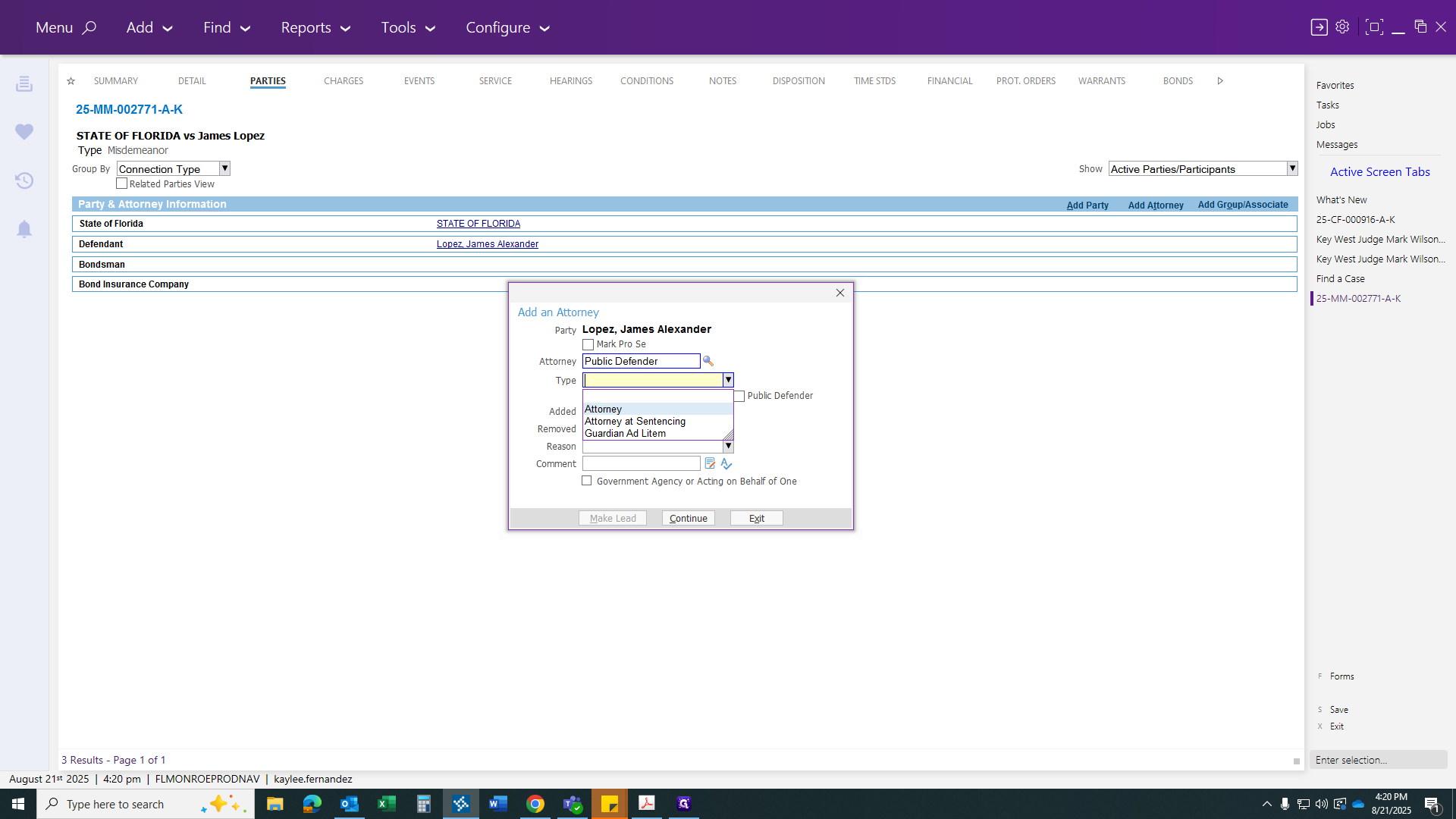
You can add your public defender back there.
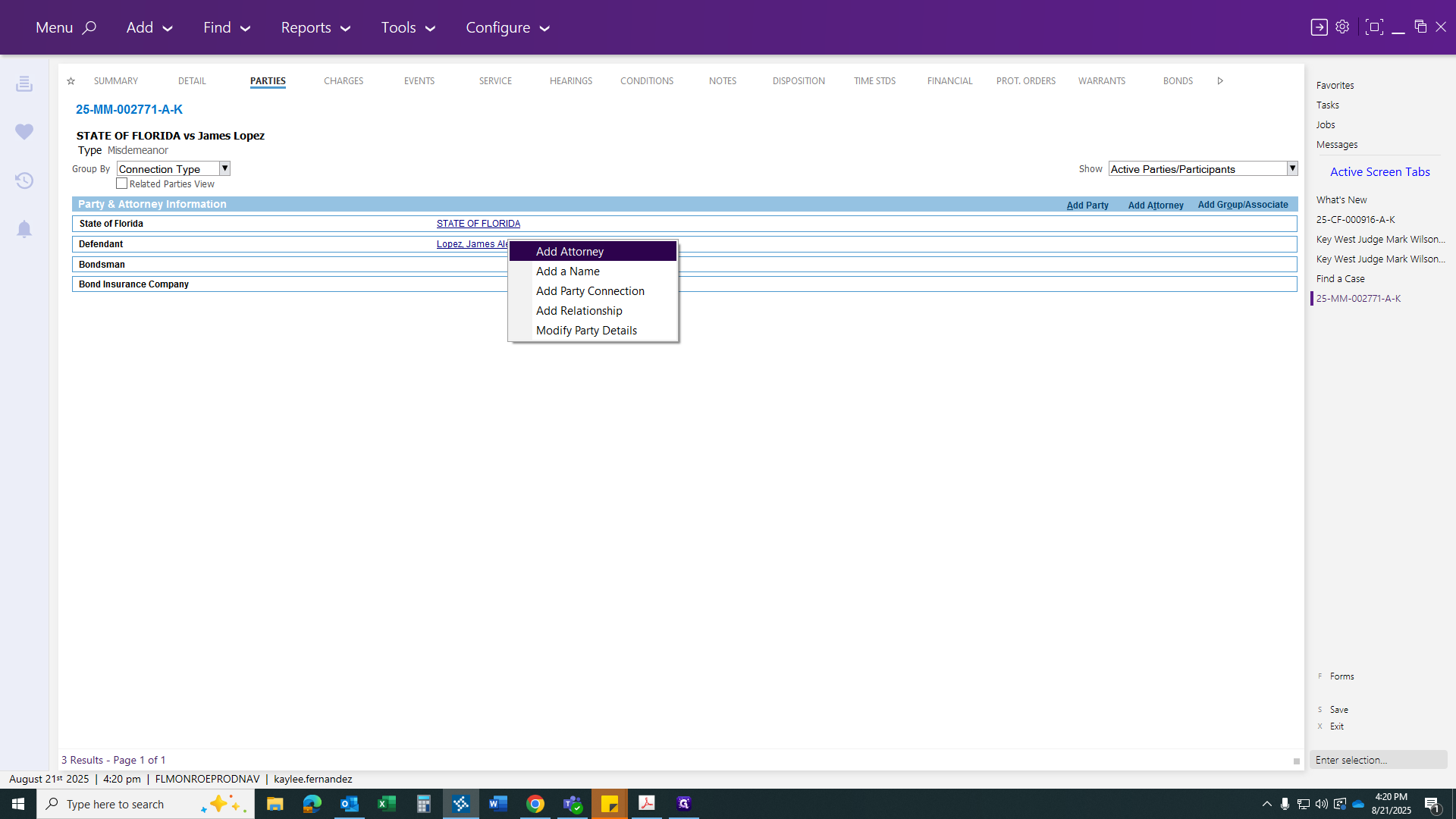
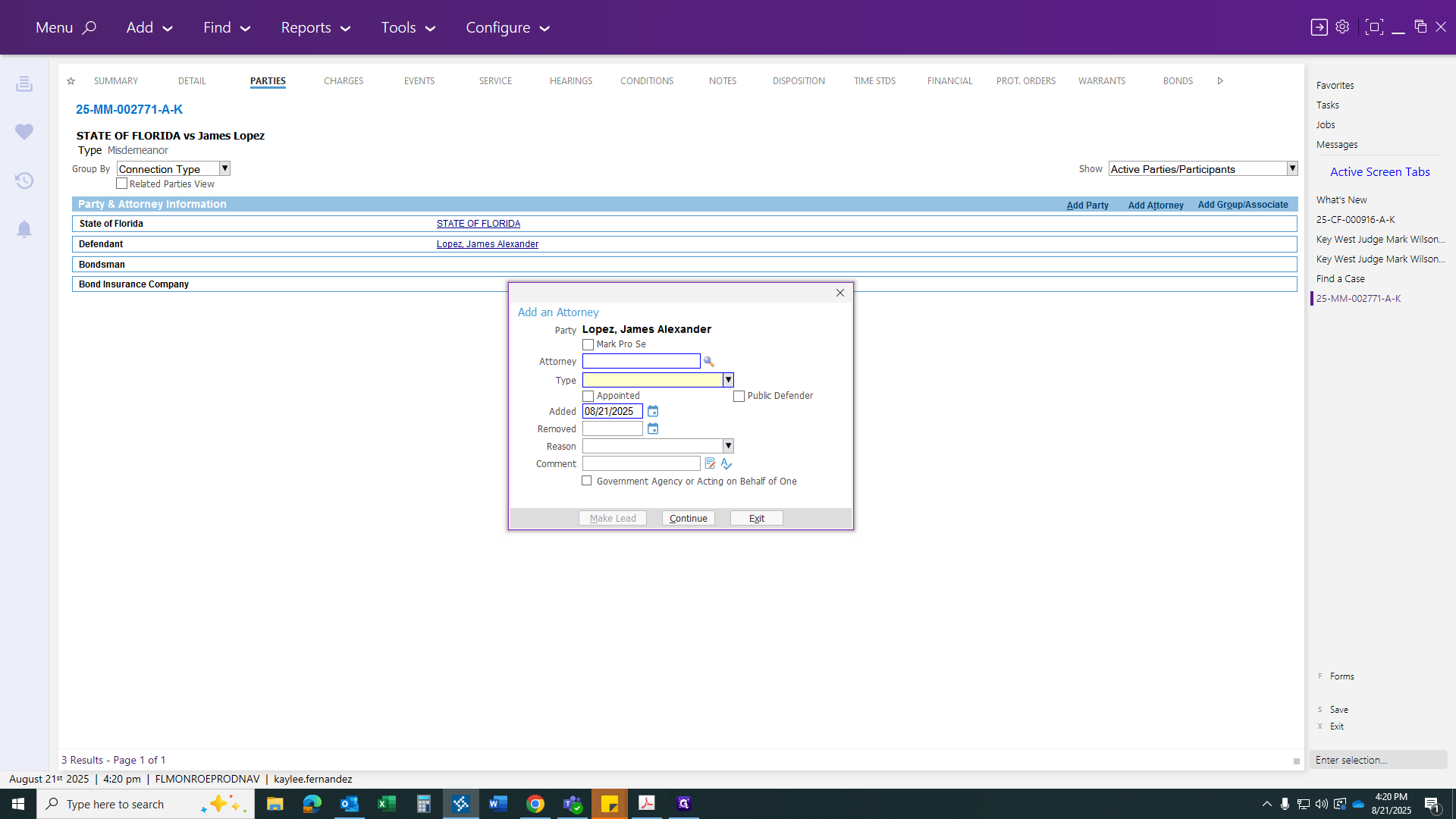
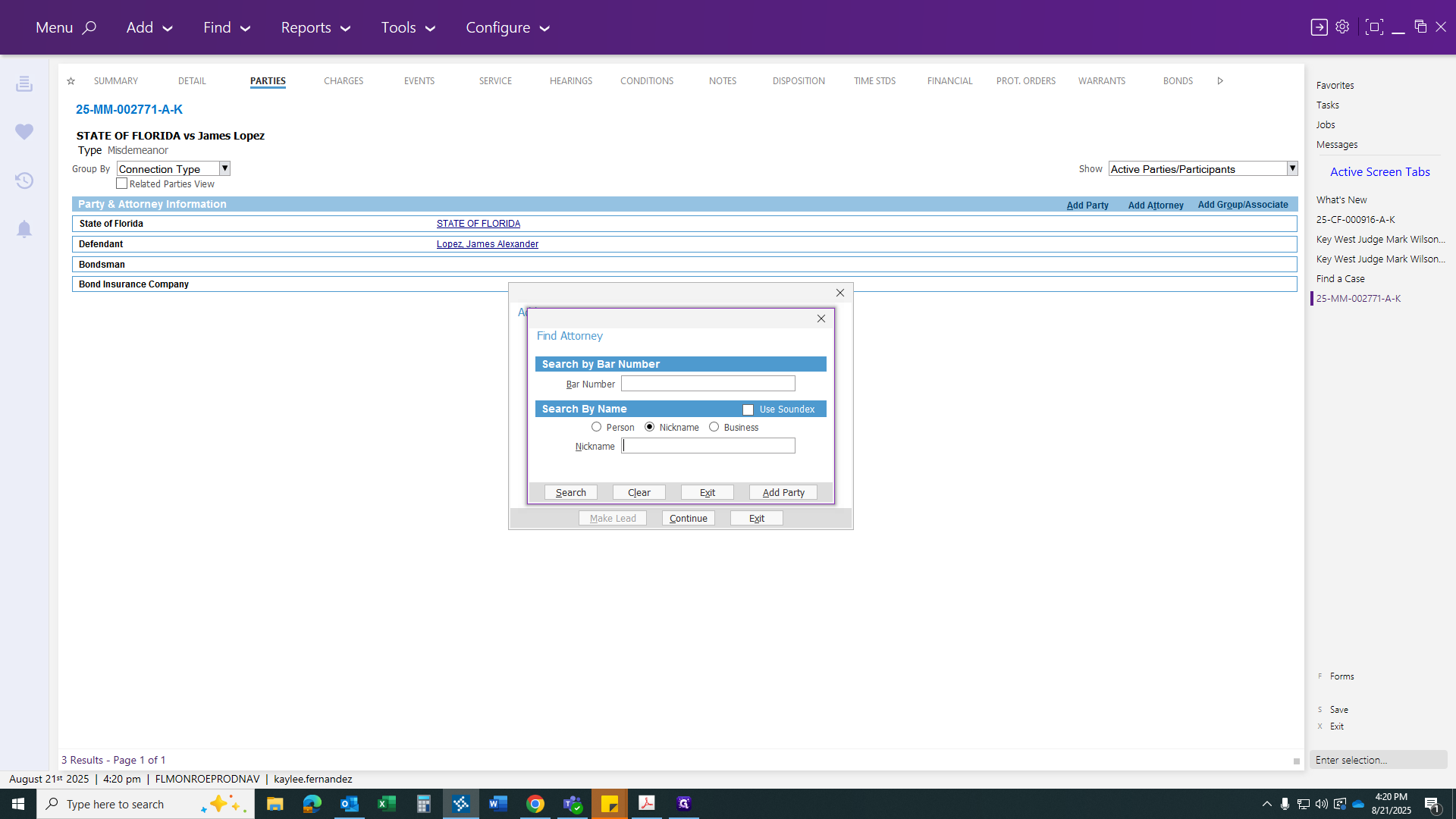
I usually go to the nickname and do PD.
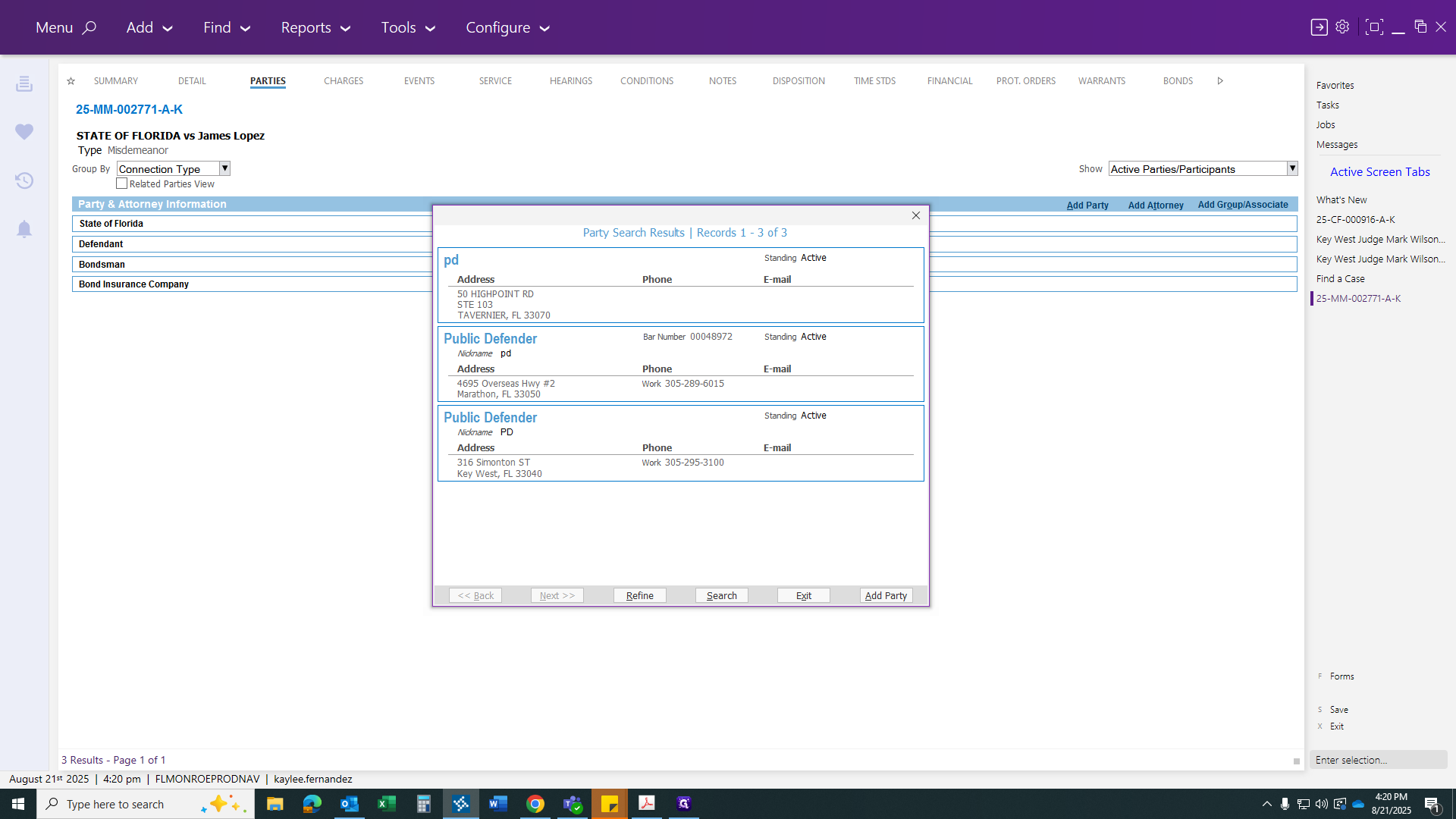
I choose the Key West office.
I select Attorney as the type, then click Continue.
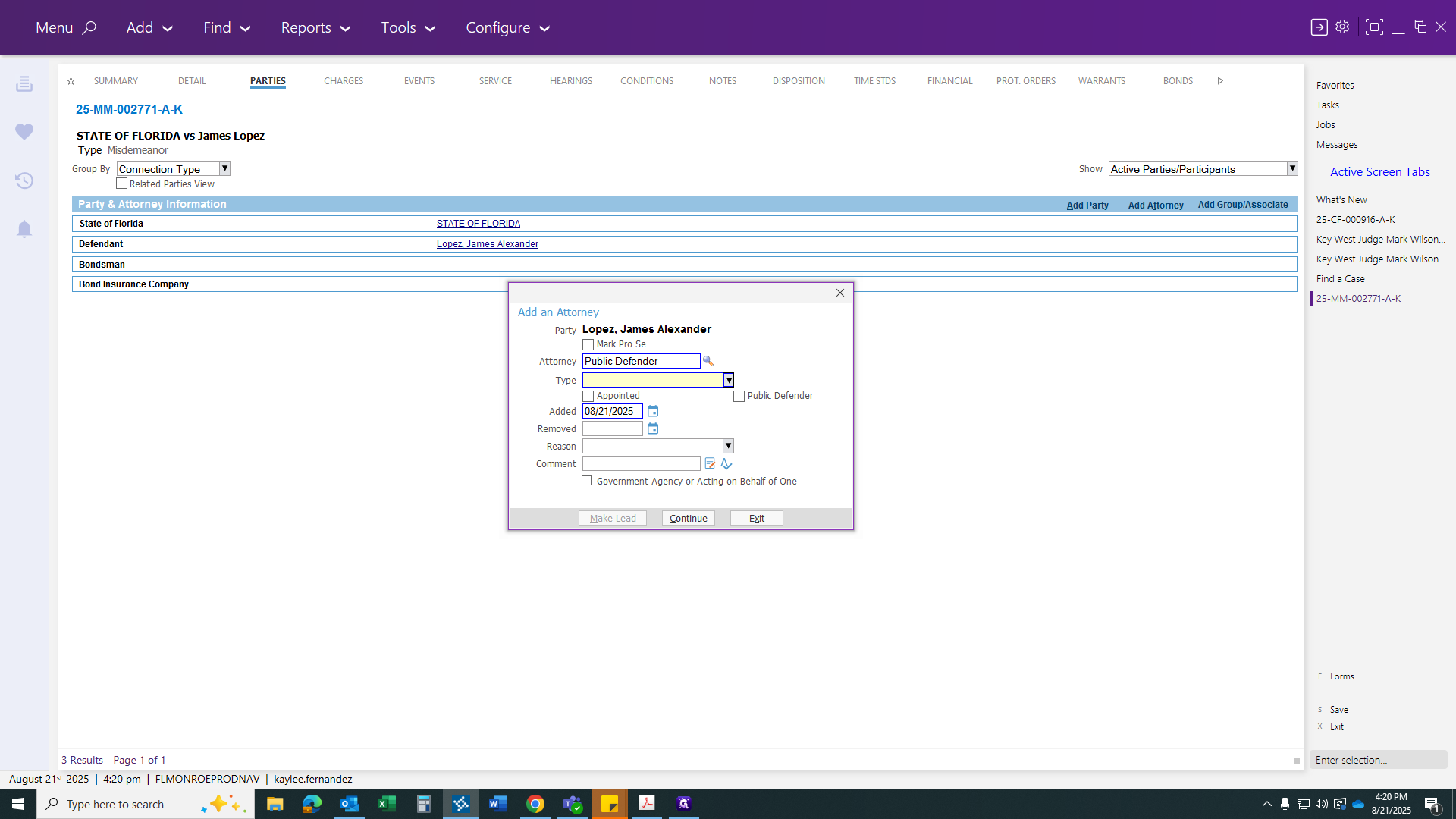
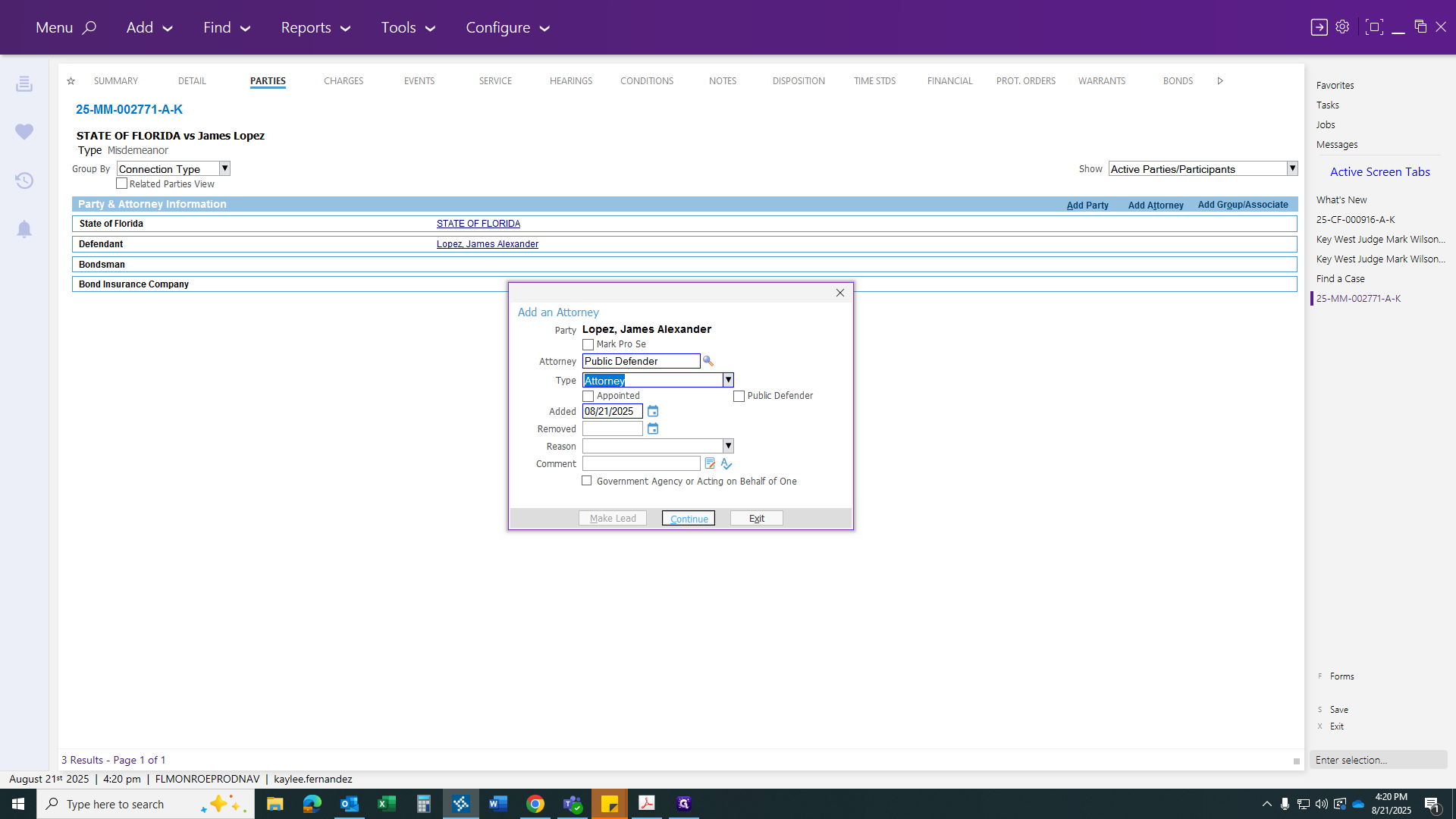
That is how you transfer any case.
Hope this helps. Let me know if you have any questions.