How to Translate the FullbookAI Platform to Hebrew Using Google Chrome
Learn a simple step-by-step method to translate Fullbook AI's platform from English to Hebrew using Google Chrome's built-in translation feature.
In this guide, we'll learn how to translate the Fullbook AI platform from English into another language using Google Chrome. This process helps users access the platform in their preferred language, making it easier to navigate and understand.
We'll use Hebrew as an example, but the steps can be applied to other languages as well.
Let's get started
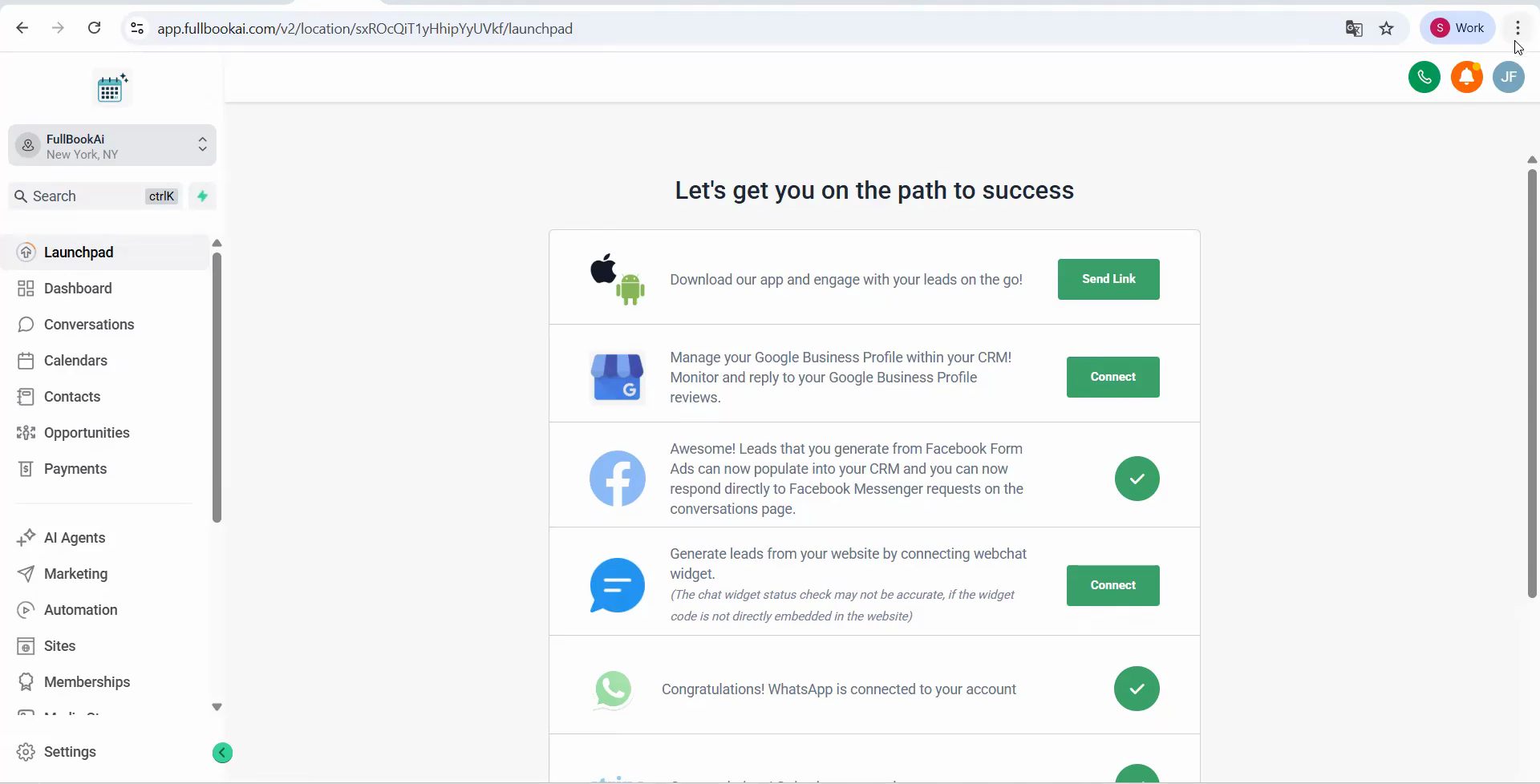
Hi, everyone. In this video, we will show you a simple way to translate Fullbook AI's platform from English to your preferred language. In this case, we will show you Hebrew. This guide is for Google Chrome. In the top right corner of your page, you will see three dots.
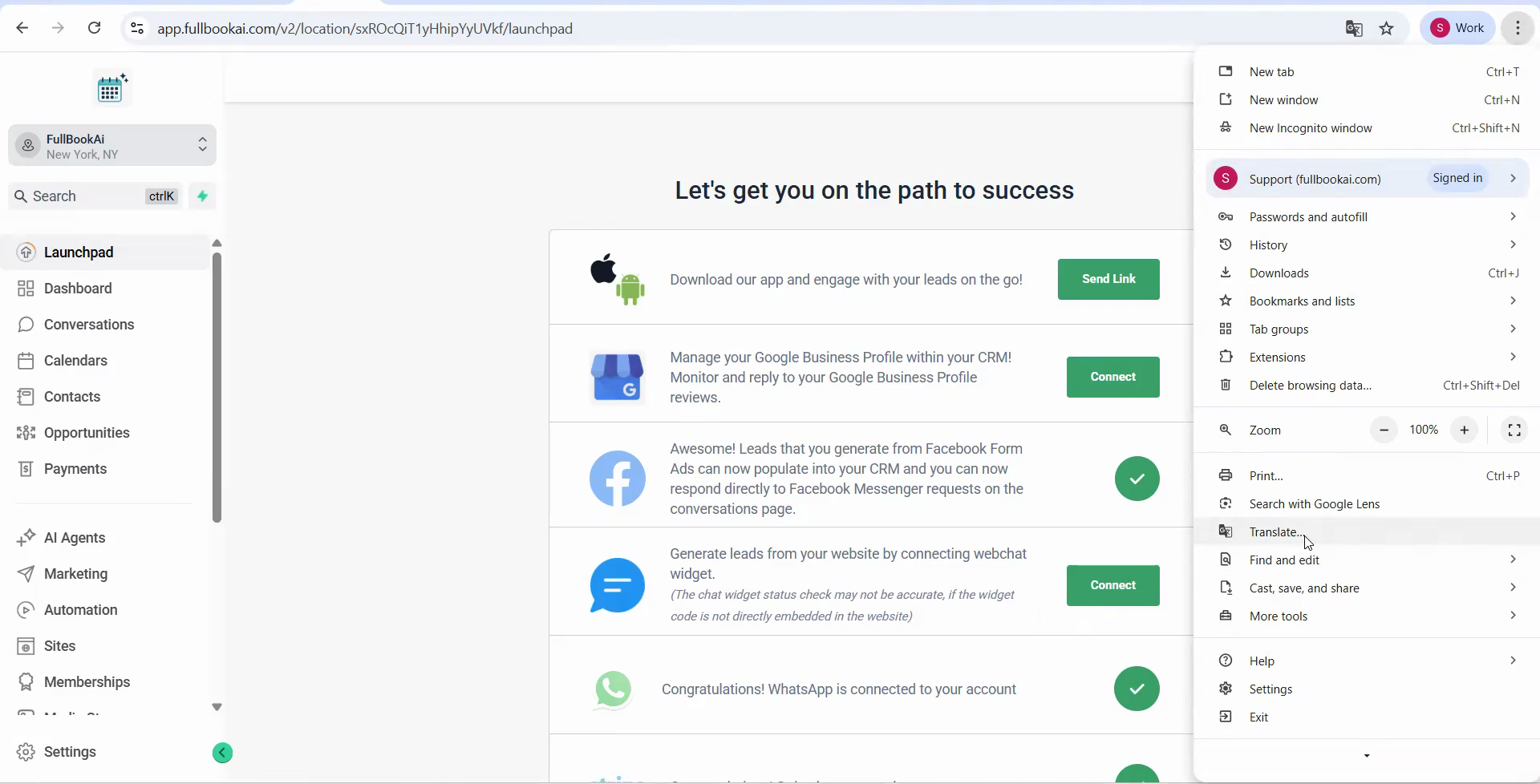
Go down until you find "Translate."
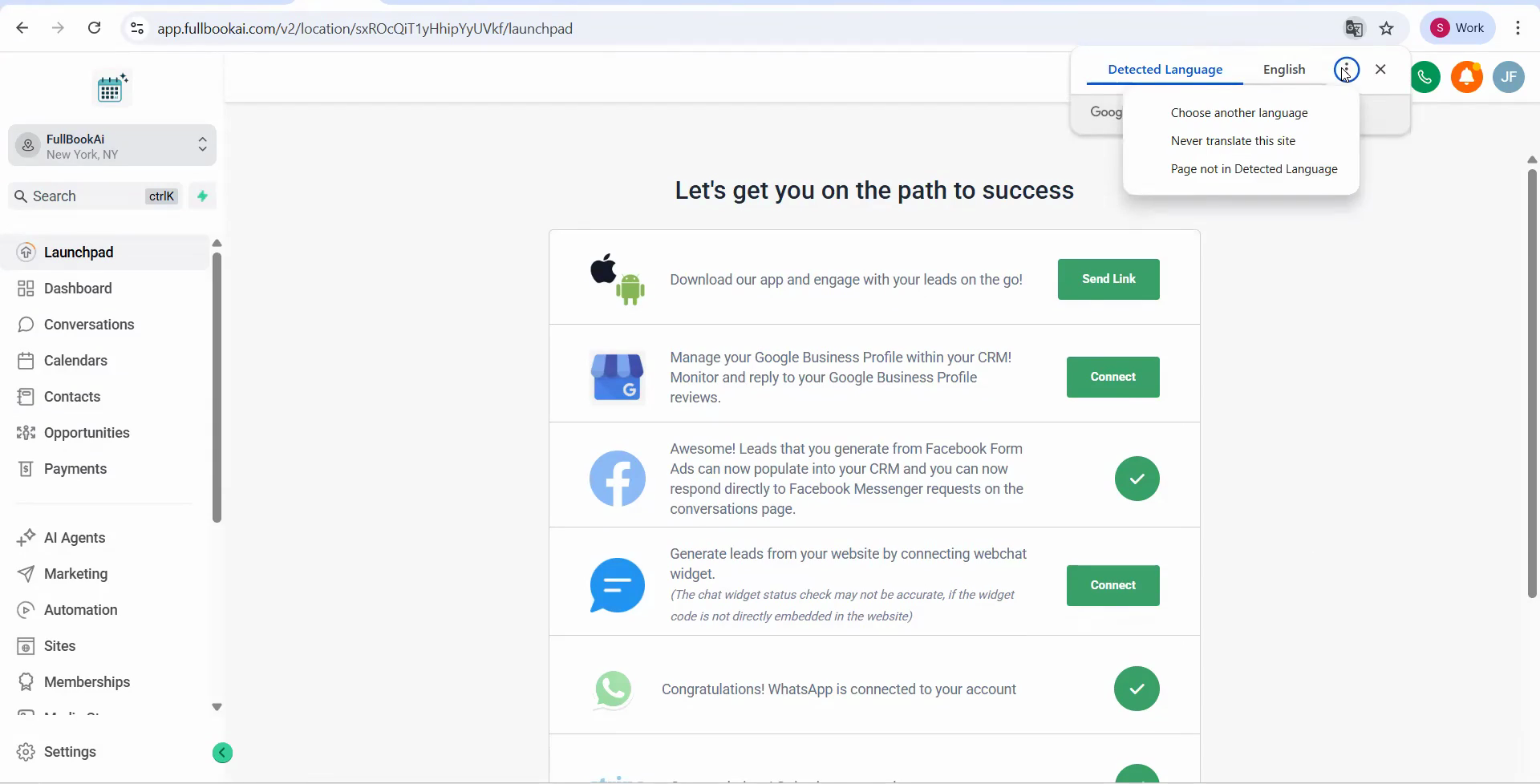
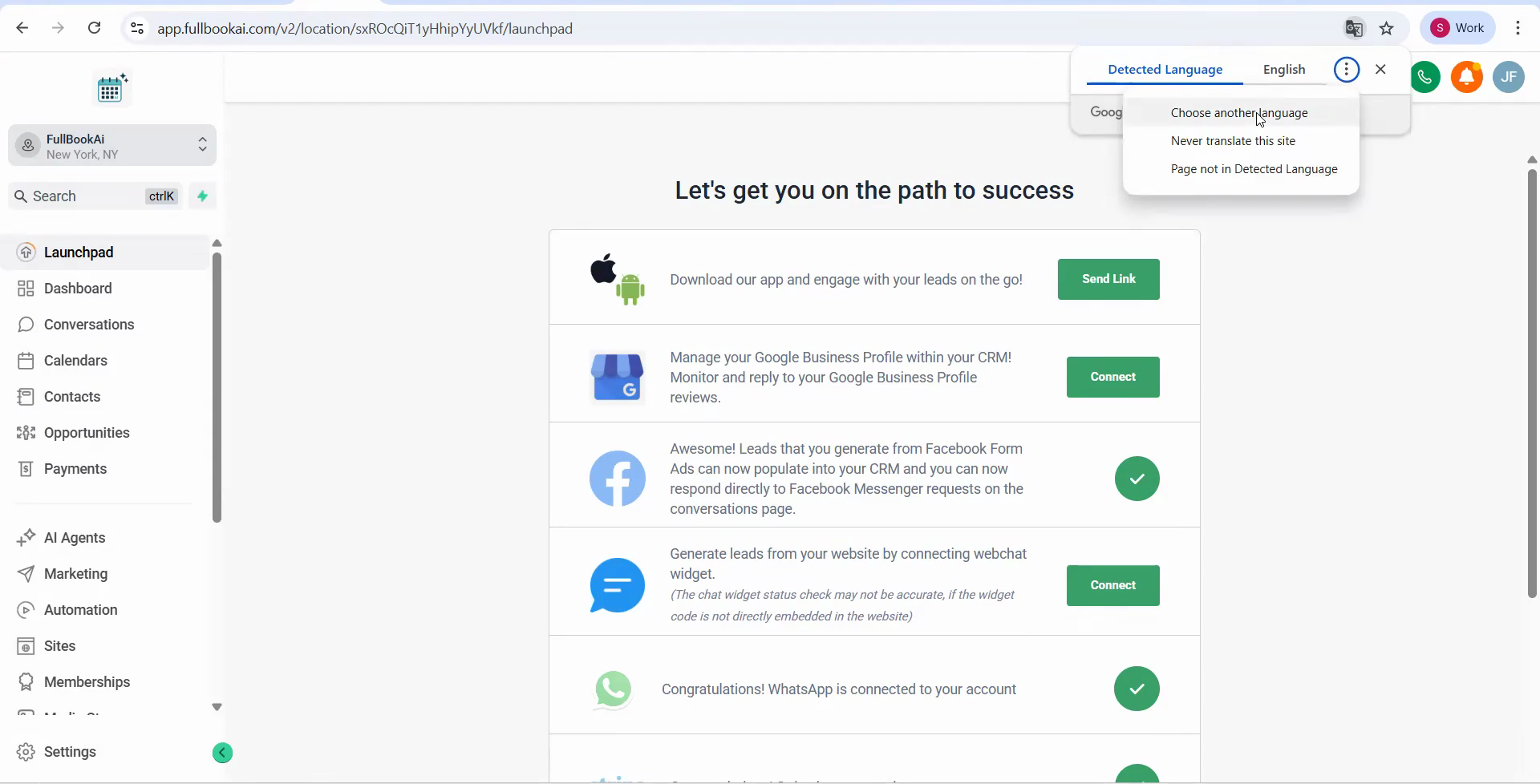
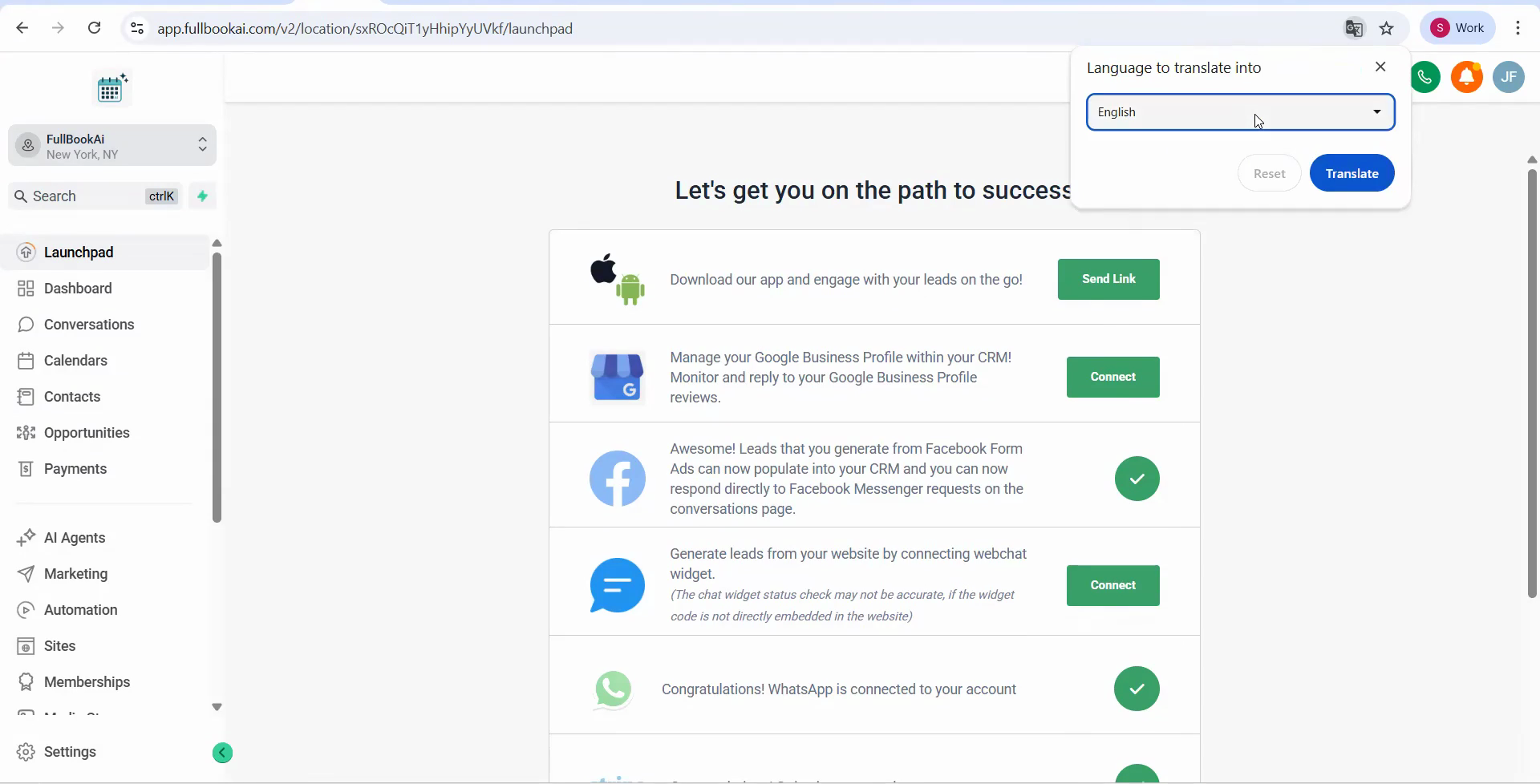
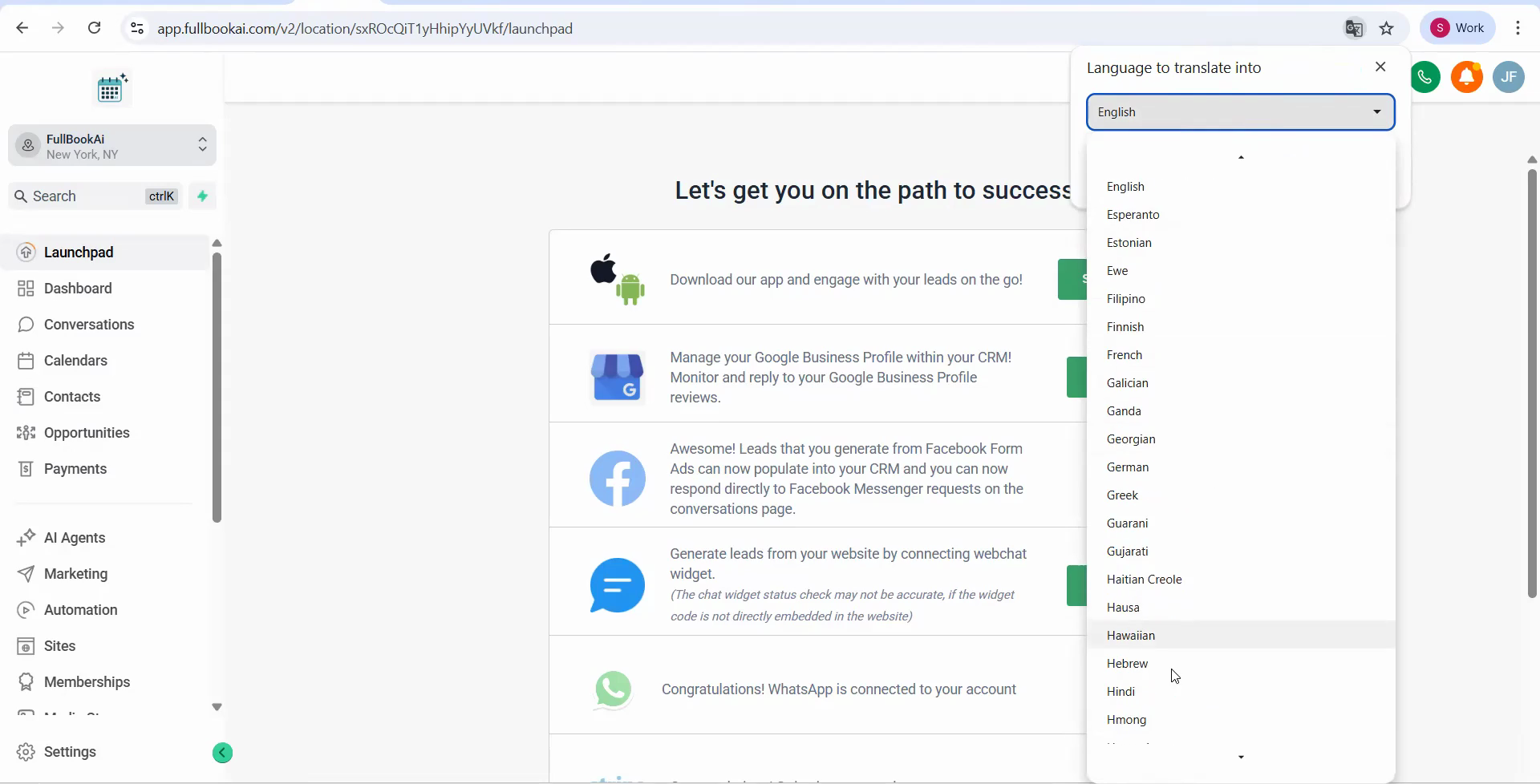
Here, you may see the word "Hebrew." If not, click the three dots, select "Another language," find Hebrew in the list, and click "Translate."
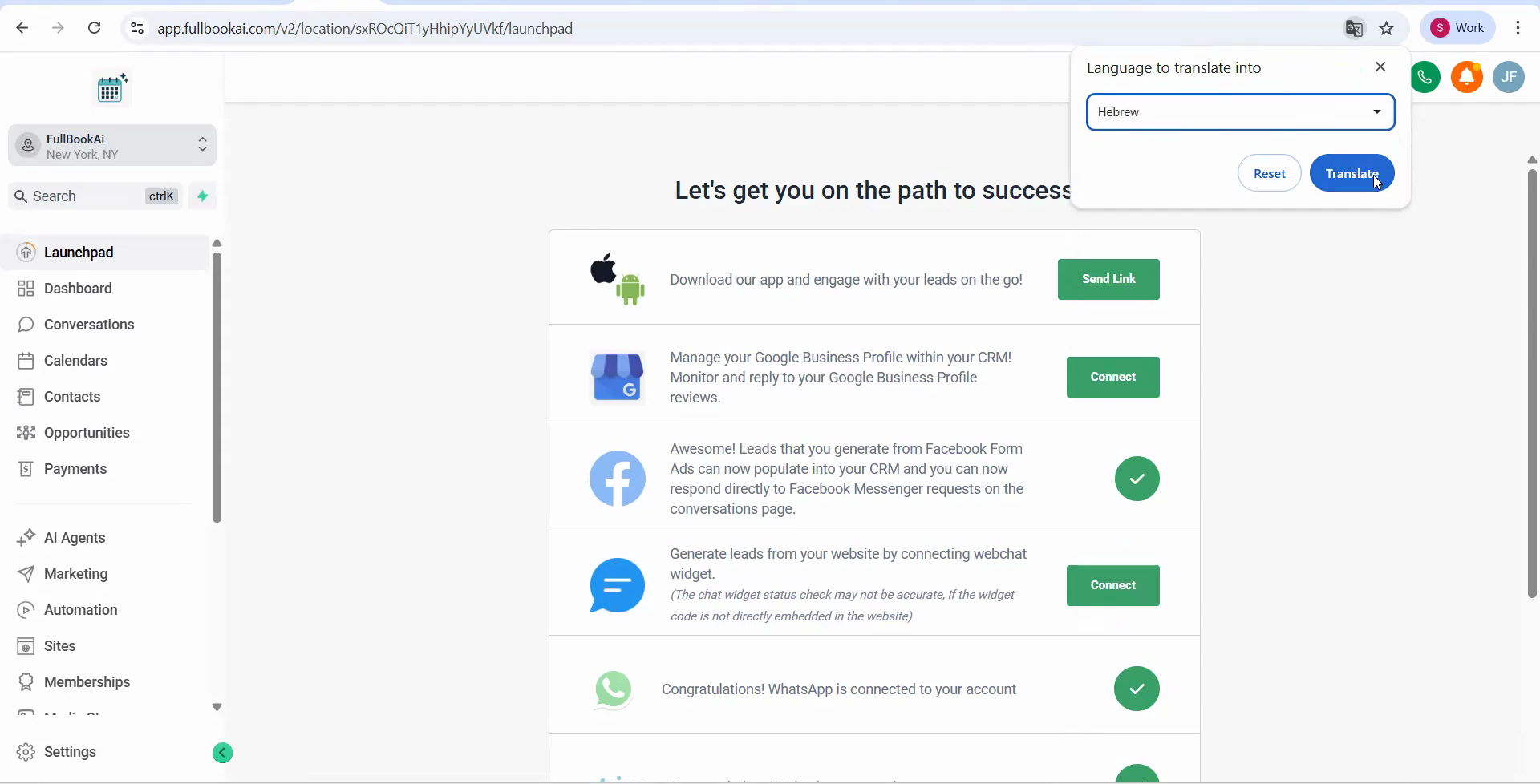
You’ll now see that the platform is in Hebrew.