How to Triage and Manage Dana's Inbox
Learn how to effectively manage an executive email inbox by filtering out noise, categorizing important messages, and preparing a daily summary.
Learn how to effectively manage an inbox by filtering out noise, highlighting critical client communications, and providing a daily summary. This ensures the primary user can focus on priority tasks and important emails immediately upon starting their day.
This guide is intended for executive assistants or administrative staff responsible for daily email triage. Use this workflow every morning to organize the inbox before the executive logs in.
Review incoming emails and process them according to their category. Keep important emails unread so they stand out in the inbox.
Categorizing and Processing Emails
Use the following guidelines to handle different types of incoming emails:
Email Type | Examples | Required Action |
|---|---|---|
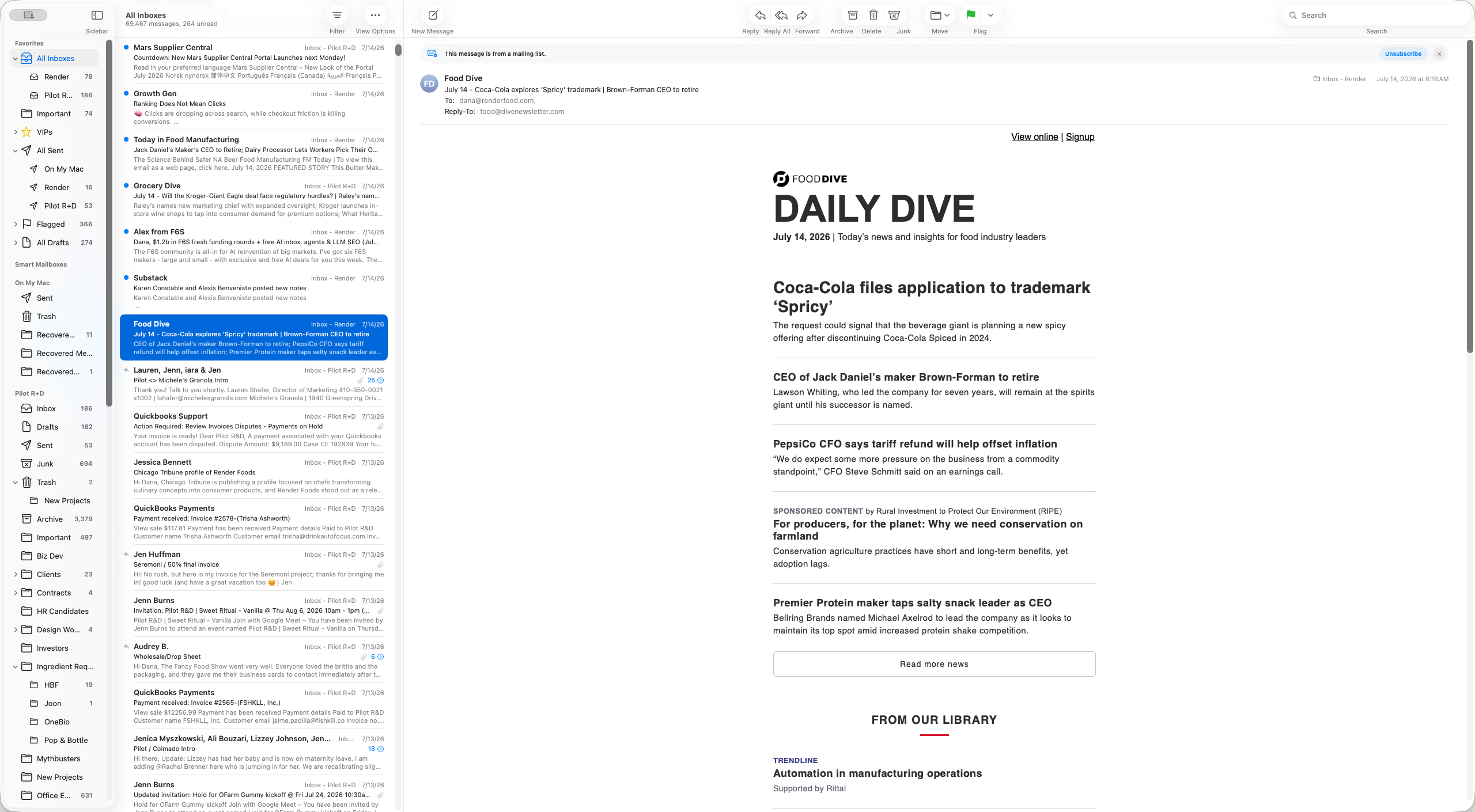
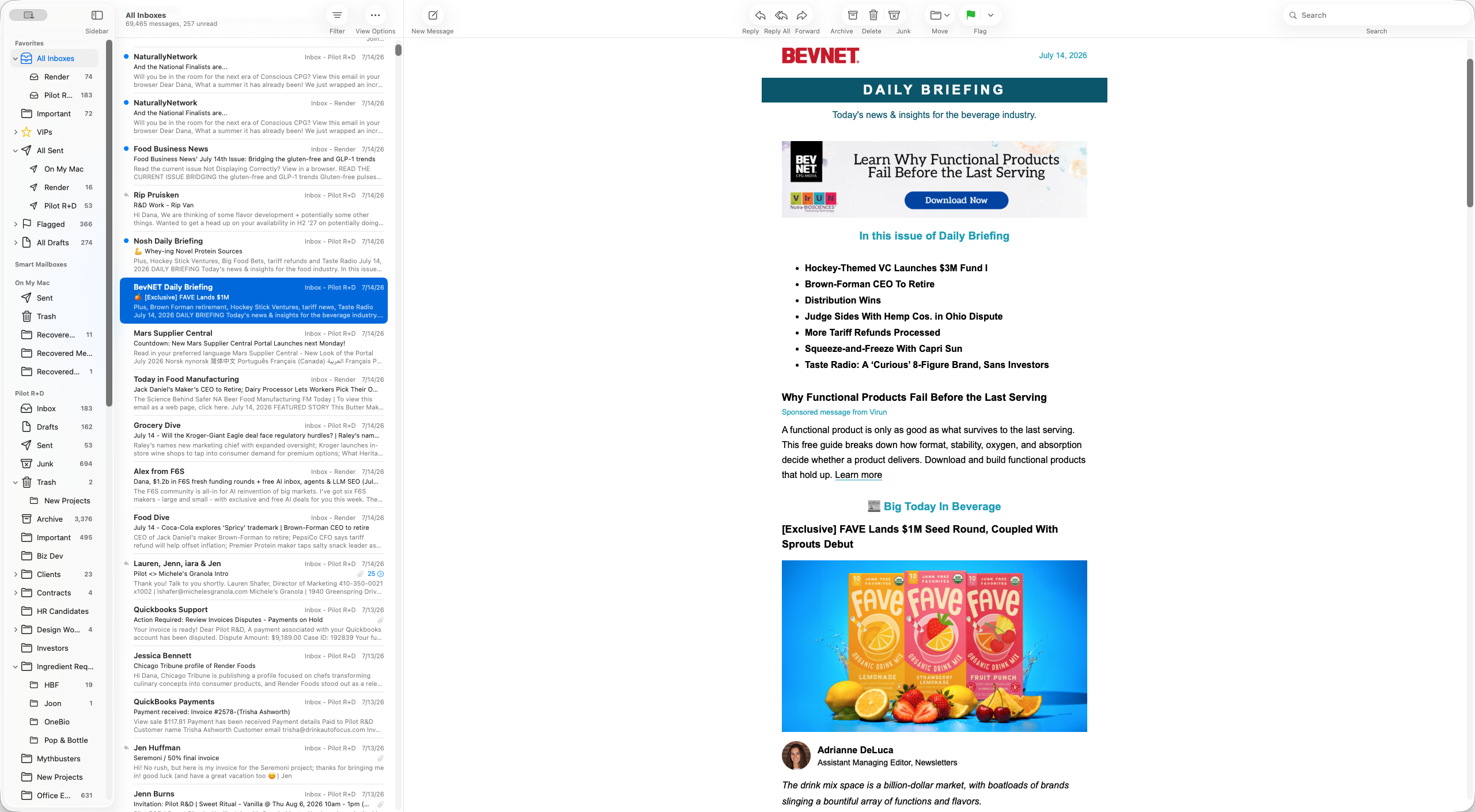
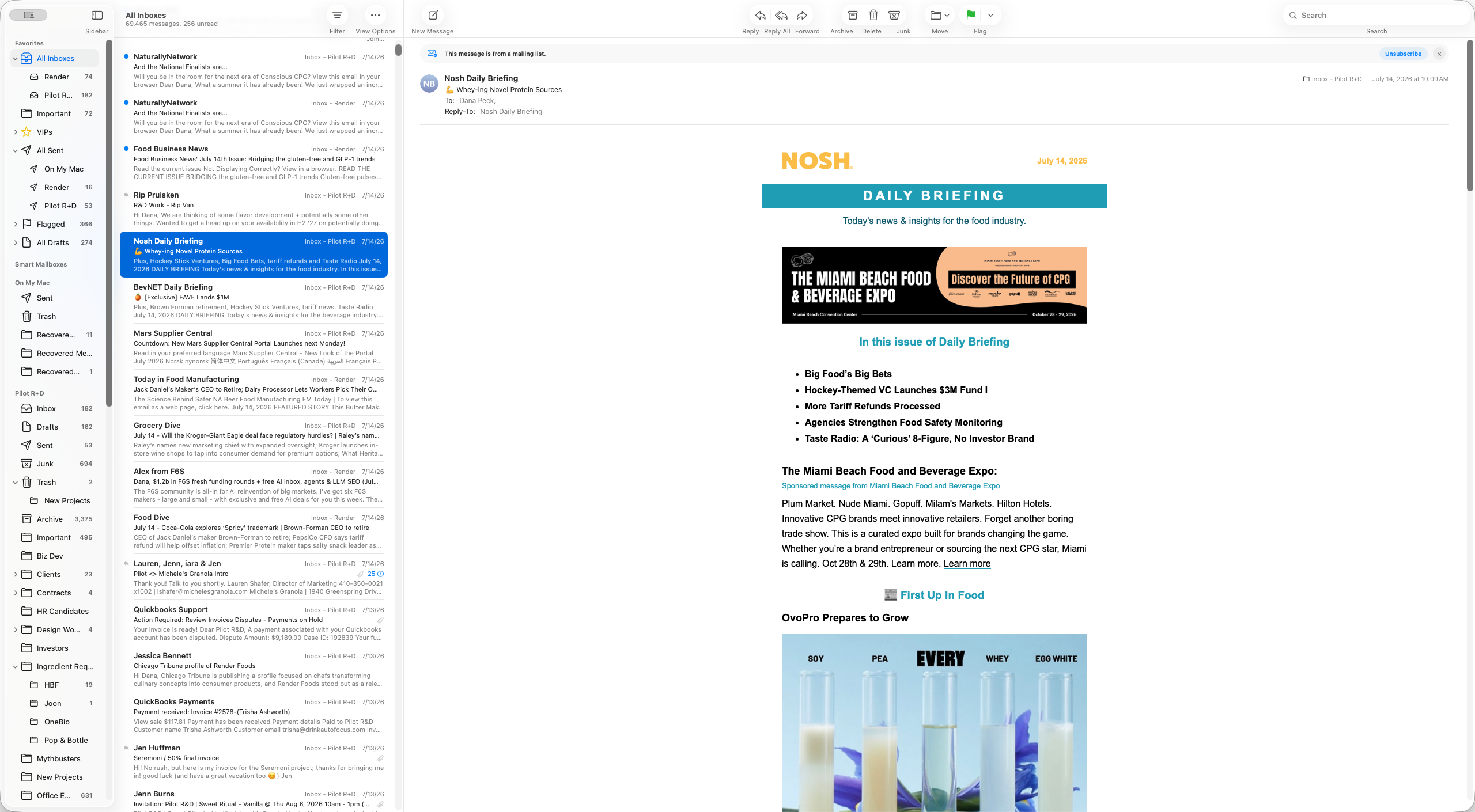
Industry Publications | Food Dive, BevNet, Nosh, Startup CPG | Leave in the inbox and ensure they are marked as unread. |
Client & Lead Emails | Client communications, inbound development inquiries | Leave in the inbox and mark as unread. Include in the daily summary. |
Marketing & Cold Sales | Vendor pitches, random tool solicitations | Delete the email, reply with "Not interested," or unsubscribe. |
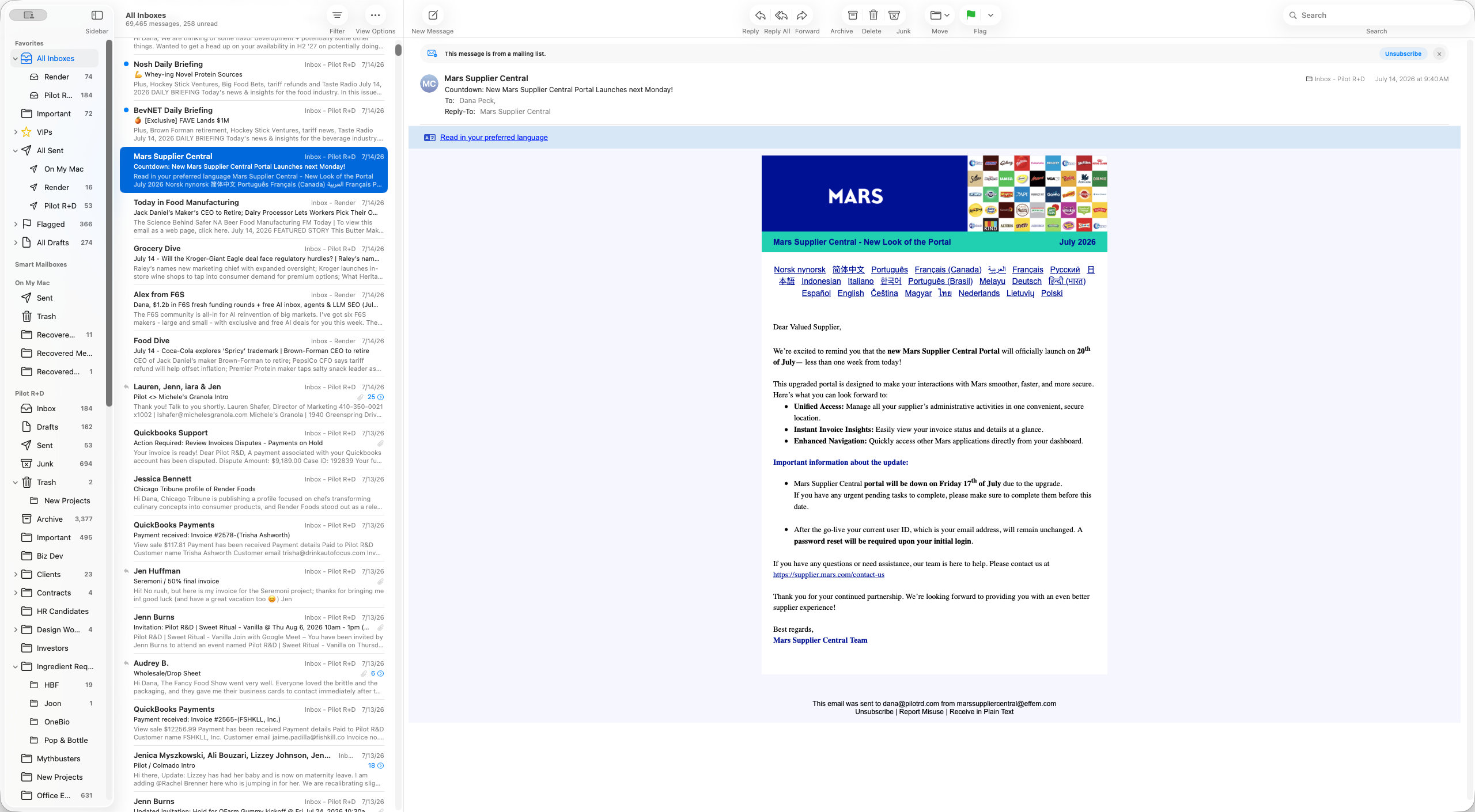
Administrative | Receipts, DocuSigns, ingredient supplier updates | Leave in the inbox for review. |
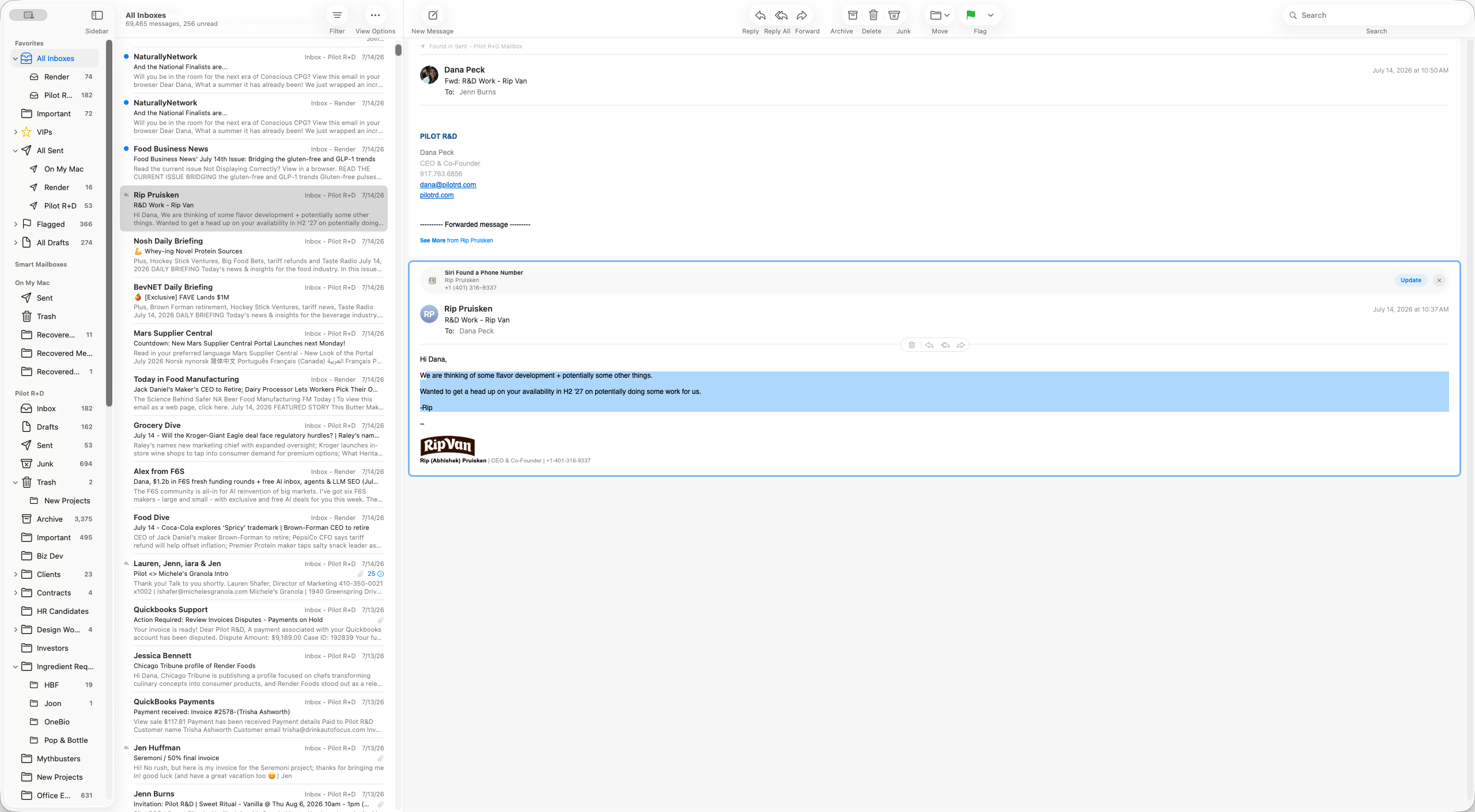
Sending the Daily Summary
Every morning, prepare and send a daily summary via Slack.
Compile a list of all important emails, focusing specifically on clients and inbound leads. Do not include industry news in this summary.
Call out any client emails where the executive is the only recipient on the thread. This ensures the email can be forwarded to other team members without causing bottlenecks.
Highlight any previously flagged emails from the last few days that still require a response.
Send the summary via Slack so it can be reviewed before opening the inbox.
Q: What should I do if I am not sure whether to delete an email?
A: Always err on the side of caution. Leave the email in the inbox and ask for clarification rather than deleting it.
Q: How should I handle an important client email where you are the only recipient?
A: Leave it marked as unread and specifically call it out in the daily Slack summary. You should ask if it needs to be forwarded to other team members to ensure the client is taken care of without bottlenecks.
Q: What is the process for reviewing spam digests?
A: Glance through the digest to check for false positives. If it is all obvious spam, delete it. If you spot a legitimate email that was incorrectly flagged, leave it in the inbox and bring it to my attention.
Term | Definition |
|---|---|
Inbound | A message or inquiry initiated by a potential client or external partner seeking a service or partnership. |
Industry Publication | A specialized newsletter or media source focusing on news and trends within a specific business sector (e.g., BevNet, Nosh). |
Spam Digest | An automated summary email listing messages intercepted by a spam filter, allowing users to review and release legitimate emails. |