
How to Un-allocate Order Lines in OrderWise
Learn how to easily un-allocate or remove reserved stock from specific order line items using the Allocation module in the OrderWise system.
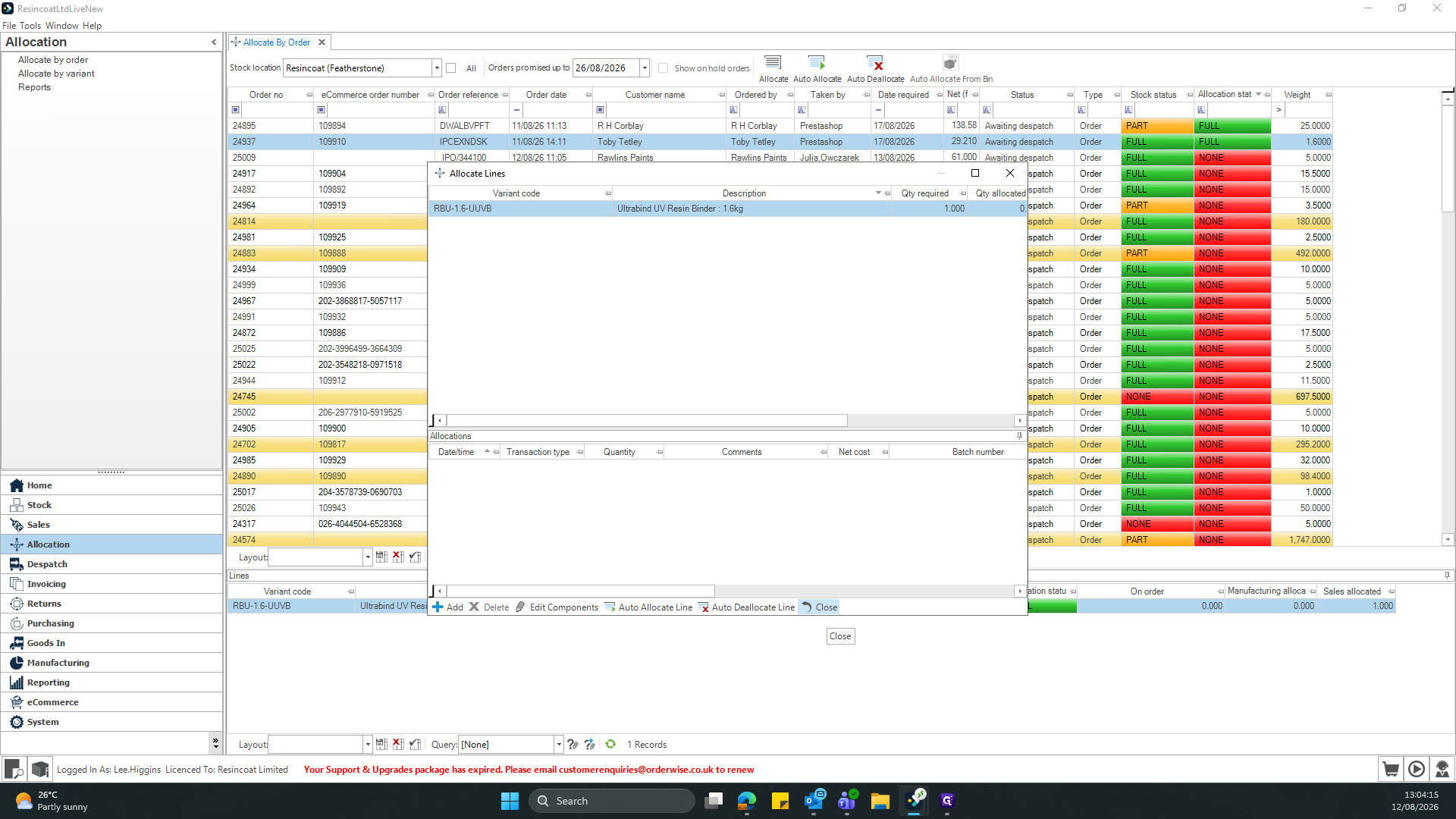
This guide explains how to un-allocate or remove reserved stock from specific line items within a customer order. Completing this task ensures that inventory is accurately freed up for corrections or reassignment to other orders.
This workflow applies to warehouse and inventory management teams responsible for order fulfillment. It is typically used during order processing when stock allocations need to be adjusted or reversed.
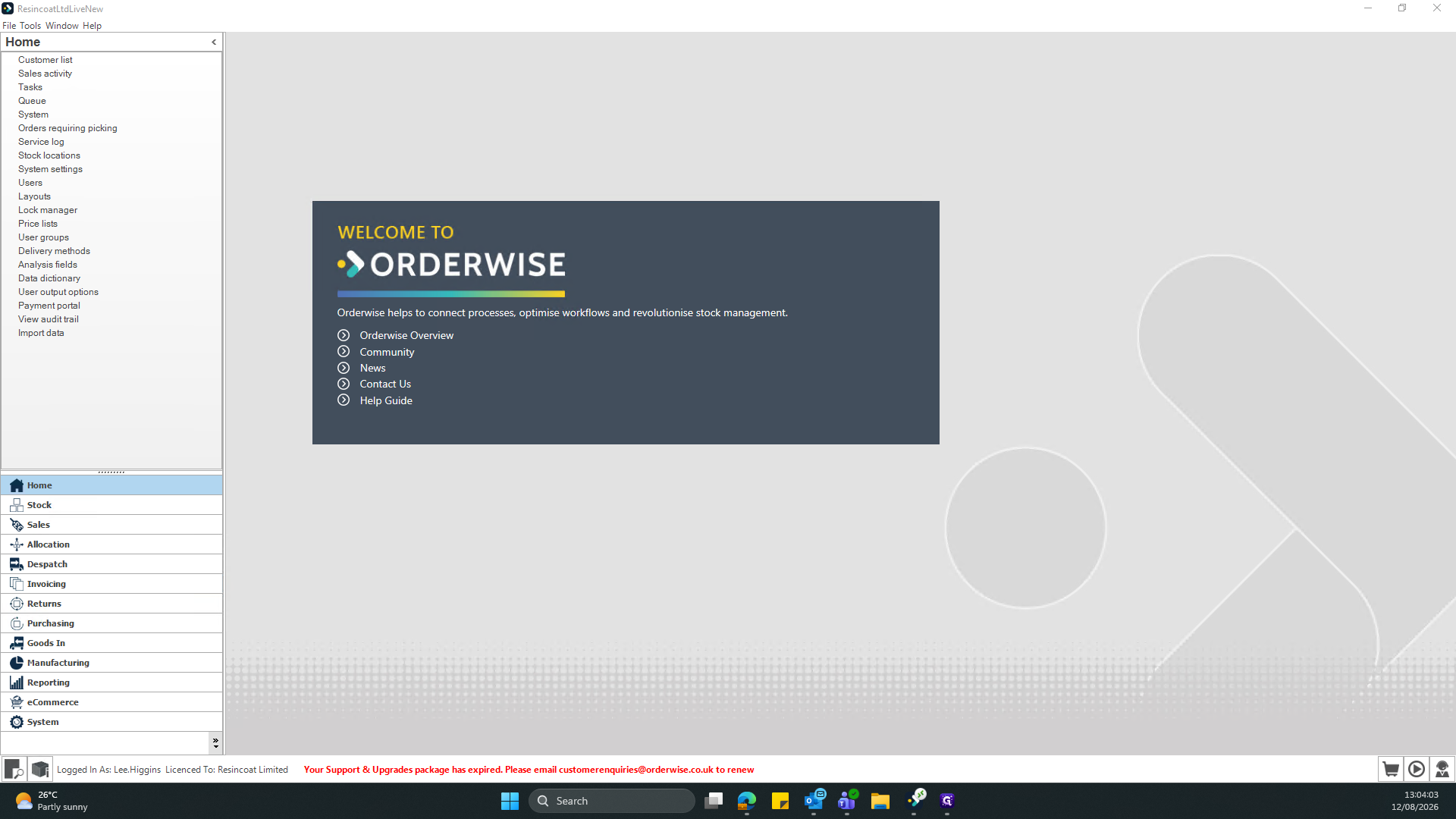
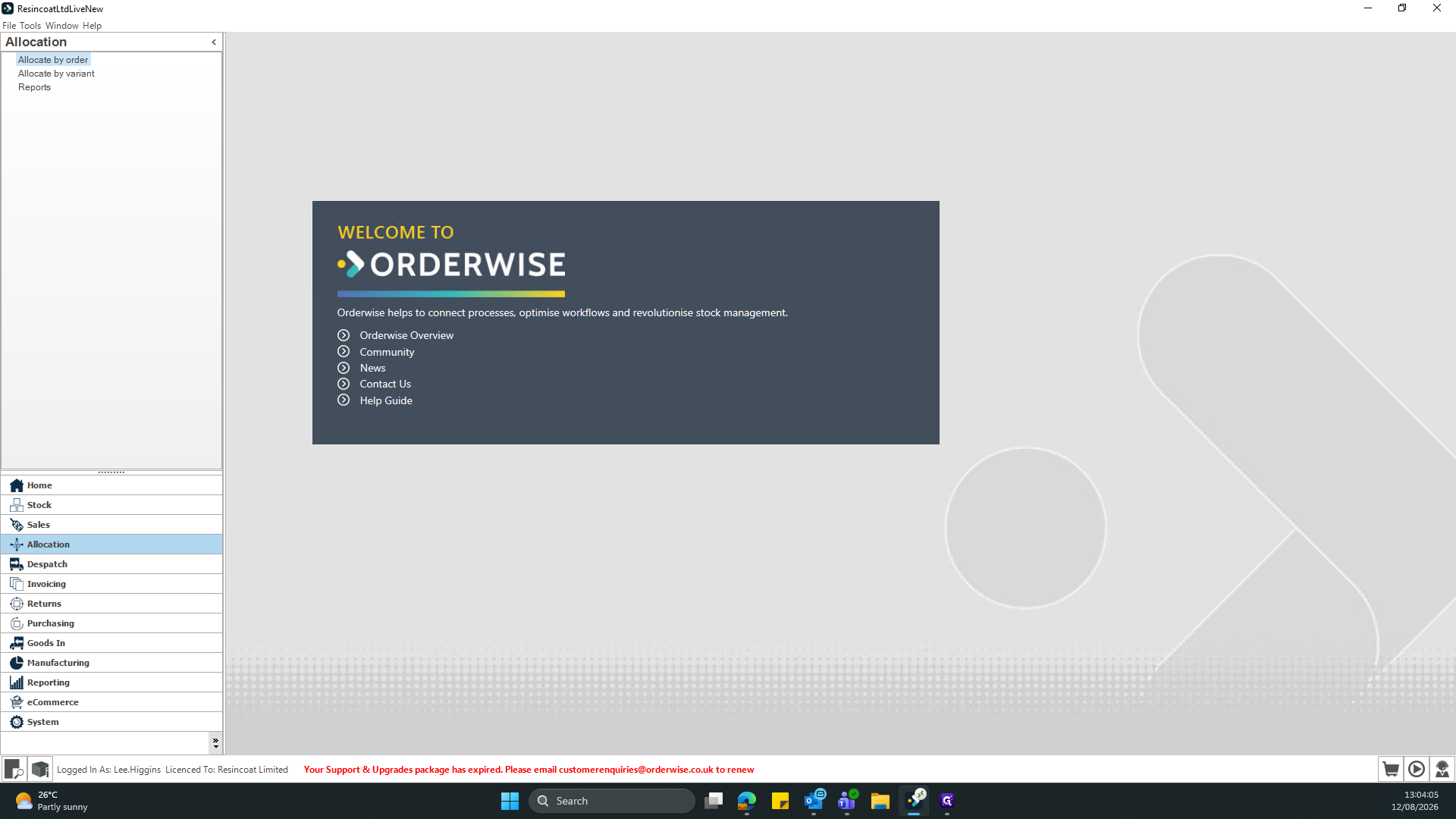
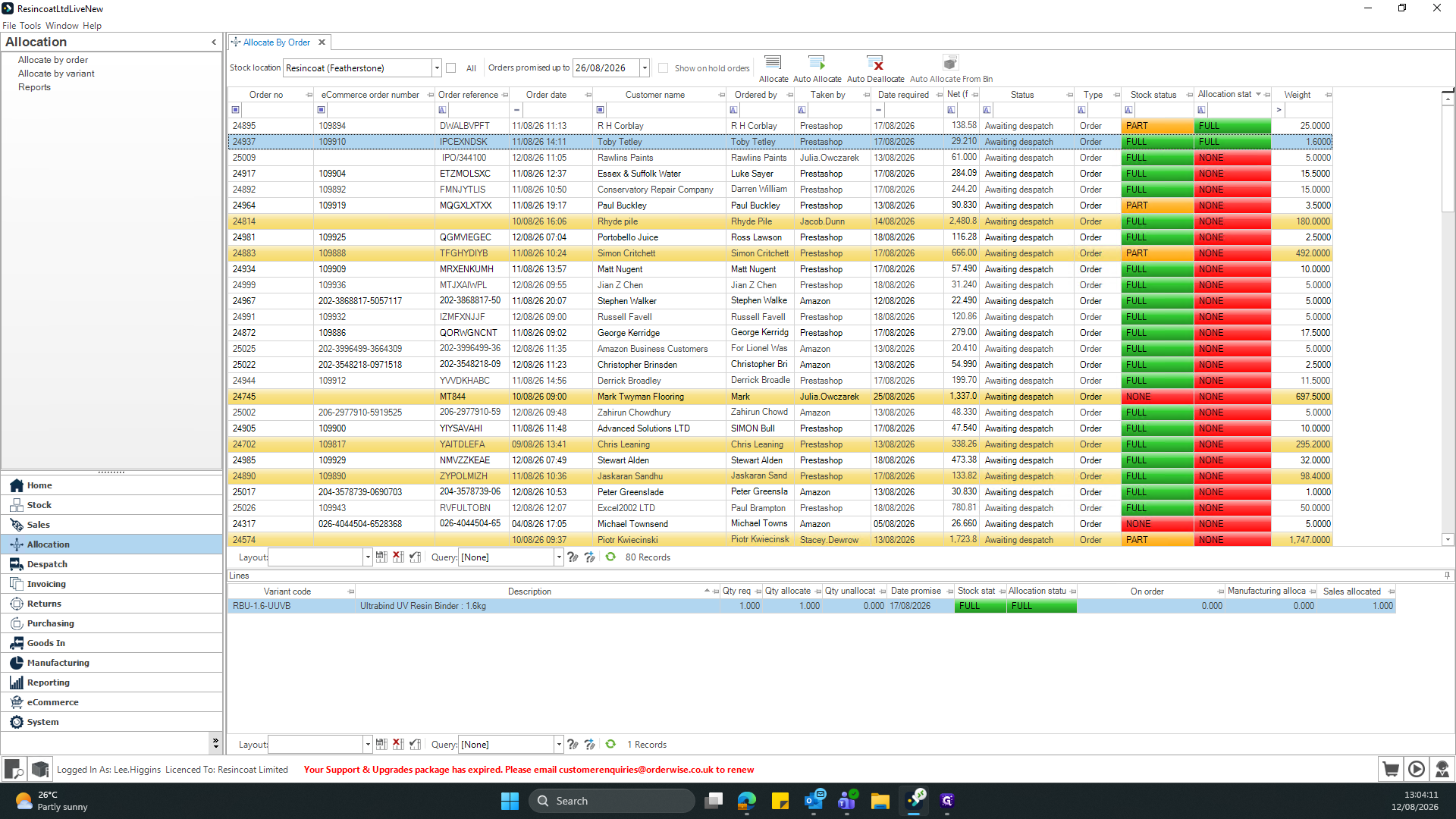
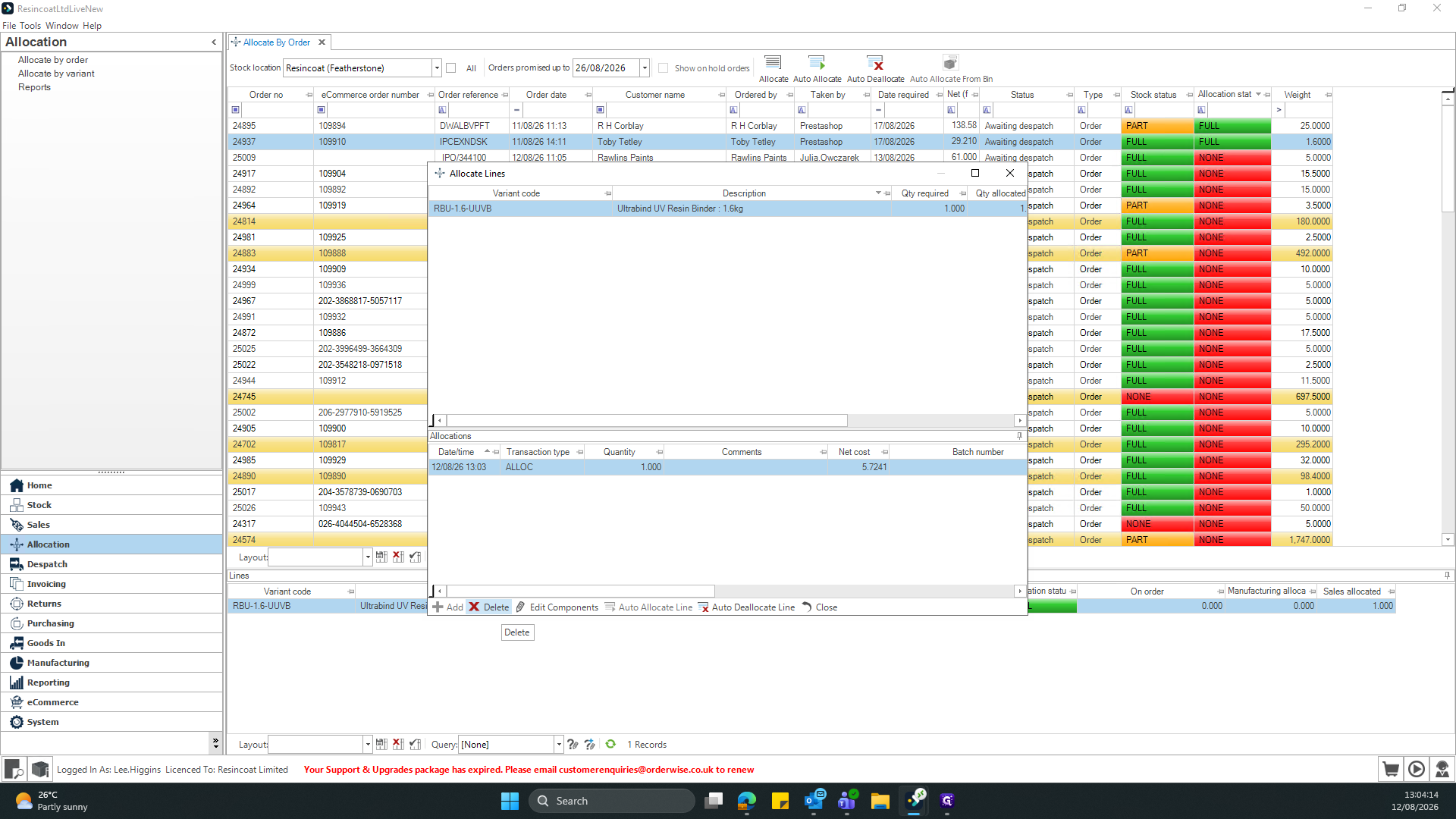
Removing Line Allocations
When managing orders, you might encounter different allocation statuses in the Lines data table. Here are common statuses you can select:
Status | Description |
|---|---|
Awaiting despatch | Stock is reserved and waiting to be shipped. |
FULL | The entire requested quantity for this line is allocated. |
Date (e.g., 17/08/2026) | Stock is allocated based on a future availability or delivery date. |
Term | Definition |
|---|---|
Allocation | The process of reserving inventory for specific customer orders in the system. |
Line Item | A single product requirement or row detailed within a customer order. |
Despatch | The stage in the fulfillment process where goods are sent out to the customer. |