How to Update Cabin Changeover Priorities in Todoist When Guest Arrivals Change
Learn how to efficiently update and manage cabin changeover priorities in Todoist when guest arrival dates change. Improve communication with your housekeeping team and keep your cleaning schedule flexible.
In this guide, we'll learn how to update task priorities and leave helpful comments in Todoist when plans change for cabin changeovers. Adjusting priorities and adding notes ensures everyone involved has the latest information and can plan their work more efficiently.
This process helps communicate changes, such as when a cabin can be cleaned later, so that staff can make informed decisions.
Let's get started
If you have your changeovers in Todoist set for a specific day, like I do for August 9th, but you learn that a cabin can be delayed until later or even the next day, you should update Todoist to de-prioritize that cabin.
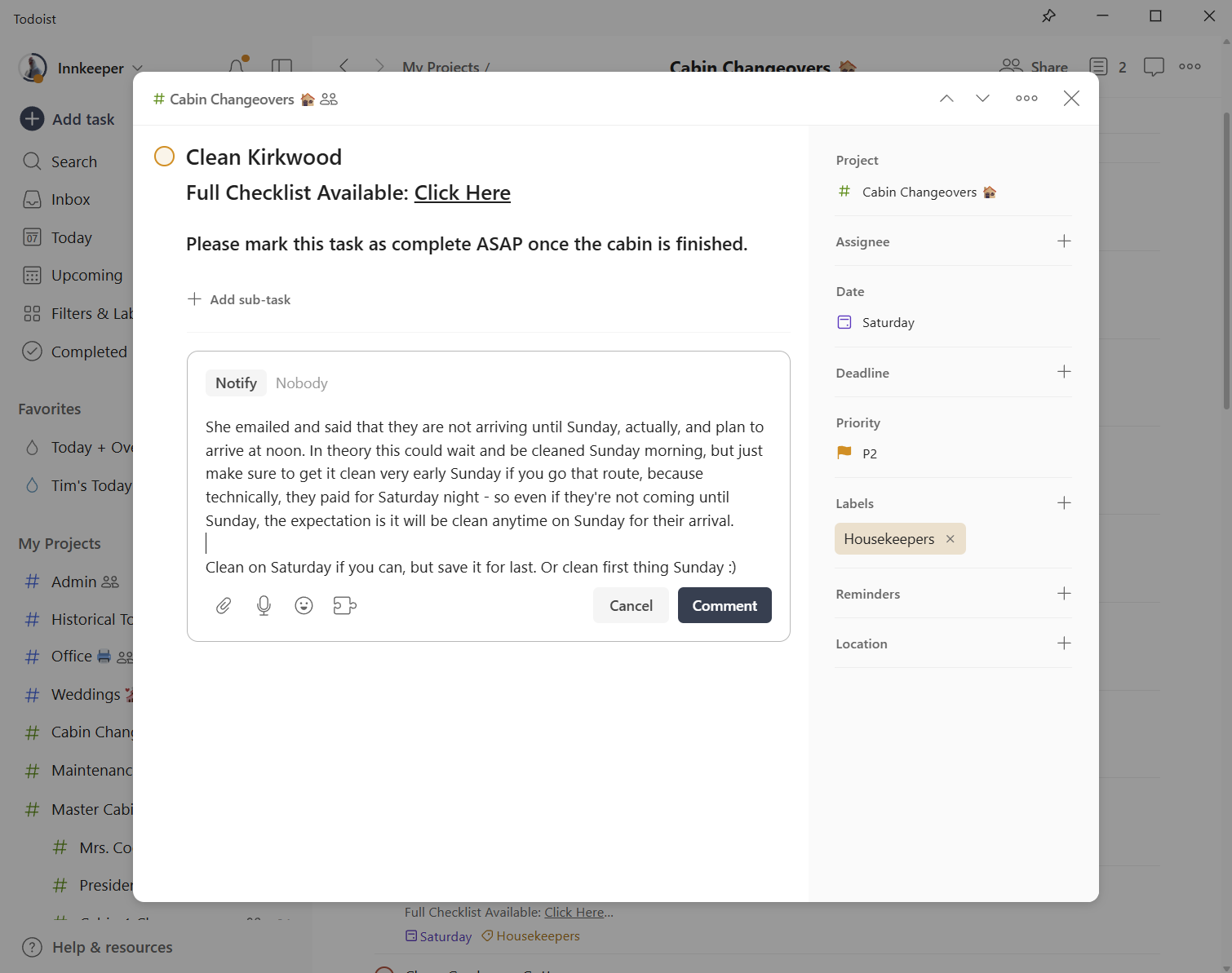
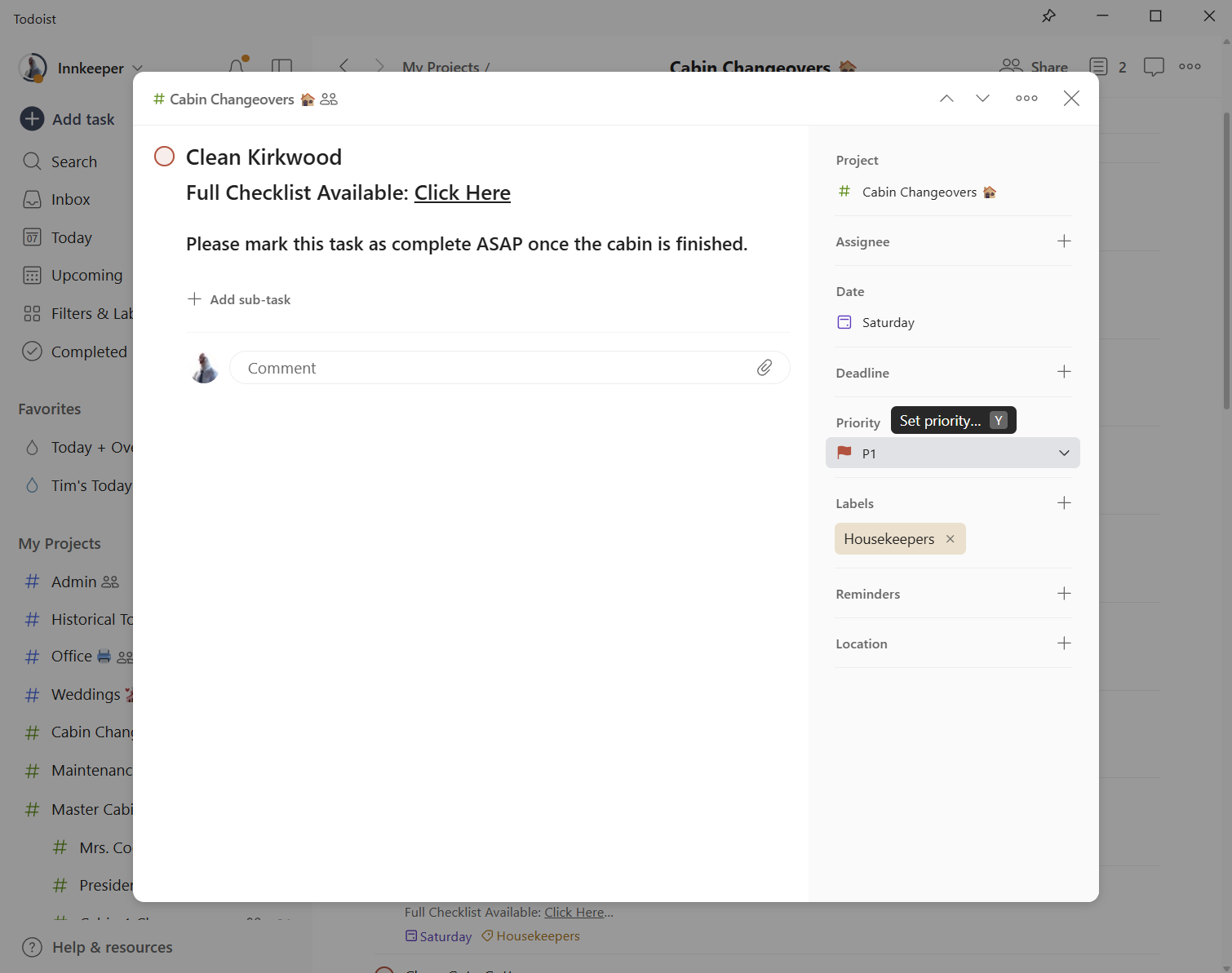
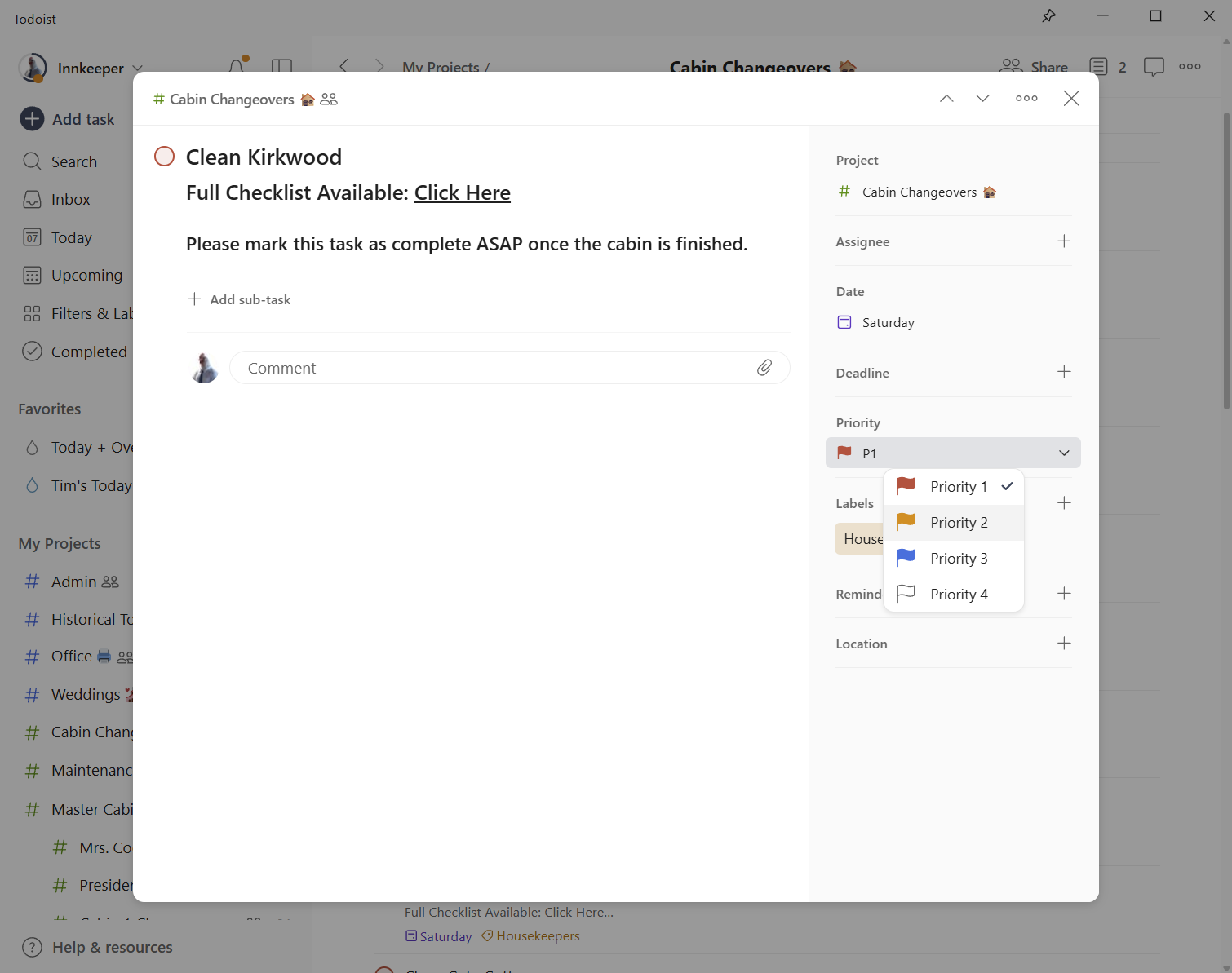
For example, I just learned that people arriving at Kirkwood will not come until Sunday. I will find the "Clean Kirkwood" task in the Cabin Changeovers project and click it to open the details. Then, I will click where it says Priority One and change it to Priority Two.
I will also leave a comment explaining my decision, since I will not change the online calendar in this case.
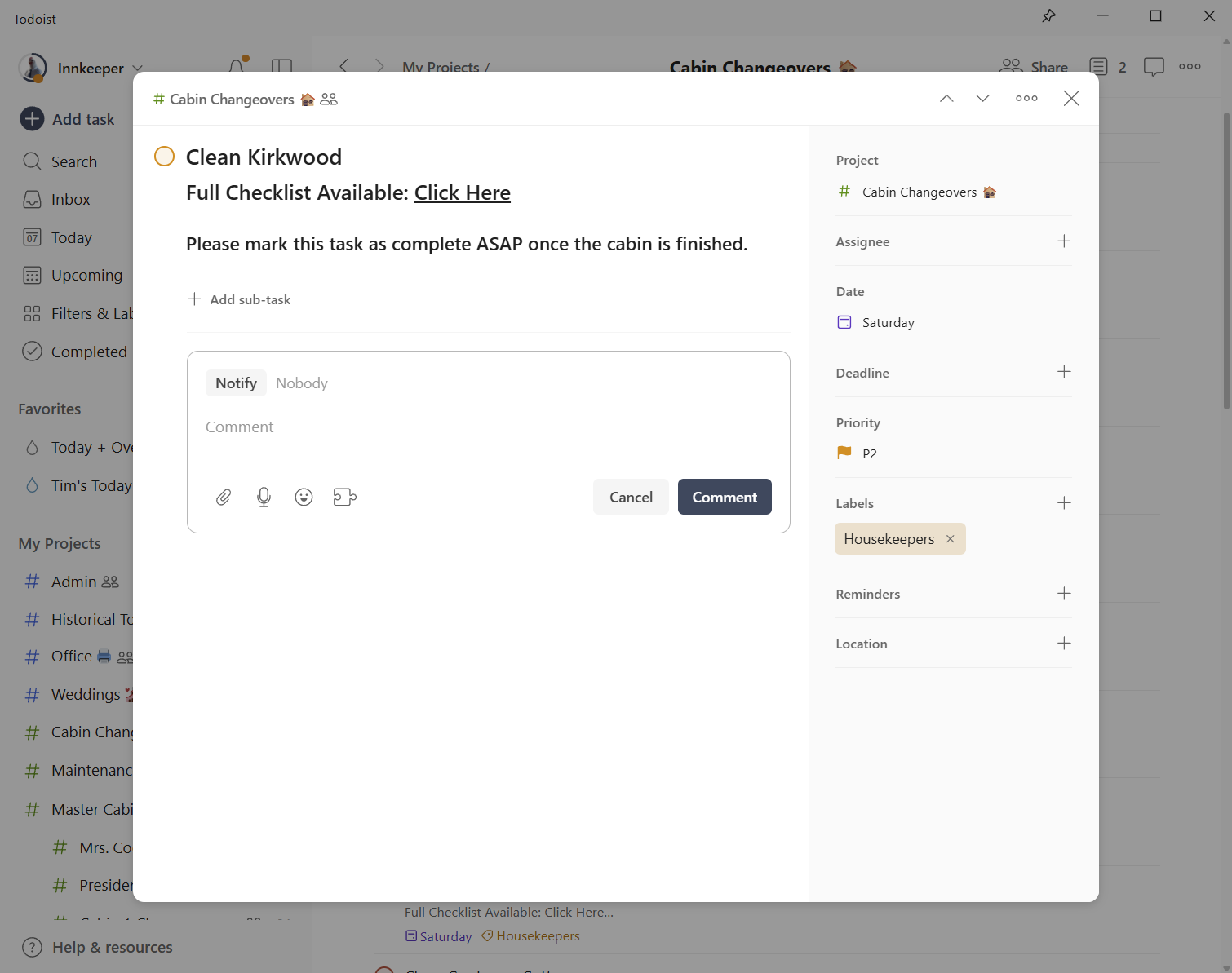
Even if they are not arriving until Sunday, they have paid for Saturday. They are expected to arrive at any time. Keep in mind that it's important to communicate which tasks can be postponed, even if only for a few hours or until the end of the day. That could be very useful information when the time comes. .
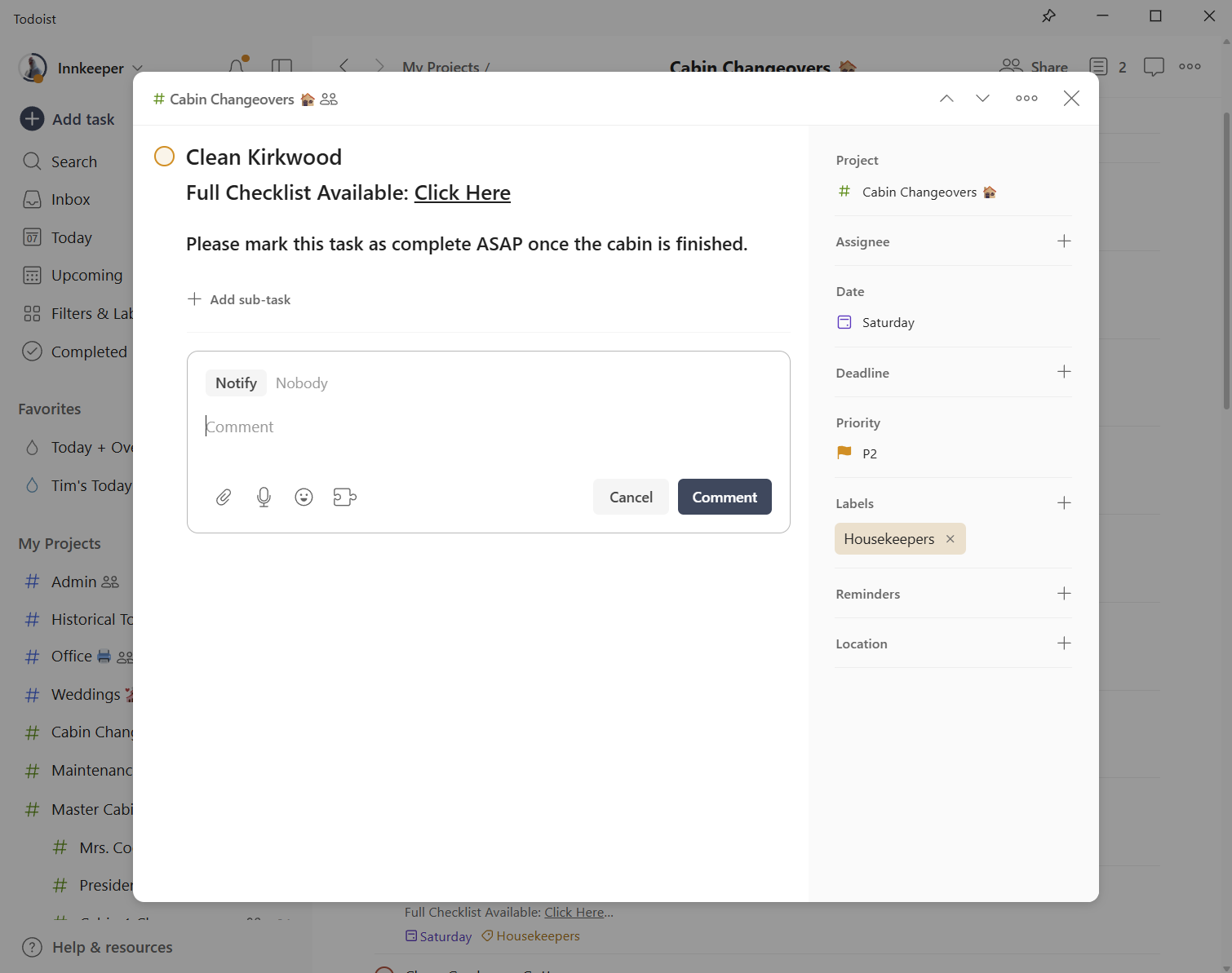
You can look at the comment I'm leaving now.
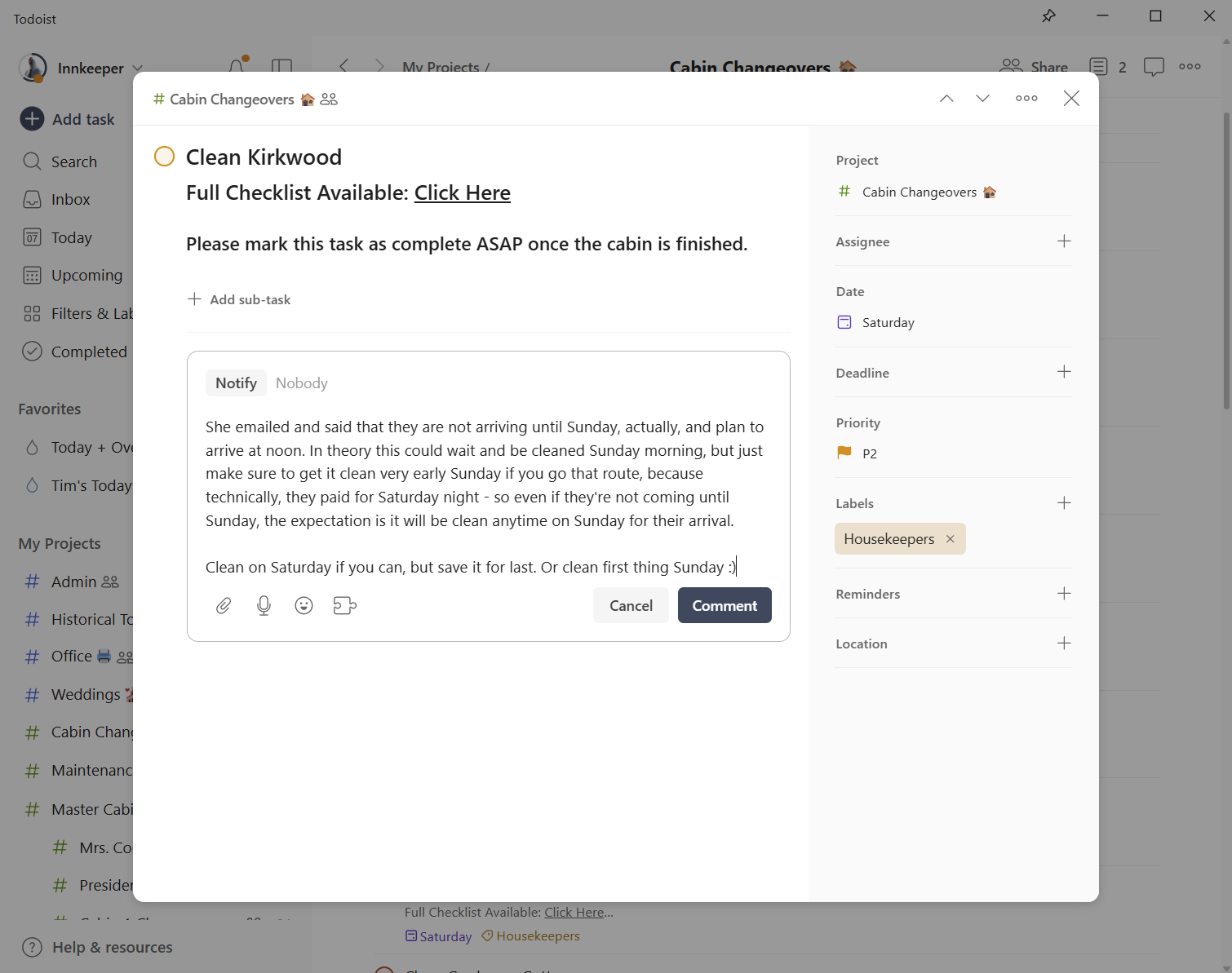
Now, everyone can view all the information they need.