How to Update Individual Records in the 'ABOB Community from form submissions in the 'Update Your Details' base table
Learn a step-by-step process for updating individual records by transferring information from the 'Update Your Details' Airtable base to the ABAP Community, including filtering, editing, and marking updates as complete.
In this guide, we'll learn how to update individual records in the ABAP Community using information from the "Update Your Details" table in Airtable. This process involves finding the relevant update, copying the new information, and marking the update as complete. The goal is to ensure that records are accurate and up to date.
Let's get started
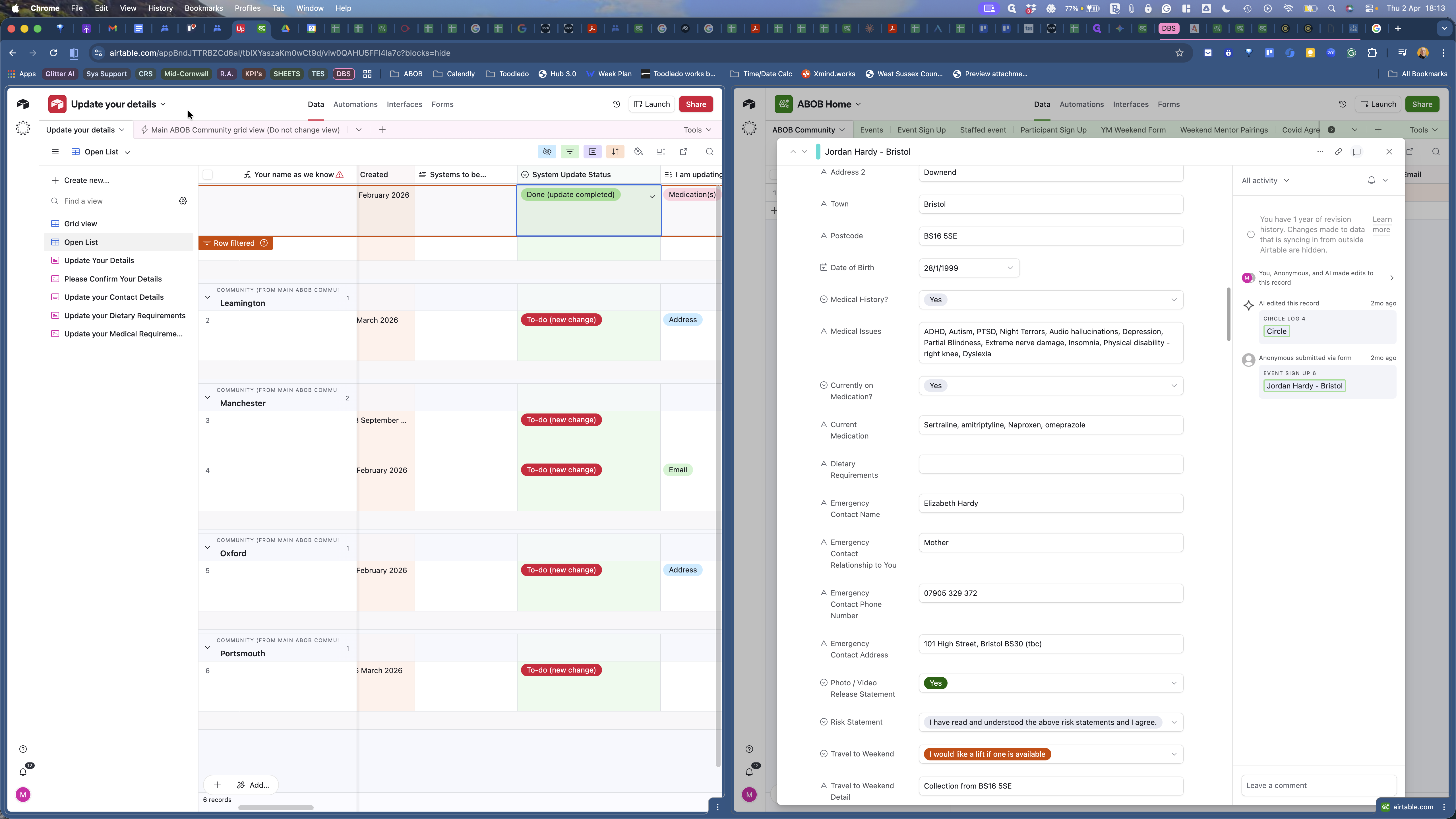
Okay. On the left side, we have the Update Your Details table, located in an Airtable base with the same name. Um, and there are ...
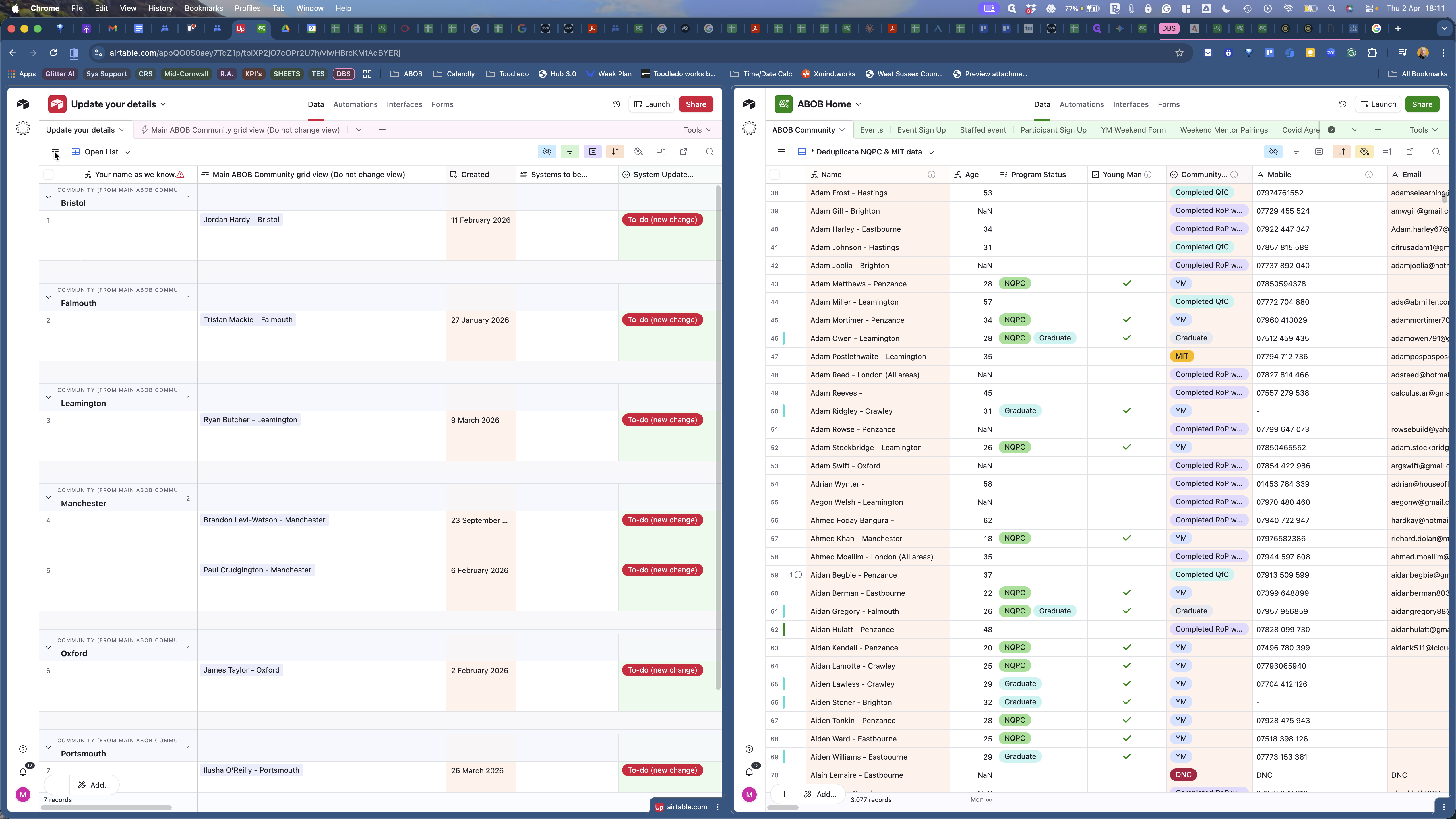
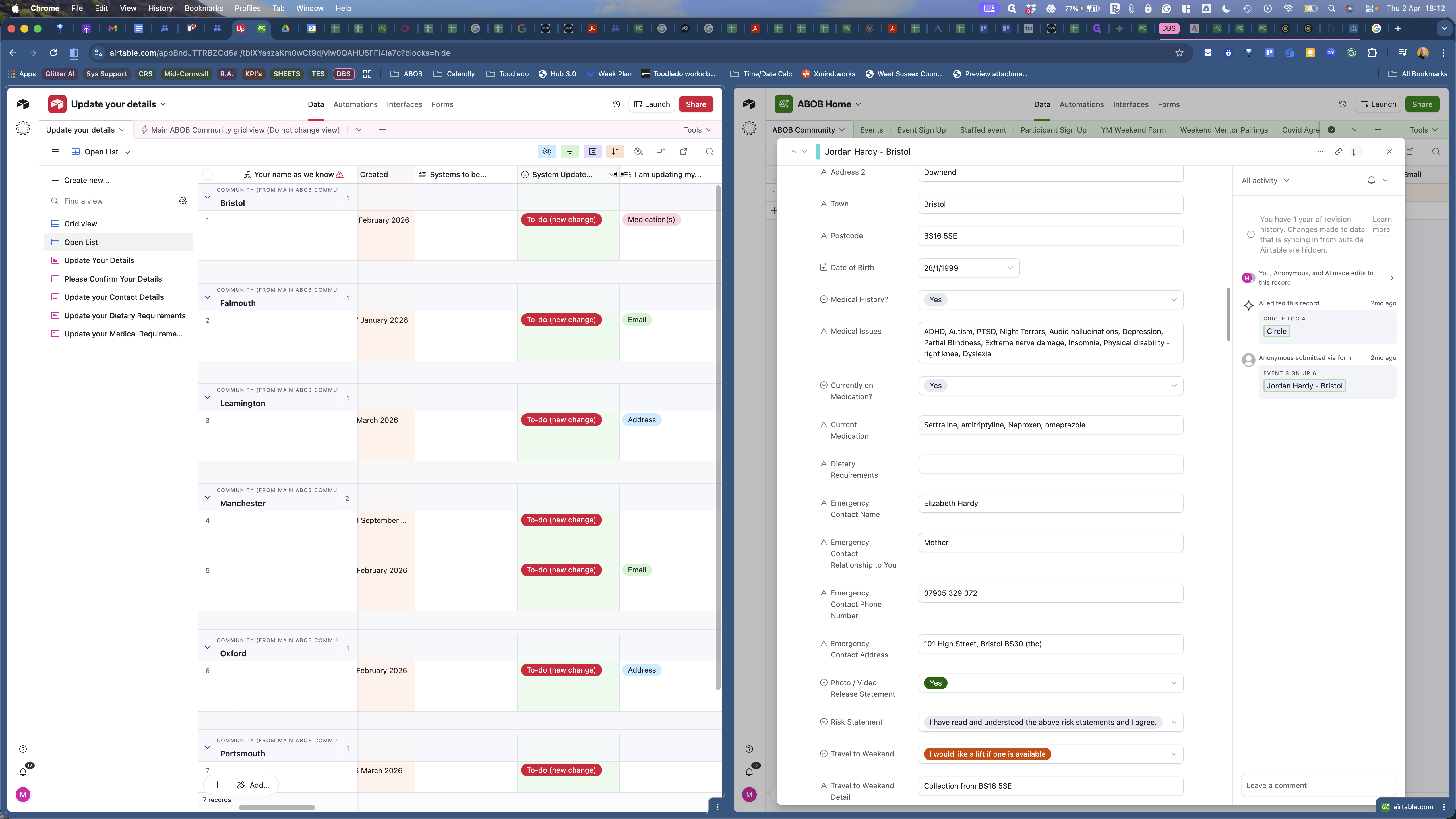
There is an open list and a grid view. Refer to the open list. We have some updates here. Some of these came through a while ago and need to be completed.
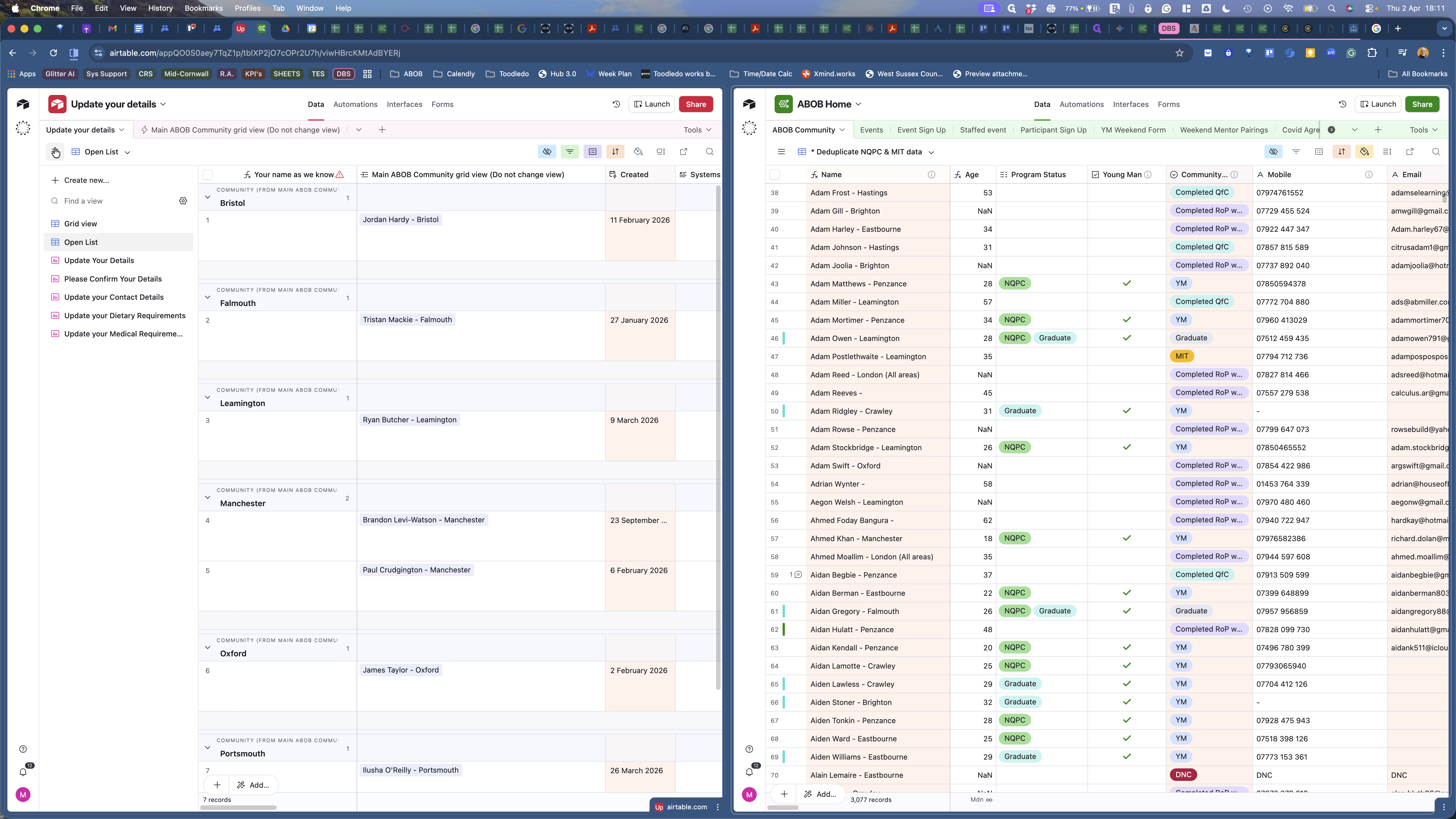
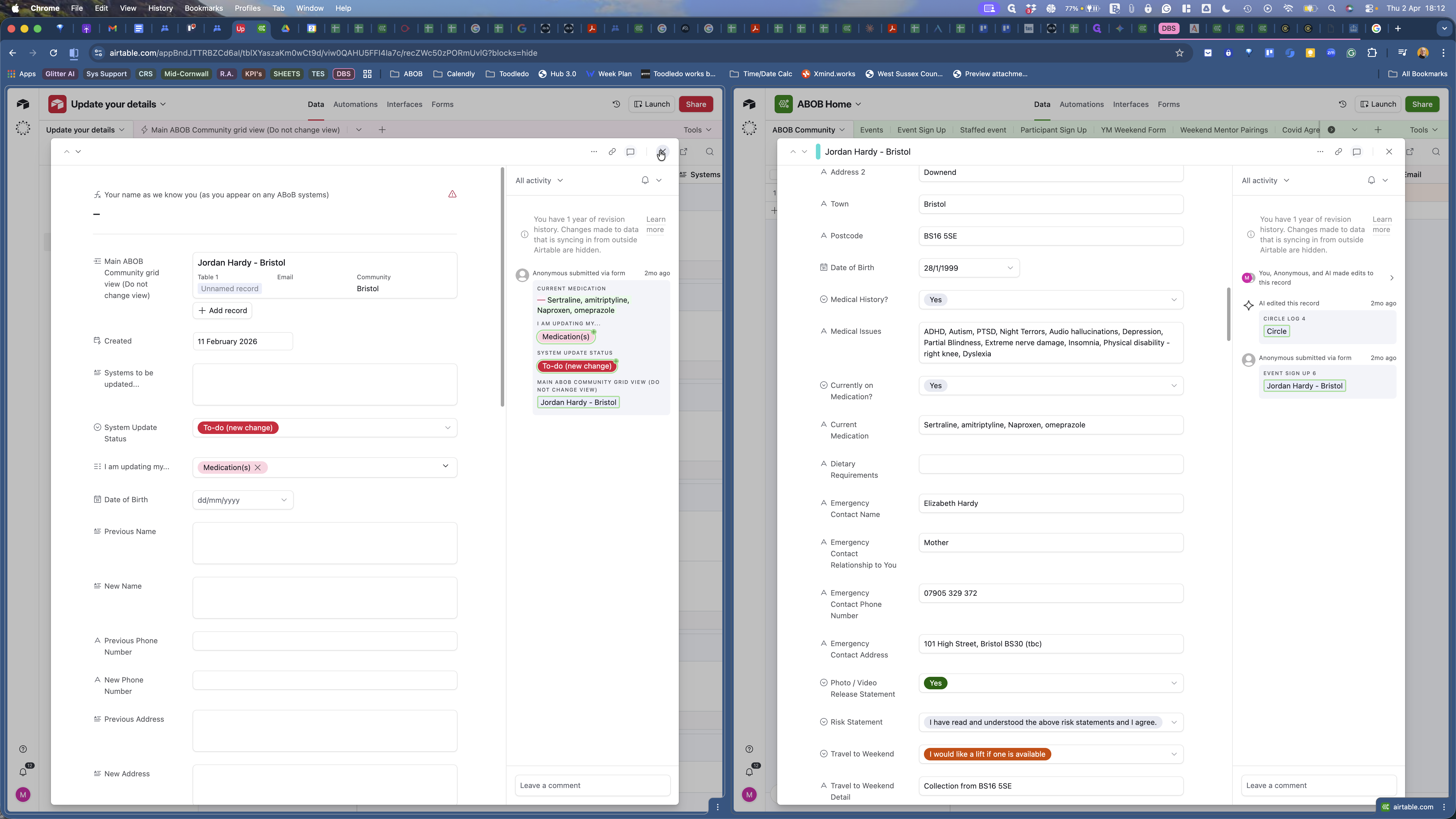
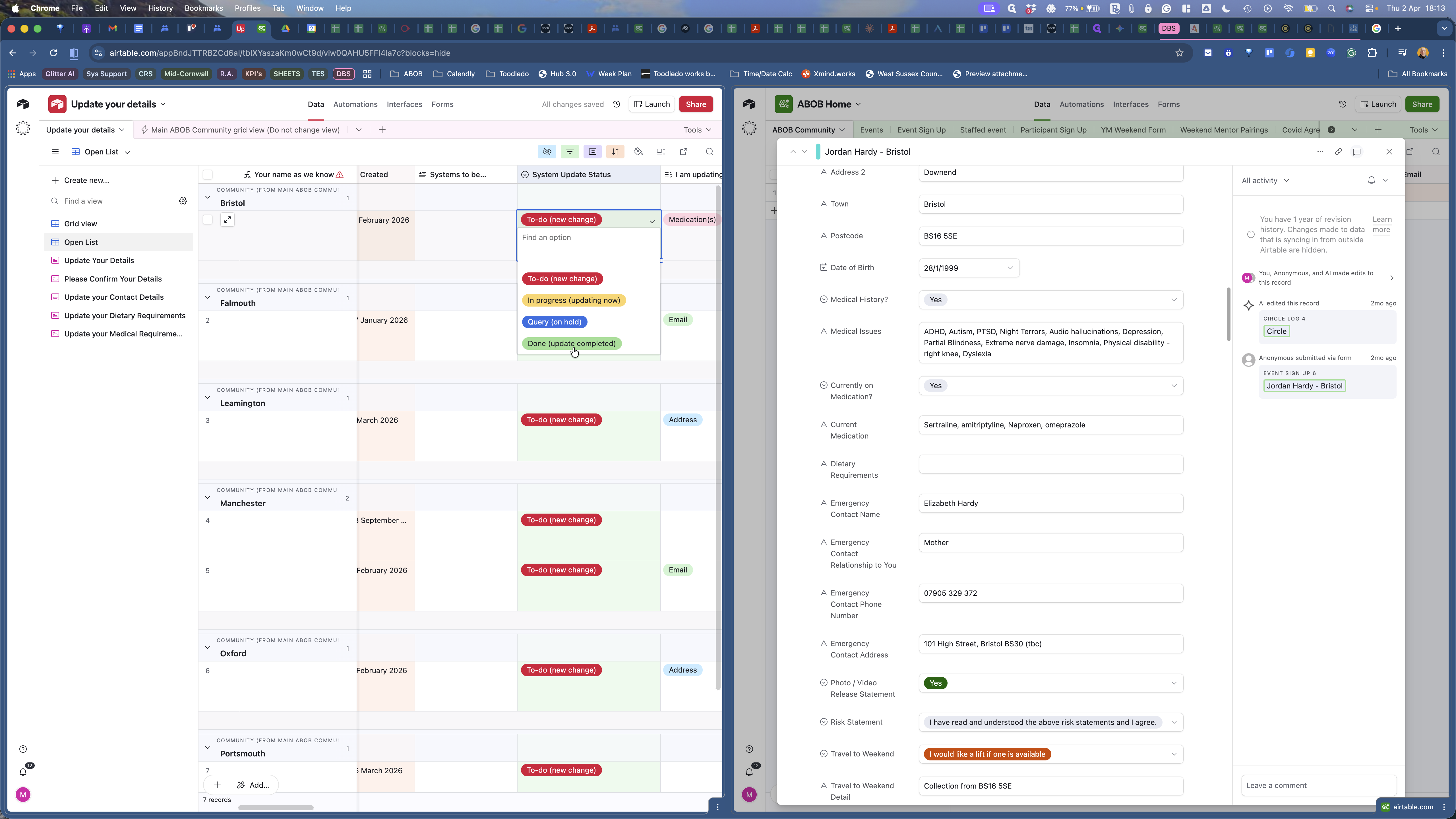
We'll start with the top one. We have an update from Jordan Hardy in Bristol. We expand that and see what he is updating.
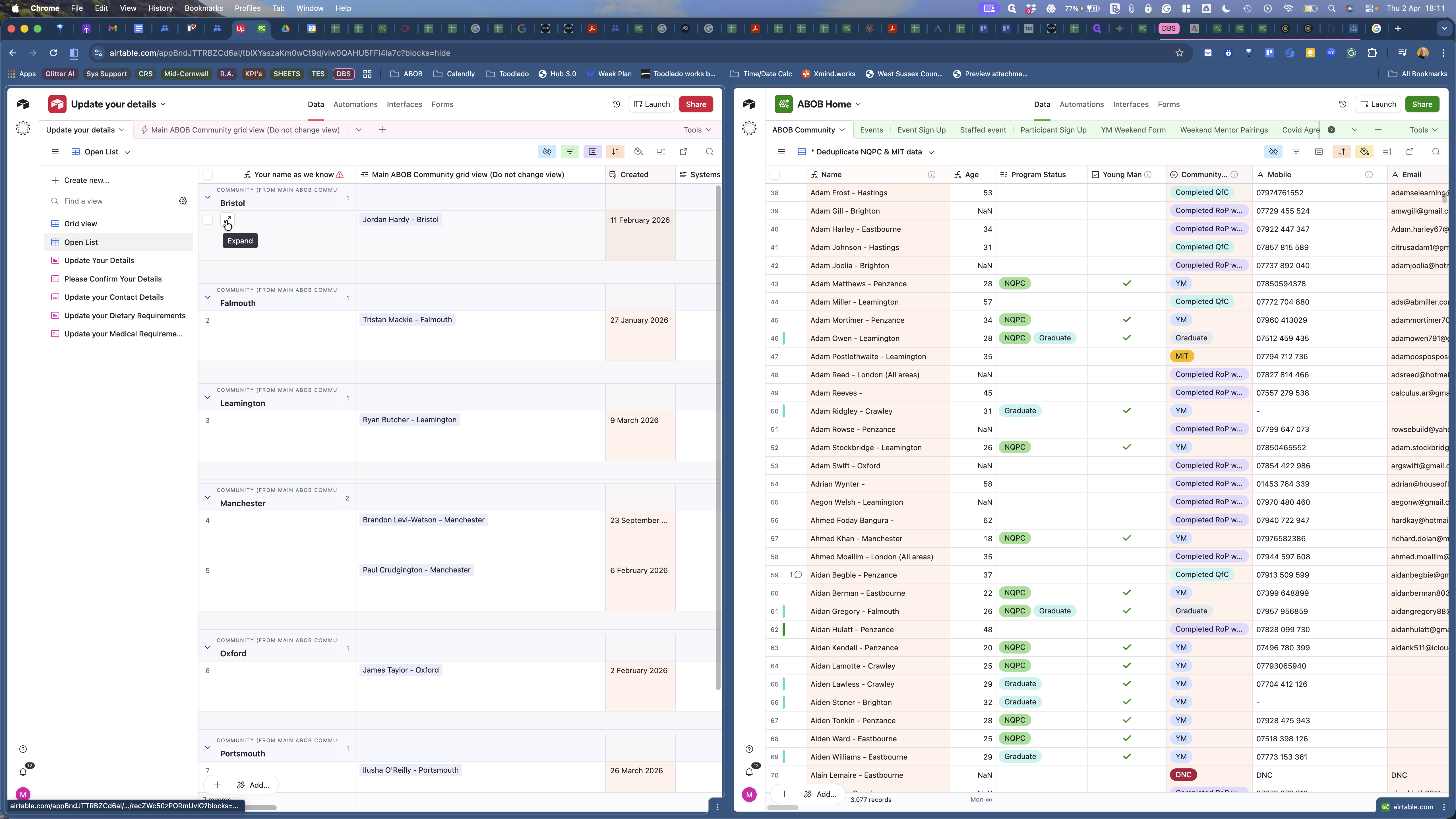
He is updating medications. On the right-hand side, go to the De-duplicate NQPT and MIT data view in ABAP Community.
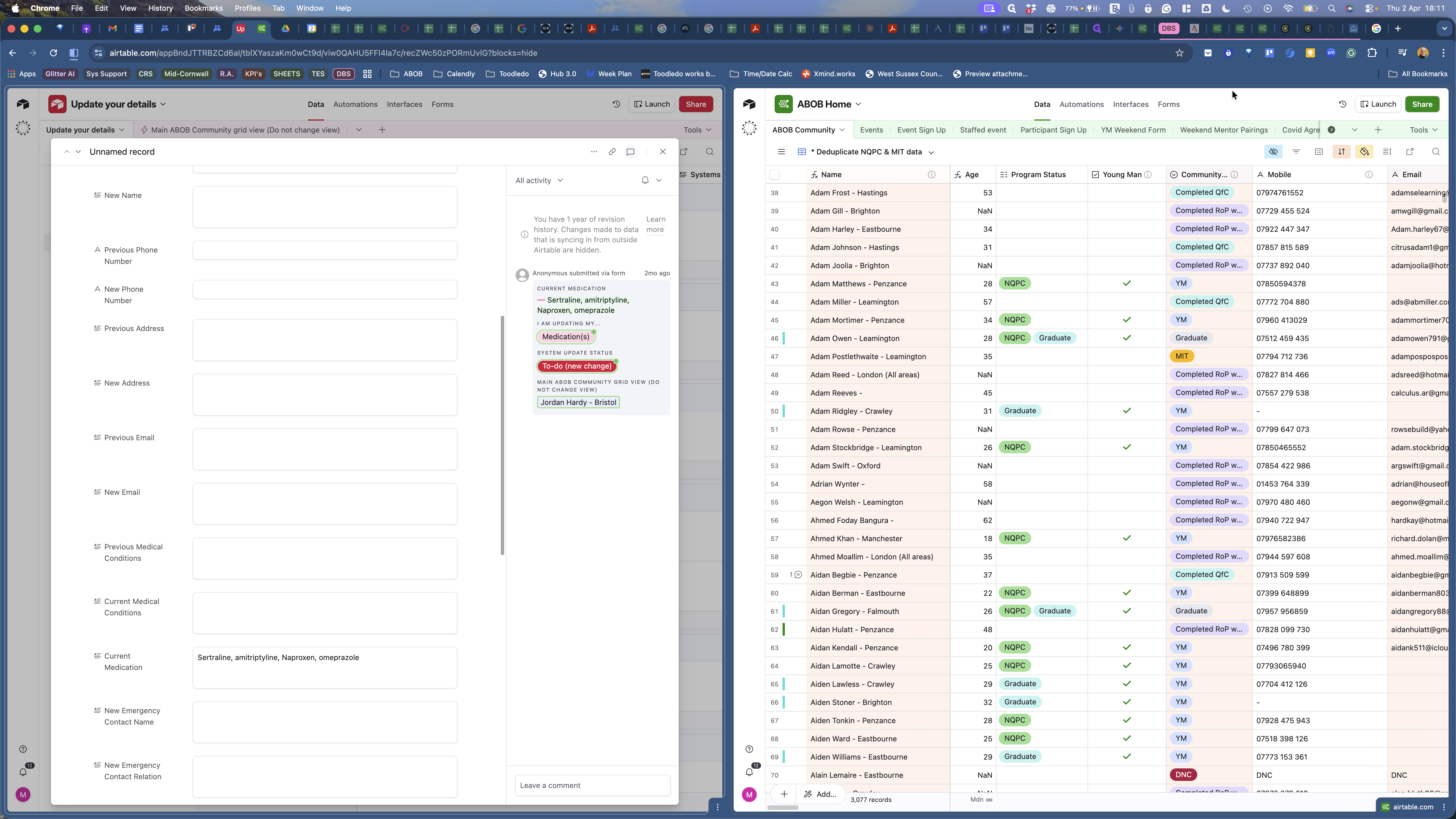
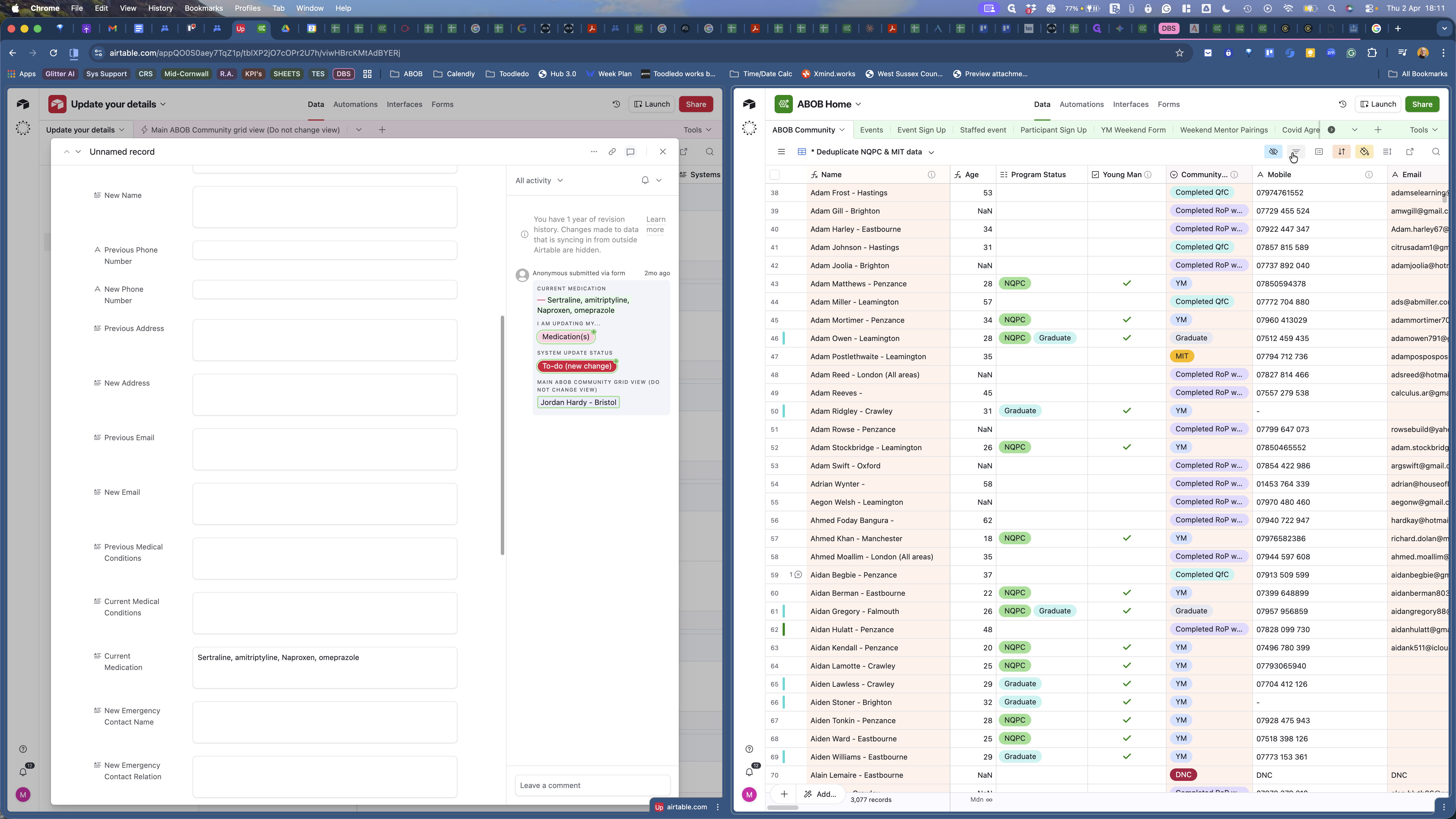
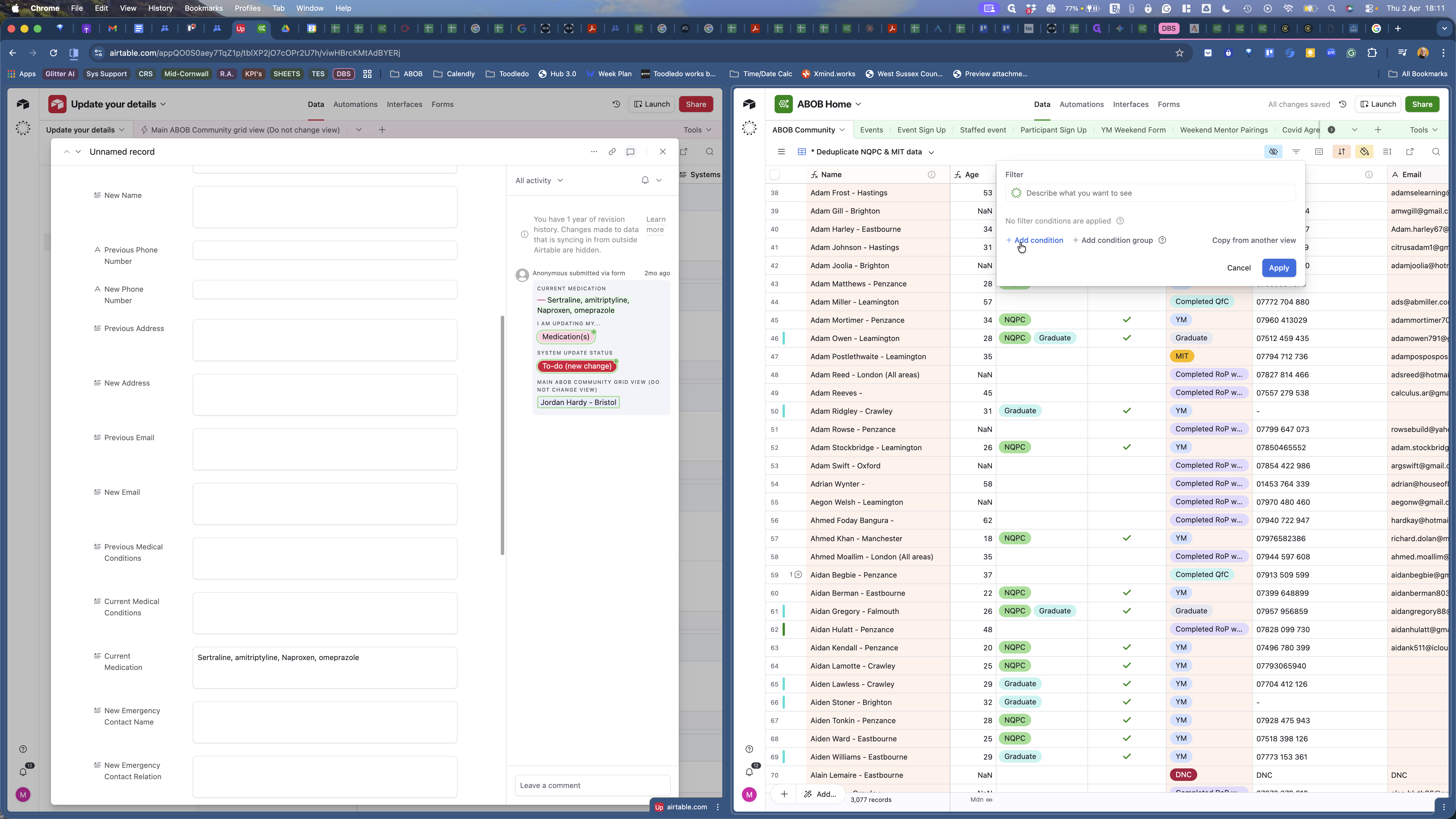
I click on Filter, add a condition, and set "name contains..."
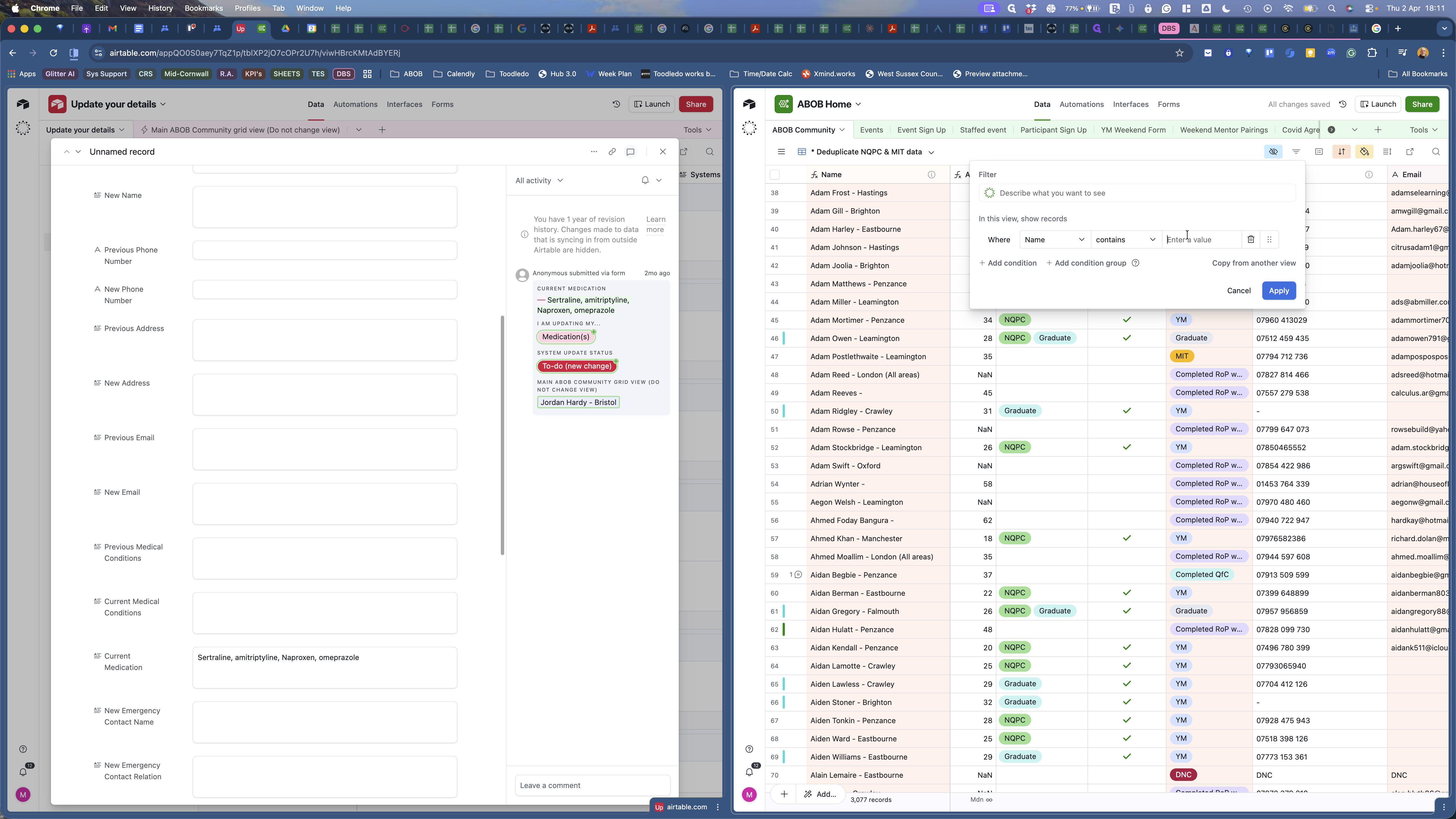
I type his name. There he is. Now I expand that.
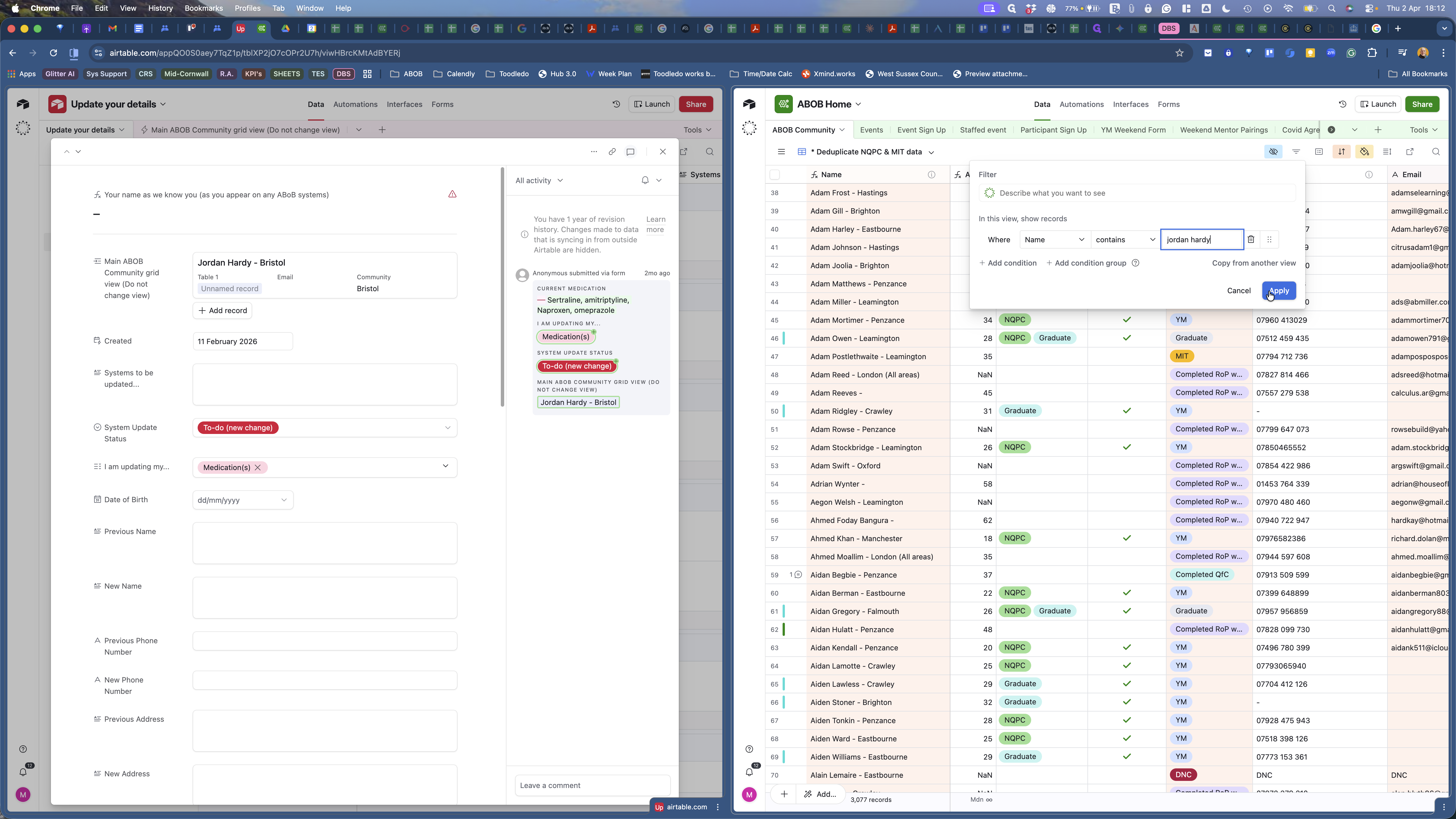
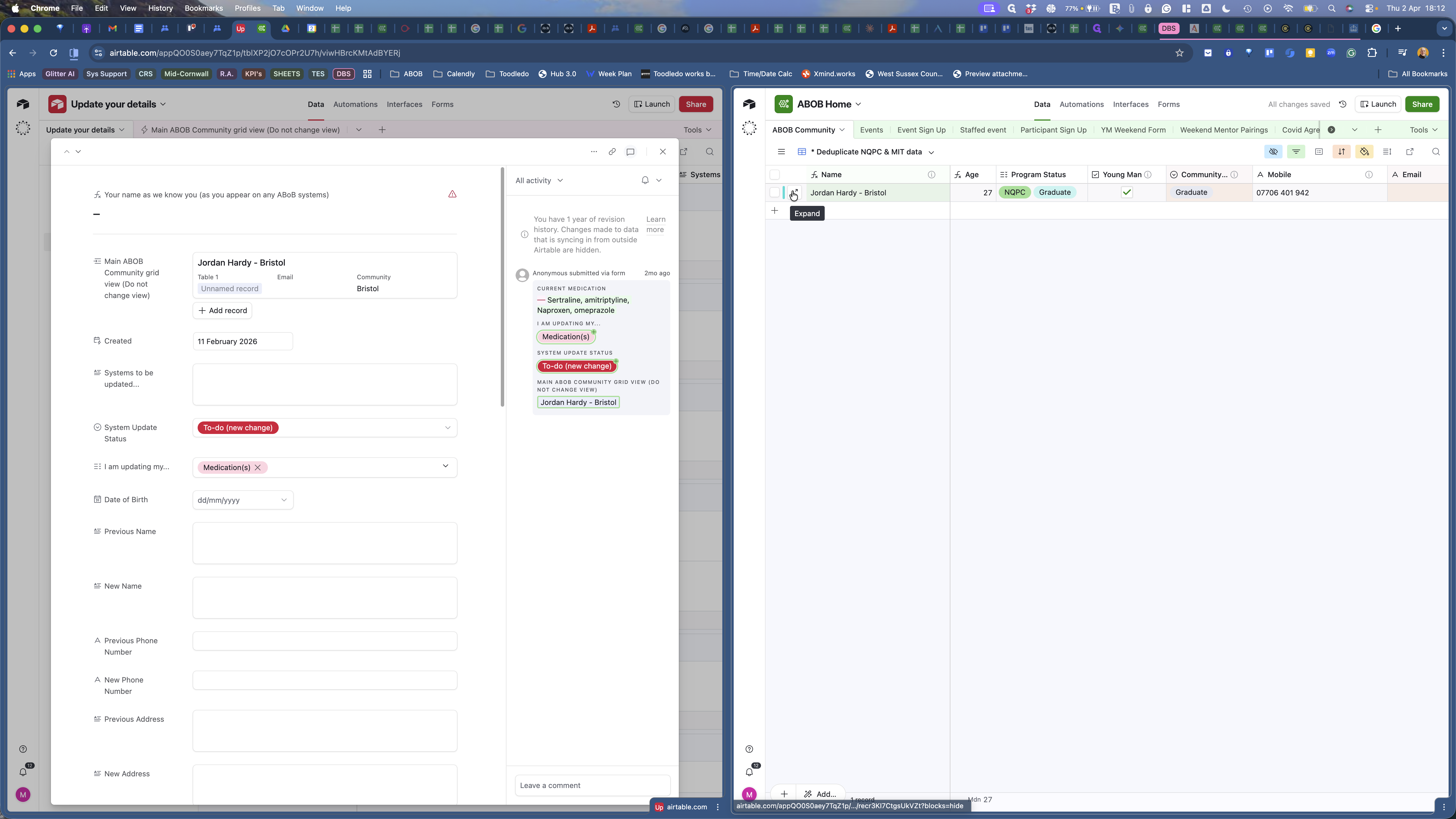
I am finding his medical information, replacing it with the information on the left-hand side, and pasting it into the right.
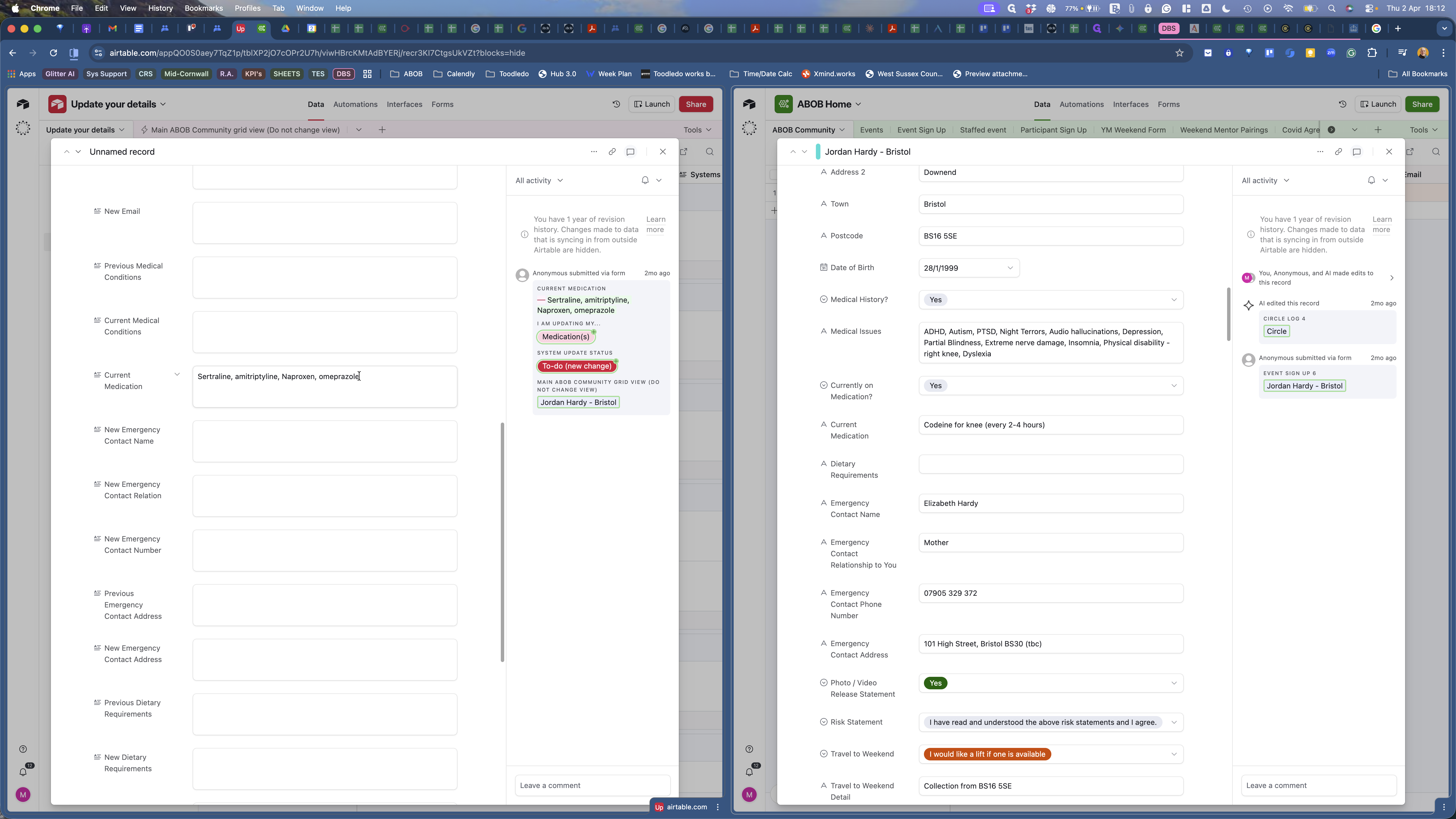
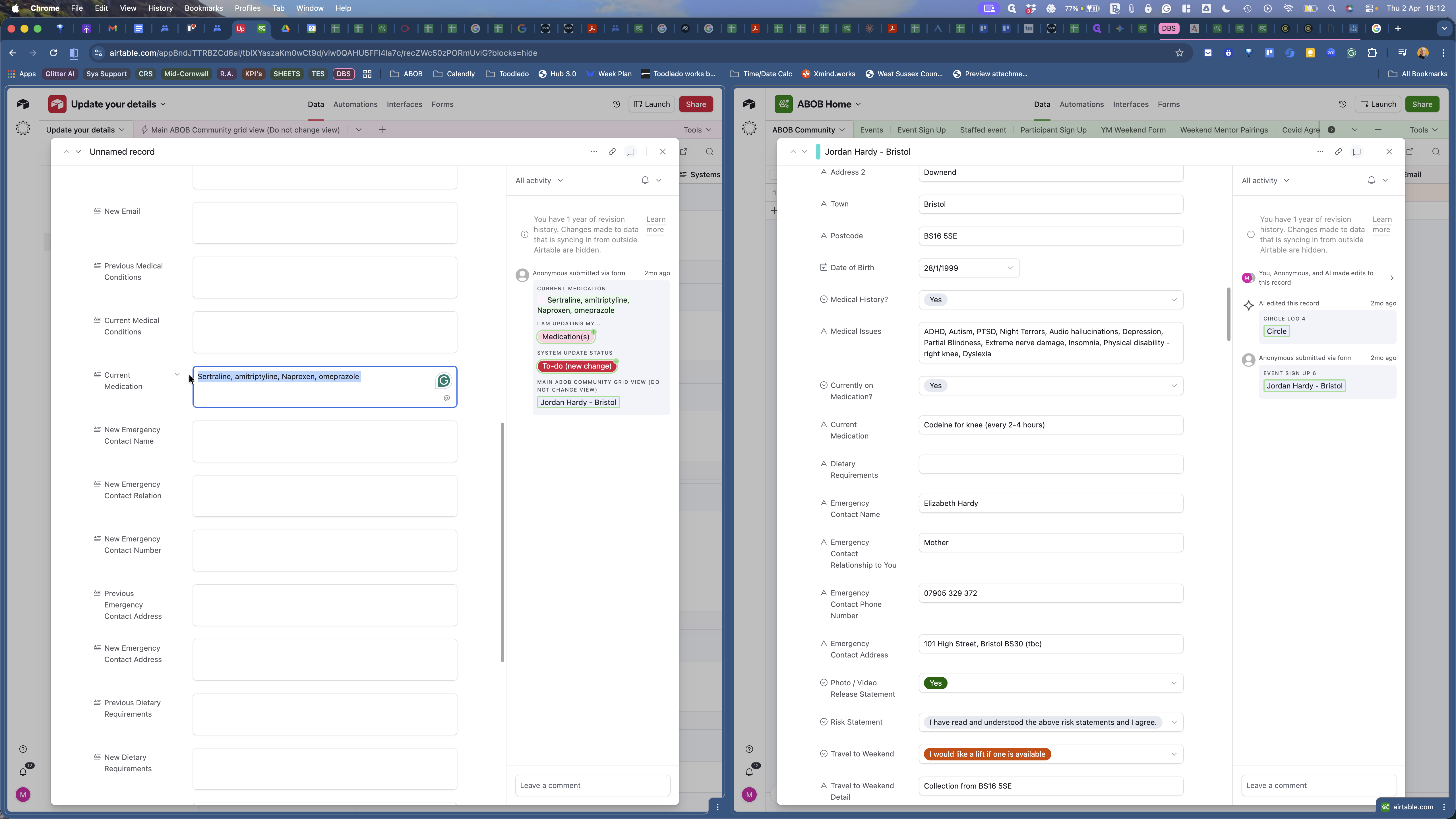
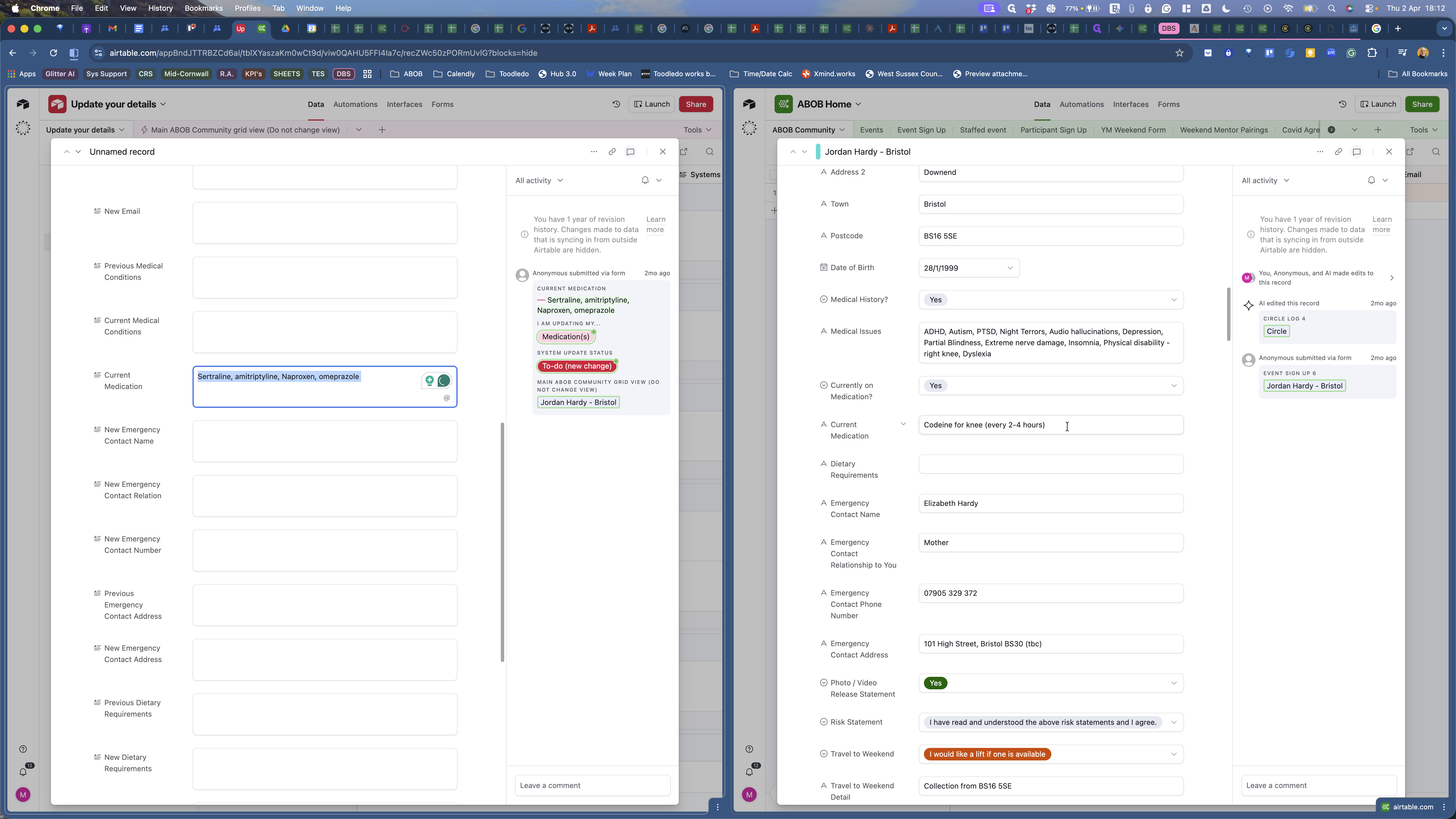
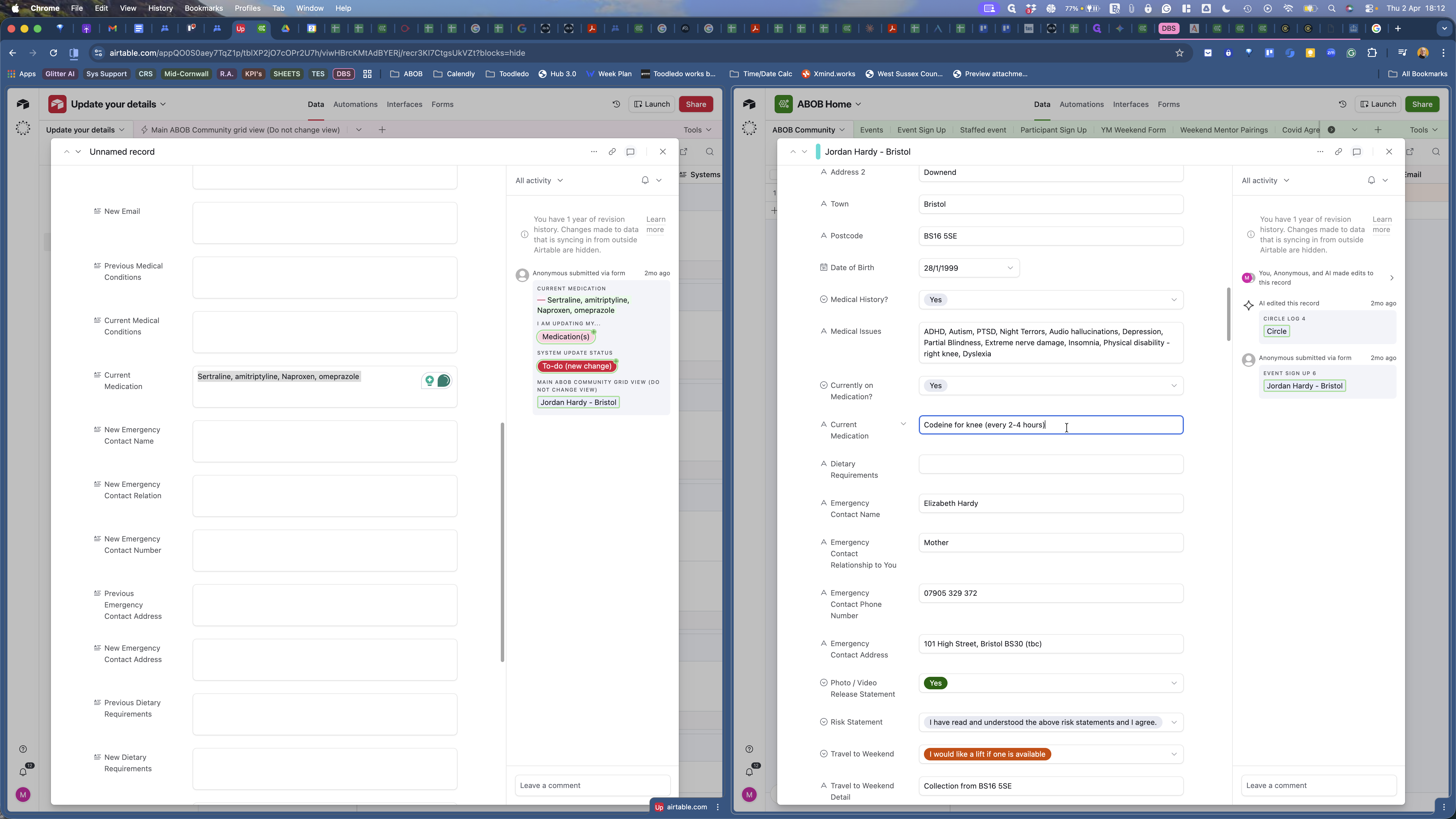
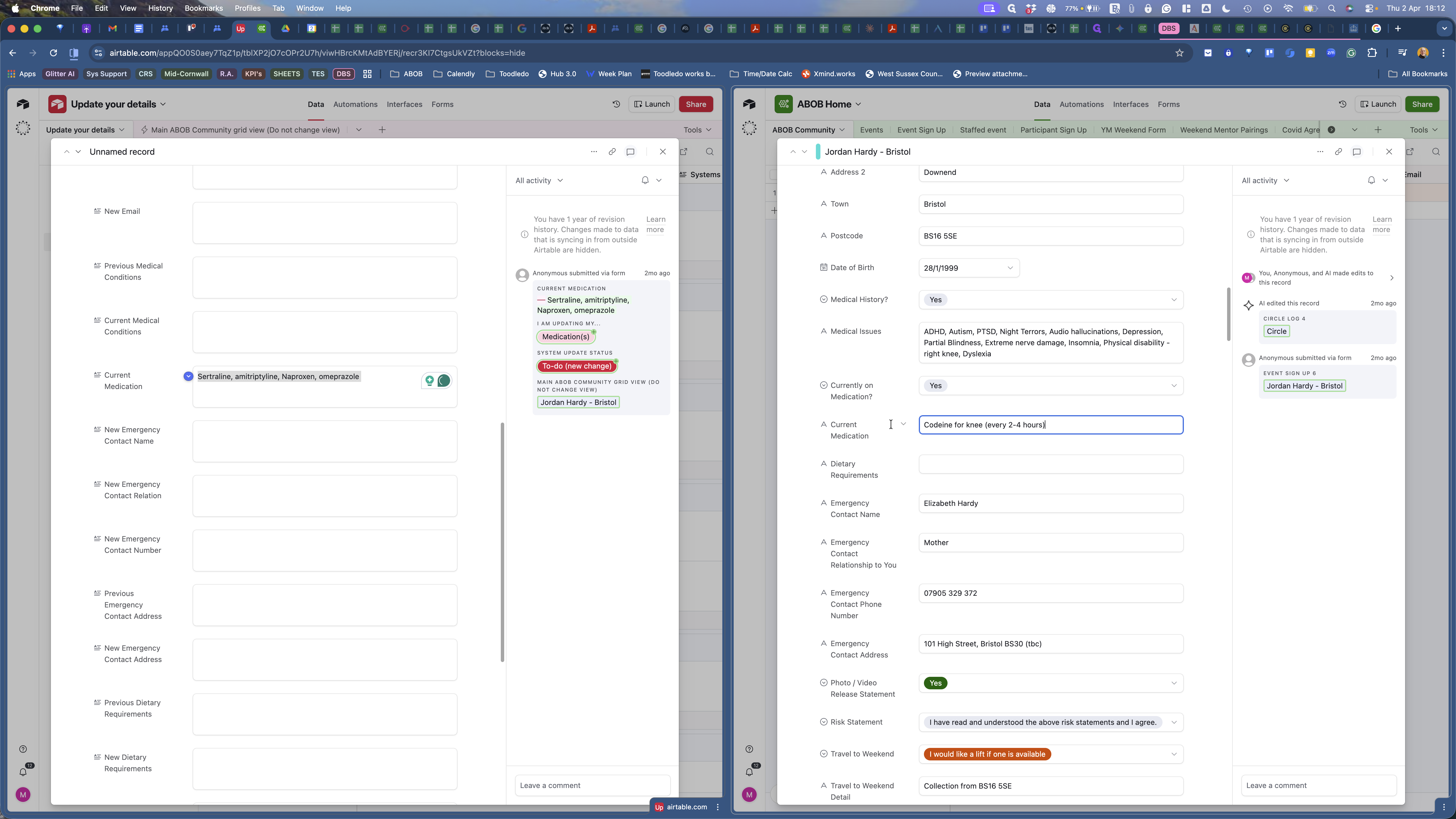
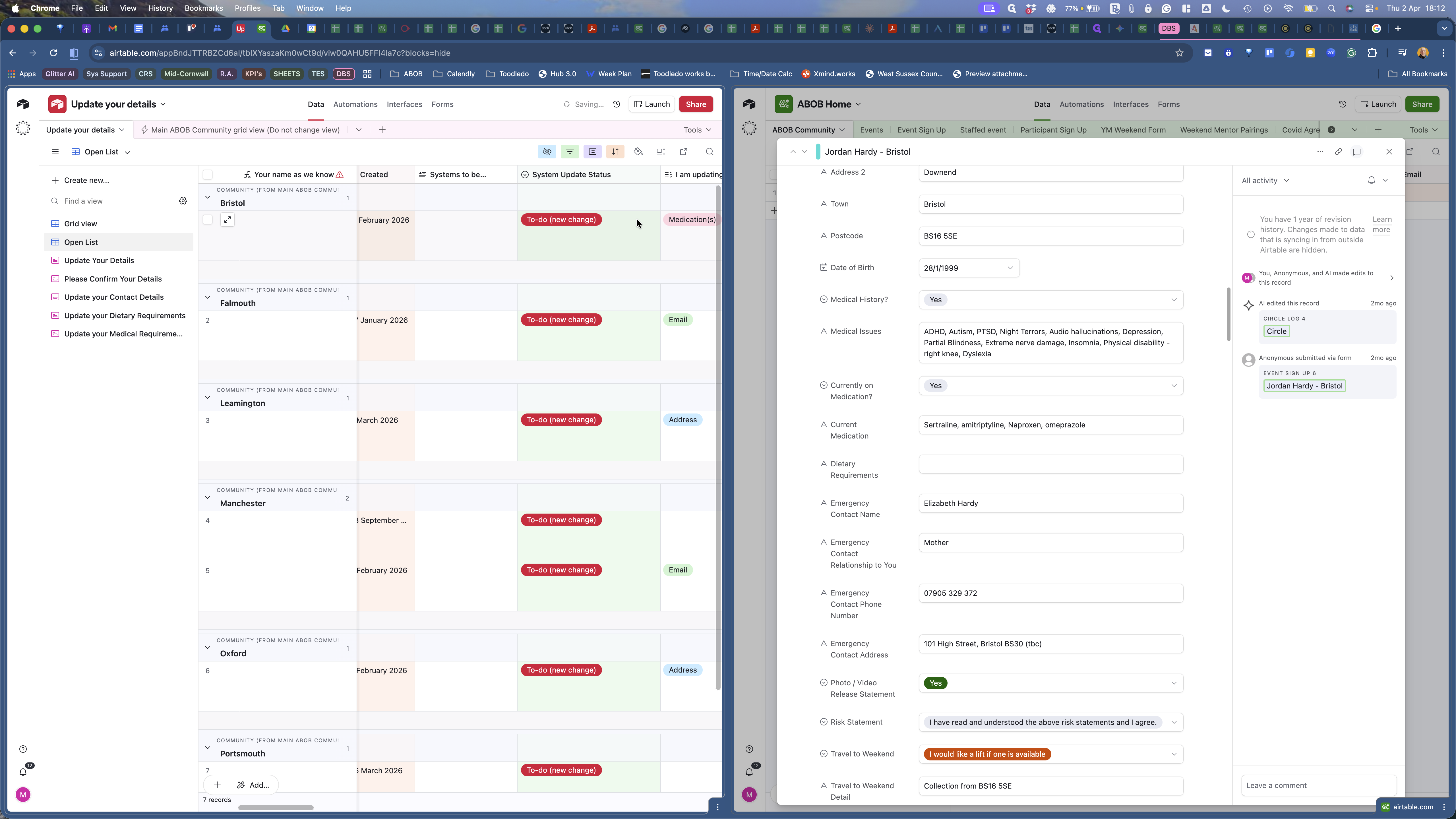
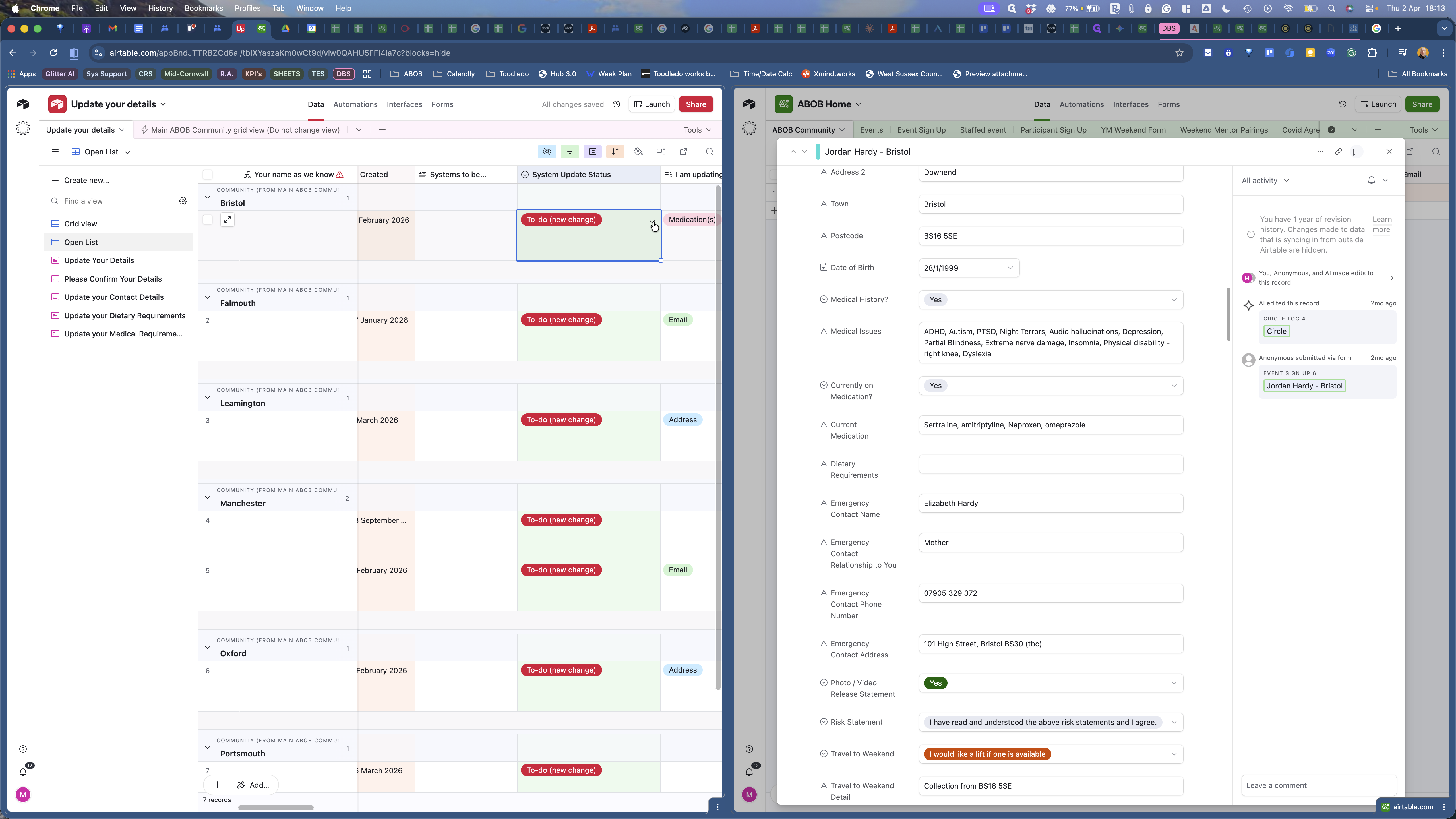
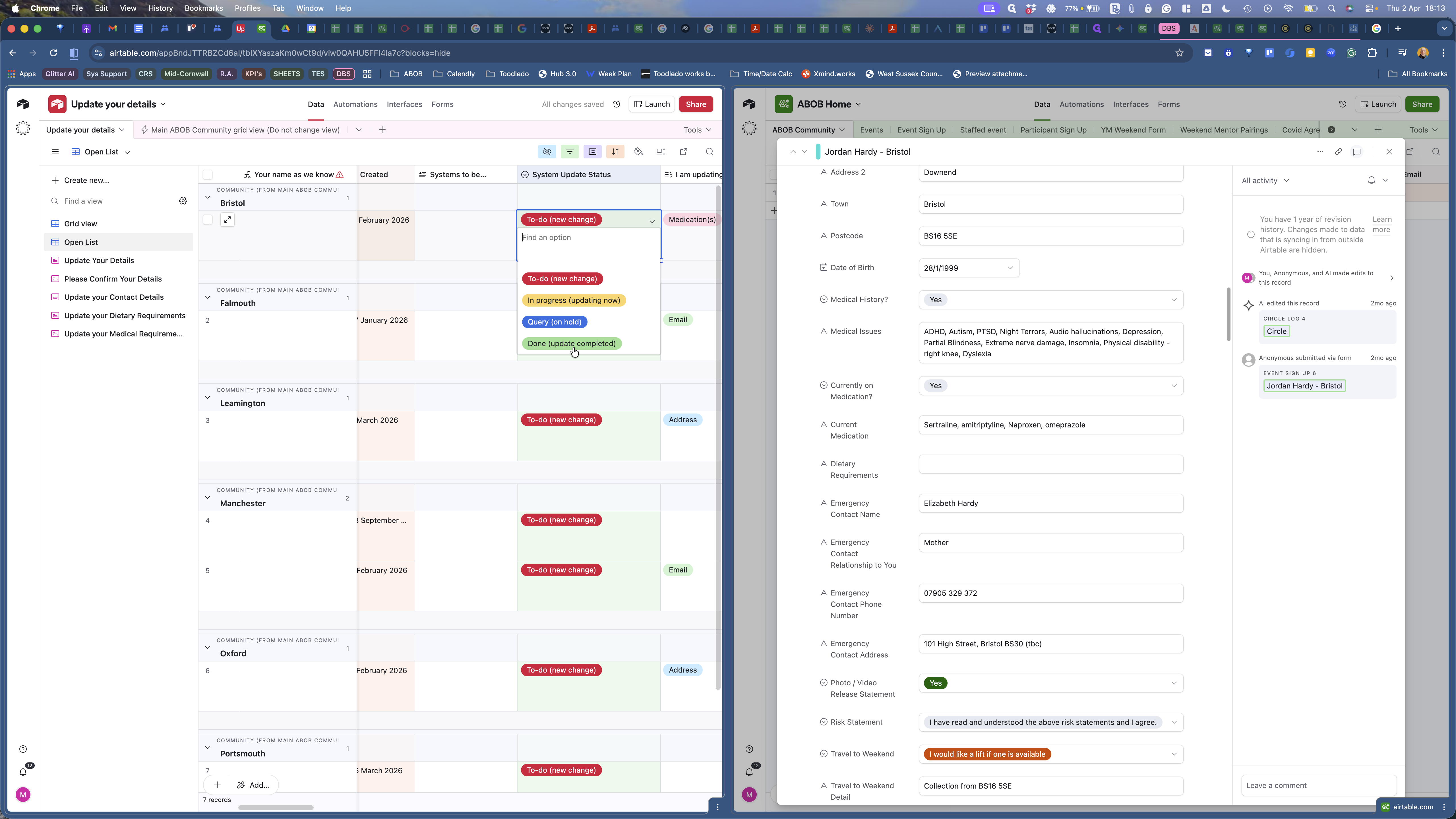
He hasn't provided any other information, so that's what I'm updating. Now that I've done that, close the expanded view in Update Your Details. Then, scroll to the column labeled System Update Status, click the dropdown, and select Done.
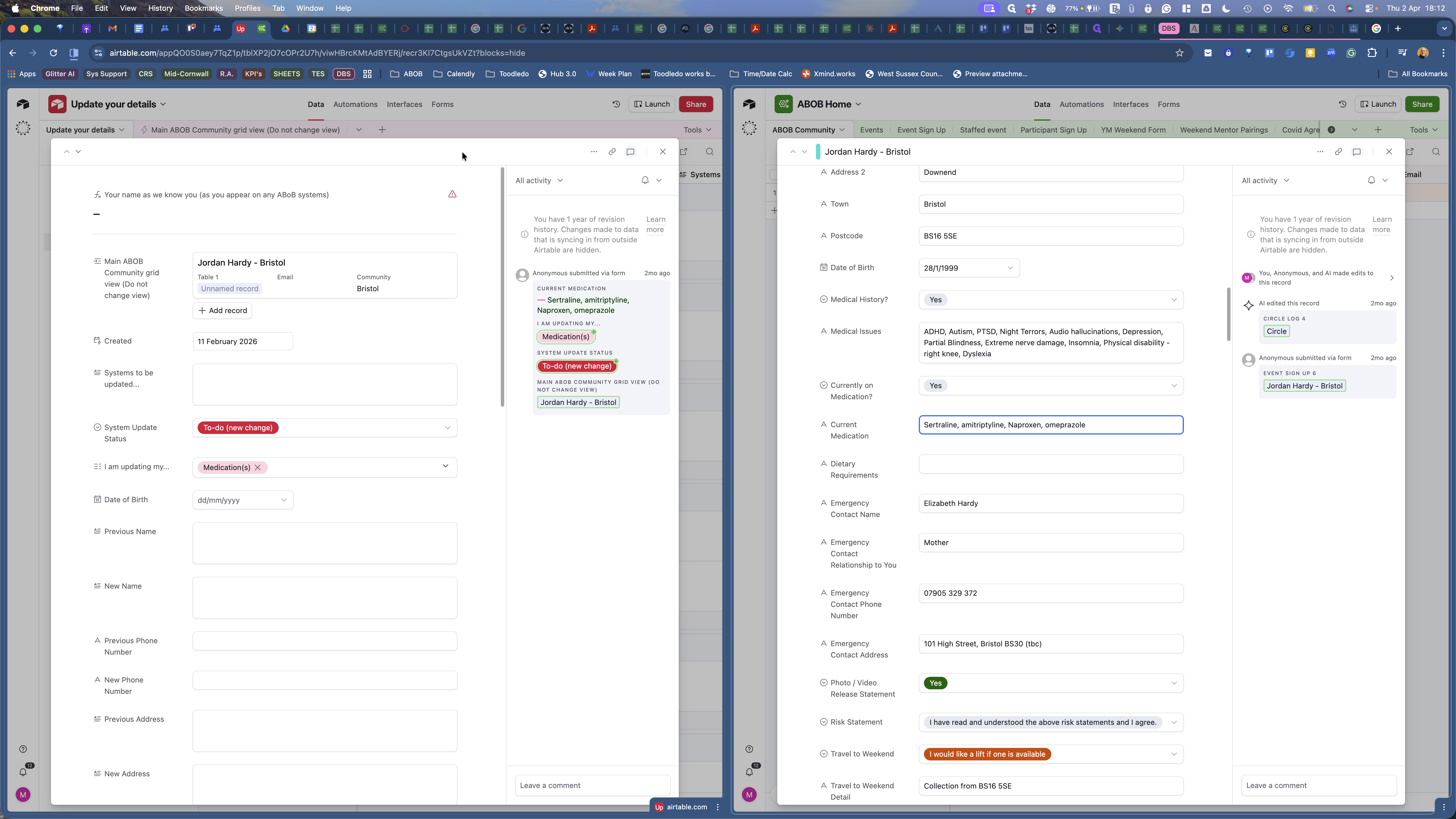
Here is a brief walkthrough of how you take updates from the Update Your Details base and table and apply them to the individual's record in ABAP Community.