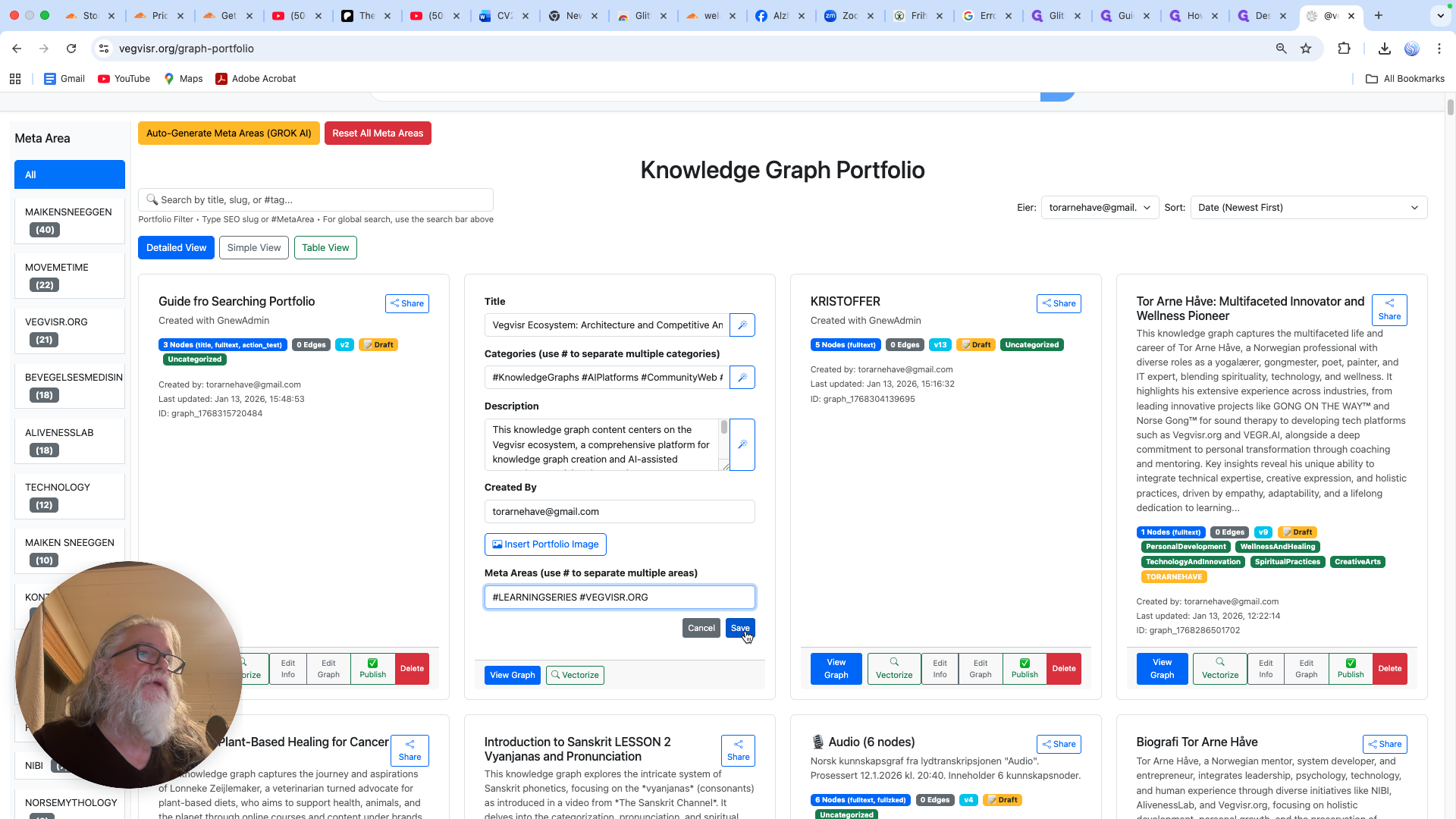
How to Update Information in the Knowledge Graph Portfolio
Learn how to change settings and update the information section in the Knowledge Graph portfolio. Follow step-by-step instructions to edit info, add titles and categories, and generate descriptions using AI.
In this guide, we'll learn how to change the settings and update the information section in a Knowledge Graph portfolio. We will look at how to use the editing tools to add a title, select categories, and generate a description with AI. This process helps keep your Knowledge Graph up to date and organized.
Let's get started
I'm here now. I'm inside the Knowledge Graph portfolio. I want to change the settings and update the information section. Go to Edit Info, click this tool, and it will add the title and categories.
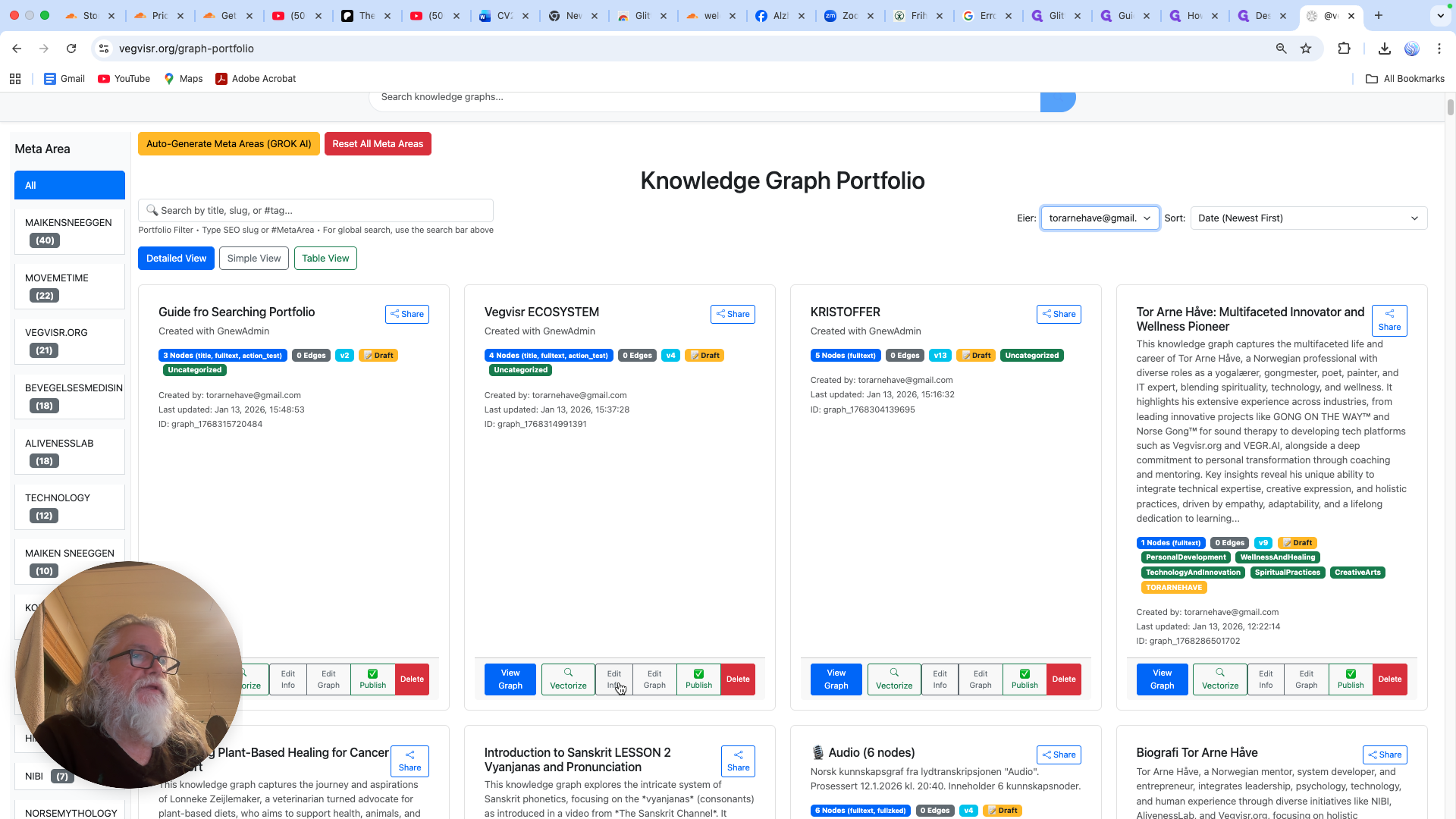
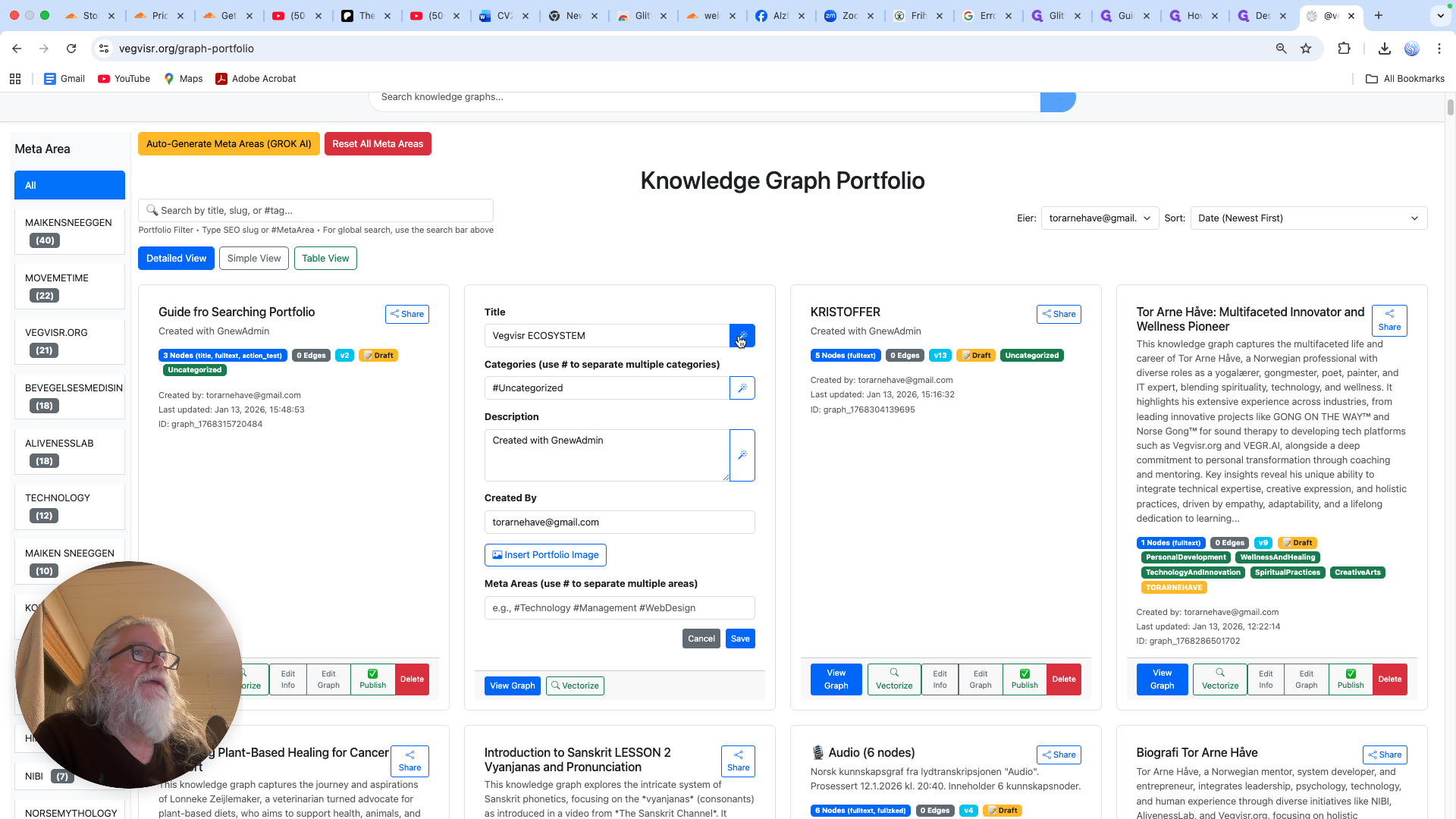
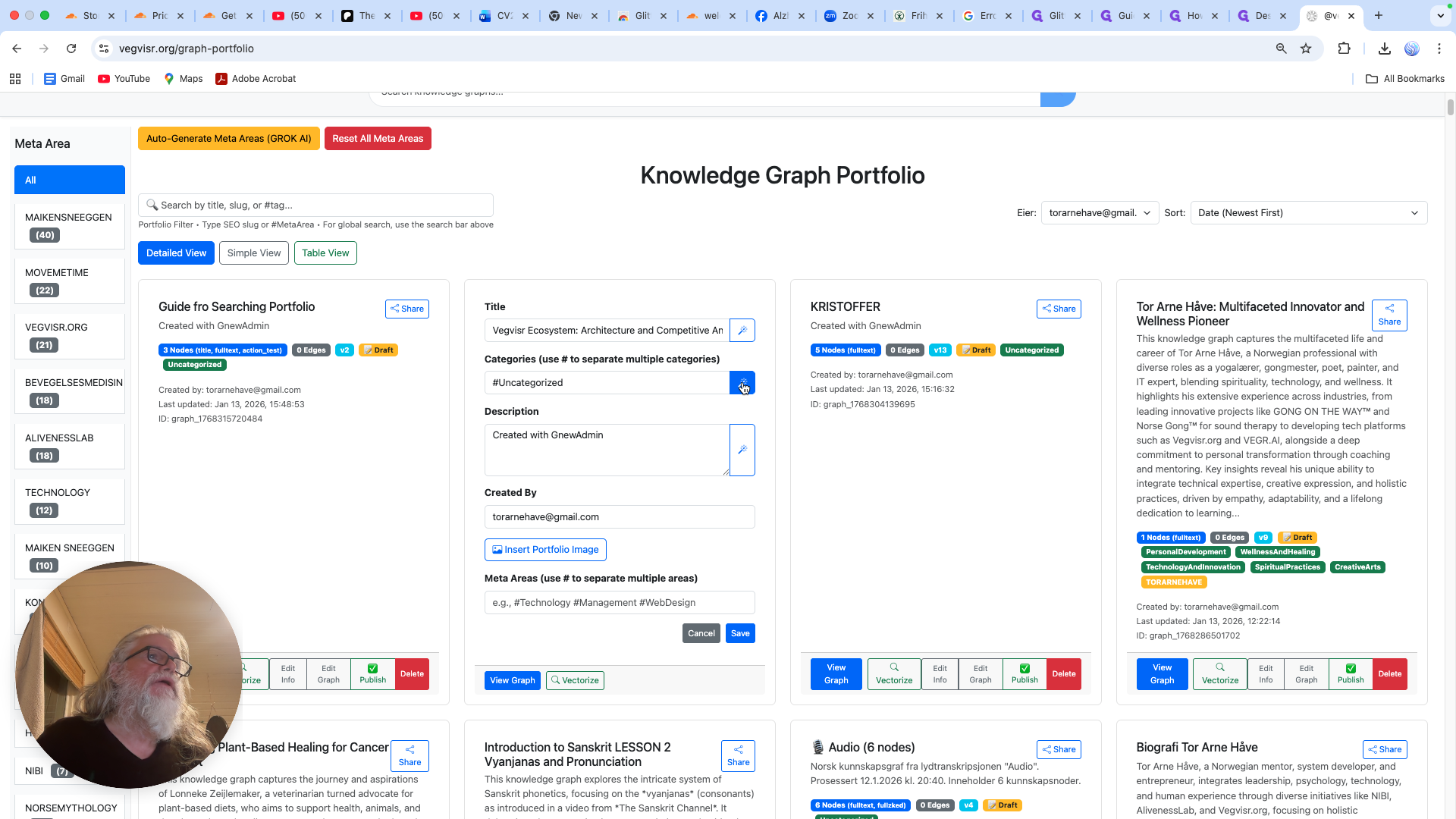
This is done by AI. It's running in... It reads the text behind here and creates a description.
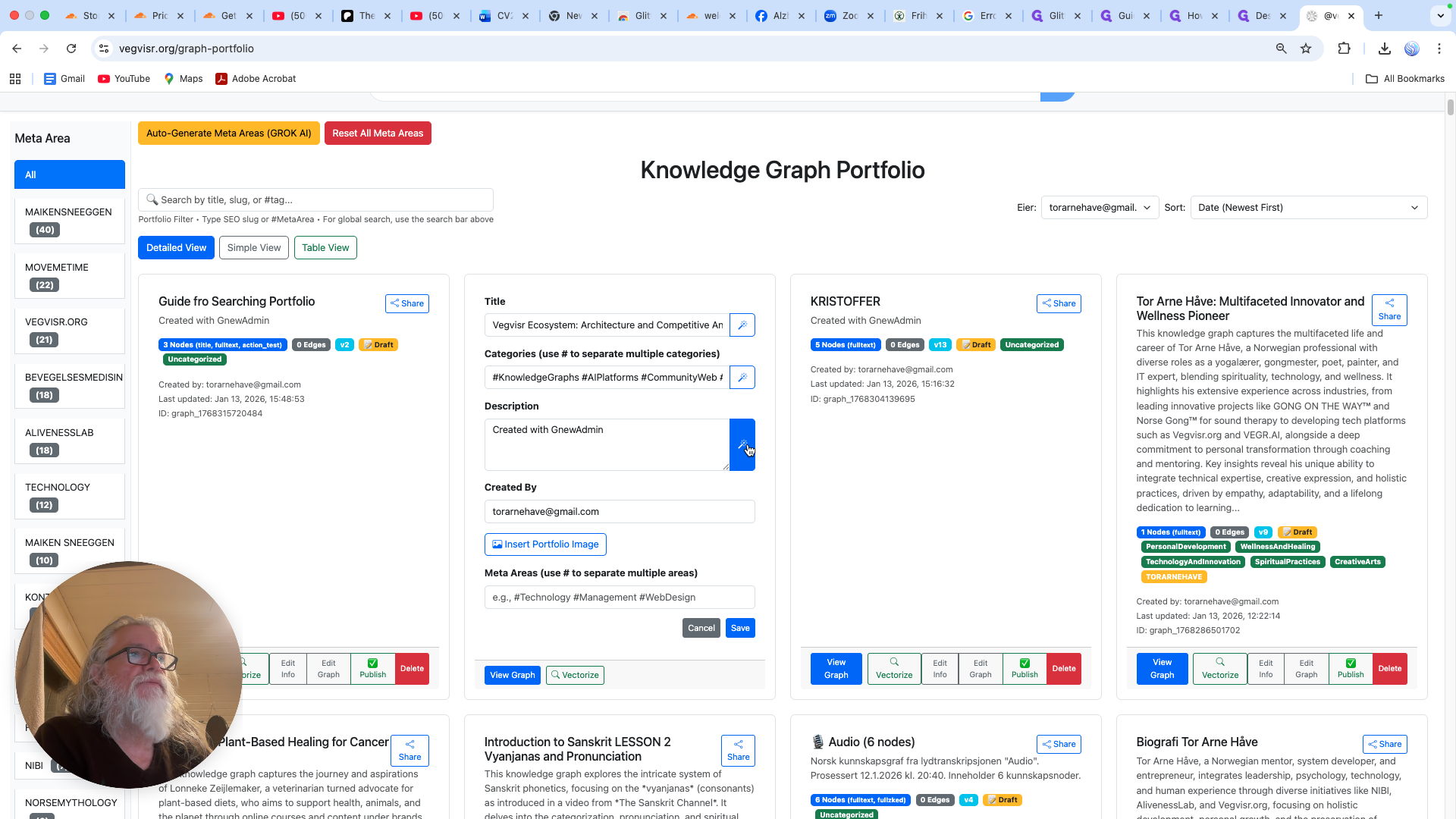
This is Knowledge Graphs. It's part of the learning series.
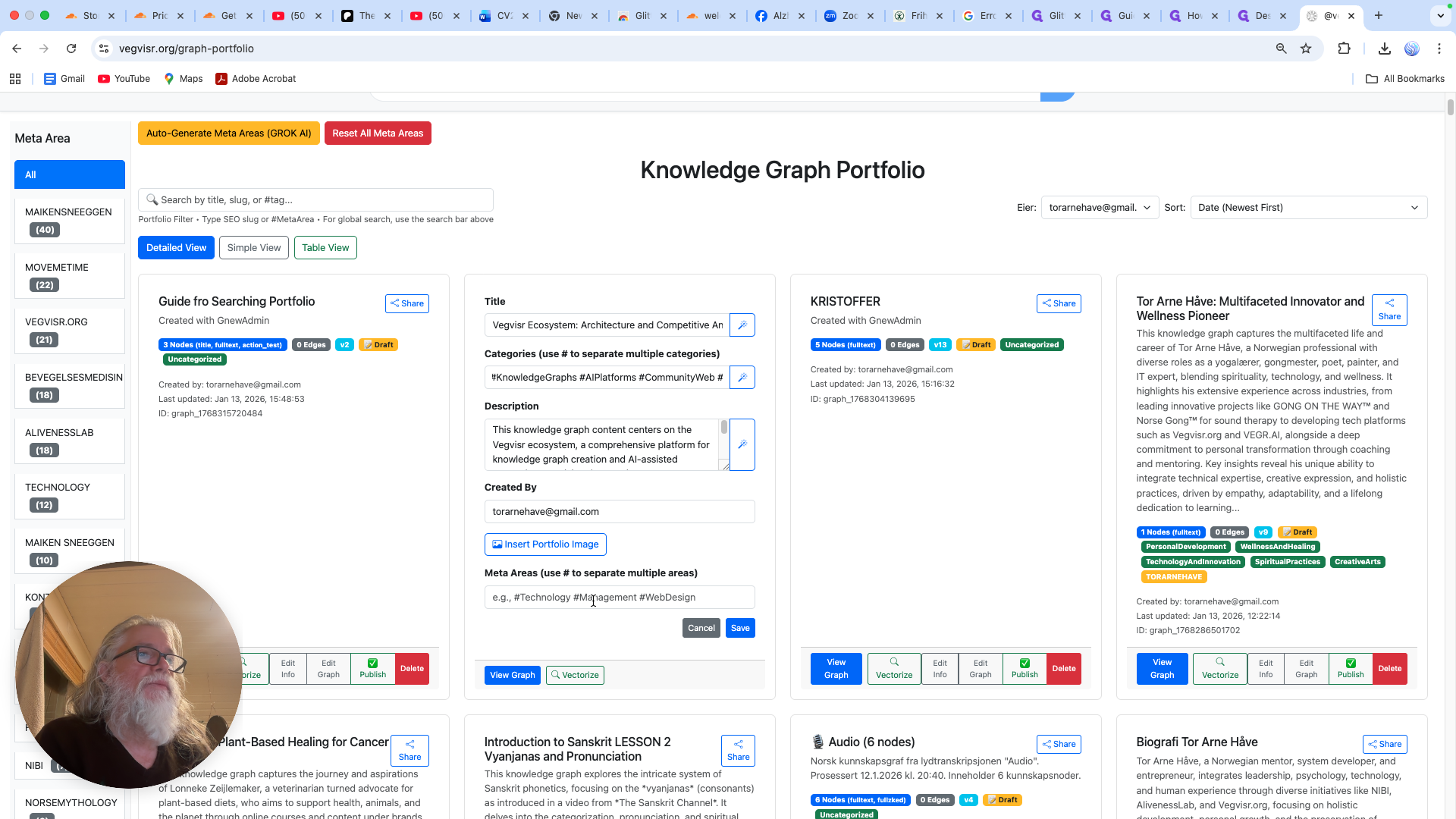
So I'm gonna write in... learning series.
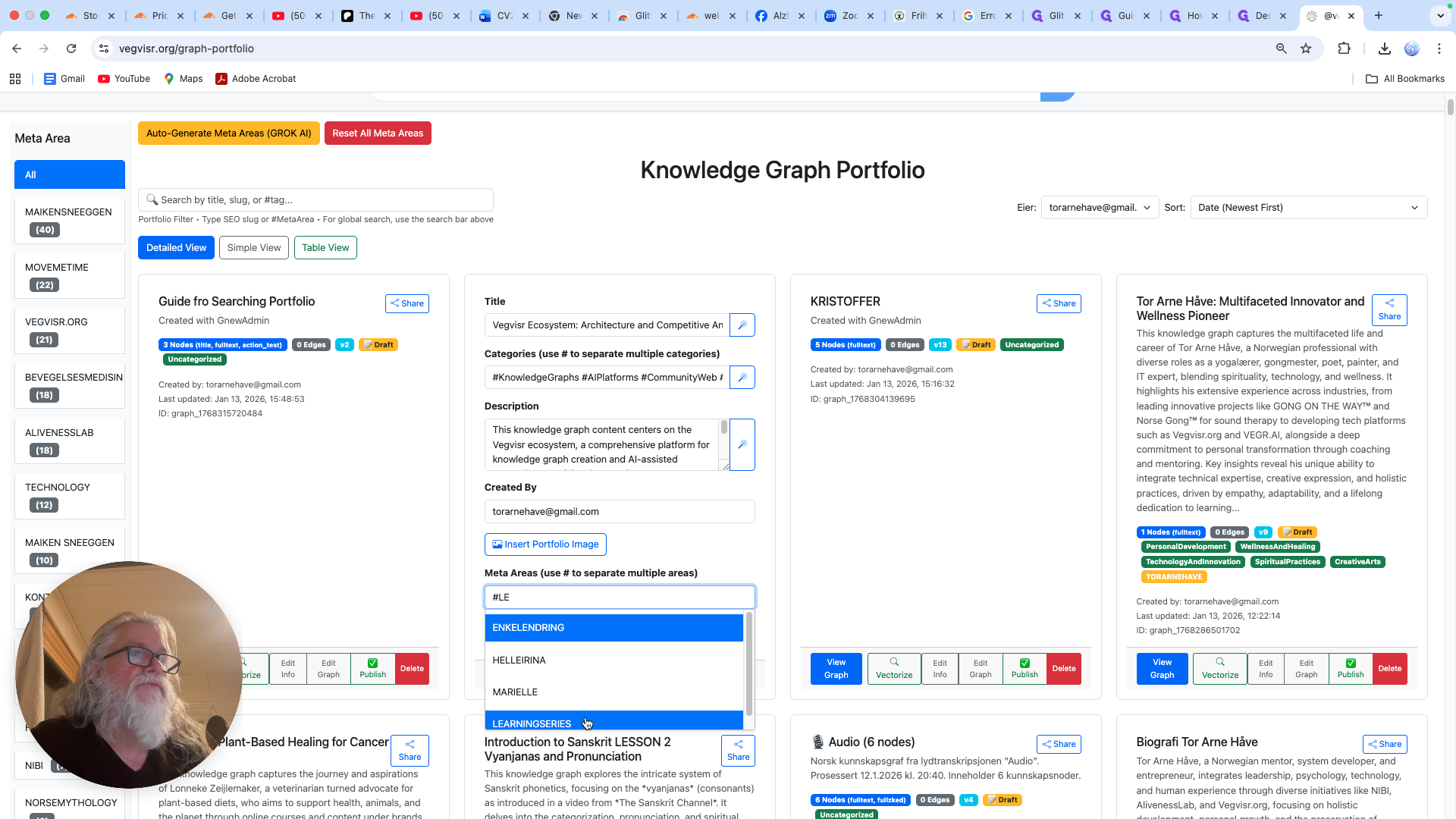
This is the meta area and vegvisir, okay?
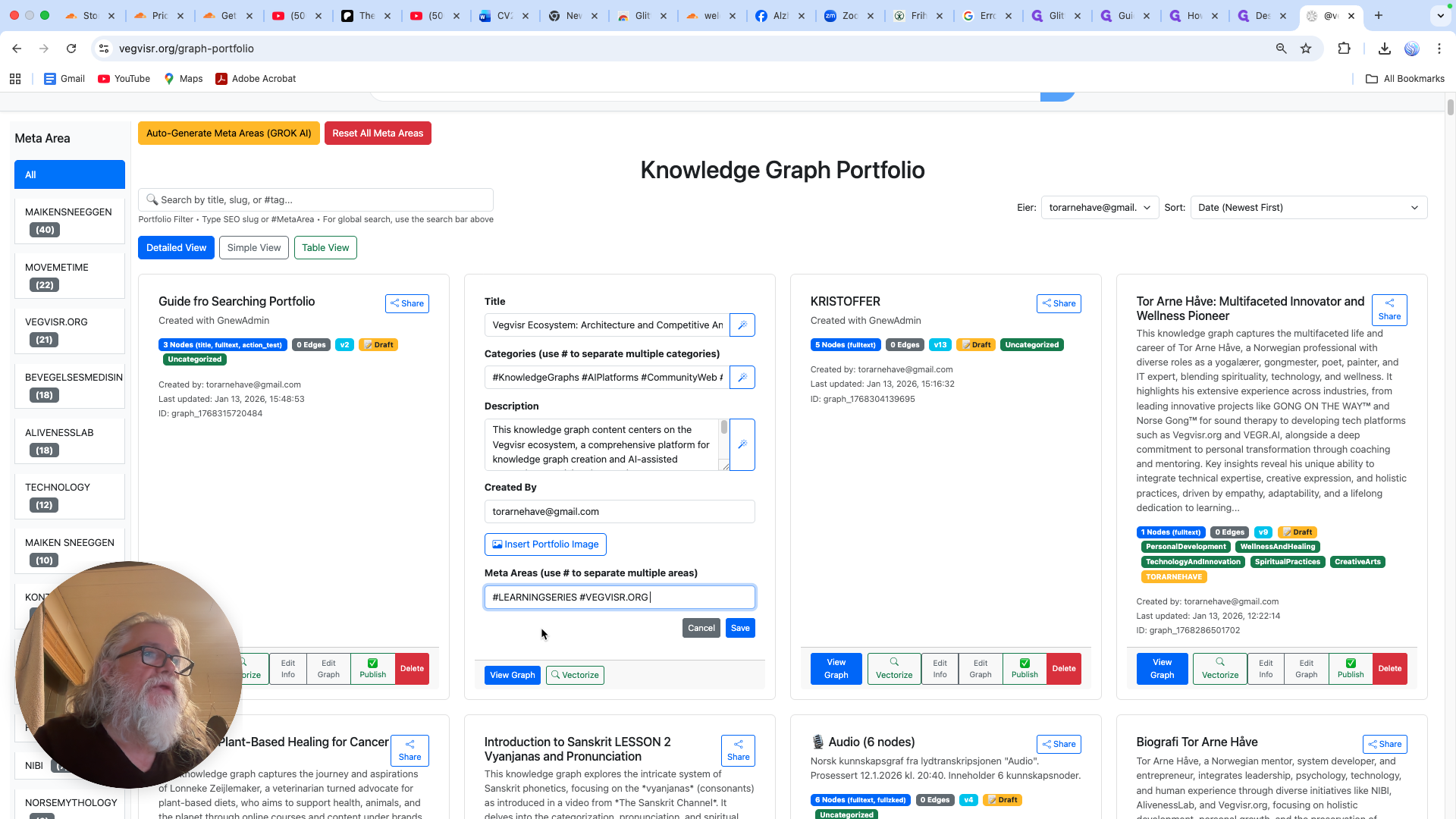
Org, save, and now we have a completely new description of the current graph.