How to Update SEO When Revising Page Copy: A Step-by-Step Guide
How to Update SEO When Revising Page Copy: A Step-by-Step Guide
Learn how to update SEO effectively when revising your website copy. This guide covers using Yoast SEO, optimizing key phrases, meta descriptions, internal linking, schema, and more to ensure your pages rank higher.
By Robin Dickinson
In this guide, we'll learn how to update SEO settings when revising page copy using Yoast SEO. The goal is to ensure your content is optimized for search engines by entering focus key phrases, improving readability, and updating meta descriptions. We will also cover how to handle internal linking, schema, and cornerstone content settings to help your pages perform better in search results.
Getting Set Up
The first problem is always finding anything...
1
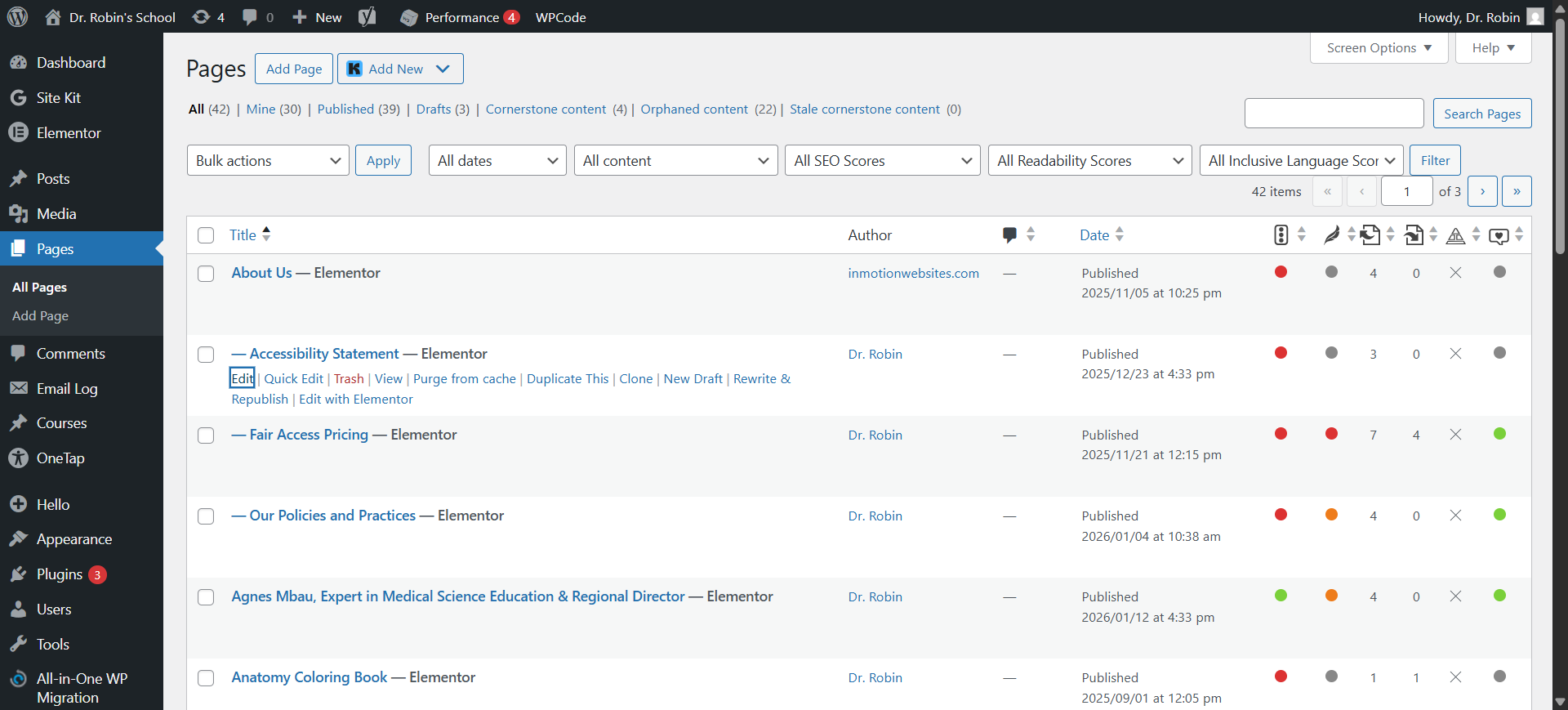
To access Yoast SEO, click on "Edit," not "Edit with Elementor"
2
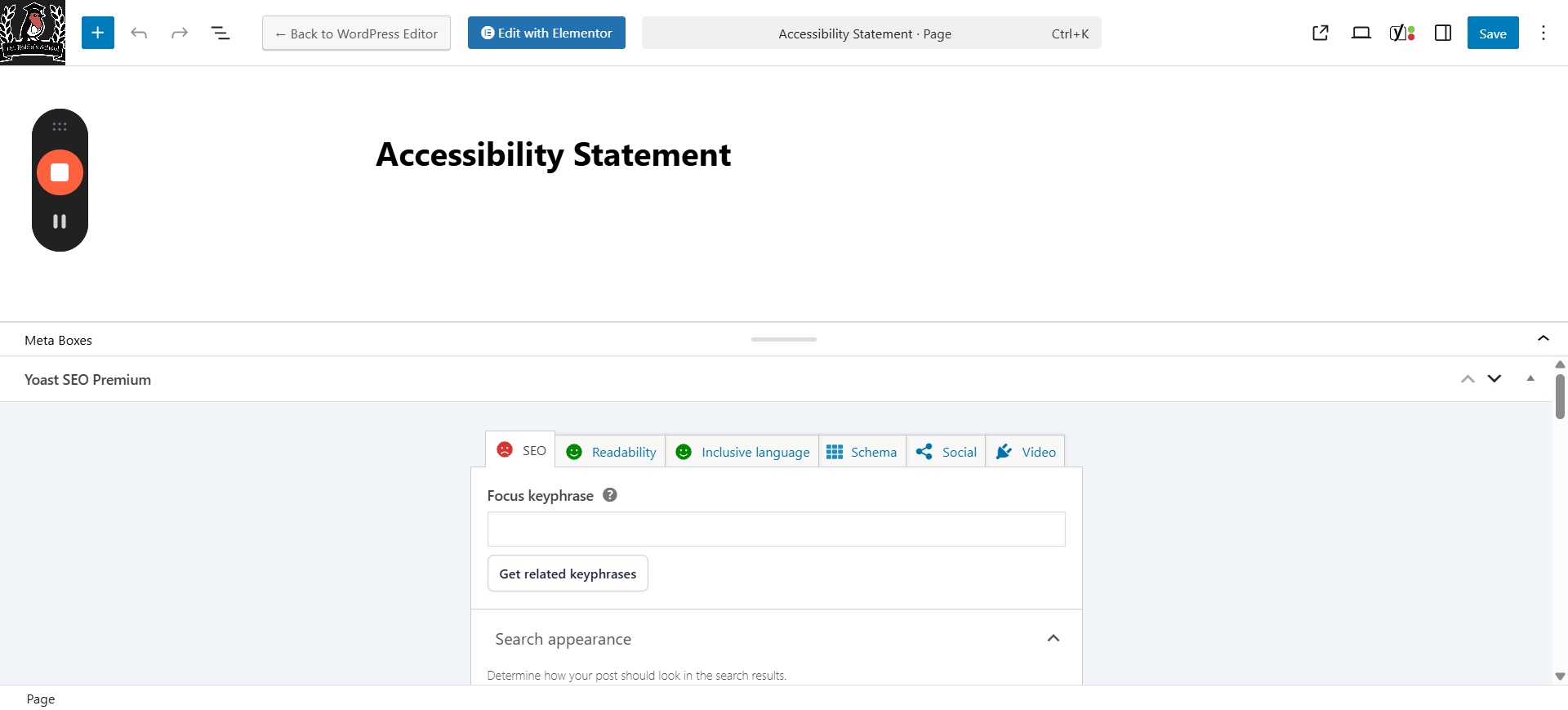
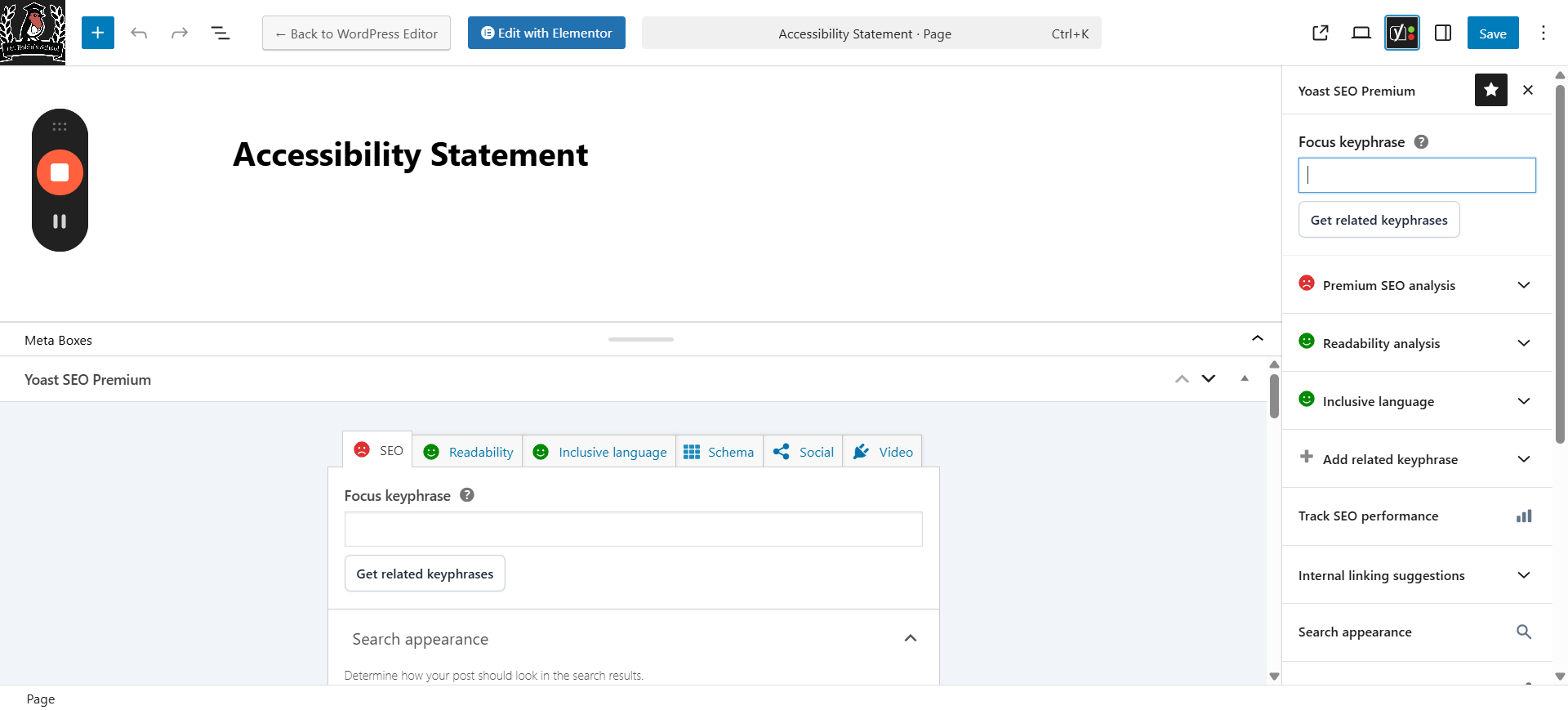
You can view the SEO information in two places here.One is at the bottom of the page, and the other is on the side. This shows the one at the bottom.
3
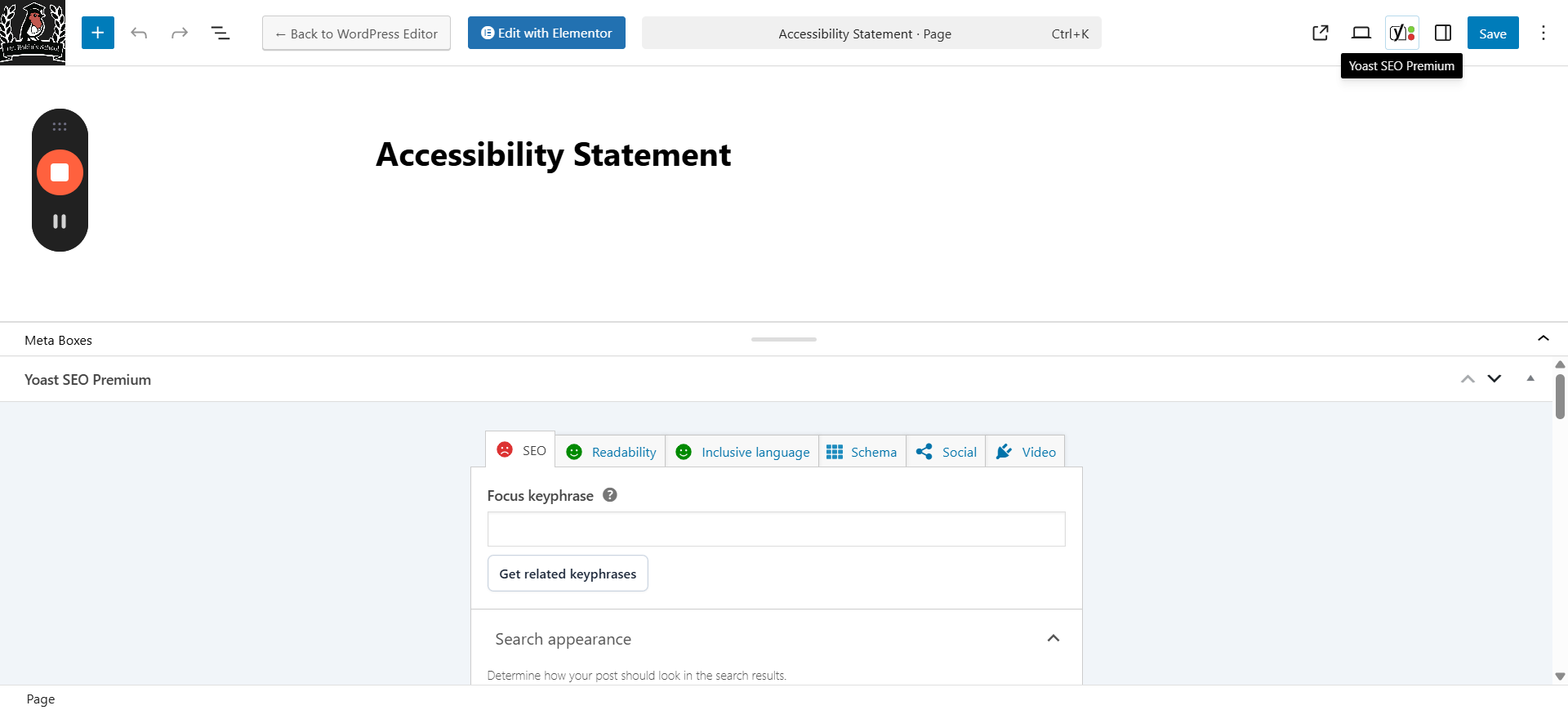
To find the one on the side, you need to click on the Yoast icon to pull out the sidebar.
They appear to have the same items.Use whatever you want.Remember that you won't see anything on the actual page in this view.
I find that when I'm working, it's more convenient to open Elementor in a separate tab so I can switch between them easily.
Start By Editing Meta Data
Generally you want to edit the Meta Data first because some of the scoring is based on how well this matches. But you might also go back and forth a bit because it's often easier to edit the metadata than to rewrite other things.
4
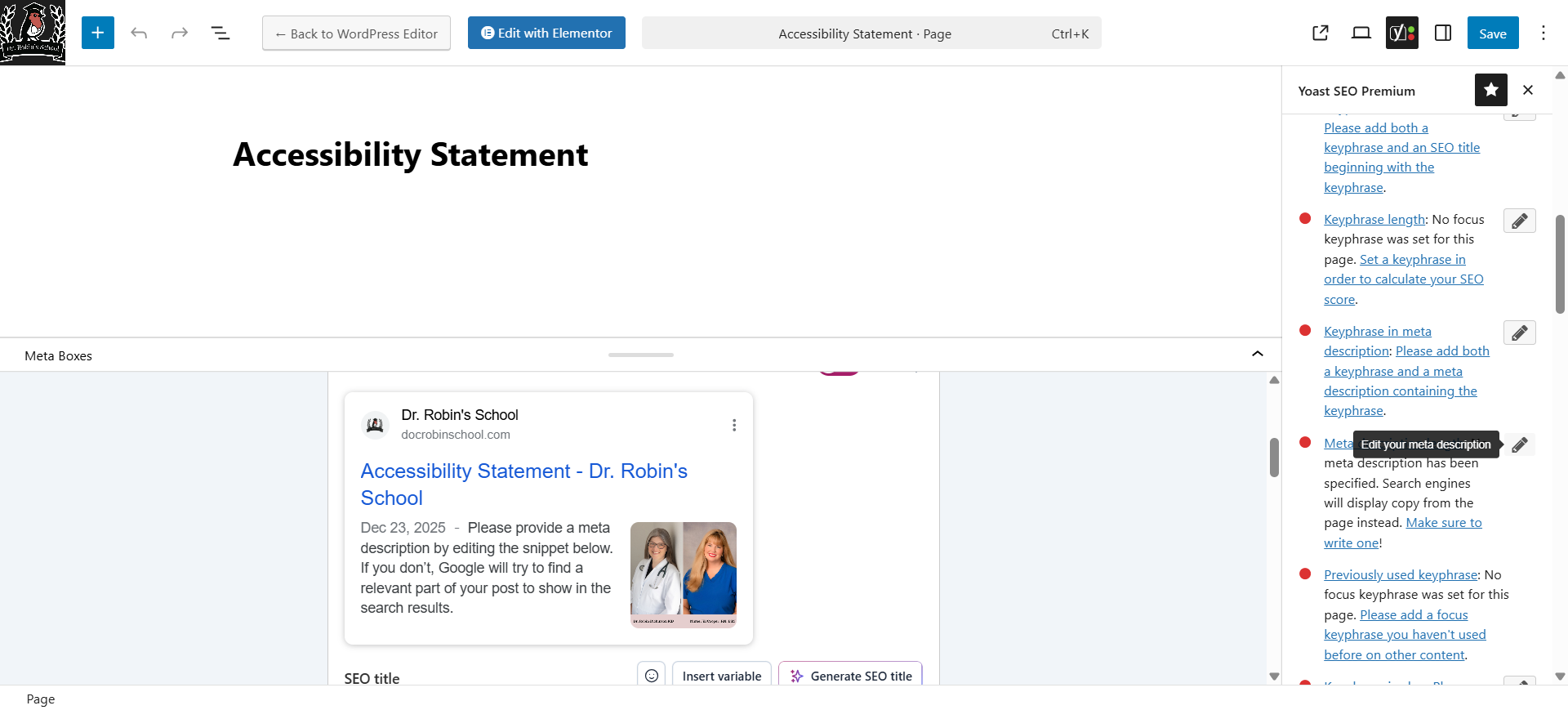
One option for editing meta data is at the bottom of the page.
5
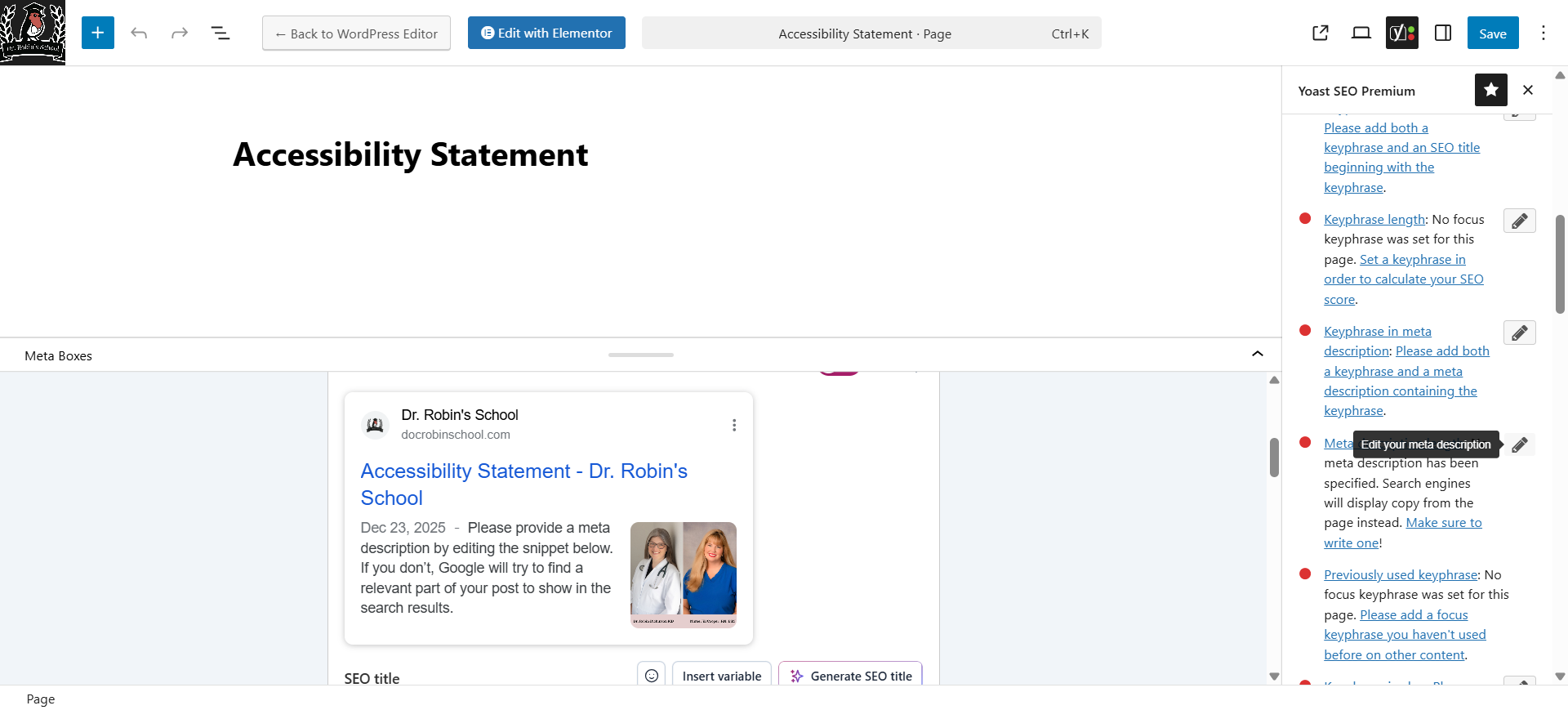
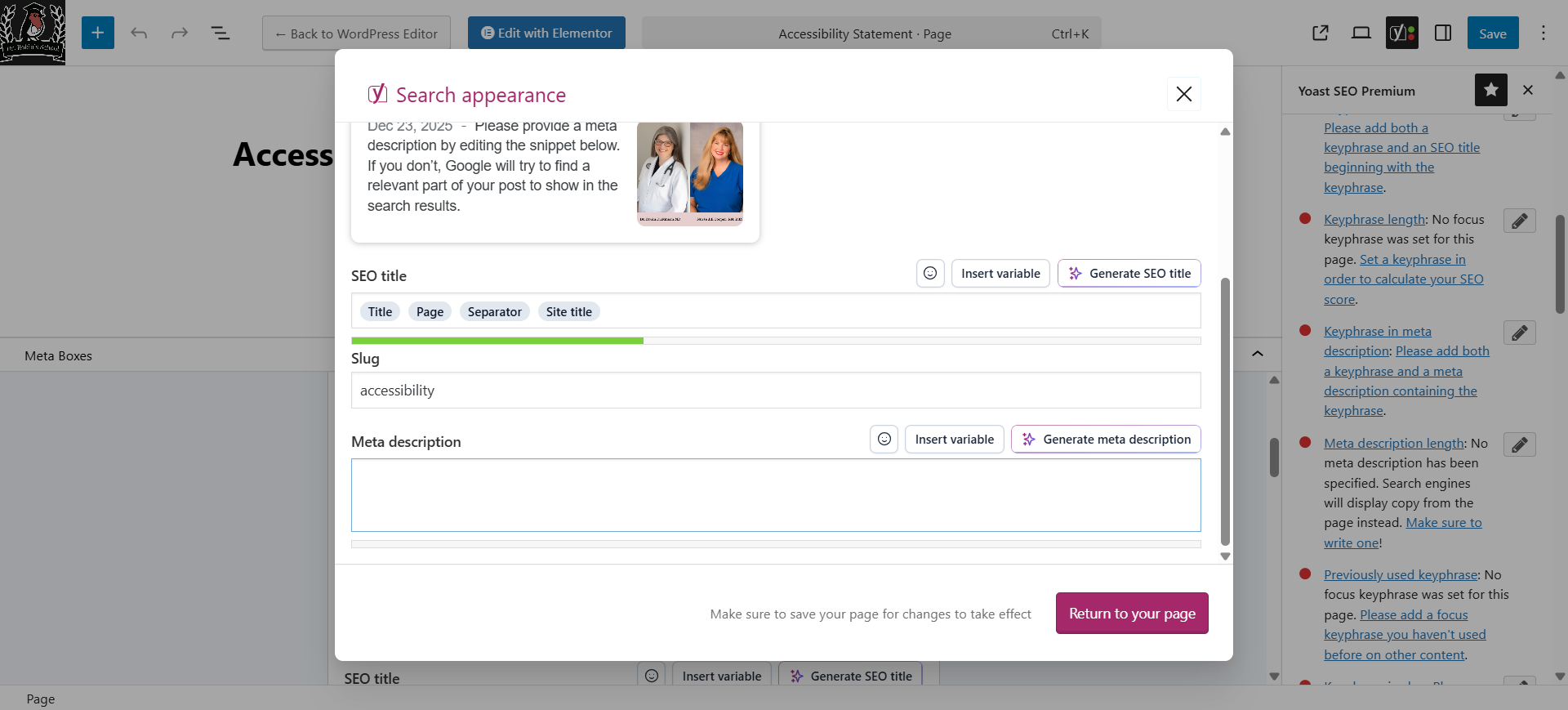
You can get the metadata at the bottom of the screen but I prefer to do it another way because it gives a nice big pop up box that's easier to work in. Find a place where it says there's a problem with your metadata and then click on the pencil to edit it. Box opens.
6
Here's that nice pop up box. So much better. Here, you can change the slug to whatever you want and update the meta-description as needed. You can change the SEO title.Feel free to experiment with that. There is a "Generate SEO Titles" button here that will provide different ideas. You can see their recommendations. I will also make some suggestions. Focus on making everything go green.
Enter the Focus Keyphrase
This is what all the rest of the copy is based on. You can add more, if needed.
7
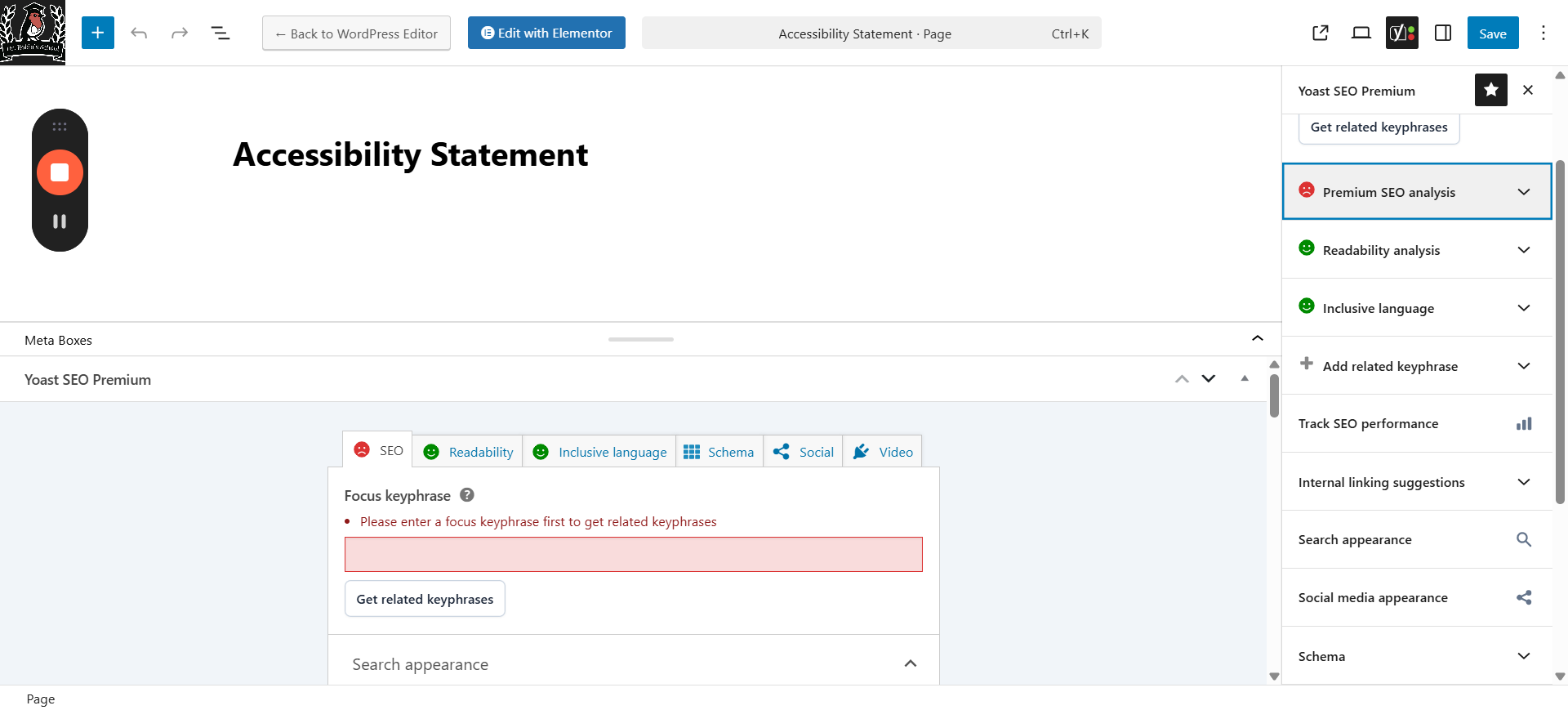
I will give you a focus keyphrase to start with. Enter it in the box on the right, or in the box at the bottom.
8
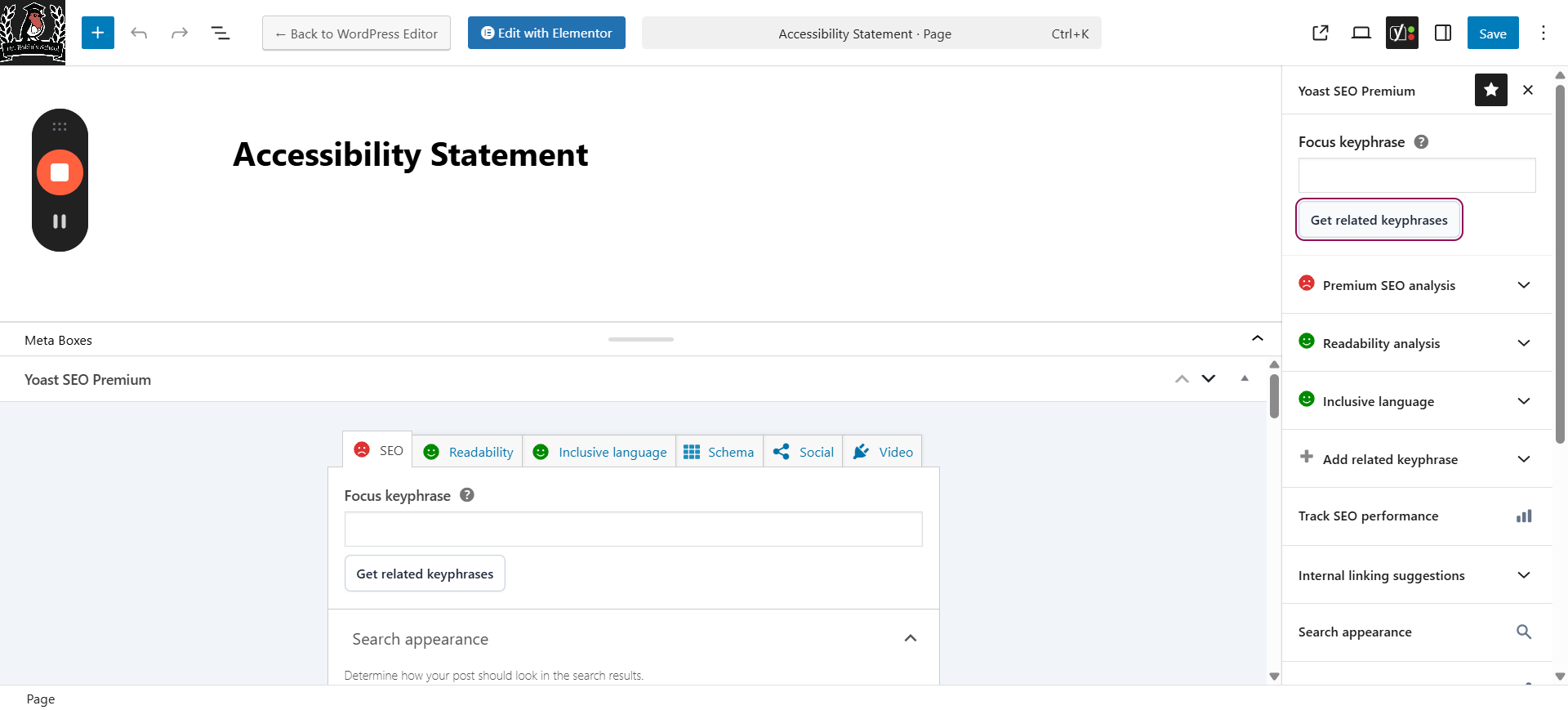
Click on "Get Related Key Phrases" to see additional suggestions. You are welcome to experiment with it.The goal here is to get a green on everything.You do what works.
9
You can view the premium SEO analysis. Enter different phrases, and it will show you all of the issues. This should all be addressed in the new copy I write. My goal is to include the key phrase in the copy.I will use this list to write my copy.If I miss that for any reason, you are welcome to fix it or message me. I have Yoast in Google Docs, so it can theoretically do all this while I write...
10
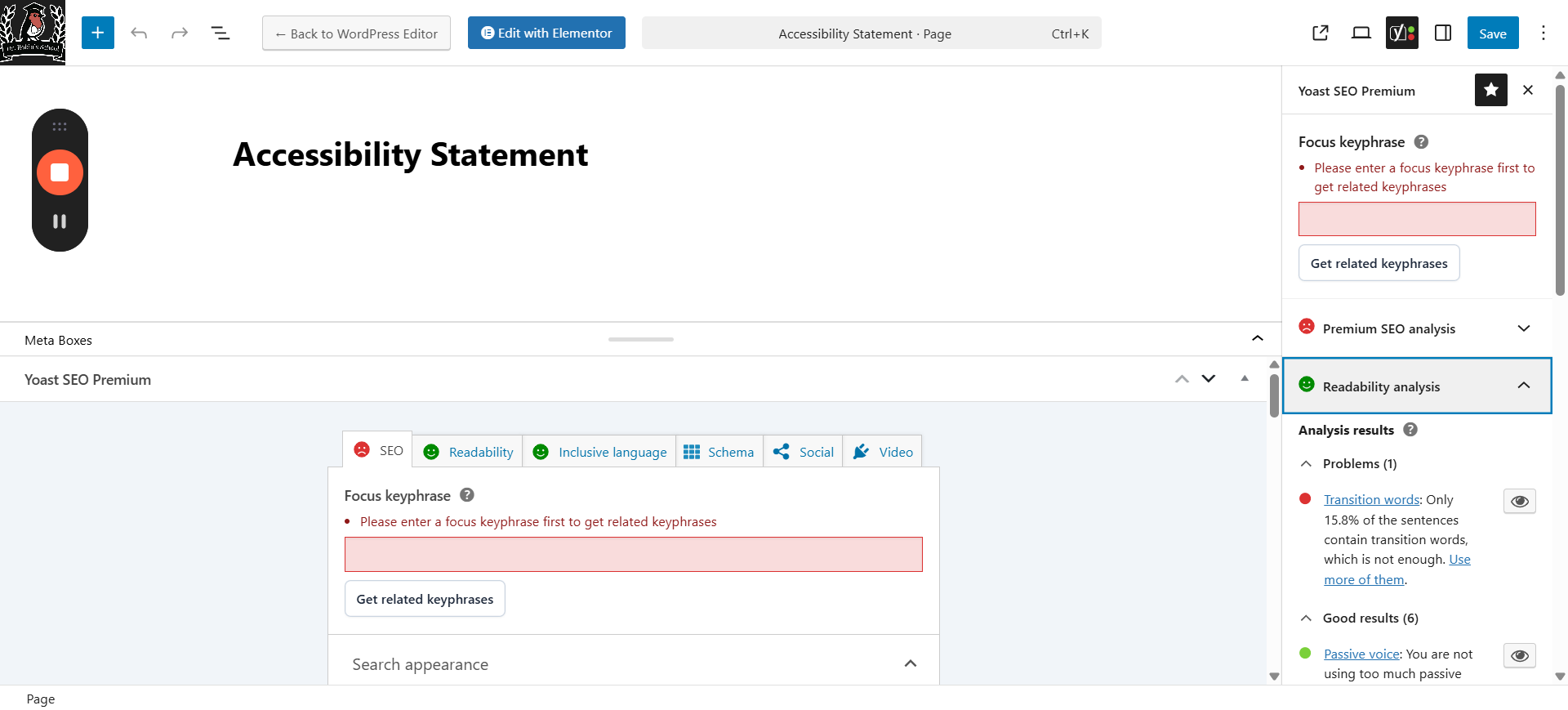
Readability analysis: we want to see mostly green indicators. I will use this list while writing.
11
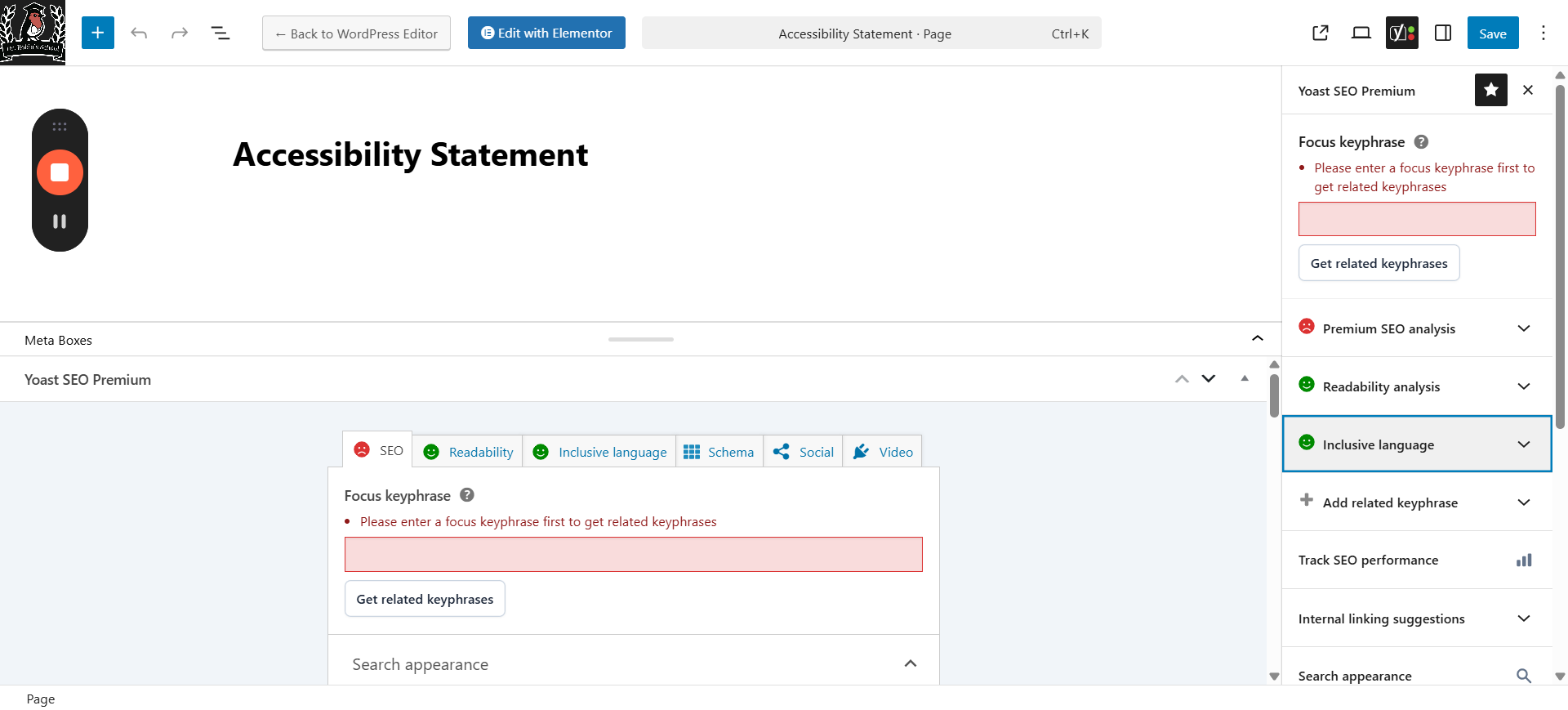
Of course inclusive language, though I've never had a problem with that one.
12
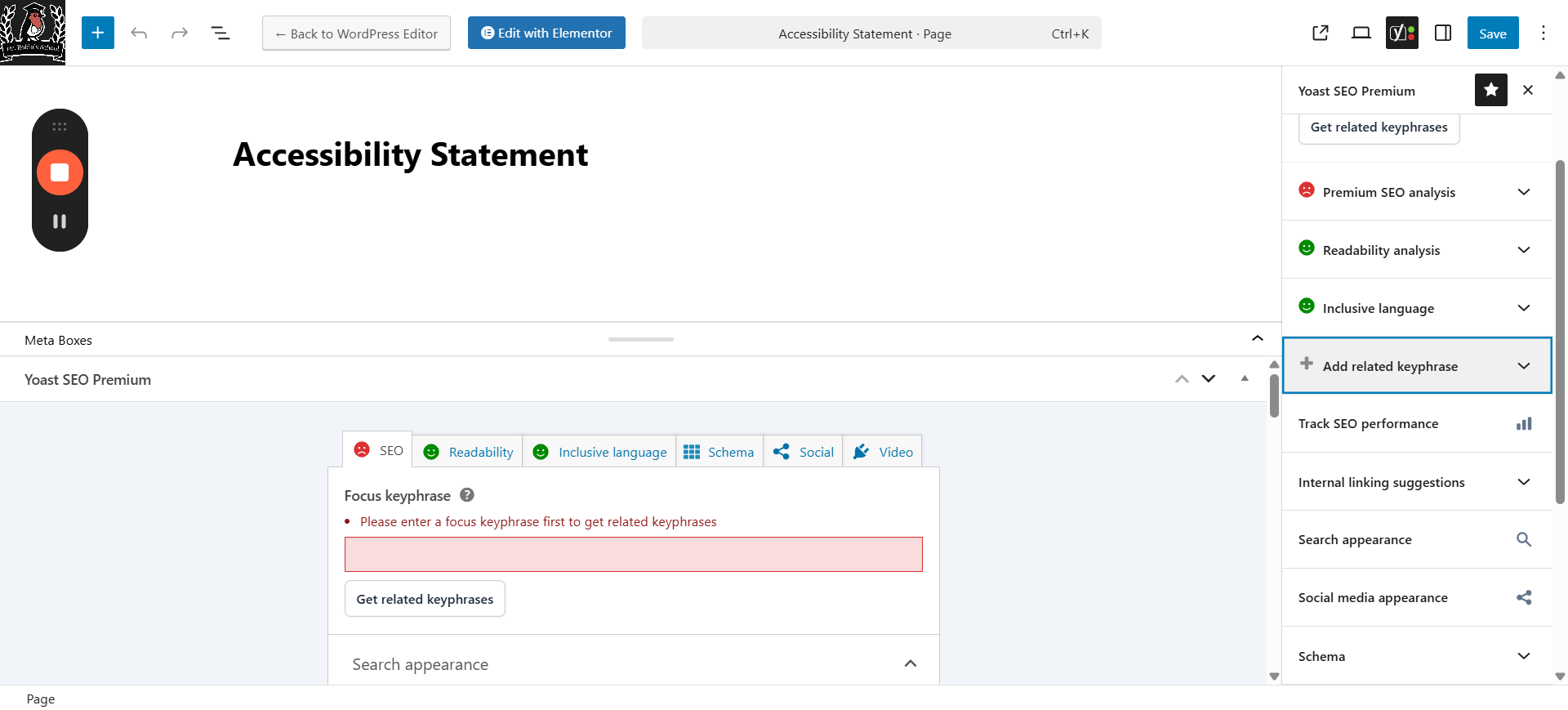
Then you can add any other related key phrases.
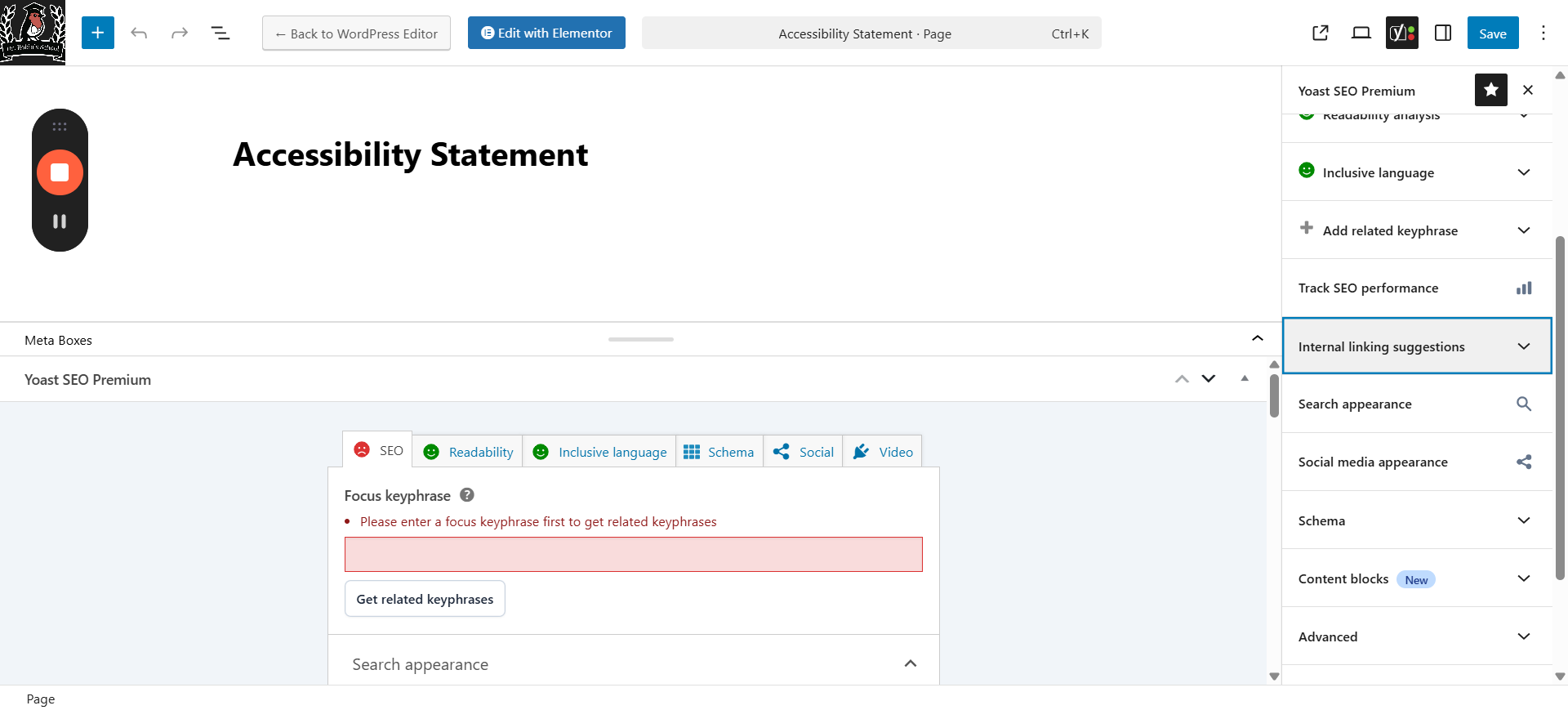
13
Internal linking suggestion is something you will need to take care of yourself since that won't be available to me in Google docs. Basically internally linking is good for SEO. It suggests doing internal linking after you've completed the meta-description.
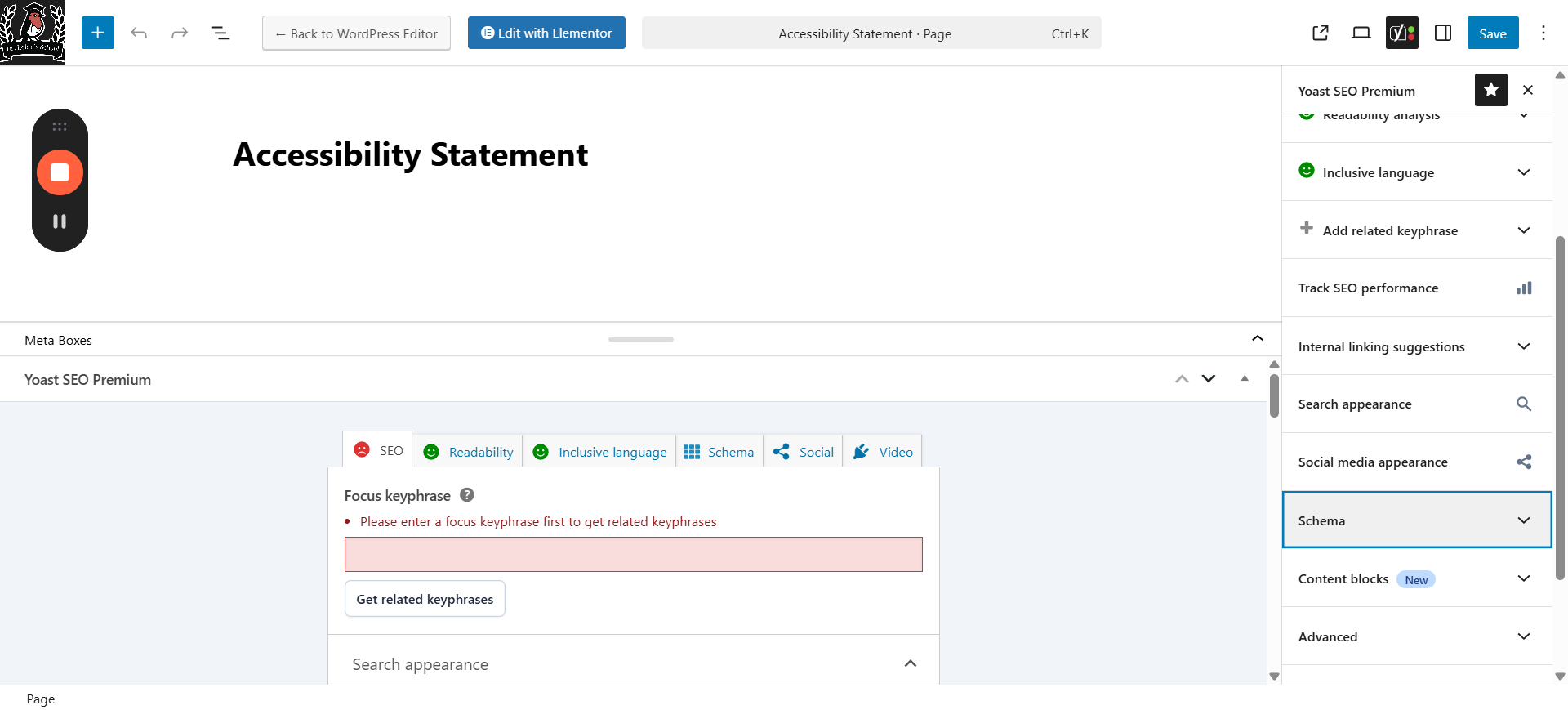
14
Double check that the schema is correct.
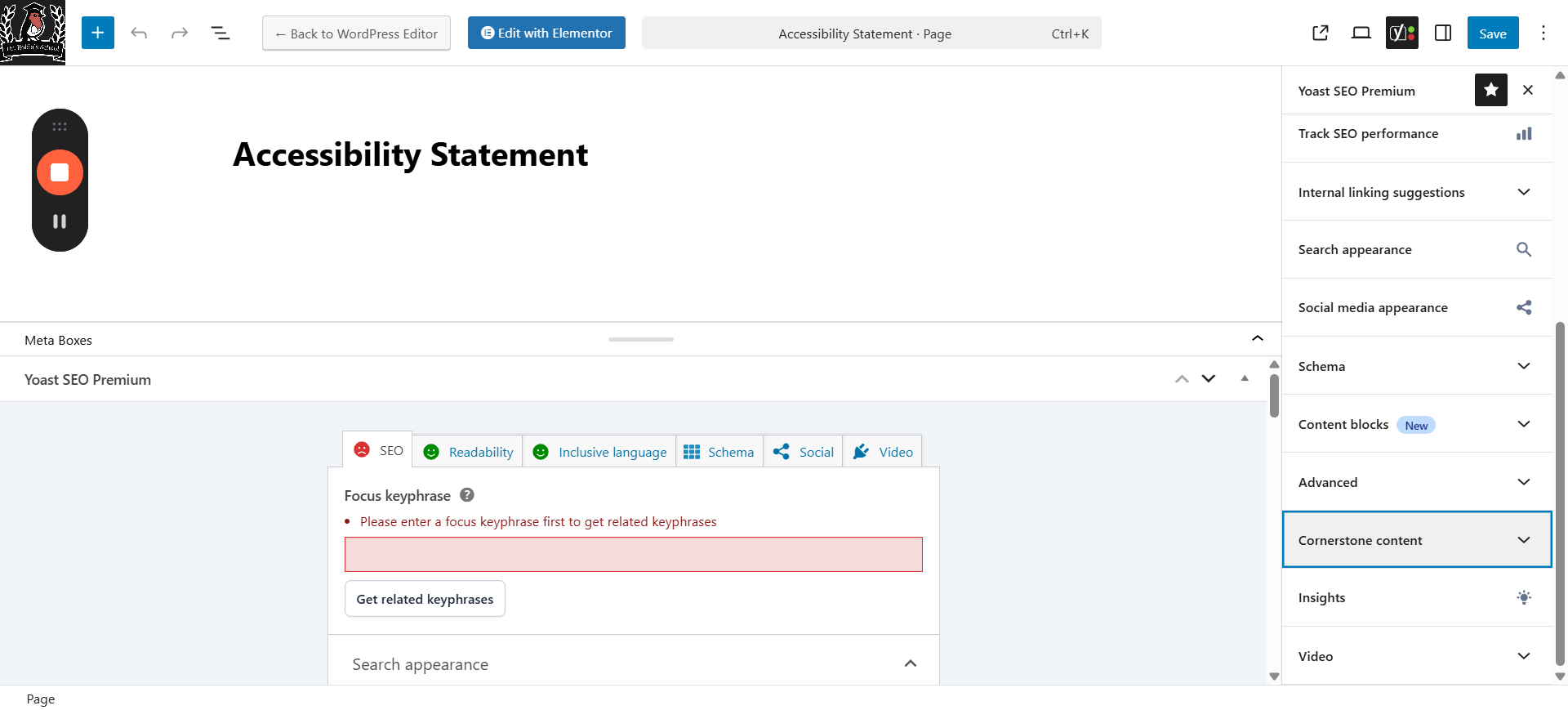
15
Mark it as cornerstone content if it is one of the main pages that other content branches from.If you're not sure which one is cornerstone, click here for the article on the step-by-step cornerstone workout. I found it really helpful!
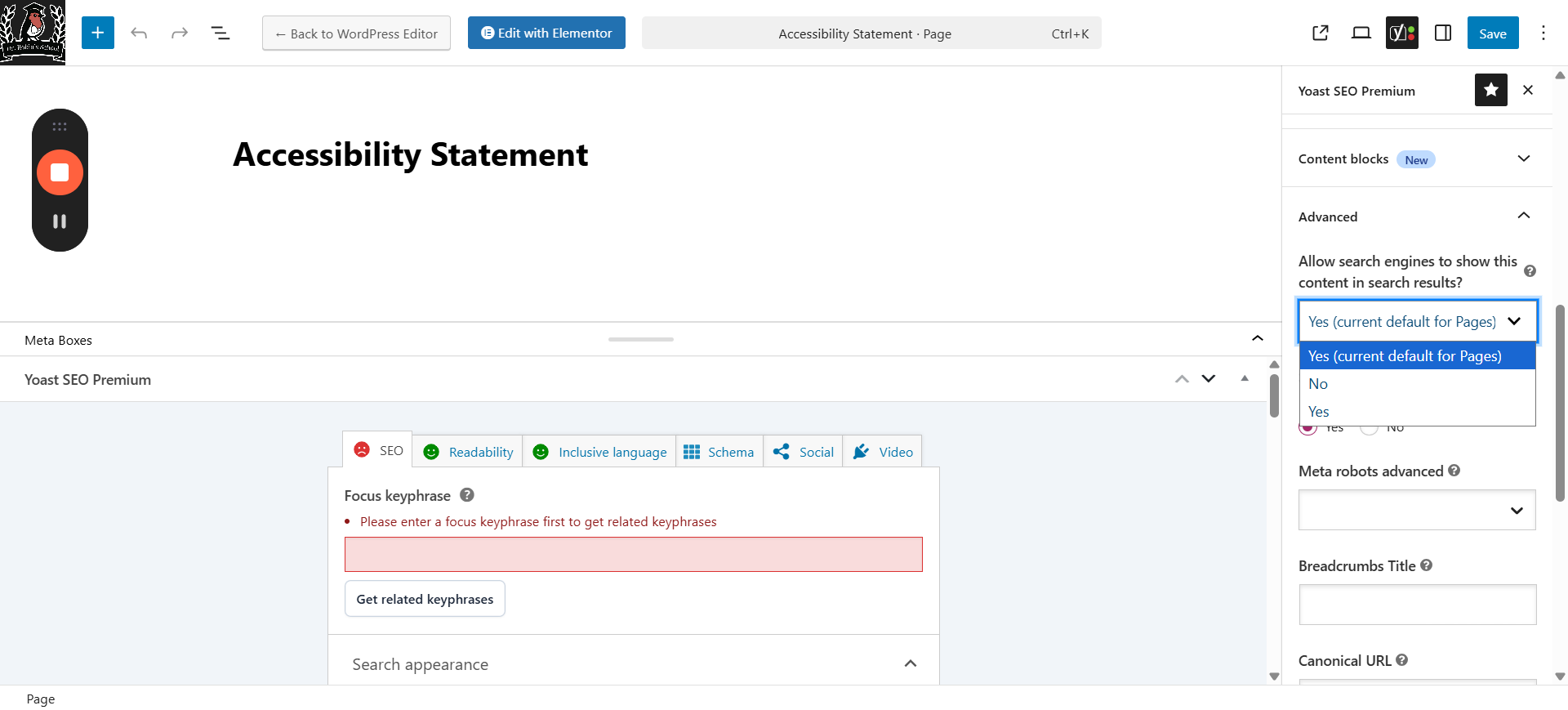
16
Under Advanced, you have additional options if needed. The most important is that this is where you can turn off access to search engines. Any pages that we don't want indexed need to be marked here. I think I already marked them but double check. That would be things like confirmation pages, hidden landing pages we only want people to find if we give them the link, etc.
If you run into problems, ask. I will try to do things well the first time when I give it to you.But if I don't, feel free to fix it or message me.
That's everything you need to do for SEO while working on the new copy!