Update the Weekend (Airtable Event) Staffing Record
How to Update the Weekend Staffing Records following the Thursday night update from the Outside Leader
In this guide, we'll learn how to update staff records in Airtable after receiving updates from an Outside Leader, such as changes to weekend event staffing. This process includes noting cancellations, removing or reassigning staff to the correct events, and ensuring the staffing information is accurate following the start of the Weekend on Thursday evening.
We'll focus on using Airtable's event and grid views to manage these updates efficiently and minor edits to the Leader Pack.
Let's get started
Updates tend to arrive as screenshots of handwritten edits to delete the leader pack sheets. (Sometimes the edits are made directly in the lead pack if the outside leader has the device connected to the Internet.)
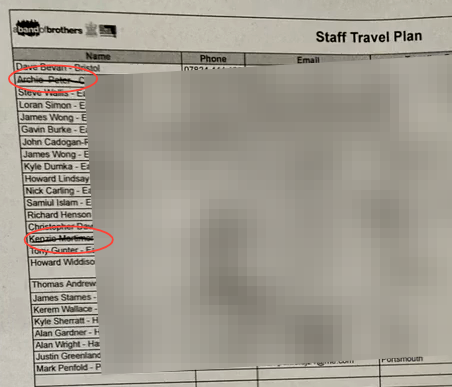
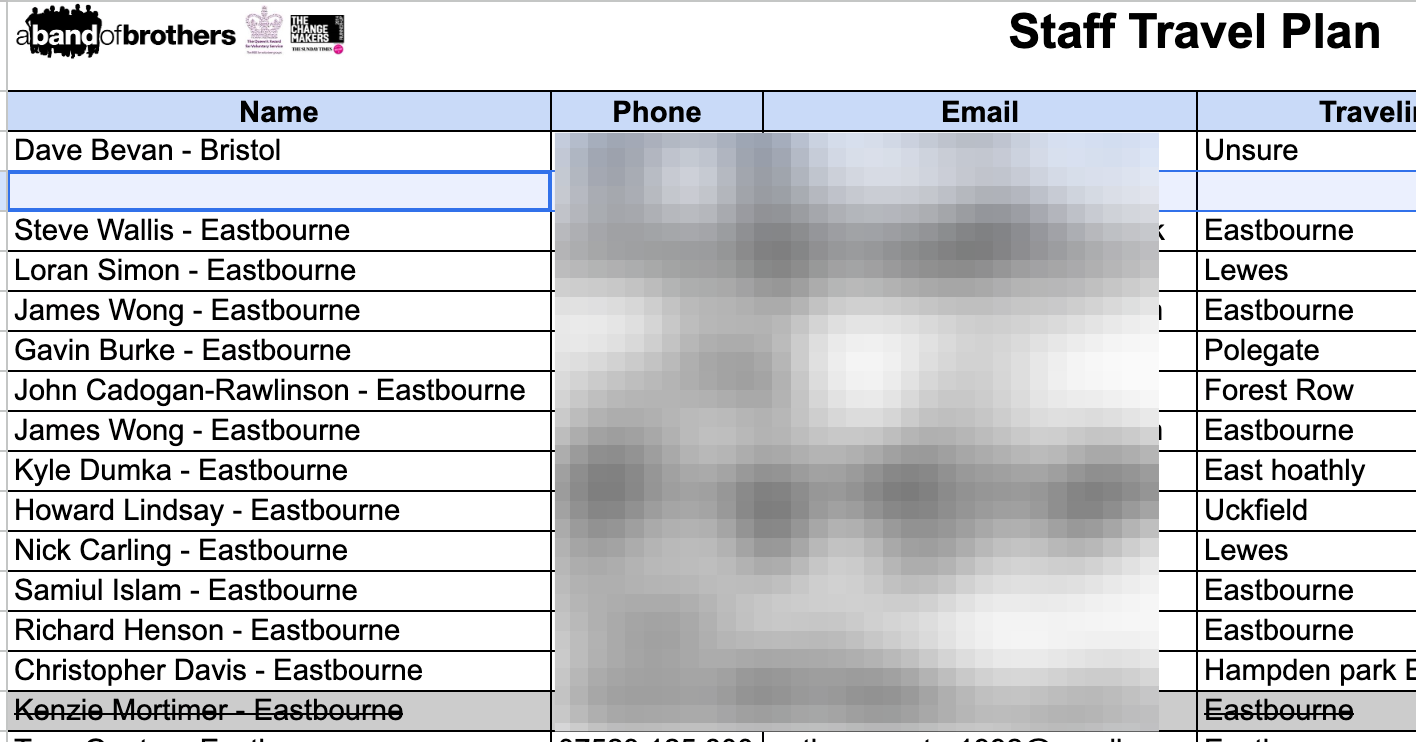
In this case, we have a screenshot of the staff travel plan for the Eastbourne-Hastings weekend in March 2026. I have been informed that one individual, Archie P, signed up for this weekend by mistake. Kenzie M couldn't start due to personal reasons.
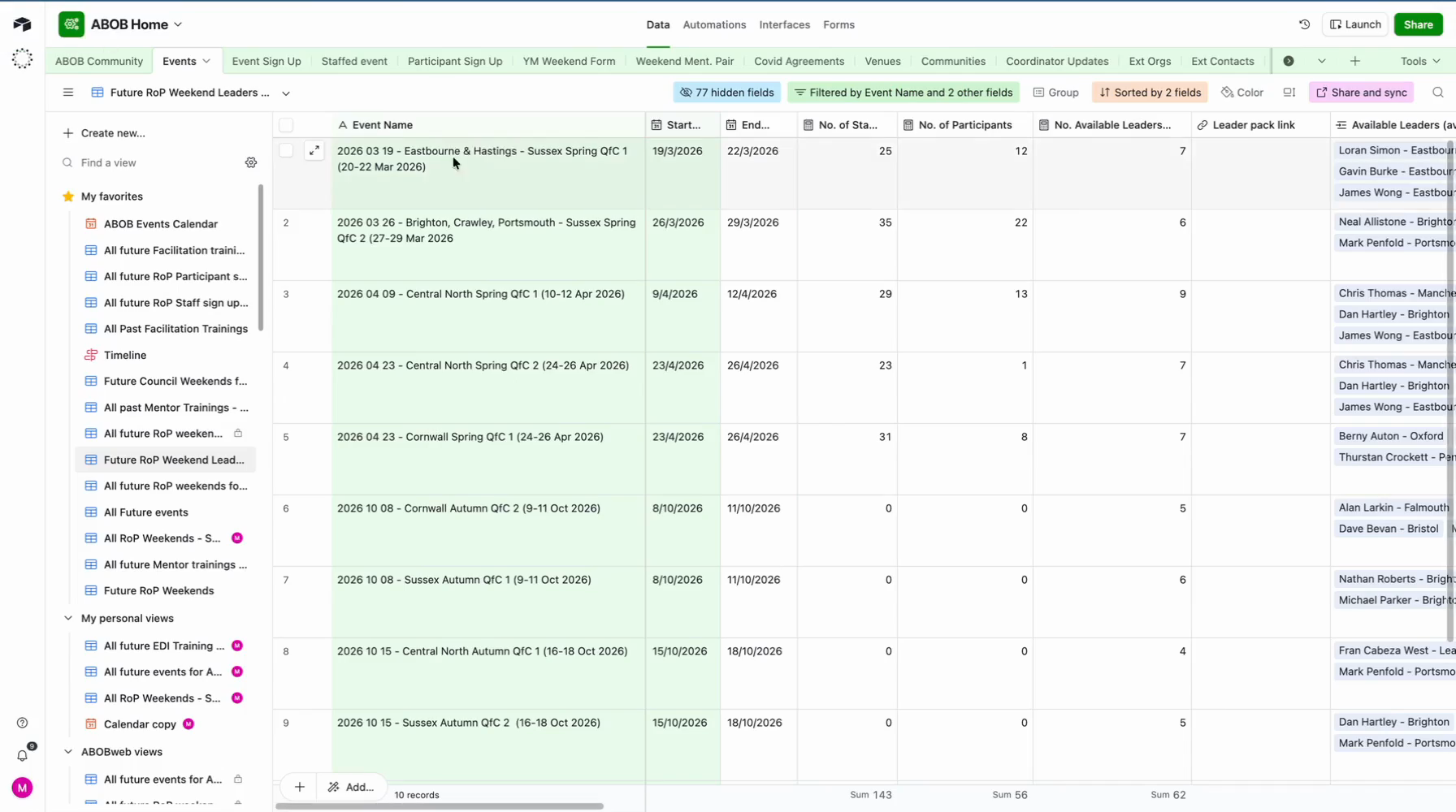
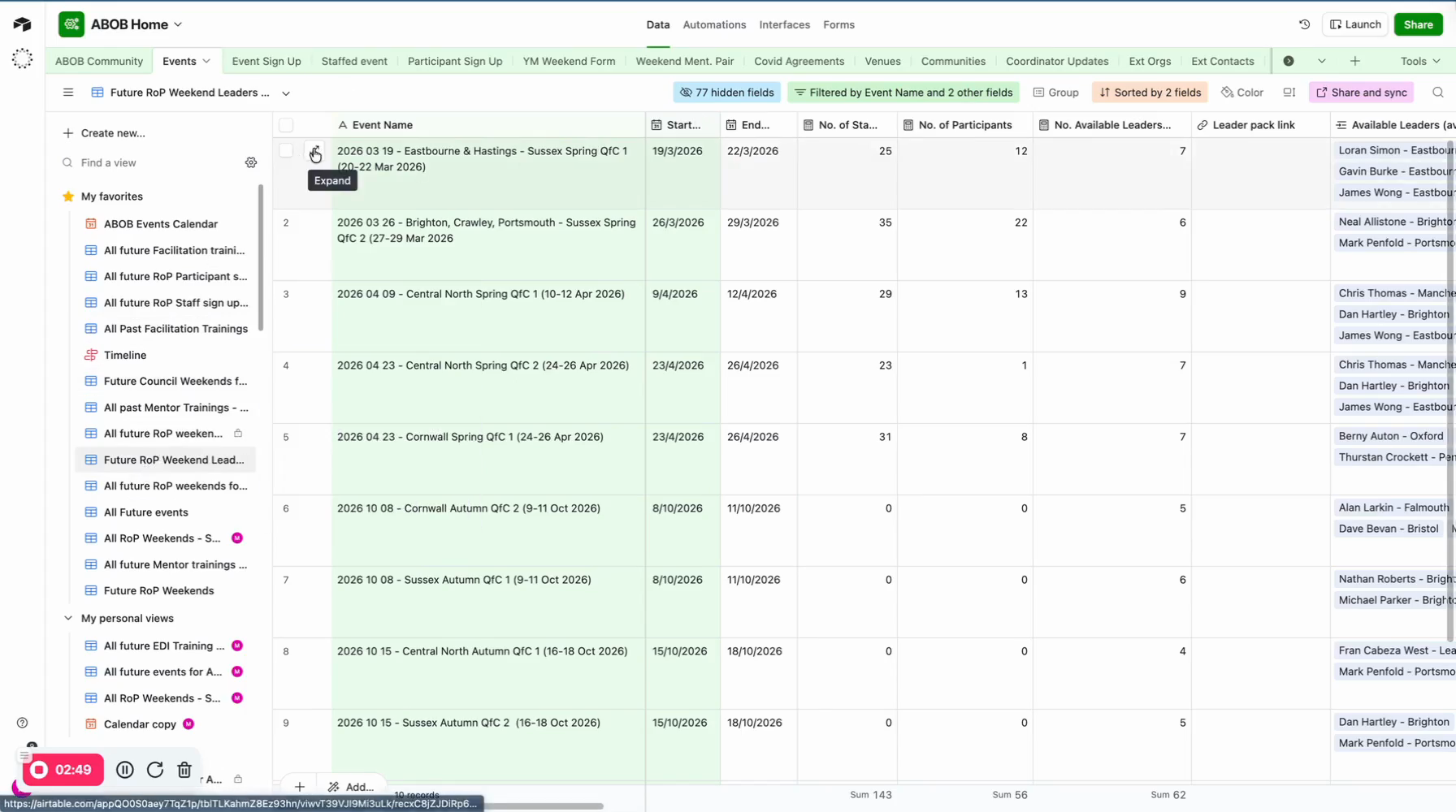
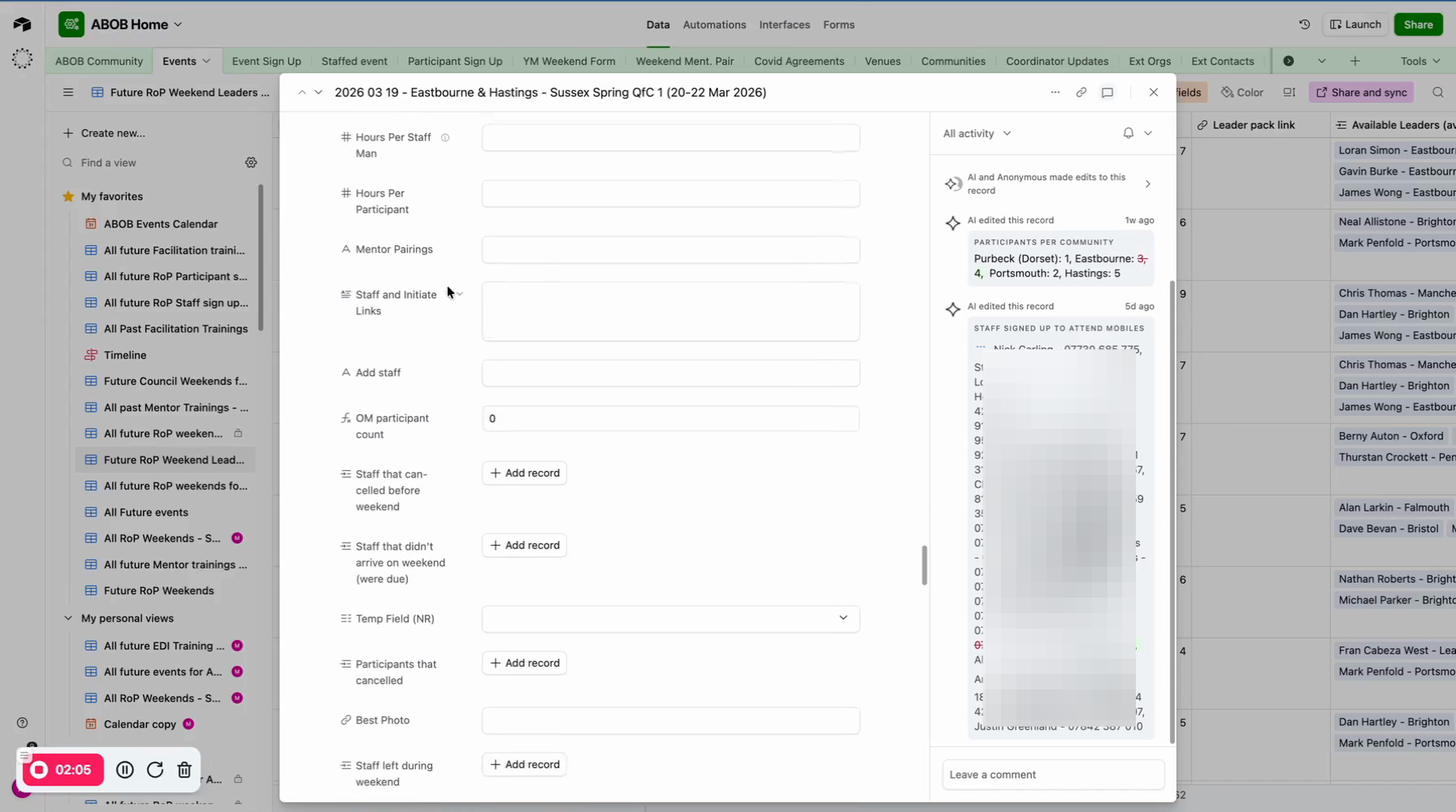
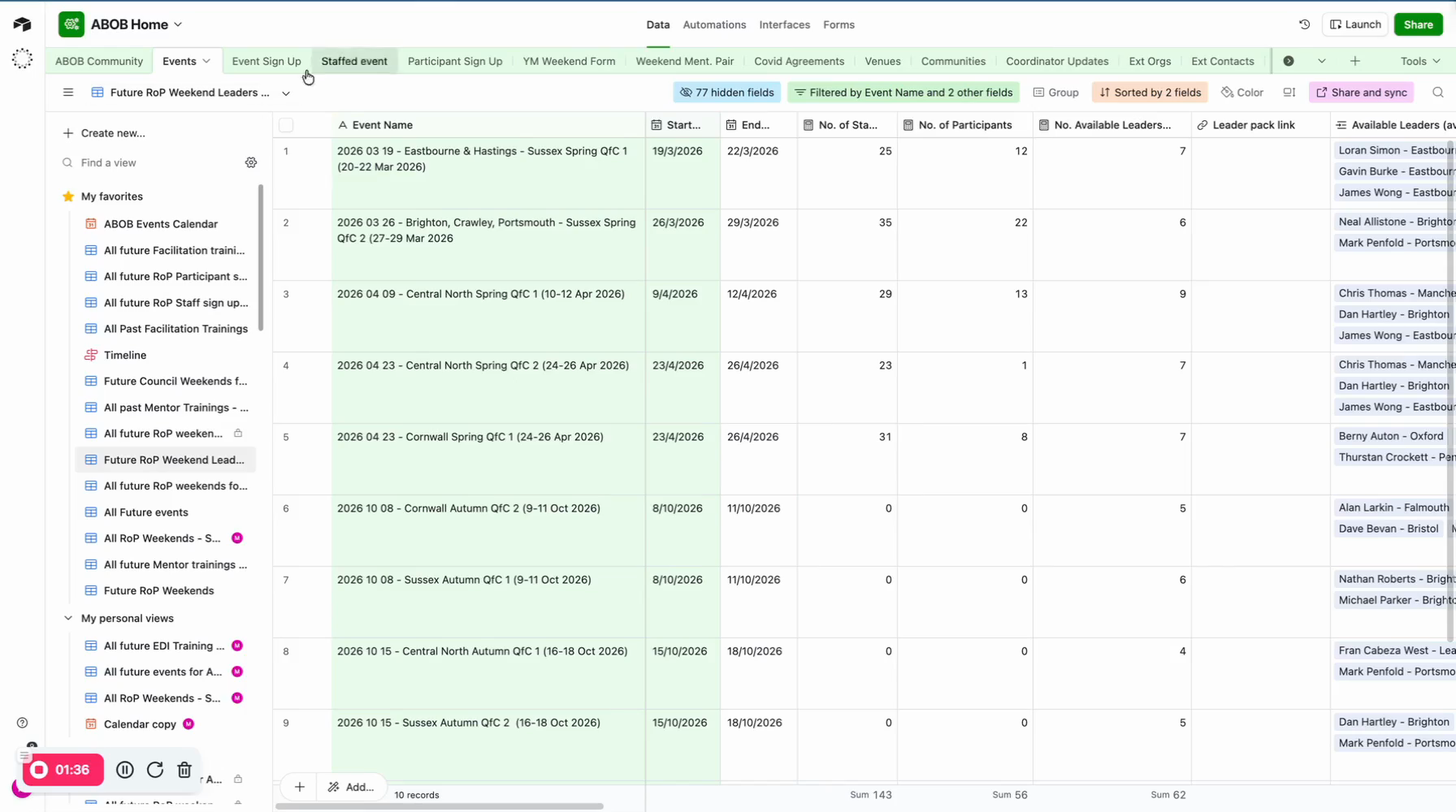
So a couple of things need to happen. The Leader Pack should be updated, and especially Airtable. Then, go to the Airtable and open the events table. Find the weekend event name, as this is the easiest way to proceed with editing the event record and the record of the staff team.
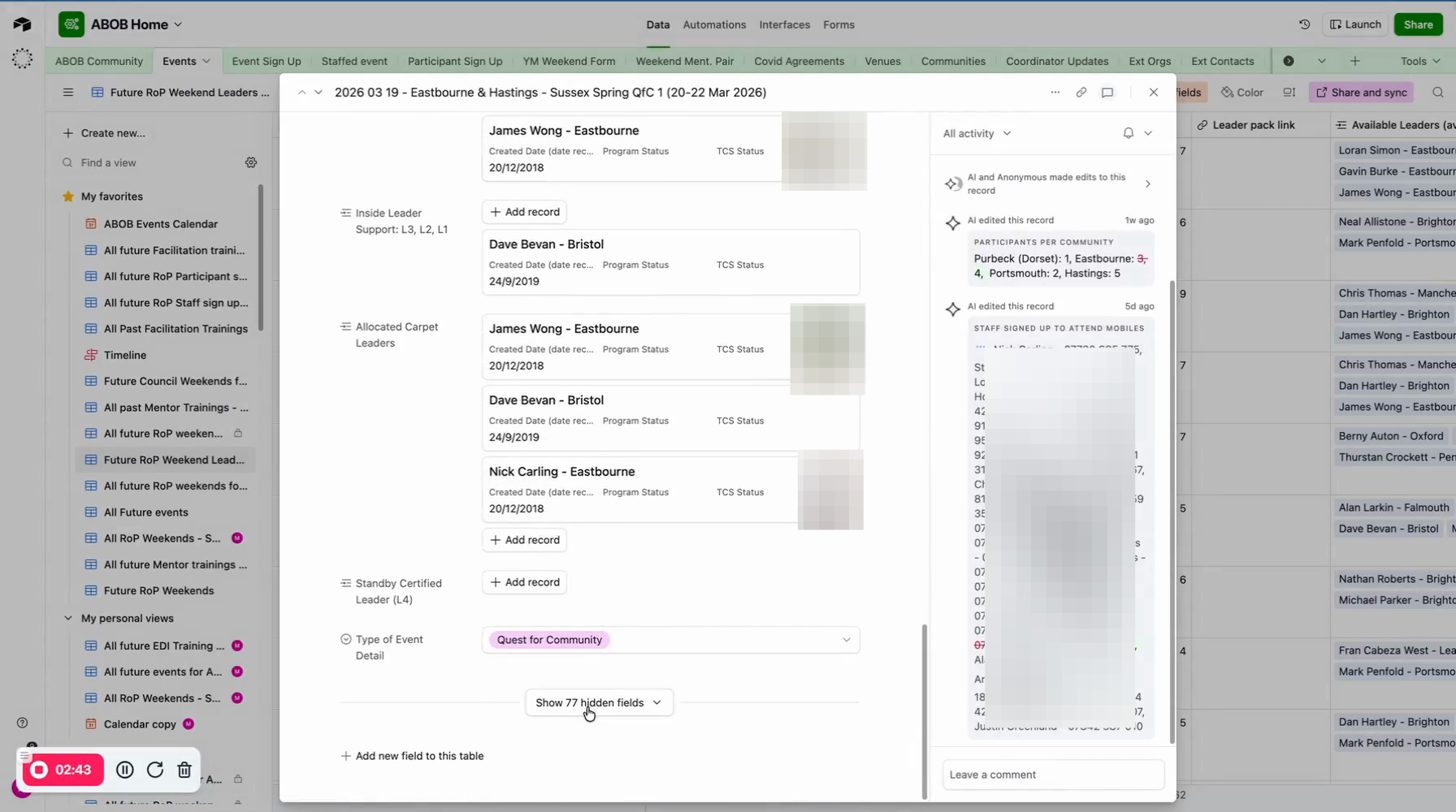
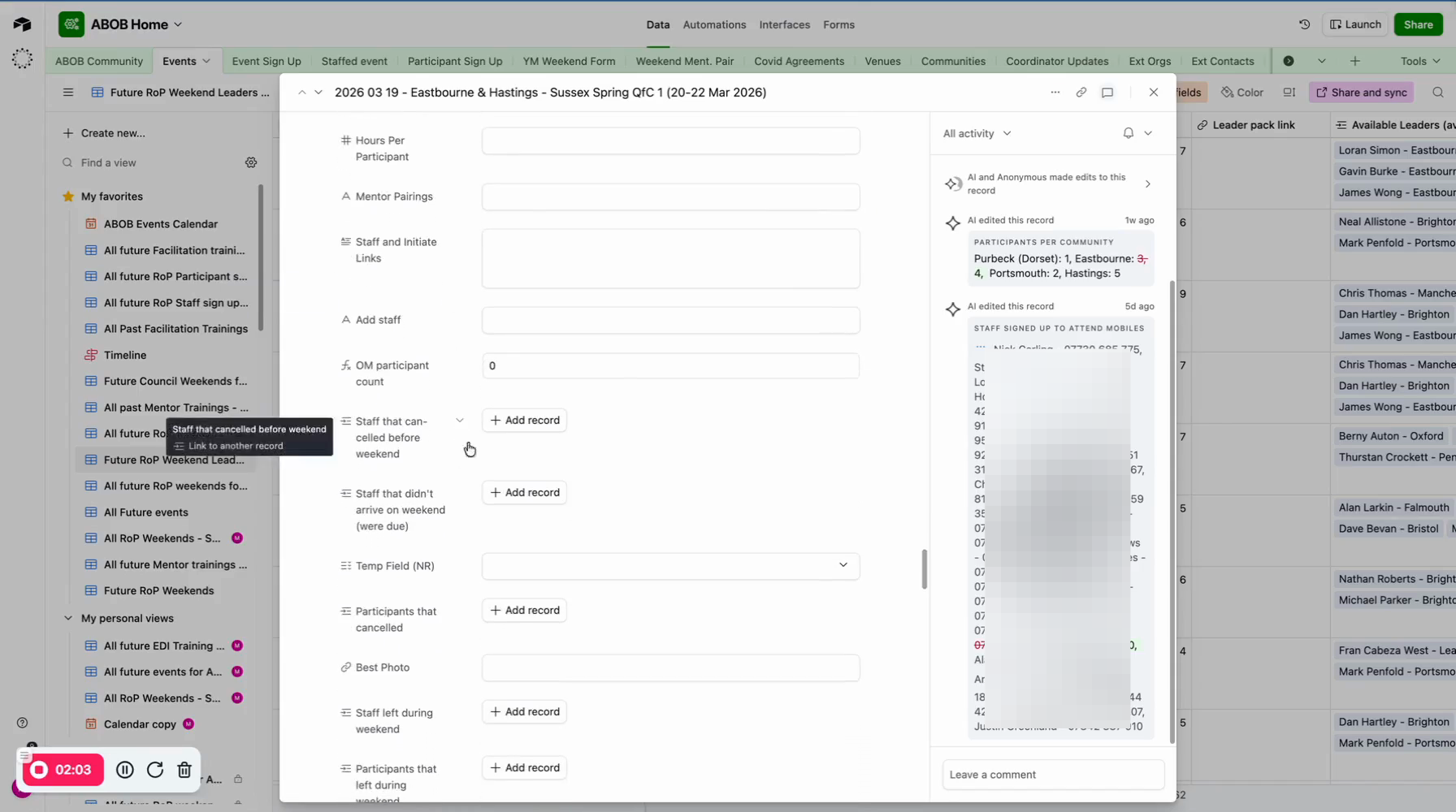
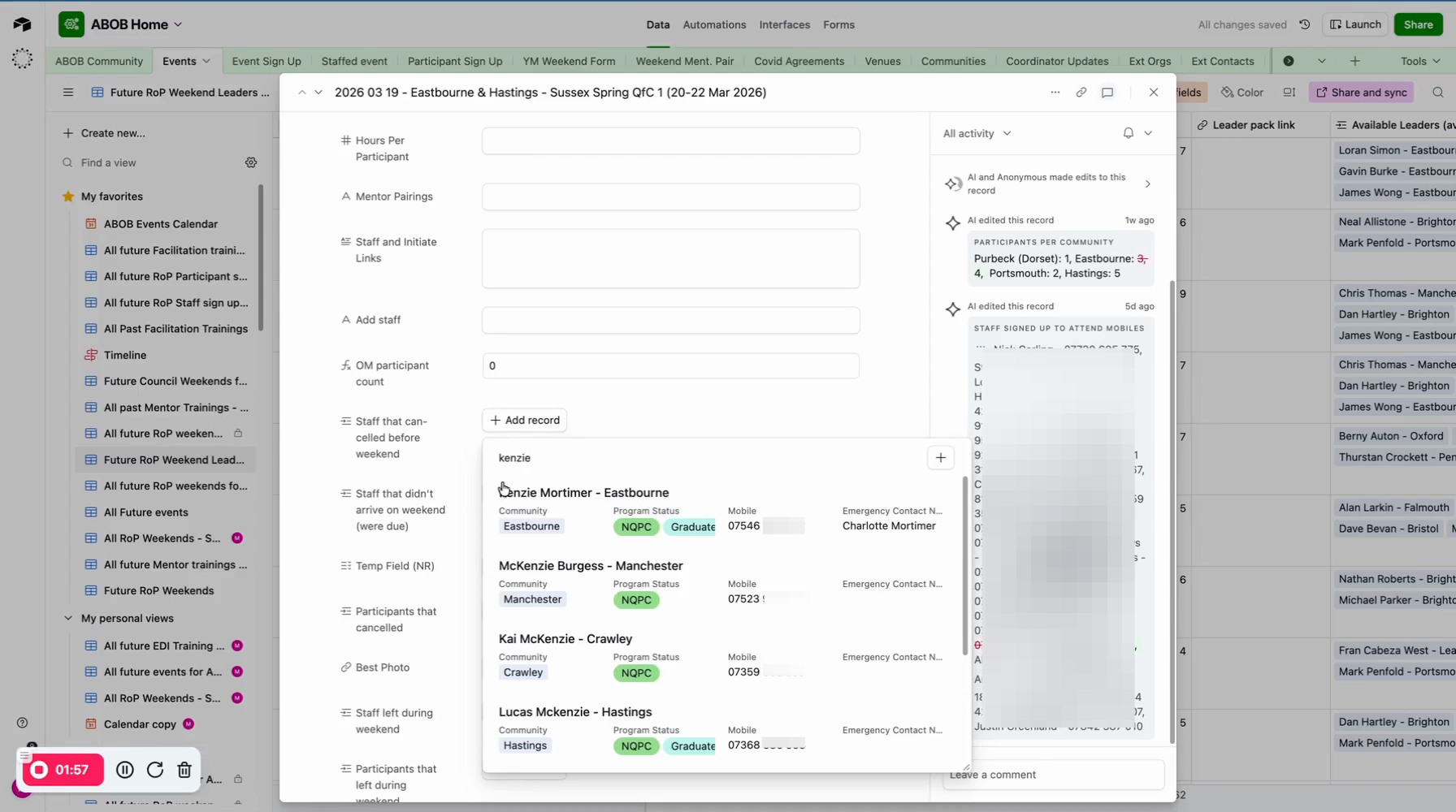
I don't want to remove Kenzie M because he signed up for the weekend. However, we need to make sure that after the weekend, he isn't added to 'Staff attended event'. It should be noted that he withdrew. So his name must be added to 'Staff that cancelled before weekend'.
Reassigning a staff member to the right weekend if they signed up for the wrong weekend
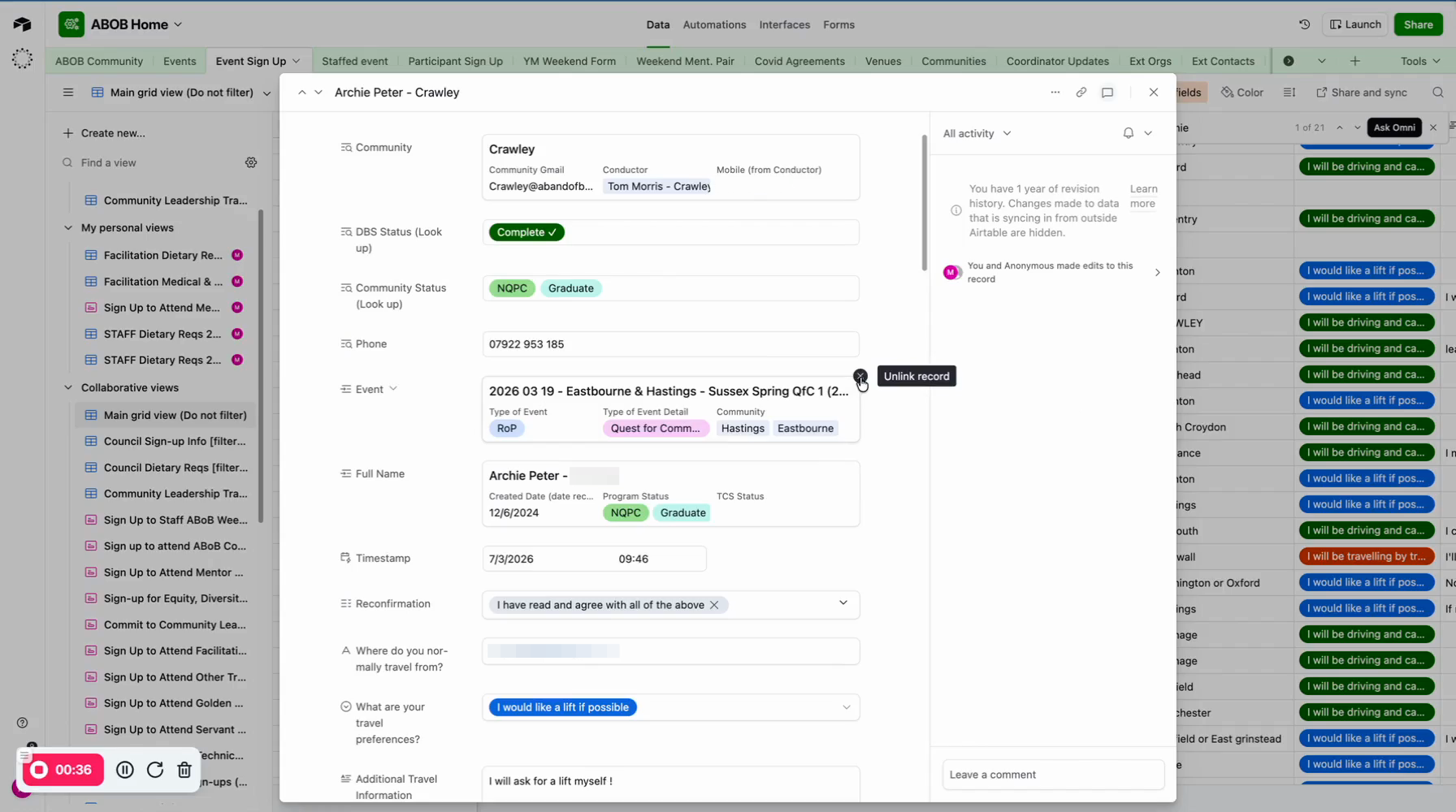
The simplest way to reassign Archie to the correct weekend is to go to the Events Sign Up table.
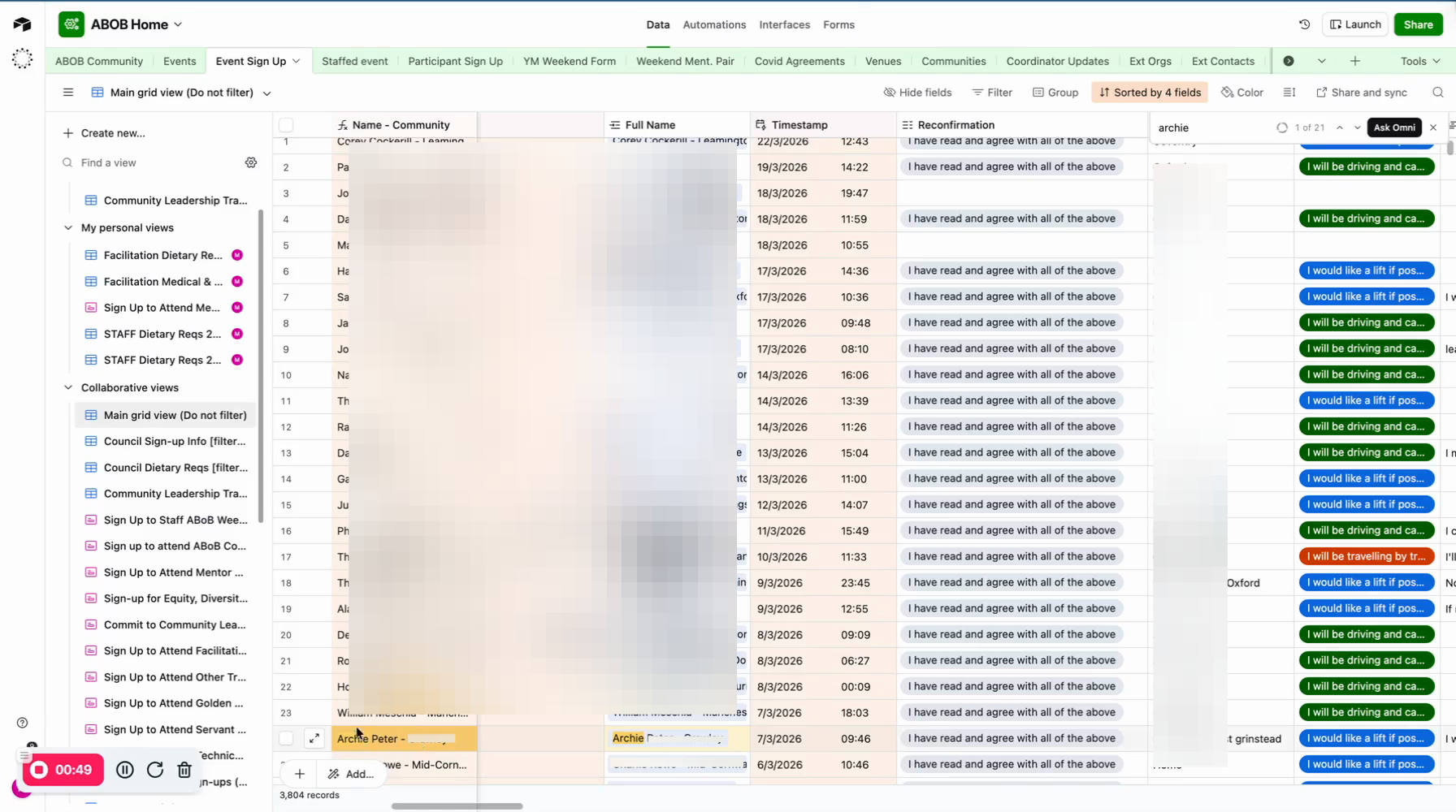
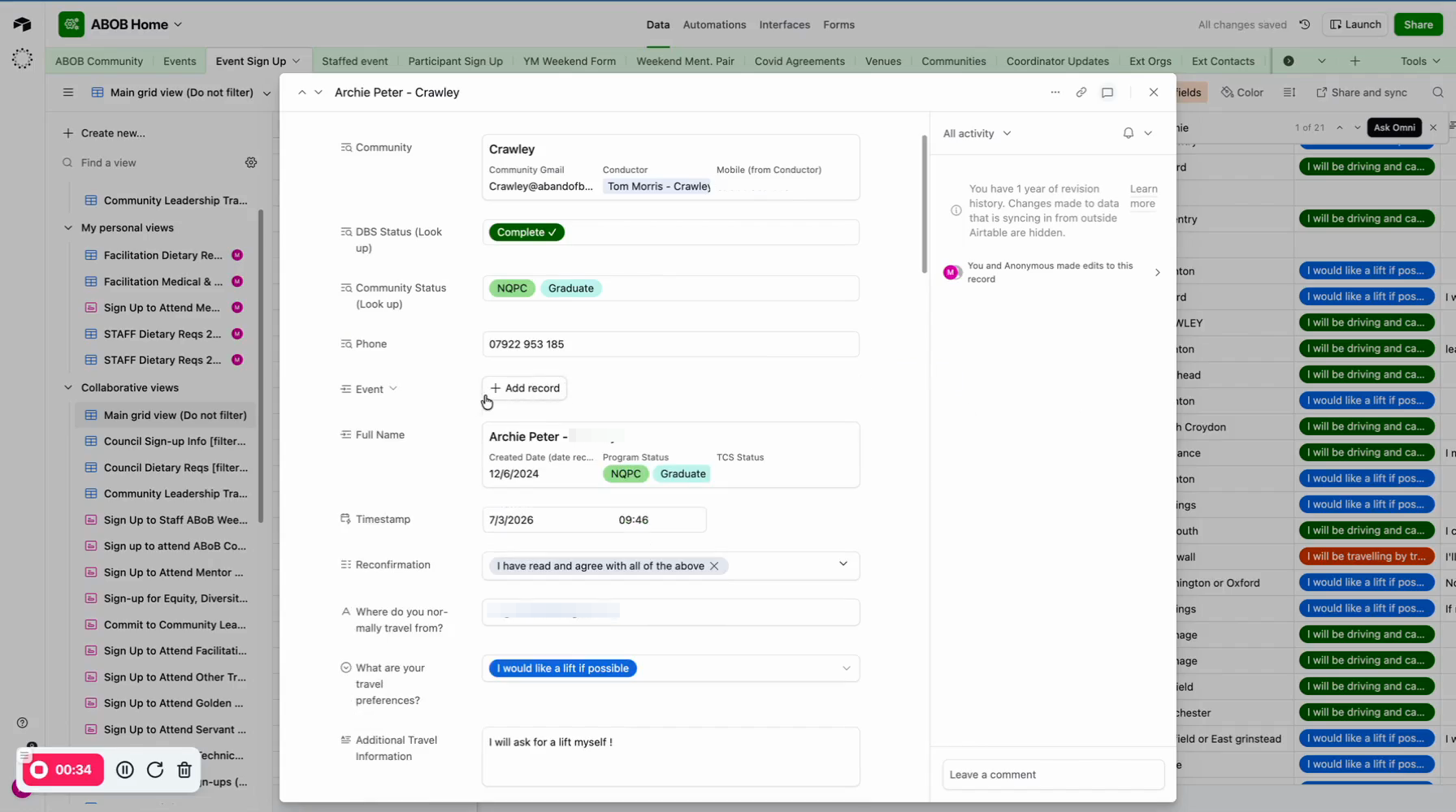
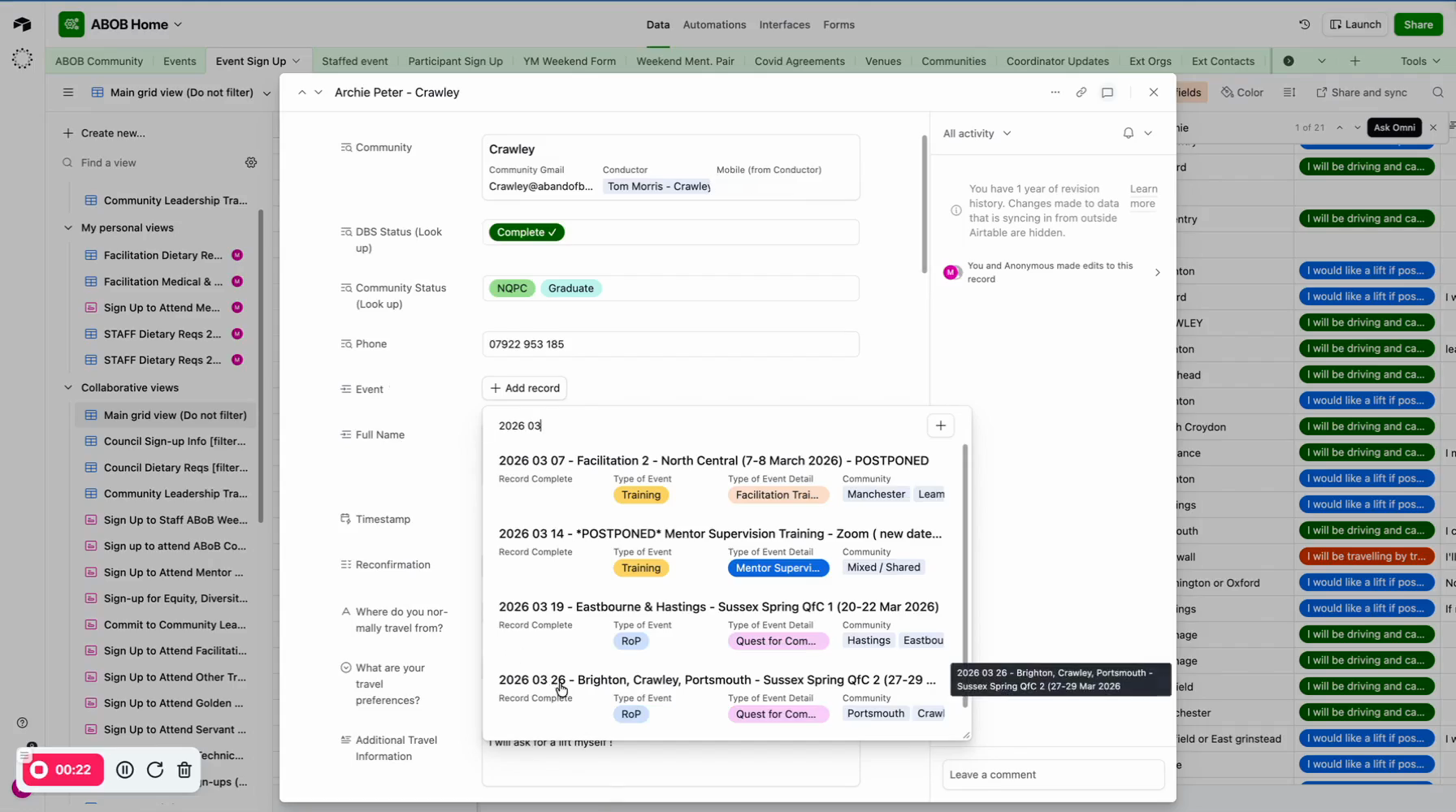
Expand the signup record, and you can see he is still linked to the Eastbourne-Hastings weekend. All you need to do is remove that event and add the one he meant to sign up for.