How to Update Your Payment Method in Glitter AI
Learn how to easily update your payment method in Glitter AI by accessing your billing page and managing your plan through Stripe.
By Yuval Karmi
In this guide, we'll learn how to update your payment method in Glitter AI. This process helps ensure your subscription continues without interruption. You will use the billing page and Stripe management page to add a new payment method.
Let's get started
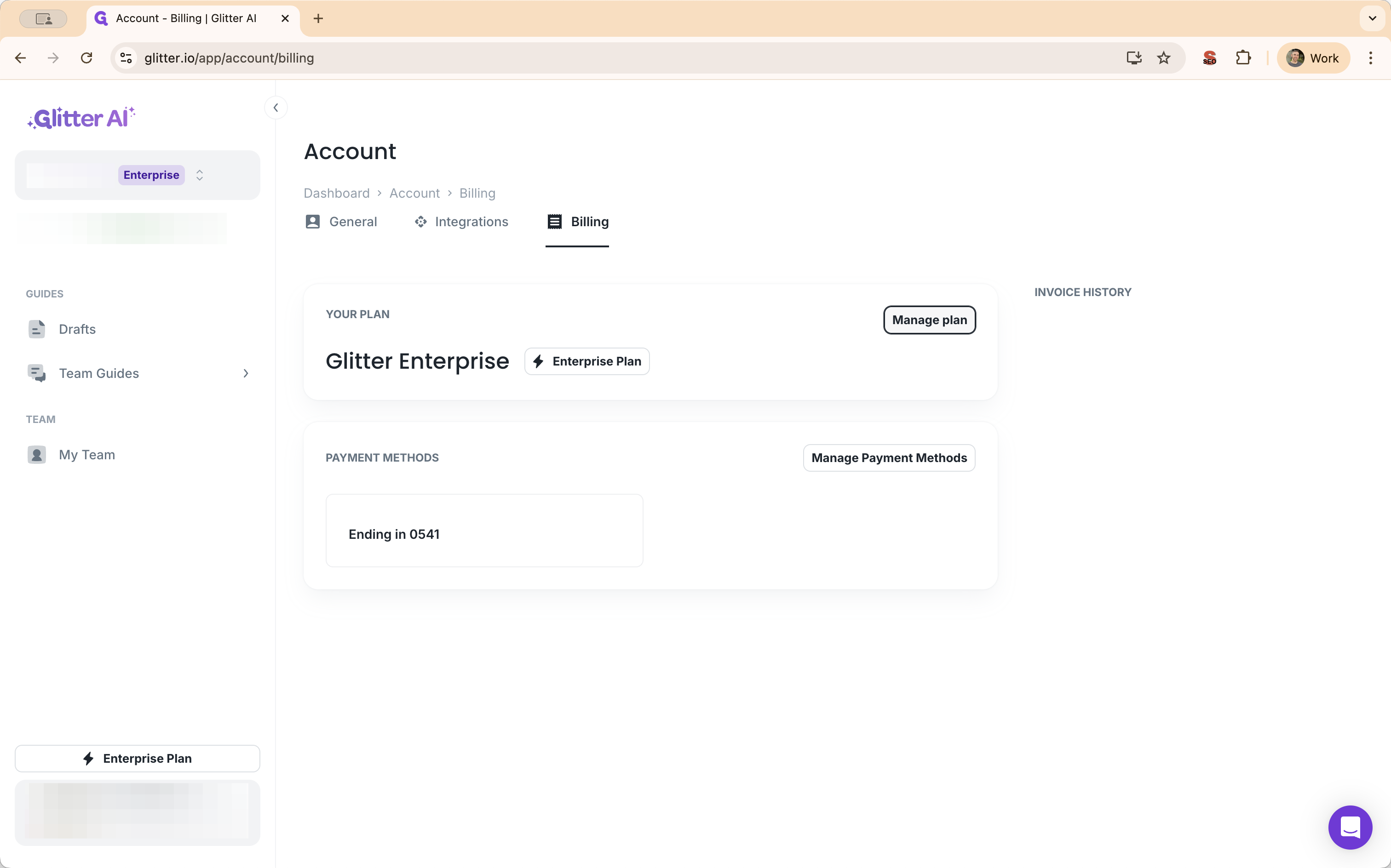
To update your payment method in Glitter AI, go to your billing page. Click on Manage Plan to open the Stripe management page, where you can add a new payment method.
1
Head over to the Billing page in the Glitter AI dashboard
2
Click on "Manage plan"
3
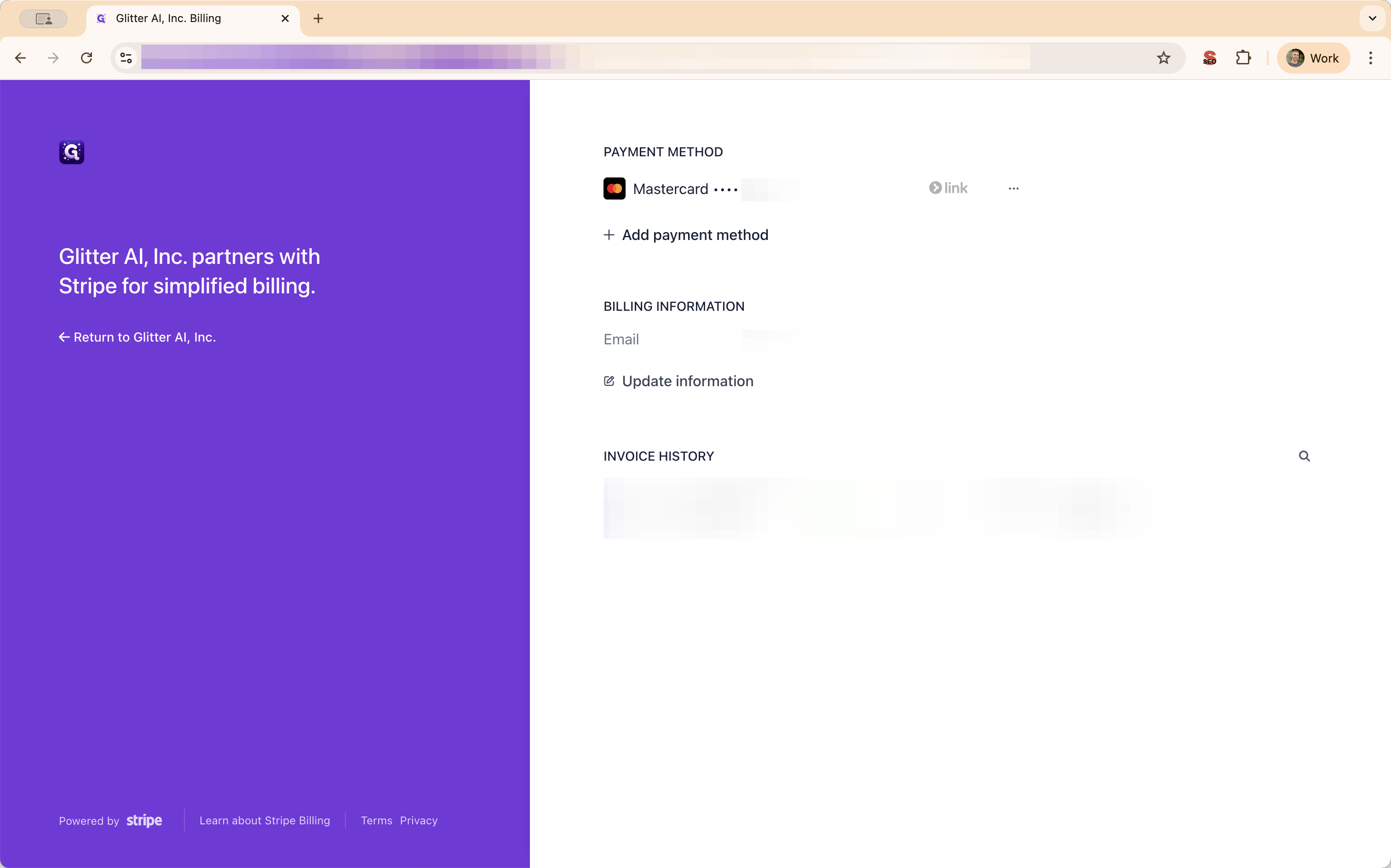
Click on "+ Add payment method"