
How to Upload and Submit Invoices or Documents for a Booking
Step-by-step guide on uploading and submitting invoices or documents in Vsltec. Learn how to log in, select cases, upload files, and submit invoices and supporting documents for shipping companies to view.
By Devs
This guide explains how to upload and submit invoices and supporting documents for a booking in Vsltec. This process allows important files to be shared with the shipping company for a selected case.
It describes how to access the correct case, upload documents, and complete the submission so the shipping company can view the files.
Let's get started
1
Go to Vsltec and log in with your credentials
2
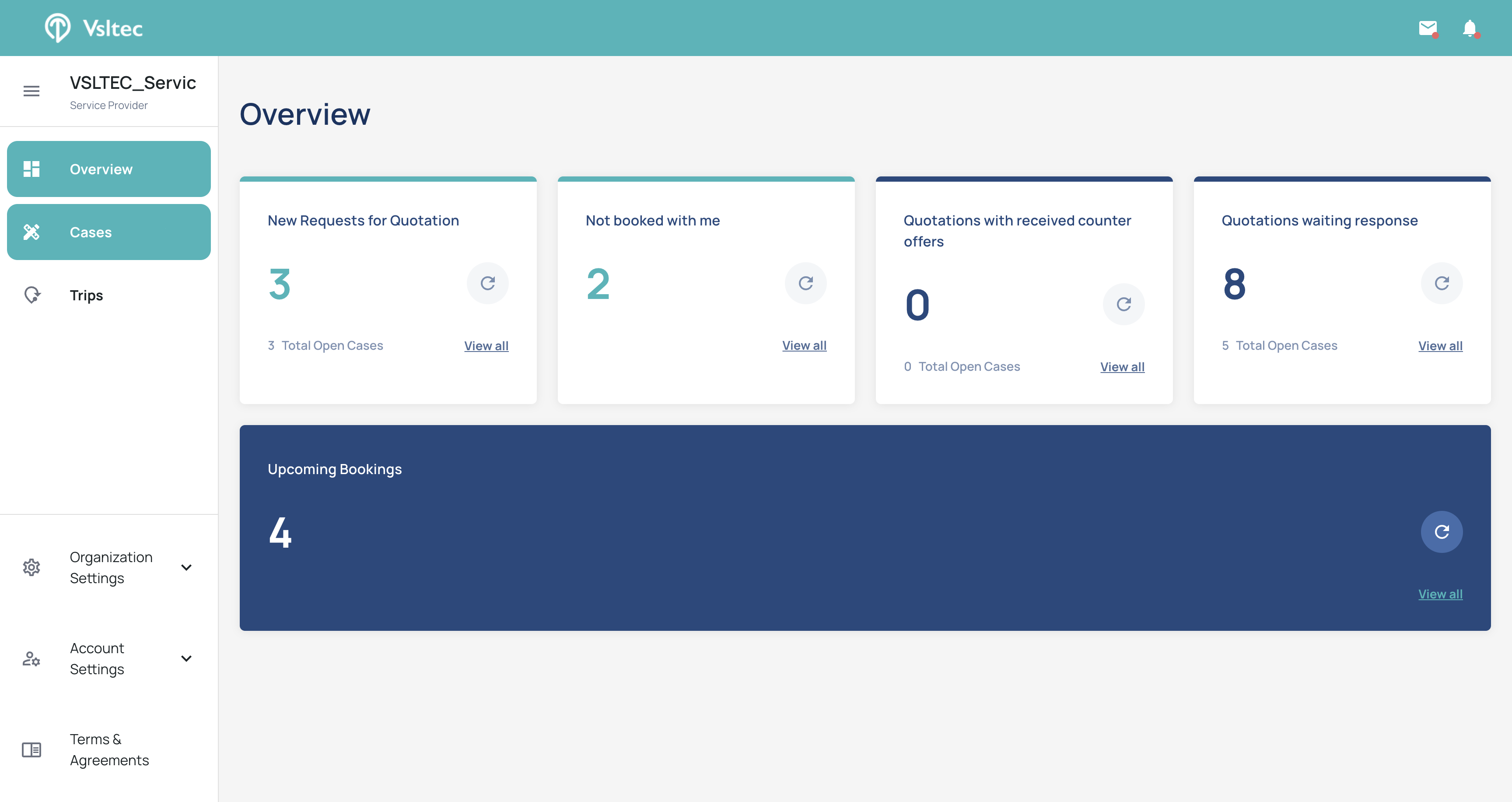
From the menu, click on "Cases"
3
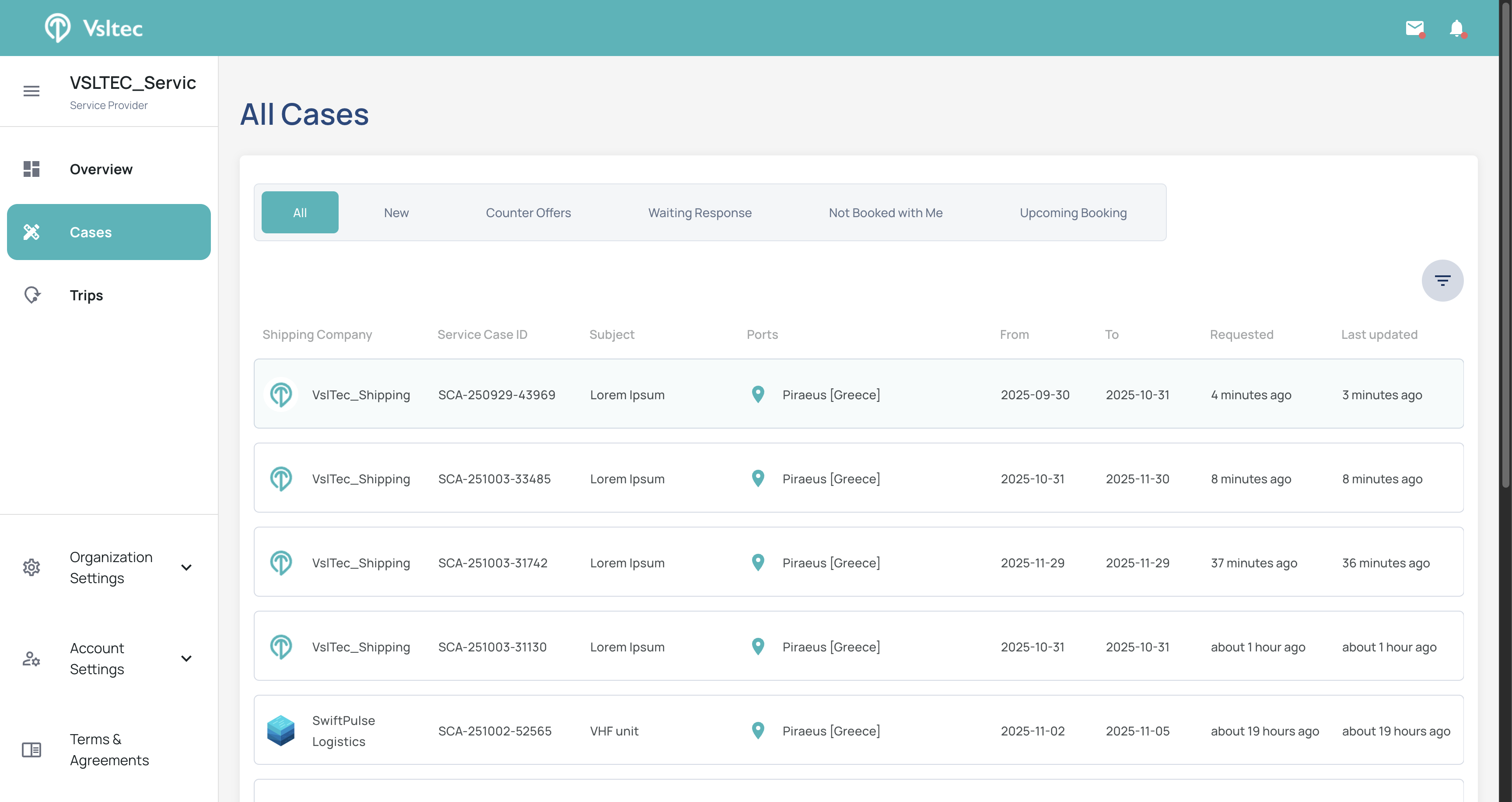
Select the case where you want to upload invoices or documents
4
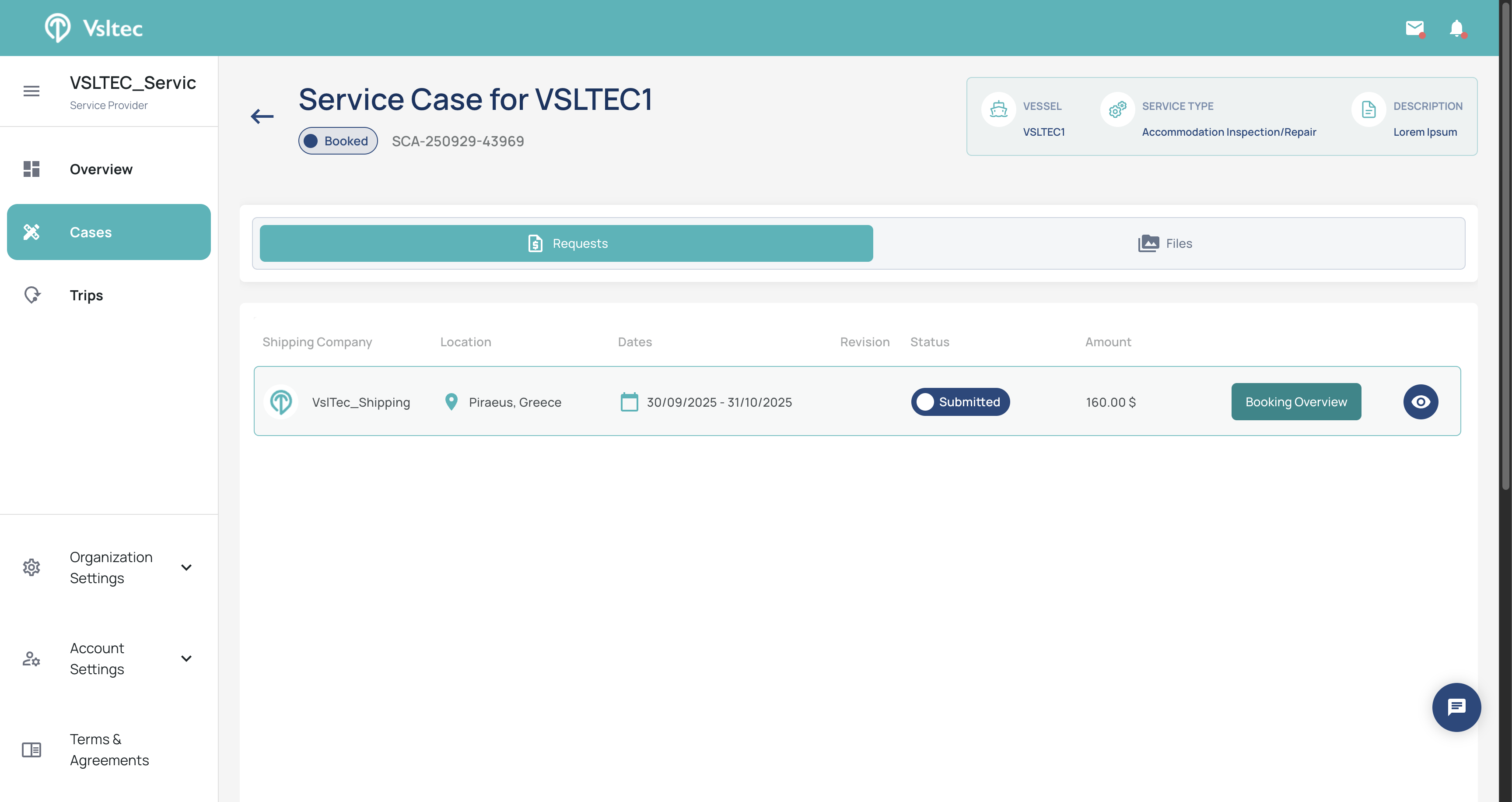
Click on "Booking Overview"
5
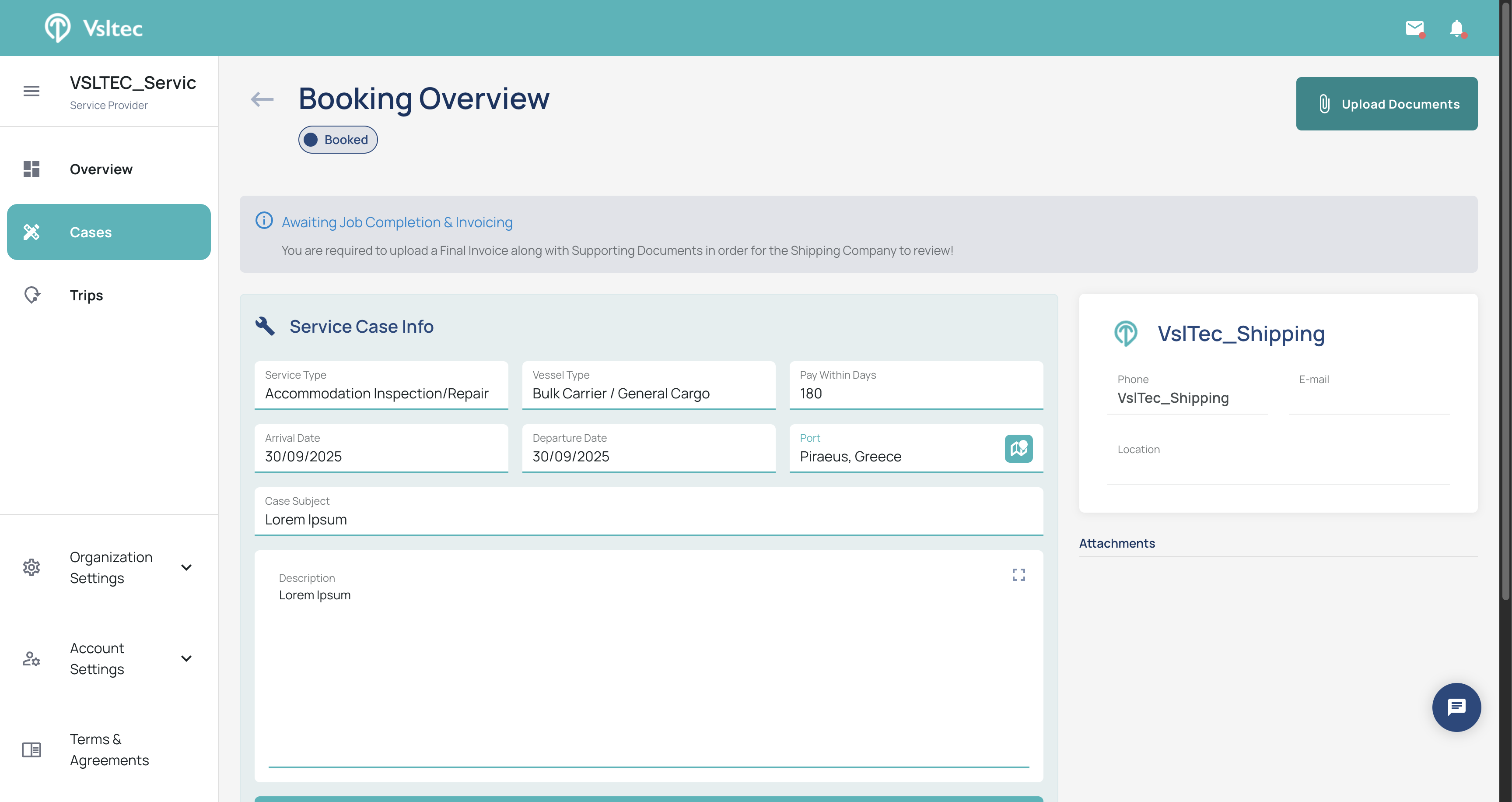
Click on "Upload Documents"
6
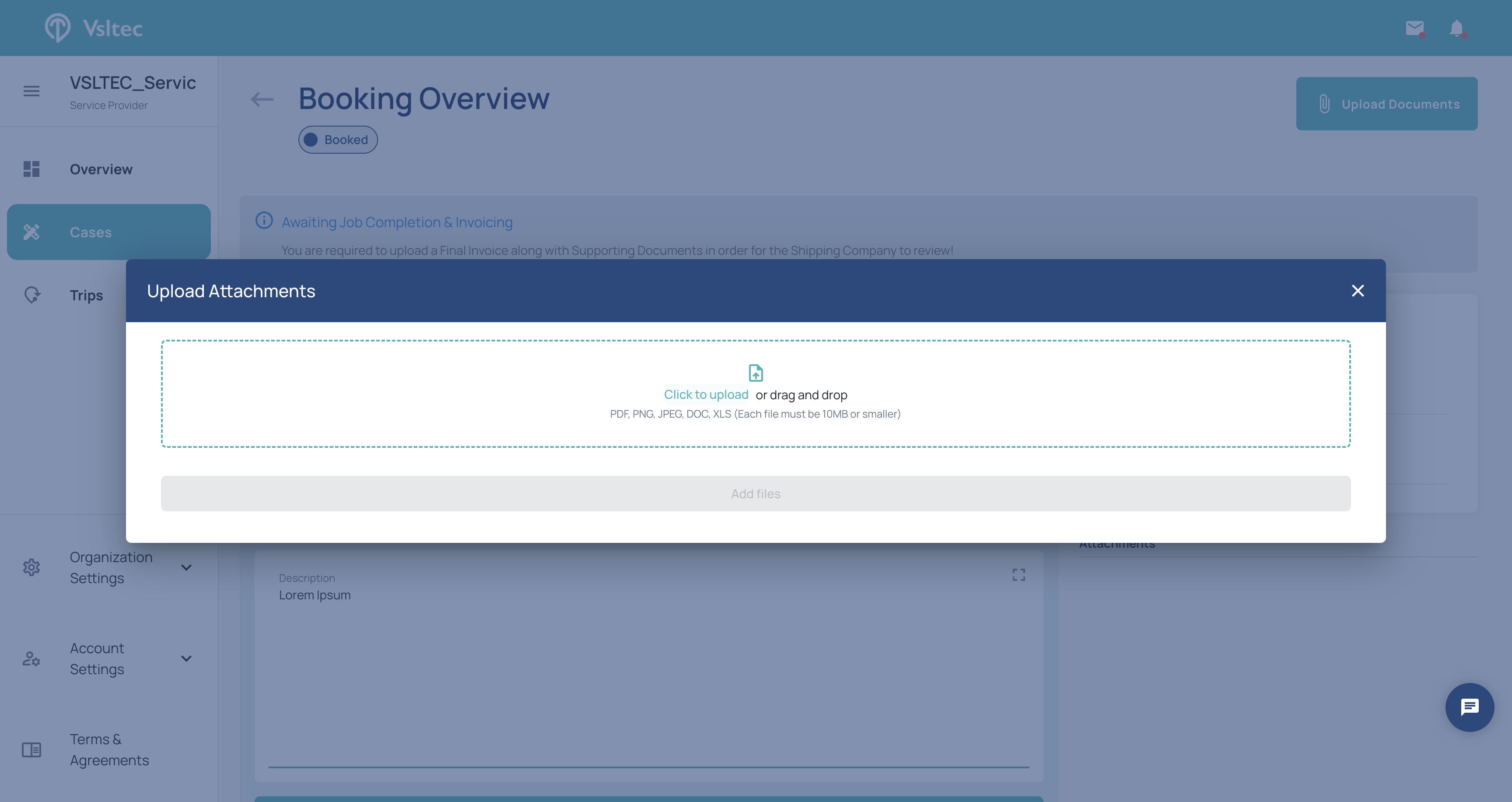
Click on "Click to upload" or drag and drop
7
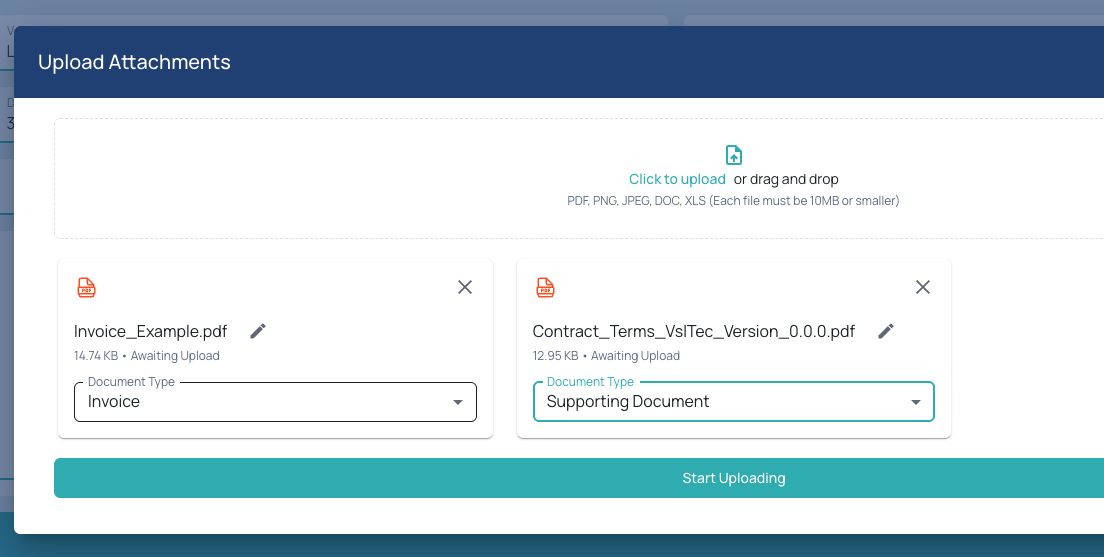
Select the "Document Type"
8
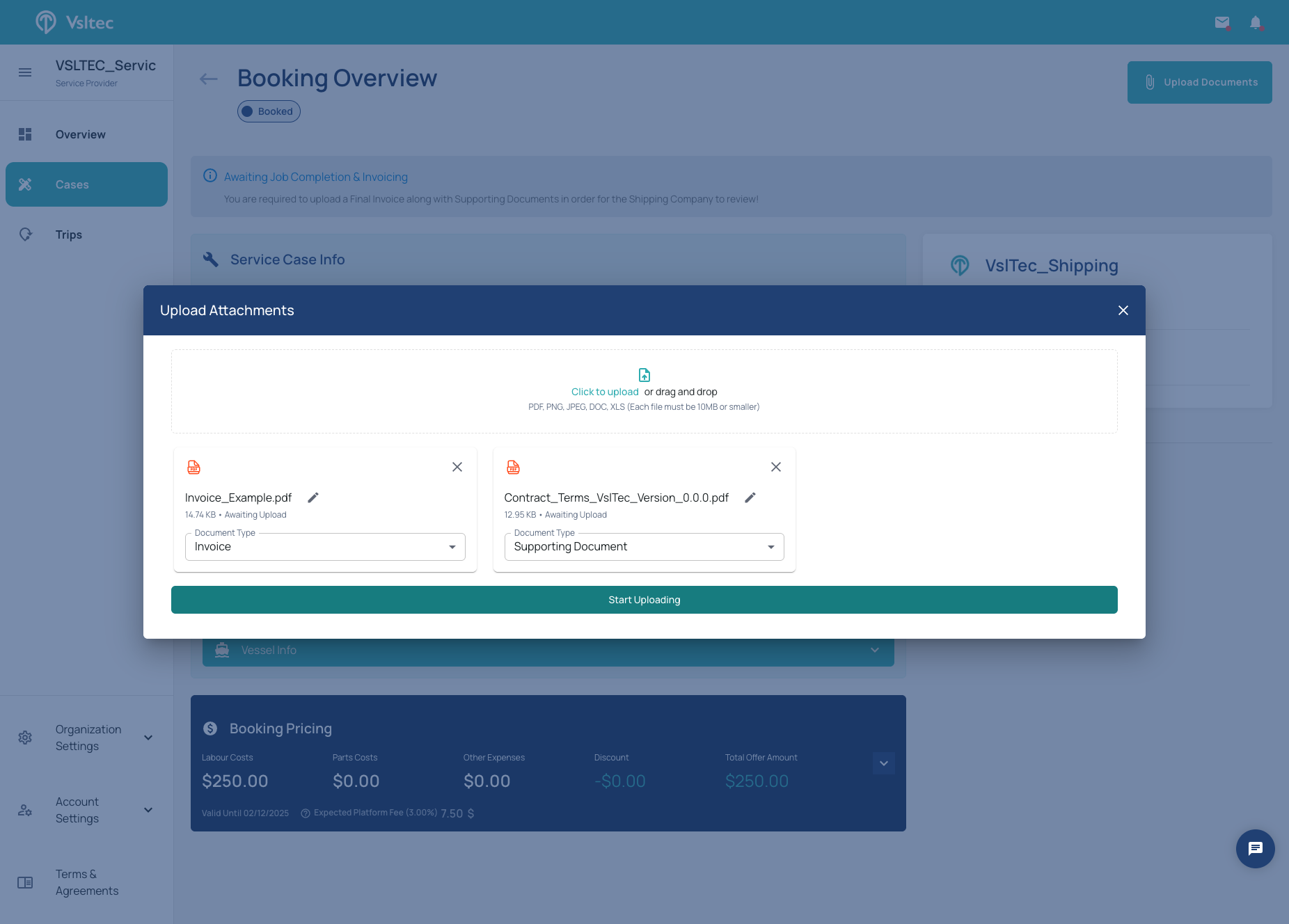
Click on "Start Uploading"
9
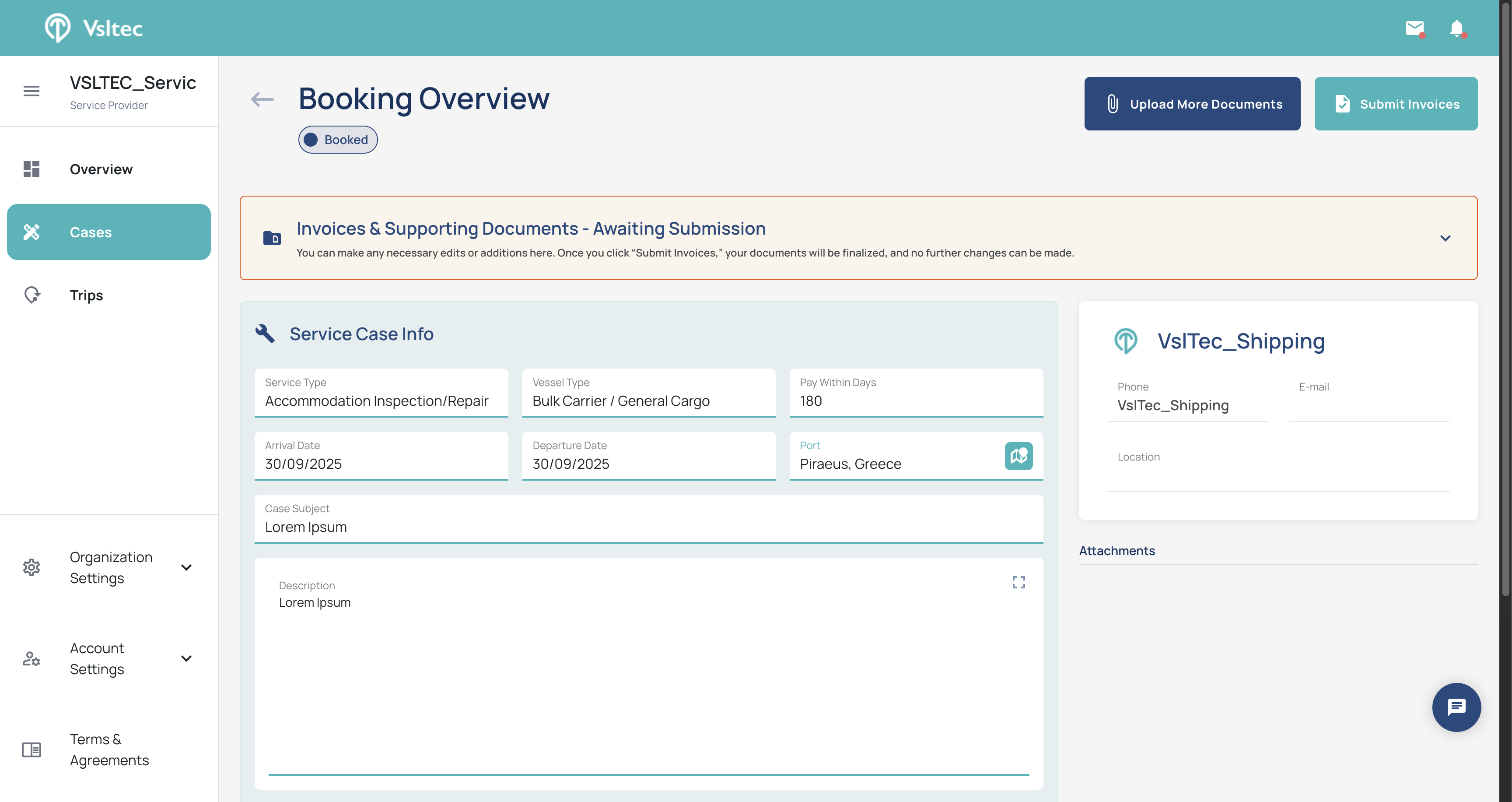
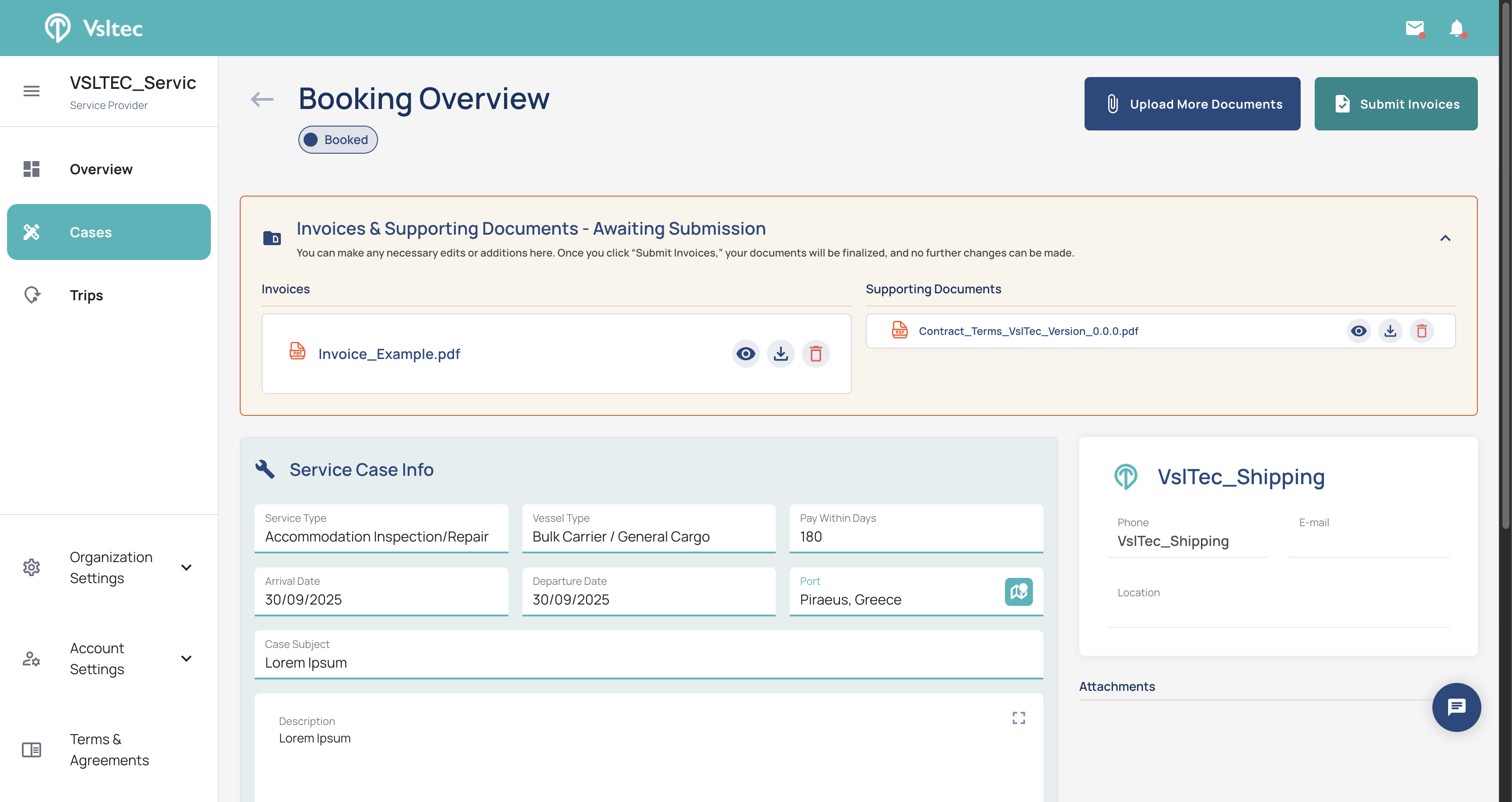
Your files will now be uploaded to the system. At this point, they are stored but not yet visible to the shipping company.
10
Click "Submit Invoices"
11
Click on "Yes,Submit Invoices"
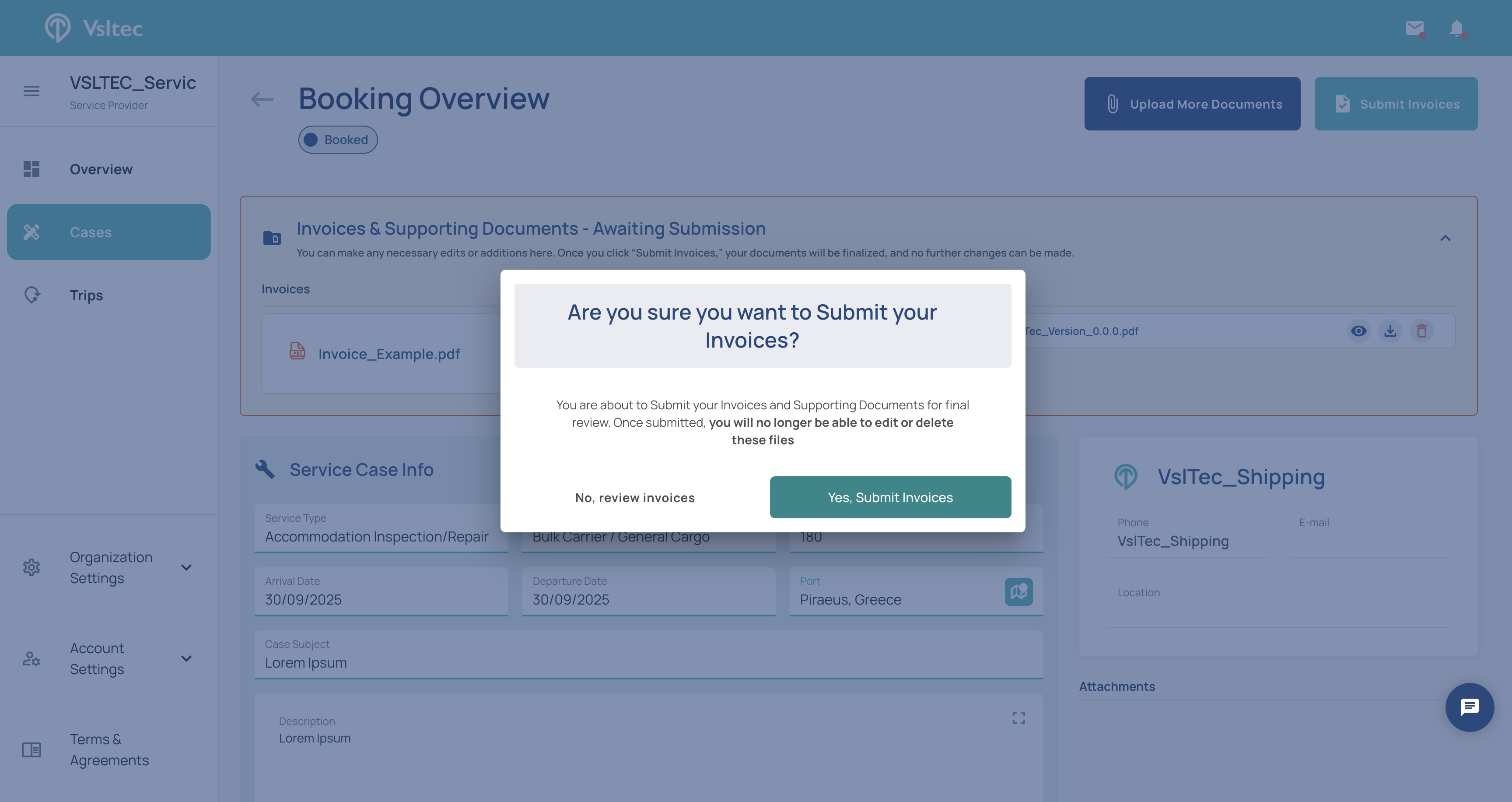
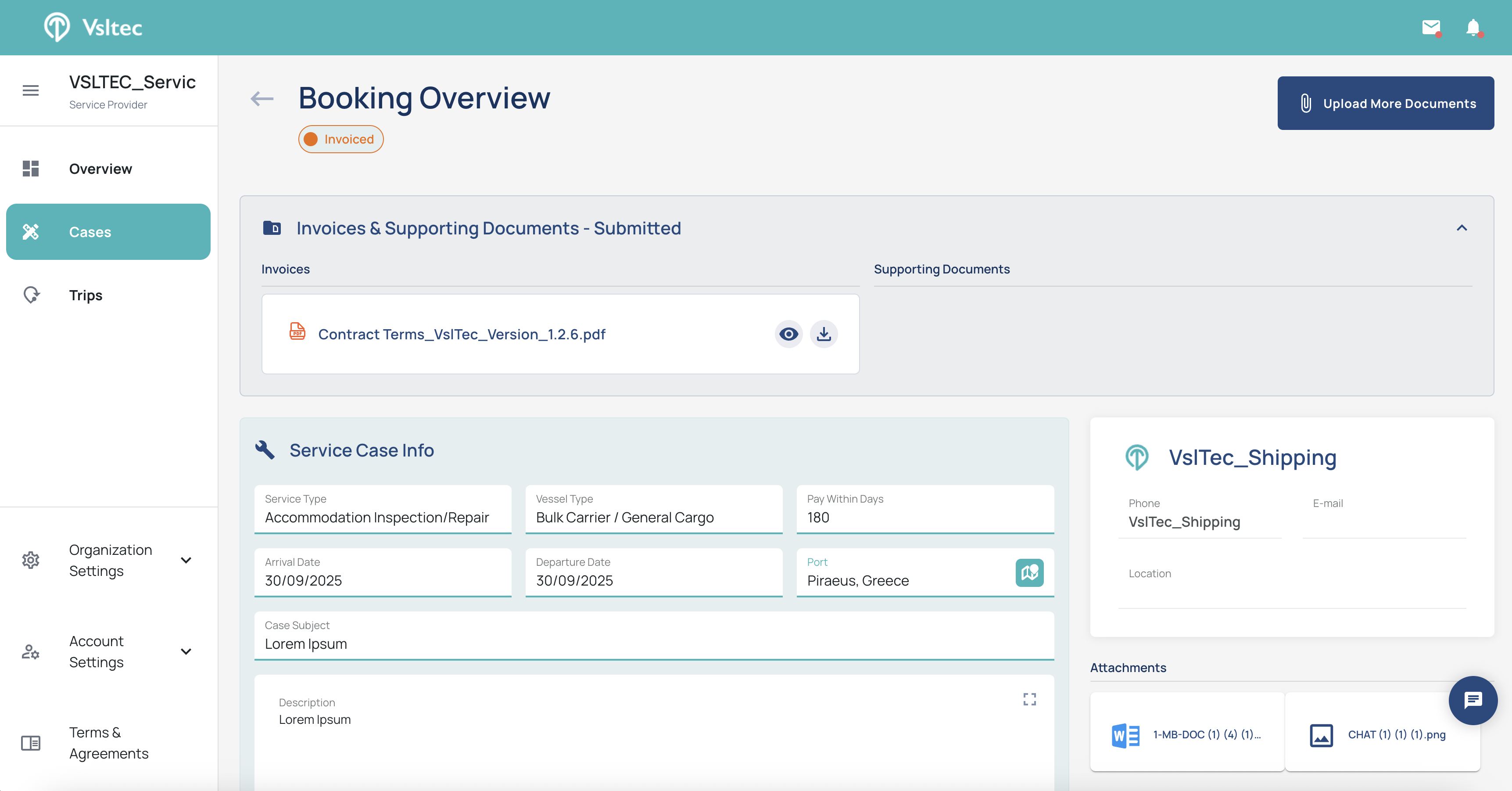
🎉 Your invoices and supporting documents are now submitted and available for the shipping company.
Uploading More Documents (Optional)
12
Click "Upload More Documents"
13
Repeat Steps 6–11