
How to Upload and Format a Blog Post in WordPress
Learn how to upload a finished blog post to WordPress, format blocks, configure scheduling, and apply optimal SEO metadata for publishing.
This guide demonstrates how to upload, format, and schedule a completed blog draft in WordPress. Following these steps ensures your blog layout looks professional on the front end and includes the necessary SEO metadata to rank in search results.
This procedure is ideal for content managers, copywriters, or site administrators who need to transfer final article copy from a document editor into their WordPress content management system for publication.
Create the Post and Insert Content
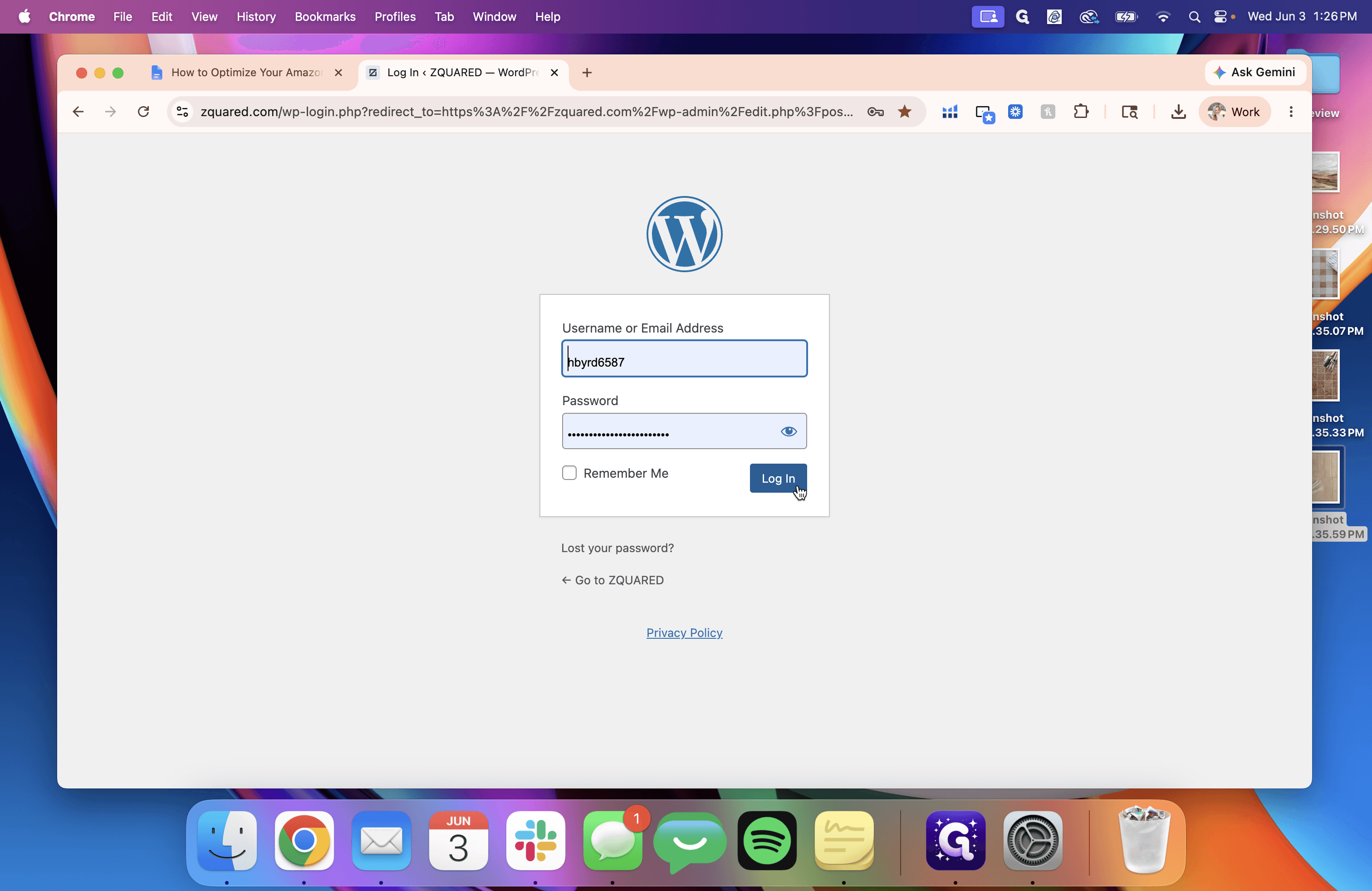
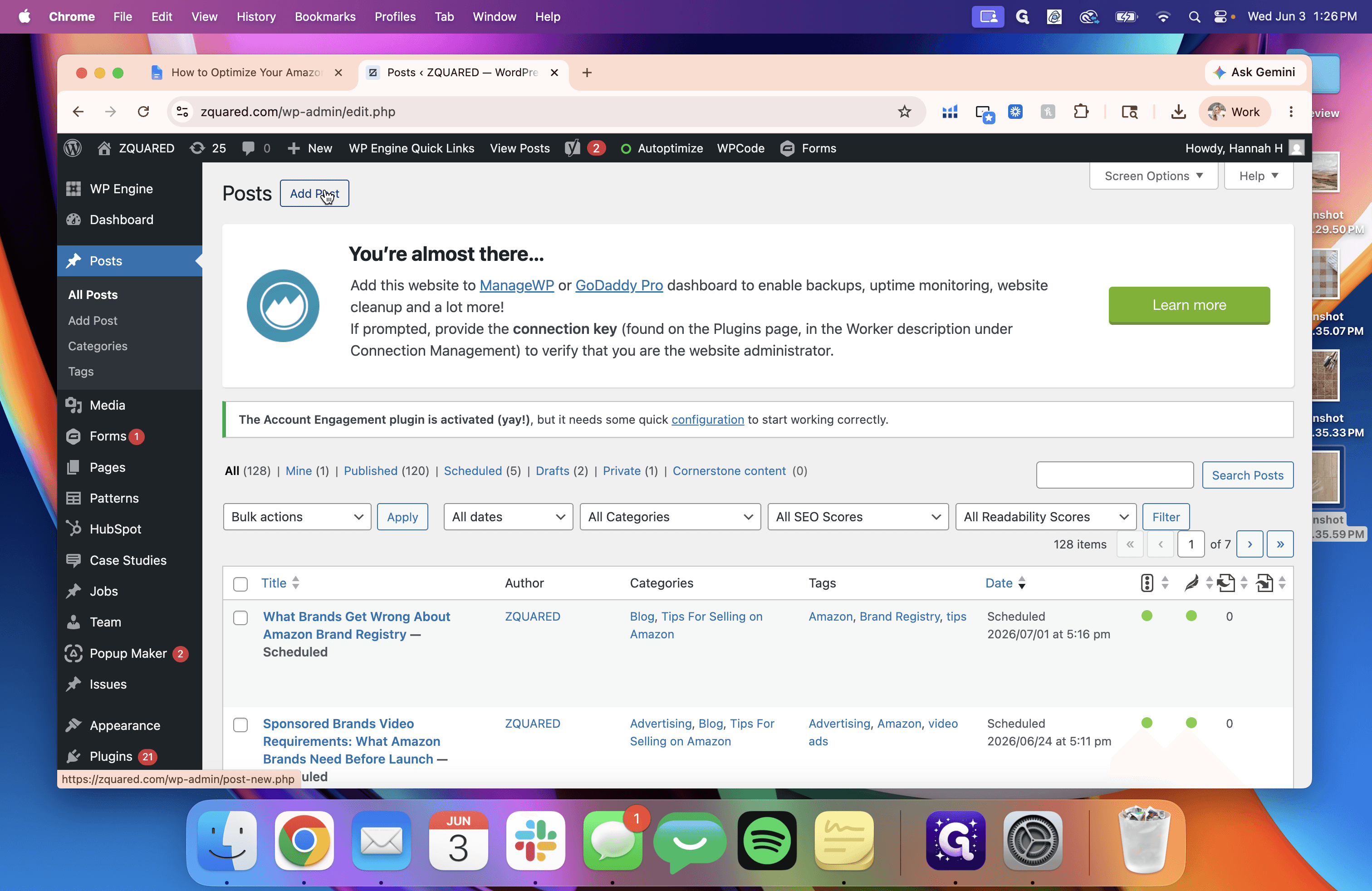
To begin, log in to your site and generate a new post to hold your article text.
Formatting Text and Elements
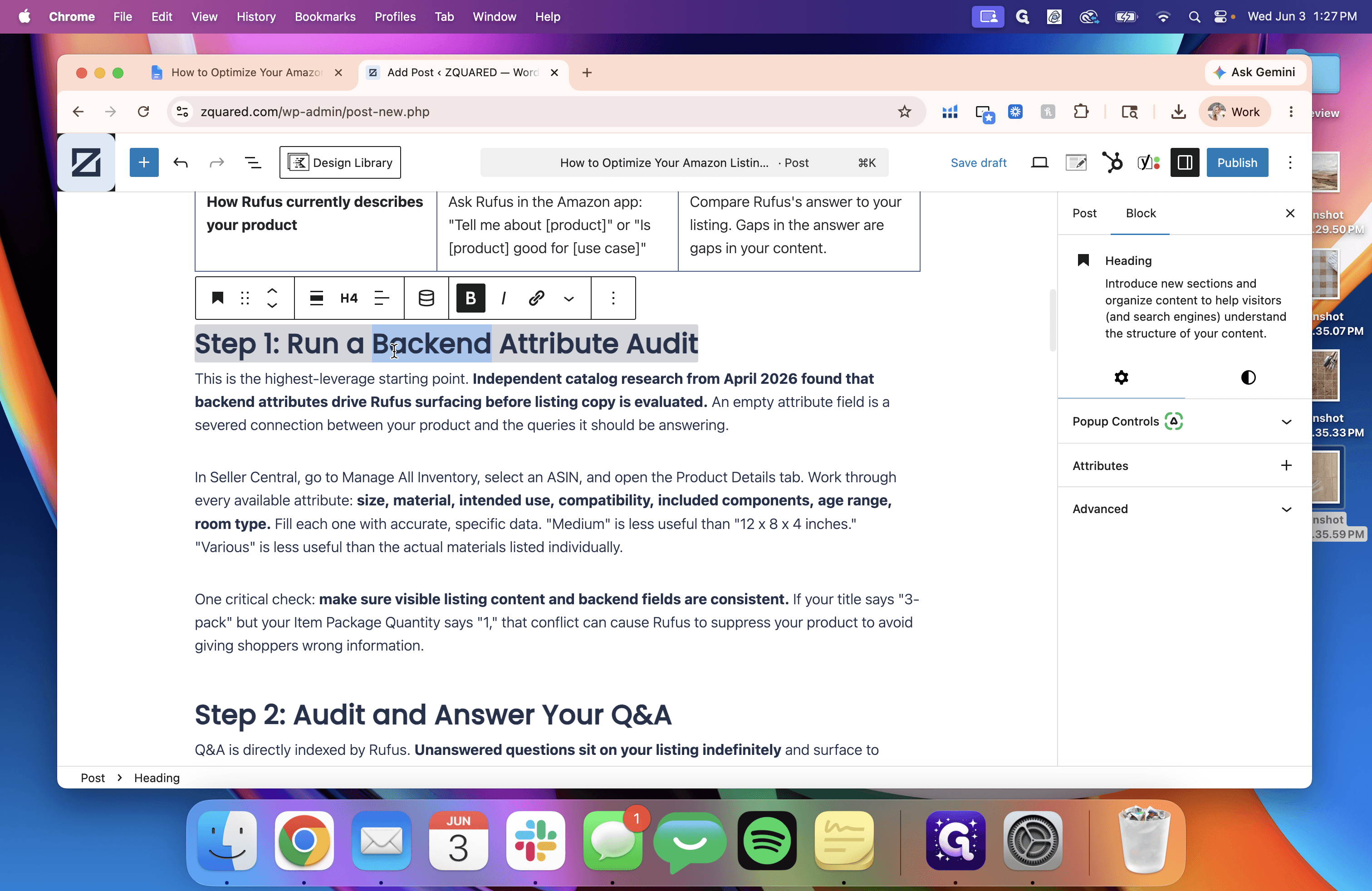
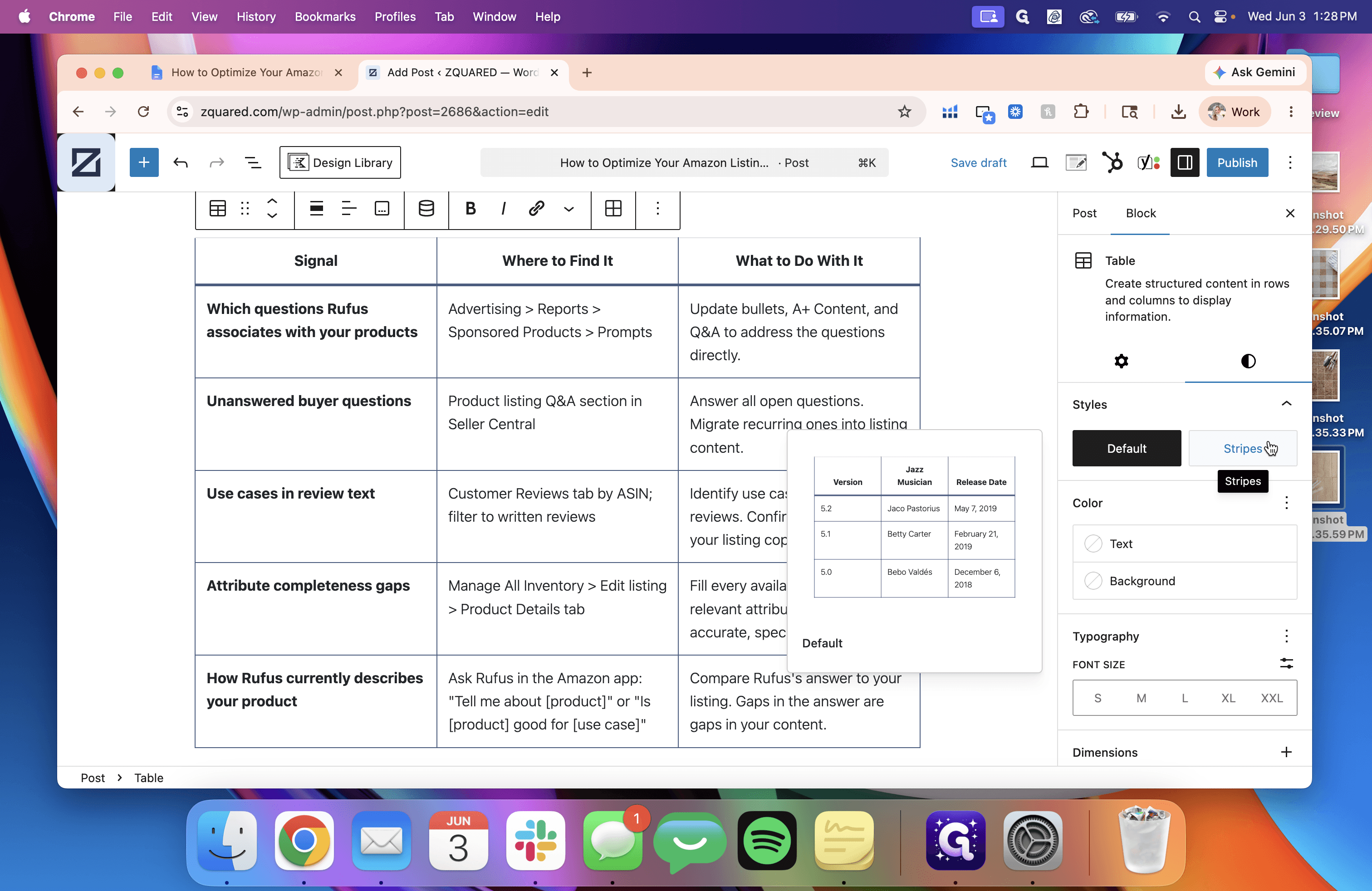
Once the content is in WordPress, review the blocks to ensure formatting transferred cleanly.
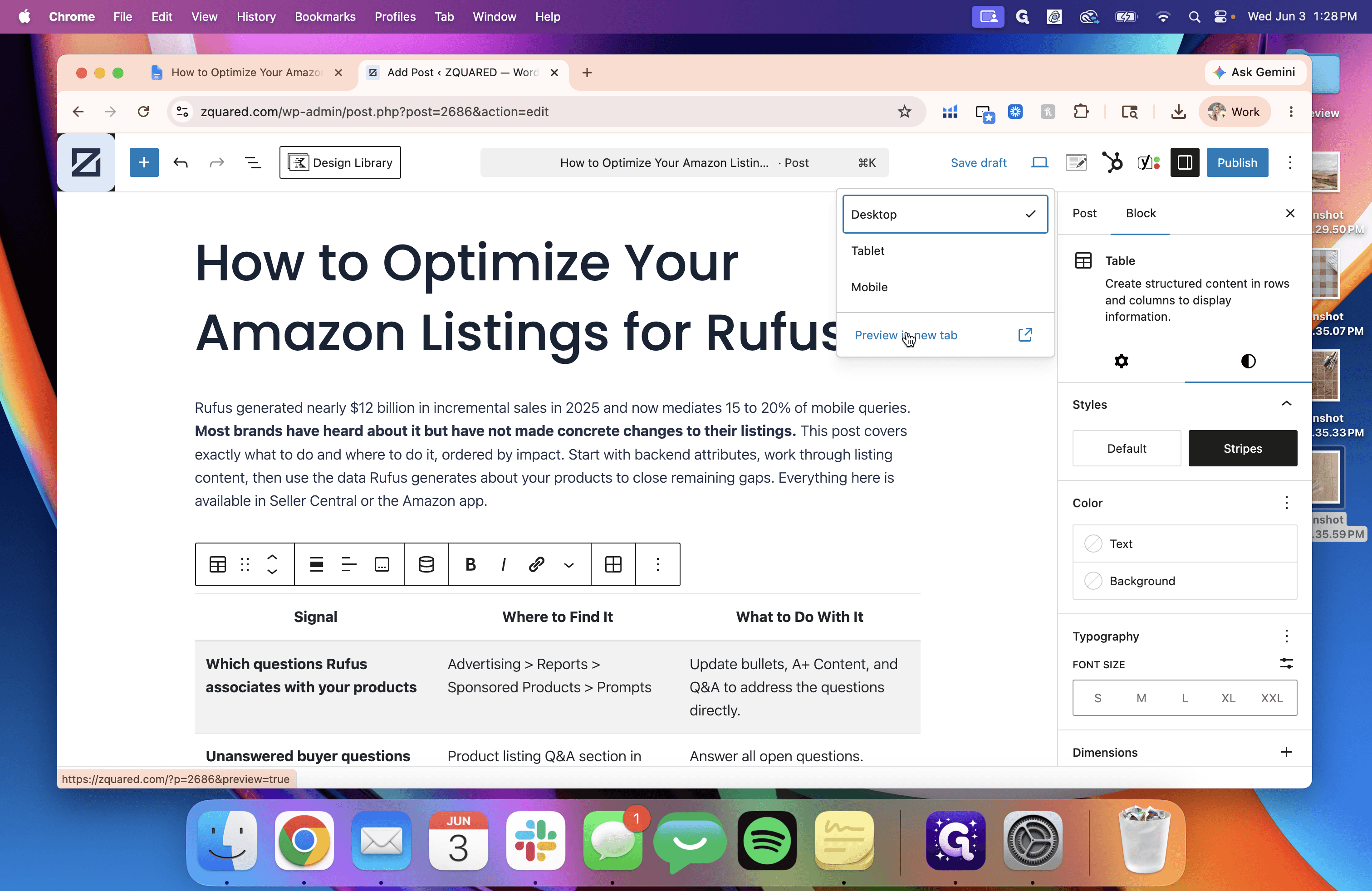
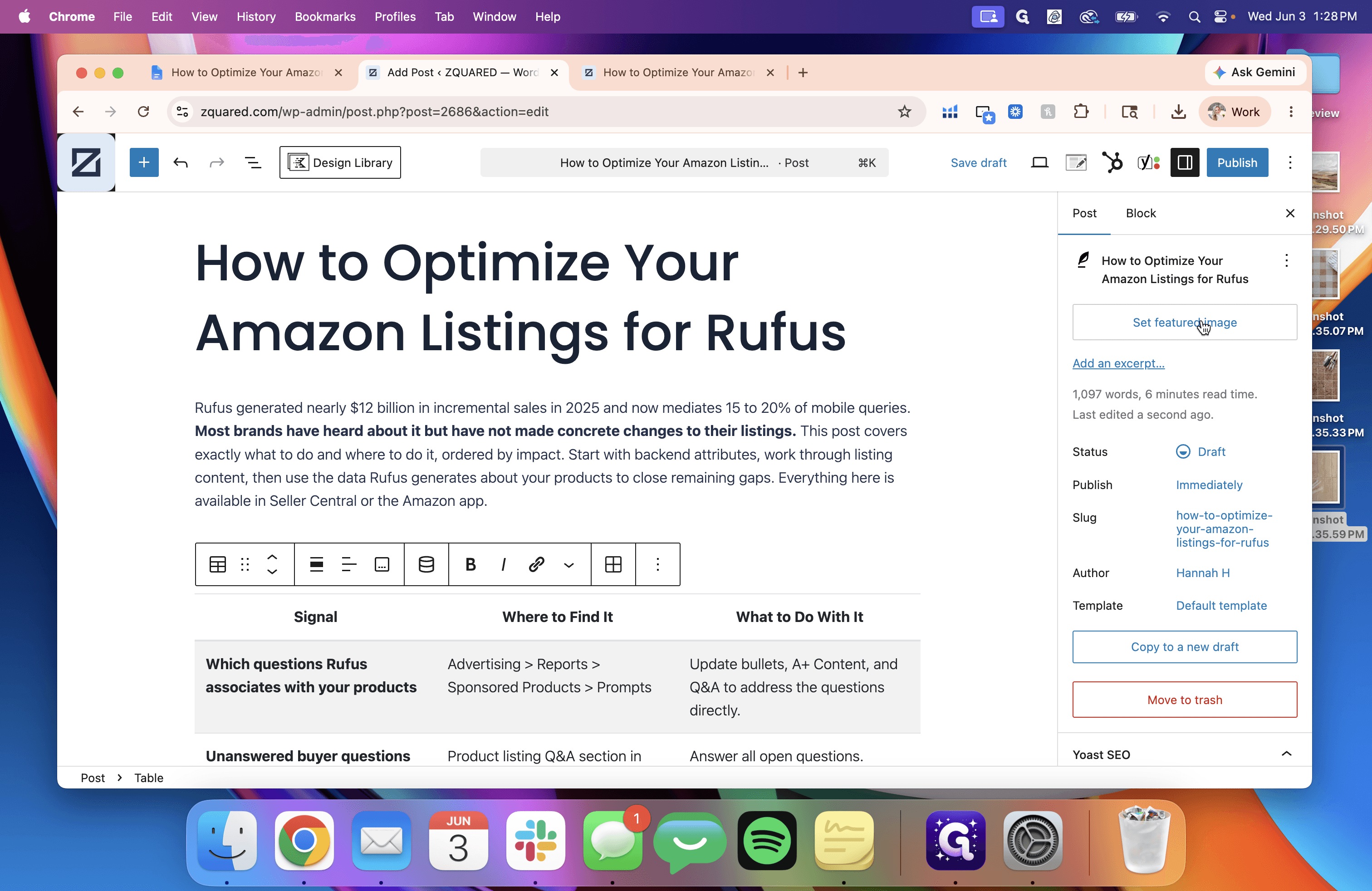
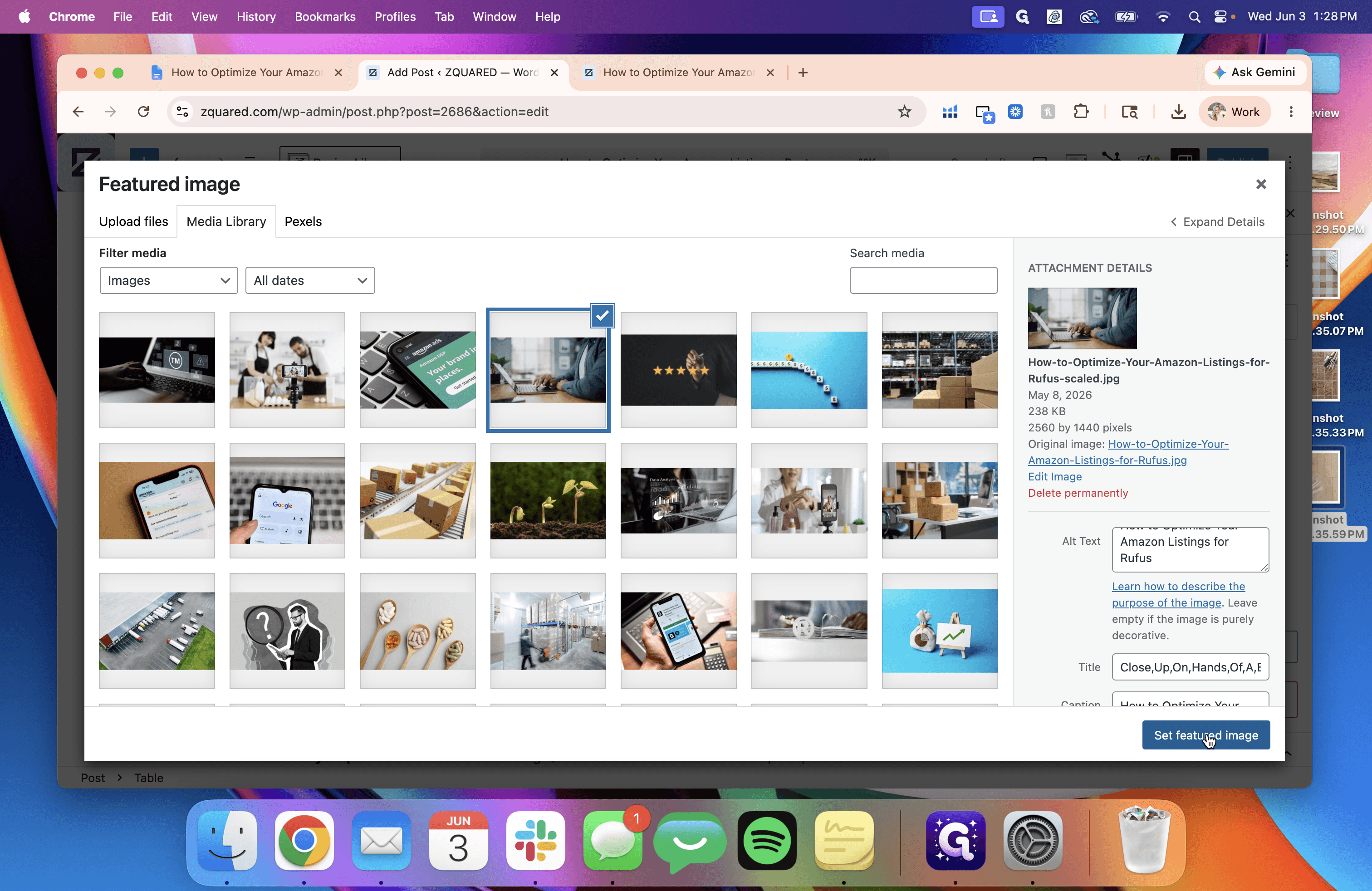
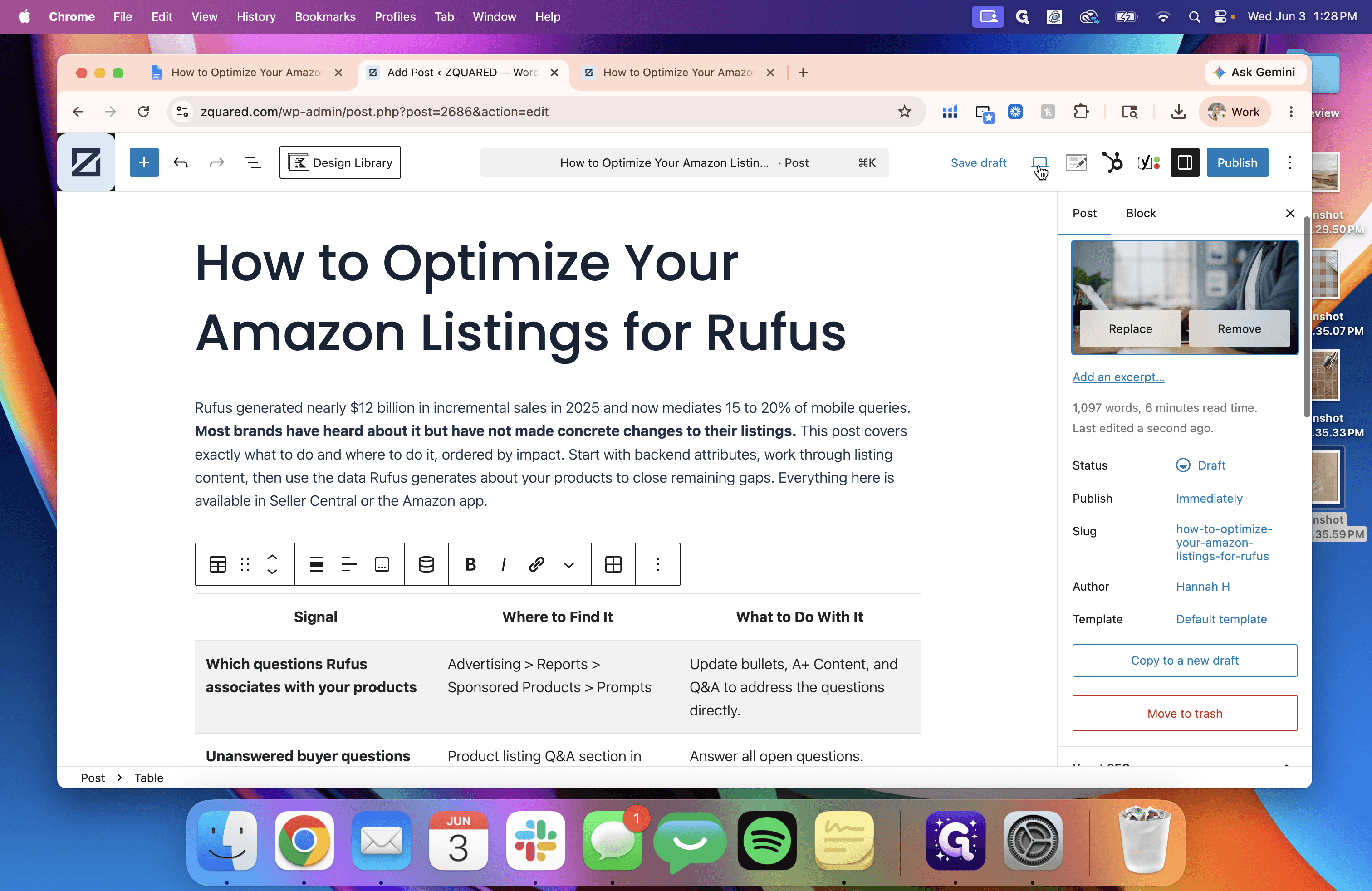
Add the Featured Image
A missing cover photo can cause layout issues or missing thumbnails when the post is shared.
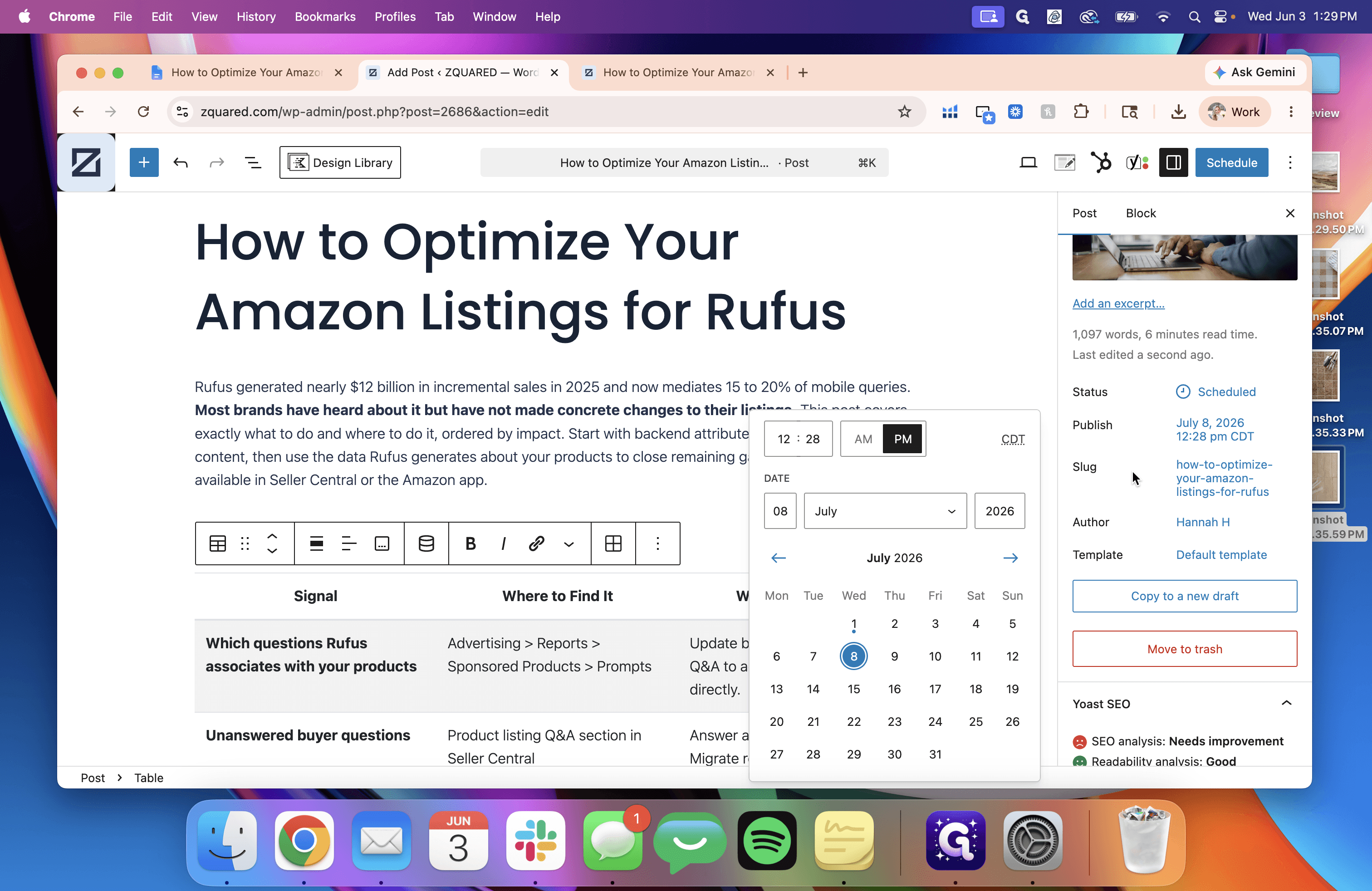
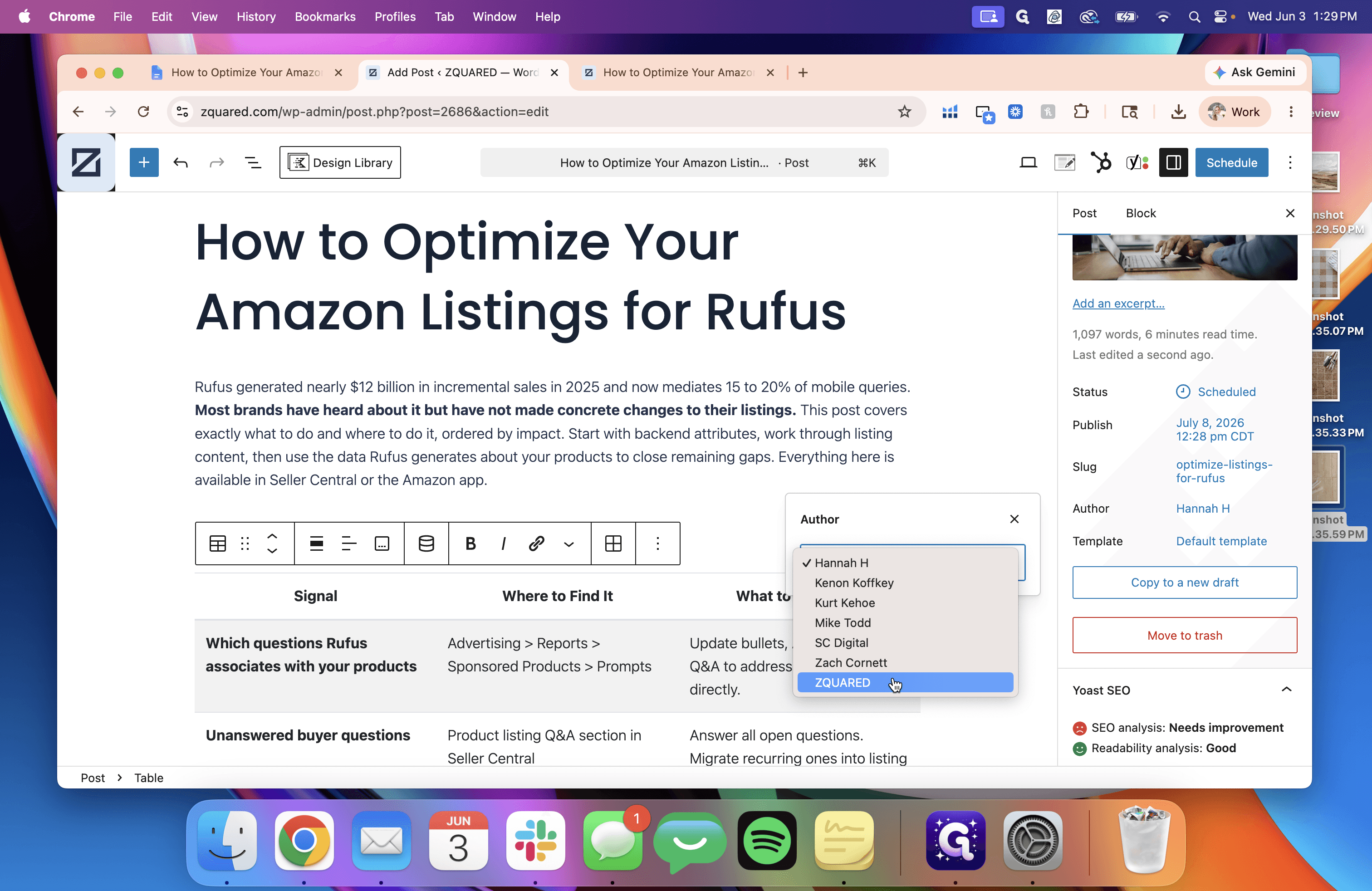
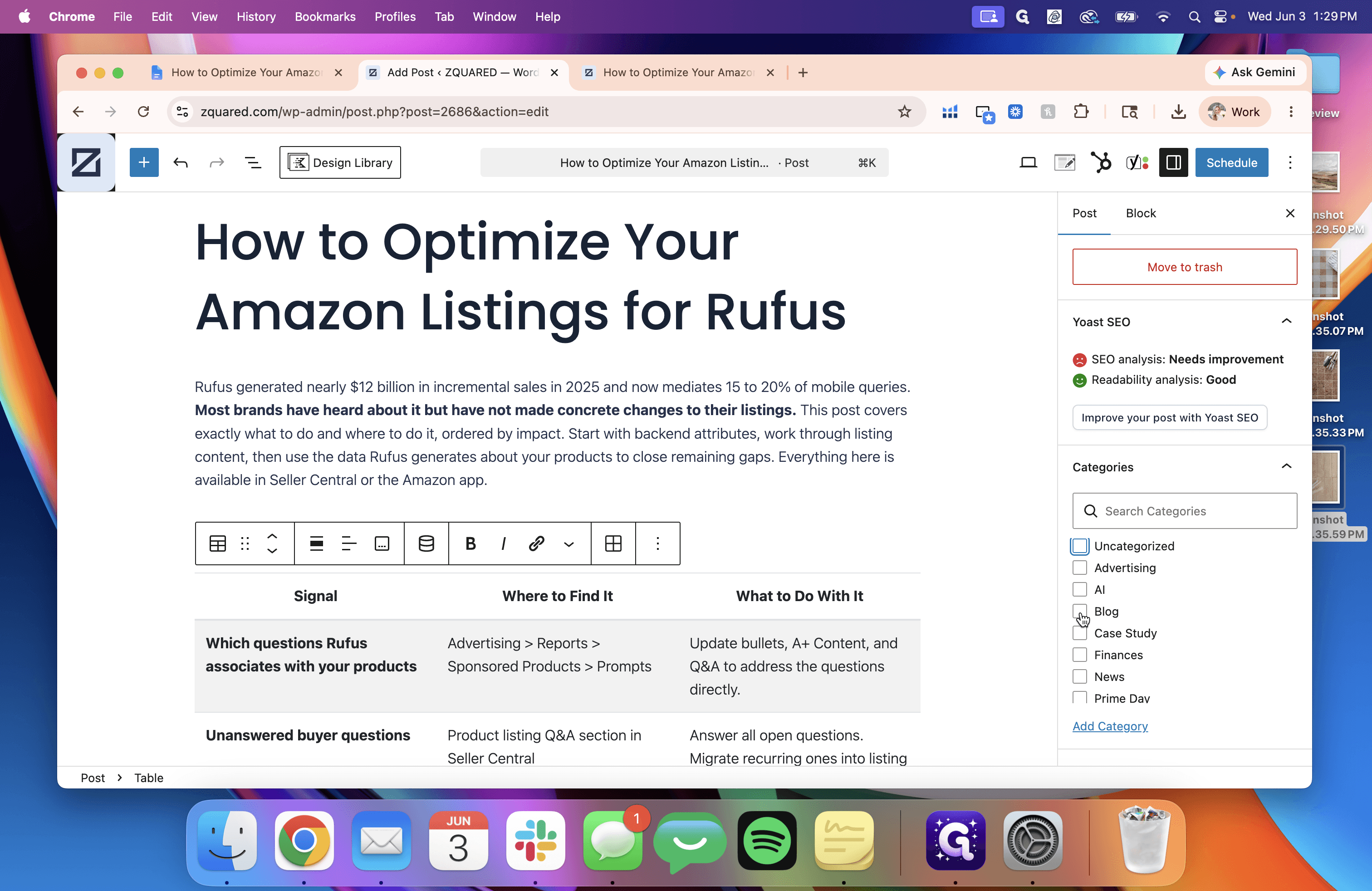
Configure Publishing Details
Set up the post's taxonomy, author details, and scheduling parameters.
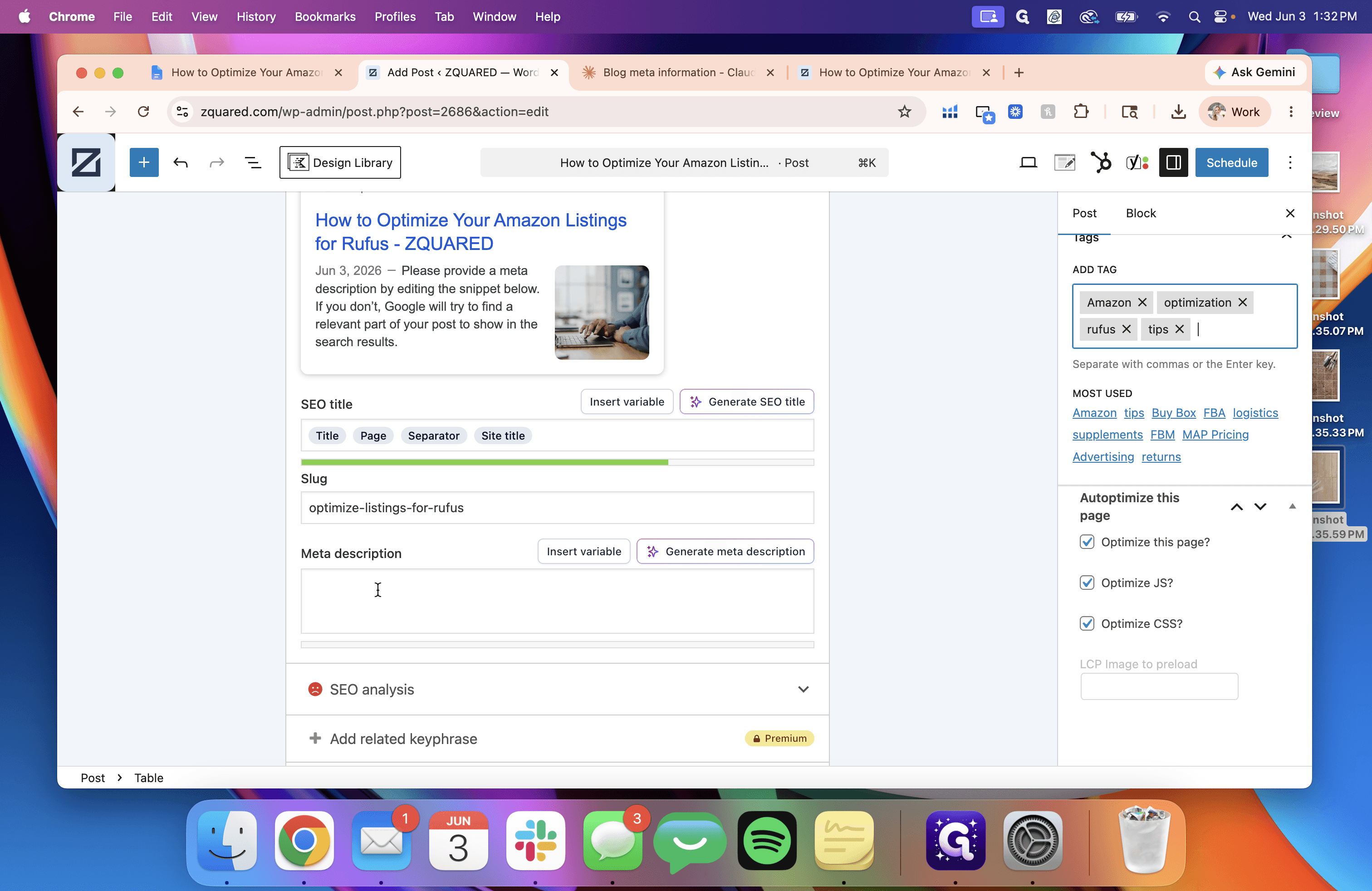
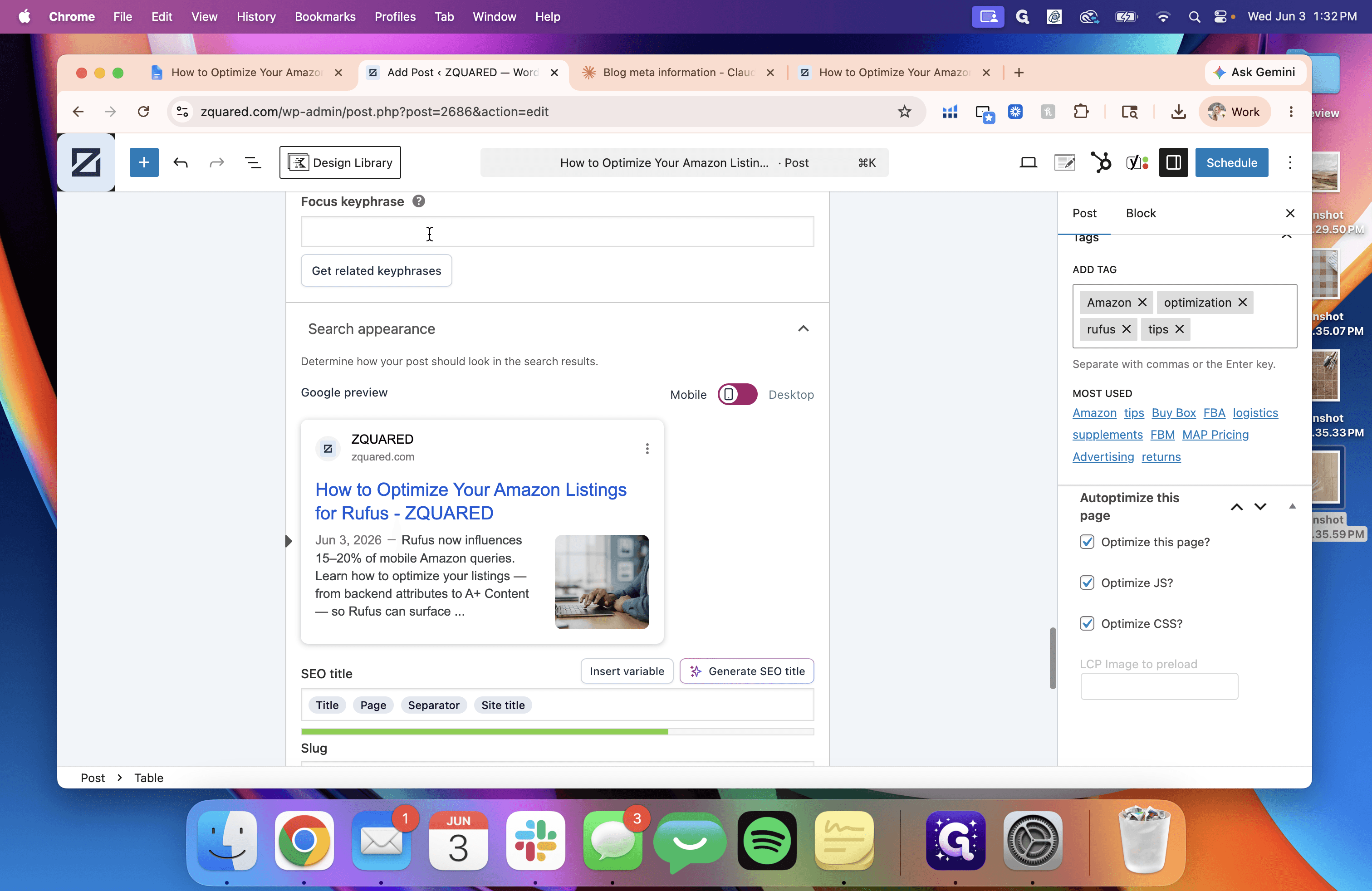
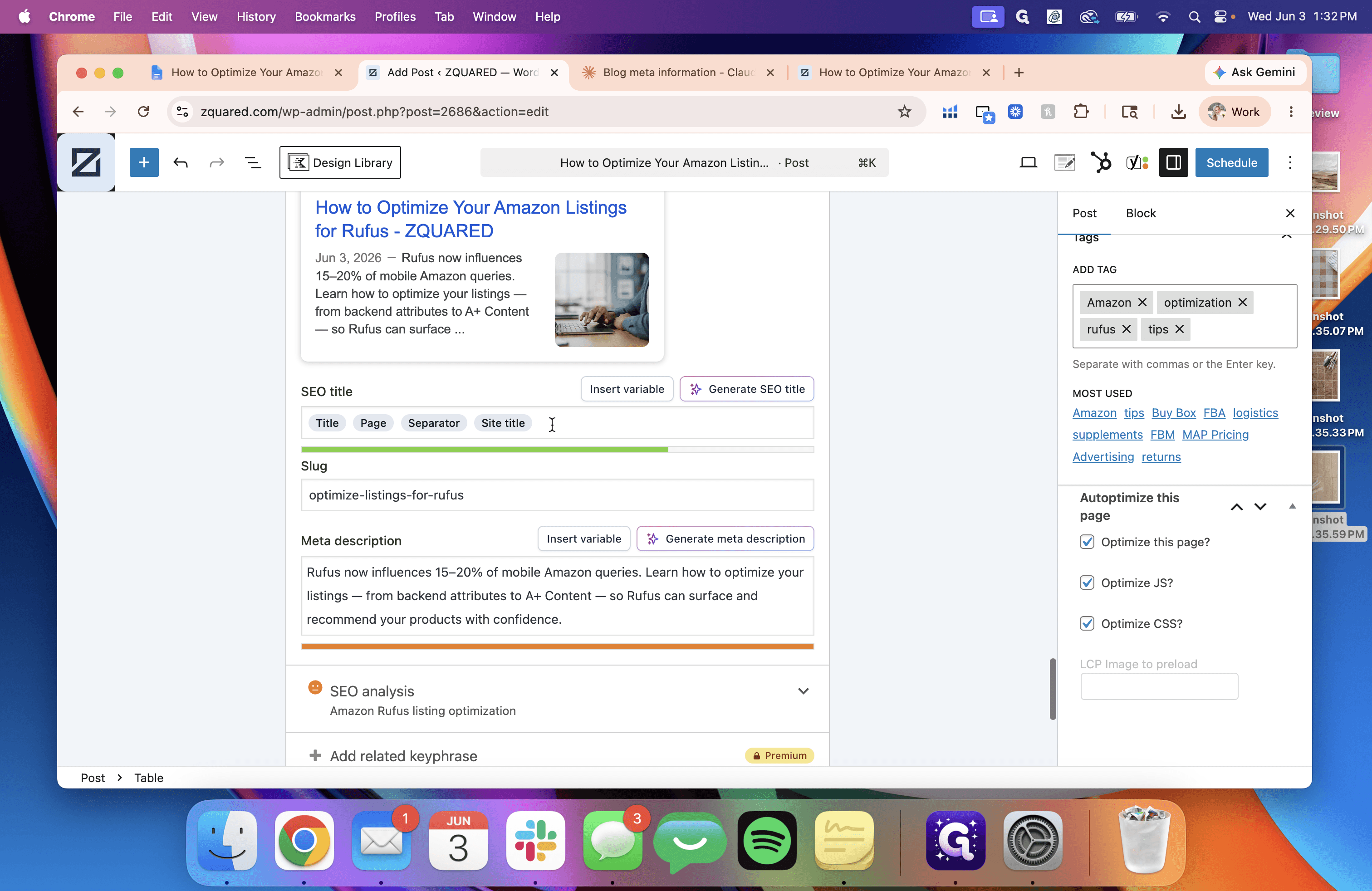
Input SEO Metadata
Ensure your post is optimized for search engines by filling out your SEO plugin fields (such as Yoast or Rank Math).
Once all settings are confirmed and previewed, your post is fully scheduled and optimized.
Q: Why does my preview look incorrect or broken at the top of the post?
A: This frequently occurs because a featured image has not been set yet. Navigate to the post settings, upload and select a featured image, and preview the page again to see if the layout corrects itself.
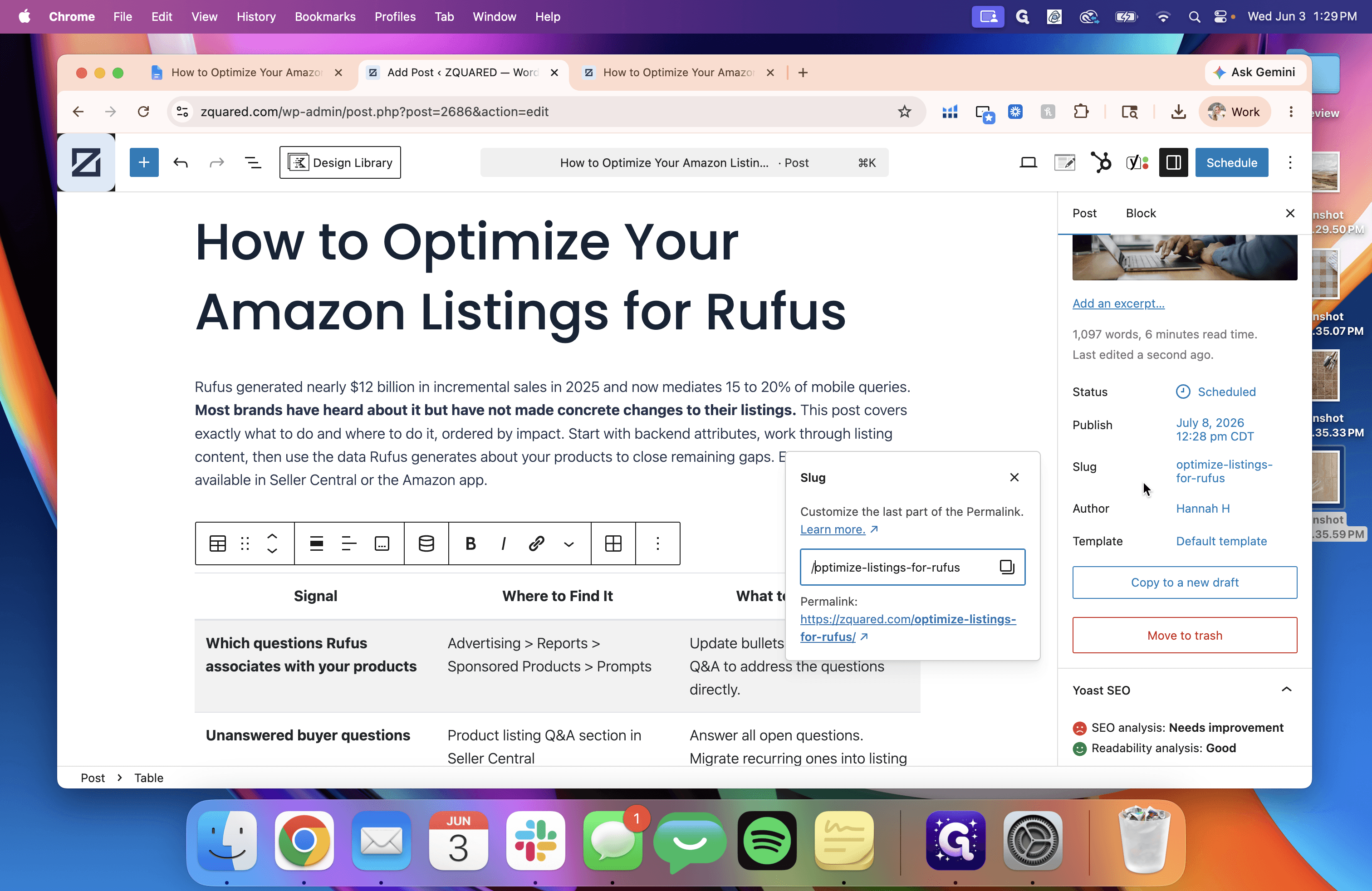
Q: How long should my URL slug be?
A: Best practices dictate keeping your slug to five or six descriptive words. You should edit the auto-populated slug—which usually contains the entire post title—down to a more concise format.
Term | Definition |
|---|---|
Slug | The part of a URL that identifies a particular page on a website in an easy-to-read form. |
Featured Image | A primary image chosen as the representative visual cover for a blog post, page, or article. |
Meta Description | An HTML attribute that provides a brief summary of a web page, often displayed by search engines in search results. |
Focus Keyphrase | The primary search term or keyword that you want a specific page or post to rank for in search engines. |