How to Generate AI Images with Canva Dream Lab
Learn how to access Canva Dream Lab, write text-to-image prompts, select artistic styles and aspect ratios, and edit your AI-generated images.
By Anacani Walters
Canva's Dream Lab is a powerful AI text-to-image generator that lets you create custom visuals directly in your workspace. Follow these steps to generate and edit your own AI artwork.
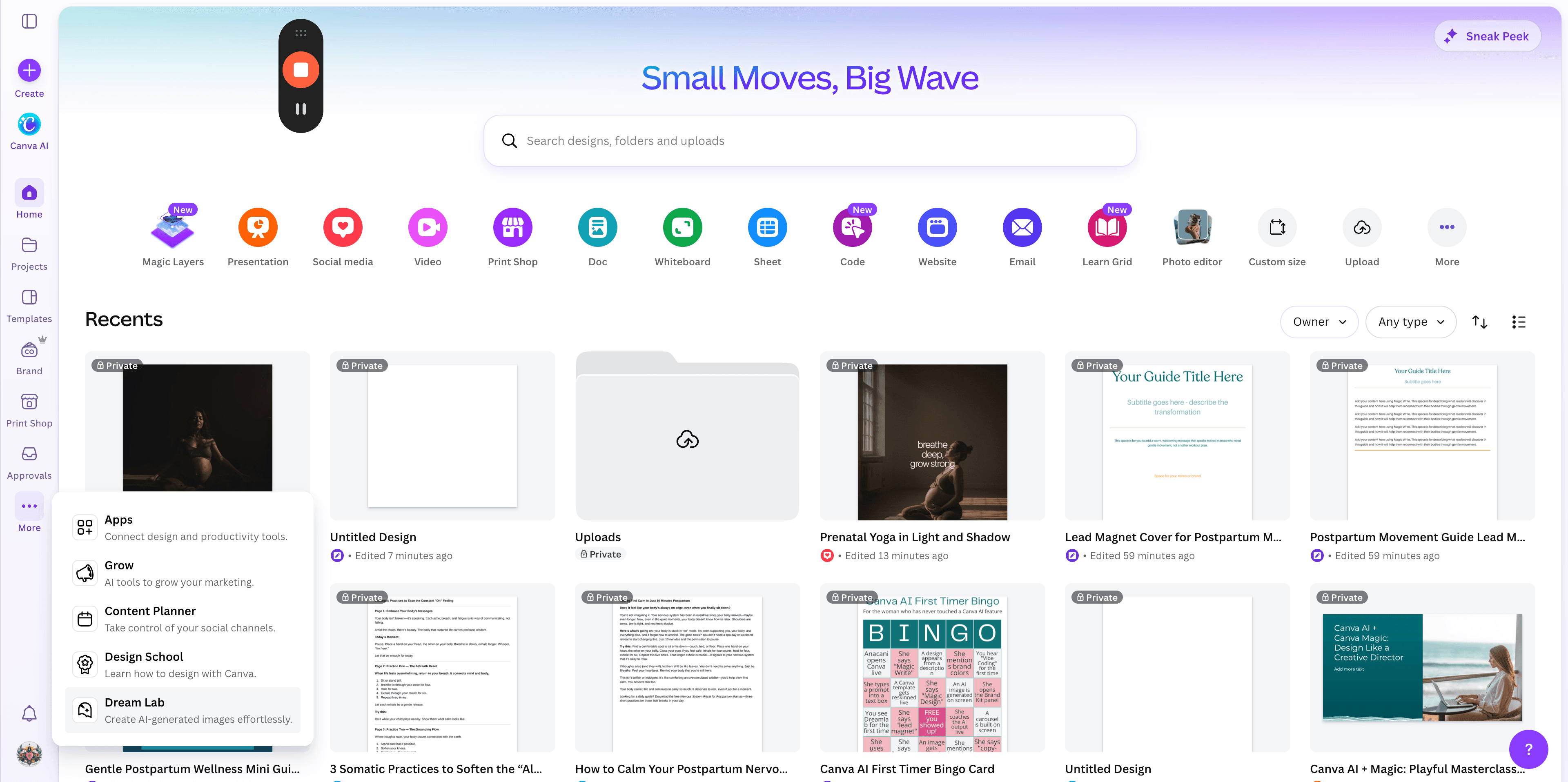
Access Dream Lab
1
From the Canva homepage, expand the left sidebar menu and click Dream Lab.