Emojis All Over the Place! 👀
Learn how to easily add emojis to your Todoist tasks using the Windows emoji keyboard shortcut. Step-by-step instructions for accessing emojis just about anywhere 🧙♂️
In this guide, we'll learn how to add emojis to your tasks in Todoist using the Windows emoji keyboard. Using emojis can help organize and personalize your task lists. This method works directly from your keyboard and can be used in many applications.
Let's get started
Fun fact: You can use emojis anywhere.
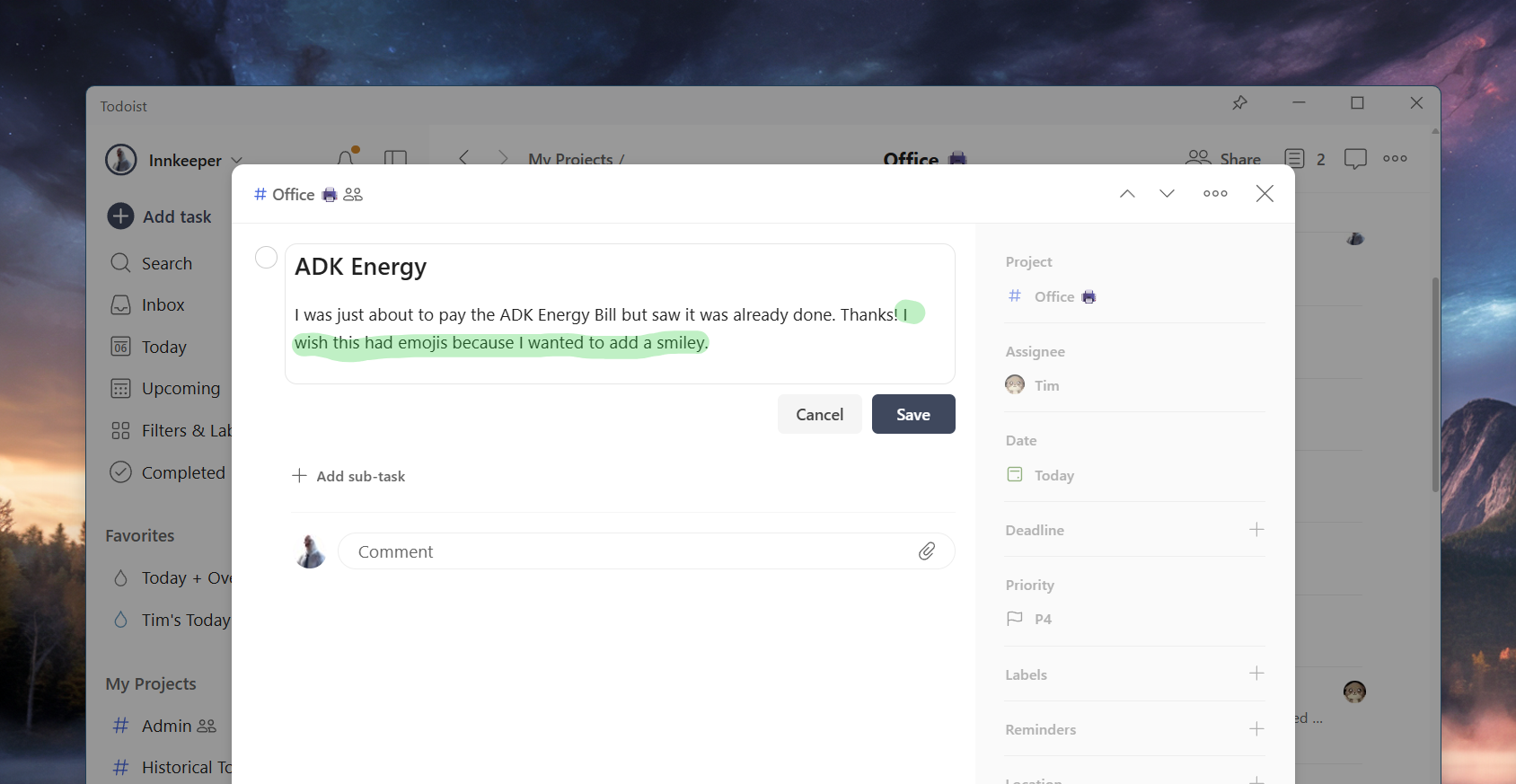
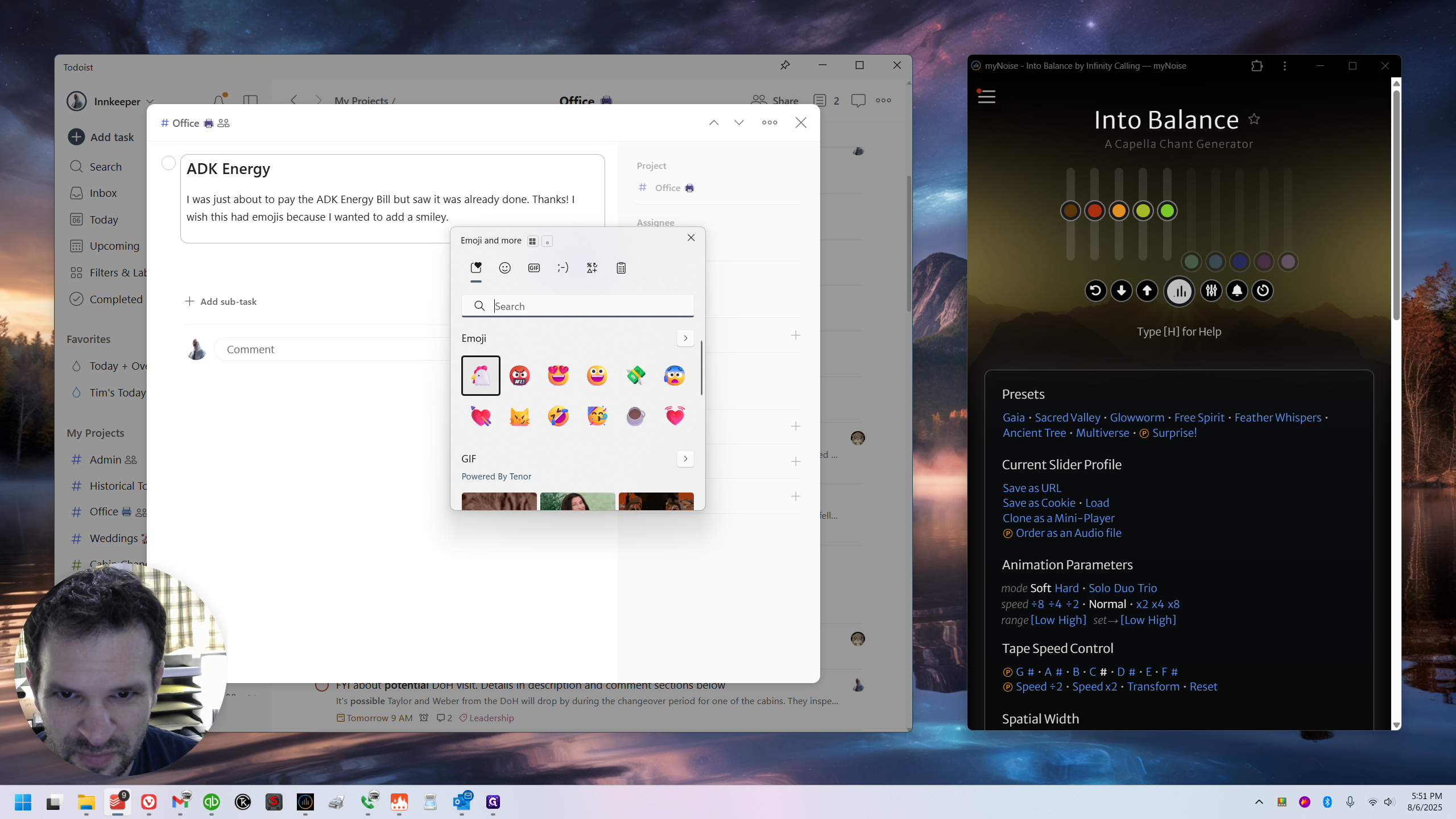
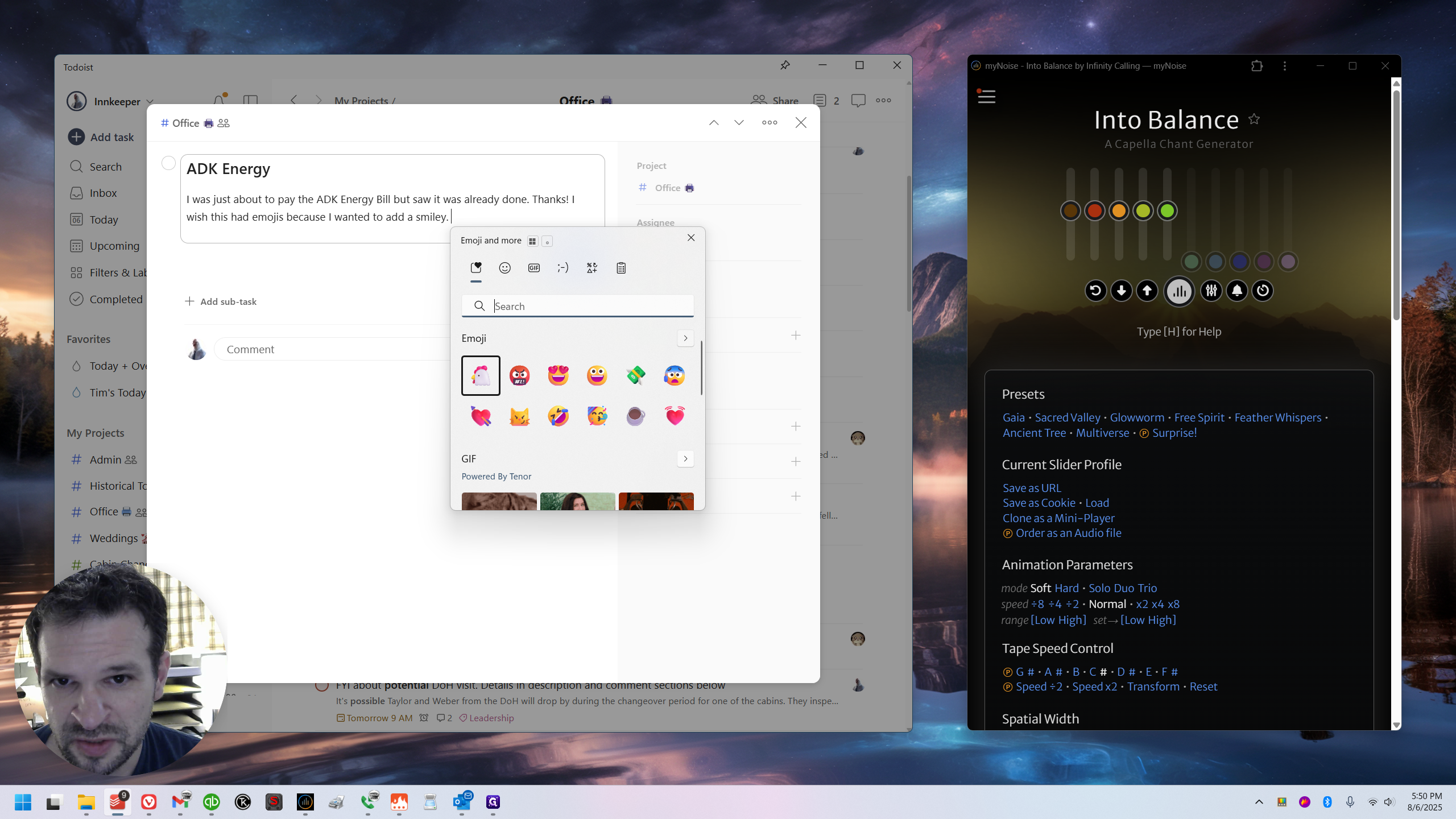
Press the key on your keyboard labeled "Win" - the Windows key. It's the second one from the left on the very bottom, I believe. I'm using my own keyboard, but it should be the same. Press the period (.) key while holding the Windows key. It will open a small search bar for emojis.
You may need to watch the video to see it. (Nope, shows in screenshots below - just wasn't sure)
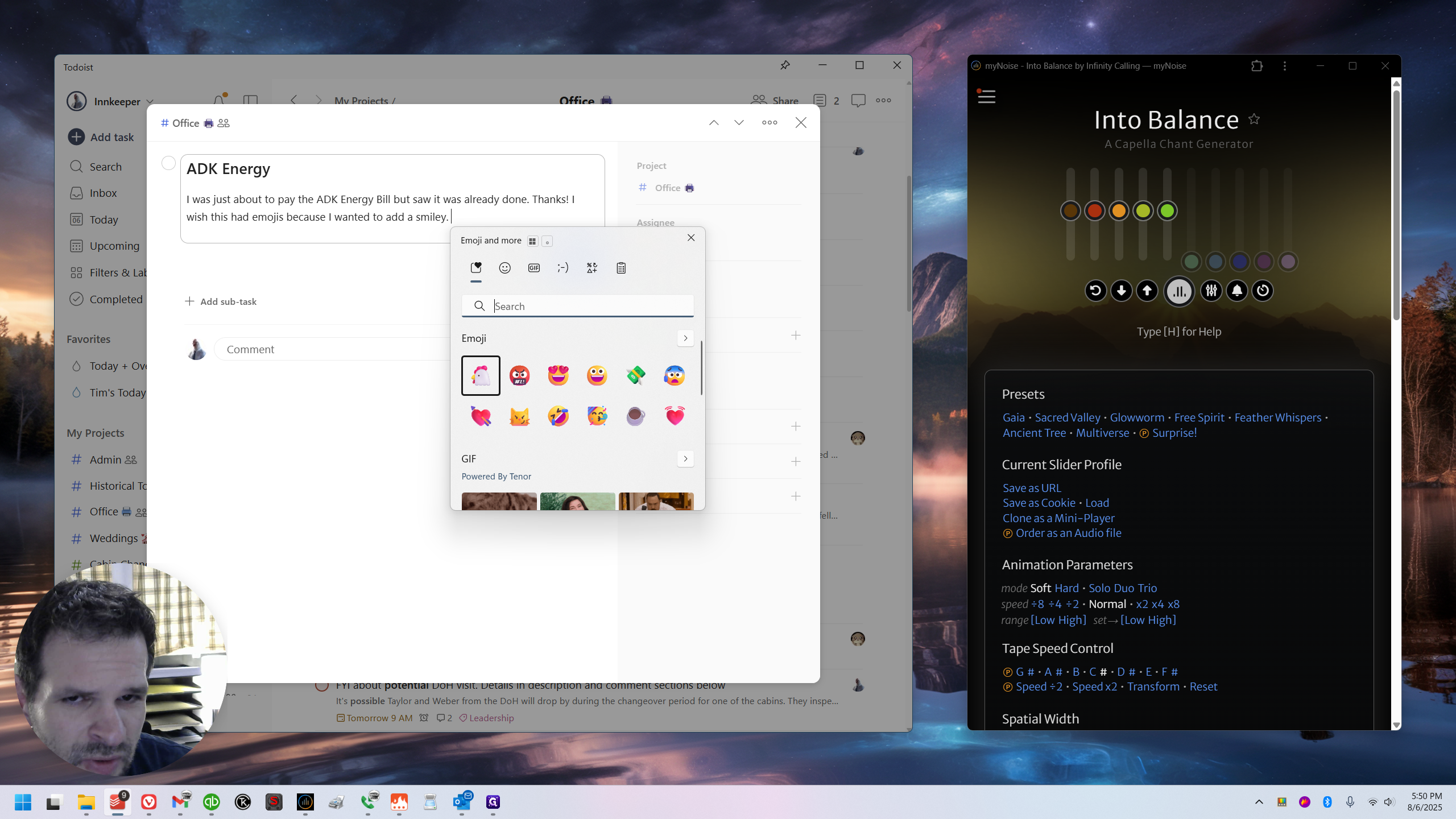
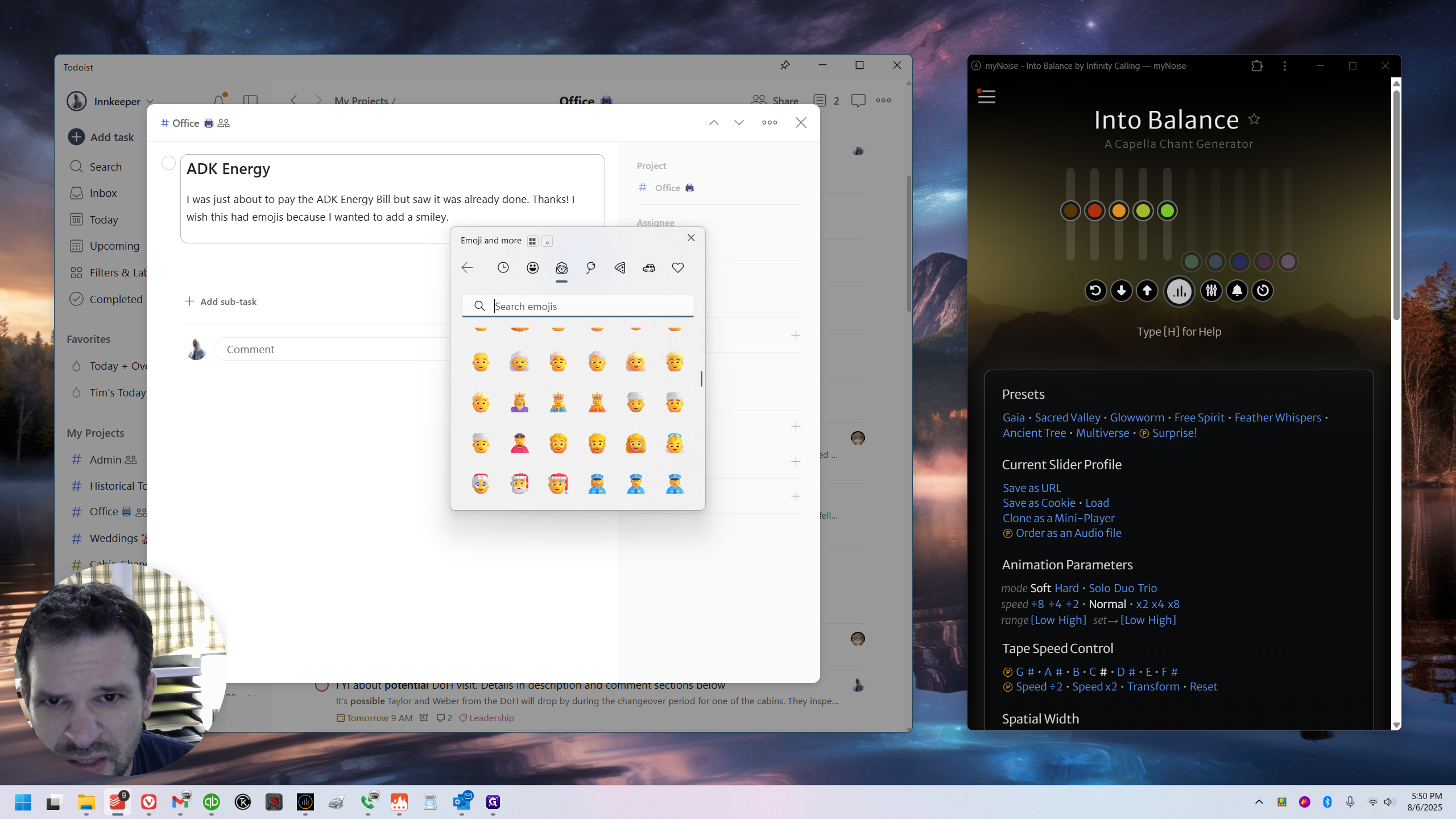
You can search for emojis or scroll through different emoji categories.
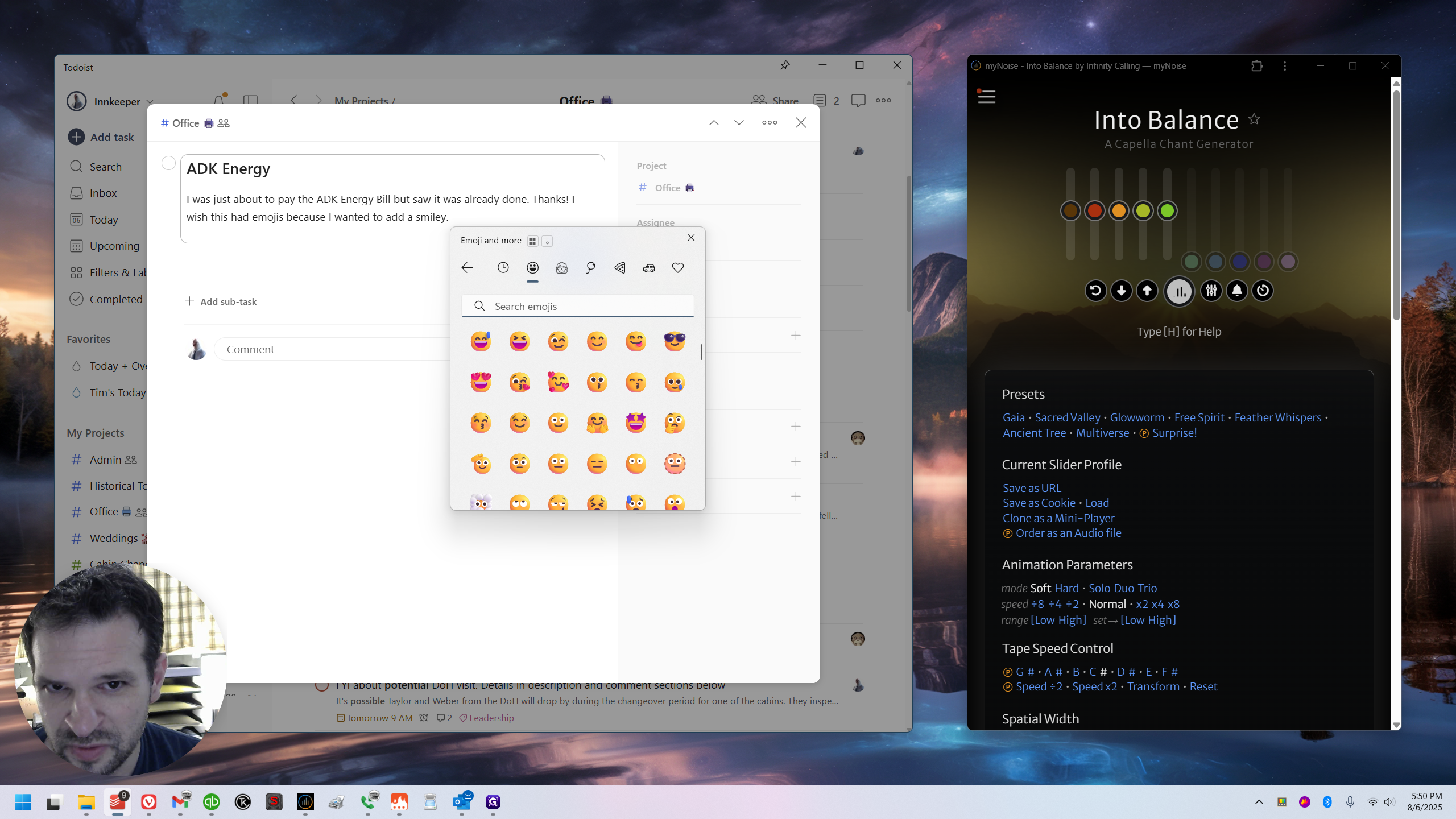
You can also add GIFs.
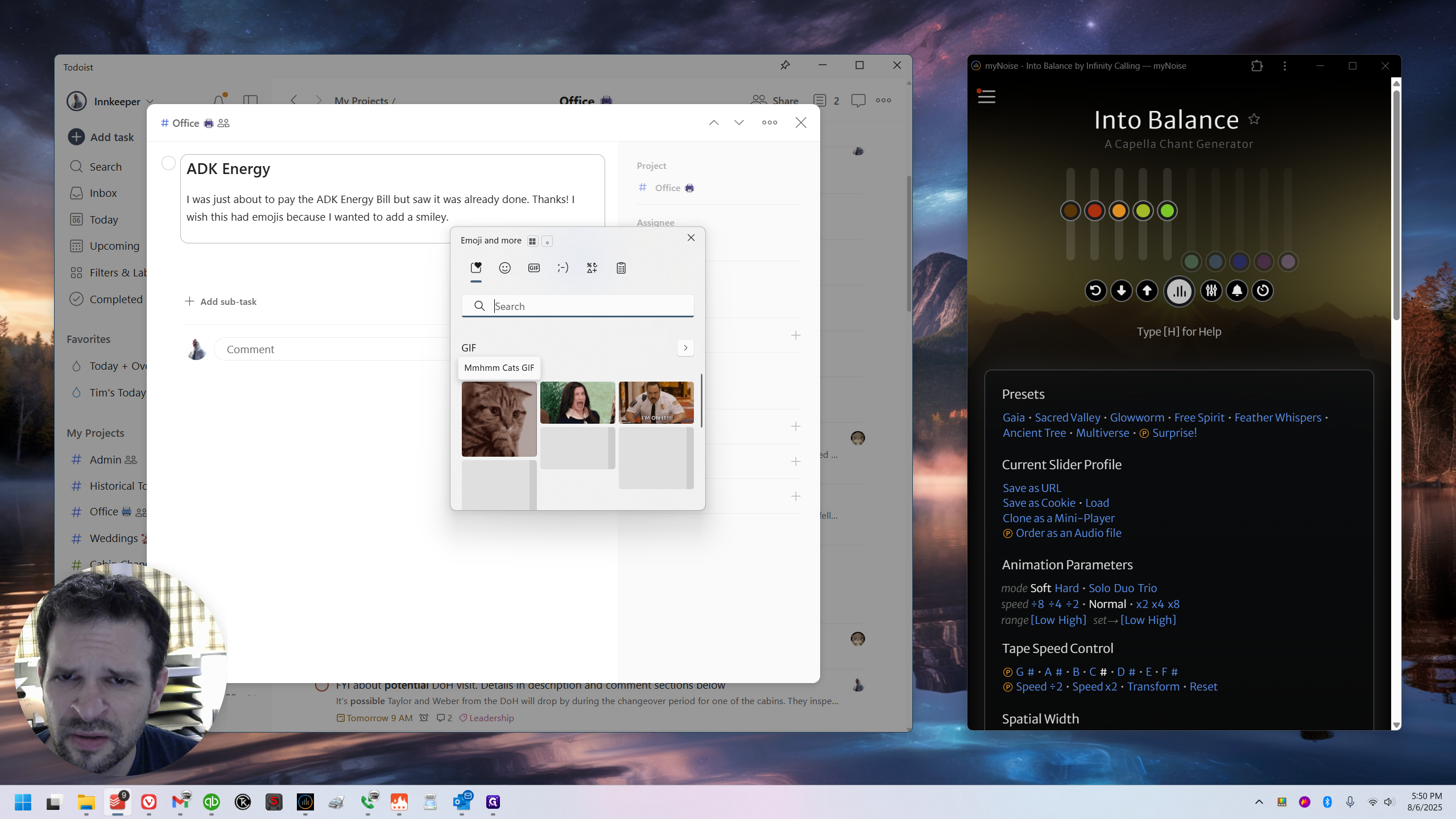
Gifs don't work in Todoist, sadly, but anywhere gifs do work, this is one way to quickly find them!
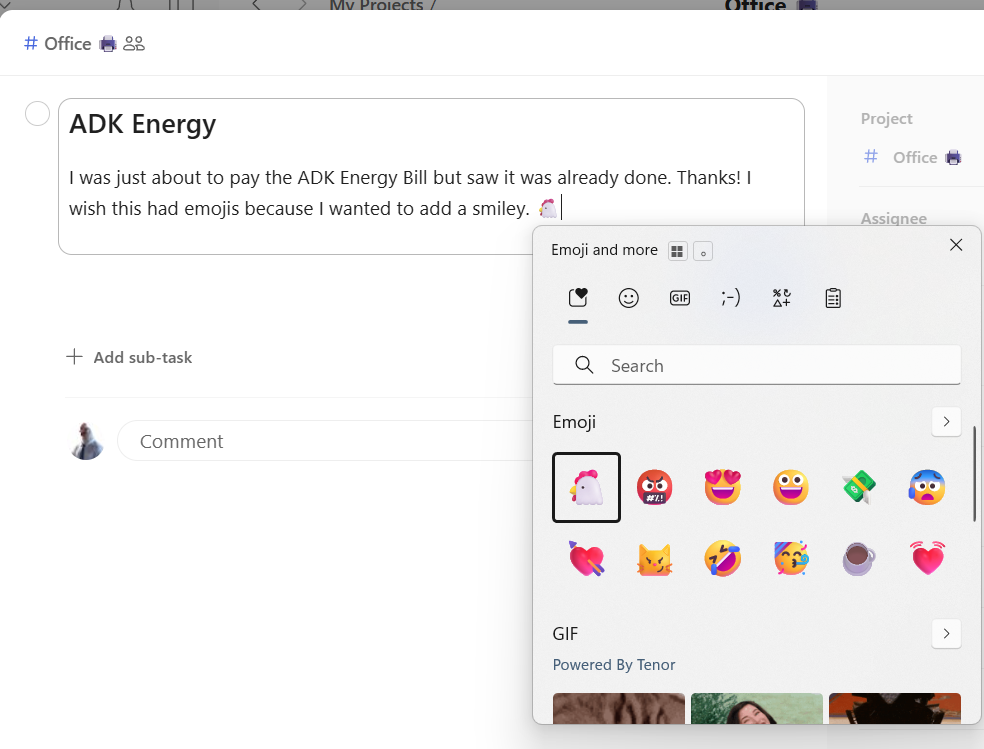
But the emojis do work in Todoist 👍