
How to Use Glitter AI for Lessons and Assignments: A Guide for Students
Learn how to effectively use Glitter AI to access lesson videos, slides, and summaries. Discover flexible learning options and tips for making the most of your assignments with Ms. Cooper's guidance.
In this guide, we'll learn how to use Glitter AI to access and review lesson videos and slides. This tool allows you to watch full lesson videos or view individual slides with summaries, making it easier to learn at your own pace. You can also start the video from any slide to review specific concepts without starting over.
Let's get started
Hello, everyone. Welcome to the course. My name is Ms. Cooper, and I'm very excited to be your teacher. Before we start the first activation assignment, I want to explain how to use Glitter AI properly. Glitter AI is an app I use to create videos for you about lessons and assignments.
Clicking the first link will take you to this page.
When you scroll down, you can watch a full video explaining the lesson. If you prefer a different learning style, you can scroll further to view the lesson broken into individual slides. Below each slide is a brief summary of its content.
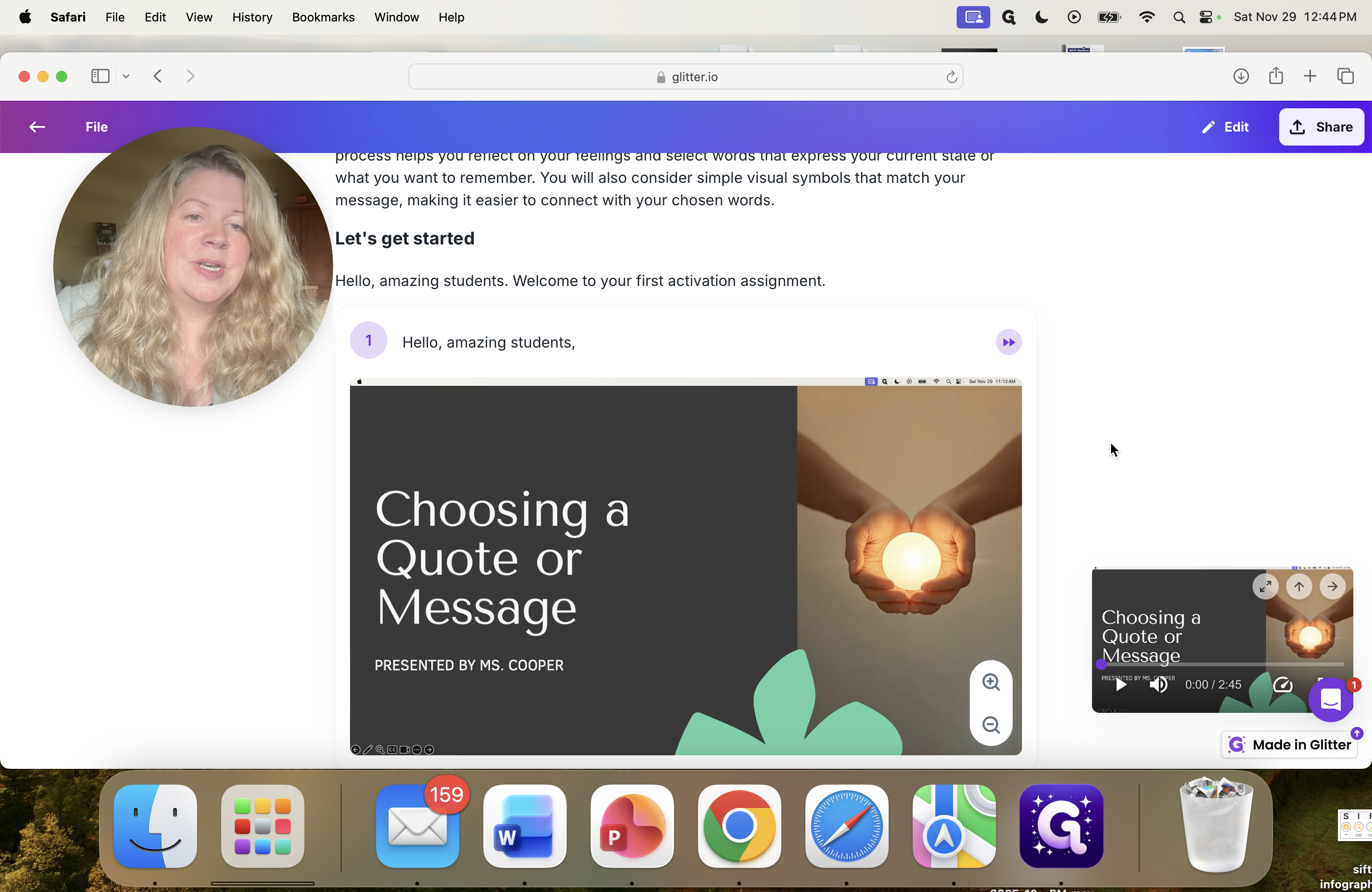
The video remains visible in the bottom right corner, allowing you to play it at any time.
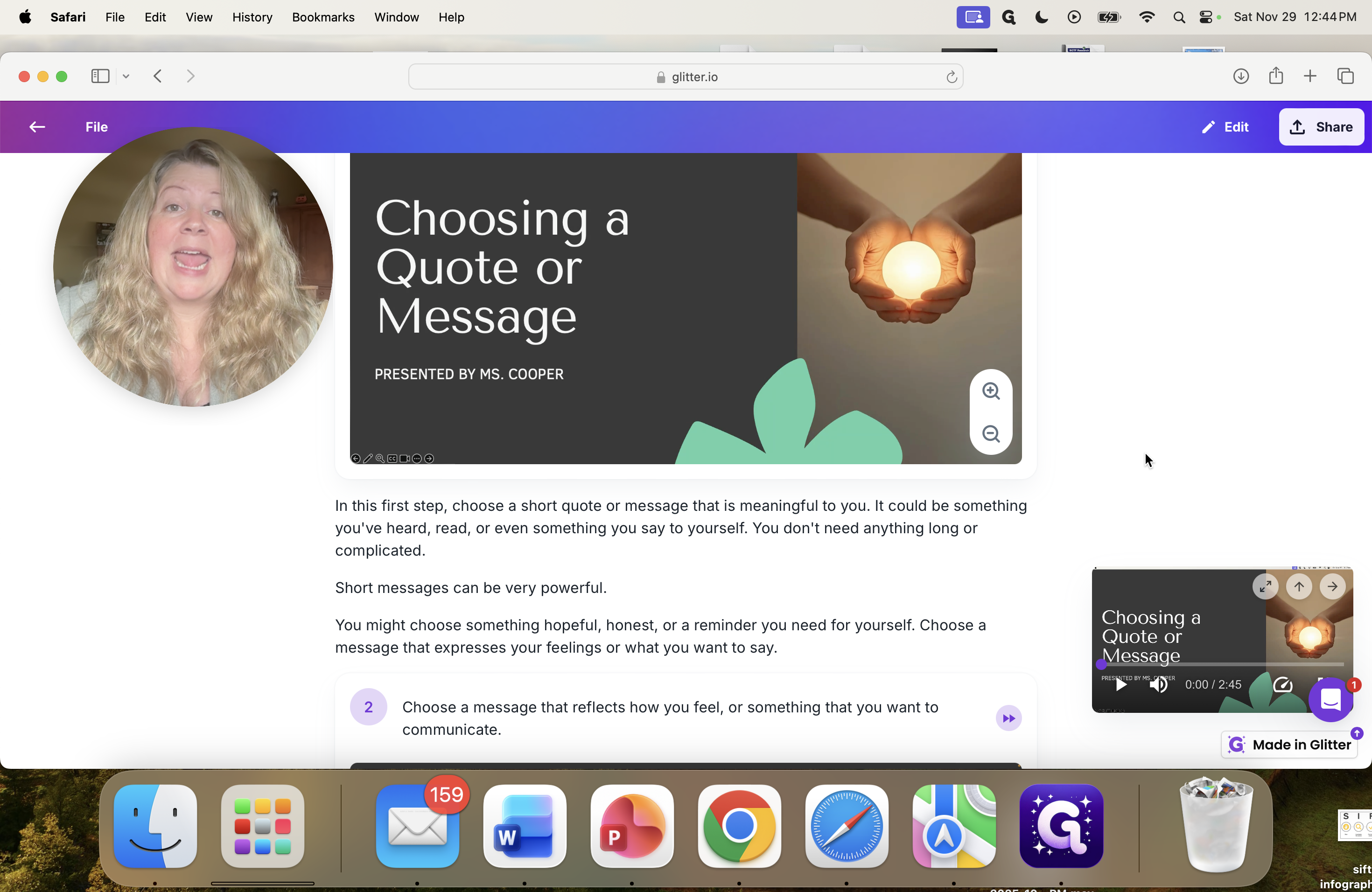
I really like this program because, for example, if you're on slide two and think, "You know what? I don't understand that concept, but I don't want to start the video from the beginning. You can start it from this point to review your work. I'll press play so you can listen.
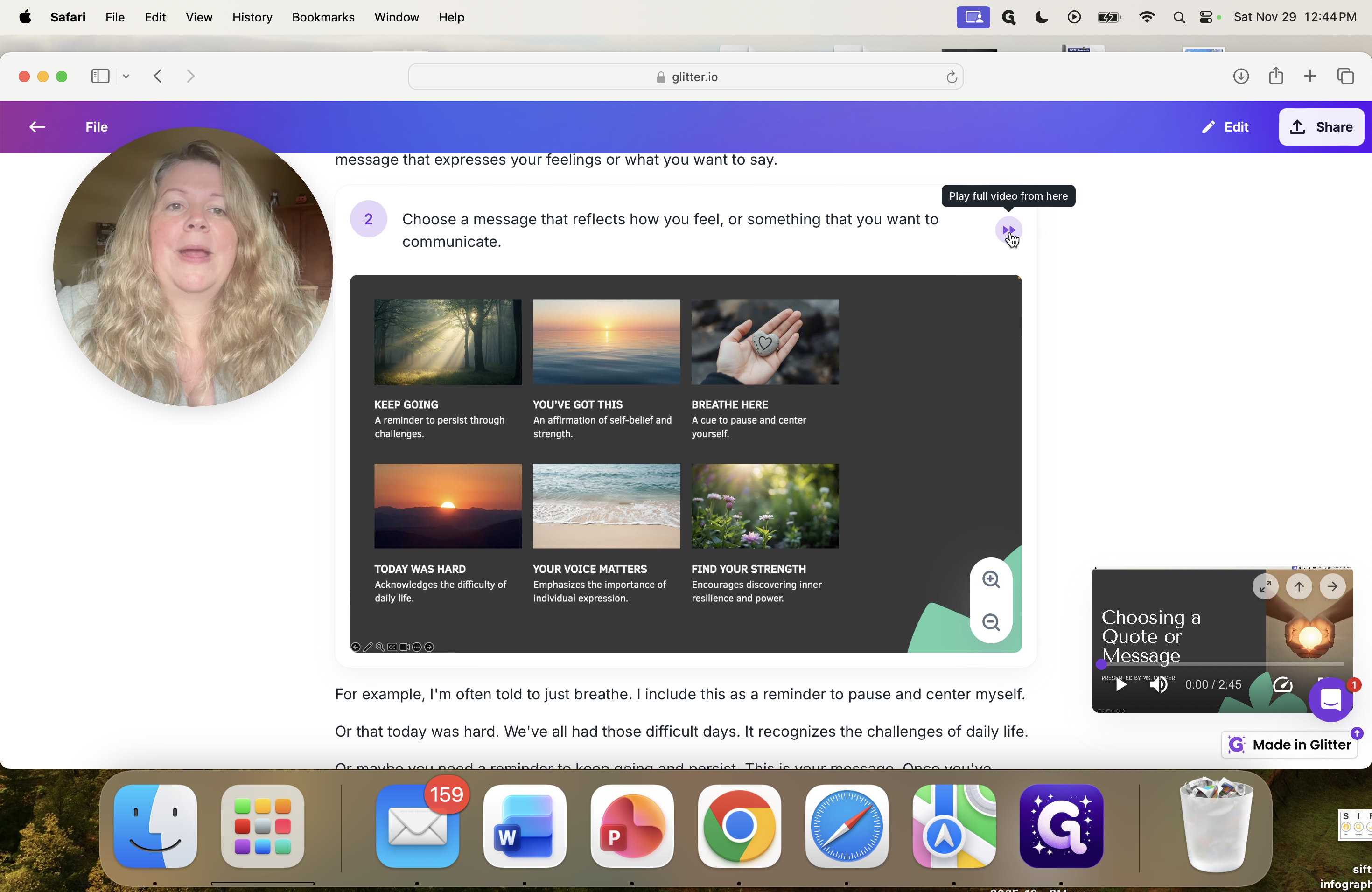
Hello, amazing students. Oh, that's actually playing from the beginning, so...
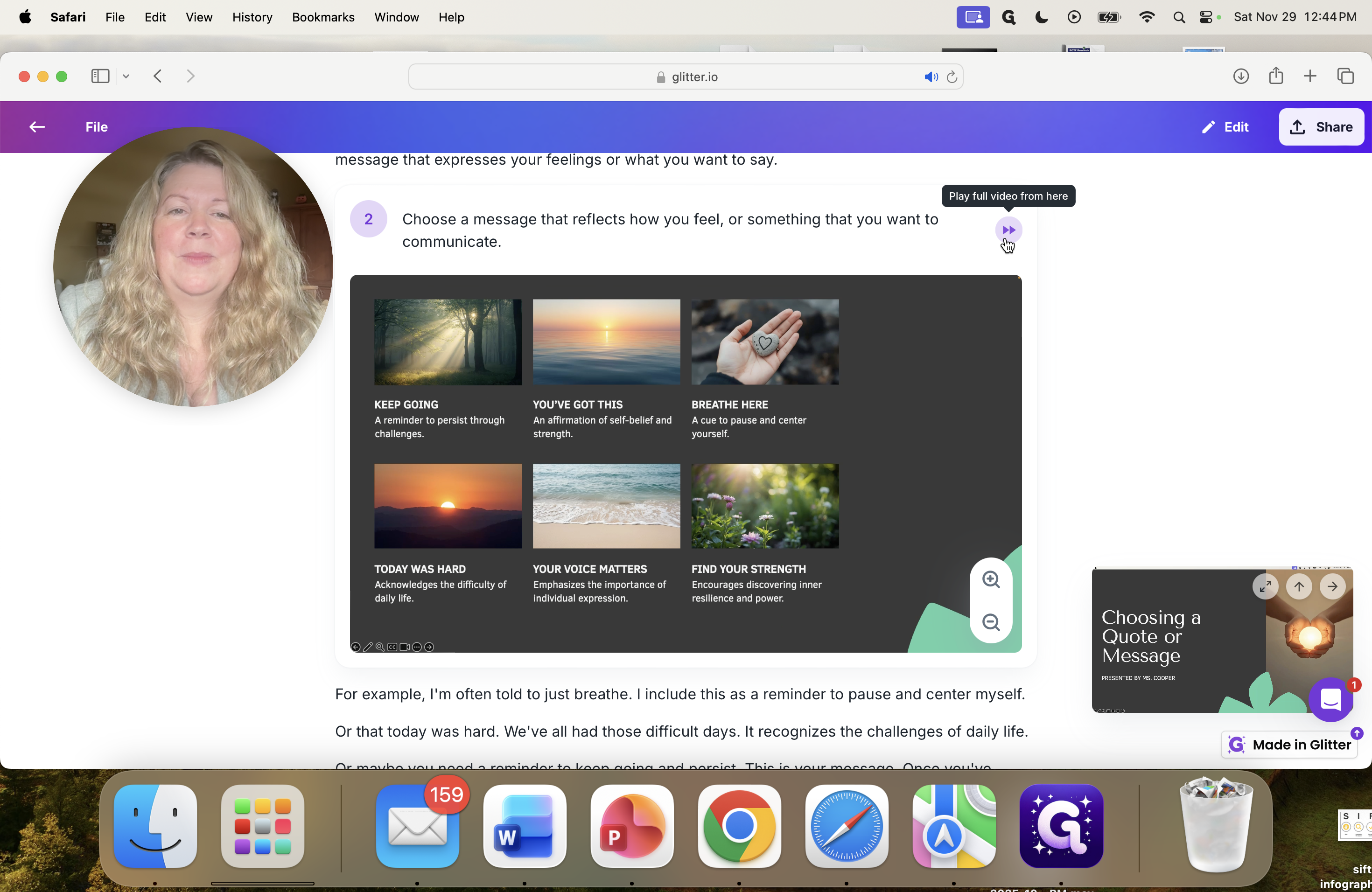
... welcome to... ... Something you want to communicate.
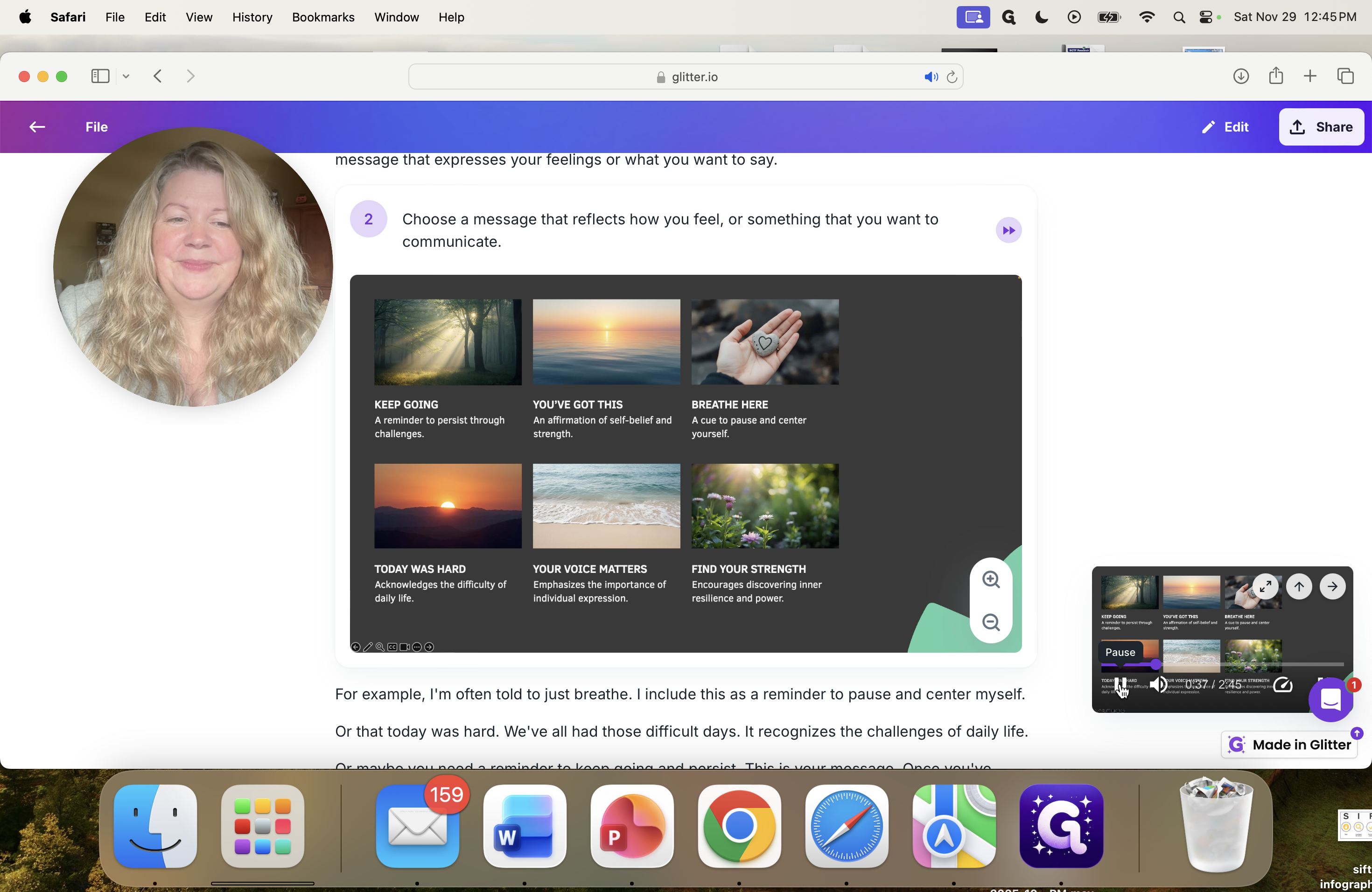
This feature allows you to go directly to any slide you don't fully understand, so you can review it whenever you need. I offer students these options because I know everyone learns differently and sometimes needs different support. Hopefully, this will help you. Let me know if you have any questions, and we can meet so I can answer them. Thank you.
Have a wonderful day.