How to Use Google AI Mode for Search: A Simple Guide
Learn how to use Google AI mode for search in just a few easy steps. Open Google, activate AI mode, select 'All,' and start searching efficiently.
By Yuval
In this guide, we'll learn how to use Google by accessing its AI mode and performing a search. This process helps you find information quickly using Google's features.
Let's get started
To use Google, open Google, click on AI mode, select "All," then click on Google Search. That's it.
1
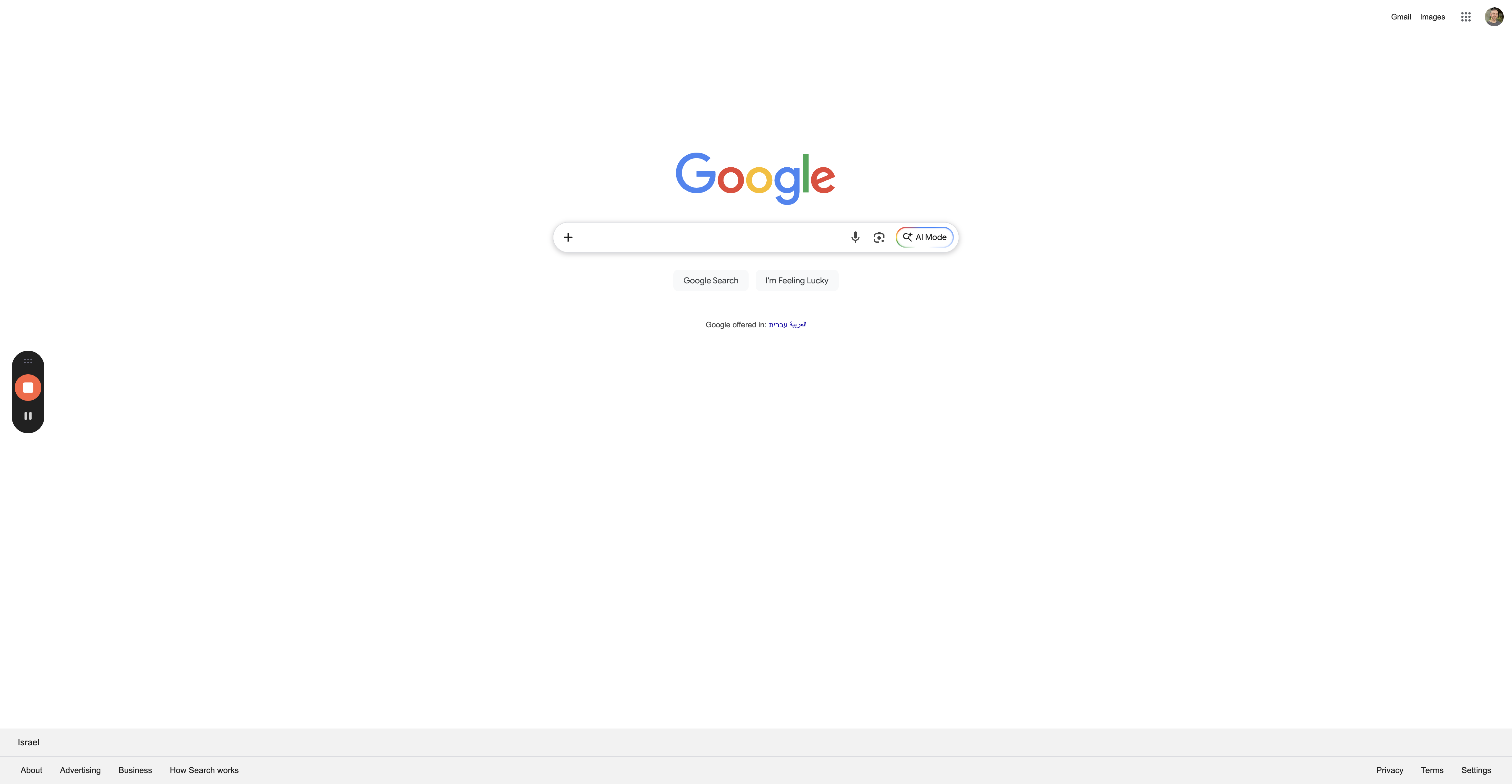
Click on "Al Mode"
2
Click on "All"

3
Click on "Google Search"