
How to Use Guide Version History and Restore Previous Versions
Learn how to use the guide version history feature, view previous versions, and restore backups easily. Step-by-step instructions for managing guide versions after upgrading to a team plan.
In this guide, we'll learn how to use the Version History feature in your guide after upgrading to the team plan. This will help you view, select, and restore previous versions of your guide, making it easier to manage changes and recover from mistakes.
You'll also see how to switch between versions and confirm your selection.
Let's get started
Hello Waldo, hope you're doing well. I want to show you how to use the guide versions. Once I upgrade you to the team plan, go into a guide and click the Version History button.
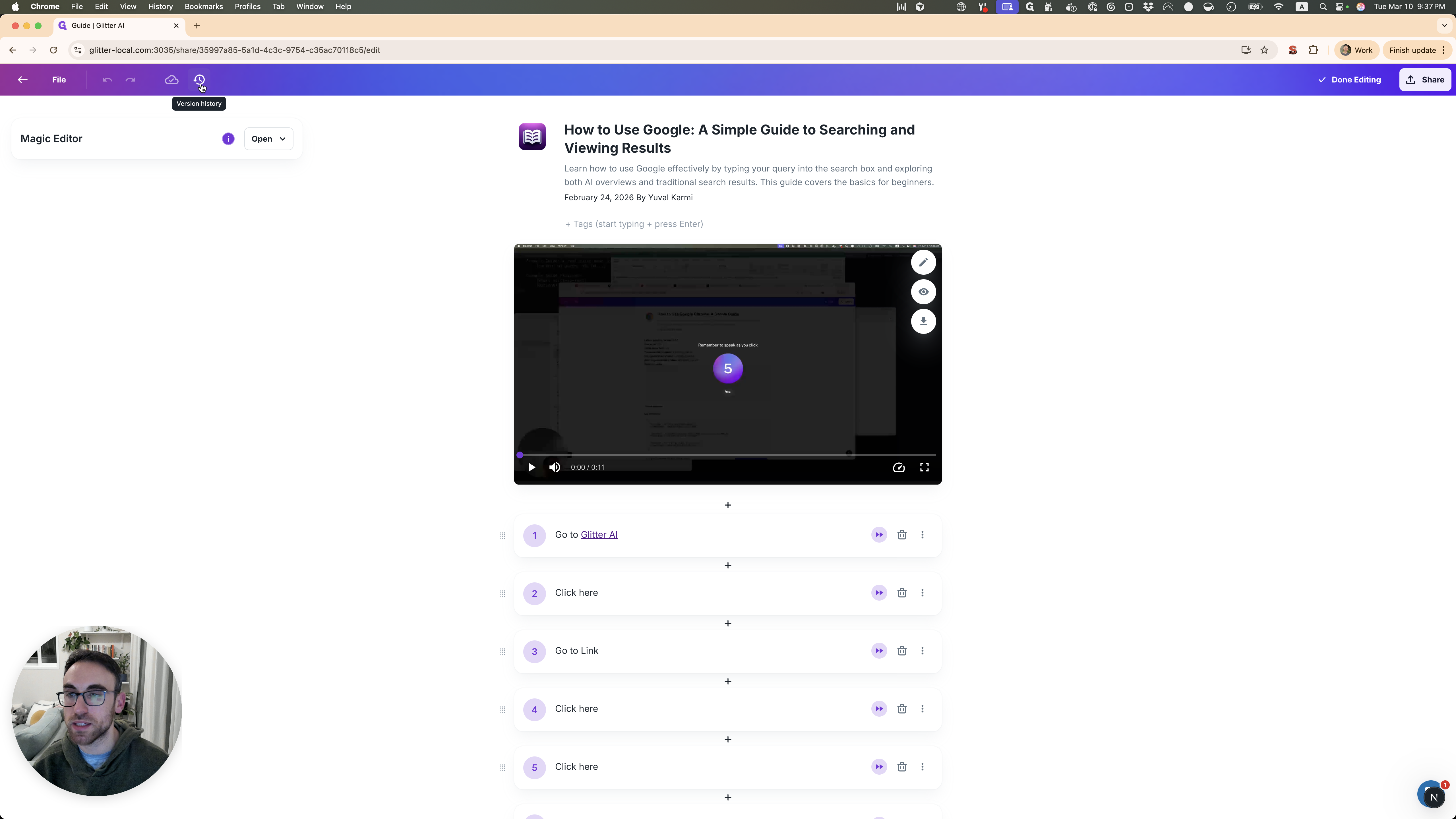
Here you have several different versions that you can select from. Let's say I want to view this version. I click on that, and it shows me what it looked like at that time.
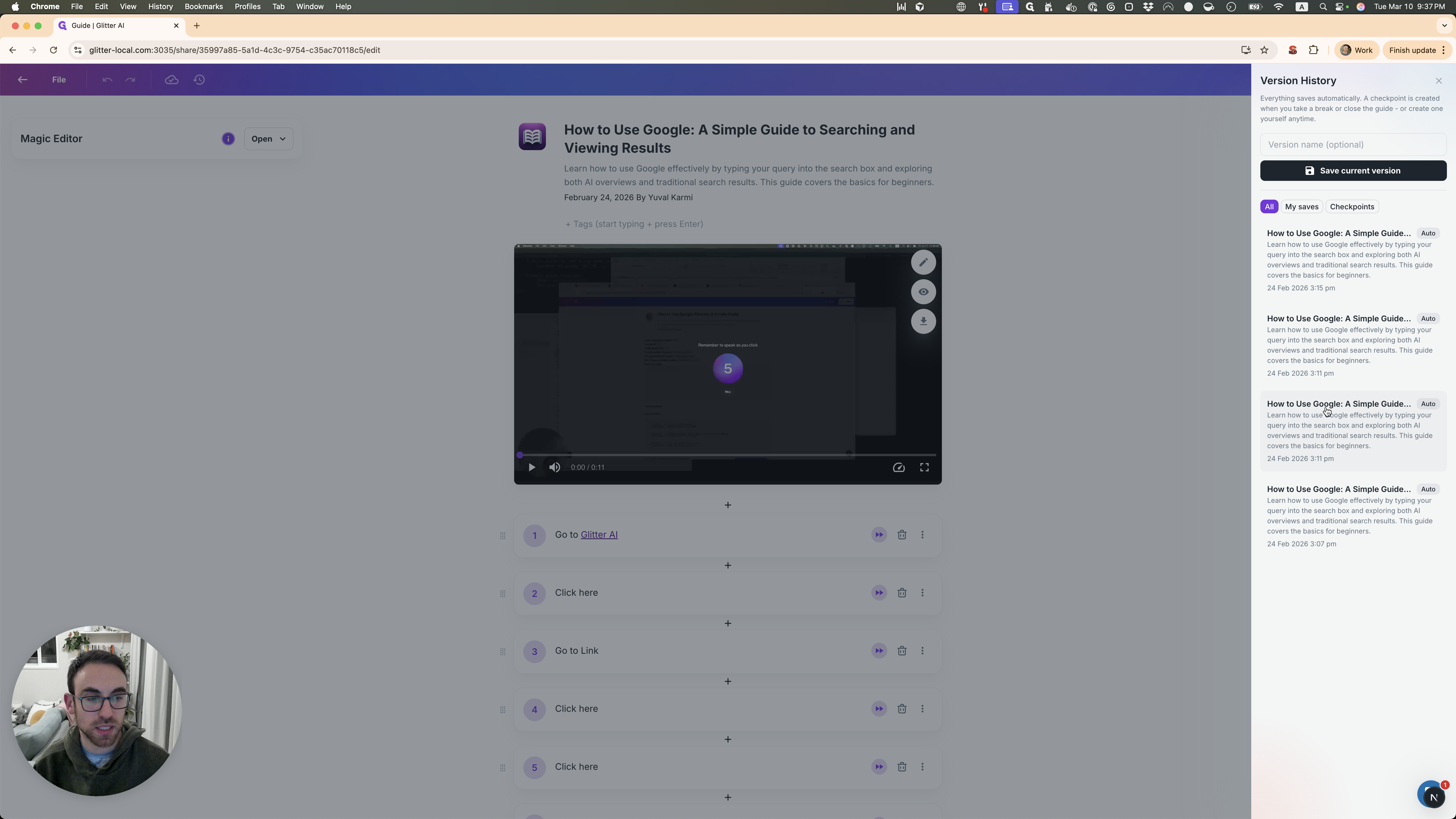
If I need to view another, I just click on it.
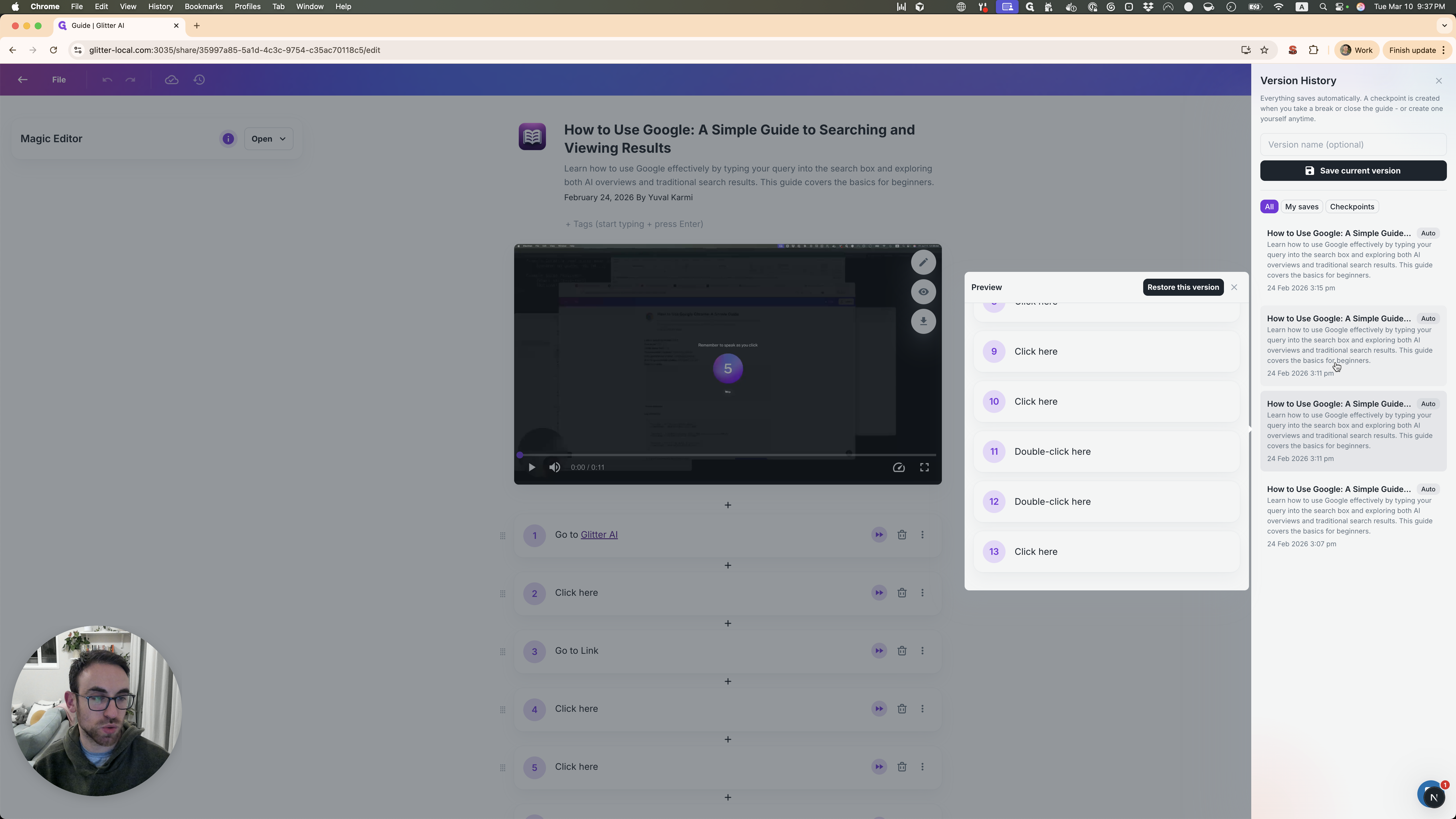
Now, let's say I want to restore this version. I click on "Restore this version" and confirm.
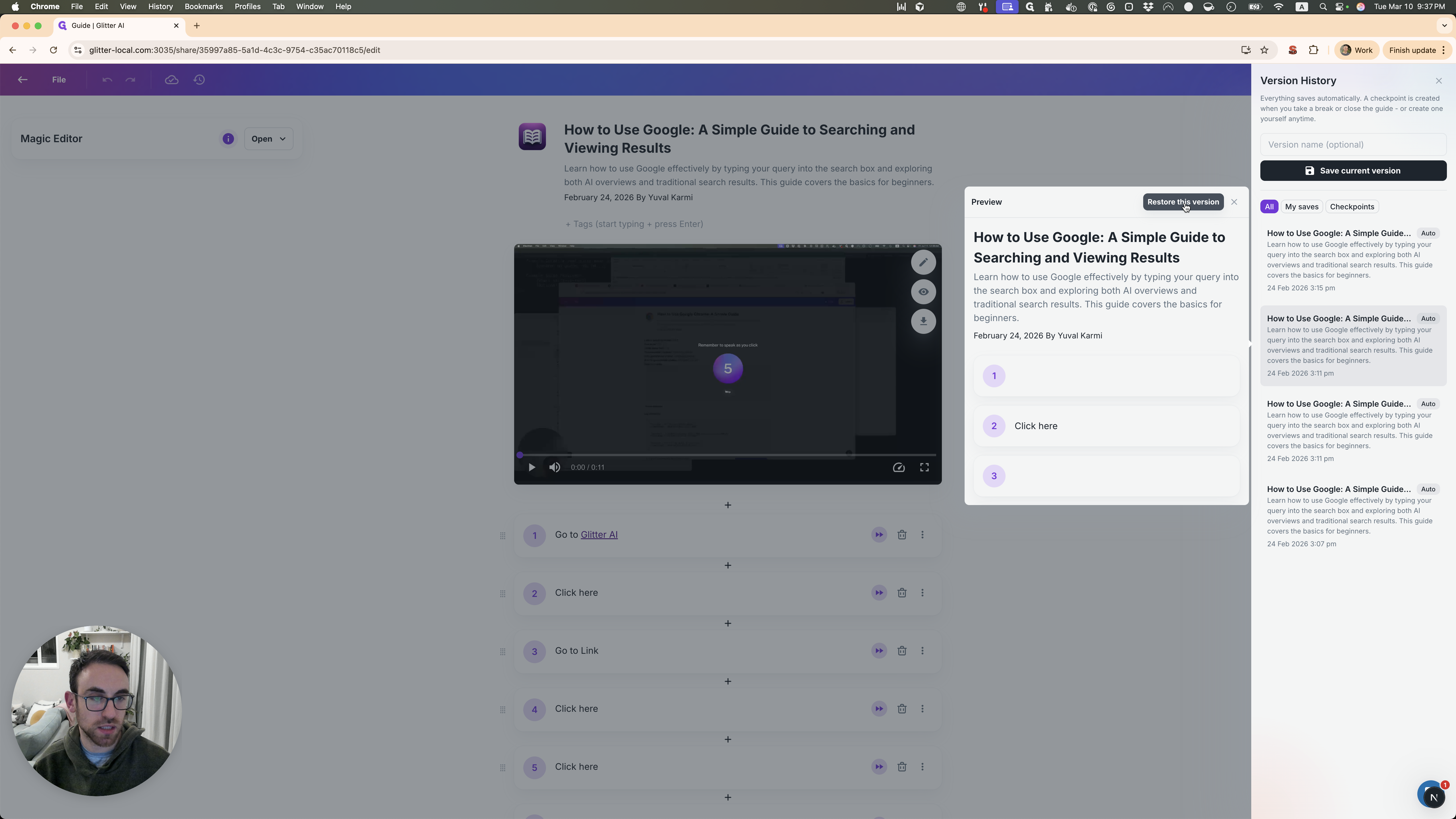
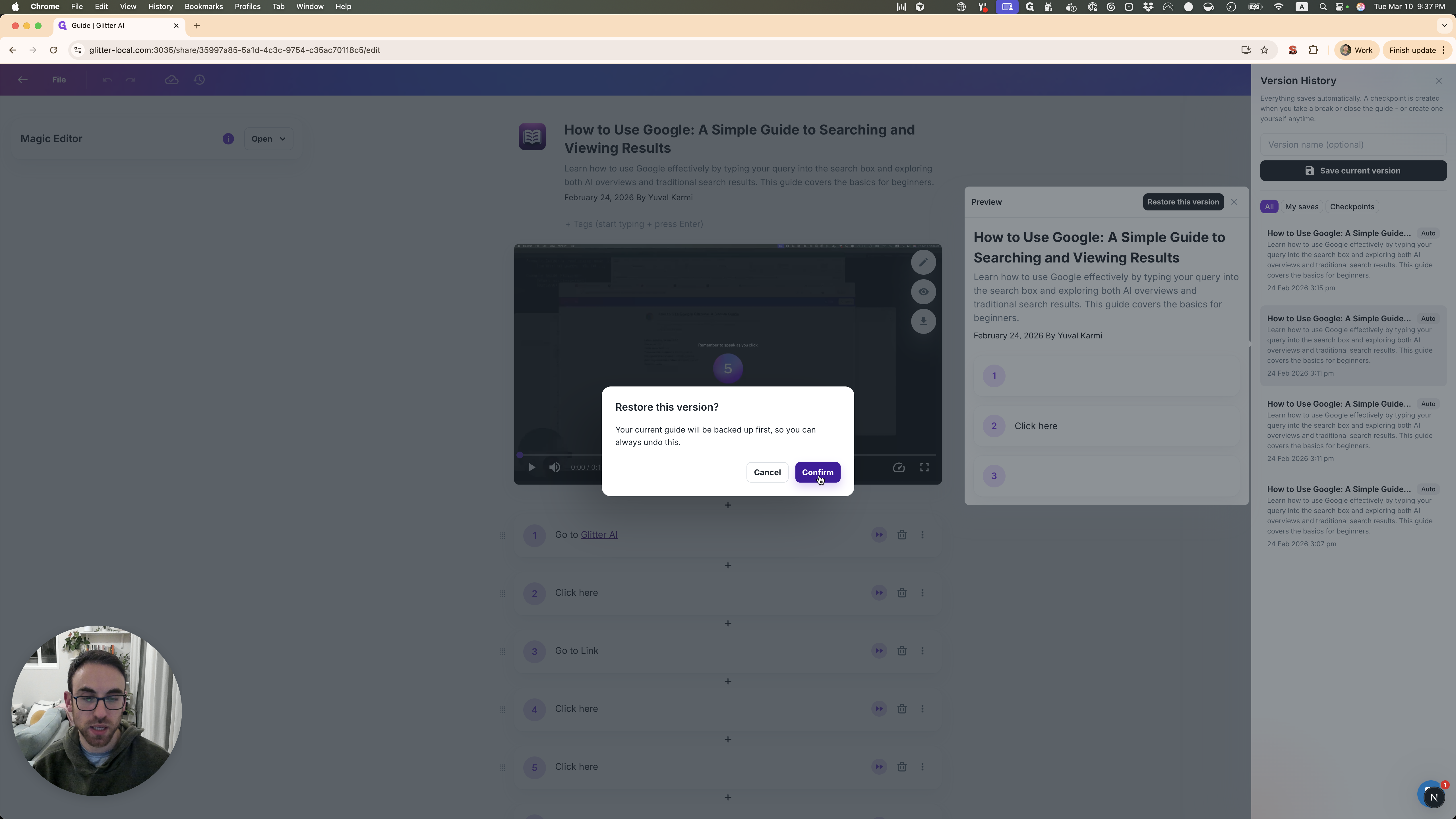
If you make a mistake, it's no problem. Go to Versions and select the backup created just before you restored. This ensures nothing is lost.
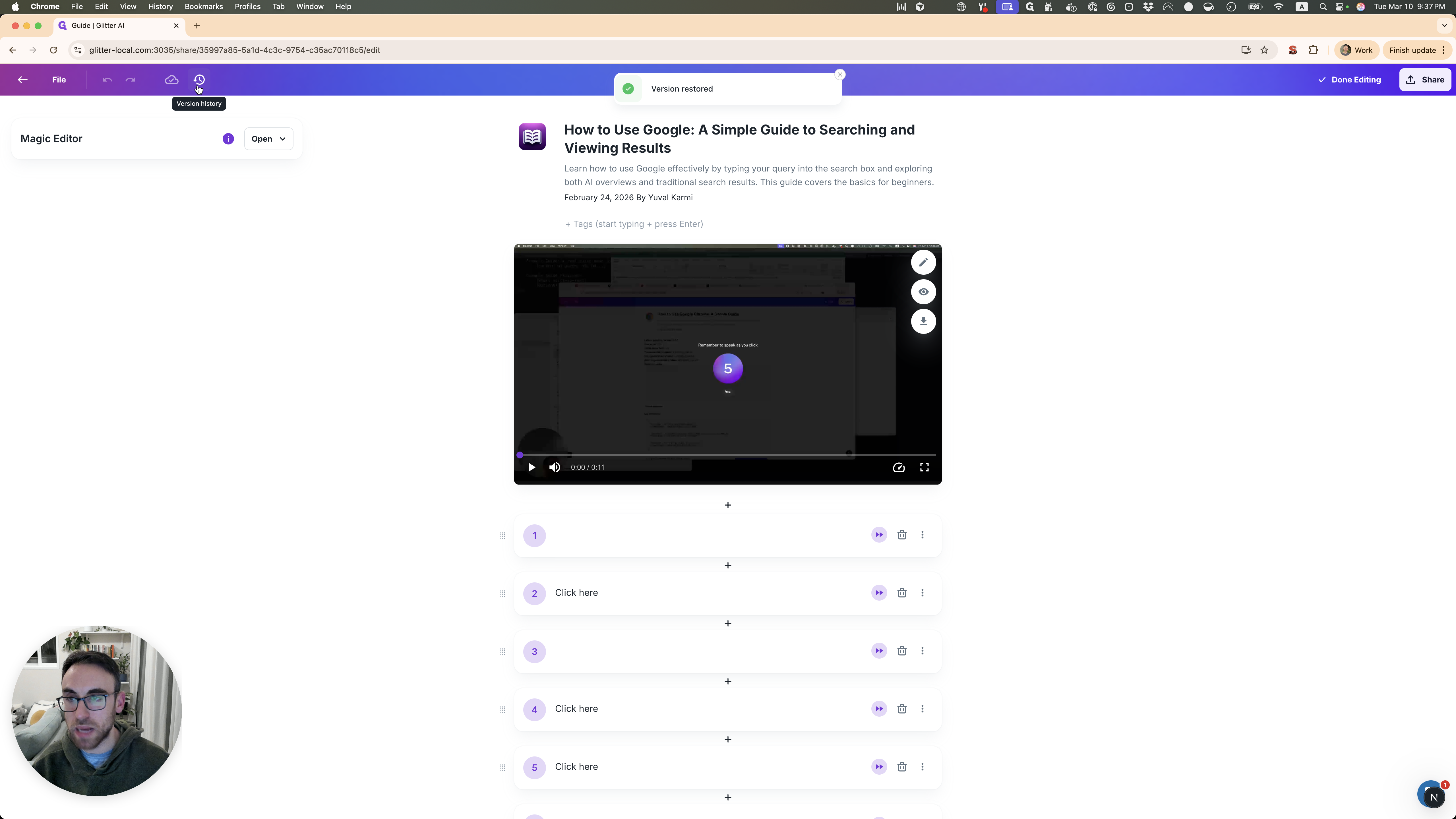
Once you find the correct version, please let me know and I will move your account back to a pro account. Thanks.