How to Use Notion for Managing Digital Assets and How-To Materials
Discover how Notion can streamline your digital asset management and organize how-to materials with databases, custom views, and easy navigation. Learn tips for optimizing your workflow using Notion's features.
In this guide, we'll learn how to use Notion to organize and manage digital assets and how-to resources. We'll look at how databases and different views help you find and sort information, such as store signage and printable labels. You'll also see how to switch between table and document views to work with your content.
Let's get started
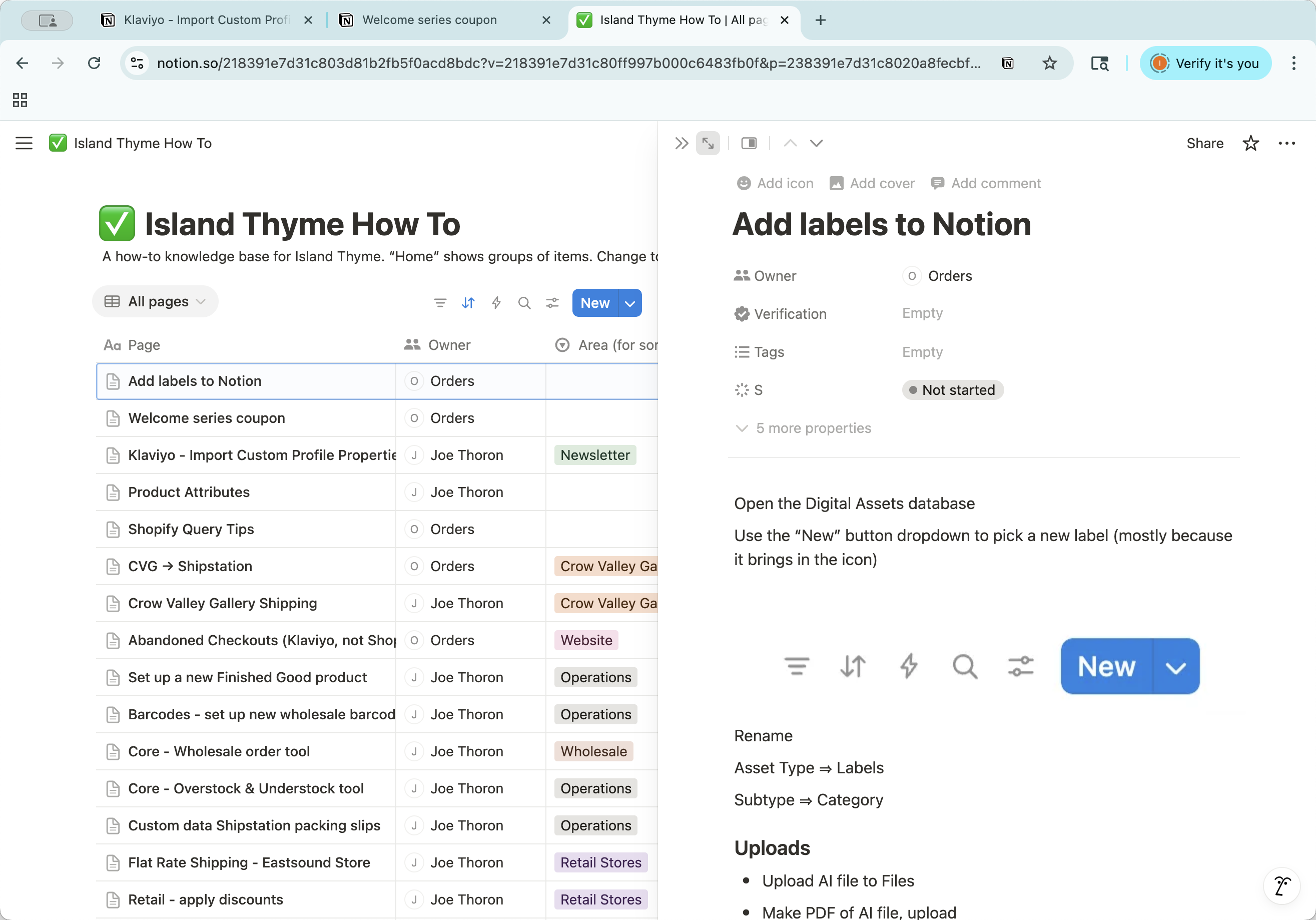
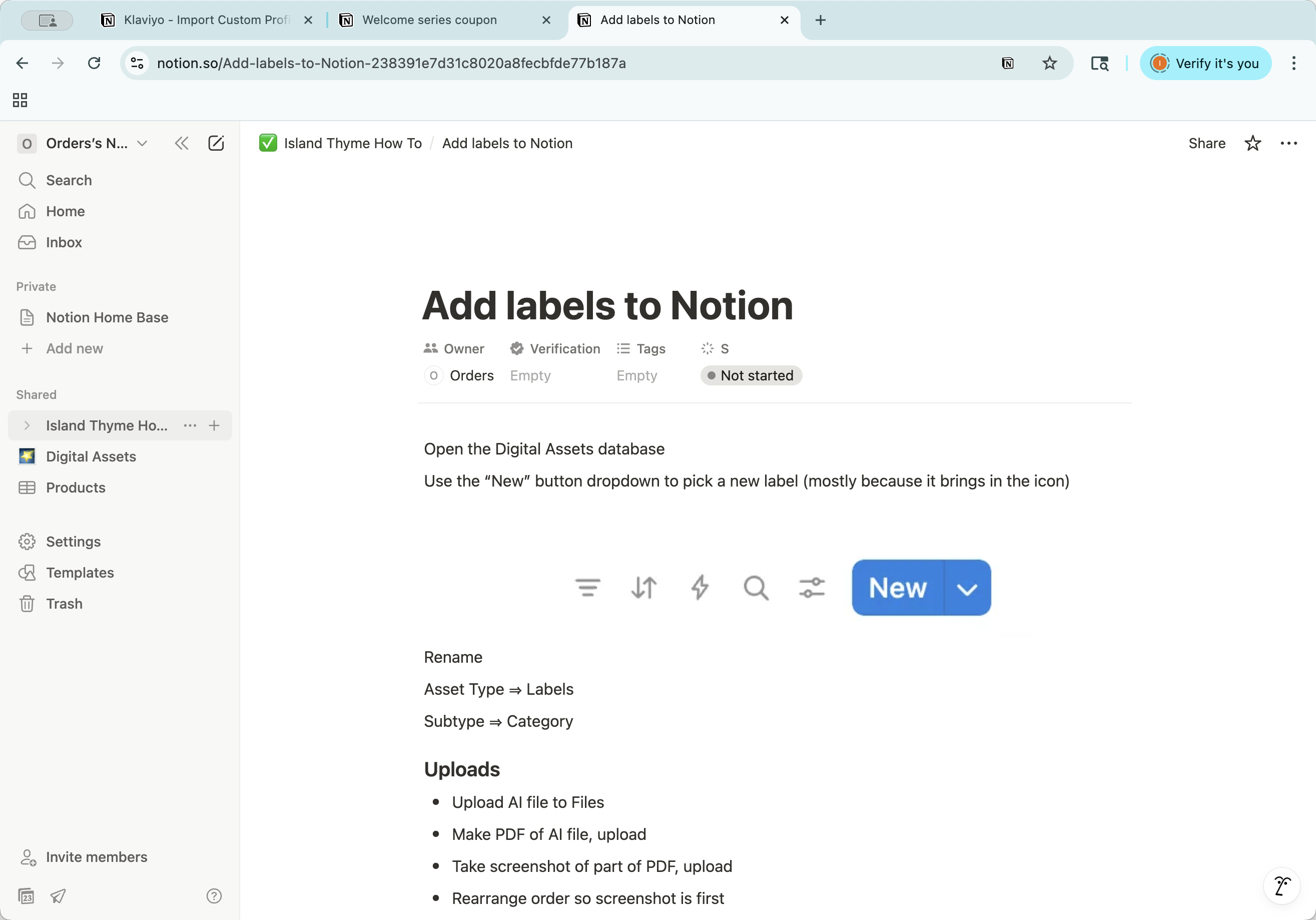
Okay. I'll show you how Notion works for managing our digital assets and how-to materials. In Notion, we have several databases set up. You can view them in different ways.
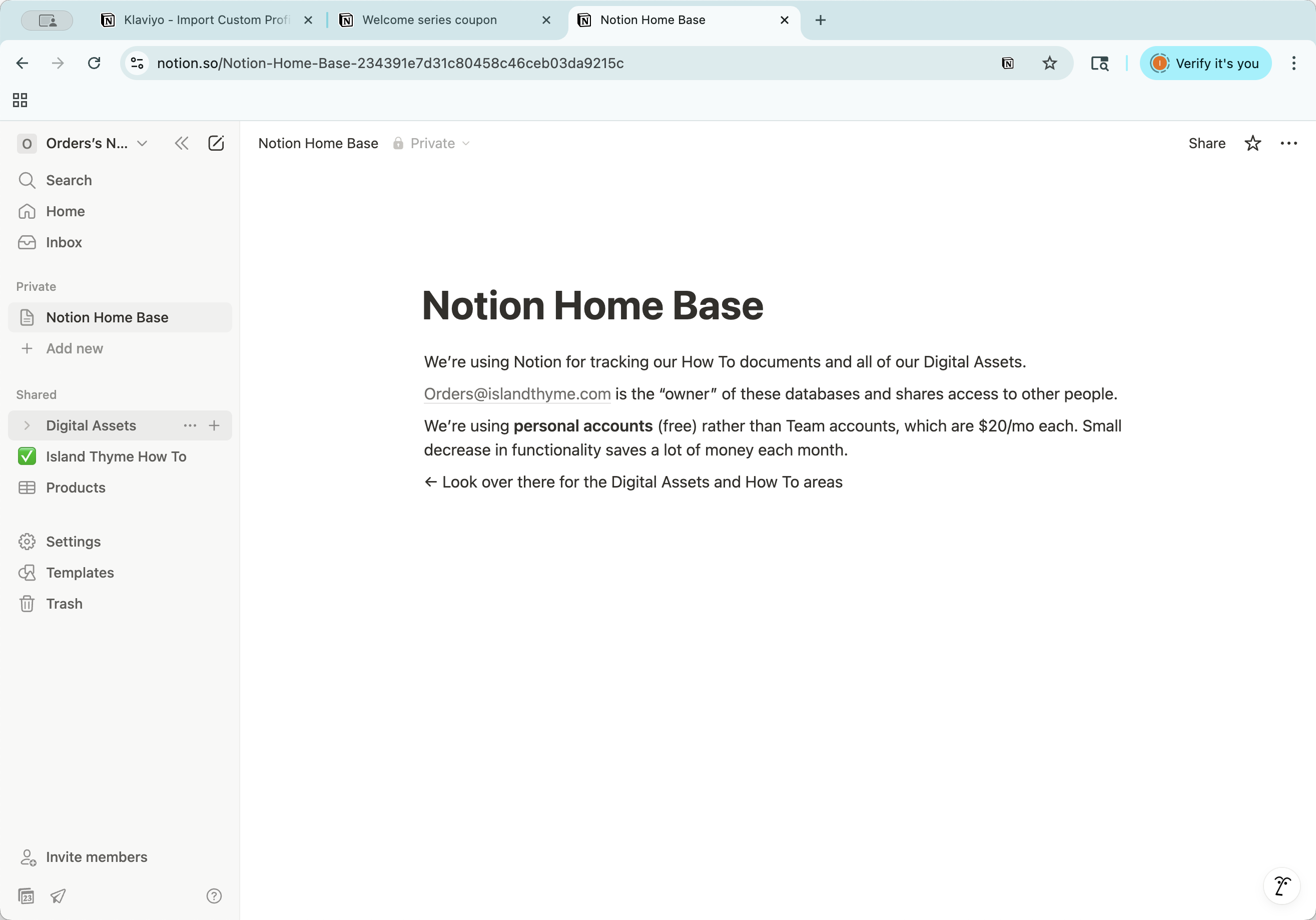
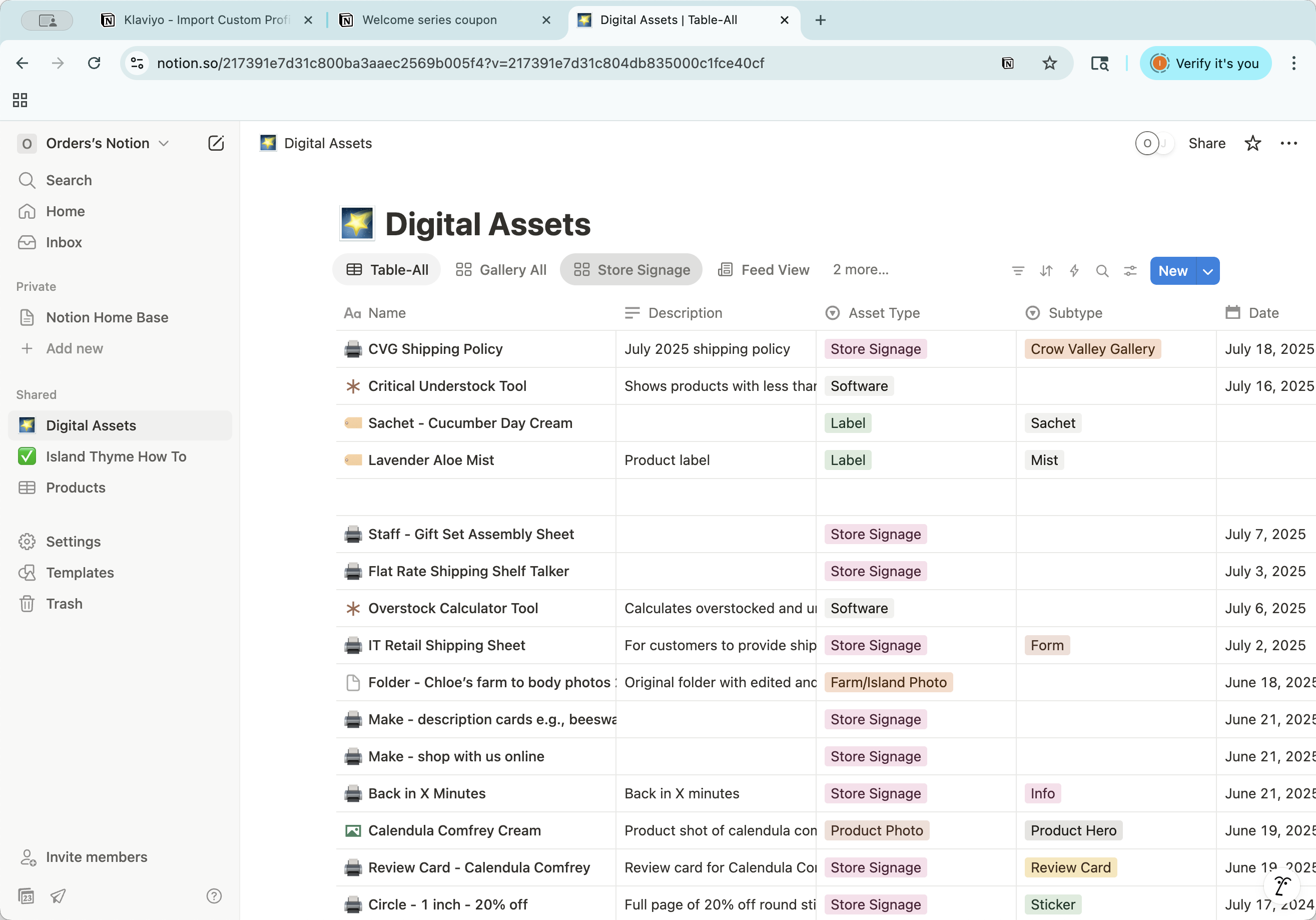
That's an example of a digital asset. These views display varying amounts of information.
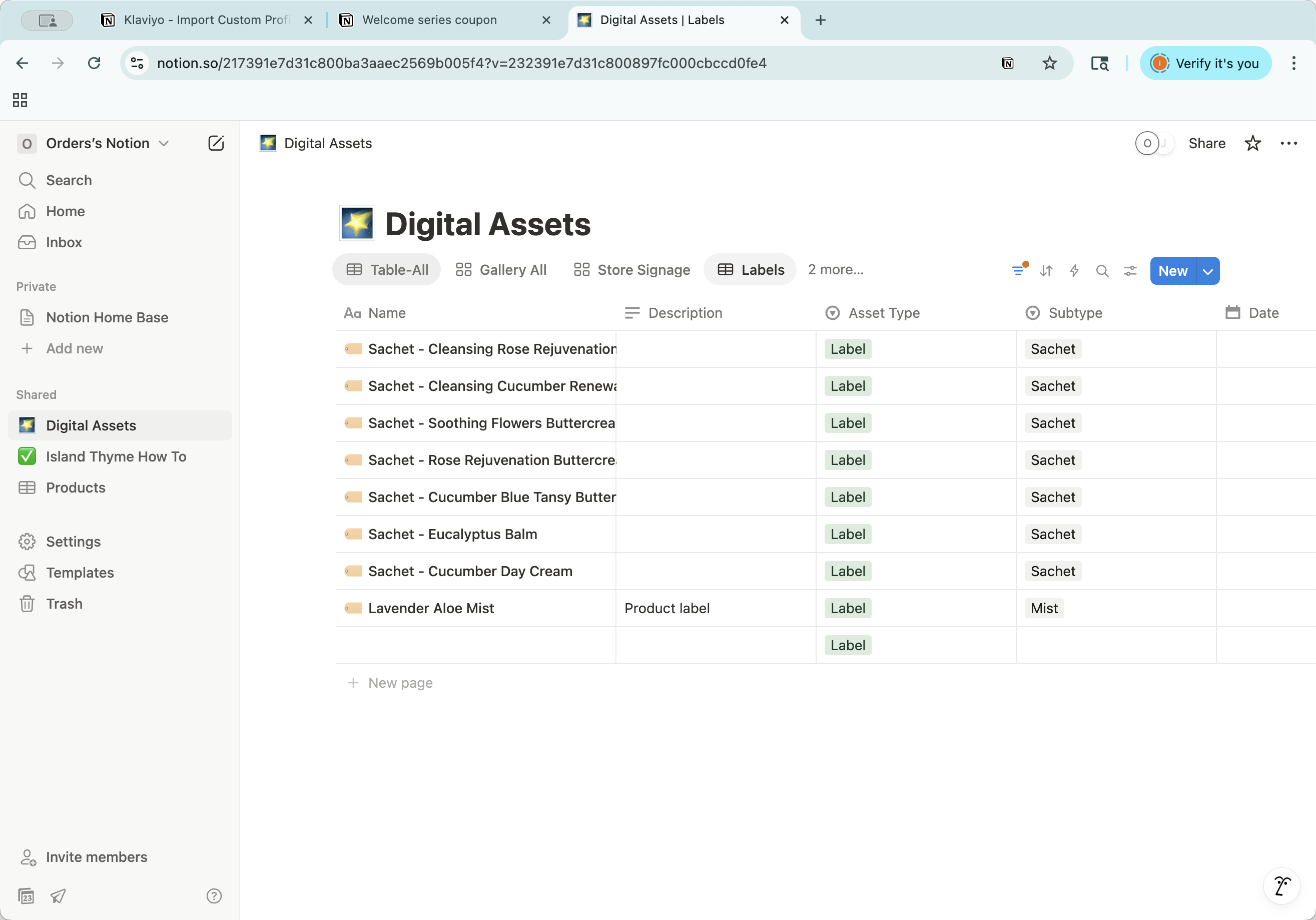
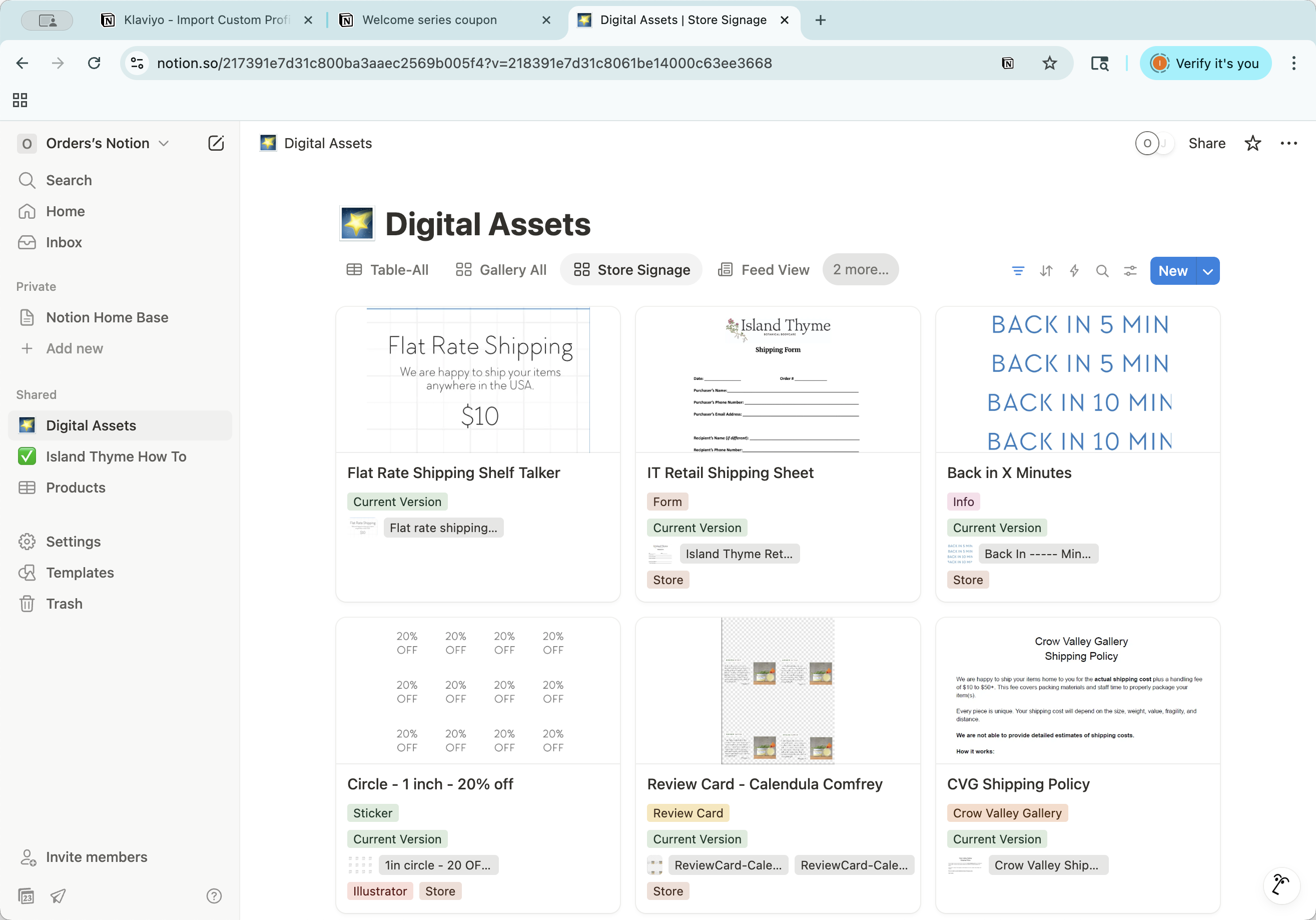
This is all the content currently in the digital assets database. You can also zoom in to view only items tagged with store signage, for example.
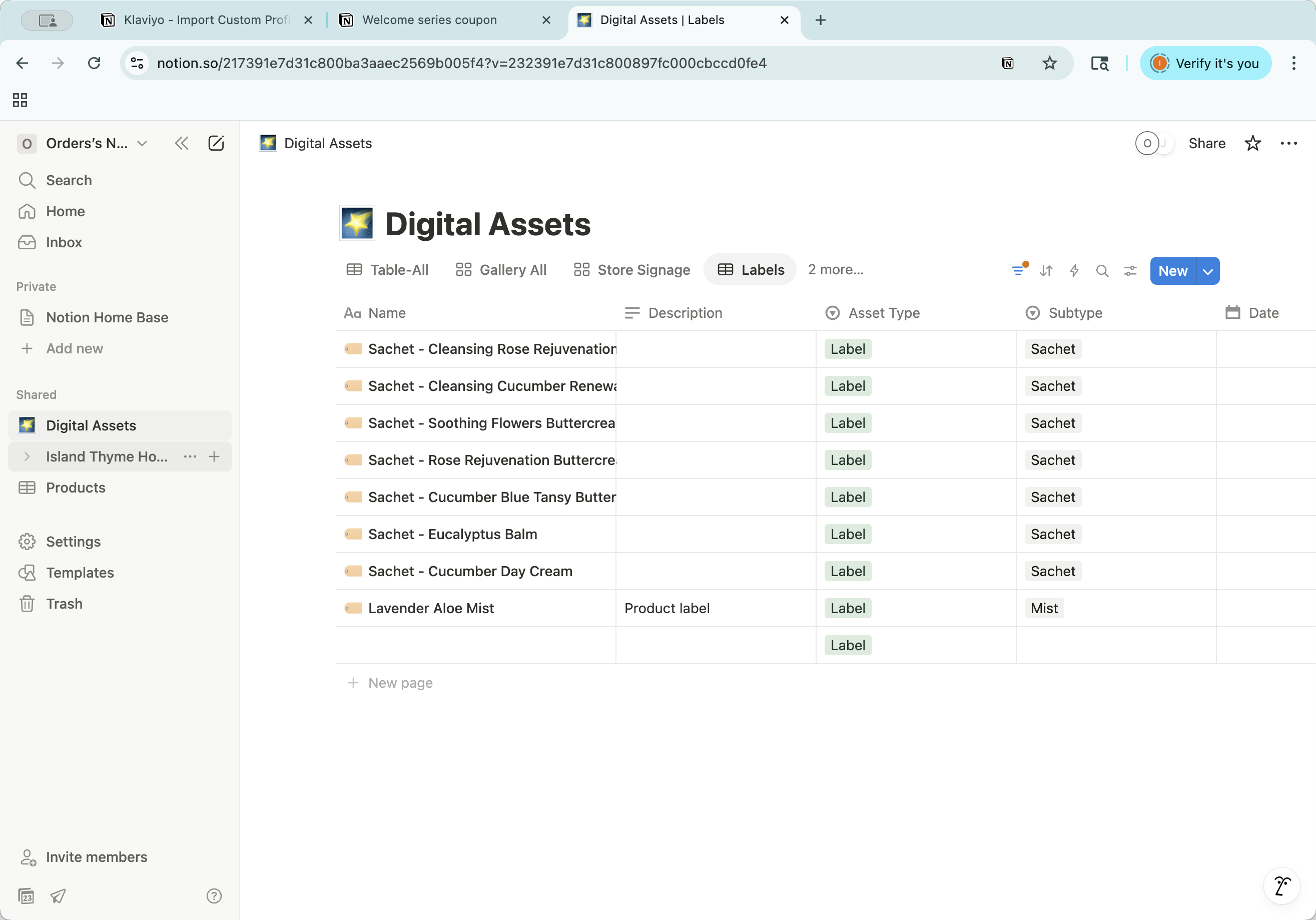
These are printables for various stores. Here is one that displays only the labels view.
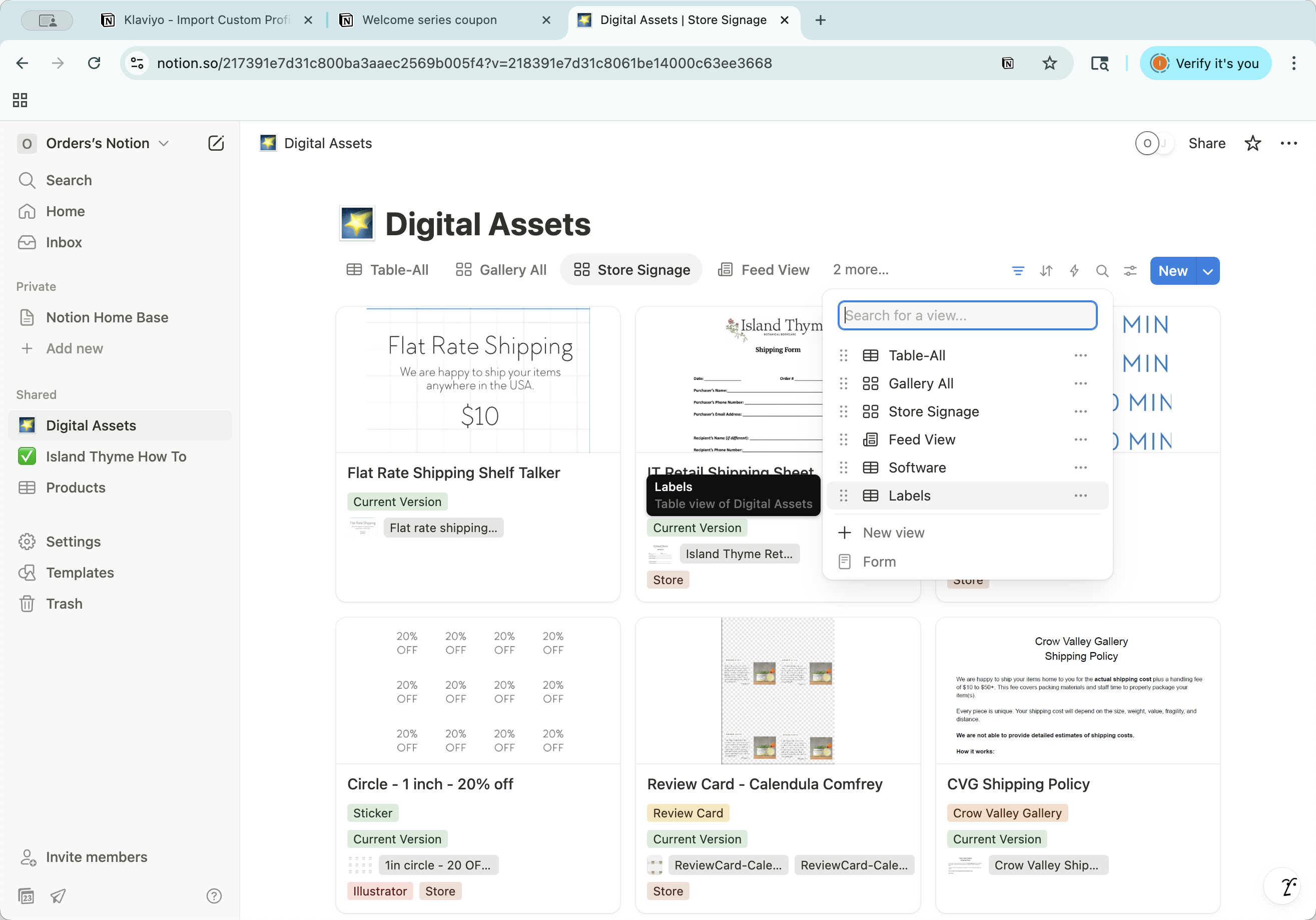
These are the labels we use for printing at headquarters. In the how-to area, we have both a...
This is an organized area where you can drag items into different orders or places. It also has the same database view.
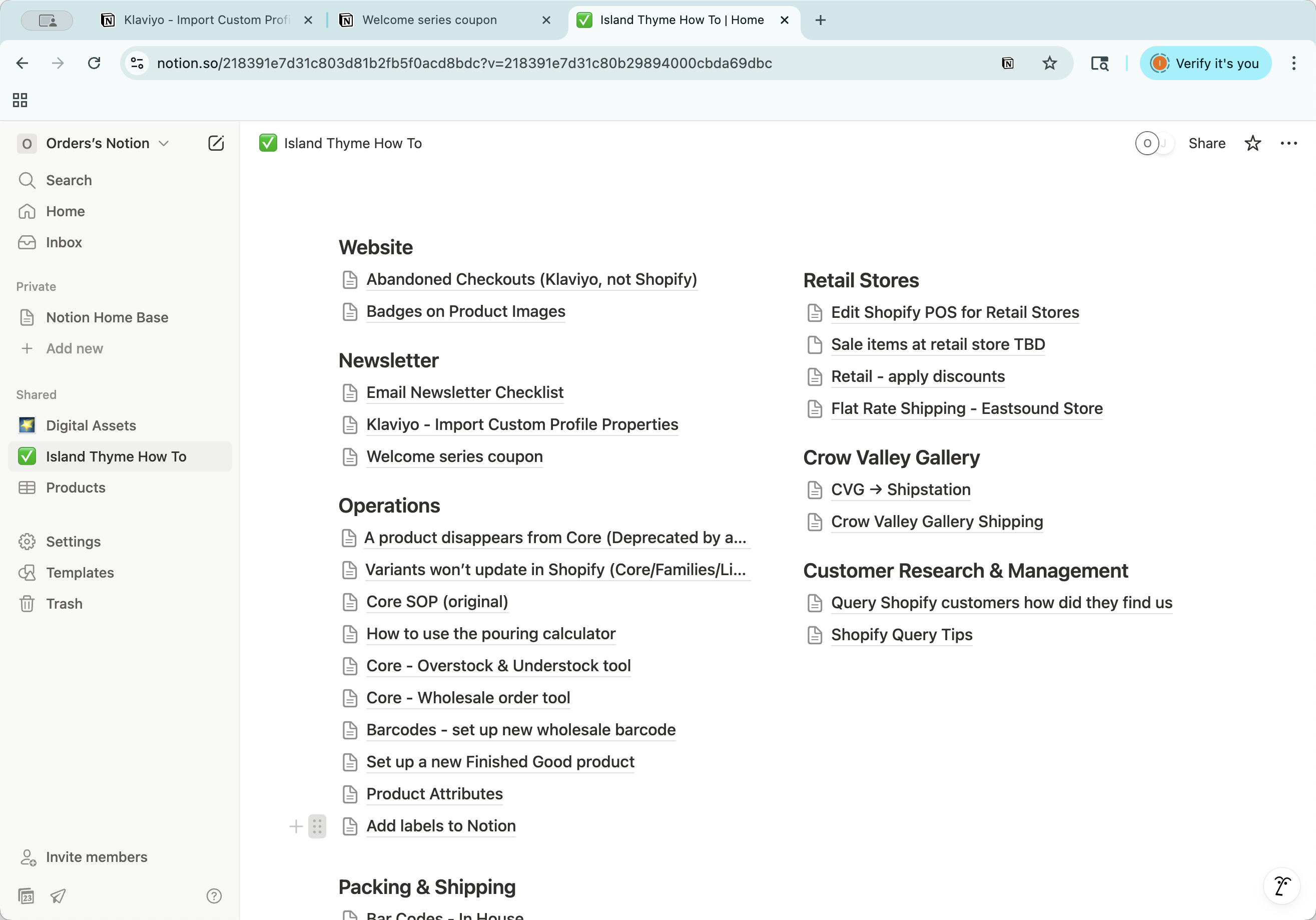
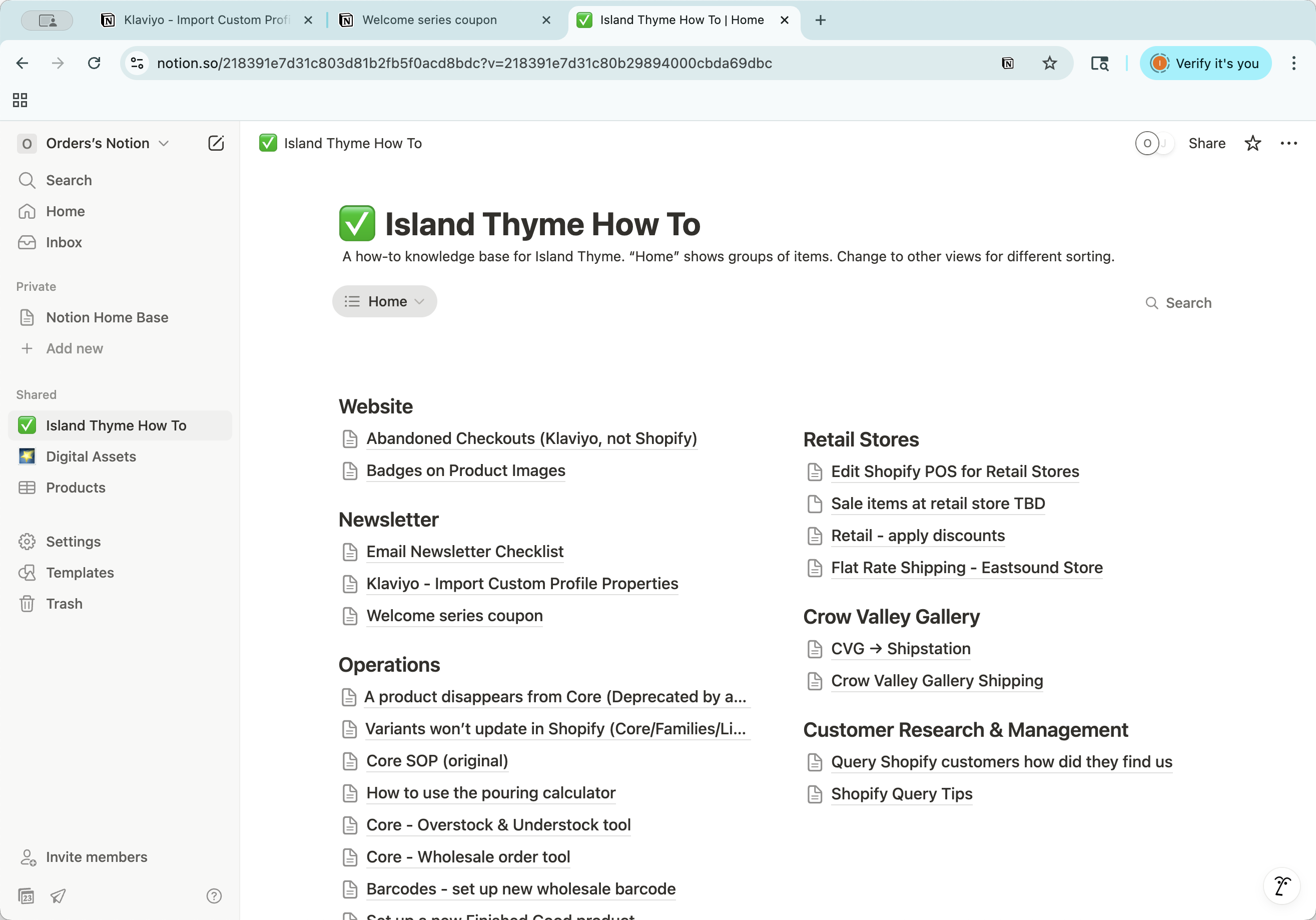
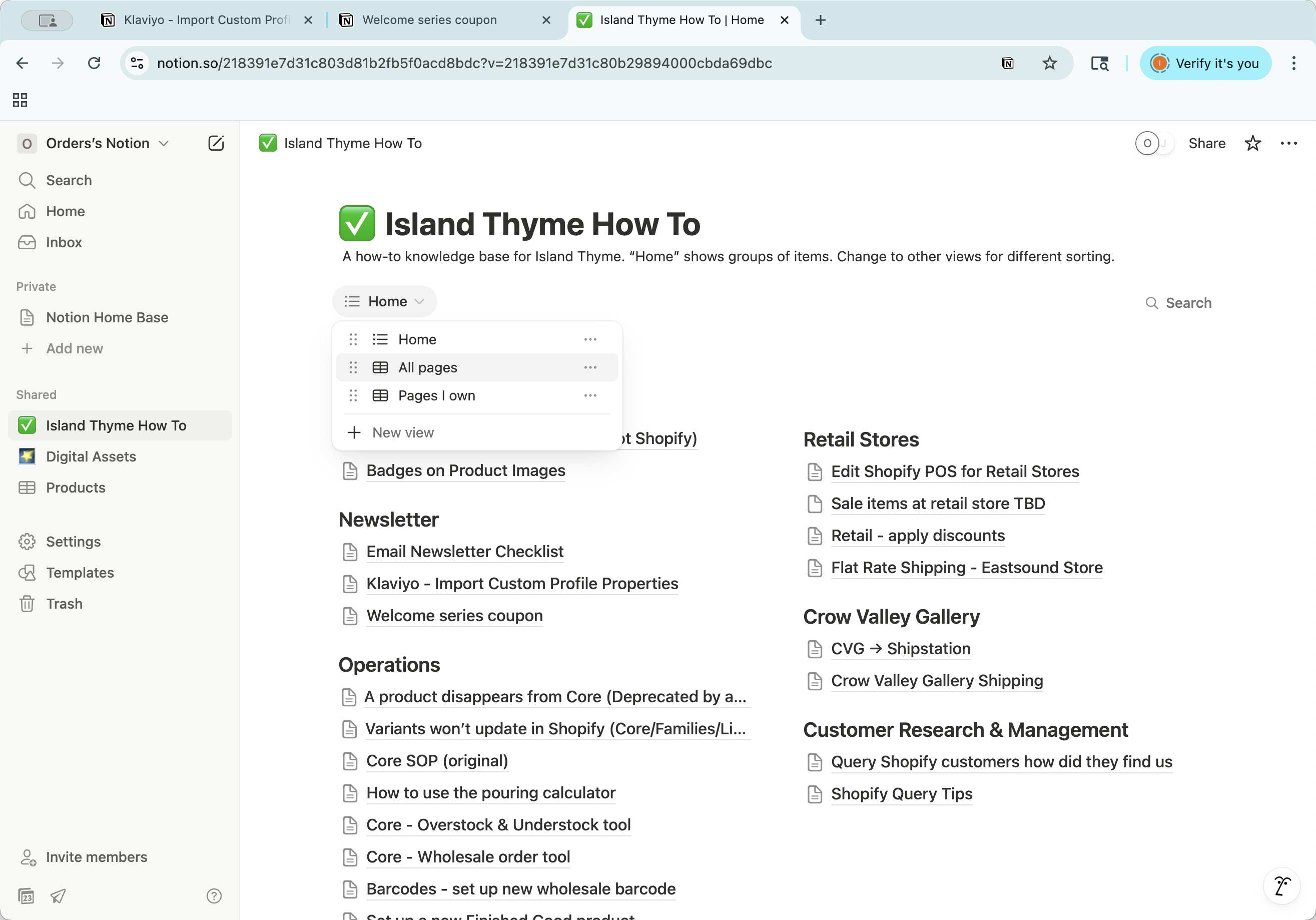
Be aware that this is a table view. Each item also has a document version, which you can open and close using this option.
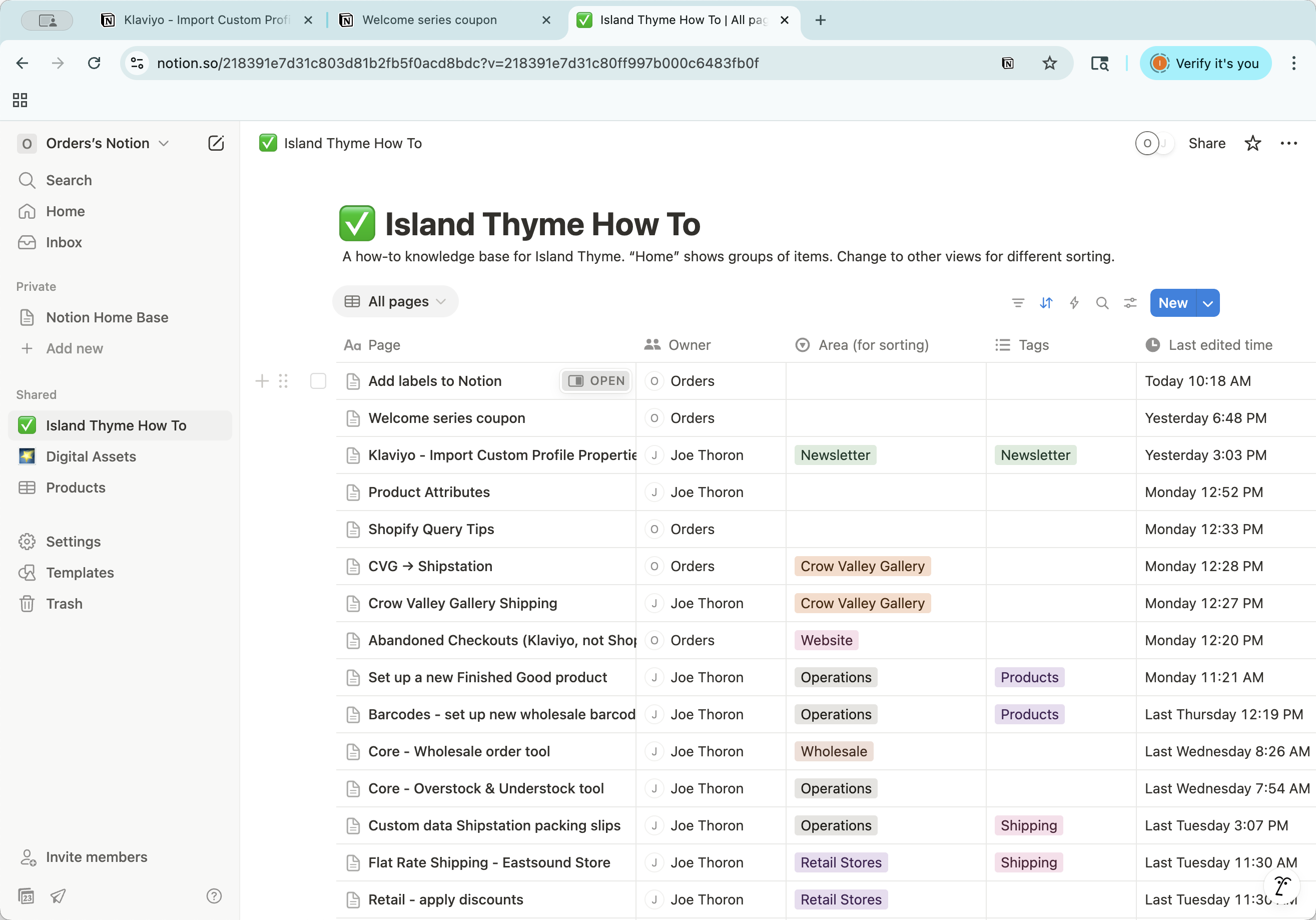
This is the close button. This is the full page view, so it gives you that display. You can return to your how-to here.