
How to Use the Rolling Ladder Enquiry Forms on the Open Doors Website
Learn how to access, complete, and manage the Pre-Hung Door Enquiry Form and Rolling Ladder Enquiry Form on the Open Doors website. Step-by-step instructions for submitting accurate door enquiries and editing forms using JotForm.
In this guide, we'll learn how to access and use the Pre-Hung Door Enquiry Form and the Rolling Ladder Enquiry Form on the Open Doors website. These forms help collect the information needed to provide accurate quotes for customers. We will also cover how to log in to JotForm, where these forms are managed, and how to review or edit submissions as needed.
Let's get started
This standard operating procedure covers the Pre-Hung Door Enquiry Form and the Rolling Ladder Enquiry Form on our website.
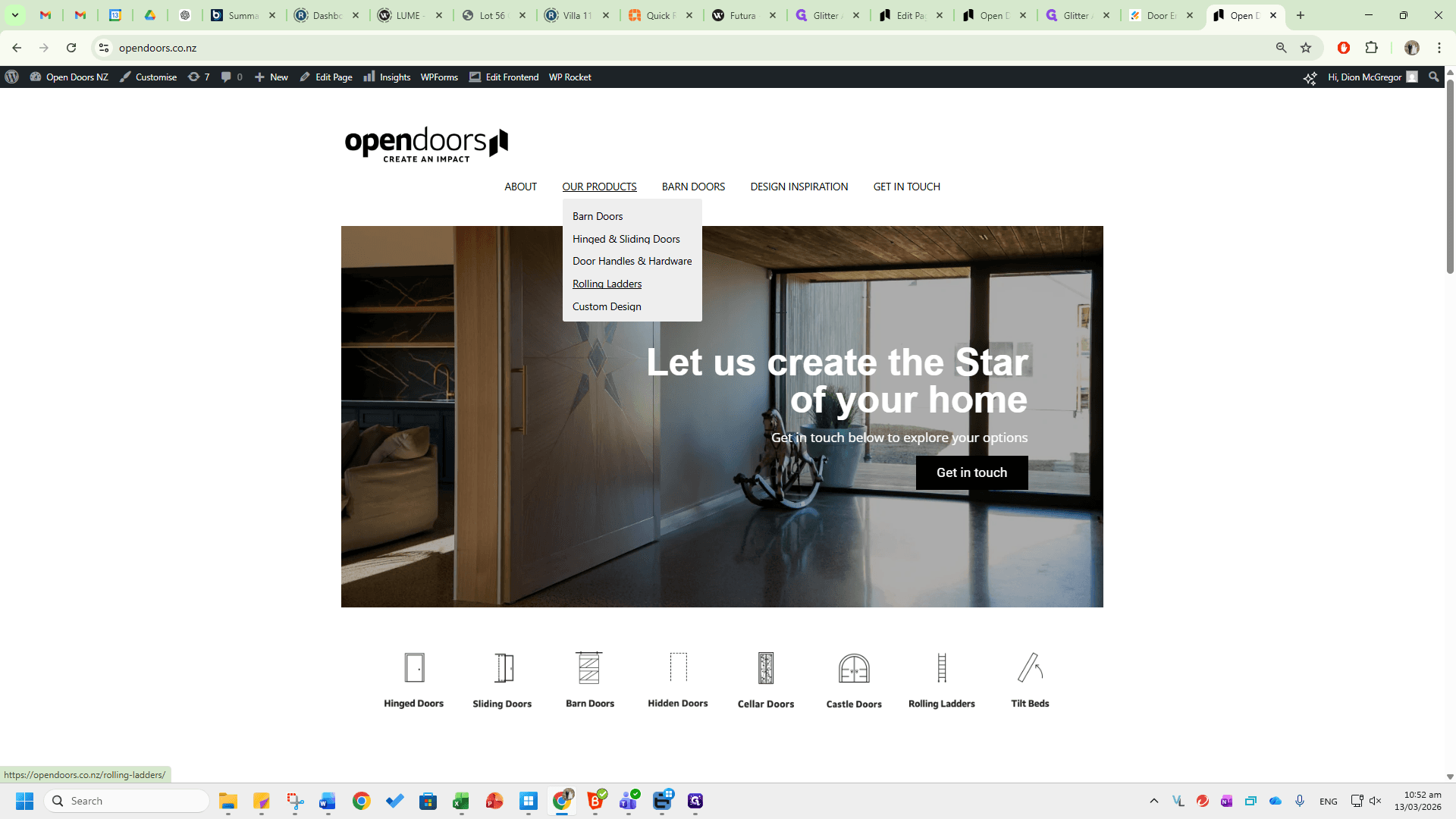
Go to the Open Doors website.
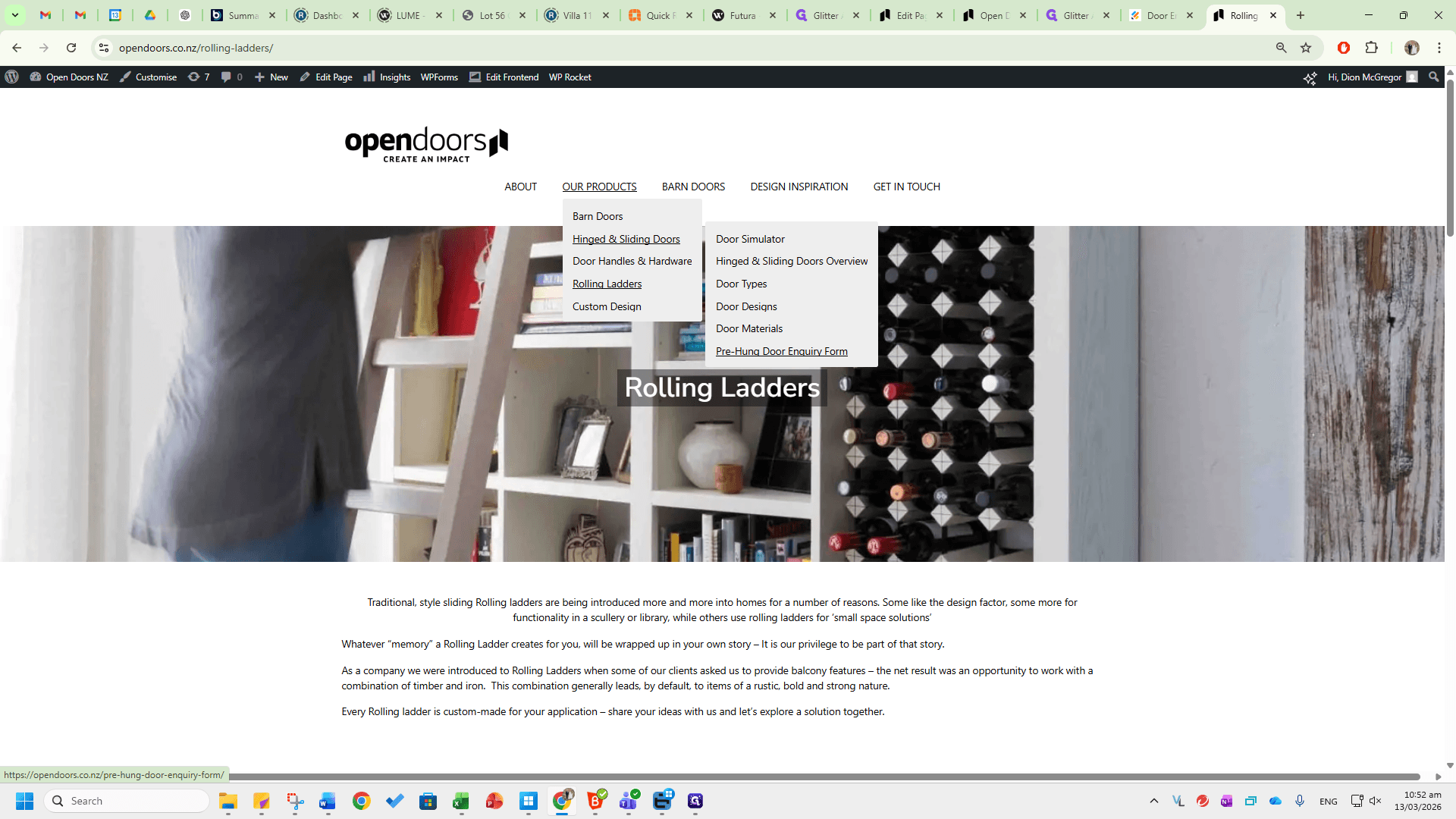
These are found under Our Products, Rolling Ladders.
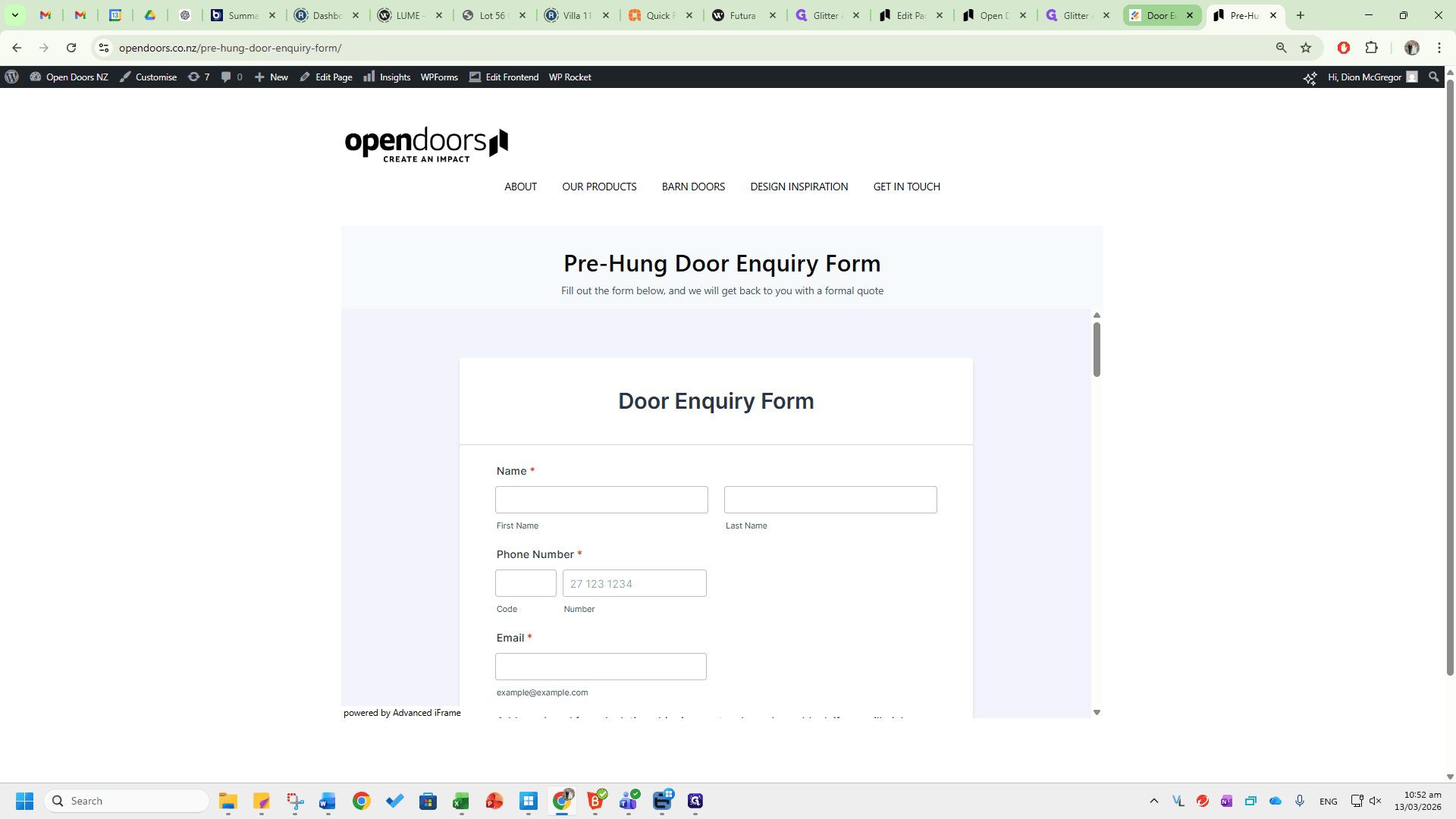
Scroll to the bottom of the page to find the Rolling Ladder Enquiry Form. The Pre-Hung Door Enquiry Form is found under Hinged and Sliding Doors. Go to the Pre-Hung Door Enquiry Form dropdown.
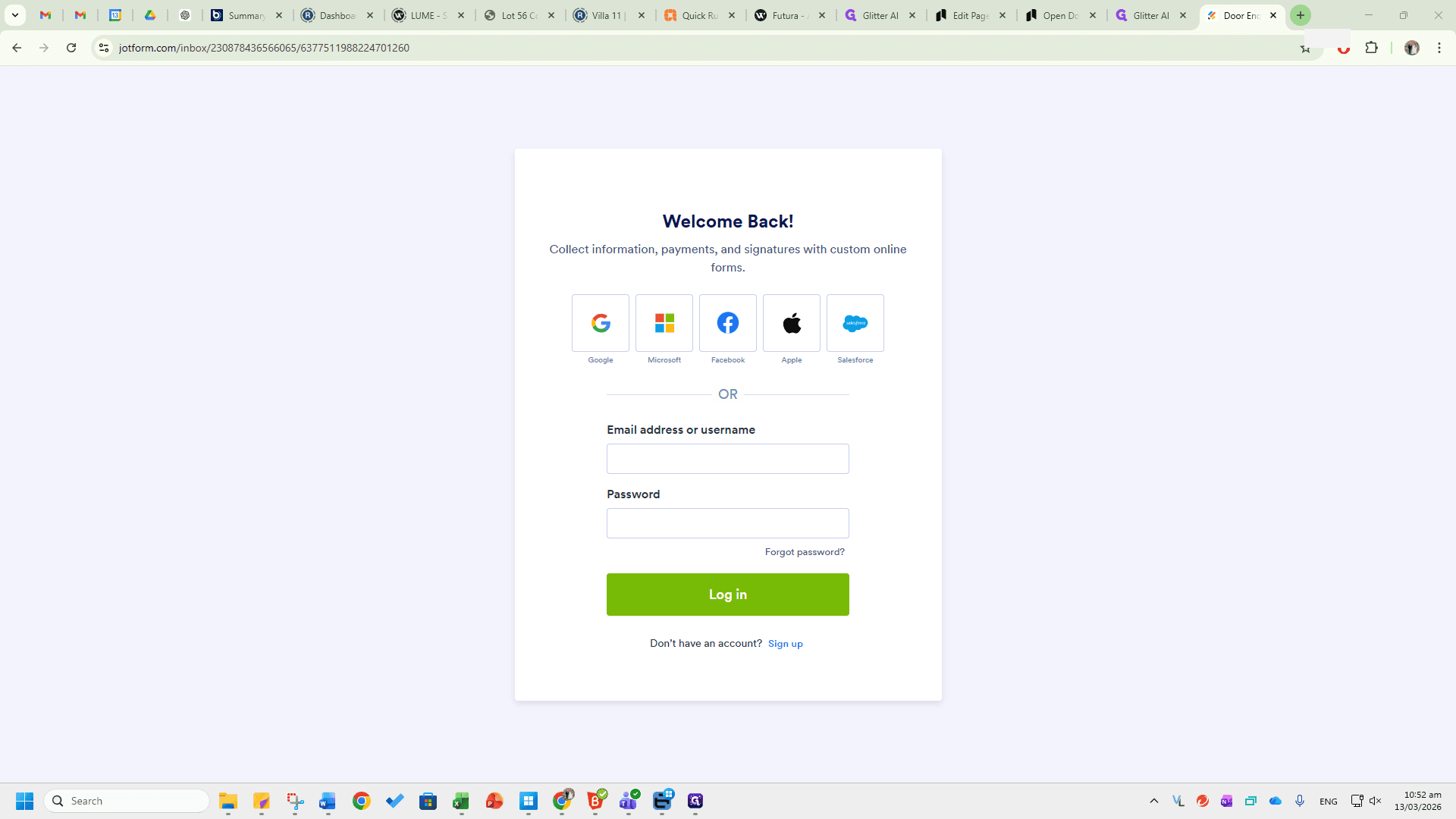
Both forms are available on the platform JotForm at jotform.com.
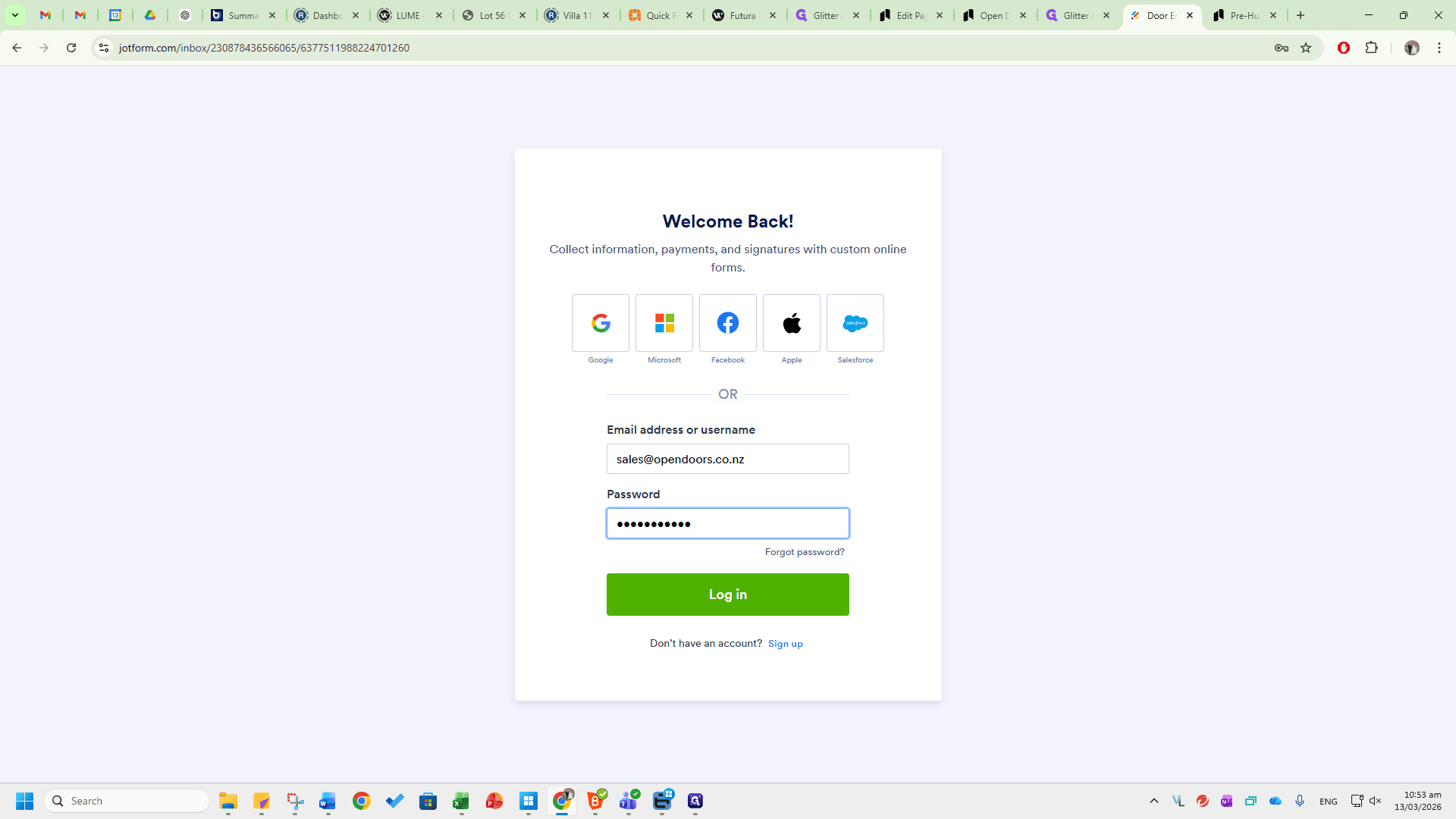
Enter the username and password from the logins document.
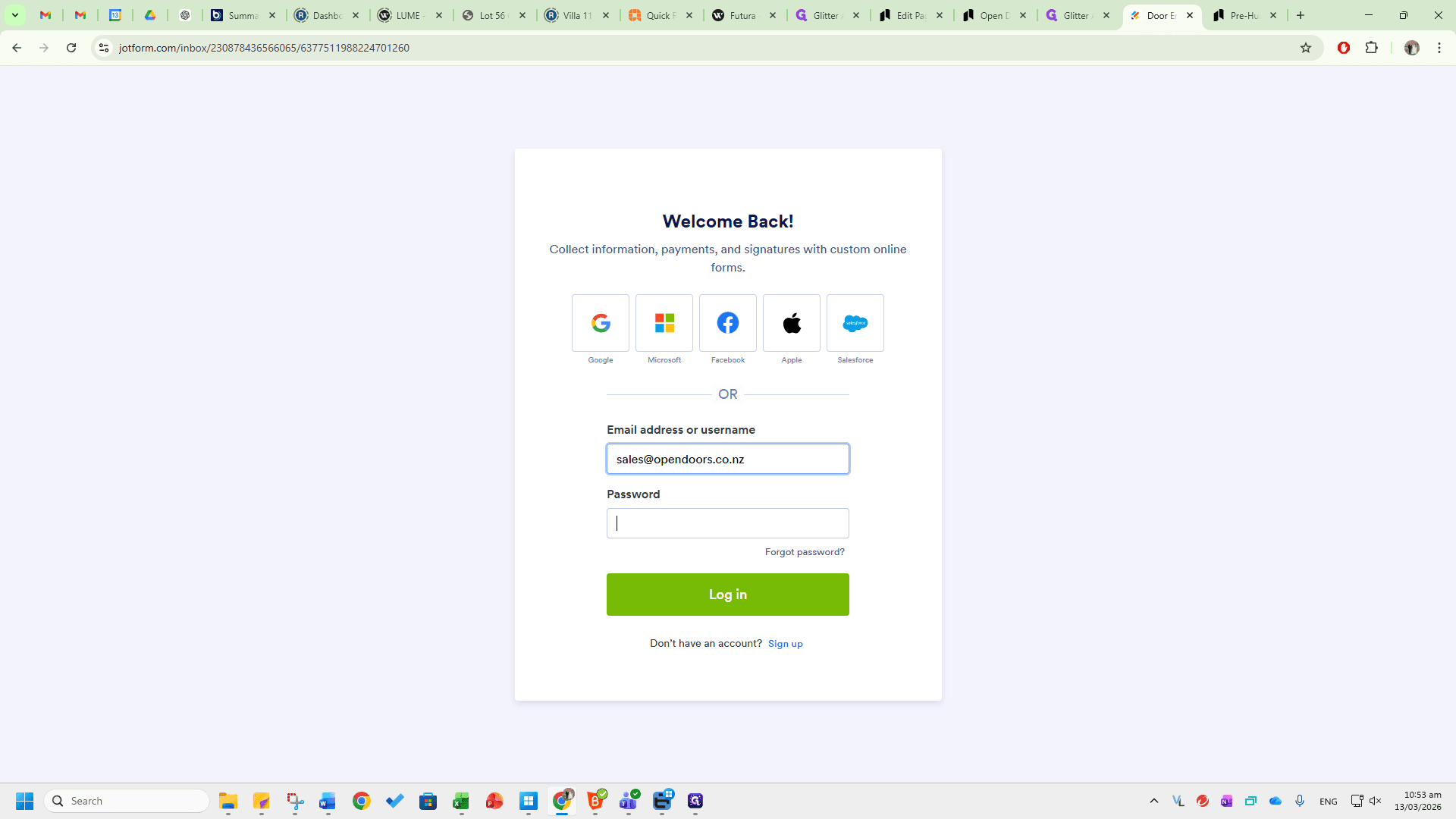
Log in.
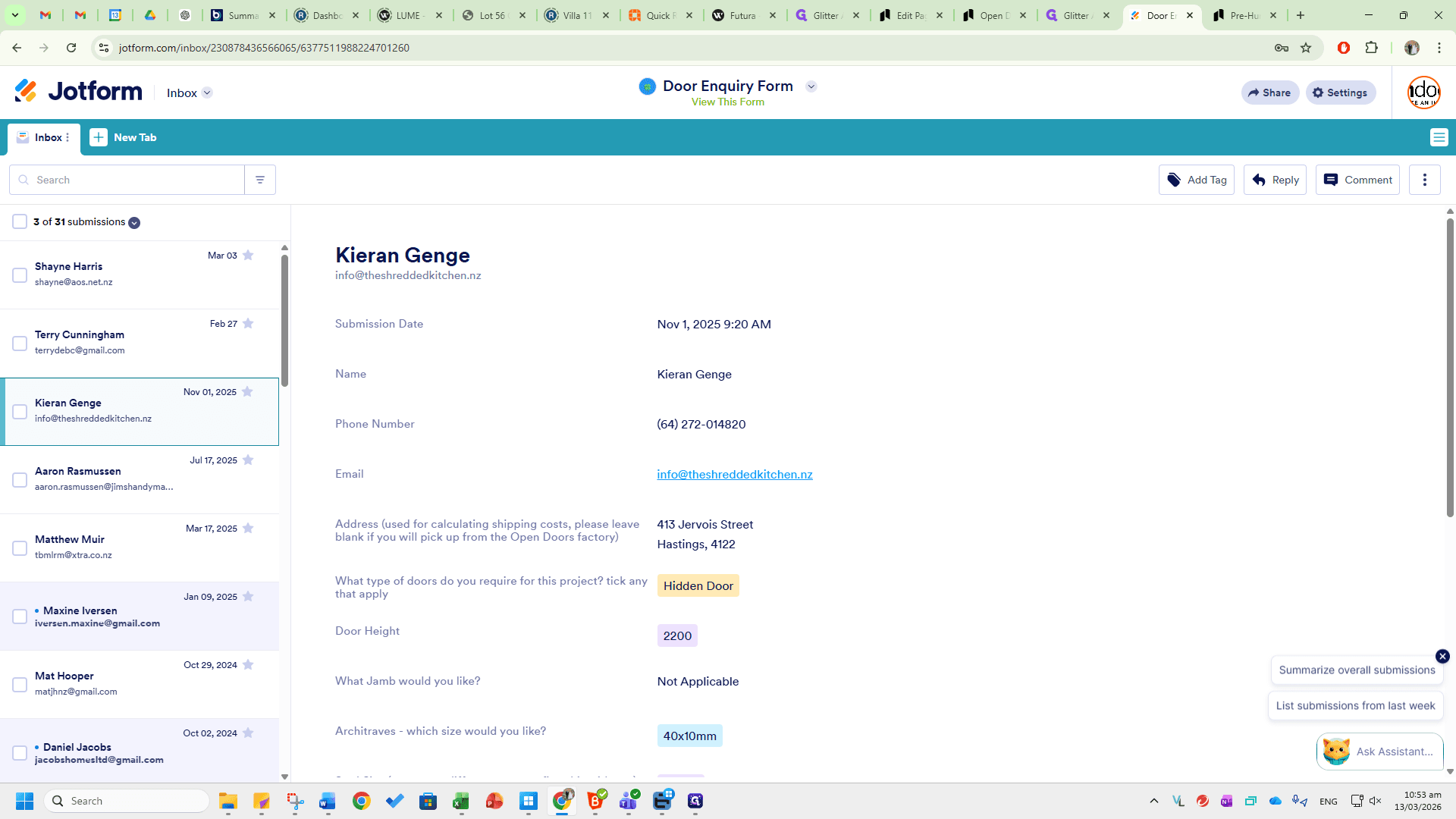
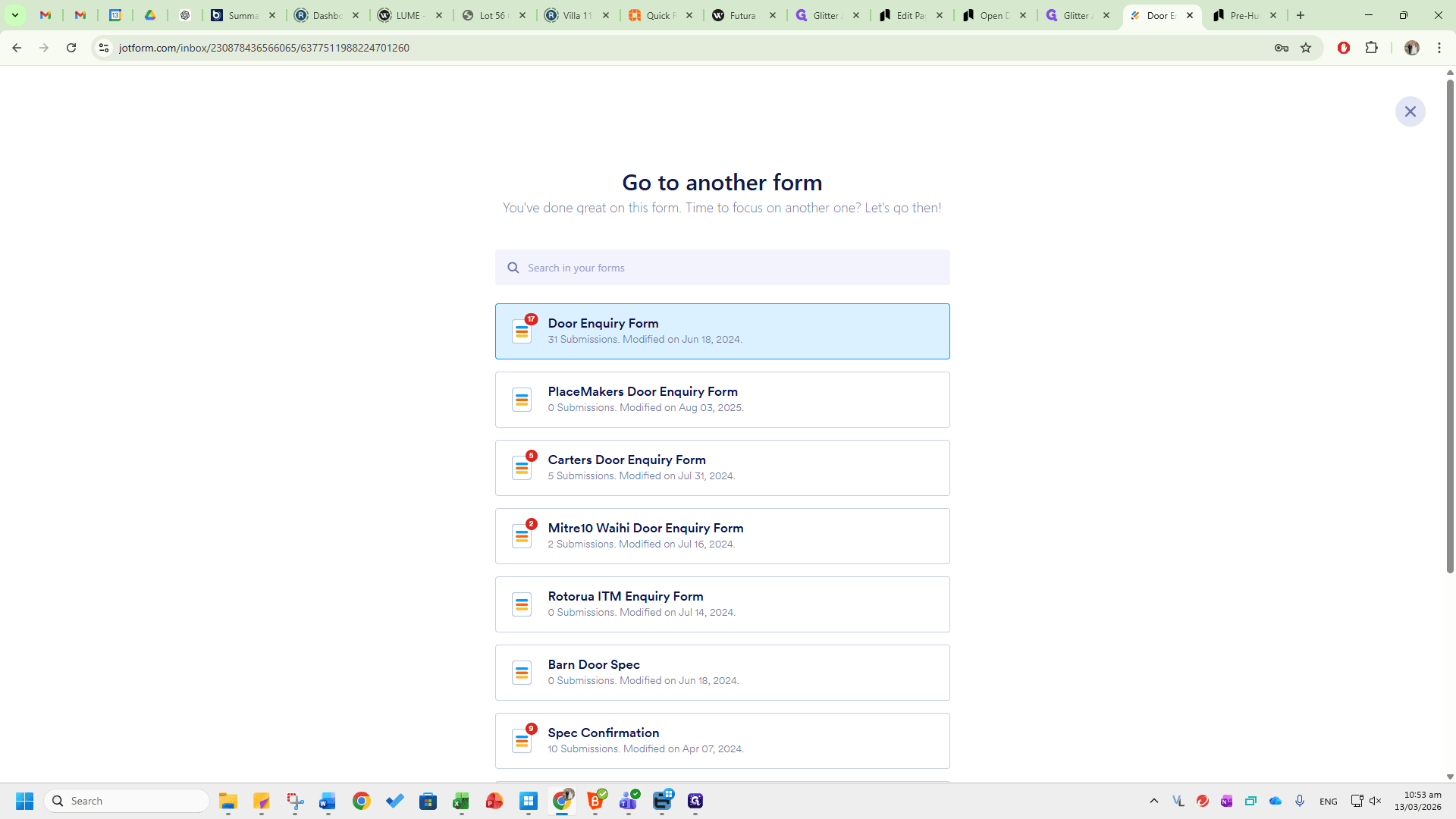
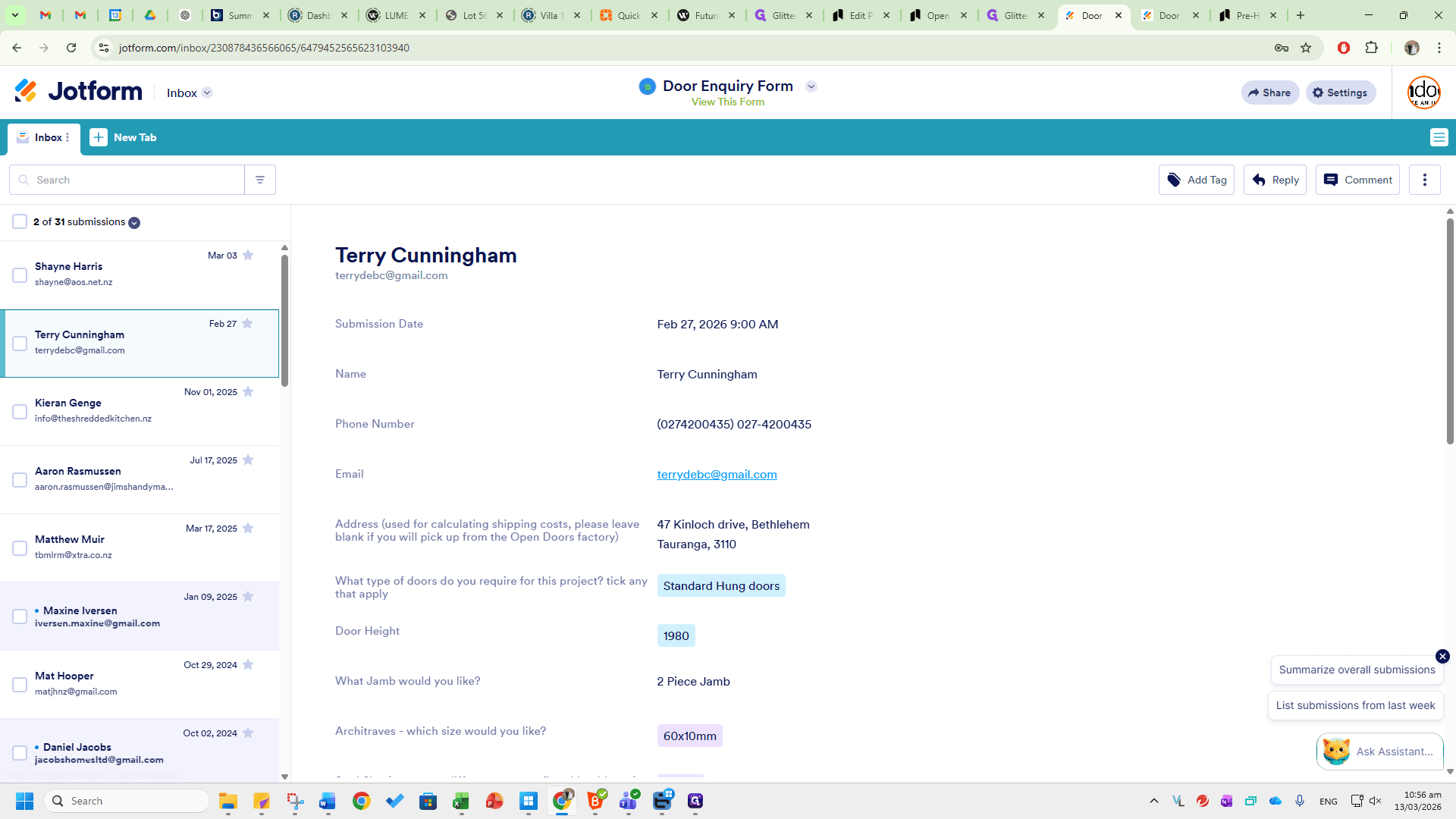
You will see the Door Enquiry Form here. Click the dropdown to view all the other listed forms.
We will begin with the Pre-Hung Door Enquiry Form.
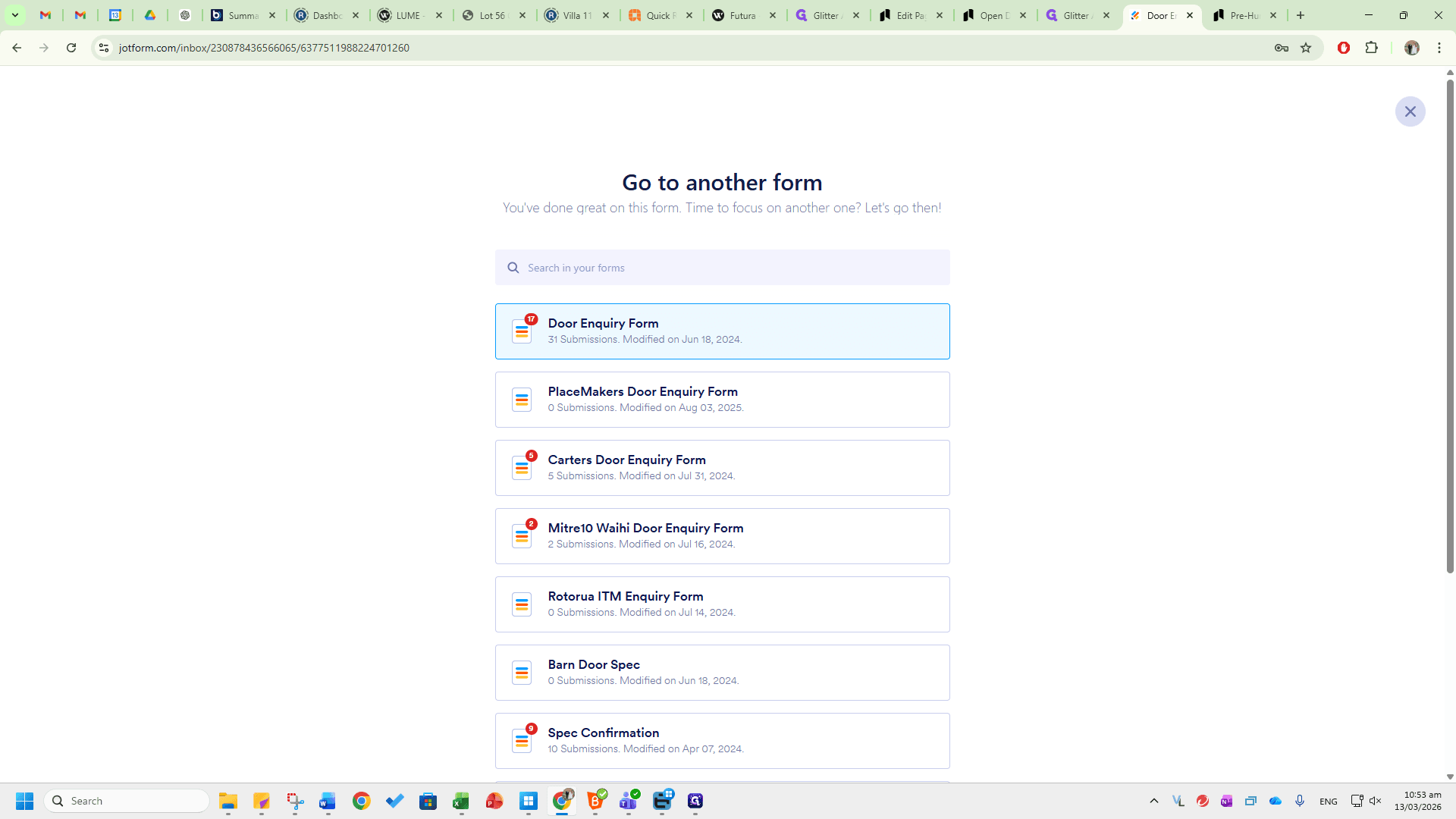
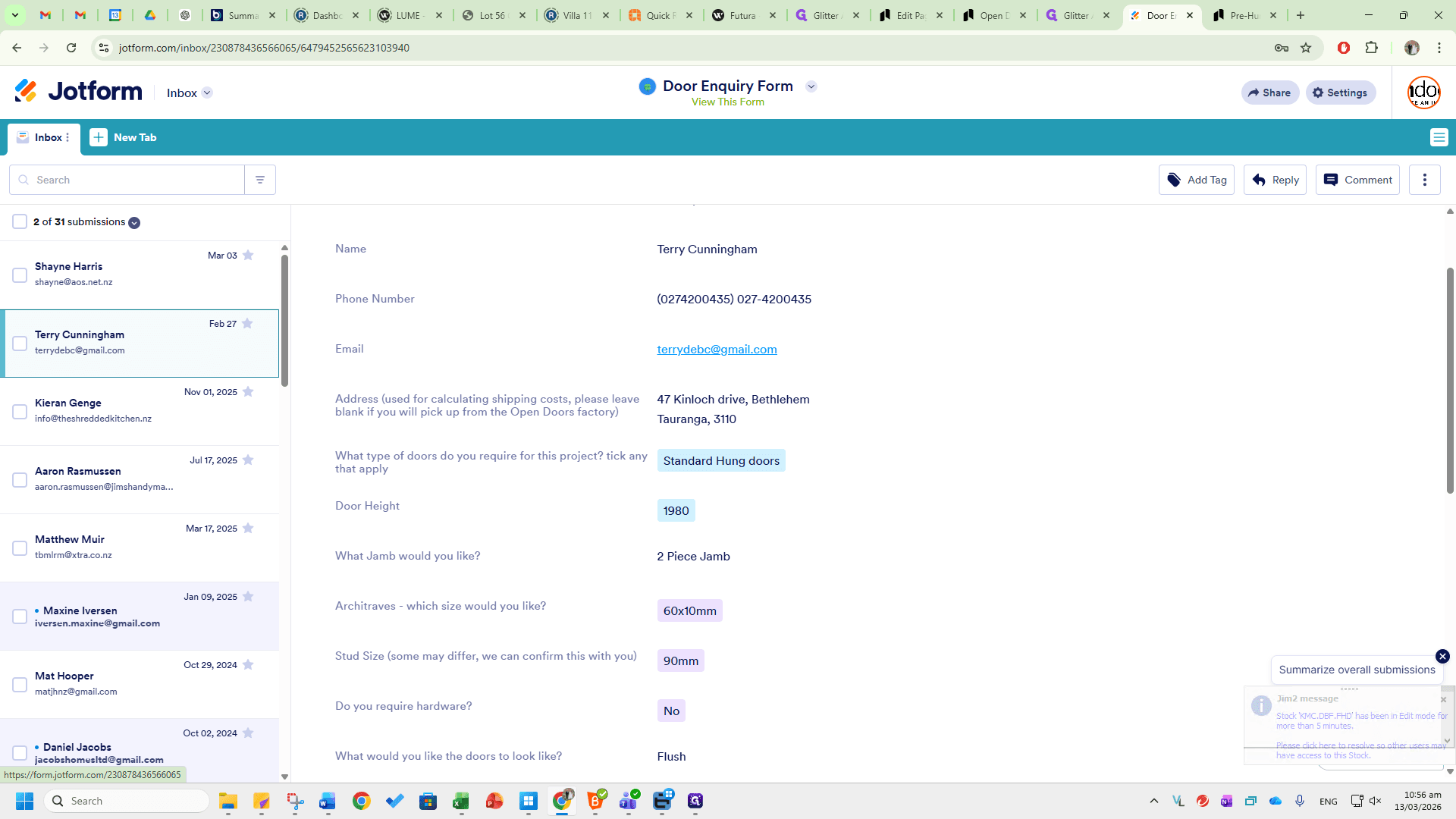
Here you will see all the available options: door height, jamb type, architrave, stud size, hardware requirements, door pattern, and groove option.
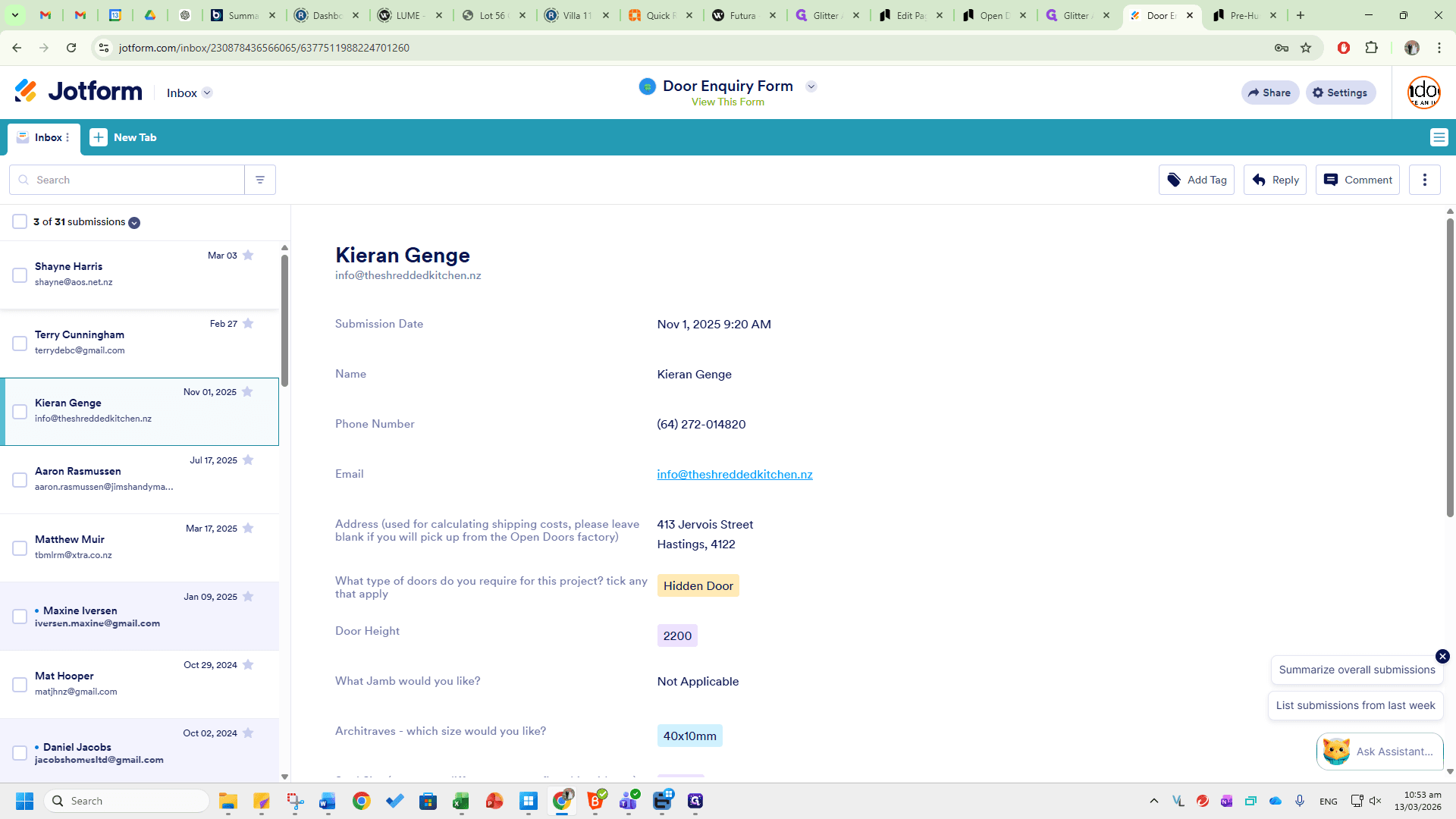
This is a copy of the site measure form we use. It includes the room location, door type, width, handing, stud size, hardware type, and floor clearance. This will give you a good starting point for the information needed to provide quotes for these customers.
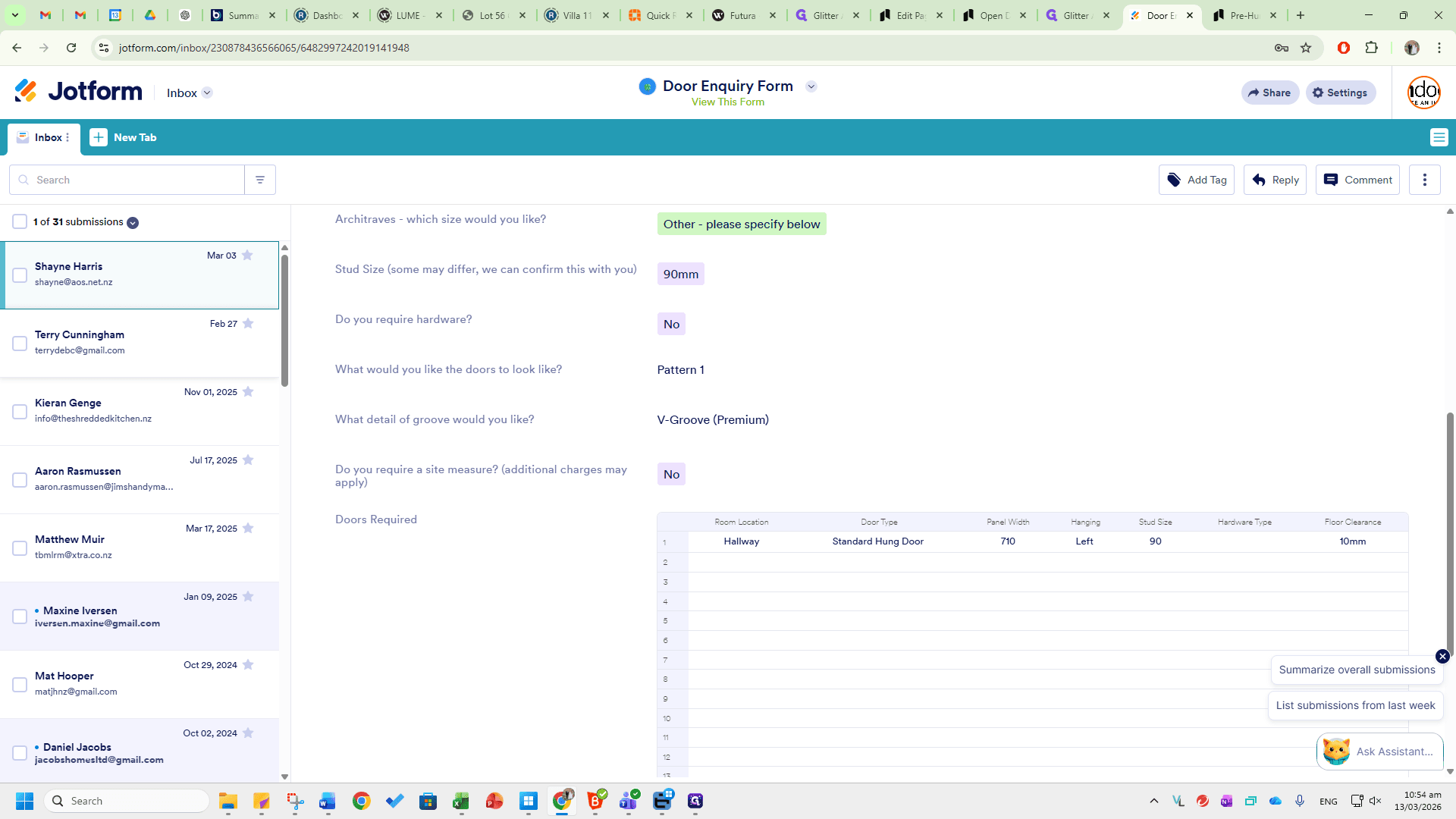
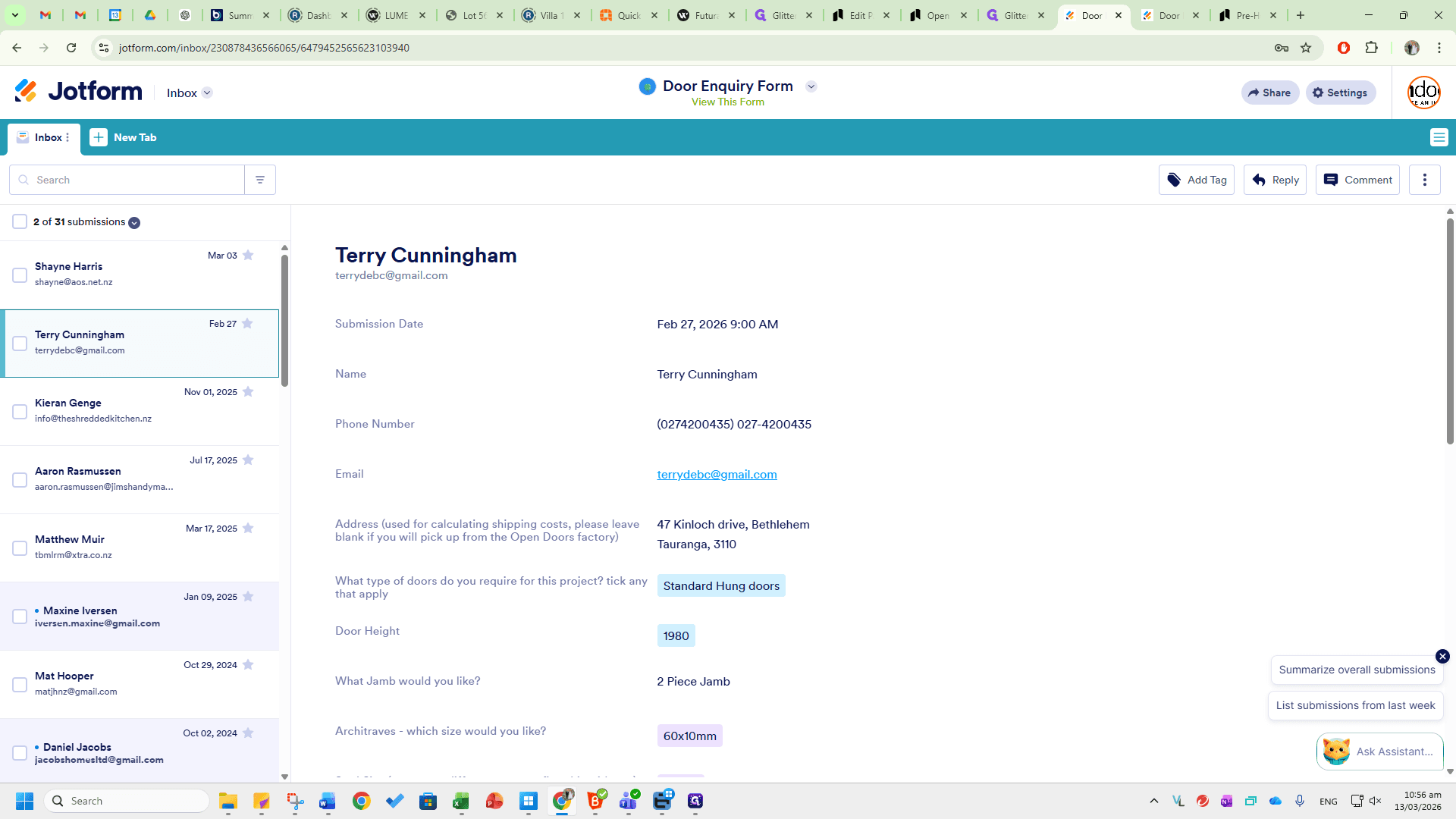
You can see the email address, phone number, name, and the submission completion time listed here.
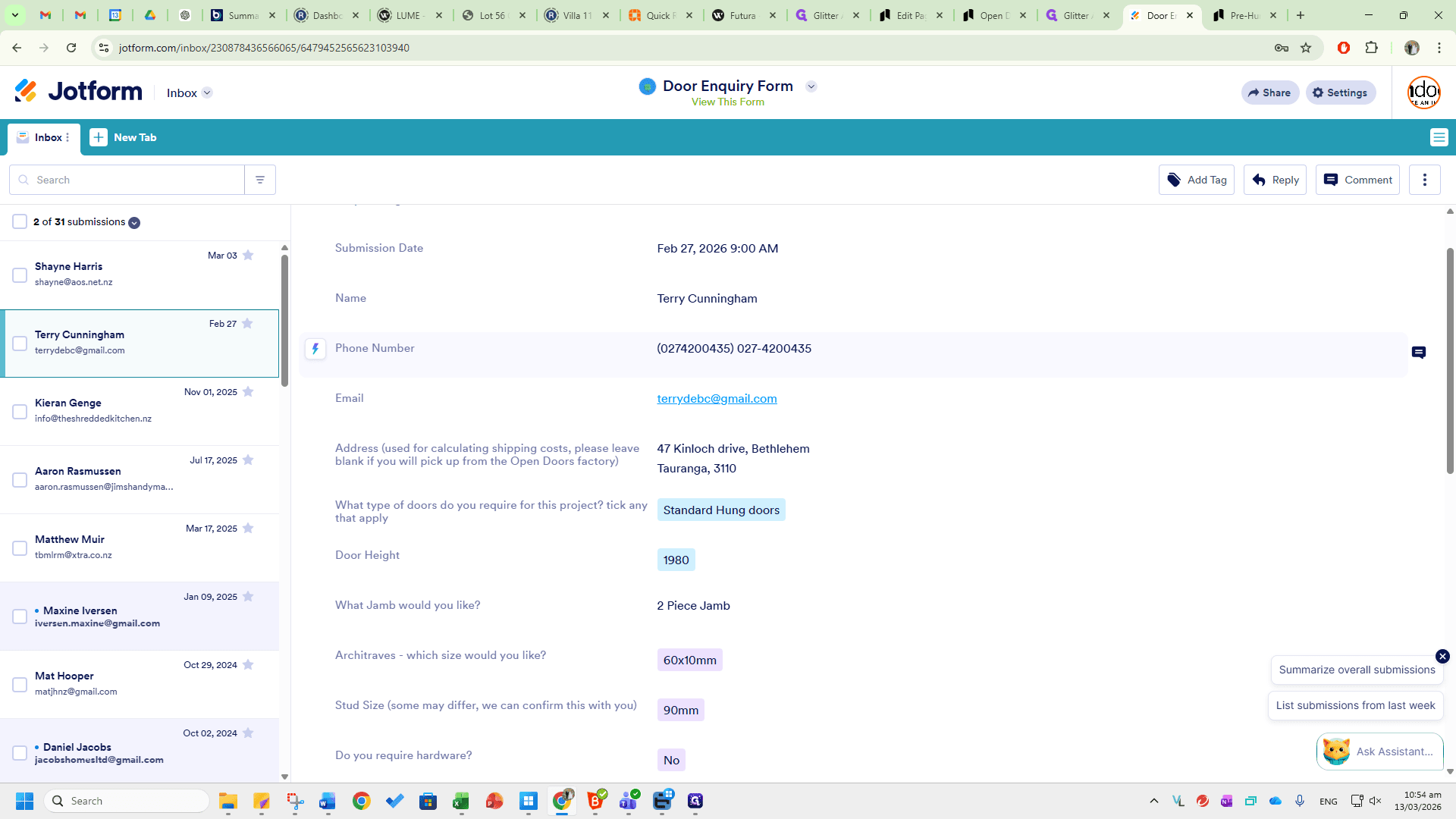
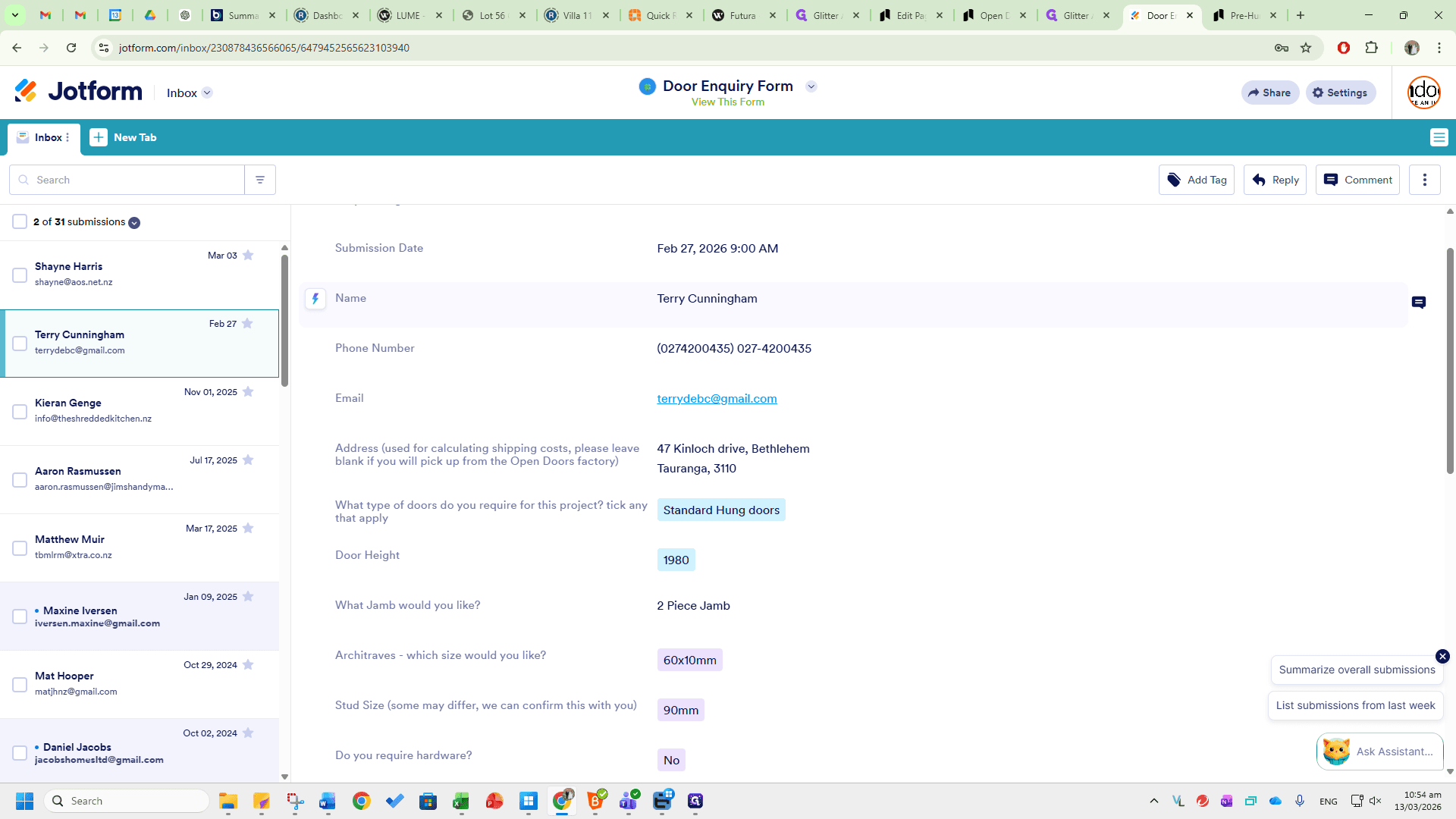
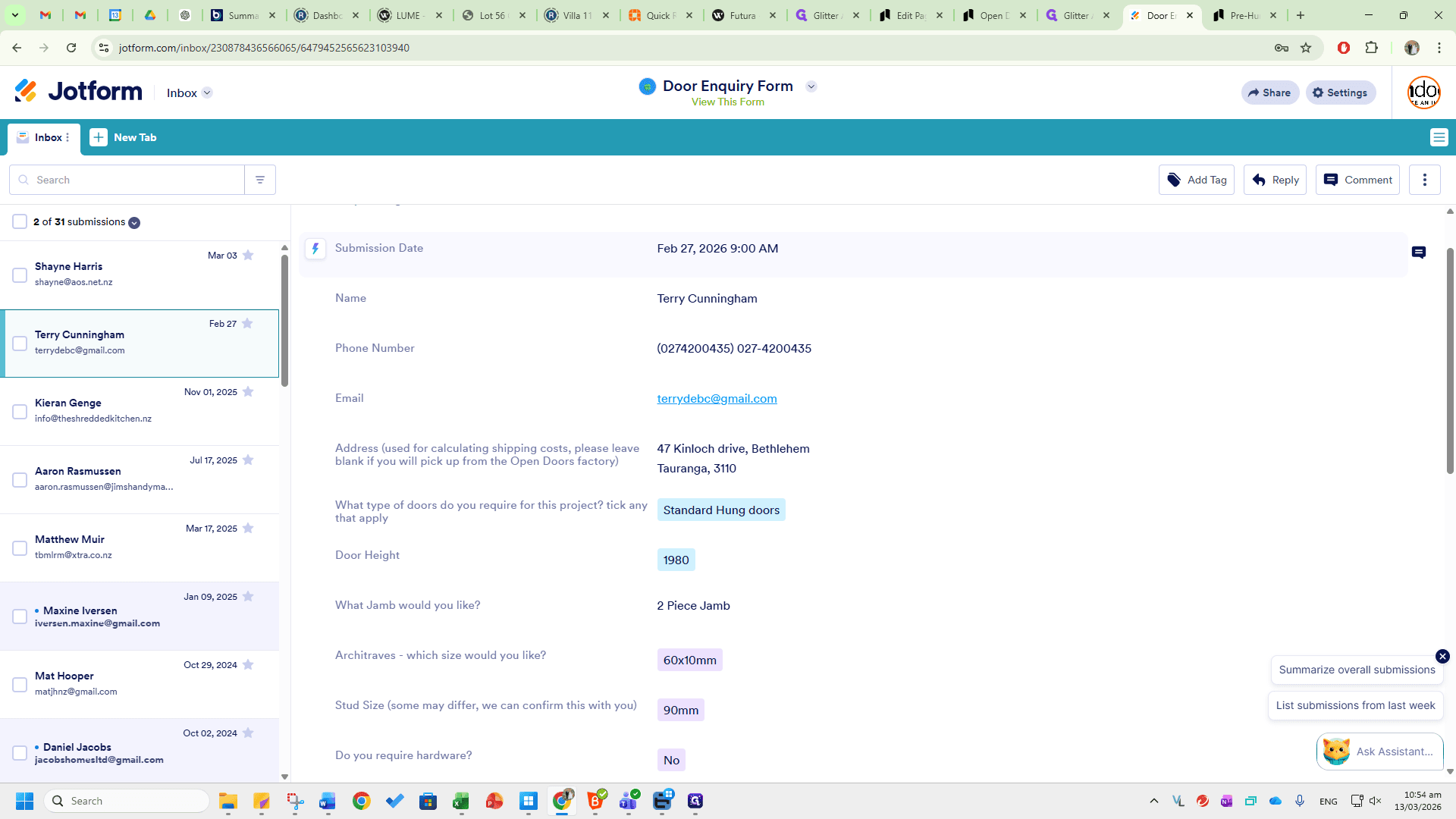
The Door Enquiry Form will be sent directly to the sales inbox at sales@opendoors.co.nz. These will be in here.
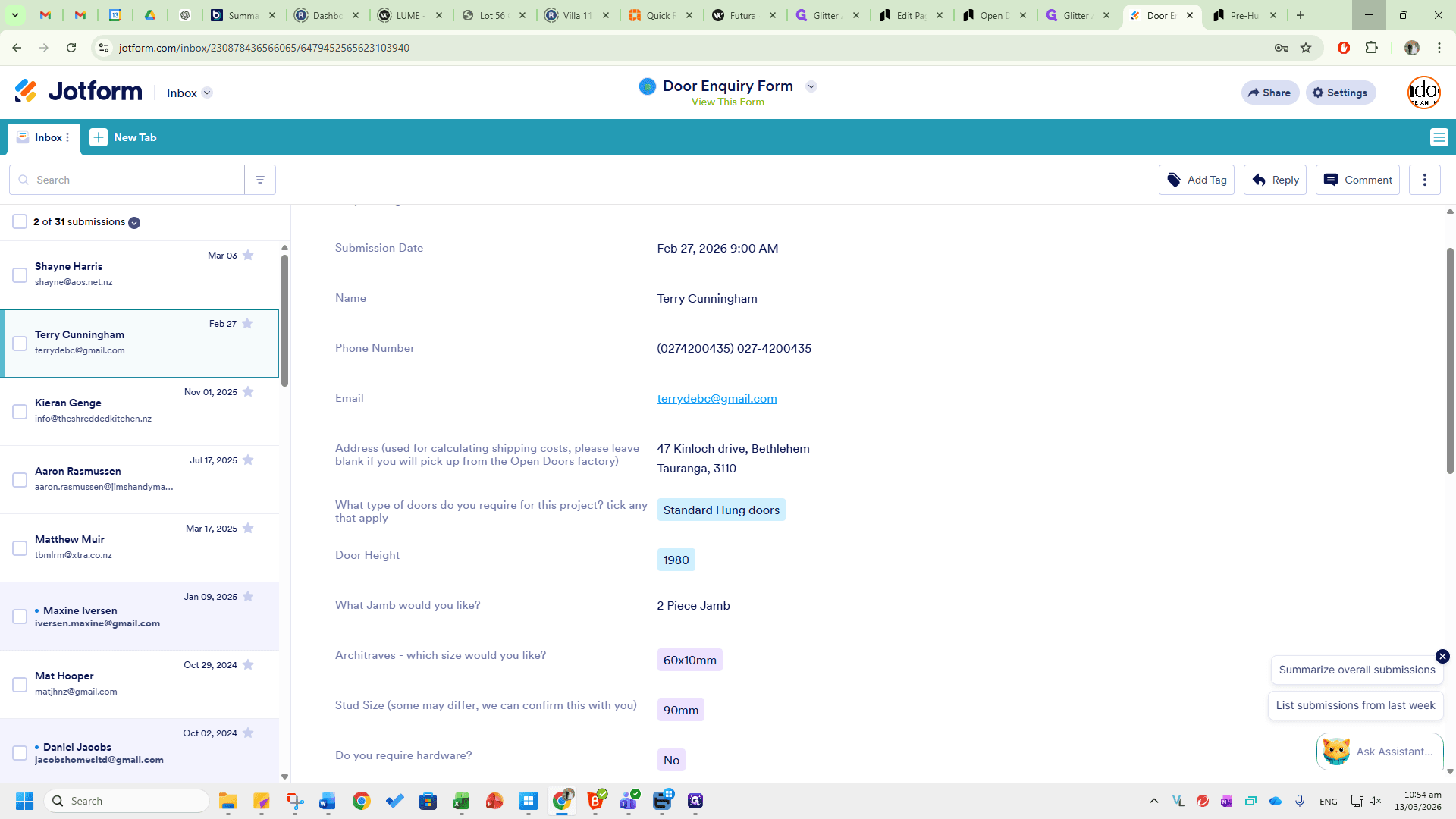
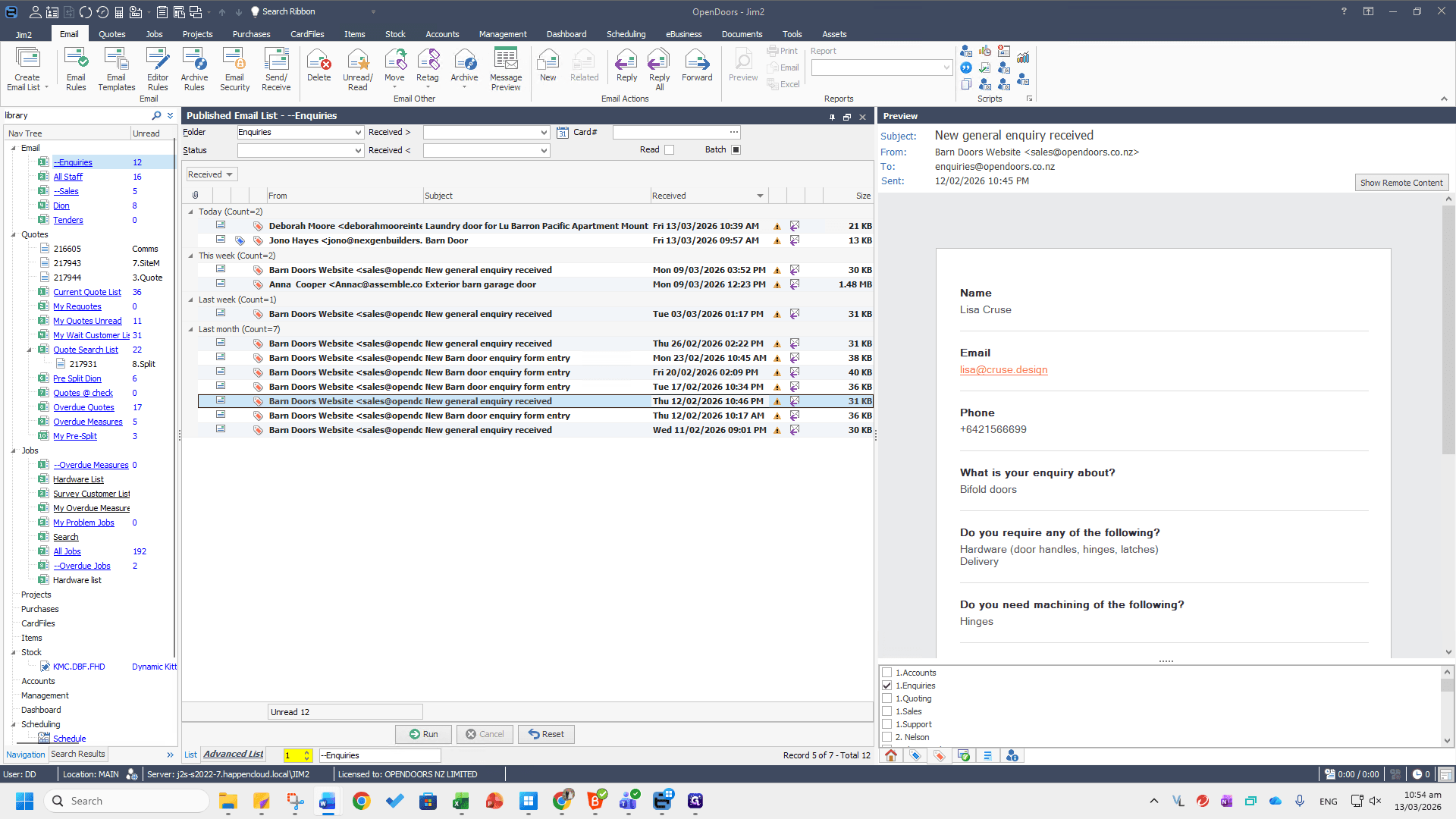
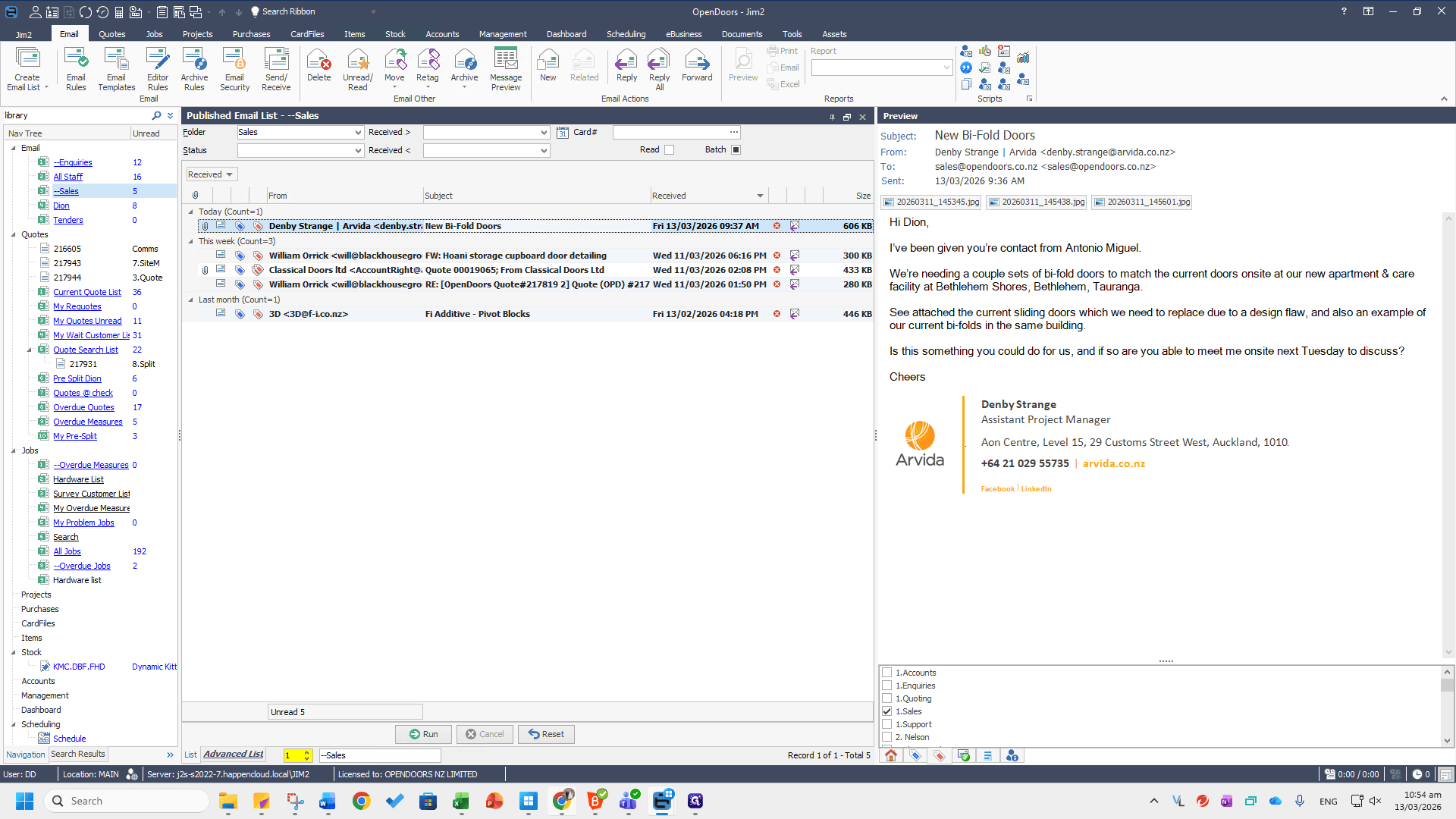
If you need more information to provide an accurate quote, reply to the provided email to request additional details. If they have attached plans, documentation, or images of the doors they need, scroll down to the additional comments section. Any images will be attached there as well. In the additional comments section, this customer has provided more information. All of this information will be sent automatically to the sales inbox whenever the form is filled out. If you need to edit this form, click on View This Form.
To edit it, return to the Door Enquiry Form homepage.
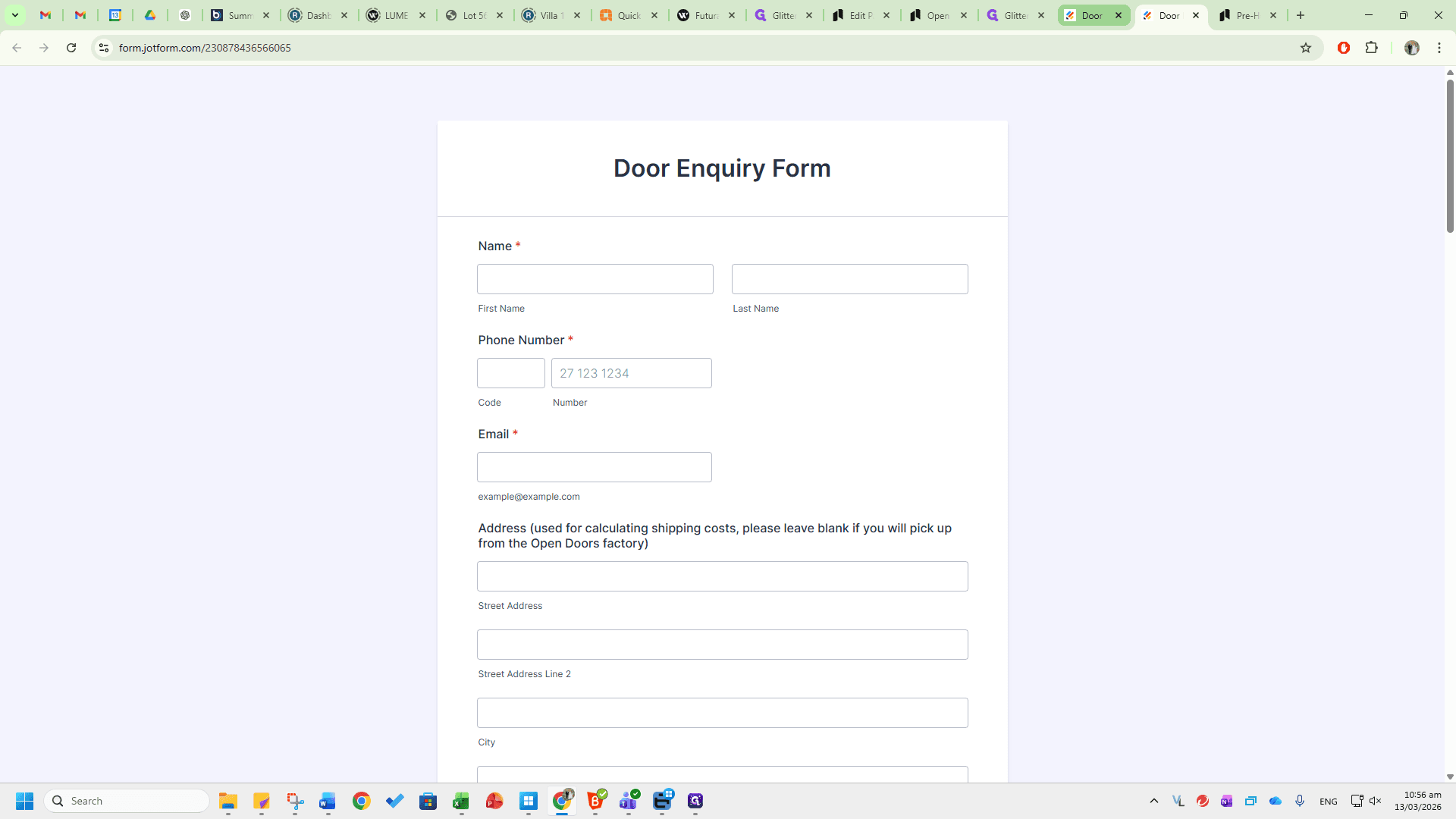
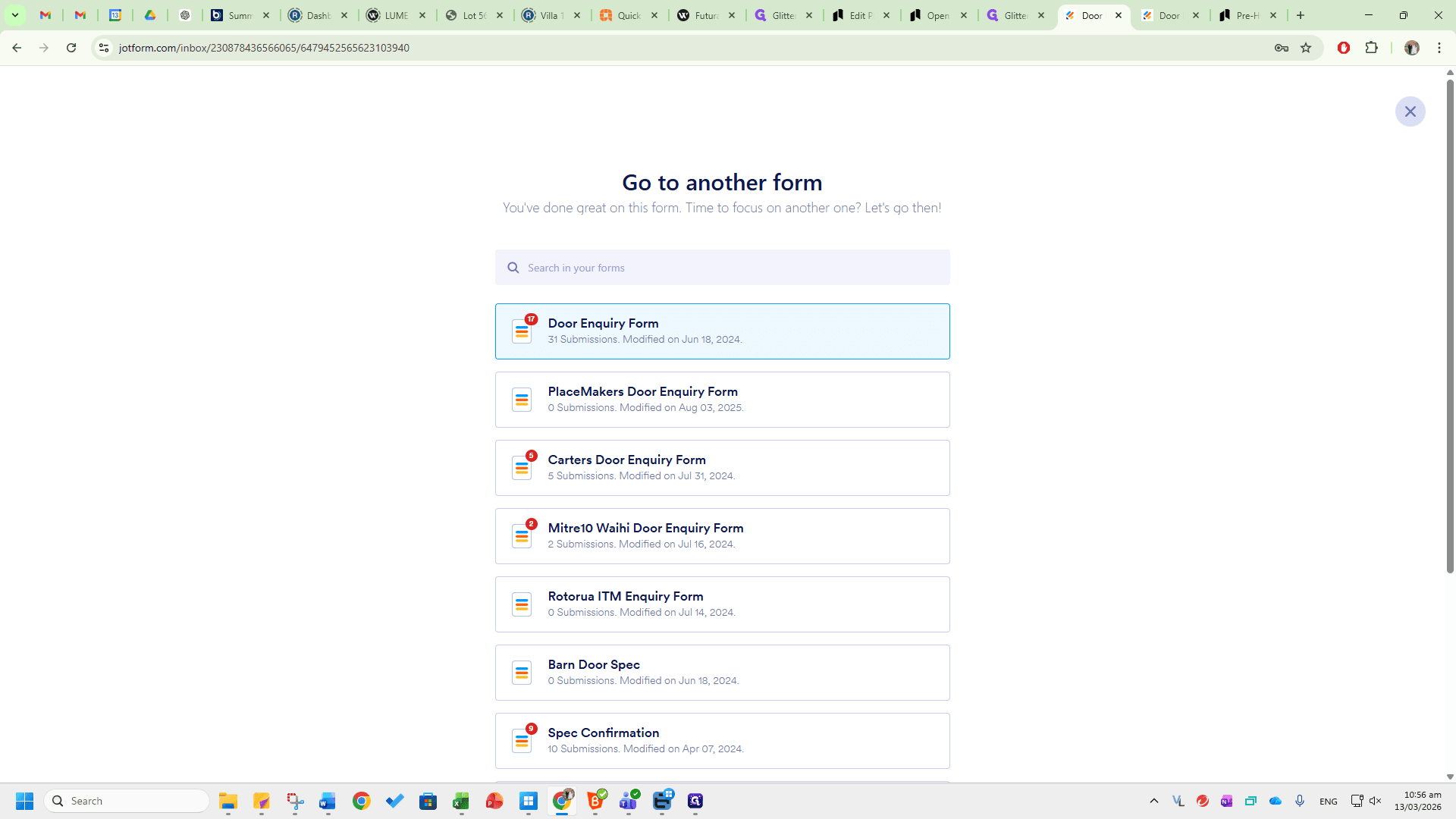
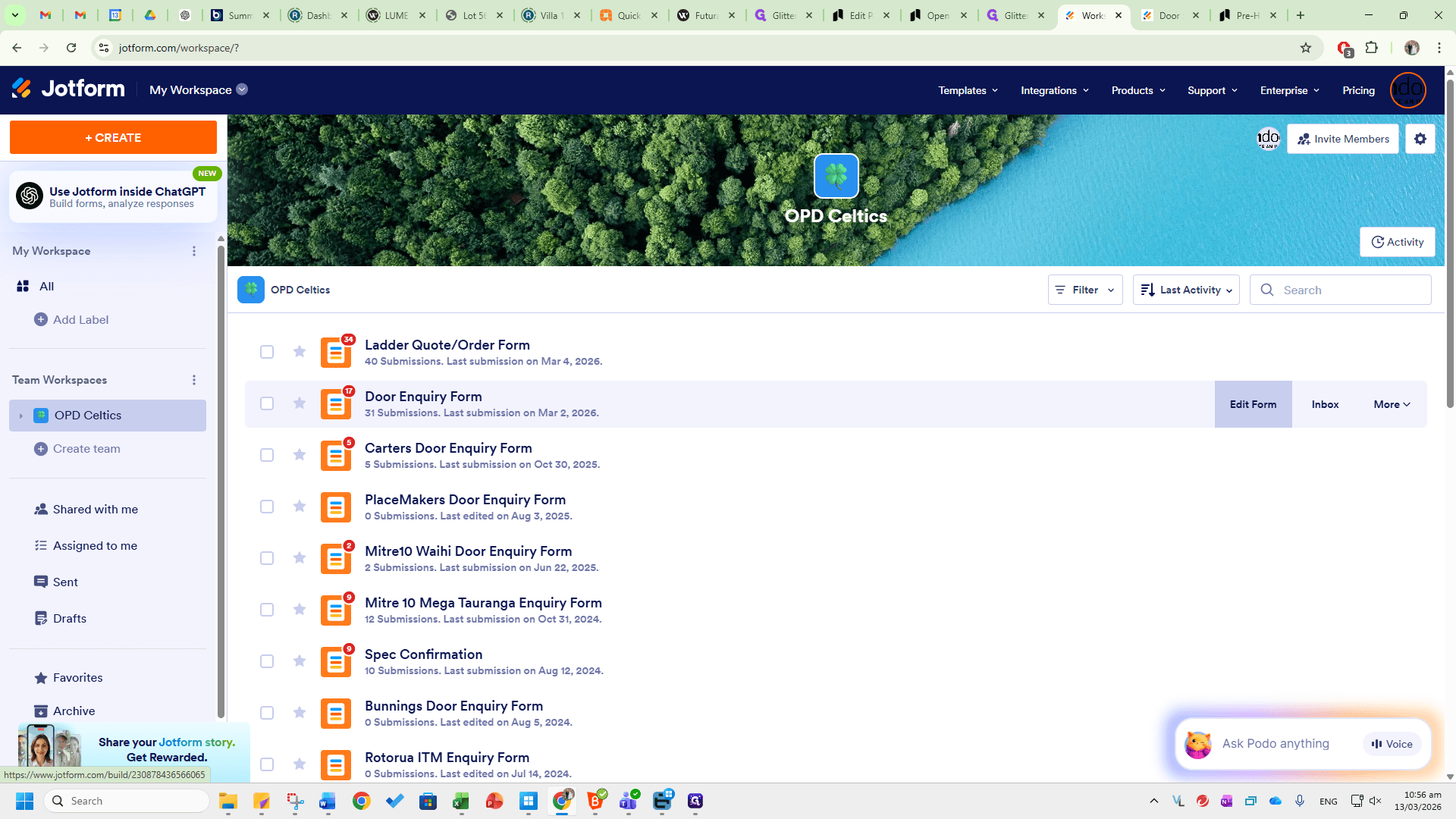
You will see all the forms listed here. Click on Edit Form.
If you have questions about JotForm or the forms we created, you can use online references or AI chatbots for assistance. Thanks.