
How to Use the Truck Receiving Log
Learn how to efficiently use the truck receiving log for tracking, including BOL management, pallet counts, and detailed reporting for locations like Sutherlin.
In this guide, we'll learn how to fill out a truck receiving log for equipment deliveries. We'll focus on recording details such as equipment type, cell name, number of pallets, and whether the bill of lading (BOL) was received. This process helps track received items and ensures accurate records for each delivery.
Let's get started
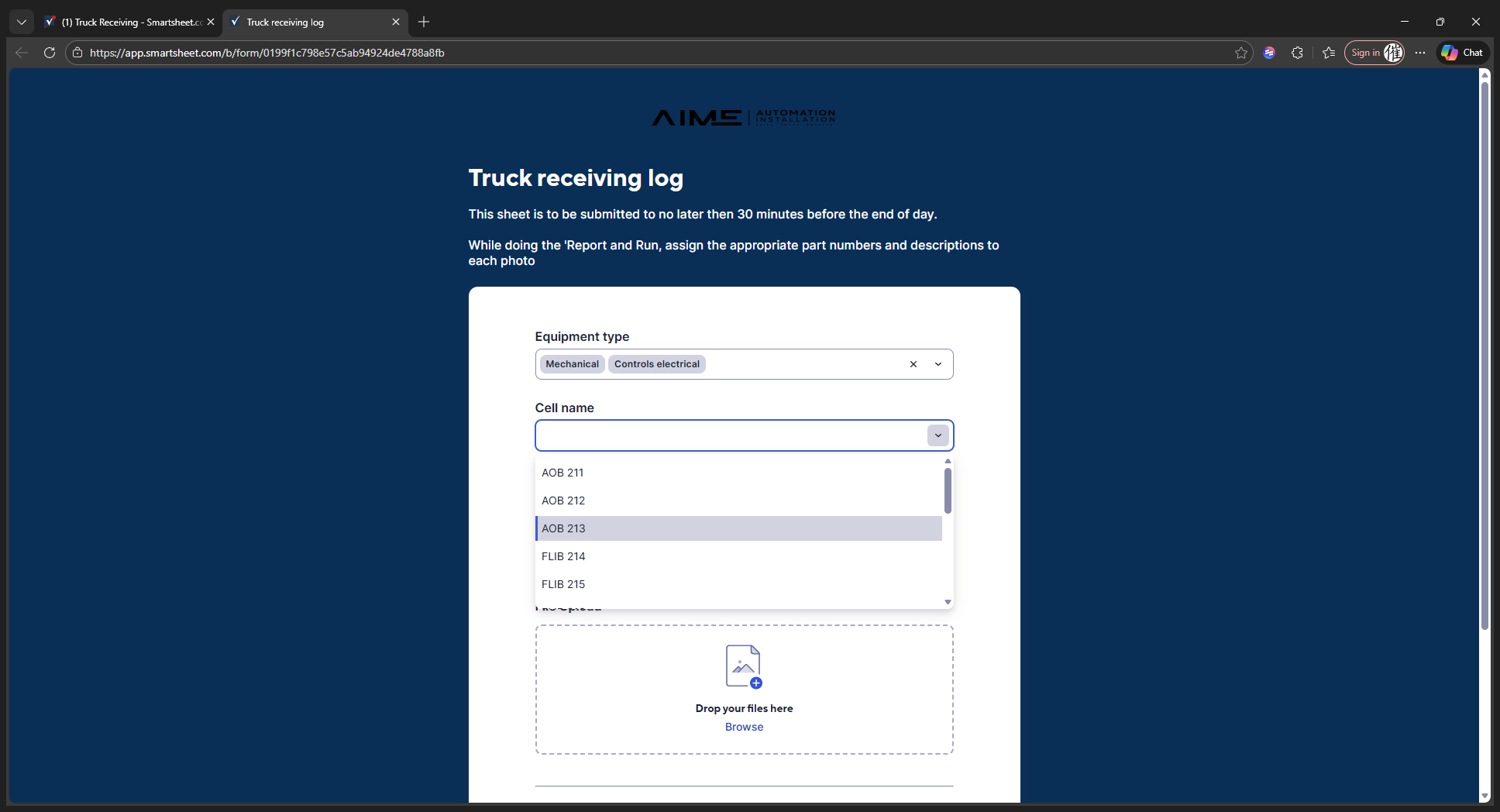
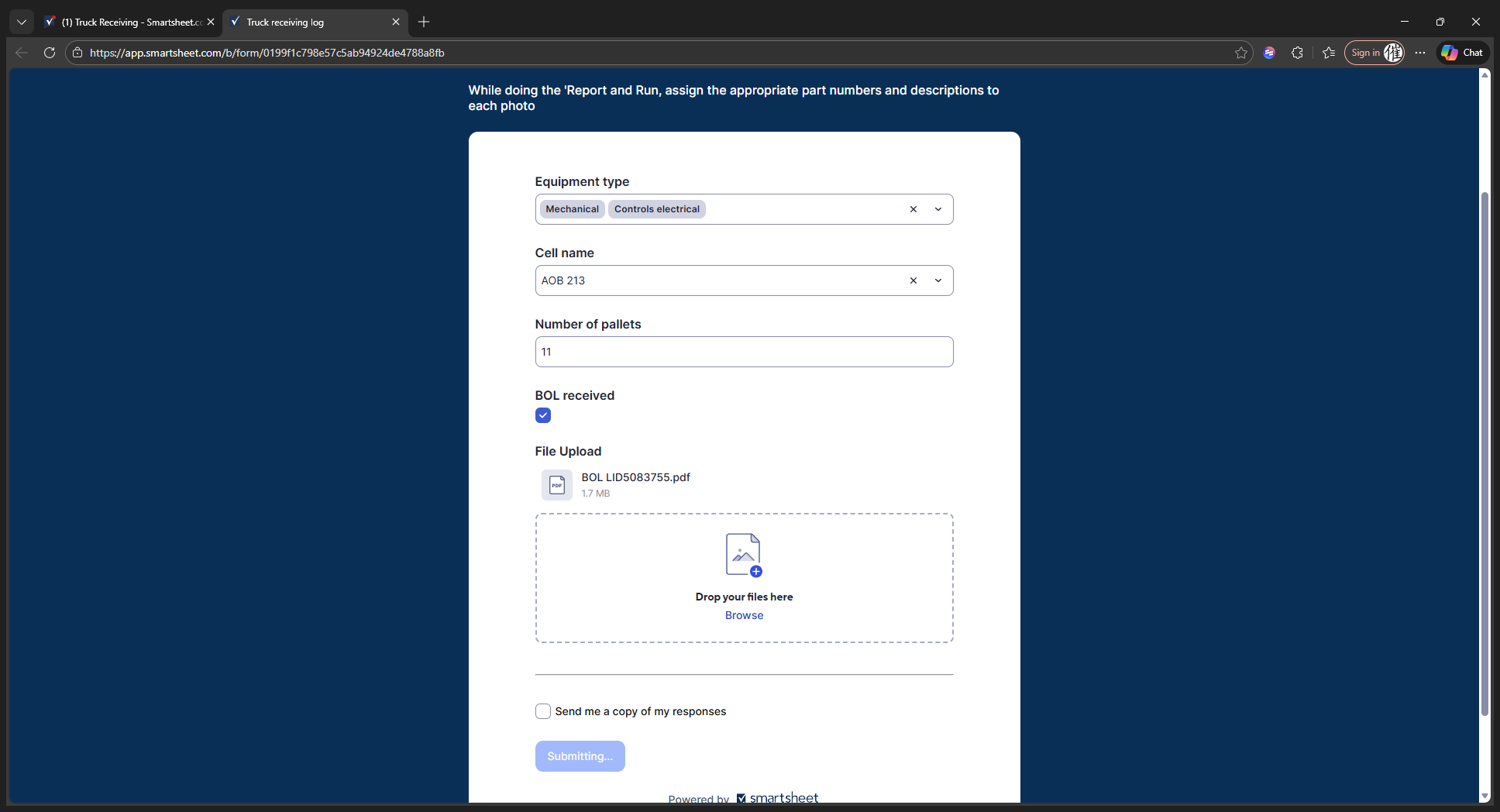
In the truck receiving log, we will start with the equipment type.
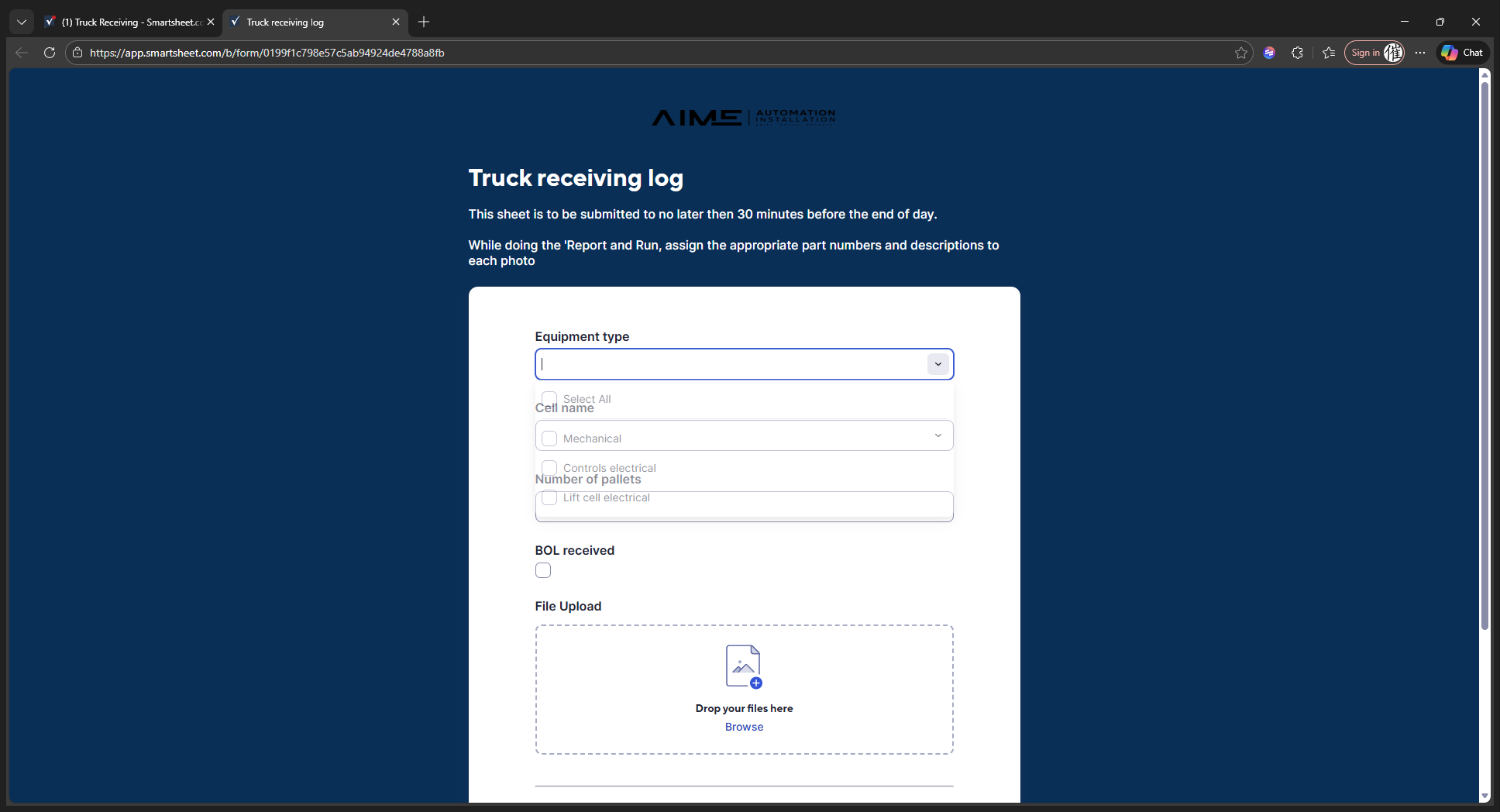
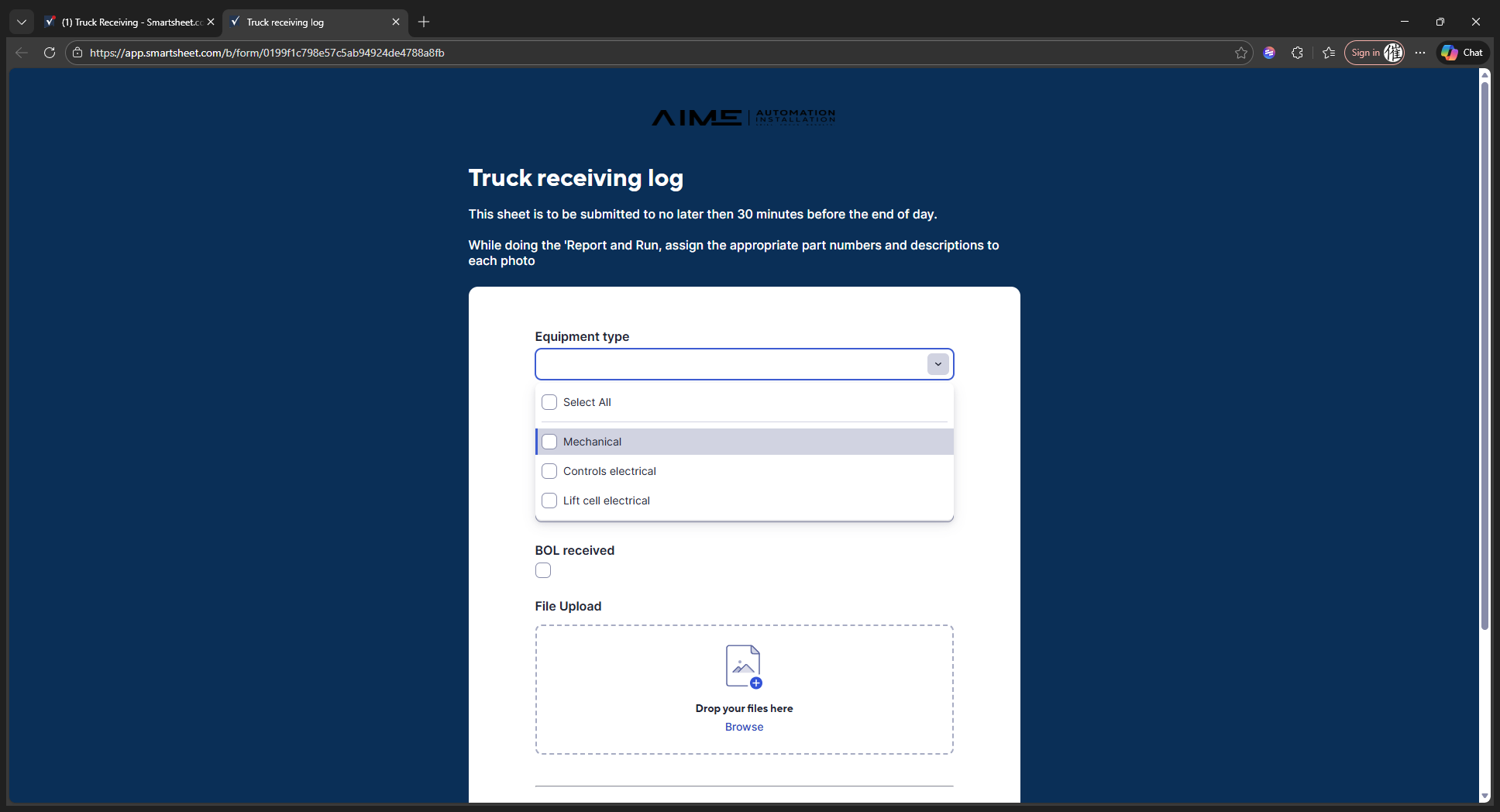
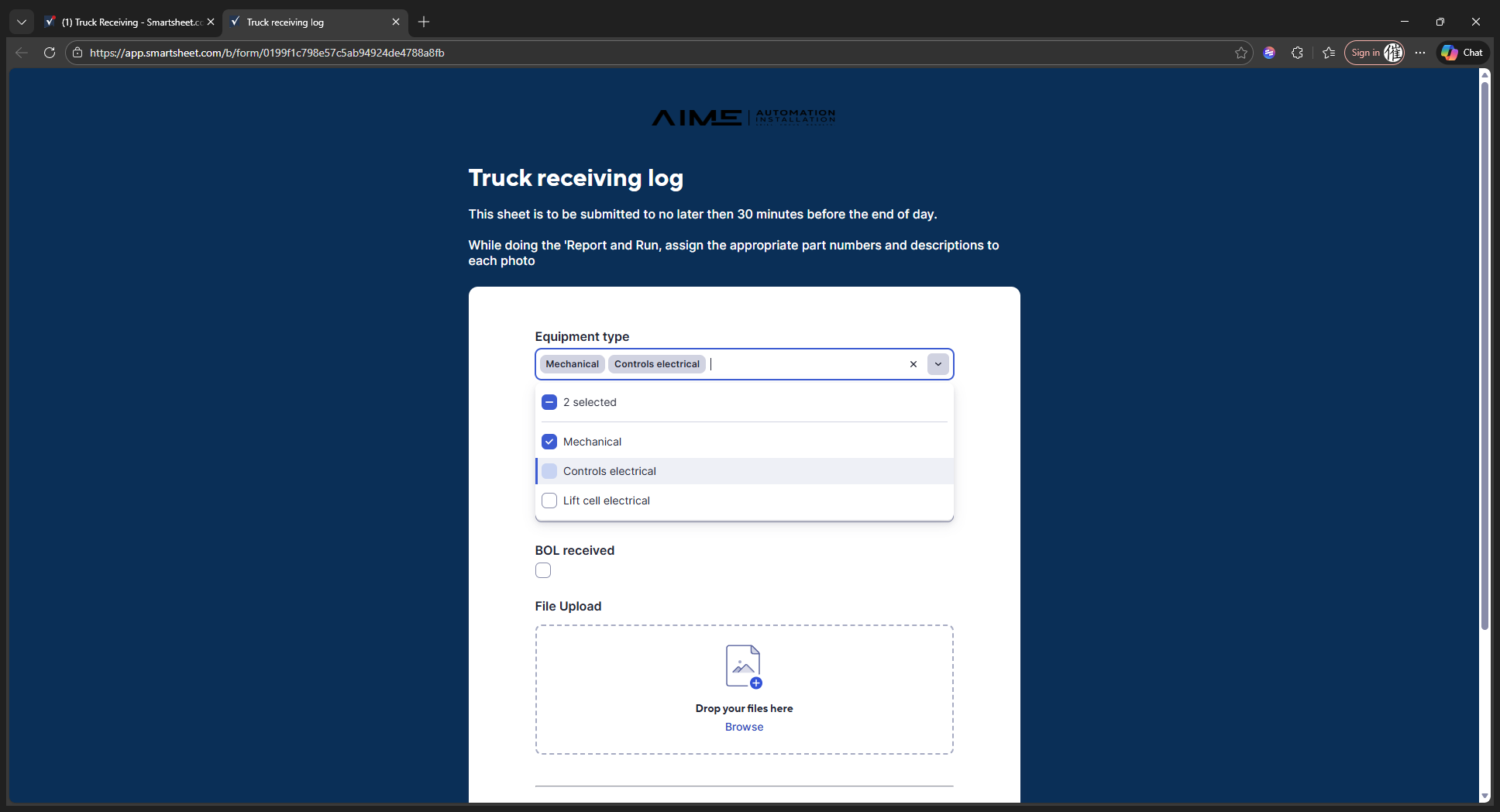
We can do mechanical, controls, or lift cell. Here, we will focus on mechanical and controls.
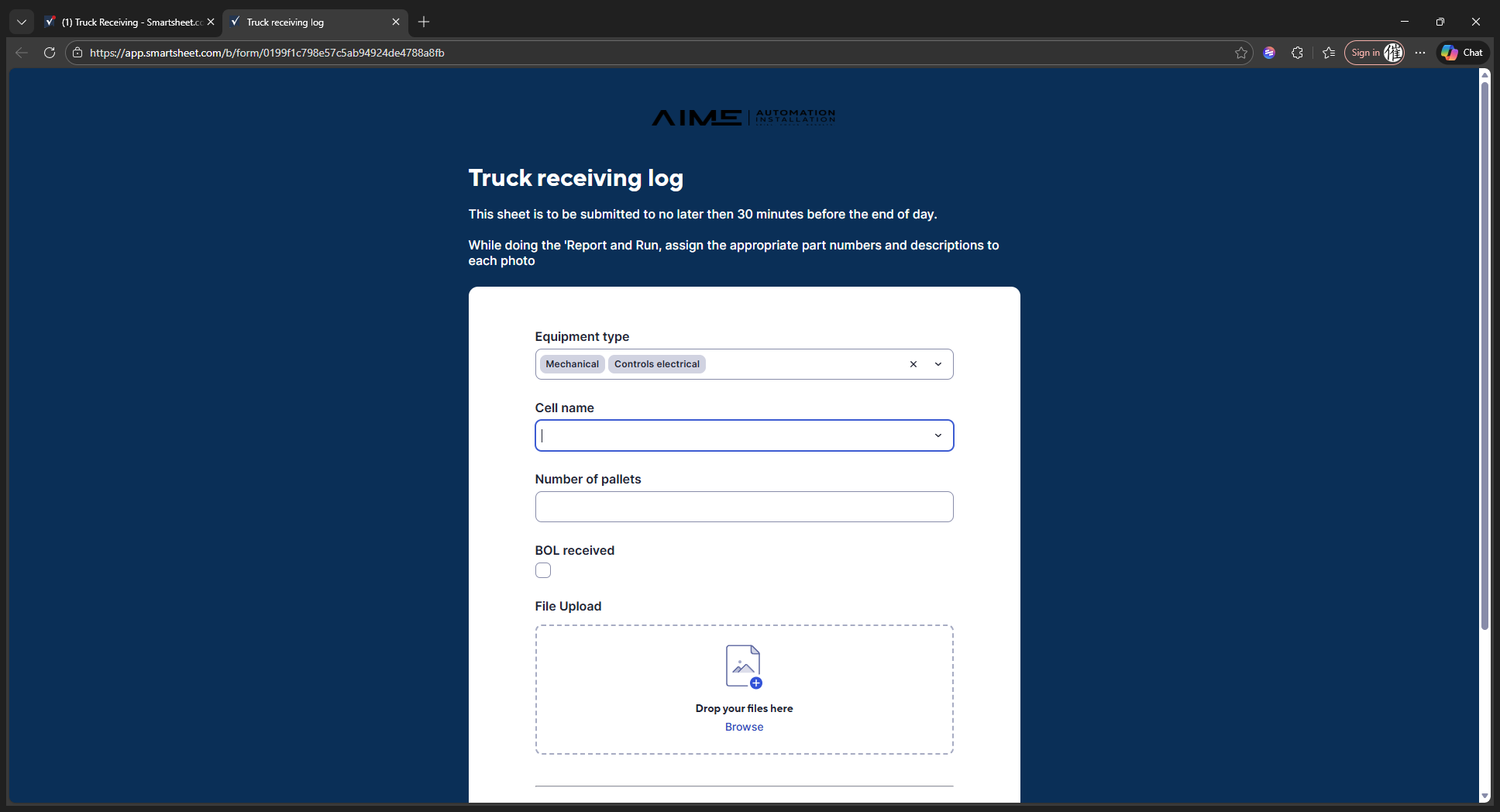
For the cell name, let's use 213.
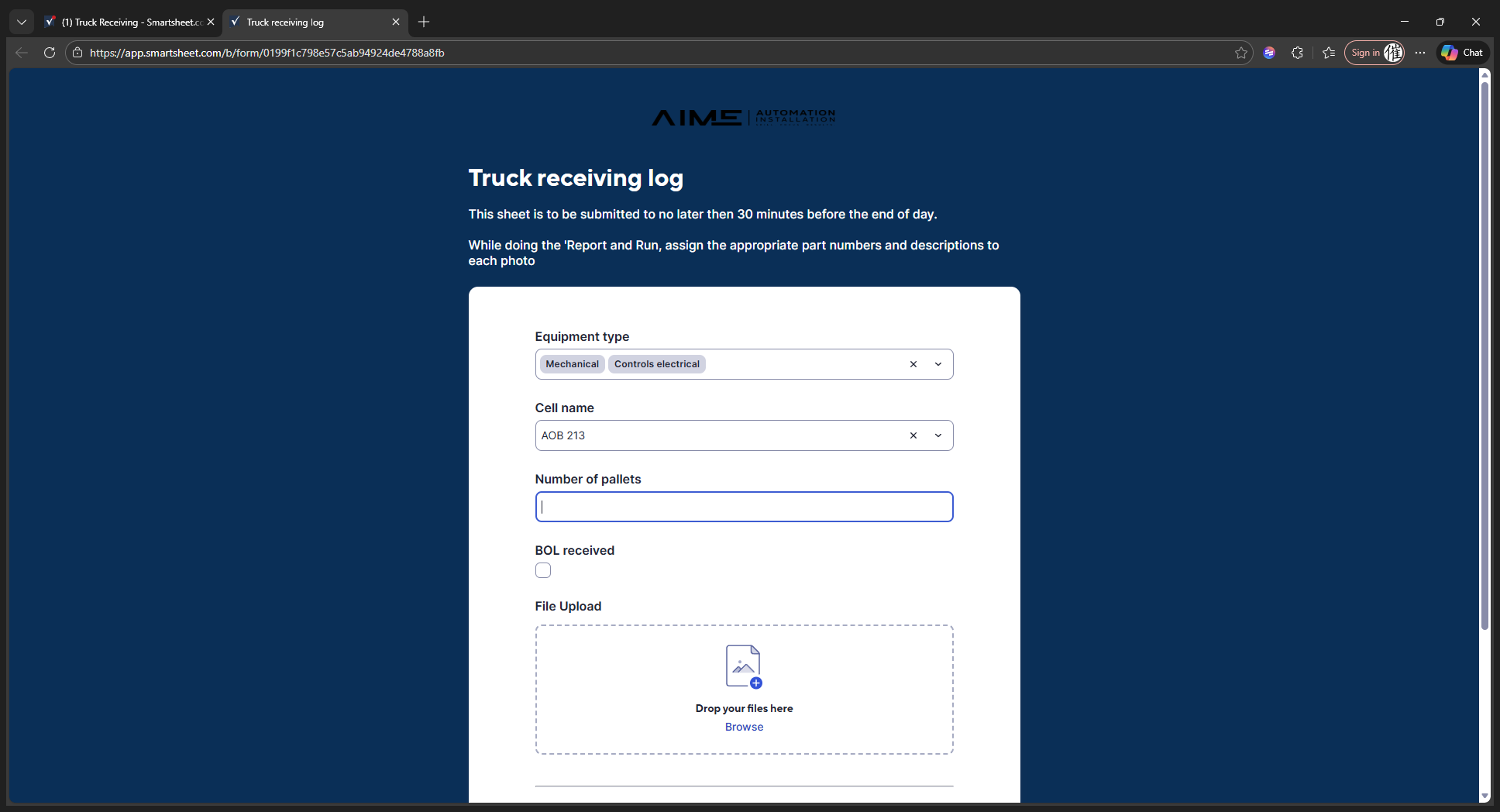
We have 11 pallets in the truck.
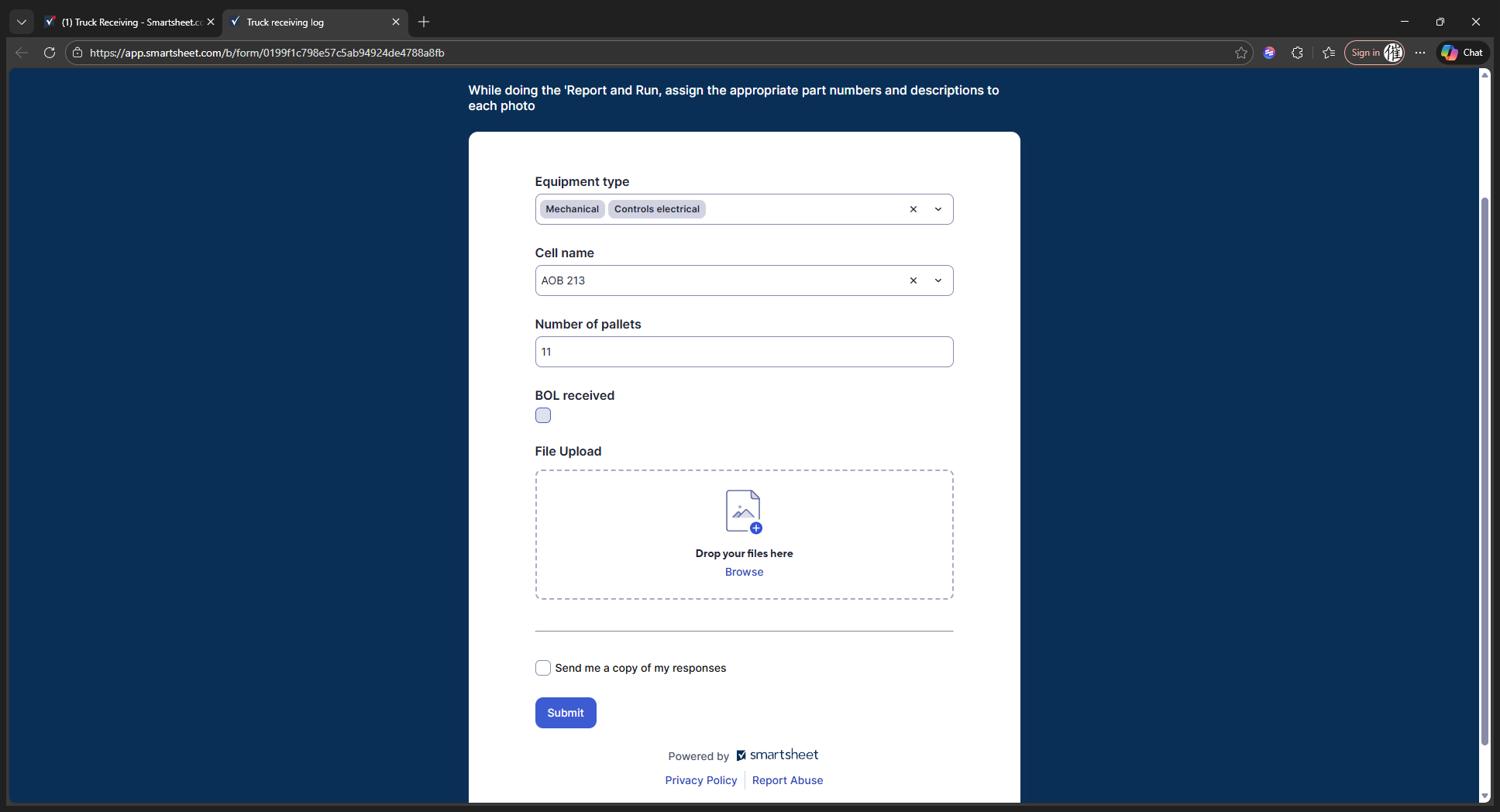
We received the BOL.
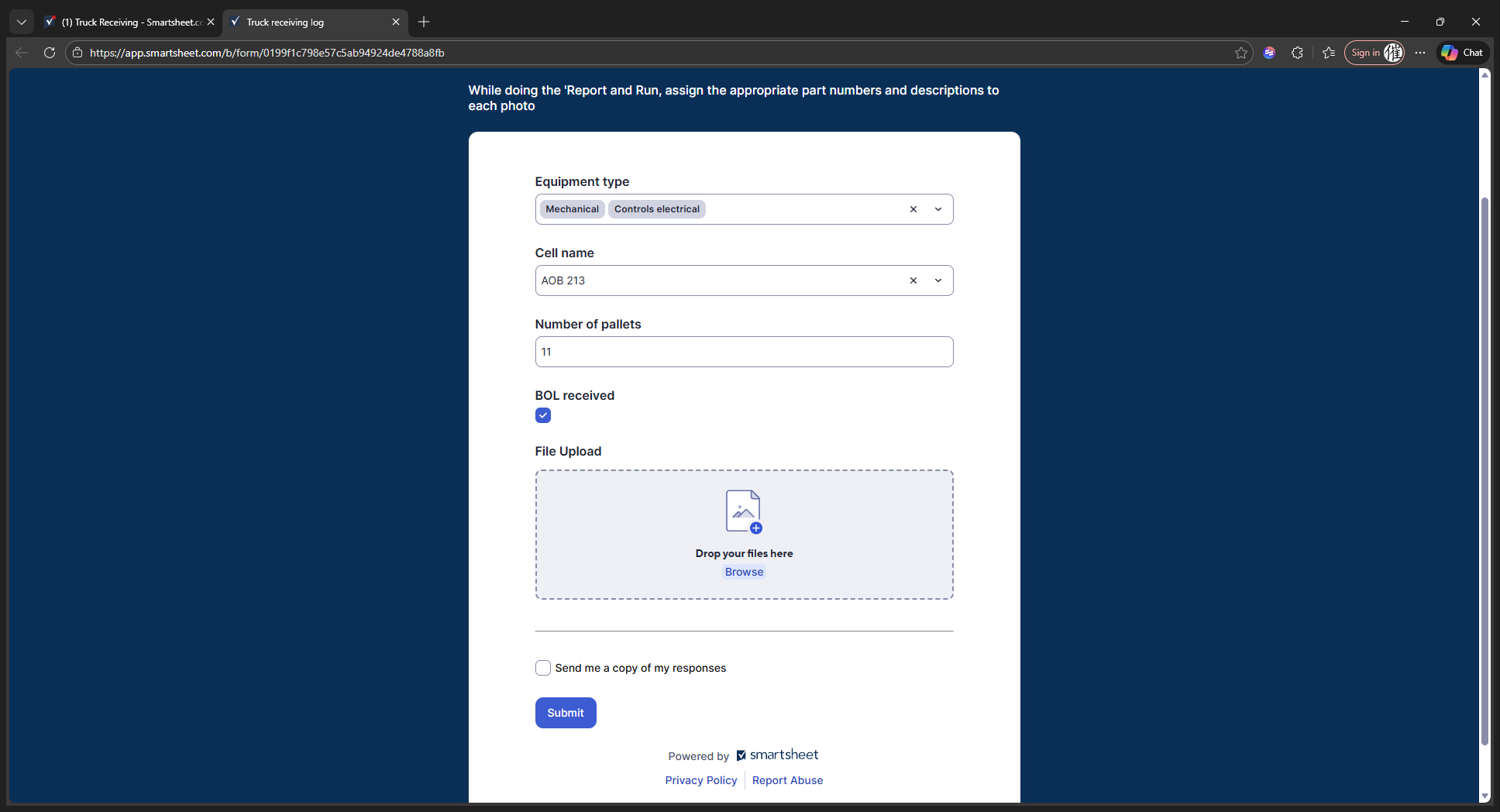
Next, place your report and run file here.
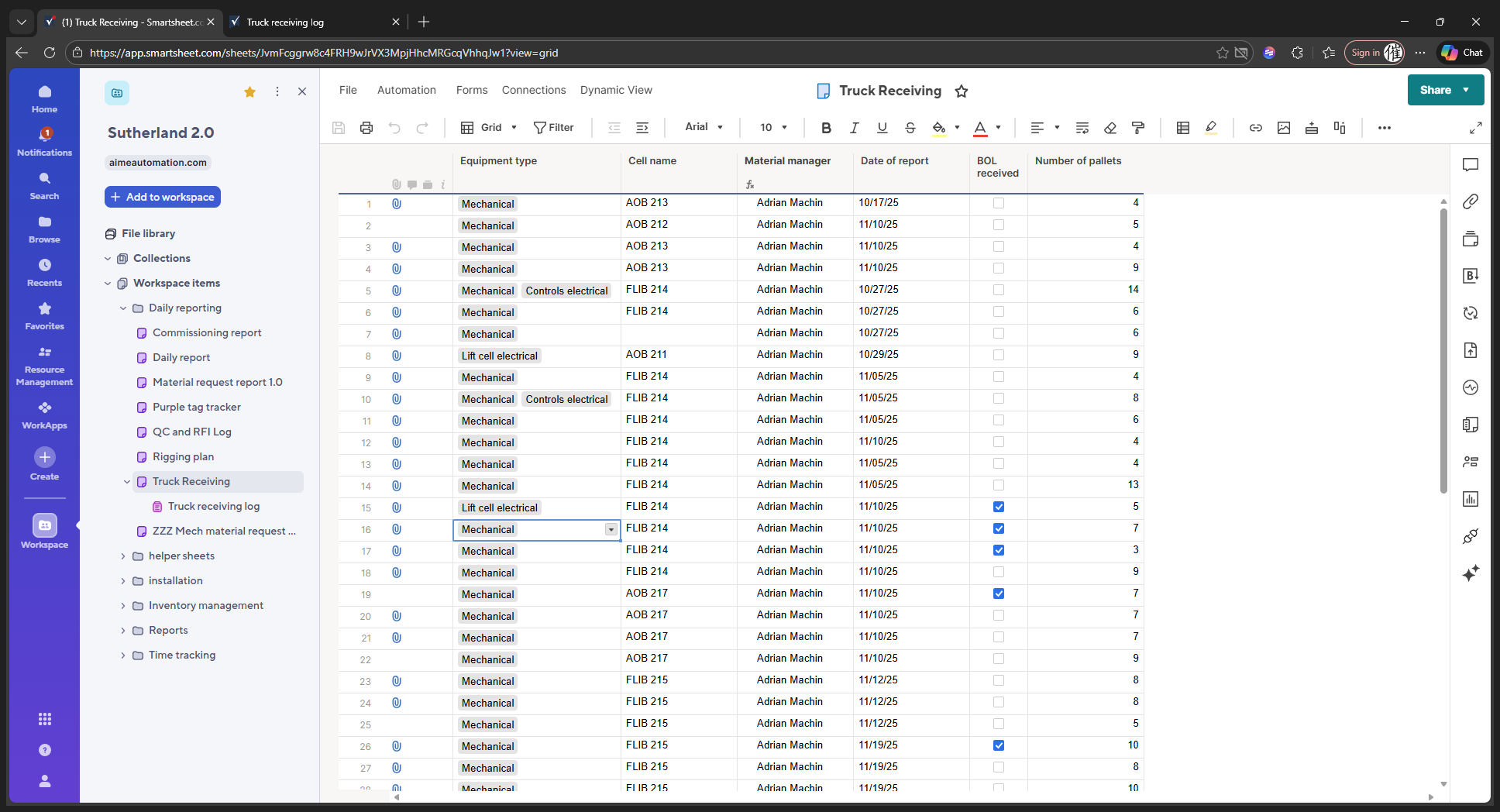
Now that it's submitted, you can see all the information here. When we submit it, it will appear in this section.
You can see the updates live in the truck receiving log
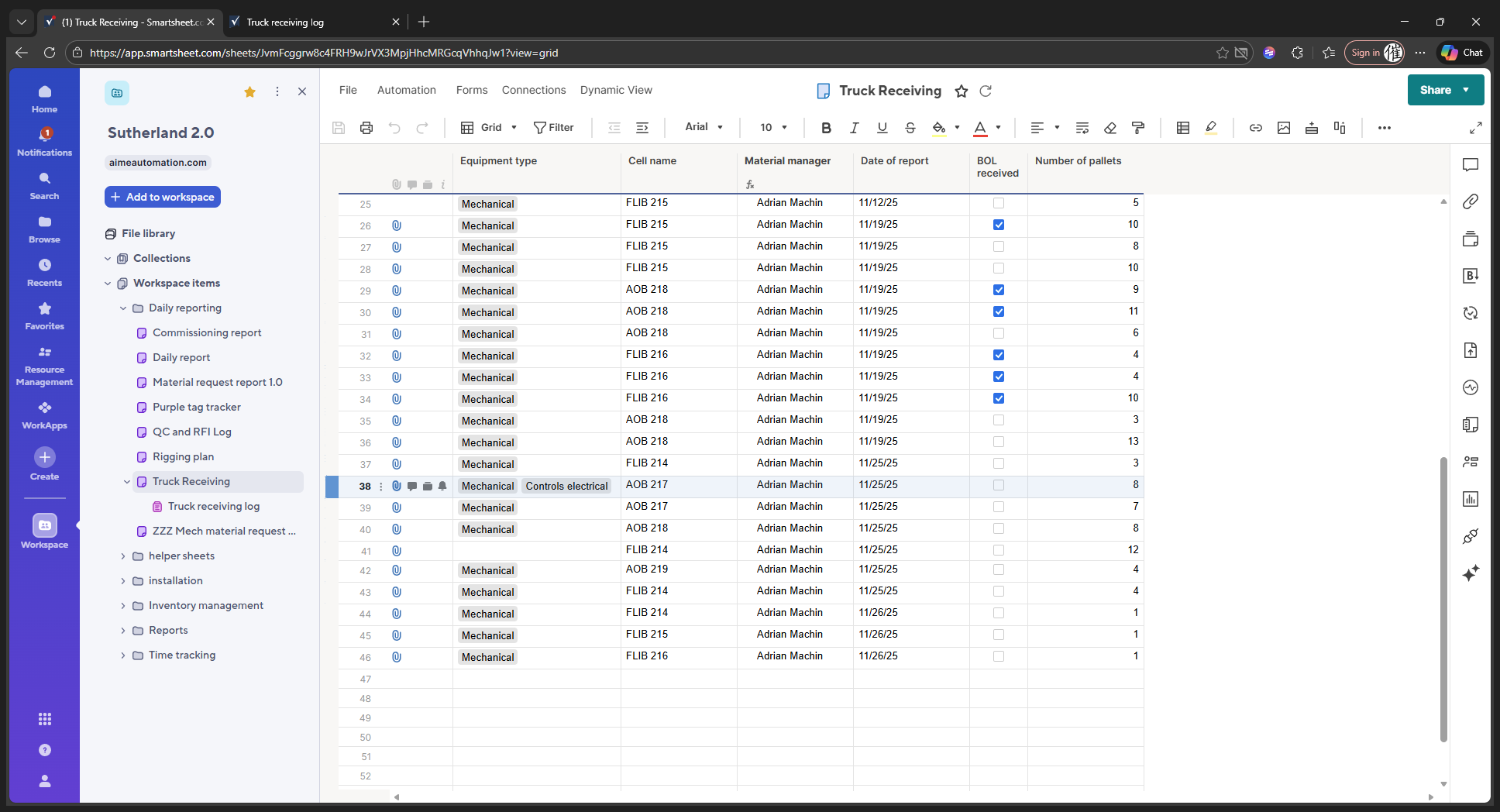
This is specific to Sutherland, but it shows the general idea of how it will work. Adrian received 217 controls—mechanical and electrical—but did not receive a BOL. He had eight pallets.
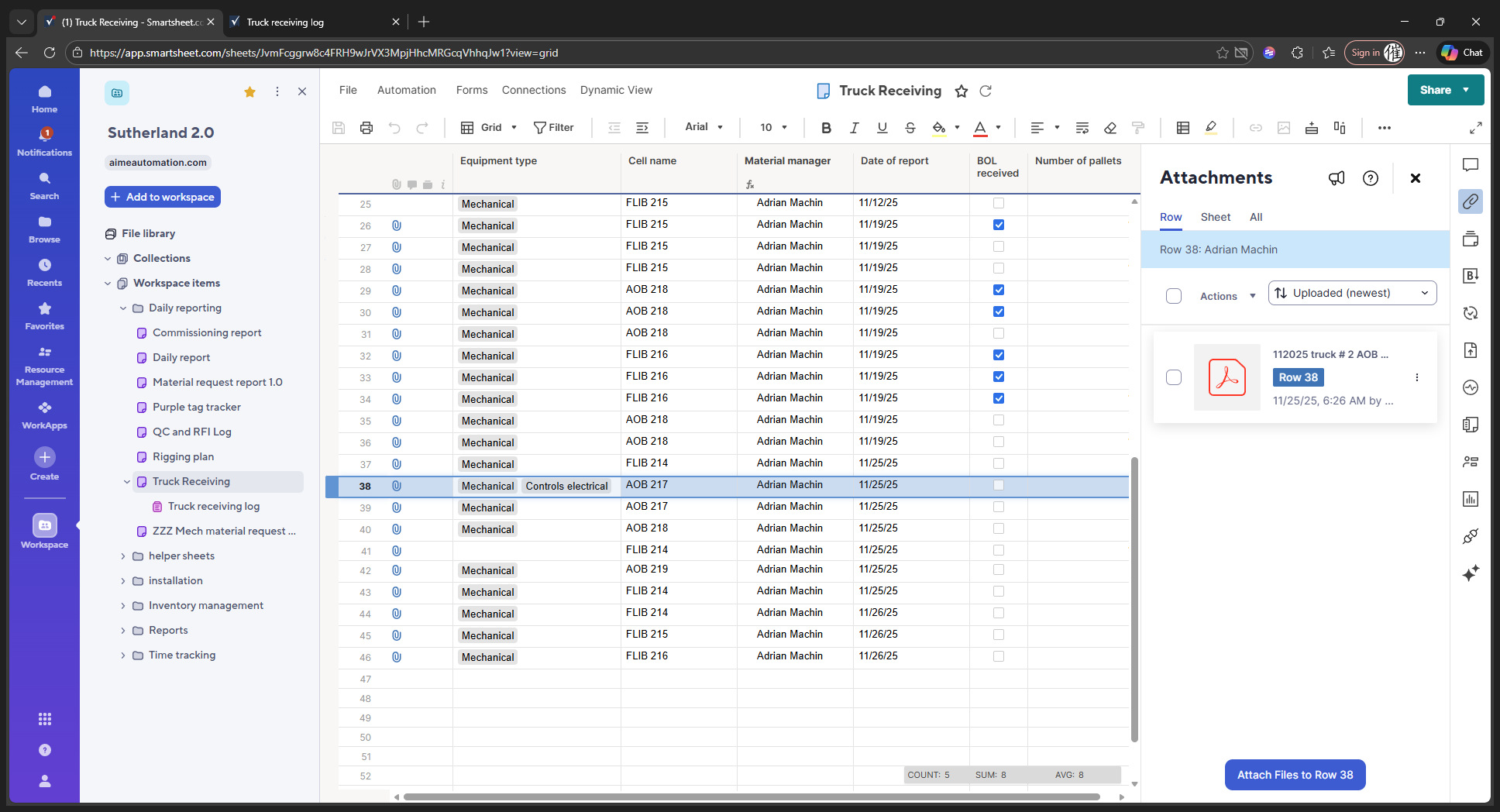
This shows you the report and how to run it. It will show you who created it, such as Yasmani, along with his phone number and email. It will then display all the individual parts, such as we received 46100007. You can scroll through to see everything we received on that truck, on that day, at that time. That's it.