How to Use Toast Devices to Sign Guests Up for Loyalty
Learn how to display a QR code on your Toast devices to easily sign up guests for our Thompson Table Rewards loyalty program!
In this guide, we'll learn how to help guests sign up for the Thompson Table Rewards loyalty program using your Toast devices. This process allows guests to join the program by scanning a QR code directly from the POS or handheld, making it easy for them to start earning points during their visit.
Let's get started
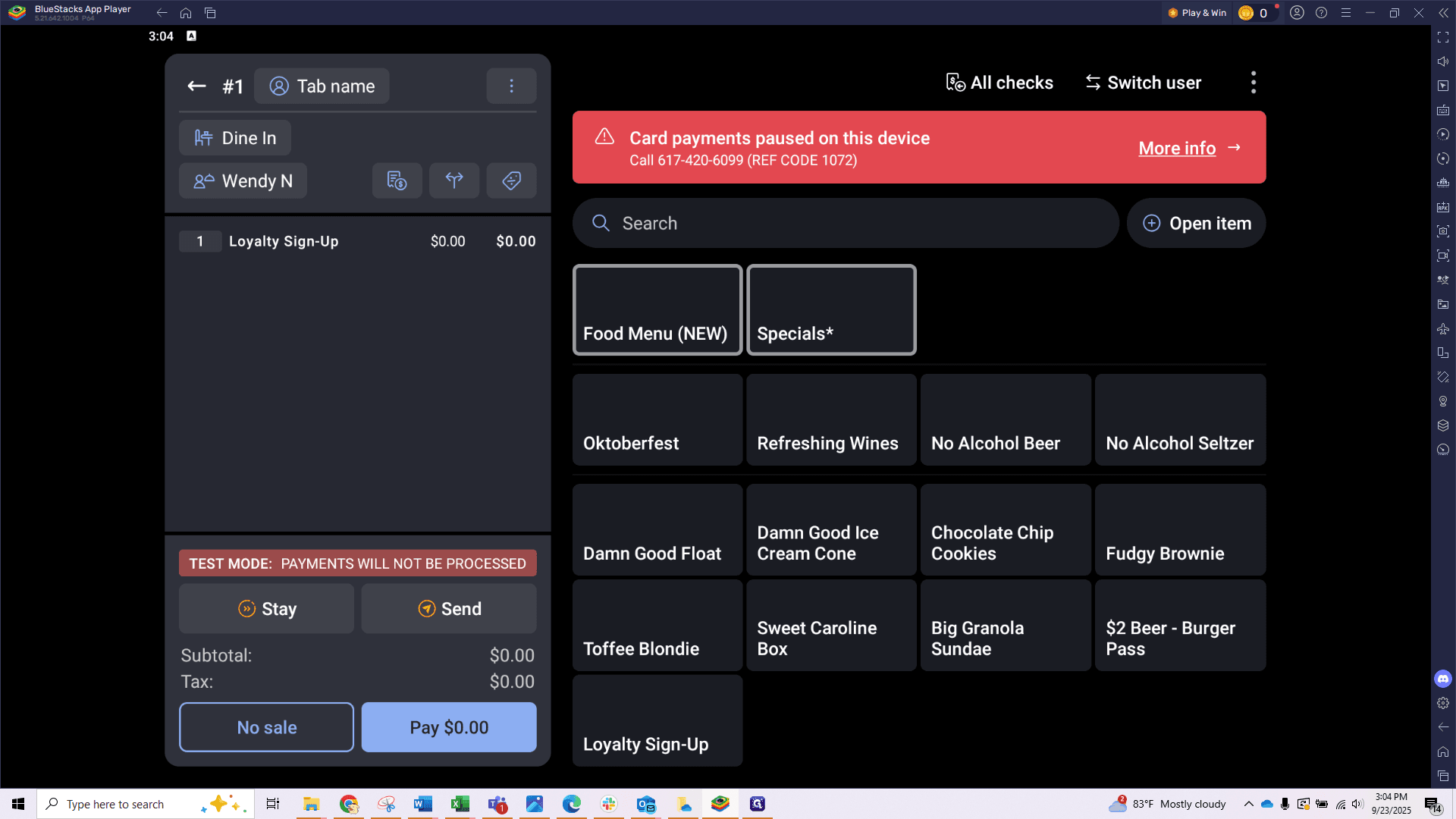
We have updated your Toast devices to support our loyalty program, Thompson Table Rewards. You can now easily display a QR code directly from the POS or a handheld device, allowing guests to scan and sign up. This makes it easy for guests to join while dining at our restaurants. If they sign up before paying, they can earn points for their current visit. It's a great way to encourage repeat visits and keep guests coming back. To access the QR code, go to the Food menu and scroll down to the Specials group.
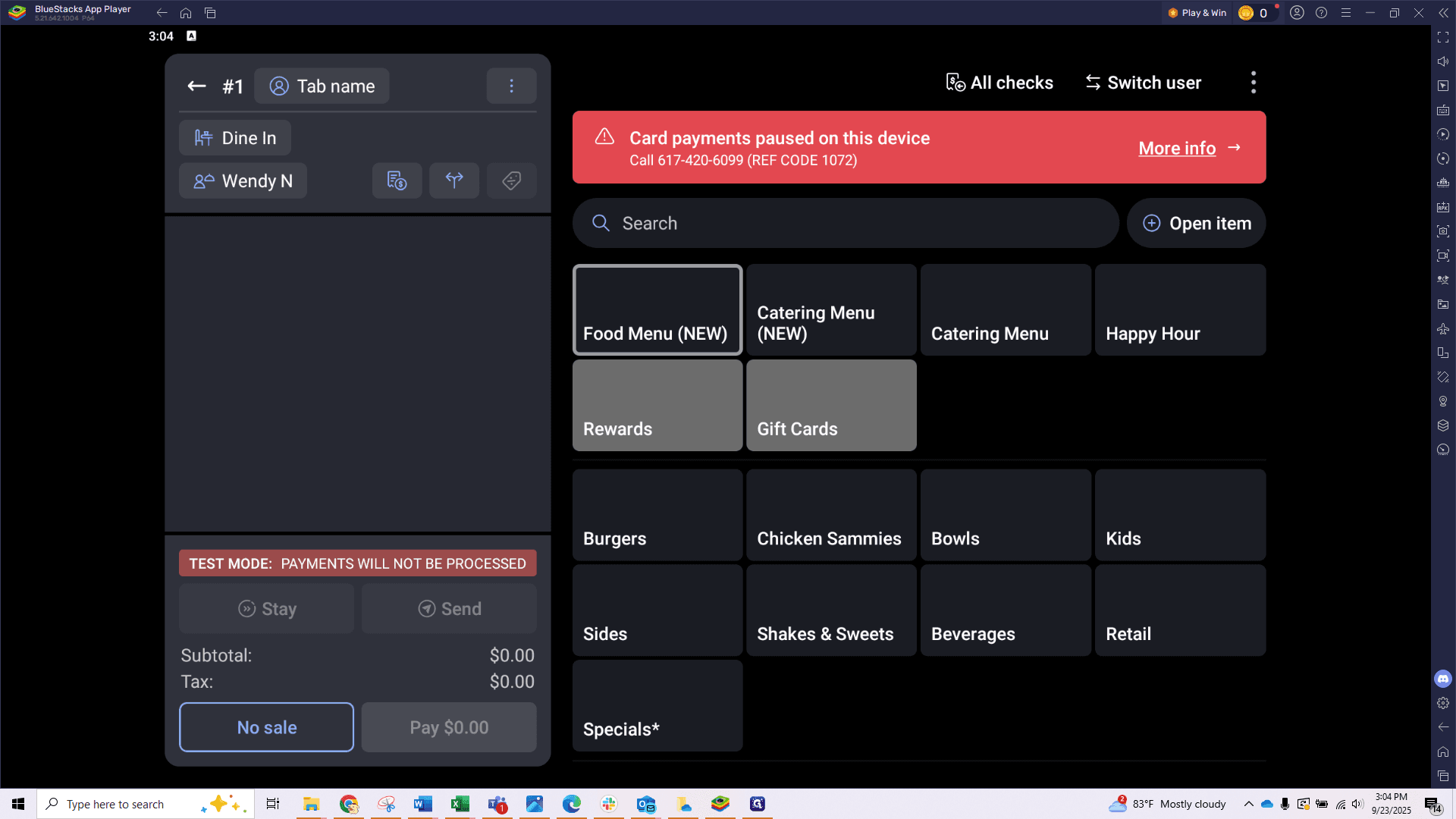
Find the Loyalty Sign-up option at the bottom.
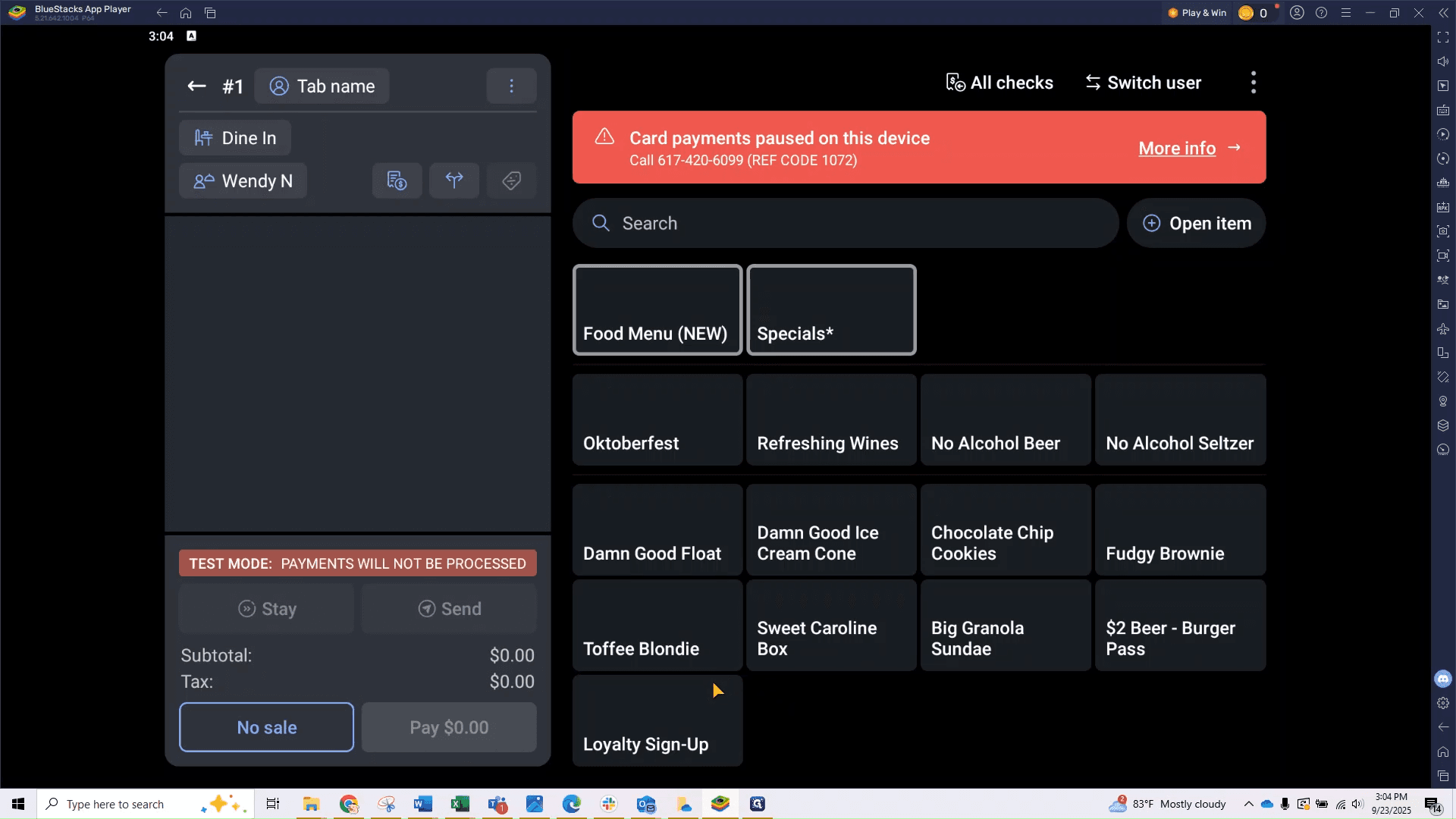
You can also use the search bar and type "loyalty" to find it quickly.
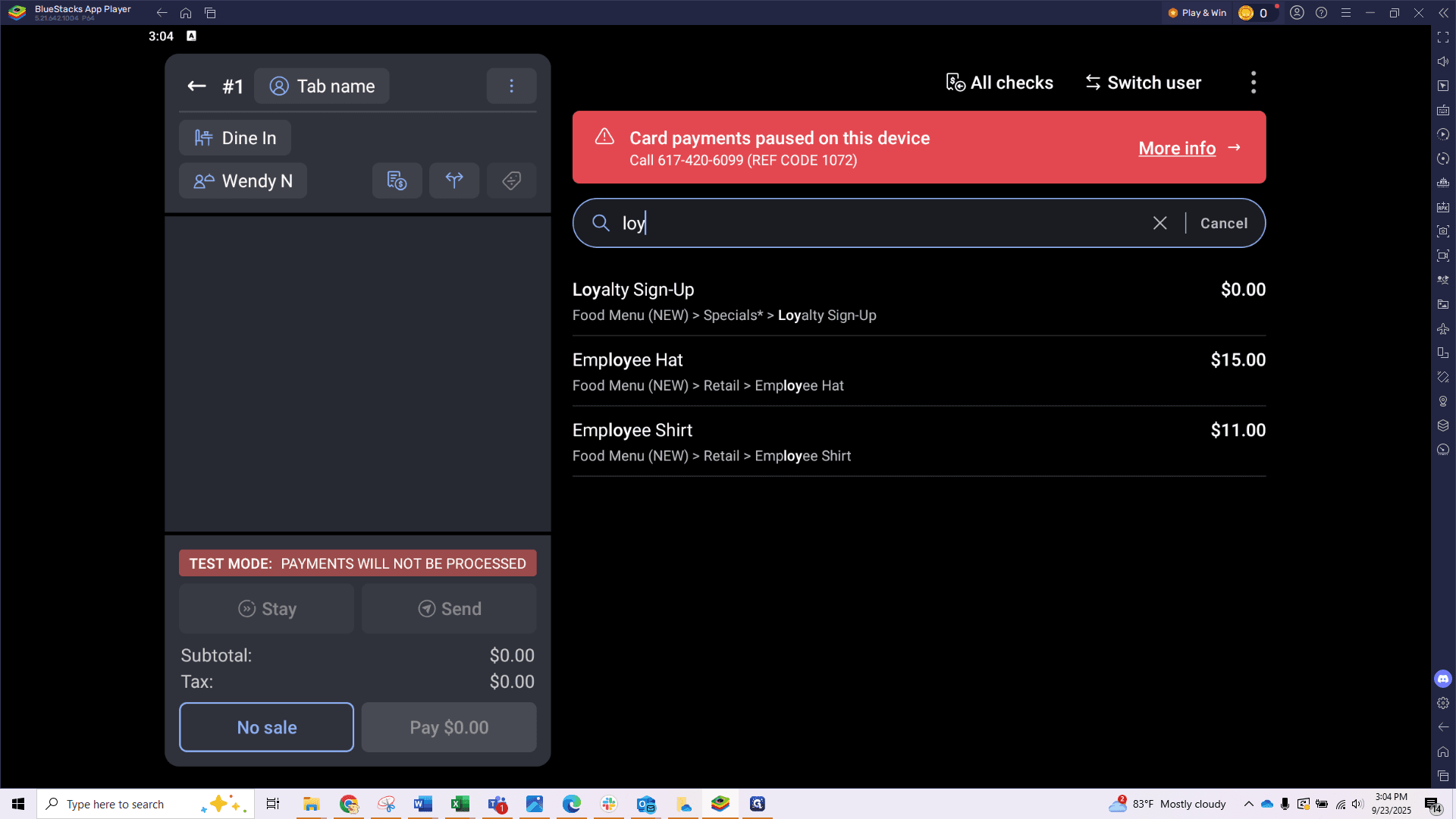
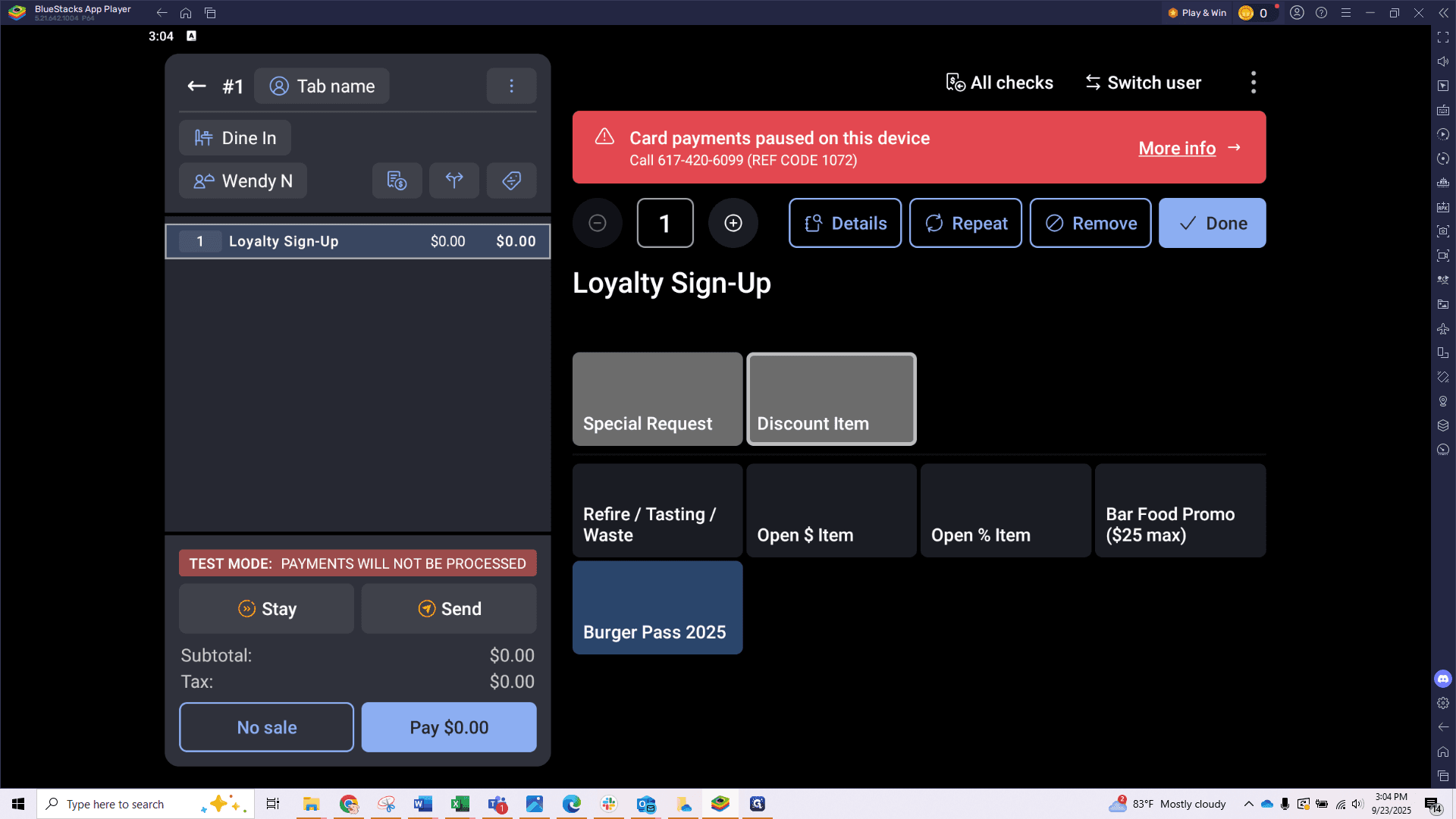
You will see a QR code that guests can scan to sign up instantly.
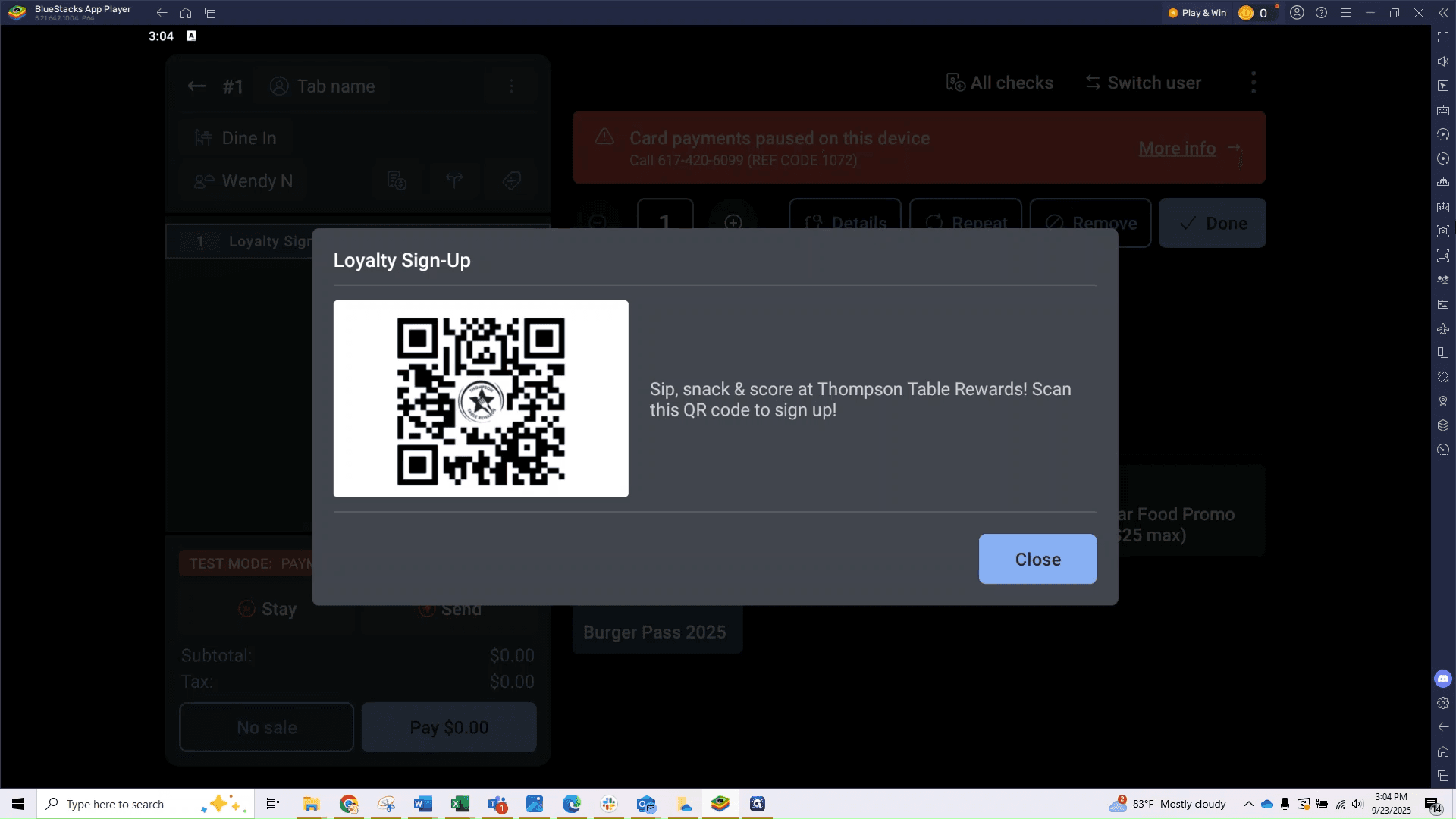
That's it! It's quick, easy, and a great way to connect our guests to our loyalty program!