How To: Use Your Diary
Learn how to use the Toucan Sales Analytics private diary to schedule appointments, log customer interactions, and navigate between different calendar views.
This guide provides instructions on how to navigate the Toucan Sales Analytics calendar, log new customer interactions, and schedule appointments.
This guide is intended for sales representatives and account managers who use Toucan Sales Analytics to manage their schedules and document customer touchpoints. It is useful when planning your week or logging follow-up activities.
Navigating Calendar Views
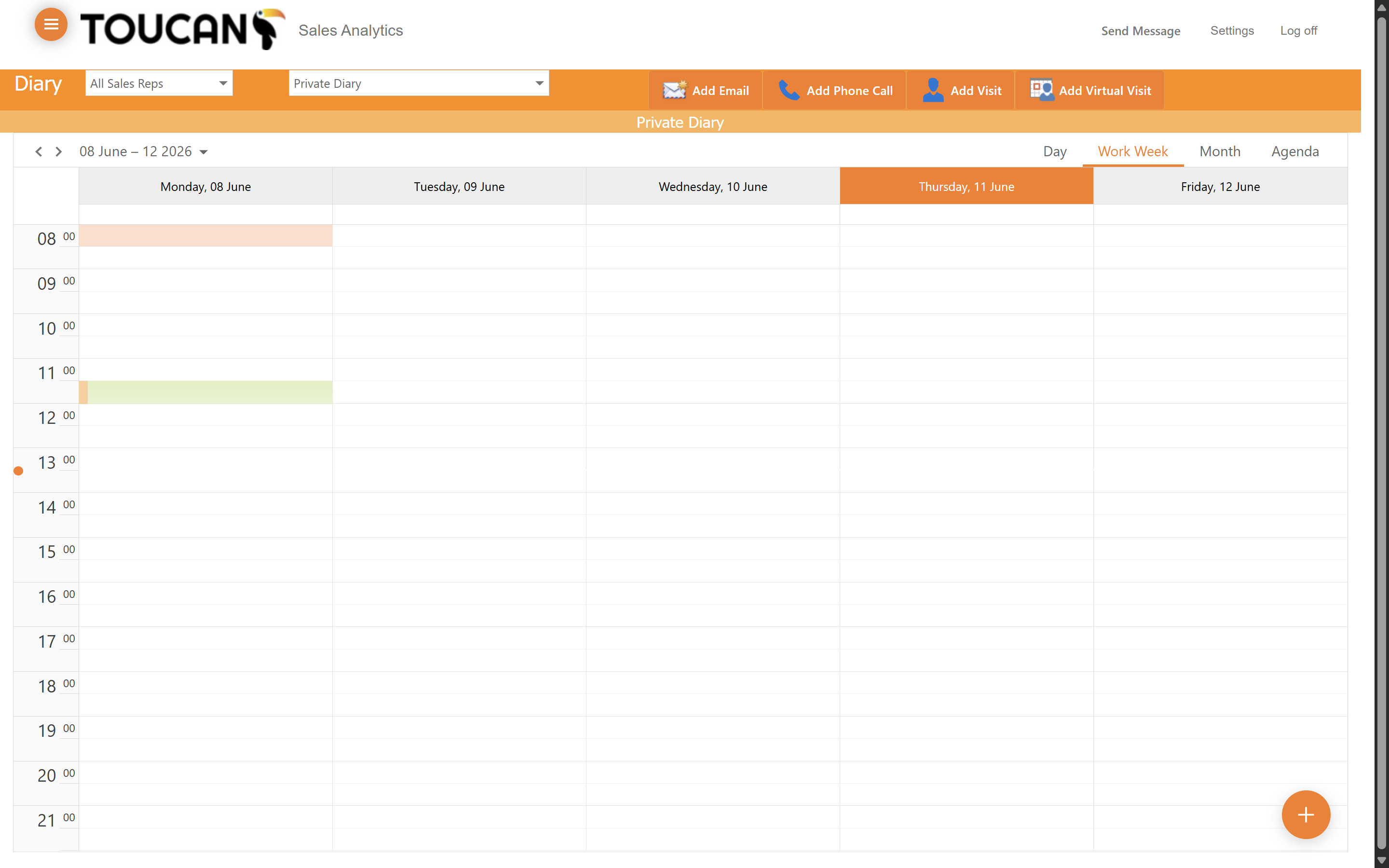
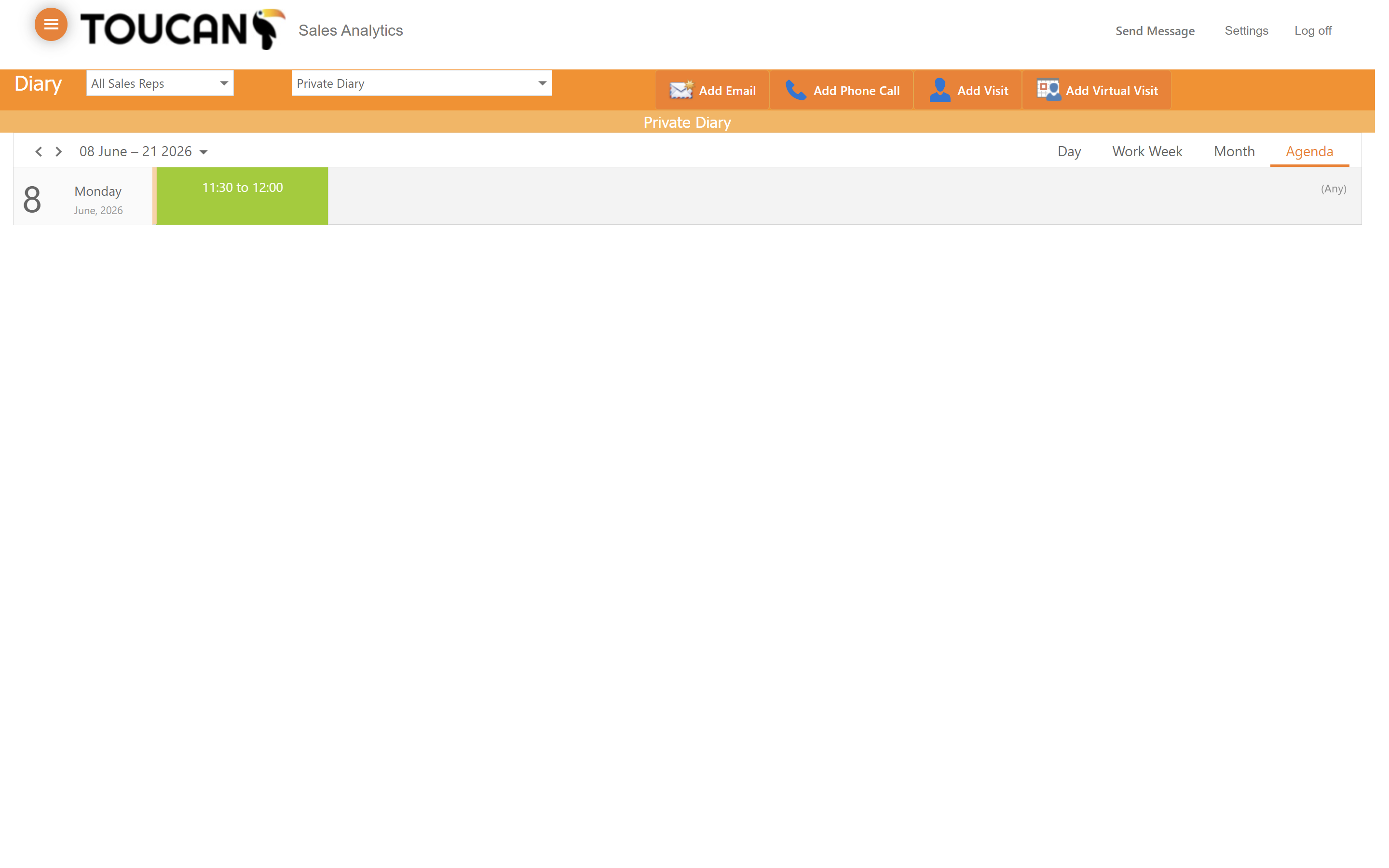
Toucan Sales Analytics offers multiple ways to view your schedule, allowing you to focus on immediate tasks or plan ahead.
Scheduling an Interaction
From the Diary portal you can log emails, phone calls, visits and virtual visits directly from this page if you are on the move with customer and lack the time to search within the system for further features.
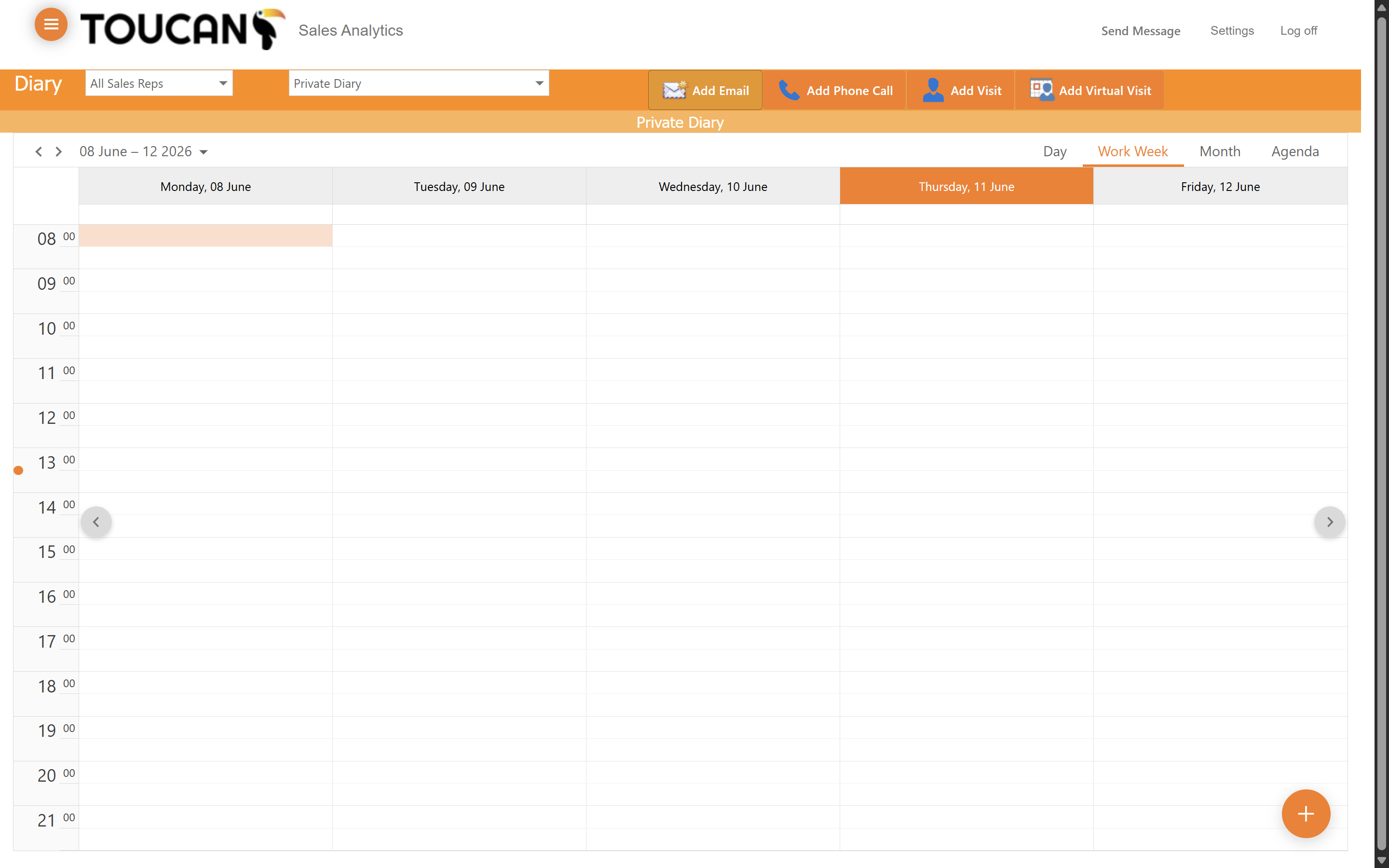
This process can be repeated for other interaction types available.
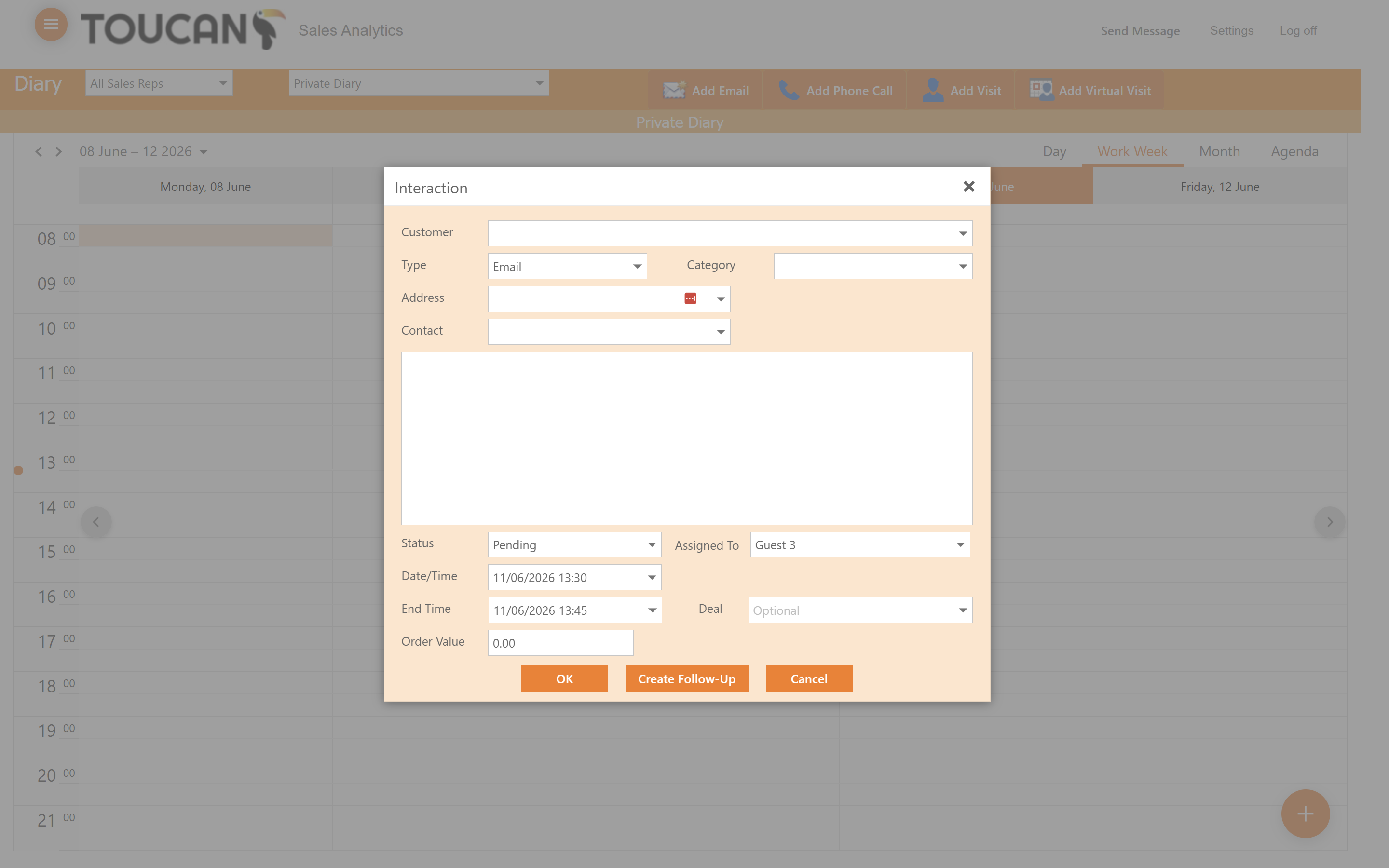
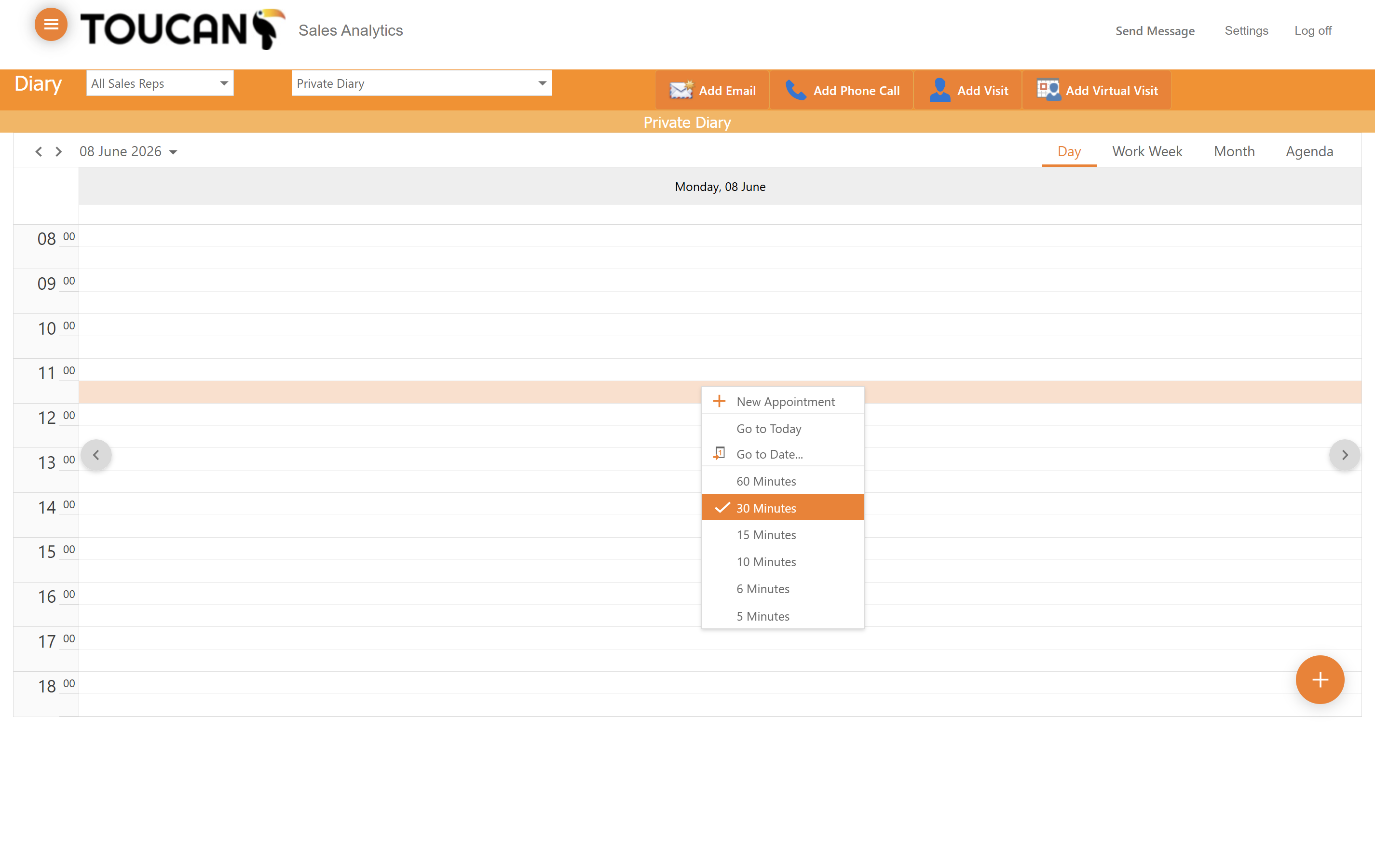
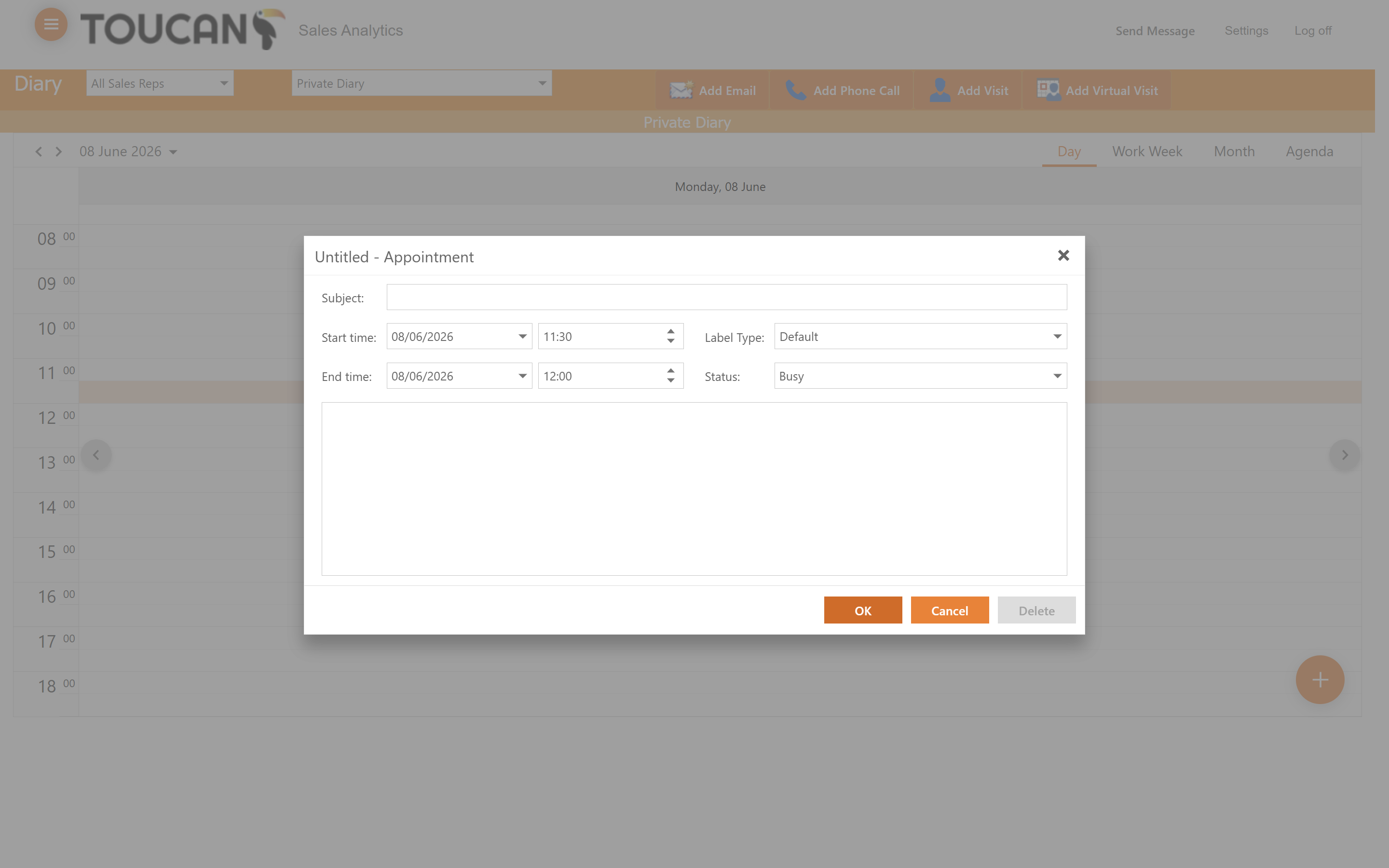
Adding Appointments Directly to the Calendar
If you simply need to block out time without logging a specific customer interaction, you can add appointments directly to your calendar grid.