How to View and Manage Clients in Admin Management
Learn how to view, manage, and deactivate clients in the Client Management section under Admin Management. Step-by-step instructions for accessing client details and using management features.
By Aasma Technology Solutions
In this guide, we'll learn how to view and manage client details in the client management section of admin management. You will see how to access client information, view more details, and use options like toggling class, location, user, and memo. We will also cover how to deactivate a client when needed.
Let's get started
Within Admin Management, you can also access Client Management. This section allows you to view all client details, including the client name.
This concludes the overview of viewing and managing clients within Client Management under Admin Management.
1
Click on Client Management tab
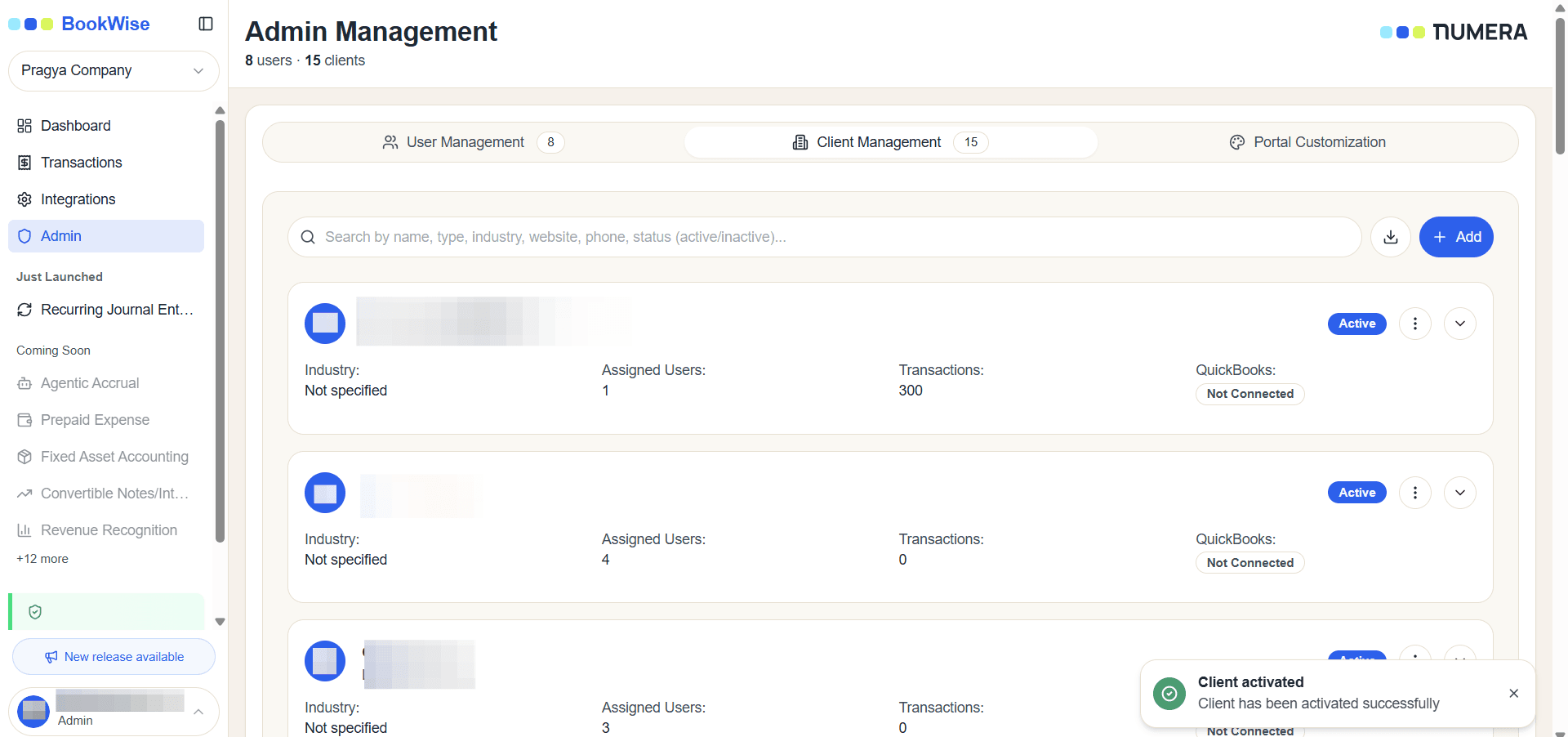
2
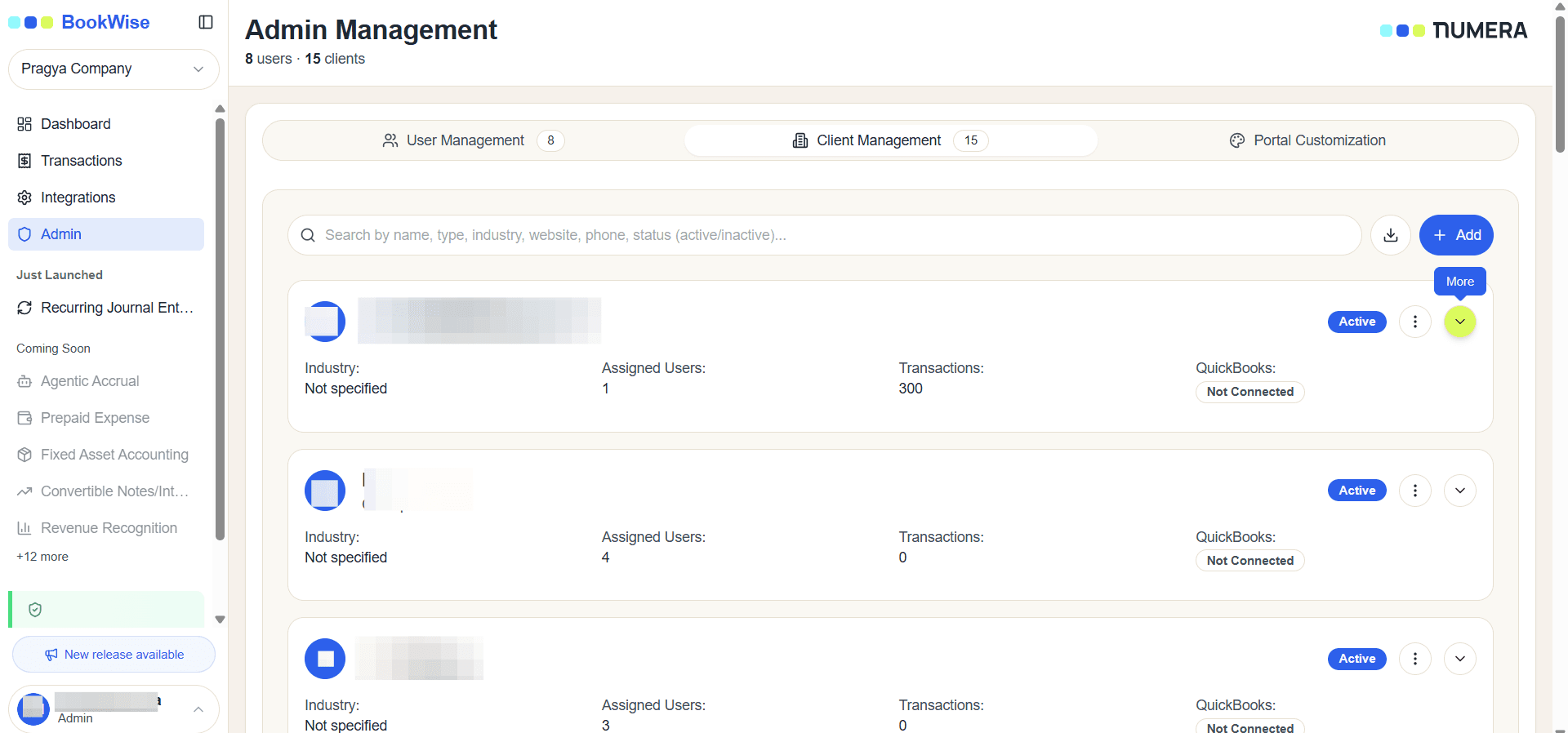
Select “More” to view additional information for a specific client.
3
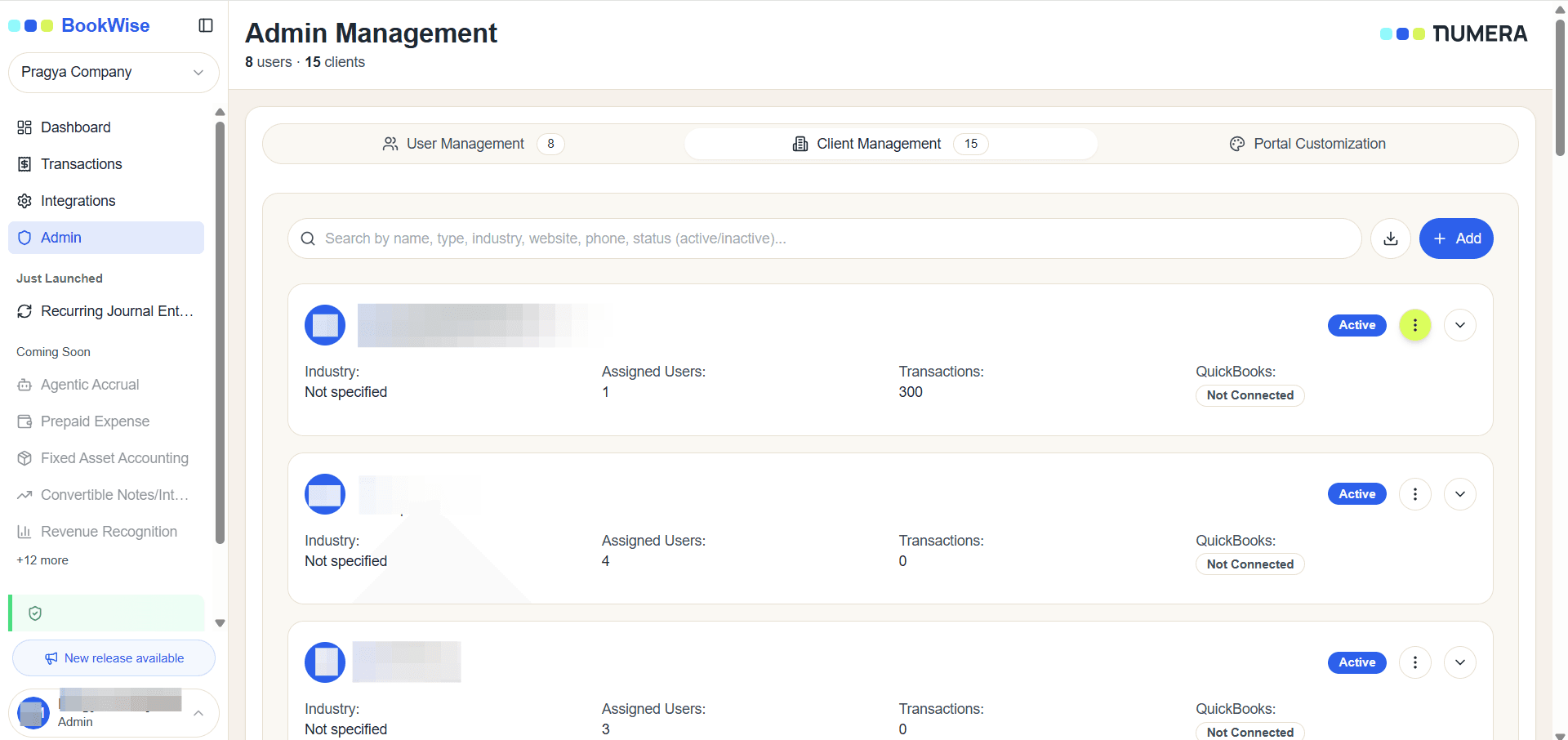
Use the three-dot menu to manage options such as class and location and memo visibility.
4
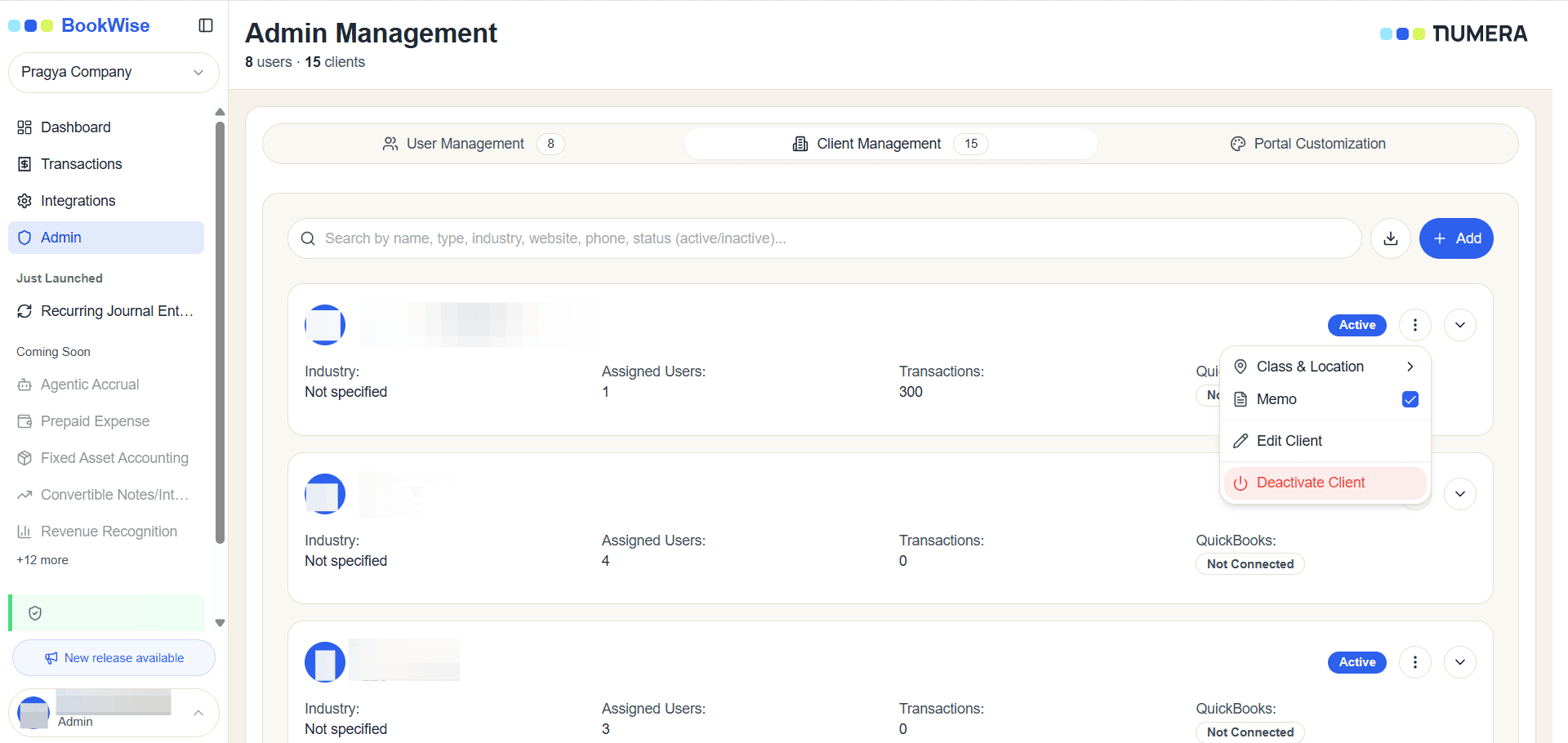
To deactivate a client, select “Deactivate Client.” Once deactivated, the client will no longer be active in the system.