How to View and Sign Student Services Plans and Documents in the PowerSchool Parent Portal
Learn how to access, review, and electronically sign student services plans, consent forms, and academic records in the PowerSchool Parent Portal.
Learn how to locate, review, and digitally sign student services plans, consent forms, and academic records in the PowerSchool Parent Portal.
This guide is for parents and guardians who need to review or electronically sign student support documentation, EAL forms, or evaluation records in PowerSchool.
Accessing Student Services Plans
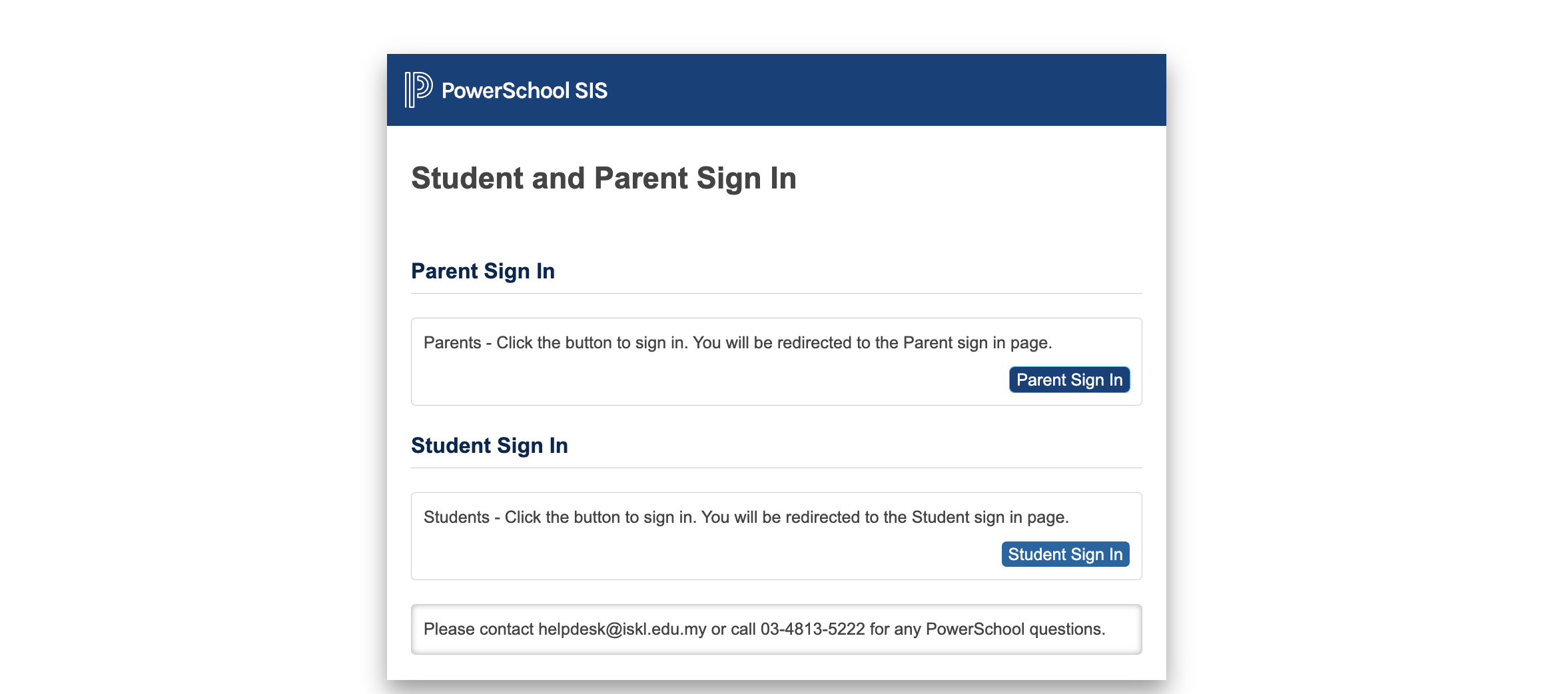
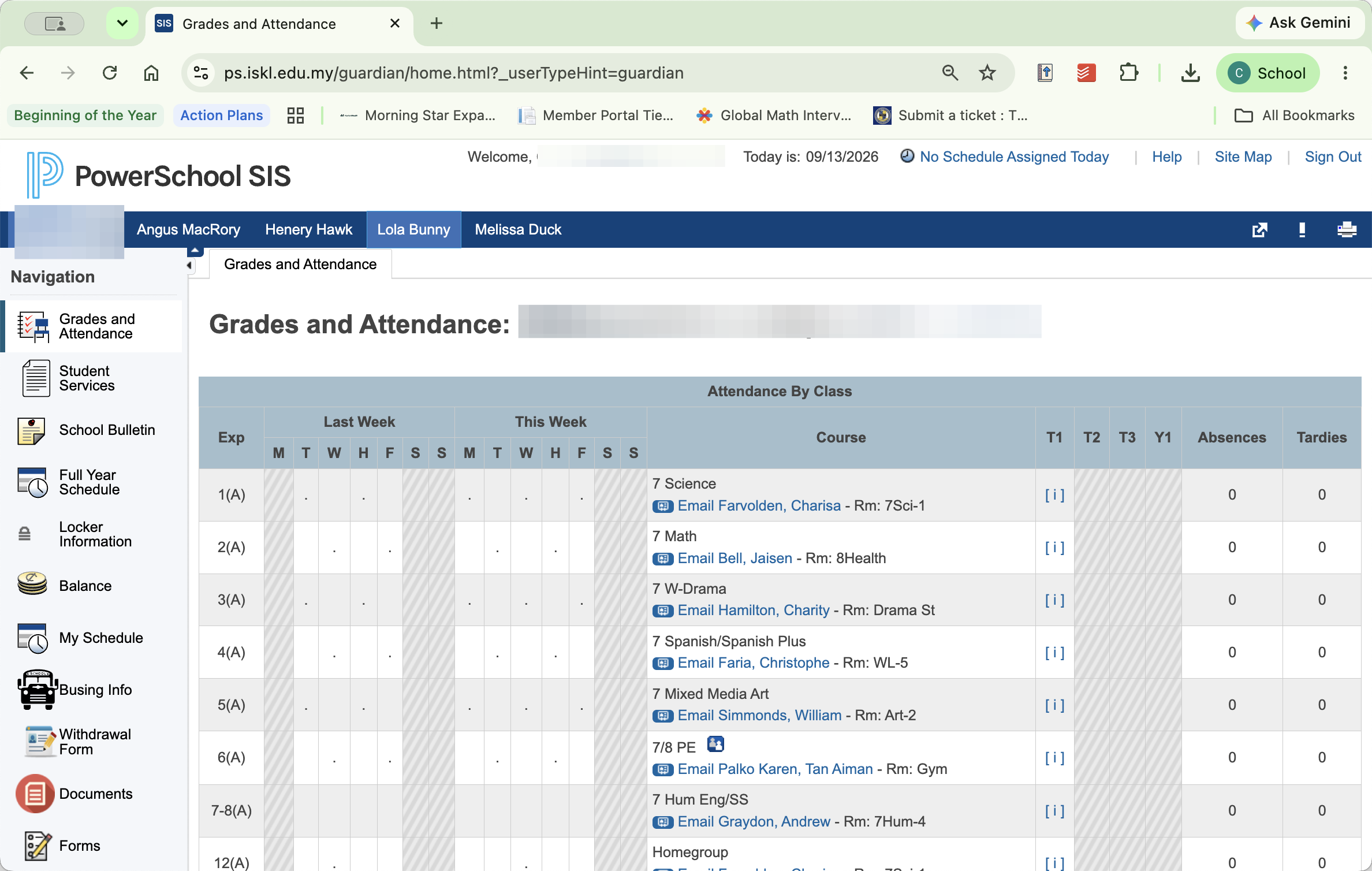
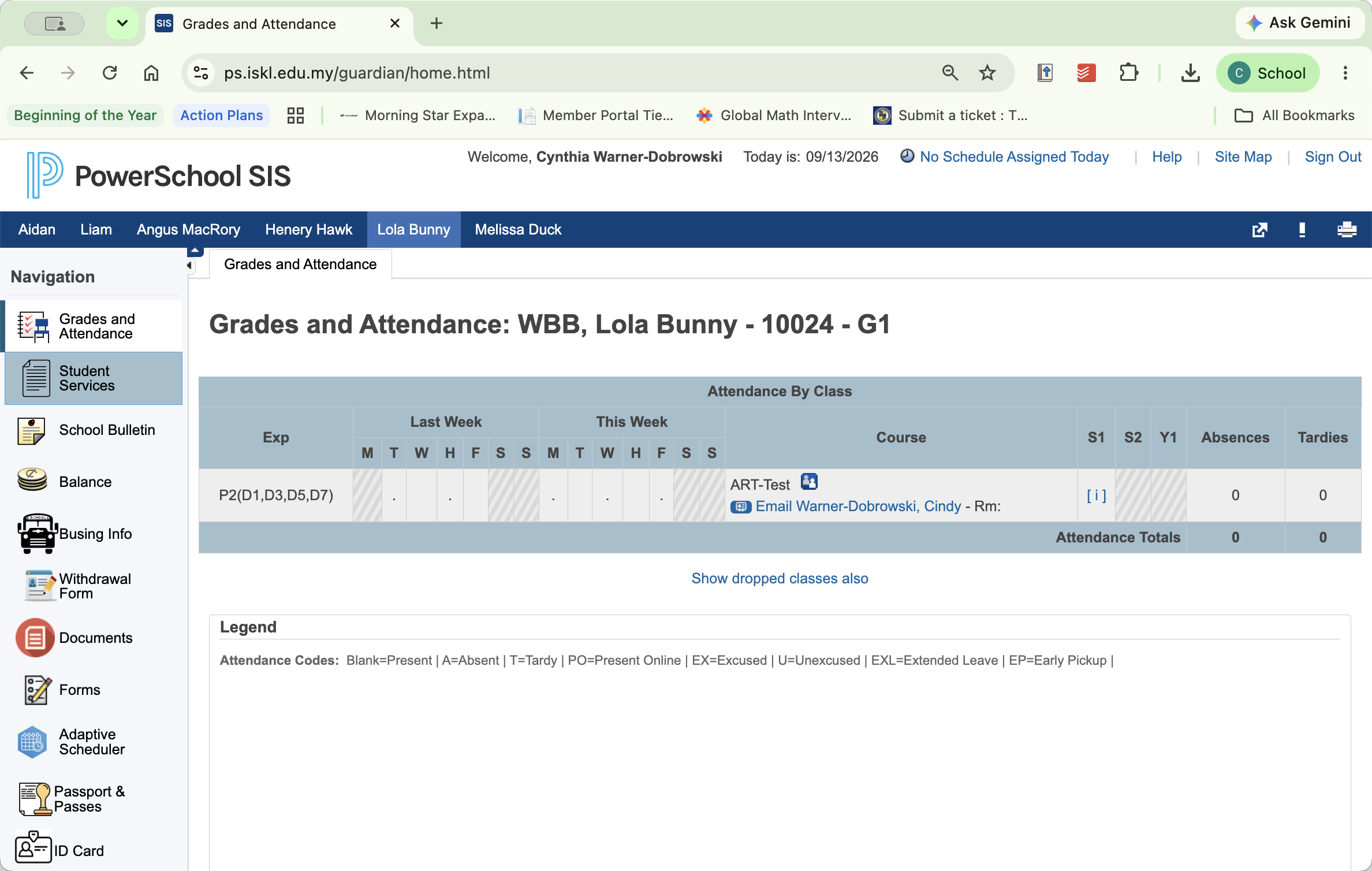
Log in to your PowerSchool account (https://ps.iskl.edu.my/public/)
Signing a Student Support Plan
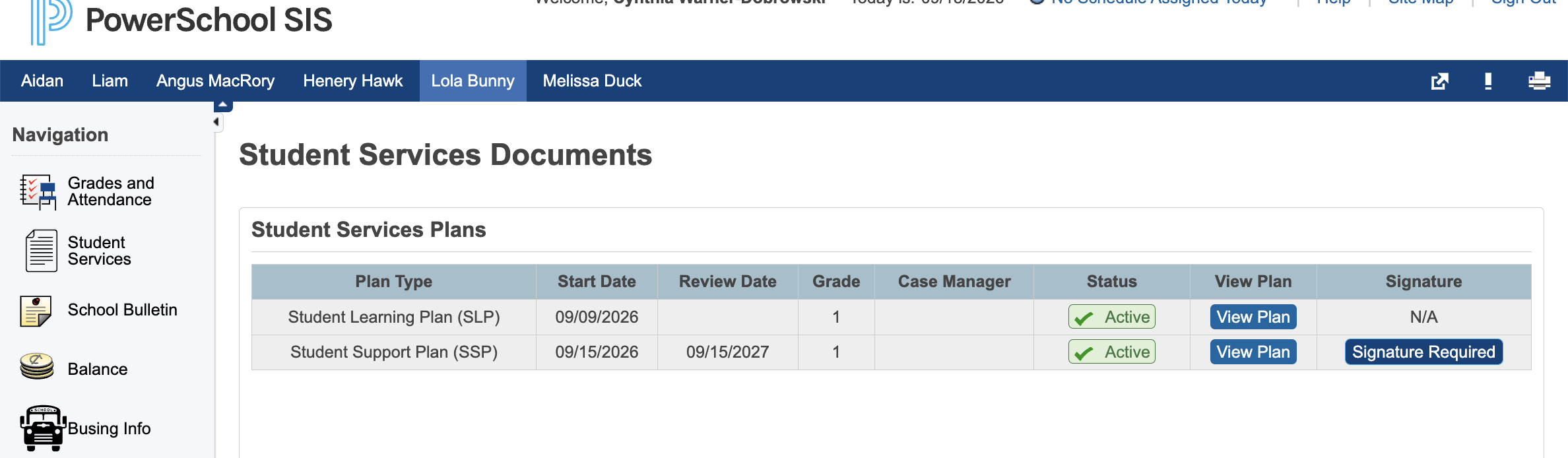
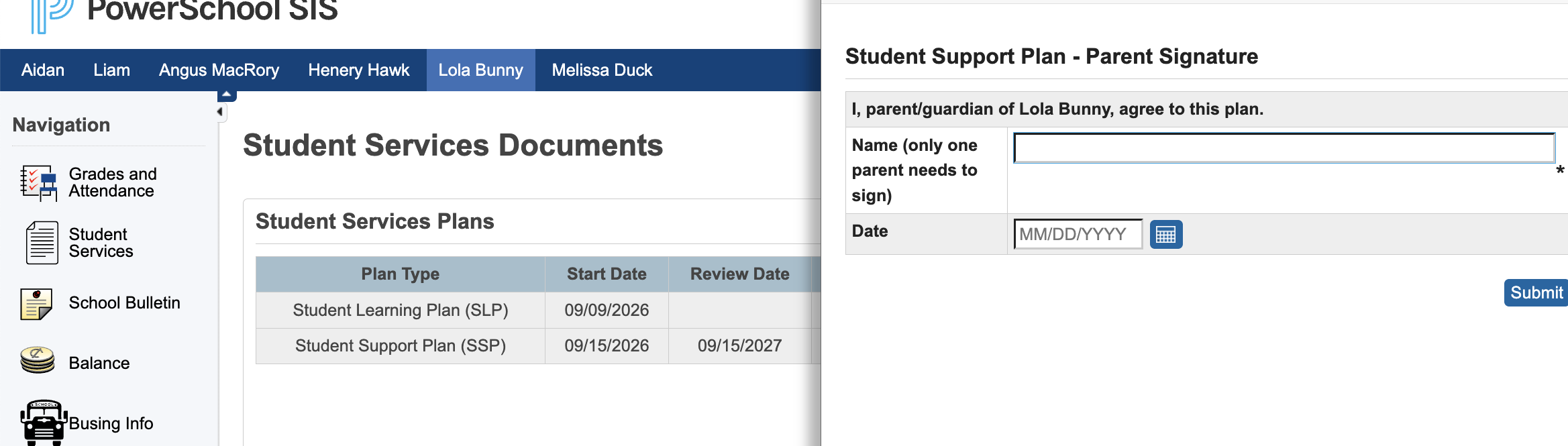
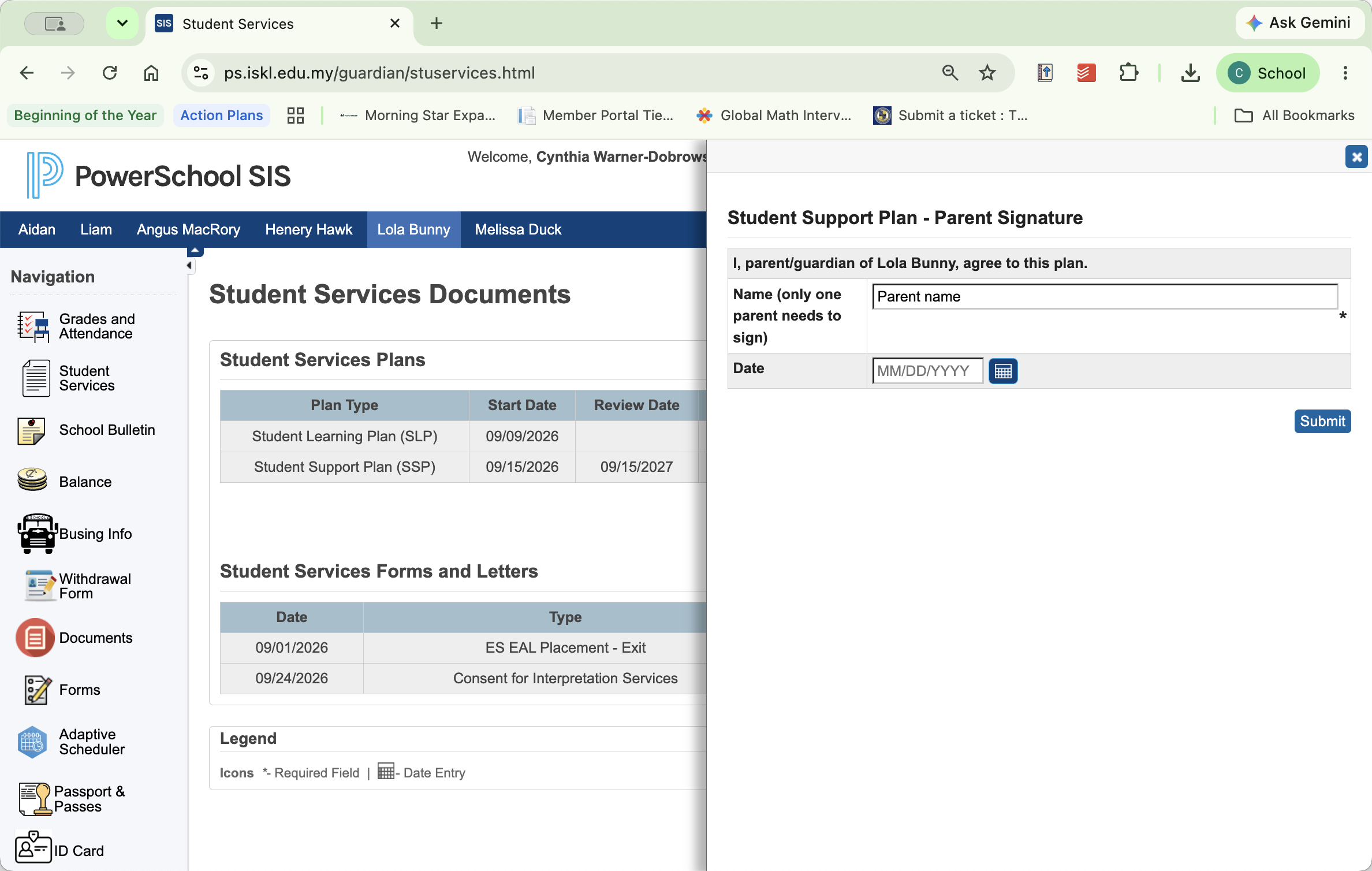
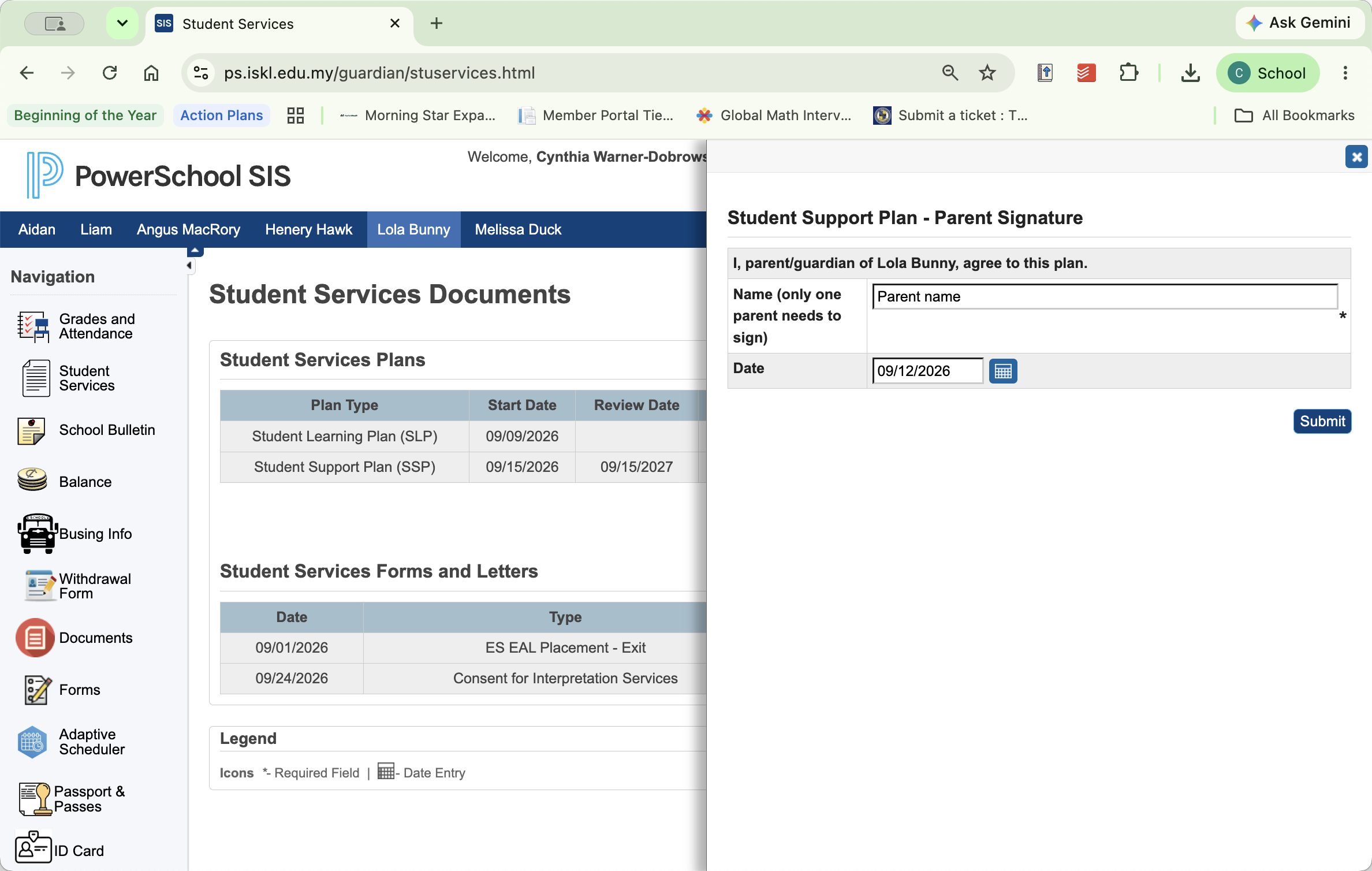
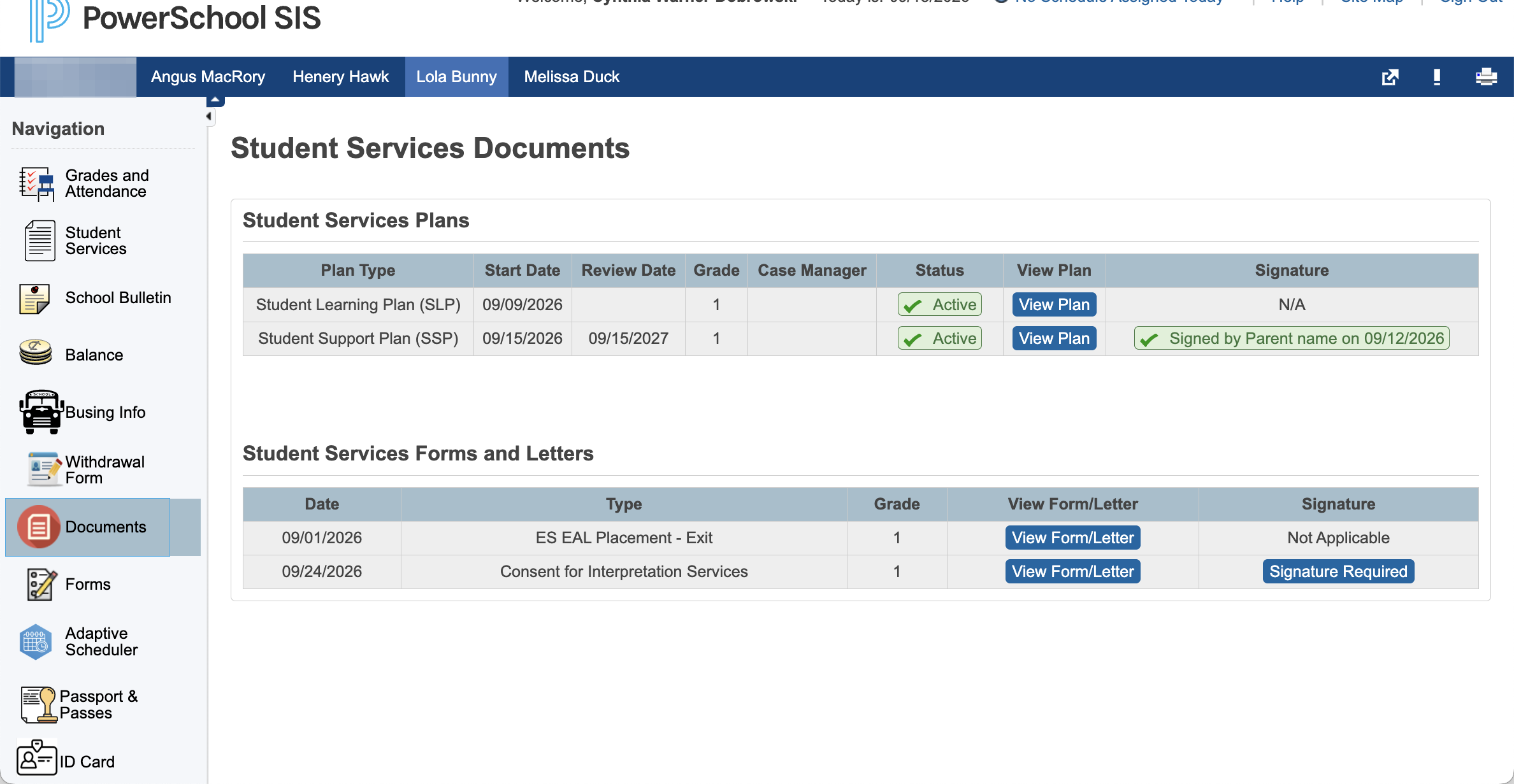
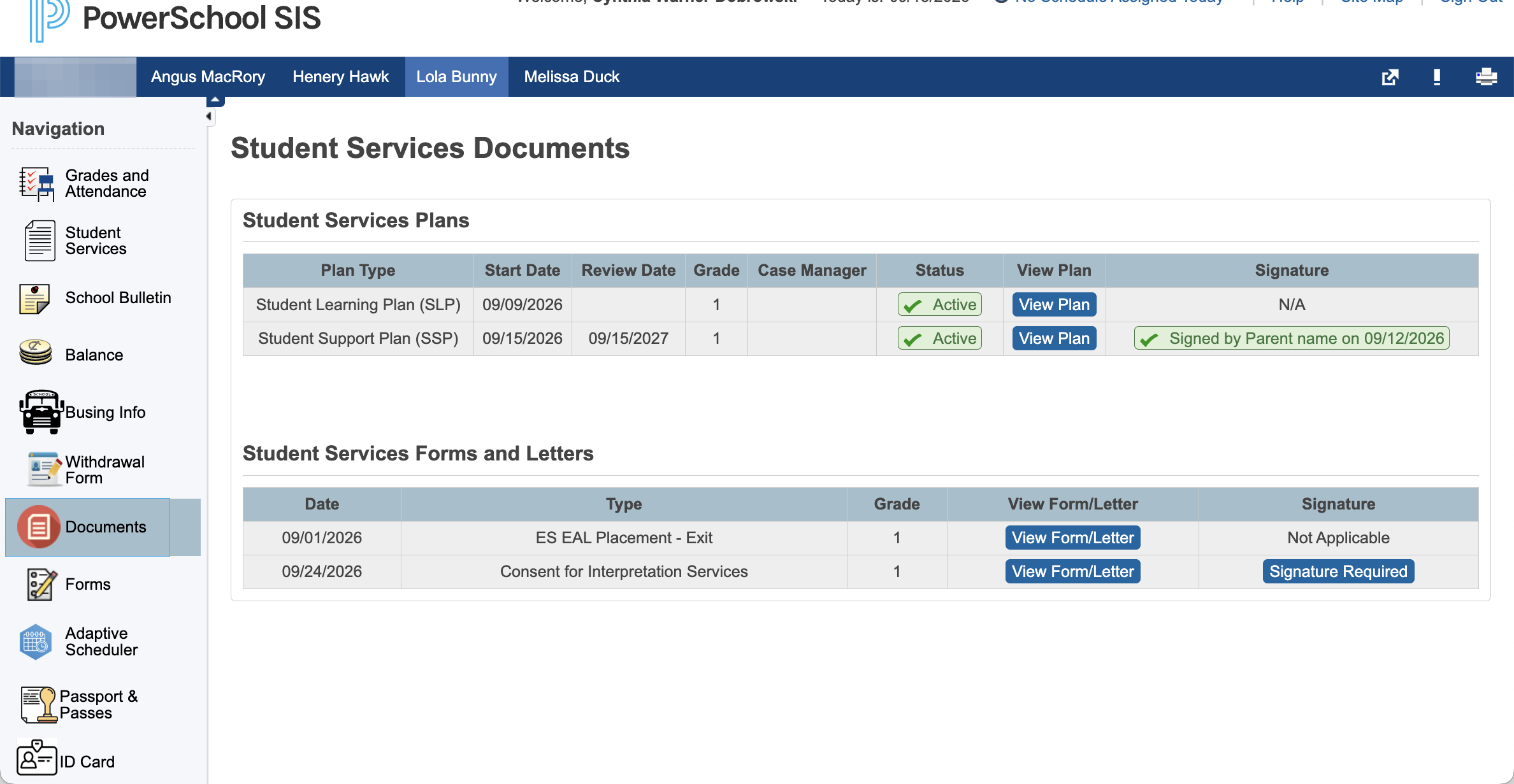
Active plans for your child display at the top of the Student Services page. Click View Plan to read through the document details before providing your electronic signature.
Reviewing Student Services Forms and Letters
Lower down on the Student Services page, you can access consent forms and letters, including English as an Additional Language (EAL) placement and exit forms. If a consent form requires your signature, click View Form or Letter to review it, then click Signature Required to sign.
Reviewing Student Services Documents
Click Documents in the left navigation sidebar.
Q: Can I print or review the plan after submitting my signature?
A: Yes. You can navigate back to the Student Services section at any time to view and print the plan (File/print option in your browser bar).