How to View Sales and Attendance Reports in Paradise Grill Shop
Learn how to log in to the Paradise Grill shop, access analytical reports, and view sales and attendance data for events, including ticket breakdowns and total sales amounts.
In this guide, we'll learn how to log in to the Paradise Grill shop, access event posts, and view analytical reports or sales data for each event. This process helps you track sales amounts and ticket counts for both past and upcoming events. You will also see how to find detailed order information for specific events.
Let's get started
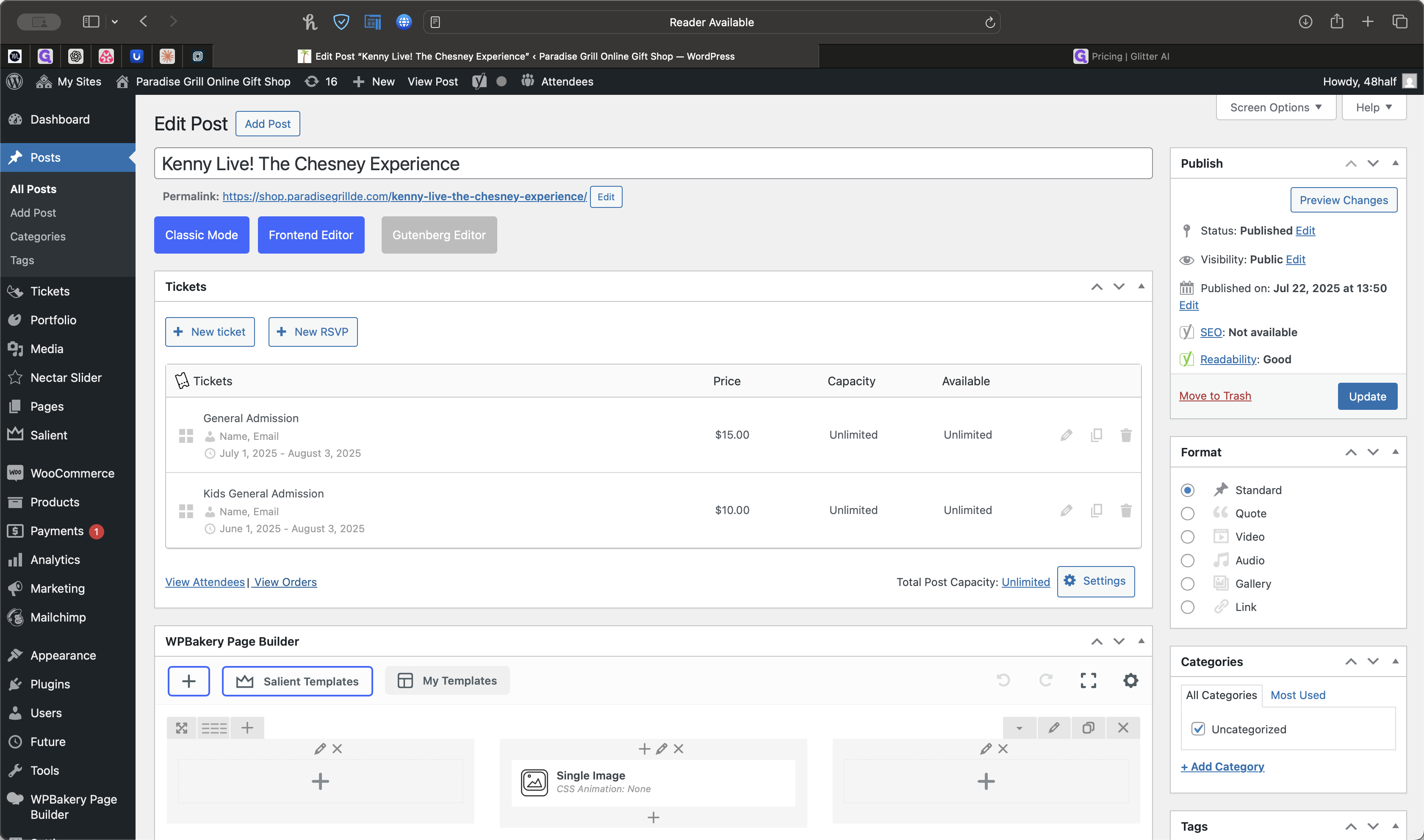
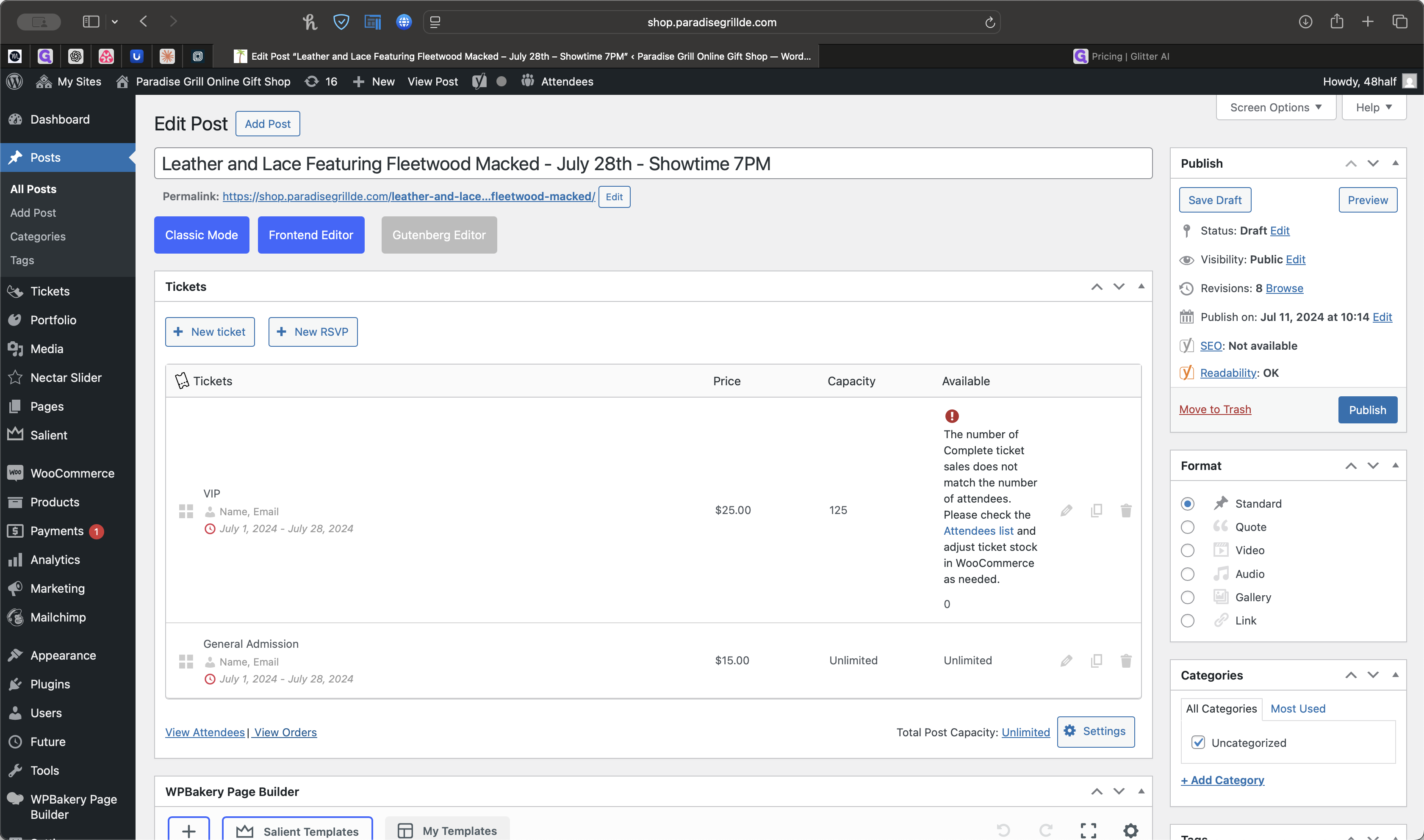
Go to Post, then select View Analytical Reports or Sales for each event. These are all the events we've had since July 2024. You can click Edit on one of those posts.
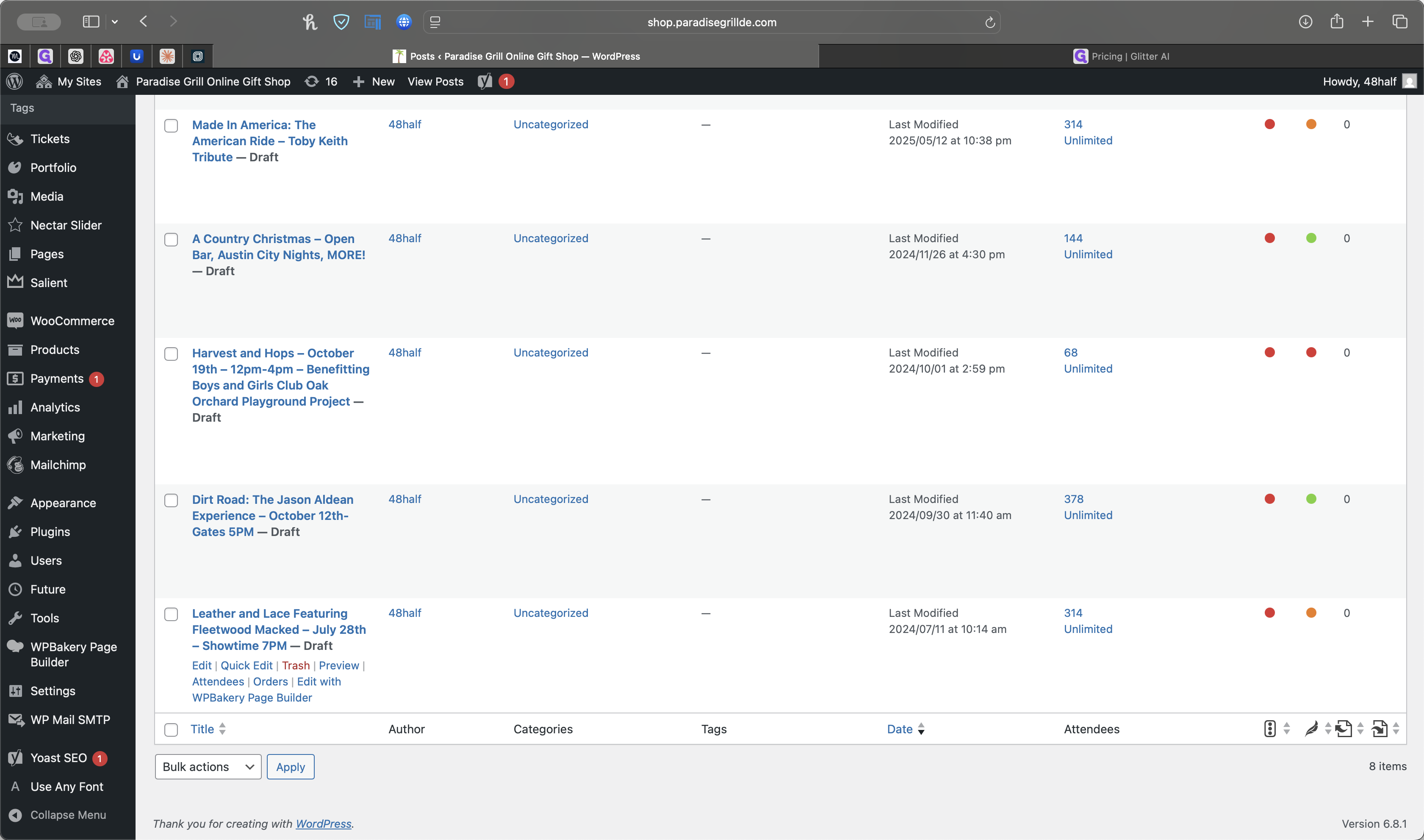
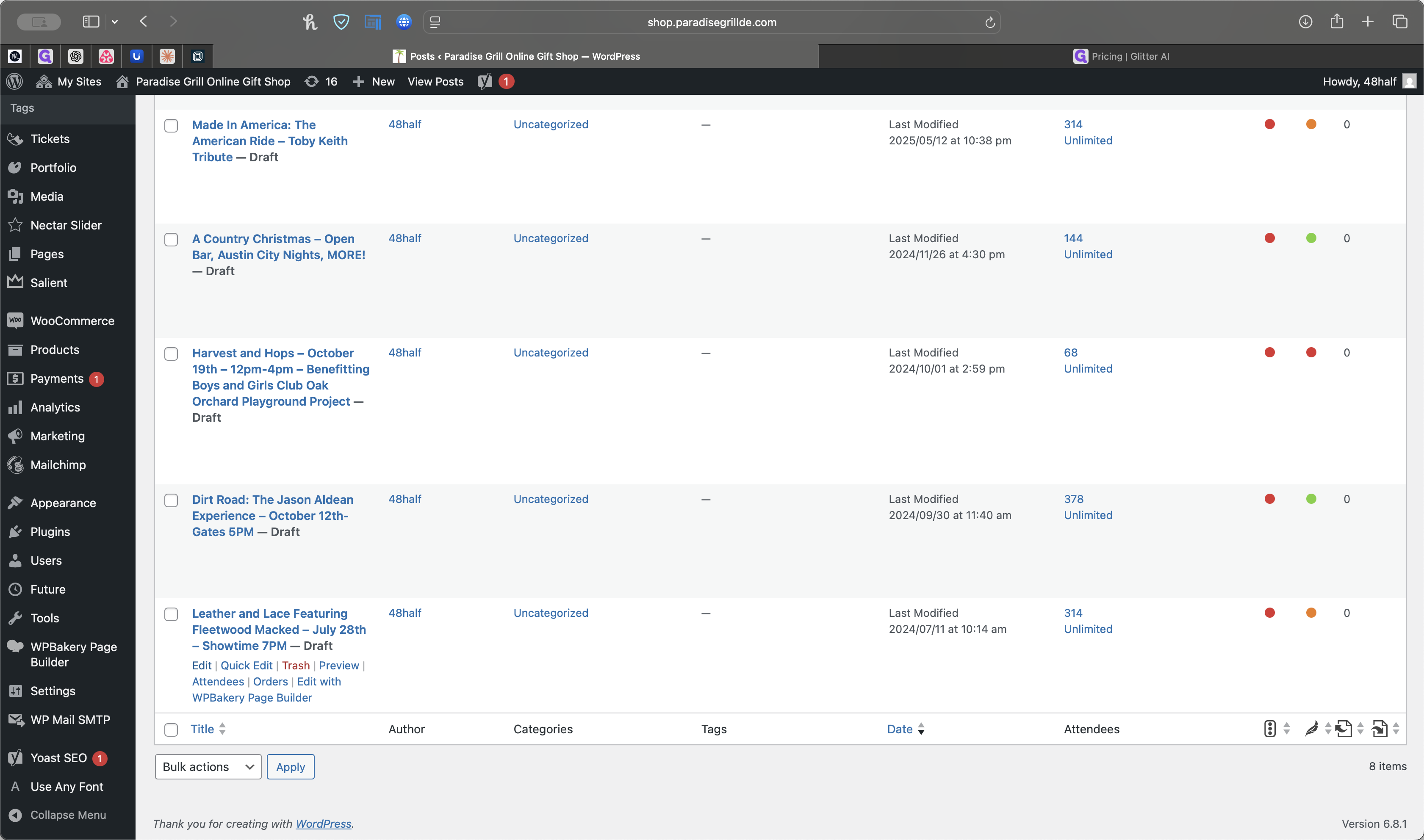
Once that appears, you can click View Orders.
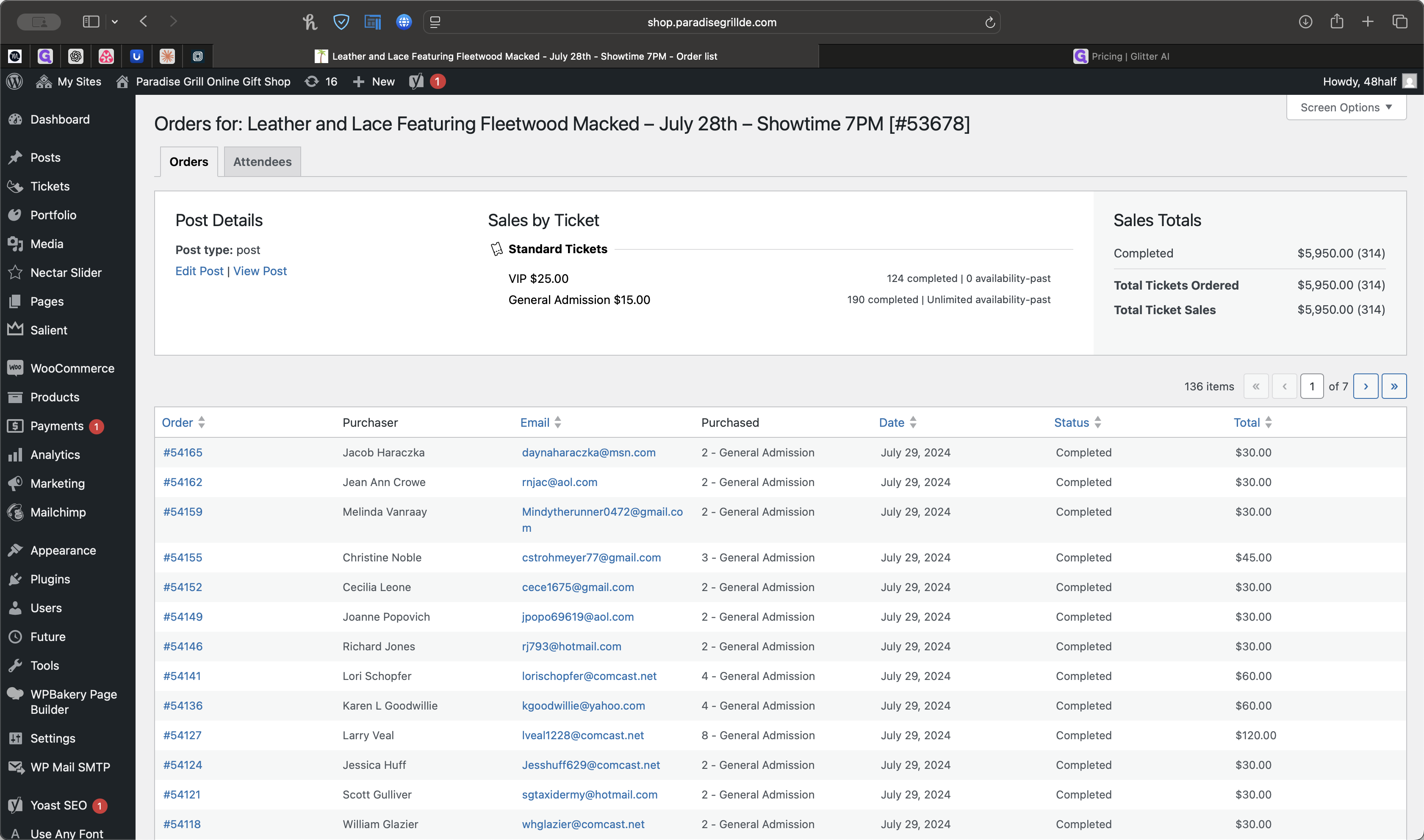
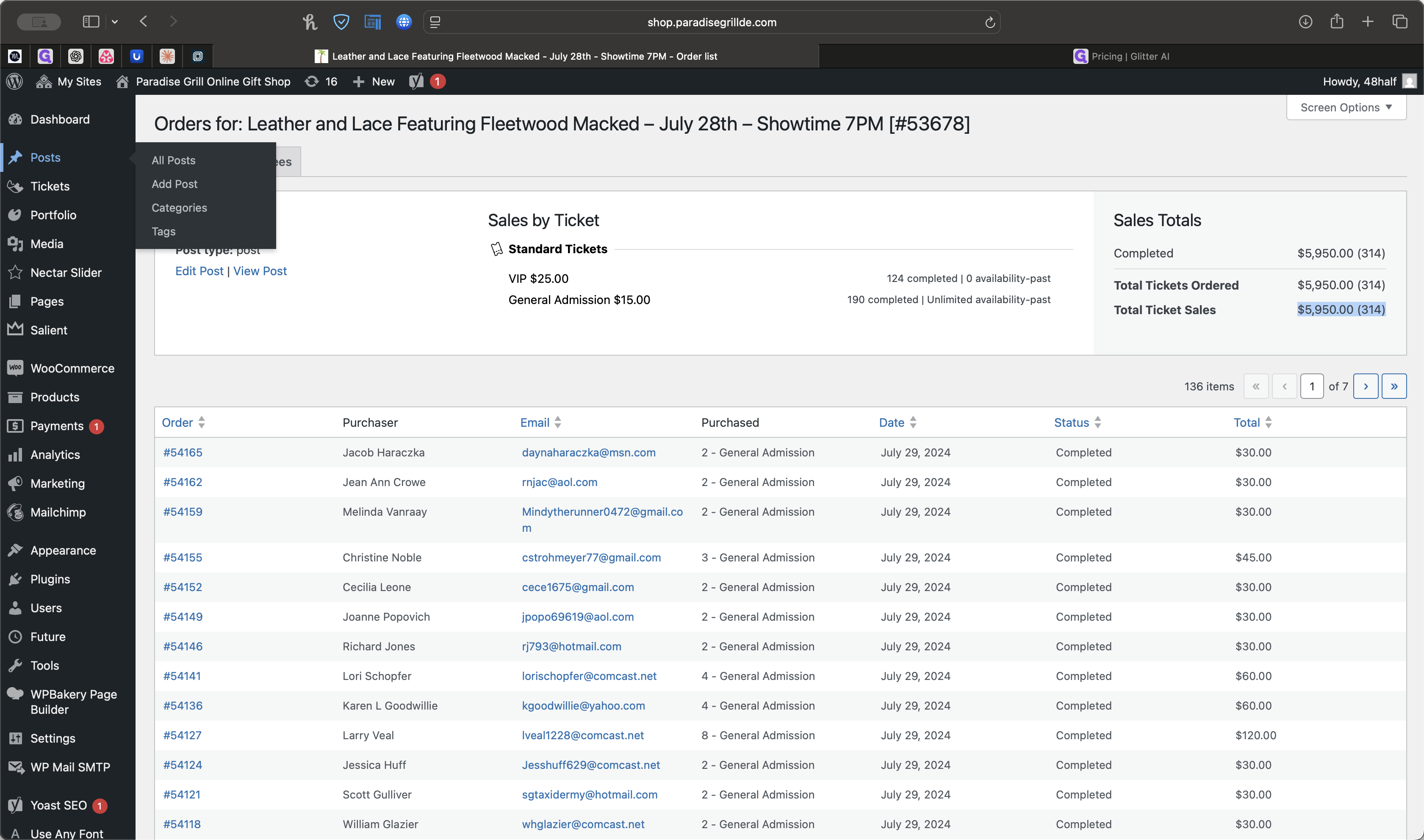
That will show you the total sales amount. For the Fleetwood Mac event, the attendance was 5,950.
If we go back to Posts, we can select an event.
This event has not happened yet.
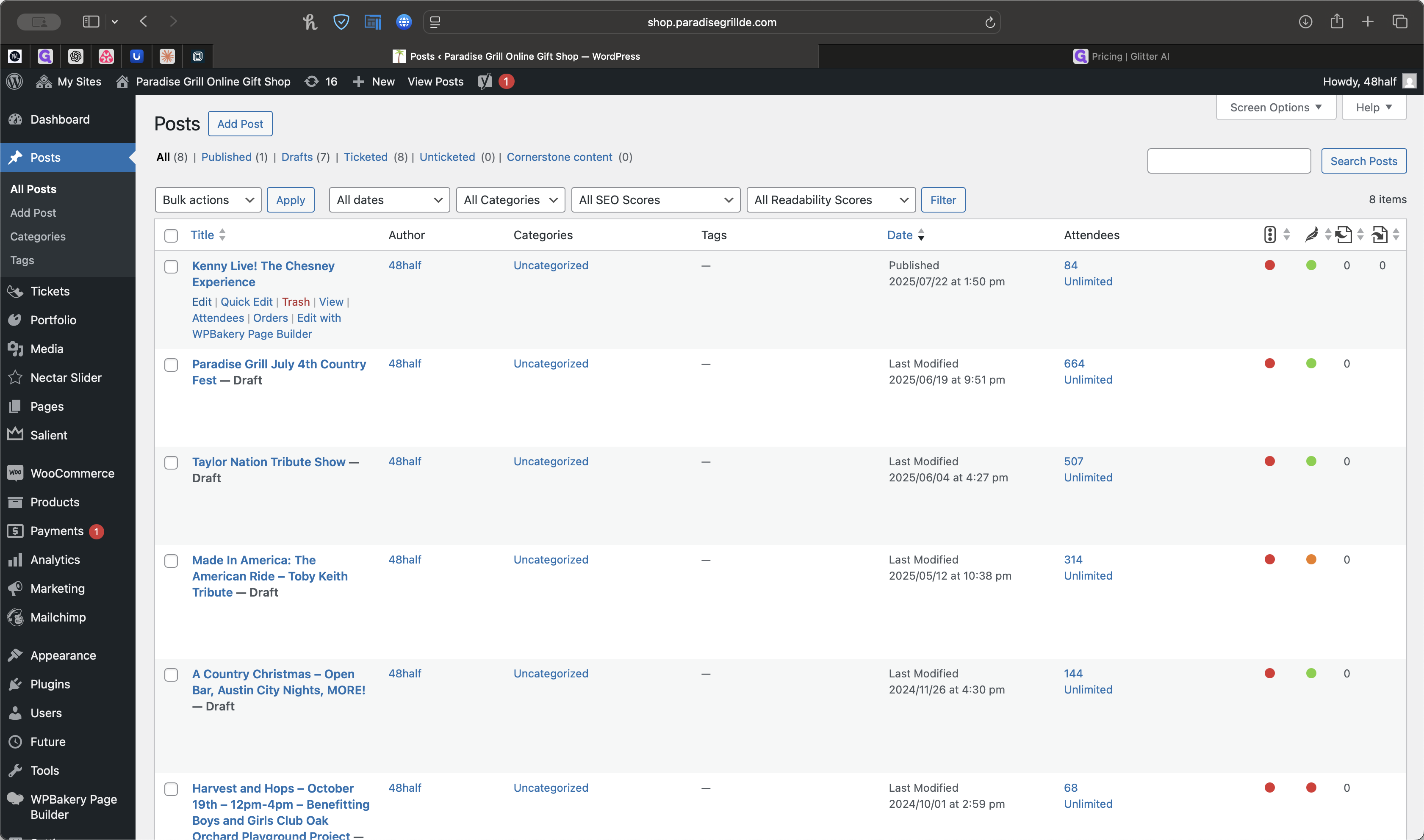
Click "View Orders" to see the number of tickets sold for general admission and kids. In this case, 87 tickets were sold, totaling $1,290.