
3 - How to Write a Session Note in ReliaTrax: Step-by-Step Guide
Learn how to write and complete a session note in ReliaTrax, including step-by-step instructions for documenting individual mental health sessions, using DAP notes, and ensuring legal compliance with Colorado state and CTG policies. Remember: Client files should be updated each week with a session note, case management note, or chart note. (Explanations at end of guide). Treatment Plans should be written within the first 3 sessions and updated every 3 months.
In this guide, learn how to write a session note in ReliaTrax. Accurate and timely session notes are important for client care and compliance with policies. We will cover how to document an individual session, fill in required fields, and release the note for approval within the system.
Let's get started
We will learn how to write a session note in ReliaTrax. In ReliaTrax, go to Client Search and type. Type client's name.
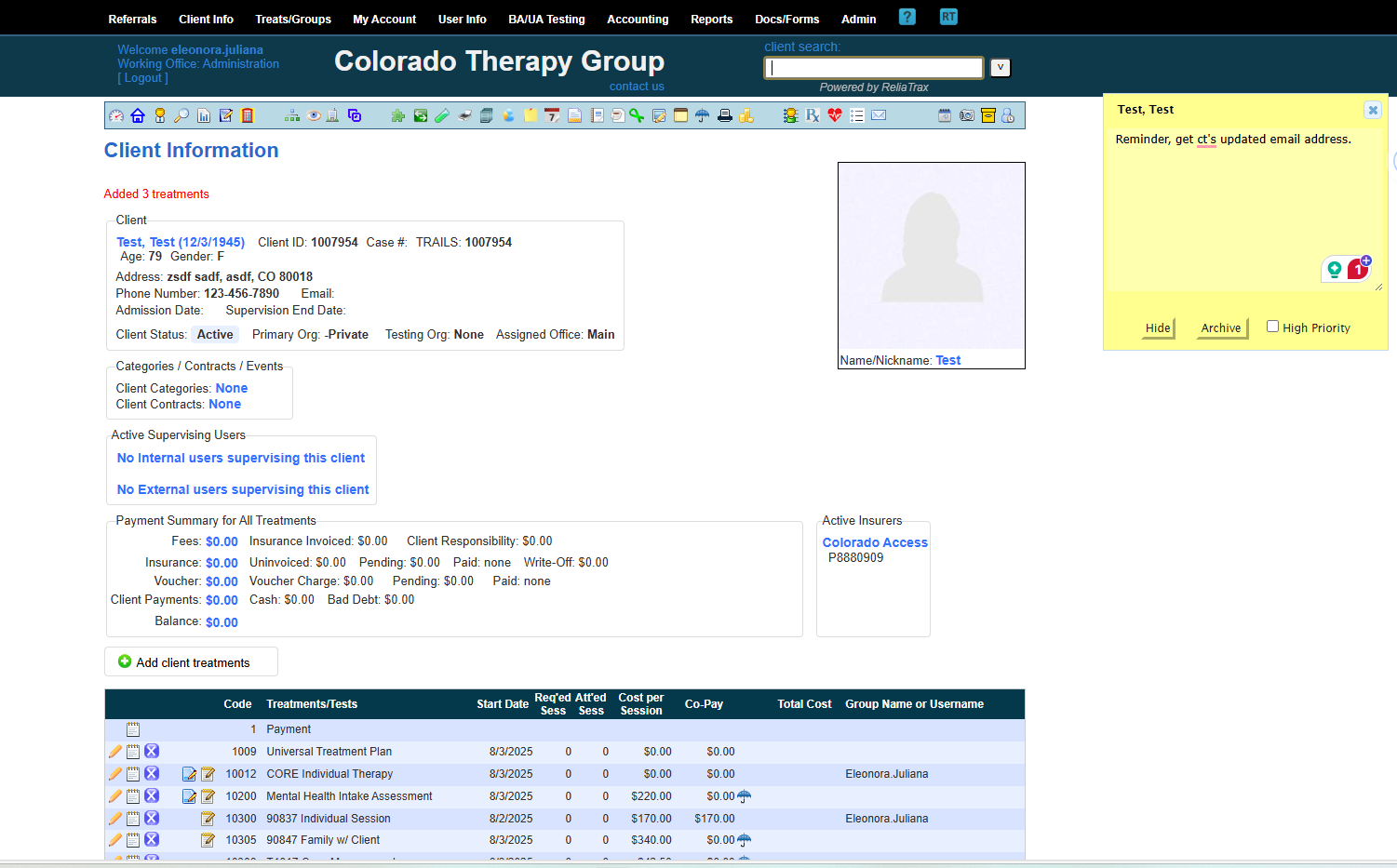
Go to your client's file and scroll to the bottom of file and find the treatment section and choose the appropriate Treatment template for your documentation.
When you are provided with a client referral, you will be provided with the Treatment Type information and will know if you need to document one of the following for example:
Individual session
Family session
Family with client
Family w/o client
Case Management
SCC Individual
Core Individual
Treatment Plan
...etc.
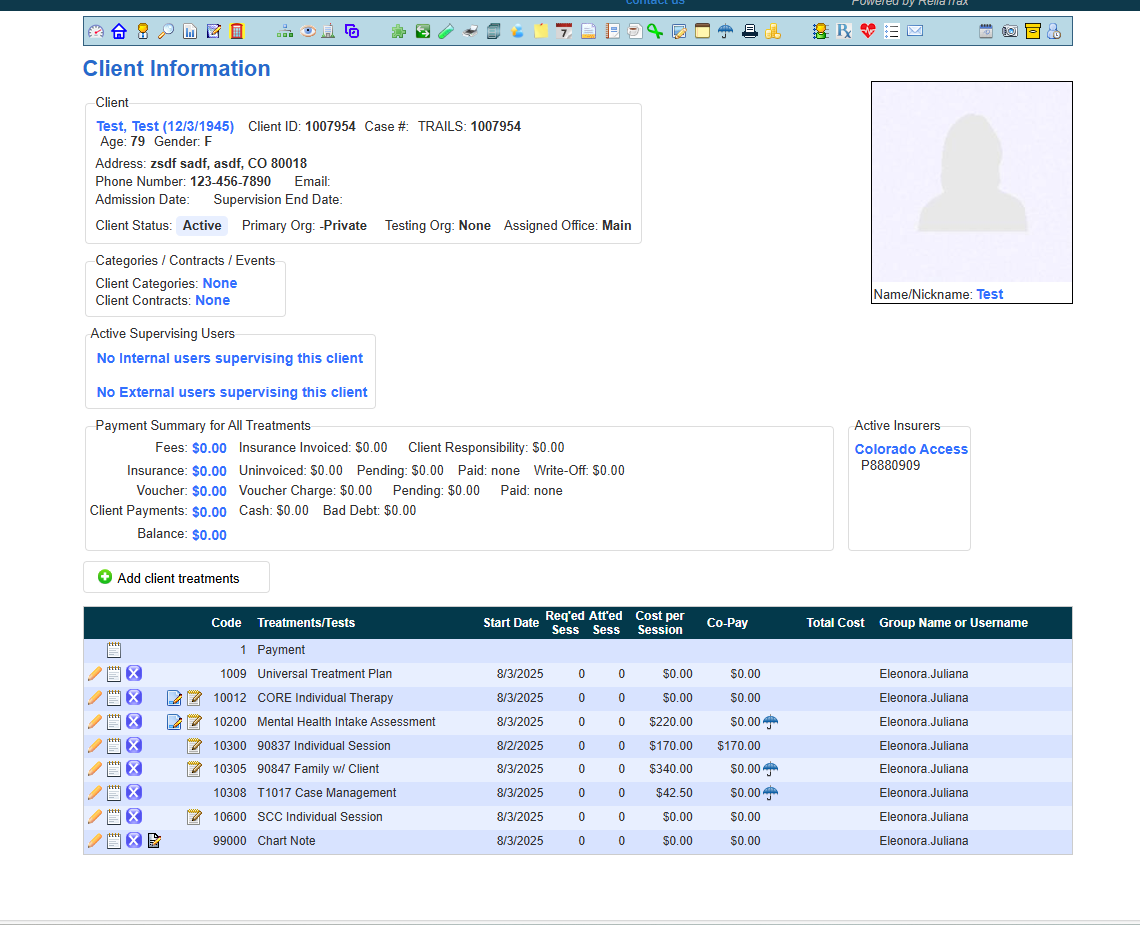
For this training, we will complete an individual session note.
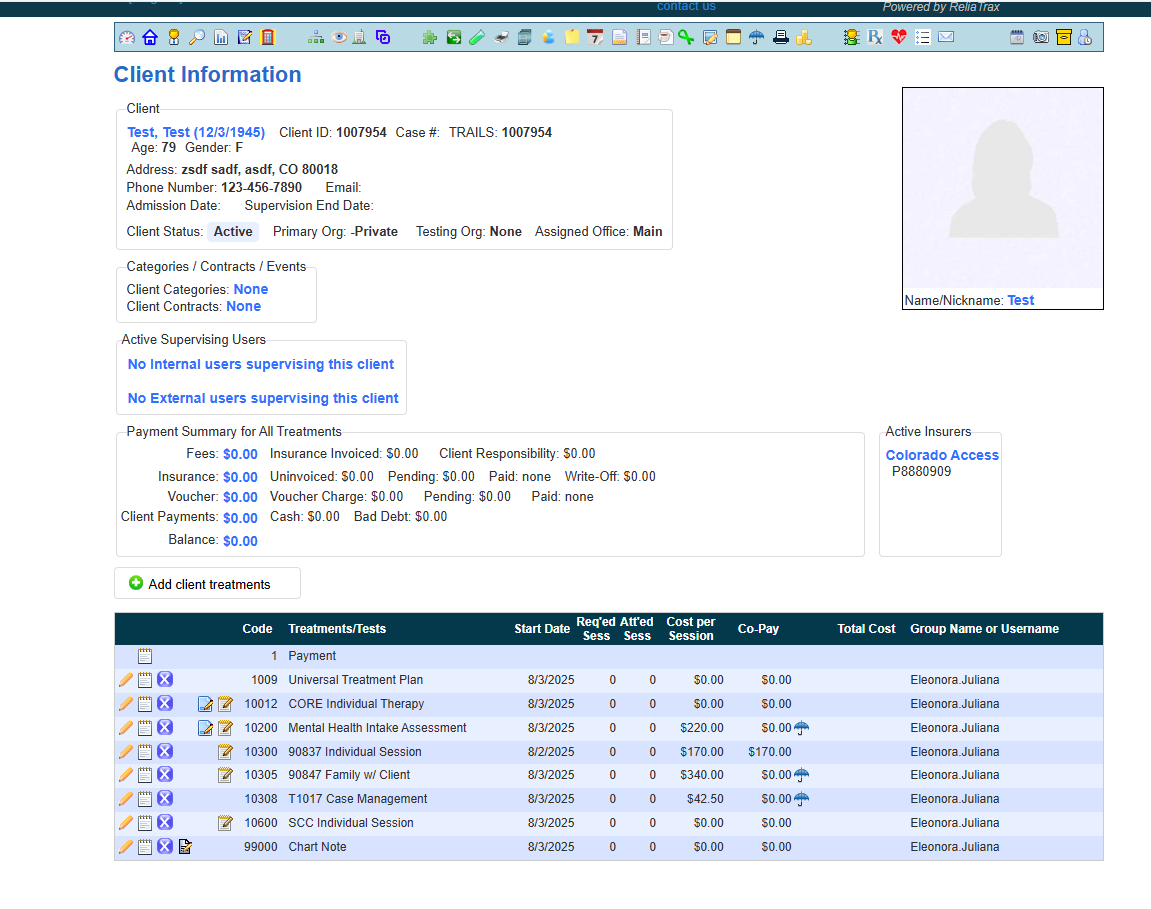
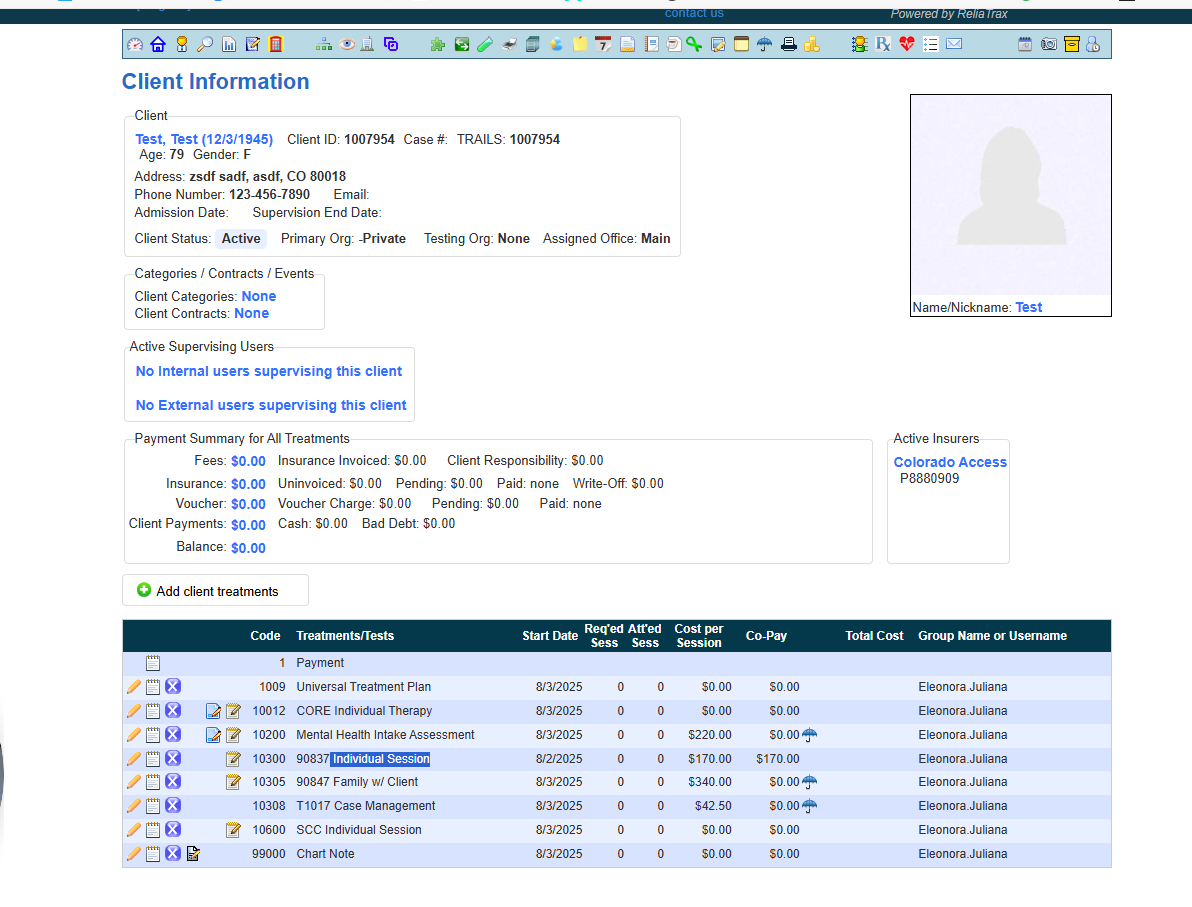
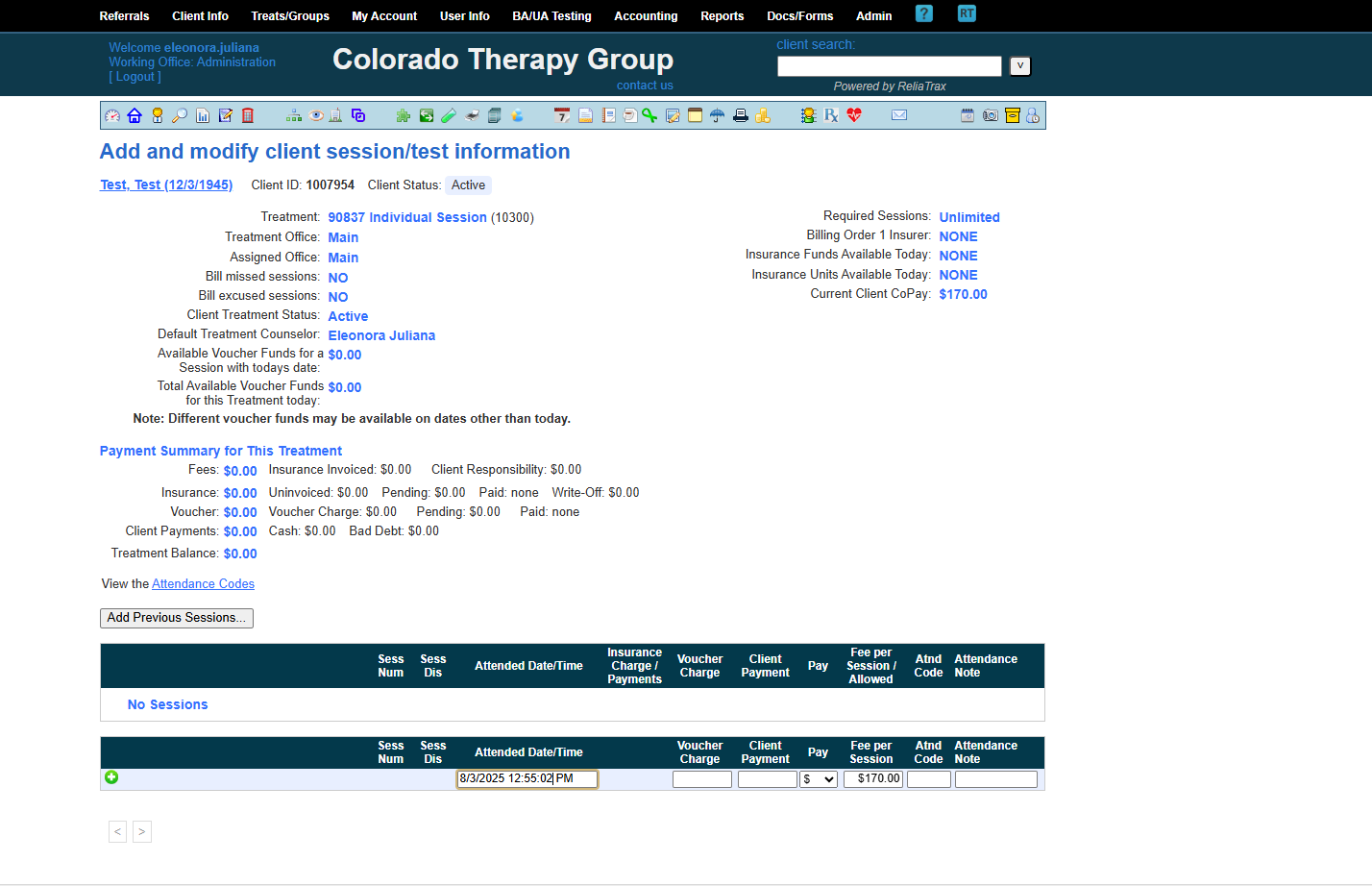
Enter the session date and start time (indicate AM or PM).
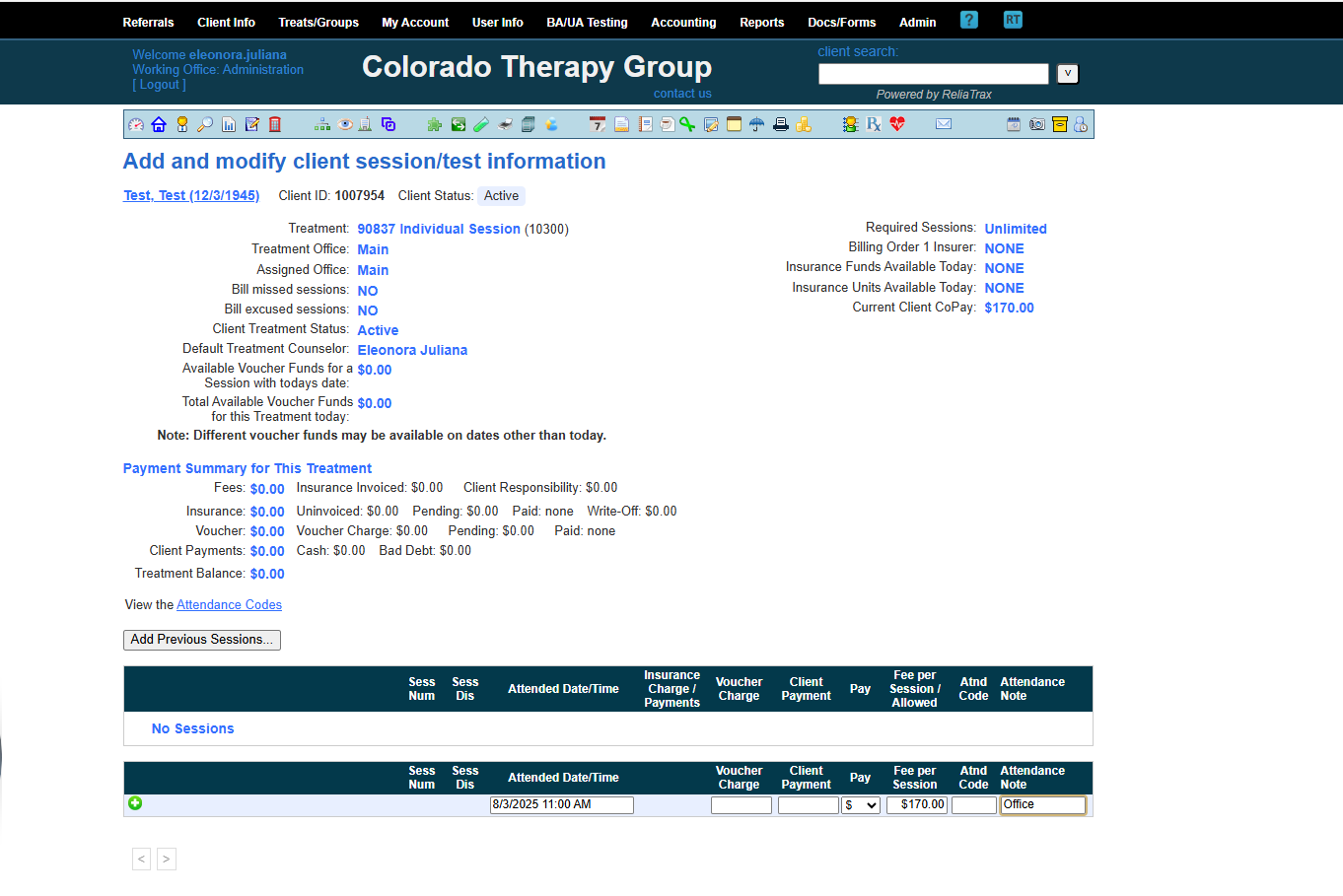
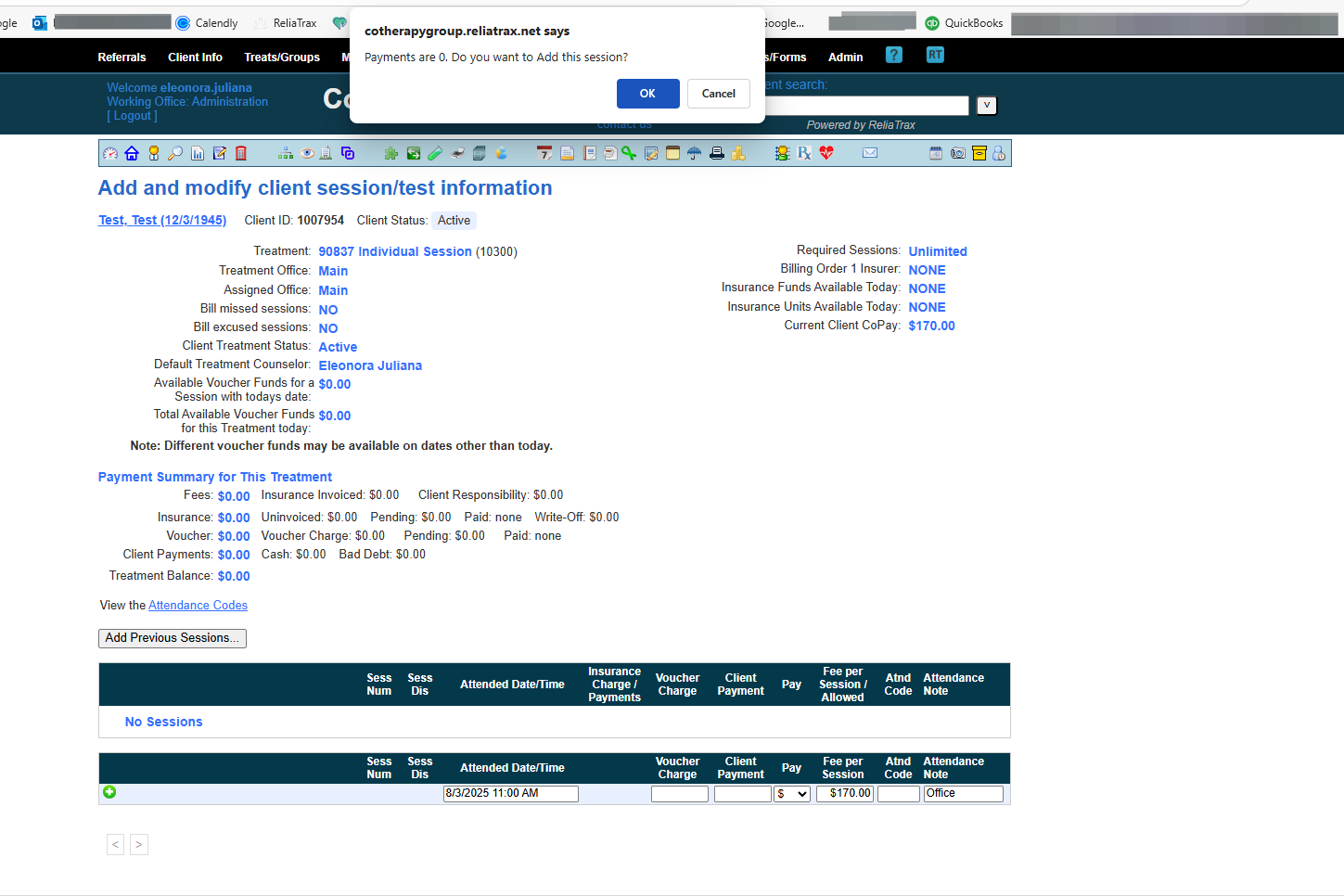
When you see the prompt Payments are 0. Add session? Click OK
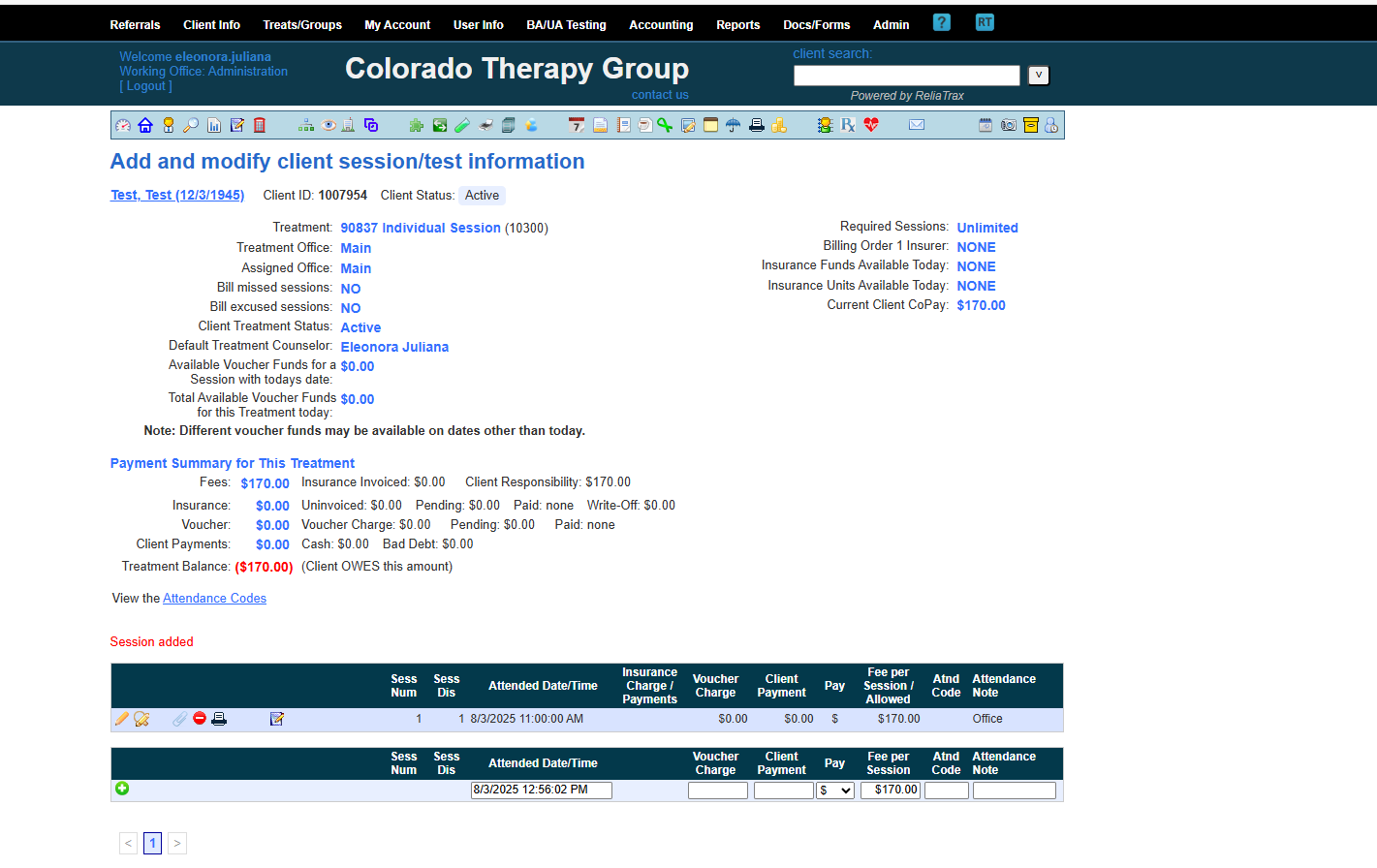
Session has now been added.
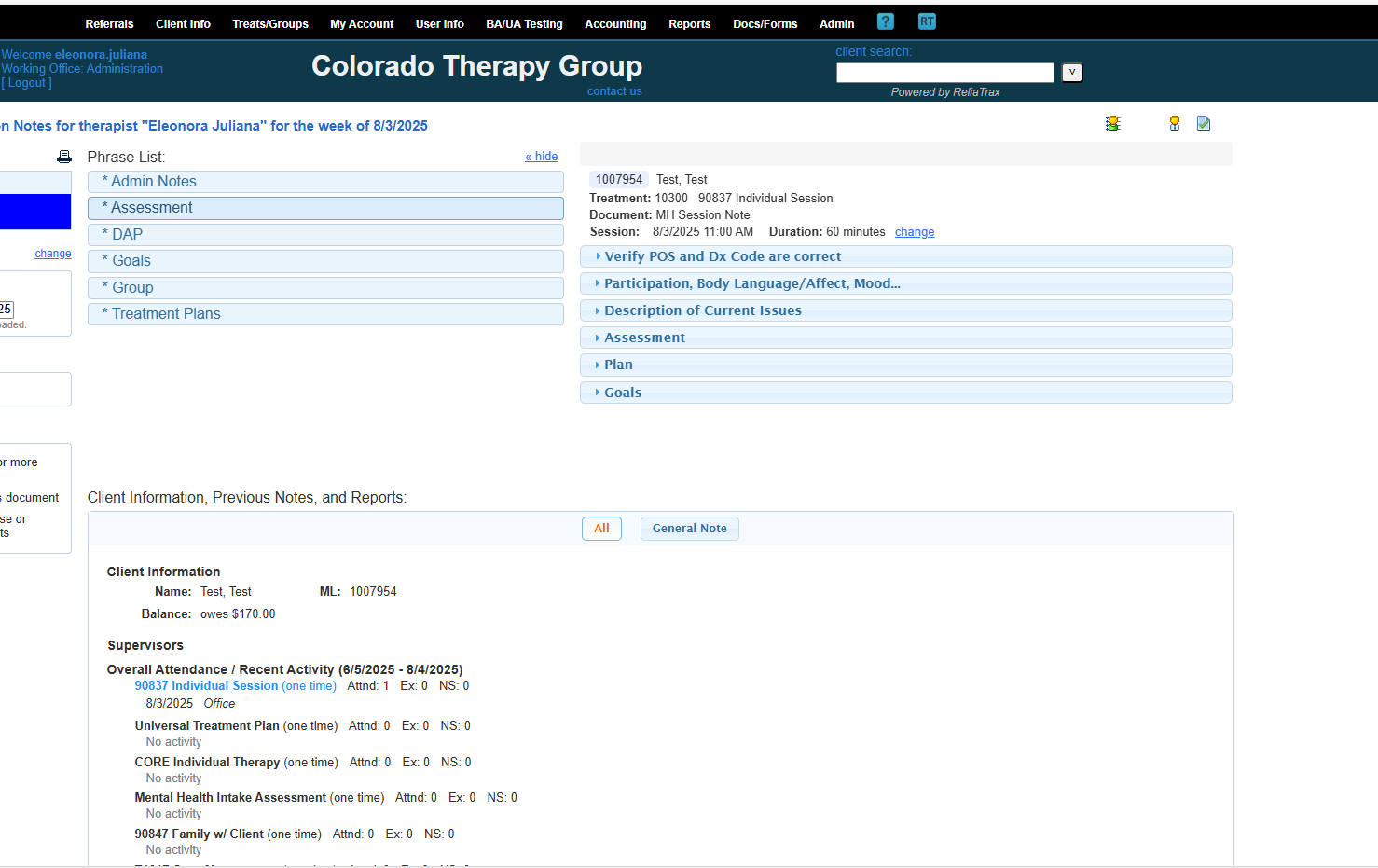
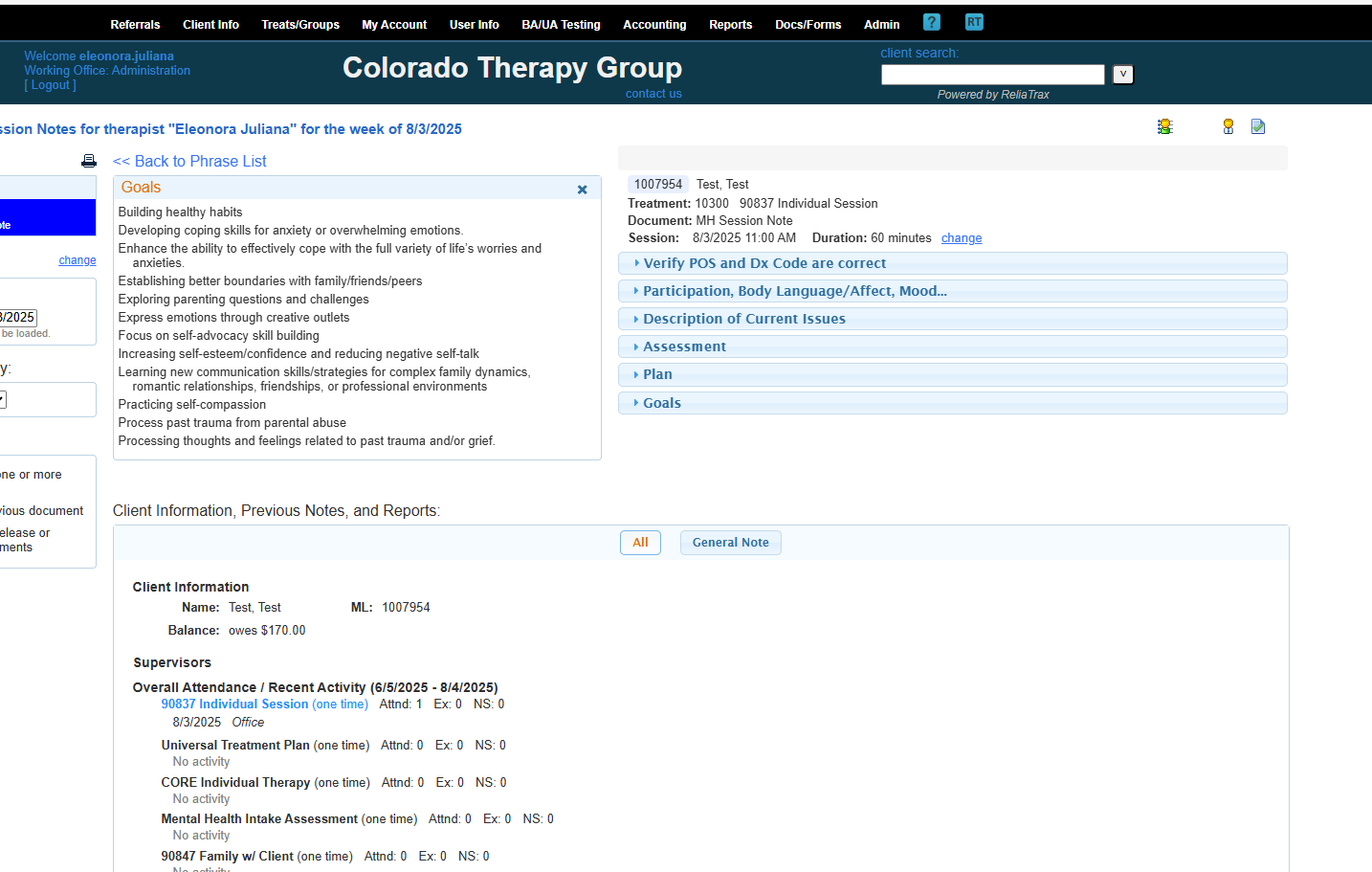
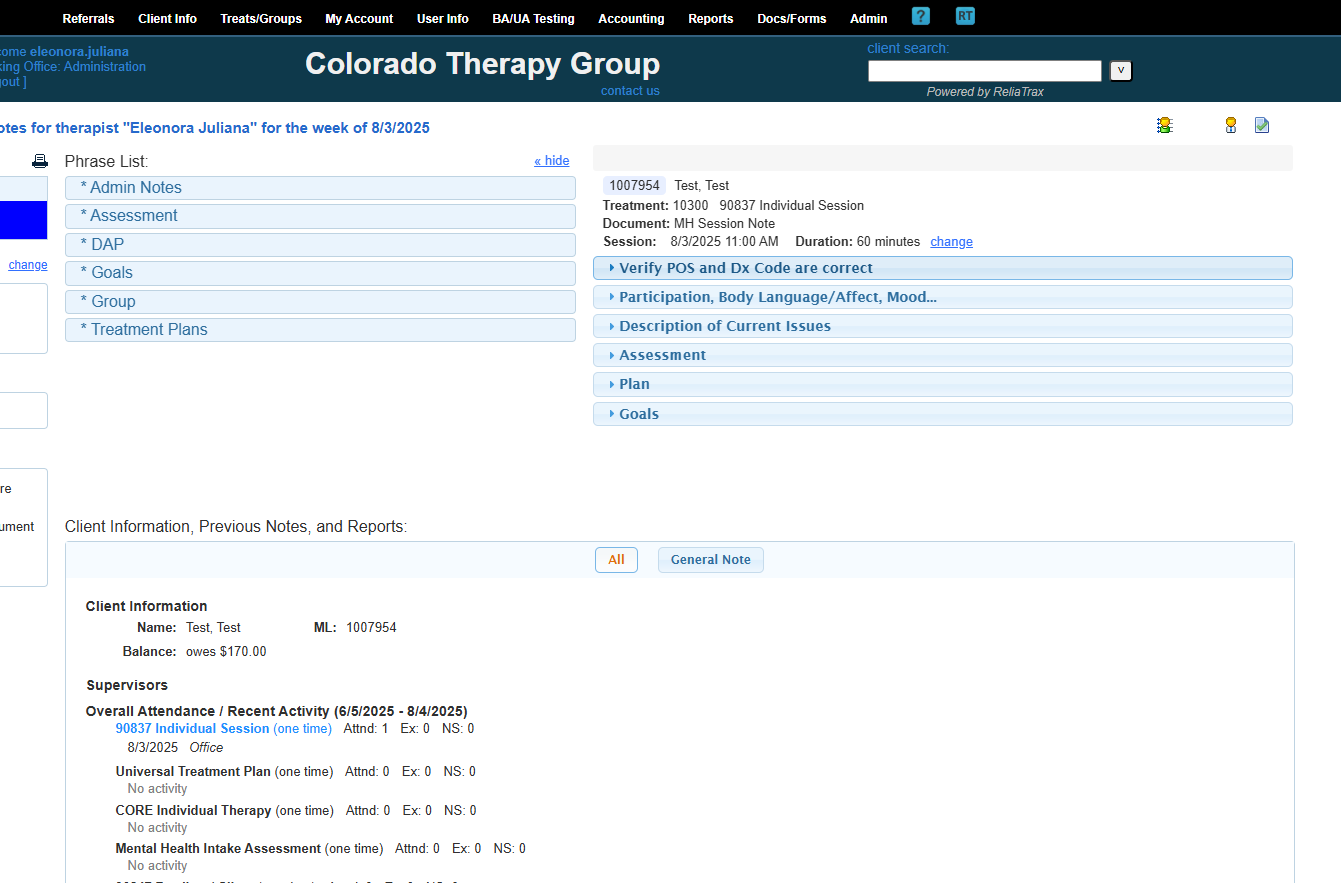
These are phrase lists to help you create your DAP notes.
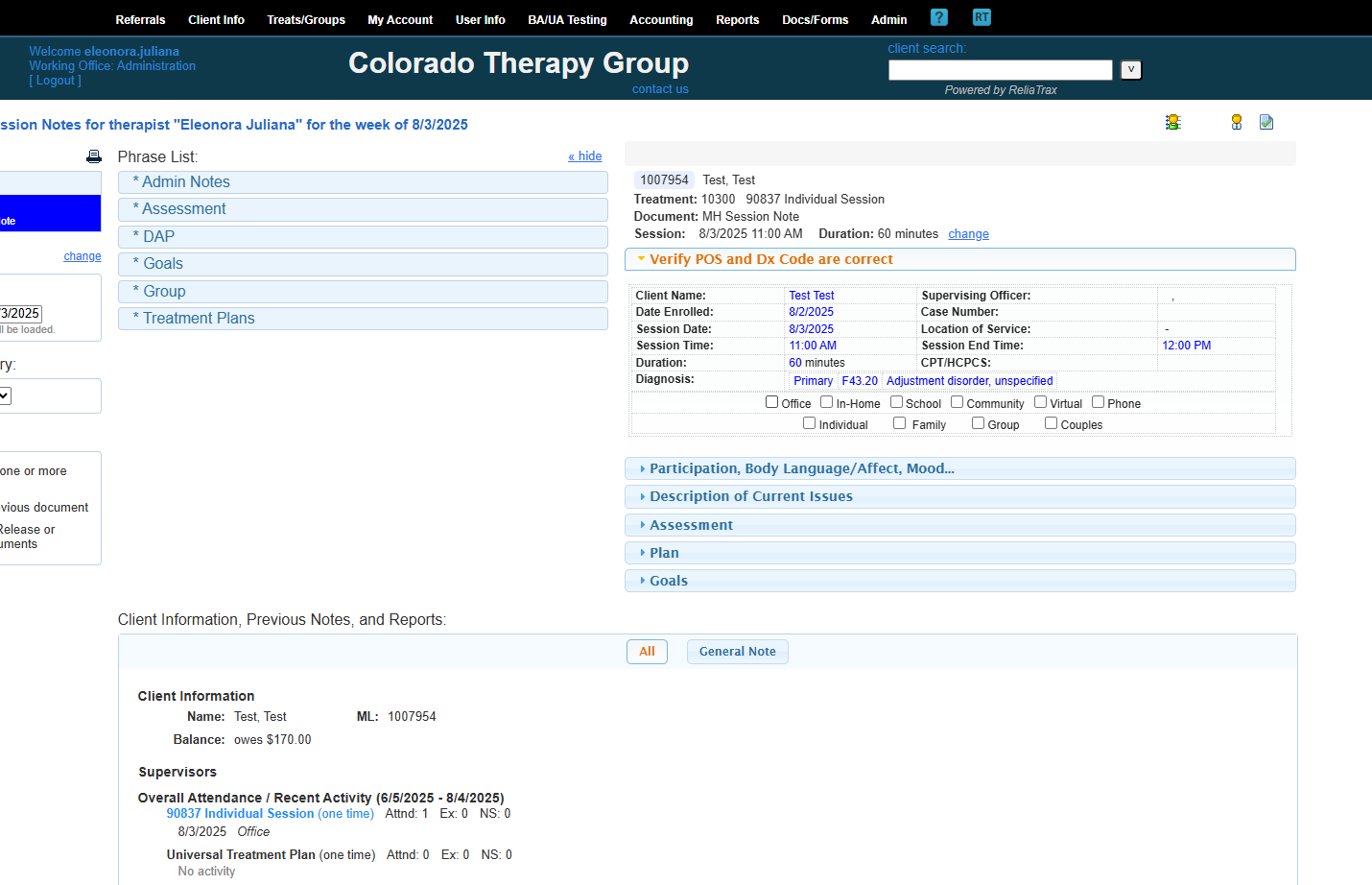
This document is a mental health session note for my client, Test, after an individual treatment session.
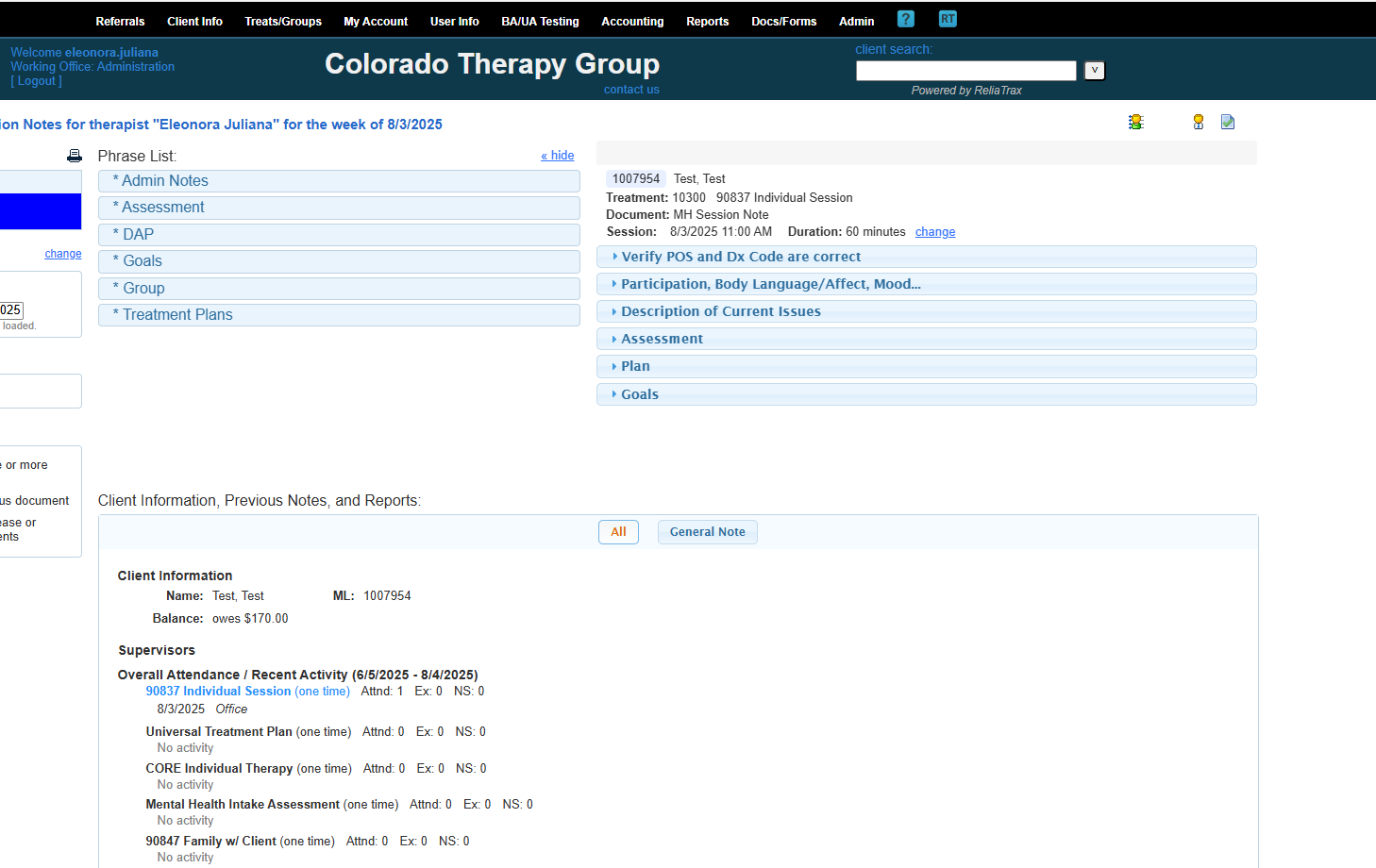
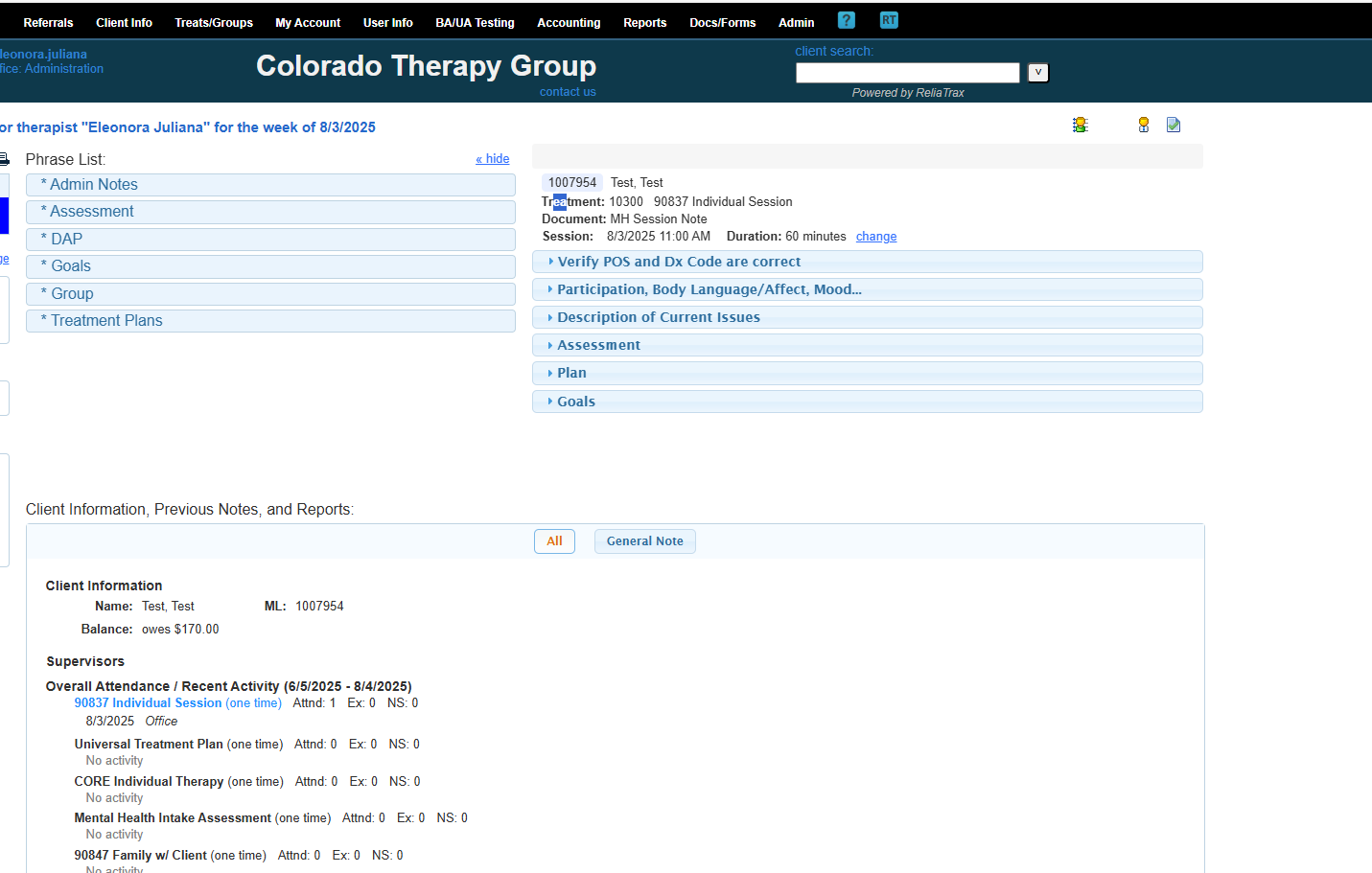
Here is the session time and duration.
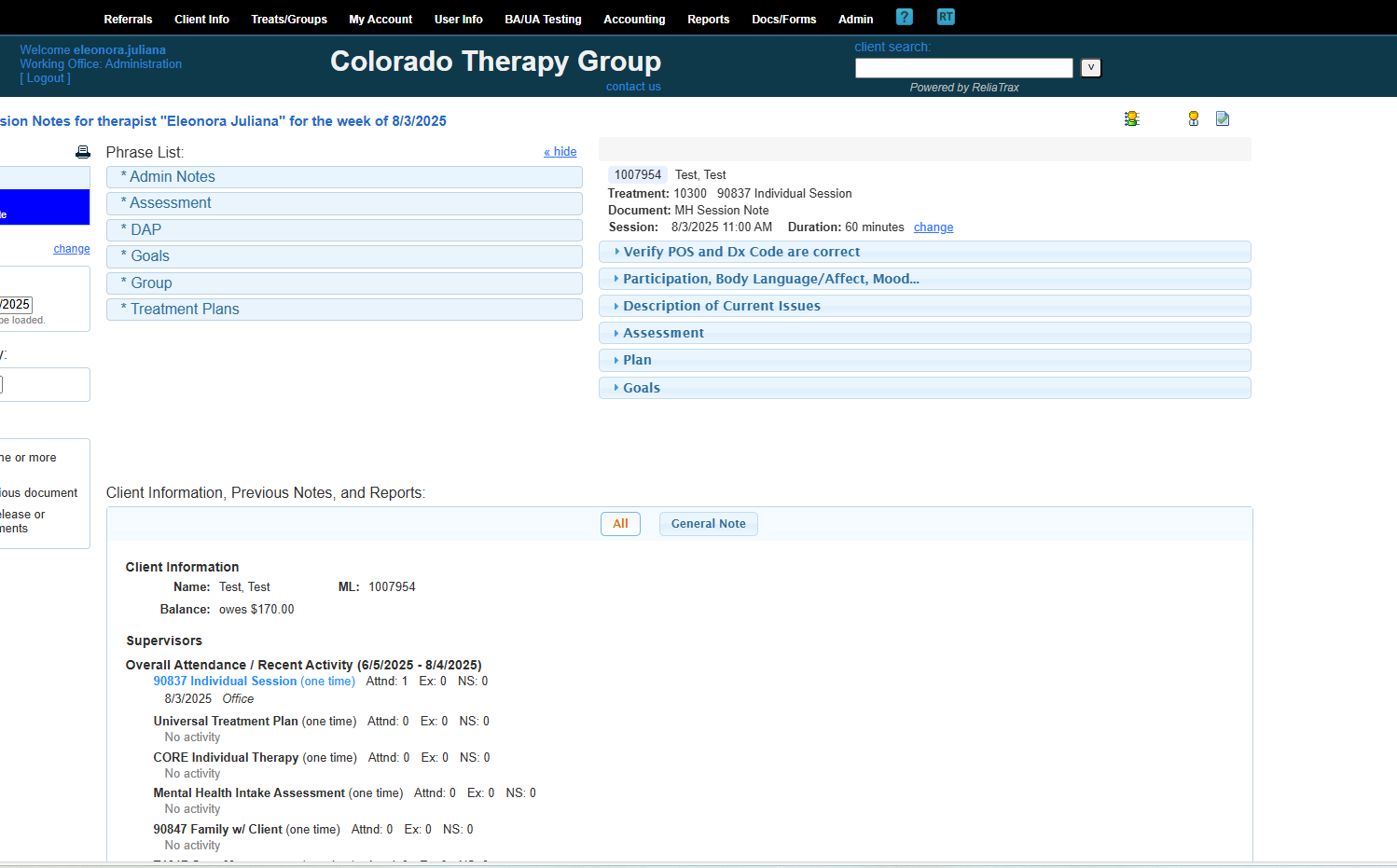
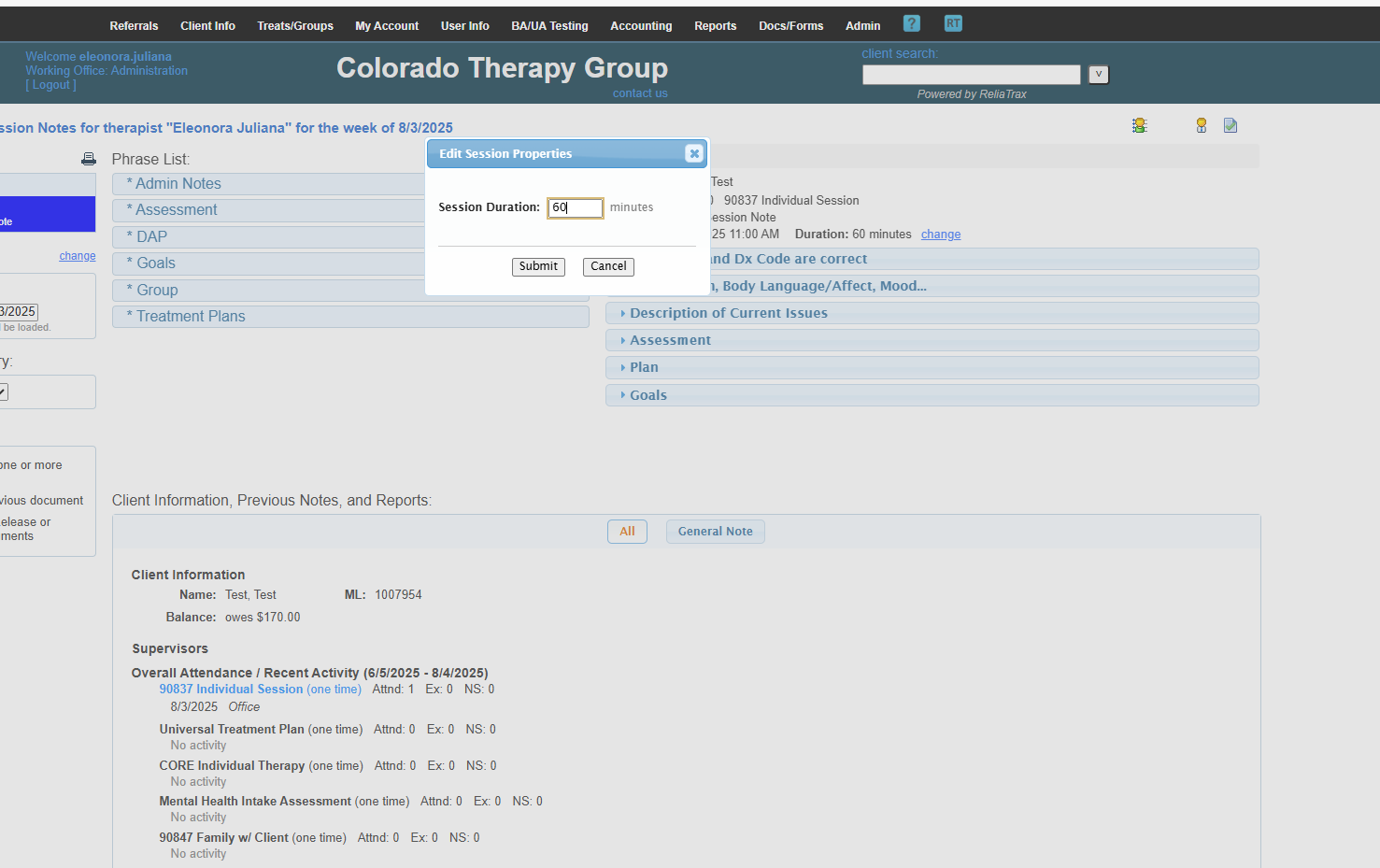
Sessions are typically 60 minutes. Intake Assessments are 90 minutes.
You can change it to 30 minutes here. If you do, use the Treatment template "90832 Individual Session."
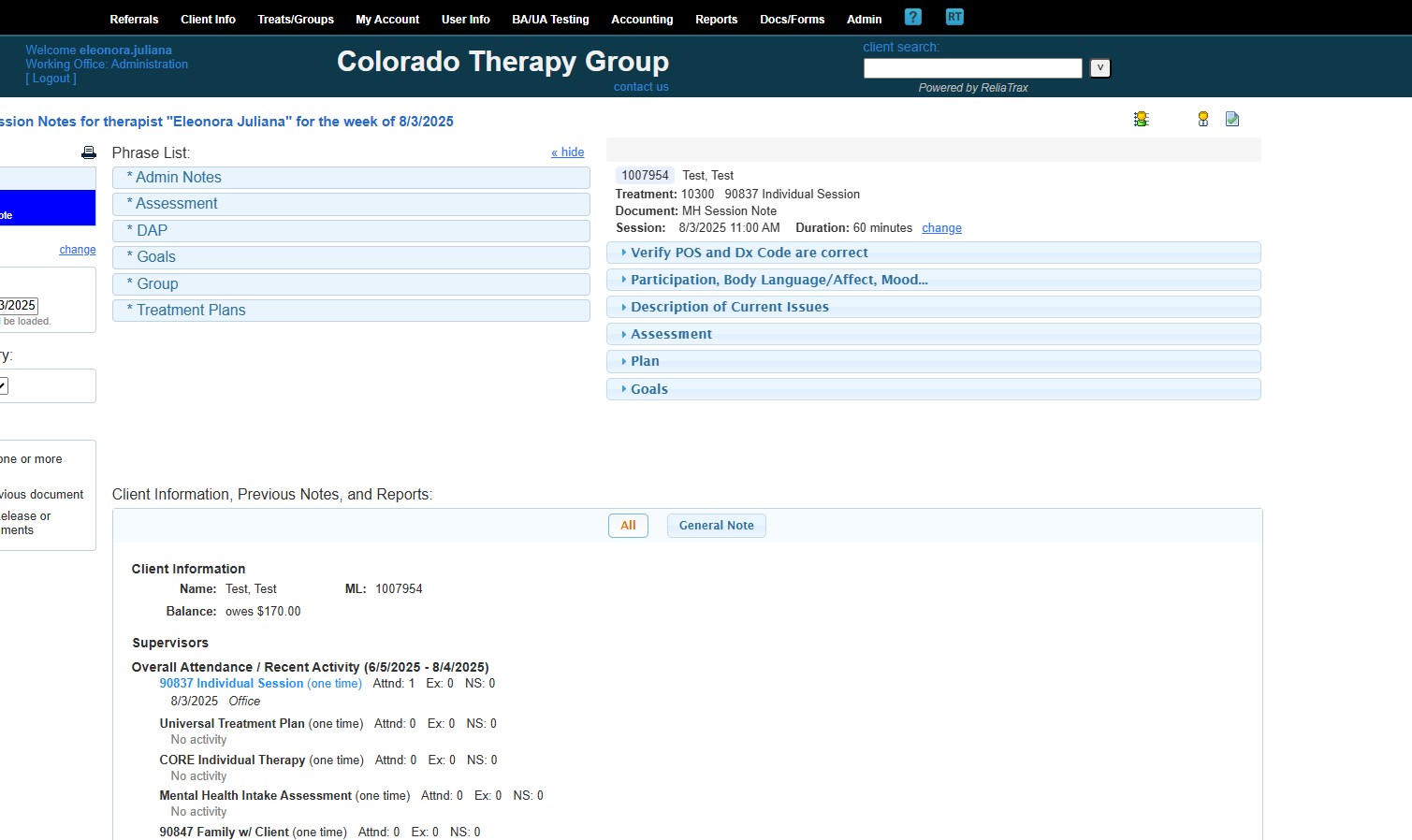
You will only need to enter the diagnosis code once. The only time you will need to go back to this icon is to edit a diagnosis code (Dx Code).
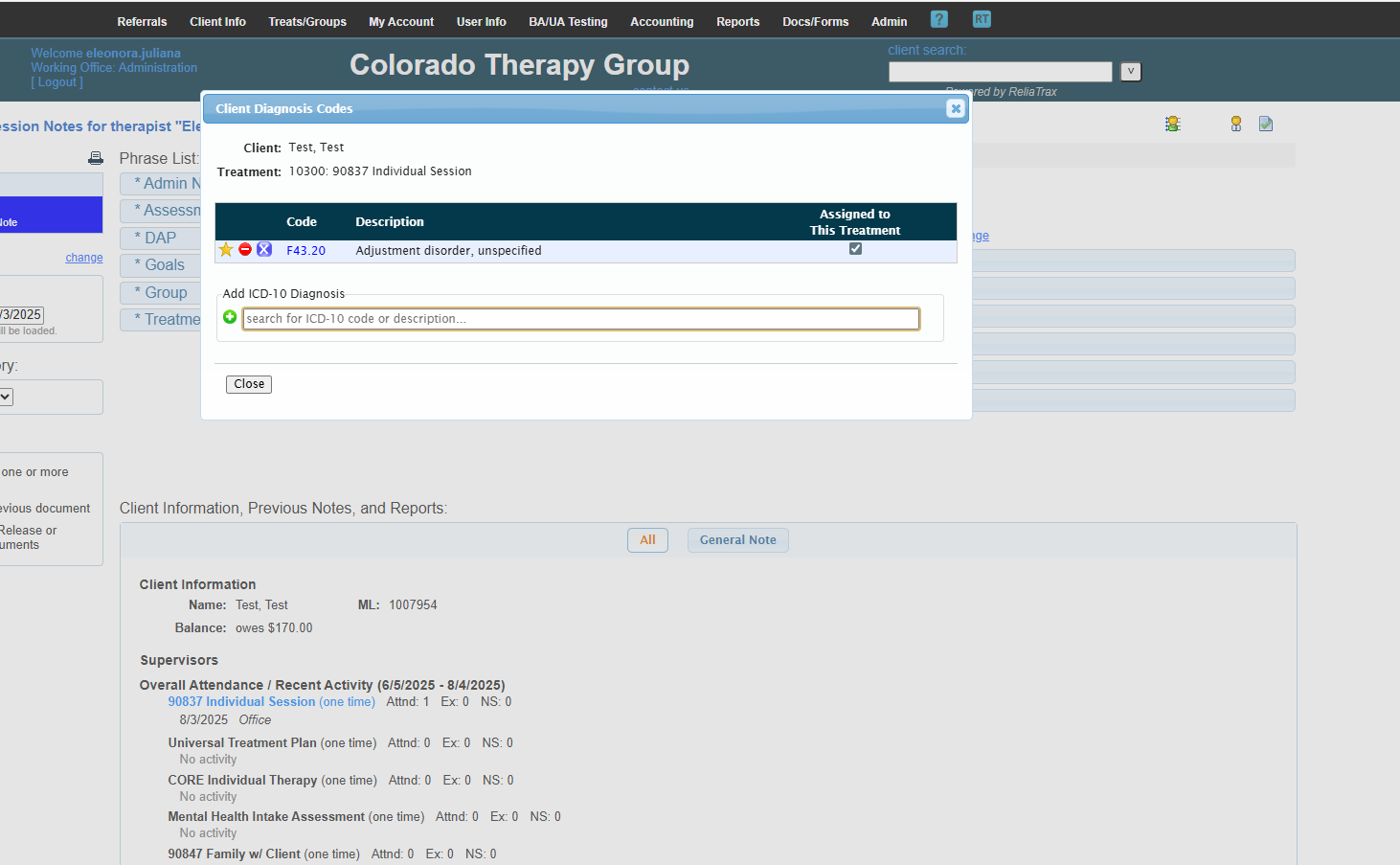
If there is no diagnosis, click the green circle to add one.
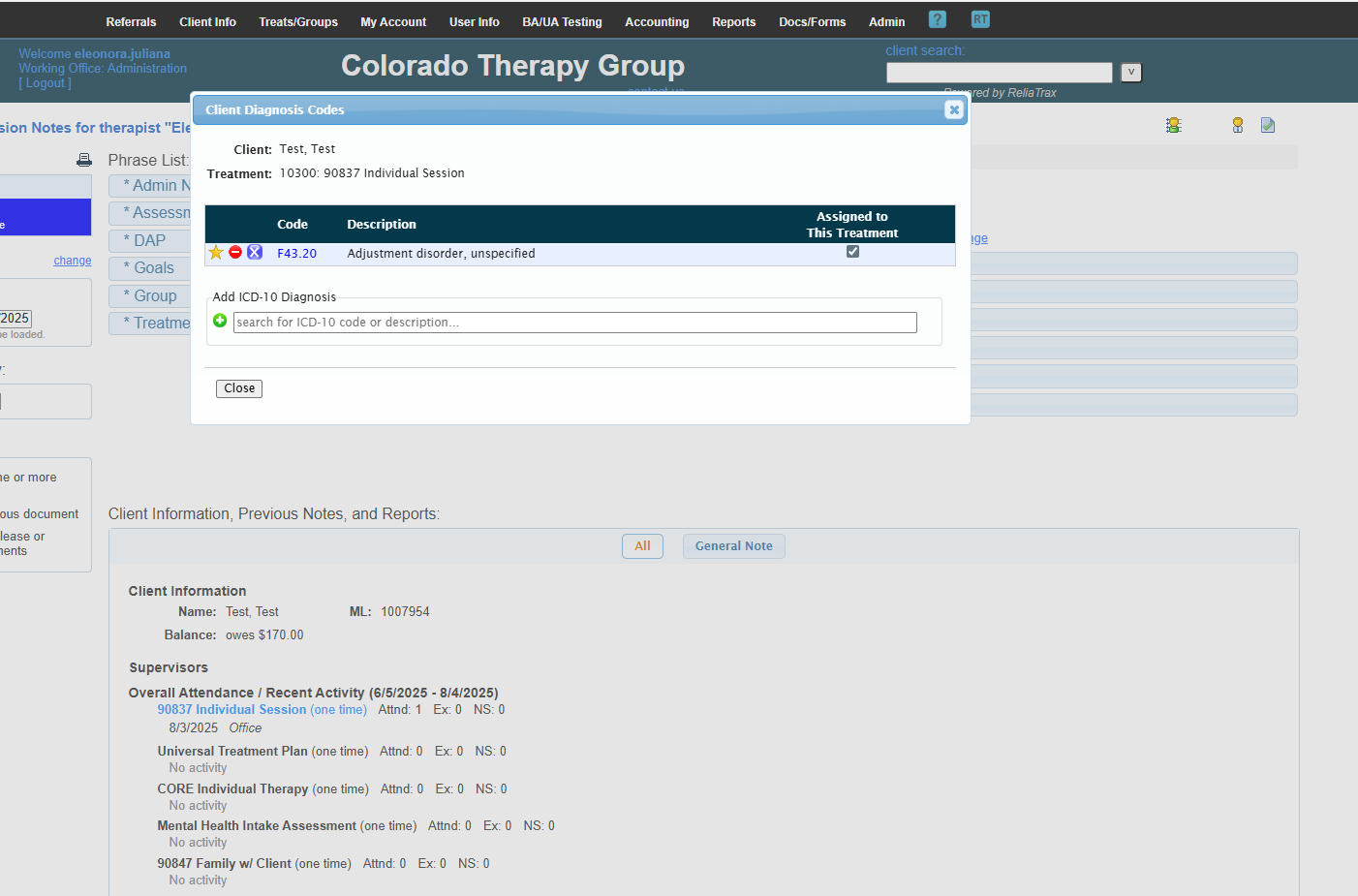
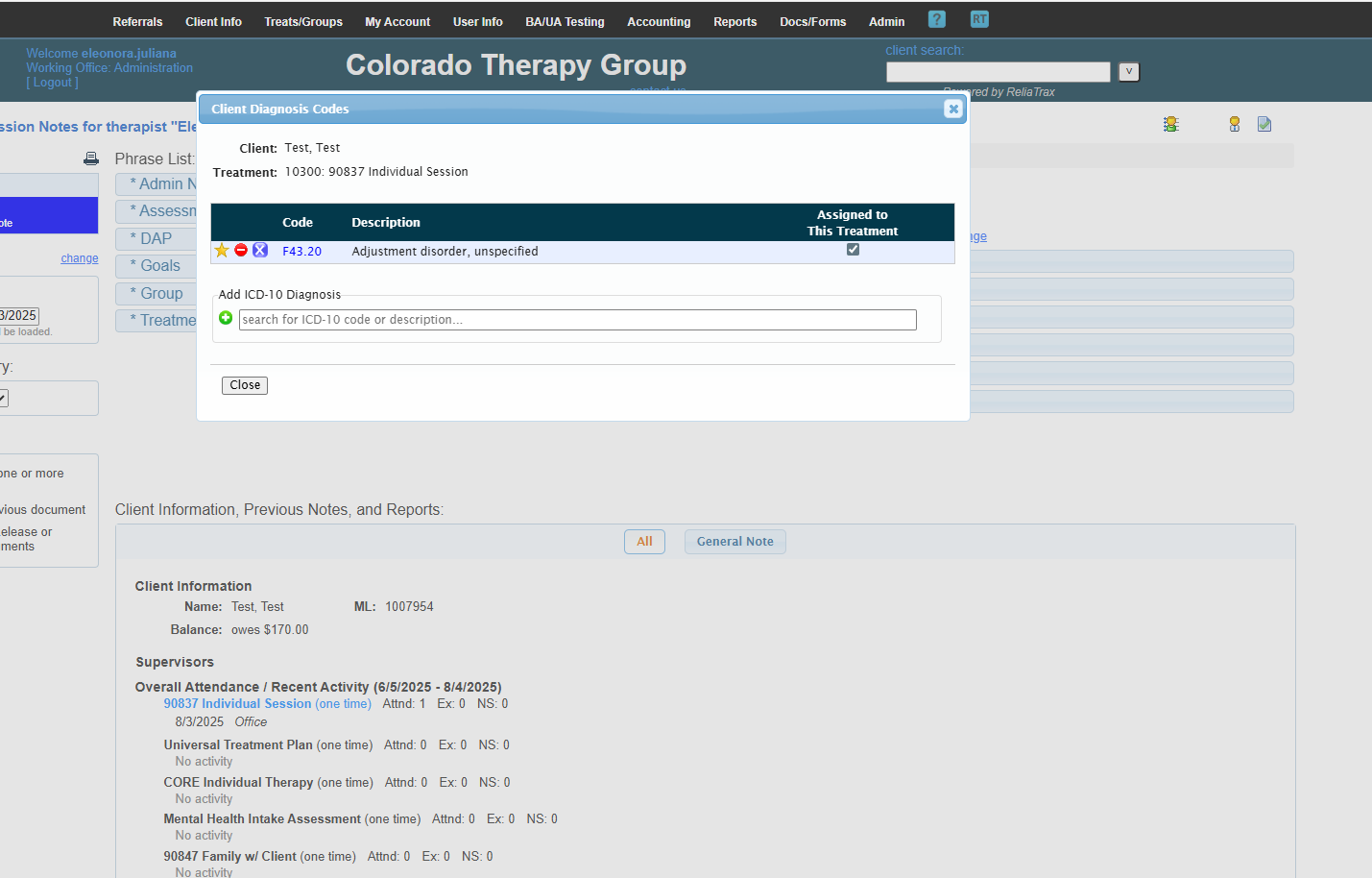
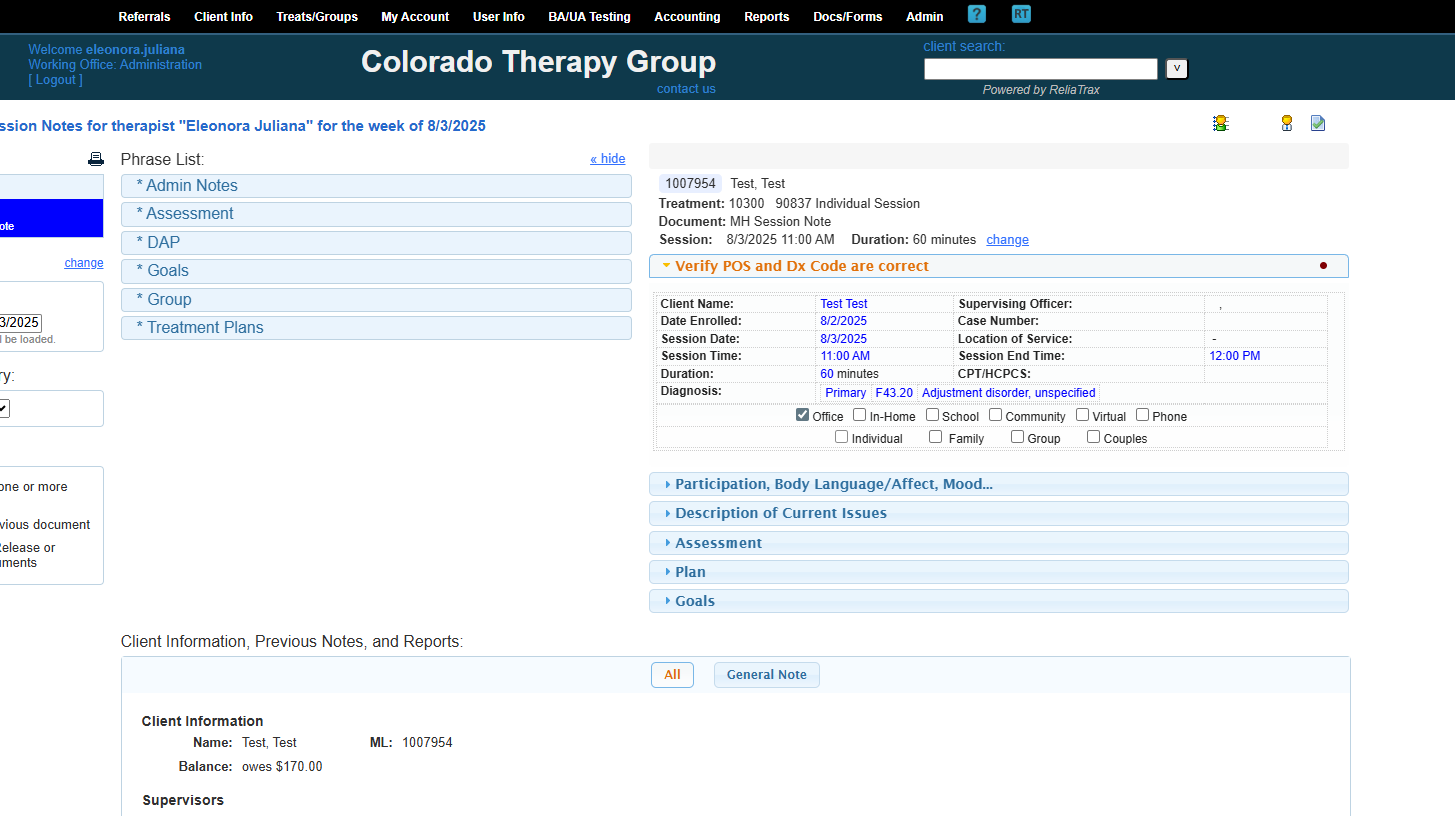
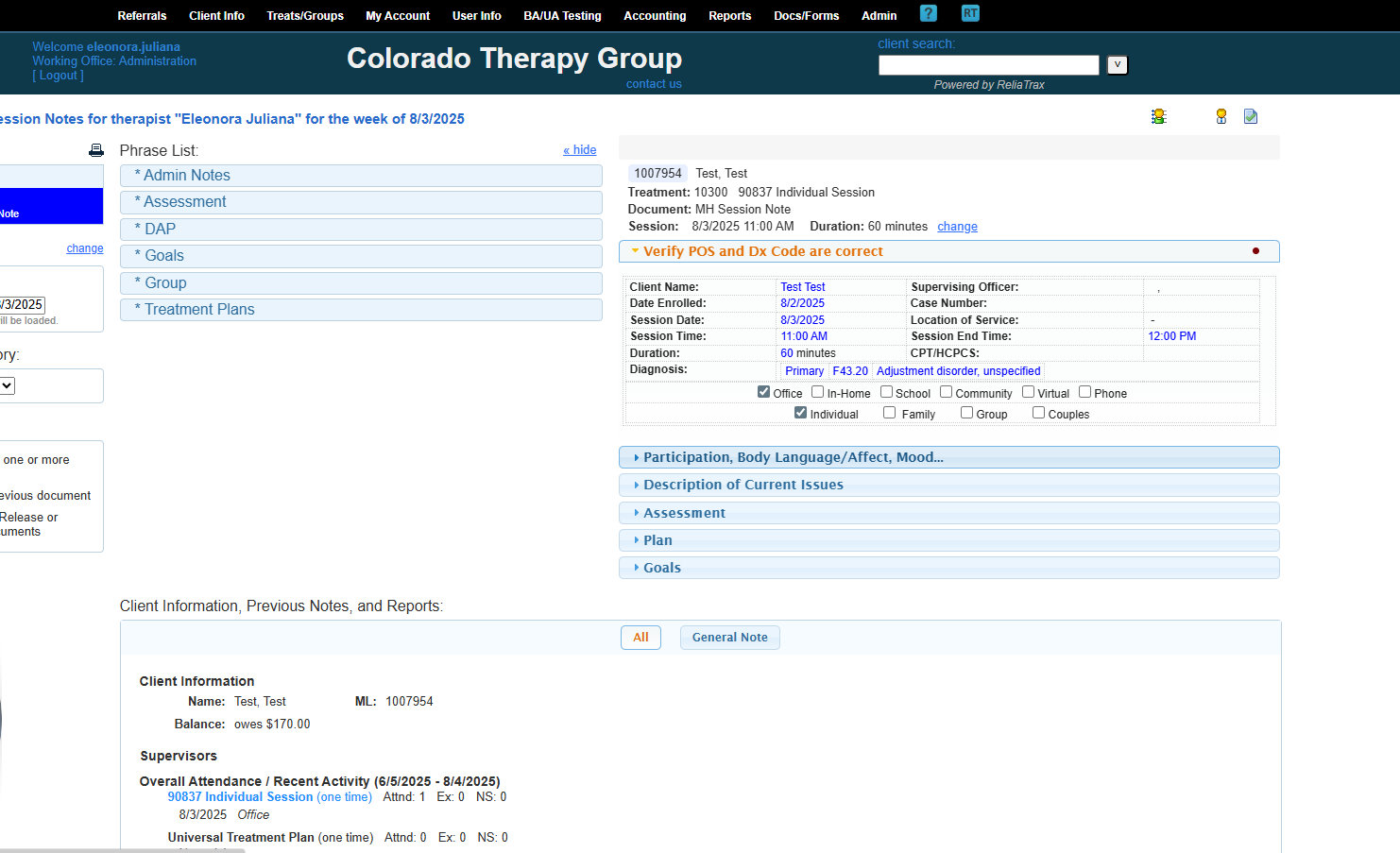
Verify that the place of service and diagnosis code are correct.
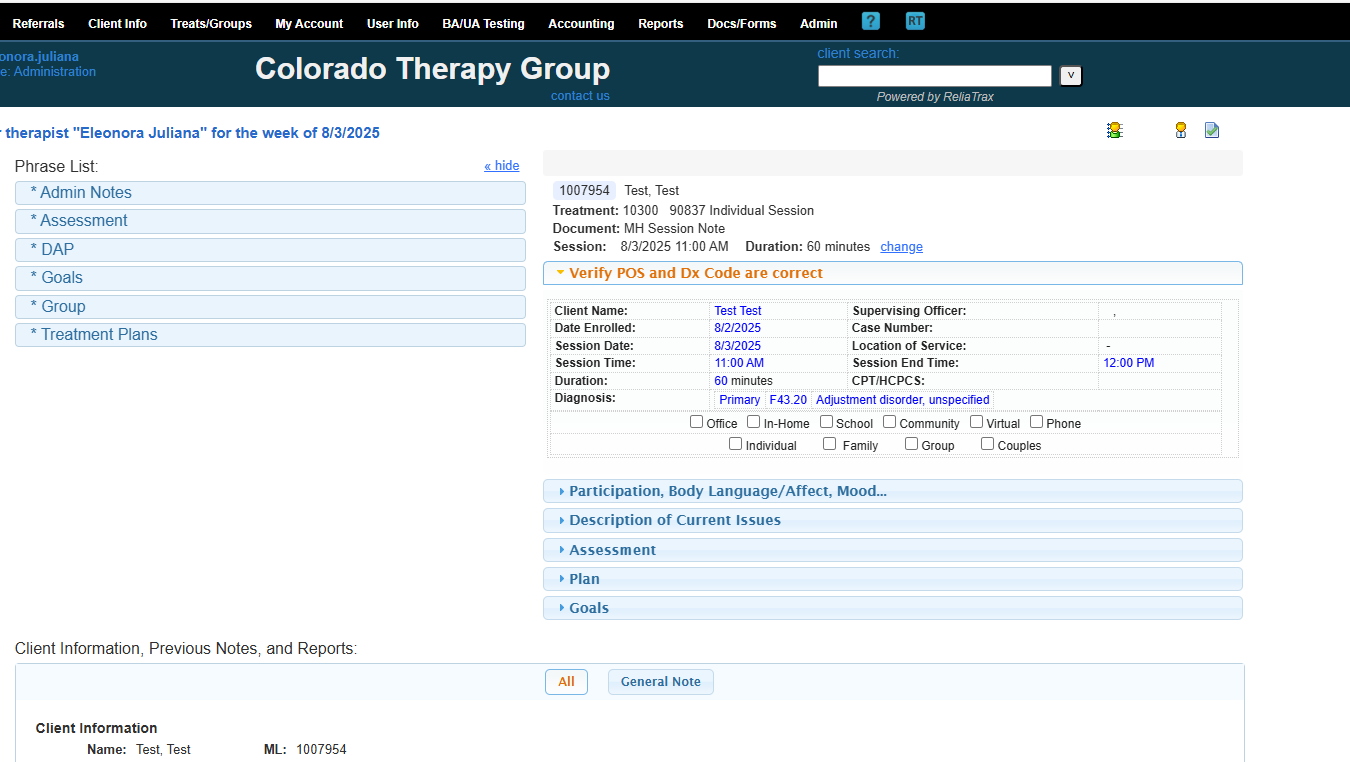
This is my primary diagnosis code. This session was in-office and individual.
My client was active, had open body language, and appeared motivated and hopeful.
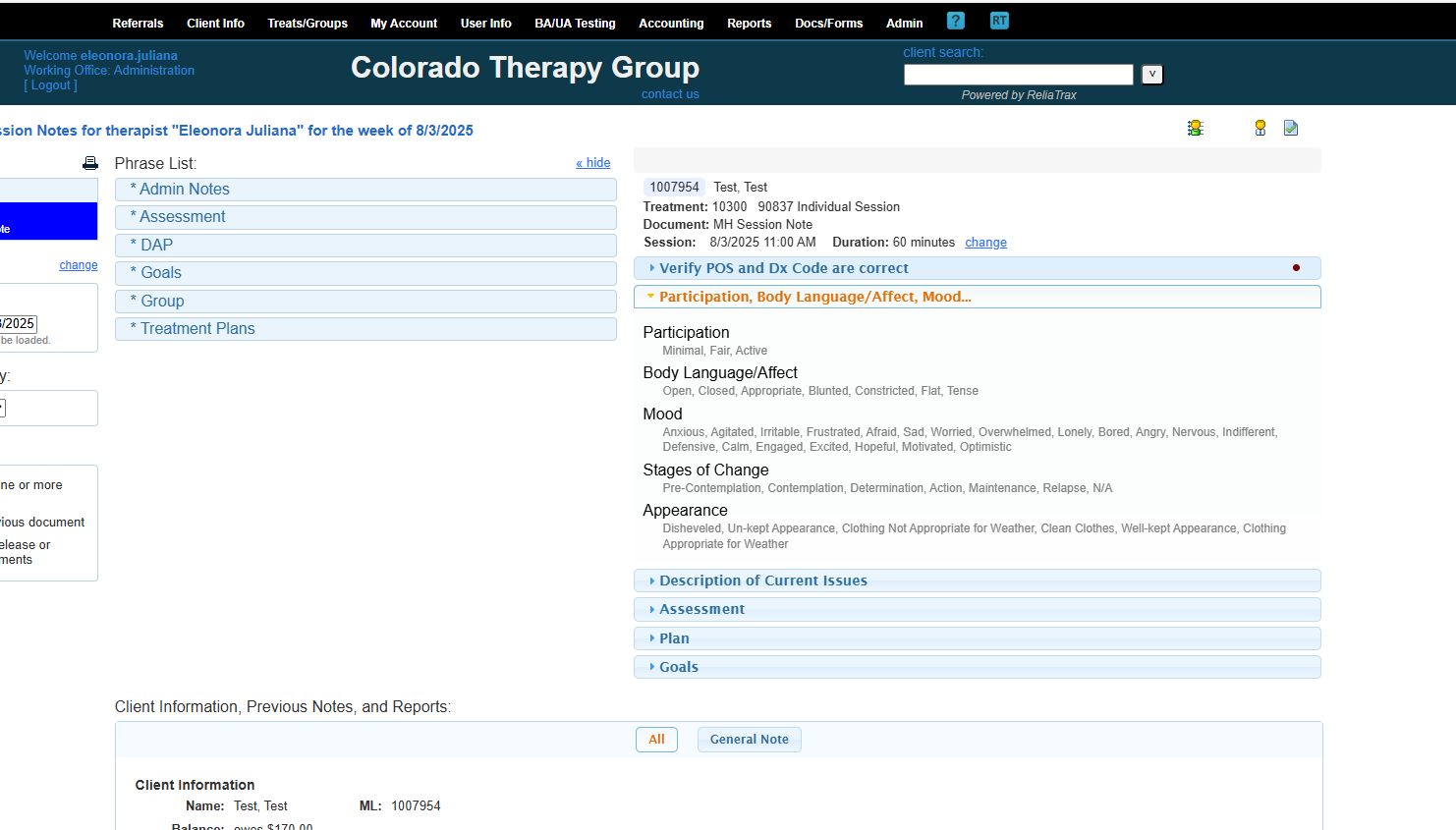
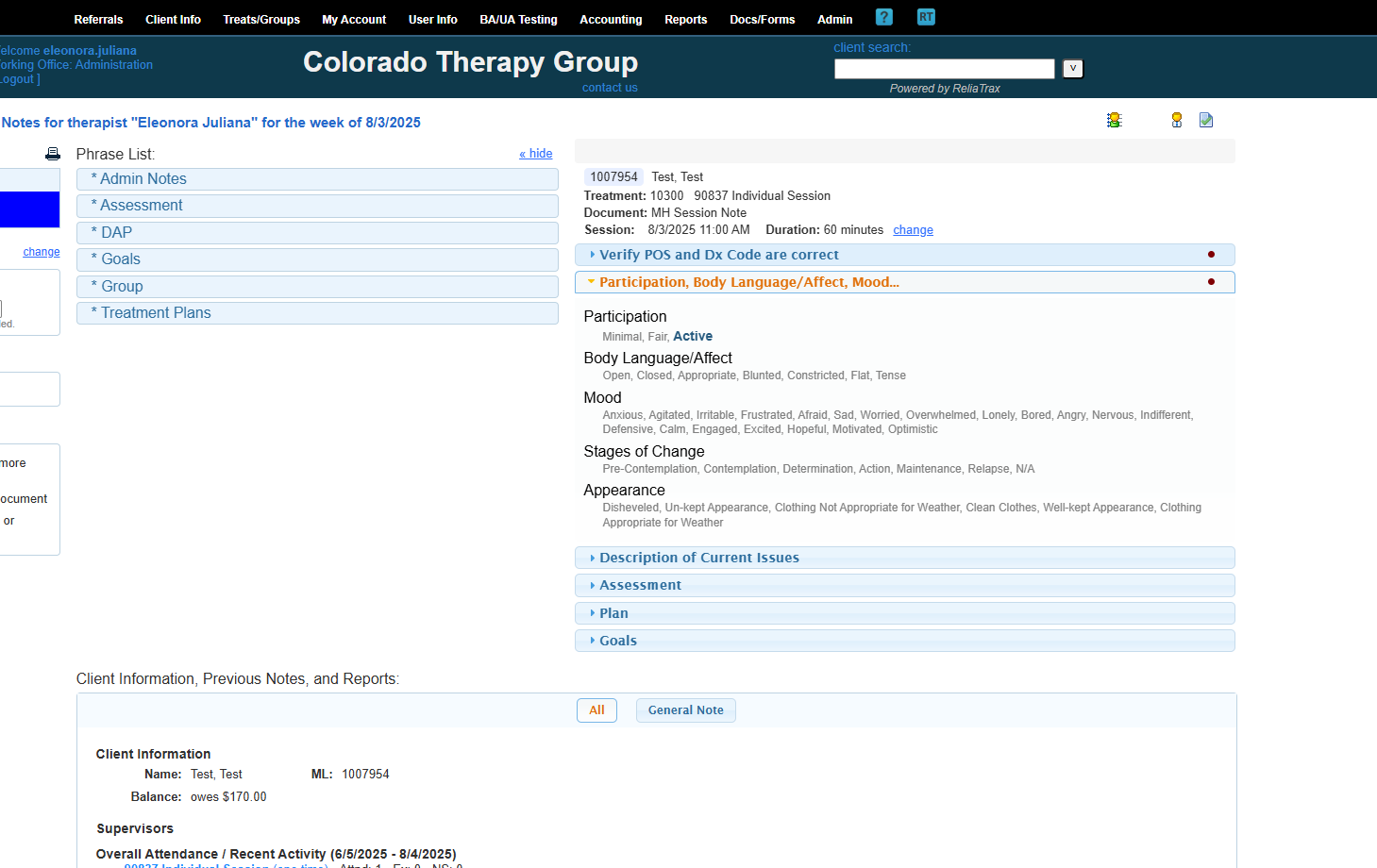
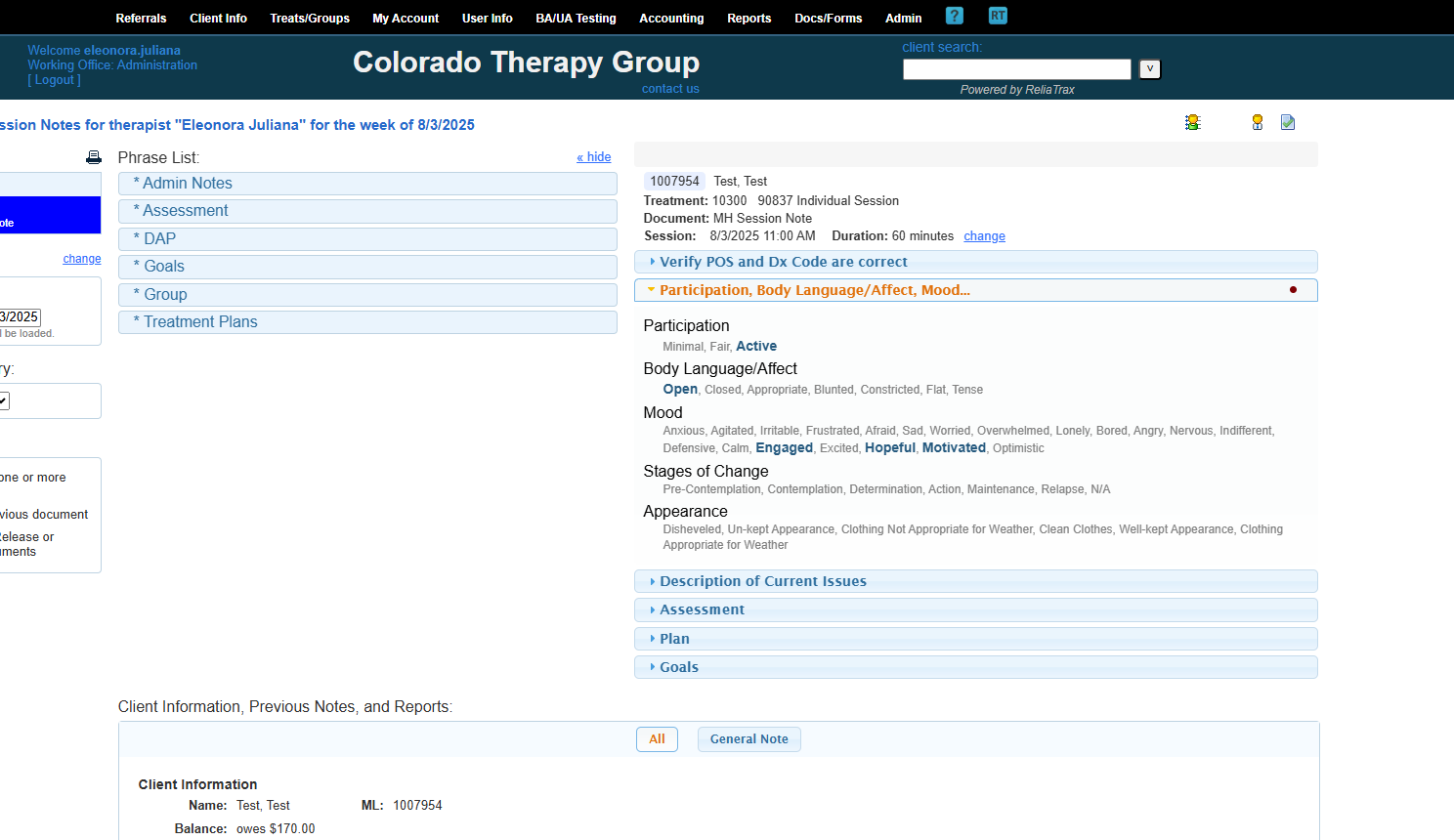
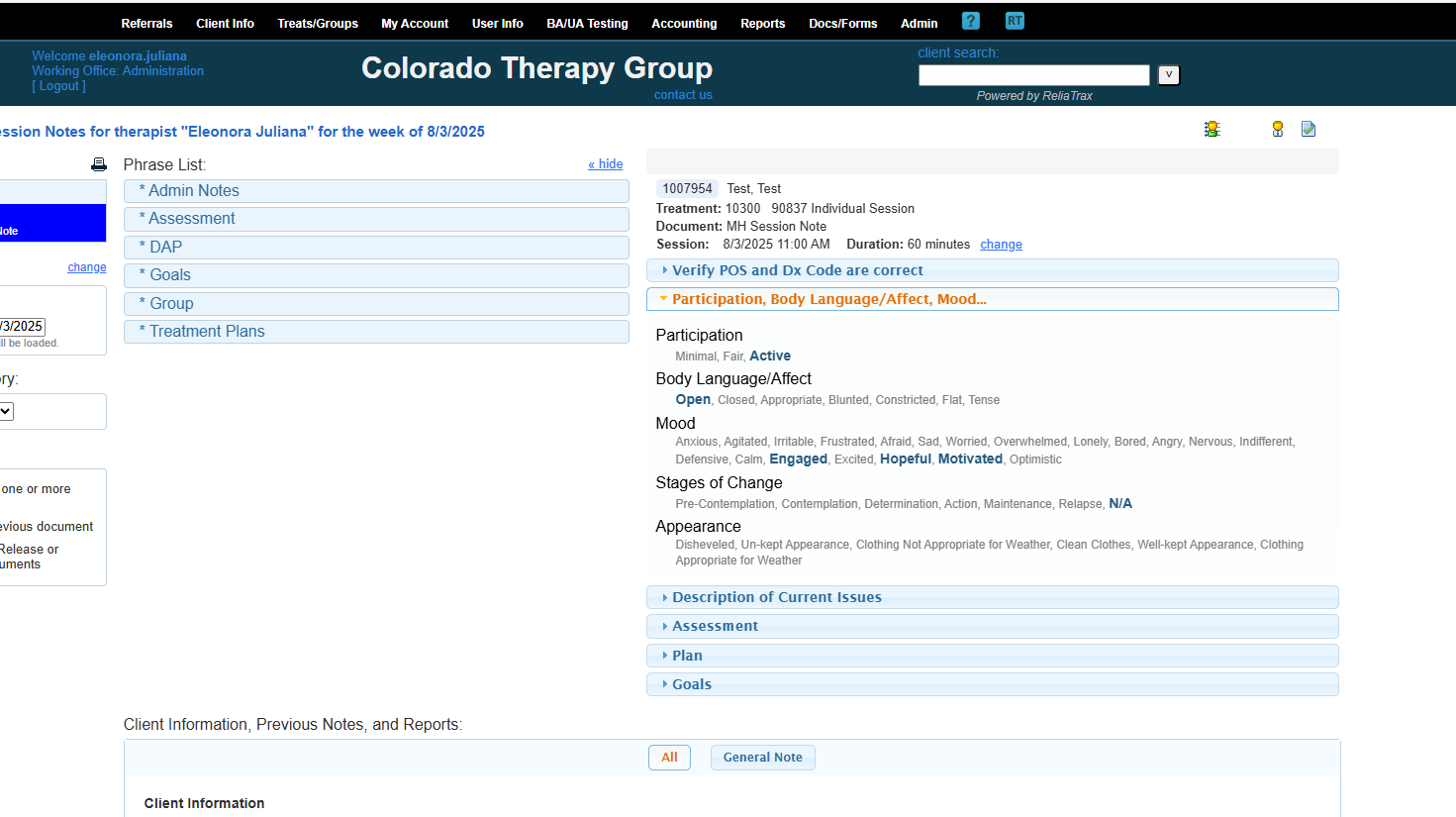
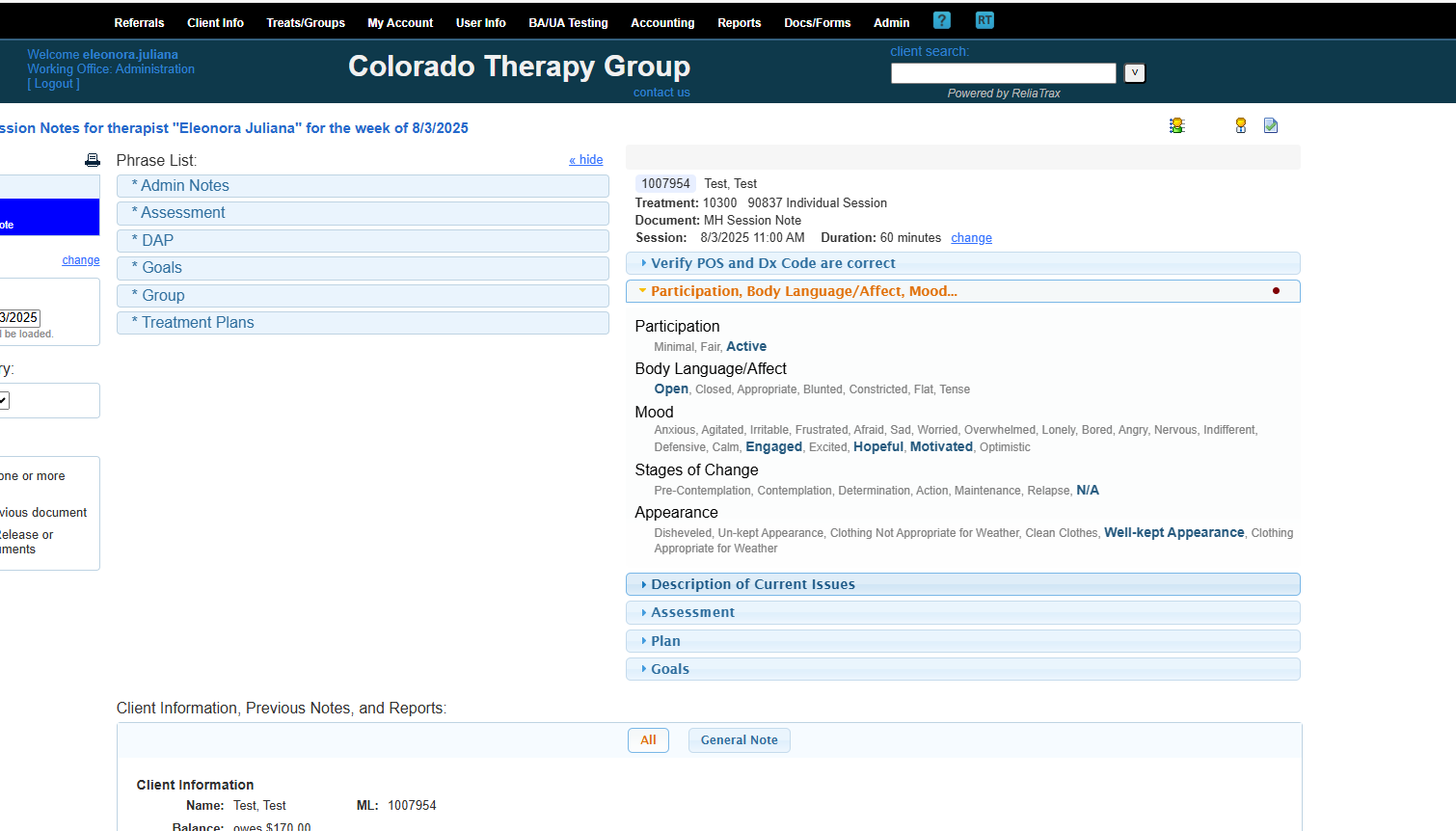
Do not leave any sections of your session notes blank. Fill in all fields! Use N/A if a field is not applicable.
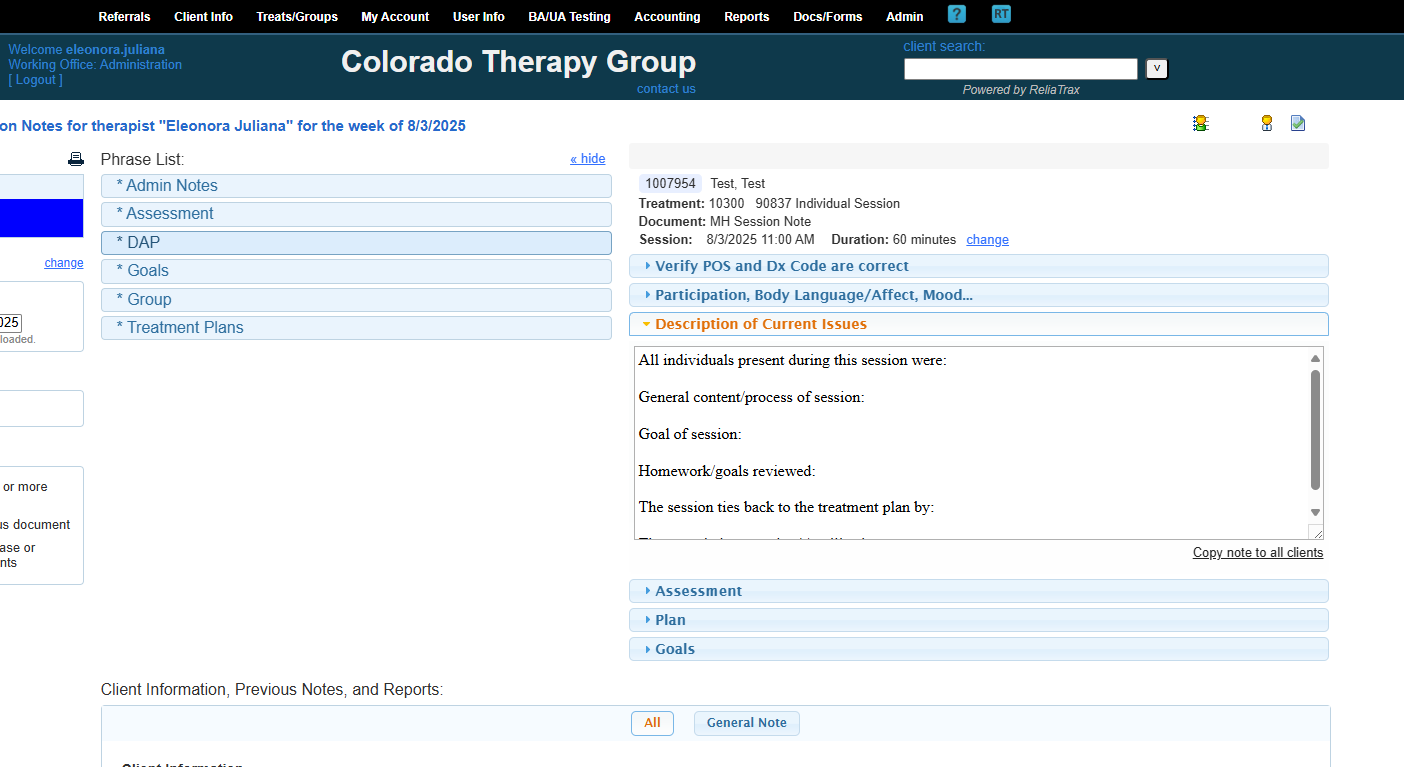
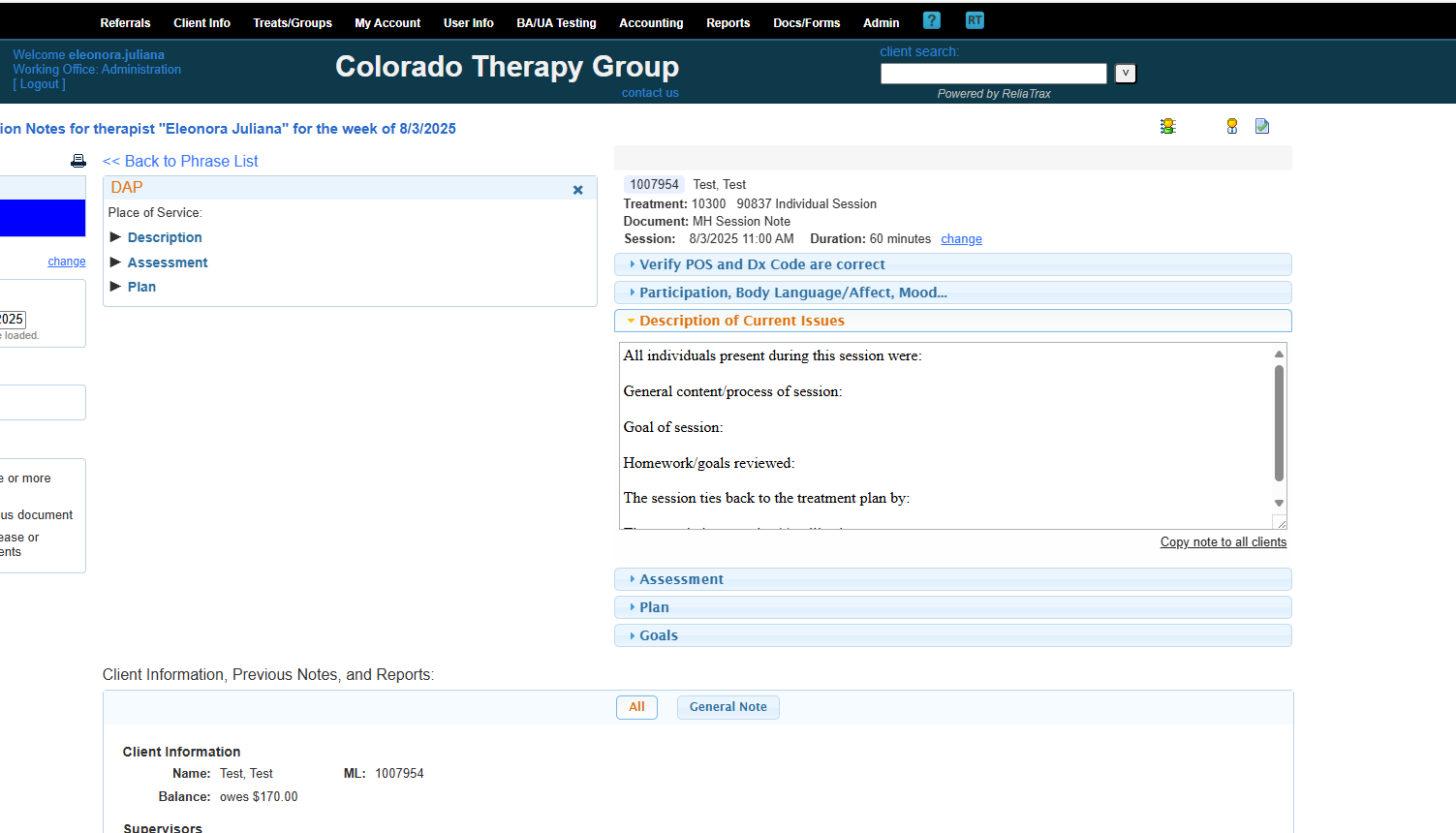
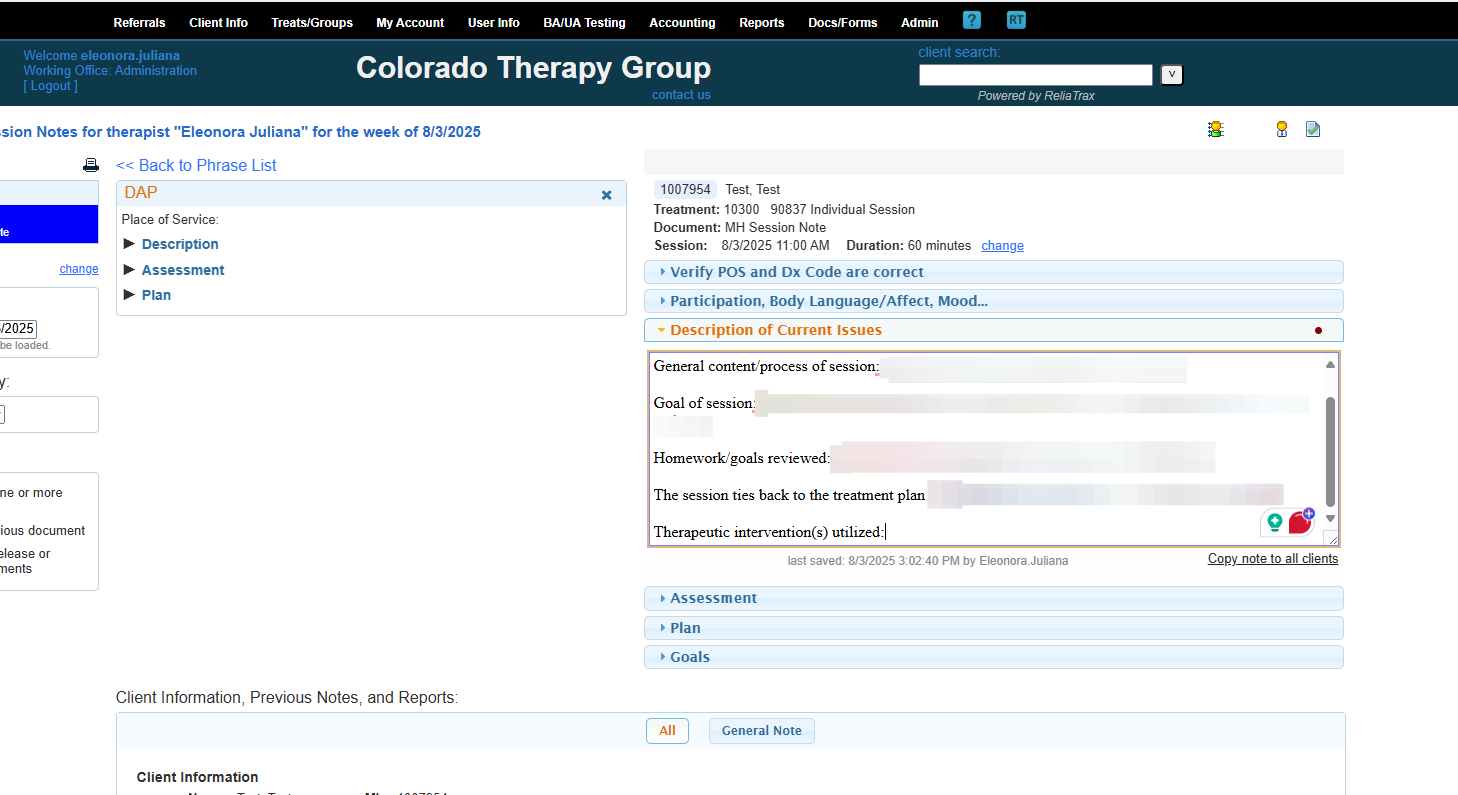
These are all the fields included in your description of current issues in your session notes.
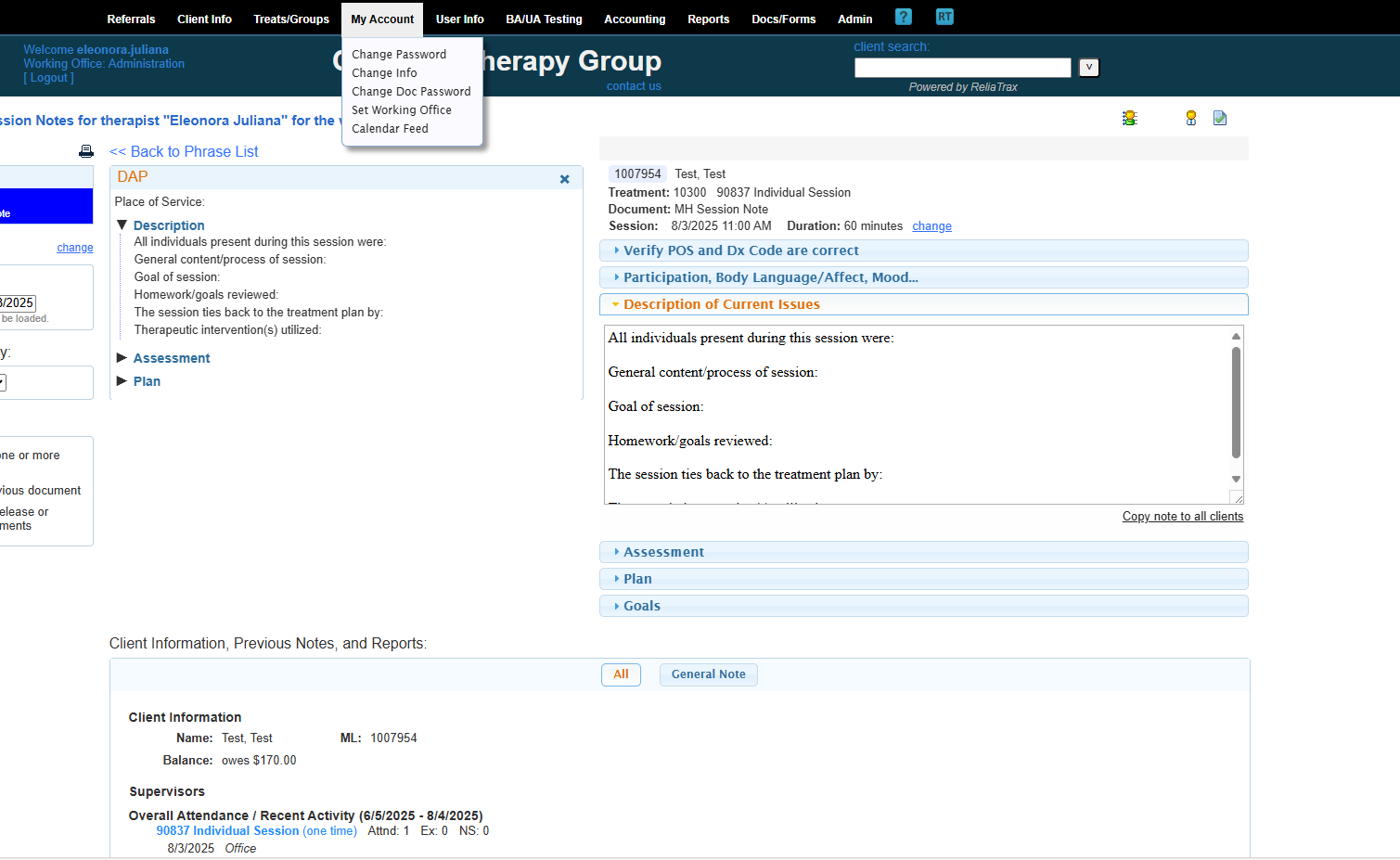
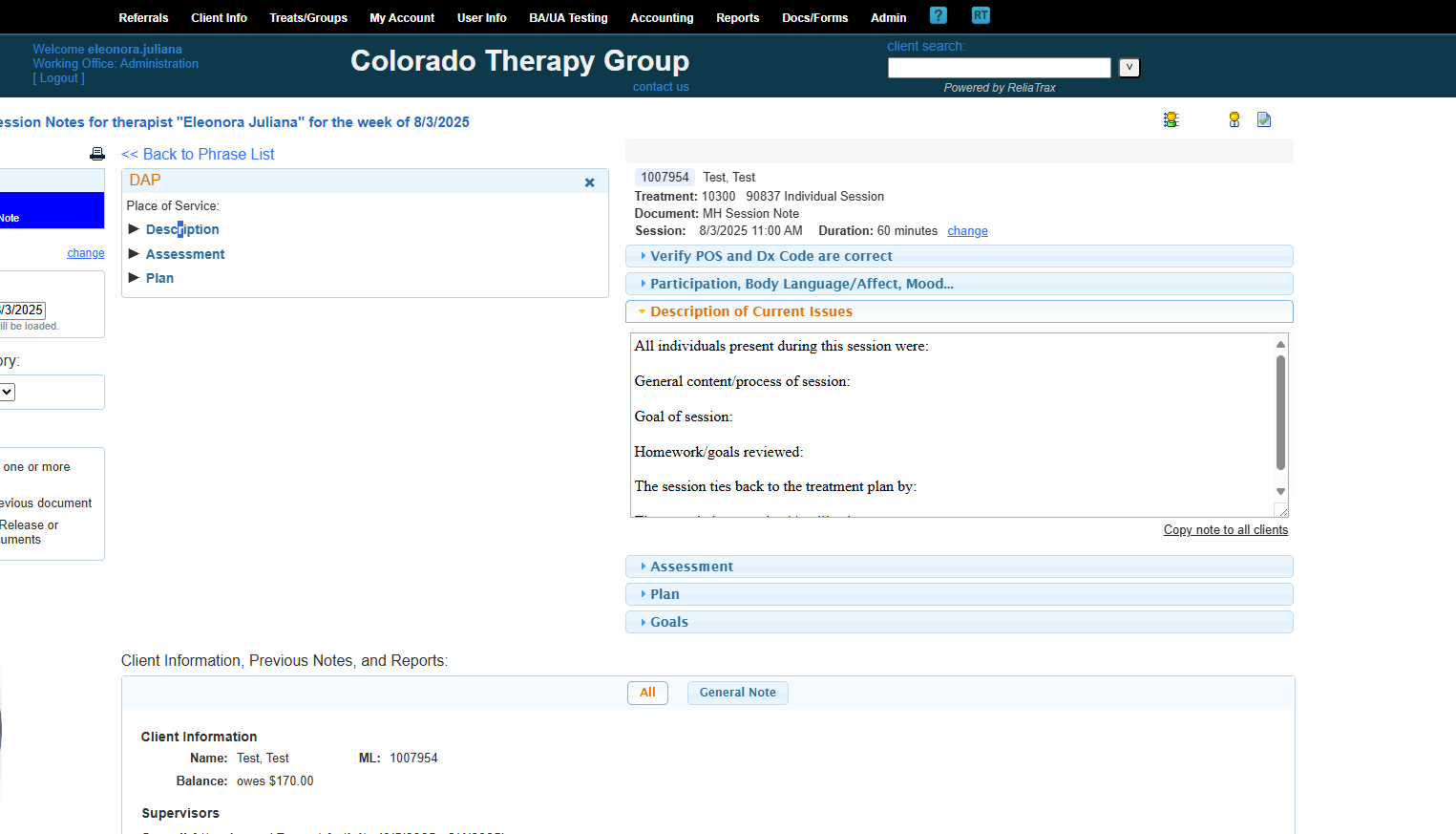
All prompts are to help guide you to write legally compliant session notes. DO NOT LEAVE ANY FIELDS BLANK! These prompts are required to meet legal and ethical documentation criteria!
Include everything that was discussed and add client quotes.
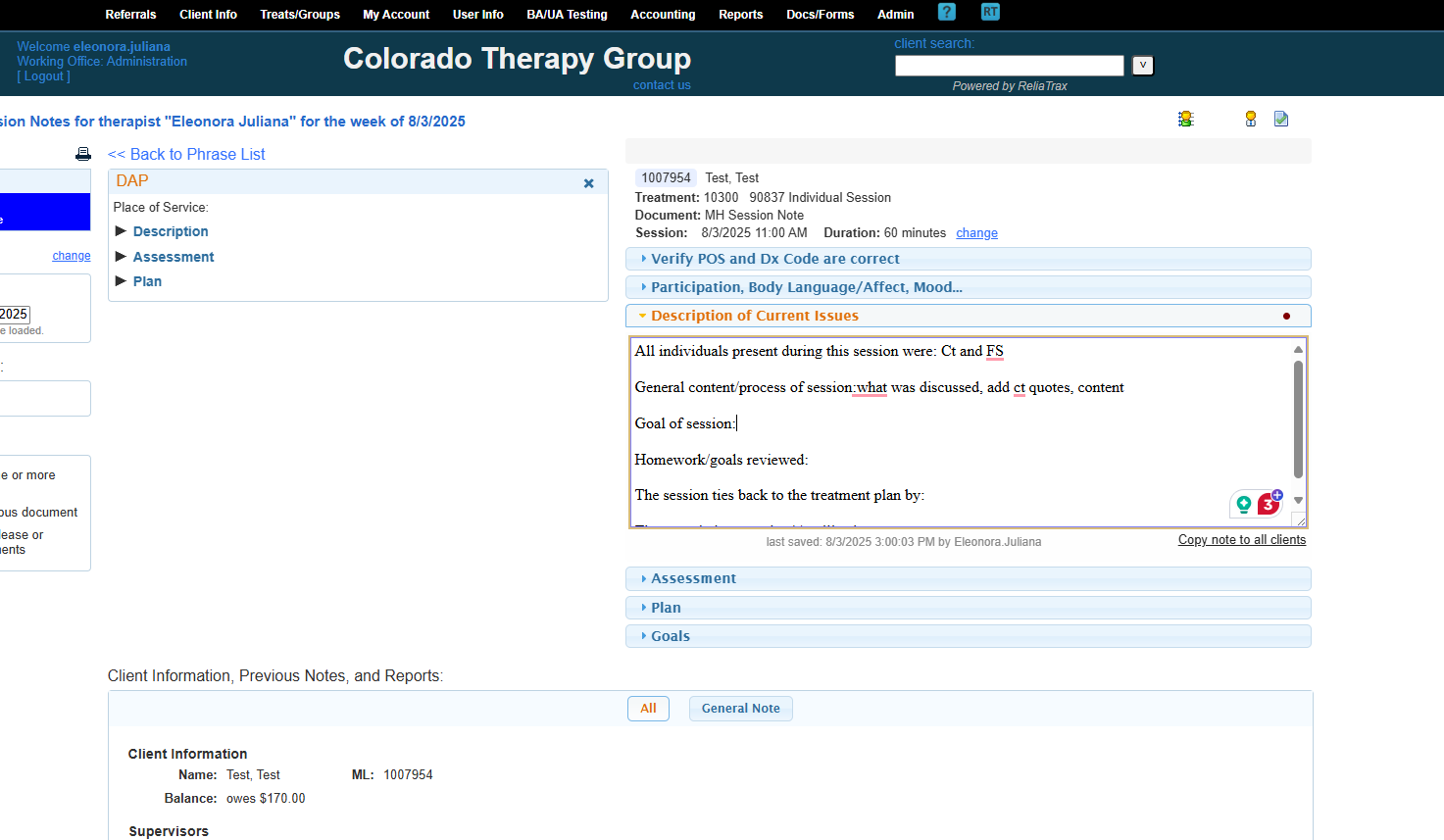
The goal of the session was to address and discuss the main issues.
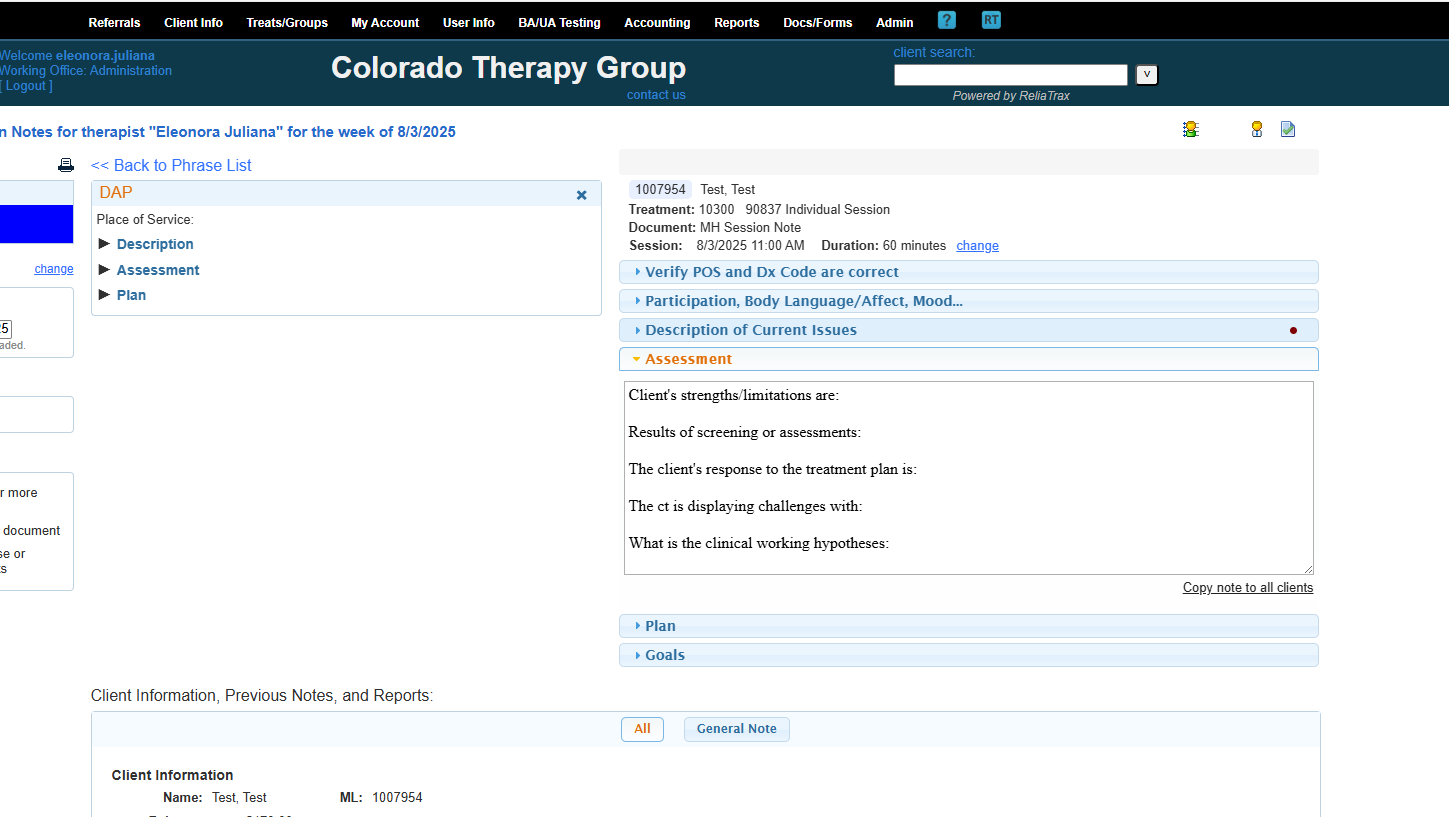
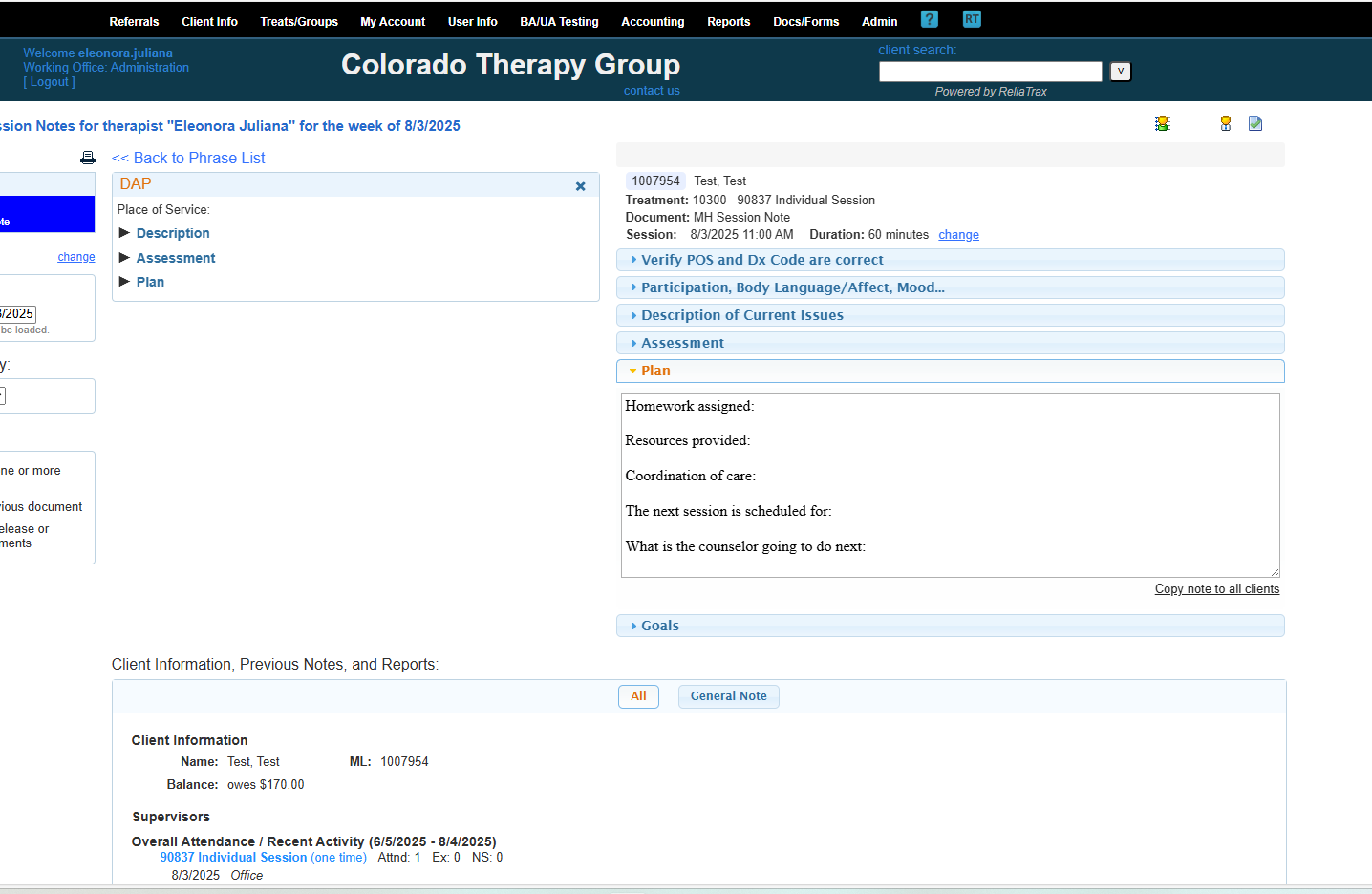
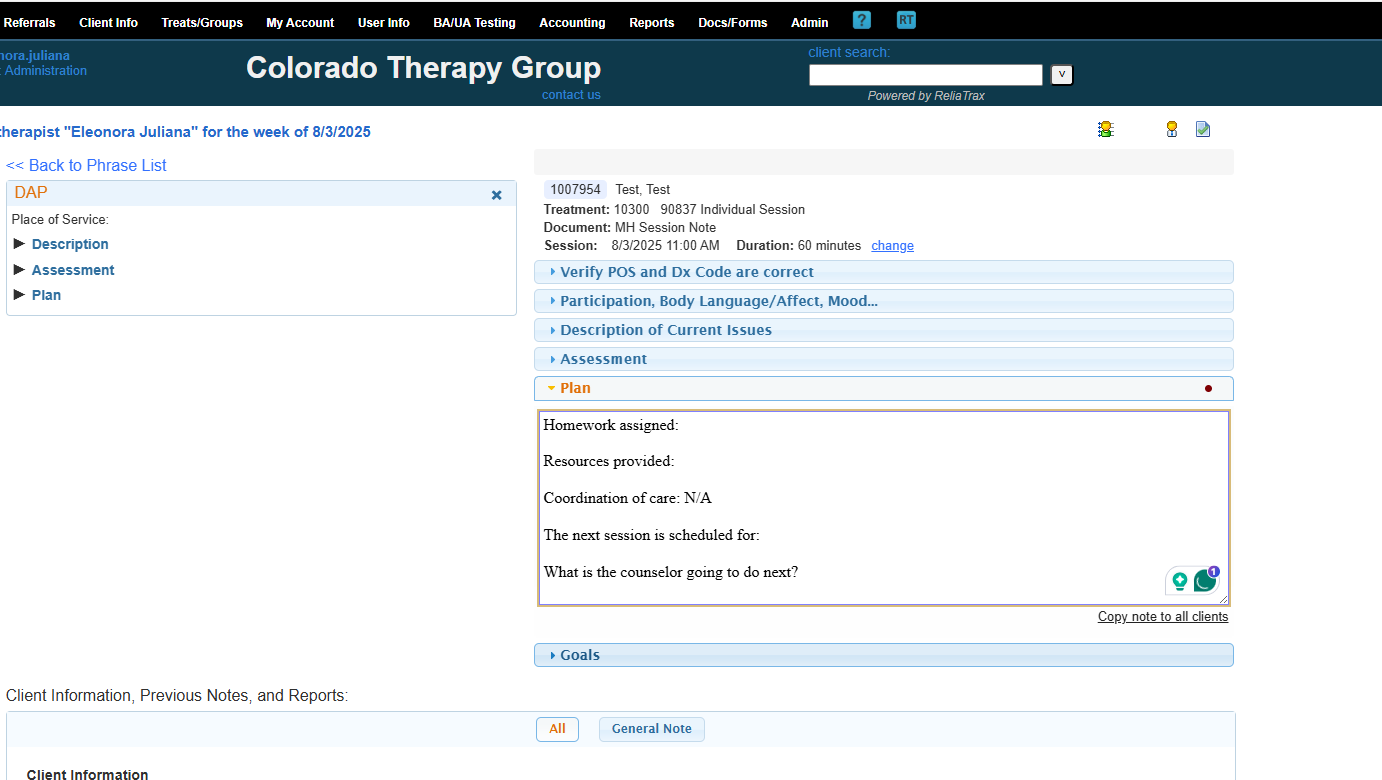
Remember to add:
What resources did you provide to the client during the session?
What homework did you assign to the ct?
When is the next session date & time?
Is there any coordination of care?
If not applicable, please write N/A.
What will the counselor do next? (ie, reach out to caseworker, N/A, or etc.)
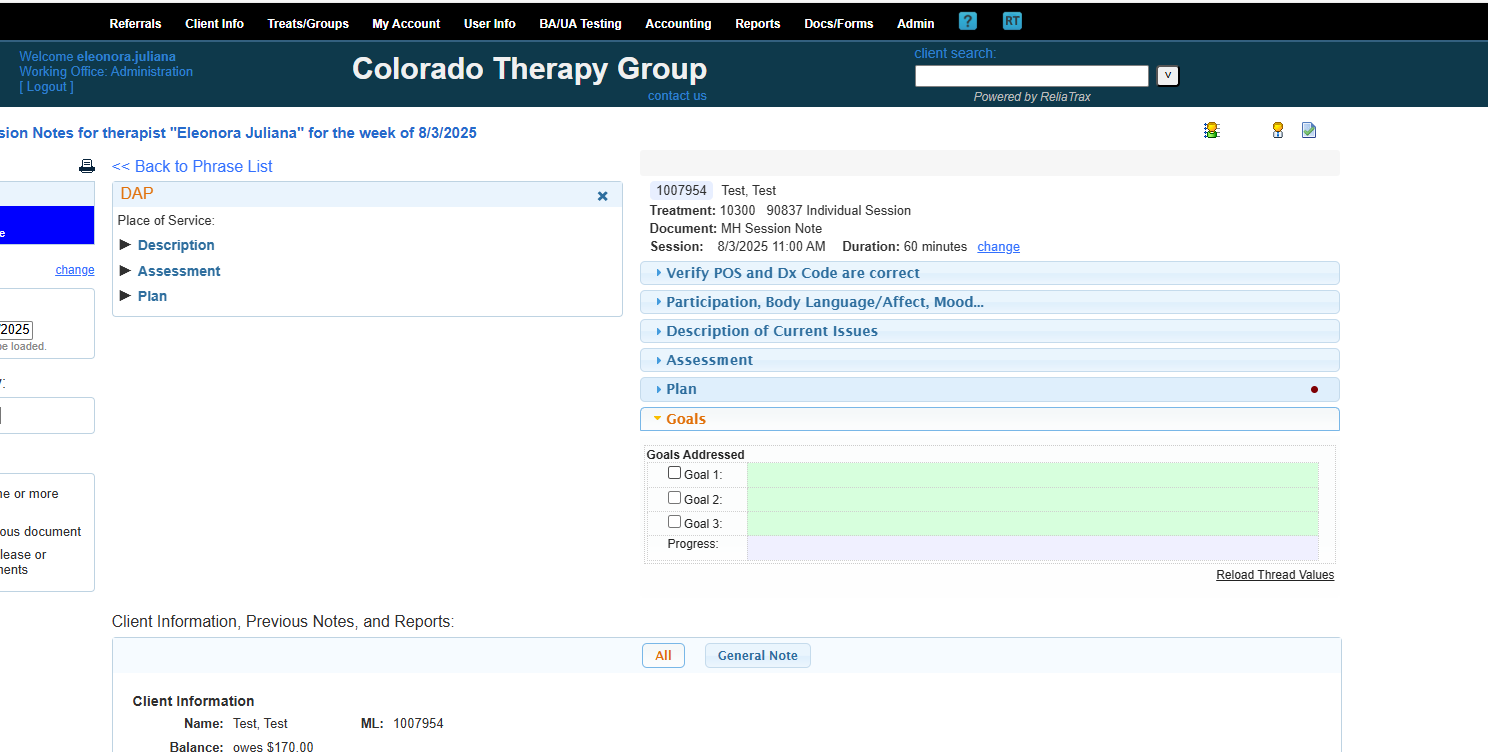
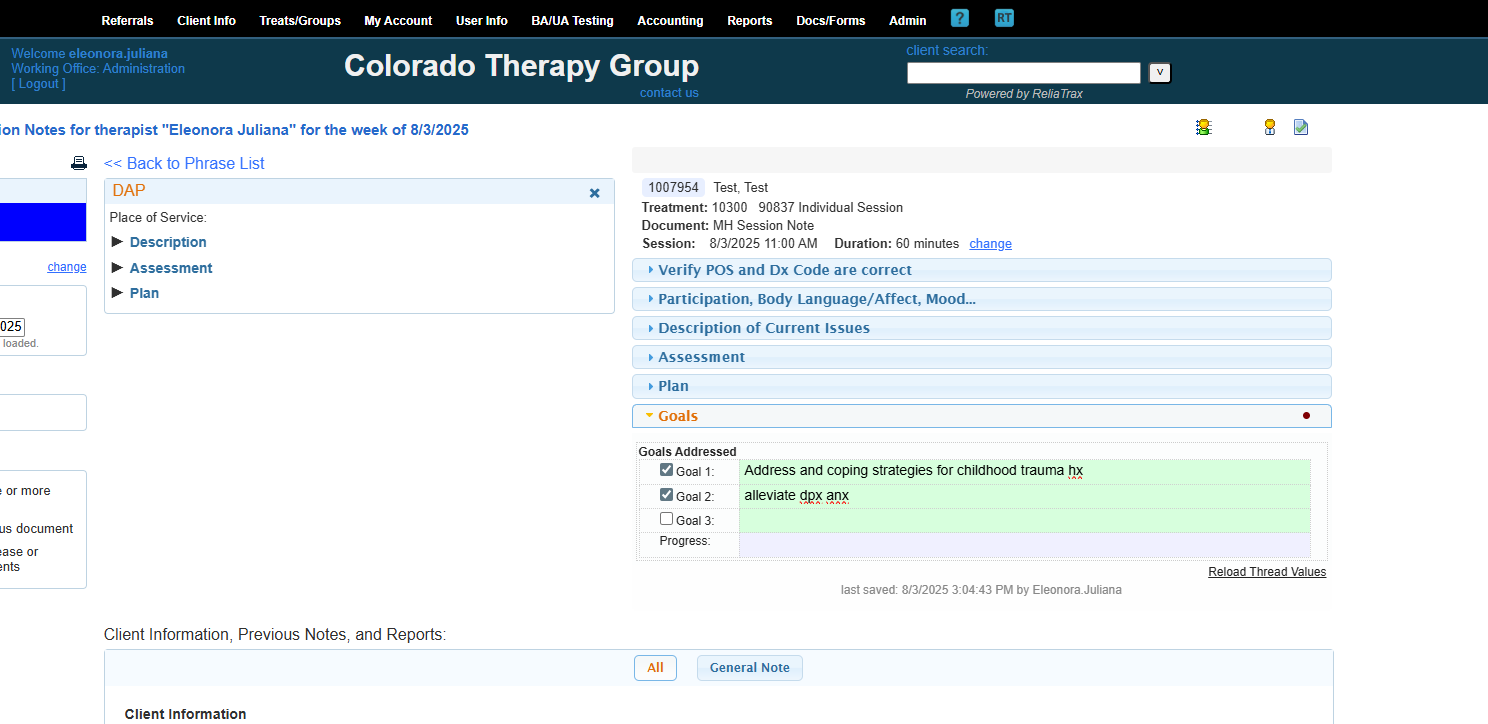
The goals should relate to the reason they are in therapy AND Dx Code.
One to three goals is appropriate. Any can become overwhelming for cts.
What progress have you observed? Indicate any progress you observed during the session here.
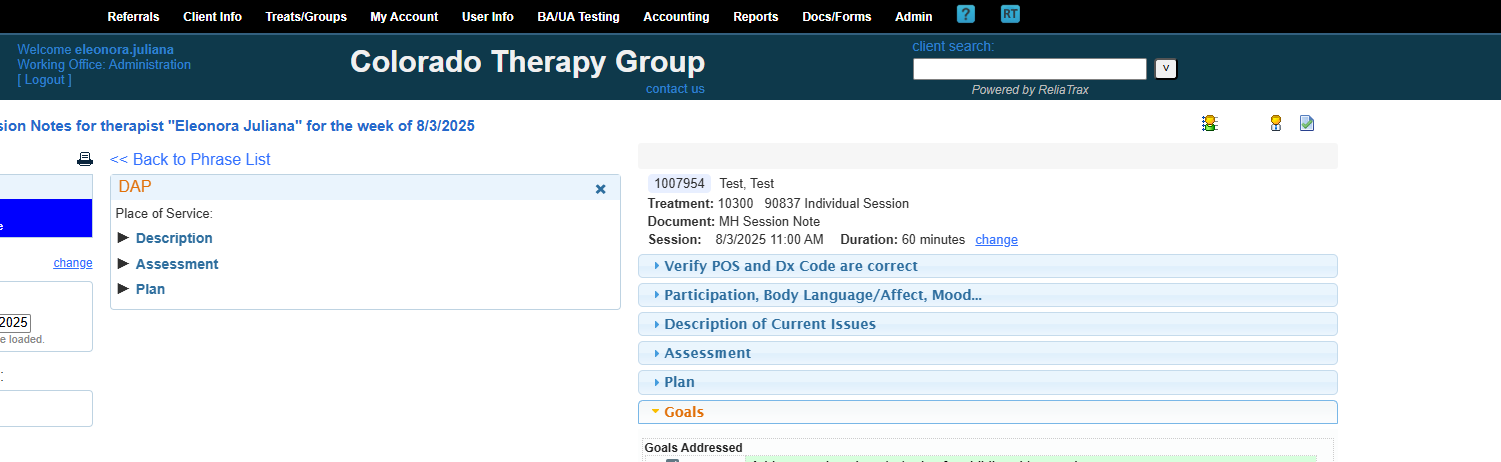
Remember, your DAP note is not complete until you RELEASE your session note. Releasing the session note applies your digital signature, date, and time.
To meet legal documentation standards, ALL DOCUMENTATION MUST BE WRITTEN WITHIN 48 HOURS OF SESSION!
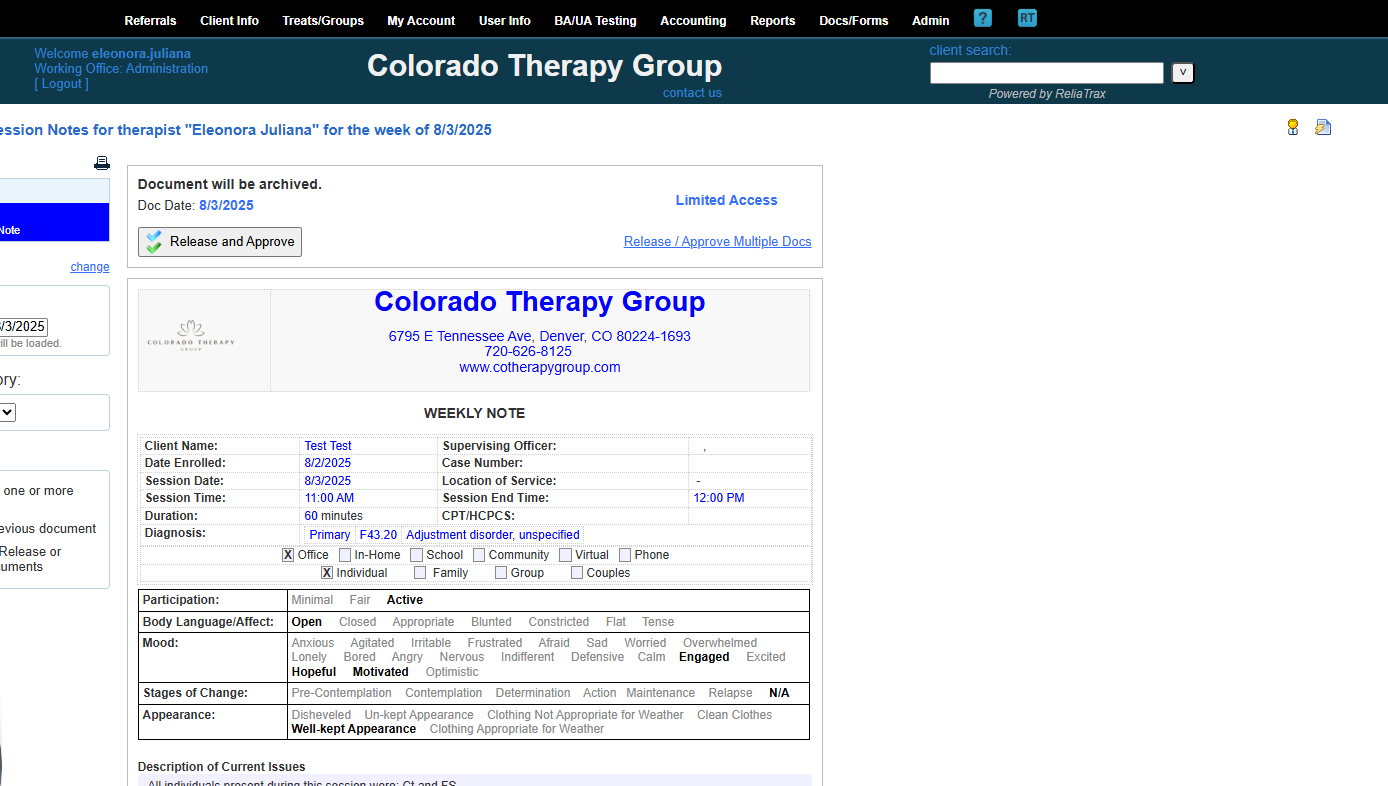
When you release and approve the document, it will display the digital signature, date and time stamp at the bottom of the DAP-Note.
Your supervisor will review each document you sign. They will check to ensure that records are documented within 48 hours of session, Dx code is entered, the session note ties back to the treatment plan, etc.
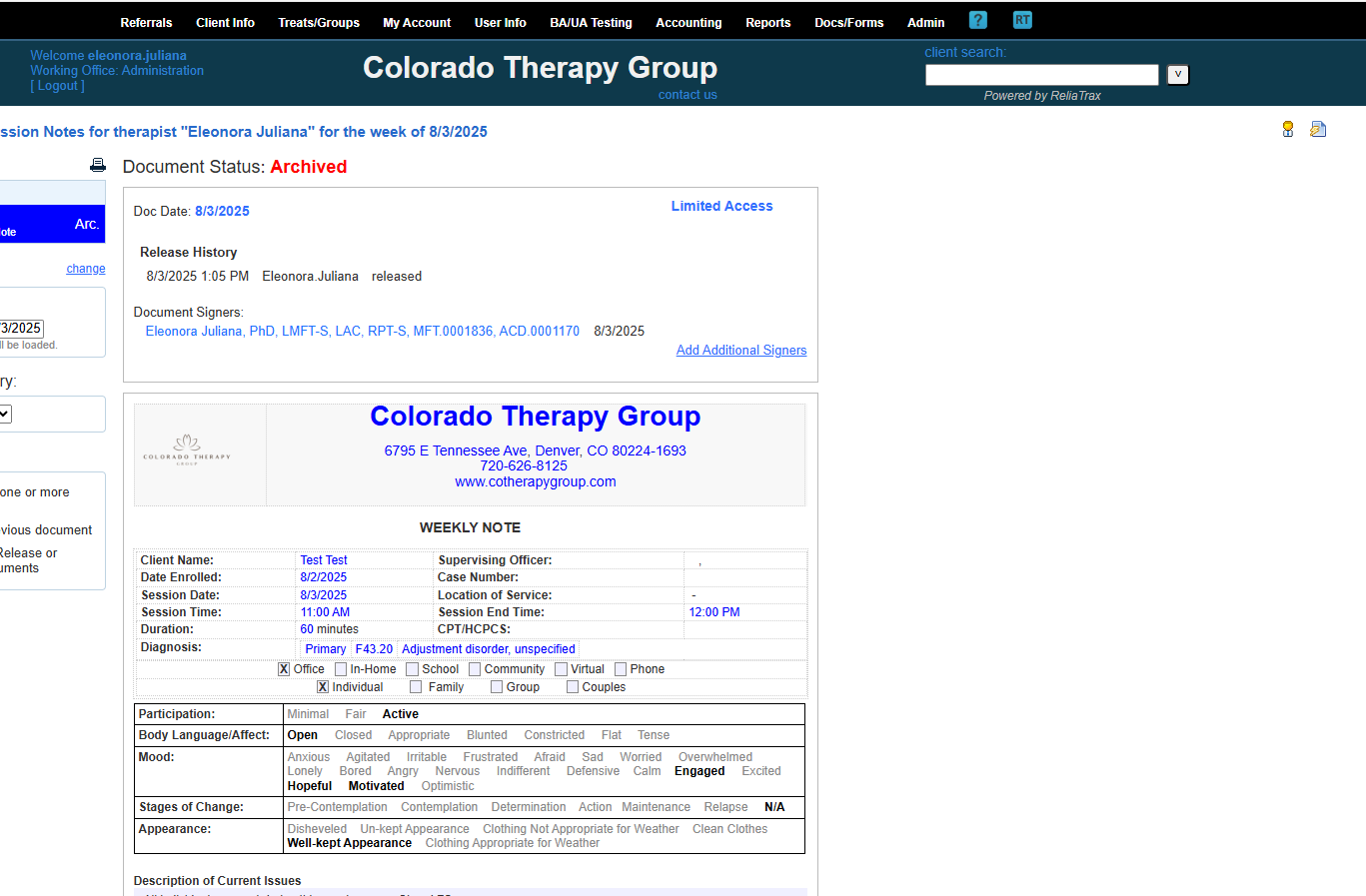
Chart Notes are used to document contact with clients: scheduling, res-cheduleing, coordinating transportation, updating a caseworker, etc. All ct files should be update weekly, either with session notes or chart notes. This is not a billable event and should not be used to document as Case Management.
Case Management Notes are used when you are supporting a client (other than scheduling purposes) to support their well-being, and your time and support is necessary in aiding a client's well-being. This might include meeting with caseworkers to support ct with resources or plans to improve health and well-being. This is a billable event, and the time is documented in 15-minute increments.
Treatment Plan templates can be found where Session Note templates are found. Treatment Plans should be updated every 3 months! This is a non-billable event and time/duration is 0 minutes.
I hope this was helpful. If you need further support, please reach out to Eleonora.t@live.com.