
How to Import Blog Posts to GoHighLevel via CSV
Learn how to export blog content from Google Sheets and batch import it into your GoHighLevel (GHL) knowledge base or blog using a CSV file.
This guide explains how to batch import blog posts into your GoHighLevel website using a CSV file. Completing this task allows you to efficiently publish or schedule multiple articles at once, saving time on manual data entry.
This process is intended for content managers, marketers, and web administrators. Use it when you have a spreadsheet of approved blog content ready for bulk upload to your GoHighLevel platform.
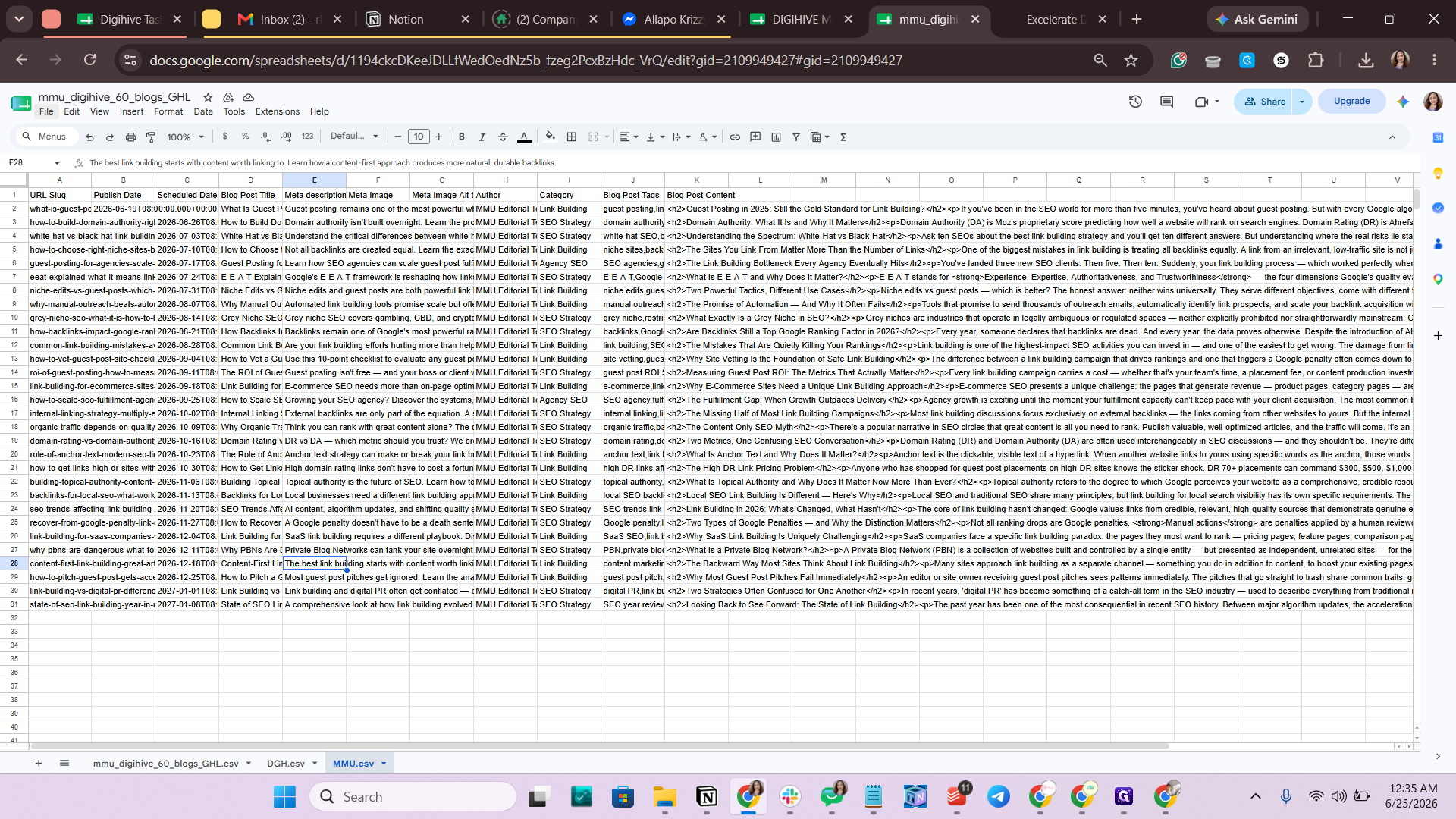
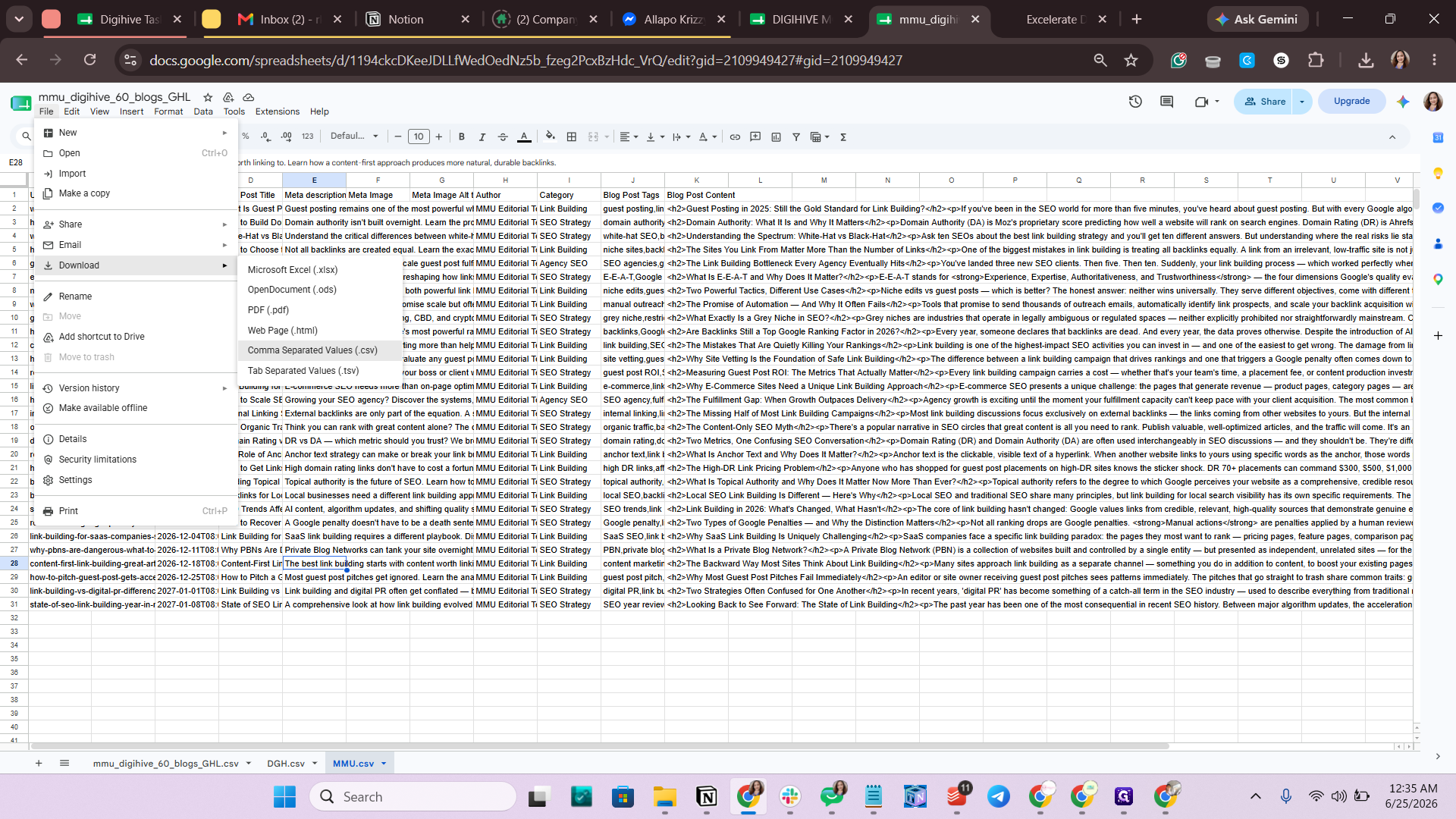
Export the CSV from Google Sheets
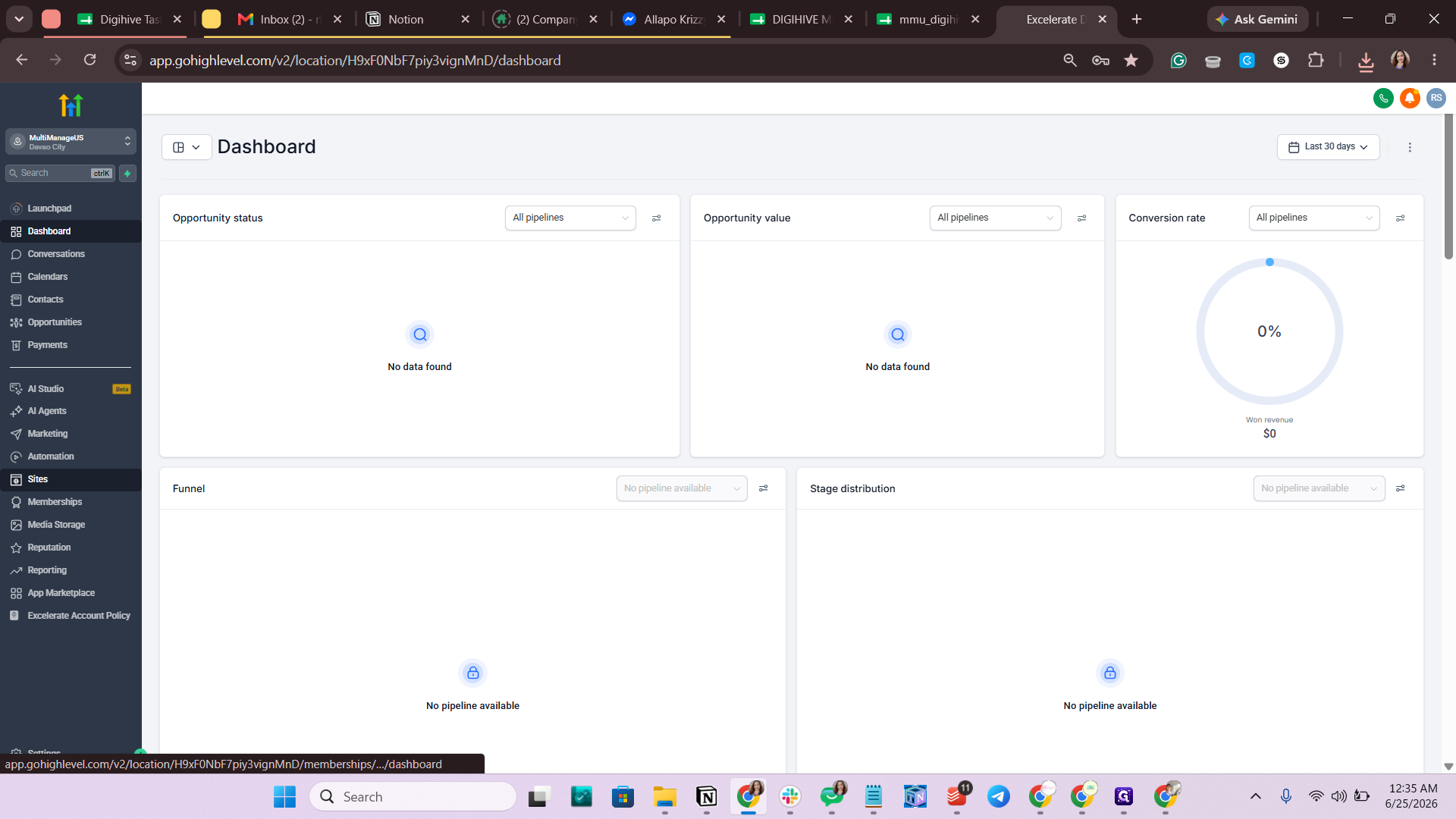
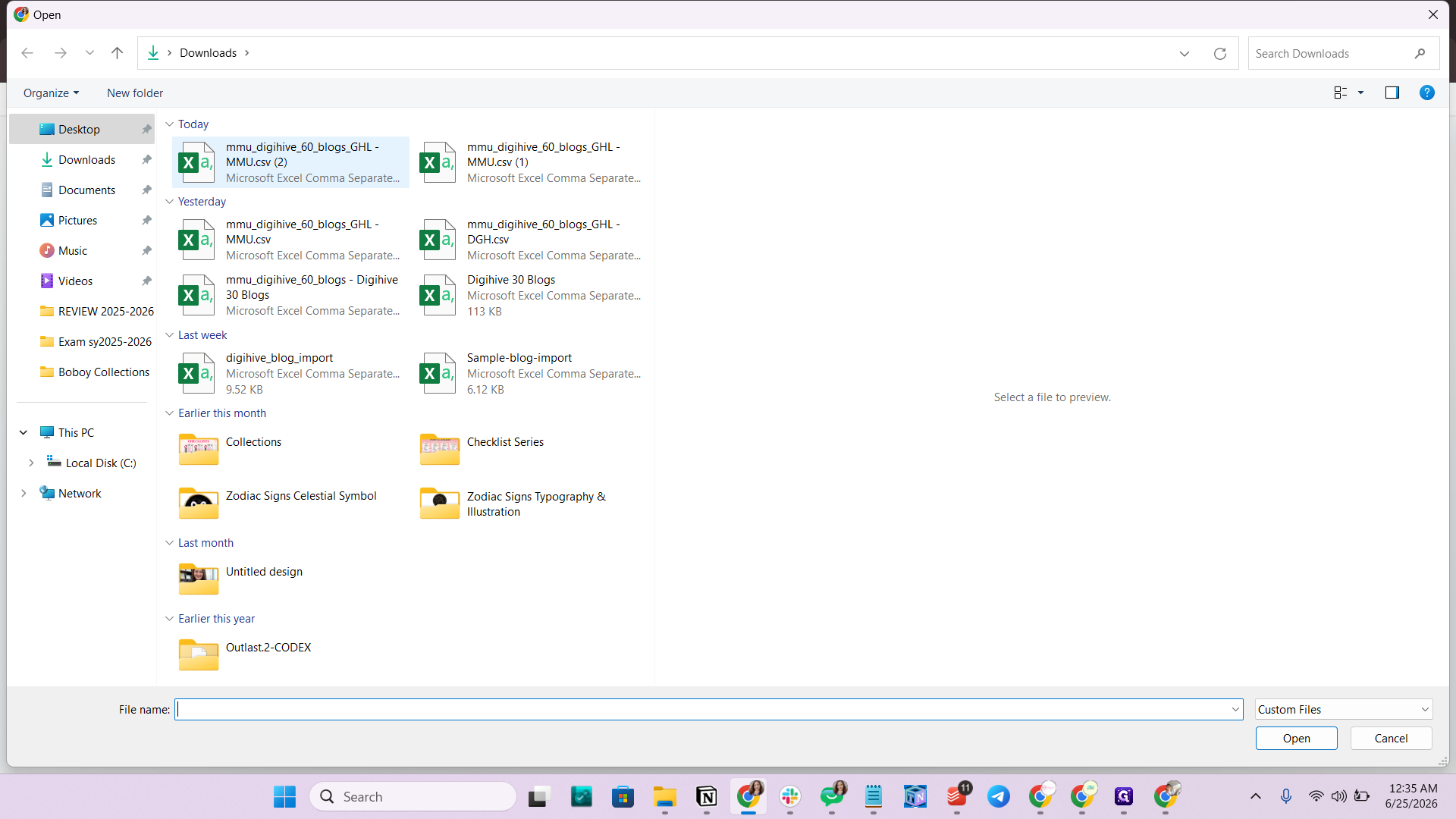
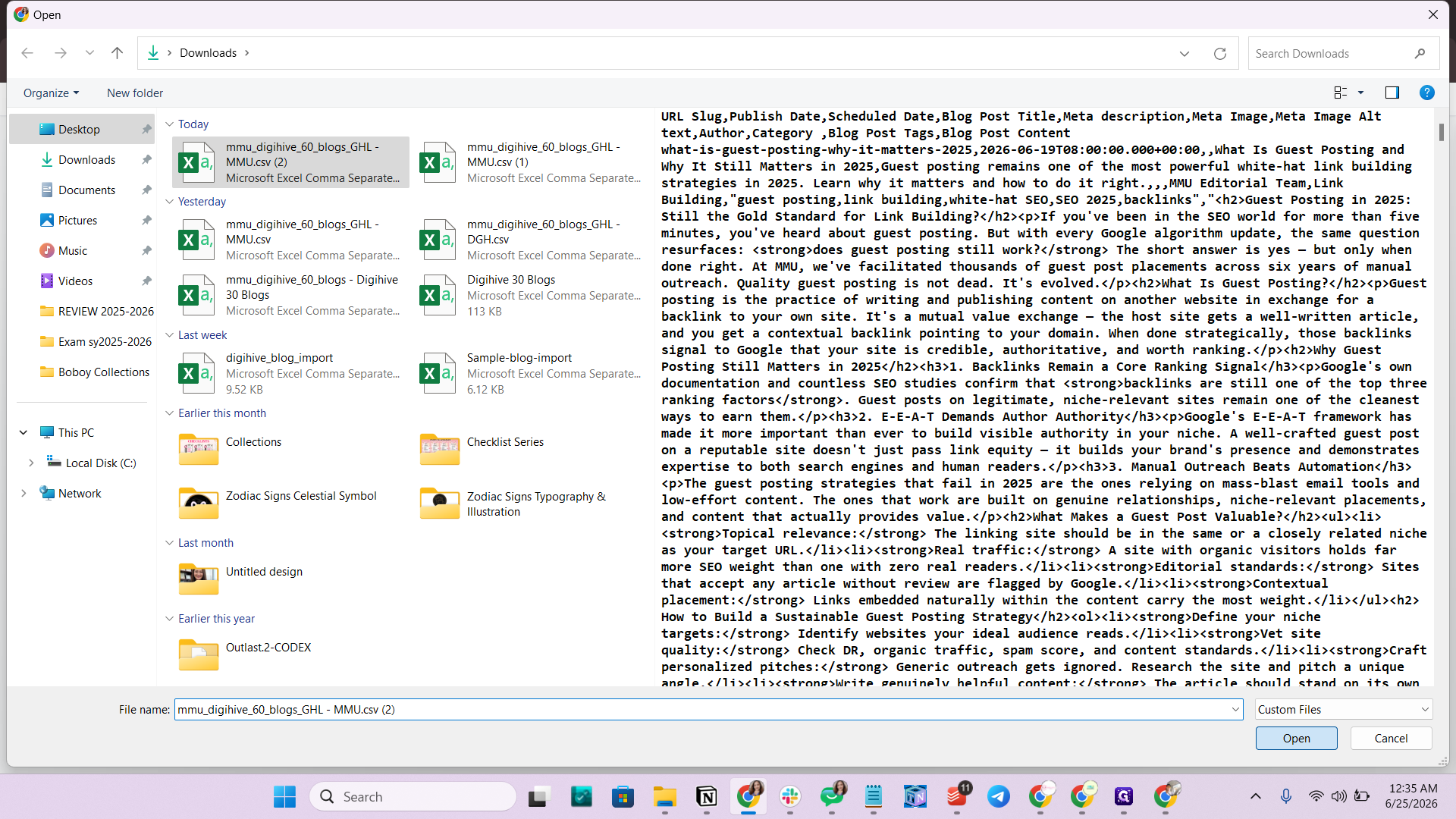
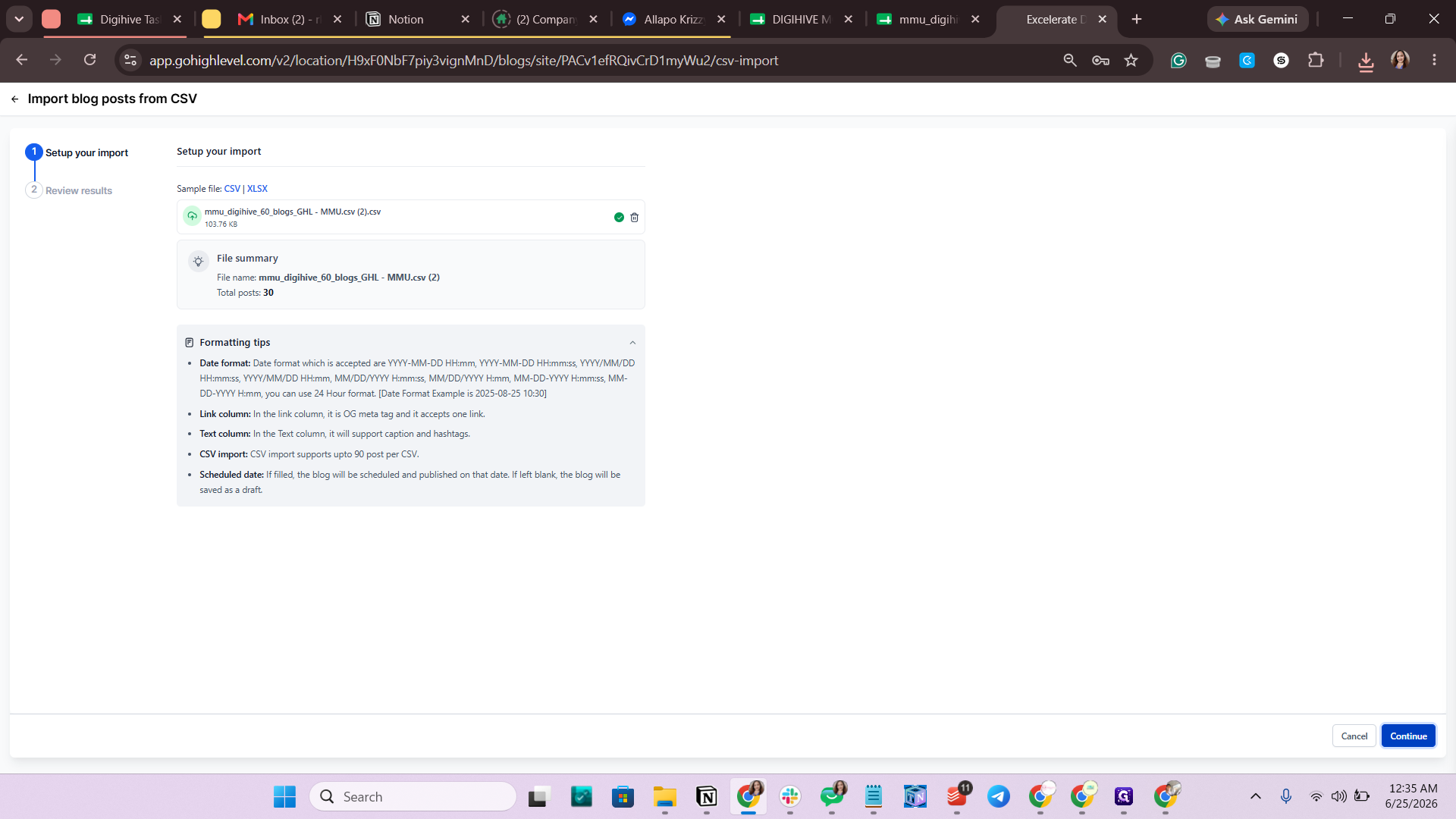
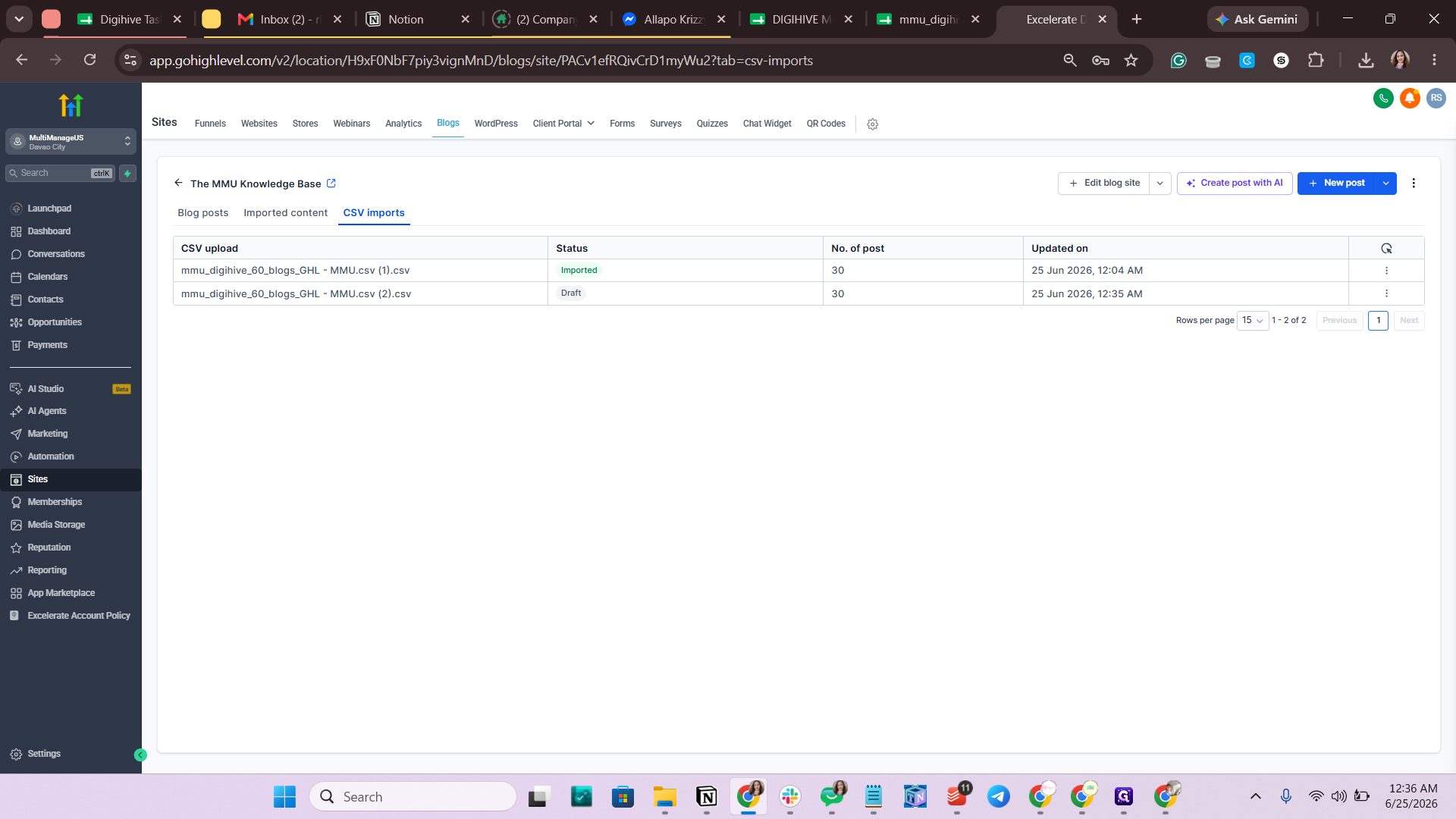
Import the CSV to GoHighLevel
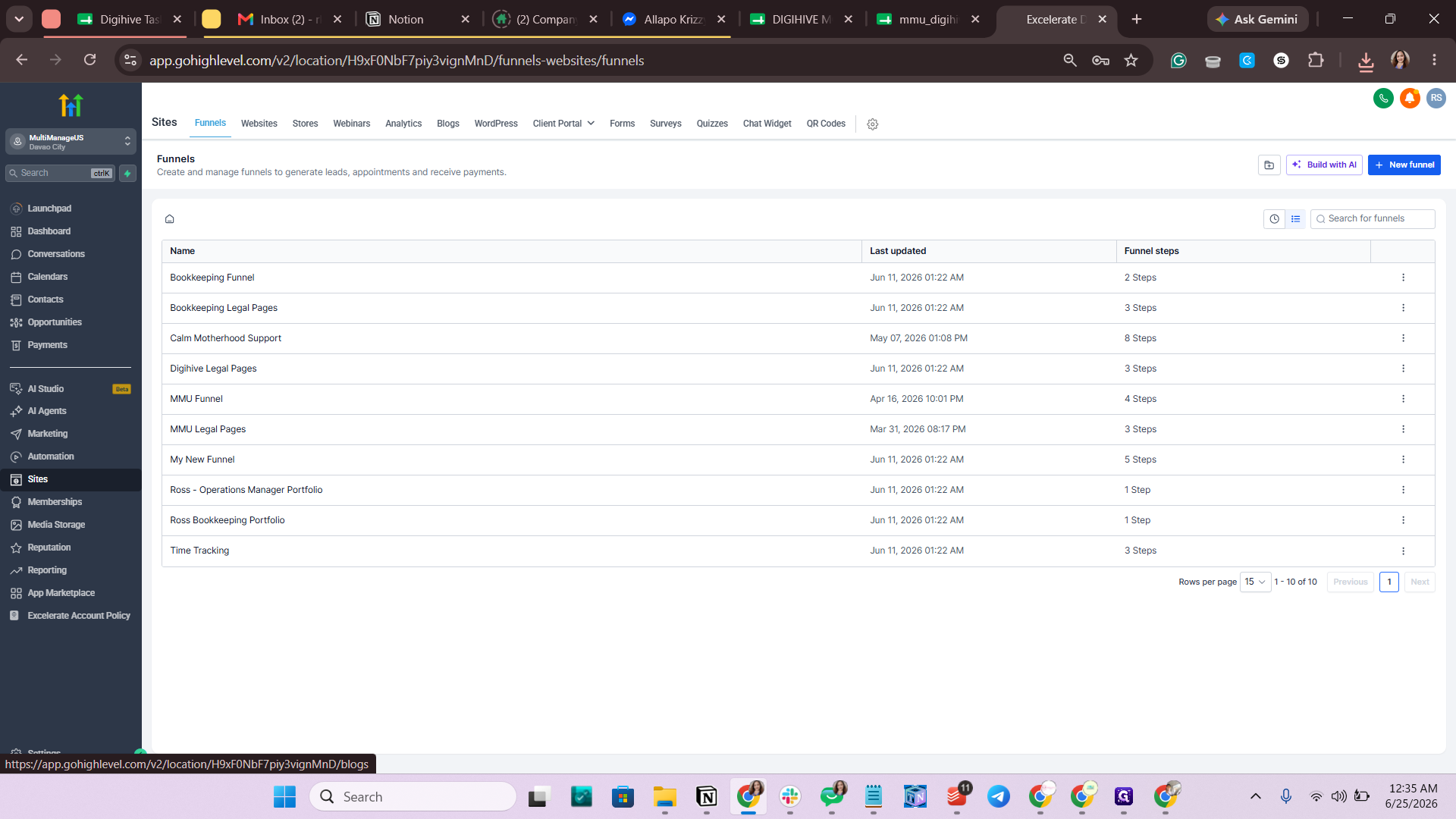
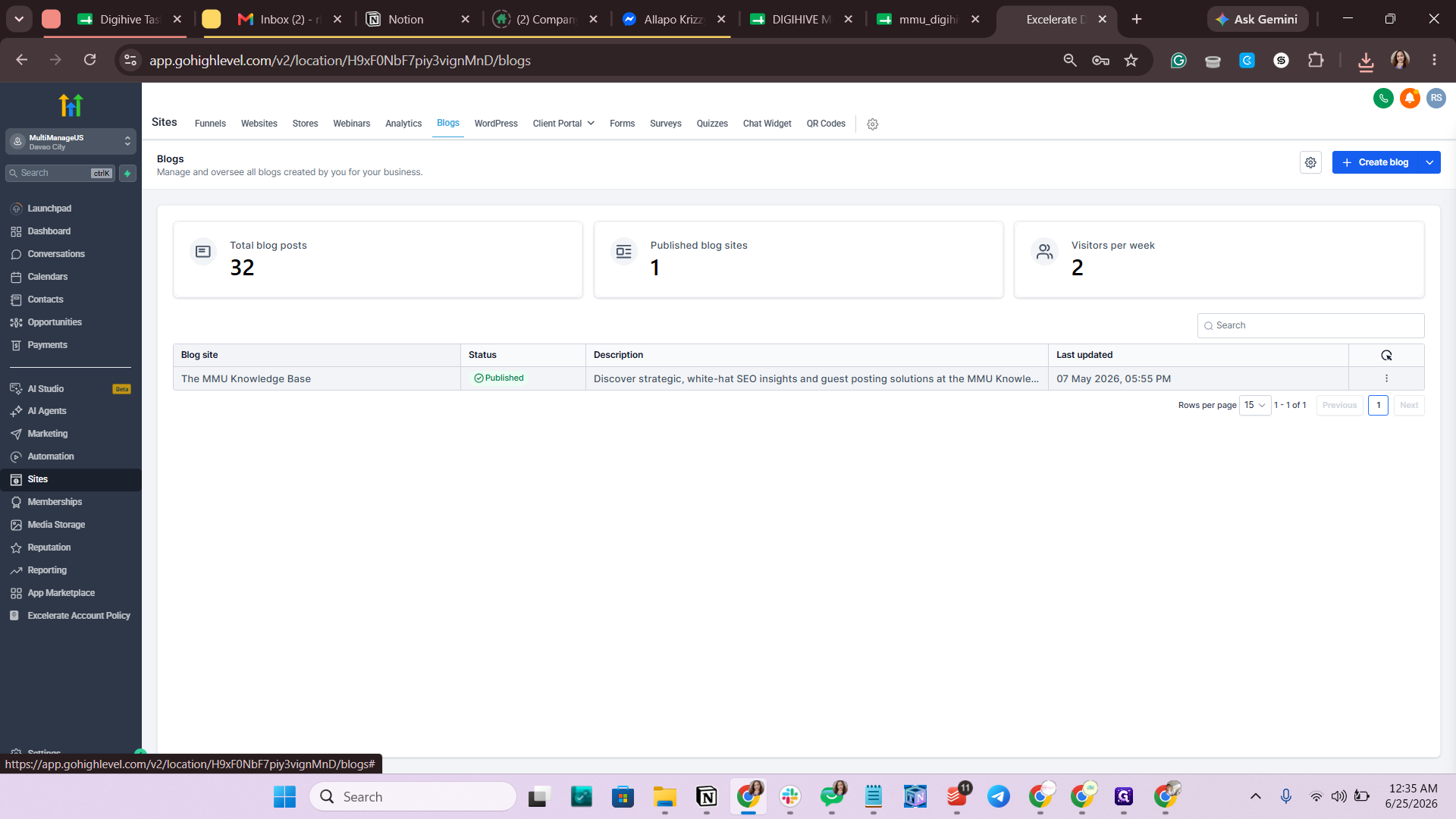
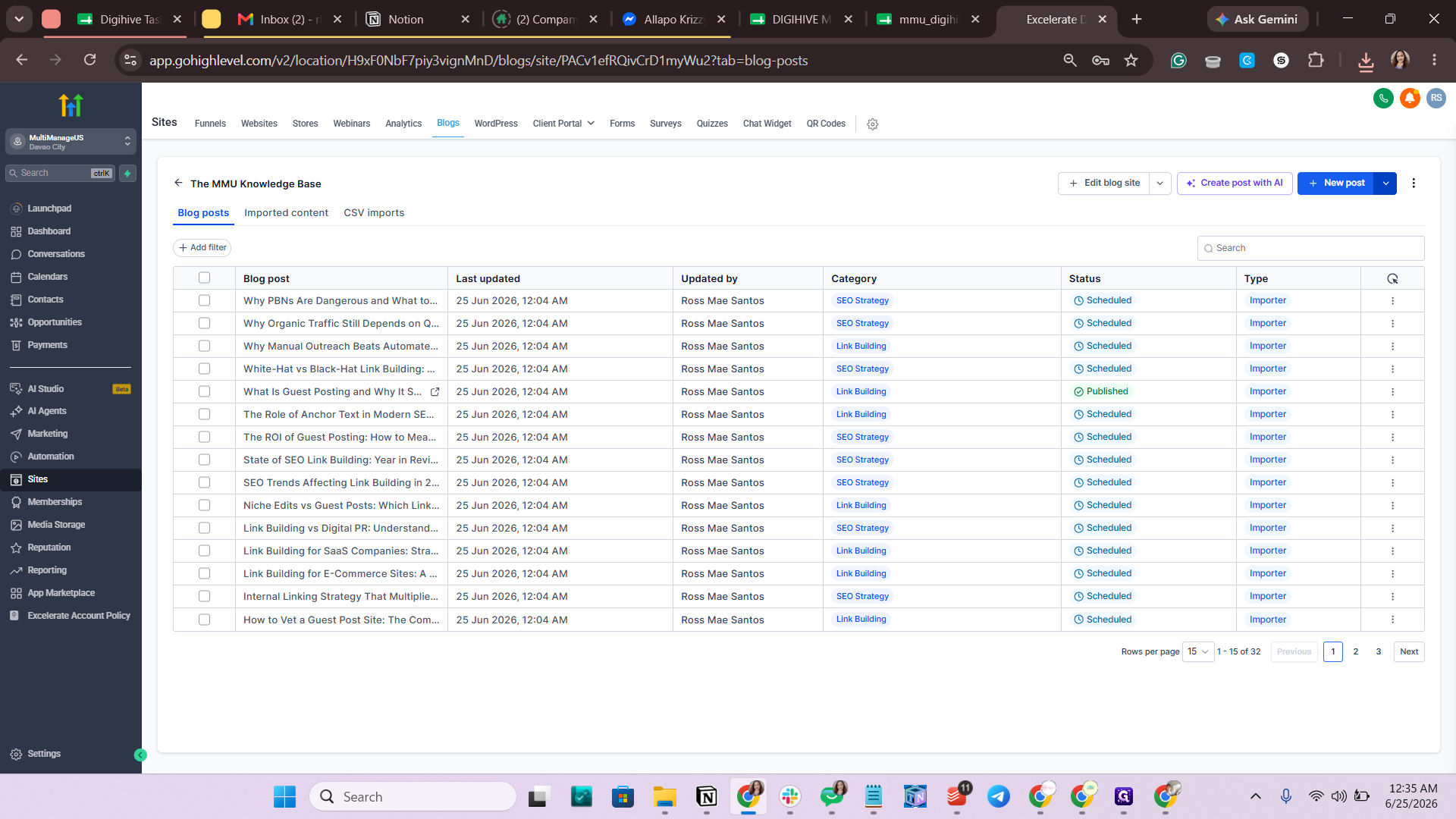
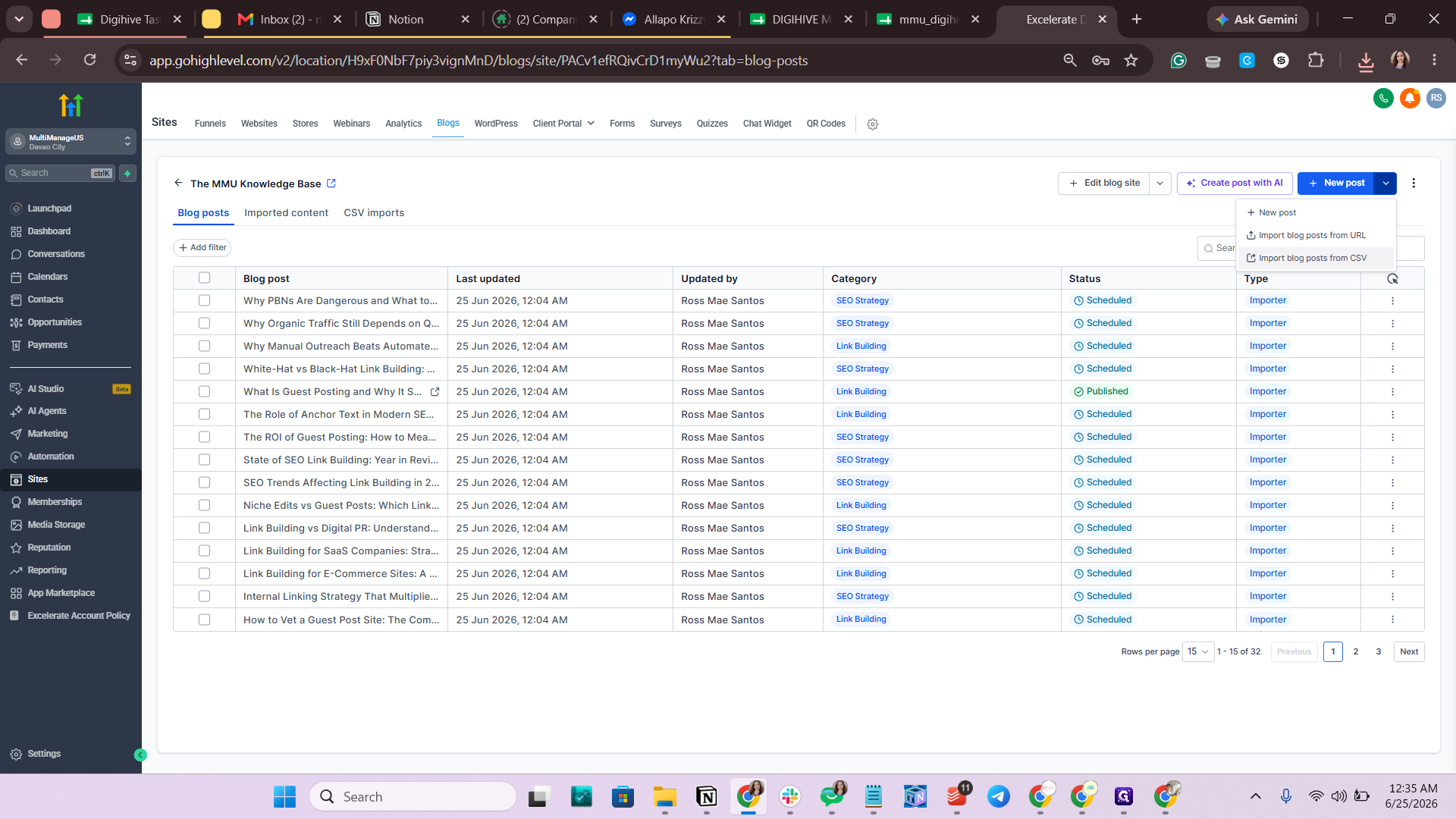
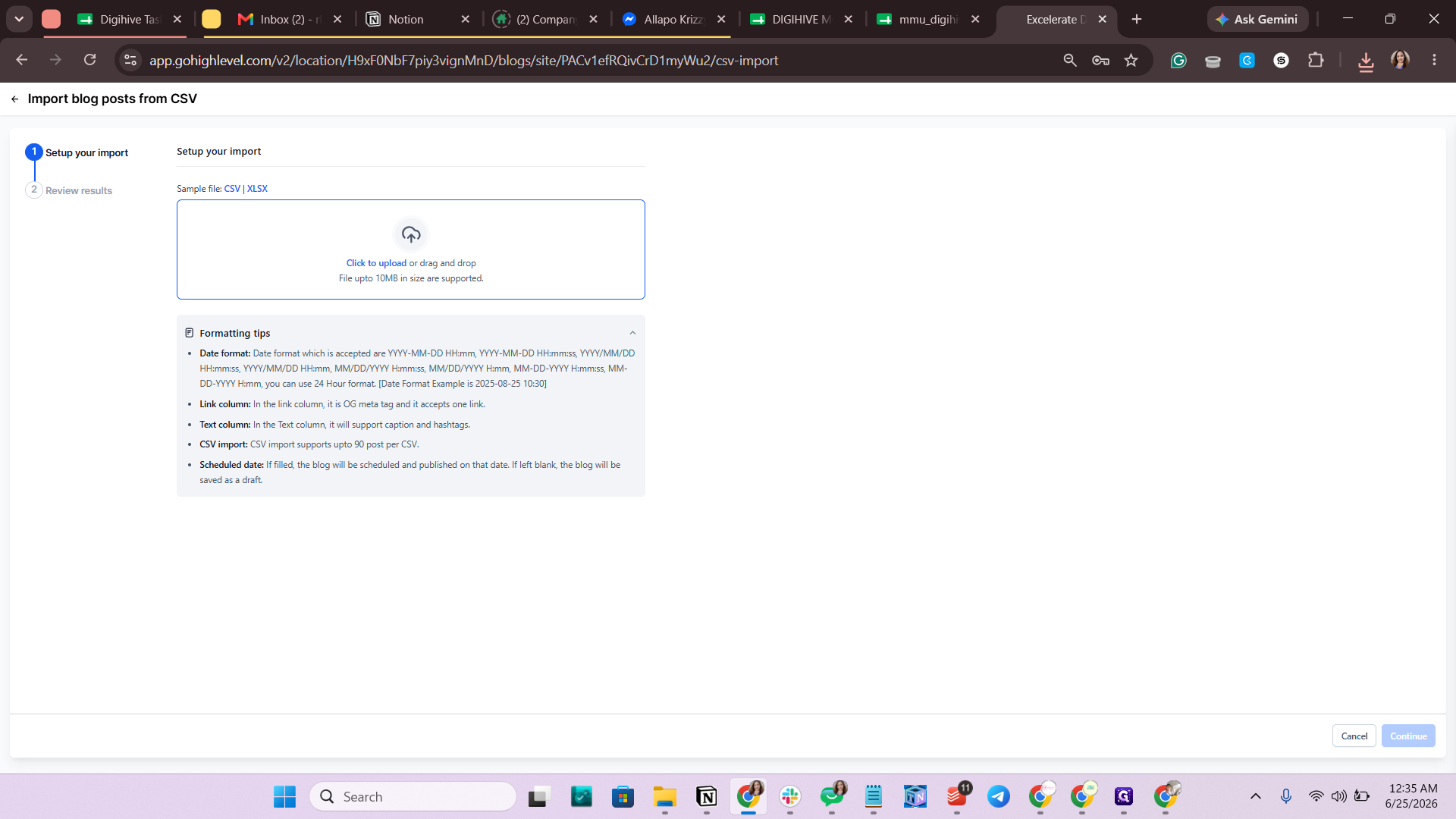
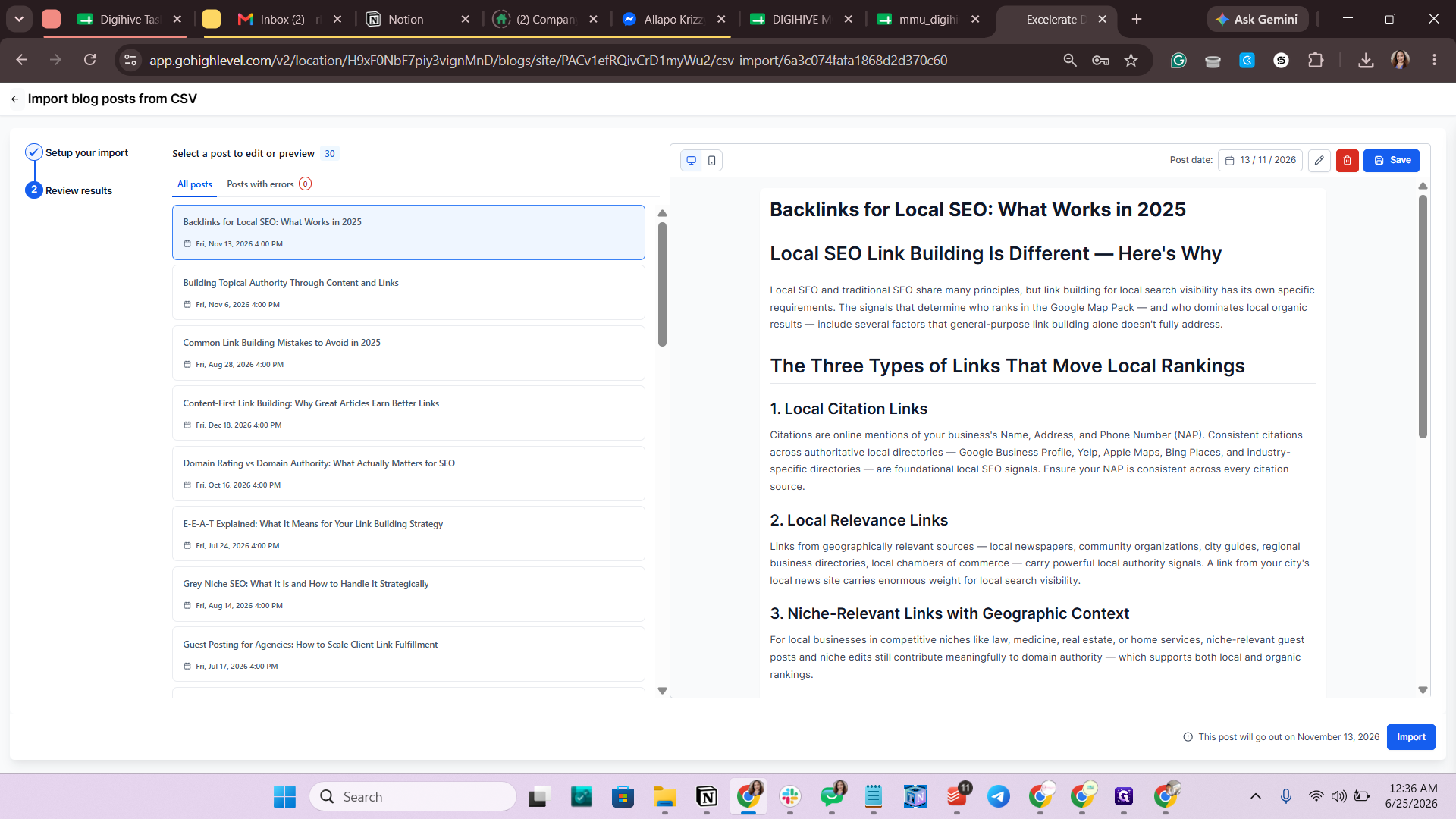
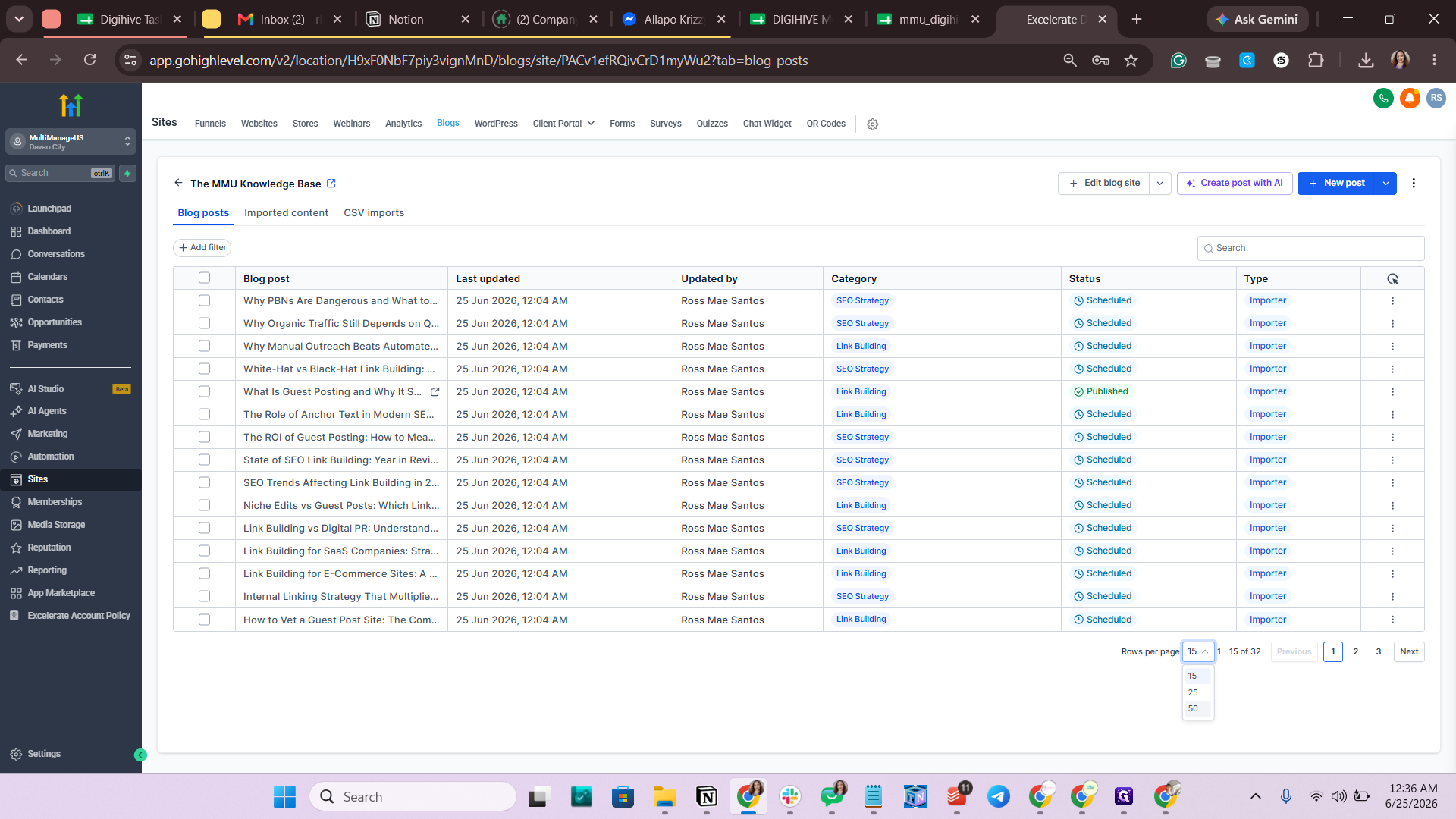
Verify the Import
Q: How do I schedule blog posts for a future date using a CSV import?
A: Ensure that any future dates in your spreadsheet are correctly mapped to the "Schedule Date" column during the import process. If a future date is listed under the standard publish date, the system may not schedule it correctly.
Term | Definition |
|---|---|
CSV | Comma-Separated Values, a standard text file format used to store and transfer spreadsheet or database data. |
GoHighLevel (GHL) | An all-in-one sales and marketing platform used for creating websites, managing funnels, and hosting blogs. |
Schedule Date | A designated future date and time when a blog post is set to automatically publish and go live. |